Customer Ratings & Reviews
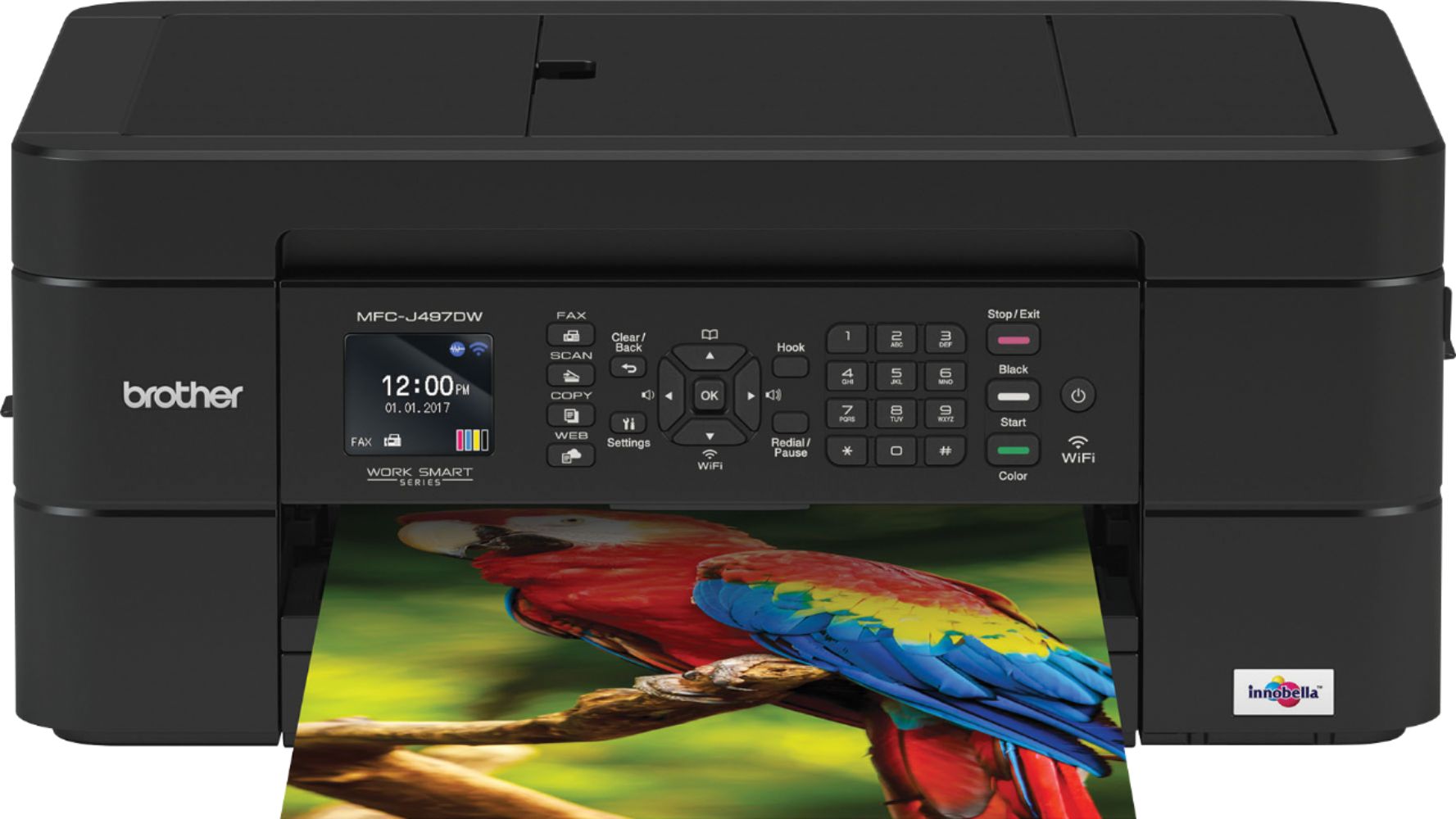
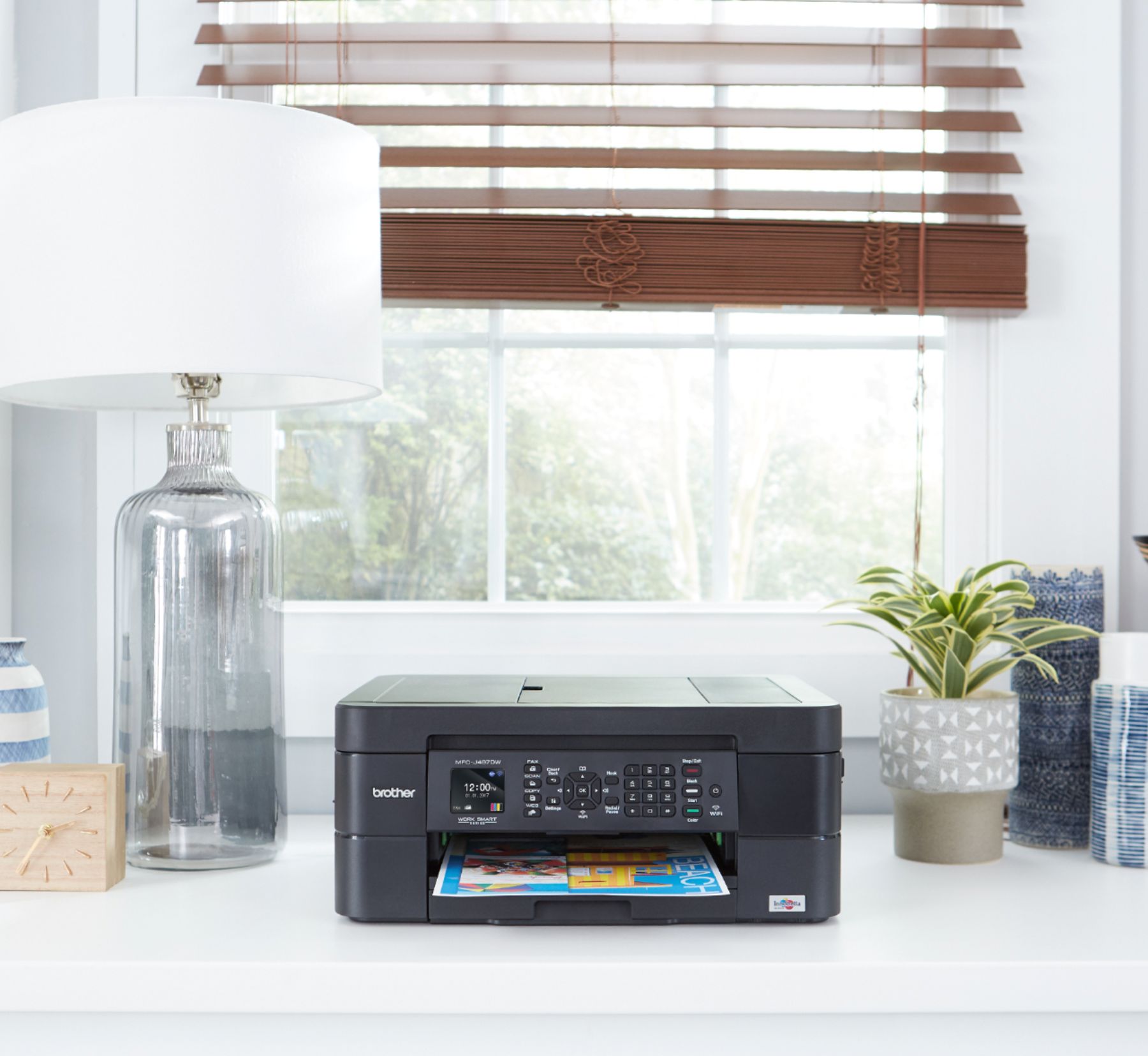
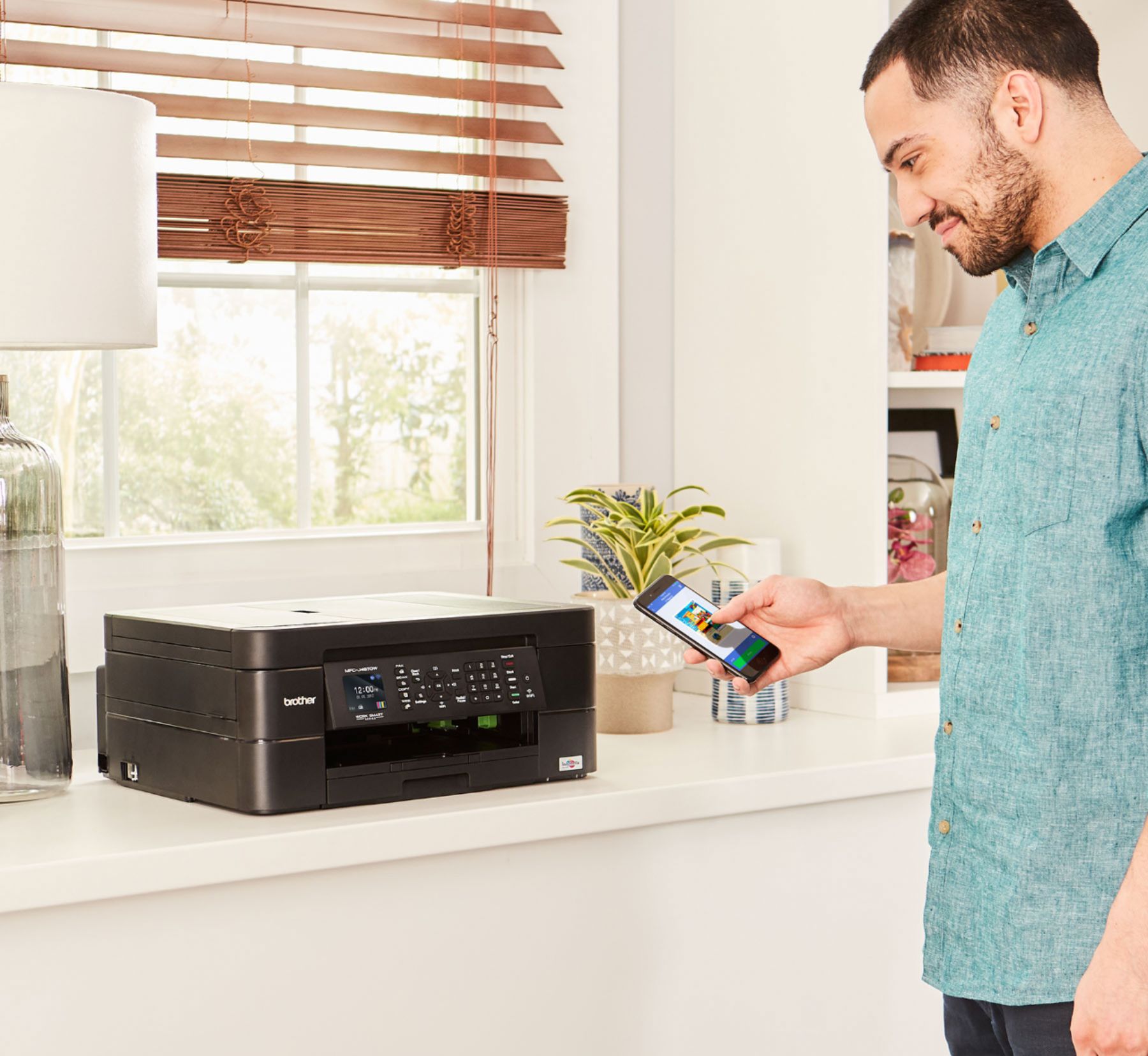
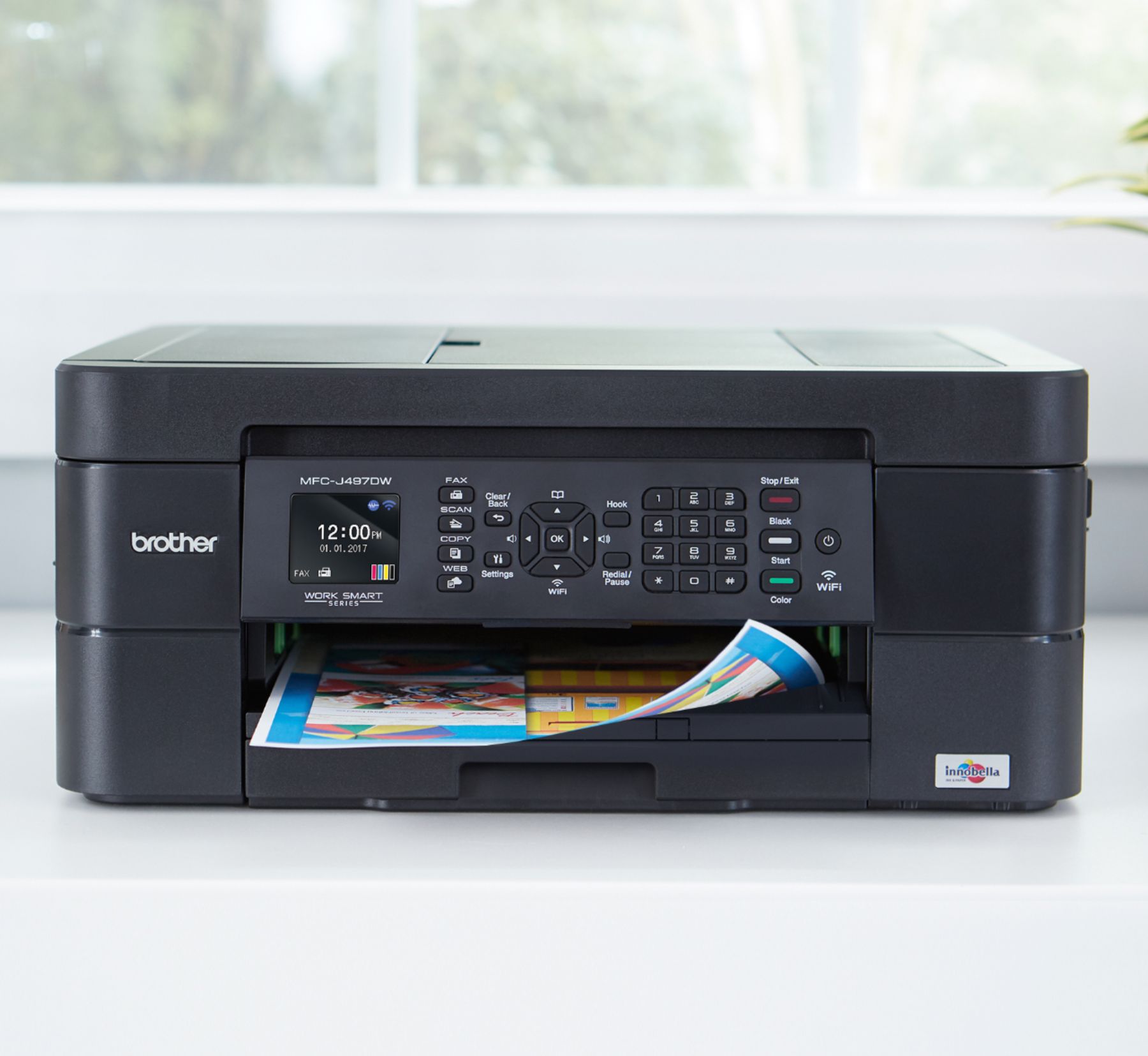


- Model:
- MFC-J497DW
- SKU:
- 6239806
Rating by feature
- Value
Rating 4.5 out of 5 stars
- Quality
Rating 4.4 out of 5 stars
- Ease of Use
Rating 4.4 out of 5 stars
Customers are saying
Customers highly value the excellent print quality and ease of use of the Work Smart Series MFC-J497DW Wireless All-In-One Inkjet Printer. Many appreciate its affordable price, wireless capabilities, and compact size, finding it easy to set up and reliable for their needs. The printer's ability to fax and its quiet operation are also frequently praised. However, some users have reported occasional paper jams.
This summary was generated by AI based on customer reviews.
Low cost, does the job
||Posted . Owned for 1 month when reviewed.This reviewer received promo considerations or sweepstakes entry for writing a review.This printer is basic and low cost, but gets the job done. No complaints or problems.
I would recommend this to a friendIt’s a great copier.
||Posted . Owned for 3 weeks when reviewed.This reviewer received promo considerations or sweepstakes entry for writing a review.This is an excellent product for this price. It does all that. Need it to do.
I would recommend this to a friendPrinter review
||Posted . Owned for 3 weeks when reviewed.This reviewer received promo considerations or sweepstakes entry for writing a review.Can't say a lot about it, but it seems to work fine. Although the entry screen is too small.
I would recommend this to a friendLots of bang for your buck
||Posted .This reviewer received promo considerations or sweepstakes entry for writing a review.Need a small printer for my 2nd home. This works perfectly, is quiet and performs very well.
I would recommend this to a friendexcellent
||Posted . Owned for 3 weeks when reviewed.This reviewer received promo considerations or sweepstakes entry for writing a review.Replaced my scanner and printer and added a copyer and it does a very good job at all three
I would recommend this to a friendLove it
||Posted . Owned for 11 months when reviewed.This reviewer received promo considerations or sweepstakes entry for writing a review.Was looking to get new printer. My son, whom I call my IT guy, helped me choose.
I would recommend this to a friendGreat deal for its quality..
||Posted . Owned for 3 weeks when reviewed.This reviewer received promo considerations or sweepstakes entry for writing a review.I returned this item because I fixed my broken 1.. it would have been great though..
I would recommend this to a friendYgood
||Posted .This reviewer received promo considerations or sweepstakes entry for writing a review.The printer was good , it works for my situation. And I would recommend it
I would recommend this to a friendSometimes does not print
||Posted . Owned for 6 months when reviewed.This reviewer received promo considerations or sweepstakes entry for writing a review.I am using this wirelessly to print from my laptop. It sometimes freezes up and just won't print. Then the next time I get on my laptop it will start spewing pages out. Sometimes it only prints like half of a page. It is very finnicky and random as to whether I will actually get my print and if it will be the whole print. This might be different if I was actually hard connected and not using wirelessly. And yes my wireless box is an excellent one for high volume usage so it should not be a connection issue.
No, I would not recommend this to a friendBrand response from Brother
Posted .Hi, I see you are experiencing your printer freezing up and will not print. I'd like to help. Below is a link to a FAQ to resolve the issue and be able to print.
https://support.brother.com/g/b/faqend.aspx?c=us&lang=en&prod=mfcj497dw_us_eu&faqid=faq00100428_001
printer
||Posted . Owned for 8 months when reviewed.This reviewer received promo considerations or sweepstakes entry for writing a review.It works great. Got it for my daughter for work. saves her a lot of time
I would recommend this to a friendGreat for the price
||Posted . Owned for 4 months when reviewed.This reviewer received promo considerations or sweepstakes entry for writing a review.Very well made printer. Easy to operate and can get many task done at home now !!
I would recommend this to a friendGreat
||Posted .This reviewer received promo considerations or sweepstakes entry for writing a review.I loved this product. I would buy again. Thanks Best Buy. Great prices.
I would recommend this to a friendPiece of junk
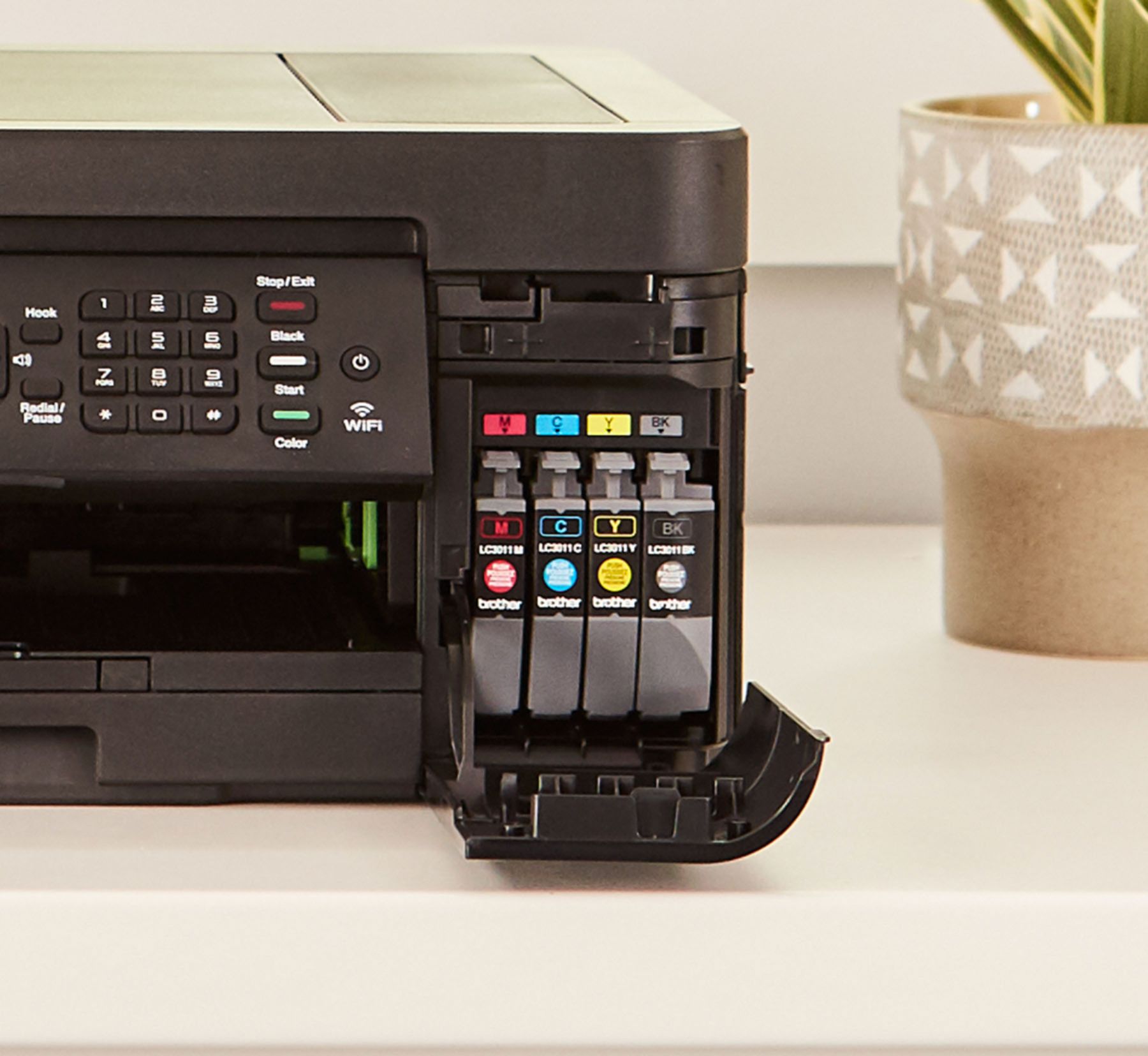
Posted .This reviewer received promo considerations or sweepstakes entry for writing a review.Don’t waste your money on this model!!! Machine only wants you to use BROTHER INK! ink!!! It won’t work unless it’s used !!! Have 1 ink out and it won’t work,even if you using just black ink. Never again will I buy a Brother anything!!! It’s HP for me!!!! Don’t say I didn’t tell you!!!
No, I would not recommend this to a friendBrand response from Brother
Posted .Hi, Brother strongly recommends that you use only genuine Brother ink for best results. Using non-Brother supplies may affect hardware performance, print quality, and machine reliability since the formulation of genuine Brother ink prevents smearing and clogging of the print head. The Brother limited warranty doesn't apply to any problem that was caused by the use of third-party ink and/or cartridges.Your Brother machine is designed to stop all printing operations (printing from the computer, printing received faxes, and printing copies or reports) when any of the ink cartridges are empty. This is to ensure the life of the printhead and maintain premium print quality. If the unit were to continue printing, print jobs and cleaning cycles would suction air from the dry cartridge and damage the printhead.Even if you print in black only or change the print settings to Mono or Grayscale to avoid printing in color, the programmed cleaning cycles would still suction the dry cartridge(s) because they are programmed to clean all the ink nozzles. The only way to continue printing when the machine says "Replace Ink," is to replace the empty ink cartridge(s).
Great
||Posted . Owned for 1 year when reviewed.This reviewer received promo considerations or sweepstakes entry for writing a review.Great printer, Could never get the fax portion to work.
I would recommend this to a friendYup! It’s working
||Posted . Owned for 2 months when reviewed.This reviewer received promo considerations or sweepstakes entry for writing a review.I hate printers. This one was easy. Connected to WiFi and done. This a goood one so far.
I would recommend this to a friendVery easy printer to use
||Posted .This reviewer received promo considerations or sweepstakes entry for writing a review.This is my 2nd printer of this kind I have bought. I have one and bought one for my daughter.
I would recommend this to a friendIMAGIST
||Posted . Owned for 3 weeks when reviewed.This reviewer received promo considerations or sweepstakes entry for writing a review.Excellent value at affordable cost AIO printer for home/office use
I would recommend this to a friendGreat product for price.
||Posted .This reviewer received promo considerations or sweepstakes entry for writing a review.So far, I’ve had no issues. This brand of printer came highly recommended and didn’t disappoint.
I would recommend this to a friendGreat printer/copier
||Posted . Owned for 3 weeks when reviewed.This reviewer received promo considerations or sweepstakes entry for writing a review.A very nice and easy to use All-in-one printer at a reasonable price .
I would recommend this to a friendThe best store in the world,always lowest prices h
||Posted .This reviewer received promo considerations or sweepstakes entry for writing a review.The best store in the world,always lowest prices happy
I would recommend this to a friend