Customer Ratings & Reviews
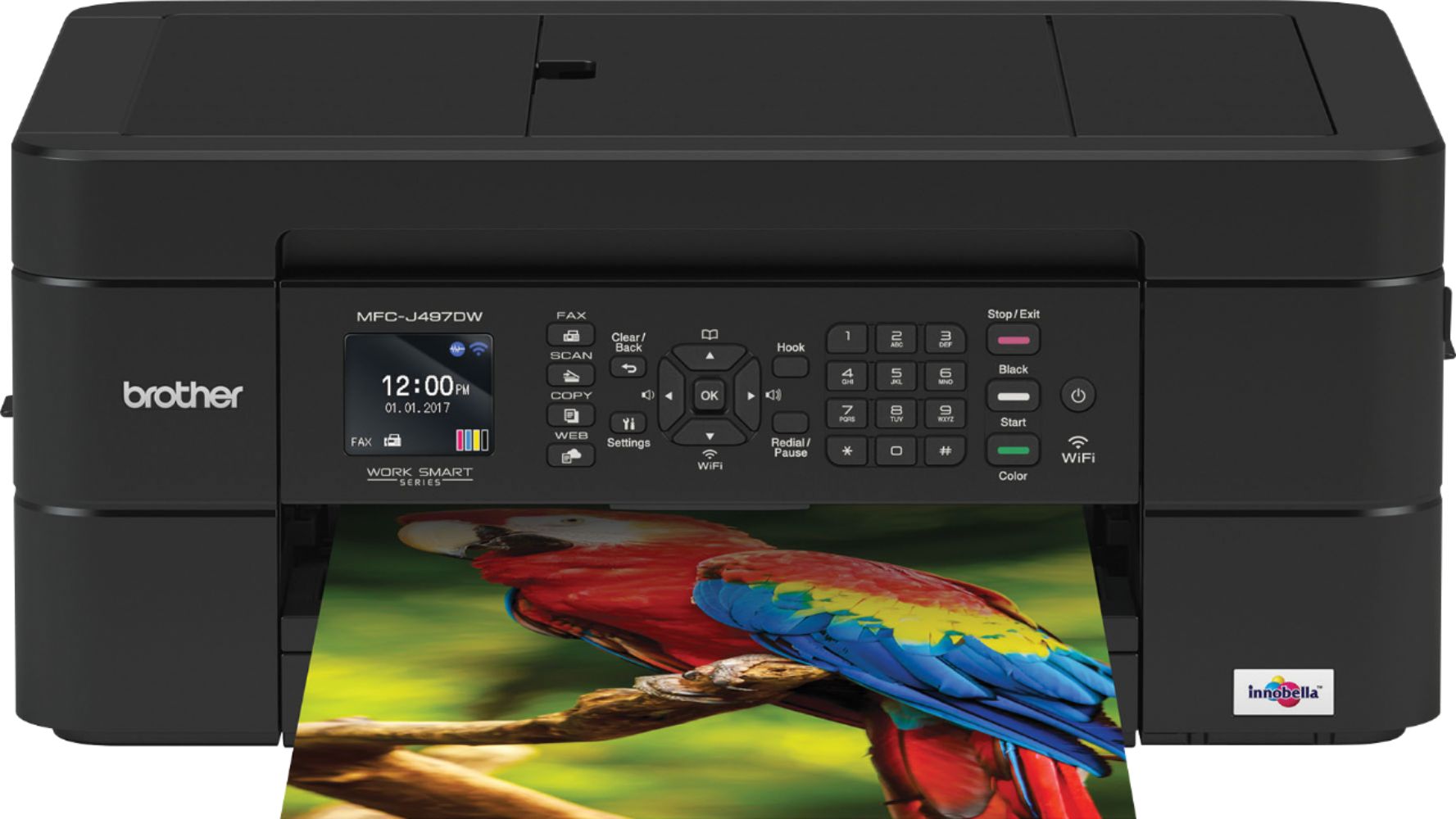
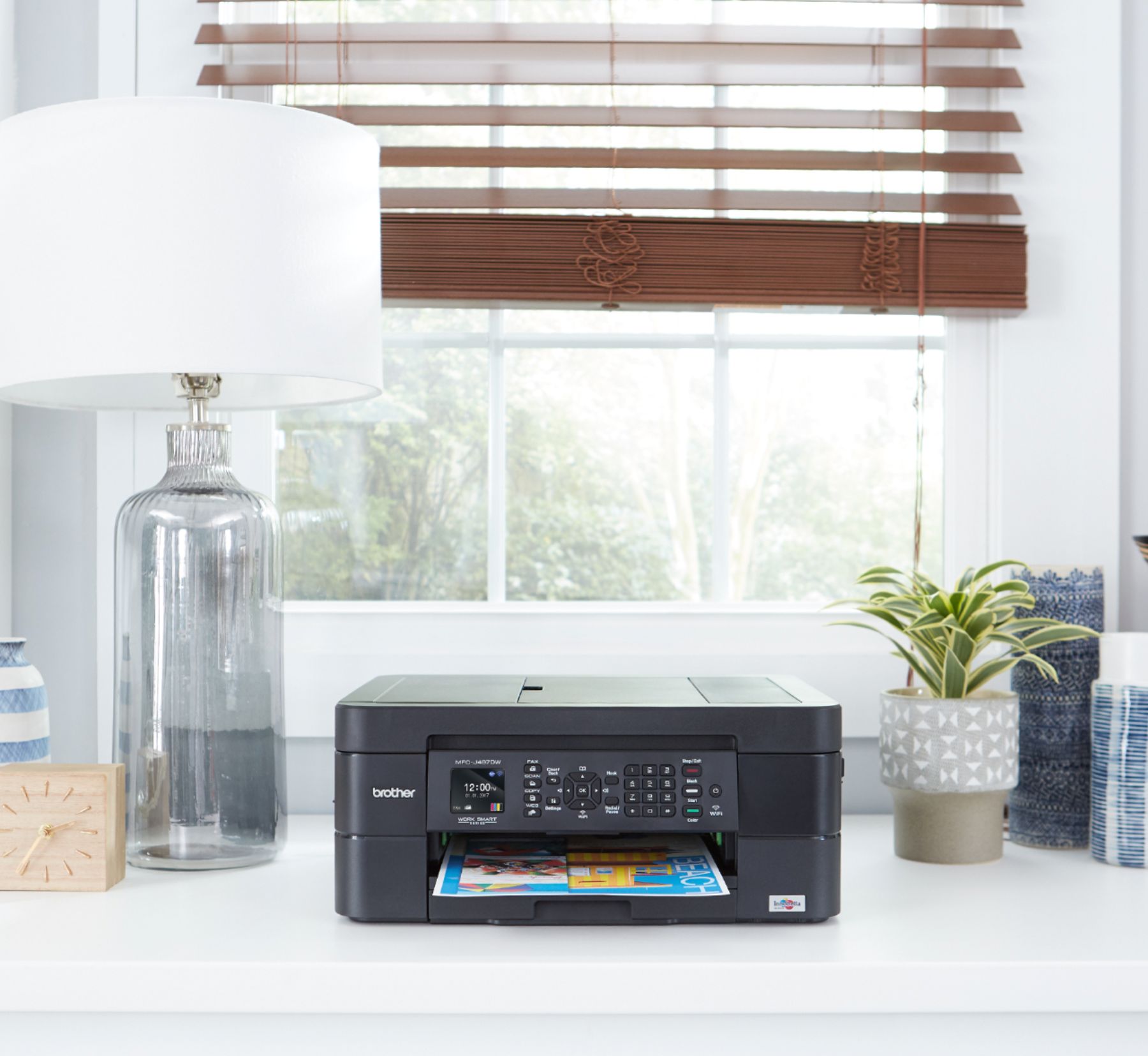
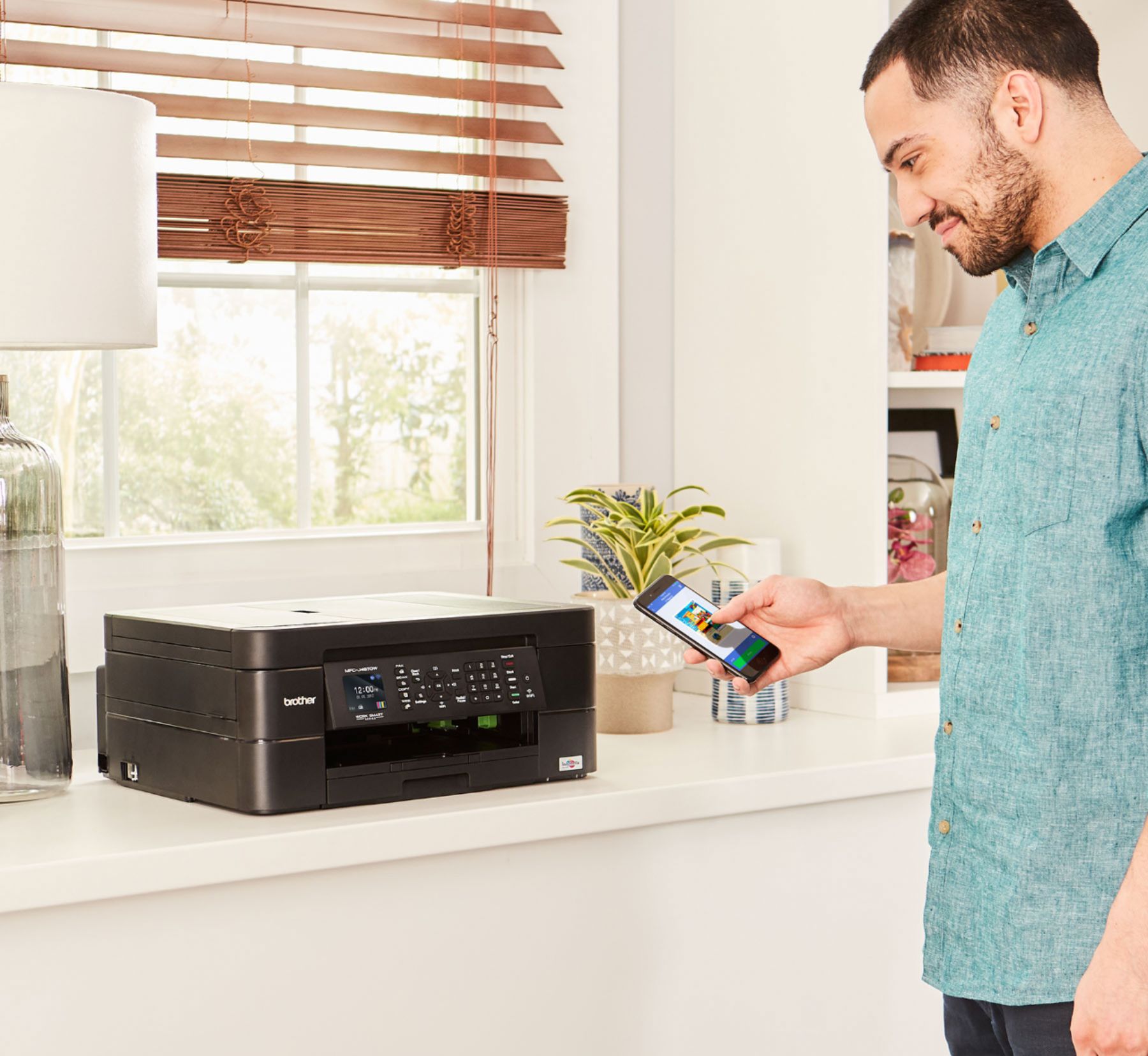
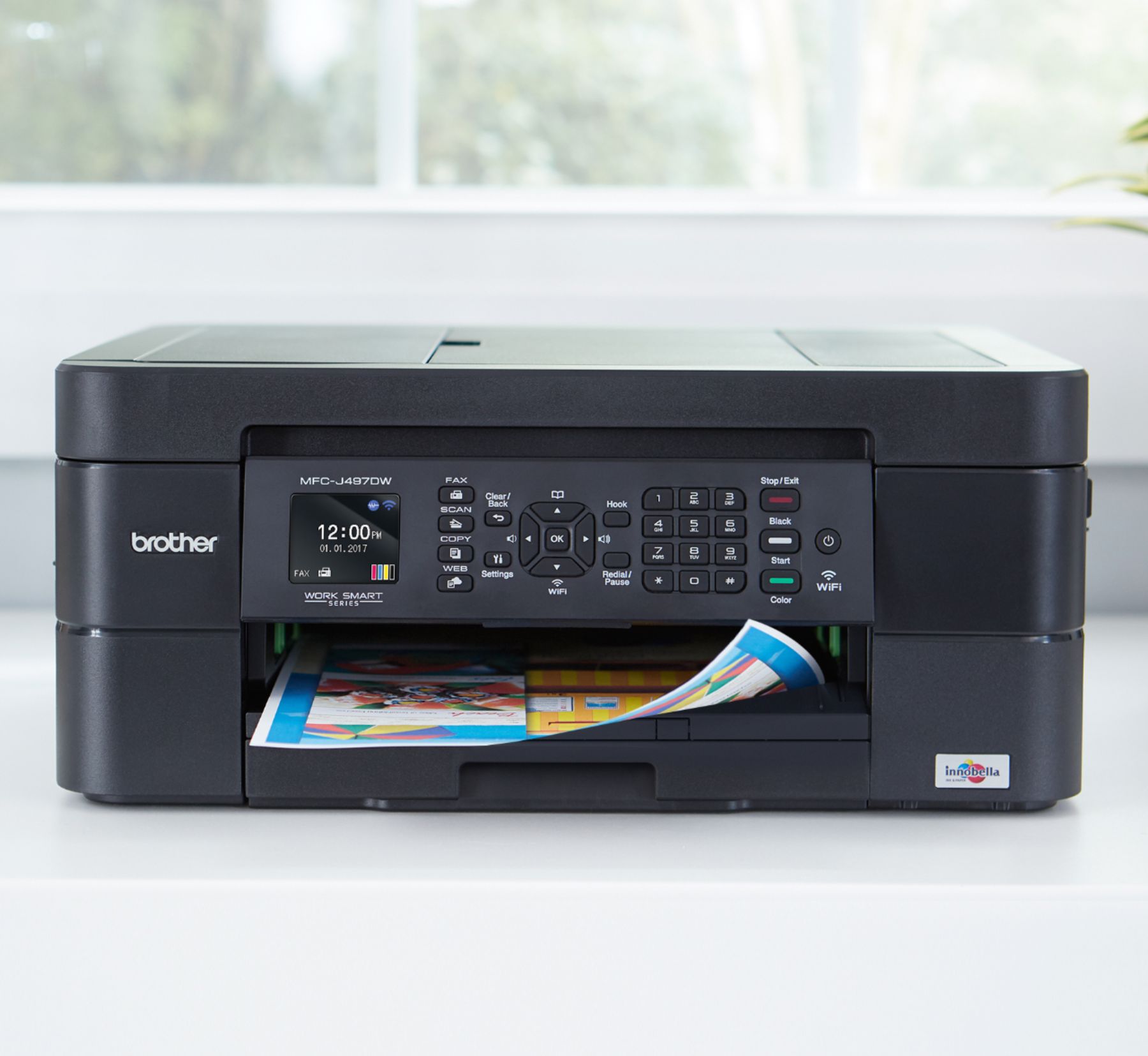


- Model:
- MFC-J497DW
- SKU:
- 6239806
Rating by feature
- Value
Rating 4.5 out of 5 stars
- Quality
Rating 4.4 out of 5 stars
- Ease of Use
Rating 4.4 out of 5 stars
Customers are saying
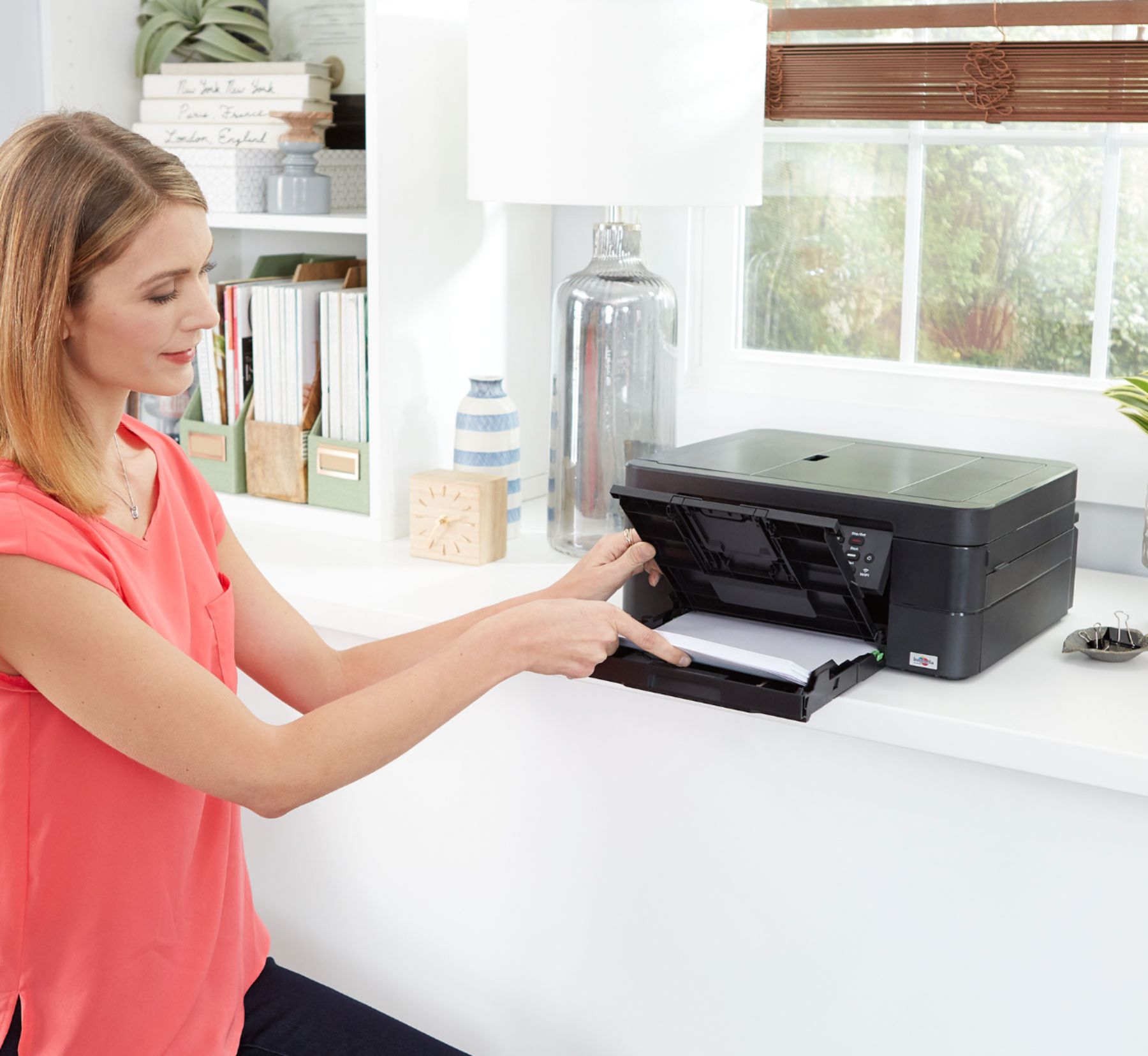
Customers highly value the excellent print quality and ease of use of the Work Smart Series MFC-J497DW Wireless All-In-One Inkjet Printer. Many appreciate its affordable price, wireless capabilities, and compact size, finding it easy to set up and reliable for their needs. The printer's ability to fax and its quiet operation are also frequently praised. However, some users have reported occasional paper jams.
This summary was generated by AI based on customer reviews.
All in one printer
||Posted .This reviewer received promo considerations or sweepstakes entry for writing a review.I love my printer. I'm still learning all of its features.
I would recommend this to a friendGreat
||Posted .This reviewer received promo considerations or sweepstakes entry for writing a review.Great!!!! Works really good for what I want!! Great
I would recommend this to a friendawesome
||Posted .This reviewer received promo considerations or sweepstakes entry for writing a review.this is a great printer. it does 2 sided printing too.
I would recommend this to a friendAwesome printer
||Posted .This reviewer received promo considerations or sweepstakes entry for writing a review.Does everything I need it to do & much much more!!
I would recommend this to a friendA lot of printer for a little money.
||Posted .This reviewer received promo considerations or sweepstakes entry for writing a review.There is a lot of value in this all in one machine.
I would recommend this to a friendI love my new j479dw!
||Posted .This reviewer received promo considerations or sweepstakes entry for writing a review.Easy & effortless set up!!! Brother user for years
I would recommend this to a friend- Pros mentioned:Print quality
Connection for printing from mobile is horrible
||Posted .This reviewer received promo considerations or sweepstakes entry for writing a review.I got the printer because I was told brother has the best printing quality which it does and saves on ink. The first day worked great! Now I can only print one page and after that the connection is lost. It has trouble printing from my phone it’ll just show the loading bar and the bar isn’t even moving. I’ve restarted it, I’ve restarted my phone but it doesn’t seem to help.
No, I would not recommend this to a friendBrand response from Brother
Posted .Hi, I see you are experiencing trouble with printing from your mobile device. I have provided a link below to assist with connecting to your mobile device.
Answer Link: Using Wi-Fi Direct to connect to a mobile device
If the issue persists, please contact our customer support team via Email or Live Chat:
https://help.brother-usa.com/app/ask/p/9290
Great
||Posted .This reviewer received promo considerations or sweepstakes entry for writing a review.The printer is a good deal with full cartridge inks.
I would recommend this to a friendExcellent quality for cost
||Posted .This reviewer received promo considerations or sweepstakes entry for writing a review.Very efficient has all the features for a small office
I would recommend this to a friendAverage
||Posted . Owned for 1.5 years when reviewed.This reviewer received promo considerations or sweepstakes entry for writing a review.It’s a good printer with several different settings but I wanted it more for pictures and honestly don’t think they’re anything special... could be my fault but I’m not getting what I wanted
I would recommend this to a friendBrand response from Brother
Posted .Hi, the Brother MFC-J497DW is designed to print images with the following sizes: Photo (3.5" x 5"), Photo (4" x 6"), Photo (5" x 7"), Photo (5" x 8"), and Photo (8" x 10"). Please contact us directly with any additional questions you may have.
https://www.brother-usa.com/contact-us
Great printer
||Posted .This reviewer received promo considerations or sweepstakes entry for writing a review.Fast printing good price i would recomend this printer
I would recommend this to a friendGreat printer
||Posted .This reviewer received promo considerations or sweepstakes entry for writing a review.A great printer and ink is great price. I love it.
I would recommend this to a friendWonderful experience!
||Posted .This reviewer received promo considerations or sweepstakes entry for writing a review.It is easy to use and convenient. Works great!!!!!!
I would recommend this to a friendgreat printer
||Posted .This reviewer received promo considerations or sweepstakes entry for writing a review.like it and simple to use like it love it adore it
I would recommend this to a friendPrinter
||Posted .This reviewer received promo considerations or sweepstakes entry for writing a review.Very cheap printer does everything I need it to do
I would recommend this to a friendBrother printer
||Posted . Owned for 1 month when reviewed.This reviewer received promo considerations or sweepstakes entry for writing a review.Had trouble with paper feeding through. Fixed but it took over and hour to make fix. Print quality is medium.
No, I would not recommend this to a friendBrand response from Brother
Posted .Hi Tino, I apologize you experienced an issue with paper feed, and you were able to resolve this issue. Here is a FAQ that may help with print quality. https://help.brother-usa.com/app/answers/detail/a_id/156166
If this still does not resolve your issue, please let us know by Email or Live Chat.
https://www.brother-usa.com/contact-us
bad company
||Posted . Owned for 8 months when reviewed.This reviewer received promo considerations or sweepstakes entry for writing a review.its an amazing printer but the company hasnt responded to me. The printer jammed and wont allow me to print double sided anymore even though theres no paper stuck in it
I would recommend this to a friendBrand response from Brother
Posted .We are sorry to hear that you are experiencing paper jam issues with your Brother MFC-J497DW printer and we'd like to help. Paper jams can be caused if you are using the wrong paper type or if the paper is inserted in the tray incorrectly. We have many helpful resources on our support website which should address this issue. If the problem persists, feel free to contact Brother Customer Service directly at https://www.brother-usa.com/support/mfcj497dw
Ink
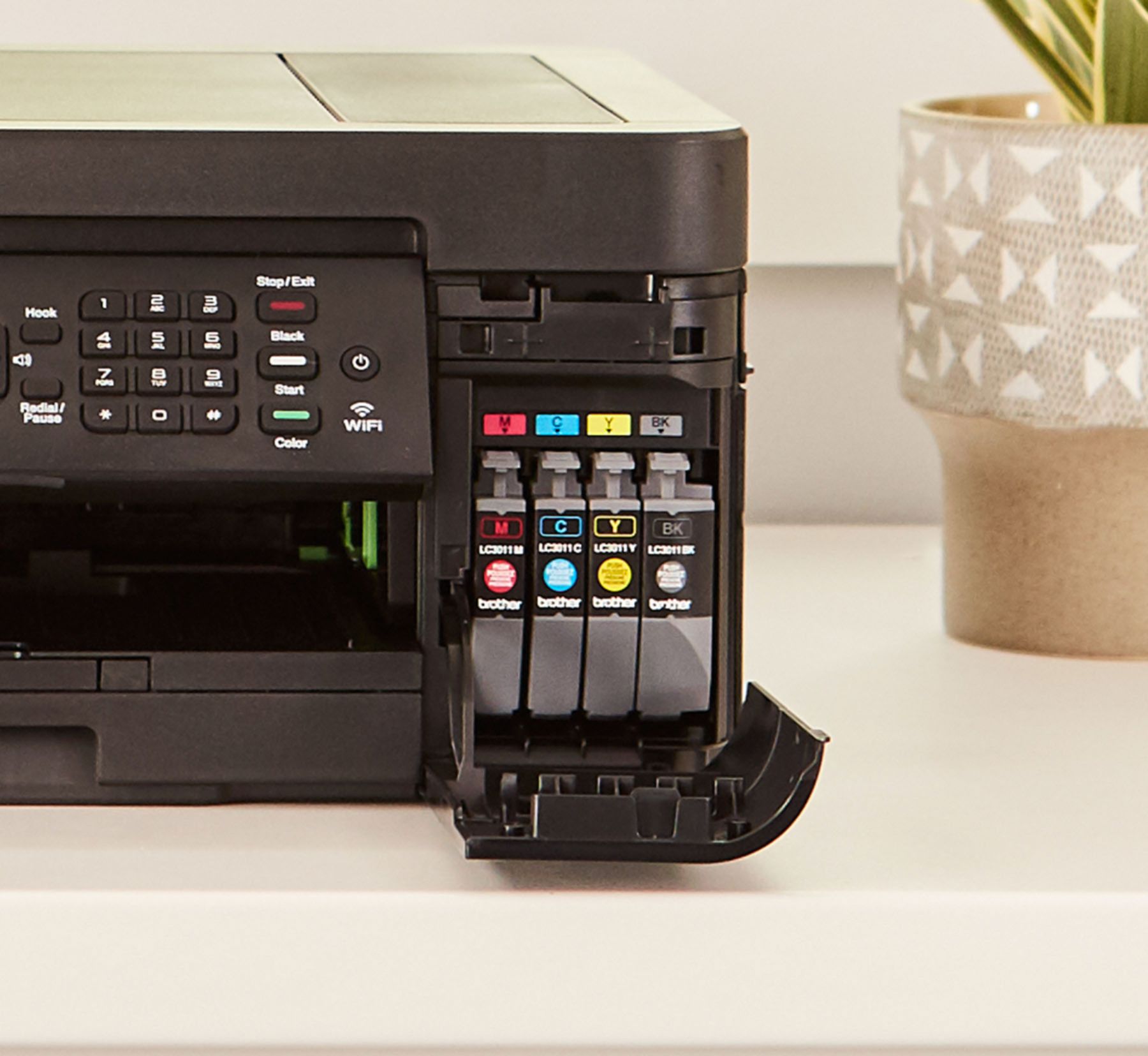
||Posted . Owned for 1 month when reviewed.This reviewer received promo considerations or sweepstakes entry for writing a review.Ink is expensive; uses it quickly. Messages to replace are issued long before the cartridge needs to be replaced.
I would recommend this to a friendBrand response from Brother
Posted .Hi Chasking, stated page yields for genuine Brother cartridges are based on the ISO testing standards. The number of pages that can be printed with a cartridge is affected by several factors, including paper size, number of pages per print job, amount of print on each page, font size, and print content (graphics, charts, etc.). Print jobs with large text fonts, graphics, charts, and/or large amount of solid coverage (black or any given color) will use much more toner and will shorten the life of the toner cartridge.
Inkjet machines are designed to stop ALL printing operations when any of the ink cartridges are empty. This is to ensure the life of the print head and to maintain premium print quality. If the machine were to continue printing, then print jobs and cleaning cycles would suck air from the empty cartridge and damage the print head. Here is a FAQ that may help.
https://help.brother-usa.com/app/answers/detail/a_id/154969?R3ModelID=MFCJ497DW
If you still have the issue, please contact us by Email or Live Chat. https://www.brother-usa.com/support/mfcj497dw
Cartridge is hard to find
||Posted .This reviewer received promo considerations or sweepstakes entry for writing a review.Runs out of ink in a very short time ink cartridges hard to find
No, I would not recommend this to a friendJunk.... just pure junk
||Posted . Owned for 9 months when reviewed.This reviewer received promo considerations or sweepstakes entry for writing a review.If I had a dollar for every time this printer/scanner did not work, I could have paid for 200 of these printers. Unbelievable how bad this thing is. If it is not running out of ink every other week, it cannot connect to my computer. Let's just say it printed a document the previous day and I scanned several other documents the same day.... I come back the next day and the ink cartridges have been depleted and the computer no long recognizes the scanner. I get up to go get a cold drink to calm down.... and the thing starts printing.... just after I was informed that I am out of ink. I am thinking about channeling Office Space and using my son's baseball bat to fix this printer.... Please do not buy this printer. I regret every minute I spend near it.
No, I would not recommend this to a friendBrand response from Brother
Posted .Hi, I understand you are not happy with your Brother MFC-J497DW. We will be glad to help with getting the machine connected. Please contact us by Email or Live Chat so we can work on this together. https://www.brother-usa.com/support/mfcj497dw
Stated page yields for genuine Brother cartridges are based on the ISO testing standards. The number of pages that can be printed with a cartridge is affected by several factors, including paper size, number of pages per print job, amount of print on each page, font size, and print content (graphics, charts, etc.). Print jobs with large text fonts, graphics, charts, and/or large amount of solid coverage (black or any given color) will use much more toner and will shorten the life of the toner cartridge.