Customer Ratings & Reviews
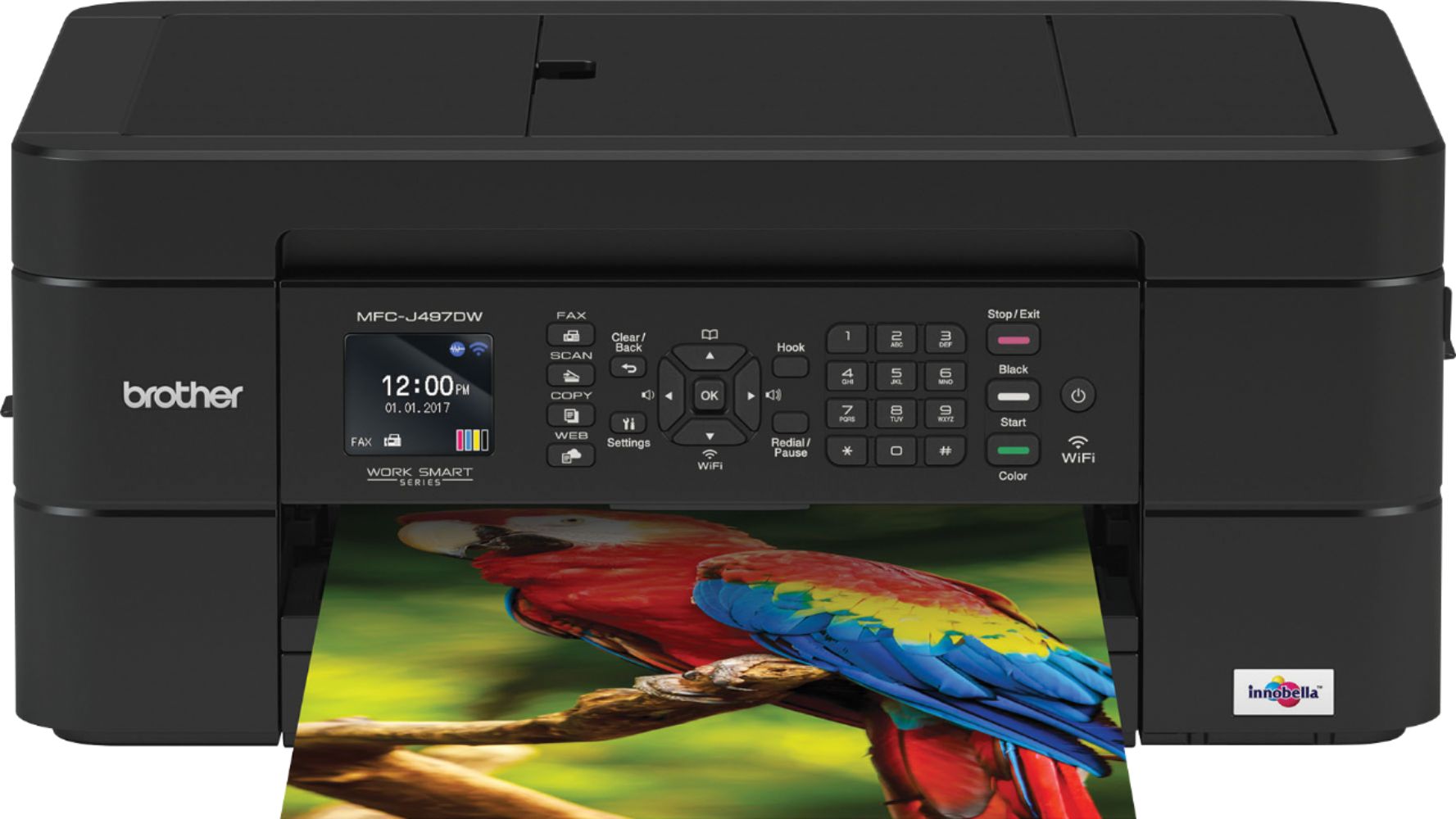
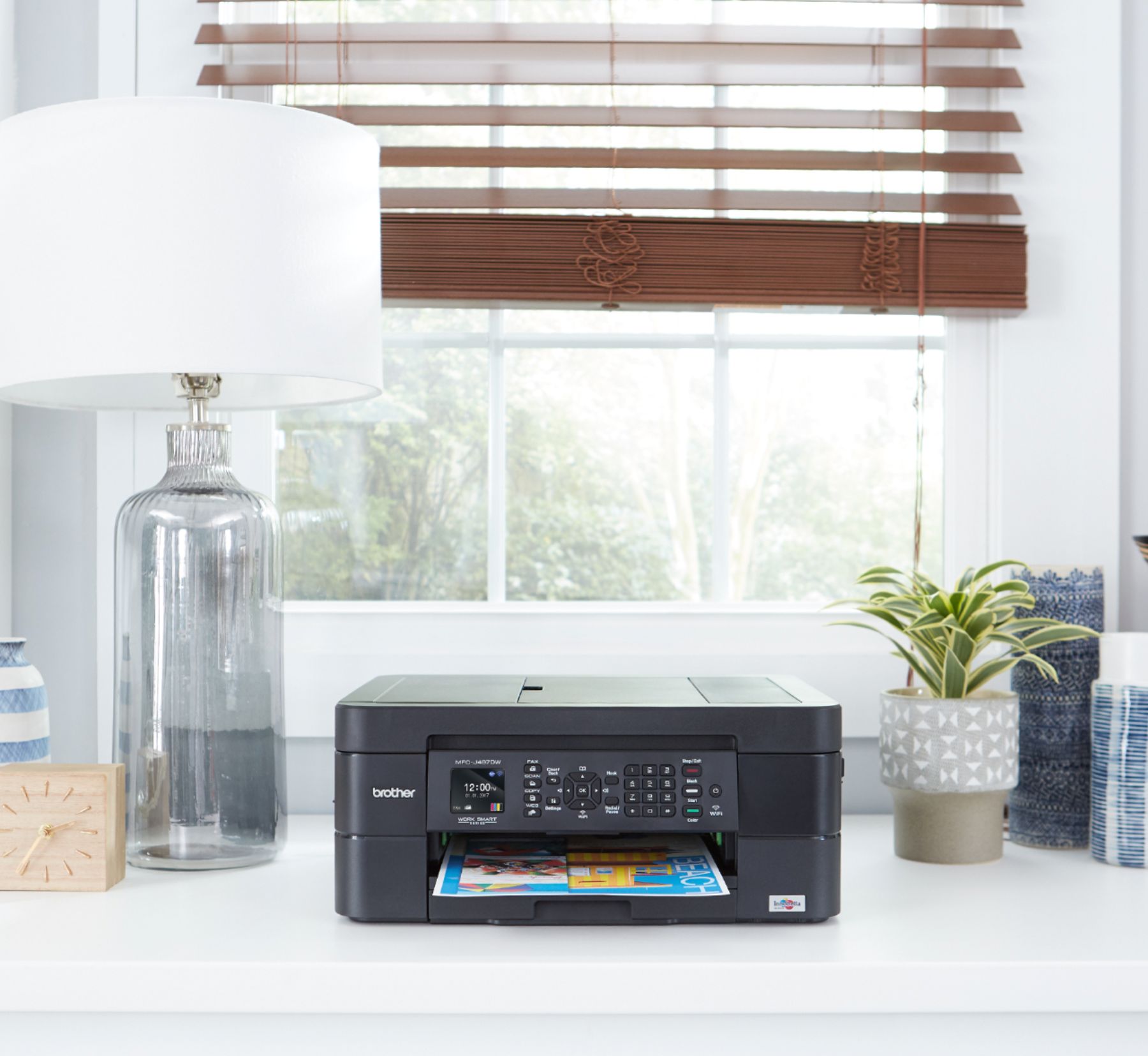
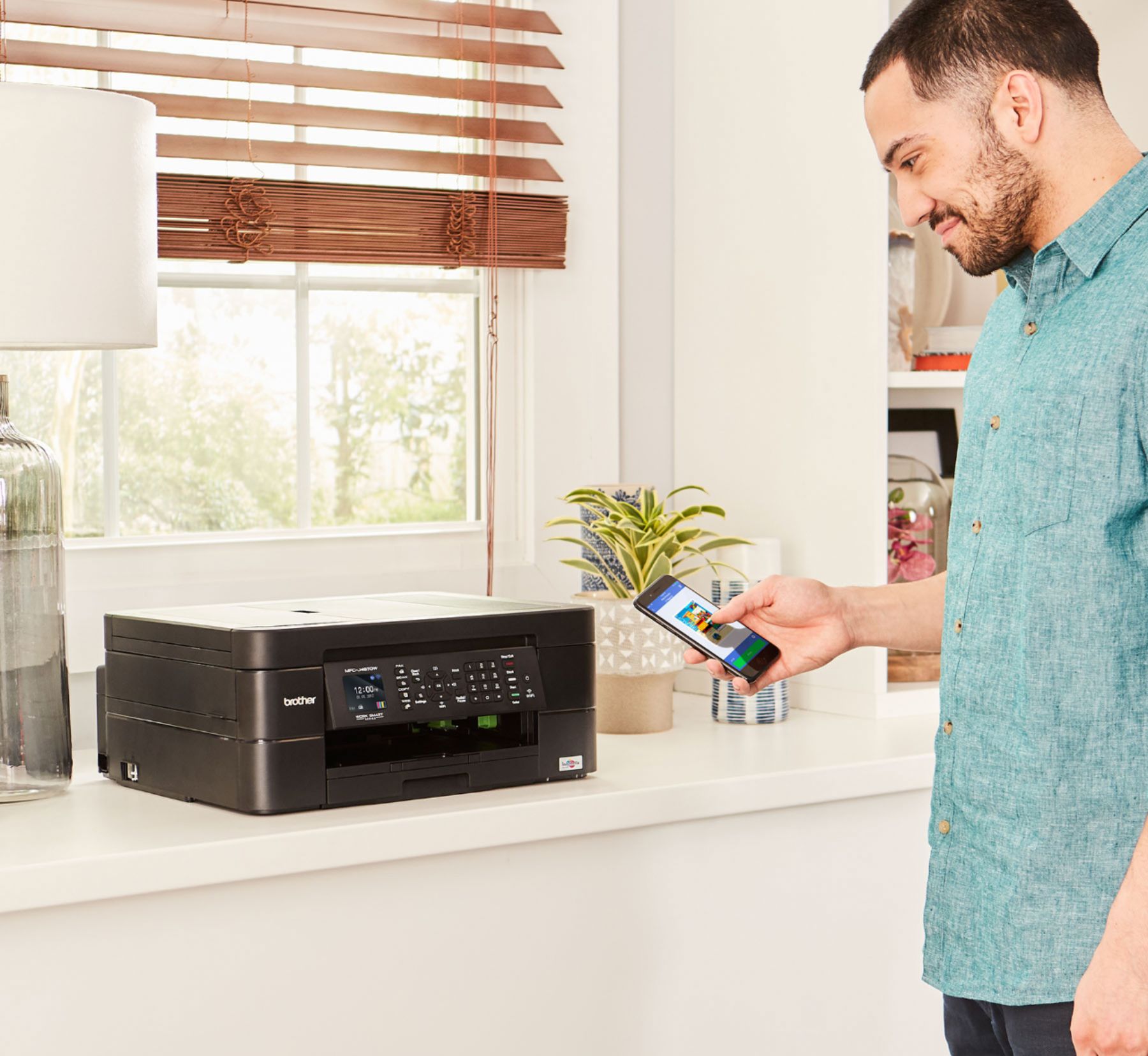
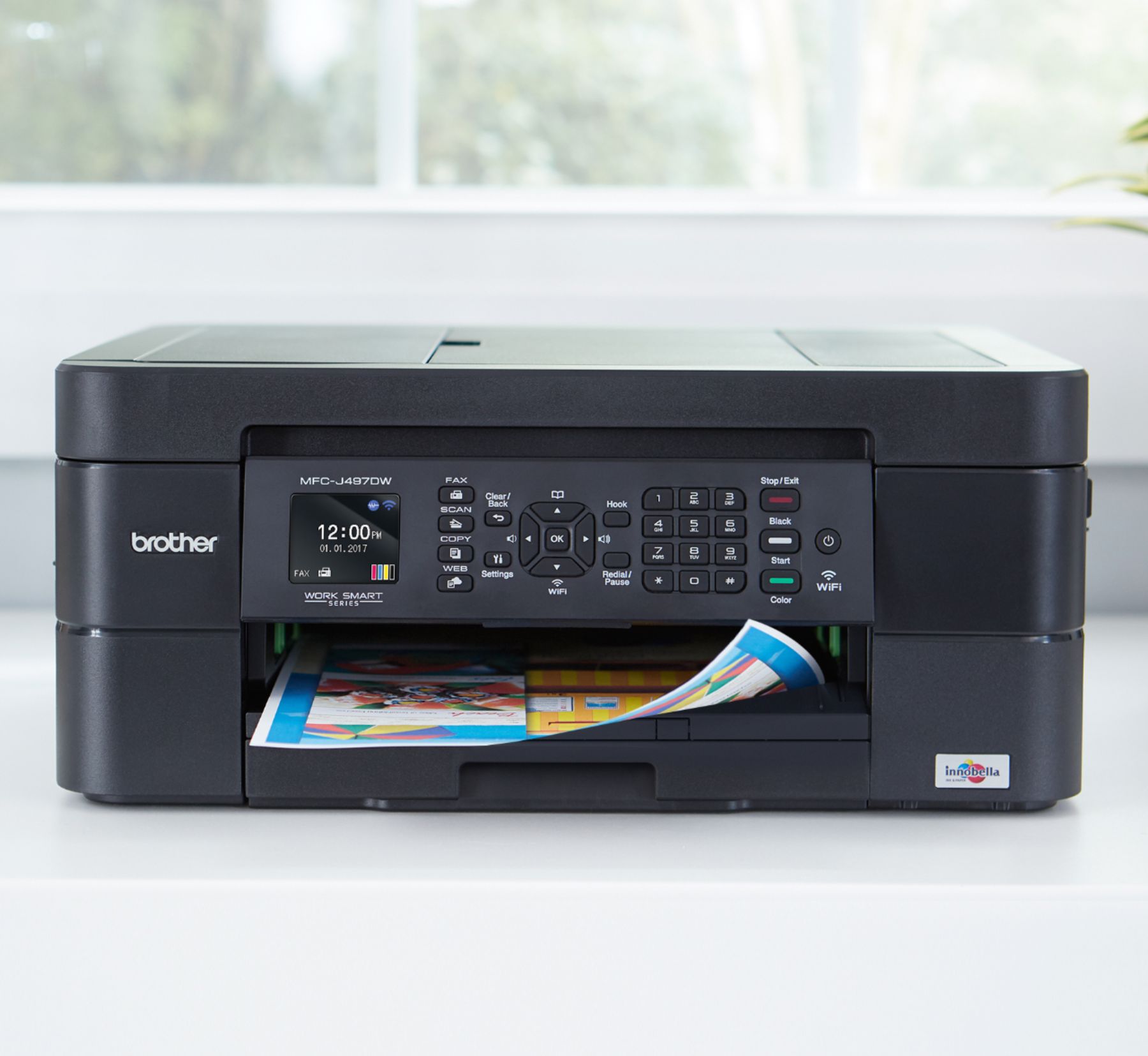


- Model:
- MFC-J497DW
- SKU:
- 6239806
Rating by feature
- Value
Rating 4.5 out of 5 stars
- Quality
Rating 4.4 out of 5 stars
- Ease of Use
Rating 4.4 out of 5 stars
Customers are saying
Customers highly value the excellent print quality and ease of use of the Work Smart Series MFC-J497DW Wireless All-In-One Inkjet Printer. Many appreciate its affordable price, wireless capabilities, and compact size, finding it easy to set up and reliable for their needs. The printer's ability to fax and its quiet operation are also frequently praised. However, some users have reported occasional paper jams.
This summary was generated by AI based on customer reviews.
Printer
||Posted . Owned for 3 weeks when reviewed.This reviewer received promo considerations or sweepstakes entry for writing a review.I unpacked it to set it up,it told me to clean a roller. I have no idea were the rollers are. I just got it so I shouldn't have to clean anything.
I would recommend this to a friendBrand response from Brother
Posted .We are sorry that you are experiencing cleaning issues with your Brother MFCJ497DW machine and we understand your disappointment. Our Brother Customer Support Team is on stand-by to provide quality products and service to our customers via online, email or live chat: www.brother-usa.com/brother-support

Brother All in One Printer
||Posted . Owned for 6 months when reviewed.This reviewer received promo considerations or sweepstakes entry for writing a review.Printer quality was poor after 6 months use. Even after cleaning running it through cleaning the heads 2 times, quality was still poor.
No, I would not recommend this to a friendBrand response from Brother
Posted .We are sorry that you had experienced quality-related issues with your Brother MFC-J497DW. We understand you've already taken some steps to try and resolve this issue. We believe that we might still be able to help. If you continue to have issues, our Brother Customer Support Team is available to assist you direct: www.brother-usa.com/brother-support
AVOID AT ALL COSTS@
||Posted . Owned for 7 months when reviewed.This reviewer received promo considerations or sweepstakes entry for writing a review.This printer will send you constant notifications that the toner is low - even though it is not. They even put a chip in each ink cartridge to count the number of prints so that they automatically break the printer until you buy a new ink cartridge - even if you have ink left in the cartrige. It is so obvious that they are holding you hostage to buy more ink - I will absolutely never ever buy another brother product. Absolute deception at it's worst
No, I would not recommend this to a friendBrand response from Brother
Posted .Hello, The message "Ink Low" will appear on the display when one or more of the ink cartridges are nearing the end of their life. Here a FAQ that may help.
https://help.brother-usa.com/app/answers/detail/a_id/162423/p/9290/kw/toner%20low
If you still have the issue, please let us know by Email or Live Chat so we can investigate.
https://www.brother-usa.com/support/mfcj497dw Please let us know if we can be any of further assistance in the future.
Poor software, really
||Posted .This reviewer received promo considerations or sweepstakes entry for writing a review.Pro; Easy ink replacement, double sided printing Con; Difficult to use software, awkward user features, slow printing I used to have an Epson, there was an icon on the desktop for single click scanning. this software is awkward, nearly nonfunctional and requires many clicks. I can do it, but that makes it hard for the rest of the family and the infrequent users.
No, I would not recommend this to a friend- Cons mentioned:Paper jam
Great printer
||Posted . Owned for 1 month when reviewed.This reviewer received promo considerations or sweepstakes entry for writing a review.Paper jame message on screen and there is no paper at all..good customer service at brother printer..they send me a new one
I would recommend this to a friendBrand response from Brother
Posted .Hi Elvin, I am glad we were able to assist you with a replacement machine. Please let us know if we can any of further assistance.
https://www.brother-usa.com/support/mfcj497dw
no good
||Posted . Owned for 9 months when reviewed.This reviewer received promo considerations or sweepstakes entry for writing a review.This was a great printer until it stopped printing colors. The printer will only print in yellow black or red.. Now I hate this printer.
No, I would not recommend this to a friendOk
||Posted .This reviewer received promo considerations or sweepstakes entry for writing a review.Any time I try to print front and back, it jams. I only print one-sided now... it’s just not worth the hassle:(.
I would recommend this to a friendBrand response from Brother
Posted .Hi Rhoda, I'm sorry to hear the printer jams with duplex printing. Make sure the 2-sided setting is selected. Follow the steps in the link below.
https://support.brother.com/g/b/faqend.aspx?c=us&lang=en&prod=mfcj497dw_us_eu&faqid=faq00100213_512
Buy the HP All in One
||Posted . Owned for 9 months when reviewed.This reviewer received promo considerations or sweepstakes entry for writing a review.Not excited about this one, but it was priced right. The scanner works well. Go with one of the HP all in One's, or get the refillable inkwell style.
I would recommend this to a friendBrand response from Brother
Posted .Hi, we are sorry to hear that you were not excited about the Brother MFC-J497DW. We would love to hear from you with details. Please contact our Brother Customer Support Team direct for further assistance:
https://www.brother-usa.com/brother-support
Good product, BUT...
||Posted . Owned for 1 month when reviewed.This reviewer received promo considerations or sweepstakes entry for writing a review.The printer is good, however, NOBODY could connect it wirelessly, even brother-help desk. Other then that -ok.
No, I would not recommend this to a friendSlow
||Posted . Owned for 8 months when reviewed.This reviewer received promo considerations or sweepstakes entry for writing a review.Printing quality is okay. But it takes a lot of time to start printing even if you install the correct driver.
No, I would not recommend this to a friendBrand response from Brother
Posted .Hi Sergio, I see you are experiencing an issue with slow print. I'll be happy to help. Click the link below to optimize your print speed.
https://help.brother-usa.com/app/answers/detail/a_id/155828
Disappointing
||Posted . Owned for 6 months when reviewed.This reviewer received promo considerations or sweepstakes entry for writing a review.I must have a lemon. I purchased this based on the reviews. I am beyond frustrated with this printer. Wireless set up is a real pain and doesn't always stay connected. The worst is now the paper tray. Paper won't feed through and I keep getting an error message. It has barely been used. Just purchased in February. I had an old HP that took a beating and kept on printing with no problems ever. This printer has been a huge disappointment and is never there when I need it.
No, I would not recommend this to a friendBrand response from Brother
Posted .Hi, we understand you are experiencing issues with the wireless connection and paper tray and we understand your disappointment. We'd like to help. Make sure the computer and machine is connected to the same network. Below are some FAQ's that can assist you.
https://help.brother-usa.com/app/answers/detail/a_id/155851
https://help.brother-usa.com/app/answers/detail/a_id/143937
If you continue to have issues, our Brother Customer Support Team is available to assist you direct: https://www.brother-usa.com/brother-support
Color dull and pictures are not very good.
||Posted . Owned for 3 weeks when reviewed.This reviewer received promo considerations or sweepstakes entry for writing a review.This is an inexpensive printer and the quality is okay for personal use to make copies of things, but not good enough for business or heavy use,
No, I would not recommend this to a friendBrand response from Brother
Posted .Hi, We see the print quality did not meet your expectation for your Brother MFC-J497DW. Below is a FAQ we believe will help with improving the print quality.
https://help.brother-usa.com/app/answers/detail/a_id/156166
If you continue to have issues, our Brother Customer Support Team is available to assist you direct:
https://www.brother-usa.com/brother-support
Good value for a basic color printer
||Posted .This reviewer received promo considerations or sweepstakes entry for writing a review.Basic entry level ink jet printer for color printing. Beware the bloat ware from Brother when installing the software. Scanner is an added benefit that works well.
I would recommend this to a friendPoor
||Posted .This reviewer received promo considerations or sweepstakes entry for writing a review.Yellow ink did not work out of the box. Had to call brother 4 times to beg them to mail out a new cartridge. Took 3 hours off on on with waiting on hold. Very poor customer service. Finally they agreed to mail the cartridge out. Also was told they do not send full ink cartridges out with the original product. They only send out enough to get you started. Very sad you don’t even get full ink cartridges.
No, I would not recommend this to a friendBrand response from Brother
Posted .Hi, we would like to offer our sincerest apologies regarding your customer service experience. The starter ink cartridges are packaged with your machine to use extra ink included in the starter cartridges to fill the ink delivery tubes. This is a one-time process that enables high-quality printing. After the machine has completed the first-time setup, you can use the non-starter cartridges. We appreciate your feedback. Please let us know if you need any assistance in the future.
Appears to be decent utilitarian Printer
||Posted .This reviewer received promo considerations or sweepstakes entry for writing a review.Haven't had a chance to dig deep into settings, as a result so far has been trial and error. Tried a picture with photo paper and results were adequate.
I would recommend this to a friendeasy replenish ink just doesn't work
||Posted .This reviewer received promo considerations or sweepstakes entry for writing a review.I signed up for easy replenish ink. I have had my brother printer for 1 month and I have been out of the color I need or received a color I don't need. When I called, the geek squad woman wanted to charge me to fix what sounded like their software problem. Her words were "we can't fix it for free". Hello, my printer is still under warranty I can return it and replace it for free.
No, I would not recommend this to a friendBrand response from Brother
Posted .Thank you for taking the time to review our Brother MFC-J497DW printer. Your feedback is very important to help us improve our product. We would like to help with the issue and ask that you please reach out to our customer support via chat, email, or phone by using the following URL so we can continue to assist you. Brother does offer FREE support for the life of this machine: https://www.brother-usa.com/brother-support
Struggles to print two-sided since new
||Posted . Owned for 1 month when reviewed.This reviewer received promo considerations or sweepstakes entry for writing a review.The printer is a great size on my desk and the quality seems ok, but it has struggled since new when printing two-sided. Paper jams every time. I have to keep it for now because there aren't many options available to me since I need to print. So I'll be using a lot of paper and staples, to print one-sided only. Disappointed.
No, I would not recommend this to a friendBrand response from Brother
Posted .Hi, We understand you experiencing an issue with duplex printing jamming with your Brother MFC-J497DW and we understand your disappointment. We'd like to help. Make sure you are using the recommended paper. Click the link below for additional assistance.
https://help.brother-usa.com/app/answers/detail/a_id/155407
If you continue to have issues, our Brother Customer Support Team is available to assist you direct:
https://www.brother-usa.com/brother-support
Good, but small cartridges for big printer
||Posted . Owned for 8 months when reviewed.This reviewer received promo considerations or sweepstakes entry for writing a review.Ink runs out way too fast, hardly printed and had to replace cartridges within 3 months ( hardly used it)
I would recommend this to a friendBrand response from Brother
Posted .Stated page yields for genuine Brother cartridges are based on the ISO testing standards. The number of pages that can be printed with a cartridge is affected by several factors, including paper size, number of pages per print job, amount of print on each page, font size, and print content (graphics, charts, etc.). Print jobs with large text fonts, graphics, charts, and/or large amount of solid coverage (black or any given color) will use much more toner and will shorten the life of the toner cartridge.
We are sorry that you are unhappy with your cartridge purchase. Please verify you have purchased a new Brother Genuine cartridge by following the steps on this website: https://www.brother-usa.com/supplies/ink-and-toner/security
If you have any questions about your Genuine cartridge, please contact Brother customer service at www.brother-usa.com/support.
This is not easy to use.
||Posted . Owned for 1 month when reviewed.This reviewer received promo considerations or sweepstakes entry for writing a review.The bluetooth option keeps shutting down. If any amount of time has elapsed since I printed, the password has to be re-entered. I print from my desk top, laptop, and ipad and they all have trouble locating this printer. Pain in the neck! The key panel is not user friendly and very unclear in my opinion. The cost wasn't bad, however I would have paid more for a device that stayed hooked up and was easier to use.
No, I would not recommend this to a friendBrand response from Brother
Posted .Hi, i understand you are unhappy with the connection issue. Please make sure of the router you are using. We recommend configuring the 5 GHz band to use a unique name. If you name both networks the same thing, this may cause repeated connection loss between the Brother machine and the computer. Here is a FAQ that may help. https://help.brother-usa.com/app/answers/detail/a_id/73618/session/L3RpbWUvMTU3Njc3MDI5Mi9zaWQvbjZjLXJMd28=?R3ModelID=MFCJ497DW
If you still have the issue, please let us know by Email or Live Chat. https://www.brother-usa.com/support/mfcj497dw
Confusing setup.
||Posted . Owned for 1 month when reviewed.This reviewer received promo considerations or sweepstakes entry for writing a review.Probably my age but I found this unit difficult to set up and connect my devices to.
No, I would not recommend this to a friendBrand response from Brother
Posted .Hi, I apologize you experiencing an issue with setup. We will be glad to help. Please contact customer support for assistance.
https://www.brother-usa.com/contact-us