Customer Ratings & Reviews
- Model:
- 54392BBR
- SKU:
- 6438546
Rating by feature
- Value
Rating 4.0 out of 5 stars
- Quality
Rating 4.3 out of 5 stars
- Ease of Use
Rating 4.3 out of 5 stars
Customers are saying
Customers highly value the keyboard quality, particularly praising the precision touchpad and build quality. Positive feedback also highlights the excellent battery life and ease of use, with many appreciating the straightforward setup process. While some find the weight to be a drawback, others appreciate the satisfying key travel. The price point is also frequently cited as a positive aspect of the product.
This summary was generated by AI based on customer reviews.
- Pros mentioned:Keyboard quality

Convert your Surface Pro to a Laptop
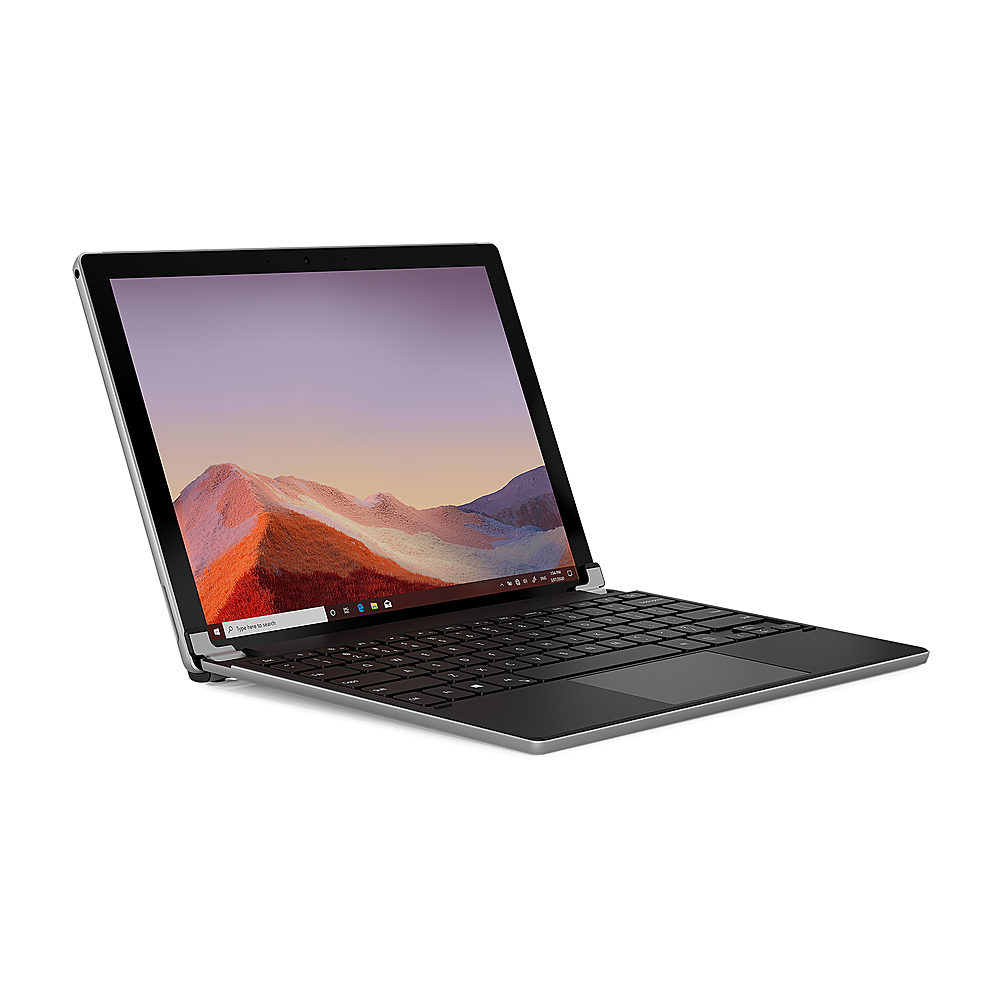
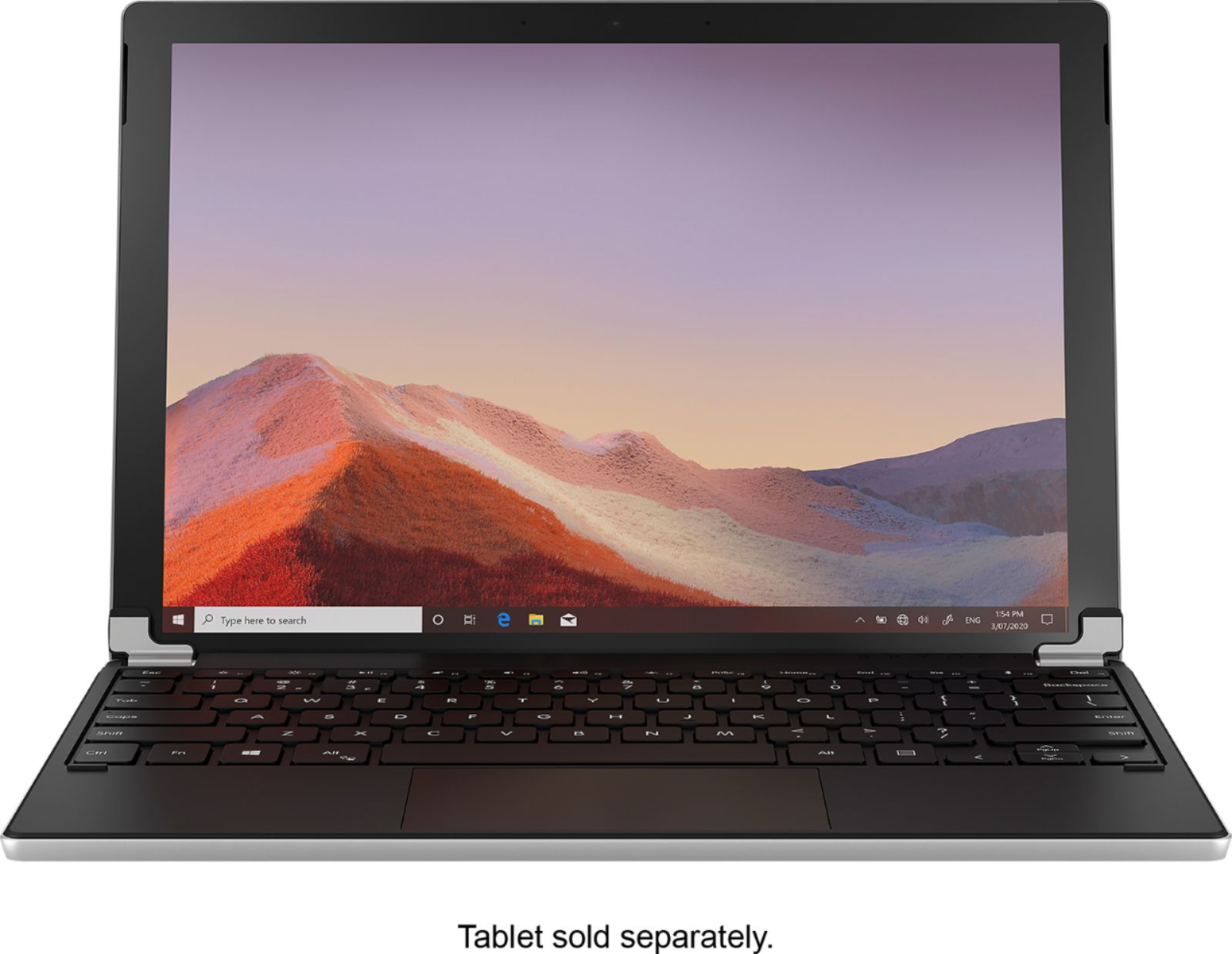
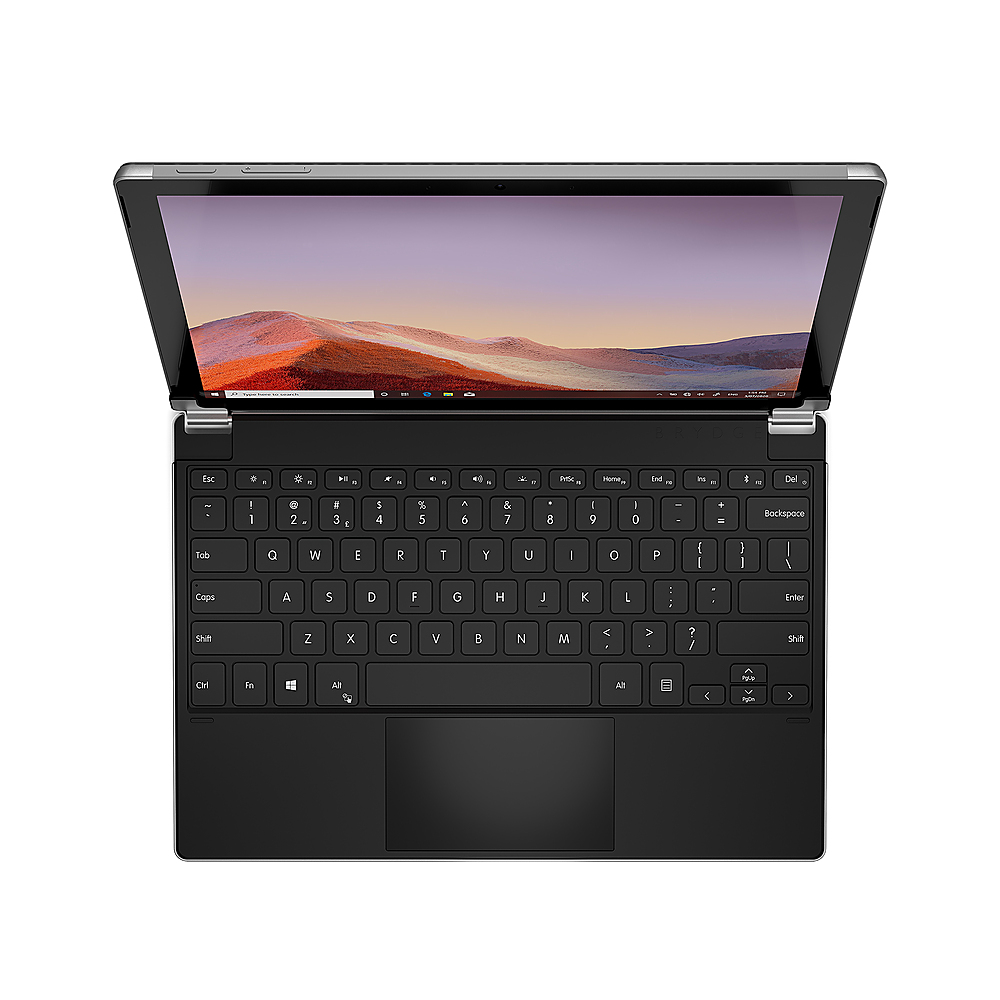
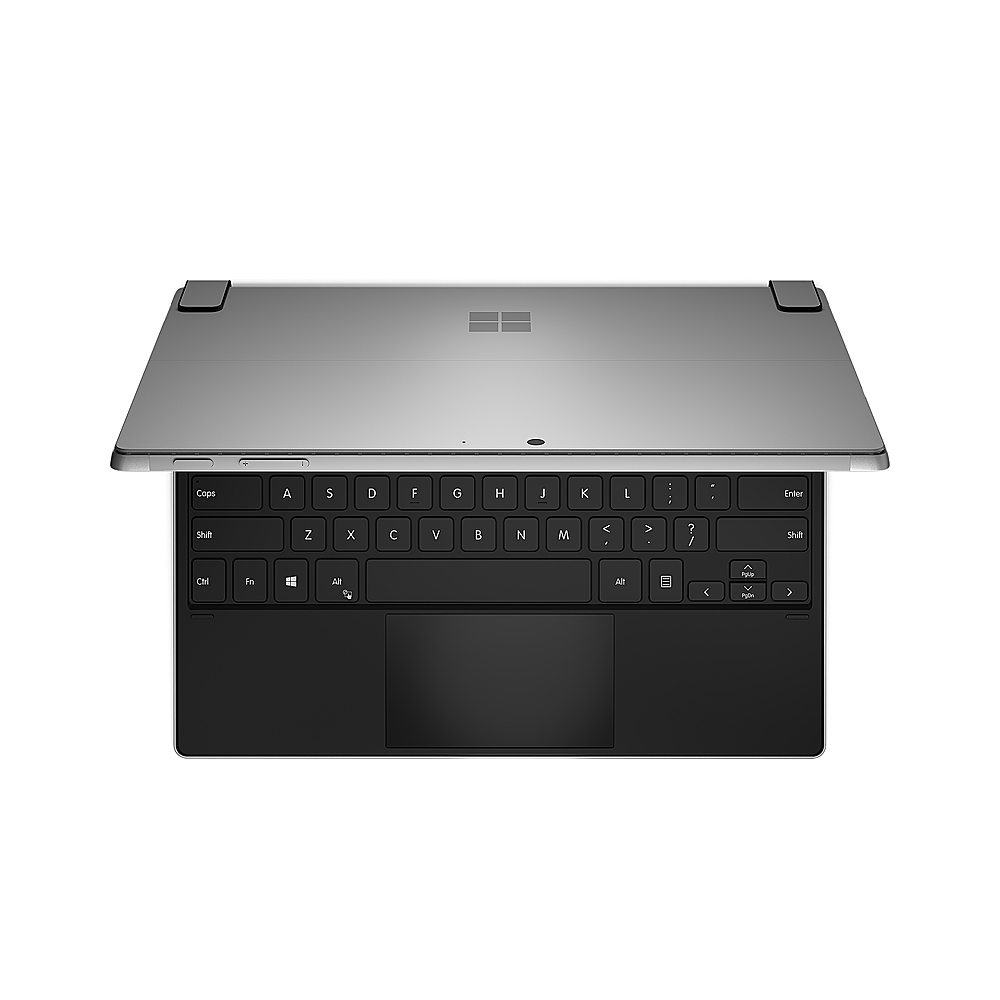
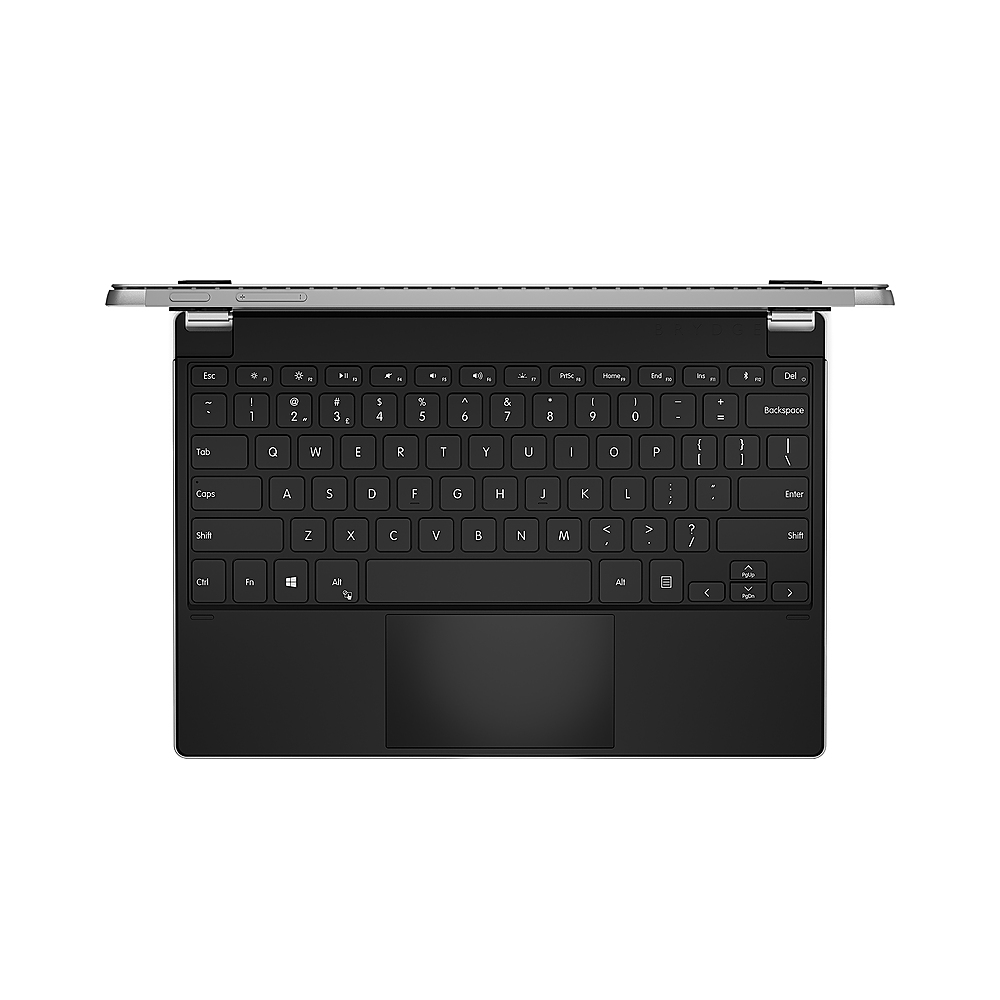
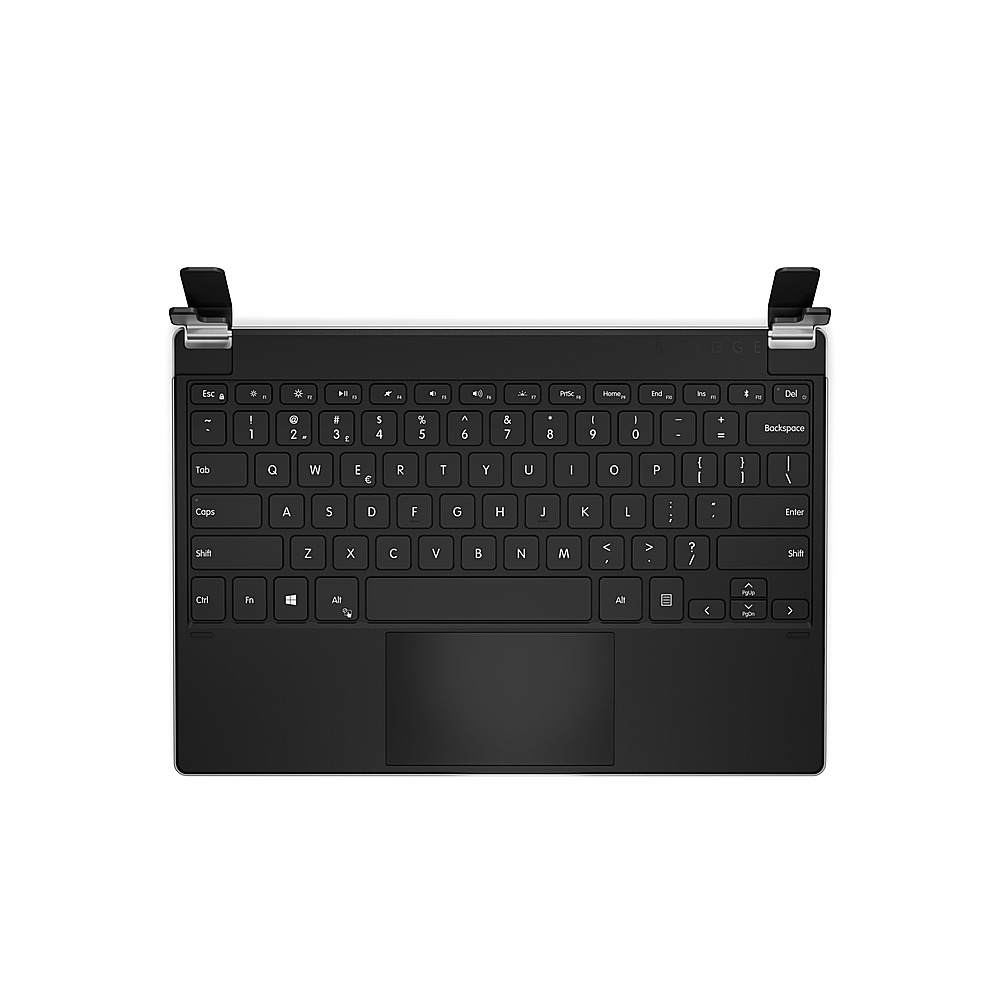
|Posted .This reviewer received promo considerations or sweepstakes entry for writing a review.SUMMARY ------- This keyboard is a great addition to the Microsoft Surface Pro (4.5, 6 or 7) and works seamlessly with these versions. This actually converts your Surface Pro into a laptop with backlit keys What's in the box ----------------- 1 x Brydge 12.3 Pro+ Keyboard 1 x USB-C Charging Cable 1 x User Manual Pros ---- 1. Great Keyboard for Surface Pro (4,5,6 and 7( 2. Backlit keyboard unlike the surface type cover 3. Multi functional mouse (use 1,2,3 or 4 fingers) 4. Sturdy and well built, minimal flex and you can actually use the tablet on your lap. Cons ---- 1. This is not a keyboard case unlike what logitech makes for the iPad. 2. At 1.5 lbs it does add some weight to your tablet. DETAILED -------- Setup ----- Setup is straight forward. The keyboard needs to be charged (ideally fully before use). There is a USB cable provided (why no adapter). A solid red LED on the Delete button will indicate that it is charging. Once the charging is complete, the LED turns off. Function + Delete button will tell you how much charge is left. Green means fully charged, Amber means 25 to 75% and red means below 25%. The battery is rated at 6 months (Not sure how many hours it assumes to be used per day). Did not get an opportunity to test it. Usage ----- Once charged, just connect the Surface pro using the hinges. The hinges really holds the surface pro very well. Once connected through the hinges, the keyboard seamlessly connects to the tablet through Bluetooth. The keyboards have a good feel to it and you can actually rest it on your lap and it does not have a flex like the surface type cover. The keys are also backlit for typing in dark. The brightness on the keys can be adjusted as needed. I like the trackpad and it works better than your regular trackpad. It can actually use more than one finger such as pinch and zoom. I love this feature.
I would recommend this to a friend - Pros mentioned:Keyboard quality
Really Transforms the Surface into a Laptop.
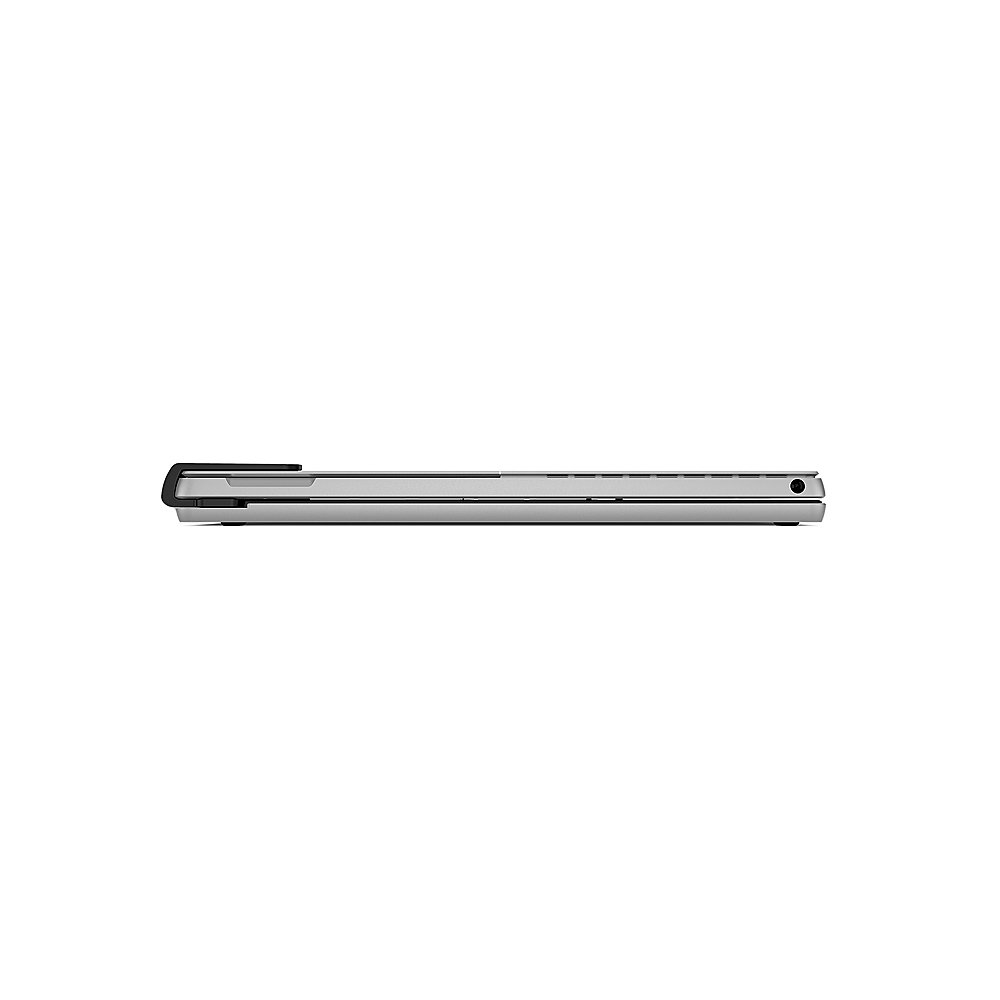
|Posted .This reviewer received promo considerations or sweepstakes entry for writing a review.I am using the Brydge - 12.3 Pro+ wireless keyboard with a Surface Pro 4. This really makes the Surface Pro almost indistinguishable from an actual laptop computer. There are a few trade offs when using this device, but I will say upfront that my overall impressions are very good, and I do recommend it. When I first unboxed the Brydge - 12.3 Pro+ wireless keyboard I was impressed with the quality. It is well built, heavy (in a good way), and the fit and finish match that of the surface pro well. In order to use it I had to first remove the case that I had been using on the Surface Pro. This makes sense as the keyboard has two arms/clamps that grab the tablet very snugly, and they simply will not work with a case on. No big deal. The other trade off was that I decided I had to take off my screen protector as well. It would be up to you if you feel it is necessary, but like I said the keyboard grips the tablet very snug, and with a tempered glass screen protector on I was noticing some light spots in the corners of my tablet due to the pressure put on the screen by the keyboard. This turned out to not be such a big deal for me personally. I will mostly be using my Surface with the keyboard attached as I do like the product. When not in use I just fold it up like you would with any laptop, and the screen is well protected. Otherwise I have no complaints about the keyboard, and only good things to say! The size of the keyboard makes it very comfortable to type. The keys are responsive. The backlighting is a great, and welcome feature. The keyboard charges through USB C. Overall this is a very high quality product. If you told me this was made by Microsoft themselves I would probably believe you. If you feel like you can go without a case, and possibly a screen protector I highly recommend the Brydge - 12.3 Pro+ wireless keyboard to anyone with a compatible Surface Pro!
I would recommend this to a friend Ugh
||Posted . Owned for 1 week when reviewed.This reviewer received promo considerations or sweepstakes entry for writing a review.I bought (3)the wrong thing thought ugly was a laptop but no it was just the keyboard ugh $420. Just sitting on my living room ugh
No, I would not recommend this to a friend- Pros mentioned:Keyboard quality
At long last, goodbye kickstand!
|Posted .This reviewer received promo considerations or sweepstakes entry for writing a review.I've been a loyal Surface Pro user for years, going back to the 3 and now the 7. Prior to the pandemic I was on the road and meeting with clients every day. The Surface was perfect for its' portability and the functionality and pen was the perfect combo for getting client signatures. It was always perfect for the road but horrid at home. The angles were never right and you cannot use it on your lap or in bed very well. I had heard of Brydge keyboard for iPads and when I saw it for the Surface I pounced. Setup was a breeze, just line up the surface and pop in to the grips on the side, simple. I plugged in the included USB-C cable to the Surface to charge the keyboard and I was up and running in minutes. The first thing I noticed was how sturdy and well built this keyboard is. The Surface does not jiggle at all and the rubber feet keep it from sliding on my desk. I can move the display at any angle I want and comfortably type on the wonderful keyboard. It has all of the function keys I need and even has illuminated keys. I finally feel like my Surface is a functional laptop and not just a tablet posing as a PC. I feel like I have a brand new laptop now. I have been working from home since March due to the pandemic and the Surface just isn't made to be used like a regular computer. I started to hate using it actually. This keyboard has changed all that, I love it!
I would recommend this to a friend Highly functional, but heavy
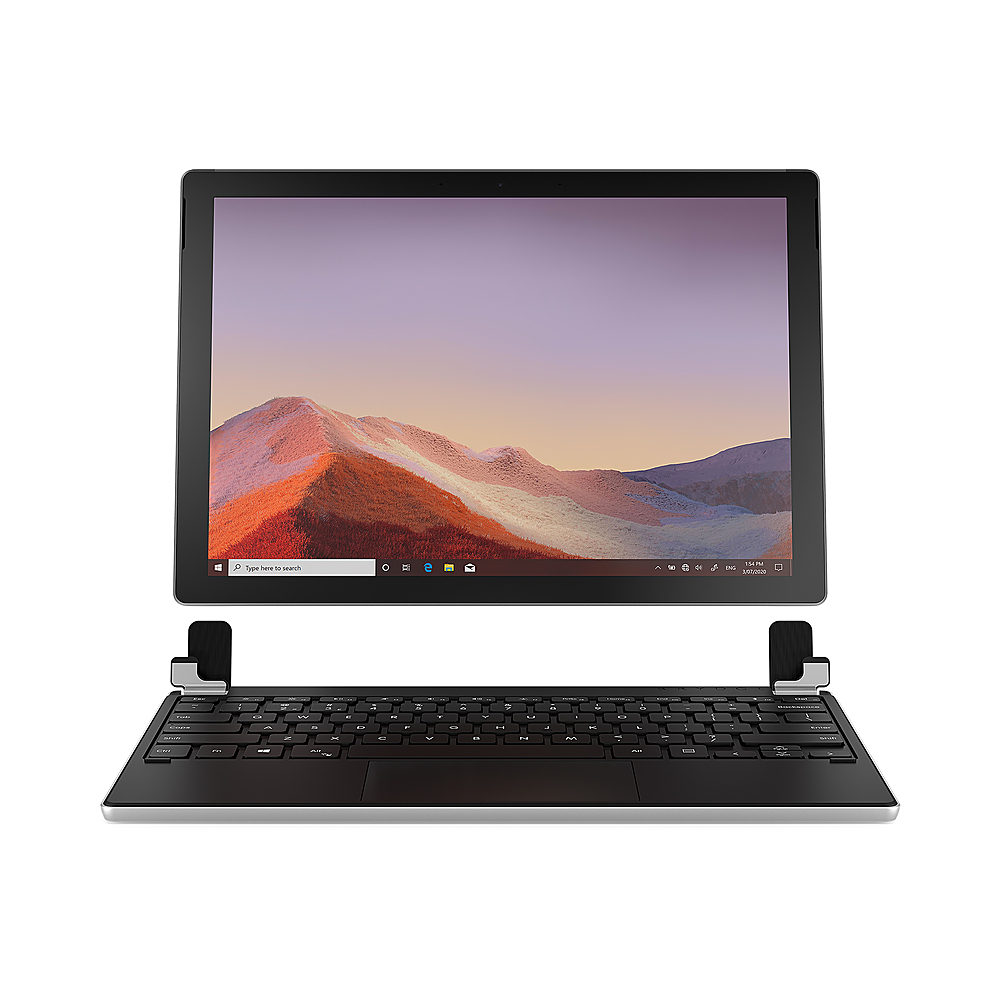
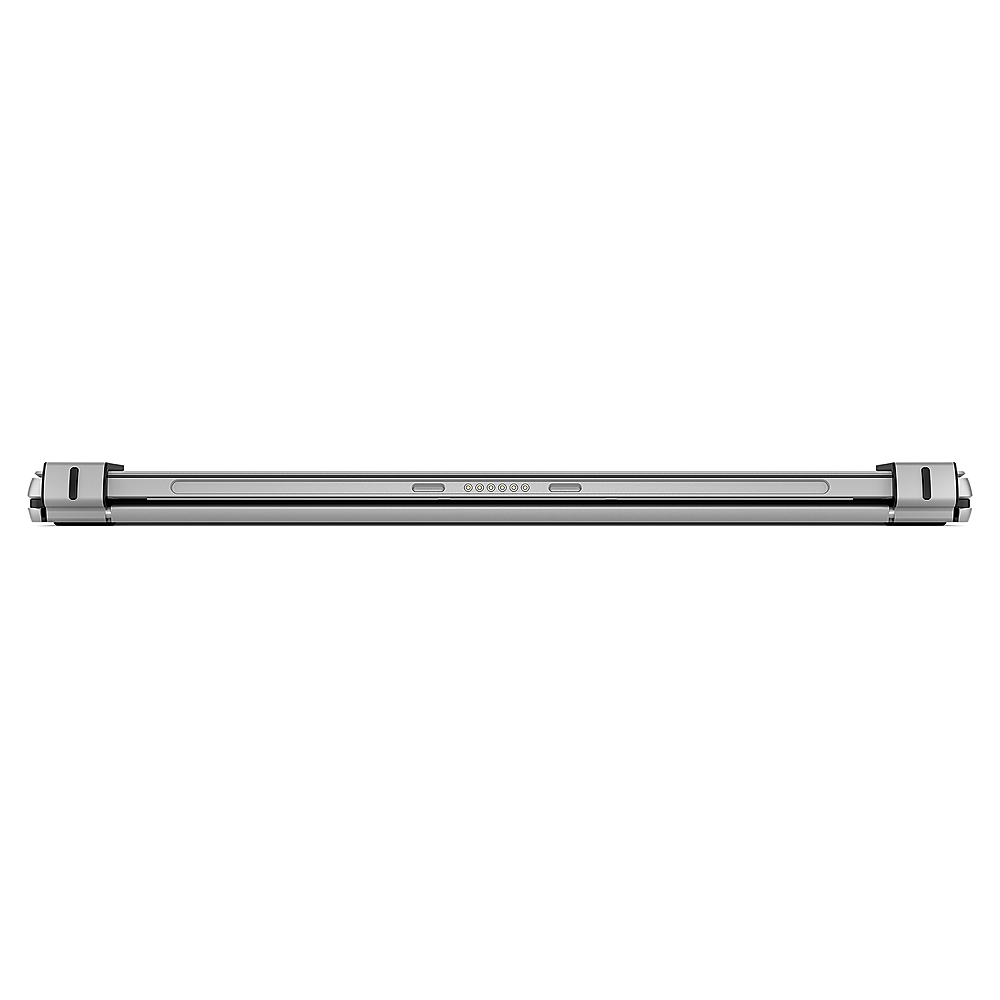
|Posted .This reviewer received promo considerations or sweepstakes entry for writing a review.Brydge makes some fantastic keyboards. I've used their keyboards for the Google Slate and older model Surfaces. It really brings a "laptop experience" to tablet-hybrid devices. But it's not without it's compromises. If you find yourself using a Surface tablet on the go, and don't have easy access to a flat service, this is a great addition to your Surface. Just know that it makes for one heavy package. IN THE BOX Included is an extremely short USB-C to USB-C cable for charging, and obviously the keyboard. There's a quick instruction pamphlet, and there's also a "guide" of sorts on the inside of the flap. A quick read of either and you will get the gist of it it works. It's simple to use. SETUP All you need to do is to open up the each hinge (they're pretty firm) so you can slide the Surface in. Then you slide the Surface into the hinges. The inside of the hinges is a firm rubber that holds it in place without damaging the screen. You just need to make sure you get the spacing lined up so when it's shut, the computer is lined up with the keyboard. From there, you turn on your Surface and log in and go to your Bluetooth settings. The one minor pain with the setup (not to say you couldn't use the type cover if you have one) is navigating using the touchscreen. Obviously the Surface is a tablet, but you're still using Windows. Once there, you search for new devices. Then you push the FN key and power key at the same time. You'll see a green light indicating the power is on. Then you hold the pairing button which is right next to the power key. The key itself doesn't light up blue, but you'll see the standard blue pairing light underneath the power button. Then you should see the Brydge keyboard in the system settings. I had absolutely no issues with pairing. It did take a minute or so to "get the device ready" but I was able to begin using it immediately. Out of the box the keyboard was charged to about 50%. I plugged it in nonetheless and the battery was charged in about 2 hours. I don't think it took that long, I didn't watch, but the time it takes to charge is no problem. And you can power it through the USB-C port in the Surface. BUILD and USAGE I want to mention the build quality because it's fantastic. This keyboard is sturdy and well built. The hinge holds the monitor firmly in place while open and you don't have to worry about it swinging open (like type covers). The keys aren't mechanical (I don't think) but they have enough travel to make the typing experience enjoyable. While I do like my touch cover, I much prefer the typing experience on the Brydge, as well as the stability it provides. I found the touchpad to be pretty good. The gold standard IMHO is the Apple trackpad, and while it's not that sensitive, it's pretty solid. It's marginally better than the trackpad on the type cover, which I only say because it's not a night and day difference (which isn't a bad thing). You can also use pinch to zoom, two fingers to scroll, much like you can in most laptops. Brydge seems to mention this in its packaging as if it's a big feature, but honestly, I think it's expected of any laptop/keyboard in 2020. Honestly, there's not much else to say about the performance. It works and works well. That's not a knock on it at all; you are getting a quality keyboard that does what it's supposed to do and do it well. OTHER CONSIDERATIONS/QUIRKS The way I see it, there are three big drawbacks to this keyboard. The first is the cost. If you already have a type cover, it's hard to justify (IMO) buying a new keyboard unless you absolutely can't stand your type cover keyboard. The second is that you have to charge it. It's rated with a 6 month battery life and I haven't had it long enough to even come close to testing that claim. But even if it goes a couple months, I'd be happy. The issue is going to be whether you have a USB cable with you when the battery dies (unless your type A and charge it regularly). Obviously this isn't a concern with the type cover. I don't think the fact that you have to charge the keyboard is a reason not to get it, it's just something to think about. The bigger drawback is the weight. When holding the keyboard in one hand and the Surface in another, they have a similar "heft," with the Surface feeling a tad bit heavier. Put the two together and your light and thin surface is quite a bit heavier and twice as thick. Pairing a Brydge keyboard with a Surface still produces a relatively light and thin laptop, but it's certainly heavier than the type cover combo. For most, this may not matter at all. But for some it may. To me that's the biggest consideration in purchasing the Brydge. The other quirk I had was powering it on. I can't say I'm doing it right, but when I used it, you had to turn it on every time. It's one of those first world, minor annoyance problems. So now you have to turn on the Surface AND the keyboard to use it. But it does become second nature. And the keyboard turns off after a small amount of time of not using it. This must be to conserve battery, but it's a little annoying when, say after watching a Netflix show, you have to turn the keyboard back on. Luckily, when you turn it on, it connects almost instantly. CONCLUSION For what it is, the Brydge is a great product. It offers a solution to a problem of using a Surface on your lap. It also provides a better typing experience. But you will sacrifice some weight and portability (to a certain degree) and will have to charge it from time to time. If you already have a type cover it may not be worth the investment, but if you are looking to buy a Surface (and Microsoft requires you to purchase a keyboard separately), then the Brydge is definitely worth a look.
I would recommend this to a friendNot worth the sale price
||Posted . Owned for 1 week when reviewed.This reviewer received promo considerations or sweepstakes entry for writing a review.I was disappointing in this keyboard. It didn't do what I expected at all. Returning.
No, I would not recommend this to a friendI would not recommend
||Posted . Owned for 3 weeks when reviewed.This reviewer received promo considerations or sweepstakes entry for writing a review.Overall ok, not worth of price also bluetooth is keep getting disconnected
No, I would not recommend this to a friendVoshaeM
||Posted .This reviewer received promo considerations or sweepstakes entry for writing a review.Dont have the product very unhappy. Wont order online no more
No, I would not recommend this to a friendAn Awesome Convertible Experience!!
|Posted .This reviewer received promo considerations or sweepstakes entry for writing a review.This is my second venture into owning a Brydge keyboard, which really makes strong connections that turn tablets into laptops. This wireless keyboard is no exception as it does a great job of accomplishing this task. Moreover, there are good things that this keyboard does such as great key responsiveness as the keys really do respond without forceful banging and the spacing is spread out which gives a great laptop like feel and experience. Also, this keyboard has lighting as it offers three levels of brightness. The pairing of this keyboard was a seamless experience as you are given a code, then input the numbers and from there, you are ready to enjoy an optimal wireless experience. Overall, this keyboard offers an optimal experience. Suffice to say, if you are an owner of a Surface Pro 4-7 and you are wanting to convert your tablet into a laptop, I strongly feel this Brydge keyboard will answer the call and meet your needs exceptionally well.
I would recommend this to a friend- Pros mentioned:Keyboard quality
Responsive and Looks Good
|Posted .This reviewer received promo considerations or sweepstakes entry for writing a review.I have been using this for about a week. It's sturdy and very well made. It does add bulk to the Surface making it more along the lines of a laptop in terms on look and feel but that is not a bad thing. It's responsive when typing and integrates very well. The only negative would be that it does not hold the Surface in a locked way so you do need to be careful when carrying it that the Surface doesn't fall off. Overall a good option if looking for a keyboard.
I would recommend this to a friend - Pros mentioned:Keyboard quality
Didn't expect it to be this great
|Posted .This reviewer received promo considerations or sweepstakes entry for writing a review.Wow, what can I say besides wow. I own previous Brydge models for various devices, and they have always produced solid keyboards! This 12.3 Pro+ is on par with the best of their best. Brydge truly sets the standard for wireless keyboards (and with a touchpad!) Syncing with your Surface Pro is a breeze (I have a Surface Pro 5 but didn't really matter) and the design is just so nice, it's like it was built perfectly to complement the Surface Pro (which it was). Really cannot go wrong with this keyboard. It looks and feels great, and is just sensitive enough to recognize all my key strokes even when I type 100WPM+. It can keep up!
I would recommend this to a friend - Pros mentioned:Keyboard quality
feel of a laptop
|Posted .This reviewer received promo considerations or sweepstakes entry for writing a review.This keyboard is a MAJOR upgrade for the surface! Pros: sturdy feel silver that matches the surface perfectly back-lit keys reactive track pad satisfying clicks of the keys holds itself up Cons: need to connect via bluetooth need to charge it (every 3 months per company) overall I recommend this keyboard for the surface. Brydge did a great job matching the metal of the Surface to make this keyboard. It makes the surface look so much more professional looking and in my opinion, easier to use and transport!
I would recommend this to a friend At last a useful surface product.
|Posted .This reviewer received promo considerations or sweepstakes entry for writing a review.I have been wanting to upgrade my Surface Pro 4 to something more like Surface Book or the like. I enjoyed my surface, but started to dislike the way it would sit with just the true-type keyboard. I saw this product a while ago, but it was just for iPad's. So when the chance came to get one for a surface, I was beyond ecstatic. Good: Good weight to counter the surface, and balance like a laptop 3 levels of backlit keys to make it easy to type in darker areas long battery life (6 months, but I have not had it that long) Good travel on the keys to make it way easier to type on. Full laptop keys, so normal people will not get cramps using this. Function keys to enhance the usablity Easy to slide surface in and out without it feeling too tight, or too loose Bad: Charging cable is really short, so better be close to power supply or backup battery to charge it. Hinges do not rotate together, so getting them lined up is bothersome when in a hurry. So times I can see slight discoloration near where it makes contact with the screen, this was solved be spreading the clips alittle. But it made it too loose for my liking when carrying it. Ugly: Would have been better to have a releasable clamp to attach the surface to, making it secure and easier to remove when needed Takes a while to wake up or connect if it has not been used for a long time. Runs on same frequency as most modern mice, so it will either no type or it will make the mouse not work temporarily. Touch pad is somewhat unusable as it will jump and skip all over screen until it has been used for few mins. Touch pad is not firm in the sense I felt like it wouild break with normal use (right click, left click, and double tapping). So I am still glad I got it, and I am sure I will be using it all the time. I would suggest this to someone that wants to convert their surface in to more of a laptop, but would also suggest using a external mouse .
I would recommend this to a friend- Pros mentioned:Keyboard quality
I great way to turn your Surface Pro to a laptop
|Posted .This reviewer received promo considerations or sweepstakes entry for writing a review.Im enjoying having a sturdy surface to type on especially on my lap. This is a much needed accessory for the Surface pro tablet. It's made very well and I appreciate it's premium materials like an aluminum body. The keyboard itself is Back-lit and adjustable up to three levels of brightness. The charger is a very welcome USB C and charges the keyboard fully in just under an hour. The keyboard is Bluetooth and I had no disconnects in the 3 weeks I've used it.
I would recommend this to a friend - Pros mentioned:Keyboard quality
Excellent design - new life for surface pro
|Posted .This reviewer received promo considerations or sweepstakes entry for writing a review.I have two older surface pros which are still excellent (screen ratio and screen quality). I have used them less and less related to the depth of surface required when using the keyboard and kickstand. The brydge keyboard is perfectly designed and built and holds the tablet safely by the lower corners. It is not light but needs to be sturdy to hold the surface at various angles. This gives you the flexibility of the surface book without the cost.
I would recommend this to a friend - Pros mentioned:Battery life
Perfect Addition
|Posted .This reviewer received promo considerations or sweepstakes entry for writing a review.The Brydge 12.3 Pro+ wireless keyboard with touchpad has brought my Surface Pro 5 back to life. I had been using another laptop for a while, but decided to try out this one. Best decision I've made on a tech purchase. It matches the silver on my Surface Pro perfectly, and I no longer need to use the kickstand any more. I like the bluetooth technology, and the 3 month battery life is a plus. I have no complaints at all.
I would recommend this to a friend - Pros mentioned:Keyboard quality
Perfect companion
|Posted .This reviewer received promo considerations or sweepstakes entry for writing a review.First thoughts was wow this is built solid. Connecting it was easy and simple. But the biggest features is how responsive the keys are. I used it to type a paper for class and it didn’t miss a beat or input a key that wasn’t pressed. After typing on it for over 10 hours it held up to the test and exceeded expectations! This is the perfect companion to your high end surface pro.
I would recommend this to a friend turn your surface into a laptop
|Posted .This reviewer received promo considerations or sweepstakes entry for writing a review.I bought the nice, alcantara surface keyboard when I purchased my surface pro 6. The cover feels nice, the keys are responsive, and the form factor kept my surface sleek as designed. It's perfect for when I need to do light typing. However, with COVID, working more from home, I don't need the portability as much. Trying to use the surface keyboard on a sofa, for instance, isn't quite as nice because the surface keyboard flexes and doesn't maintain its shape. The Brydge keyboard fills that need perfectly. Backlit keys, touchpad, and the hinge is nice and smooth. The hinge works with silicon "feet" that you slide the surface into. Stays solidly in place even after I shook it to try it out. Didn't leave any scratches on the screen. The hinge also lets me put the surface into any angle easily. The touchpad does jump at times, but it's still better than the touchpad I've felt on HP or other competing keyboards. It's not as nice as a mouse, but it's functional and doesn't impede my workflow. The obvious knock against the Brydge would be that with the added heft and depth of the keyboard, you've taken your portable Surface and basically converted it to a typical laptop. However, if you're wanting a more laptop-like experience with your Surface Pro without shelling out for another laptop, then this performs excellently.
I would recommend this to a friendSolid keyboard
|Posted .This reviewer received promo considerations or sweepstakes entry for writing a review.This is definitely a well built keyboard! It fits the tablet very securely and is much more substantial than the one that comes with it. The back lit keys are wonderful to have and the 3 brightness settings are a nice touch. The fulls size and key spacing is perfect. This keyboard is really responsive and just feels premium. Key presses are very satisfying, feeling and sound wise. Touchpad works as expected. It is a bit on the weightier side but that's quick to get used to. The hinges are great and sturdy, holds the tab up just fine, holds it closed well also. They can fold 180 degrees to lay back flat but not flip all the way around. Battery life so far is amazing, claimed at up to 6 months. Who cares if it lasts a week an you have to recharge? It charges quick enough with USB C. (Should be the only charging type on any device) Solidly built out of aluminum, this is a premium tablet accessory.
I would recommend this to a friend- Pros mentioned:Keyboard quality
Awesome build quality
|Posted .This reviewer received promo considerations or sweepstakes entry for writing a review.The build quality of this keyboard is singlehandedly the best quality you could want. Makes your surface feel more like a laptop. Track pad is excellent as well. If BRYDGE reads these, give your hardware engineers a raise, they knocked this out of the park.
I would recommend this to a friend