Customer Ratings & Reviews
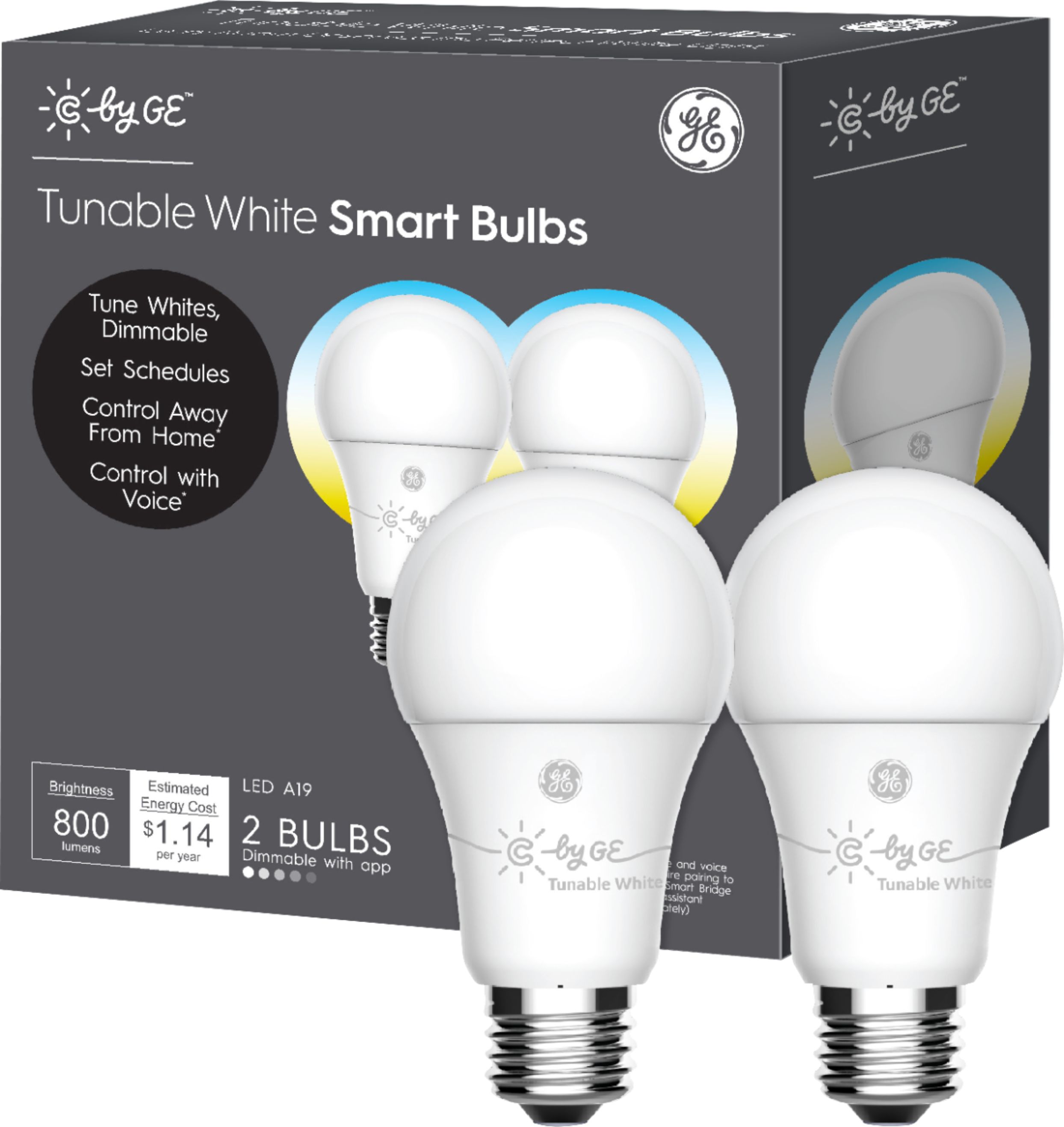
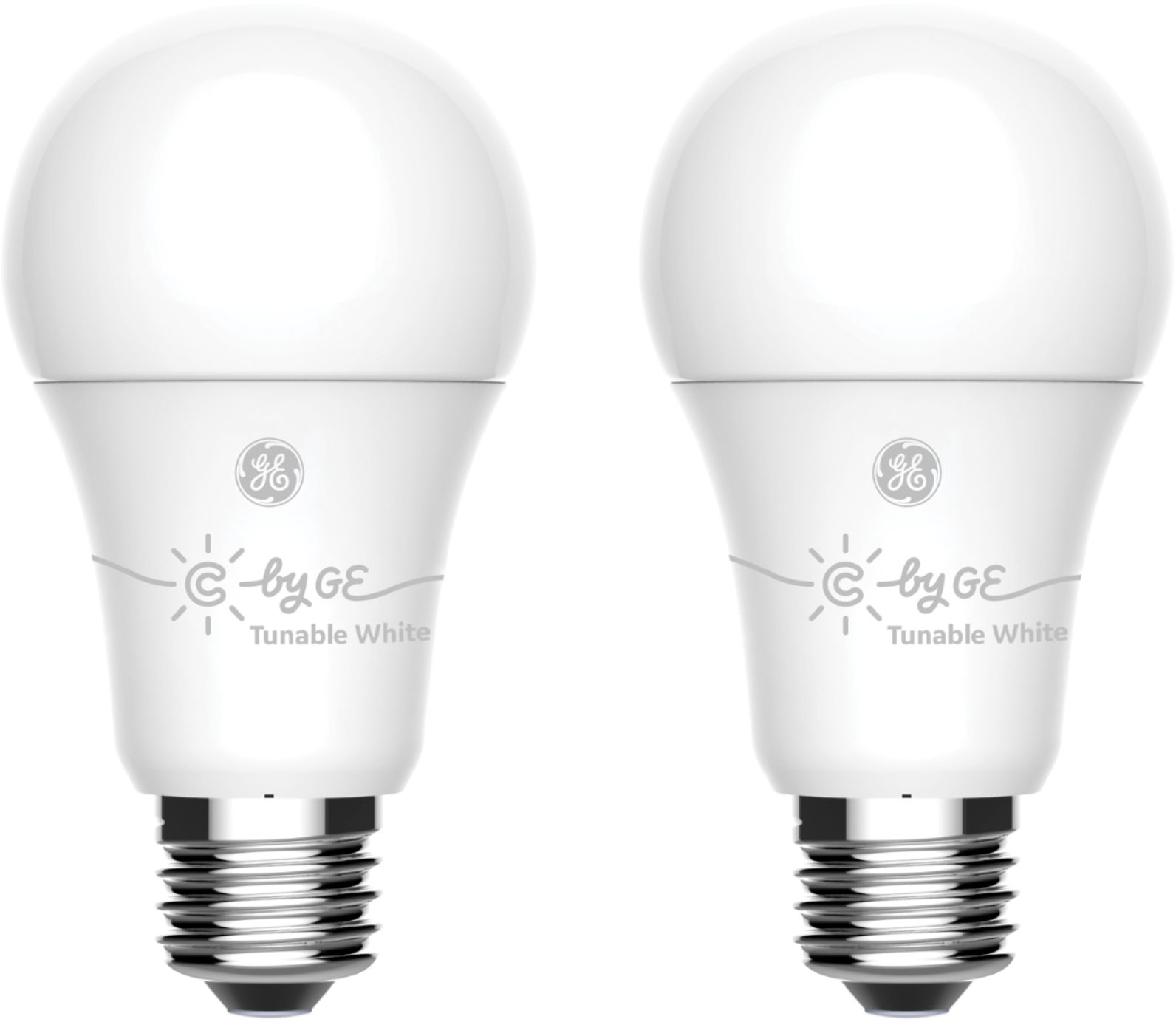
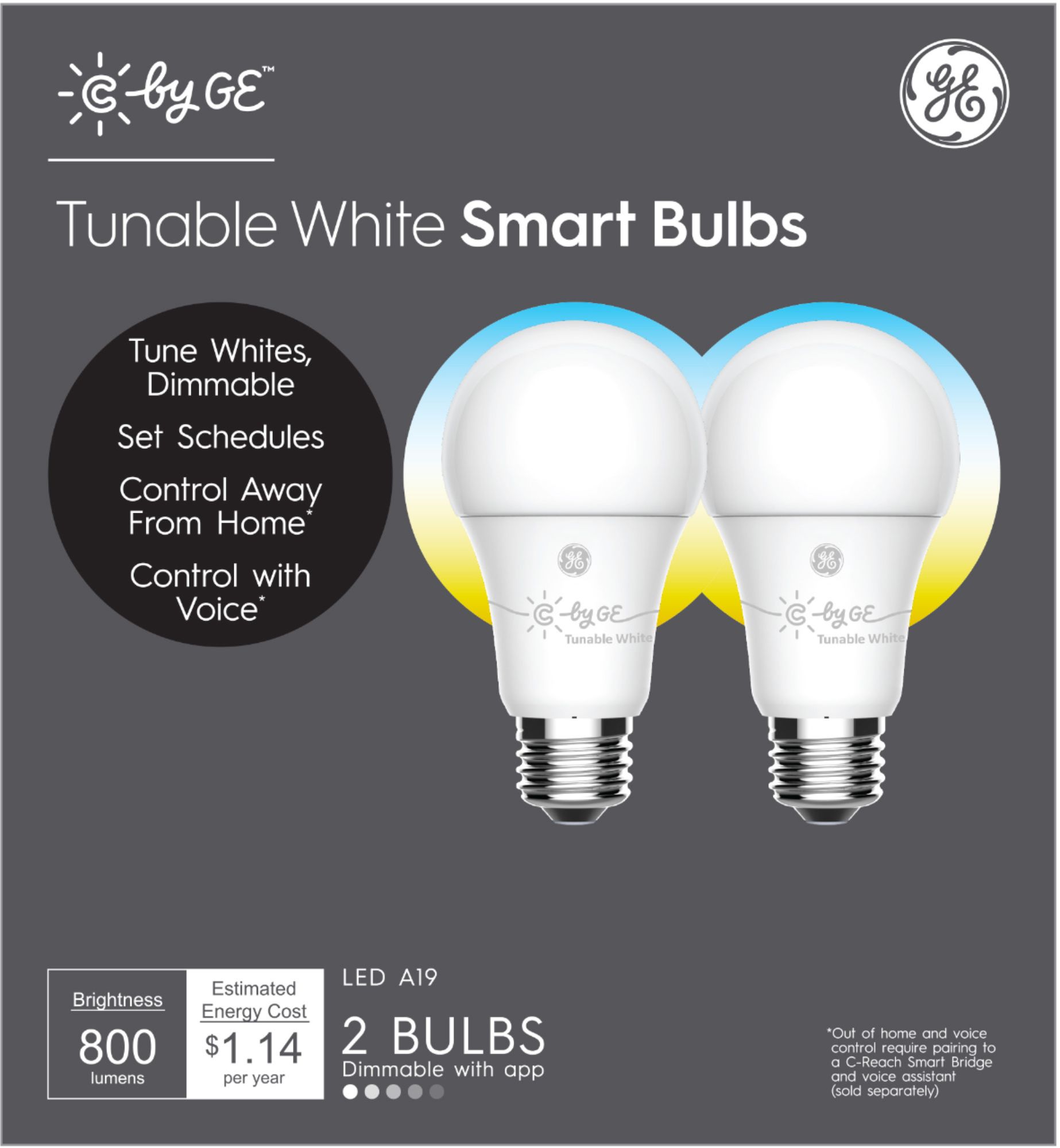
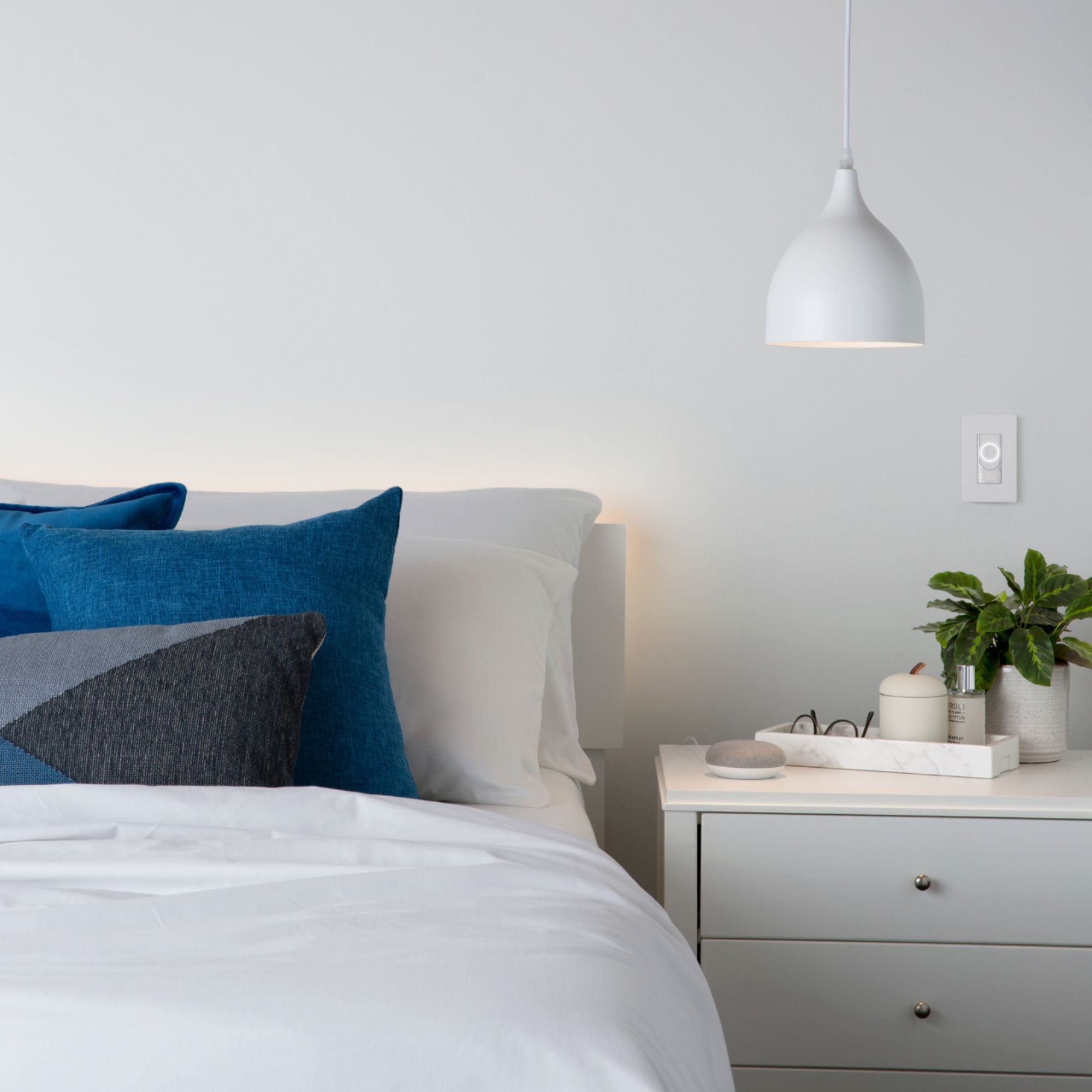

- Model:
- 93096308
- SKU:
- 6289101
Rating by feature
- Value
Rating 4.2 out of 5 stars
- Quality
Rating 4.3 out of 5 stars
- Ease of Use
Rating 4.0 out of 5 stars
Customers are saying
Customers admire the A19 Bluetooth Smart LED Bulb's ease of use, brightness, and affordability. Many appreciate its compatibility with smart home assistants like Google Assistant and Alexa, enabling convenient setup and control. However, some users experienced connectivity issues and challenges with voice control and the app. A few also found the reset process cumbersome.
This summary was generated by AI based on customer reviews.
- Pros mentioned:Brightness

Just another bulb to me
|Posted .This reviewer received promo considerations or sweepstakes entry for writing a review.C by GE were the first Smart Bulbs I put into my new place, so I didn't have anything else to compare it with. I could see peoples frustrations with implementing them into an existing ecosystem, I do use google home, but for setting this up I simply opted for the G&E app. I placed these bulbs in a place where I would want to utilize the light throughout the day, where I felt lights that Dim will be functional for me. (without changing out my switch with a dimmer) I set one up in the kitchen, which I will typically leave some sort of light on for a bit in case I have to grab some water from the fridge in the evening. Other light I placed in the entry way, if we go out or someone hasn't come home just yet, we can leave a dim light on. My experience with these bulbs hasn't been very negative, but I do understand how bluetooth can be frustrating. If these bulbs get a little bit of an upgrade and can be integrated more into your home system I may look at updating them. For now, since they have been placed, I will simply forget about the app. Going to treat them as a standard bulb, that just happens to dim at convenient times. Most people I know it's more of a light on/off, those that may like a dimly lit room just have the dimmer switch installed and this would be too much for them regardless of how convenient it may be so I wouldn't recommend it. I would look at a more robust smart lighting solution rather than pick up more bulbs in the current stage.
No, I would not recommend this to a friend Not for Apple Products
||Posted .This reviewer received promo considerations or sweepstakes entry for writing a review.This doesn’t work with HomePod/Home Kit, Apparently you have to buy an additional plug for it to work. I returned it.
No, I would not recommend this to a friendBrand response from GE Lighting Expert
Posted .Hi Dael sorry you were not able to get this product working for you. The device that is needed for HomeKit is the C-Reach. -C by GE Support
ok
||Posted .This reviewer received promo considerations or sweepstakes entry for writing a review.works at first then they start to get glitchy & stop working all together even when u factory reset them, disconnect or move location to try & get them to work again very annoying
No, I would not recommend this to a friendBrand response from GE Lighting Expert
Posted .Hello Sara,
We are sorry to hear this. We would be glad to help you with this issue. Please contact CbyGE support at one of the following. CbyGE Customer Service Hotline 1(844) 30-CbyGE (844-302-2943) , [email protected], Live Chat (www.cbyge.com).
Unresponsive
||Posted . Owned for 1 year when reviewed.This reviewer received promo considerations or sweepstakes entry for writing a review.Frequently unresponsive. Sometimes, it takes a while before it turns on or off when prompted through google home.
No, I would not recommend this to a friendBrand response from GE Lighting Expert
Posted .Greg, this is not typical behavior that our products should be doing. If you are on android try clearing the app cache in settings and restart he device. If it persists please reach out to us at 1-844-302-2943. -C by GE Support
Poor quality product
||Posted . Owned for 1.5 years when reviewed.This reviewer received promo considerations or sweepstakes entry for writing a review.Does not dim enough. Does not work wellwith Google home. The factory reset procedure is insanely ridiculous.
No, I would not recommend this to a friendStopped working with Google hone mini and couldn’t
||Posted . Owned for 8 months when reviewed.This reviewer received promo considerations or sweepstakes entry for writing a review.It stopped working with google home mini and couldn’t connect it back . Reset process doesn’t work as mentioned .
No, I would not recommend this to a friendBrand response from GE Lighting Expert
Posted .Hi Hemanth, often times when resets aren't working, it's due to the fixture the bulb is in. I would recommend, if it isn't already to move the bulb to a fixture controlled with a simple on/off switch. However, our support team would be more than happy to help in getting your bulb reset, give us a call at: 844-302-2943!
Do not work with Alexa
||Posted . Owned for 2 weeks when reviewed.This reviewer received promo considerations or sweepstakes entry for writing a review.I had to return them, I couldn't configure them with Alexa. Not even C by Ge could help me.
No, I would not recommend this to a friendBrand response from GE Lighting Expert
Posted .Hi there, they will work with Alexa, but they require a hub from C by GE. Our hubs include the on/off smart plug, in-wall wired-switch, or C-Reach. We recommend the On/Off smart plug. Set everything up in the C by GE app, then enable the C by GE Skill via the Alexa app. Please don't hesitate to reach out to our support staff for additional questions or concerns, thanks!
Uselessbulb
||Posted . Owned for 1 month when reviewed.This reviewer received promo considerations or sweepstakes entry for writing a review.Spoiled exactly in 29 days of purchase. Return period also ended. It’s a scrap.
No, I would not recommend this to a friendStopped working after 1 month
||Posted . Owned for 1 month when reviewed.This reviewer received promo considerations or sweepstakes entry for writing a review.Total crap. One of the lights stopped working after 30 days. I wouldn’t buy it again.
No, I would not recommend this to a friendBrand response from GE Lighting Expert
Posted .Hi Mariano, we're sorry that you're having issues with our c by ge bulbs. Please reach out to our support so we can better assist with this issue at 1-844-302-2943 or email us at [email protected] we'll be more than happy to assist.
Didn’t work for me
||Posted . Owned for 1 month when reviewed.This reviewer received promo considerations or sweepstakes entry for writing a review.I could not get this bulb to light up with the Echo Dot alone so I returned it.
No, I would not recommend this to a friendBrand response from GE Lighting Expert
Posted .Hi Satisfiedcustomer, to use our bulbs with Alexa you would also need a C by GE hub such as a Smart Plug, C-Start Switch or C-Reach. We're sorry to hear you've had that experience. If you decide to give us a second chance in the future, please give us a call at (844) 302-2943. Thank you for the feedback, have a great weekend!
Mrs
||Posted .This reviewer received promo considerations or sweepstakes entry for writing a review.They were the wrong ones. I could not get them to work with Alexia.
No, I would not recommend this to a friendBrand response from GE Lighting Expert
Posted .Hello there. It looks like you would need Direct Connect bulbs to integrate your lighting with Amazon Alexa or a C by GE hub to help the Bluetooth bulbs connect to Alexa. Please email [email protected] or call us at 1-844-302-2943 if you have any questions.
- Pros mentioned:Brightness
A pain to set them up, but great after setup
|Posted .This reviewer received promo considerations or sweepstakes entry for writing a review.I've been wanting to turn my home into a "smart home" for a while, and lighting was one of the most important additions to my connected home. After giving the C by GE - C-Sleep A19 Bluetooth Smart LED Bulbs a try, I have to say that I am a bit disappointed at how long it took me to get them to actually work with my Google Home device. To start, the instructions are not very clear as to how to link the C by GE - C-Sleep A19 Bluetooth Smart LED Bulbs to your Google or Alexa device (I tried both). I had to go into the manufacturer website to try to figure things out, and it was still all not that clear to me. I love technology, but the C by GE - C-Sleep A19 Bluetooth Smart LED Bulbs somewhat annoyed me when trying to set them up. GE should include instructions that are a bit more clear on how to set their bulbs with Google or Alexa devices. Before even downloading the app to your phone and linking the bulbs to C by GE's actual app, you should go directly to your Google Home app and hit the + button, set up device, setup new devices, Home, and it will search for devices (Make sure that the bulbs are in place, and that the electrical switch is "on"). The Google Home device should detect the bulbs, and everything should be straightforward from there. Since I've installed the bulbs, I have had no issues with turning my lights on and off using my Google devices. One thing that I really like about the C by GE - C-Sleep A19 Bluetooth Smart LED Bulbs is that they are nice and bright. You can also set them to turn on to a warmer color in the morning and eventually to a brighter color to make the mornings easier. Even though it was somewhat of a pain to set the C by GE - C-Sleep A19 Bluetooth Smart LED Bulbs up, they have been working great. I love being able to control my lights with my voice, and from pretty much anywhere. I can say that I would recommend the C by GE - C-Sleep A19 Bluetooth Smart LED Bulbs to anyone.
I would recommend this to a friend Worse item
||Posted .This reviewer received promo considerations or sweepstakes entry for writing a review.I bought it for my echo. But it doesn’t work with echo
No, I would not recommend this to a friendBrand response from GE Lighting Expert
Posted .Hi Fahim, you will need a C by GE smart plug to link your bluetooth bulbs to Alexa using your echo. You can find this plug at most stores such as Best Buy, Lowes, Target, Walmart at a relatively low cost. Hope that helps. -C by GE Support
Not Alexa compatible
||Posted .This reviewer received promo considerations or sweepstakes entry for writing a review.These are NOT Alexa compatible without a hub, had to return.
No, I would not recommend this to a friendBrand response from GE Lighting Expert
Posted .Hi Maddie, we apologize for the issue you are having, and yes you are correct, if you're going to be using Alexa you will need a C by GE smart hub for this process. Please feel free to give us a call at 1-844-302-2943, or email us at [email protected] we'll be more than happy to assist!
Awful
||Posted . Owned for 3 months when reviewed.This reviewer received promo considerations or sweepstakes entry for writing a review.I do not suggest purchasing these very hard to set up
No, I would not recommend this to a friendBrand response from GE Lighting Expert
Posted .We are sorry to hear you had trouble setting up the lights. Please reach out to our Support Team at 844-30C-BYGE (844-302-2943) or by email at [email protected] and the will get you up in running.
Didnt purchase
||Posted . Owned for 1 month when reviewed.This reviewer received promo considerations or sweepstakes entry for writing a review.I never bought these...someone else must of used my card.
No, I would not recommend this to a friendBrand response from GE Lighting Expert
Posted .Hi Jenn! Thank you for your review. We are sorry to hear that your card was stolen. We recommend contacting Best Buy or whatever retailer that your card was used at to make the purchase. They may be able to file a report or refund your money for you. Feel free to call us at 1-844-302-2943, email us at [email protected] or live chat with us on cbyge.com if you have any questions or concerns about our products. - C by GE Customer Support
Nice addition to our system.
|Posted .This reviewer received promo considerations or sweepstakes entry for writing a review.First off, I am writing this review after also installing another companies smart lights, so my thoughts on the GE C-Sleep lights are going to be influenced by my experience with the other brand's light setup. The GE lights come in an unassuming box with absolutely zero documentation! The box actually just looks like any other incandescent or LED light bulb set aside form the wording on the front that claims "Smart Bulbs" and talks about how it helps your circadian rhythm. On the box, it also states it is "Made for Google" and "Works with Google Assistant". On the back of the box, it has instructions that appear to be for those installing a Google Home Mini and these bulbs, a simple four step process that includes plugging in the Mini and downloading Google Home to set it up. After looking all over, inside and out of the box for instructions on how to add it to my existing system, I finally resorted to doing a Google search. Ge's own site has instructions so I went there first. The site isn't much better than the box since it appears to start out in the middle of setup since the first step is to "... tap the + icon in the top right corner and select Add New Devices". Well, unless you read their minds, you would never know they were referring to the GE App! After installing the GE app, it was unable to see the lights, no matter where I had them installed and on multiple devices with and without Bluetooth enabled. Once I finally gave up on the GE app, I went back to Google Home and was able to add one of the lights to my setup, pairing it with a room for testing. Google Home still didn't register one of the bulbs, but I figured I would deal with that later. After configuring the first bulb and testing the functions, I went back just to see if the second one could be seen yet and there it was, ready to be set up. I had plugged both bulbs in at the same time, so I'm not sure why it took so long for the second one. Overall, these ended up being a great addition to our expanding assortment of smart lights in our house. The Hue bulbs are much easier to set up, but they have a base that they come with also, so that may make a difference. GE also sells a base, but these are advertised as working with Google, so I assumed they would have all the functions like other lights do with it. Once set up, I am able to use Google to tell them brightness and to turn on, but I was a little frustrated by the setup routine (and all the runarounds I had to try to get them working). At some point, I thought that maybe these lights needed to be factory reset, so I found two completely separate sets of instructions for resetting them, neither of which worked! Each one referenced "early" or "late" model bulbs but offered no explanation of how to find out which bulbs you actually had. In the end, I would have no trouble recommending these to anyone, I would just give them a set of instructions myself and tell them to skip the web site for help!
I would recommend this to a friend- Pros mentioned:BrightnessCons mentioned:Connectivity
Jury is still out
|Posted .This reviewer received promo considerations or sweepstakes entry for writing a review.I was excited to try these new smart light bulbs out. Set up and connecting to Google Home was quite easy. The bulbs do not soften automatically depending on time of day which you would expect them to based on the advertisement. 1 of the set of 2 did not work and will have to be replaced. You adjust brightness in the Google Home app by sliding a ring. It is pretty neat that you can make any lamp a dimmable lamp. Does need to be in same room as your Google mini
I would recommend this to a friendBrand response from GE Lighting Expert
Posted .Hello, ARBaldridge. Nice to hear you like the bulbs. Feel free to check out the www.cbyge.com website for features and different set ups that can be done for the bulbs or Google customer service for functionality for the Google Home app.
Thank you.
GE Lighting Customer Service
Mostly Works Great with Google Assistant
|Posted .This reviewer received promo considerations or sweepstakes entry for writing a review.The GE C-Sleep lights are a simple and effective way to add smart lights to your home. GE honestly couldn't have made this any easier, provided you have some voice enabled devices already added to your house. My home was already littered with Google Home devices, so setup was absolutely drop dead simple. GE has done it right with the C series lights; you need nothing more than the light bulbs to get up and running if you're like me and have Google Home devices. You plug the lights in (to any standard socket), wait a moment, and they show up on your network where you can add them via the Google Home app on your phone. This is great, because I dislike the idea of needing to add a separate bridge or upgrading sockets to get smart lighting in my home. At this point, you can control the lights either via the app, by voice with a Home device, or with a Home Hub device, which gives you the most granular control because of the display. This lets you easily turn them on/off, set the color (when it works... see below), and set the brightness level. These also work with Amazon Alexa devices, but I believe you need a bridge/hub device, so setup isn't as simple. The only issue I've had thus far is that color switching is buggy. Using both voice control and the Home Hub's screen interface, sometimes both bulbs switch colors, sometimes only one does, and other times neither do. I anticipate this being fixed via software update, but at the end of the day, it's a minor annoyance in my situation because I won't need to change colors often. Speaking of colors, this might be a downside for some as well. You can switch colors between the various shades of white and warm amber, but that's it; no festive greens and reds for those looking to take their Christmas celebrations to the next level. I do like what they've done with the C-Sleep bulbs in particular, though. The C-Life bulbs only support the base "Active" lighting profile, while the C-Sleep bulbs go from pure white to soft amber. You can also automate this (bright in the morning through soft at night) which is a nice touch. Overall, these bulbs come highly recommended. If they fix the color issue mentioned above, I can't imagine a more simplistic and effective way to add smart lighting to your home.
I would recommend this to a friend- Pros mentioned:Ease of use
No Base Station Required.
|Posted .This reviewer received promo considerations or sweepstakes entry for writing a review.I spent the last week testing the C by GE (sleep) bulbs and i think they are a great alternative to some of the more mature brands. Some of my favorite features is how easily I was able to connect it to my google home account. I just clicked add device and the bulbs were immediately available. i didn't need any base station or additional app. Another feature I really liked was the speed of response. When I tell them to turn on or off they immediately do it without any lag. With that being said I would absolutely recommend this product.
I would recommend this to a friend