Customer Ratings & Reviews
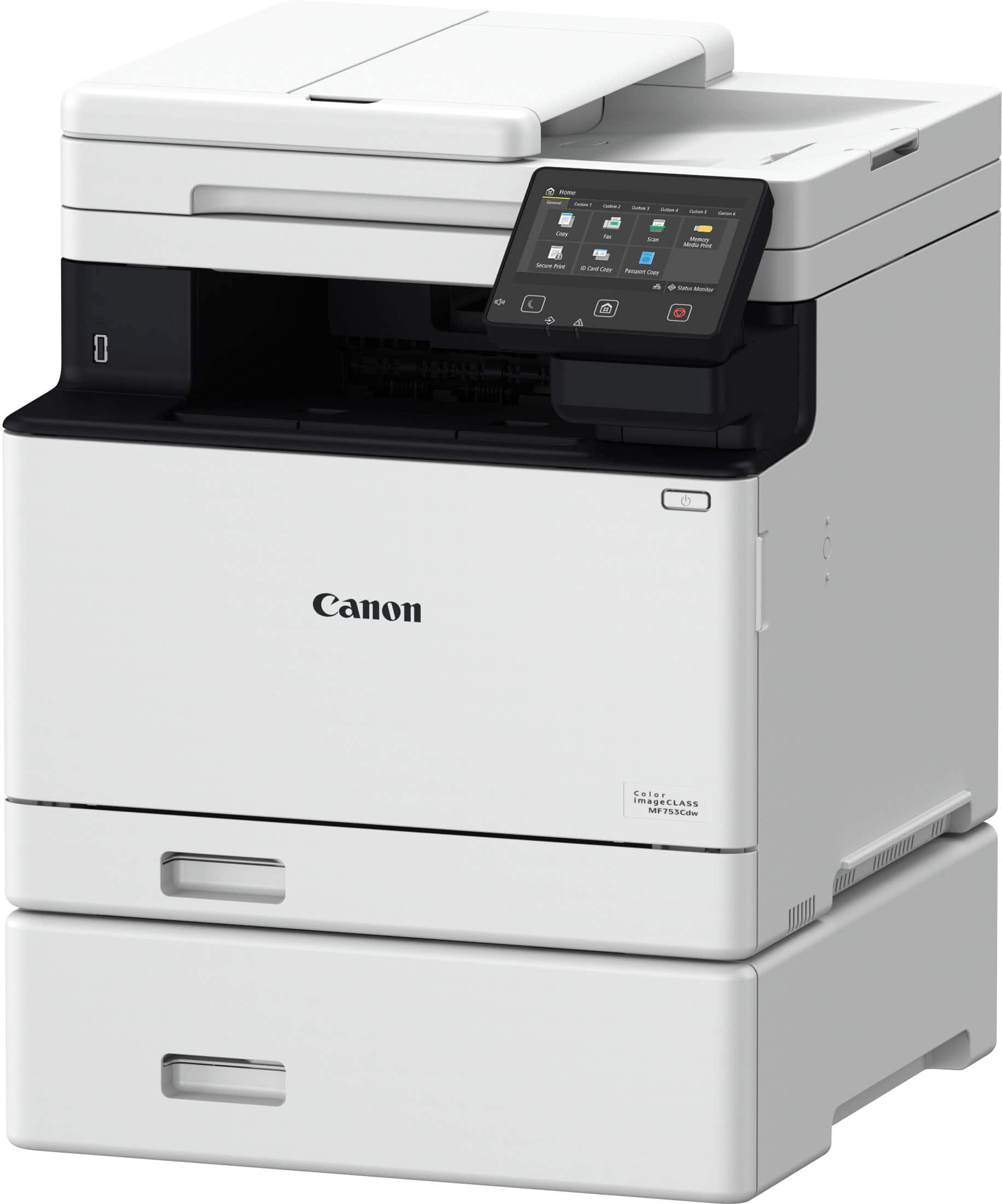
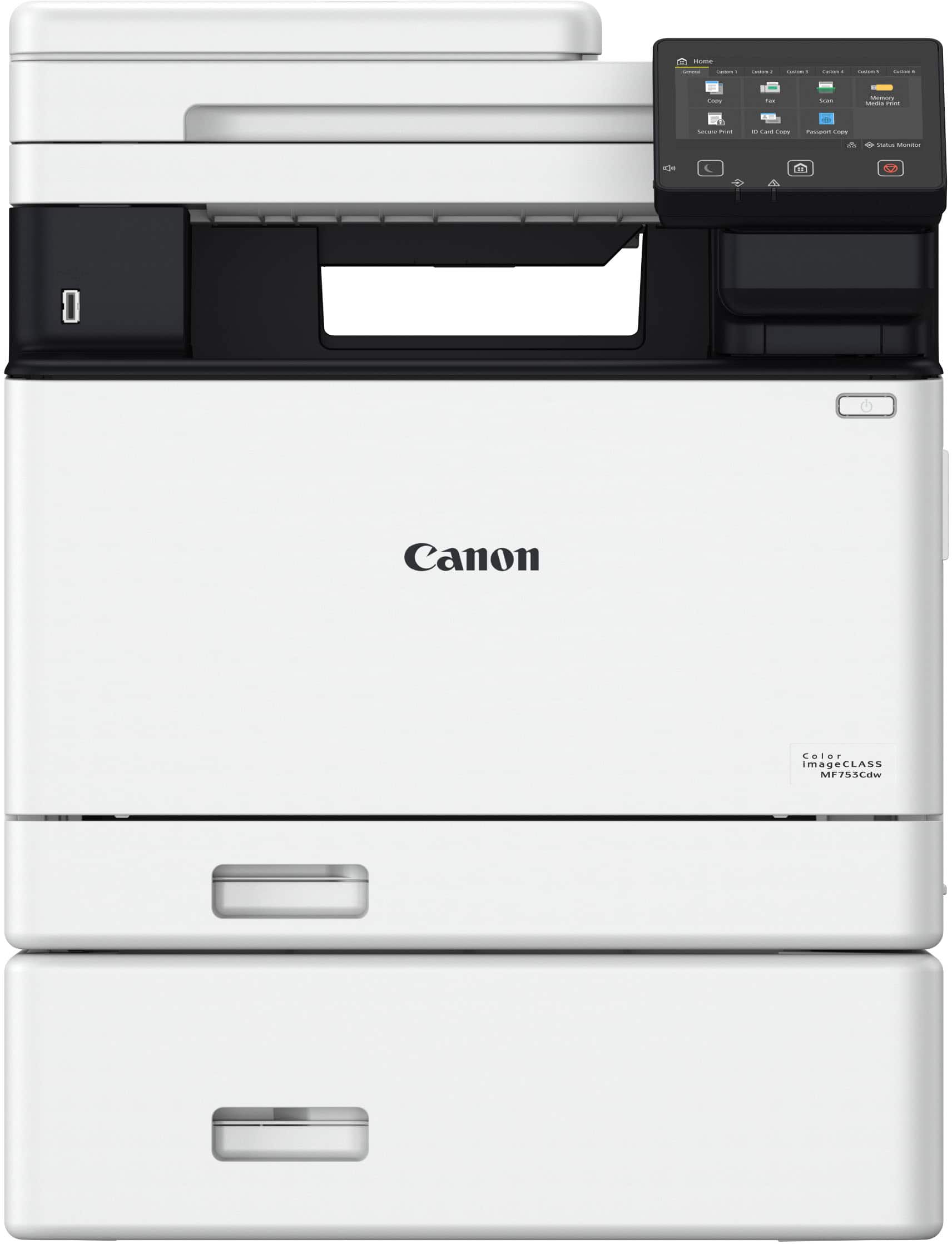

- Model:
- 5455C010
- SKU:
- 6535624
Rating by feature
- Value
Rating 4.6 out of 5 stars
- Quality
Rating 4.8 out of 5 stars
- Ease of Use
Rating 4.6 out of 5 stars
Customers are saying
Customers consistently note the imageCLASS MF753Cdw Wireless Color All-In-One Laser Printer with Fax for its excellent print quality and overall performance. Many find it easy to use and appreciate its straightforward setup. However, some customers have expressed concerns regarding its weight and the usability of its software, scanning capabilities, and touchscreen responsiveness.
This summary was generated by AI based on customer reviews.
Great laser printer
||Posted . Owned for 3 weeks when reviewed.This reviewer received promo considerations or sweepstakes entry for writing a review.Cartridges are a bit pricey but they last quite a long time.
I would recommend this to a friendNice printer
||Posted . Owned for 1 month when reviewed.This reviewer received promo considerations or sweepstakes entry for writing a review.I love the printer now that I finally got it set up. But the set up is terrible.
I would recommend this to a friendCanon scanner/printer review
||Posted . Owned for 1 month when reviewed.This reviewer received promo considerations or sweepstakes entry for writing a review.Great quality Great investment Great financial support
I would recommend this to a friendWorth getting
||Posted . Owned for 1 week when reviewed.This reviewer received promo considerations or sweepstakes entry for writing a review.Got it at a good deal well worth it should last a while
I would recommend this to a friendPrinter
||Posted . Owned for 3 weeks when reviewed.This reviewer received promo considerations or sweepstakes entry for writing a review.Setup was difficult, had to have geek squad assistance. But after that does everything i want it to
I would recommend this to a friendcanon - imageCLASS MF753Cdw
||Posted . Owned for 3 weeks when reviewed.This reviewer received promo considerations or sweepstakes entry for writing a review.great printer: it has exceeded my expectations. bb
I would recommend this to a friendprinter for bussiness
||Posted . Owned for 1 month when reviewed.This reviewer received promo considerations or sweepstakes entry for writing a review.Printer is good, but the ink is costly and runs out quickly. Not ideal for a business.
I would recommend this to a friendGOOD
||Posted . Owned for 1 month when reviewed.This reviewer received promo considerations or sweepstakes entry for writing a review.WORKS GREAT. HOWEVER TIME TO FIRST PRINT TAKES QUITE A WHILE.
I would recommend this to a friendGood but
||Posted . Owned for 1 month when reviewed.This reviewer received promo considerations or sweepstakes entry for writing a review.The printer works very well but the setup is horrible
I would recommend this to a friendGood printer
||Posted . Owned for 1 month when reviewed.This reviewer received promo considerations or sweepstakes entry for writing a review.Works great. Just can’t figure out how to setup scan direct from the printer to the computer. Gives an error when I try to set it up
I would recommend this to a friend- Pros mentioned:Print quality, Setup

An All-in-One for all your home office needs.
|Posted .This reviewer received promo considerations or sweepstakes entry for writing a review.We had been looking for a replacement for another home office printer. My wife and I constantly find ourselves needing to make copies or scan documents to send out digitally so we were looking for something that would cover all of those needs. This unit even includes the ability to fax which will come in handy even if we don’t use it very often. Recently, before we received this printer I was joking with a friend about how you used to have to install software off of floppy disks or CDs whenever you had to setup new hardware. This all-in-one has a very easy setup. First I connected this to my wireless network which was fairly easy. Then the mobile app on my phone, and finally adding it to my home PCs was very straightforward, most of the setup was really just unboxing it and getting it in place and plugged in. The rest of the installation process took less than 10 minutes. Printing is great, text comes out crisp, color images are also nice quality as long as the actual image files are good resolution. It’s a fast printer whether you are printing B&W or color. It’s able to easily print out dual sided documents without the need to have to reload the paper after the first print. The document scanner allows for quite a few documents to be scanned at ounce and easily can send it to your PC if you need to tweak or share digitally. The scanner also allows you to scan dual sided documents without having to reload the second side. Printing sometimes is a chore, but this little all-in-one doesn’t take up too much space, makes printing and scanning a breeze, and has the fax just in case. The setup was very easy, it’s a bit heavy to setting in place you might need a hand, but the rest of it was very simple. The wireless connection is stable and we are able to print wirelessly form not just our PCS, but our phones and tablets as well. This would be an easy recommendation for anyone looking to upgrade their home office setup with a quality, fast, and convenient printer.
I would recommend this to a friend - Pros mentioned:Connectivity, Print quality
Wow, I am impressed!
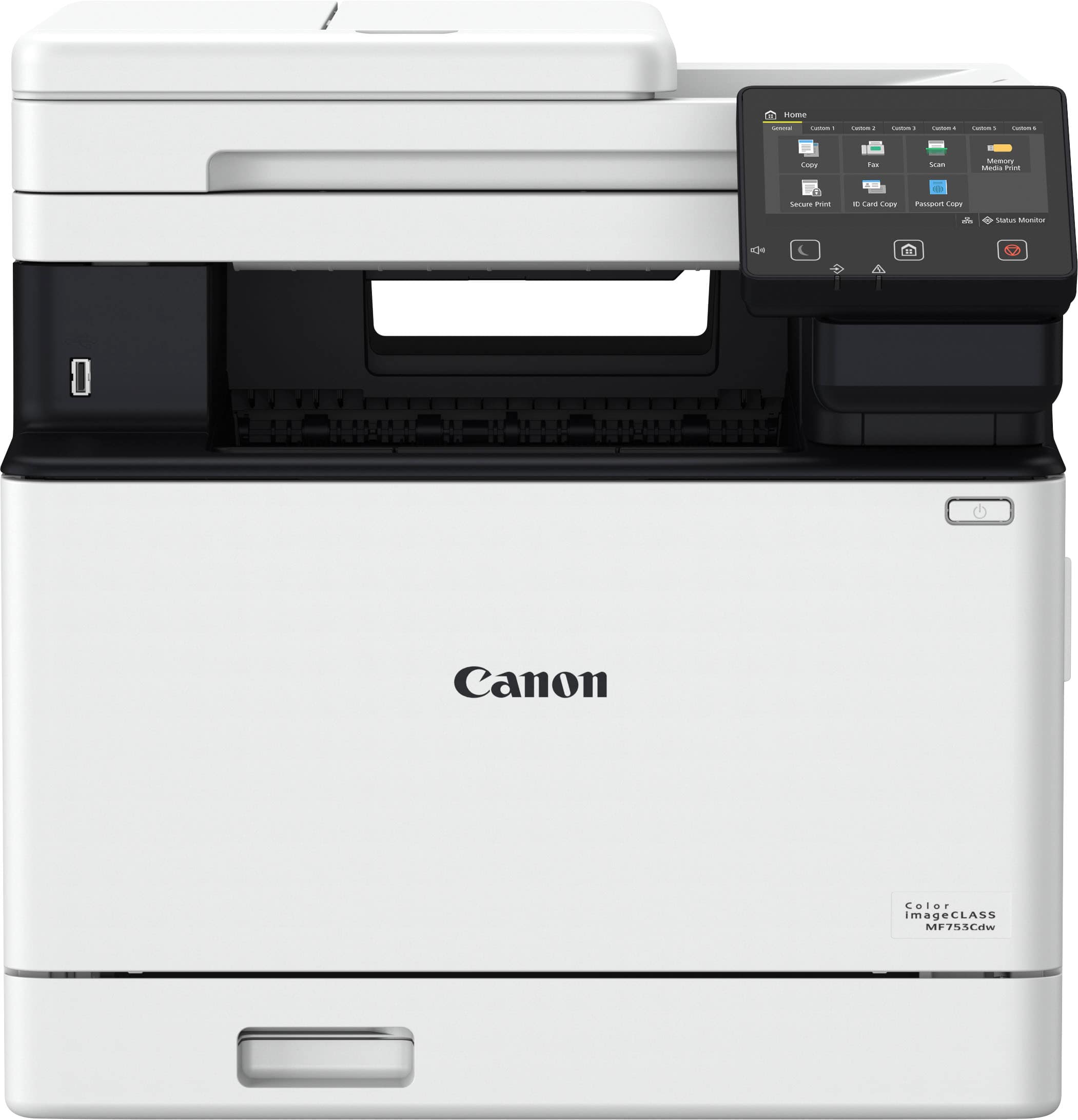
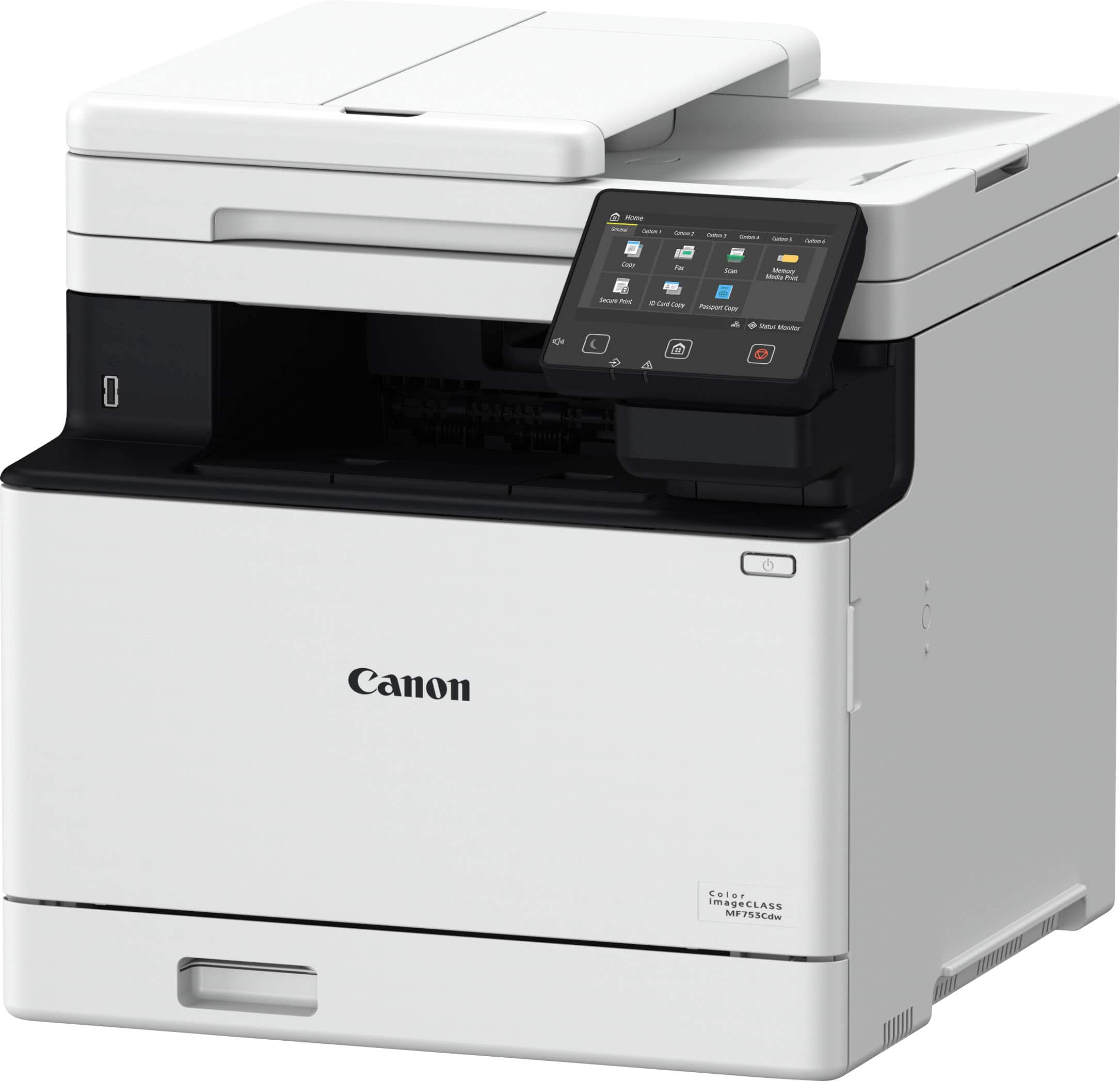
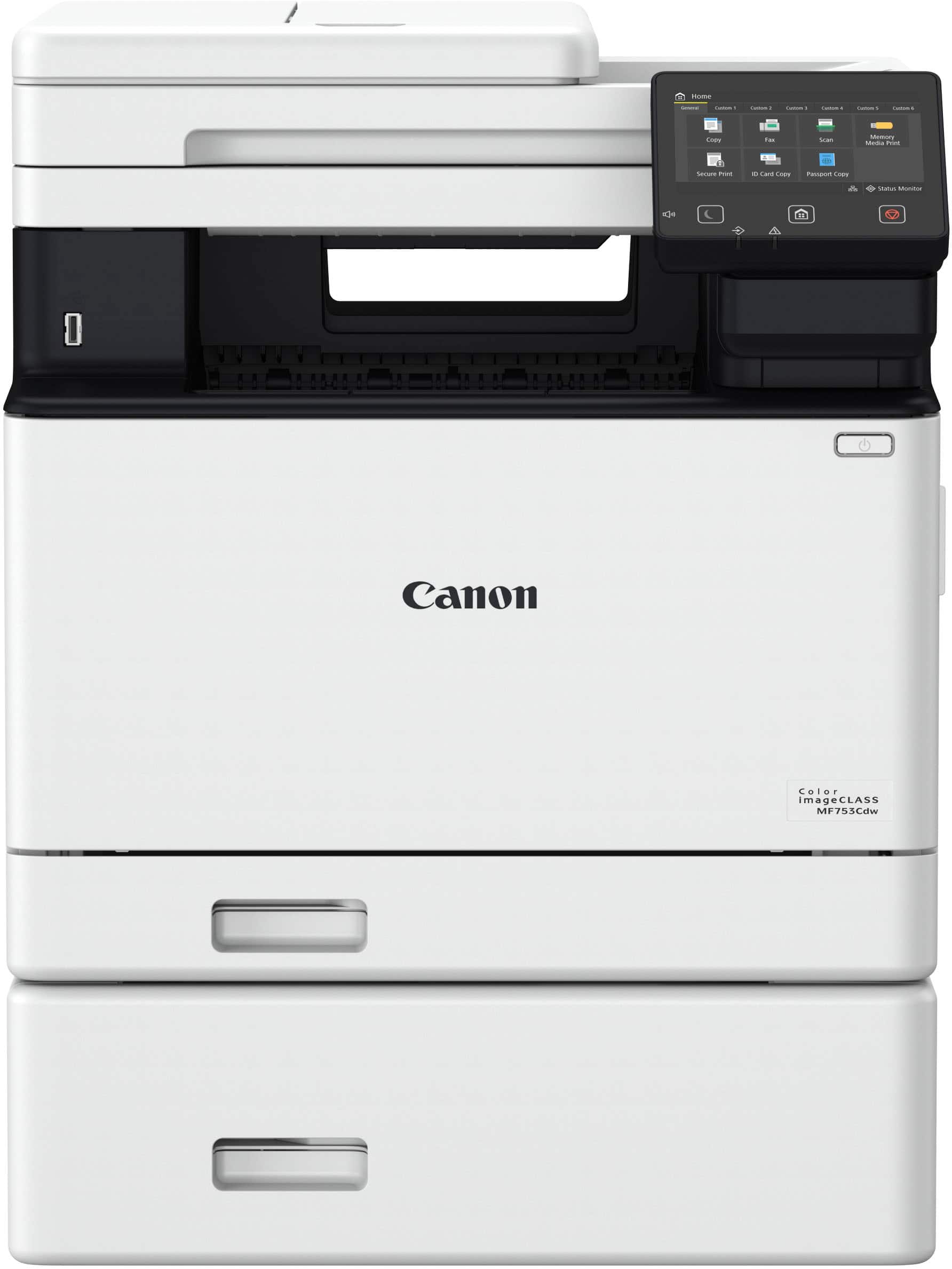
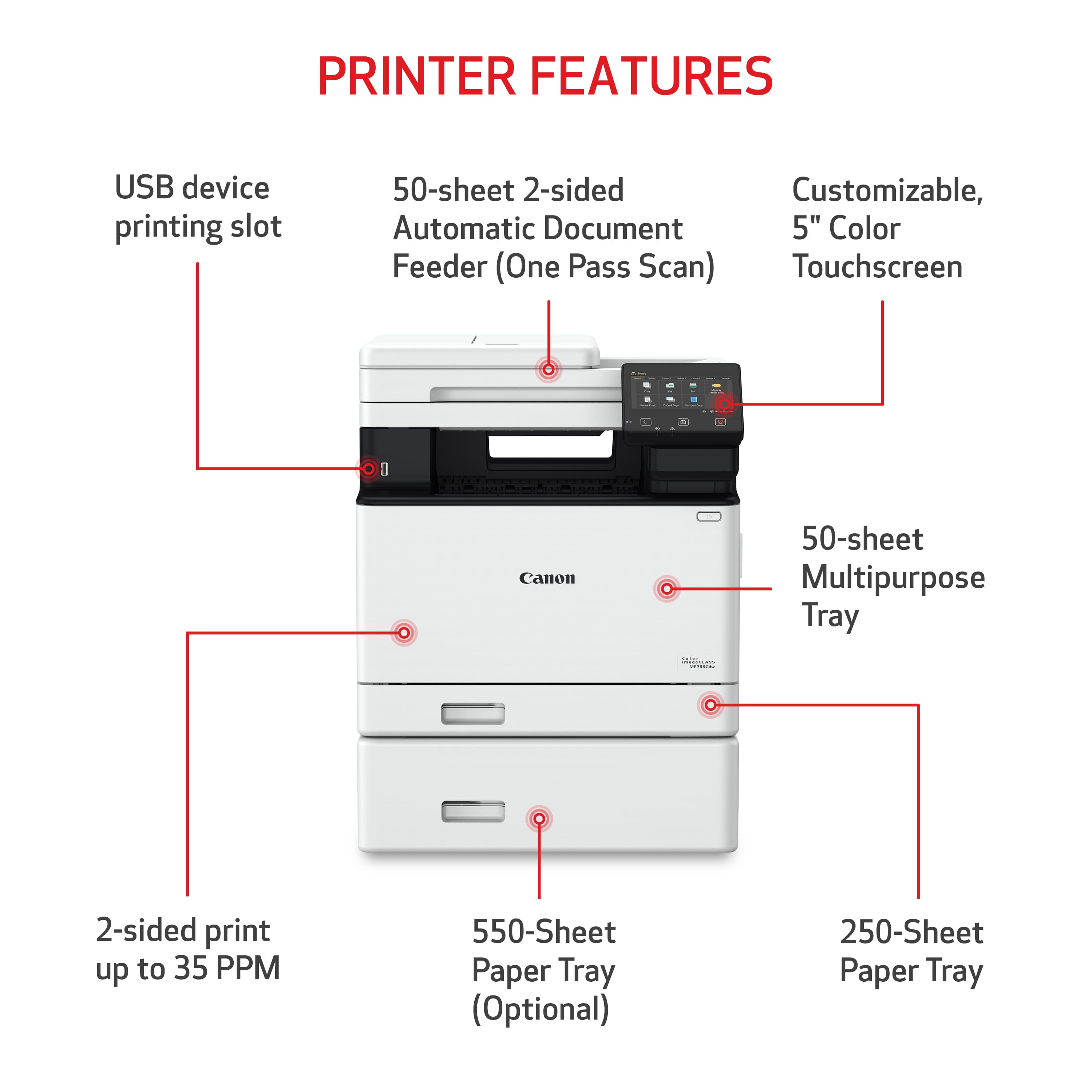
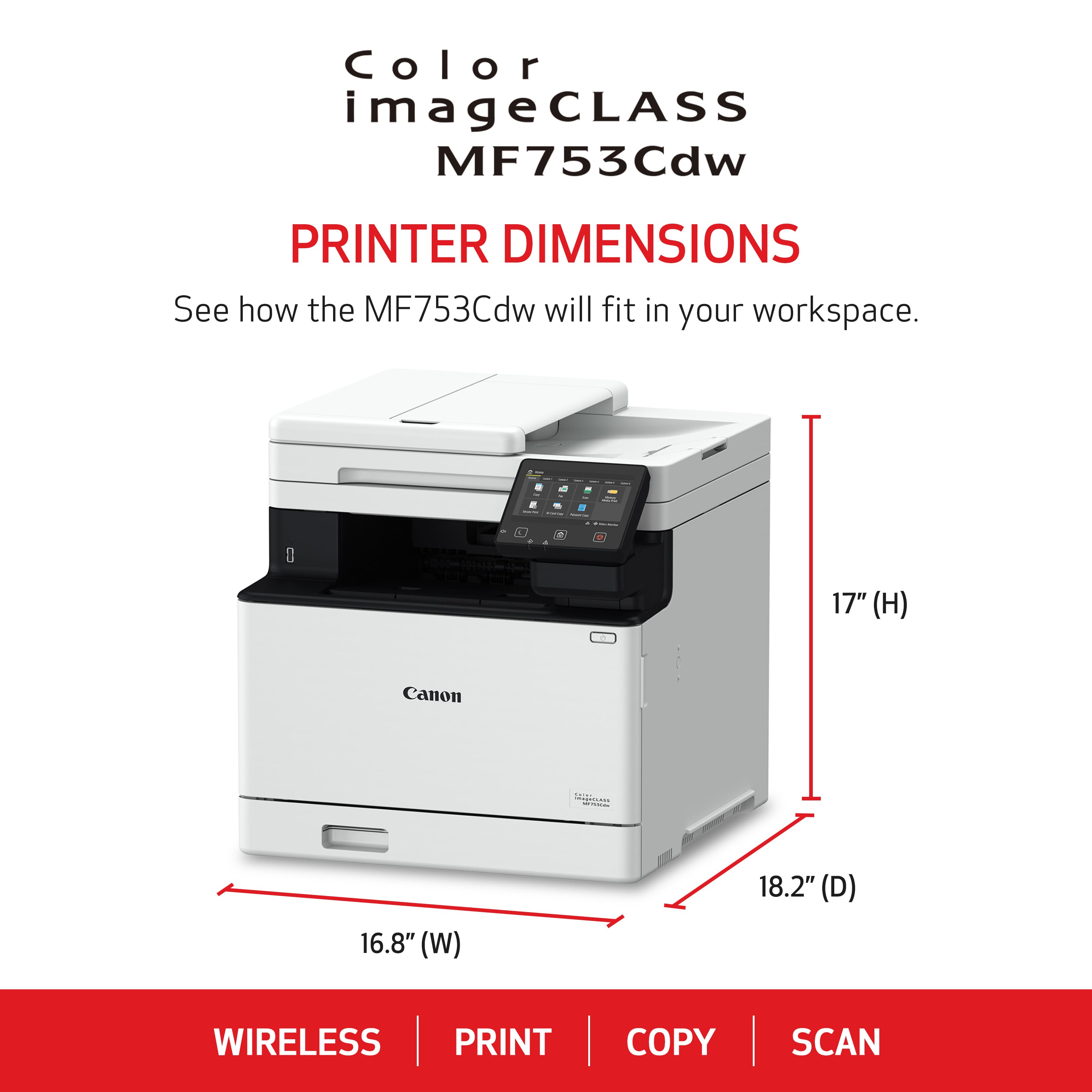
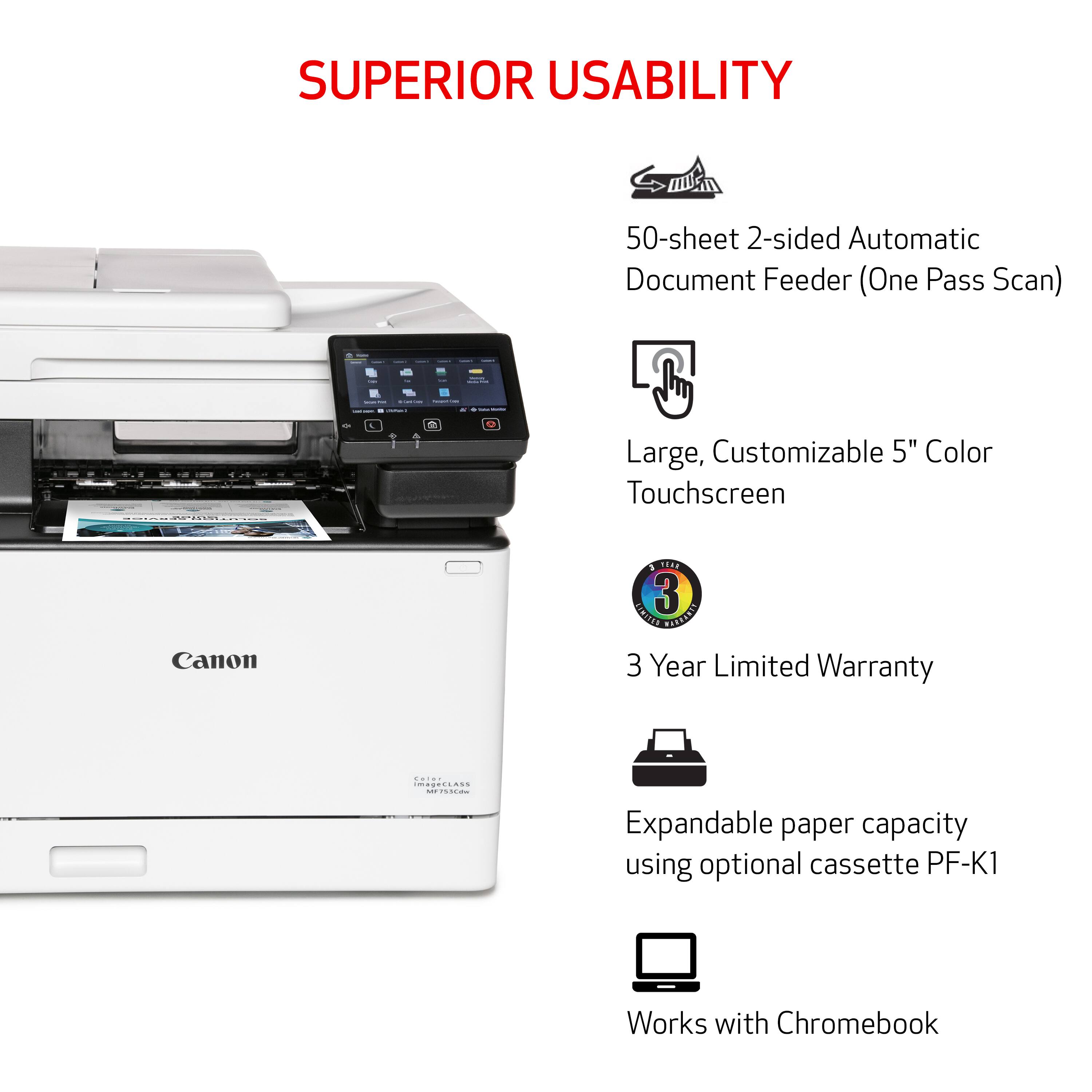
|Posted .This reviewer received promo considerations or sweepstakes entry for writing a review.First off, I have to say that this was by far, the easiest wireless printer I've ever set up. No need to download software (there is a CD included and the software includes additional features) but that's not necessary to get started. Simply plug it in, connect to your network using the touchpad screen, have your computer locate the printer, install, and it works! With the Canon MF753cdw, you can easily scan, print, copy, and even fax (for those who still use a fax) and at 17x17x18 it fits easily in most spaces. It is a little larger than most "home" printers but it features all of the functions of a full-size office printer, in a compact size. The unit is super-quiet and really fast. It prints up to 35 pages/minute (with black ink) but it's also really fast with color. It comes preloaded with toner cartridges which is a huge plus. The included cartridges advertise approximately 2000 pages so they should last quite a while and the ink won't dry up. The 5" touchscreen is large enough to see and it actually works! With the 250 sheet paper tray, refilling won't be required very often, but just in case, Canon offers an optional 550 sheet tray (sold separately). For additional convenience, there is a document feeder as well as a multifunction tray on front for different sizes/types of paper. The scan glass is large enough for most documents and the scan quality is great, For those still using a fax, this has one built in and Canon even included the line to male it work. There's also an ethernet port if you choose to hard-wire your internet connection, and you can hook up directly to a computer. When not is use, the sleep mode kicks in to conserve energy, but it quickly wakes up when needed. Overall, the Canon MF753cdw is fantastic!
I would recommend this to a friend Too new to tell
||Posted . Owned for 3 weeks when reviewed.This reviewer received promo considerations or sweepstakes entry for writing a review.Haven’t had a long enough to give a full review. Do you find the driver and firmware updates to be clumsy?
I would recommend this to a friendGood for alot of paper printing
||Posted . Owned for 1 month when reviewed.This reviewer received promo considerations or sweepstakes entry for writing a review.Good overall printer. Scan function could be better though.
I would recommend this to a friendNot recommended.
||Posted . Owned for 1 month when reviewed.This reviewer received promo considerations or sweepstakes entry for writing a review.Took painstaking steps to get on our network. FAR from “Plug and Play”. And then the color copies and print jobs were hideous. Apparently it’s a defective unit. So after lugging it up to our second floor office, fighting with it for hours on end, have to package it back up and return it. And it’s expensive to boot! Goodbye Canon.
No, I would not recommend this to a friend- Pros mentioned:Print quality
Just what I needed!
|Posted .This reviewer received promo considerations or sweepstakes entry for writing a review.The Canon Color ImageClass MF753cdw is an office work horse for your small business (or larger) printer needs. For me, I work out of my home as does my wife 50% of the time. This is a solid addition to our small business needs. But being up front here, it has a fairly large footprint sitting at 48 pounds and being 17x17x17. But frankly, for a printer of this quality containing the features I will be discussing, it is fairly compact in size. As you open the box, you get the laser printer, power cable, telephone cable, DVD-ROM, setup guide, and the associated paperwork. The printer is fairly heavy, so please keep that in mind when you consider where you are going to place it and maybe have someone there to help out for that part. It is nearly 50 pounds. That said, the set up was simple. You can use the CD/DVD they provided, but I opted to use the set up wizard from my PC. Instead of using a wired connection to set up the printer, I did it via wifi. I am not sure how many printers you have tried that have a touch screen like this one, but they are nothing like that of your phone or tablet. They always feel like you need a stylus, and this printer is exactly the same way. That said, you can easily get your way through doing you test page and set up easily using the touch screen provided. I do like the color display on the LCD display, it is way better then the typical mono color non-touch screen displays. This is a fairly feature packed printer. The most important thing is always print quality for me. After all, you are using this for work so you want a nice product. First for me was the scanner. I did not have a scanner on my old printer and most of the time I ended up taking pictures using my phone and creating PDF’s from them as scans. Short cut for sure, but using this scanner and getting the scan right on your computer helps a lot. Along the same lines, the printer works as a copier and provides some great copies when you need them. Additionally, although I have not tried it yet, this printer has the ability to be a fax machine. Something we needed as well, as believe it or not people still use those things. As far as the printing goes, it is exactly what I needed. I can do anything from printing addresses on an envelope to printing multi colored documents. The resolution is not photo quality, for that I prefer inkjet style printers, but it is still pretty close. It just lacks that glossiness that an inkjet provides. Plus it is fast and it says it does about 35 pages per minute. It’s tray holds about 250 pages as well. One of the things you need to consider is the price of the refill cartridges. It has four cartridges and each comes in around the $100 mark. You can get high capacity ones that boast double the output (plus) and are around double the price. But the great thing about laser printers is that the cartridges last forever. Seriously, they last for a long time, and investment is worth it. At the end of the day, it comes down to whether I would recommend this to a friend or not. I would happily recommend this to a friend, and in fact I already have. It is pretty bulky, but if you have small to medium size business and you need something that will manage a variety of tools you need with one device, this is for you. It has literally replaced my former printer as well as the scanner we were using. Also I never had the option of making copies before, and I like that. Thank you for taking the time to read my review, and I hope it helps guide you in your decision making.
I would recommend this to a friend - Pros mentioned:Print qualityCons mentioned:Software
Great, Fast Multi-function Color Laser Printer!!!
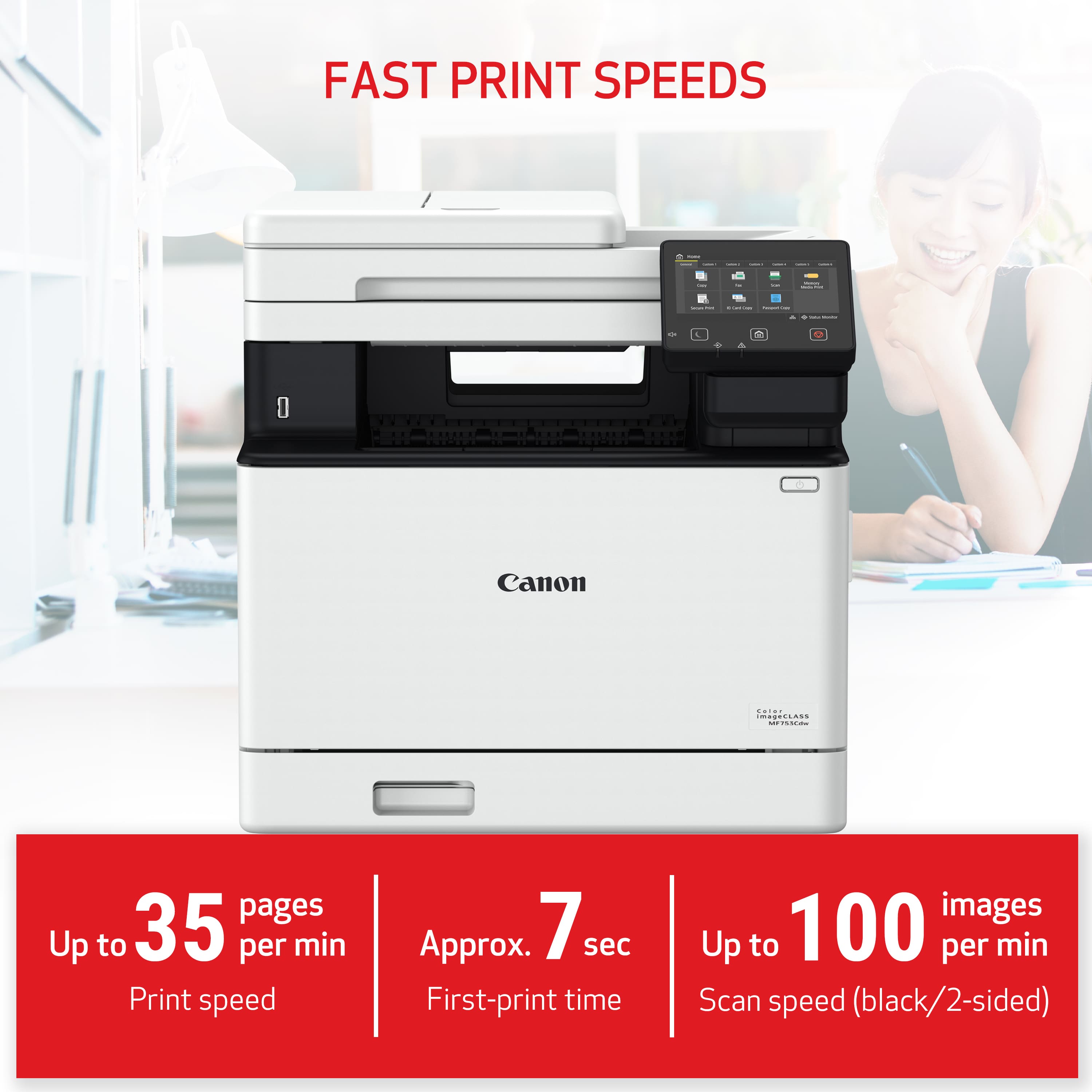
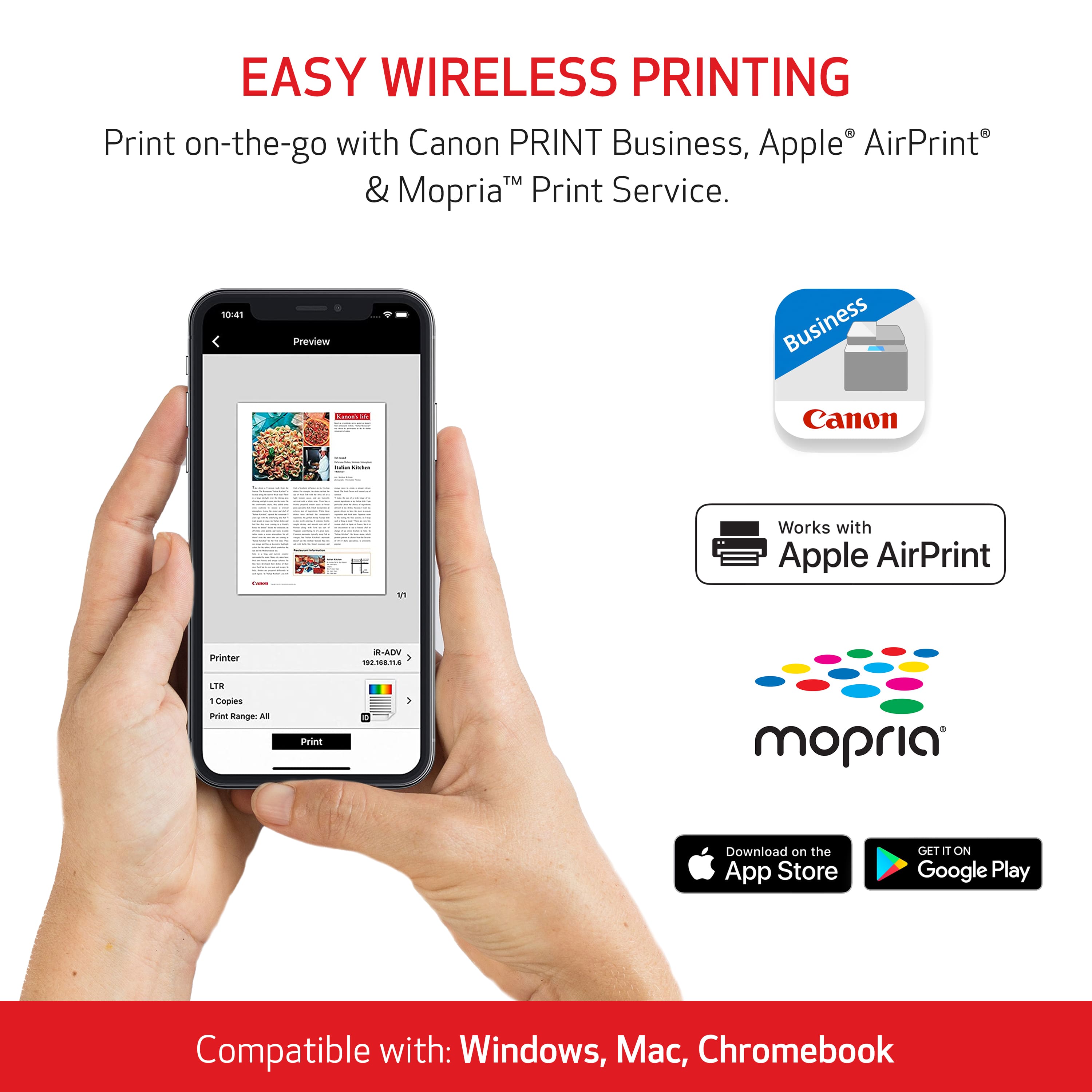
|Posted .This reviewer received promo considerations or sweepstakes entry for writing a review.We have been using the Canon imageCLASS MF733Cdw for the past 4 years and it has been a great printer. With deciding to move that one upstairs for our high schoolers to use, we wanted to get a replacement that was at least as good since we do a decent amount of color printing and a lot a document scanning. So, getting the latest model in that line, the imageCLASS MF753Cdw, was expected to be a great choice, and so far, definitely not disappointed!! The first thing I noticed right out of the box was the less boxy edges. Pretty much every edge has some degree of a curve to it (just like almost all UI's lately), with the only pointy corner being a part of the document feeder cover when it is open. It also seemed to be a little smaller. Sure enough, every dimension is at least 1.5" narrower/shorter. But, even with the smoother look and slightly smaller footprint, it outperforms my older printer in every way! The main paper tray holds up to 250 plain sheets and has a multi-purpose tray that folds down from the front and holds up to 50 plain sheets. The printing is still great! The old printer was fast ("Print" to first page finished), but this model is even a bit faster, taking only about 7 seconds from wake-up/warm-up, to printed page. And only 6 seconds (even with color) if it isn't in power saving mode! And once it gets going, it can print 35 sheets per minute (B&W or Color). The 2-sided printing with the built-in duplexer works the same, printing one side, then automatically pulling the page back in to print the other side. The prints themselves are pretty much as true as possible to the document being printed. There is also a USB port on the front-left to allow printing images and PDF files directly from a USB Drive. There is a file viewer to maneuver through the folders on the USB Drive, that can also show previews of the files (1st page of PDFs). Select the ones you want to print and select the desired printing modes and then choose either B&W or Color Printing. One thing it had an issue with was trying to use a microSD card (64GB) in a card reader, where it could not read the card. One thing I noticed is they removed the NFC Scan to do direct connection printing. The process for Direct Connection has been moved under Mobile Portal. Once turned on, you can connect your mobile device either through Wi-Fi settings (using the detail provided on the connection screen) or through the Canon PRINT Business app using a QR code that can be displayed. With setting up the printer with a LAN or Wi-Fi connection (especially in a home office), I don't see this option being used, but may be nice to have in a different setting. Speaking of mobile device connectivity, while you may be able use the device's printer management to connect and print, I recommend installing two apps (for Android at least, not sure of any other mobile OS): Canon Print Services and either the Canon PRINT Business or Canon PRINT Inkjet/SEPLHY. Both of the PRINT apps give pretty much the same basic functionality (such as document print, scan to mobile and Mobile Capture (does not involve the printer directly), the Business version allow for more, such as Scan and Send by Email and Fax, among others. For the multi-purpose tray, they have changed/improved the overall design. Although I have never run into a problem before, the page pickup mechanism has been improved. For the paper settings, it can have a specified type set, so it only needs to change when changing paper types or can select Specify When Loading Paper to specify with each use. Be sure to select Labels when printing labels or one of the Heavy types when printing on card stock, with both of those actually slowing the paper running through the printer so the toner cures completely. As I mentioned, we do a lot of document scanning (mostly for archival purposes to not need to keep paper around). The Automatic Document Feeder can hold up to 50 sheets and can generally scan 20/40 (Color/B&W) sheets per minute at 300x600 dpi, or 40/50 (Color/B&W) sheets per minute at 300x300 dpi. And having 2-sided scanning is a great, if not a must-have, feature!! For the flat bed scanning, it can handle a single letter/A4 page size. So if needing to scan Legal, be sure to use the ADF and set the appropriate page size in the scan settings. The Windows application that is available, the Canon MF Scan Utility, is probably (and unfortunately still) the only weakness to this. The latest version finally has a refresh interface with a better feel to it, but same functionality. It also has the same missing functionality, such as being able to scan additional pages to be included along with the other already scanned pages. Scanning can also be initiated from the control panel screen, but if you want to have the file saved to the attached computer or emailed, you will need to set up entries in the Address Book. Unfortunately, we haven't had a land line (or even VOIP service) for a long time, so I cannot attest the faxing capability (as much as I would like to as having a fax machine available at home in the past was really nice). In looking through the Fax TX settings, it does seem to allow faxing over a VOIP provider, but there may be other steps involved in order to get it to work properly. And just in case, it comes with its own phone cord! When modifying all the settings preferences, while the touch screen interface works well enough, I find it much easier to use the Remote UI. Before using that, it needs to be network connected, and a PIN set up for the System Manager Mode. While it may not be the cheapest MFP around, it is definitely on the higher quality end! And if our last printer is any indication, it will last a long time (well, with lower to medium use, but probably even with higher use).
I would recommend this to a friend - Pros mentioned:Print qualityCons mentioned:Weight
Huge printer ,fast printing quality machine
|Posted .This reviewer received promo considerations or sweepstakes entry for writing a review.Wow big laser printer , it holds hundreds of sheets of paper it has everything you need including fax machine. I know fax machines are dying slowly but still i have places that tell me just fax it. This printer is awesome another great product from canon. Also this thing has double sided printing , wifi , 5000 sheets on color and 7000 for black . So you get lots of prinitng for the ink cartridge that if you compare to ink jets ones just a few hundred at best. Also if you dont use the ink jet that ink does dry out. You will not have that issue with laser jet. It has a nice sized display screen that you can control things from. The app is nice too easy to understand and even change some settings from there . Print quality was very good too crisp and clean and the sheets of paper are warm too feels like a nice warm loaf of bread lol. Now only 2 things that i had issues with. First one is finding the ink for this in guessing this printer is new and its pricey as well $180-200 a cartidge . I wish it was better priced. Second issue was how heavy this printer is i saw on the specs it says 48lbs. With that said better know that where you plan on putting it , that you dont need to move it.
I would recommend this to a friend I will never buy again.
||Posted . Owned for 1 month when reviewed.This reviewer received promo considerations or sweepstakes entry for writing a review.If you need help do not call online customer service. They said they will do it and nothing happen.
No, I would not recommend this to a friend- Pros mentioned:Connectivity, Print quality
Well built affordable true laser color printer
|Posted .This reviewer received promo considerations or sweepstakes entry for writing a review.I received this printer for review. The set up was easy and straight forward. I downloaded the install software from Cannon as my computer did not have a CD reader. This is always a good practice anyway as the drivers and programs are the latest, the CD can have older versions. The printer had a firmware update available which I installed. The install went smoothly and I was up and printing as well as scanning in about 10 minutes. The more advanced settings allow scanning to email or FTP or a network storage. These advanced settings as well as a plethora of printing options are available through the web UI. Although this printer can print photos it the color is not as vibrant as an inkjet. With this limitation in mind it is fine for business color printing of any type even photos. The printer wakes quickly and outputs pages in duplex at blazing speed! I was very impressed at the clarity of the text, much sharper than my HP inkjet printers. The printer will accept high yield cartridges which will last for approximately 6000 pages depending on the output type. Although the cartridges are expensive they will last a long time, likely a year or more for a home user; a few months in my business. I was equally impressed by the scanning, full one pass duplex scanning using the ADF is included! The scanning is not the fastest I have used but the detail is great. The Flatbed can be used to scan books or thicker source materials as the top cover has extending arms that allow this. The cover will also stay open if needed. The ADF has worked flawlessly with no jams. The maximum resolution is 600 dpi. I set my printer up with Ethernet I felt this was best for a small office, once installed and shared all computers on the network and mobile phones connected to my network using WiFi can print to it with no problems. The printer has NFC print that allows printing directly from mobile devices with NFC. You can not have wireless and Ethernet enabled at the same time so no WiFi direct if you use Ethernet. Home users may prefer setting the printer up with WiFi, you can also use USB but the cable is not included. This printer is heavy 62 lbs, so you should have somebody around to help lift and place the printer. The aesthetic design of the printer is really nice, it looks good and is very functional. The large touchscreen LCD control panel is easy to read and use. The printer has a 250 page tray and a 50 page auxiliary tray. A 500 page additional tray is available for this printer as well. The output tray holds 75 pages. This printer is really well made and looks good. It is one of the few affordable laser printers still using a true laser not LED. It is perfect for home office or a small business. I highly recommend it if you are looking for a color printer.
I would recommend this to a friend