Customer Ratings & Reviews
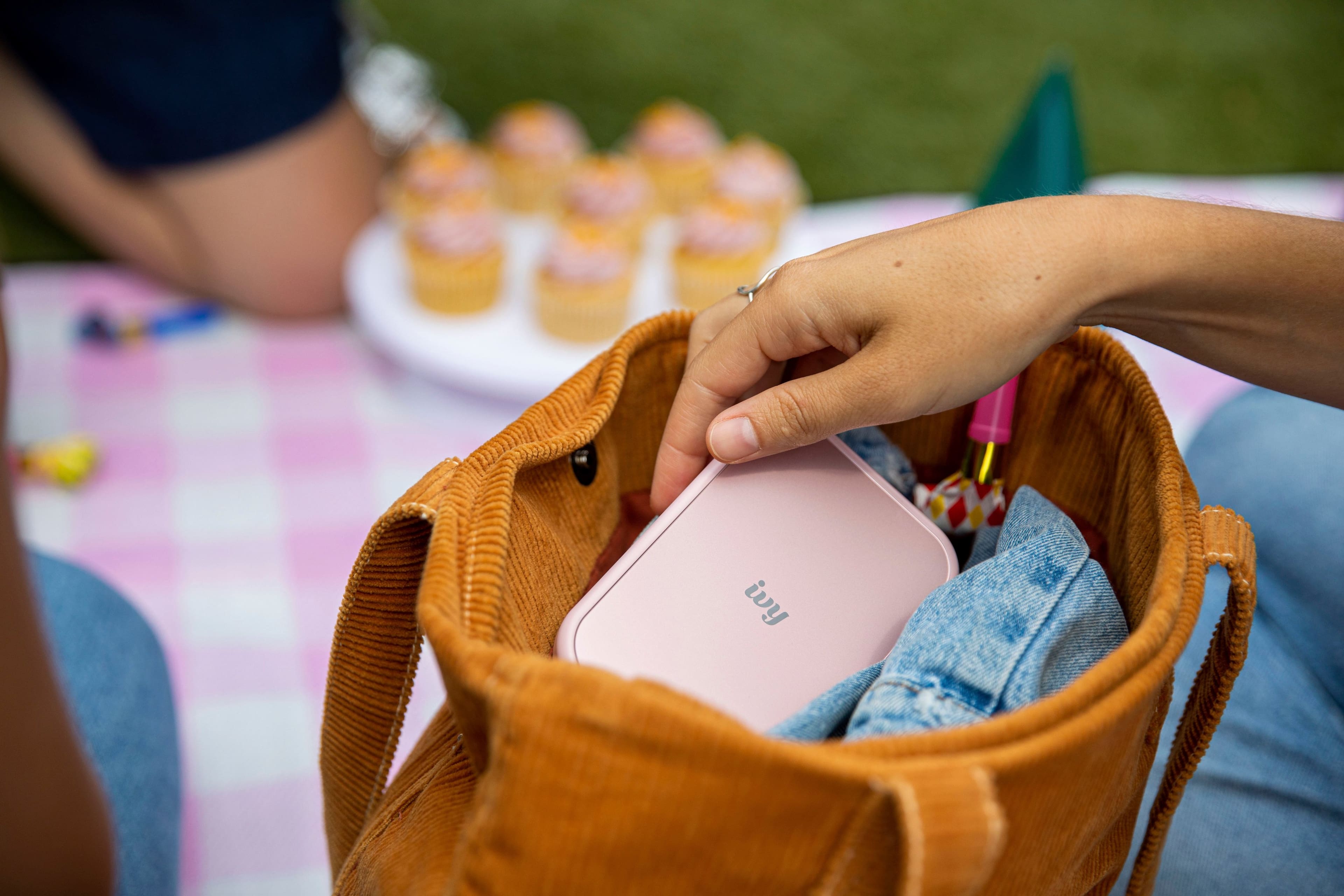


- Model:
- 5452C017
- SKU:
- 6522091
Rating by feature
- Value
Rating 4.7 out of 5 stars
- Quality
Rating 4.7 out of 5 stars
- Ease of Use
Rating 4.8 out of 5 stars
Customers are saying
Customers have good things to say about the IVY 2 Mini Photo Printer, especially regarding its print quality and ease of use. The size and overall performance are also appreciated by users, along with the fun sticker feature. However, some customers have expressed concerns about the battery life, while a few others mentioned connectivity and price.
This summary was generated by AI based on customer reviews.
- Cons mentioned:Battery life, Price
Battery life is awful
||Posted . Owned for 2 months when reviewed.This reviewer received promo considerations or sweepstakes entry for writing a review.Battery life is absolutely terrible. The quality of the pictures look very old similar to a polarized rather than an HD photo. Charged at 100% the device is only able to print about 7 pictures before it will need to be charged again. Extremely overpriced for how cheap the quality is.
No, I would not recommend this to a friend Cute printer
||Posted . Owned for 2 weeks when reviewed.This reviewer received promo considerations or sweepstakes entry for writing a review.Very easy setup, and cute little printer works great.
I would recommend this to a friendGreat Buy!!
||Posted . Owned for 3 weeks when reviewed.This reviewer received promo considerations or sweepstakes entry for writing a review.The cutest thing ever!!!! I didn’t know how much I needed this!
I would recommend this to a friendGreat little products for small pictures
||Posted . Owned for 3 weeks when reviewed.This reviewer received promo considerations or sweepstakes entry for writing a review.Overall great product. It will take awhile to print a photo but I have had the original and have had no issues.
I would recommend this to a friendPerfect
||Posted . Owned for 1 month when reviewed.This reviewer received promo considerations or sweepstakes entry for writing a review.Perfect 1 of my best Xmas gift I gave this year, thank you.
I would recommend this to a friend- Pros mentioned:Print quality
Fantastic gift to my daughter
||Posted . Owned for 3 weeks when reviewed.This reviewer received promo considerations or sweepstakes entry for writing a review.My daughter wanted this and i am not teck savvy so i came to bestbuy and purchased everything in one fell swoop. Long story short she loved this gift and it prints beautiful pictures and moms hapoy daughter is happy ..
I would recommend this to a friend Quality not sufficient compared to other printers
||Posted .This reviewer received promo considerations or sweepstakes entry for writing a review.The quality of this little printer is just not up to standards to other polaroid machines. Only pluspoint is that the foto papers are more affordable than others. But unfortunately I will be returning this.
No, I would not recommend this to a friendGood choose
||Posted . Owned for 3 weeks when reviewed.This reviewer received promo considerations or sweepstakes entry for writing a review.Very good product. Very nice And the price is better.
I would recommend this to a friendSolid Choice
||Posted . Owned for 1 week when reviewed.This reviewer received promo considerations or sweepstakes entry for writing a review.A great small form factor printer. Only negative is color quality of the print.
I would recommend this to a friend- Pros mentioned:Print quality
Mimi photo printer
||Posted . Owned for 3 weeks when reviewed.This reviewer received promo considerations or sweepstakes entry for writing a review.This product is amazing! You can print any picture from anywhere straight onto prints! You can pin them up or stick them on anything!
I would recommend this to a friend Reviews are misleading
Posted .This reviewer received promo considerations or sweepstakes entry for writing a review.Brand new chrismas present printed 2 good photos then everything became lined ane blue. Very disappointed
No, I would not recommend this to a friendGreat product!
||Posted . Owned for 1 month when reviewed.This reviewer received promo considerations or sweepstakes entry for writing a review.I bought this for my significant other and she loves it!
I would recommend this to a friendOk printer
||Posted . Owned for 1 month when reviewed.This reviewer received promo considerations or sweepstakes entry for writing a review.Is a nice printer and the app comes with frames and formatting options that are really cool. The only problem is how accurate the printed pictures colors are compared to the original image. I find myself editing brightness all the time to make them look more accurate.
I would recommend this to a friend- Pros mentioned:Print quality
Print
||Posted . Owned for 1 month when reviewed.This reviewer received promo considerations or sweepstakes entry for writing a review.Great produkt ! My daughter loved and me too!! Print great stickers
I would recommend this to a friend - Pros mentioned:Ease of use
Great Mobile printer
||Posted .This reviewer received promo considerations or sweepstakes entry for writing a review.Useful printer for an iPhone & very easy to connect!
I would recommend this to a friend - Pros mentioned:Ease of use, Print qualityCons mentioned:Connectivity

We really love this printer
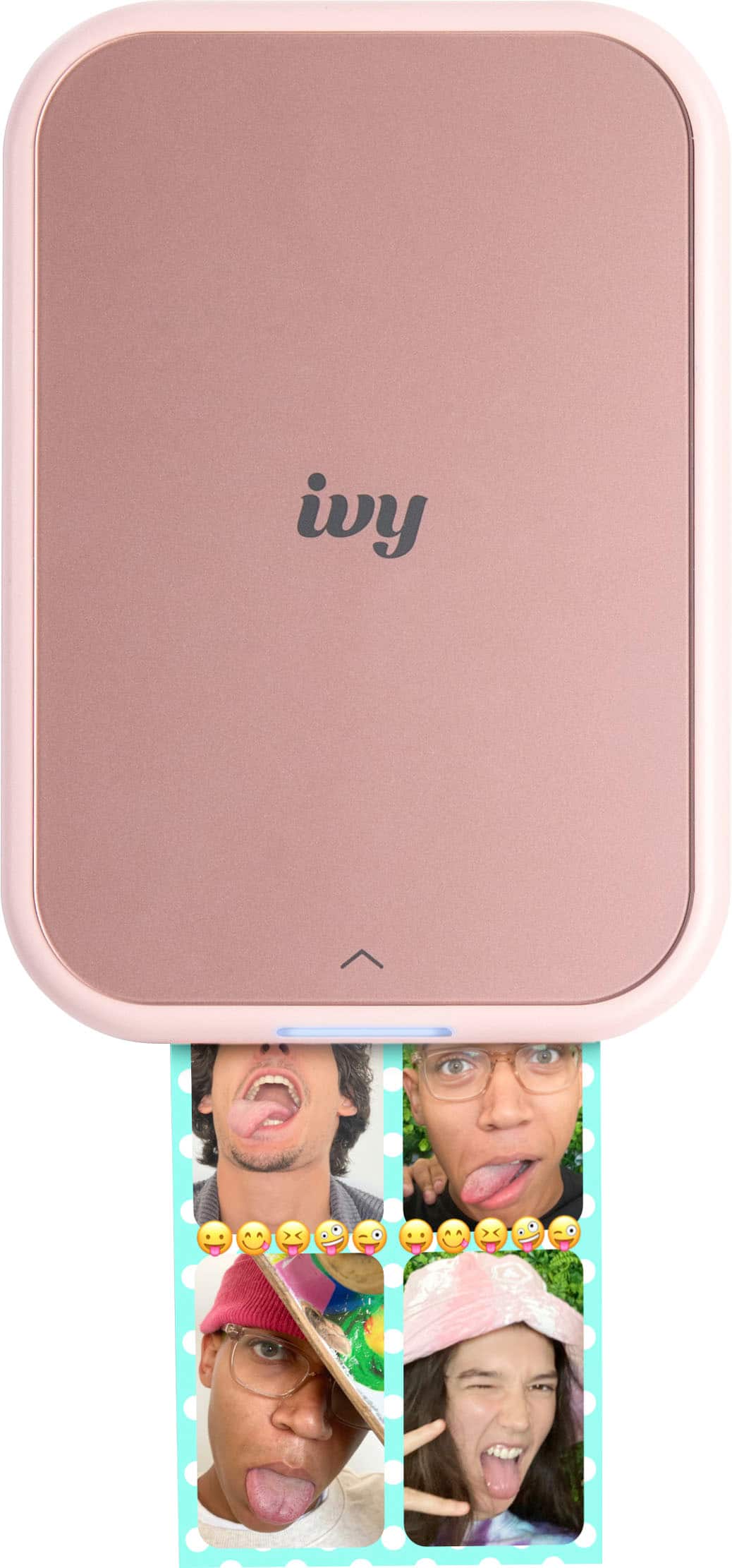
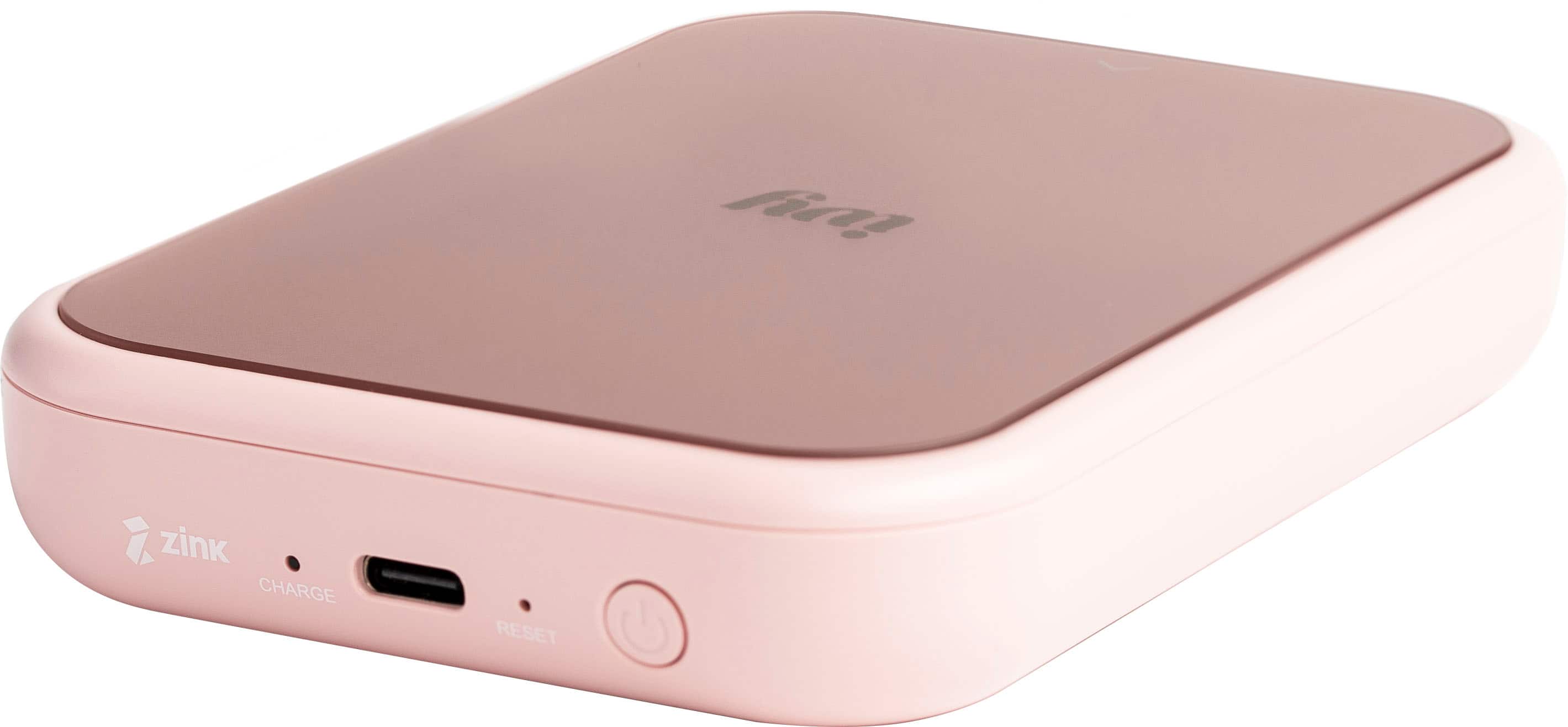
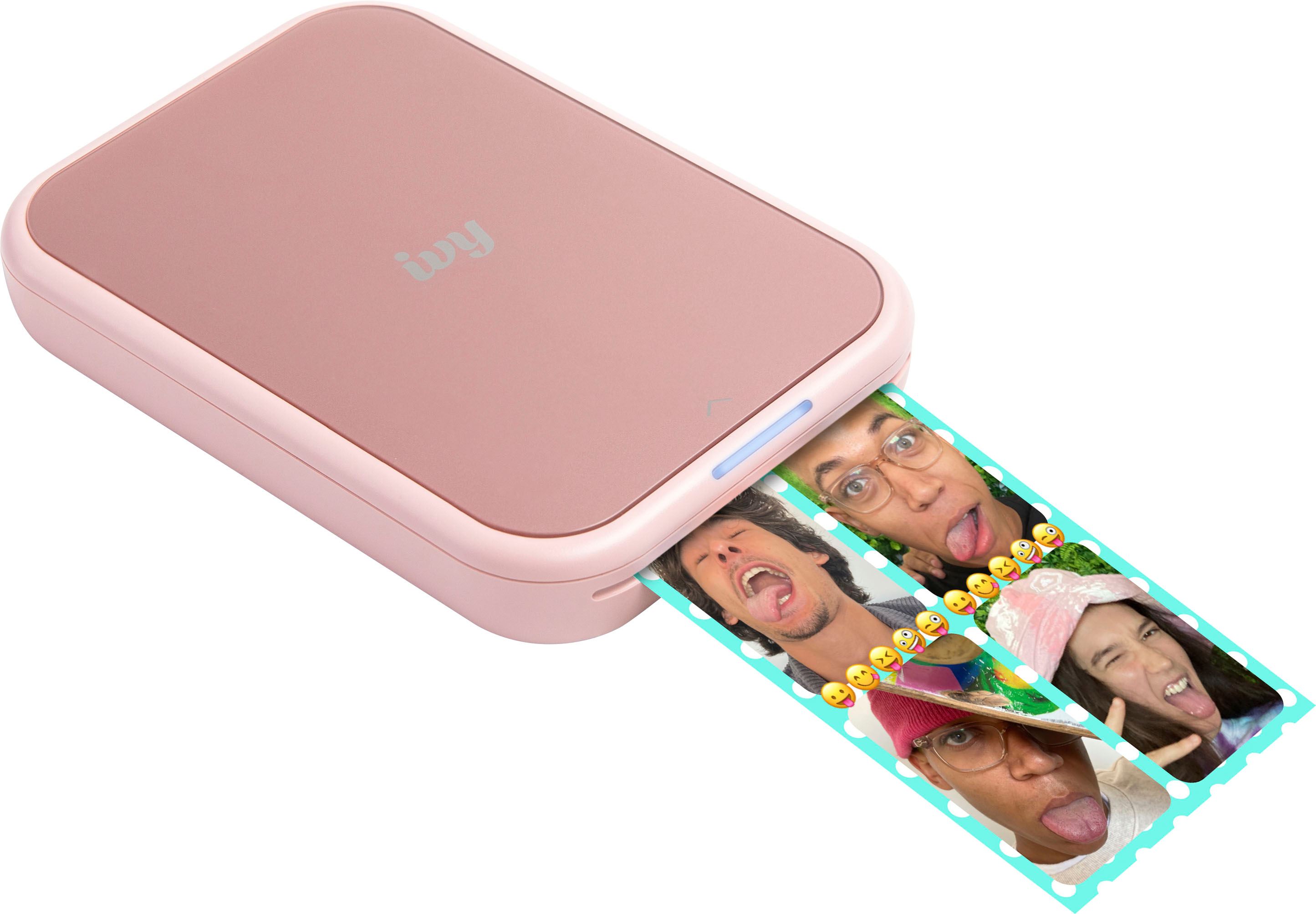
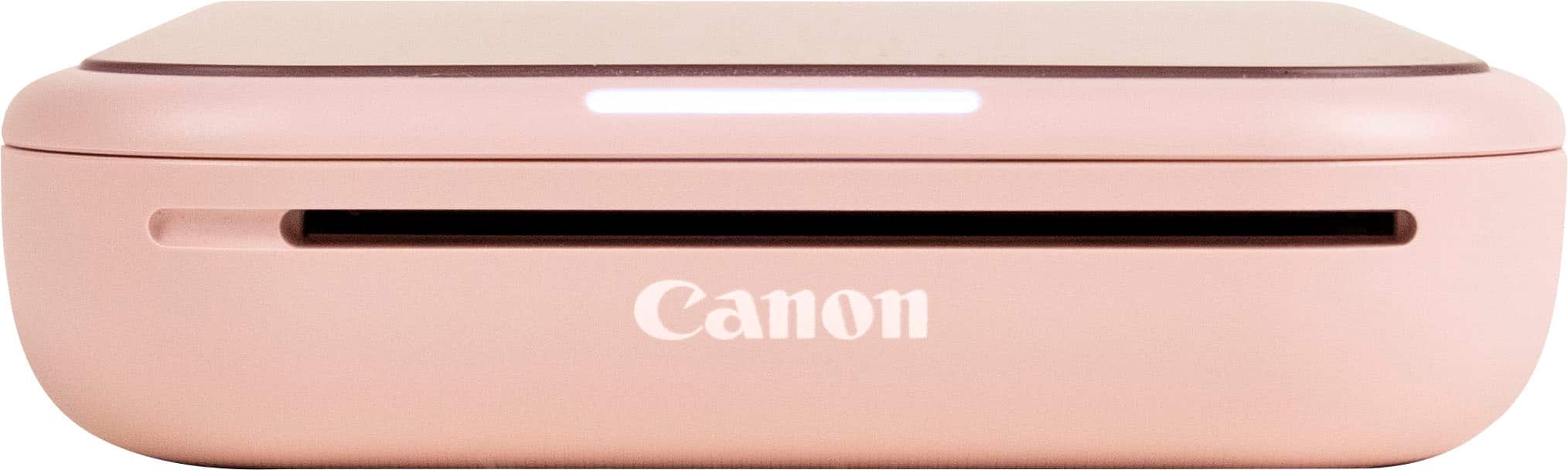
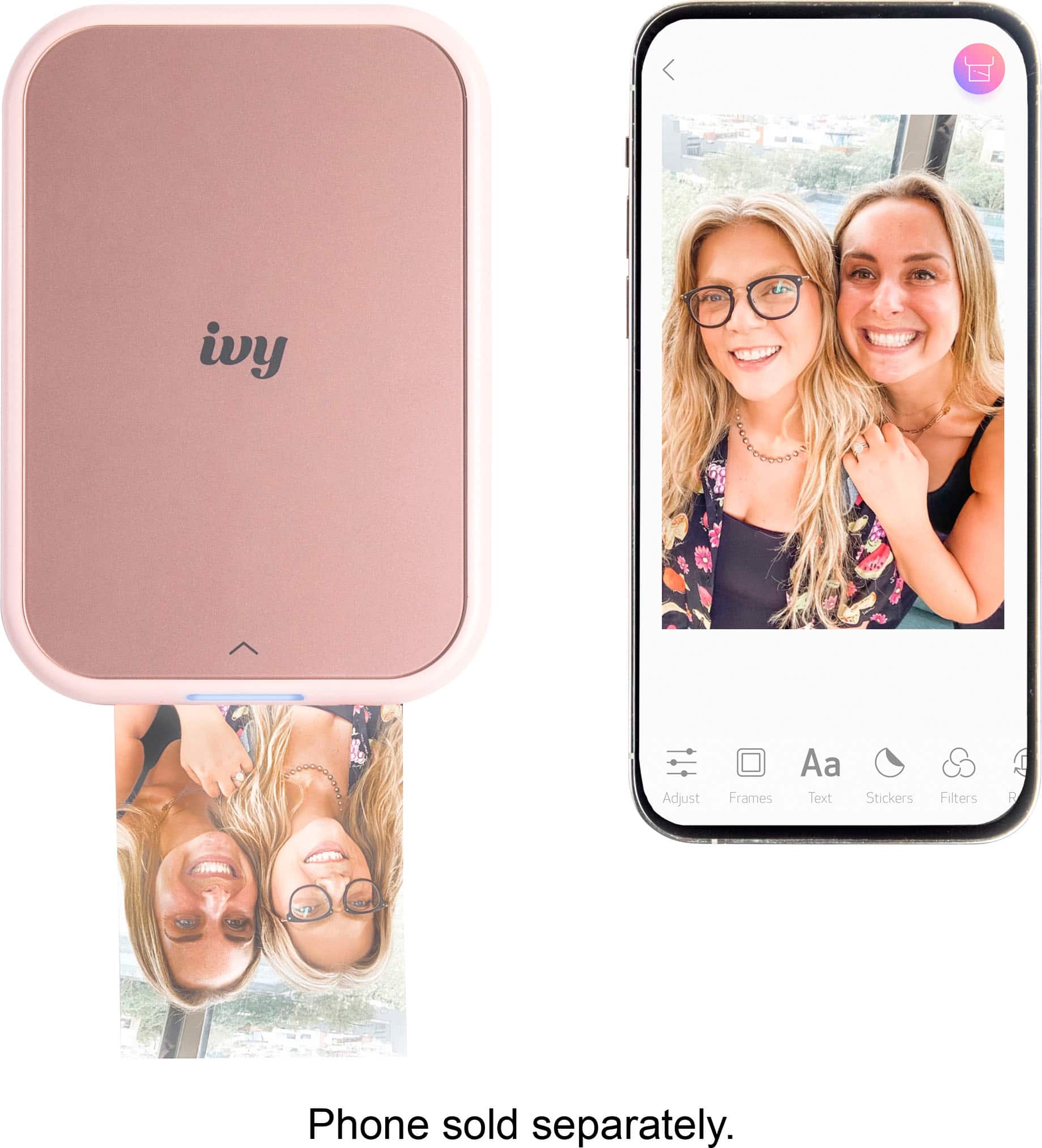
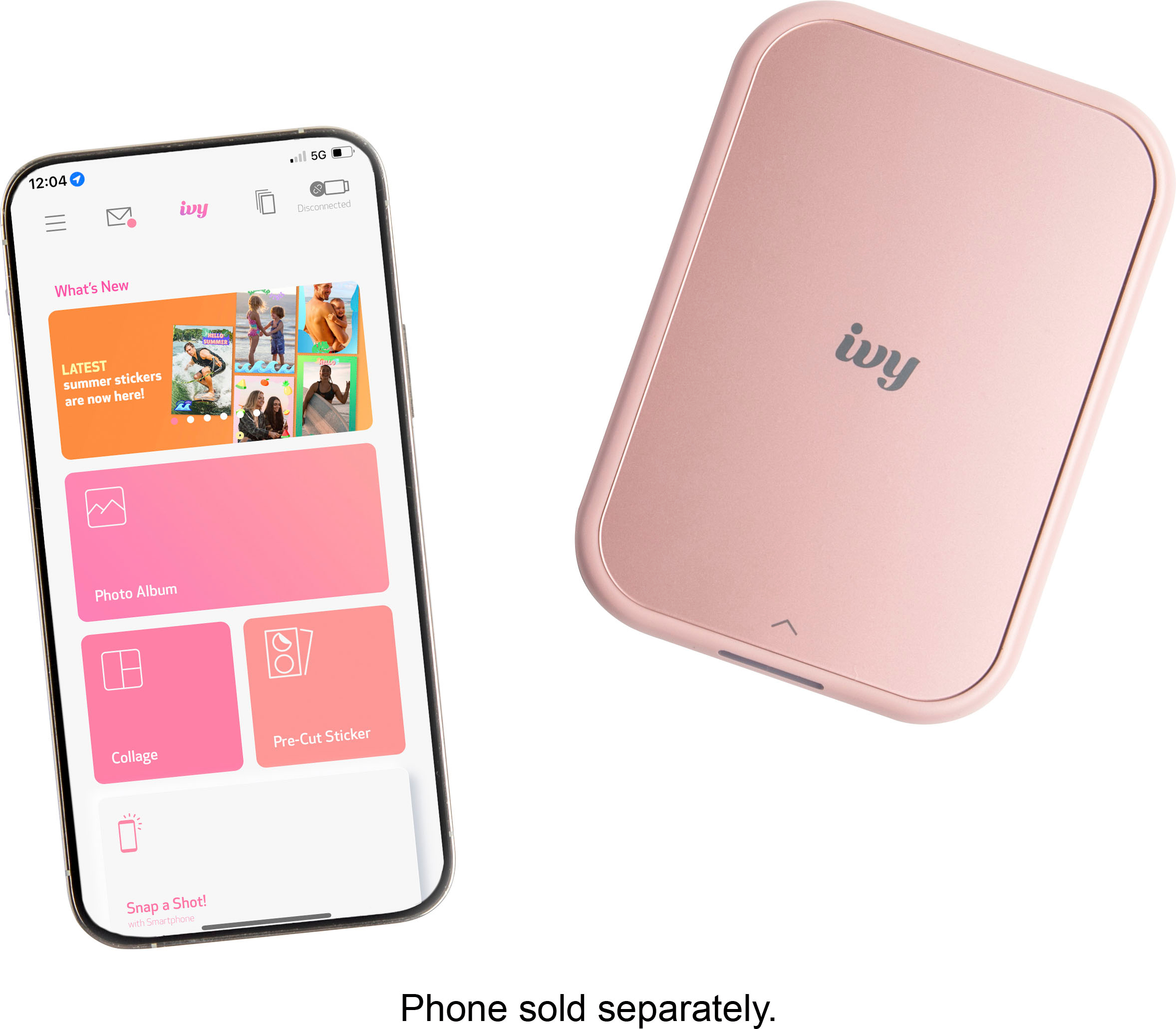
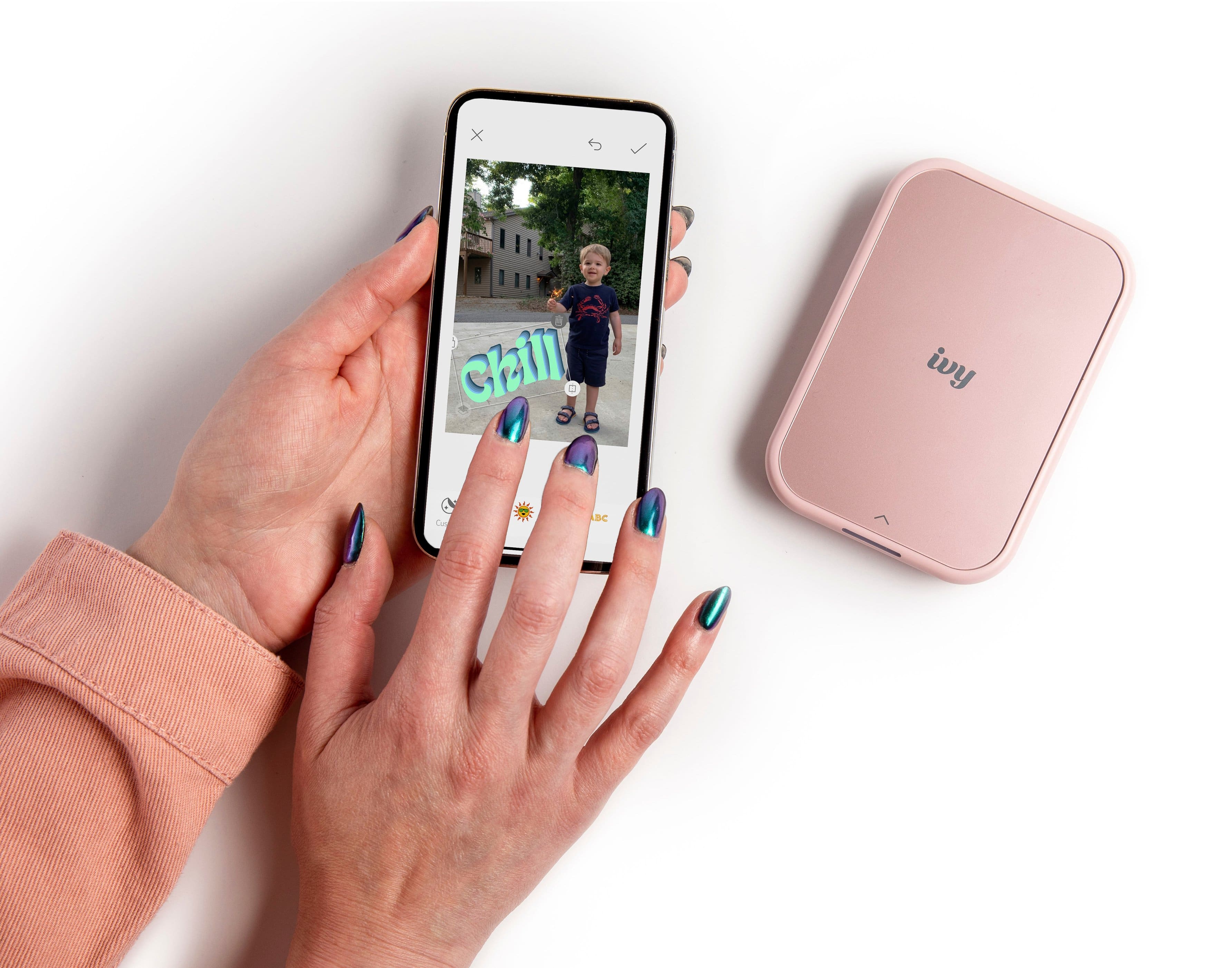
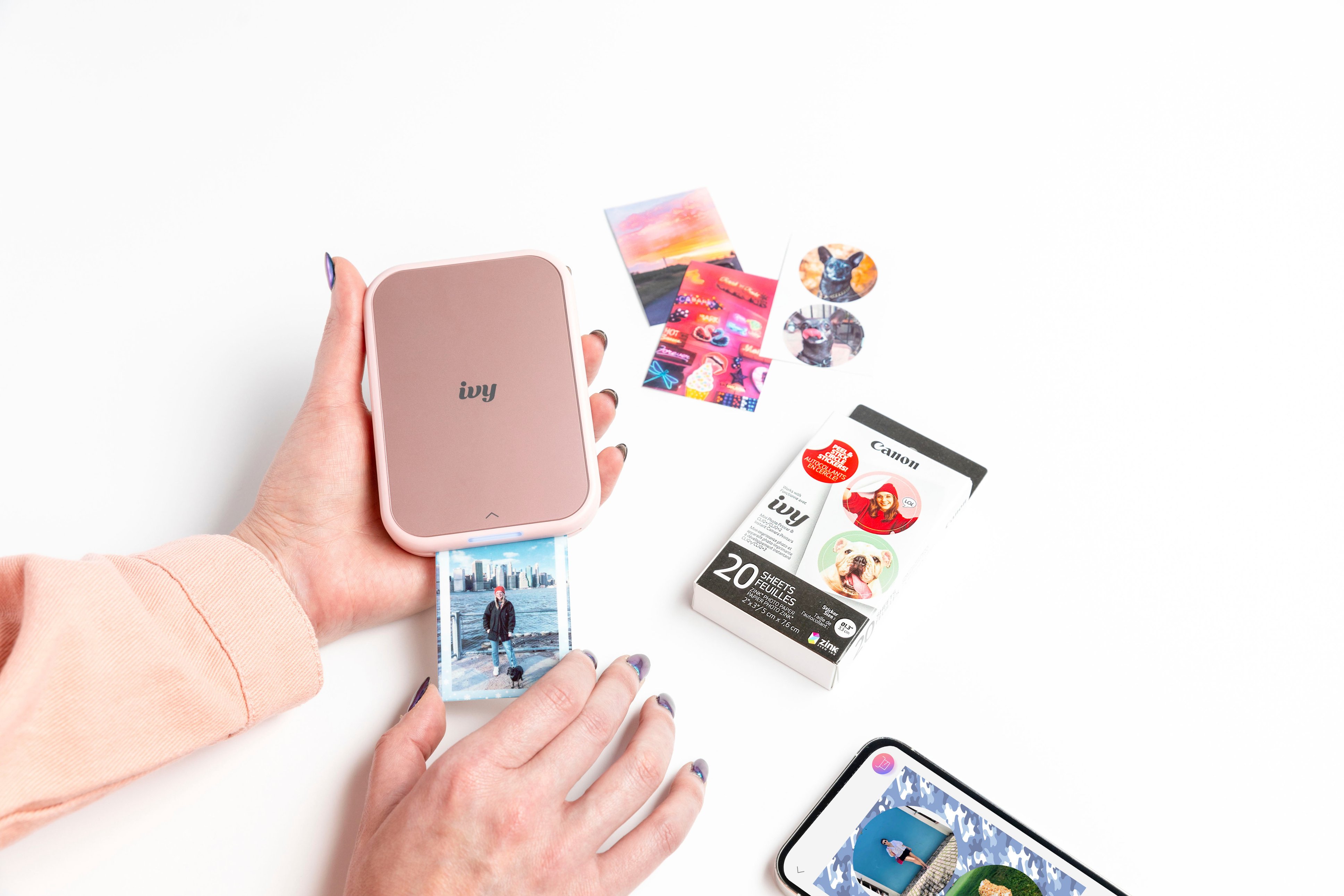
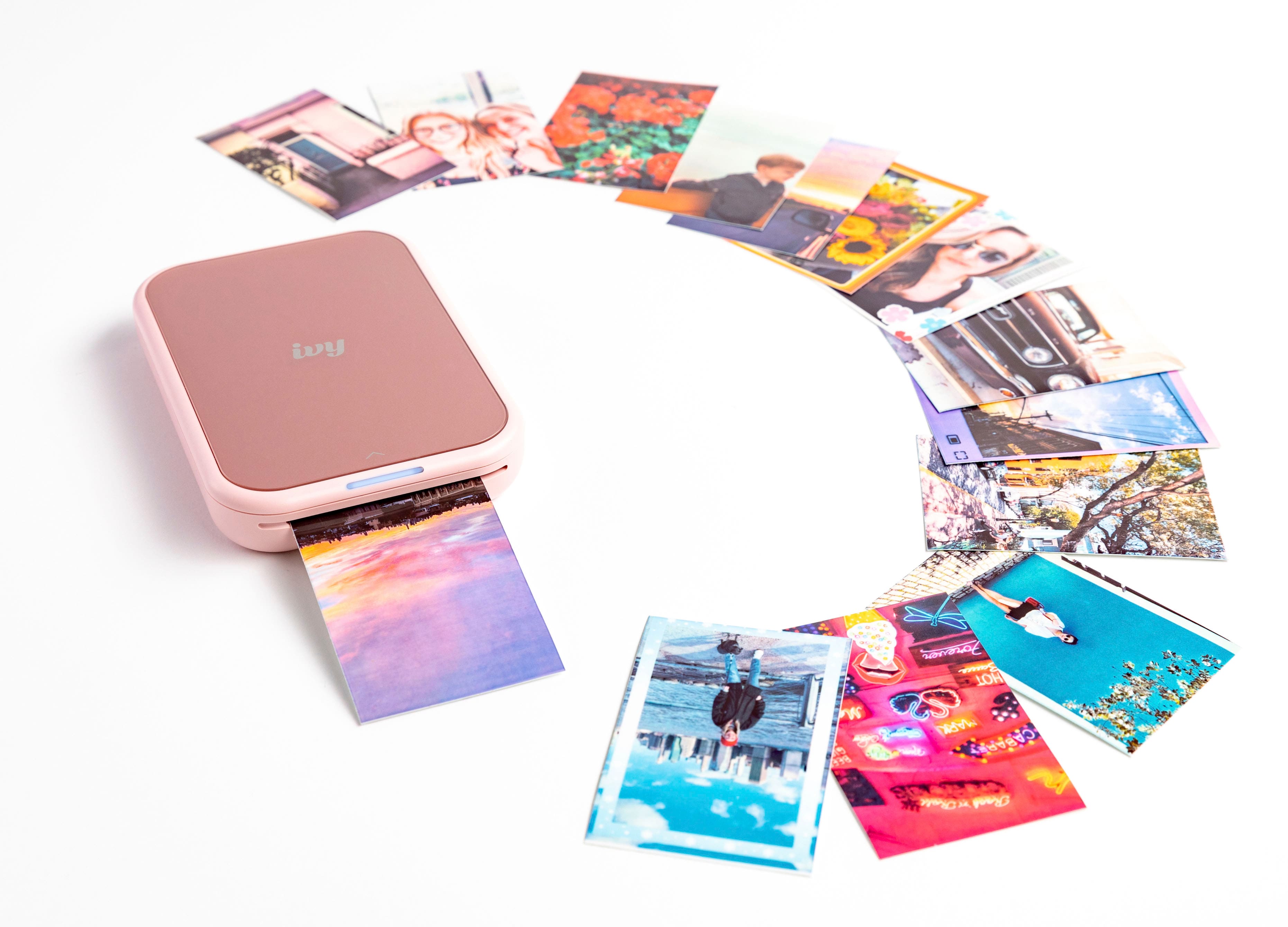
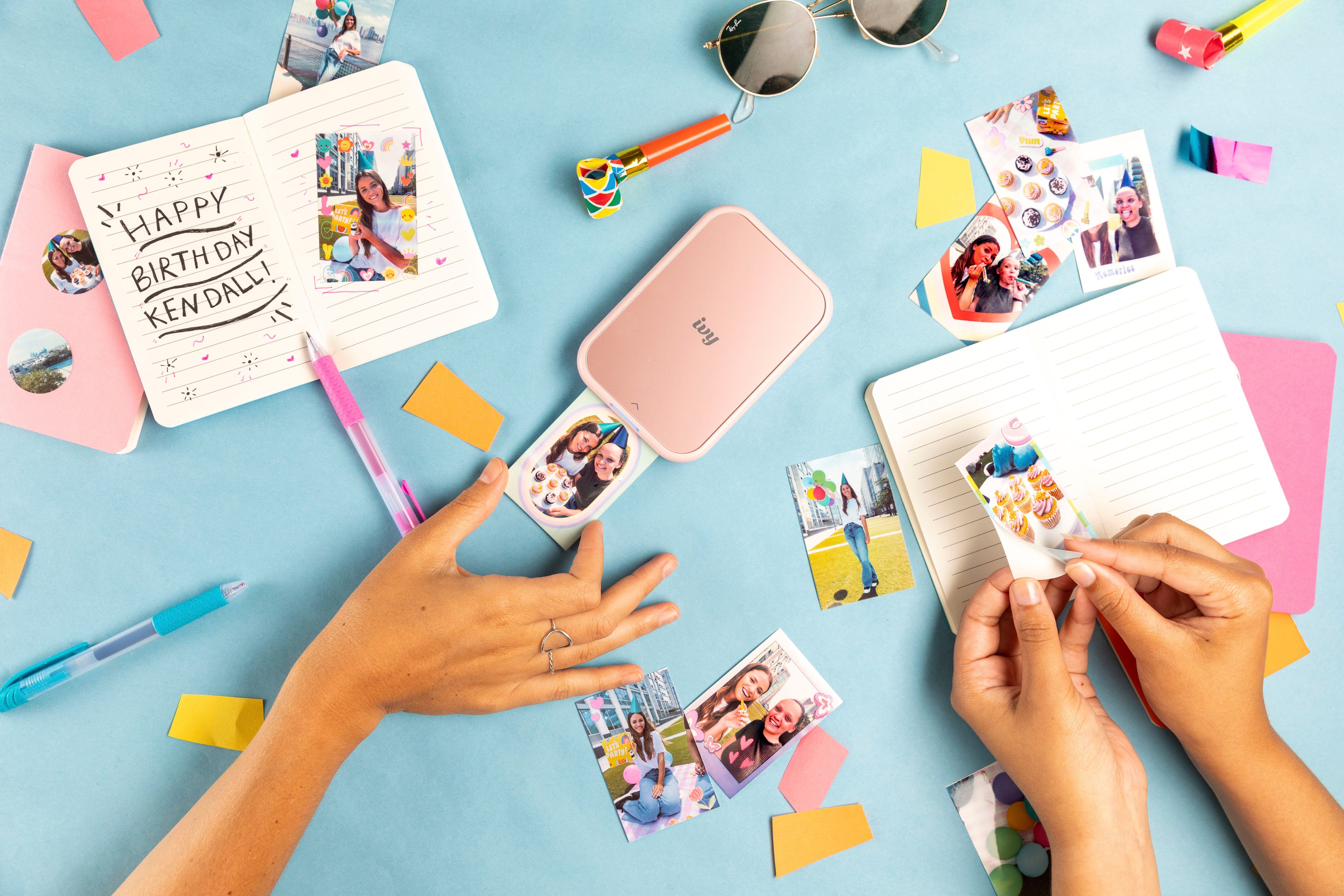
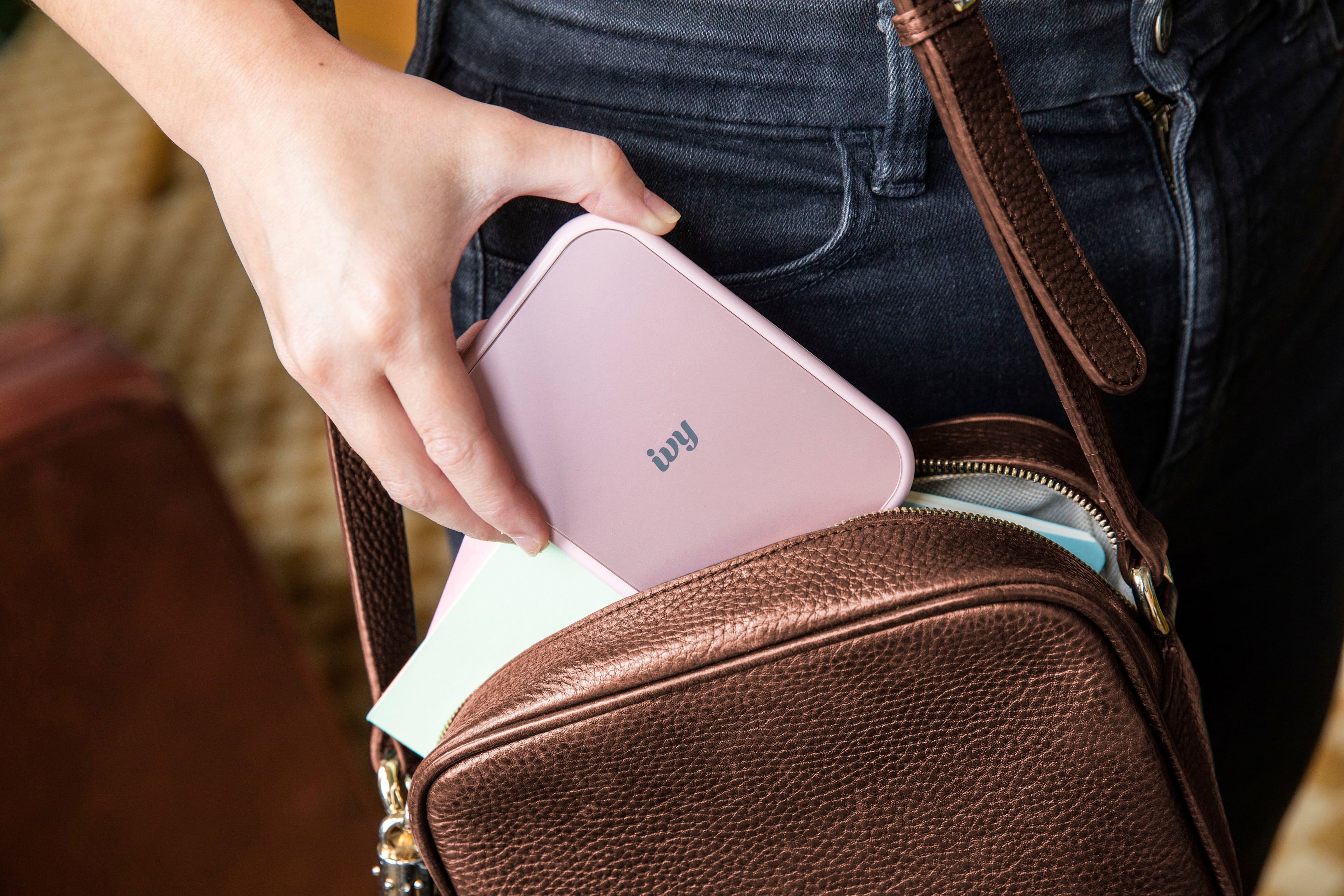
|Posted .This reviewer received promo considerations or sweepstakes entry for writing a review.The Canon Ivy is a second generation portable photo printer. I've never had one of these before, but have been thinking about getting one for printing photos and art for my art journal. Canon is a well respected name in photography; I was excited to receive this from my husband. I never realized the instant camera and portable printer market existed. No ink cartridges, film cartridges, or toners are needed to produce high quality photos. The Ivy 2 comes with a pack of 10 papers, which load into the printer easily. Open the package and drop the paper in. The Ivy uses special photo paper called Zink, which stands for Zero Ink. Developed by the leader of instant printing technology, Polaroid Corporation. Polaroid spun out the technology into a separate company called Zink Holdings in 2005. The secret to Zink is that it is multi-layered thermal paper. When heat is applied, the colors on the photo paper activate. Yellow, Cyan, and Magenta crystals are embedded in the layers. What is amazing is that the photo comes out in a single pass in about a minute. Although the dpi is 313 x 512, the pictures that it produces are excellent. Because there is no ink, you can hold the photo immediately without smudging or smearing it. I remember a time when I was a kid, an uncle had a Polaroid camera. You had to wait for the print to emerge, and watch it “develop” before you could coat it with a stinky solution in order to have a small black and white photo . Zink photo paper makes it a dream. Print size is 2" x 3", a little small, but the perfect size for sharing with others. It's easy to go through the initial 10 pack that comes in the package. I immediately ordered a Canon branded 50 pack from Amazon. The print has a peel and stick back to to allow you to adhere it to paper or other surfaces. I did not try to put it on fabric, though. The pricing for the paper is a little less than 50 cents per page, and you can buy it in a 10 pack, 20 pack or 50 packs. Pre cut sticker paper is available, although I didn't buy this yet. The printer itself is Small enough to take anywhere, weighing only 5.6 ounces. It would have been nice if Canon had included a small drawstring bag to protect it in a purse or backpack. The package comes with a QR code that will take you to the Canon website for the Ivy. The app you need can be downloaded from both app stores. I downloaded the Google version for my android cell phone and the apple version for my 11" iPad. The iPad app works in portrait mode only. The printer communicates with your device via Bluetooth 5.0 only, no wi-fi. Although you can pair the printer with different devices, the printer is not multi point. I had to turn Bluetooth off on my tablet if I wanted to print a photo from my cell phone and vice versa. When you first turn it on, it connects to the device you last printed from. You can choose photos to print from the photo album on your device or you can snap a photo using the Canon app on your cell phone or tablet. The canon app steps you through the process of connecting via Bluetooth to the printer. You can also connect to Facebook, Google Photos, or Instagram in the app and select photos from those sources. This is where the fun begins. The app provides you with a library of frames, borders, emojis, stickers, filters. You can add text or even doodle on the screen before you print. You can collage multiple images onto the same print. At such a small size, I was surprised at how good the images were. You can adjust the photo’s brightness, contrast, saturation and color balance from within the app. There’s a library of filters as well (jig saw puzzle, B&W, Lomo, HDR etc.). You can snap a photo within the app on your cell phone or tablet. The battery is a built-in rechargeable Lithium-ion (2 cell, 7.4V). Canon provides a short USB A to USB C cable. A full charge takes about 45 minutes. There is an auto shut off if the printer is idle for 5 minutes with no printing. It takes less than an hour to fully charge it. Battery life is rated at about 20 sheets per charge, and it’s easy enough to charge it in between uses. The app shows the battery percentage. According to the specifications, no more than 10 sheets of photo paper should be loaded at a time, that the blue calibration paper should be kept until all prints are printed (if you have a large multi-pack), and the unit isn't recommended for use in environments above 90 degrees F or below 60 degrees F. The app does not let you know how many sheets are left inside. The pre-cut sticker paper gives you two equal size circles. The LED indicator shows red when charging, green when charging is complete. Otherwise it is white when you power it on and flashes until it connects to the Canon app on your device. It is supposed to flash red if the cover is opened while on, or if there is an error with printer, a paper jam or runs out of paper. A crafter by the name of Something Turquoise™ has a wonderful 8 minute YouTube video to introduce fellow creatives to the printer. From <https://www.youtube.com/watch?v=kZW6_5bOIA8> The Ivy2 would make a nice gift for someone. For the upcoming holiday season, this would be a lot of fun to have at family gatherings --very easy to share photos with your guests.
I would recommend this to a friend Not worth a dime
||Posted . Owned for 1 month when reviewed.This reviewer received promo considerations or sweepstakes entry for writing a review.The print quality is not great. The photos have a weird tint on them and they come out grainy. Not impressed and super annoyed I wasted money on this.
No, I would not recommend this to a friendObsessed
||Posted . Owned for 1 month when reviewed.This reviewer received promo considerations or sweepstakes entry for writing a review.Love being able to print my pictures and being able to reprint as many as i want.
I would recommend this to a friendLove it
||Posted . Owned for 2 months when reviewed.This reviewer received promo considerations or sweepstakes entry for writing a review.I like the resolution for this little printer, does the job
I would recommend this to a friend- Pros mentioned:Ease of use, Print quality, Stickers
Portable, compact, fun, printer
|Posted .This reviewer received promo considerations or sweepstakes entry for writing a review.The Canon IVY 2 Mini Photo printer completely exceeded my expectations!! It’s compact, portable, and loads of fun better than an instant print camera. Set up was fast and easy! Charge the printer up before first use, scan the QR code provided on the box, download the app, follow the super simple instructions and you’re ready to print your favorite photos. The printer comes with 10 sheets of sticker paper to try out the device. I was blown away by how many features are in the app to make your prints fun and customizable. The quality of the prints also exceeded my expectations, I’ve used instant print cameras many times in my life and this is by far more fun because you know what you’re getting before it prints. These prints work so great for scrapbooking, you peel off the back and can stick these where you want them to make a collage. My daughter has been having a blast printing pictures for friends and for herself to enjoy. It’s been fun using the Canon IVY 2 Mini Photo printer to make small 2x3 fun sticker prints to enjoy from my phone! I love how easy it is to use, how compact and portable the device is as well. I recommend this printer over an instant print camera any day!
I would recommend this to a friend