Customer Ratings & Reviews


- Model:
- 5452C017
- SKU:
- 6522091
Rating by feature
- Value
Rating 4.7 out of 5 stars
- Quality
Rating 4.7 out of 5 stars
- Ease of Use
Rating 4.8 out of 5 stars
Customers are saying
Customers have good things to say about the IVY 2 Mini Photo Printer, especially regarding its print quality and ease of use. The size and overall performance are also appreciated by users, along with the fun sticker feature. However, some customers have expressed concerns about the battery life, while a few others mentioned connectivity and price.
This summary was generated by AI based on customer reviews.
- Pros mentioned:Ease of use, Print qualityCons mentioned:Battery life

Great for scrapbookers and planners
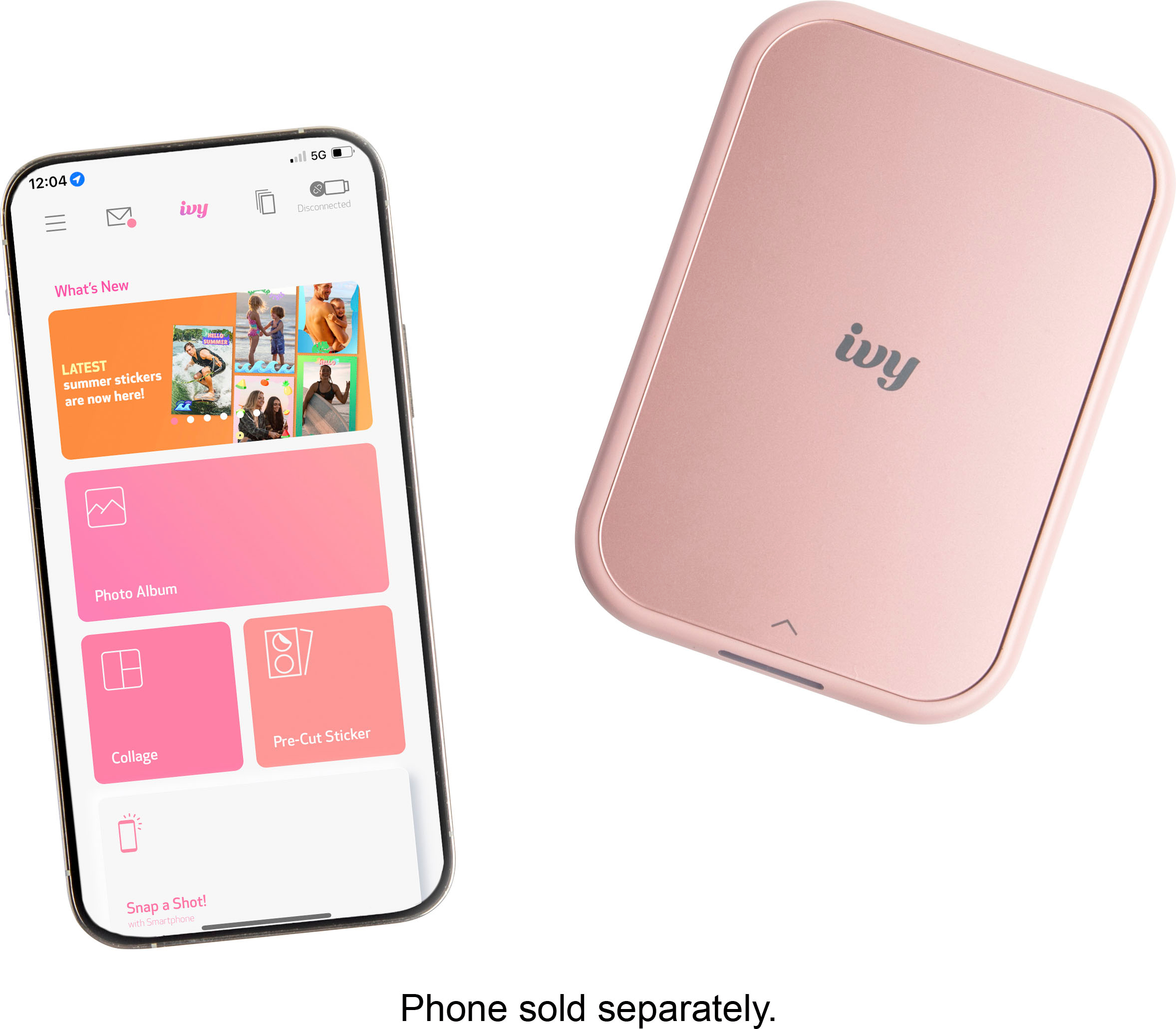
|Posted .This reviewer received promo considerations or sweepstakes entry for writing a review.Easily one of the best gifts for a scrapbooker, a planner, or a planner this holiday. As a casual travel journaler, I love to take photos, print them, and find a way to stick them in my journal or planner for memories. Previously I had a similar printer, but one of the biggest issues was the app not working correctly, and the print was not as clear. Zink paper is one of the best and comes in packs of 10, 20, or 50, costing around 50 cents a sheet. Not too bad for a customizable sticker. I love this printer's portability, easy connectivity, decent print quality (much better than other inkless printers but think polaroid quality), and the ability to use the circle stickers. Though the app is pretty good, filled with options to add stickers from various artists and other frames, some things could be improved or added for clarity, such as the collage feature - I was expecting it to print out the collage on a single sheet, but it turned out to be multiple ones. Not a huge deal, but it would've been nice to have some warning about that. Another issue I've run into is the battery life. Each sheet takes about 10% battery life - the portability and lightness of the device can account for the battery drainage. If you plan on traveling with this, I recommend bringing a portable battery or a charger. Ten sheets and your entire battery will be depleted. Overall, its a pretty great product for someone looking for something fun. But if you're looking for a high-quality print, look elsewhere.
I would recommend this to a friend - Pros mentioned:Ease of use, Print qualityCons mentioned:Battery life
Fun mini-printer
|Posted .This reviewer received promo considerations or sweepstakes entry for writing a review.Pros: The app download was really quick and easy by scanning the QR code in the box. Photo quality was really good. Colors were accurate and true to the original picture. I really love all of the options for editing a photo. Options include: filters on photos, adding a frame to your photos, adding wording to your photo, picture or letter stickers, cropping or zooming the photo without distortion, and so much more... My favorite feature is that you can print a large photo by printing it on multiple individual pieces of photo paper. My wife has an HP brand mini photo printer, and she cannot seem to find the photo paper refills, however she was able to pick up an extra pack of this Canon mini printer readily available at Target. Cons: Battery went from 100% down to 30% after printing 7 photos, to load the photo paper, you slide the top piece partly off, then the cover stops moving and feels like you might break it off if you keep trying to slide it. Also, after the photo prints, it tends to sit partially still in the printer. Would be nice if the photo spat all of the way out when printing finished.
I would recommend this to a friend - Pros mentioned:Ease of useCons mentioned:Price
Love it!
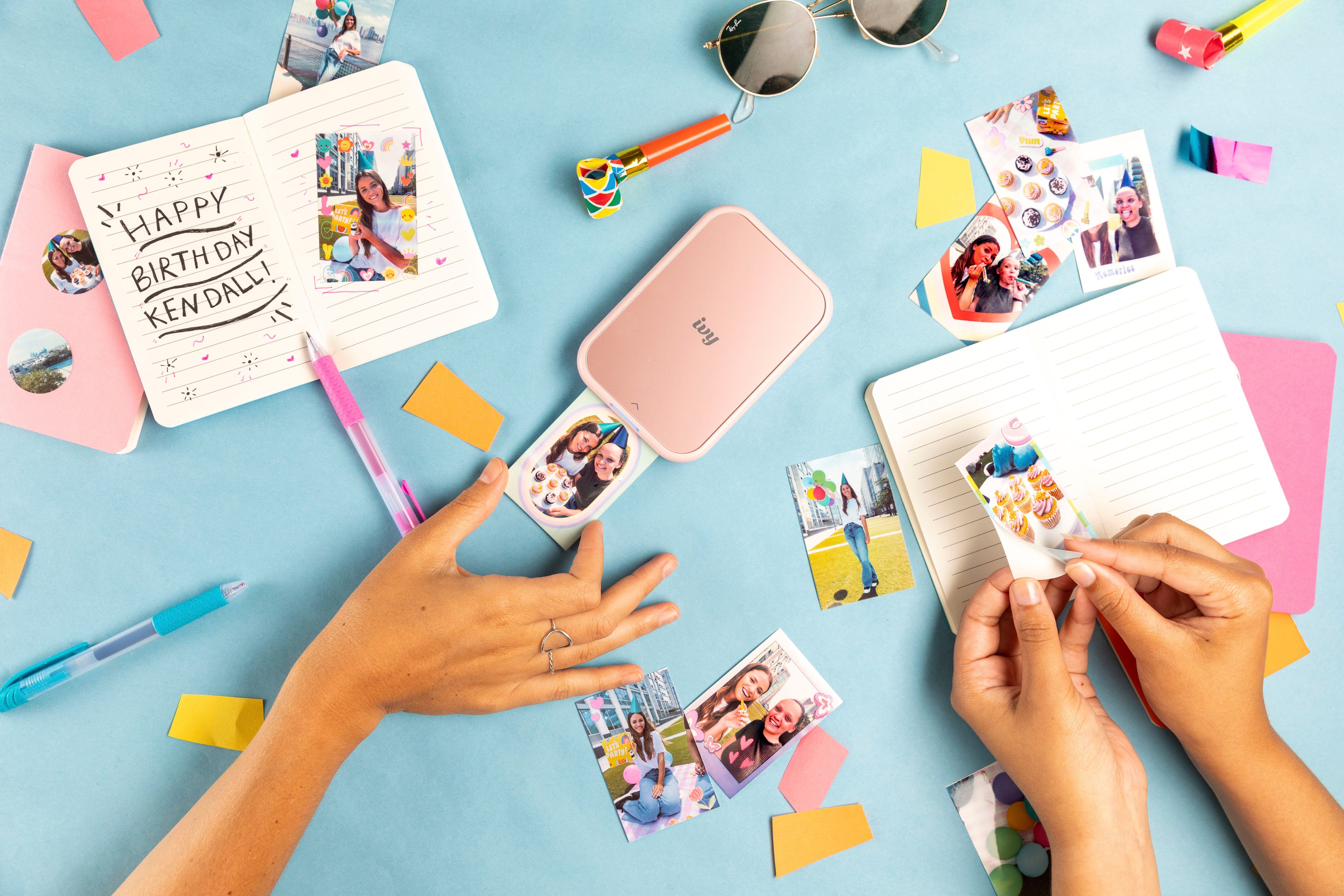
|Posted .This reviewer received promo considerations or sweepstakes entry for writing a review.This tiny printer is great, especially if you have kids. Yes, the prints may be tiny and the printing process can take a little time, but overall I think the price, convenience, portability, and novelty more than make up for any shortcomings. I have a similar printer from Polaroid as well as one that prints slightly larger photos (4 x 3) from LifePrint. All function in basically the same way and take about the same time to create prints. That being said, I've found that the Canon tends to pair with my phone more reliably than the other two on a regular basis. It is significantly smaller than the LifePrint printer and similar in size to the aforementioned Polaroid Zip but slightly wider. I am wondering if the Canon is slightly larger due to it having a larger battery because in my (admittedly unscientific) testing it did last quite a bit longer on a charge. As for uses, there are a ton. I've used it to help my daughter decorate her journal notebook for school. Each photo also being a sticker was fantastic in that regard. We've used it to make a Guess Who game clone using pictures of our extended family members. We've used for impromptu "photo shoots" on play dates and at school dismissal and each kid receives their own sticker right then and there. They love it. Some may not like the price of the film refills for the amount you get, but I've found that if you buy larger packs it's not a terrible deal. Certainly not if you have a lot of fun using it. If my descriptions of how we have used it sound good to you, I'd highly recommend picking up one of these printers.
I would recommend this to a friend - Pros mentioned:Print quality, Size
A great NO ink(about $.50 each print) mini printer
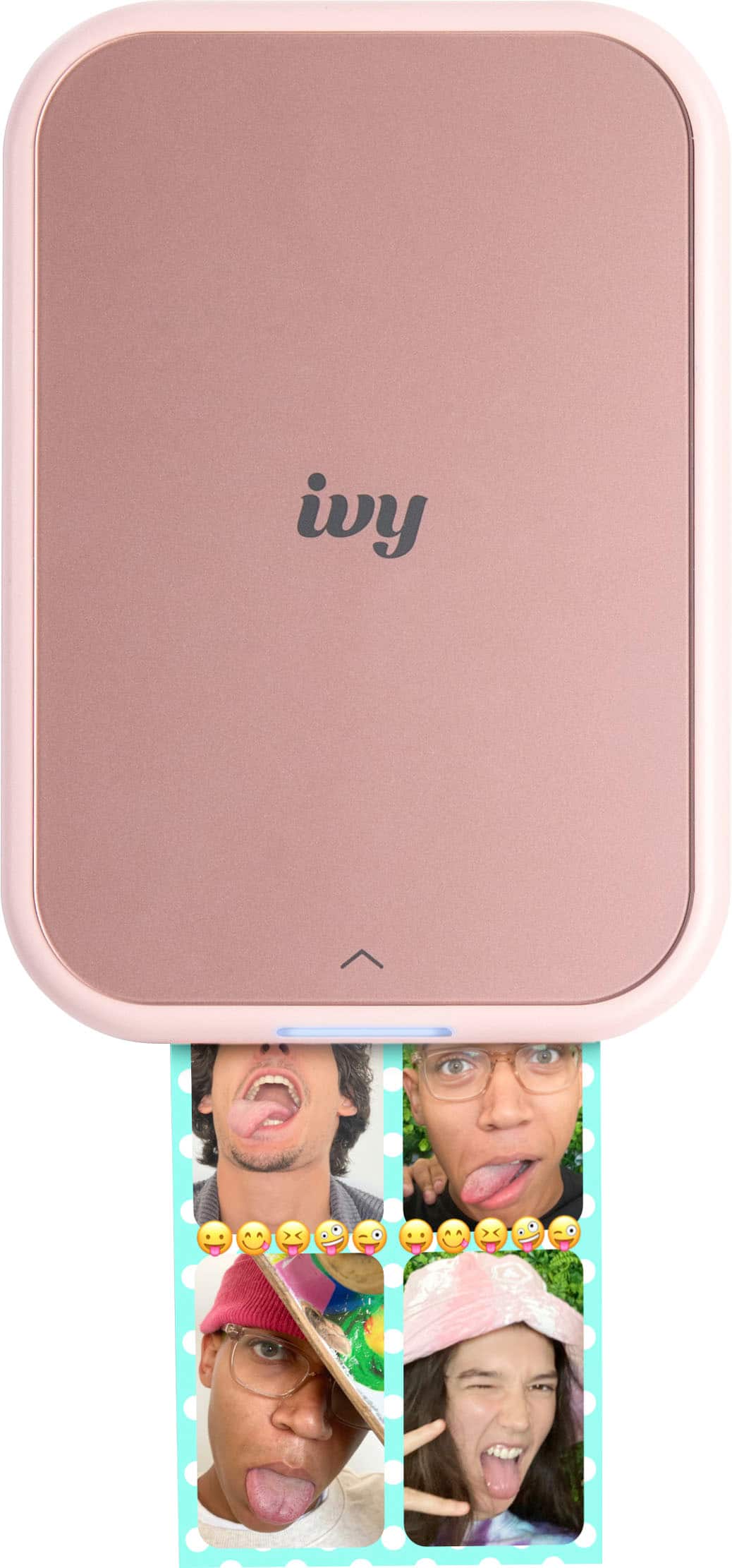
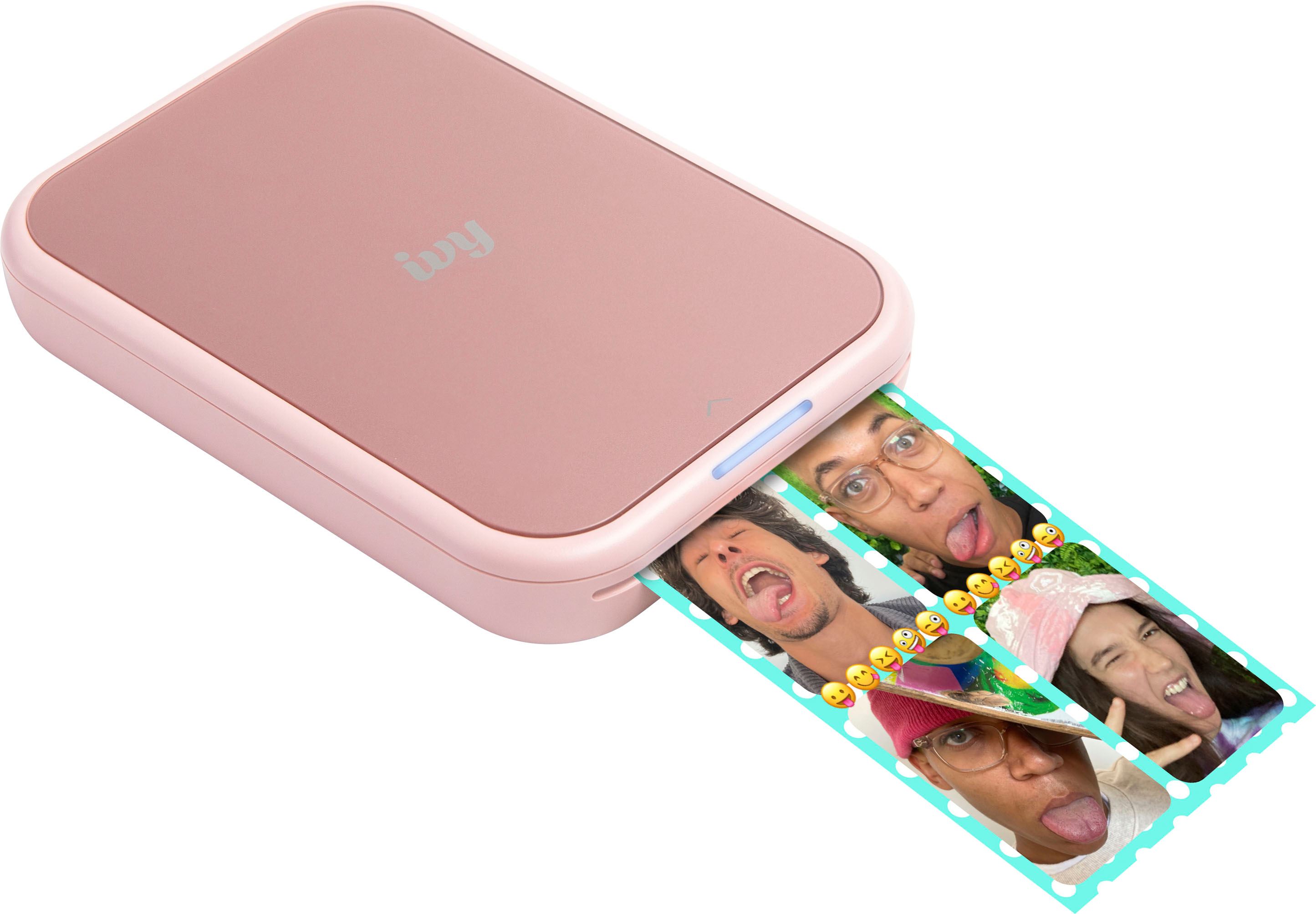
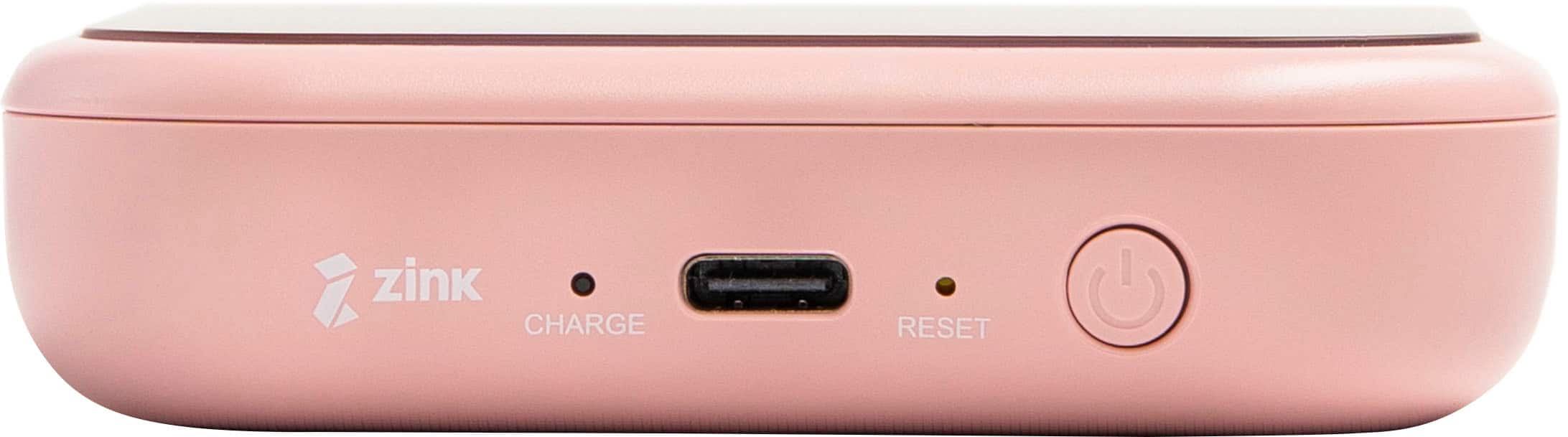
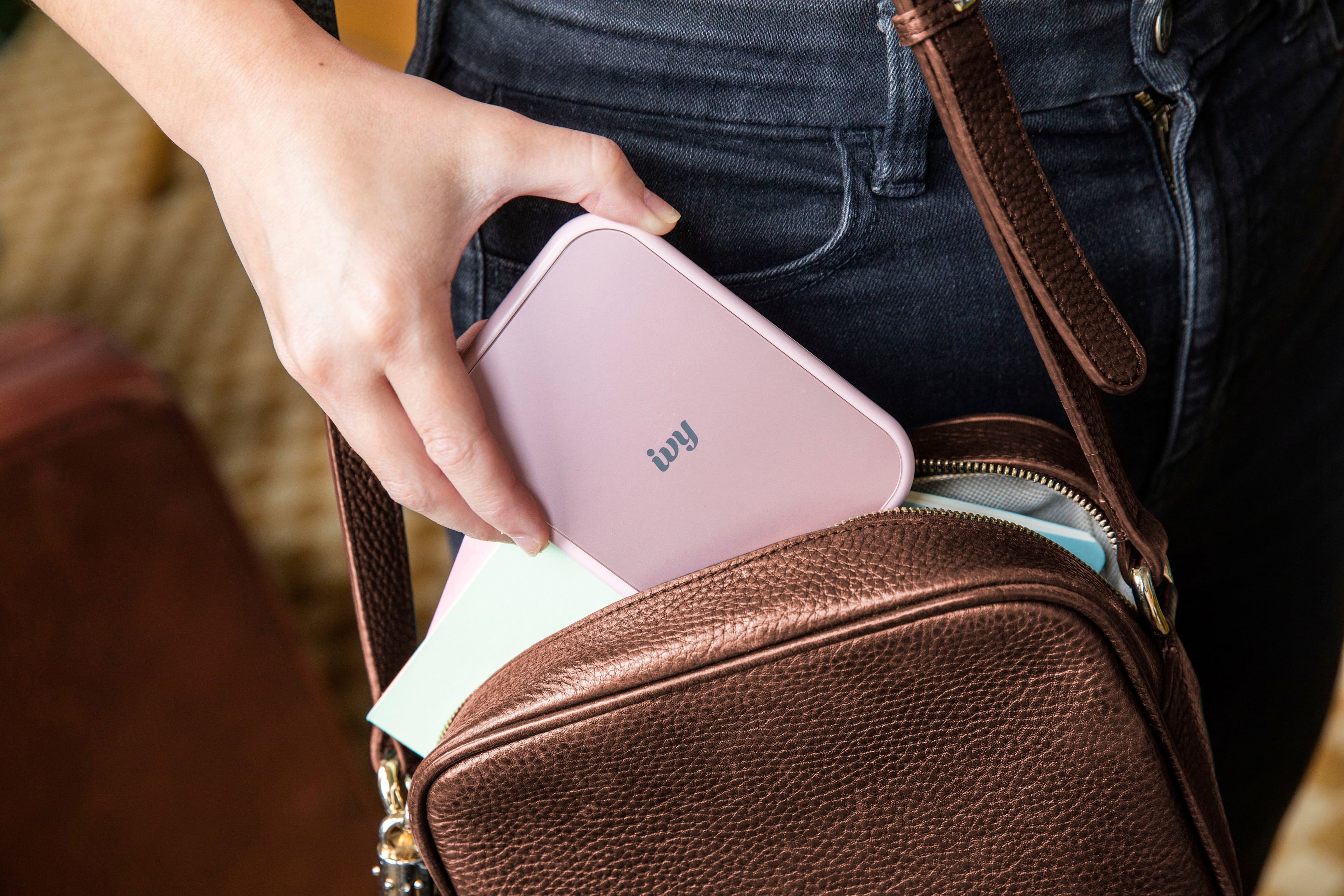
|Posted .This reviewer received promo considerations or sweepstakes entry for writing a review.I could not believe the size of this printer!! its 4.7 x 0.8 x 3.3 inches in relation to your cell phone with a case its just a little wider but may be shorter if you have a big cell phone, so you could easily put this in a pocket. The Canon - IVY 2 Mini Photo Printer comes with only 10 sheets of sticky photo paper. Wait did I say sticky photo paper ....... YES I did, a very nice add indeed!! But you can still not peel off the back and just use as a photo without sticking. The photo paper is about $.50 per print now as this writing. You unbox the printer, charge the printer (it comes with a small charge cable, you will need to use a USB charger that you have, not supplied) - turn the power on by holding the power button - load the paper (blue paper down and white facing up) - add the device to your bluetooth on your phone - Download the APP (you can scan the inside of the box and it will take to the Canon mini print app - run the Canon mini print app, say yes for access to photos and stuff - select Collage to whatever you want - select the photo or photo's - you can add filters, frames, stickers to your photo - you can print your photo using the top right button - If it does not print on the next screen after you hit the print button from the previous step, you click on the Icon in the upper left and choose the printer and your printer should be getting your photo!! I was actually blown away by how well it prints and the printer size!! Love the device!!
I would recommend this to a friend - Pros mentioned:Ease of use, Print quality
Easily the best pocket printer & app out there
|Posted .This reviewer received promo considerations or sweepstakes entry for writing a review.Ok so to start off i have never really looked into these because i thought the print quality would be terrible. My niece has a gen 1 Ivy printer that she uses to make stickers (which can be done with any print or use simply as normal). I was more than pleasantly surprised because the prints are actually as good as normal prints! Without ink mind you there is no maintenance to be done on these just load paper and go. The fact this fits in your pocket and you can do 20 or so prints on a full charge is actually one of the coolest things you can think of for physical media creation. Keep in mind you must purchase the printer paper to use with this but its not too bad all things considered it comes out to less than 50 cents per print and the papers are readily available at most major retailers or online stores so you'll never worry about it like i thought you would. Mine came with about 50% battery so it was good enough without even charging to do 10 prints on the photo paper that comes in the packaging with it. Normally a really good product like this comes with some drawbacks like the software being bad but canon nailed it. The software you can crop, edit colors, use filters, add emojis, literally anything you could want to do without even going to a 3rd party app. Then print on the spot. Such an amazing idea, great portability and form, great battery life, great software. This is it if you want portable printing like this for sure.
I would recommend this to a friend - Pros mentioned:Ease of use, Print quality
Easy, good quality fun, pricey paper but worth it
|Posted .This reviewer received promo considerations or sweepstakes entry for writing a review.This canon ivy version 2 printer is very easy to use. It is a small, convenient size. It charges via USB-C and includes a cable in the box. The paper is very simple to load. Once it was charged, I downloaded the app and turned the printer on and within a few seconds i was making my first print. The prints come out fairly quickly and the quality is great. I had no issues at all with phone pairing or losing signal, it all worked perfectly. The printer includes a pack of 10 sheets of paper, so you'll need to buy some more. The pages cost about 50c a sheet even in the larger packs which is a bit of money, but the "ink" is in the paper and the prints are nice quality and a lot of fun to share with friends. Personally, if I just remember that each print costs 50c, I print the good ones that are "worth it" and its a lot of fun. The papers are a little smaller than mini instant film prints, so they fit in similar albums. I think these mini printers are worth it because in our society we are losing touch with physical media, physical prints. Its a great way to remember a fun time or cool trip to have some physical prints. They are also small and convenient to carry so theres little fuss when printing.
I would recommend this to a friend I did not like
||Posted . Owned for 2 weeks when reviewed.This reviewer received promo considerations or sweepstakes entry for writing a review.It did not exceed my expectations, it is mediocre, a simple toy
No, I would not recommend this to a friend- Pros mentioned:Ease of use, Print quality
Small but mighty photo printer
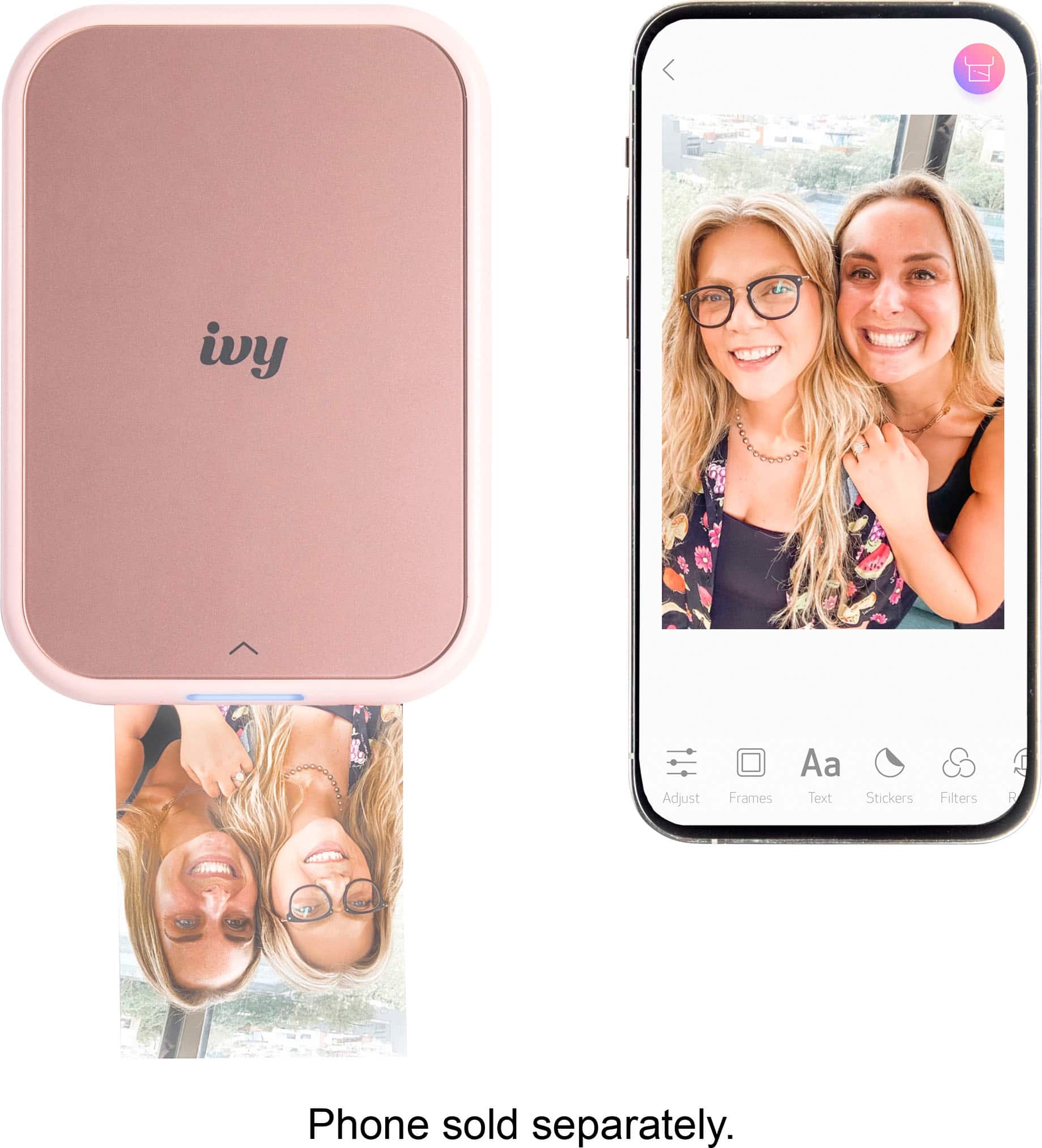
|Posted .This reviewer received promo considerations or sweepstakes entry for writing a review.Don’t let its size and portability fool you! This is a super mighty and convenient little photo printer. I love the fact that I can make prints of pictures from my phone for family and friends, and they even come out as stickers so they can be placed anywhere! The prints are high quality and vibrant, and connecting to the app to use the photo printer with is super user-friendly and easy to do. I had no problems at all getting set up and it was a fast process. I do love that the app offers frames if you wish to personalize your photos a bit more. The option to spruce photos up a bit is definitely useful! This would be a great printer to take with you on a vacation or trip so you can get quick memories to share with your family and friends, it’s not heavy or bulky by any means. The printing process is quick and efficient as well, it doesn’t take long for each print to come out of the printer, so it’s perfect for when you’re on the go and in a hurry. I really love this photo printer and I will be taking it with me when I travel!
I would recommend this to a friend - Pros mentioned:Ease of use, Print quality
Wireless rechargeable photo printer
|Posted .This reviewer received promo considerations or sweepstakes entry for writing a review.Got it a few days ago and when I unboxed it I was thinking omg how in the world did Canon make something this small! To be honest I didn't think it would even work until I got it all set up with the app on my phone, this is actually a very functional printer that uses no ink and fun to work with. It's completely wireless and comes with a cord one end is usb c and the other is usb to charge it up in less than 40 mins comes with 10 sheets of Zink paper (wish they sent more with it) it prints out a 3 x 2 high gloss picture and very high quality along with being very clear from there once you print one you can peal the back off and stick it to anything. This would make an awesome gift for a teenager or anyone for that fact for a Christmas present and in my opinion Well worth the price. The only con for this Item is the fact of no instructions on how to put the paper in but after about 20 to 30 mins of looking on line I found a video that was about 10 or 15 mins long that showed you what to do Pros it's very compact and portable
I would recommend this to a friend - Pros mentioned:Ease of use, Print quality
Awesome mini photo printer
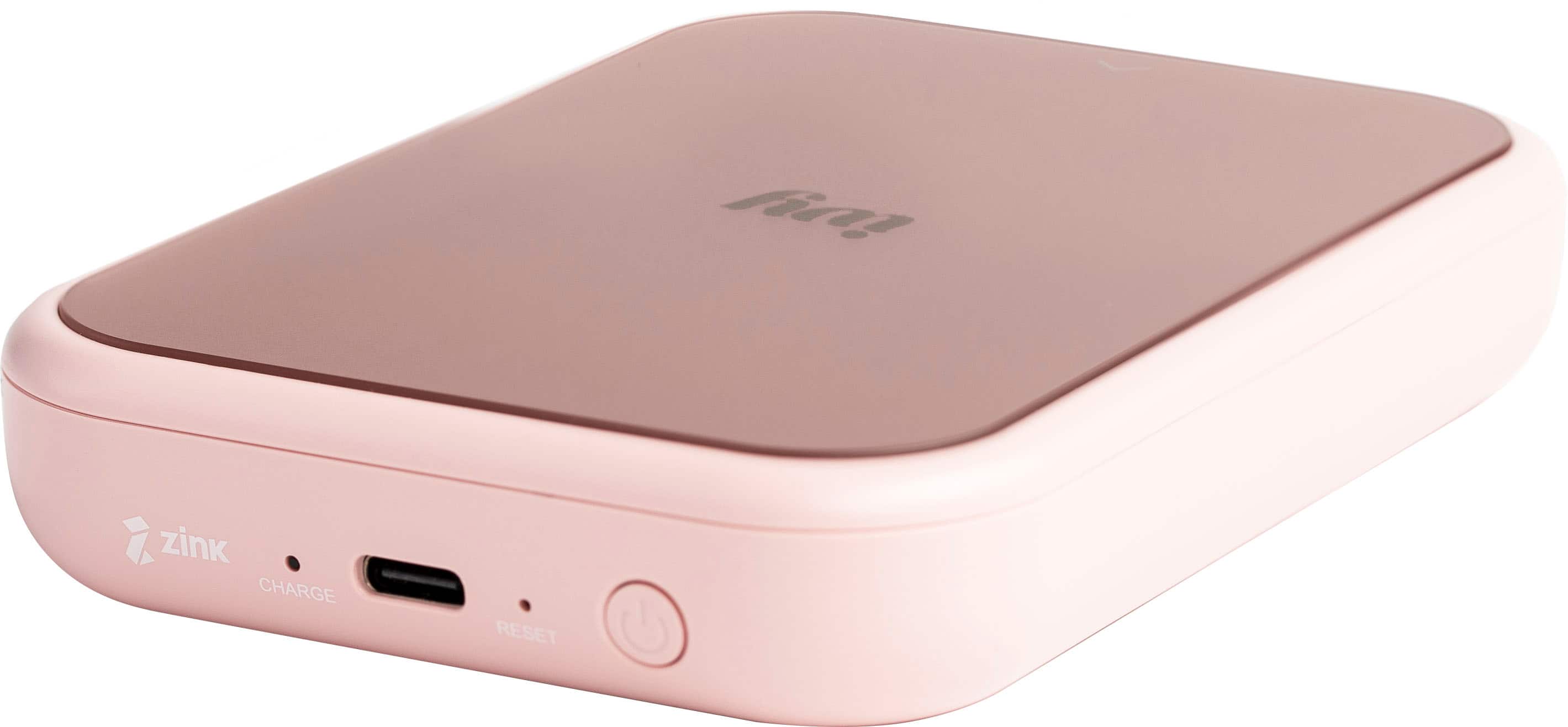
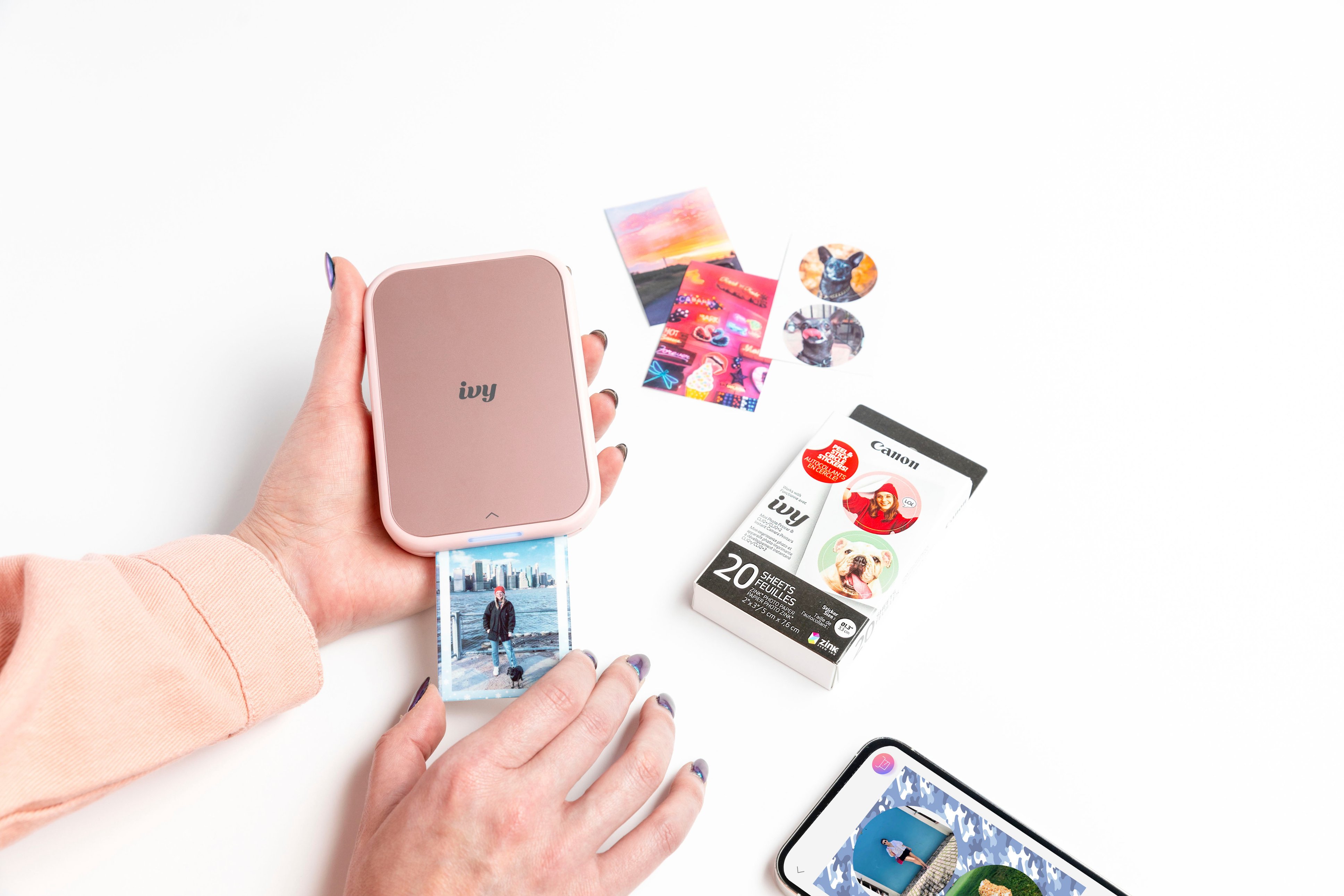
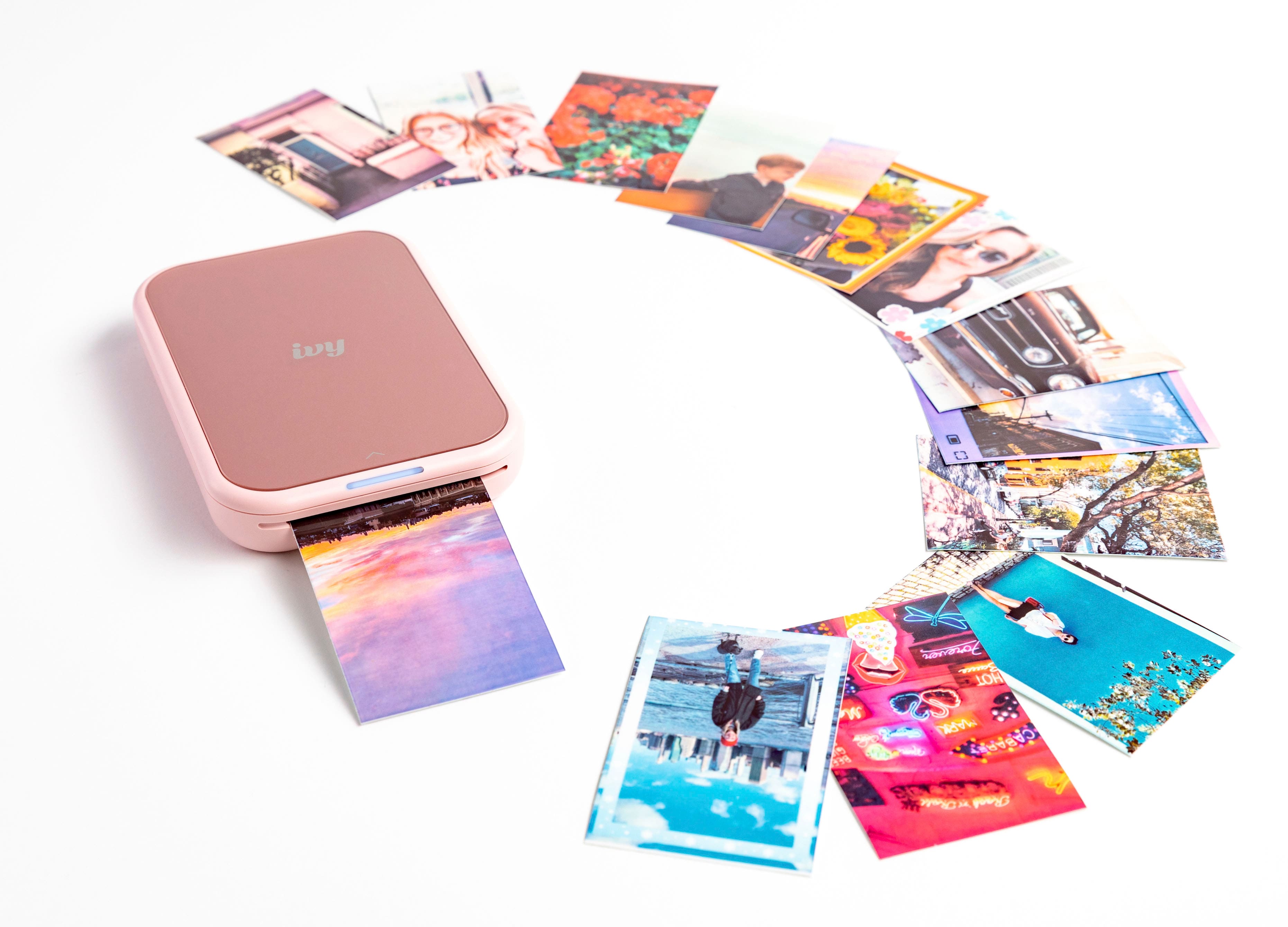
|Posted .This reviewer received promo considerations or sweepstakes entry for writing a review.The Canon IVY 2 Mini Photo Printer literally puts your photos in your hand. The great thing is that it comes with zero ink technology or ZINK. This mini printer design is sleek and portable. One can just slip the printer into the pocket and go. The printer is rechargeable, so there is no fussing about batteries. Setting up the device is so easy. It comes with a USB-C port for charging and connectivity. It also has Bluetooth 5.0 for connecting with compactible devices. Download the cannon printer app and you are good to go. Using the Canon IVY 2 Mini Photo Printer is breezy. The printer allows one to connect, customize the image or images, and print. The 2x3 inch photo prints are crisp. The quality of the photo prints is great. Printer paper can also be used as sticky photos. The printer’s battery life is appreciable. I was able to get about 10 photos printed over a good period before the printer required a recharge. The Canon IVY 2 Mini Photo Printer will be a great printer for amateur or professional photographers.
I would recommend this to a friend - Pros mentioned:Ease of use, Print quality
Cute Photo Printer
|Posted .This reviewer received promo considerations or sweepstakes entry for writing a review.I had never heard of this small printer but got it free to test. I think the target audience might be teenagers or people that do scrapbooking. I downloaded the app and then my struggle began. There were not any instructions in the box and the app to me is not well developed. I found the charging cord to be too short but eventually got it charged. I loaded the paper but I could not get it to print. I worried that I had loaded the paper wrong. It was not intuitive for me with how to load the paper & it just wouldn’t print. I later found some online reviews that better explained the sequencing needed with turning it on and then loading the paper. Suddenly this silly little thing, that was really annoying me, started to print and I was totally amazed at how cute the little photo was. It prints with Zink paper that apparently is around $0.50 per print and the print is a 2x3 inch. This reminded me of the old Polaroid cameras. It would be fun for kids or fun to take to family events like weddings. It is very small and compact & could be carried in a pocket or handbag. I think it could be used to make reference photos for art projects like painting. Now that I have mastered it, I do like it but from a cost standpoint I think it is rather expensive plus the prints are expensive.
No, I would not recommend this to a friend - Pros mentioned:Print quality
Canon Ivy
Posted .This reviewer received promo considerations or sweepstakes entry for writing a review.I love it. It prints out great pictures. Would definitely purchase again.
I would recommend this to a friend - Pros mentioned:Print quality
Instagram meets Polaroid: An updated Classic!
|Posted .This reviewer received promo considerations or sweepstakes entry for writing a review.The Canon - Ivy 2 Mini Photo Printer is what you get when you combine the practicality of Polaroid with the novelty of Instagram. Wallet like in size and minimal in design, the first word that comes to mind is... "Charming." Printing bite sized photos and navigating the scrapbook friendly app transported me to the final days before Summer vacation during middle school. From the Powder Blue and Pinkgold color pallet, the demograhic for the product is pretty clear; but with the white option the printer itself is pretty gender neutral. With the Holidays right around the corner, The IVY 2 is the perfect stocking stuffer for the photogenic (Pre) teenage members of the family! Surprisingly, however, the many great features offered aren't even in the box at all. Once you flip open the packaging, you're presented with the mini printer, a user guide, a sample deck of 2"x3" photo paper w/ calibration sheet, and a charging cable. Once you scan the QR code under the lid, the magic of the "Canon IVY 2" truly starts coming to life. The app gives you the ability to customize & edit all the photos in your phone and in-app libraries. From stickers, to text, to borders frames, to downloadable content the possibilities feel endless. Resolution of the prints are fairly accurate to the their digital counterparts if not a touch softer in sharpness (which is somewhat expected given the type of media.) It may require 2-3 test prints to clear any excess ink specks on finished photos but other wise it's a non-issue. My BIGGEST concern when opening the blister pack of photo paper was "Where the heck do I go to replacement paper?" Thankfully, this was taken into consideration in the design of the app and can easily be purchased under the top left menu tab. Overall, there is a modern yet nostagic in-hand quality to the IVY 2 user experience. Perfect for the young ones who cherish all the "smaller" moments!
- Pros mentioned:Ease of use, Stickers
Makes the perfect gift
Posted .This reviewer received promo considerations or sweepstakes entry for writing a review.I bought this as a Christmas present for my wife! She absolutely loved it and is constantly printing out pictures of our daughter. Super easy to use and the app has great filters and stickers to add as well.
I would recommend this to a friend - Pros mentioned:Overall performance
Creativity unlocked :)
Posted .This reviewer received promo considerations or sweepstakes entry for writing a review.My daughter loves it and so do I. Perfect for her sketch book and scrap book!
I would recommend this to a friend - Pros mentioned:Ease of use
Fun little printer.
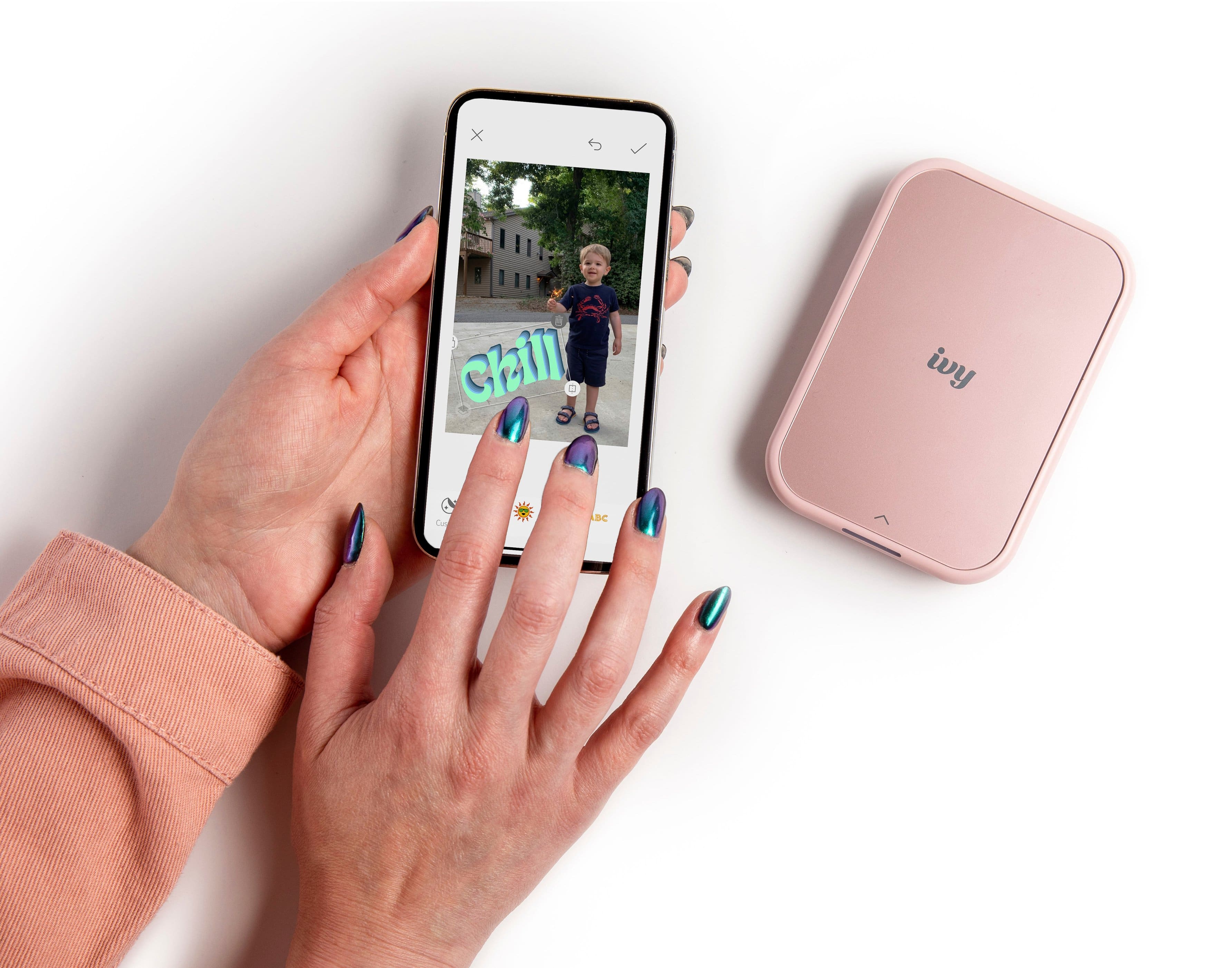
|Posted .This reviewer received promo considerations or sweepstakes entry for writing a review.This is a Fun little printer that can be utilized by a wide range of users and ages. When my wife was first shown this, she said it would be great for labeling shoe boxes with both a picture and descriptive text. I think the longer you have this printer, the more you will find uses for it. Pros are the unit’s portability and versatility of creative tools such as frames, cutout shapes, text with many font choices and numerous presets and adjustments for images. Negatives might include a ridiculously long and hard to read legal agreement that thankfully doesn’t require the surrender of your first born offspring, some cryptic icons within the required app rivaling Egyptian hieroglyphics and of course the cost of the Zink, (Zero Ink Technology) printing paper that thankfully, as the name implies, does not require you to use any ink to print. Overall, if you can restrain yourself to making prints of purpose and not just going hog-wild with every possible idea and variation, this will be a good choice. A younger operator will most likely quickly devastate your paper supply. Keep in mind that this manufacturer also has a camera/printer combo that is very similarly priced, so if that interests you, check it out before purchase. Also be aware that multiple manufacturers use this Zink paper in a similar size, although I haven’t tried any of them yet to determine compatibility with this unit.
I would recommend this to a friend - Pros mentioned:Print quality, Size
It's SOOO CUTE!
|Posted .This reviewer received promo considerations or sweepstakes entry for writing a review.This little thing is so FLIPPIN' CUTE! I really love how fun it is - I've printed stickers of my Fam and pets and the app interfaces easily. It's a sort of throw-back to the Polaroid I think. The pros for me are the pretty color, very lightweight and I can take it anywhere. We had this sort of impromptu gathering at work, we hadn't all seen each other in the same place together for a while. I took out the mini-photo printer, and everyone was really happy and playful with it. I love the sticker part, although, I haven't actually peeled any of the stickers off - don't want to mess up any surfaces. Would be great for a teen scrapbook or locker... Not sure how Custodial would feel about that later, though! The cons, there's really just a few - the printing sheets aren't cheap. I mean, I don't expect them to be DIRT cheap, but, I guess when you can just print several larger prints out from a computer, it doesn't seem very feasible to keep buying the photo sheets? I know this was a trial run, but I would have liked to have been able to print larger sizes.
I would recommend this to a friend - Pros mentioned:Print quality
Great Portable Printer Buy Pricey
|Posted .This reviewer received promo considerations or sweepstakes entry for writing a review.If you're looking for a printer for sharing photos on the go, look no further that the Canon Ivy 2 Mini Photo Printer. This printer is slightly larger than a deck of playing cards that can produce excellent 2x3 inch photos without using any ink. Due to its small size it can be taken anywhere as long as it is accompanied with your smartphone. Installation is simple: (1) Load Canon's Mini Printer app, (2) Charge your printer, (3) Pair with Bluetooth, (4) Select photos on your phone and (5) Print. Not only can you do single photos, you can do collages as well. You can even draw on the photos, too! Although the standard photo size is 2x3, this photo printer can do circle photos as well. Although the photos printer look excellent, they do produce a slightly warmer color than the original. Most users would not notice this issue. The technology that went into this printer does NOT require ink. This is a real benefit for those worried about ink prices. My only complaint about this printer is the pricing. It sells for $100 and each finished photo costs 50-cents each. The circular paper is 70-cents each. Most photo paper comes in 20 or 50 sheet packs. The big question is how many of us need a photo printer on-the-go? But if you are in need of such a device, the Canon Ivy 2 Mini Photo Printer is an excellent choice.
I would recommend this to a friend - Pros mentioned:Ease of use, Print quality
Great little printer
Posted .This reviewer received promo considerations or sweepstakes entry for writing a review.Excellent quality photo! Easy to use! It’s fun to have a small printer to take on vacations!
I would recommend this to a friend Good printer
Posted .This reviewer received promo considerations or sweepstakes entry for writing a review.Good photo printer, come out great with decent color
I would recommend this to a friend