Customer Ratings & Reviews
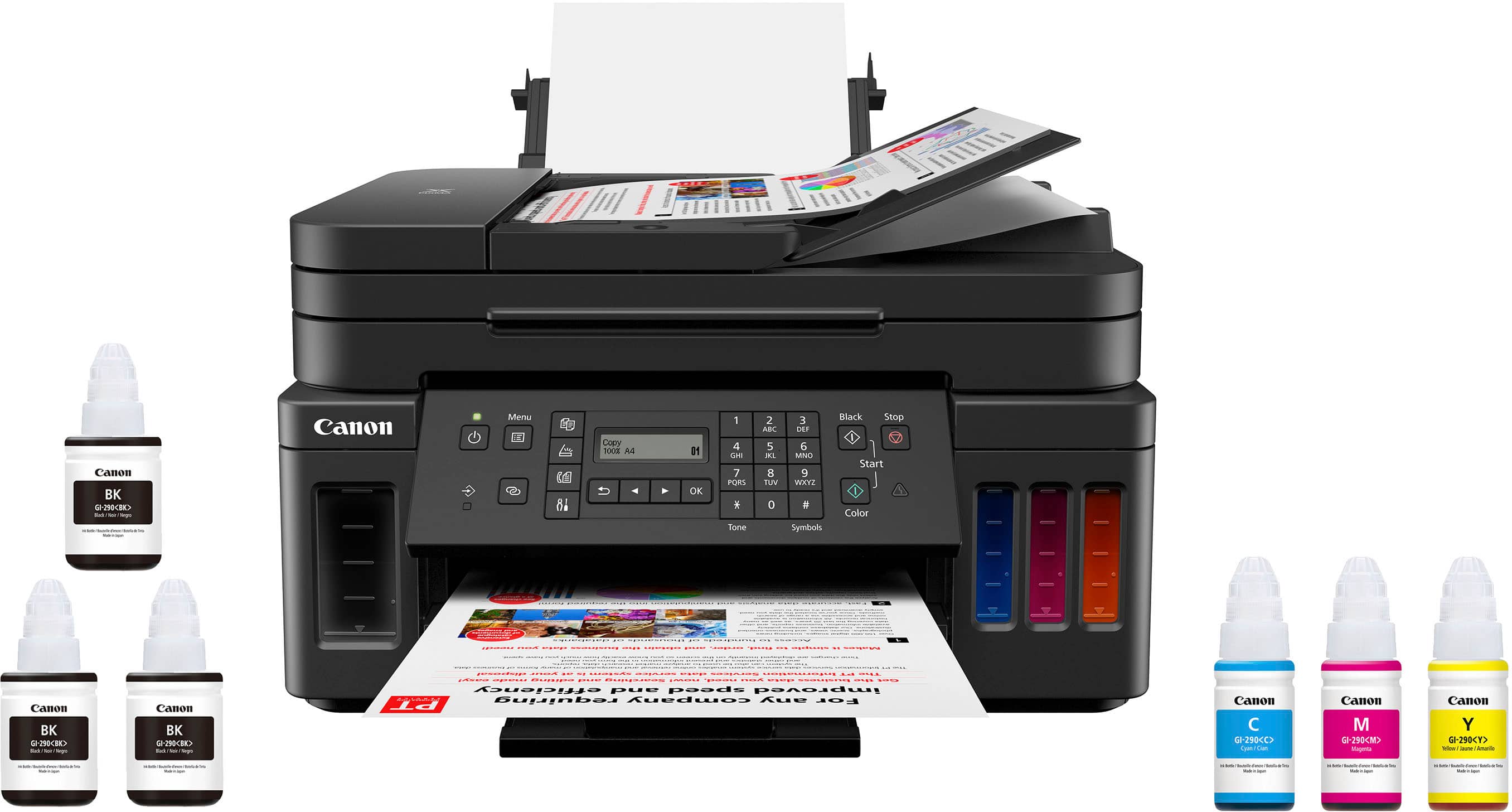
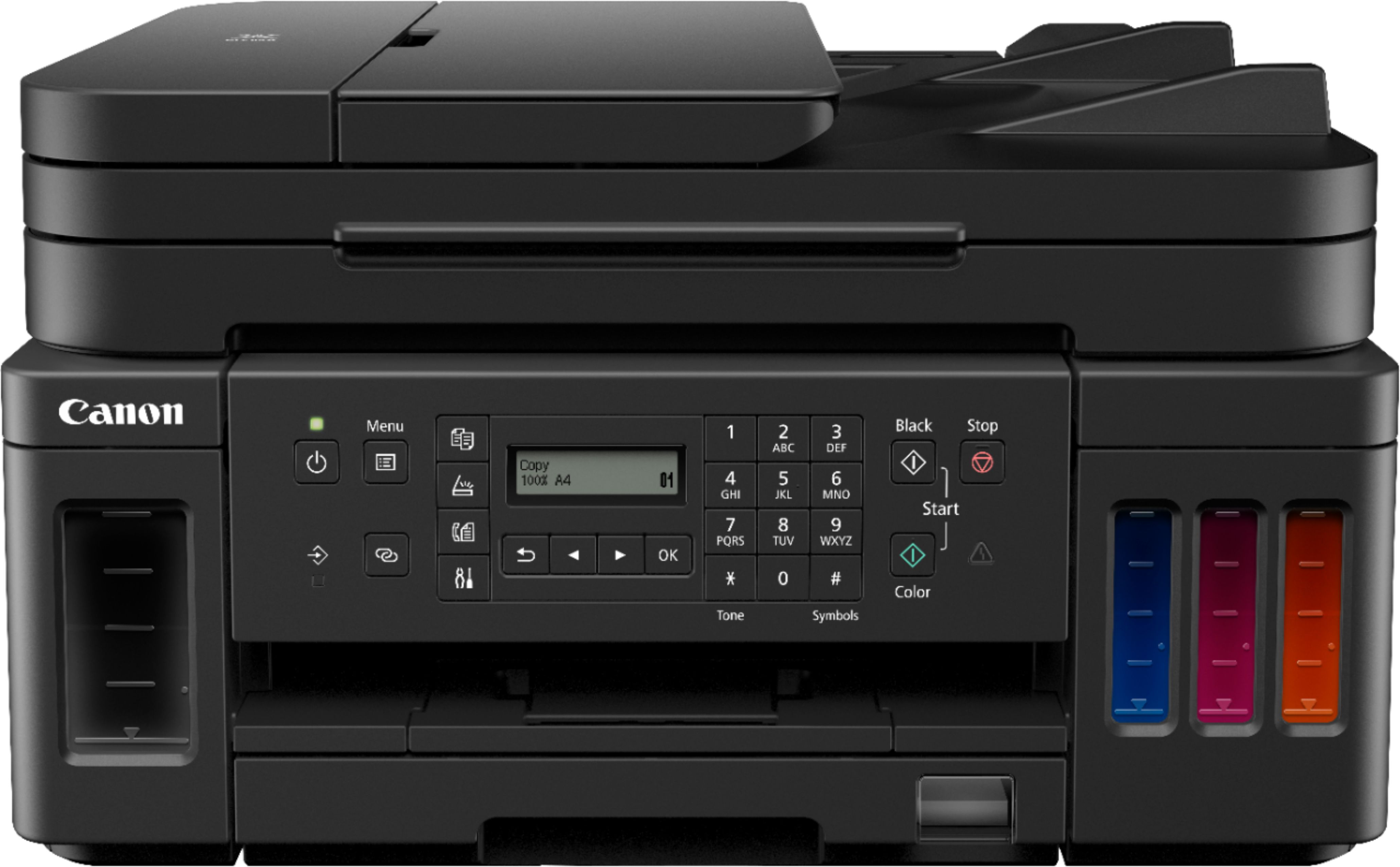
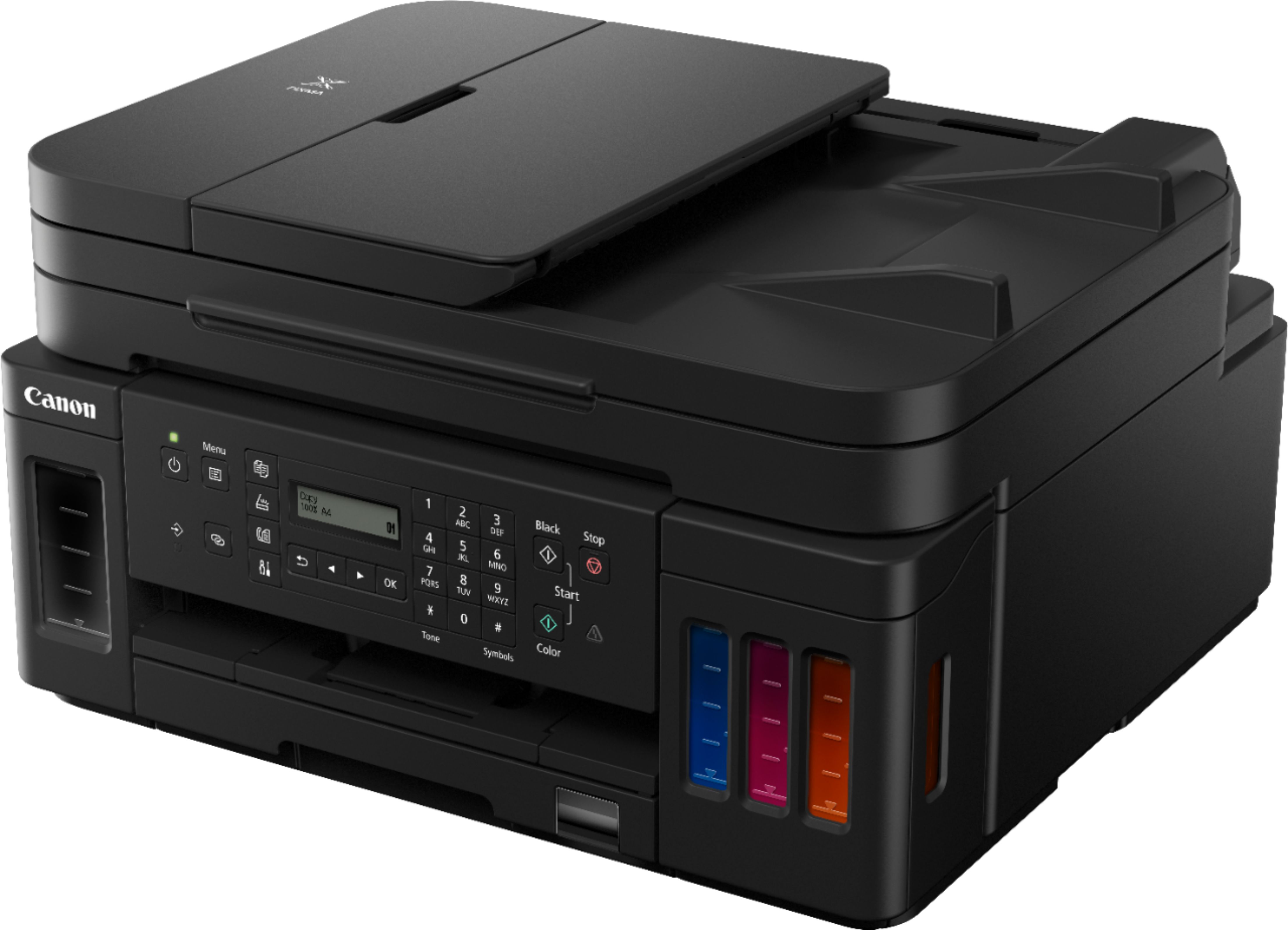
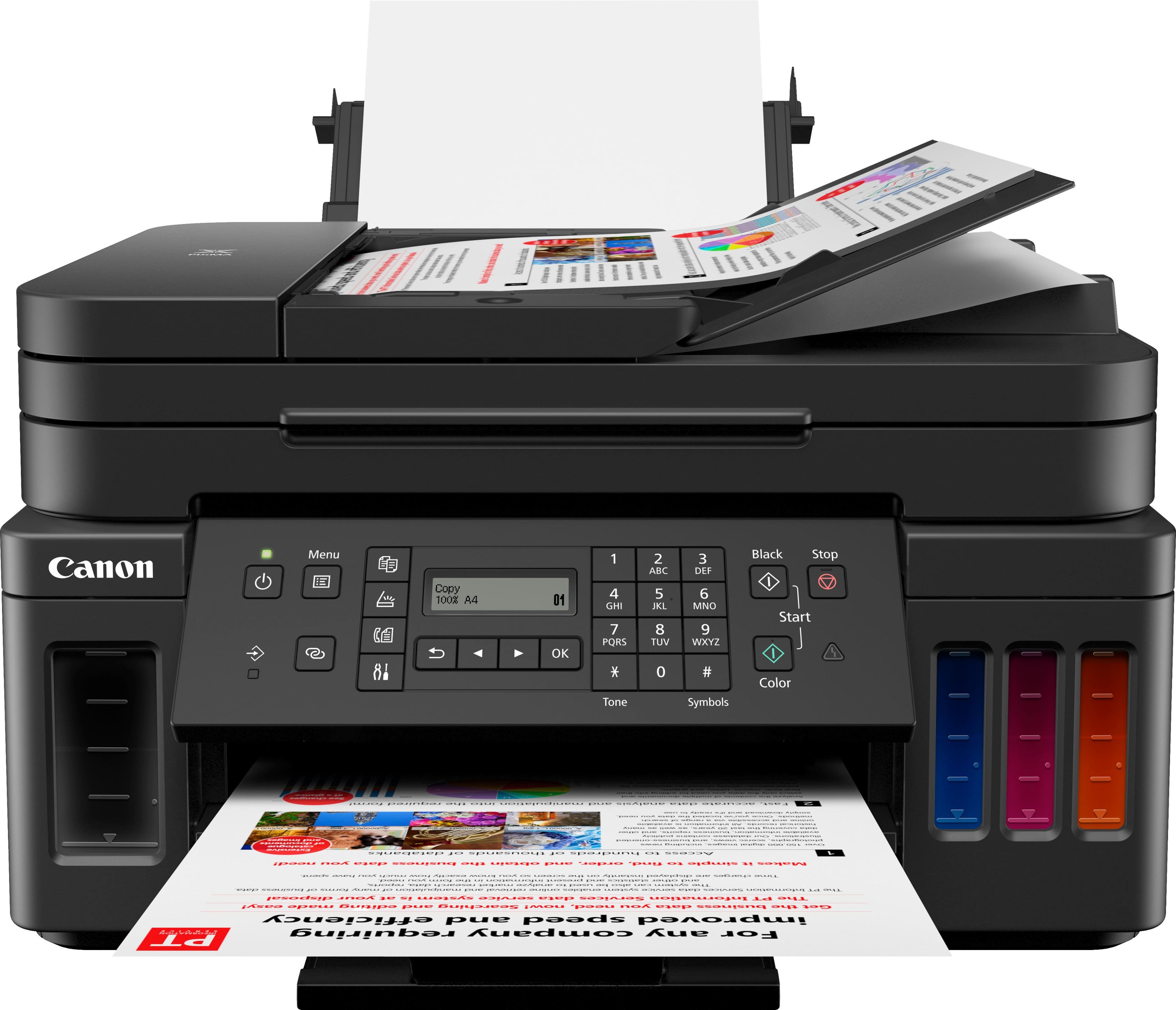
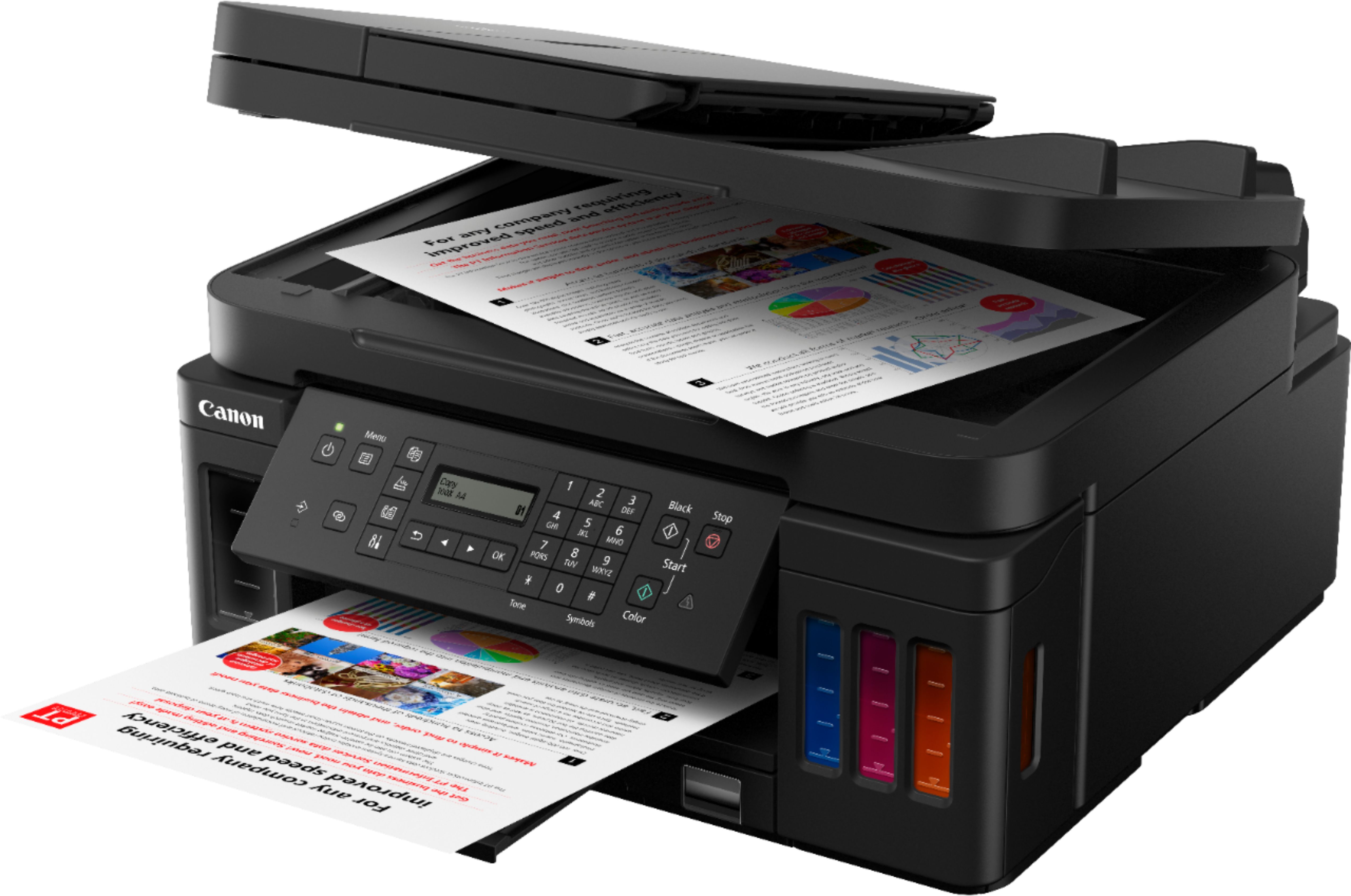
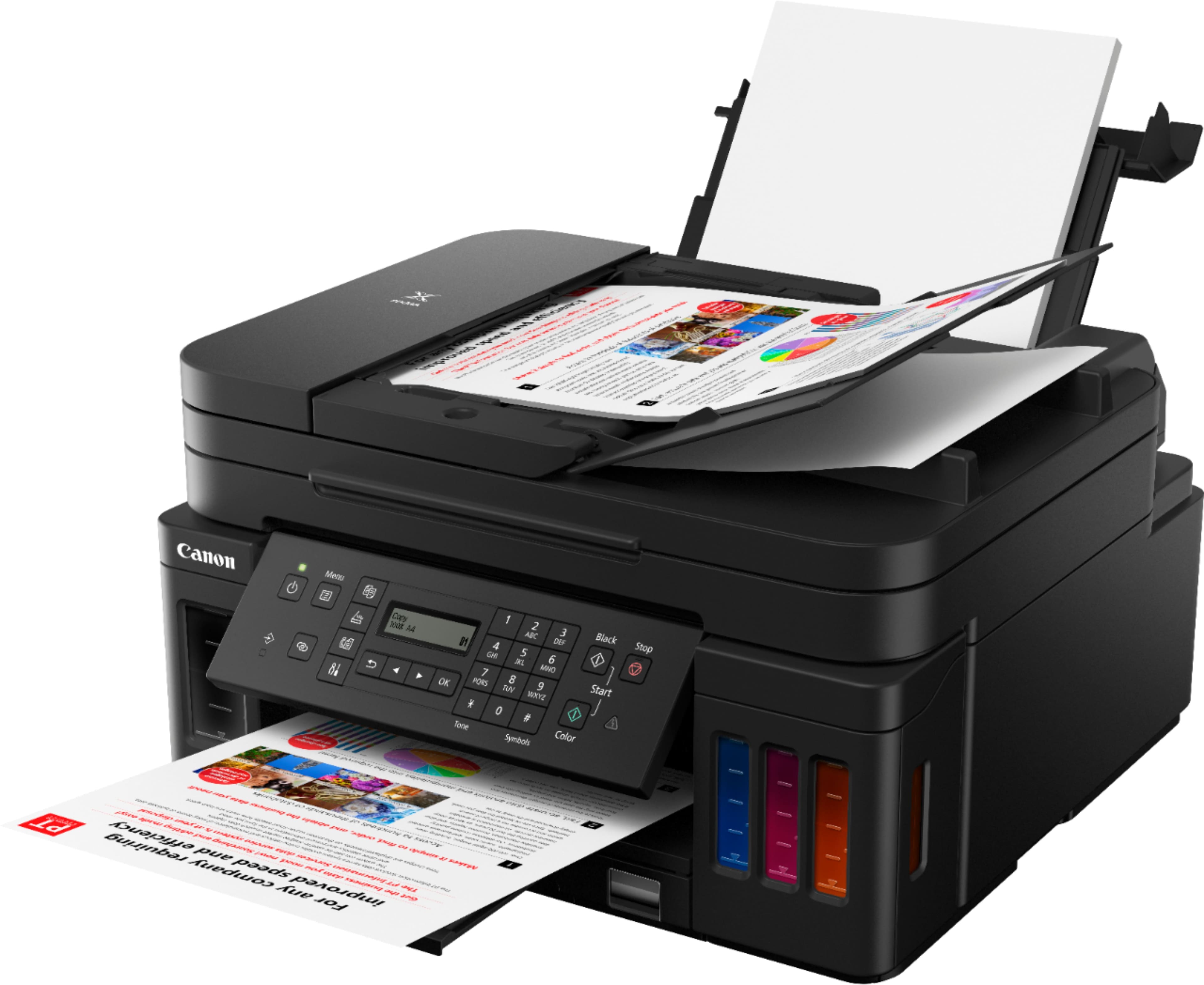
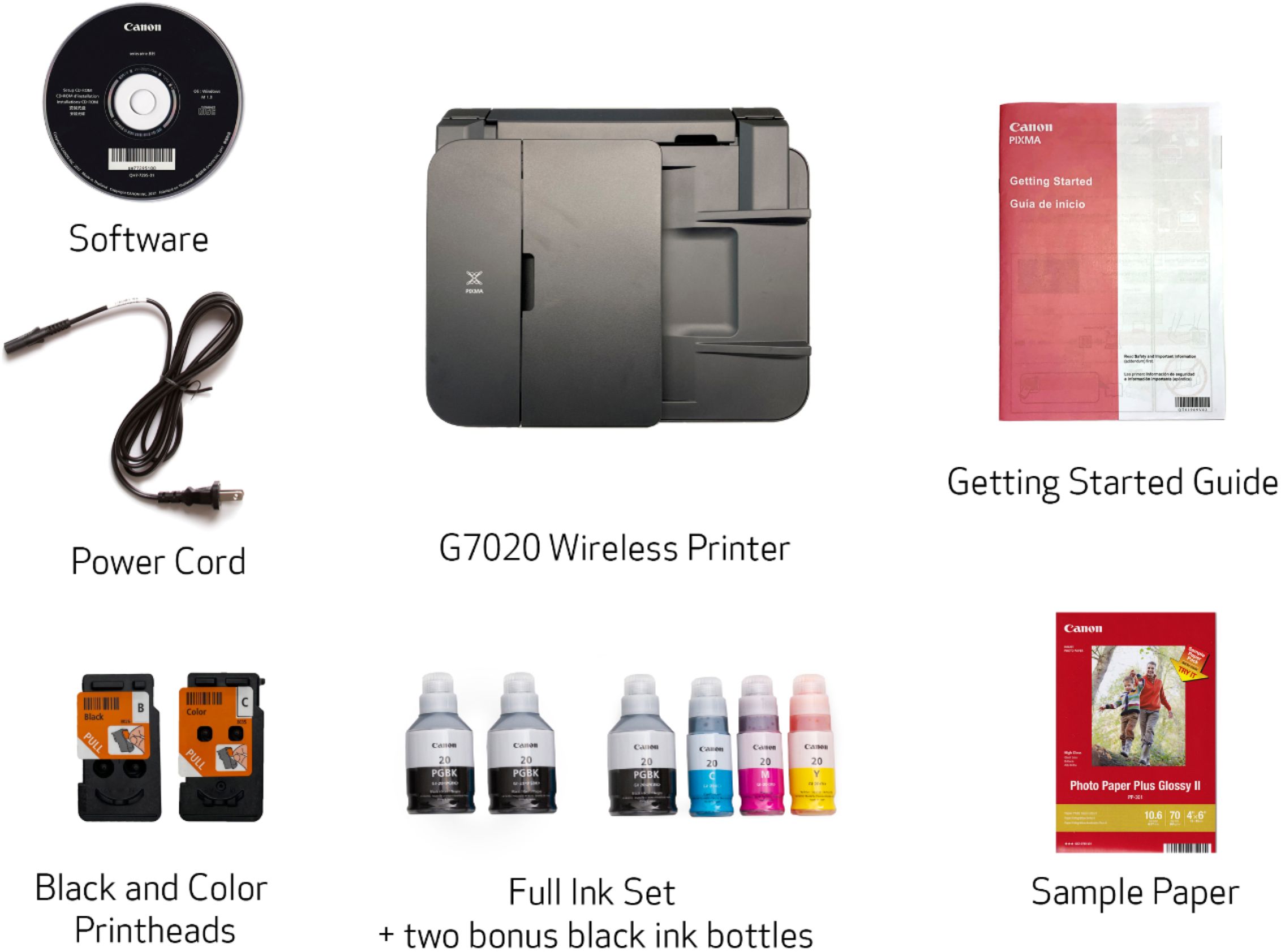
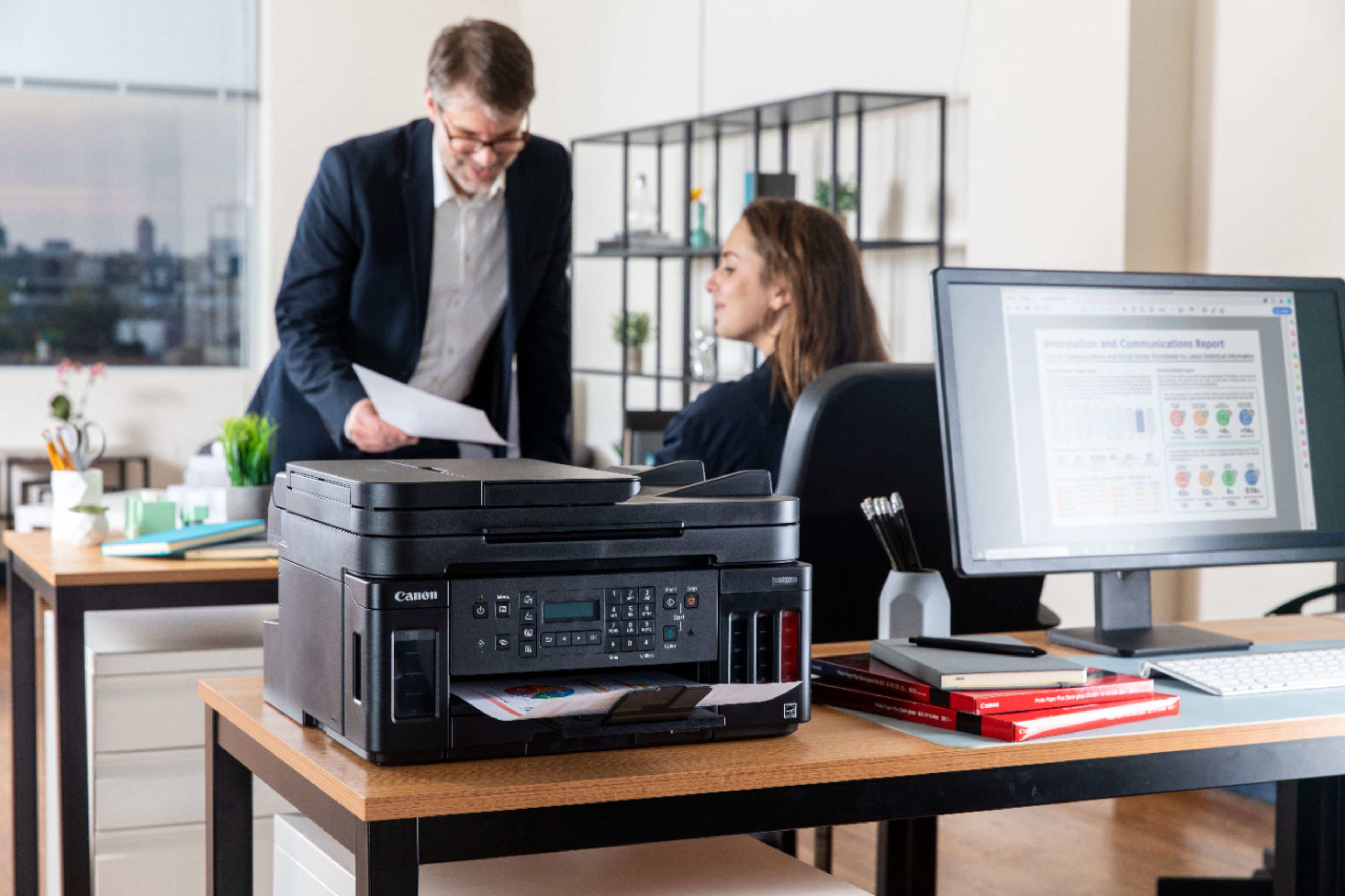
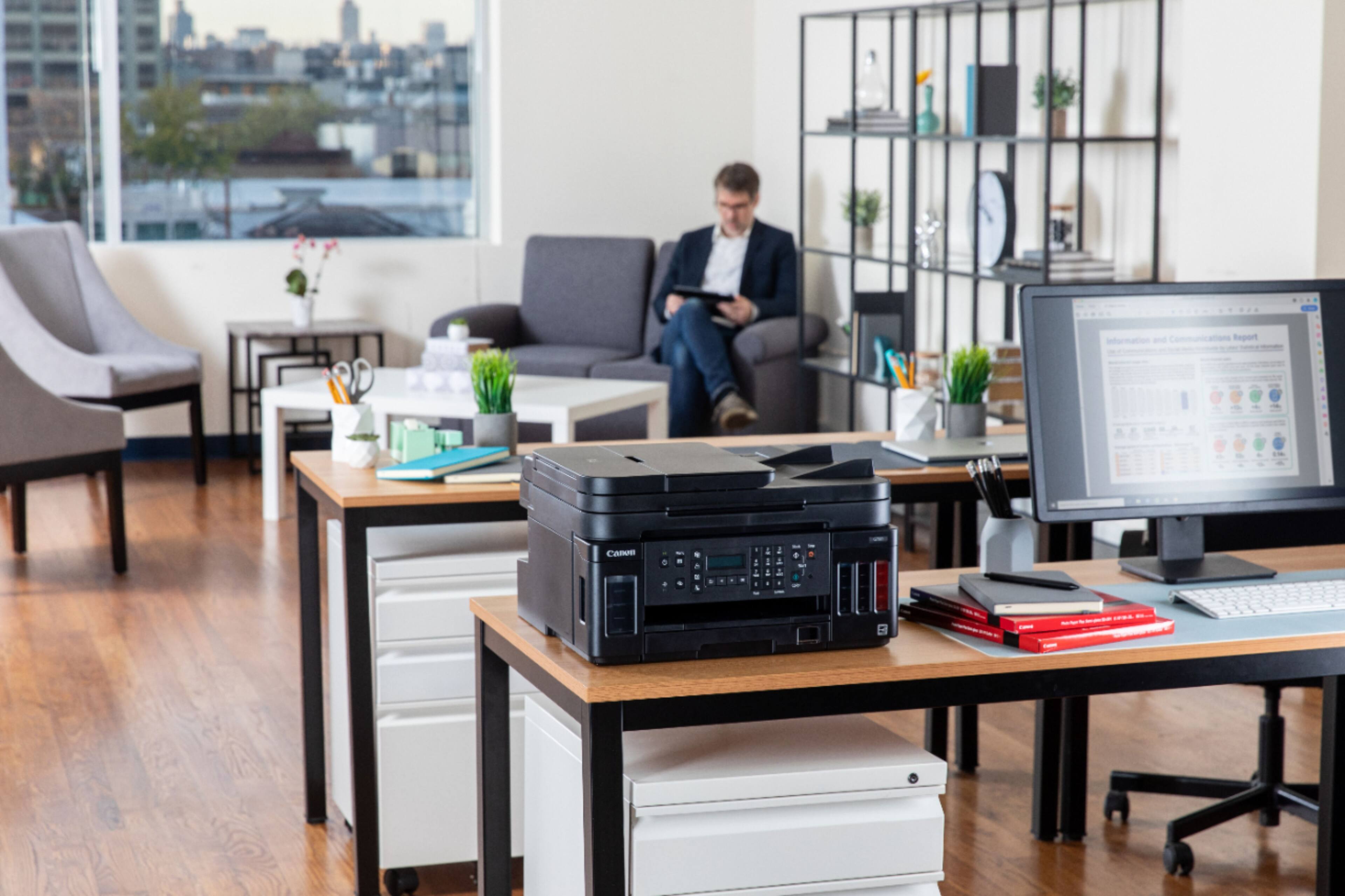
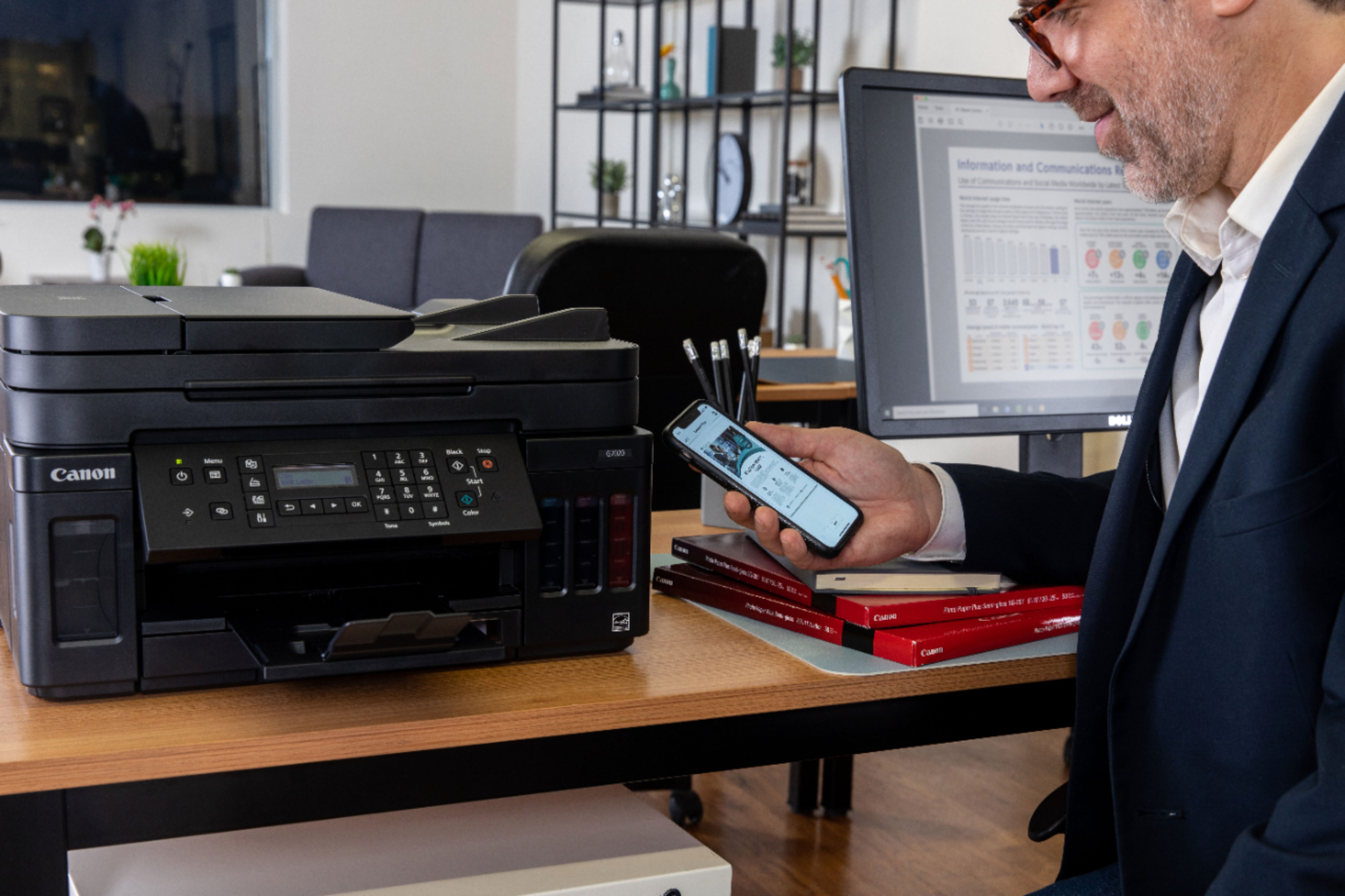
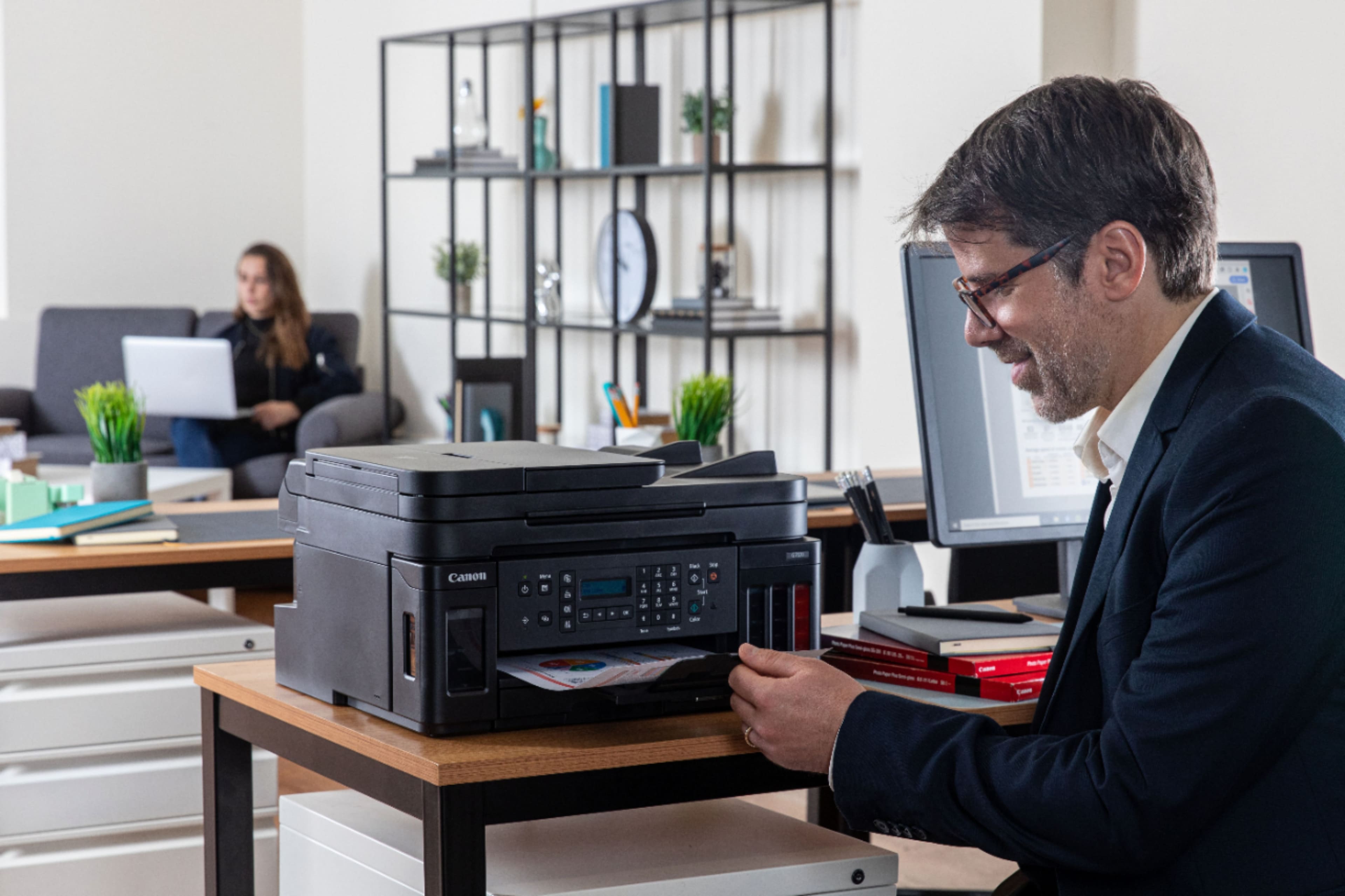
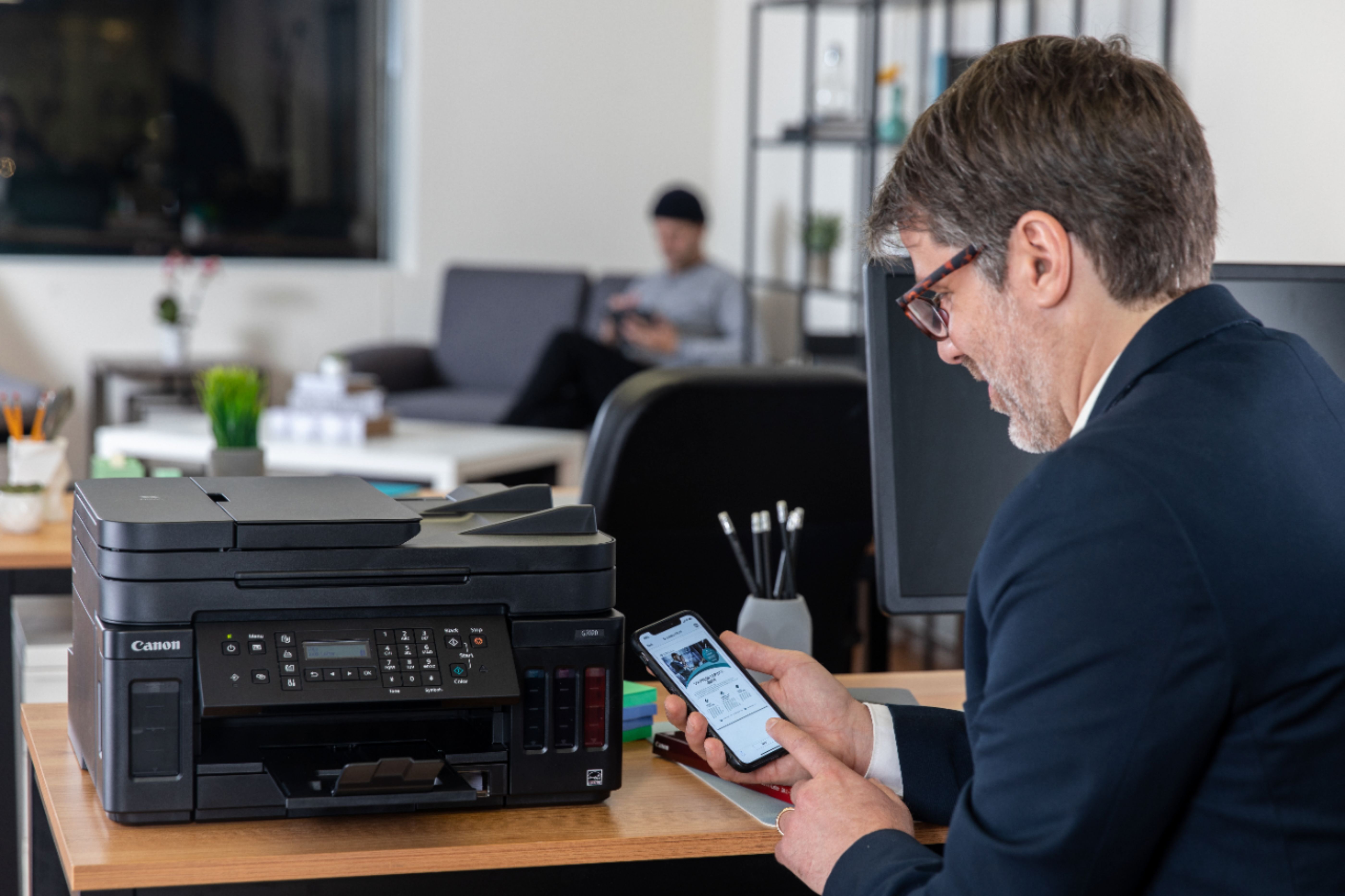

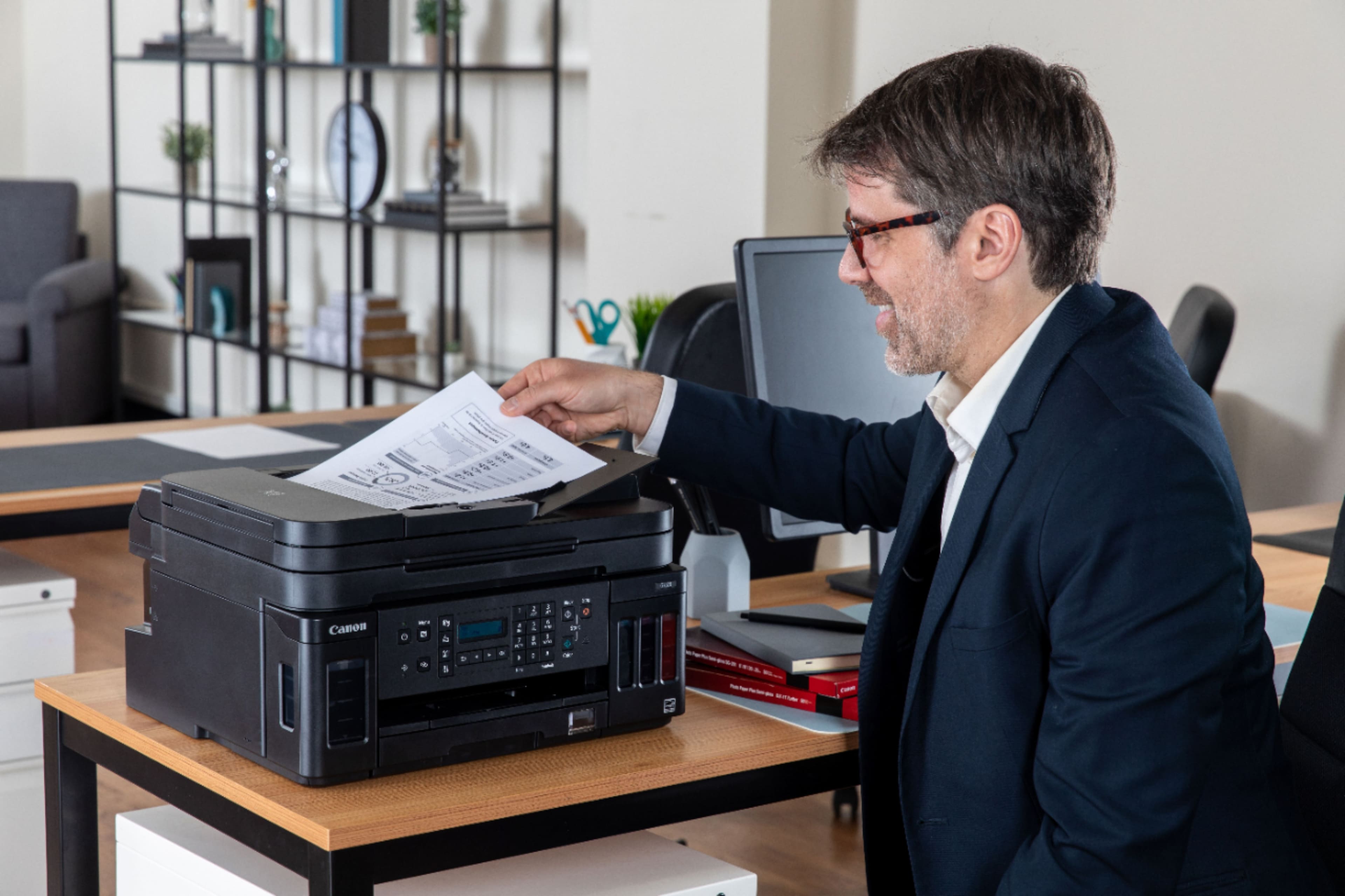
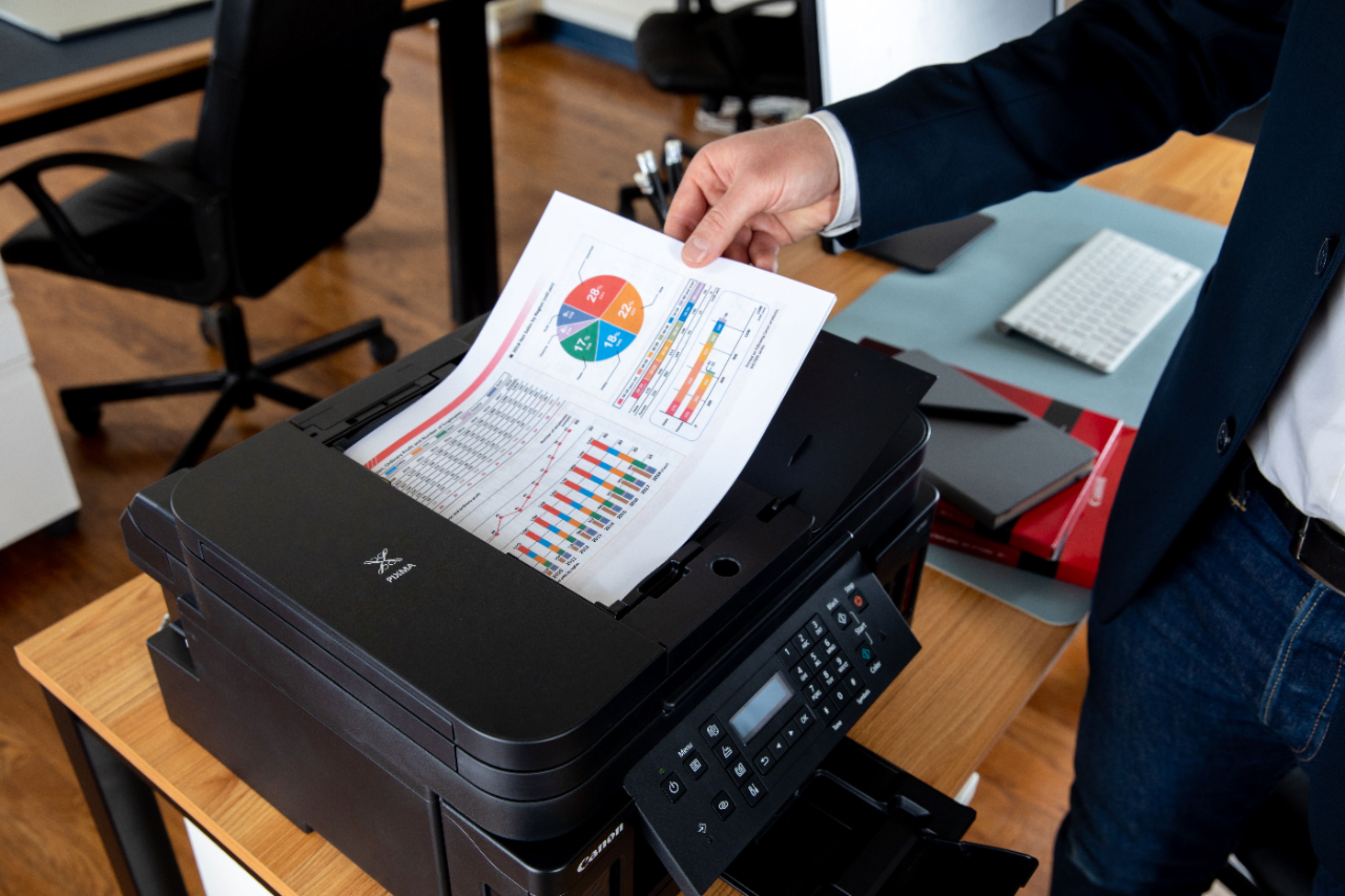
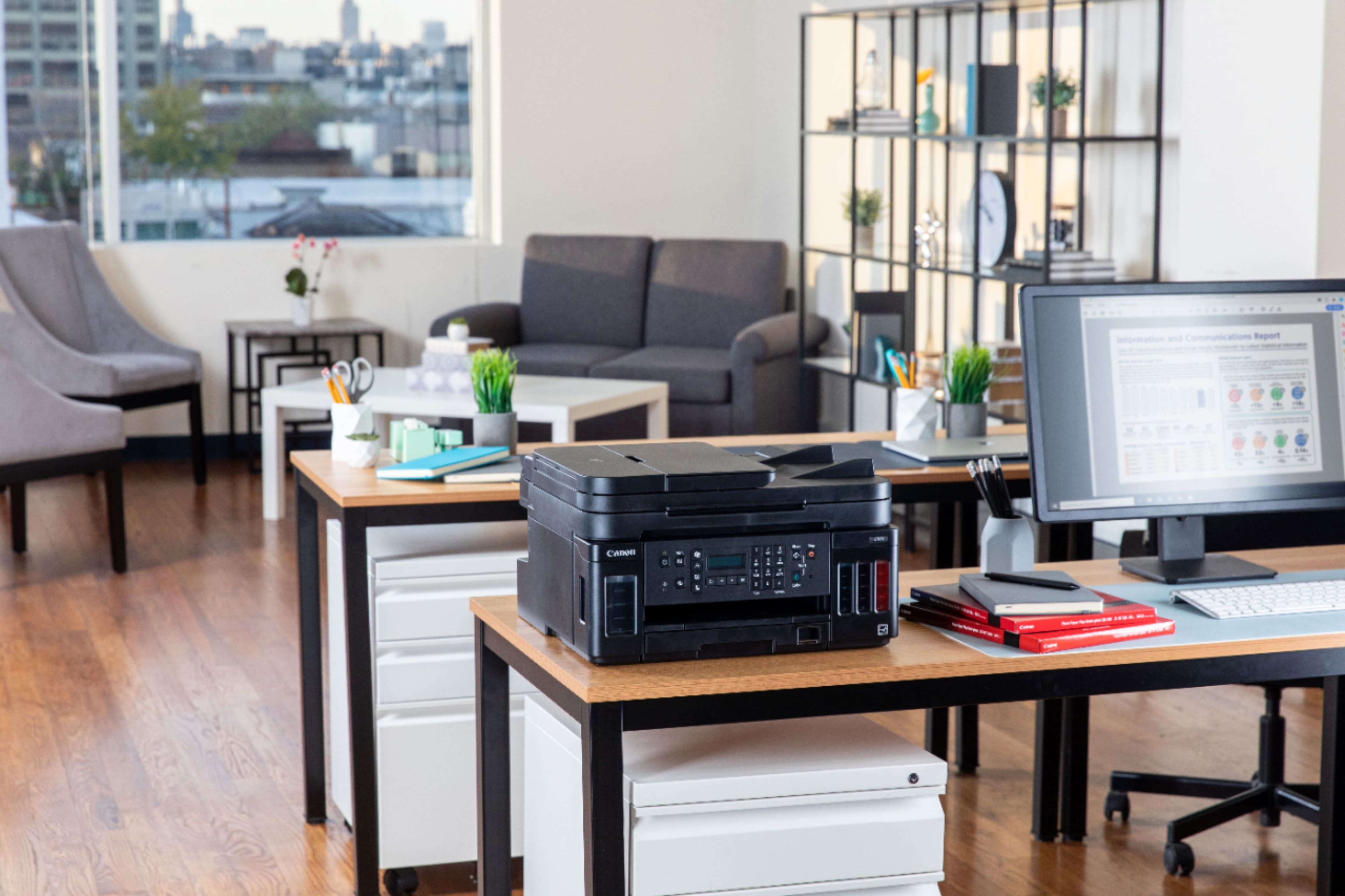
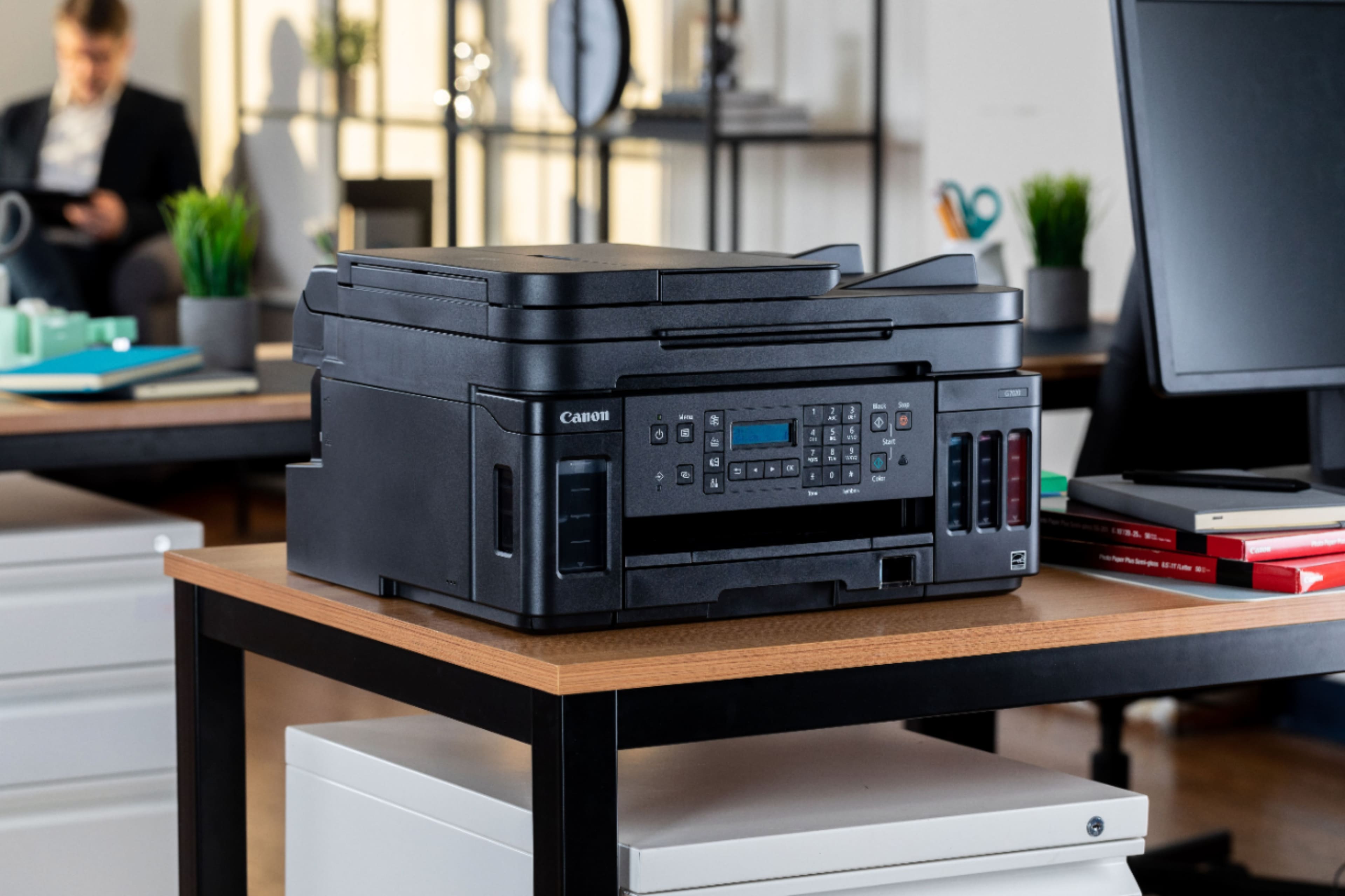
- Model:
- 3114C002
- |
- SKU:
- 6393533
Customer reviews
Rating 4.2 out of 5 stars with 1262 reviews
(1,262 customer reviews)Rating by feature
- Value4.2
Rating 4.2 out of 5 stars
- Quality4.3
Rating 4.3 out of 5 stars
- Ease of Use4.0
Rating 4.0 out of 5 stars
Customers are saying
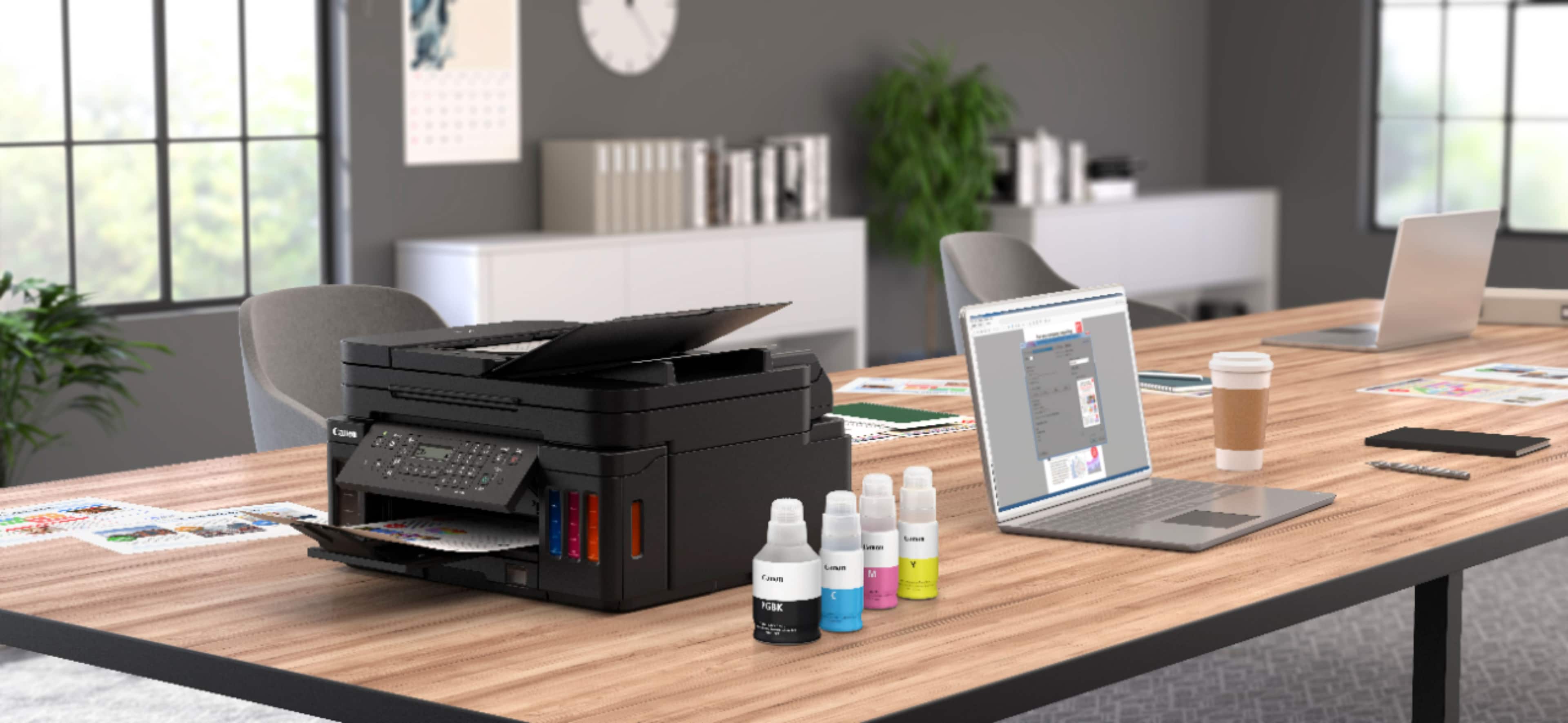
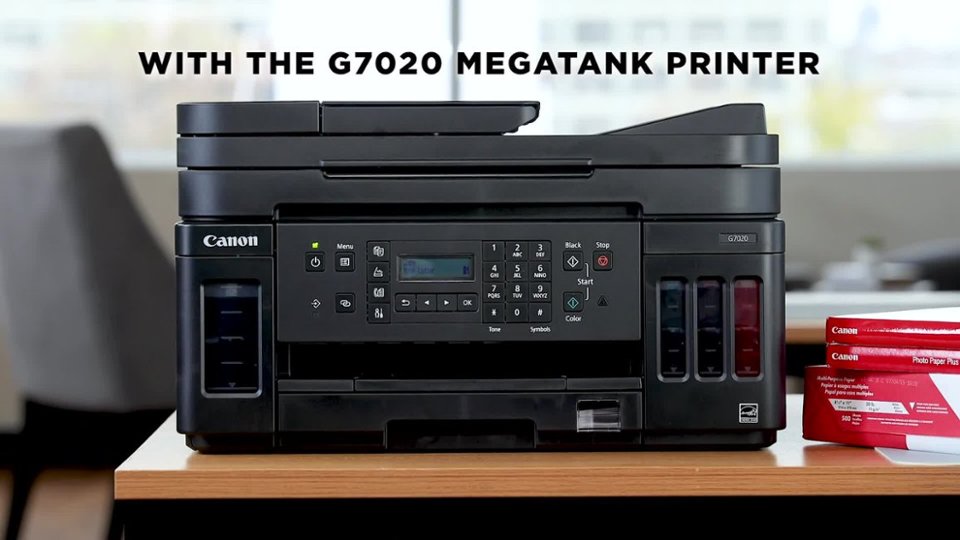
Customers regard the PIXMA MegaTank G7020's print quality and ease of use very favorably, with many praising its sharp prints and straightforward setup. The wireless functionality and compact size are also frequently cited as positive aspects. However, some users find the small, unlit display and control panel challenging to use, and a few note that the printer can be somewhat noisy during operation.
This summary was generated by AI based on customer reviews.
Rated 5 out of 5 stars
Best tv ever
||Posted . Owned for 2 months when reviewed.This reviewer received promo considerations or sweepstakes entry for writing a review.Love my new tv best picture just wish I would of wanted a couple of weeks later would of saved 100 more dollars on it
I would recommend this to a friendRated 1 out of 5 stars
Waste of time and money.
||Posted .This reviewer received promo considerations or sweepstakes entry for writing a review.The Pixma G7020 uses pigment black ink, which I learned today means the darks in my photos will look awful. When I print a photo with any black in it, that part looks more like a dark purple. The machine beeps all the time, takes forever to print, and the wheels that feed the paper leave marks in my prints. The ink absorber is not interchangeable/user serviceable, so this will throw an error in a year about the ink absorber being full. The attached image shows a year old print from my old MX922 next to a new print from today with this G7020.
No, I would not recommend this to a friend- Pros mentioned:Print quality
Rated 2 out of 5 stars
Slow but color is ok.
||Posted . Owned for 3 weeks when reviewed.This reviewer received promo considerations or sweepstakes entry for writing a review.Very slow reaction speed and print speed. No back light on the display screen so you can hardly see what the screen displays. Color is not bad and ink is very affordable.
No, I would not recommend this to a friend Rated 5 out of 5 stars
Convenient Printer
||Posted . Owned for 2 months when reviewed.This reviewer received promo considerations or sweepstakes entry for writing a review.Such a great benefit to have a printer you can control from your phone and can print from anywhere in your home with refillable ink.
I would recommend this to a friendRated 1 out of 5 stars
DO NOT BUY
||Posted . Owned for 1 week when reviewed.This reviewer received promo considerations or sweepstakes entry for writing a review.The G7020 is the worst printer I have had in 20 years. It say pages per minute is 6.XX... I thought that was supposed to mean six pages per minute, not 6 minutes (if you are lucky), for a black and white page. It has been a very long time since I have used canon but I wanted the super tank, thinking it would be eco-friendly and convenient... Well, not so eco-friendly when I am going to have to throw the entire, brand new printer away and purchase yet another printer and brand all together. In the time that it has taken for me to write this review, I still do not have a singe page from my 10 page paper.
No, I would not recommend this to a friendRated 5 out of 5 stars
Exelent
||Posted . Owned for 1 month when reviewed.This reviewer received promo considerations or sweepstakes entry for writing a review.excellent product I have already bought it twice because it works perfectly
I would recommend this to a friendRated 1 out of 5 stars
Unhappy Camper
||Posted . Owned for more than 2 years when reviewed.This reviewer received promo considerations or sweepstakes entry for writing a review.Look up the definition of "unhappy camper--I can't help it, I'm old) and that would be me. We have tried fora very long time to try to get quality printing out of this device. During that time, we may have gotten 150-200 printed pages out of it. I have pushed through ALL of the recommended cleaning adjusting processes to no avail. We use Canon inks, and go through cleaning, sometimes more than one time. NADA!!! The printer often is offline, and then inexplicably comes back on. The LCD console (if you can call it that) is so faint as to be illegible. The image below is a recent example of the results from a black cleaning cycle
No, I would not recommend this to a friendRated 5 out of 5 stars
Printer for Photos
||Posted . Owned for less than 1 week when reviewed.This reviewer received promo considerations or sweepstakes entry for writing a review.The images very clear when printing out. This is Very much worthy of purchase to be able to have the job done.
I would recommend this to a friendRated 5 out of 5 stars
Prints beautiful pictures
||Posted . Owned for 1 month when reviewed.This reviewer received promo considerations or sweepstakes entry for writing a review.Good printer with all the bells and whistles at a great price
I would recommend this to a friendRated 3 out of 5 stars
Canon g7020
||Posted . Owned for 1 month when reviewed.This reviewer received promo considerations or sweepstakes entry for writing a review.Its good but sometimes it has trouble connecting to the wifi. Pint is good
I would recommend this to a friendRated 1 out of 5 stars
Terrible Setup - Won’t Setup & Returning
||Posted . Owned for less than 1 week when reviewed.This reviewer received promo considerations or sweepstakes entry for writing a review.App doesnt work well for anything other than serving ads and collecting personal information. Constnatly get a please wait momentarily. Have to return this thing because it doesnt complete setup by any means. I got it connected via WPS, but now i can’t login to setup scan destinations, and Canon doesnt offer any support for this.
No, I would not recommend this to a friendRated 1 out of 5 stars
Worst printer
||Posted . Owned for 4 months when reviewed.This reviewer received promo considerations or sweepstakes entry for writing a review.Very poor printing. It smears, have prints images, always loading and rebooting. I bought canon paper to see if that works and nothing.
No, I would not recommend this to a friendRated 1 out of 5 stars
Garbage
||Posted . Owned for 4 months when reviewed.This reviewer received promo considerations or sweepstakes entry for writing a review.Printer started popping inside and shut down and won’t print. I only had it for 2 1/2 months and am out $250. I did not purchase the protection plus. I don’t recommend this printer. I had to spend another $300 for an Epson printer. Stay away from Cannon
No, I would not recommend this to a friendRated 1 out of 5 stars
Fax quality is awful
||Posted . Owned for 6 months when reviewed.This reviewer received promo considerations or sweepstakes entry for writing a review.Works well, but the fax quality - sending and receiving- is awful.
No, I would not recommend this to a friend- Pros mentioned:Print quality, SetupCons mentioned:Display
Rated 4 out of 5 stars
Overall Decent Printer
||Posted . Owned for 1 month when reviewed.This reviewer received promo considerations or sweepstakes entry for writing a review.What this printer does, it does well. Print quality is very good, The speed is adequate. Economy should be excellent. Not only do you have the visual levels for the ink tanks, but the cost of ink is considerably less than the cartridge printers I've been using. Photo printing, using glossy photo paper, is excellent. Drafts printed on plain paper will be disappointing, faded and washed out. Setup was fairly easy, the step by step directions take you through the steps. If you run into an issue, help is another matter, the troubleshooting is vague and confusing. I had an issue during setup where the printer kept telling me to reseat the rear paper feed. It took me half an hour to realize that there was a feed door in back that had opened in shipping and I had to flip it down. I had no difficulty at all, connecting the printer to my Apple products and printing from them worked fine. I can't attest to wifi operation as I have the printer hardwired to my router. Shortcomings: Documentation is poor and solving a problem can be frustrating. The control panel display is not backlit. It really needs to be.
I would recommend this to a friend - Pros mentioned:Print quality, Size
Rated 3 out of 5 stars
Canon Pixma
Posted .This reviewer received promo considerations or sweepstakes entry for writing a review.I was looking for a small home office printer that could handle frequent/daily use mainly for crafting. I’ll start with the pros: Nice looking and sturdy. Visible ink levels. Compact for an all-in-one printer. Features and functions work just fine. No problems with paper getting jammed. I am pleased with print quality of photos and other projects. Cons: The cons are frustrating. Connecting to WiFi was too much of a hassle. I was able to connect with no problem but in the middle of a print job, it would disconnect and would not connect again. I’m not in IT, yet I found myself trying to figure out the router channel and frequency and GHz and MHz. I make arts and crafts, I shouldn’t have to troubleshoot, so I ended up buying a cord to connect to my laptop. Every time I print, I use regular old computer paper, but I have to select the paper type still, each time, what’s the use in auto select? There are too many steps to print. This last con makes me want to trade up. There is no backlight on the teeny tiny screen. The screen is already small, but it’s also dark making it difficult to see especially if you already have bad eyesight. The lack of backlight was the most common complaint I read about, but I didn’t think it would be this frustrating.
No, I would not recommend this to a friend - Pros mentioned:Print qualityCons mentioned:Display
Rated 4 out of 5 stars
NO auto duplex scanning via ADF. No baklit display
||Posted . Owned for less than 1 week when reviewed.This reviewer received promo considerations or sweepstakes entry for writing a review.PROS: All in all a nice printer for light home use. Good to be able to use bottles of ink to refill (Can test aftermarkets for quality comparison). Print quality OK. CONS: NO BACKLIT DISPLAY! Need flashlight at night to see screen. NO AUTO-DUPLEX SCANNING OR COPYING! If you want to use the ADF to scan a two sided document to your PC/laptop or even use their advertised "auto-duplex printing" feature to make copies, you have to MANUALLY pick up the page from the ADF 'after scan' tray, turn it 180degrees counter-clockwise (very specifically!) and put it back on top of your other pages in the ADF 'feed' tray! EVERY TWO SIDED PAGE YOU FEED IN, YOU HAVE TO FLIP YOURSELF! VERY BAD FEATURE. Auto-printing is ONLY automatic when you're printing something ALREADY UP ON SCREEN in your electronic device (laptop, phone etc). It's not REALLY a fully automatic printing feature as far as I can see. Technical "BS" I'd "allege" (wouldn't want a cease and desist from Canon's lawyers)! You deserve the truth (this one based on MY humble "opinion"). The SCANNER utility is also pretty antiquated considering the availability of many more GUI options now. That shouldn't be so basic even with this price of a printer. Get ya one way or the other, I guess. Chaaching for every'thing.' IT'S ALSO A BIT SLOW FOR MY LIKING. I switched to this from an HP OfficeJet Pro 8715, which seems like a much superior a printer and definitely faster. BUT HP got even more GREEDY and, in their last firmware update (Oh how I wish I never installed it because you CAN NOT revert!) they programmed in to block ALL SCAN/COPY/PRINT functions if it does not detect A NEW HP ORIGINAL ink cartridge! Not a refill and most definitely not an aftermarket cartridge. In other words, they [HP] immediately render your printer, that you bought, useless if you run out of any color ink AND don't put in a new original HP cartridge. I thought this to be communistic in nature, or at the very least bullying, so I'm bringing that back to Costco. If they don't accept it, I might get the sledge hammer out and have fun with my son (with PPE on, of course)! PLUS I should buy mainly from Best Buy in the future IF they accept this Canon G7020 back. They tend to be very reasonable in cost and service. SUMMARY: The ADF auto-duplex scan feature and a back lit display are pretty basic necessities now for a printer (there are times we print at night... ah, I have to say DUH CANON on that one)!
No, I would not recommend this to a friend - Pros mentioned:Fax, Print quality
Rated 5 out of 5 stars
A Good Printer!
||Posted . Owned for 1 month when reviewed.This reviewer received promo considerations or sweepstakes entry for writing a review.I was a little nervous at first switching from a color laser printer back to an ink jet. So far I have not been disappointed. This printer works well, I especially appreciate the scan and auto duplex functions. The print speed seems to be inline with my laser printer (the auto duplex does take a little longer-but saves some paper). The printer produces the same or better quality as my last printer. I also appreciate the wireless feature which allows me to print straight from my phone, skipping the computer all together. While I have not yet had to fax anything, I find the controls are easy to figure out and work well. It will also be the first time I will be excited to buy more ink as it is significantly cheaper than my old ink jet printer. While it's pricier than some printers, I'm looking forward to getting a lot of use out of it for both my work and my kid's schoolwork!
I would recommend this to a friend - Pros mentioned:Ease of use, Print qualityCons mentioned:Noise level
Rated 5 out of 5 stars
No more ink cartridges!
||Posted . Owned for less than 1 week when reviewed.This reviewer received promo considerations or sweepstakes entry for writing a review.Our old copier died, and we were tired of paying crazy prices for a spoonful of ink inside some expensive contraption. Finally companies are listening, and this printer is the result. The printer came with 3 color and 3 black bottles of ink. Not 'samples', but full size bottles. All ink tanks are full and I have 2 black bottles left for future use. Tanks are easy to fill, with no mess. As for the features, it's a standard home multi-function printer, everything works as it should, and it's fairly easy to set up. A bit noisy, but that's not a deal breaker.
I would recommend this to a friend - Pros mentioned:Ease of use, SetupCons mentioned:Display
Rated 4 out of 5 stars
A good printer
||Posted . Owned for 3 weeks when reviewed.This reviewer received promo considerations or sweepstakes entry for writing a review.I was not too happy with this printer when I purchased it. There, either is no light behind the display, or it doesn't work so I can barely read the screen with a light on in the room. I cannot read it with no light on in the room.. The printer was ease to set up. It is easy to use and does not use a lot of ink. I would recommend it. I have been using it for 1 month
I would recommend this to a friend