Customer Ratings & Reviews
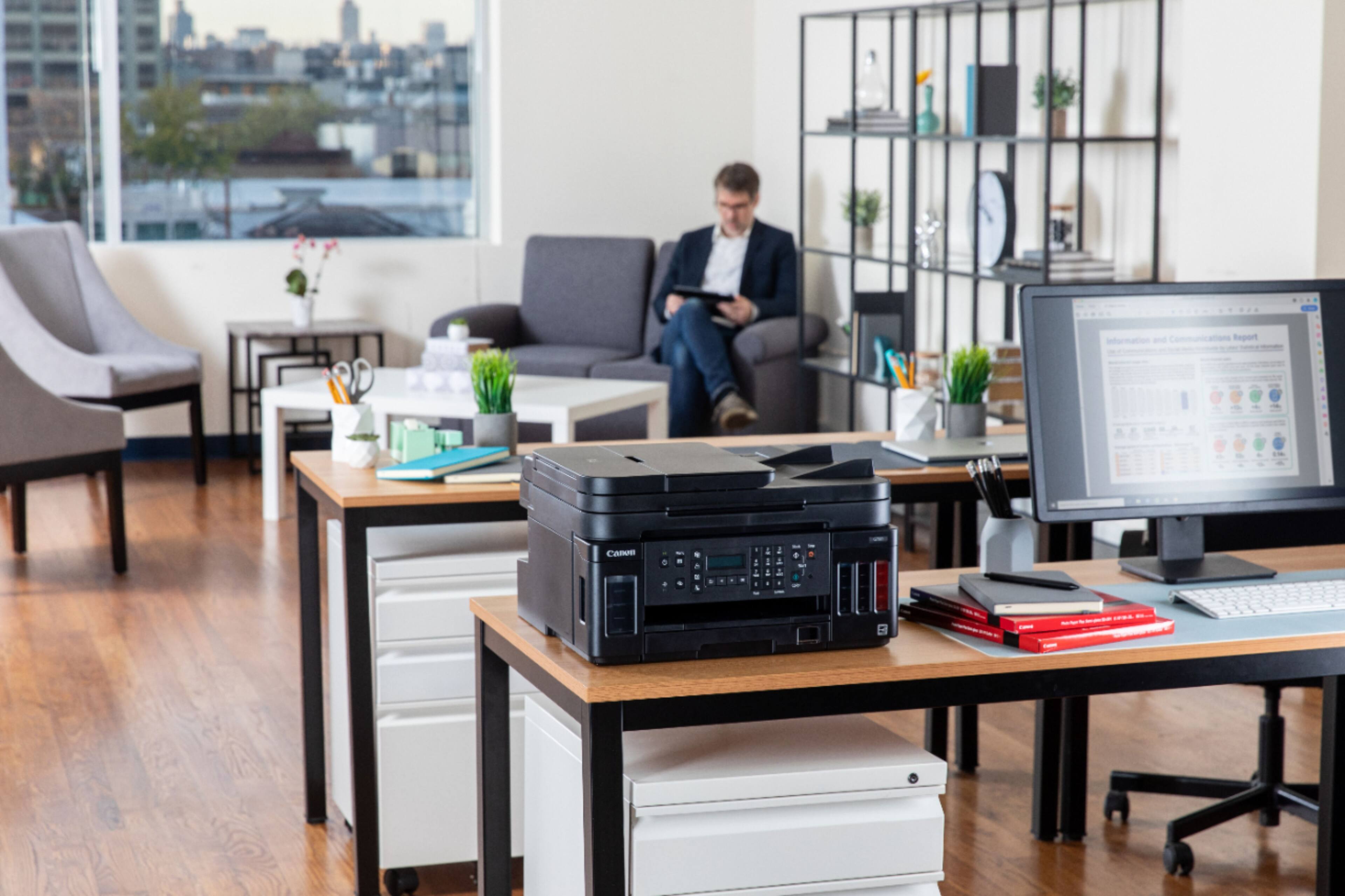
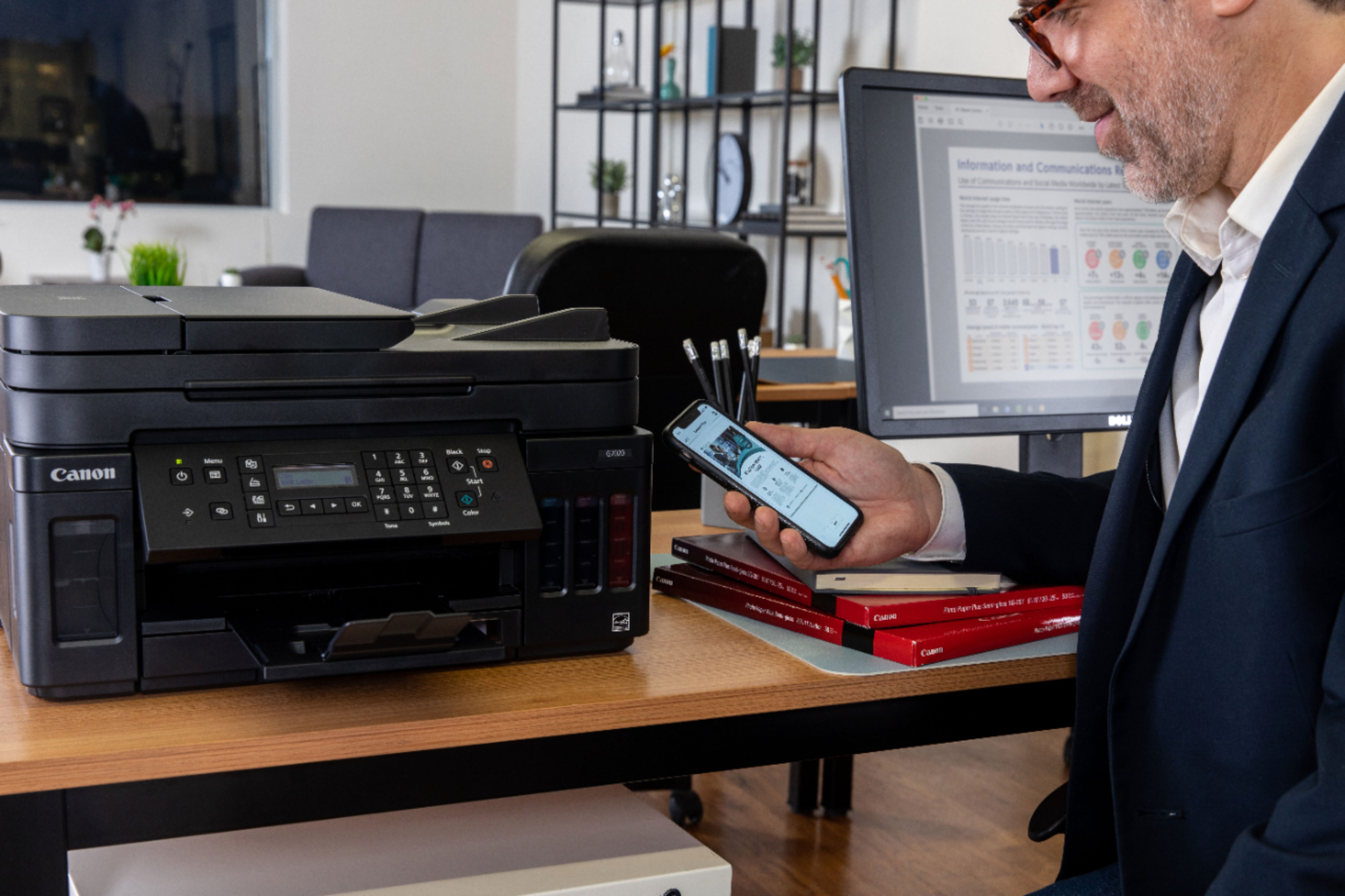
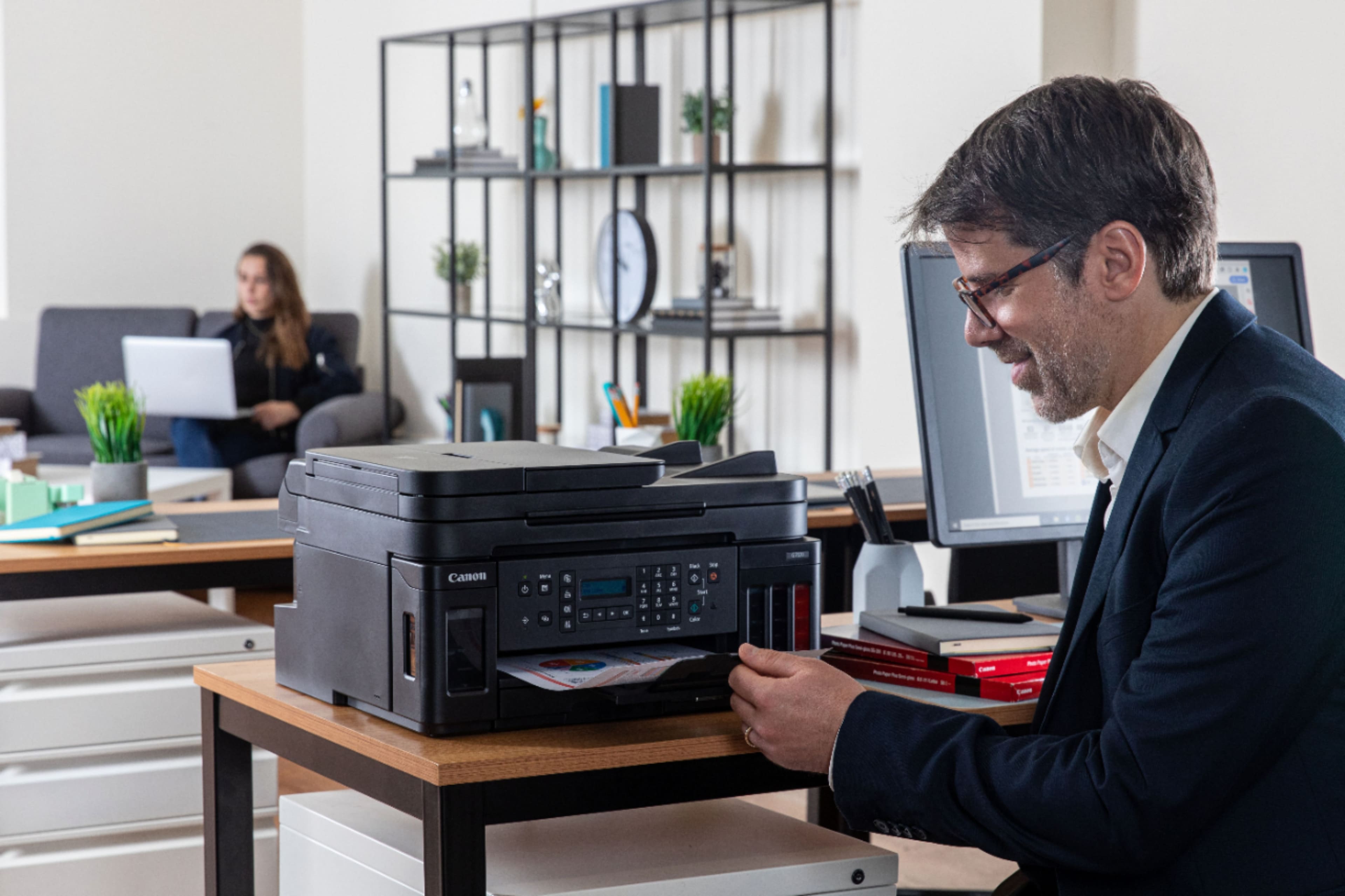
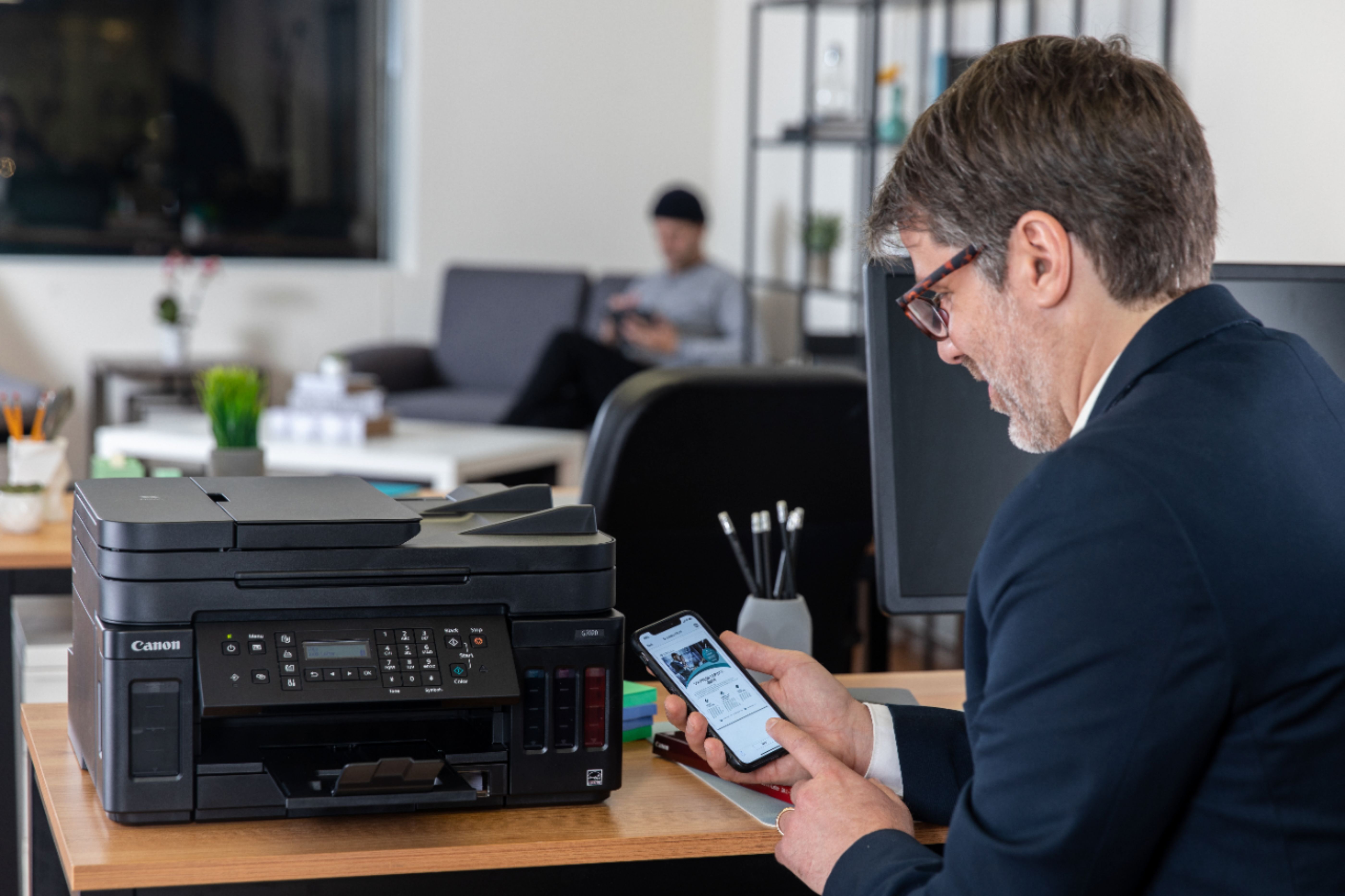

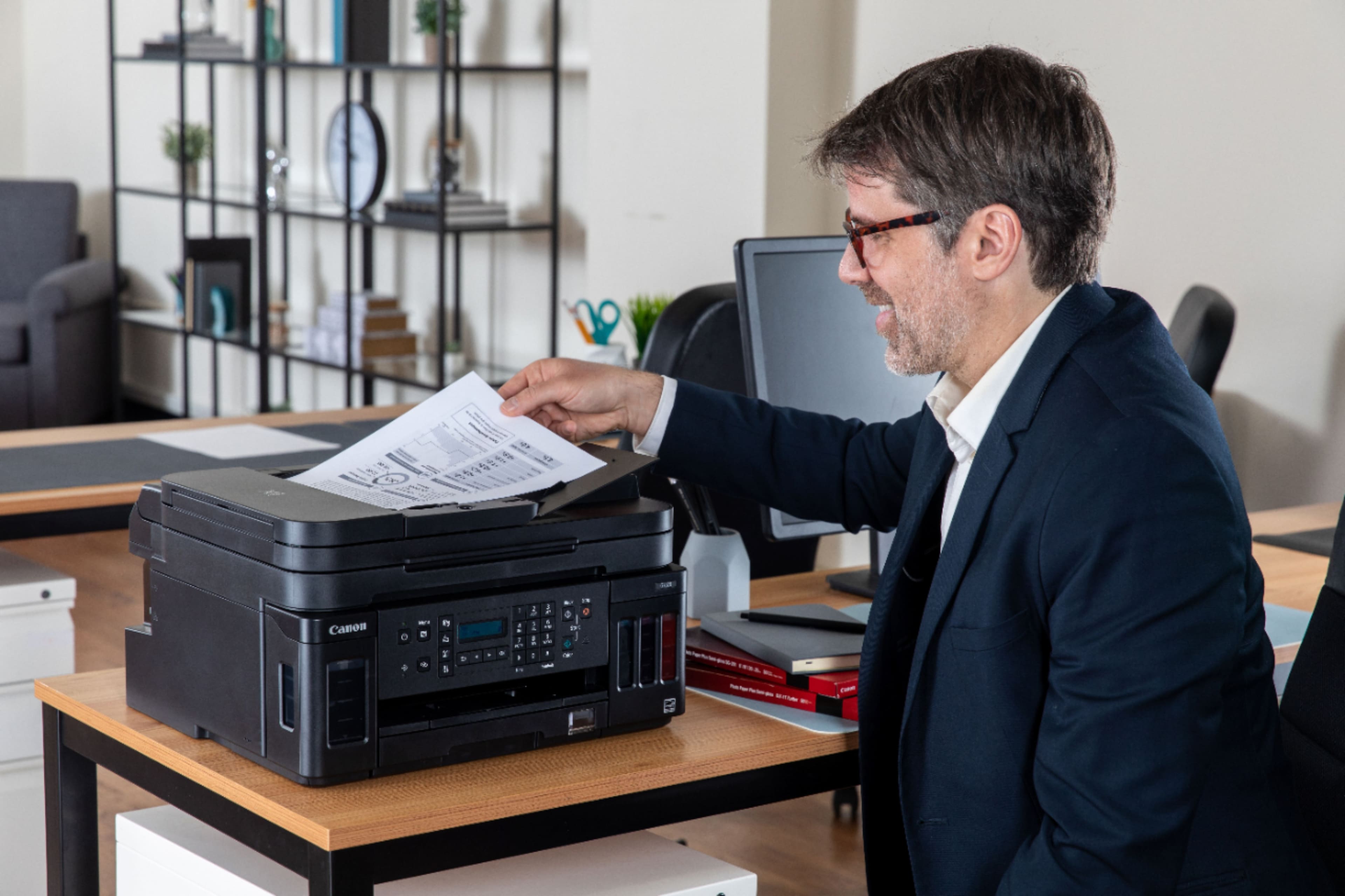
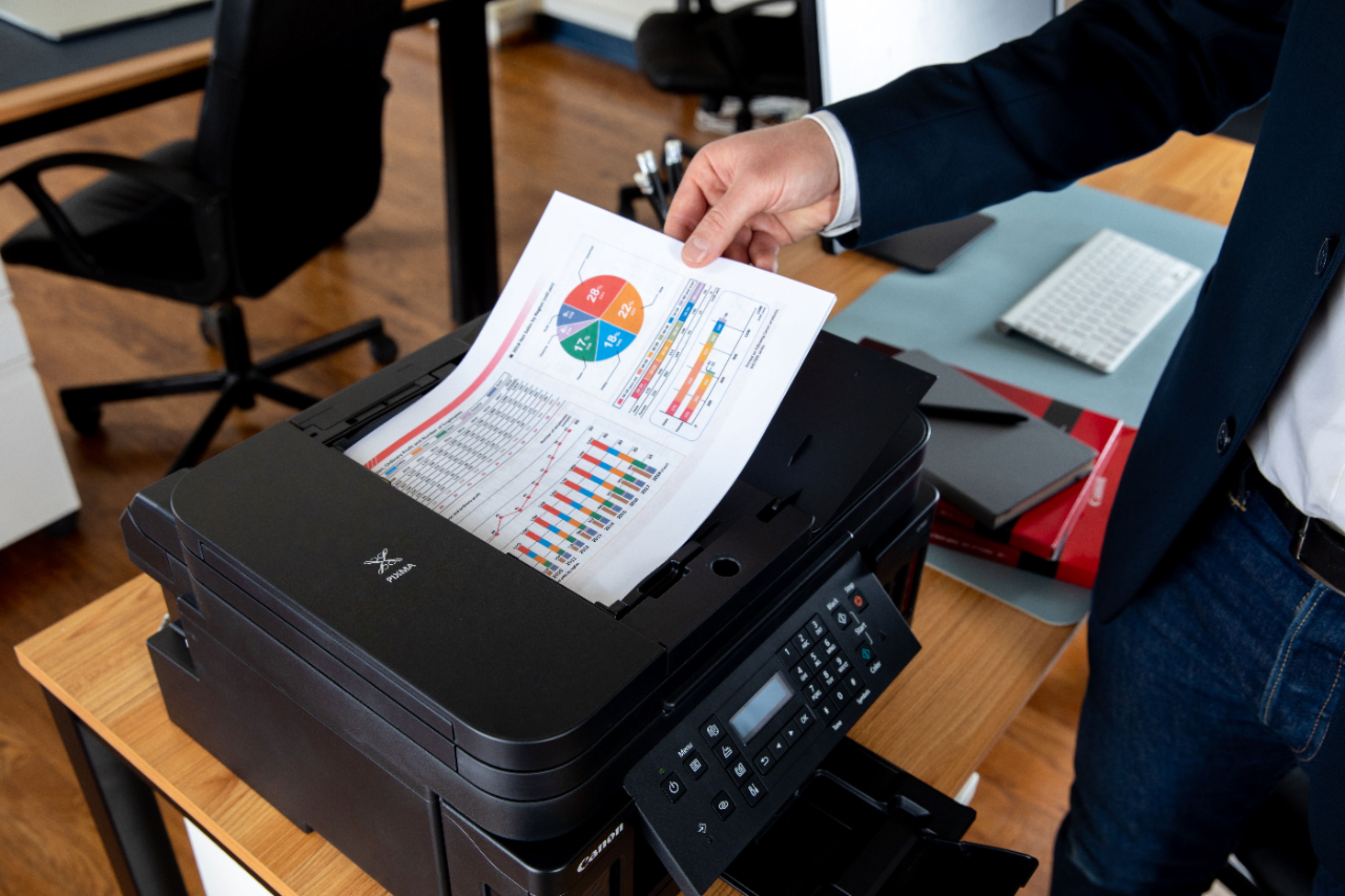
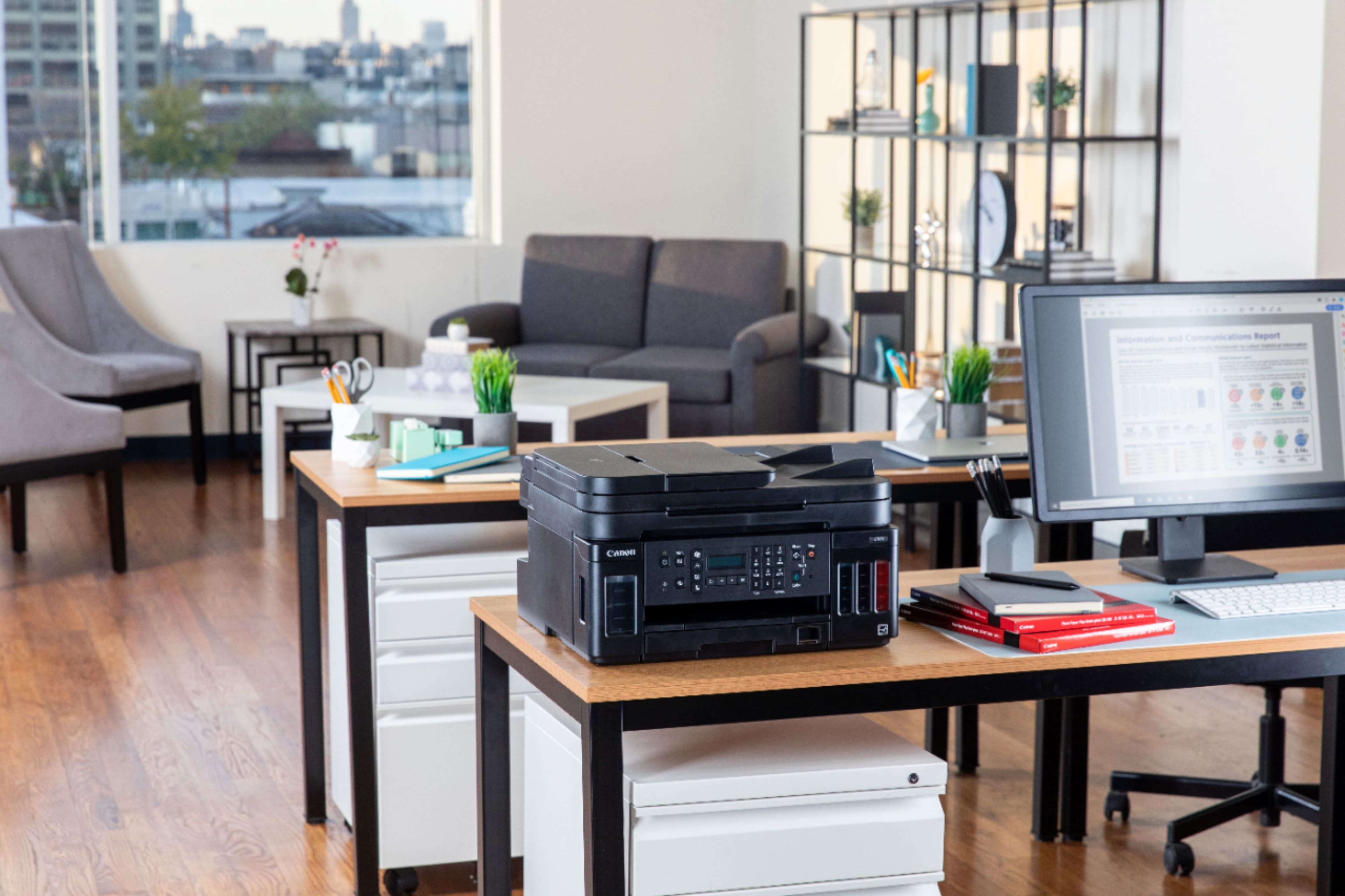
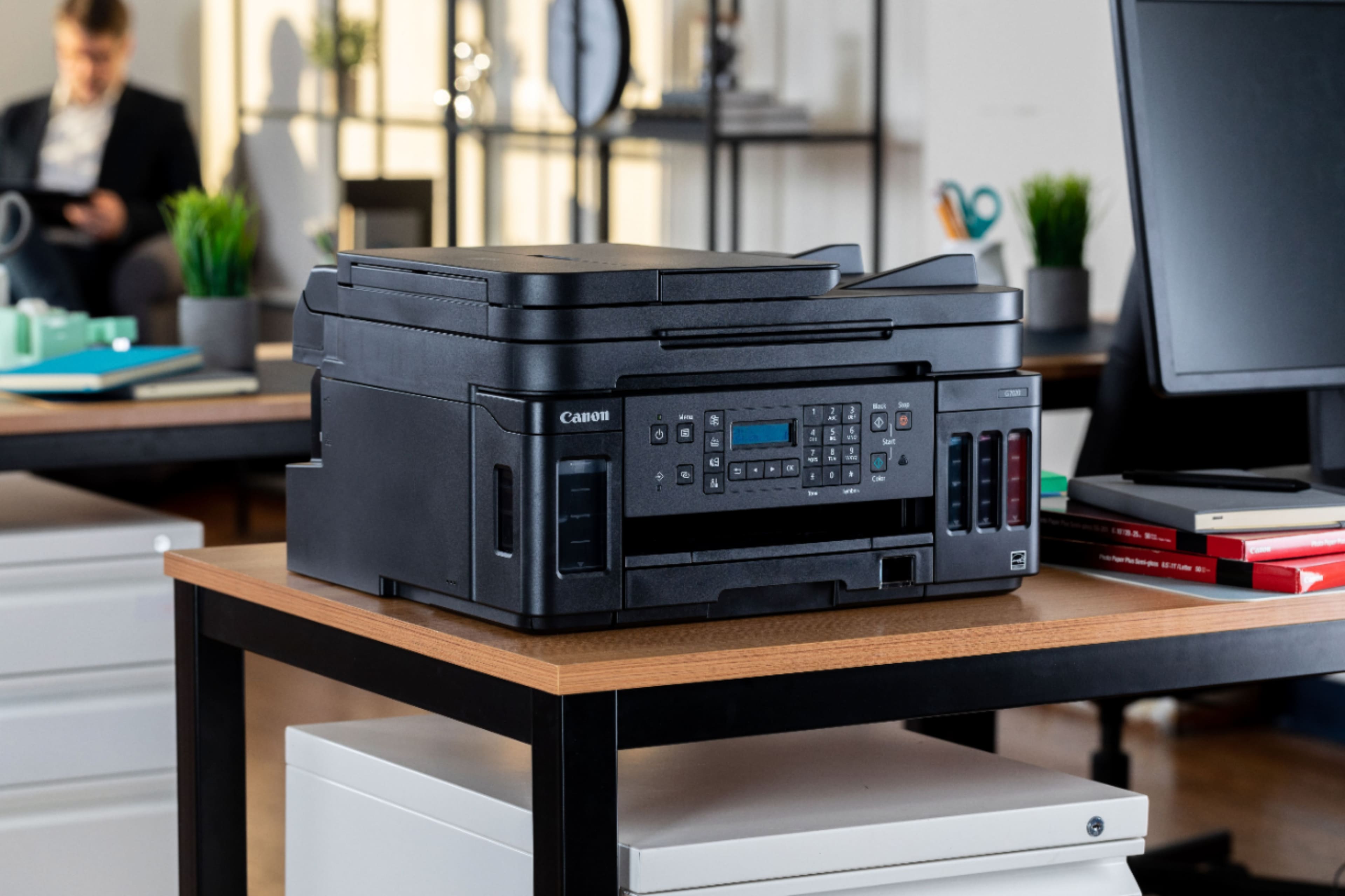
- Model:
- 3114C002
- |
- SKU:
- 6393533
Customer reviews
Rating 4.2 out of 5 stars with 1262 reviews
(1,262 customer reviews)Rating by feature
- Value4.2
Rating 4.2 out of 5 stars
- Quality4.3
Rating 4.3 out of 5 stars
- Ease of Use4.0
Rating 4.0 out of 5 stars
Customers are saying
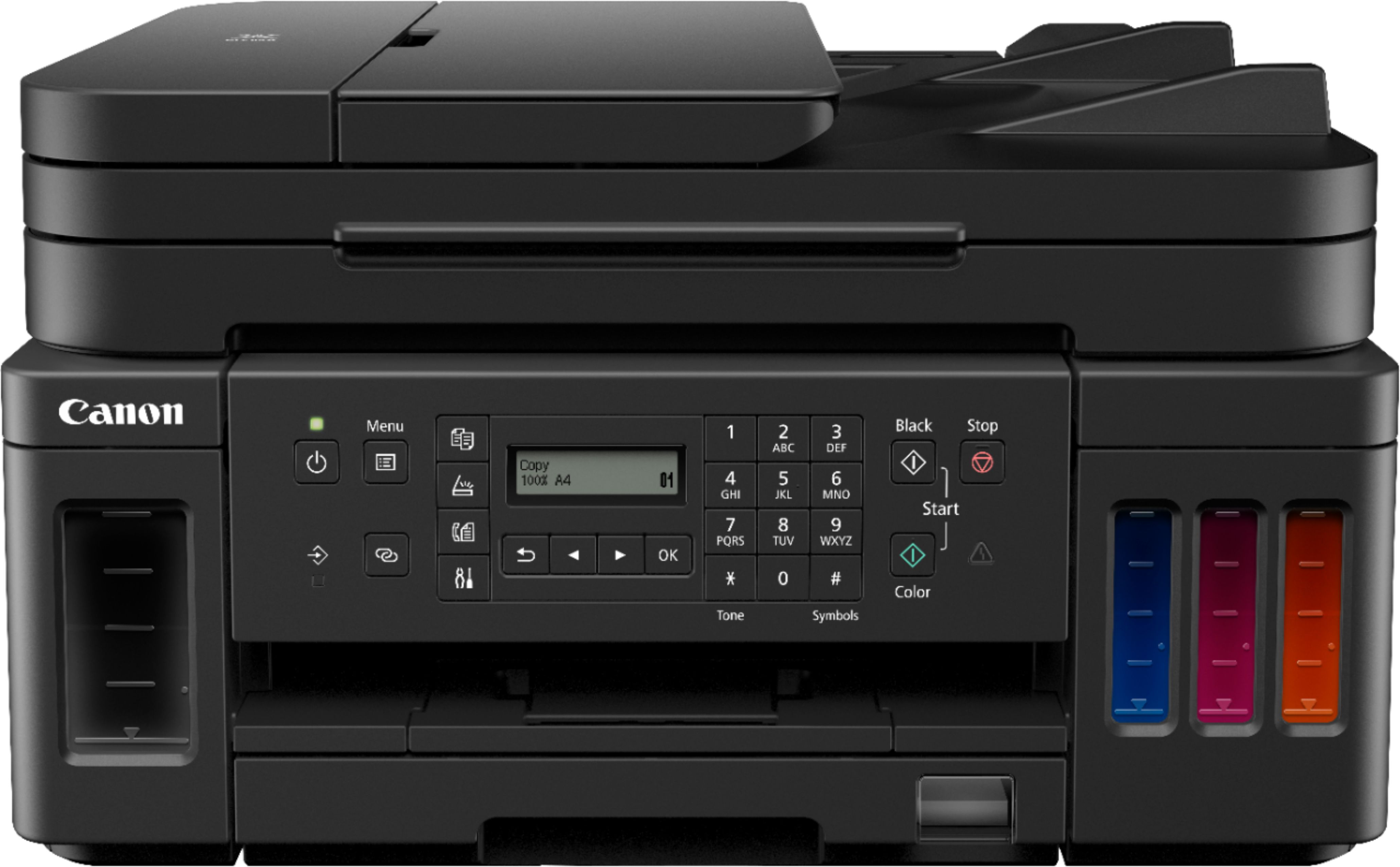
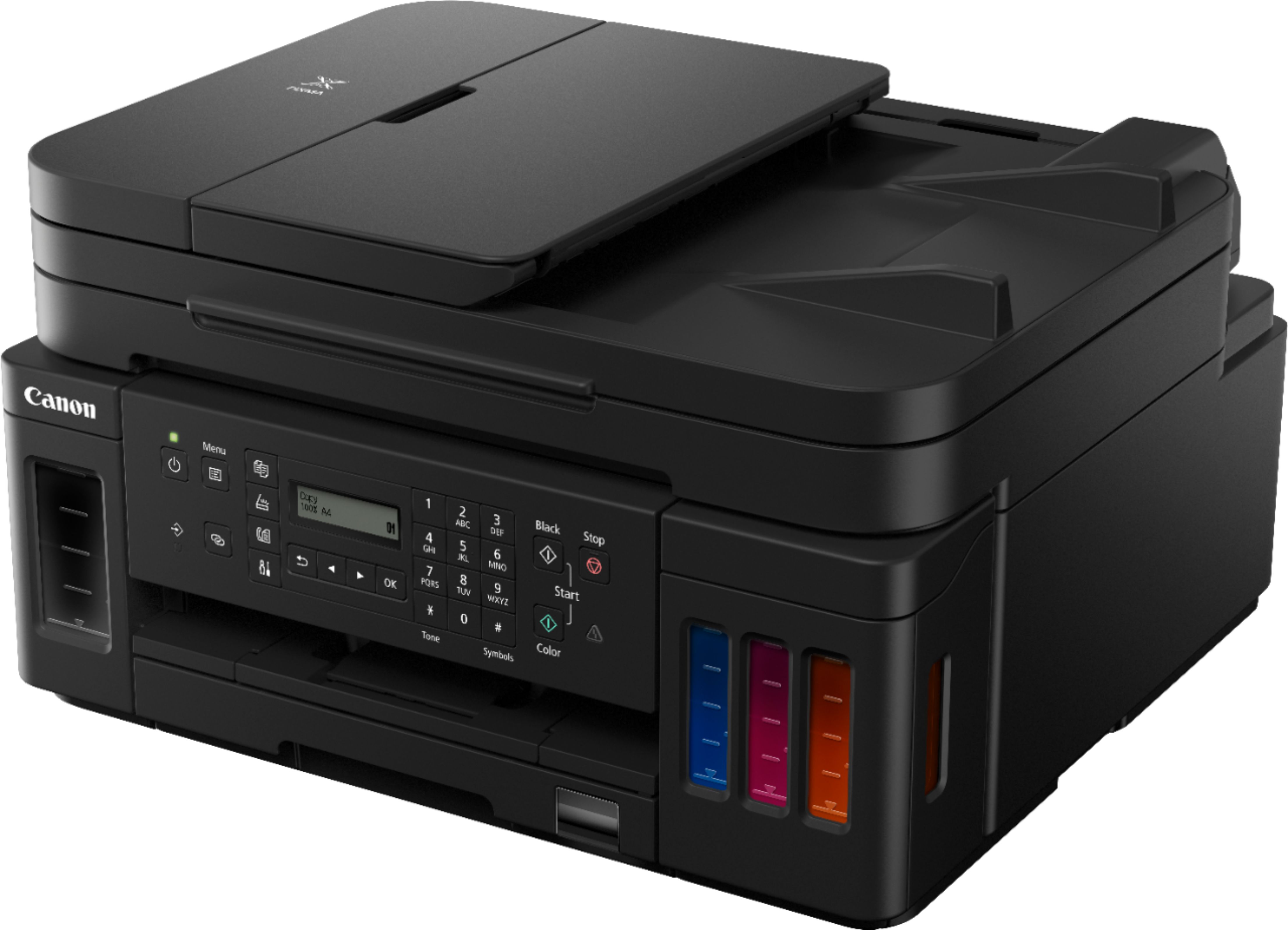
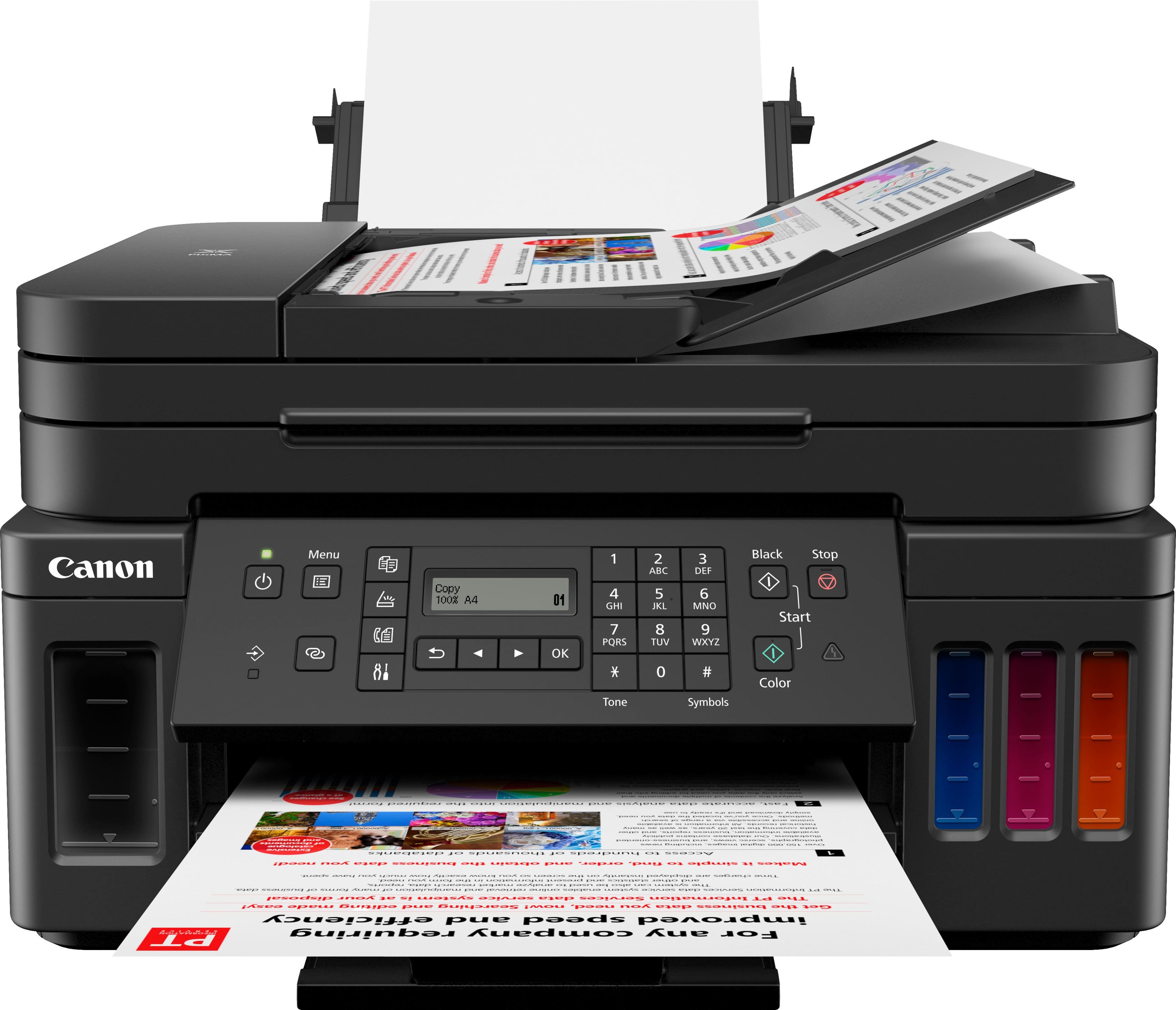
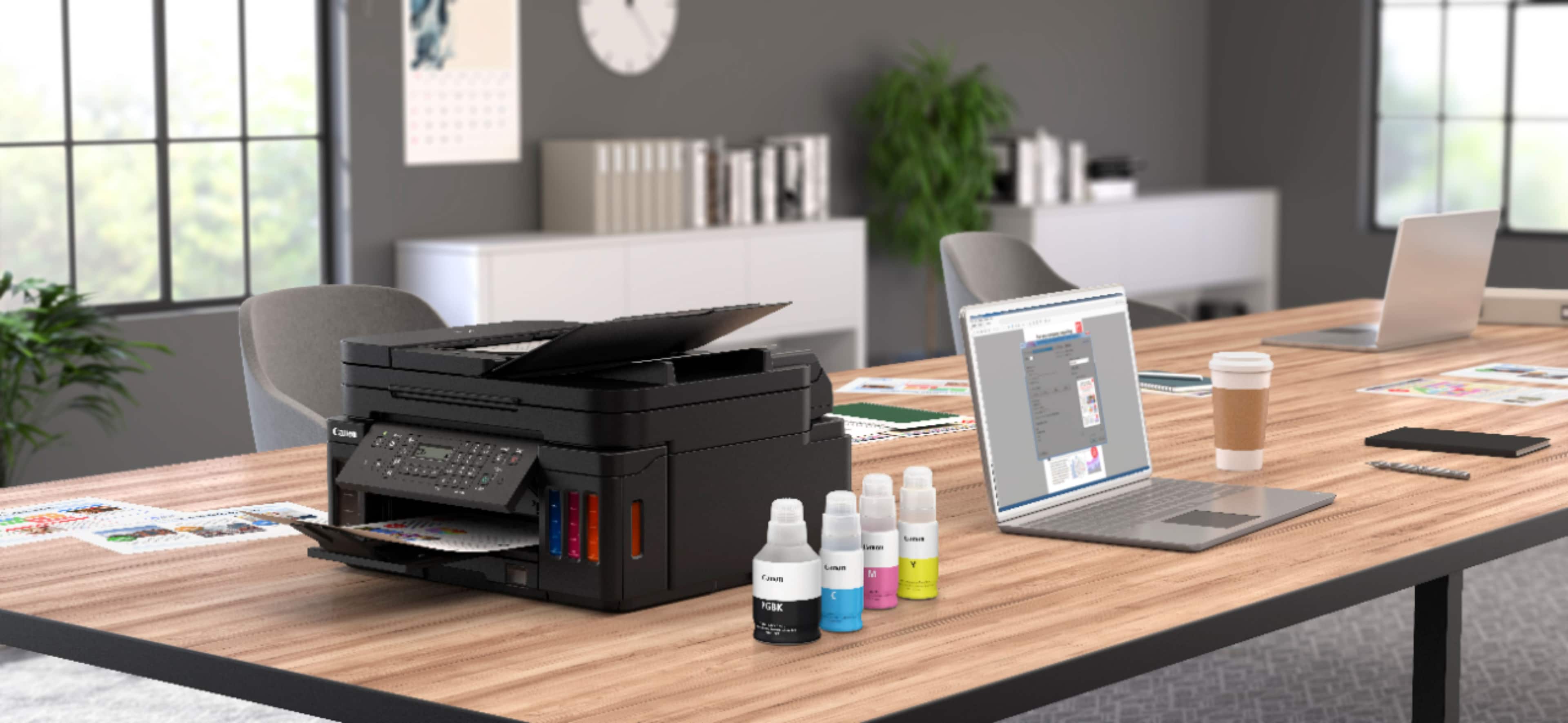
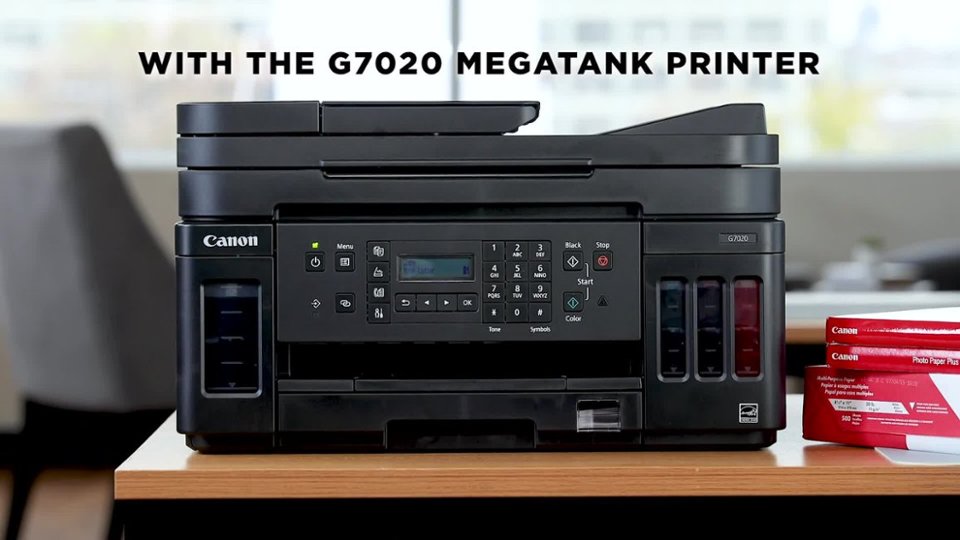
Customers regard the PIXMA MegaTank G7020's print quality and ease of use very favorably, with many praising its sharp prints and straightforward setup. The wireless functionality and compact size are also frequently cited as positive aspects. However, some users find the small, unlit display and control panel challenging to use, and a few note that the printer can be somewhat noisy during operation.
This summary was generated by AI based on customer reviews.
- Pros mentioned:Print quality, SetupCons mentioned:Control panel
Rated 4 out of 5 stars
Quality of print-very good; easy to set-up
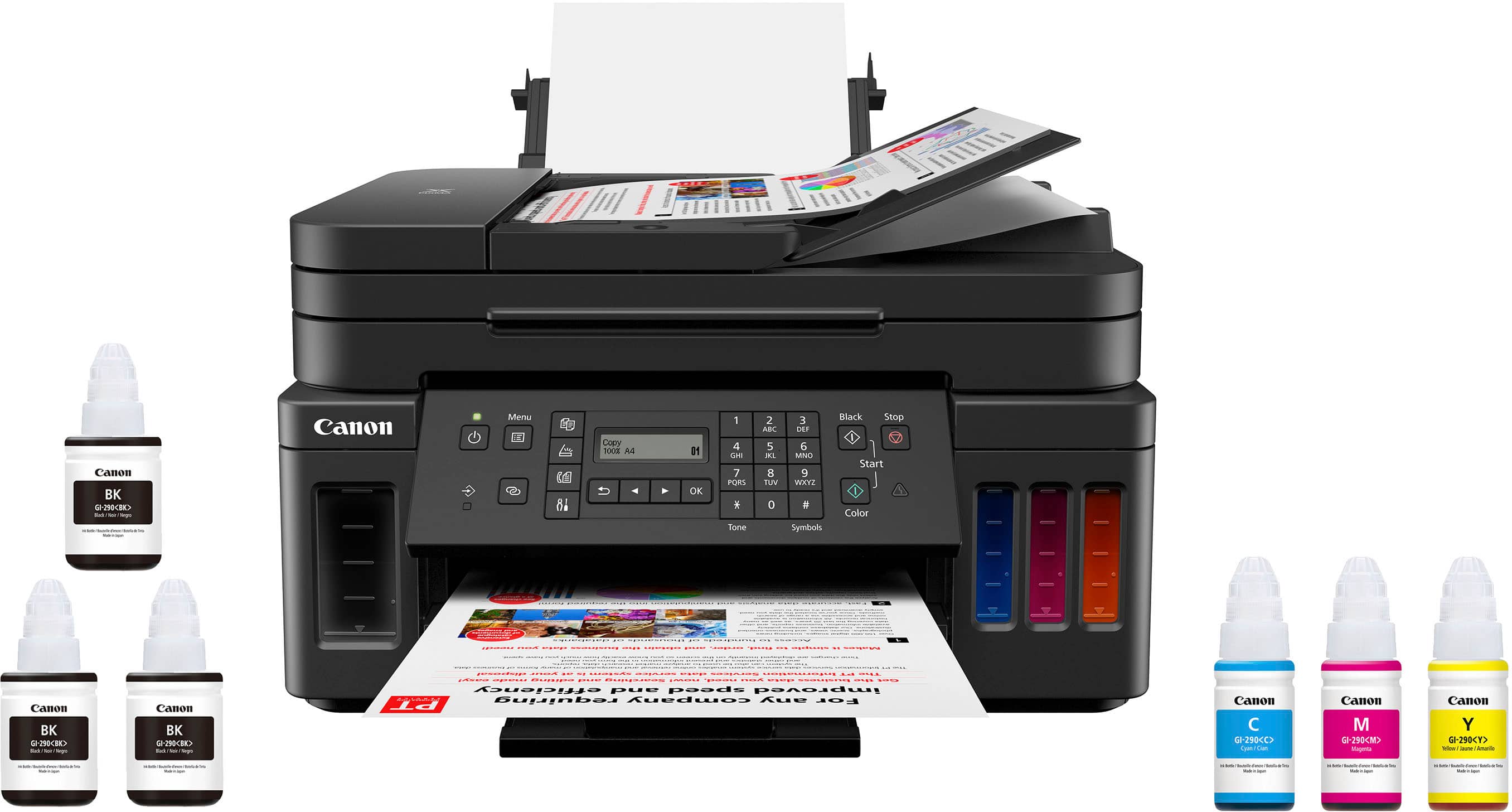
||Posted .This reviewer received promo considerations or sweepstakes entry for writing a review.I am pleased with the purchase. As with any printer the quality of the output is paramount; G7020 meets and exceeds expectations. No mess ink loading (as expected/required). The overall set-up was painless (after getting through the sparse instructions). Needs improvement: lighting of display screen, instruction videos and documents (even though I consider the set-up easy), durability/stability of control panel. Questions; expected life of print heads, cost of print head replacement.
I would recommend this to a friend - Pros mentioned:Fax, Print quality, Setup
Rated 5 out of 5 stars
Would recommend
||Posted . Owned for 3 weeks when reviewed.This reviewer received promo considerations or sweepstakes entry for writing a review.The Canon Pixma printers have excellent print quality since they are intended for photo and image reproduction. Set up and configuration was easy following the computer screen prompts with the included installation CD. Fax capability is a definite plus. The MegaTank ink reservoirs are already proving to be a money saver. The main paper tray and feeder on the back of the machine make letter writing and mailing envelope printing very easy. The control panel LCD display is kind of small and would be better if it had a back-light.
I would recommend this to a friend Rated 4 out of 5 stars
Good all-in-one, but outdated user interface
||Posted . Owned for 1 month when reviewed.This reviewer received promo considerations or sweepstakes entry for writing a review.I purchased this printer because of some specific features: 1. The ink tank system for delivering ink, instead of cartridges 2. The rear "multi-purpose" paper tray 3. The scanner utility, including OCR functionality 4. Dual-sided printing 5. ADF for scanning or copying multi-page documents easily I was a little worried because of the negative reviews concerning set-up with a wifi network. I watched a couple of online videos walking through the set-up process, though, and it became apparent that while the process is not intuitive, the trick is to strictly follow the process in the Quick Start guide that comes with the printer. I did so, and had no trouble at all setting up the printer on my network, where it is now available to four computers, three iPads, and two iPhones. There are certain things about the printer that are clunky: 1. Despite its hefty price, there is no printed manual supplied with the printer. The manual is only available online -- finding it takes a little work, and it isn't the easiest thing to use. 2. An online network connection is absolutely essential -- the set up process, utility software, user manual and administrative software all require online access, and the user interfaces are pretty outdated and clumsy. 3. The manual also isn't completely accurate -- for example, the ADF does NOT include automatic two-sided scanning, even though the manual indicates that it does. It is possible to do manual two-sided scanning. Fortunately, I don't have much need for the feature. 4. The small, non-backlit display takes some getting used to. It seems very out of date, and is hard to read. 5. The default settings include a function that turns the printer off after a period of inactivity, and requires the user to turn the printer back on manually. Fortunately, the settings can be changed to trigger automatic restart when a new job is initiated -- but because of the clumsy administrative functions and the obscure manual, realizing that the settings can be changed and figuring out how to do so takes some effort. The printer does have a number of virtues, however: 1. It has proven to be very stable on my network (way more so than the Epson it replaced). It is easy to access from any of the computers (three of which are Macs -- the fourth is a PC running Windows 10), iPads and iPhones. 2. Once the default settings are changed, the printer reliably turns on when it receives a new instruction, even when it has turned itself off. 3. Printing is relatively fast, and fairly quiet. Scanning and copying are slower and louder. 4. The ink tanks appear to be very long-lasting, and the printer comes with two extra black ink refills. As near as I can tell, given my usage levels, it may be a couple years before I have to buy more ink. 5. Filling the ink tanks is very, very easy, and not at all messy. 6. Print quality is perfectly acceptable, including both printed documents and photos on glossy photo paper. Colors are a little washed out compared to originals, but not obnoxiously so. 7. The rear multi-purpose tray is great -- I keep photo paper in the tray, but often switch to envelopes. The printer knows when there has been a paper change, and prompts you to select the type of paper that has been added -- so it knows when there is photo paper, envelopes, or something else in that tray. The process of specifying the new paper in the tray takes a little getting used to, because of the afore-mentioned small display, but is painless once you have it figured out. 9. The OCR function works reasonably well -- meaning it does pretty well providing a usable text file, but don't expect any sophisticated formatting or handling of graphics. 10. The paper feeding has so far been trouble free -- no paper jams, and no issues with the ADF. Over all, I have been pretty happy with the Canon -- and it has so far been much more reliable than the printer it replaced.
I would recommend this to a friend- Pros mentioned:Ease of use, Print quality, Setup
Rated 5 out of 5 stars
Great printer for the price point
||Posted . Owned for 2 weeks when reviewed.This reviewer received promo considerations or sweepstakes entry for writing a review.I got this printer because I was frustrated having to use ink cartridges. I did my research and this was a great option in my price point. I'm extremely happy with the quality it prints. I love that I can see the individual ink levels and adjust accordingly. It was easy to set up once I got it. Very easy to use. It DOES to duel sided printing. Overall, really great quality for a good price. I'm very happy with my purchase.
I would recommend this to a friend - Pros mentioned:Print quality
Rated 5 out of 5 stars
Great Color All-in-One Printer with Great Features
||Posted . Owned for 2 weeks when reviewed.This reviewer received promo considerations or sweepstakes entry for writing a review.The PIXMA MegaTank G7020 Wireless printer is pretty amazing. First, while setup is a little more complex than just slapping in a couple of ink cartridges, it is really easy. There are well illustrated instructions showing where all the tape and part-holders are, and step-by-step instructions for filling the ink tanks. The ink tanks are one of the primary reasons I got this particular printer. They hold a LOT of ink. I had been concerned about how messy filling the tanks might be, but it was simple and neat. The ink bottles have a valve that only opens when you’ve properly inserted them on the tank filler, and I didn’t spill a drop of ink. Another big reason I chose this model is the separate, photolithography print heads. They make finer ink dots than other models’ heads, and they are easily replaceable. No permanently clogged heads, ever. And then there’s the wireless part. This printer does not even have a USB port. It’s all wireless, and AirPrint compatible. But what about wireless security? The setup software handles that. Since the software sets it up, you can’t use a lame password that you forget to fix later… This is not an inexpensive printer, but it’s also not going to break the bank. It packs a lot of features (I didn’t mention the 1200x1200 scanner resolution, for example), and it feels like it is well worth the not-too-expensive price.
I would recommend this to a friend - Pros mentioned:Print qualityCons mentioned:Display
Rated 4 out of 5 stars
Good choice for frequent low cost printing
||Posted . Owned for 6 months when reviewed.This reviewer received promo considerations or sweepstakes entry for writing a review.I have not used this printer for fine photos, but find that it works pretty well for everyday color printing. It is a little finicky about using different types of paper and does not have a lot of built in paper-type choices on the menu. Also, it is a little tricky to get it to use the paper loaded in the manual feed tray on the back. Sometimes it takes what I load but other times it uses the paper tray at the bottom instead. Since ink for it is cheap and plain paper is cheap, I don’t worry too much about wasting an occasional sheet. I have found that printing remotely from my iPad is convenient and works well. To keep it from turning itself off all of the time you have to go into the settings and change the default. I also find that the display is a little hard to read and not very intuitive.
I would recommend this to a friend - Pros mentioned:Print quality
Rated 4 out of 5 stars
Canon PIXMA G7020
||Posted . Owned for less than 1 week when reviewed.This reviewer received promo considerations or sweepstakes entry for writing a review.This machine is an upgrade since our old printer was not being supported by the manufacturer. They have a life of about 5 years and after that the manufacturer will not update drivers, even though you have the disk. We had to take 1 star off because of the confusing setup. We needed a machine that (copy, scan, print, & fax) and 2 sided copy. Printing from USB stick was an option on our old printer that was useful. However, this one does not. The printer manual is bloated with every thing with over 594 pages, however, not logically organized. It would have been more useful for the person writing the manual to stay on topic rather than jumping from one subject to the next & then back again.i.e., Pages for Faxing: 201, 367, 410 to 450, 527 There are courses on writing manuals! Very frustrating manual and hopefully Canon will learn from the feedback. Easy to load the inks and fast printing 2 sided copies. The small screen is a problem for viewing. Canon you need to make buttons with labels on copier: "Print", "Fax", "Scan" You'll need a flashlight (torch) to see the screen. Lots of error messages, but you have to read (flashlight) to correct your error(s). Look at the videos on line, they are very helpful for set up, correcting error messages and in general, before you print out 594 page manual. The connection from cable (USB a with c adapter) is slow to wake up. We don't use wireless.. So we’re not sure if it’s the printer, cable, or computer. We are using MBP - M4 - Sequoia 15.1.1 It lags. The printer turns it self off when not in use. (Energy Saving) So far faxed 15 pages, copies 200 pages and scanned doc all work fine. We like that we can print photos on glossy photo paper and it’s very clear and true to color. Getting to know the machine. Thank you Best Buy for having it on sale.
I would recommend this to a friend - Pros mentioned:Print qualityCons mentioned:Noise level
Rated 5 out of 5 stars
Very good printer.
||Posted . Owned for 1 week when reviewed.This reviewer received promo considerations or sweepstakes entry for writing a review.This is a great addition to tge Canon printer lineup. It uses the new Mega Tank ink system. A word of warning, pay close attention as you add the ink, don’t mess up and put the wrong ink in the wrong tank like I did. I was able to empty the tank by turning the printer up on its dide at the sink and drain the ink out. After getting the correct ink in all of the tanks, everything worked great. The printer is fast, albeit a bit loud. Photo printing is high quality and reasonably fast. Text output is excellent. This printer also has a fax machine built in. This is not acfeature I use so I can’t comment on how well that works.
I would recommend this to a friend - Pros mentioned:Ease of use, Print quality
Rated 5 out of 5 stars
Very Satisfied
||Posted . Owned for 2 months when reviewed.This reviewer received promo considerations or sweepstakes entry for writing a review.I really like my new printer that I got a few months ago, and it is so pleasant not to have to worry about ink or wrestle with cartridges (the cartridges would win, and I would leave frustrated and sending my copy jobs to Kinkos to print for me). Now, that is not an issue, and I print around eighty pages a day with no issues! Very happy. I had no issues with it being wireless. The setup was very easy.
I would recommend this to a friend - Pros mentioned:Print quality
Rated 5 out of 5 stars
LOVE IT (despite a few caveats)!
||Posted . Owned for 1 year when reviewed.This reviewer received promo considerations or sweepstakes entry for writing a review.I came from a Canon MX850 cartridge printer, and got this MegaTank G7020 in Feb 2021, so I've had it nearly 1.5yrs. It is one of the best investments I've ever made! I LOVE IT. (There are minor cons for me, and subjective cons that might be important to others, but first the good!) While chipped cartridge ink ran out every time I turned around, often without even using it (e.g. the colored cartridges, supposedly due to test/cleaning whenever you turn a printer on), this MegaTank has been wonderfully hassle-free. Installing the ink when I got it took all of 2 seconds, and 16 months later the Black tank is at 3/4 full, as are the colored tanks. Of course this will vary depending on how much you print, but it's clear that if you're coming from a cartridge printer, whatever your print needs are, you will TOTALLY APPRECIATE the huge ink tanks this thing has and how long you can go before needing to add ink. And when you do need to, this printer accepts third party ink, making it even more cost-effective. It also works flawlessly on my WiFi LAN, and one really neat feature is it has auto-turn-on when you send a print job, so you don't need to physically turn the printer on. I keep it turned off since I don't use it every day, but when I want to print, I just click to print on my laptop, and the MegaTank turns on and starts processing the job. (You do have to physically turn it off.) The text is crisp and dark (without looking like everything is in bold). It's not among the fastest printers but for a home office or every day needs, the price point is fantastic for what you get. I will never get anything but a MegaTank again! Other pluses: can print duplex (both sides of the paper), and can scan and fax. Cons: The LED screen is ridiculously small and I need a flashlight to read it. It's also not the most intuitive to scroll through until you get the hang of it. Happily after setup I never need to use it, but YMMV. If I did need to use it I would have taken a star off. Minor annoyance: whenever you add paper to the paper tray the LED requires you verify it's Letter A (or whatever the norm is) by pressing OK, before it will print again. But since the paper tray holds so many sheets this isn't a big deal for me. Subjective Potential Cons: Scan/fax not duplex, so double-sided documents must be fed through twice, or flipped over on the scanner. The Black ink is pigment, which may or may not be a concern for you. (Most cartridge printers come with two blacks - one dye black for photos and duplex printing, one pigment black for normal printing as it's crisper than dye ink.) Pigment ink makes super crisp, clean text, but because it dries slower than dye ink, the duplex function of the printer waits about 15s before pulling the page back in to print the opposite side - this to let the ink dry. Also, pigment ink seeps into the fibers of the paper more than dye ink, so if duplex printing on stock 20lb paper, you might see a sort of 'bleedtrhough' or 'shadow' of the backside of the page, if viewing with a light source behind it, vs the paper laying on a desk. (The MegaTank's colored ink is dye ink, which sits on top of the paper more, dries faster, and is the type of ink used for photos as it looks a little better than pigment on glossy paper.) Note: You cannot switch to black dye ink once pigment ink has been used in the printer. Mixing the two will create goo inside the printer and ruin it. Final thoughts: Even though this printer deserves and needs a nice, large, colored LED screen, it performs so well and it's so nice to have all that ink and zero hassle, I couldn't take a star off. But if you will need to use the LED a lot for various types of jobs, you should probably look for a MegaTank with a big color screen. At the time I purchased this, there wasn't one in this price range.
I would recommend this to a friend - Pros mentioned:Ease of use, Size
Rated 5 out of 5 stars
Printing Made Easy
||Posted . Owned for 9 months when reviewed.This reviewer received promo considerations or sweepstakes entry for writing a review.No Words to say about Canon Printers who needs to go to a photo shop to make you're own pictures. Any size and into any shape. Who need to print wallet size passport pictures. This home printer holds all Sizes of paper. Also you can't get easily installation from ready to go software thatcis easy to follow. Plus its so True about the long lasting ink. I haven't need to change any ink for over 10 months since i bought it. And i do alot of printing cost effective for you're wallet. And to hold as many papers as the ink do it just a great combo . Each compartment holding their own. All i can say buy it and you'll never go wrong for your home or office..
I would recommend this to a friend - Pros mentioned:Ease of use, Print quality, Size
Rated 4 out of 5 stars
Recommend Canon Pixma 7020
||Posted . Owned for 1 year when reviewed.This reviewer received promo considerations or sweepstakes entry for writing a review.This is my second Pixma. I like the quality of the prints, the compact size of the printer and the easy fill ink. It is a bit slow and sometimes miscues. But all in all, an excellent printer.
I would recommend this to a friend - Pros mentioned:Print quality, Setup
Rated 5 out of 5 stars
Cannon-Pixma MegaTank G7020
||Posted .This reviewer received promo considerations or sweepstakes entry for writing a review.I rate it at 5. Printing wirelessly from laptops and phones is easy and with the ink tanks sizes makes this worry free from running out of ink and the dreaded cartridge replacing and cost. Setup was a breeze, we have it set up for several laptops. It prints pretty fast, though if you are running a busy office a more commercial printer would work better. For home use or small office this is perfect, small footprint of desk space for what you get. Printing photo's it does pretty good, I did printing strait from my laptop onto normal paper and again from my laptop onto photo paper, the quality was mehh not great, But if you download the Cannon Easy-Photo Print Editor your photos come out much much better. There may be better photo soft ware that you could get that would work with the printer too, I just have not looked for it, other wise I would let you know what it is. Using the Cannon Photo Editor and printing on photo paper I got some really great results. We also bought extra ink for this printer and have been using it almost daily and the tanks are almost at the same levels when we first put the ink in them. I am very glad we ditched the Epson that was costing $65 to buy new cartridges every 3 weeks!
I would recommend this to a friend - Pros mentioned:Ease of use, Print quality
Rated 4 out of 5 stars
Canon G7020 Printer
||Posted . Owned for 1 month when reviewed.This reviewer received promo considerations or sweepstakes entry for writing a review.So far have only used the printing feature but thrilled to have the other capabilities of this Canon unit that replaced an Epson ecotank that had problems especially maintaining connectivity. This Canon was very to set up, black print is sharp, havent tried color and has a small foot print. No connectivity issues!
I would recommend this to a friend - Pros mentioned:Print qualityCons mentioned:Display
Rated 4 out of 5 stars
Good Printer for the Money
||Posted . Owned for 3 weeks when reviewed.This reviewer received promo considerations or sweepstakes entry for writing a review.Good quality printer checks off a lot of boxes. 1. Good to have a huge storage tank and two extra containers of black. 2. Prints, copies, and faxes (although who has a land line nowadays). 3. Prints from Windows, Mac, Android, and iOS without issues. A few minor gripes: 1. Display is dimly lit; cannot read the display without shining a light on it. 2. The display has to be lifted up in order to print. Not sure why that is. 3. The sheet feeder feels flimsy. Those things aside, a very good printer.
I would recommend this to a friend - Pros mentioned:Print quality, Setup
Rated 5 out of 5 stars
Excellent All-in-One Printer with Amazing Ink Effi
||Posted .This reviewer received promo considerations or sweepstakes entry for writing a review.I’ve been using the Canon G7020 for a few weeks now and I’m extremely impressed. Setup was straightforward, and the wireless connection works flawlessly with all my devices. Print quality is sharp and vibrant for both documents and photos. The MegaTank system is a game-changer—tons of ink and no need to constantly refill. Definitely worth the investment for home or small office use!
I would recommend this to a friend - Pros mentioned:Ease of use, Print quality
Rated 4 out of 5 stars
Good printer
||Posted .This reviewer received promo considerations or sweepstakes entry for writing a review.An amazingly awesome piece of have . Super fine print quality with ease of use for a lay man. Best part is extra black ink for free . No wastage of paper no paper jamming no ink spilling . I do lot of printing and it is a value for money .
I would recommend this to a friend - Pros mentioned:Print quality
Rated 5 out of 5 stars
Better than expected
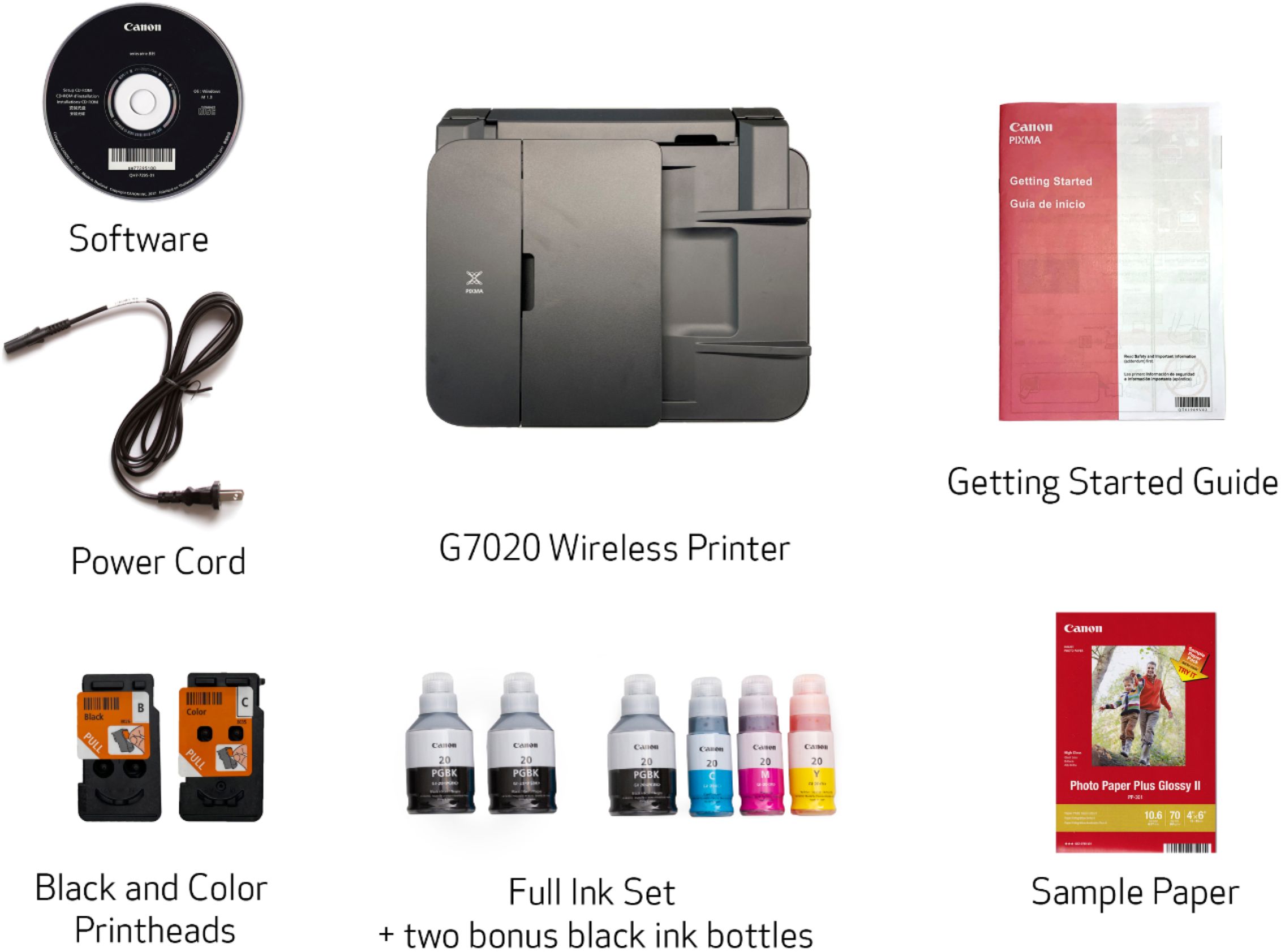
||Posted .This reviewer received promo considerations or sweepstakes entry for writing a review.I had some doubts based on some negative reviews but purchased this model anyway and I am so glad I did. I have been a Canon fan for many years but strayed recently due to the high cost of genuine Canon ink cartridges. I tried the cheaper cartridges and they ruined the print heads of a previous printer. I then tried other brands, but now I am so glad to be back with Canon, as the ink costs are no longer a factor. The printer is packaged in the box so as to prevent any damage. Unpacking was very easy and the set-up directions were very clear and easy to follow. The ink went in very easily with not a drip spilled. Canon really hit a home run with the set-up on this printer. I used the included CD-ROM disk to set up the software. Even with the CD-ROM, you eventually are led to the Canon website to complete the software installation, so be sure to have an active internet connection if connecting this printer to a computer. You also have an option to connect to a phone, or not to connect to anything at all. The options for the computer are wireless, network and USB, which should cover everyone and everything. During set-up, the printer performs a self-alignment, which requires that you have paper in the front drawer. That takes several minutes, but the printer alerts you to this ahead of time. I purchased this model for the multi features, including photo printing, auto document feeder, 2 paper feed trays, full fax capability, 2-sided printing, and of course, general printing. So far, I give this printer an A+ on everything! What is especially impressive is the color quality on documents and photos. The colors are extremely accurate when compared to the originals on the computer screen. I have not needed to make any color adjustments when printing as yet. The document printing is better than my laser printer by another brand. I used to use 2 printers with my main computer, a laser for quick document printing and an all-in-one for everything else. I am probably going to junk the laser one as it is old and this Canon seems to be fast enough for what I need. Everything about this printer makes me extremely happy that I decided to pay the extra money for this model. In my opinion, it is well worth the price and I believe it will pay for itself in less than 2 years due to the cost savings on the ink. I used to spend around $75 for my other printer, 3 times a year, due to the cartridges not lasting long at all. These ink bottles should last a real long time and the replacements are not that expensive at all. Another thing I was shocked to find in the box, there are 3 full bottles of black ink, not the 1 that I had expected to be there. I don't expect I will be needing to buy any ink for up to 2 years. In conclusion, I highly recommend this Canon G7020 printer. If you are on the fence, I might point out that Best Buy has a return/exchange policy of 15 days, so you can buy and try with no risk. But I truly believe that once you try it, you will be extremely happy with your purchase, as I am.
I would recommend this to a friend - Pros mentioned:Print qualityCons mentioned:Display
Rated 4 out of 5 stars
Good value, a few issues
||Posted . Owned for 3 weeks when reviewed.This reviewer received promo considerations or sweepstakes entry for writing a review.All in all a very good printer and an excellent value. Least expensive ink tank printer with auto document feed. Print and photo quality is very good. Ink lasts forever it seems. So for the important stuff, it's great. The digital readout is very dim and hard to read in low light. And the interface feels dated but has the advantage of having dedicated buttons instead of digging into menus.
I would recommend this to a friend - Pros mentioned:Print quality
Rated 5 out of 5 stars
Good Printer Overall
||Posted . Owned for 1 week when reviewed.This reviewer received promo considerations or sweepstakes entry for writing a review.Love it, but it is slower than I am used to. I had a laser printer for years and I was done with the expensive cost of replacing the toners. So I did my research, and read reviews, and researched some more, and finally decided to go with Cannon. The photo printing is FANTASTIC! I am blown away by the quality. I used Cannon premium photo paper, and it does not disappoint. I have printed a ton of full page pictures, about 30, and the ink has not lowered even 1/8th of the tanks. Documents print crisp and clear, although I need to mess with settings a bit more because black is not printing black black, its a little lighter then I would prefer. The Negatives I have: The laser printer I had was a beast, it would take anything and print on it, no matter what. This printer is a little more sensitive and finicky. It doesn't like the 32lb Premium Paper I use, and will crunch up the corner occasionally when printing on it. It also is finicky about the front info screen being tilted and the back paper feed cover being open. Both of those have to be in the correct position or it will not print. Other people have also complained about the led screen not lighting up...yes it is tiny and hard to see without getting close...but its not a huge deal. The speed is what gets me....I get impatient. This printer is slow, super slow. But, all good things take time.
I would recommend this to a friend