Customer Ratings & Reviews
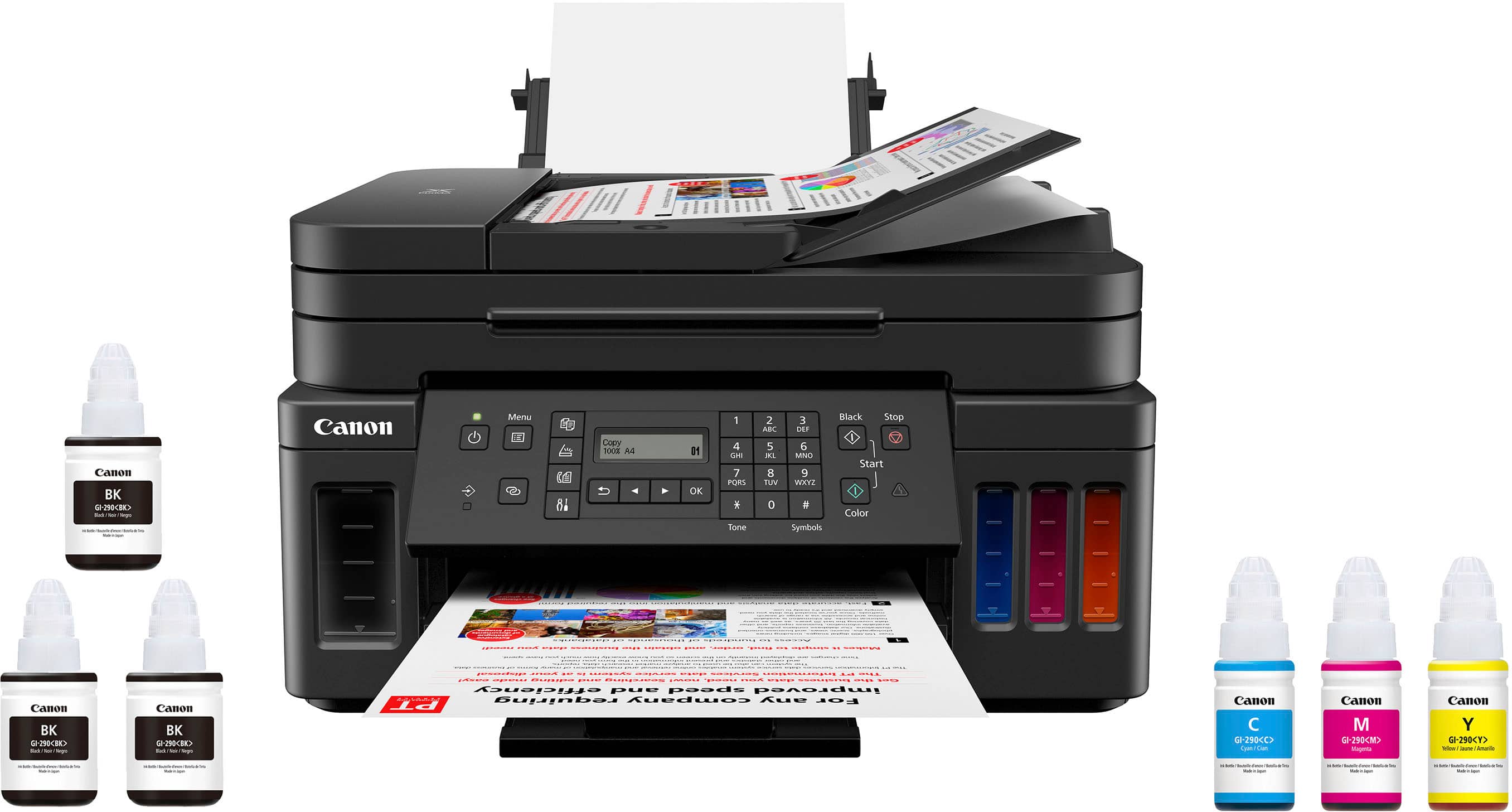
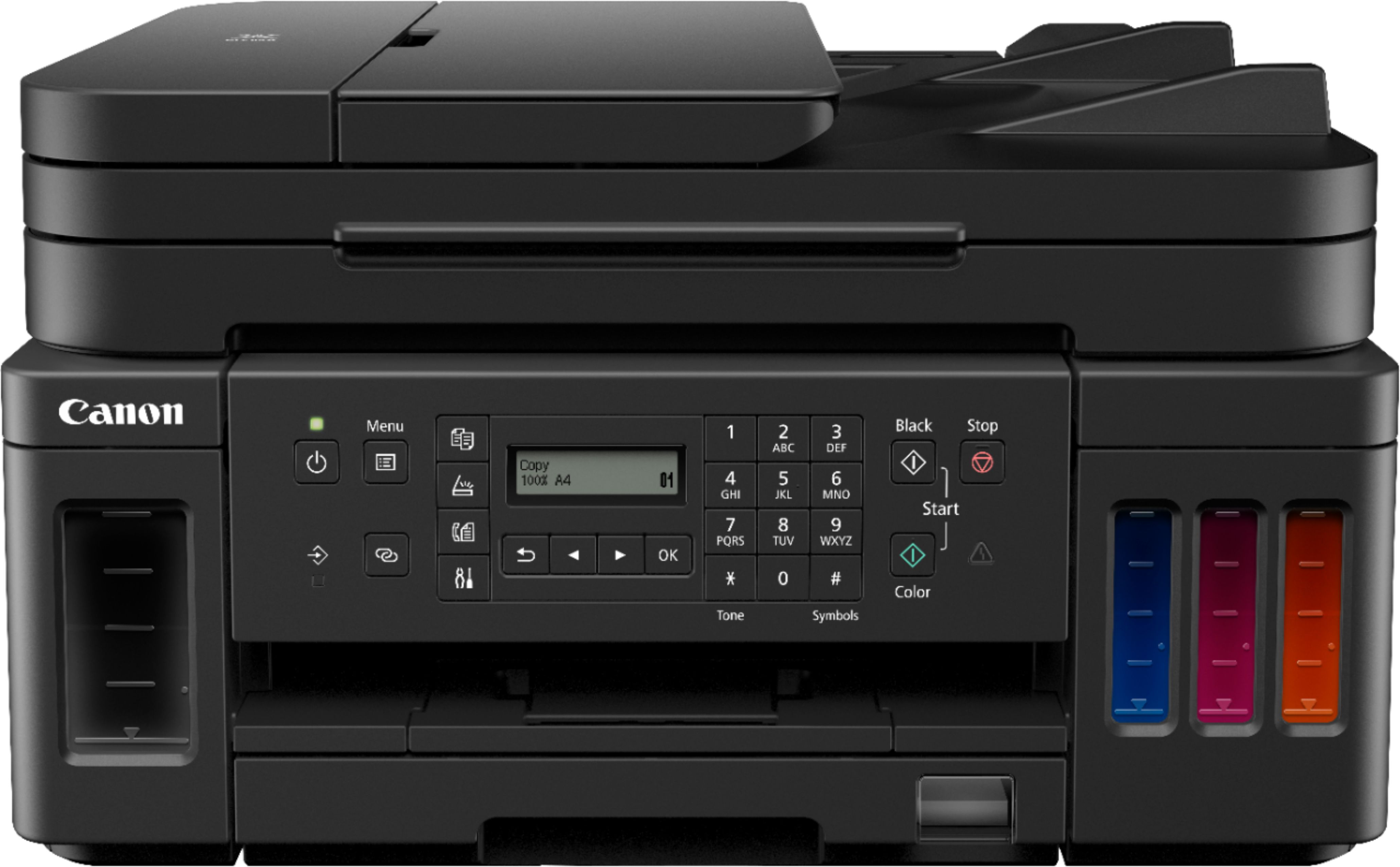
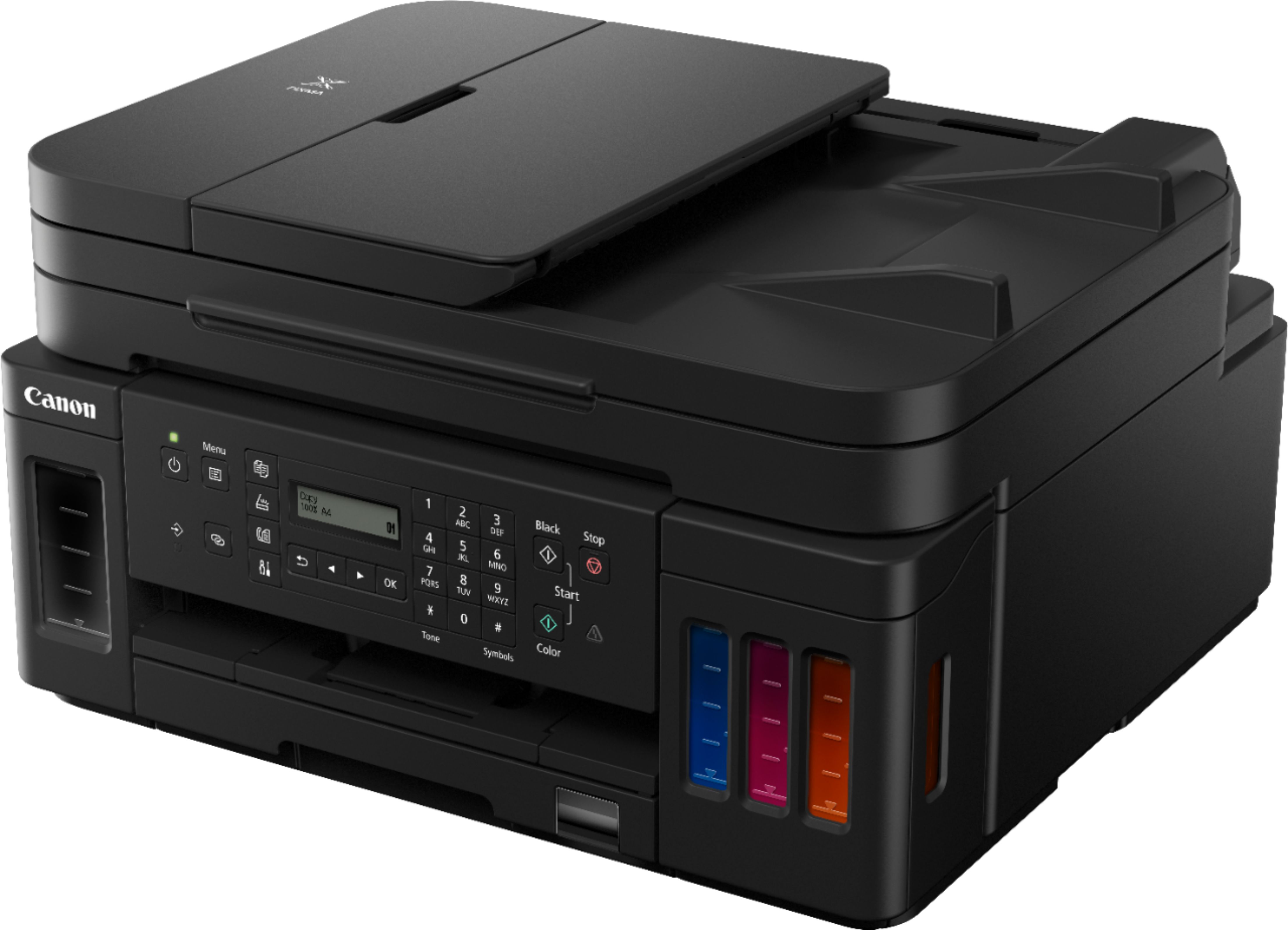
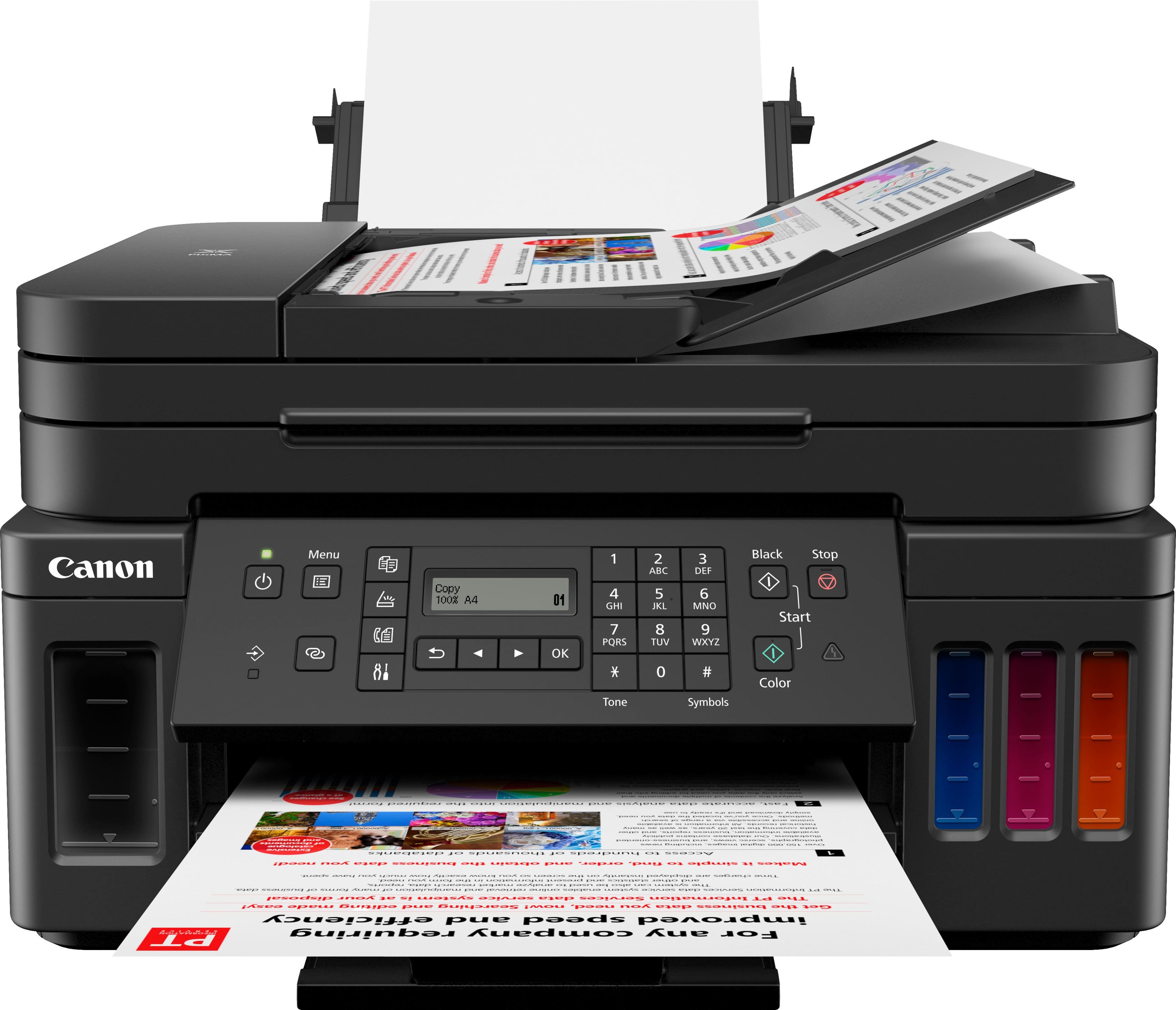
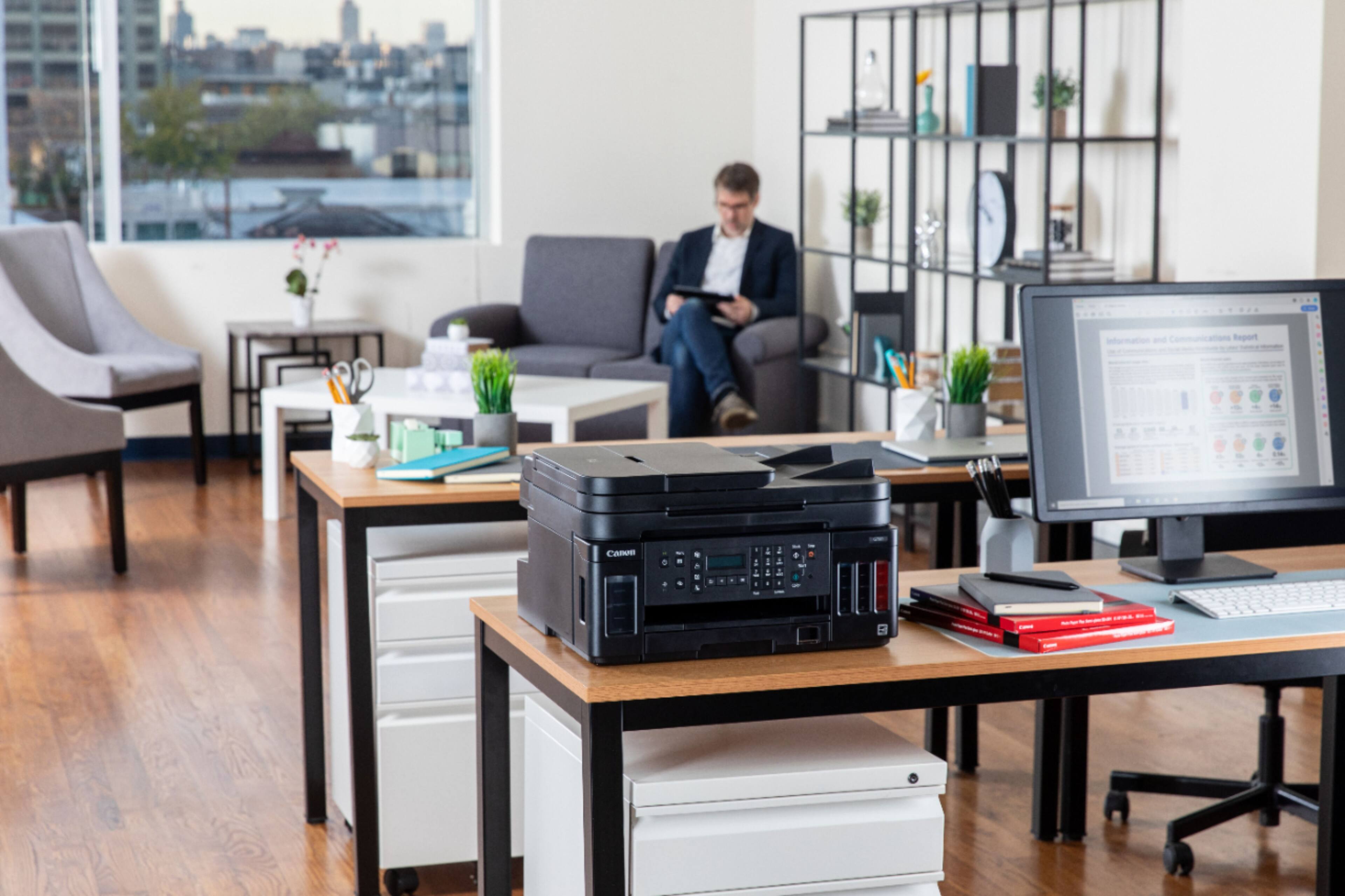
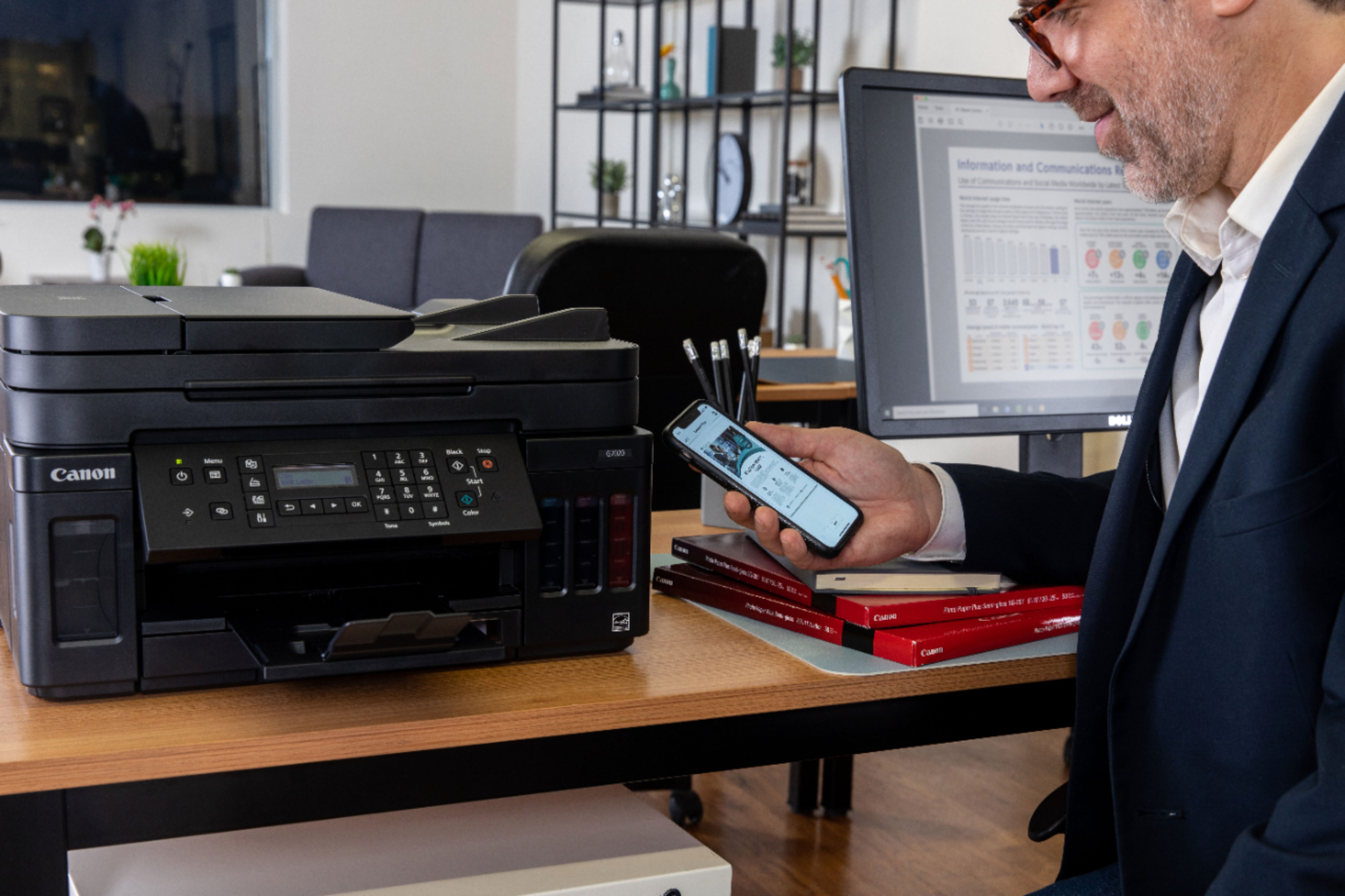
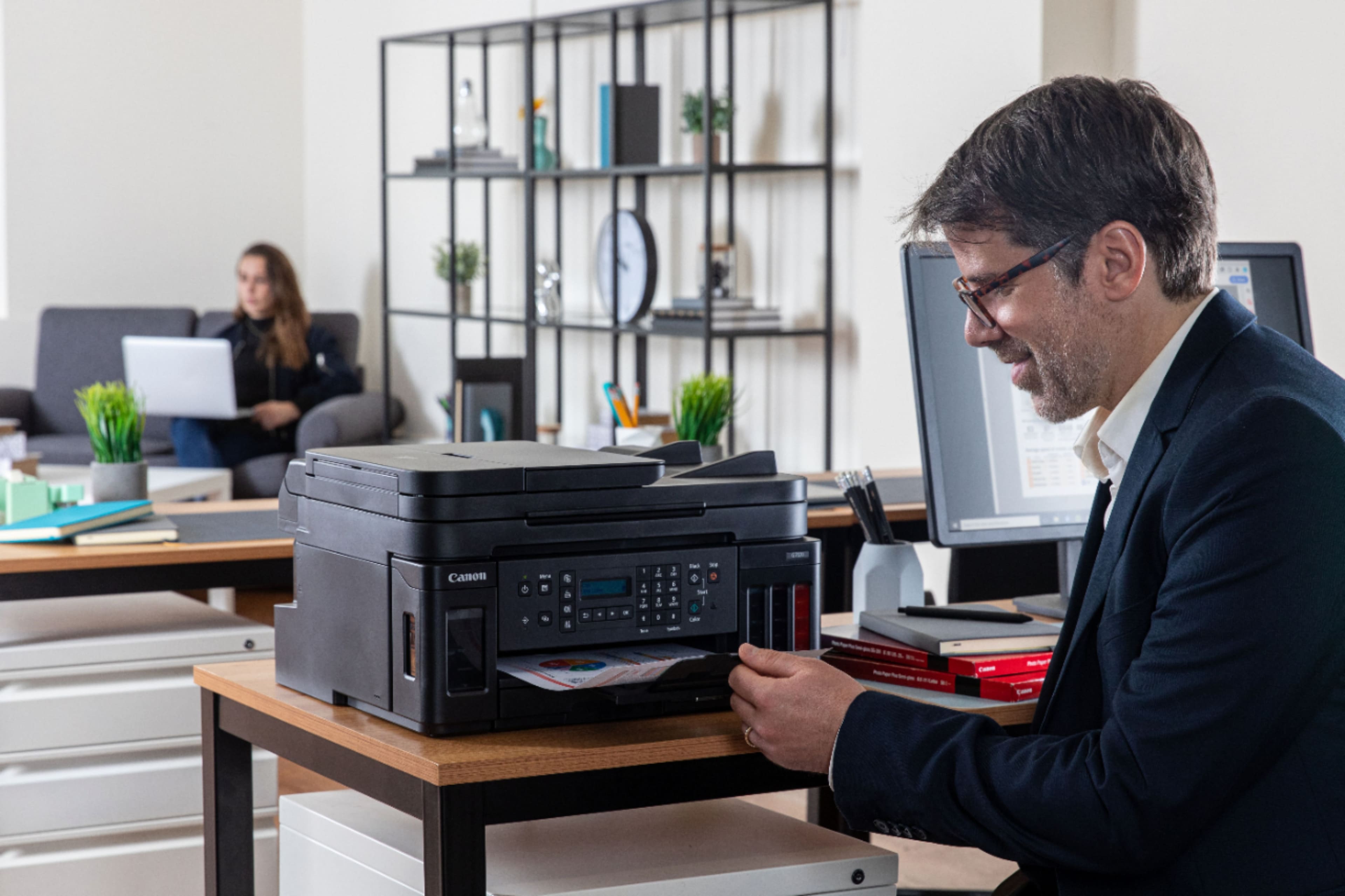
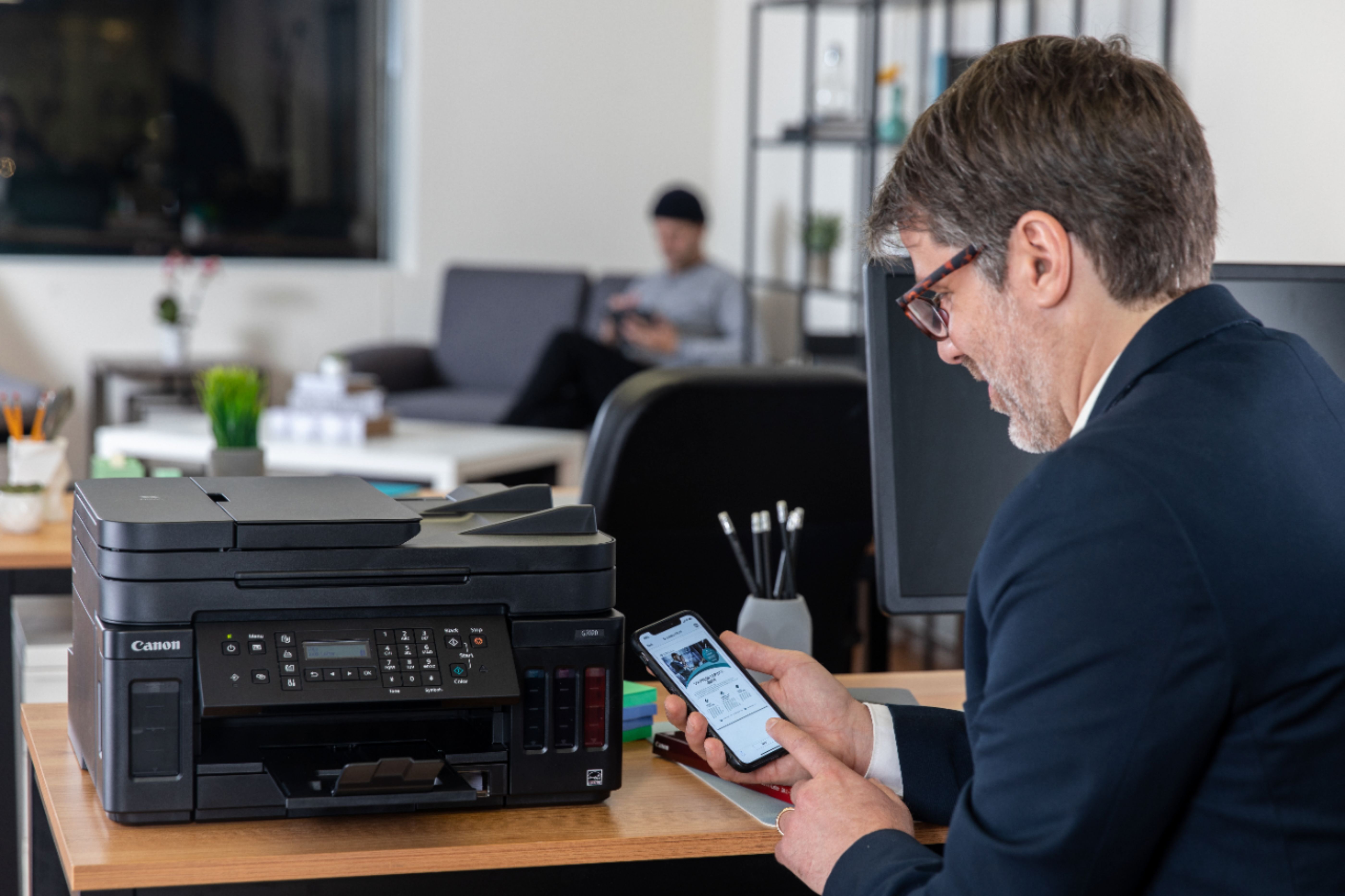

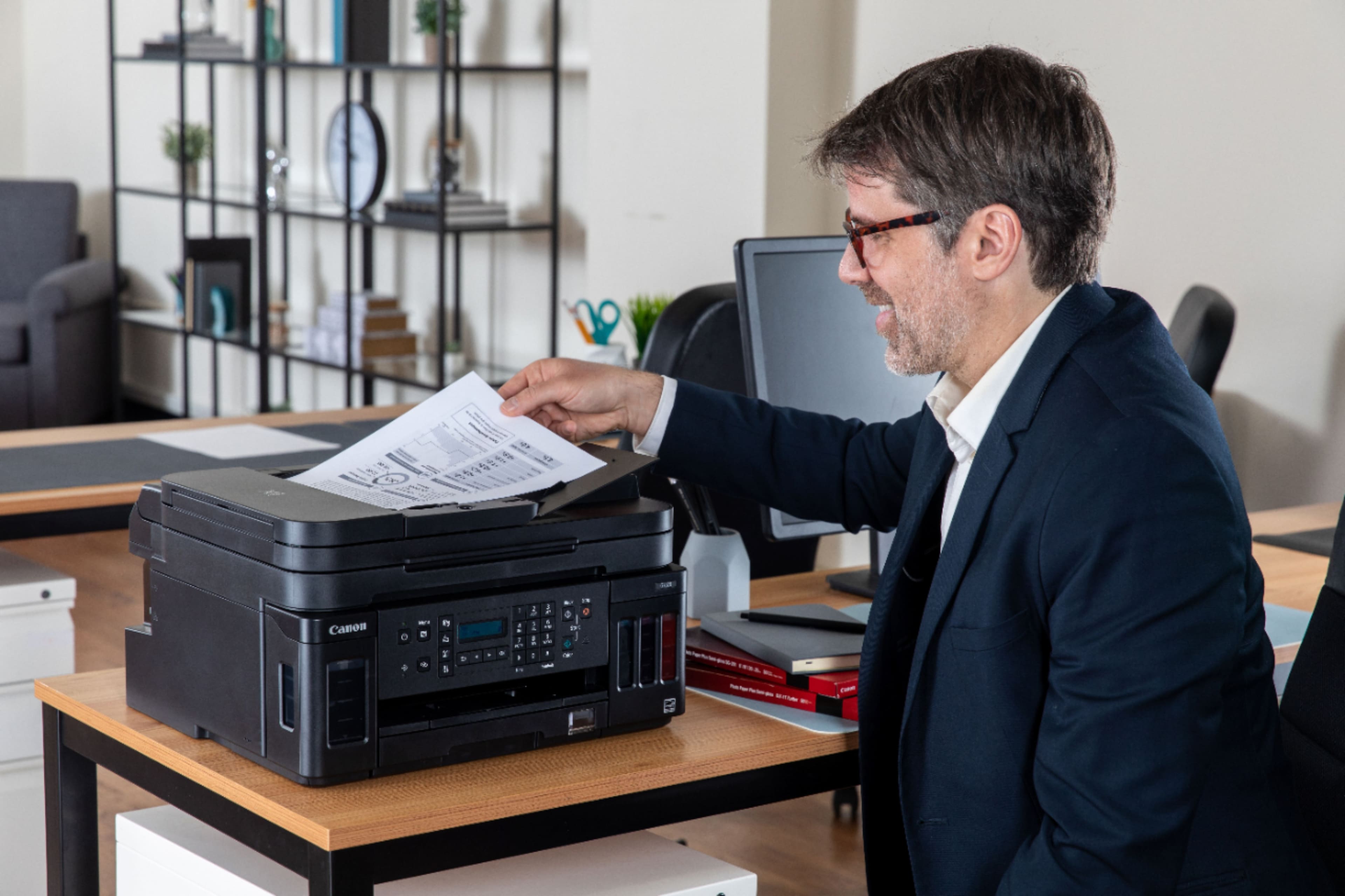
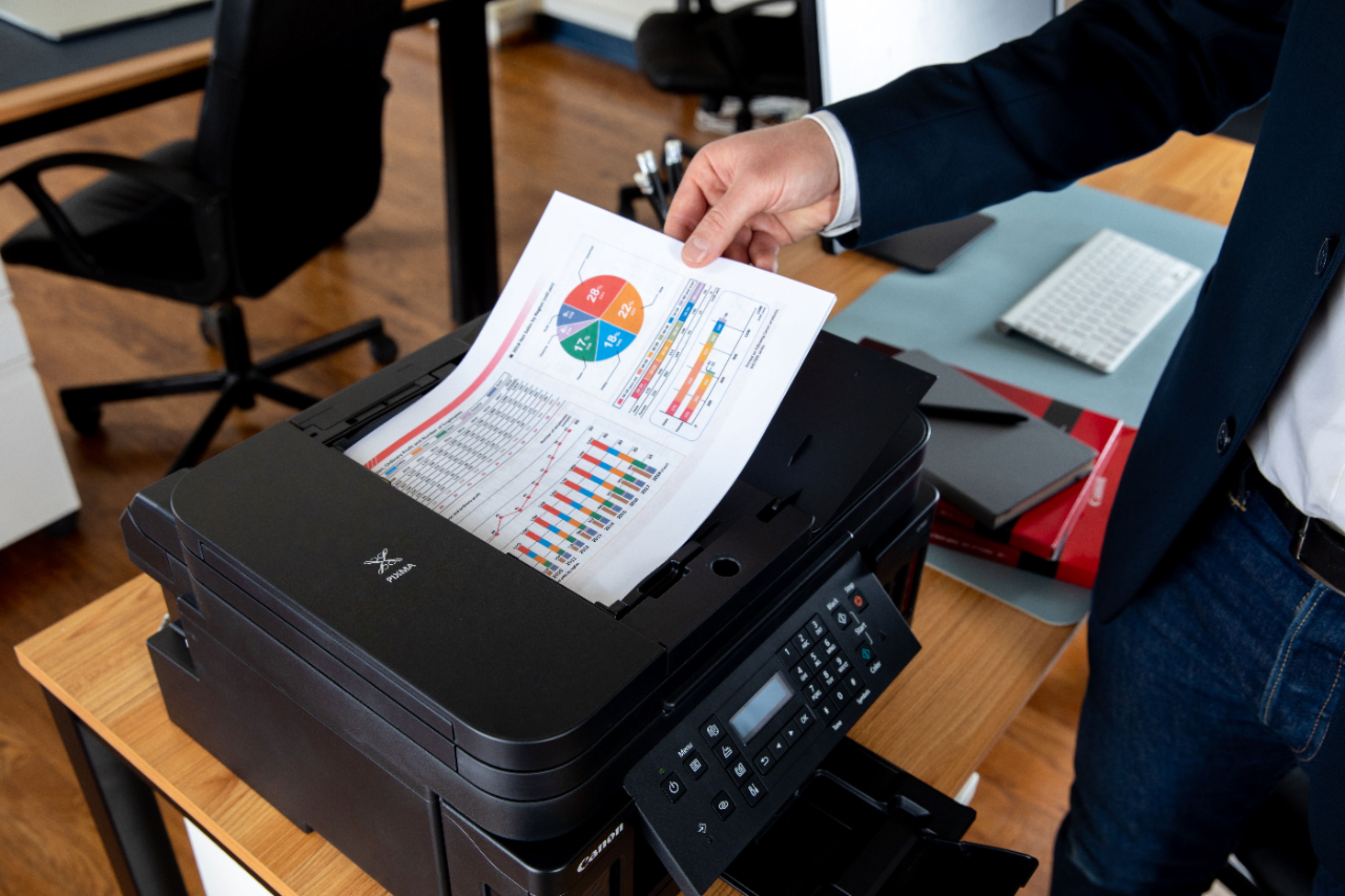
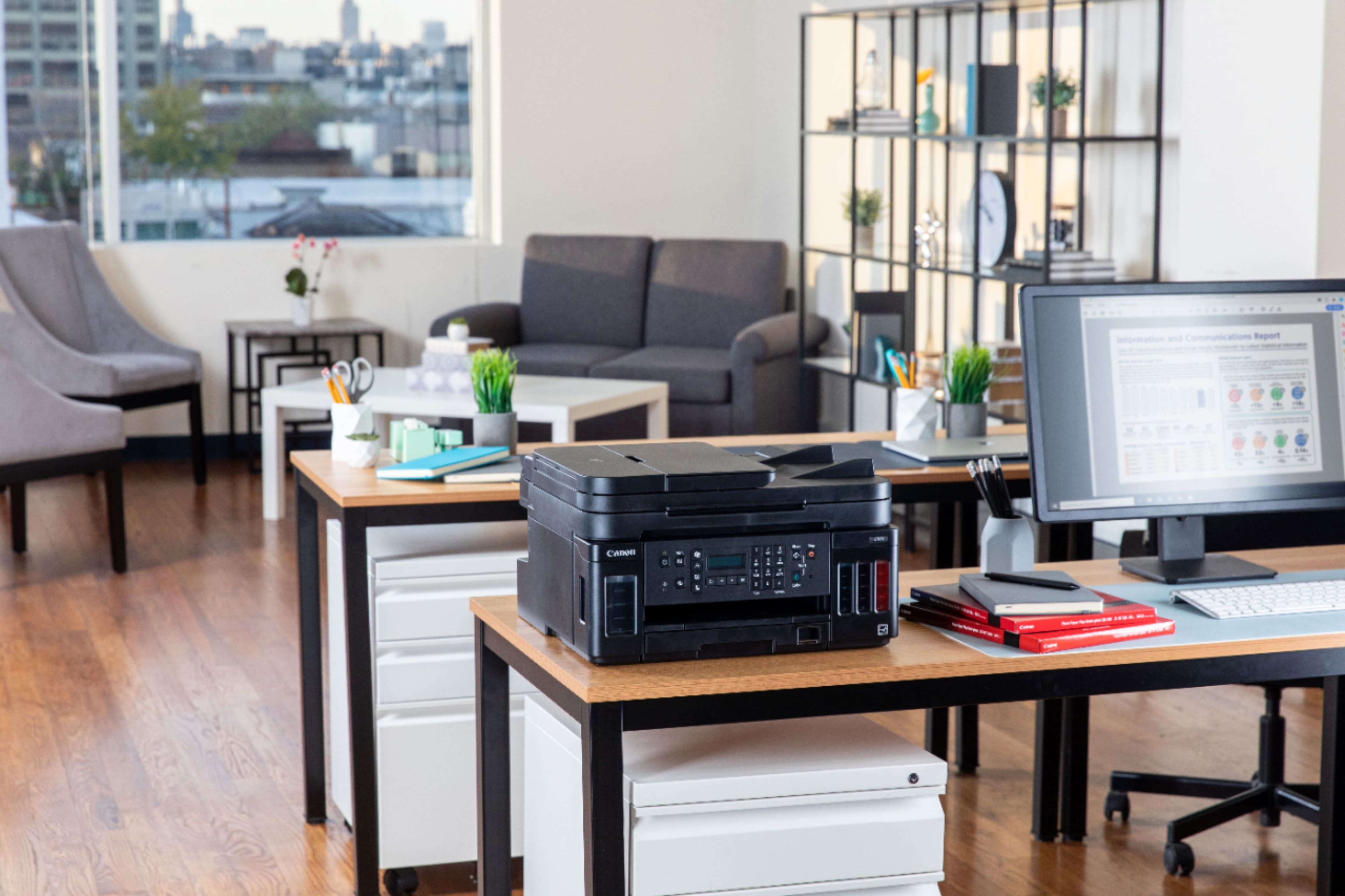
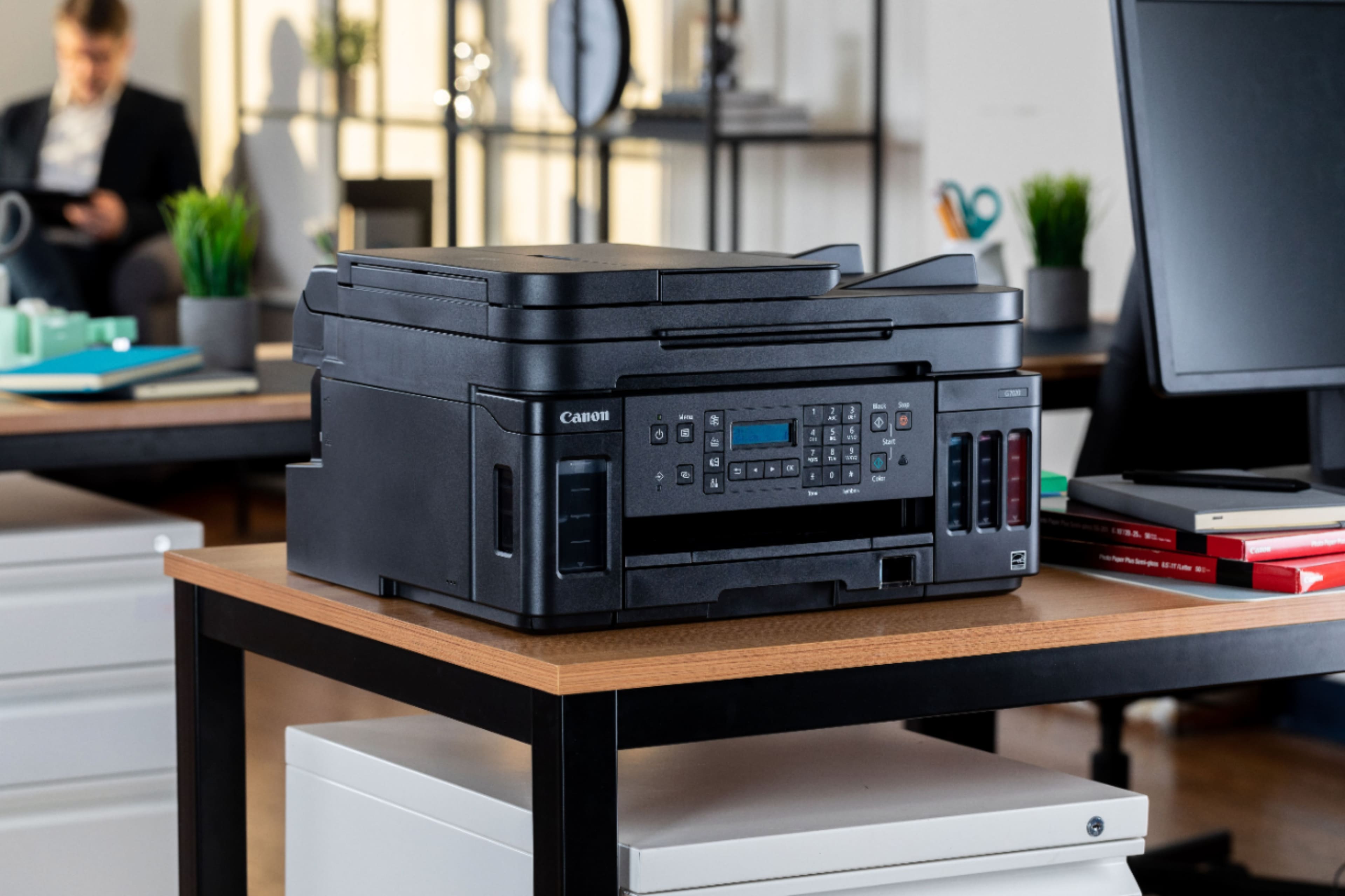
- Model:
- 3114C002
- |
- SKU:
- 6393533
Customer reviews
Rating 4.2 out of 5 stars with 1262 reviews
(1,262 customer reviews)Rating by feature
- Value4.2
Rating 4.2 out of 5 stars
- Quality4.3
Rating 4.3 out of 5 stars
- Ease of Use4.0
Rating 4.0 out of 5 stars
Customers are saying
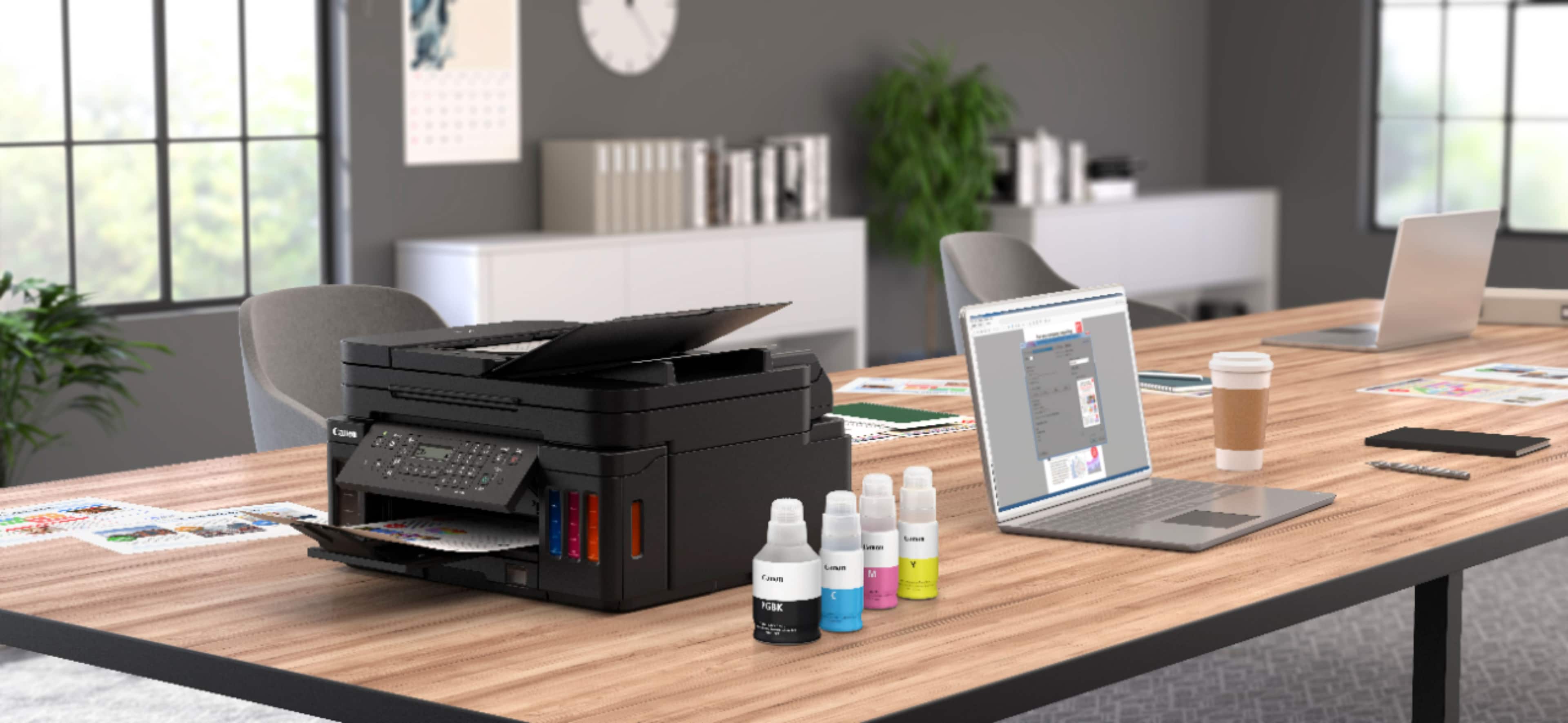
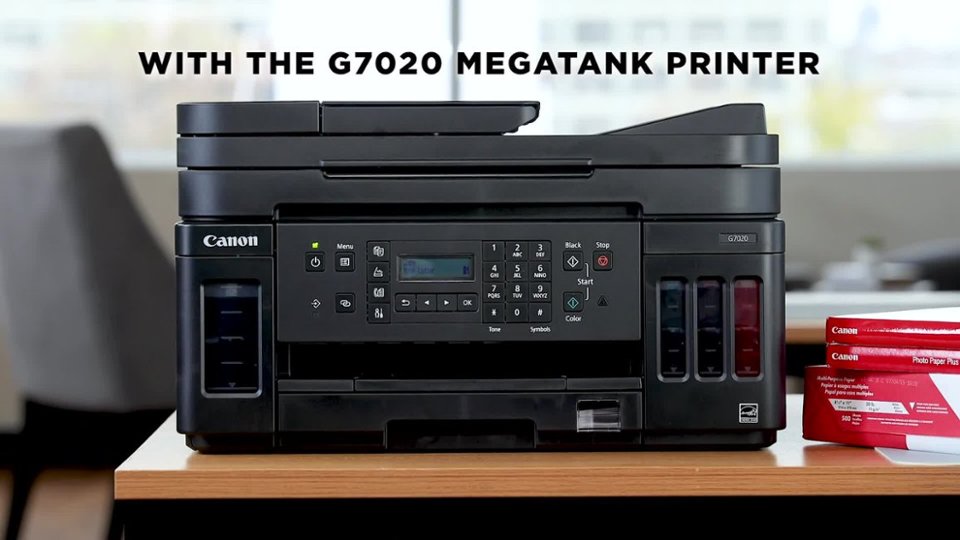
Customers regard the PIXMA MegaTank G7020's print quality and ease of use very favorably, with many praising its sharp prints and straightforward setup. The wireless functionality and compact size are also frequently cited as positive aspects. However, some users find the small, unlit display and control panel challenging to use, and a few note that the printer can be somewhat noisy during operation.
This summary was generated by AI based on customer reviews.
- Pros mentioned:Print quality, Setup
Rated 4 out of 5 stars
Decent printer but some disappointments
||Posted . Owned for 1 month when reviewed.This reviewer received promo considerations or sweepstakes entry for writing a review.Pros: I like the quality of the output, and the ink tanks appear to be a huge improvement over cartridges. Initial setup is easy, and the Canon Customer Service is top notch. Seriously, 10/10 for Customer Service. Cons: Wifi connectivity is cumbersome and inconsistent. The biggest disappointment, though, for a printer in this class, is the LCD screen is NOT backlit. Small text that I can’t read without a flashlight. There are numerous other complaints on this online, and Canon really missed the boat on the screen.
No, I would not recommend this to a friend - Pros mentioned:Print quality
Rated 4 out of 5 stars
Not the horror story some make it out to be
||Posted . Owned for less than 1 week when reviewed.This reviewer received promo considerations or sweepstakes entry for writing a review.Well, I've read the reviews and frankly, I'm a little baffled by some of the really bad comments. The only problem I had was to connect to my wireless network because my router usually uses 5 Ghz and it wont connect to that. So I am running it at 2.4 Ghz. I also figured out that you have to hardwire it to a computer (no cable included) to get it connected. Now I can print wirelessly. The black printing seems just as fast as I'm used to. I printed a combo black and color with a small picture, and it takes a bit longer but nothing that earth shattering. I haven't tried scanning yet, or faxing, hence the 4 stars. I look forward to trying the duplex printing too. The only other thing that I can think of at this time is that the out feed tray is smaller than it should be. The only thing so far in color printing is its not as crisp as I'm used to, but again, it was not a deal breaker. My operating systems are all MAC/Apple and I'm happy with it so far. If I come up with any bad results I will update my review accordingly.
I would recommend this to a friend - Pros mentioned:Print quality, Setup
Rated 5 out of 5 stars
Great desktop printer.
||Posted . Owned for 1 month when reviewed.This reviewer received promo considerations or sweepstakes entry for writing a review.I have had this printer for a couple of months now. Here are my impressions: Very easy setup. Good instructions. Interfaced with Windows 10 perfectly. Excellent options for the quality of print. Fast printing for an ink jet, even the first page. Large ink wells/cartridges will save $$ from the get go. Cannot comment on quality of photo prints yet, but I do have an older Canon photo printer. Which I seldom use now. Very satisfied with this purchase.
I would recommend this to a friend - Pros mentioned:Print quality
Rated 4 out of 5 stars
Good value only one serious glitch so far.
||Posted . Owned for 1 year when reviewed.This reviewer received promo considerations or sweepstakes entry for writing a review.A lot to like here. I had to buy a printer overnight when HP did an involuntary software “upgrade” that makes it impossible to use any ink other than overpriced HP ink and my HP printer became a brick. So I spent a couple hours researching and this printer kept popping up at the top of the reviews. I have encountered only one serious problem. If you do not use color ink frequently the color ink jets clog and you cannot print any color. It then took me a while to figure out that you need to do a radical flushing procedure to clear the color jets. You get all sorts of warnings about doing this —and I guess it takes a lot of ink to do it— but I did the other nozzle cleaning procedure twice and that did nothing. So out of desperation— I did the radical flushing procedure and it did work. So far I have not seen any adverse effects from doing that procedure. Other than that glitch everything else works fine for my self employed business.
I would recommend this to a friend - Pros mentioned:Ease of use, Print quality
Rated 5 out of 5 stars
Buy this!
||Posted . Owned for 3 weeks when reviewed.This reviewer received promo considerations or sweepstakes entry for writing a review.Im really surprised. This is the first non epson printer i bought and its super easy to setup. It prints great for the price and works wireless with every device in my home with no wrrors after one months use. Matt oklahoma
I would recommend this to a friend - Pros mentioned:Print quality
Rated 4 out of 5 stars
lt's a great printer because of the amount of ink
||Posted . Owned for 1 month when reviewed.This reviewer received promo considerations or sweepstakes entry for writing a review.I have wanted to purchase one of these for sometime. It is really ideal for people that don't want to waist money on small ink cartridges ALL THE TIME! The price of the ink is EXTREMELY reasonable as well. Like most Canon printers they do have some little quirk's that you have to figure out and they can sometimes be a little bit of a problem in setting up. This one is fairly straight forward. But like I said it does have some Quirk's. One thing that I really like is that it can print borderless photo's. So if that is your bag then you might want to consider this printer. It is a little more costly than the normal run of the mill printers that take that very small (like 1 or 2 ounce) cartridge. On this one the ink has it's own self contained Ink holder with a view port for check the ink right on the front of the printer. So there is never any question of how much ink you have left and you don't have to purchase ink before you need to. Check it out! You might truly like this guy!
I would recommend this to a friend - Pros mentioned:Ease of use, Print quality, Size
Rated 5 out of 5 stars
Best Printer By Far
||Posted . Owned for 1 month when reviewed.This reviewer received promo considerations or sweepstakes entry for writing a review.This Printer is easy to setup and use it fits perfectly on my desk and its smoothe flow is also wonderful i woukd definitely recommed this All In One Color Printer to everyone canon fan.
I would recommend this to a friend - Pros mentioned:Ease of use, Print quality
Rated 5 out of 5 stars
Best of the garbage heap that is inkjet printing
||Posted . Owned for 3 weeks when reviewed.This reviewer received promo considerations or sweepstakes entry for writing a review.Having worked for an IT company that managed hundreds of businesses, I have a lot of experience working with printers. This one is as good as it gets given the garbage that gets manufactured for ink jets. I bought one of these for myself a few years ago, and got this one for my mother to replace her old printer. It's consistently good printing, and hasn't clogged up or jammed, and it is relatively easy to install and use. These ink bottle models are the future of ink jet printing, don't buy the cartridge ones, you'll regret it. I can't believe I'm doing this, but I'm giving it five stars because I don't think you'll find a better ink jet printer out there.
I would recommend this to a friend - Pros mentioned:Print quality
Rated 5 out of 5 stars
Excellent printer
||Posted . Owned for 1 week when reviewed.This reviewer received promo considerations or sweepstakes entry for writing a review.I’m replacing my 3rd Pixma 922 (also a great printer!). BB had the G-6020 in stock and in the store but not the 7020. The main difference I can tell is the 7020 has the auto document feeder. I waited for a week and the 7020 became available online so I ordered it and got it 3 days later. I pulled all the old Canon software and started new. It took about an hour to unpack and load up on my desktop and my laptop. Instructions were easy and I set up everything with no problems. There are a few minor changes I’m getting used to, but so far the transition has been smooth. My only two complaints are the small, unlit screen on the front: it could either be larger or backlit. The 2nd-BB is not carrying the ink in store yet. Not that I will need it anytime soon-the 7020 comes with ALOT of ink, but I’d still like to know its available. Yes, this is a little more than what most people want to spend for a printer, but I’m very happy with the performance. I highly recommend the Canon G 7020!
I would recommend this to a friend - Pros mentioned:Ease of use, Print quality
Rated 5 out of 5 stars
Cost effective quality printer
||Posted . Owned for 3 weeks when reviewed.This reviewer received promo considerations or sweepstakes entry for writing a review.I love it. No more $100 plus cartridges to buy and printer errors when one runs out along and it prints as well if not better than the cartridge printer I had. It is easy to fill the tanks, simple to use and the total package of replacement ink is about 60% cheaper than cartridges and lasts over a year or two with normal use. Best thing I have bought for home and office us.
I would recommend this to a friend - Pros mentioned:Ease of use, Print quality
Rated 5 out of 5 stars
Price / performance can't be beat.
||Posted . Owned for 3 weeks when reviewed.This reviewer received promo considerations or sweepstakes entry for writing a review.Freedom from expensive ink cartridges is as rewarding as breaking away from cable and going to streaming. The printer works great! Color is crisp and 2 sided printing saves paper. Easy setup and remote capabilities allow access from multiple laptops, cellular phones, and tablets. I would suggest ignoring negative reviews as most are due to incorrect setup. Follow the install instructions step by step, load the paper, and go. Love it. BTW at this price, you can't do any better. Only shortcoming is color printing could be a bit faster.
I would recommend this to a friend - Pros mentioned:Ease of use, Print quality
Rated 4 out of 5 stars
Good product
||Posted .This reviewer received promo considerations or sweepstakes entry for writing a review.Overall good product user friendly. Price was right. The screen is small and slightly difficult to read but works good
I would recommend this to a friend - Pros mentioned:Size
Rated 4 out of 5 stars
Prints nice, but painfully slow
||Posted . Owned for 4 months when reviewed.This reviewer received promo considerations or sweepstakes entry for writing a review.Not sure what the deal is, but Canon printers are slow. When I click print, it seems to go through some weird print process for a while before printing. Other than that, I really like this printer. I love the ink tanks. So easy to use and they are spill proof. I have printed quite a bit with this printer and all the ink tanks are almost full still. If I had to complain about something other than the pre print routine it goes through, it would be the software. I do not find the software easy to navigate. Kind of confusing actually. Other than that, it seem to be a very good printer. We use this printer on our WiFi network at home, and it works great. Scanning is clear, whether you scan with the auto doc feeder or the flatbed. It is not a huge printer, which is very nice. Having two paper feeders is kind of weird, but we are still getting use to that. Overall, we like this printer.
I would recommend this to a friend - Pros mentioned:Ease of use, Fax, Print quality
Rated 5 out of 5 stars
Canon Pixma
||Posted . Owned for 3 weeks when reviewed.This reviewer received promo considerations or sweepstakes entry for writing a review.I love the ease of this printer. Great for a small or medium size office. Prints well and ink is not extremely expensive. It has scanner, copying and faxing options. If setting up at home, it’s faster to install the printer drives using a usb-c/printer cable to connect directly into your laptop.
I would recommend this to a friend - Pros mentioned:Print qualityCons mentioned:Noise level
Rated 4 out of 5 stars
Mega savings on ink!!
||Posted . Owned for 2 months when reviewed.This reviewer received promo considerations or sweepstakes entry for writing a review.If you're like us and virtually learning.. there's plenty of printing! Our earlier Canon Pixma printer was great but couldn't handle too much of printing at one go and we landed up with paper jams and costly ink refills. We opted to stay within the Canon family and went with the MegaTank G7020.. it didn't disappoint. Great ink saver and can print tons of work out back to back. I miss the LCD screen from our old printer and this one is a little more noisier than the previous one too. But only marginally so... a great buy all in all!
I would recommend this to a friend - Pros mentioned:Ease of use, Print quality
Rated 5 out of 5 stars
Very good printer
||Posted . Owned for 1 month when reviewed.This reviewer received promo considerations or sweepstakes entry for writing a review.This printer solves a number of problems I have with cartridge printers. The ink is inexpensive, print heads are relatively inexpensive and available. I don't see myself stuck with unusable cartridges when a print head fails and I have to buy a new printer with different cartridges because the manufacturer doesn't make replacement parts any more. This model prints duplex, but does not scan duplex. That is fine with me. Duplex printing is necessary for me, but I have kept my old printer whose duplex scanner still works fine. Easy to set up and use. Print quality is fine. I don't do photos, so I don't know the quality.
I would recommend this to a friend - Pros mentioned:Ease of use, Print quality
Rated 4 out of 5 stars
Good printer with easy setup
||Posted . Owned for 1 month when reviewed.This reviewer received promo considerations or sweepstakes entry for writing a review.The print quality is excellent for this printer. We don't know how long the ink lasts since we just bought it. It was easy to setup because the instructions were very straight forward. My only issue is that it takes a bit of time for the print to come out after sending a job.
I would recommend this to a friend - Pros mentioned:Print quality
Rated 4 out of 5 stars
My trial & tribulations
||Posted . Owned for less than 1 week when reviewed.This reviewer received promo considerations or sweepstakes entry for writing a review.Always Canon, nothing else for construction design biz! PIXMA will print slower and fainter than an MB BUT will offer the rear paper/postcard/photo option important when MB omits this LESS ink down the drain than MB & less $$$ History has been twice the life vs MB Shipping via FedEx breaks-a-lot, leaves in fireants on street in rain/puddles vs the Perfect UPS says a lot about BB respect for customers + no email to tell them so No phone access to a real live local BB person also says it all Shoulds gone Amazon but Office Depot said "sooner" then Out Of Stock, we are liars, so back to trusty BB
I would recommend this to a friend - Pros mentioned:Print qualityCons mentioned:Display
Rated 5 out of 5 stars
So far so good
||Posted . Owned for 3 weeks when reviewed.This reviewer received promo considerations or sweepstakes entry for writing a review.First Canon Printer. It has done everything pretty well so far I was replacing an older Epson workforce all in 1. I love the larger ink capabilities and printed some pics too and they came out quite well from Lightroom CC. You must load photo paper in the rear slot only that was a shocker at first but you get use to it. The only thing I do not like is the display. It's monochrome and not bright. My previous Epson was full color and bright. The setup app works well another minor issue is you have to use the app because setup on the dark display is not intutive and hard to see. Works great from the iphones and ipads also my iMac Pro. I need a fax unit and this fit the bill. The similiar Epson version was priced to high. Well priced for this and Besy Buy had a good deal.
I would recommend this to a friend - Pros mentioned:Print qualityCons mentioned:Display
Rated 4 out of 5 stars
Works well
||Posted . Owned for 1 month when reviewed.This reviewer received promo considerations or sweepstakes entry for writing a review.This printer was easy to set up and prints documents very well. The photograph printing is so so, but ok. It would have been nice if they included a cable to connect directly to your computer for the scanning function, since I do most everything wirelessly. I gave it 5 stars because it works great for the kids and my home office function. The only other “complaint” I have is the display is. It backlit so its hard to read without the lights on. Very minor issue. The ink filling is so easy. No mess!
I would recommend this to a friend