Customer Ratings & Reviews
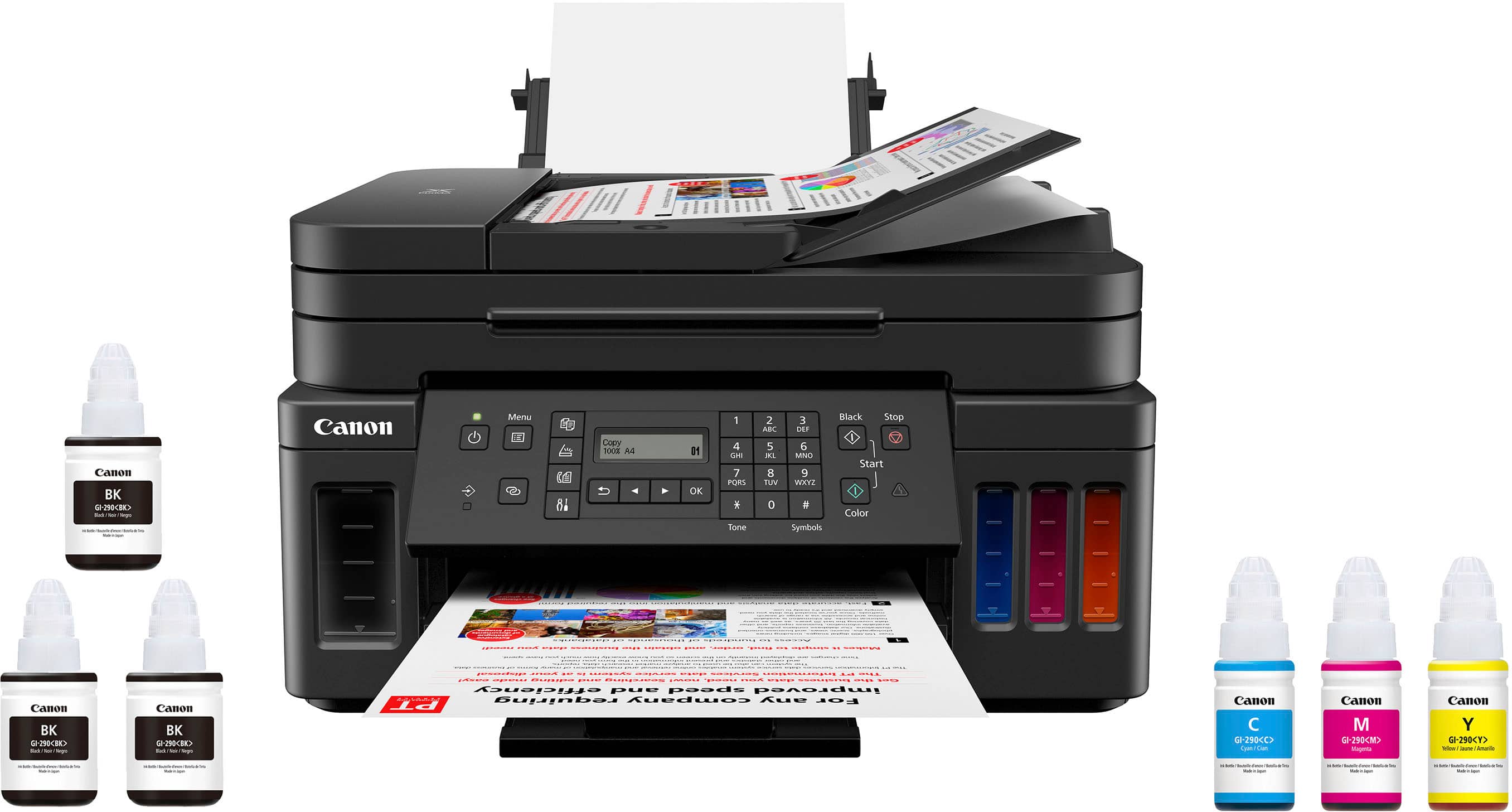
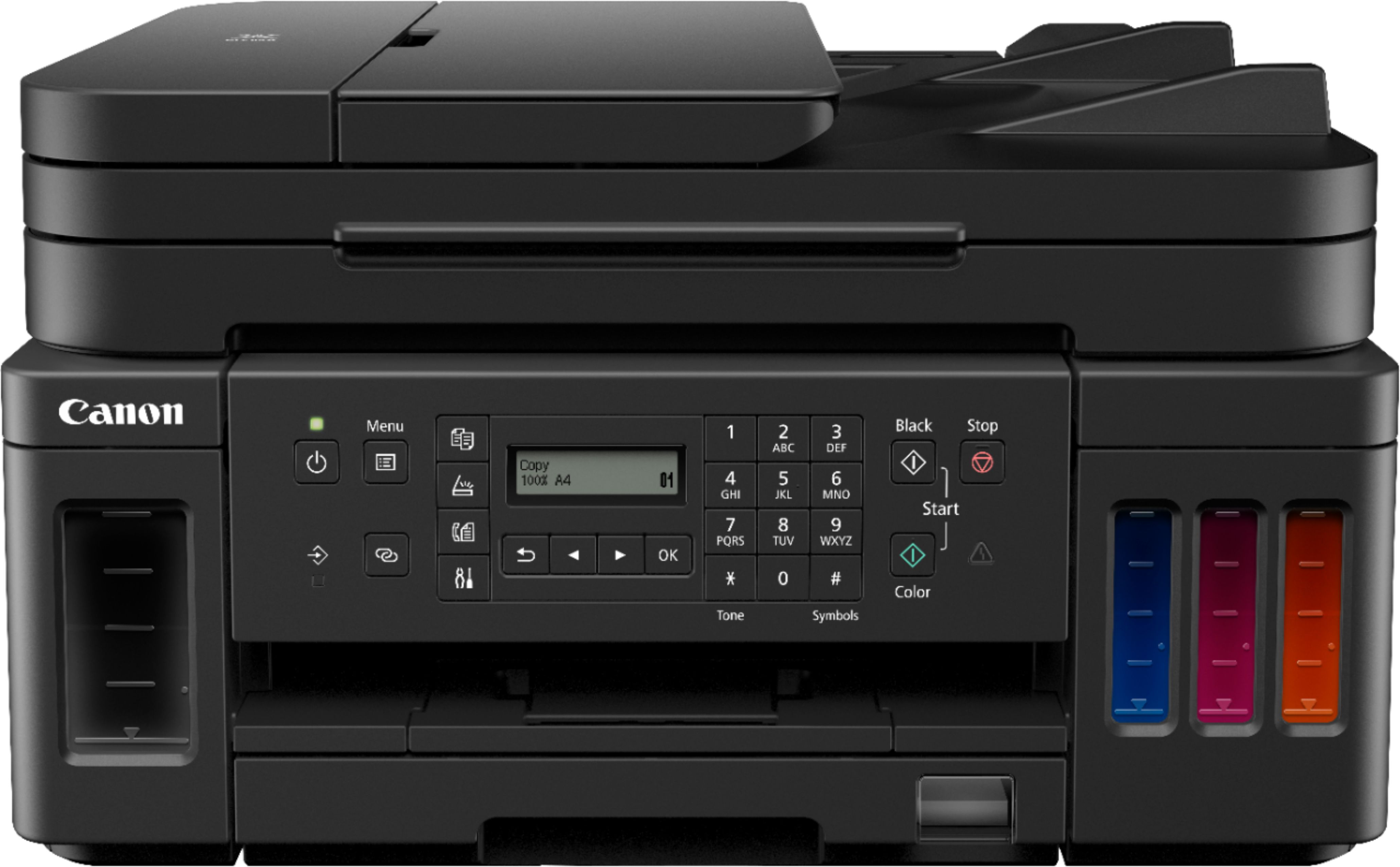
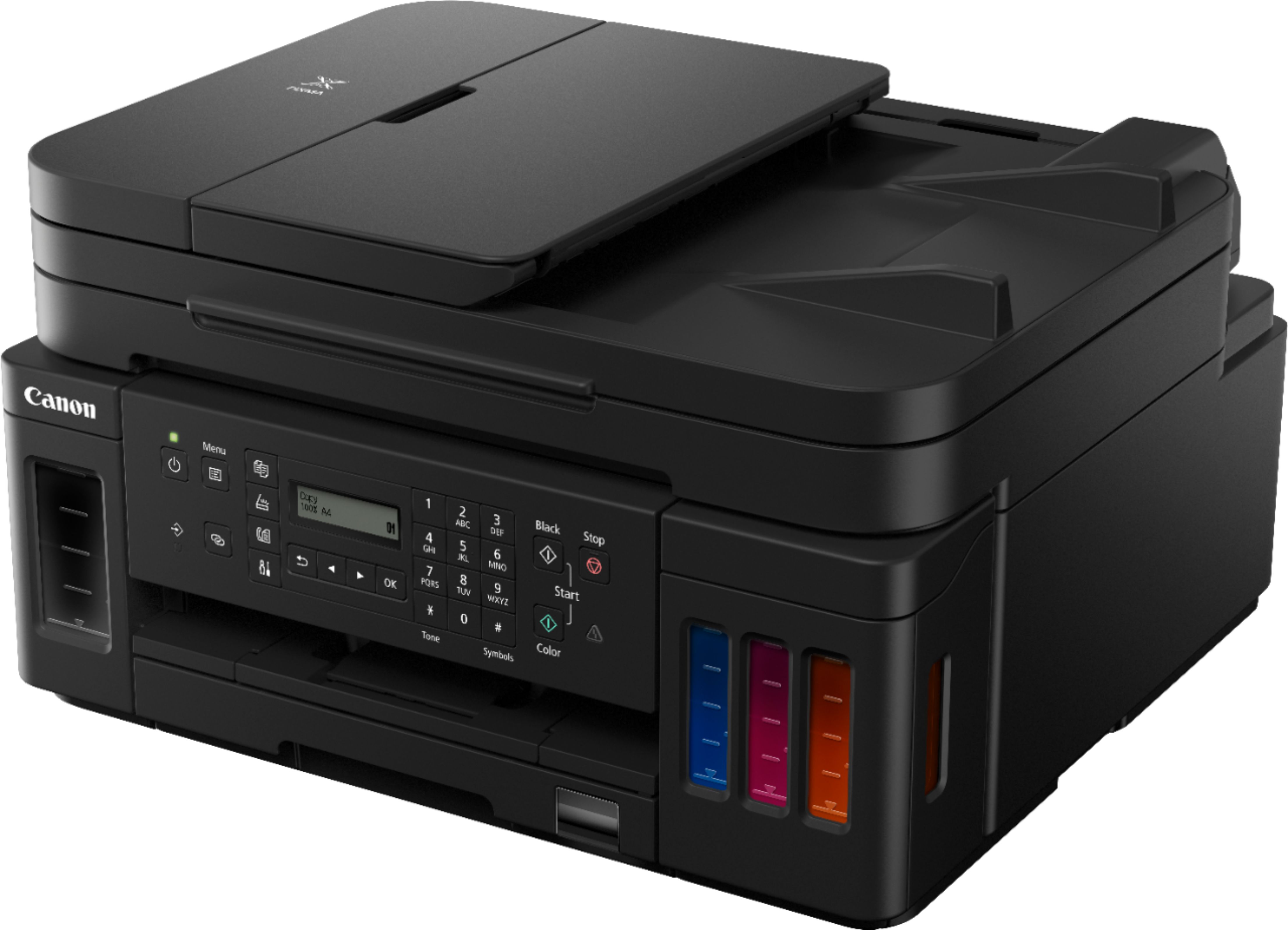
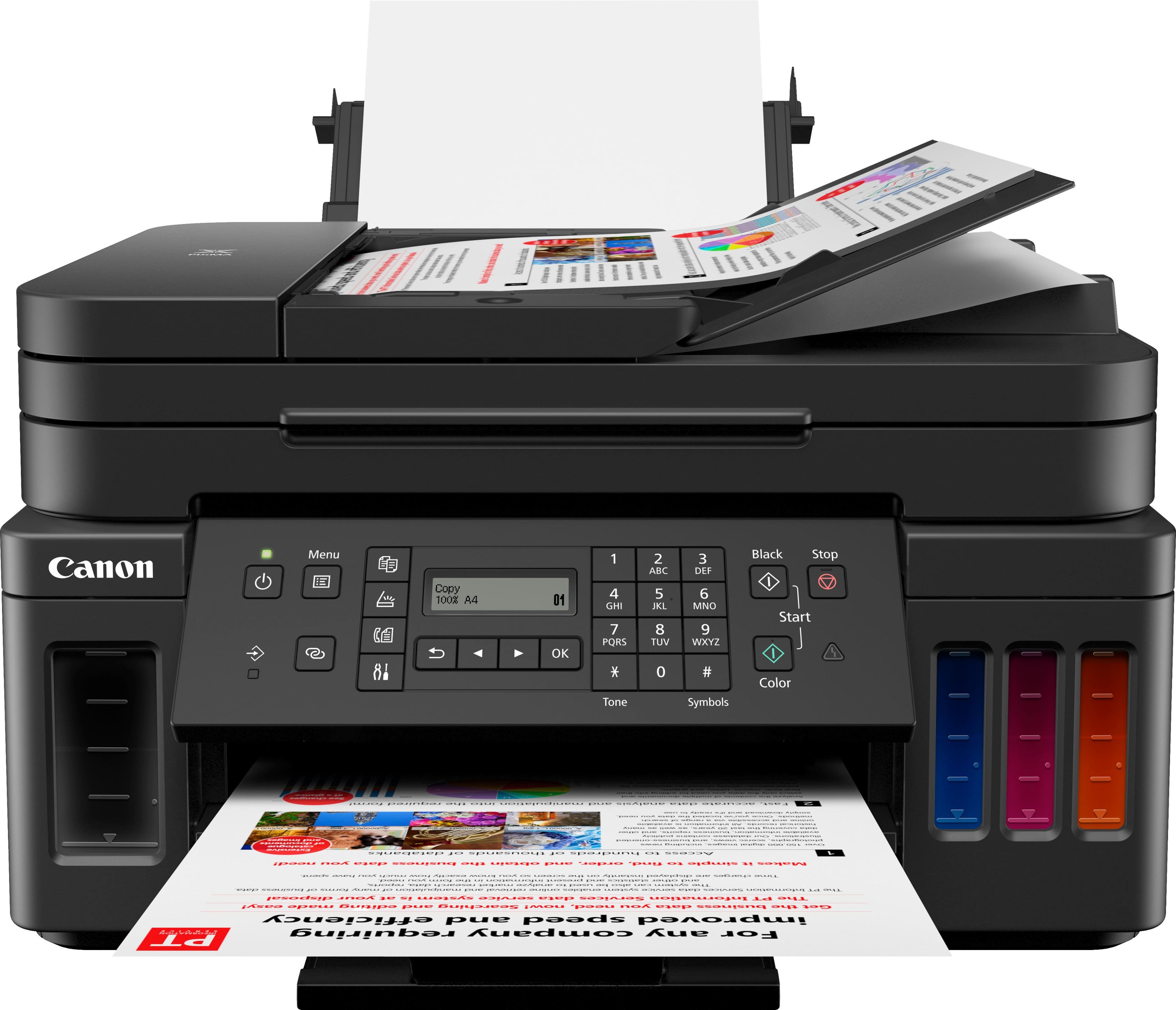




- Model:
- 3114C002
- |
- SKU:
- 6393533
Customer reviews
Rating 4.2 out of 5 stars with 1262 reviews
(1,262 customer reviews)Rating by feature
- Value4.2
Rating 4.2 out of 5 stars
- Quality4.3
Rating 4.3 out of 5 stars
- Ease of Use4.0
Rating 4.0 out of 5 stars
Customers are saying
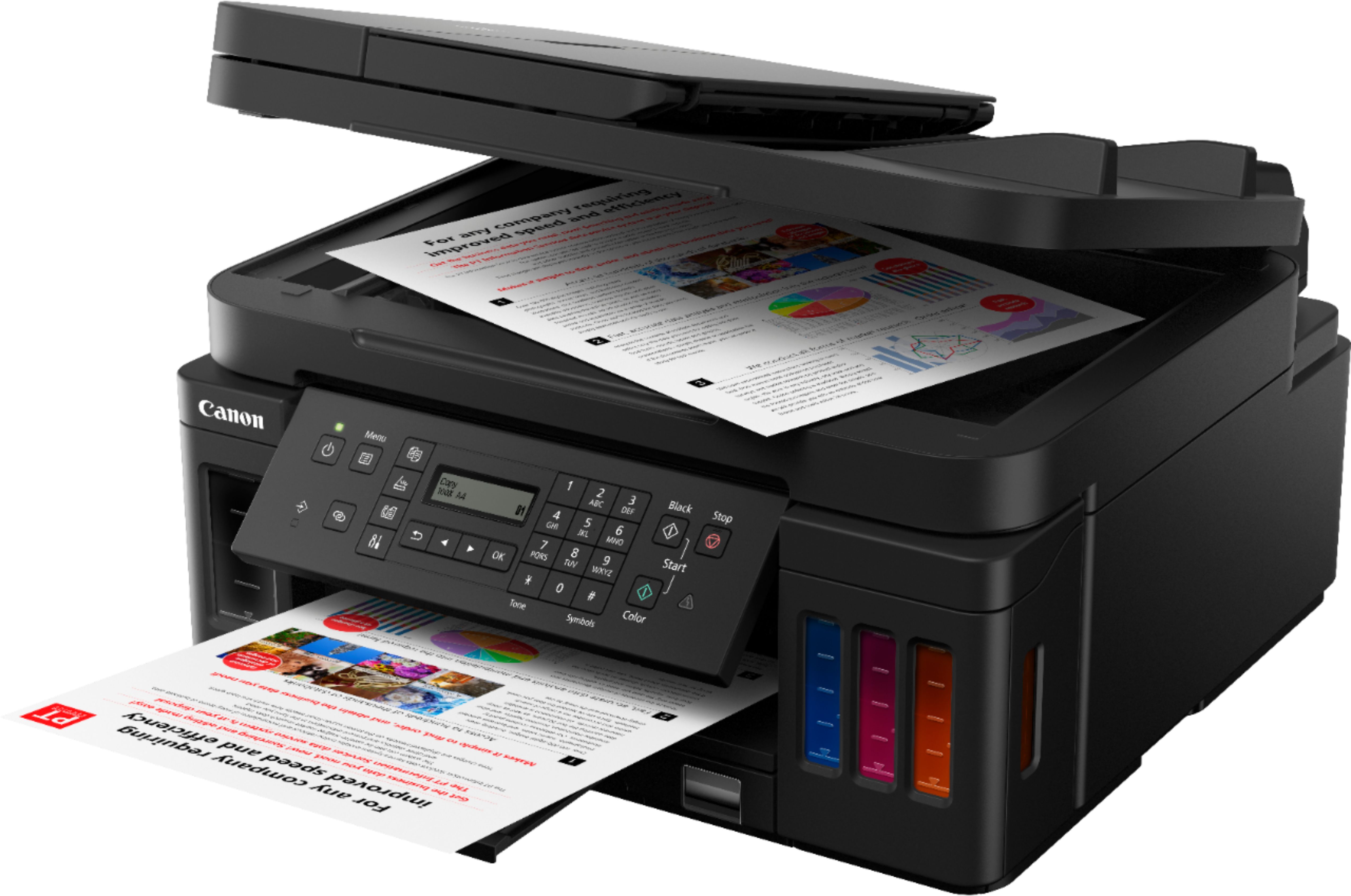
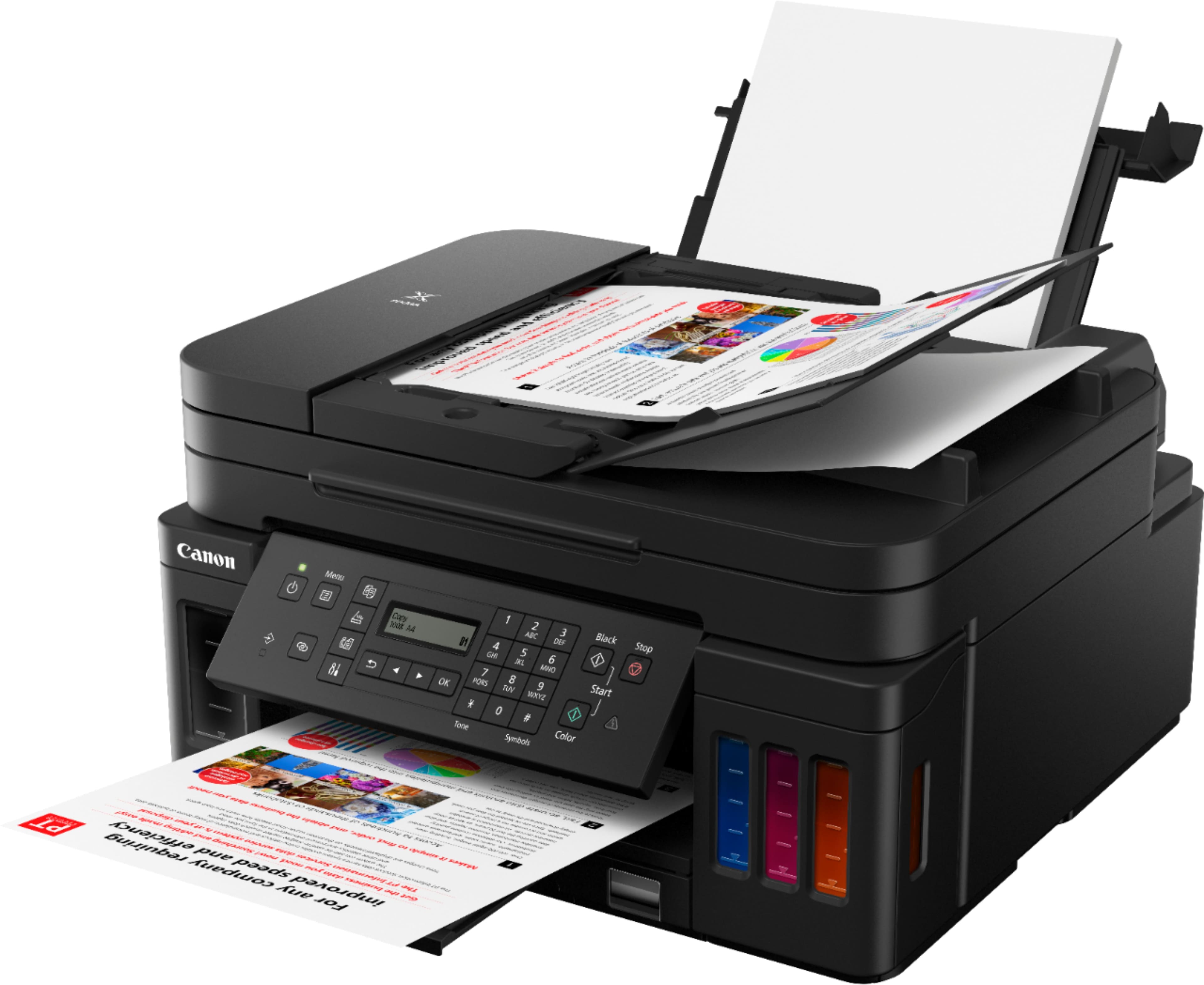
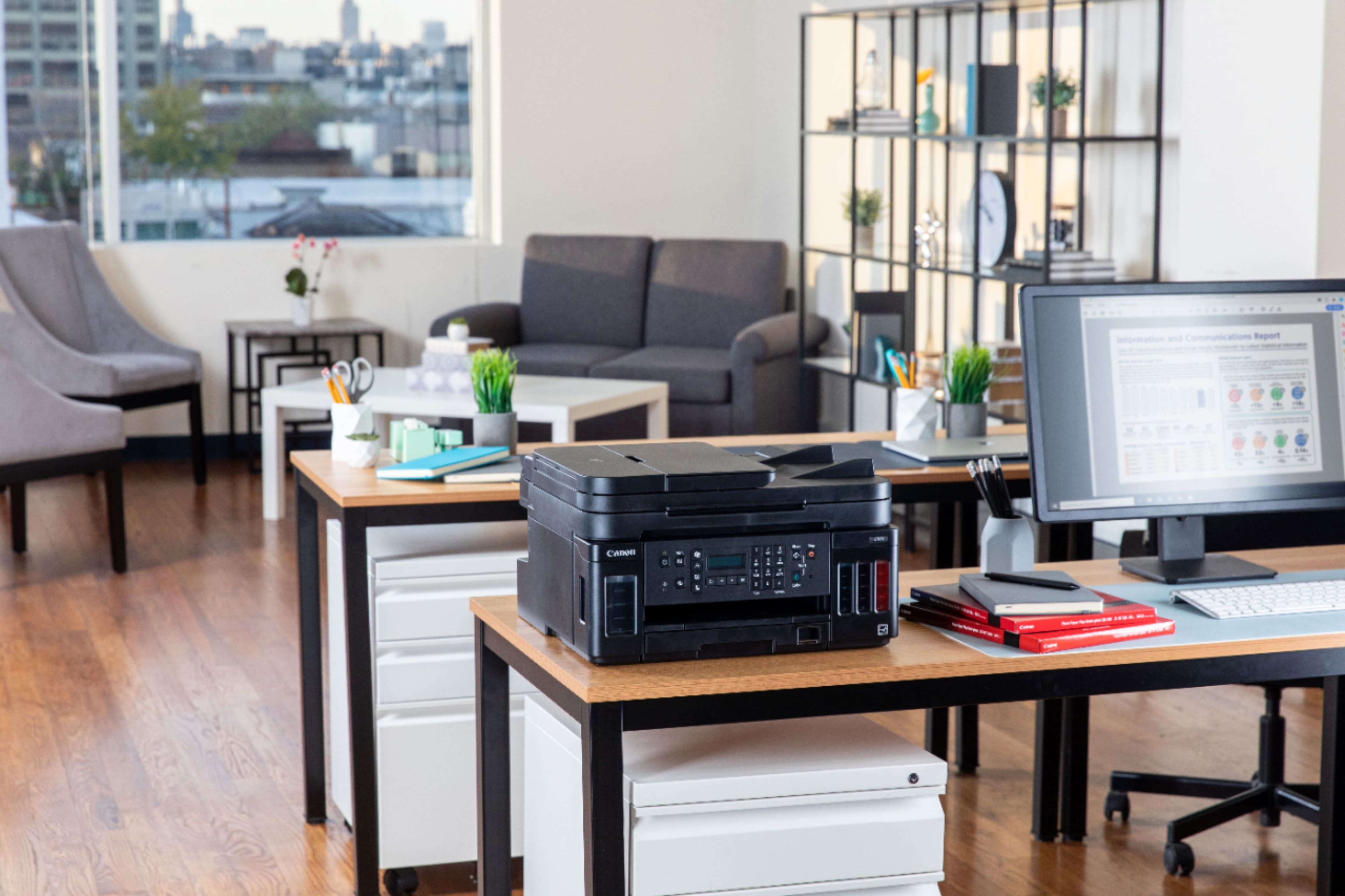
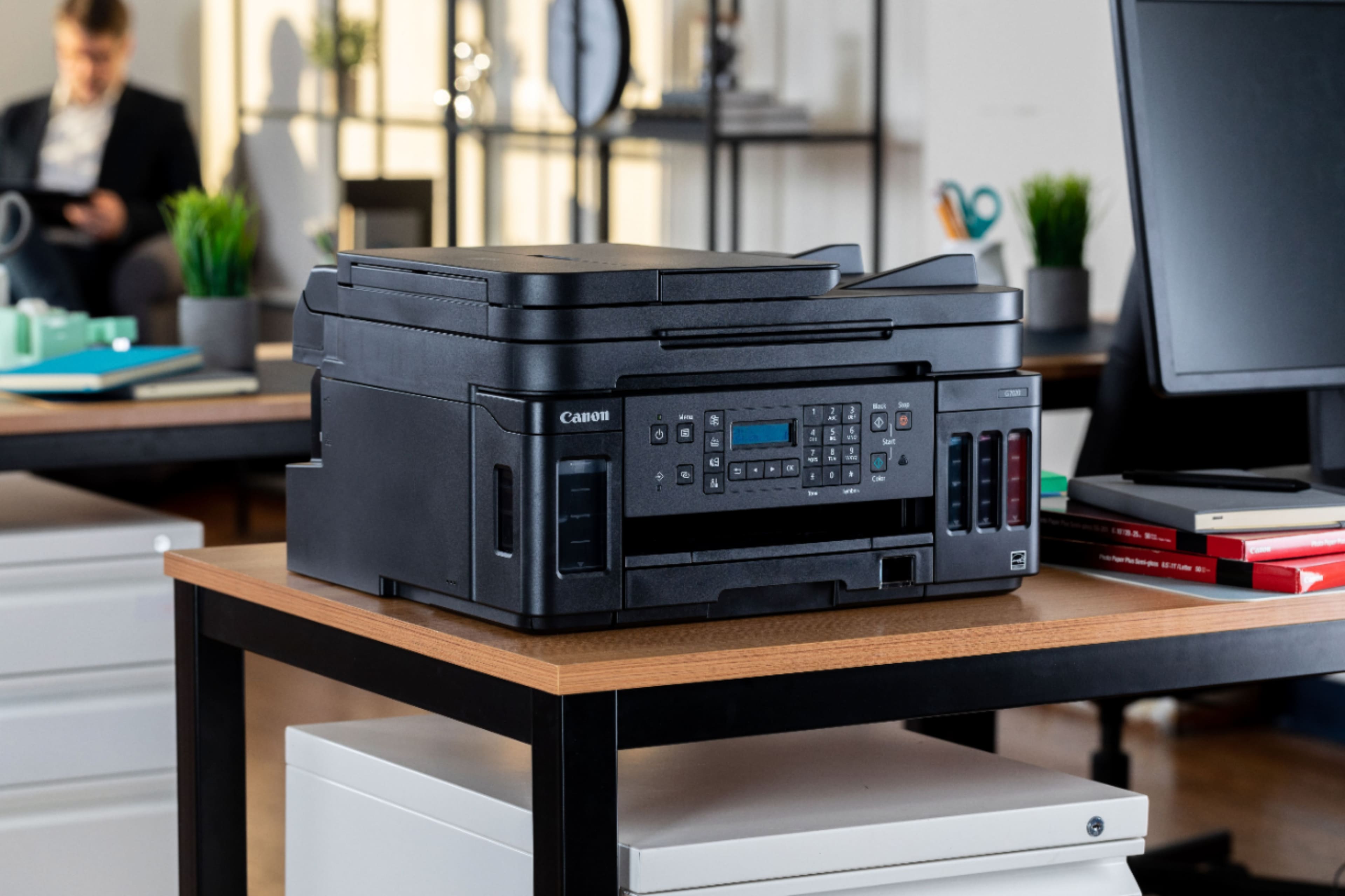
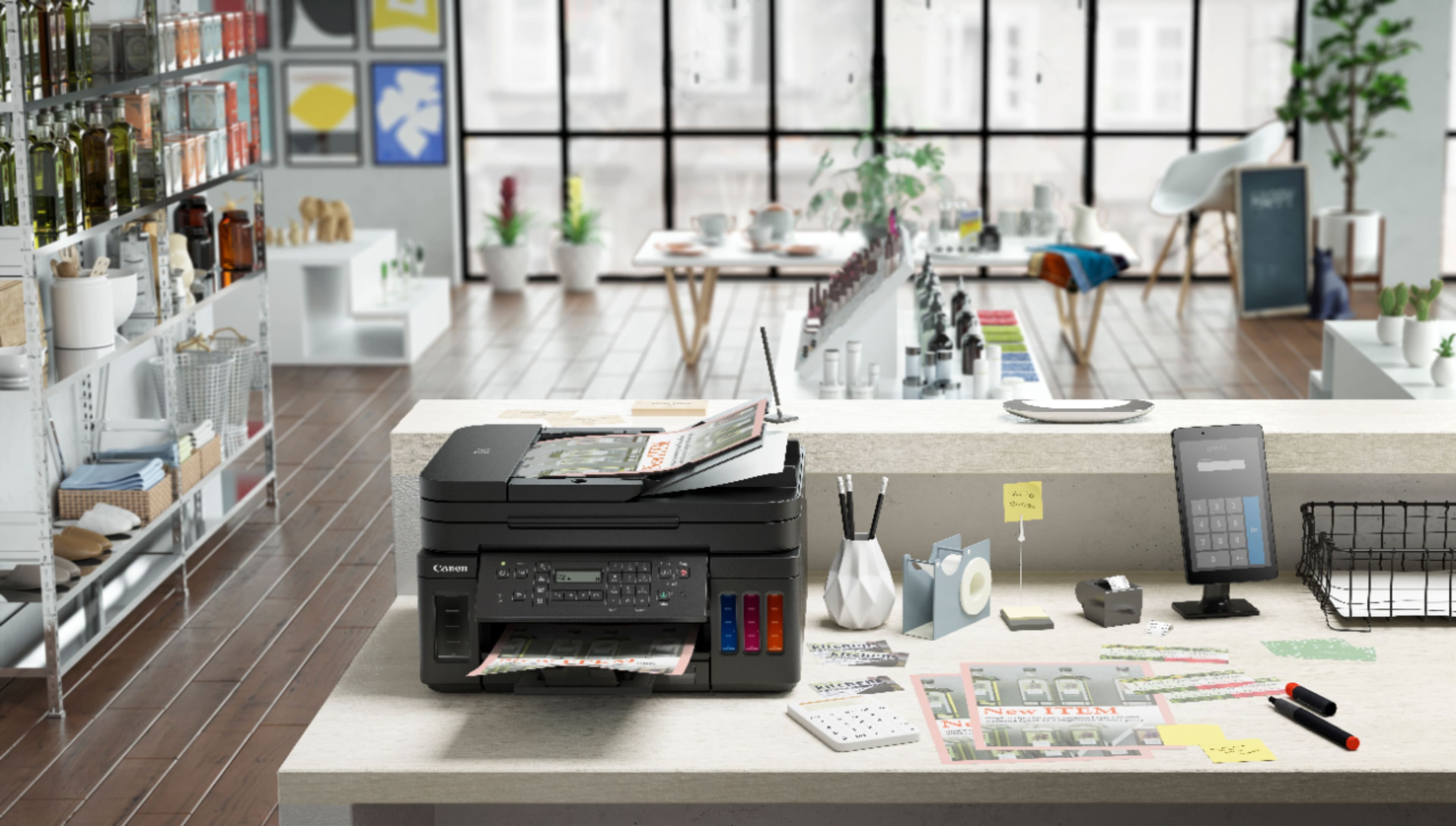
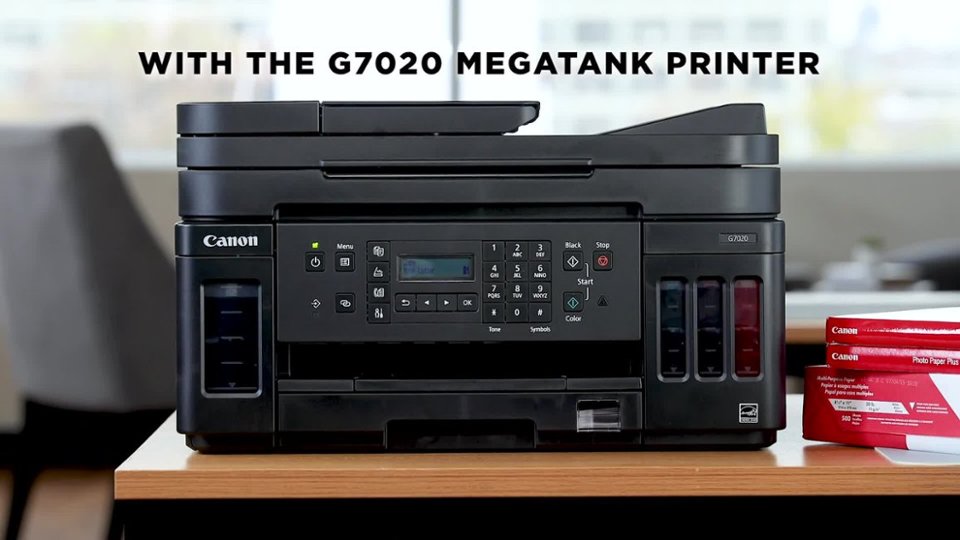
Customers regard the PIXMA MegaTank G7020's print quality and ease of use very favorably, with many praising its sharp prints and straightforward setup. The wireless functionality and compact size are also frequently cited as positive aspects. However, some users find the small, unlit display and control panel challenging to use, and a few note that the printer can be somewhat noisy during operation.
This summary was generated by AI based on customer reviews.
- Pros mentioned:Print quality
Rated 4 out of 5 stars
Lots to learn and limited info online
||Posted . Owned for 2 weeks when reviewed.This reviewer received promo considerations or sweepstakes entry for writing a review.I'm confident that I'll love this printer, but figuring things out has not been easy. Print quality seems good, but I've yet to print photo quality. Access to rear paper feed (here) is limited because printer sits at eye level with back to wall. Photo paper must go in rear feeder. Geek Squad recommended I bring printer to store to let them "fix" (aka learn how) to switch between front cassette and rear paper feed. (I searched more answers online instead and ultimately figured out a temporary solution.) I still don't know how to switch back to front when needed without having to print from a specific app first (then I can do last used). I've discovered that the printing dialog box will bring up different choices depending on your application/browser. The next lesson to learn is how to teach the printer to go to sleep and wake up without having to respond to dialog on the tiny menu window. For now, it's on all the time and I'll hope that I don't need to print something in another size or paper quality. Wishing that answers were easier to find. Loving that we're going to save a LOT on ink .... and trusting that eventually Canon will make things easier to learn:=)
I would recommend this to a friend - Pros mentioned:Ease of use, Print quality
Rated 5 out of 5 stars
Excellent Printer for my needs
||Posted . Owned for less than 1 week when reviewed.This reviewer received promo considerations or sweepstakes entry for writing a review.Excellent printer from the unboxing to test page less than 50 minutes. Pretty simple especially if you read the instructions and/or You Tube videos. The quality of print is better than expected for my first DYE based printer. Considering cost of printer, set up, and ease of use I have to give it 5 STARS. I've had HP and Epson printers and both are either very costly or problematic with ink jet clogging. This is my second Canon...my first was very good but lacked wifi. We all have our priorities, from photo quality, to recipes and spread sheets. If you are cost conscience and like a machine that does more than the average printer (auto duplex) with additional utility options on the Canon website, you won't feel bad about printing anything. Do your homework...check out YOUTUBE, and follow the instructions....you'll be happy with your purchase.
I would recommend this to a friend - Pros mentioned:Ease of use, Print qualityCons mentioned:Noise level
Rated 3 out of 5 stars
I expected Better
||Posted . Owned for 3 weeks when reviewed.This reviewer received promo considerations or sweepstakes entry for writing a review.Initial setup was easy and output quality is good. Took me a couple of scans to get used to the scanner operation. The device seems to be slower and much noisier than the old MX920 I replaced. User guide could use some editing by a native English speaking proofreader.
No, I would not recommend this to a friend - Pros mentioned:Print quality
Rated 3 out of 5 stars
It’s a Canon, but only a mediocre one.
||Posted . Owned for 1 year when reviewed.This reviewer received promo considerations or sweepstakes entry for writing a review.We have owned this printer for a little over a year. It is a pretty good printer… when you can get it to work. But the lack of a backlit and legible display screen is a constant annoyance you will live with for its entire life. I wanted to get the Maxify equivalent printer. We had a Maxify before and it was great except it went through expensive ink like there was no tomorrow. But the Maxify printer with similar features is over double the price of this one. Now I wish I could have waited and bought that one, as it’s price has dropped over $150. Pros: 1. Comes with a lot of ink which should last you a long time. Cons: 1. Very slow for printing color documents on plain paper. Color and text quality are pretty good but certainly not stellar as I’ve come to expect with Canon. 2. Display is tiny with low resolution and no backlight. You will literally have to use a flashlight to read it unless your lighting is just optimal. I knew this going in from others’ reviews but was assured by some it wouldn’t matter since you could do all your interfacing through software. This is simply not true. You will have to use the display, especially if you use the copy function. 3. Operating panel hinges out from the bottom but does not stay in position when you press the buttons. 4. Wireless setup and operation is very poor, especially if the printer is in a location where the signal is weak. Its reception is worse than any other device being used in the same vicinity. I’ve found the easiest way to get it to reconnect is by using the Print app on my phone. But even that is not consistent. 5. The output tray is flimsy and poorly designed. After printing about a dozen sheets they start falling on the floor. 6. Input tray is small and cheaply built. You will have difficulty inserting it unless the printer is on a flat, smooth surface. 7. Printer stopped printing two of the three colors after less than a year of operation. Fortunately I was able to get it working again by following the online instructions for printer cleaning. But even after a normal cleaning and a deep cleaning cycle the problem wasn’t solved. I had to follow a special procedure that involved powering the printer off and back on, which makes me suspect a software or firmware glitch. I could go on, but I think you get the point. If all you care about is saving money on ink and don’t mind spending a lot of money for a mediocre printer, then this one may serve your needs.
No, I would not recommend this to a friend - Pros mentioned:Print quality
Rated 4 out of 5 stars
Great Printer
||Posted . Owned for more than 2 years when reviewed.This reviewer received promo considerations or sweepstakes entry for writing a review.Bought this a year ago and still only about half way through the inks! Had an issue where only half the colors would print but did an ink flush as suggested on Canon's support site and that fixed it for me and a friend who also bought this print. Print speed is good for regular docs and prints really good pictures on photo paper. The printer display is hard to read so I have to use a flash light. One star deducted for that. Otherwise, it has been a great printer.
I would recommend this to a friend - Pros mentioned:Print quality
Rated 5 out of 5 stars
Honest review from IT guy
||Posted . Owned for 9 months when reviewed.This reviewer received promo considerations or sweepstakes entry for writing a review.I am an IT guy. I have been in the field for over 20 years. I have always been one that understands that you do not have to have the latest and greatest in order to have something good. What is important to me is having something that stands the test of time. When it come to printers,I have never paid much for printers. This is mainly due to how expensive ink is. I have paid the price for that over the years due to terrible printers that don't last long. Also the ink that seems to disappear when you think you have not printed much. I got tired of terrible printers, and constantly having to purchase new ink cartridges. A friend that runs a printer ink company recommended I get a Canon Megatank printer. The idea of spending this much for a printer was not something I took lightly. I did not want to spend a lot of money on something that would break in 6 months or that I would have to spend a lot of money on the ink refills. Well, I have had this printer for 10 months. I have had absolutely ZERO problems with it. It came with the ink, and it included an extra blank ink container. Since I bought it, I have printed 1250 pages. I have only used 1/4 of the ink. That extra black ink container still sits in my cabinet. At this rate, I do not expect to have to refill the ink for another year at least! Seriously...I know this printer is expensive. However, this is a case of "you get what you pay for". It is FANTASTIC! I highly recommend it. It you buy it, you will not be disappointed.
I would recommend this to a friend - Pros mentioned:Ease of use, Print quality
Rated 5 out of 5 stars
Sheila's review of G7020 printer.
||Posted . Owned for 3 weeks when reviewed.This reviewer received promo considerations or sweepstakes entry for writing a review.I was very pleased with how easy it was to set up and connect the Canon - PIXMA MegaTank G7020. Since we have been having spotty internet connections lately, I chose to connect via USB cable to my laptop. I may decide to connect it wirelessly in the future. It has been a pleasure to be able to depend on it to print when I want to print. I was a little nervous about filling the ink tanks, but I didn't spill a drop, and I like that it is so easy to see how much ink remains for each color. The prints have been very clear with great colors. I also like that I don't have to open the paper tray to see how much paper is in it since there is a little window in the tray.
I would recommend this to a friend - Pros mentioned:Ease of useCons mentioned:Display
Rated 4 out of 5 stars
They Just Didn't Get the Display Right
||Posted .This reviewer received promo considerations or sweepstakes entry for writing a review.Nice quality, reasonably easy set up and worked smoothly once the Wi-Fi connection was established. Versatile features and like the advantages from liquid ink tanks vs. the expense of ink cartridges. one drawback was no backlit display and it is very small text and hard to read in low light situations. Otherwise, a very good printer for the money.
I would recommend this to a friend - Pros mentioned:SetupCons mentioned:Display
Rated 4 out of 5 stars
Cannon easy to use
||Posted . Owned for 3 weeks when reviewed.This reviewer received promo considerations or sweepstakes entry for writing a review.Nice printer however the very limited monchrome single line display for a $400 printer is disappointed. Other than that it has been a nice printer so far and set up was easy. My previous printer an HP was a nightmare that constantly required deleting and reinstalling software to operate from my laptop or phone. The Cannon has been super easy and all of us (4) can easily print even from our phones.
I would recommend this to a friend - Pros mentioned:Print quality
Rated 4 out of 5 stars
Canon G7020 is a good printer
||Posted . Owned for less than 1 week when reviewed.This reviewer received promo considerations or sweepstakes entry for writing a review.Thisprinter is replacing an expensive, three year old, high-end all in one Brother which has been expensive to operate with low quality print output. After 3 days of use, I’m pretty impressed with this new Canon printer. The print quality on pretty good copier stock is awesome. I expect that photo printing on photo paper will not be disappointing, but may not be comparable to an older Canon PIXIMA printer that had 2 types of black ink. Ill update my post if im terribly disappointed with future photo printing. My only complaint thus far is that the LCD menu screen is very small and is not backlit! How in the world did this get past the first design review meeting? That’s the reason for the 4 star rating. Looks like finding OEM Canon ink refill bottles may a challenge in the immediate future, but hopefully that will improve.
I would recommend this to a friend - Pros mentioned:Ease of use, Print quality, Size
Rated 5 out of 5 stars
After a thorough search, this is best one
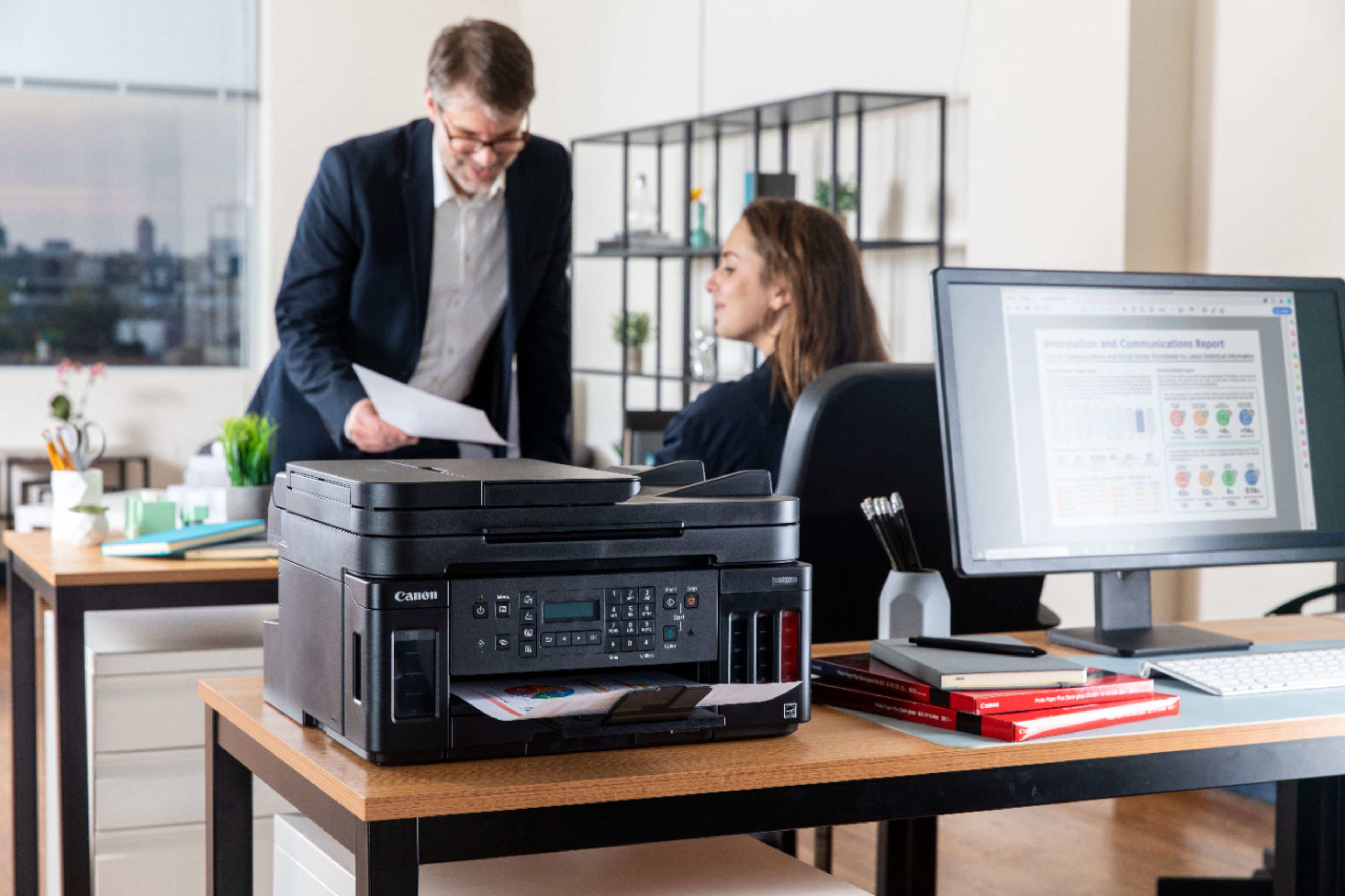
||Posted . Owned for 1 month when reviewed.This reviewer received promo considerations or sweepstakes entry for writing a review.My second Canon printer. The footprint of this printer is smaller than my old one. Easy set up and install. Print quality is excellent. Best of all no more ink cartridges to buy ever.
I would recommend this to a friend - Pros mentioned:Ease of use, Print quality
Rated 5 out of 5 stars
ink tank is the only way to go!
||Posted .This reviewer received promo considerations or sweepstakes entry for writing a review.Took a little getting used to but love this printer! The app/print from phone setup could be a little more user friendly but not bad at all once you figure it out. Laptop configuration was a breeze though! I love the amount of paper this thing holds and the ink tank setup is AWESOME! This was bought because my wife is in nursing school and I got tired of buying ink cartridges all the time (she prints a LOT of stuff for school use). One unexpected "perk" is that if you have paper in both trays & the main tray runs out itll start pulling from the rear tray to finish a print job (very nice touch). Only had it a little while & as a new owner will see how it's performing in a year but so far we love this printer!
I would recommend this to a friend - Pros mentioned:Print quality
Rated 4 out of 5 stars
Good printer at a pretty reasonable price
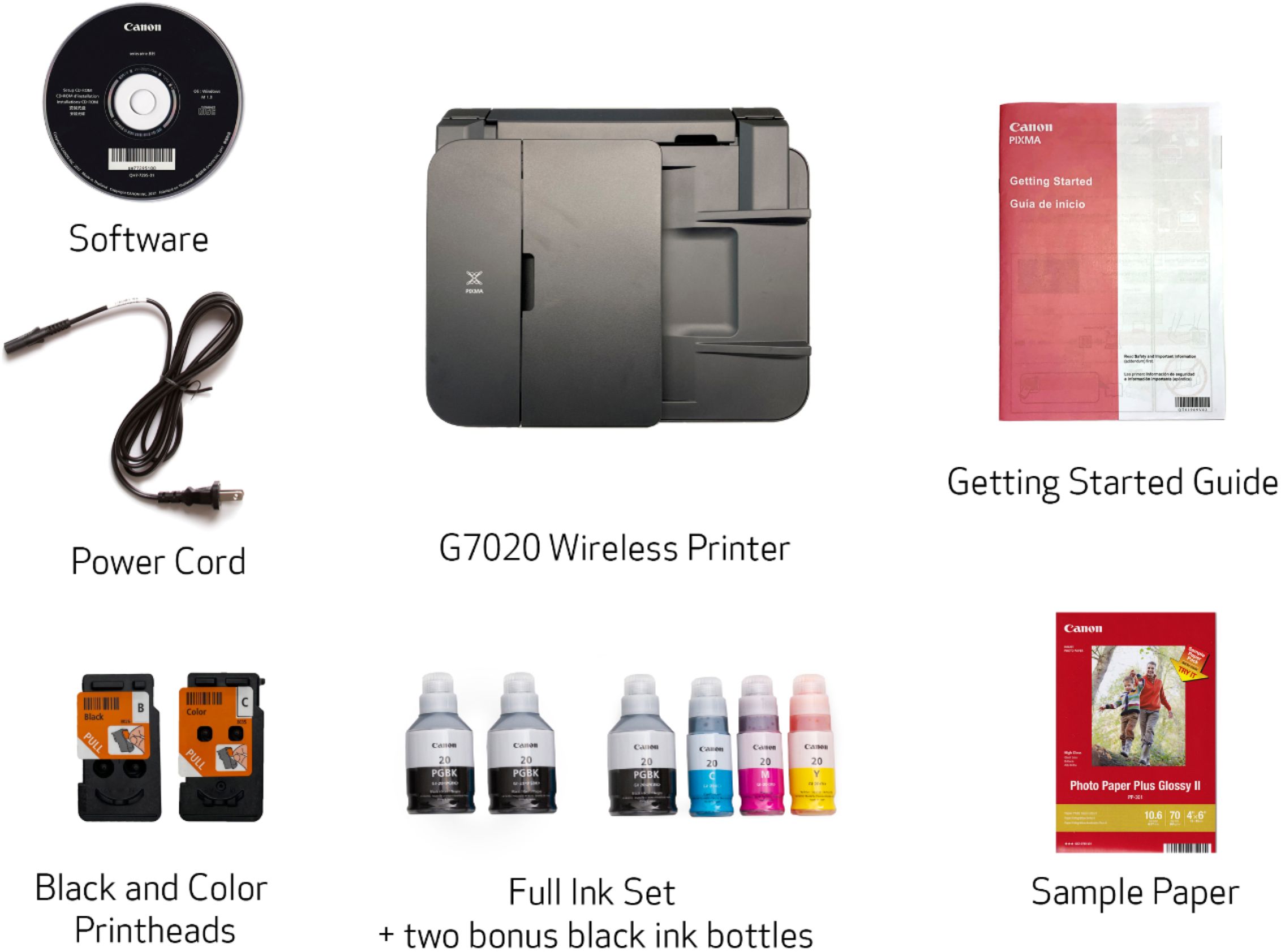
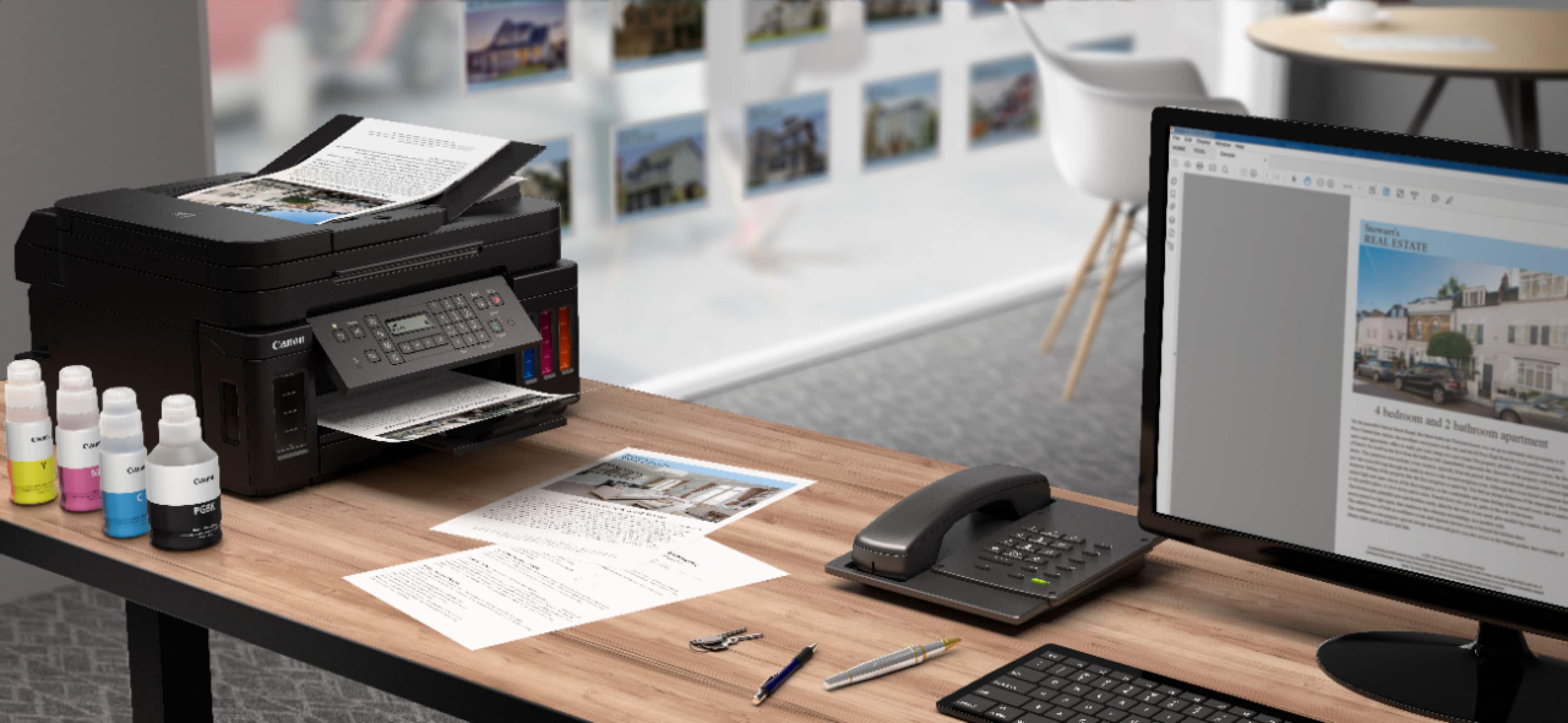
||Posted . Owned for less than 1 week when reviewed.This reviewer received promo considerations or sweepstakes entry for writing a review.Only had it a couple of days. A little slow to start printing and pauses quite a bit when duplex printing. Almost 600 pages in the users manual. Would be nice to have one with quite a bit less garbage in it. Some minor problems setting it up but the Canon Help Desk was great and walked me thru my issues quickly. I like the Mega Tank system so far. Each tank seems to hold plenty of ink and it is a snap to transfer the inks to the appropriate tank. You also get 3 large bottles of Black along with the color bottles. refills are reasonably priced and if the advertising is correct should be a lot better than the cartridges other printer use. I am looking forward to years of use from it. Only problem I had was that Best Buy does not very customer oriented. You cannot call the store and talk to a human being. Also, there is no status update from the time you order the printer to see if it is on the way, on schedule or what. Even their chat line couldn't get me any more info that what I had already gotten by logging in to my account. Used to be a friendly store but some of the geek squad folks seem a bit too full of themselves and appear to think that they are above the customers. Not sure if I will patronize my local store in the future or just pay a bit more and go where I might be appreciated a bit more.
I would recommend this to a friend - Pros mentioned:Print quality
Rated 3 out of 5 stars
Nice quality of printing, but it jams
||Posted . Owned for 1 month when reviewed.This reviewer received promo considerations or sweepstakes entry for writing a review.Benefits are big ink tank and pages both color and black & white are crisp and clean. Down-sides— jams a lot. And where e it jams isn’t covered in the manual. So I had to spend 20 minutes on hold before I got to speak with someone at Canon who helped me immediately. And the ink shipped with does not fill up color tanks. Though there is extra black ink. Did I mention paper jams? I do like the scanner which does one-sided paper feed and flat bed scanning. My MacBook, iPhone and iPod all work with it. Did I mention the frustration from jamming? Six times in a month. Sigh
I would recommend this to a friend - Pros mentioned:Print qualityCons mentioned:Display
Rated 4 out of 5 stars
Setup was easy and good printer/copier/scanner
||Posted . Owned for 1 month when reviewed.This reviewer received promo considerations or sweepstakes entry for writing a review.As mentioned in other reviews, display needs to be back lit. It is not easy to read being too small as well as un-lit. Also printing is a bit slow but is excellent in quality output, May be too slow for busy office but good for home use. It is great to have at home an auto feed copier / scanner. Looking forward to not having to buy ink cartridges for a long while.
I would recommend this to a friend - Pros mentioned:Print quality
Rated 4 out of 5 stars
Good print and value
||Posted . Owned for 1 month when reviewed.This reviewer received promo considerations or sweepstakes entry for writing a review.Needed to replace our Canon PIXMA 922 as it suddenly stopped working. Tired of the constant replacement of expensive ink cartridges, we decided to look into the ecotank/megatank options. While we are very satisfied with the quality of the print and what I believe will be a significant reduction in our ink costs as well as reducing the waste from used cartridges, the network setup on this printer was ridiculously difficult even though I am fairly proficient with hardware and software. It took a couple hours just to get the printer connected to our network and recognized by all our devices. I don't see why this should be so difficult, and it was also surprising to see this printer does not support the 5G WiFi band, which is likely the reason my initial attempts to get devices to find the printer on the network were unsuccessful as they were connected to the 5G network on my router. While I am happy with the printer now that it is setup, I do not think I would choose to buy another Canon in the future, unless there is some marked improvement in the network functions.
No, I would not recommend this to a friend - Pros mentioned:Print quality
Rated 4 out of 5 stars
Great printer
||Posted . Owned for 3 months when reviewed.This reviewer received promo considerations or sweepstakes entry for writing a review.I bought this printer solely due to the Eco tank refills. I will never go back to cartridges again! This printer was delivered with 2 years of ink! It is the easiest ink refill ever!!! Love that it is all right in front and shows each level...no more hassling to open up the whole top and getting to the cartidge area...YAY!! All you do is take your bottle of ink, open the ink tank you want filled and fill it up. Extremely easy, quick and no mess! It also prints nice photos. The only thing that I really dont like it that the screen has to be turned up in order for printing to come through...bot that big of a deal though. I would most definitely make this purchase again and have no regrets.
I would recommend this to a friend - Pros mentioned:Ease of use, Print quality, Size
Rated 5 out of 5 stars
Prints great
||Posted . Owned for 3 weeks when reviewed.This reviewer received promo considerations or sweepstakes entry for writing a review.Easy to set up, prints great, very compact for a printer, scanner, fax machine.
I would recommend this to a friend - Pros mentioned:Ease of use, Print quality
Rated 5 out of 5 stars
Amazing printer
||Posted . Owned for 2 weeks when reviewed.This reviewer received promo considerations or sweepstakes entry for writing a review.This printer is better than I had hoped. Easy to set up, prints easily from my phone or my computer, but the amazing thing is the high quality of the color prints. They are nothing short of spectacular! I had a Pixma 6000, with little toner cartridges for years. This is about 10,000 times better, and I liked it!
I would recommend this to a friend - Pros mentioned:Print qualityCons mentioned:Display
Rated 2 out of 5 stars
OK printer if you don't mind waiting.
||Posted . Owned for 1.5 years when reviewed.This reviewer received promo considerations or sweepstakes entry for writing a review.I bought this printer because I don't print a lot of things. The ink in my previous ink jet printer was constantly drying out and I was always having to buy new cartridges. I was hoping this tank style printer would solve that issue. Unfortunately it did not, the print heads still dry out and every time I want to print something (once every 1-2 months) I have to go through the process of deep cleaning the printer. I guess I am saving myself time and money so I don't have to buy and replace the cartridge every time I print, but it still seems a big waste of time and paper. It's been 30 minutes and 4 pieces of paper and finally I am able to print something successfully. This printer is very big and you need space on all sides of it for various trays to open and close. The display is difficult to read (I need to grab a flashlight). It's very slow to start up and print, and beeps a lot. Overall I would not recommend this printer. The ink tank idea is great, but this product is not.
No, I would not recommend this to a friend