Customer Ratings & Reviews



- Model:
- 3114C002
- SKU:
- 6393533
Rating by feature
- Value
Rating 4.2 out of 5 stars
- Quality
Rating 4.3 out of 5 stars
- Ease of Use
Rating 4.0 out of 5 stars
Customers are saying
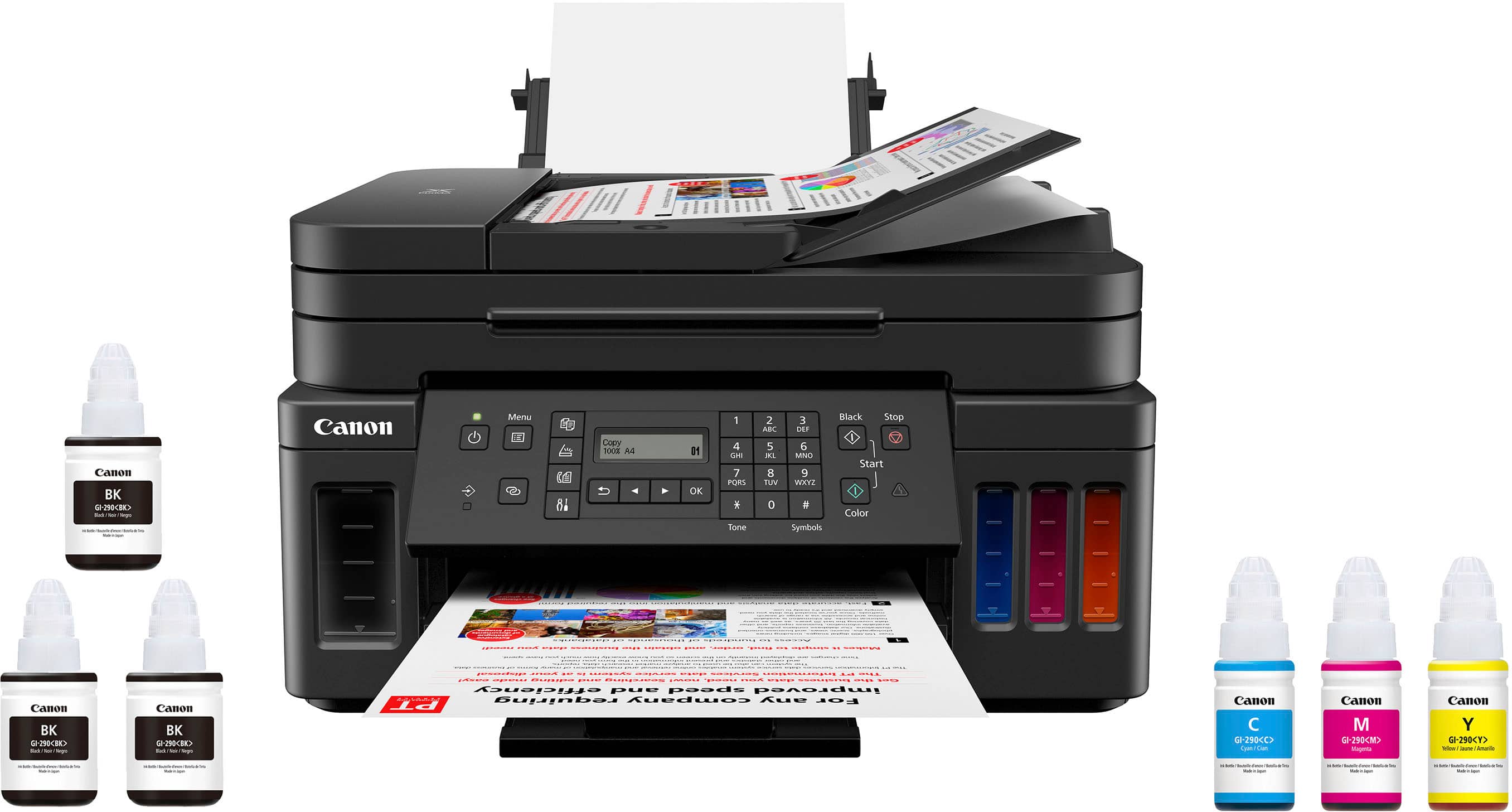
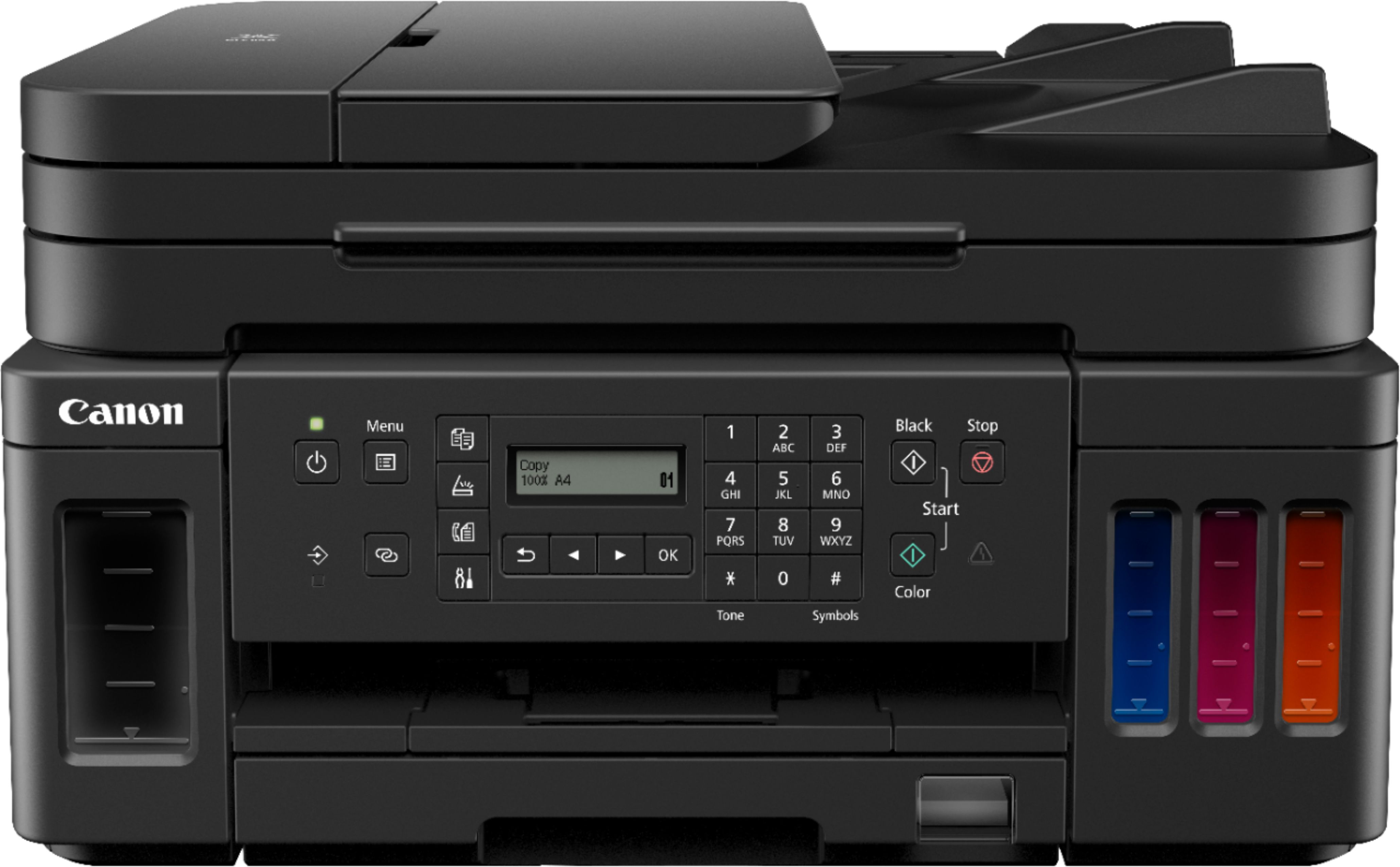
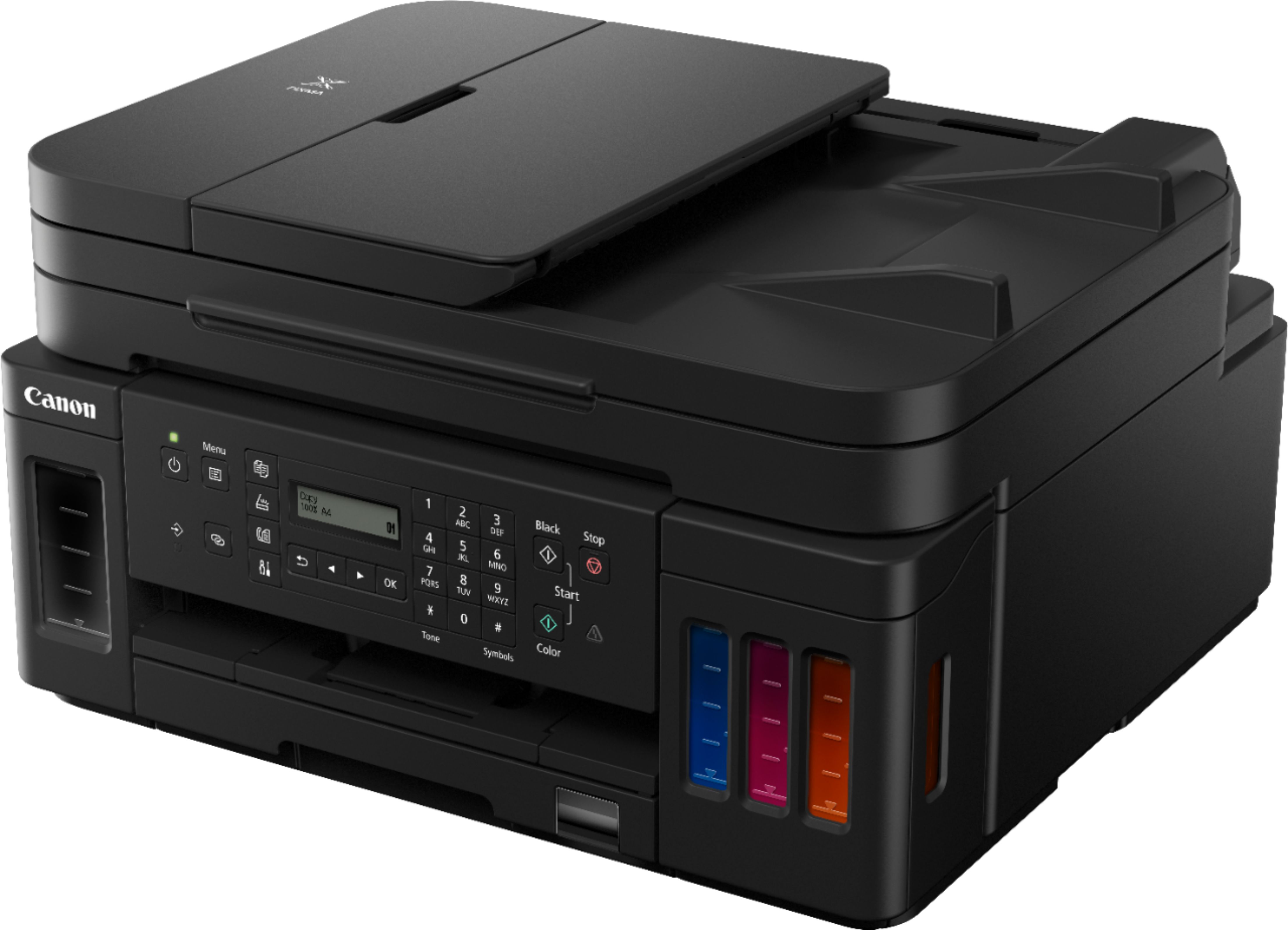
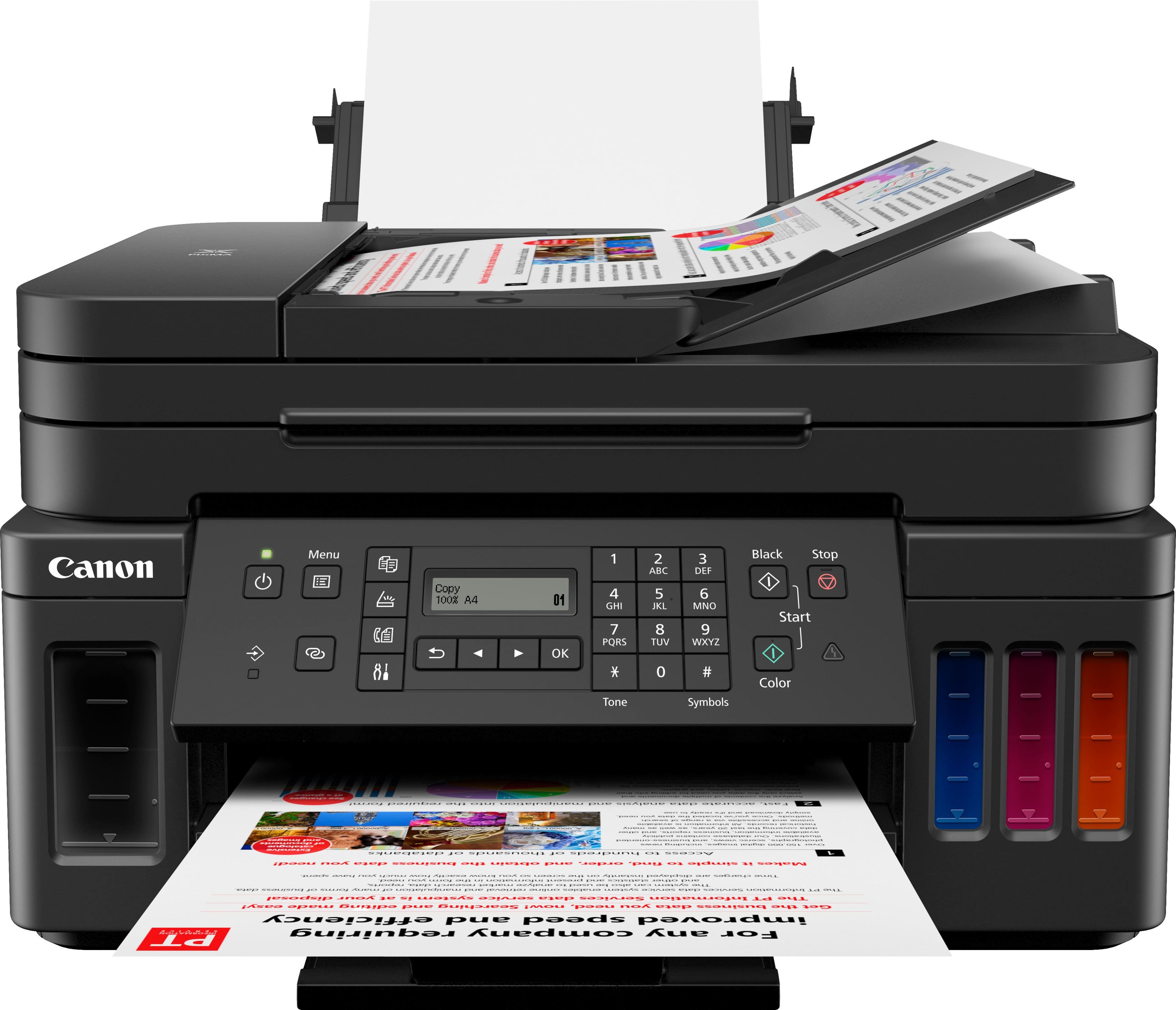
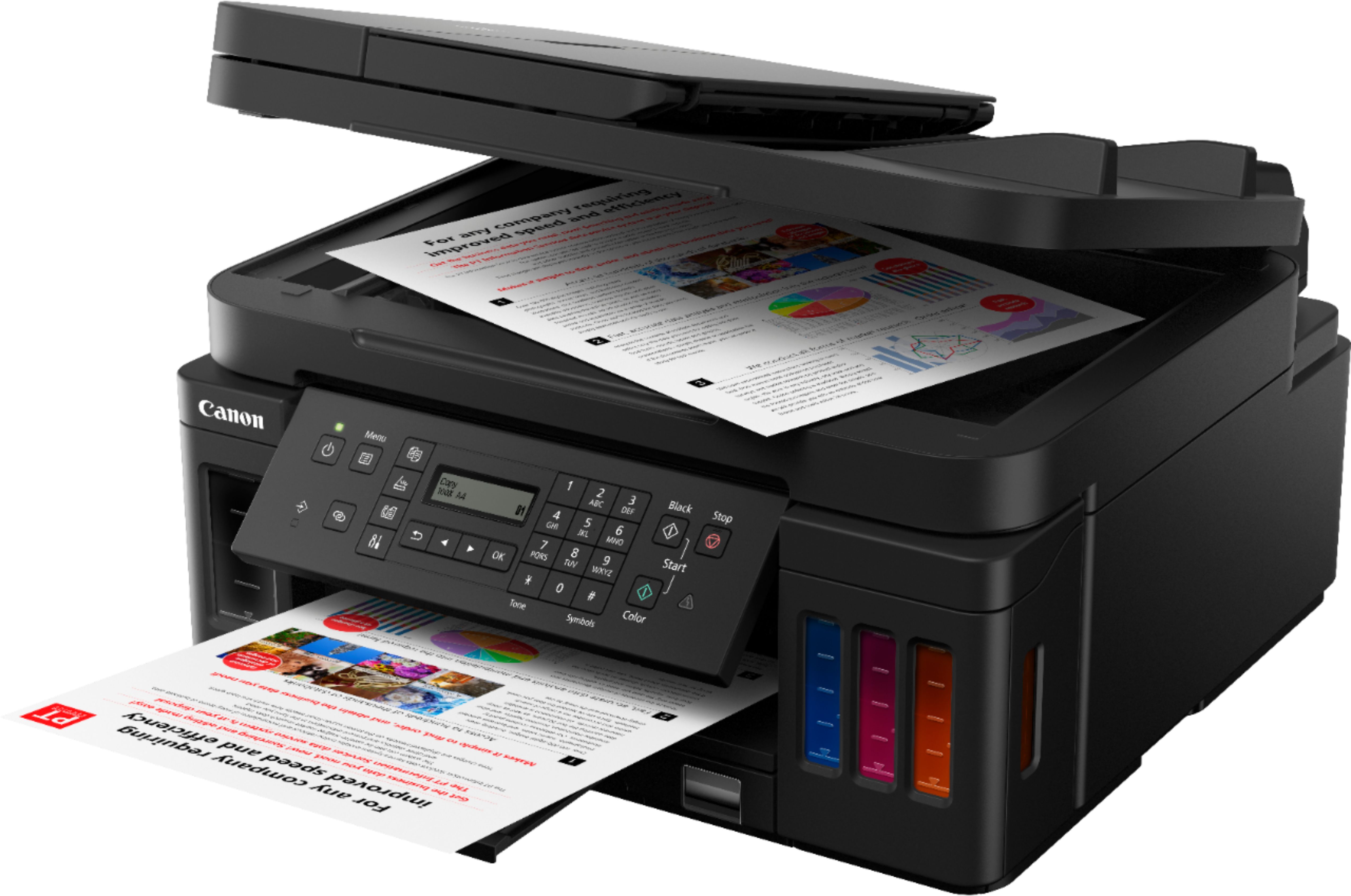
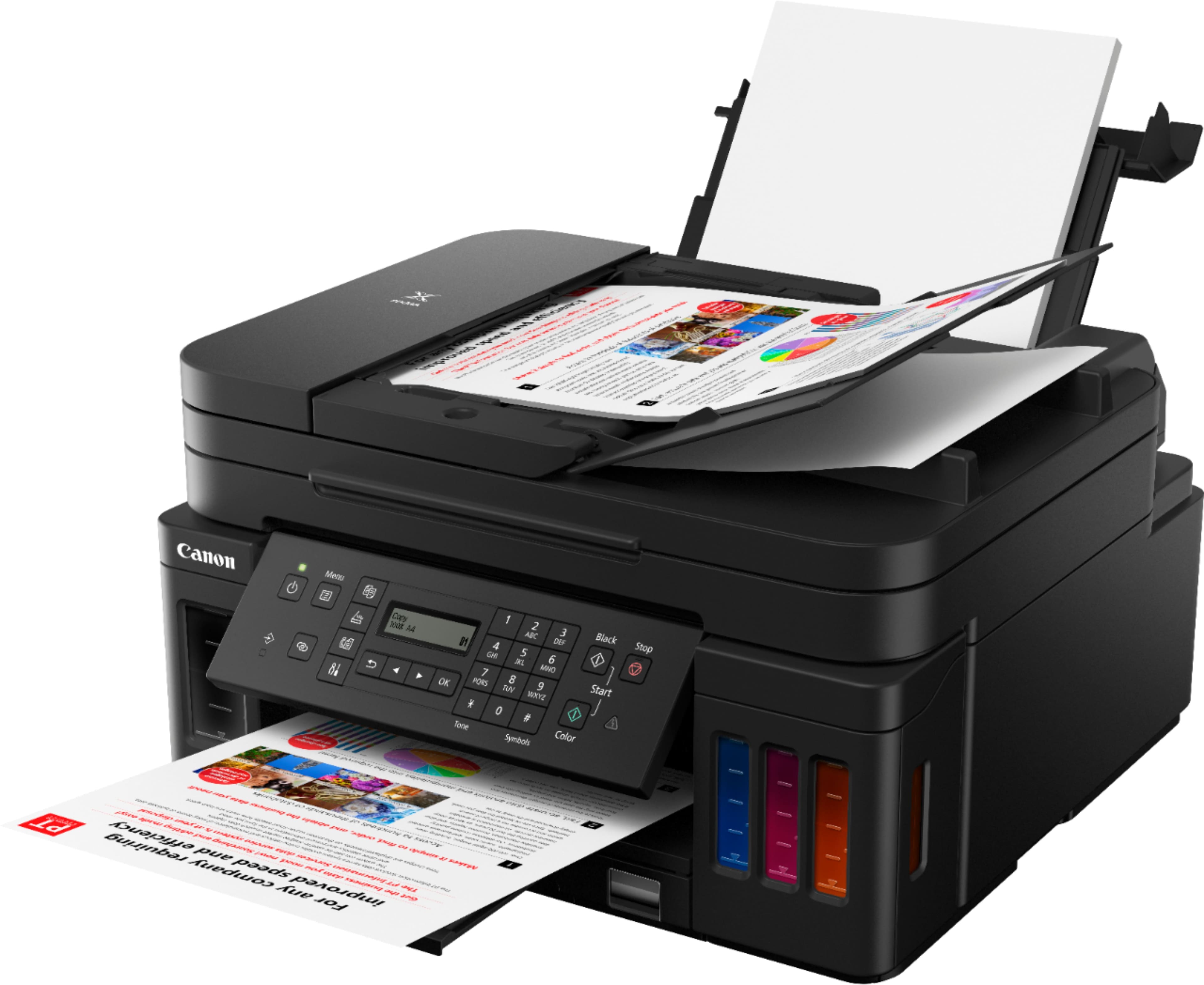
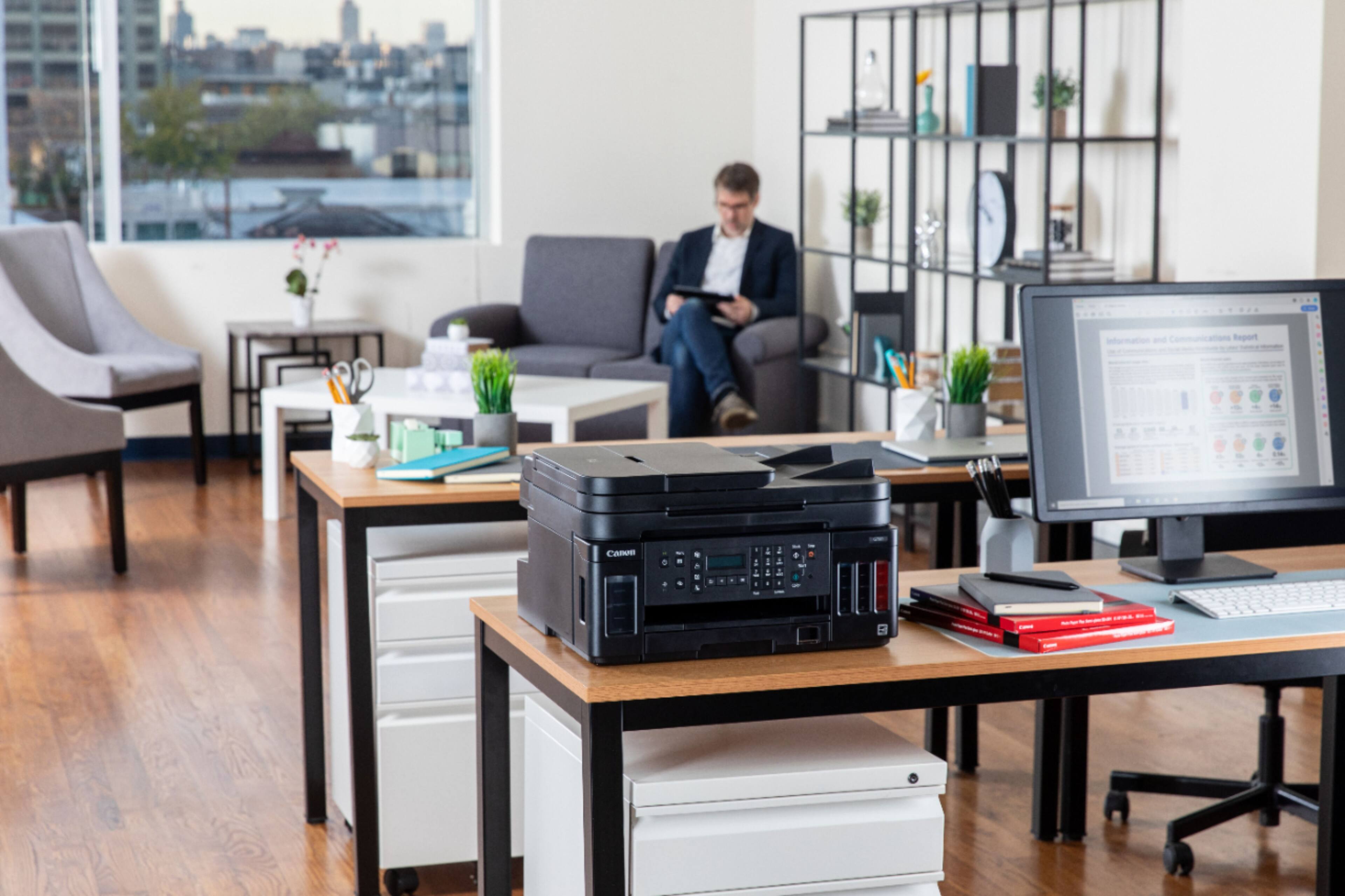
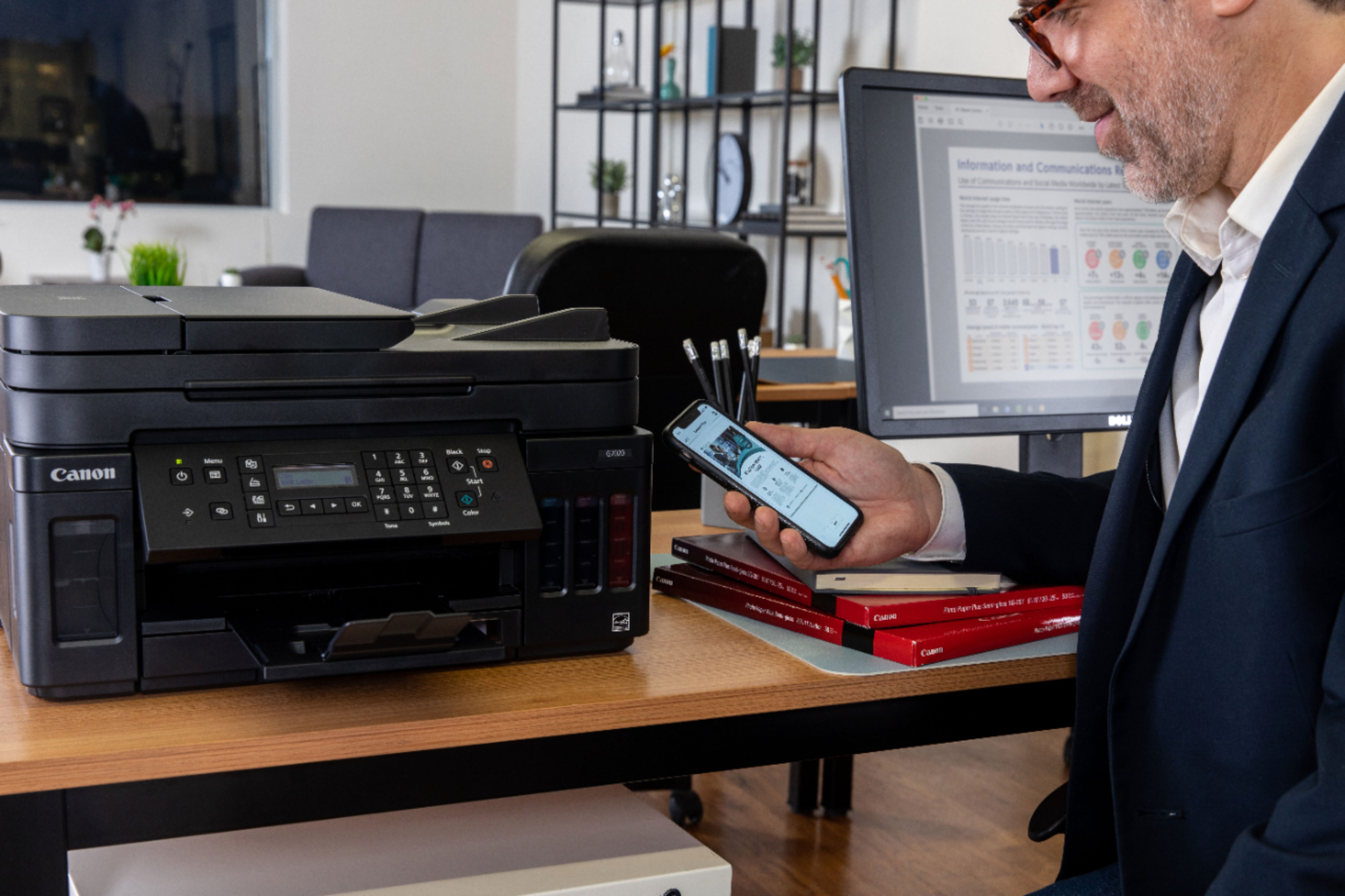
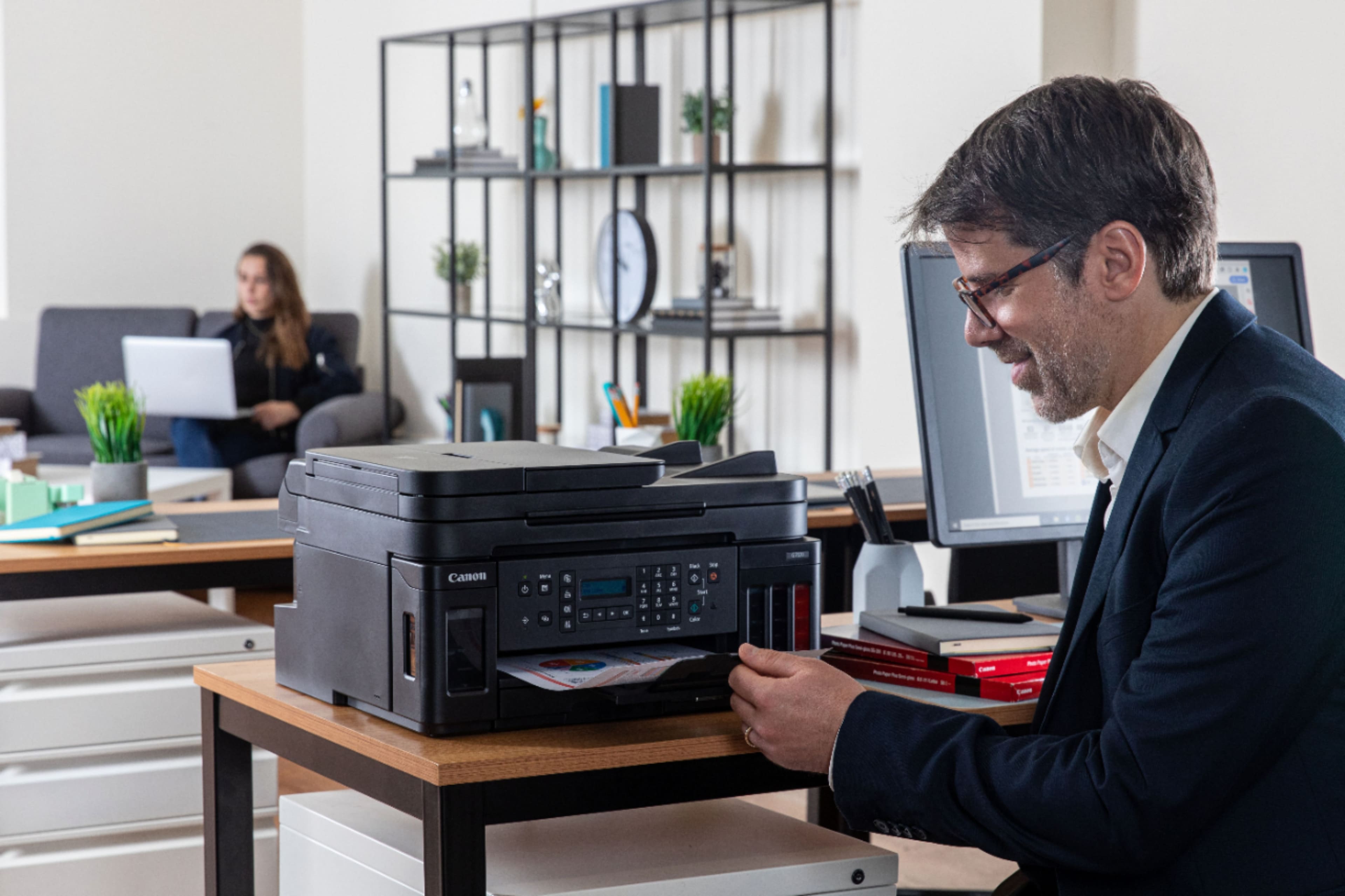
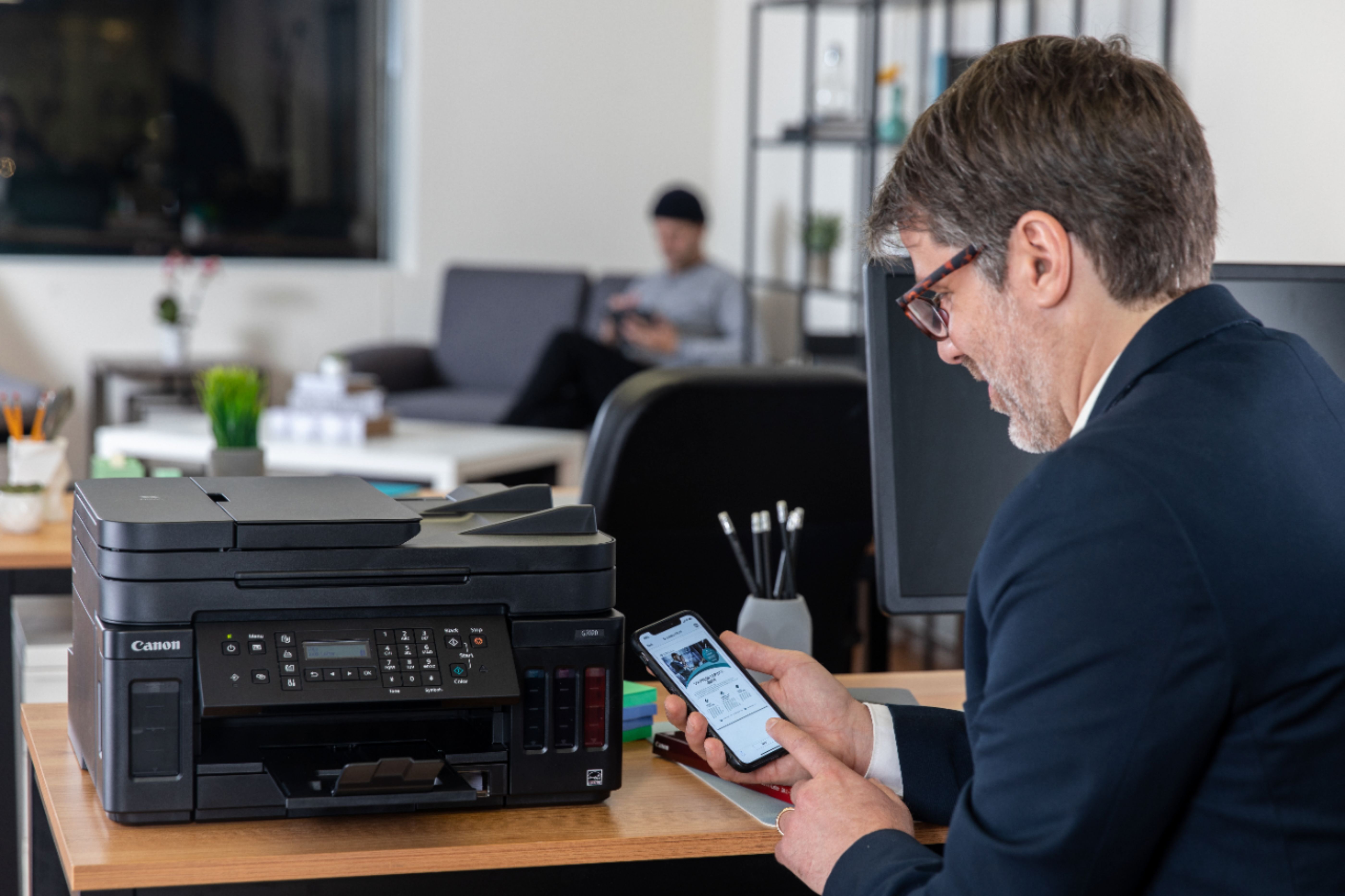
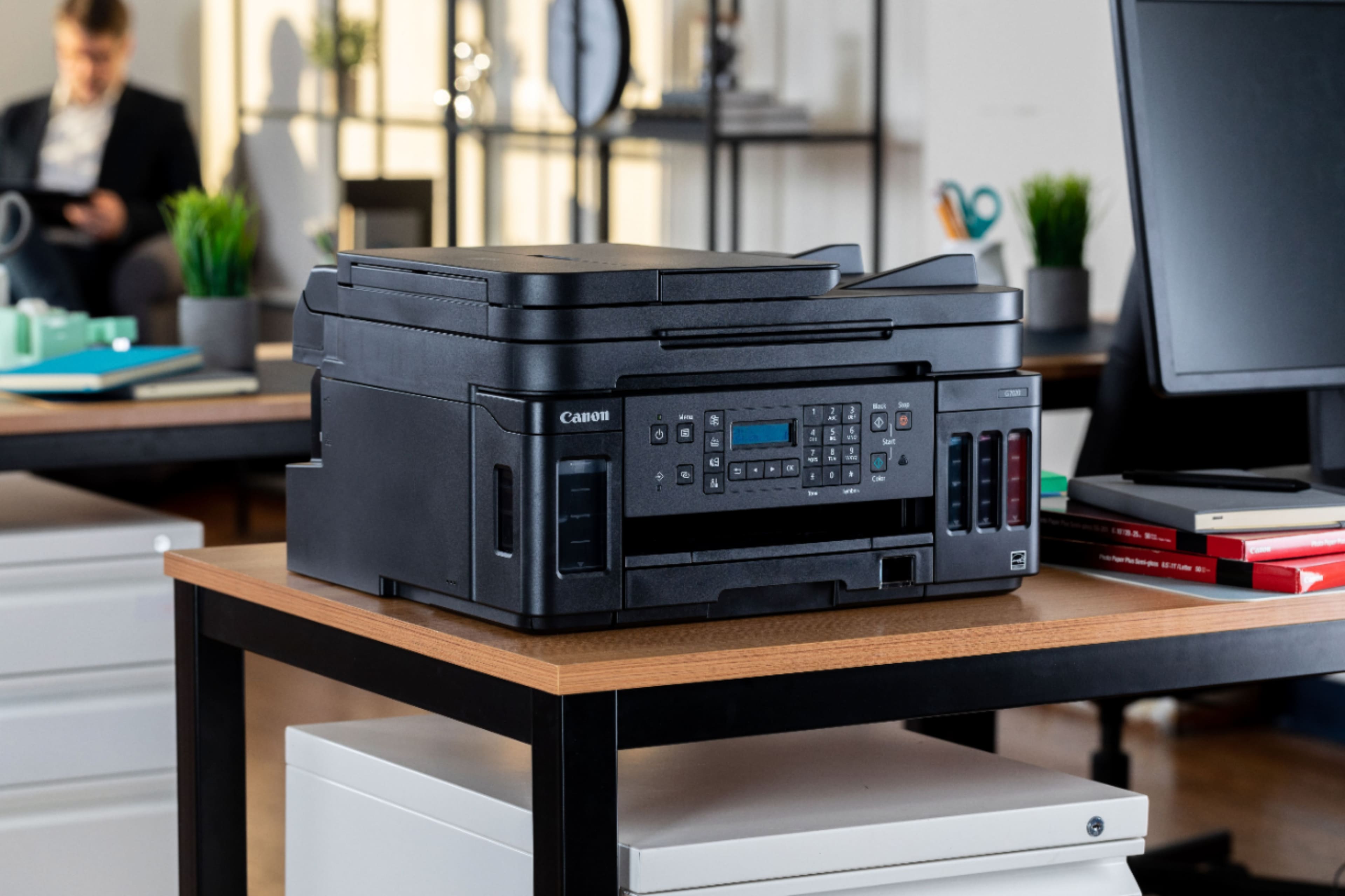
Customers regard the PIXMA MegaTank G7020's print quality and ease of use very favorably, with many praising its sharp prints and straightforward setup. The wireless functionality and compact size are also frequently cited as positive aspects. However, some users find the small, unlit display and control panel challenging to use, and a few note that the printer can be somewhat noisy during operation.
This summary was generated by AI based on customer reviews.
- Pros mentioned:Print quality
Good quality, easy to use, and economical
||Posted . Owned for 3 weeks when reviewed.This reviewer received promo considerations or sweepstakes entry for writing a review.This is long overdue - a quality ink jet printer with the large and economical ink tanks. Color printing will no longer be prohibitively expensive. The printer was easy to set up for two computers, one uisng USB and the other wireless. I have set up the Android app for the printer, but I have only done a test print, which was fine. Print quality was better than expected. The black & white tone range is very good. Color printing, so far, is quite good. So far, I am satisfied with the color prints, but I have yet to try a high resolution photo on glossy photo paper. Canon's software loads easily and is pretty straightforward. In addition to printing, we have used it for scanning. The scans are very good. I have not tried the fax, since I don't have a landline for faxing. Who uses faxes anymore anyway? The bottom line is this is a very good all-in-one printer that we are extremely satisfied with.
I would recommend this to a friend - Pros mentioned:Print qualityCons mentioned:Noise level
grams
||Posted . Owned for 1 month when reviewed.This reviewer received promo considerations or sweepstakes entry for writing a review.does very well copying a little slow does not auto copy two sides without flipping over the paper I miss understood and thought it did its also a tad noisy I love the NO MORE ink cartridges
I would recommend this to a friend - Pros mentioned:Print quality
Good but not great printer
||Posted . Owned for 3 weeks when reviewed.This reviewer received promo considerations or sweepstakes entry for writing a review.I have always purchased HP printers, with their new HP ink only format I decided to try a different printer. This printer has a smaller footprint works as well in printing, coping and so forth...….Weakness is that it seems cheaply made, thin plastic, poor LCD window, a bit slower printing, and a more difficult control board needing several steps on some processes to customize it. With these weaknesses, I am still overall pleased with the printer especially with the ink factor being a huge cost savings and convenience
I would recommend this to a friend - Pros mentioned:Ease of use, Print quality
Go a price tier and get this gem.
||Posted . Owned for 3 weeks when reviewed.This reviewer received promo considerations or sweepstakes entry for writing a review.I have always been the person to buy a cheap printer from the same place I buy my groceries. I needed a reliable printer / scanner / copier and this hit the functions and price point. Wow what a difference just going up a price bracket to a decent printer, can make. Day one I was printing and scanning and that required zero extra software. Works fantastic with my mac’s for work. Five out of five for me.
I would recommend this to a friend - Pros mentioned:Ease of use, Print quality
Great Printer for Home
||Posted . Owned for 1 month when reviewed.This reviewer received promo considerations or sweepstakes entry for writing a review.Had this printer for a few weeks and it's been great so far. We use it at home for work, school, and everything else. This replaced our last HP Office Jet. Compared to that printer, the upgrade has been completely worth it. Everything installed easily. Printer quality has been excellent. Seems efficient with the ink that it's used so far (unlike my HP). Screen is a little small, but not an issue. It has definitely been worth spending a little extra compared to other printers marketed for personal/home use.
I would recommend this to a friend - Pros mentioned:Print qualityCons mentioned:Display
Great unit for home
||Posted . Owned for 1 week when reviewed.This reviewer received promo considerations or sweepstakes entry for writing a review.This machine is a new concept (to me at least lol) my wife runs a nursery school and absolutely loves how the machine works the only issue is the display. If it’s in a darker room you will NOT be able to see it too well. The ink is reasonably priced and the amount of copies we have done so far only has it drawn down about a 25 percent. The scanning feature works beautifully on the machines I have set up for it. The Fax option will never be used so I can’t say much about that. The speed of the machine is a little eh but overall good.
I would recommend this to a friend - Pros mentioned:Print quality
Canon MegaTank is great so far...
||Posted . Owned for 3 weeks when reviewed.This reviewer received promo considerations or sweepstakes entry for writing a review.I have printed over 100 standard US Letter sized pages so far (with a combination of Black & White and Color, and Normal to Best Quality), and the levels on the ink tanks have hardly gone down! With the HP Officejet printer that I had before, I averaged over $100 a year in Ink Cartridges for the past 4 years!! At the rate I'm going with this Canon Tank printer, I won't have to refill any of the tanks for at least 3 years!!! If this Canon printer will last for those 3 years it will be well worth the extra up front cost over a comparable Cartridge printer. My only complaint would be that there is no printed instruction book that comes with this printer. You have to go online to the Canon website to view it, and those instructions are not the best. So, I just watched a few YouTube videos in addition to the one on the Canon website, and the setup was a breeze. Just do this extra research before you even open the box!
I would recommend this to a friend - Pros mentioned:Ease of use, Print quality
Really nice printer!!!
||Posted . Owned for 3 weeks when reviewed.This reviewer received promo considerations or sweepstakes entry for writing a review.Great printer, I replace an MX922. Wanted the back feed and super tanks. I print greeting cards and this printer handles the heavier paper better that my old printer. Not used a lot yet but so far it is proving to be a great purchase. Easy to set up and add to my existing network. Print start is faster that the old MX one.
I would recommend this to a friend - Pros mentioned:Ease of use, Print quality
great printer for small business
||Posted . Owned for 3 weeks when reviewed.This reviewer received promo considerations or sweepstakes entry for writing a review.This printer replaced an expensive Lexmark printer. Ink was costing a fortune and still powder leaked throughout printer. Service was outsourced and awful. This printer is so much easier and customer service with Canon is outstanding. Returning ink from previous printer covered full cost of this printer! Ink is so much cheaper than before. It is a little slower than old printer but that is no problem in comparison to savings on ink and ease of use. Highly recommend this printer for home or small business uses.
I would recommend this to a friend - Pros mentioned:Print quality, Setup
Good multifunction printer
||Posted . Owned for 8 months when reviewed.This reviewer received promo considerations or sweepstakes entry for writing a review.Excellent print worth the money. Easy setup with the minor exception of using the scan wirelessly. Had to finally hook up a cable to get the printer to scan (the reason for a 4 and not a 5) It nice to not have print cartridges.
I would recommend this to a friend - Pros mentioned:Print quality

Decent Printer!
|Posted . Owned for 1 week when reviewed.This reviewer received promo considerations or sweepstakes entry for writing a review.[Employee of bestbuy] I bought this as a replacement for my HP Smart Tank. The Smart Tank was great but it died on me after a year. This Canon Megatank is pretty fine. It does printer slow, a lot of super tank printers print slow but im pretty sure if you adjust the quality of your print it should print faster. I wish it would stay on, it turns off by itself when not in use. I like to keep my printers on so i can just jump right in and print wirelessly or from my computer. Other than that, its a very promising printer.
I would recommend this to a friend - Pros mentioned:Ease of use
Just missing micro card slot.
||Posted . Owned for 3 weeks when reviewed.This reviewer received promo considerations or sweepstakes entry for writing a review.Setup was fairly easy. Ink was very easy to place in printer. I had no messes and that was one thing that I was worried about. I like having two ways to scan documents; don't ever want to go back to scanning one sheet at a time. I like having two paper sources but have had some problems with getting it to pick the right source until I got into printer/print setup. It really needs a bigger LCD screen. I had a TR8520 that water spilled destroyed and its large screen was much easier to read. It made setup more difficult.
I would recommend this to a friend - Pros mentioned:Print quality
6 months later - I still love this printer
||Posted . Owned for 6 months when reviewed.This reviewer received promo considerations or sweepstakes entry for writing a review.As a decades-long IT professional, I've worked with a LOT of printers, and I never thought I could give a printer 5-stars. Canon nailed it with this one: enough features for a power user, while being affordable at the same time. Easily the quietest and fastest inkjet I've ever used, with super sharp text, gorgeous photos, and wirelessly prints from my Chromebook and cellphone with ease (processes that used to be a royal pain). And the ink system is amazing, I can never go back to expensive cartridges that run out of one color at a time. It's super easy to fill and super cheap to operate. The saved time and materials are worth it in the long run. While it might not meet all of the needs of major corporations, it's the perfect companion for a work-from-home weekend warrior. I hope Canon continues this line, combining the most important & useful features at a reasonable investment.
I would recommend this to a friend - Pros mentioned:Print qualityCons mentioned:Display
Don't Buy if you need to scan or copy with ADF
||Posted . Owned for more than 2 years when reviewed.This reviewer received promo considerations or sweepstakes entry for writing a review.I purchased this printer to replace an older model Canon MX870 which had served me very well for many years. That printer had features similar to this one, but used cartridge ink. Ink cost and availability were becoming an issue so I looked for what I thought would be a suitable replacement, and found this model. I can't say I'm particularly pleased with this printer. The ADF on this printer is terrible. VERY picky about paper, low capacity, and only single sided scanning. Some brands of standard 24lb paper only jam occasionally, other brands of 24lb paper jam constantly. The uncertainty makes it not worth using. I only scan using the platen now. The display is difficult to see unless the lighting in the area is very good, and the menu isn't very intuitive (I shouldn't have to research that you must turn off automatic "Copy Intensity" to copy using the ADF). B&W printing looks good, and color print quality is fine for home office type printing. Photo print quality is acceptable on appropriate paper, but that's not really the aim of this printer. The waste ink tank on this printer is not replaceable, so the printer will become e-waste when it's full. YMMV will vary as to when that day comes. Given my experience with this printer, I probably won't be replacing it with another similar Canon unless I can be certain these shortcomings are addressed in newer models.
No, I would not recommend this to a friend - Pros mentioned:Print qualityCons mentioned:Display
No control panel light
||Posted . Owned for 1 month when reviewed.This reviewer received promo considerations or sweepstakes entry for writing a review.Disappointed that control panel display is not lighted. Opaque procedure for scanning. Disappointed that fax feature doesn't seem to be available. Appreciate size of ink reservoirs and paper capacity
I would recommend this to a friend - Pros mentioned:Print quality, Setup
Great printer
||Posted . Owned for 1 month when reviewed.This reviewer received promo considerations or sweepstakes entry for writing a review.I bought this printer because like many I was tired of having to replace the expensive ink cartridges on our old printer more often than should have been necessary. Setup was easy. We have no problems printing or scanning with Apple devices and Windows. The print quality is great.
I would recommend this to a friend - Pros mentioned:Print quality
Worth the upgrade
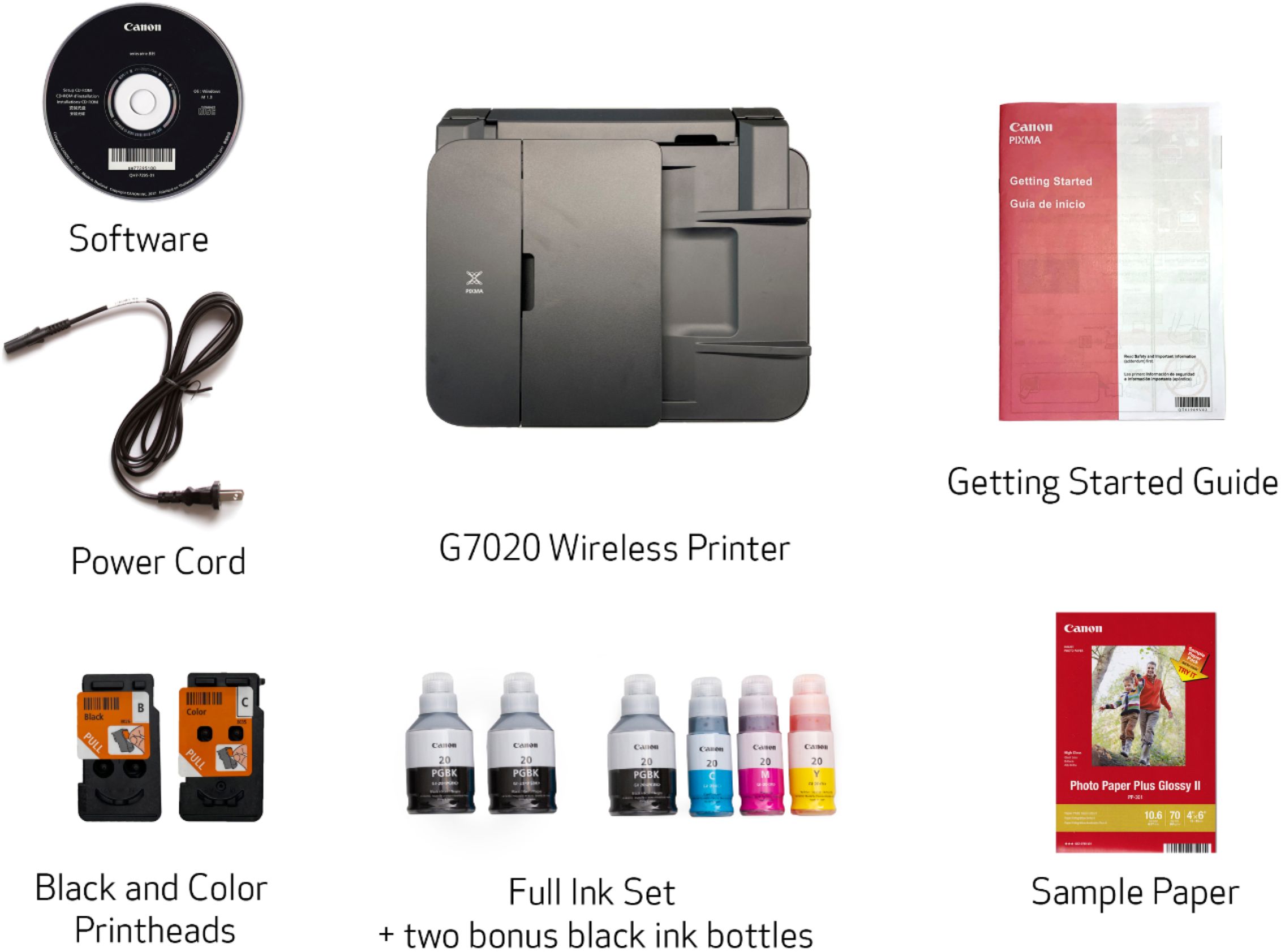
||Posted . Owned for 3 weeks when reviewed.This reviewer received promo considerations or sweepstakes entry for writing a review.This printer is great. I upgraded from a Canon pixma 240 printer and do not regret it. There is a ton of ink. It came with two extra bottles of black ink. There is scanning, paper storage, and wireless printing. I have not tried printing a photo yet, but I have heard good things about the photo quality. Print quality for normal printing is fast and accurate. This printer will save me time and money in the long run.
I would recommend this to a friend - Pros mentioned:Print quality
Best value I could get for ink savings
||Posted . Owned for 7 months when reviewed.This reviewer received promo considerations or sweepstakes entry for writing a review.One of the key highlights of the PIXMA G7020 is its MegaTank ink system, which utilizes refillable ink tanks instead of traditional cartridges. This system significantly reduces the cost per page, making it highly cost-effective for users with high-volume printing needs. The large ink tanks can hold an ample amount of ink, allowing you to print thousands of pages before needing to refill, which is a game-changer for users tired of frequent cartridge replacements. Overall, the Canon PIXMA MegaTank G7020 Wireless All-In-One Inkjet Printer is an excellent option for users who prioritize cost-effective, high-volume printing and require fax capability. Its MegaTank ink system sets it apart from traditional cartridge-based printers, delivering significant cost savings over time. While it may not be the fastest printer on the market, its print quality and wireless functionality make it a reliable workhorse for various printing needs.
I would recommend this to a friend So-So
||Posted .This reviewer received promo considerations or sweepstakes entry for writing a review.The biggest drawback of this printer is that the display is not backlit. You have to shine light to it to read it such as a lamp or flashlight. I like the ink tanks cause they last longer than the ink cartridges. However, I would not recommend it only because I'm so used to having a lighted display.
No, I would not recommend this to a friend- Pros mentioned:Print qualityCons mentioned:Noise level
Great printer
||Posted . Owned for 8 months when reviewed.This reviewer received promo considerations or sweepstakes entry for writing a review.I absolutely love my printer, print out really really nice. It is a little bit louder than the one I had previously, but doesn’t bother me none.
I would recommend this to a friend