Customer Ratings & Reviews
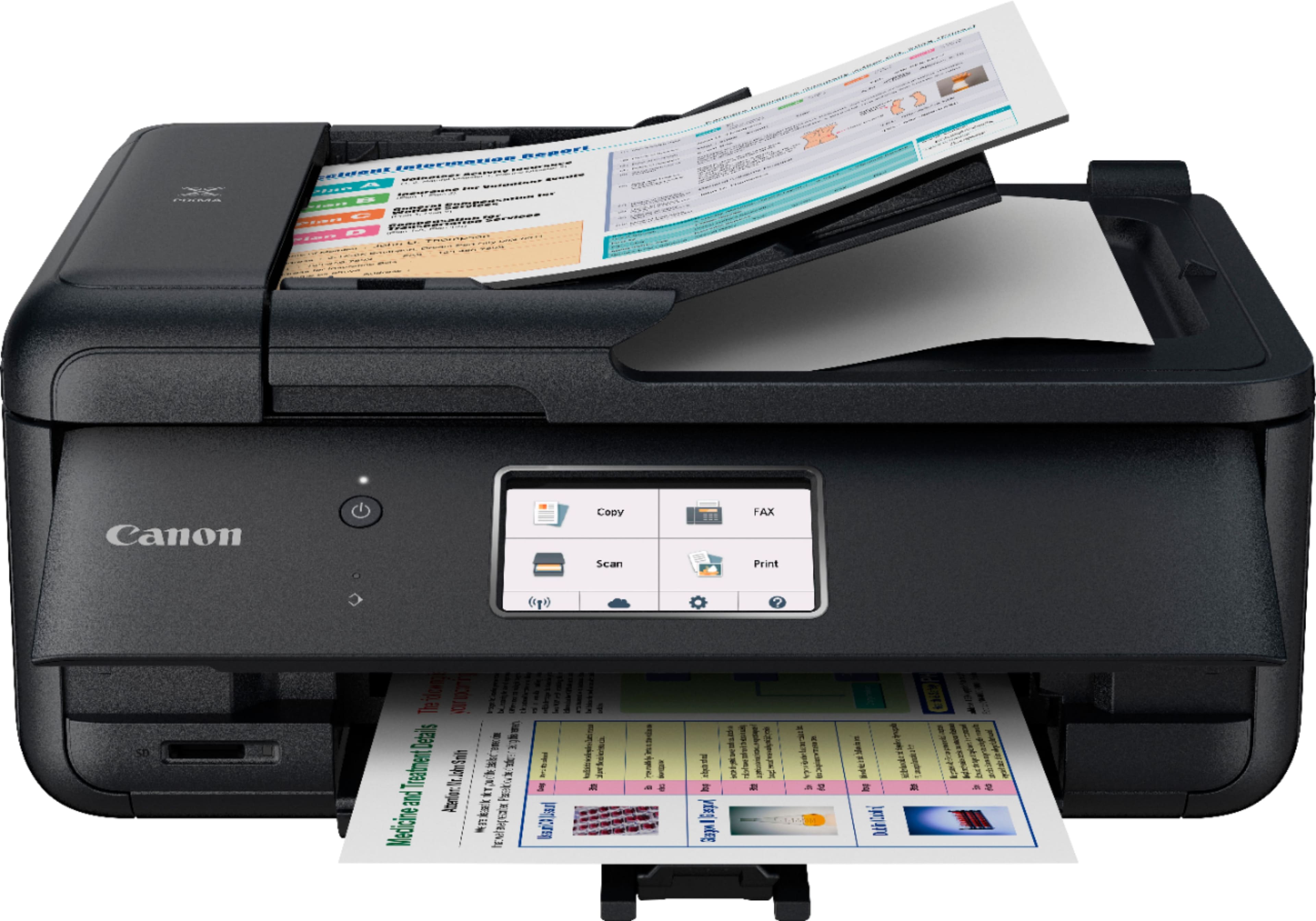
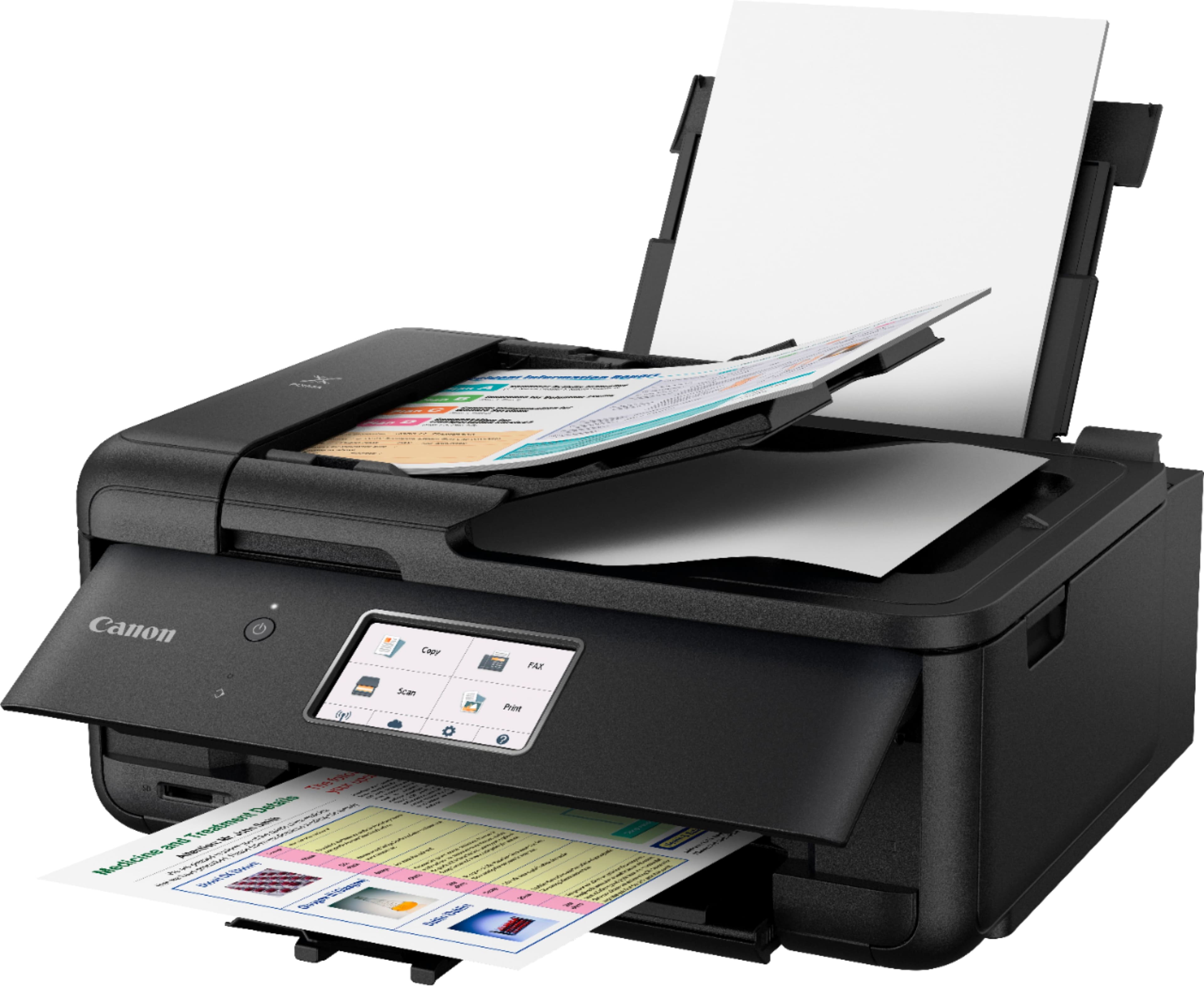
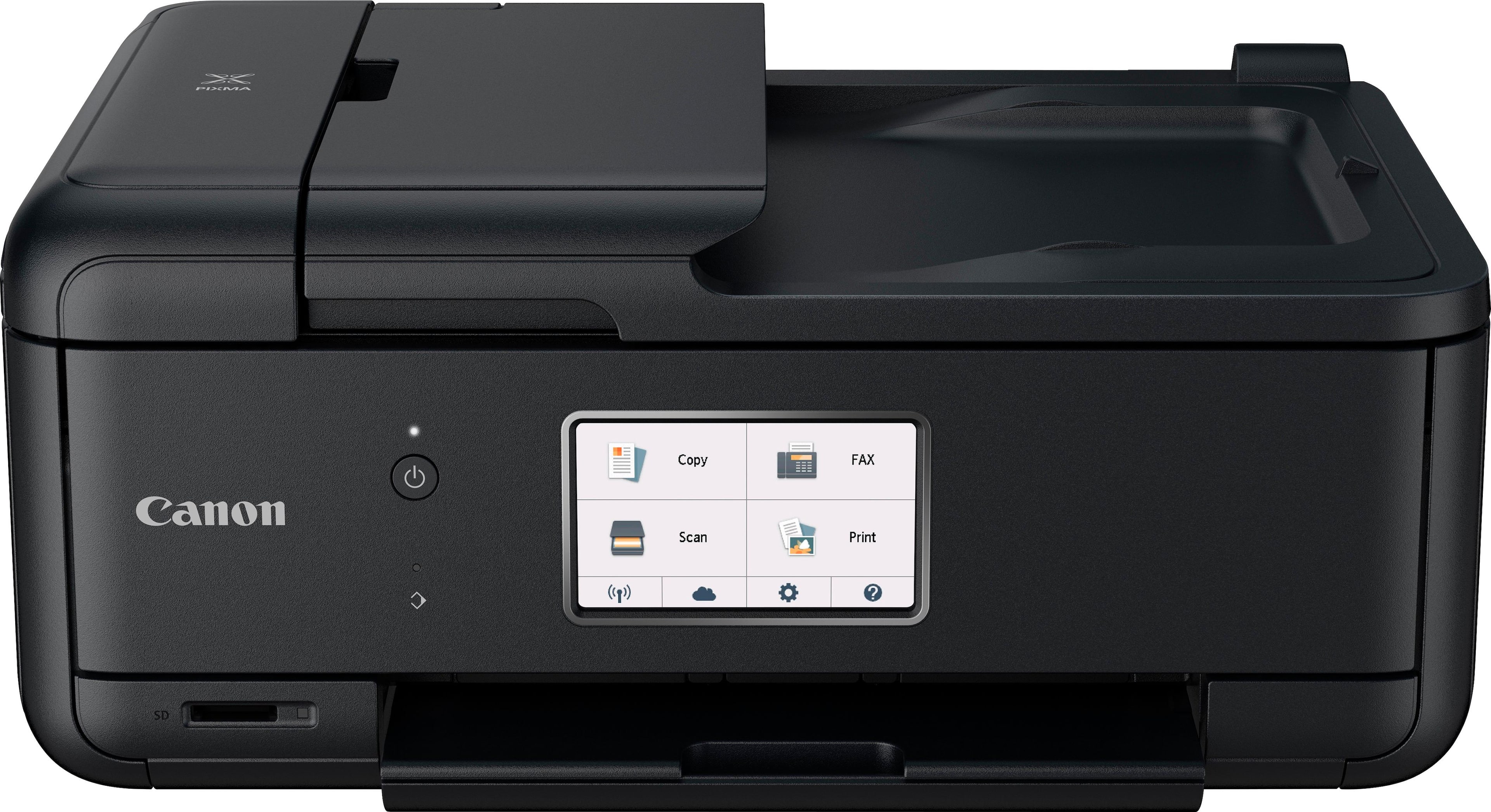
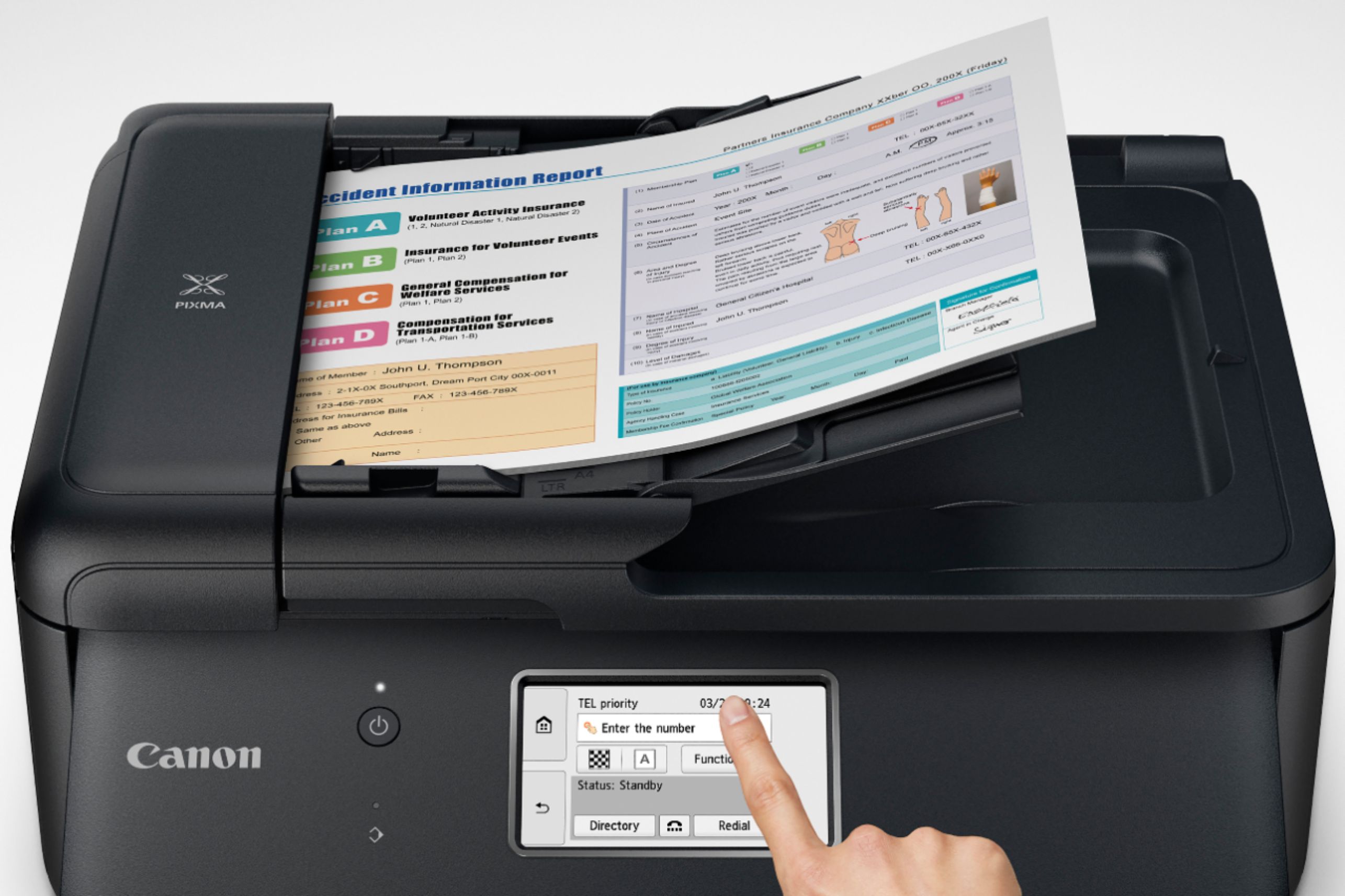
- Model:
- 2233C002
- |
- SKU:
- 6042708
Customer reviews
Rating 4.3 out of 5 stars with 2616 reviews
(2,616 customer reviews)Rating by feature
- Value4.3
Rating 4.3 out of 5 stars
- Quality4.3
Rating 4.3 out of 5 stars
- Ease of Use4.1
Rating 4.1 out of 5 stars
Customers are saying
Customers appreciate the PIXMA TR8520's high-quality prints, ease of use, and compact size. Many also praise its wireless capabilities and affordable price point, along with the generally straightforward setup process. Positive feedback frequently highlights the printer's quiet operation. However, some users have reported occasional reliability issues.
This summary was generated by AI based on customer reviews.
Rated 2 out of 5 stars
Printer Problems, UGH!
Posted .This reviewer received promo considerations or sweepstakes entry for writing a review.I feel bad leaving this review after having the printer for less than a week but I'm getting so frustrated with the millions of apps and ways you need to register the paper, computer, phone, envelopes, picture paper, etc..... It also doesn't stay on so every time you want to use it you have to physically go to the printer and turn it on. I would say I'm the average person, technologically speaking (well, in all speaking if I am to tell the truth) and all of the online directions is soooooo loooooong!!! All I want is to be able to plug it in, connect to wifi, phone and be done with it. Nope. You have to download an app for each electronic you want to use. I admit, when I'm using my phone I just connect to it via the bluetooth but then I can't use all the options. I have yet to figure out how to print on photo paper. And the thing is soooo flimsy and feels like it's about to fall apart every time I touch it. I don't know that I'm going to keep it. My previous all in one printer was an HP and that thing was sturdy! It finally went out (a while ago, I squeezed every drop out of that one) and thought I would try Canon. Hopefully I'm wrong and will be correcting myself in a week or so!
No, I would not recommend this to a friend- Pros mentioned:Ease of useCons mentioned:Reliability
Rated 2 out of 5 stars
Ok at first, died under 3 years.
Posted .This reviewer received promo considerations or sweepstakes entry for writing a review.Pretty easy printer to set up. I can use 3rd party ink via amazon. but the dang thing died under 3 years. It wont print black anymore. I did all the cleanings. I kinda want to get away from Canon as they dont seem to last more than 3 years.
No, I would not recommend this to a friend - Pros mentioned:Print quality
Rated 2 out of 5 stars
Very disappointed in Canon
Posted .This reviewer received promo considerations or sweepstakes entry for writing a review.Horrible. So disappointed. I've had many printers over the years, and never had this much trouble getting one to work. It prints fine, but that's all it will do. It will not scan! There is no assistance to set up and nothing to help getting it to work. My regular Tech Support could not get it to default to letter size paper. I finally got a live person at Canon who helped to get it to scan that one day, Now it's back to telling me I'm not authorized to scan documents. I'm the only user. The instructions in Settings are ridiculous. Totally useless. Getting ready to return it.
No, I would not recommend this to a friend Rated 3 out of 5 stars
Good for 2 months then...
Posted .This reviewer received promo considerations or sweepstakes entry for writing a review.Be aware I purchased a Canon because their tech support is in USA. Then after 2 months my PC would not connect to the printer with wired USB. Had to reload Drivers more than once. I know you are thinking it's a PC issue. Then my iPhone said printer off line. BUT- My iPhone and other phones connect to another printer w/o problem, thus my router is good for wireless. After 3 phone calls and 3 hours on the phone with Canon they finally sent me a replacement after I proved router and phone good. Have only had replacement hooked up for a week now. Fingers crossed, It's not a fast printer...takes 10 - 15 seconds for initial print from PC to happen. Scan has the same initial wait. I am only recommending this because they sent a replacement...hope it lasts 9 years like my last one.
I would recommend this to a friend- Pros mentioned:Size
Rated 1 out of 5 stars
A step back?
Posted .This reviewer received promo considerations or sweepstakes entry for writing a review.I can't say this is an improvement over the MX920 other than it's smaller footprint. It's slower, doesn't hold as much paper, is much less user intuitive when it comes to features and settings. The ink cartridges appear to be the exact same size as the MX920 but, of course, won't work in the TR. Overall, it feels cheaper in quality, too. The paper tray has this ridiculous piece that, quite frankly, I have no idea of its purpose other than it gets in the way and my family members never snap it back in place because it's such a pain. This may be the last Canon multi function I have purchased. I think it is time to look at other brands next time.
No, I would not recommend this to a friend Rated 1 out of 5 stars
Way too complicated and zero help availability
Posted .This reviewer received promo considerations or sweepstakes entry for writing a review.This is an awful printer. The setup is mind-boggling, it installs a vast array of software on the laptop, but nowhere are there simple things like "troubleshooting" or "help" or even any explanation of what all those icons mean. I cannot for the life of me figure out how to email a scanned document, for example, and there are no instructions, no "search help," nothing. And the ink cartridges are tiny.
No, I would not recommend this to a friendRated 3 out of 5 stars
Agonizingly slow
Posted .This reviewer received promo considerations or sweepstakes entry for writing a review.This 8520 printer replaced my HP 8610 (print head deteriorated) and it's ok except for: * Sometimes takes up to 1-2 MINUTES to print a simple 20x20 spreadsheet or just a single page (single or double spaced word document) * Other times (about 1/3 of the time), once it gets going it prints at a reasonable speed * no rhyme or reason for inconsistent print speed * uses a lot of ink - esp the 5th black "PGBK" cartridge * need to turn on the printer manually (doesn't activate via wifi)- shuts down after about 60 mins Pros: good print and excellent scan quality. I'm looking for another printer
No, I would not recommend this to a friendRated 3 out of 5 stars
HONEST RECOMMENDATION
Posted .This reviewer received promo considerations or sweepstakes entry for writing a review.To just print anything you have to use "image garden" on this printer and it is not operator friendly. I do not recommend this printer cause it wants you to use a QR Scanner if you have problems and you have to use your phone. The company is making them so you have to use other technology just to operate this printer. Although it has a lot of interesting features, I DO NOT RECOMMEND THIS PRINTER.
No, I would not recommend this to a friendRated 3 out of 5 stars
Worked OK but didn't last
Posted .This reviewer received promo considerations or sweepstakes entry for writing a review.This was a decent printer with no major issues for the first 3 years of use. But after three years of light home use the touchscreen stopped working, which basically made the printer unusable. The build is a bit flimsy and cheap feeling but it fulfilled it's purpose.
No, I would not recommend this to a friend- Pros mentioned:Print quality
Rated 3 out of 5 stars
Good for school and work assignments
Posted .This reviewer received promo considerations or sweepstakes entry for writing a review.I have been using this printer for about 2 weeks and have been pleased so far.
I would recommend this to a friend Rated 1 out of 5 stars
Buh bye
Posted .This reviewer received promo considerations or sweepstakes entry for writing a review.This printer is a piece of crap that goes through ink lile crazy and has no way to override its ridiculous ink level detection. Canon must really think highly of their customers. Never again.
No, I would not recommend this to a friendRated 5 out of 5 stars
New best buddy
Posted .This reviewer received promo considerations or sweepstakes entry for writing a review.Tried competition and there were no printer profiles for Adobe LIghtroom. The TR8250 has all the profiles you need - good results.
I would recommend this to a friendRated 2 out of 5 stars
Not expected from Canon
Posted .This reviewer received promo considerations or sweepstakes entry for writing a review.I was excited to get this printer for half off the original price and felt pretty confident as this is a reputable brand printer. Unfortunately, I experienced problems straight from the beginning. First, the print quality was lacking from the test print. Ink bled and didn't appear sharp. Next, the printer would not connect to my phone to print a shipping label from an email. It kept saying retry over and over again. Lastly, I was not happy that the advertised feature of printing from my cellphone without actually turning the printer on first was misleading. I could not print unless the printer was already physically powered on. Nevertheless, I had to return this printer as it did not meet my requirements.
No, I would not recommend this to a friendRated 1 out of 5 stars
I must have got the bad one of the lot.
Posted .This reviewer received promo considerations or sweepstakes entry for writing a review.I selected this printer based on its great reviews but unfortunately I had an opposite experience. You may have great luck. The problems: The units physical connection for the power cable was loose within the body of the printer. Maybe that was by design? Setup was not simple. The included software had to be re-installed for each feature to work. In other words, I had to install it once to get the printer up and running, again to get it to function in wireless mode, again to to get it to scan. Didn't get so far to try faxing. So my desktop ended up thinking I have 3 devices, all Canon printers, each with a "Copy 1, 2, etc." notation which I would need to keep straight: one for printing via USB, one for wireless printing, and one for scanning. The enclosed instructions direct you to go to a Canon website, which is in Japanese with no selection for English. The unit couldn't remember how to make a copy. It jammed after a few prints. Banding. Yes, there are instructions (not provided but can be found on the 'net) for making adjustments to eliminate it. Tried. Still banding. Sigh. So it had to go back.
No, I would not recommend this to a friend- Cons mentioned:Reliability
Rated 1 out of 5 stars
Terrible Product
Posted .This reviewer received promo considerations or sweepstakes entry for writing a review.Was klutzy, slow from the start. Now can't get it to run at all -- after 4 months. Won't recognize paper size whatever I do. And can't find help on Canon web site. What a debacle. Had HP printer before that ran beautifully before it died. My advice. buy HP or someone else and avoid Canon
No, I would not recommend this to a friend Rated 1 out of 5 stars
Not worth the price...
Posted .This reviewer received promo considerations or sweepstakes entry for writing a review.I bought this printer to replace the Pixma MX 922 that I had. As these printers are inexpensive, my expectation is that it will last about two years. This is the third Pixma I've had--and all of them thus far peter out just before my extended warranty does. However, this printer won't last that long with me. These are the problems: - Too small of paper tray. If I had print out a bunch of papers (I teach), I am constantly getting up to restock the paper; - The printer does not stay on, so one has to turn it on for it to print; there is a way to address this, but it is not intuitive and I had to call Canon to address the issue; - Occasionally, the printer defaults to the back feeder; the tech at Canon couldn't say why that happened; - The flap that has the controls has to stay up and makes changing ink cartridges less than easy; that is to say, I see no reason for this design. I've like Pixmas when it came to printing pictures, but the inconveniences of this model is more than I want to deal with, so I'm looking for something else to replace it.
No, I would not recommend this to a friend- Cons mentioned:Reliability
Rated 1 out of 5 stars
Garbage, stay away
Posted .This reviewer received promo considerations or sweepstakes entry for writing a review.Bought the printer with high hopes. Used it maybe 3 times ? And it showed a error code and I followed all the steps to “fix” it. But nothing worked. So 0 stars if I could.
No, I would not recommend this to a friend Rated 1 out of 5 stars
Does not scan to email!
Posted .This reviewer received promo considerations or sweepstakes entry for writing a review.I have not written a review in a long time but I feel folks must know about the limitations of the TR8520. I spent hours myself and then another couple of hours with a technician and could not get past the Google acceptance page. I was trying to log in to Google to be able to scan and send. The form that presents itself in the window will not submit. You can press accept all you like, it will not submit. I can print documents and photos but i can't scan. I was sent a completely new printer. Same issues, same spot. Canon, this is an issue you need to fix. I am done spending this much time trying to get a printer to work. Both are going back and I won't be buying a Canon.
No, I would not recommend this to a friendRated 1 out of 5 stars
Pixma 8520 is Step Backward for Cannon
Posted .This reviewer received promo considerations or sweepstakes entry for writing a review.I have had Cannons for years with great results but the 8520 is not worth the money. If you hit print before it is on, it can take up to half an hour before it quits being in error status. If you want it to print from the bottom tray, it will decide to print only from the back tray and nothing you can do will change it. The overall print is far less clear than my old 5250. The old printer would ask for a retry if there was an initial problem, not the 8520. You are shut down until it decided the error has been resolved. Overall, very disappointed in this giant leap backwards by Cannon.
No, I would not recommend this to a friendRated 2 out of 5 stars
It is not efficient
Posted .This reviewer received promo considerations or sweepstakes entry for writing a review.This printer is so slow. Scanning is a nightmare. It is not friendly. It doesn't have a USB outlet. It spits out pages after printing. The scanner only holds a few pages. The customer service is wonderful though.
No, I would not recommend this to a friend