Customer Ratings & Reviews
- Model:
- 4451C032
- SKU:
- 10840353
Rating by feature
- Value
Rating 4.4 out of 5 stars
- Quality
Rating 4.3 out of 5 stars
- Ease of Use
Rating 4.2 out of 5 stars
- Pros mentioned:Print qualityCons mentioned:Paper tray

Good printer for low use situations.
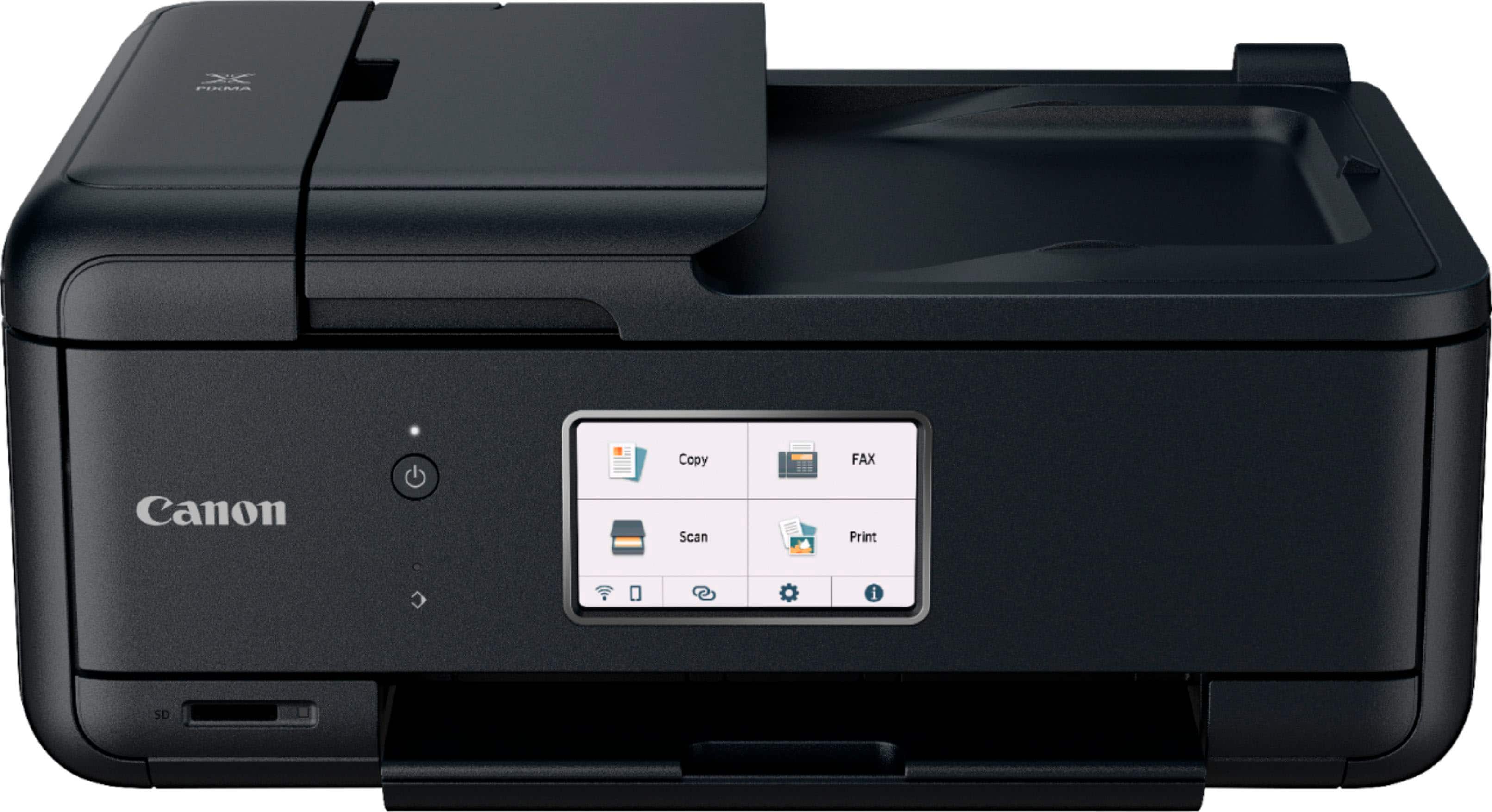
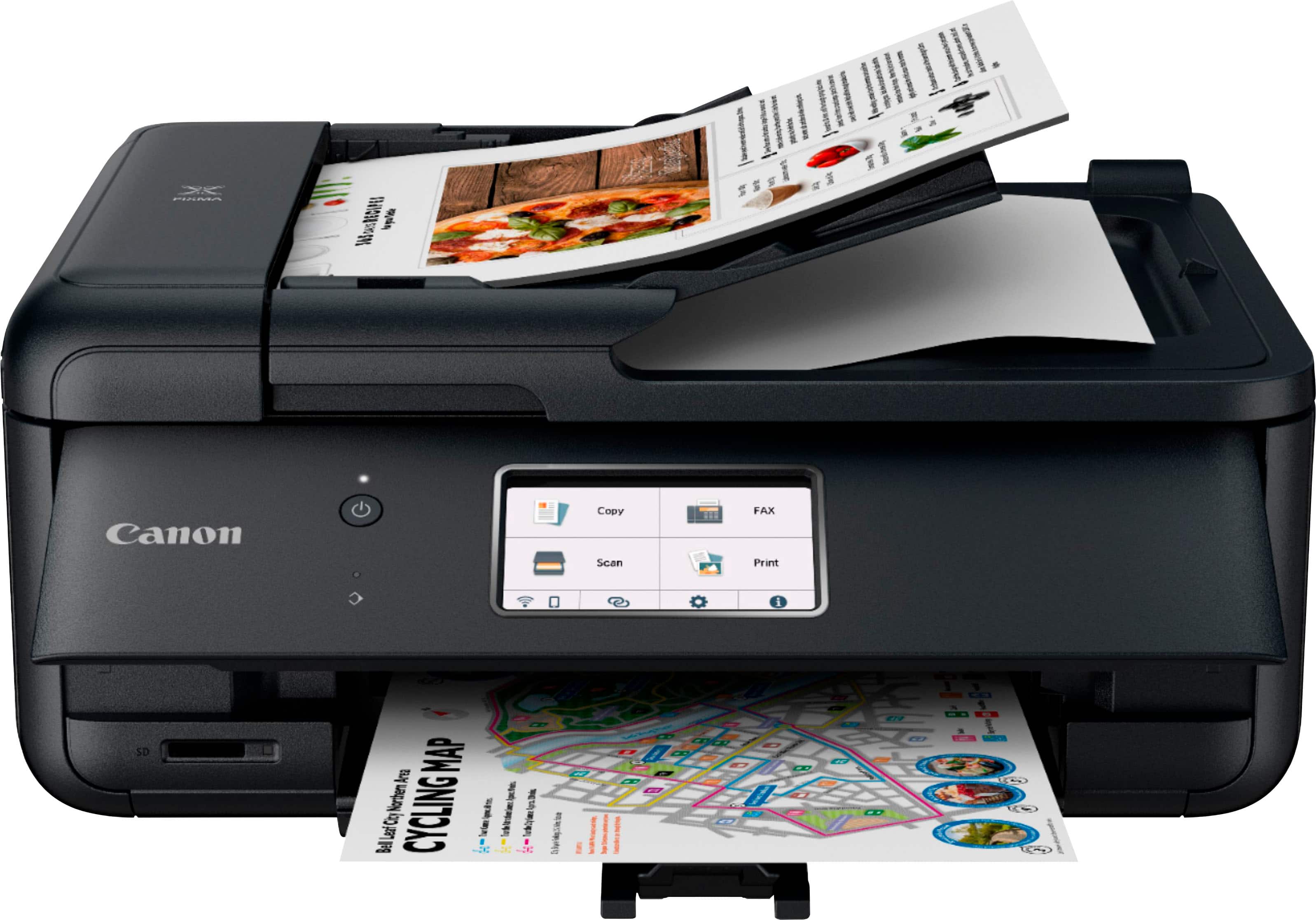
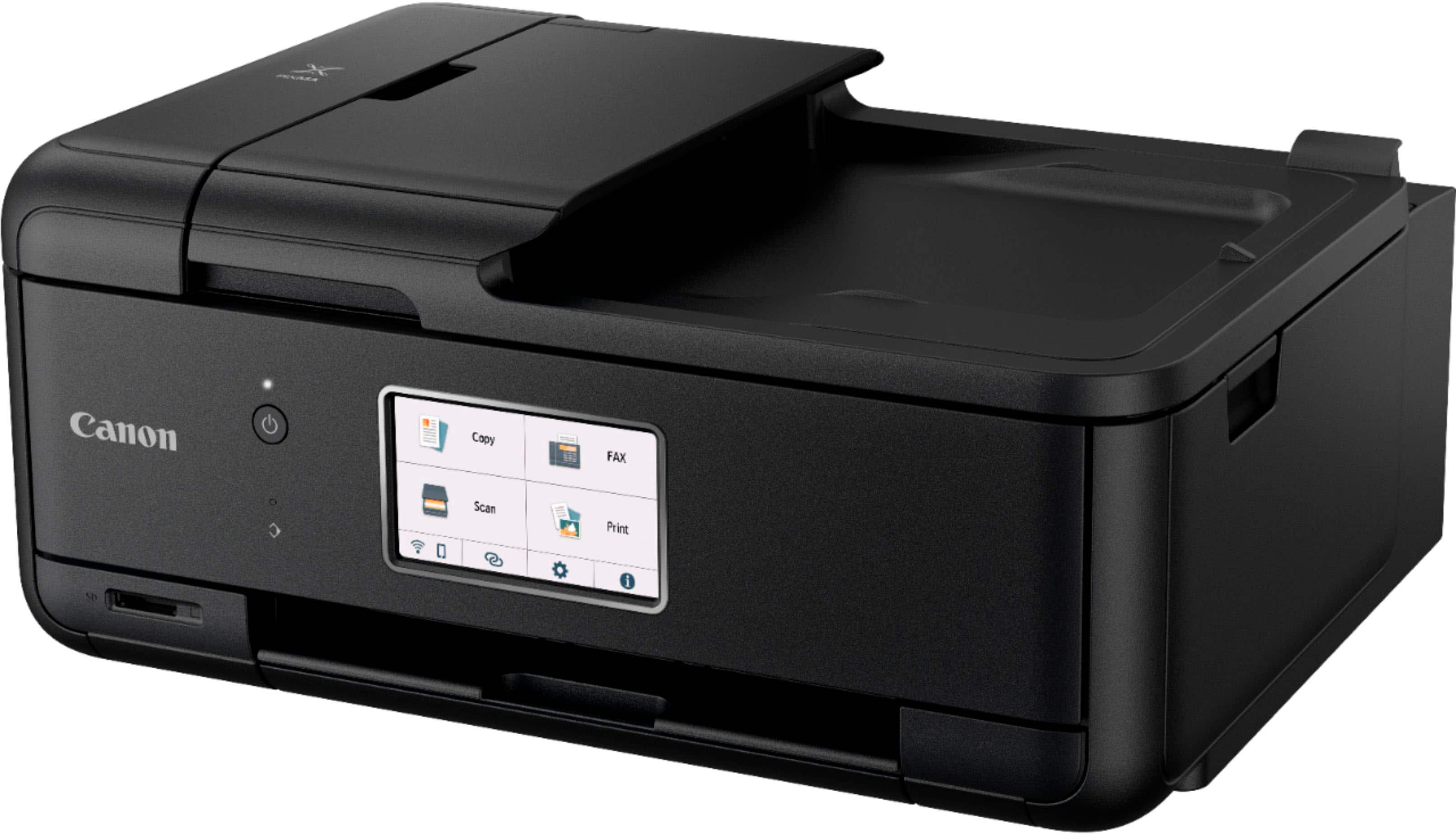
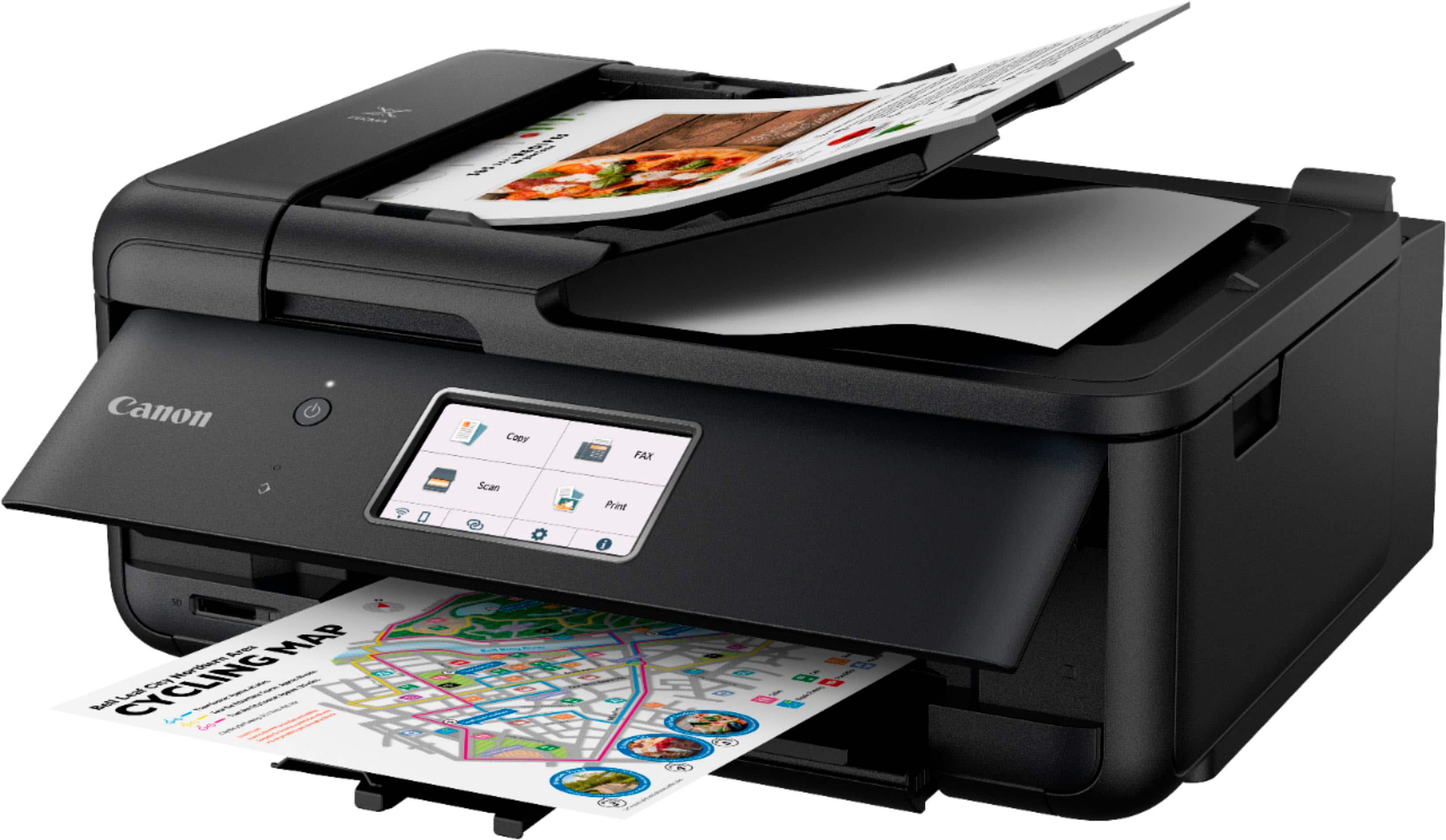
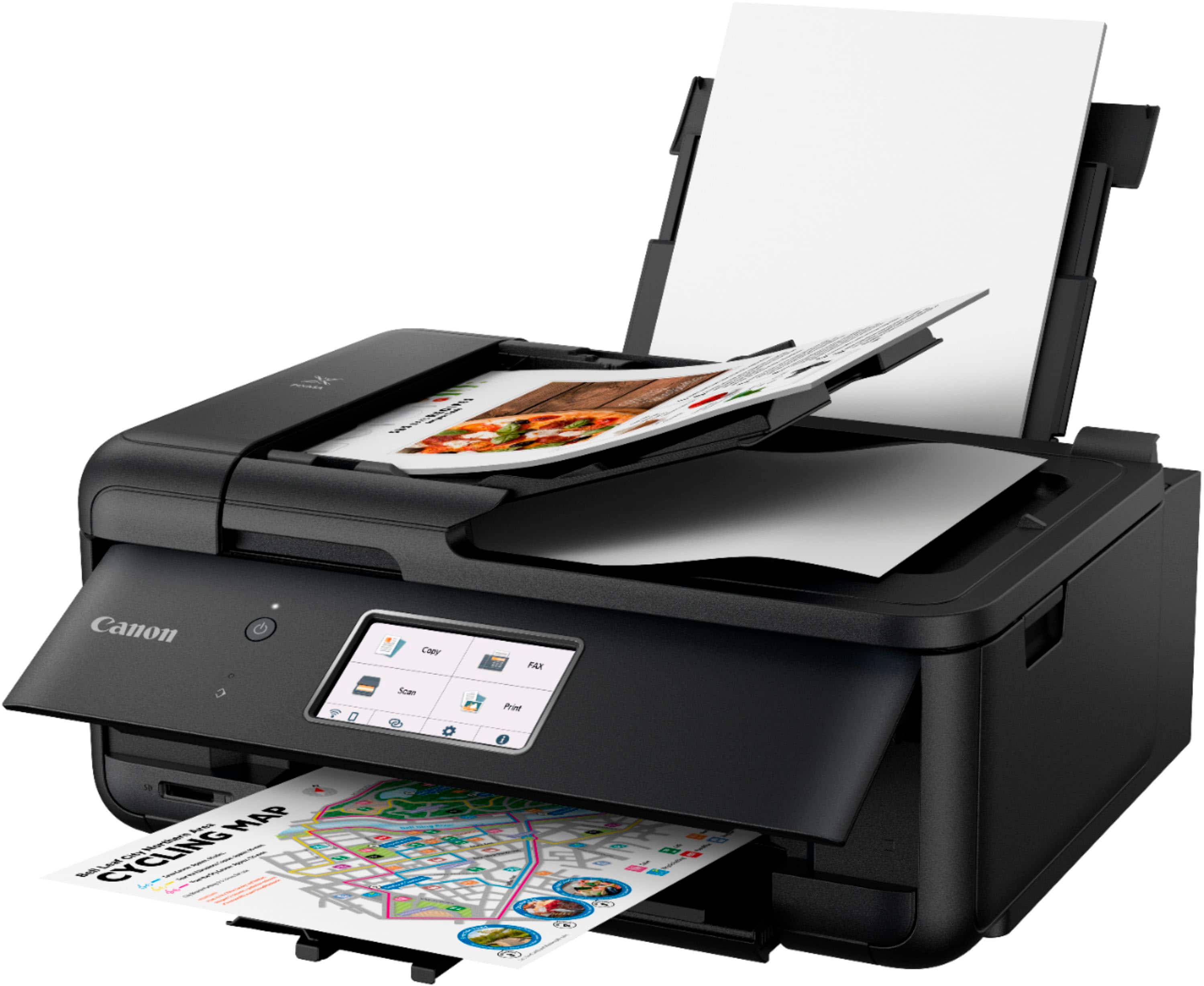
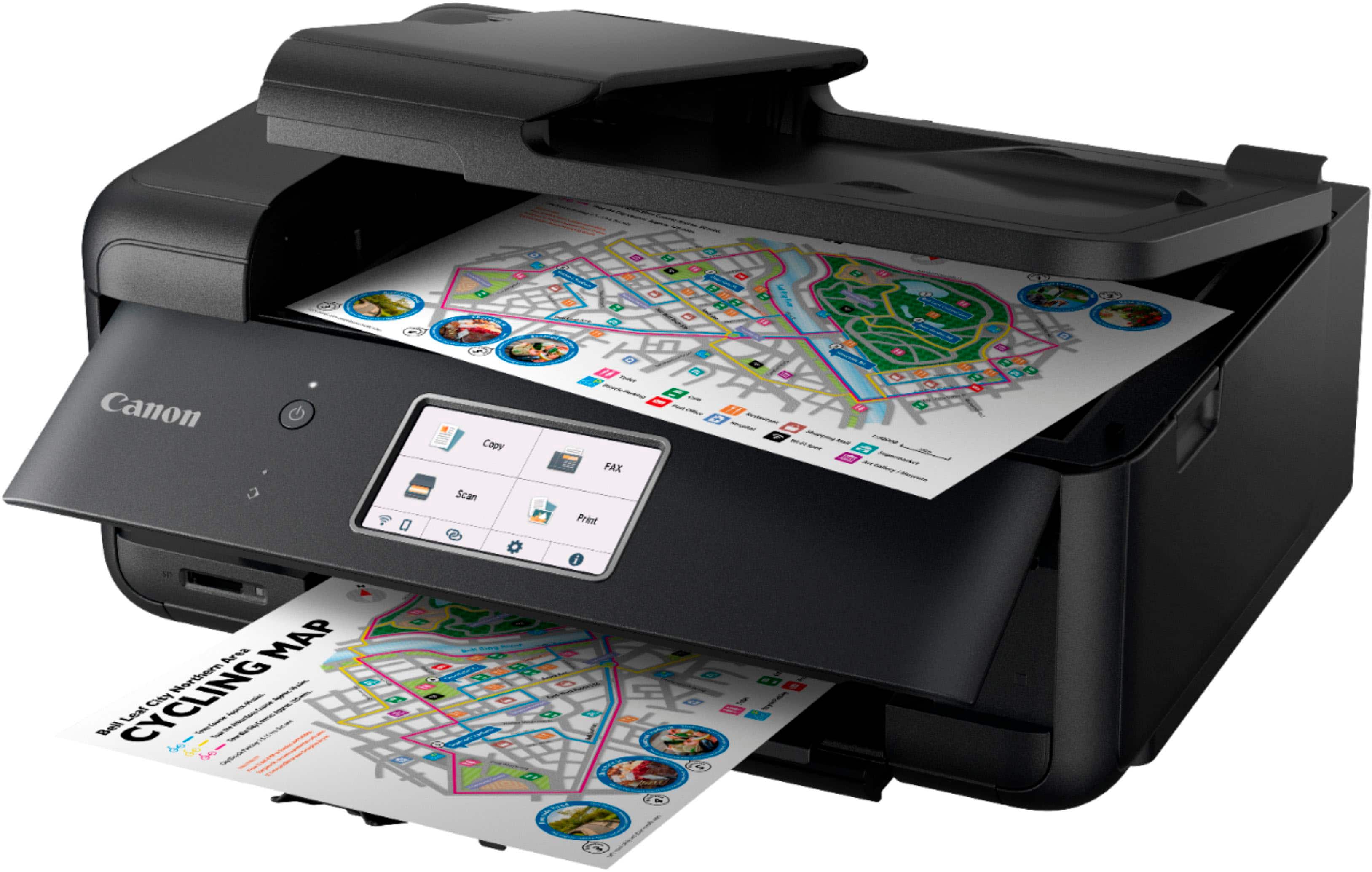
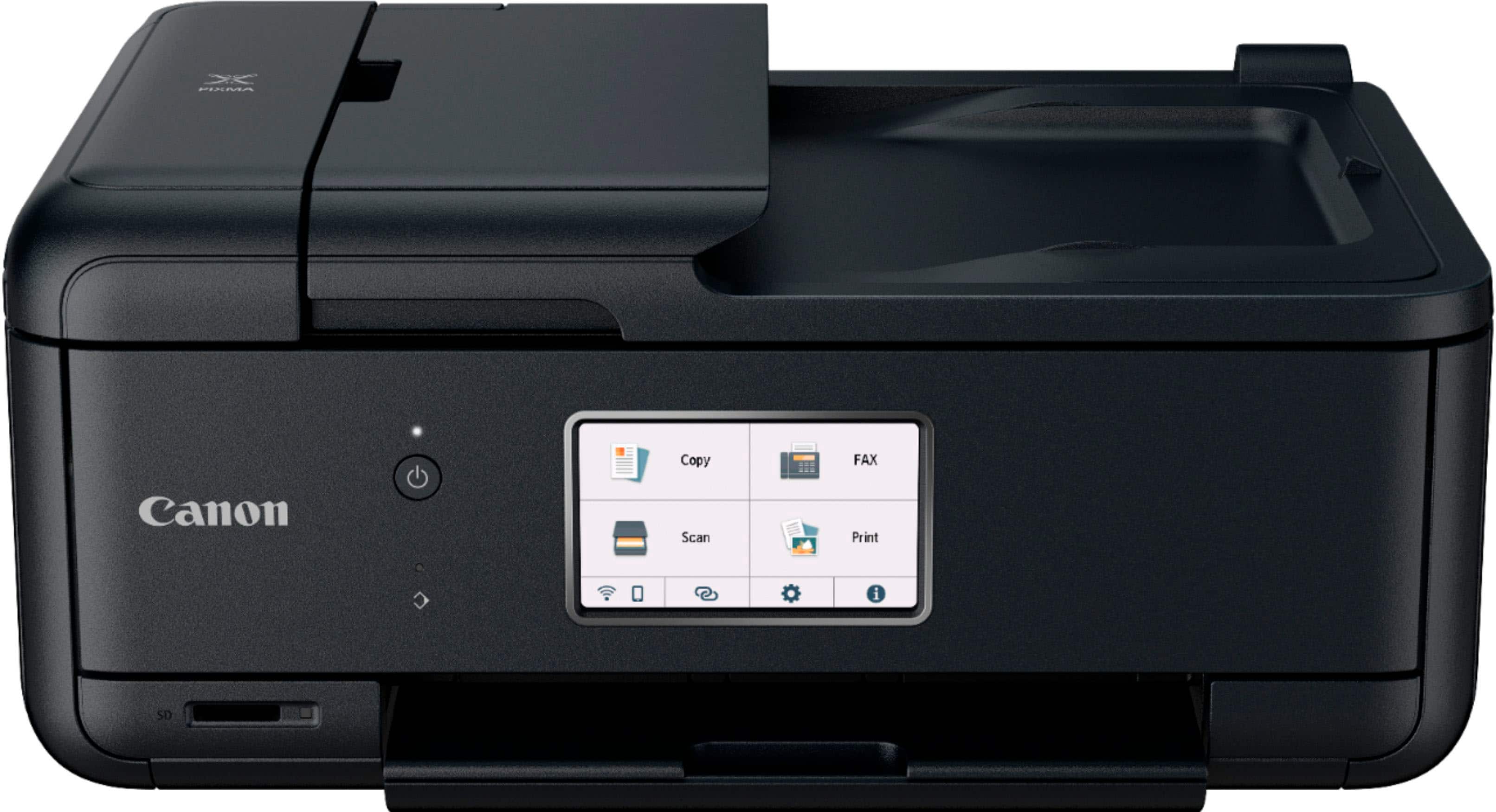
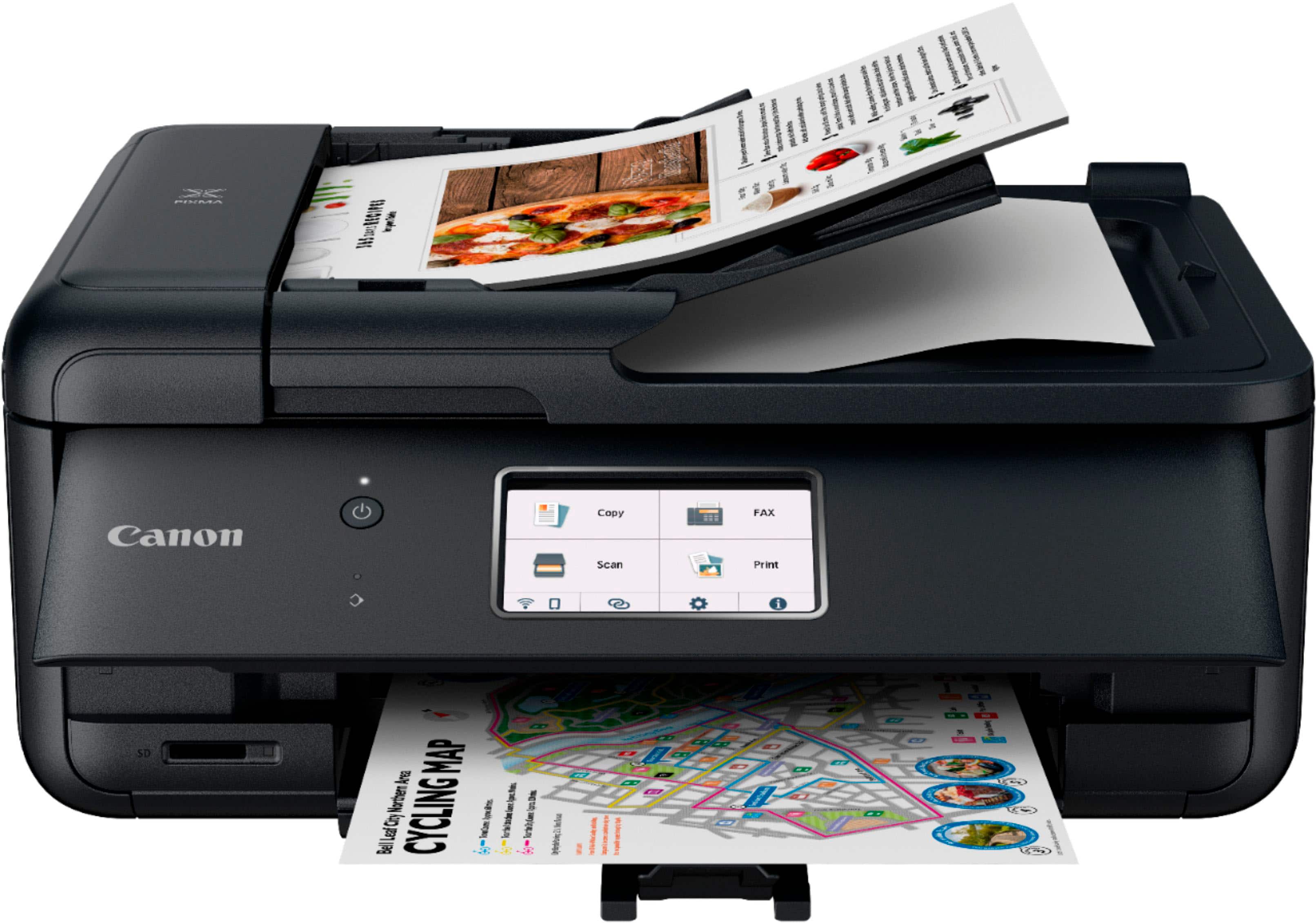
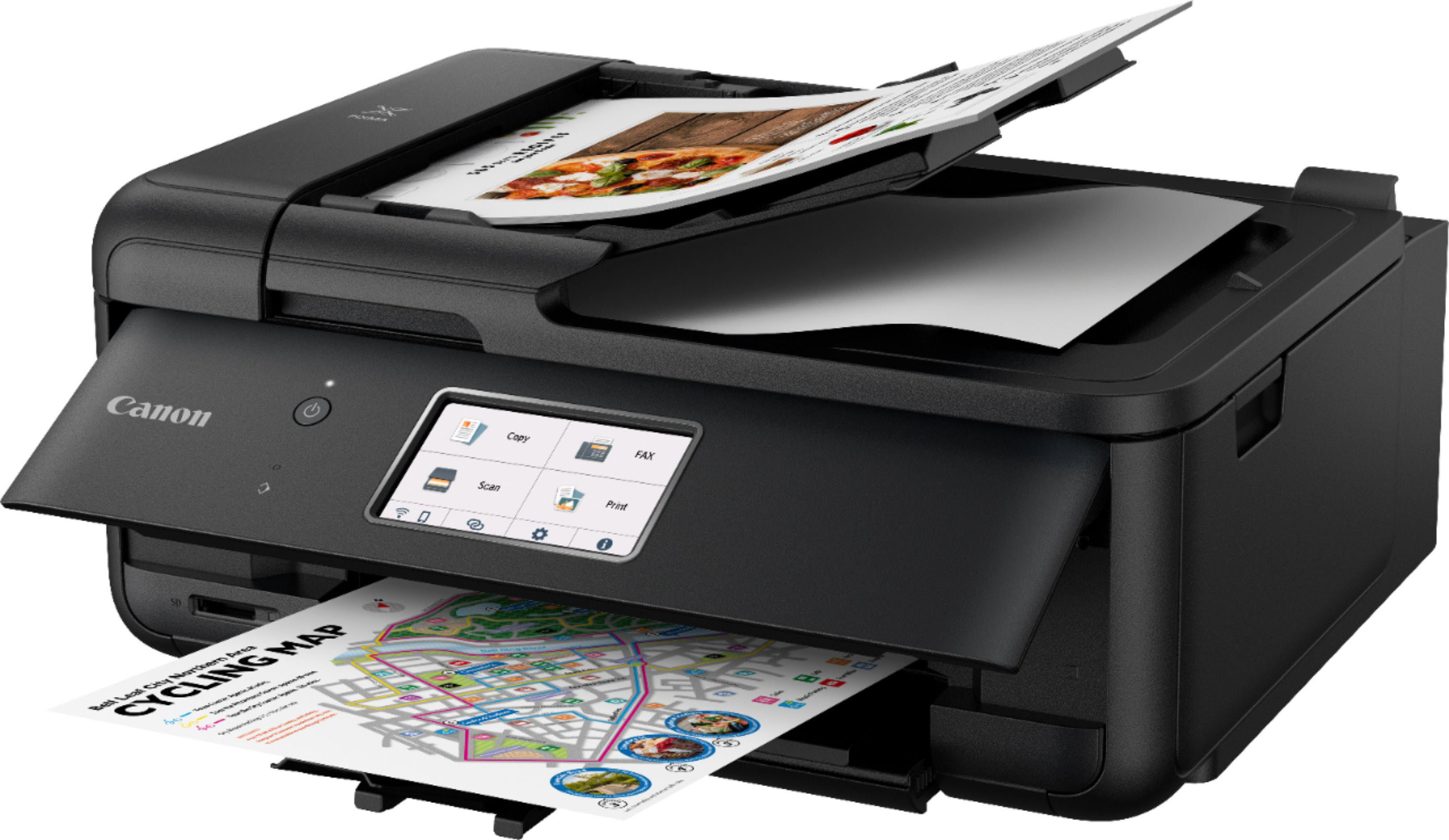
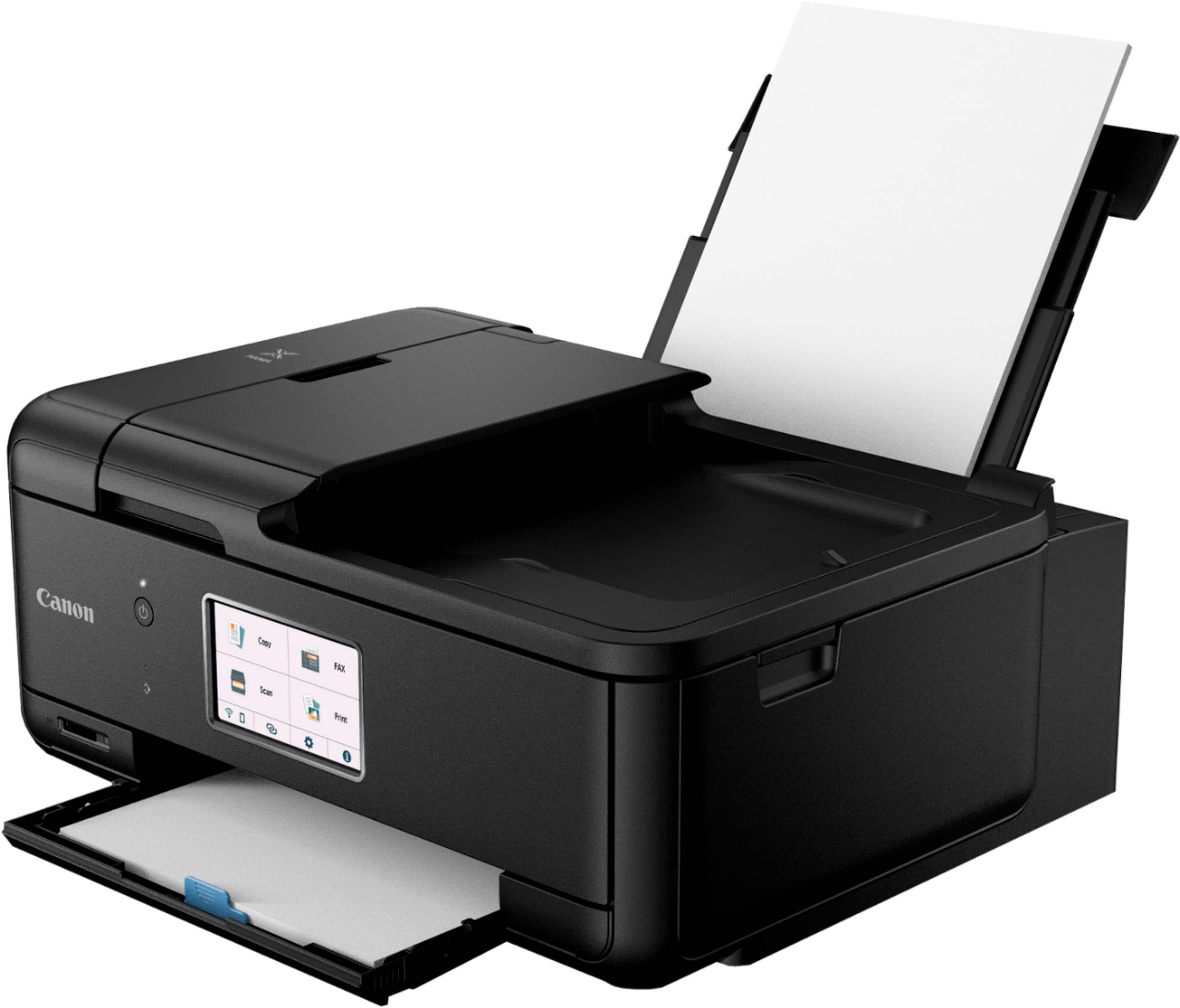
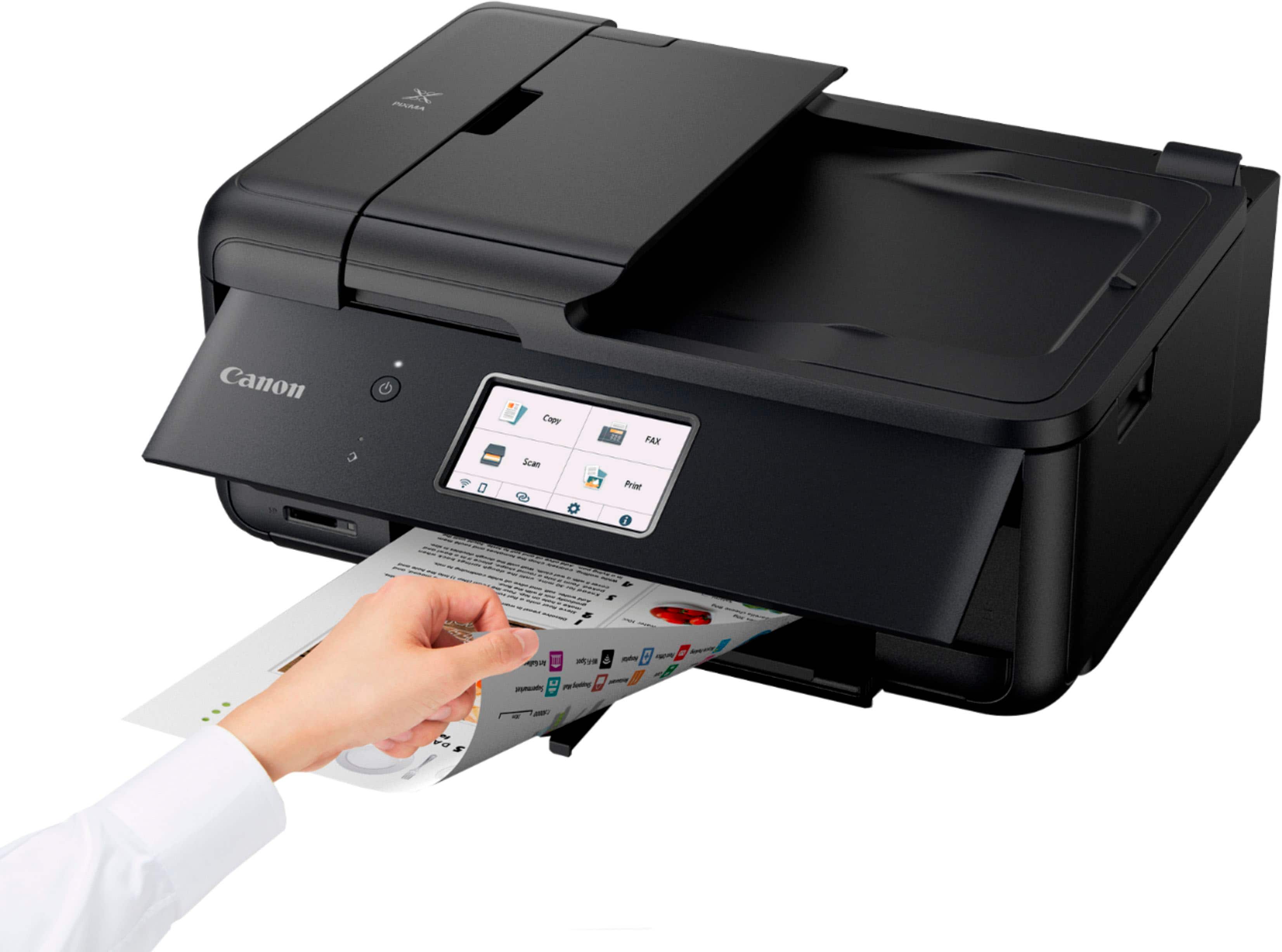
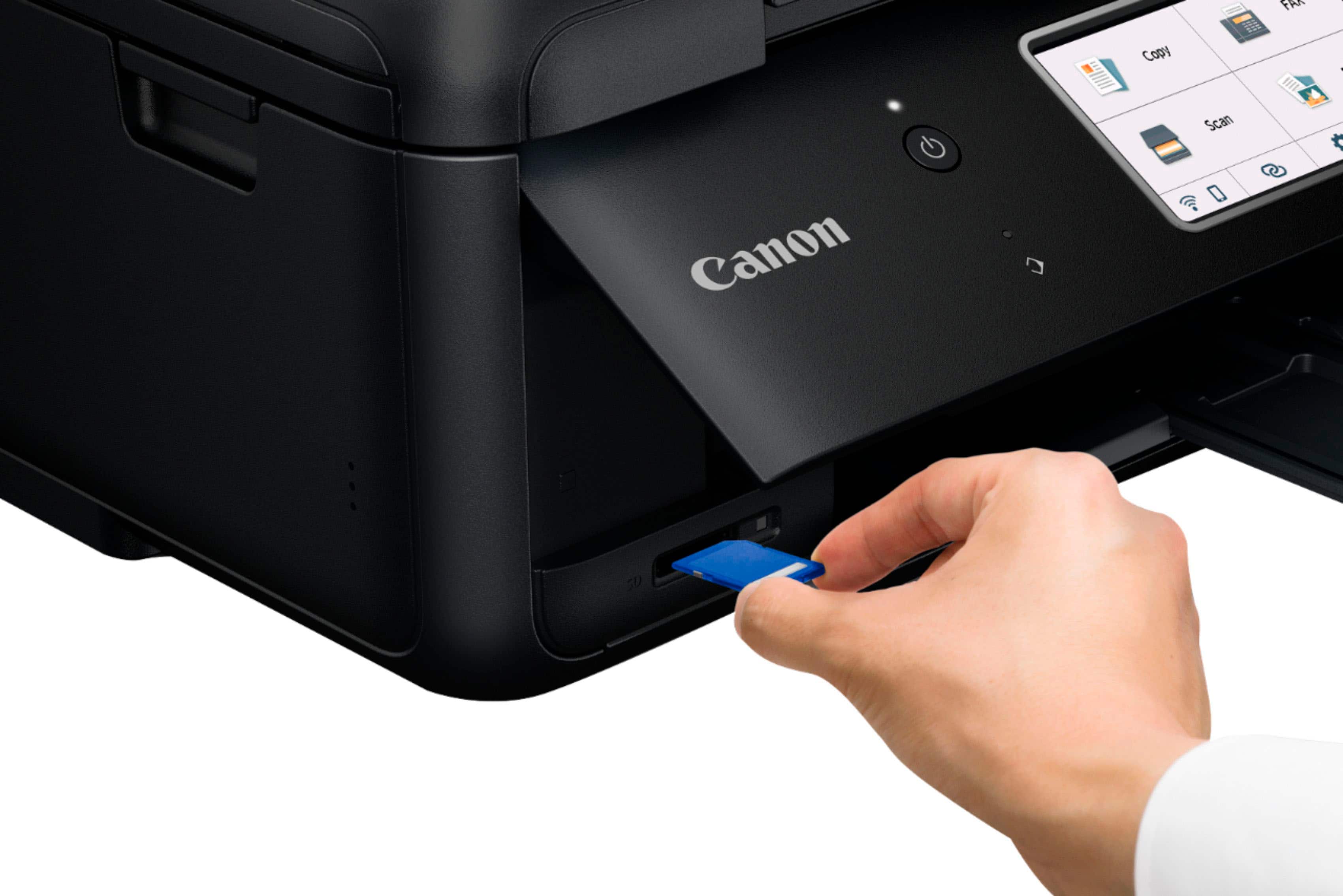
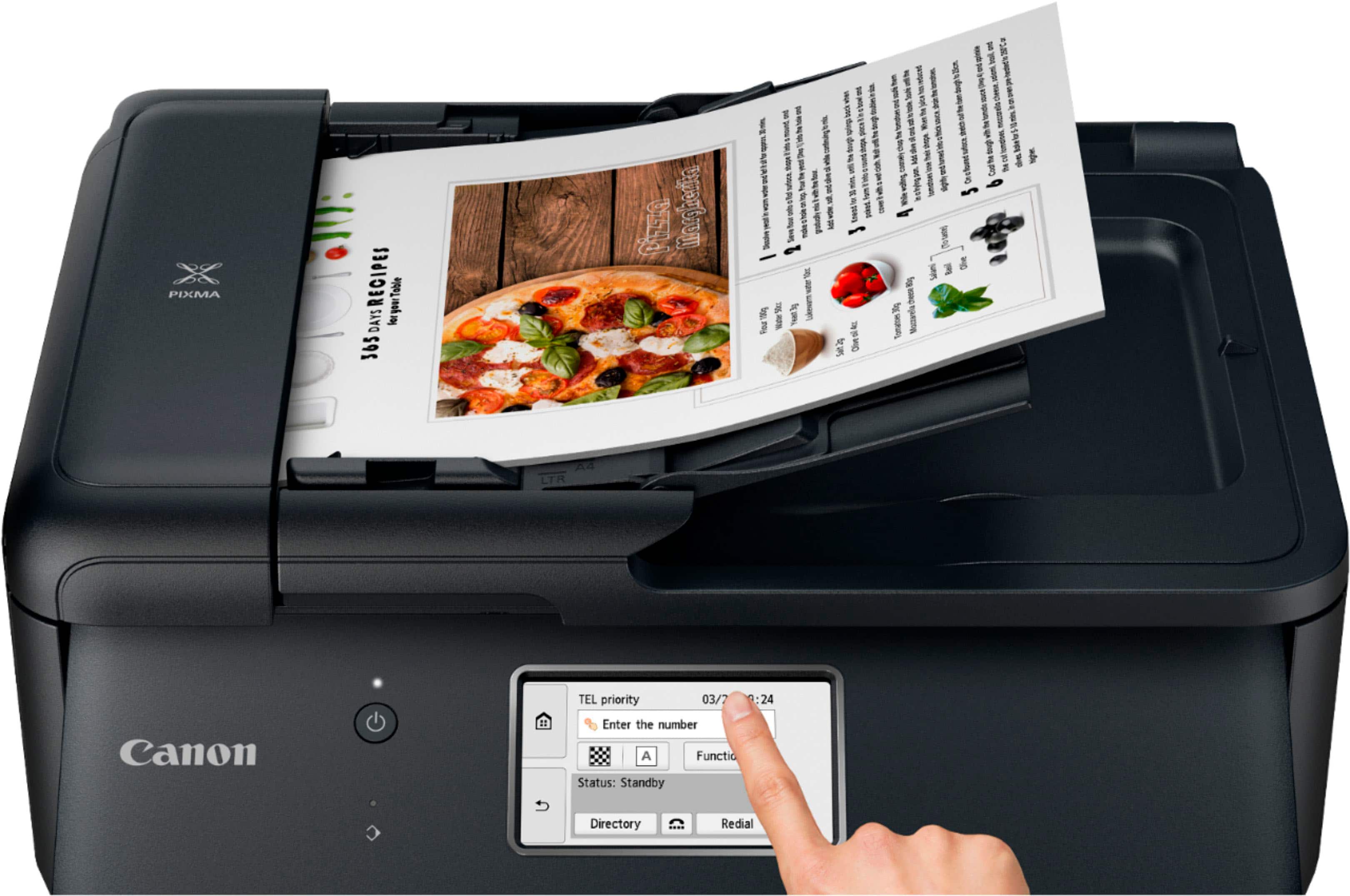
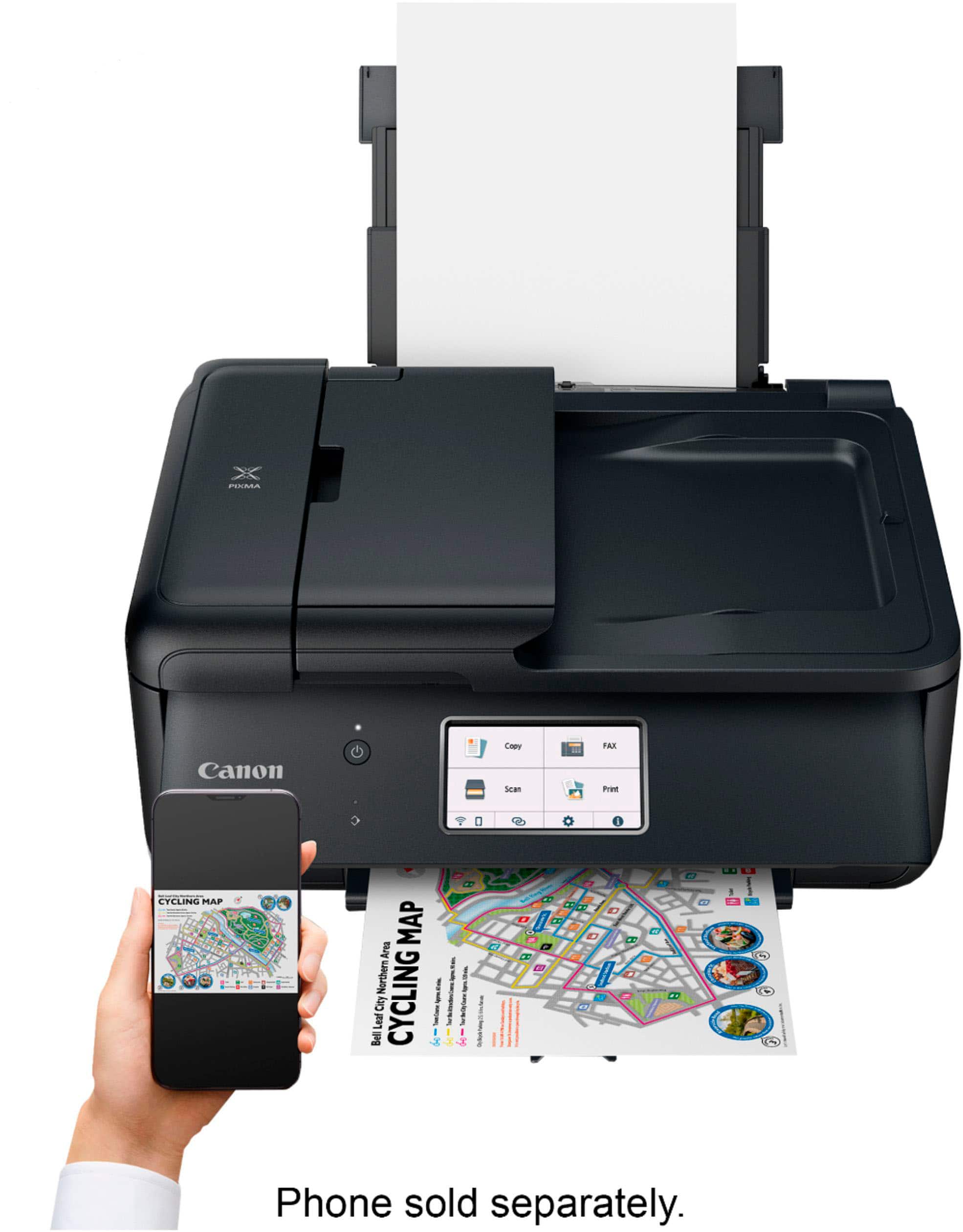
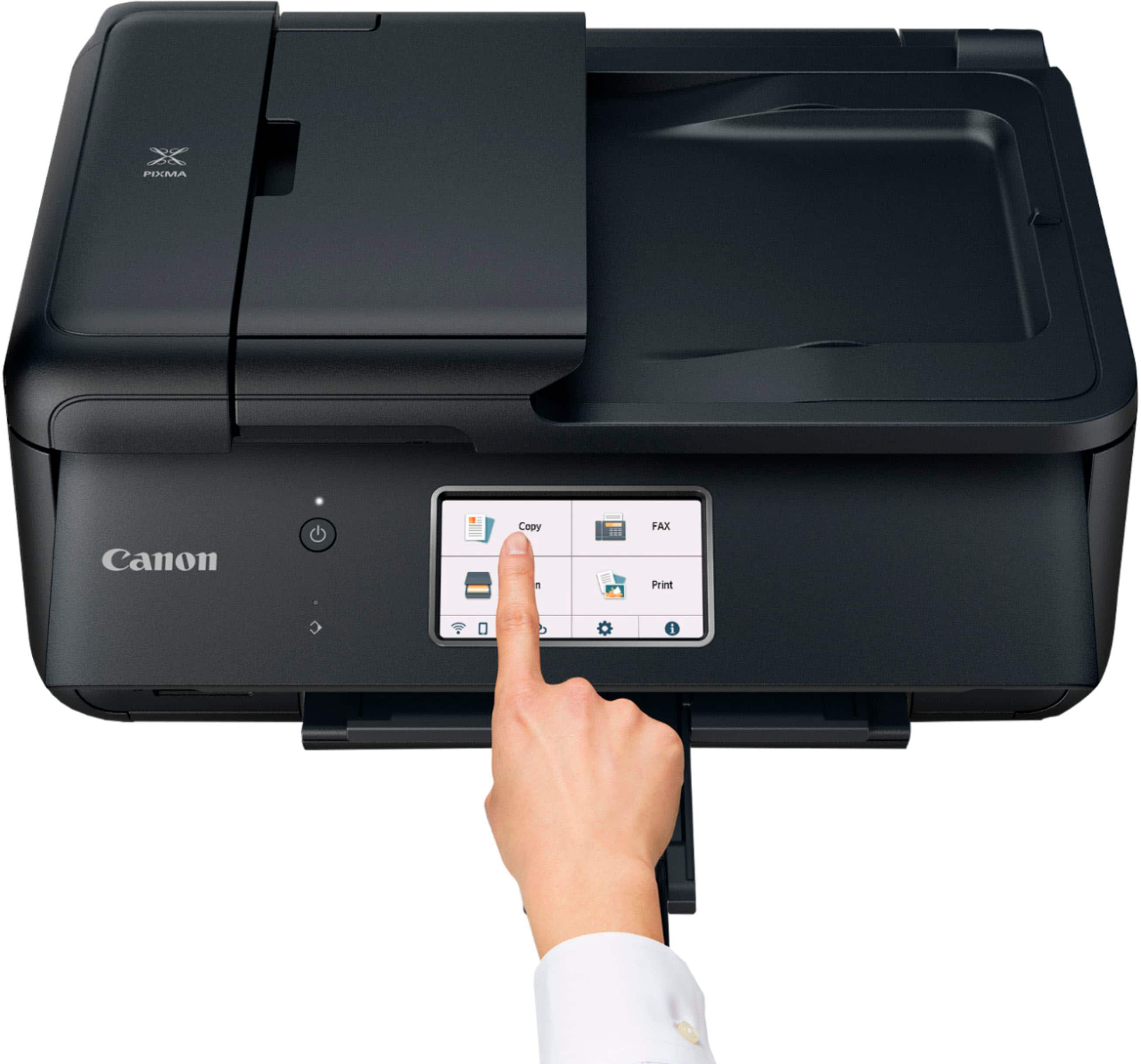
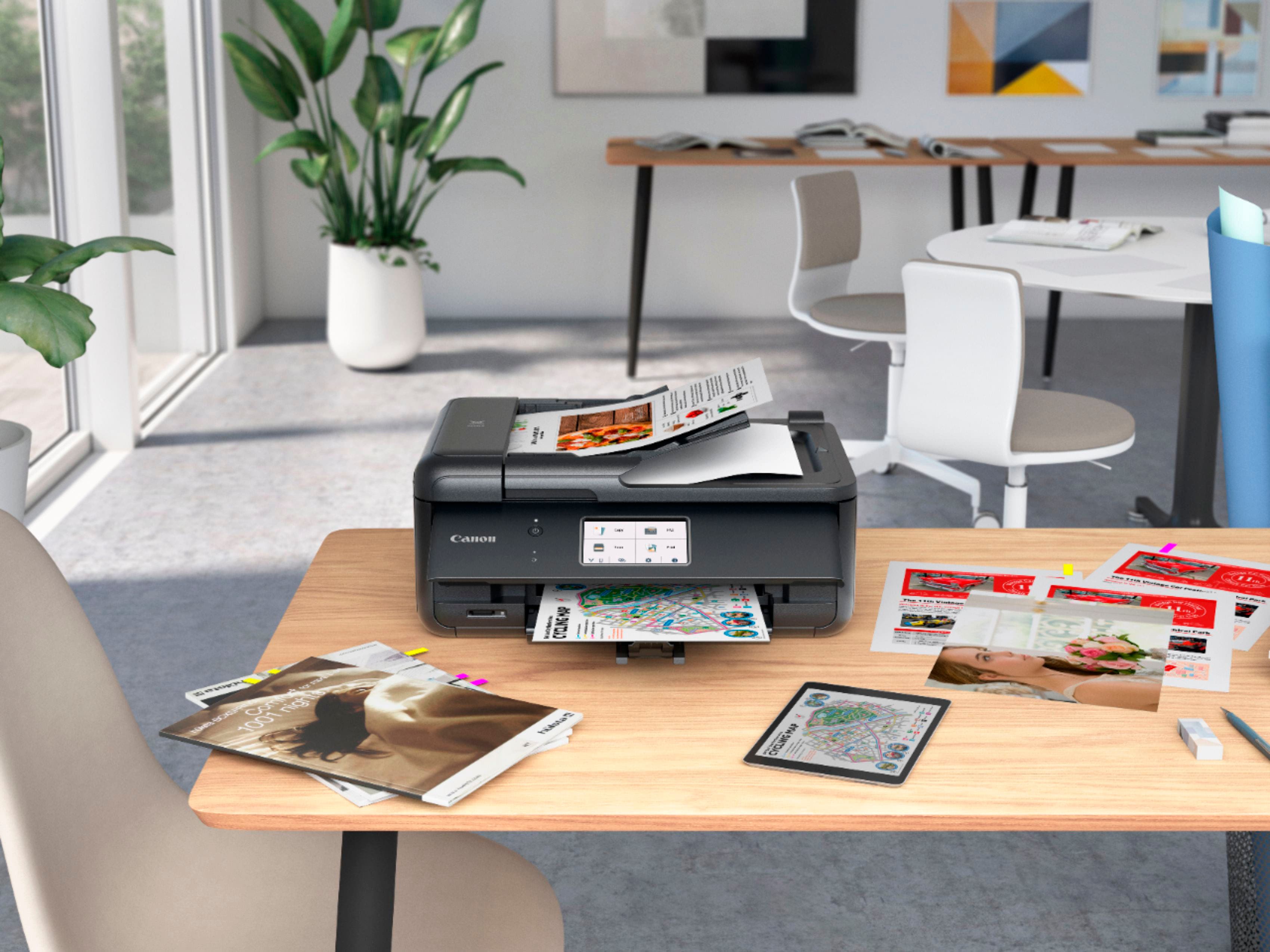
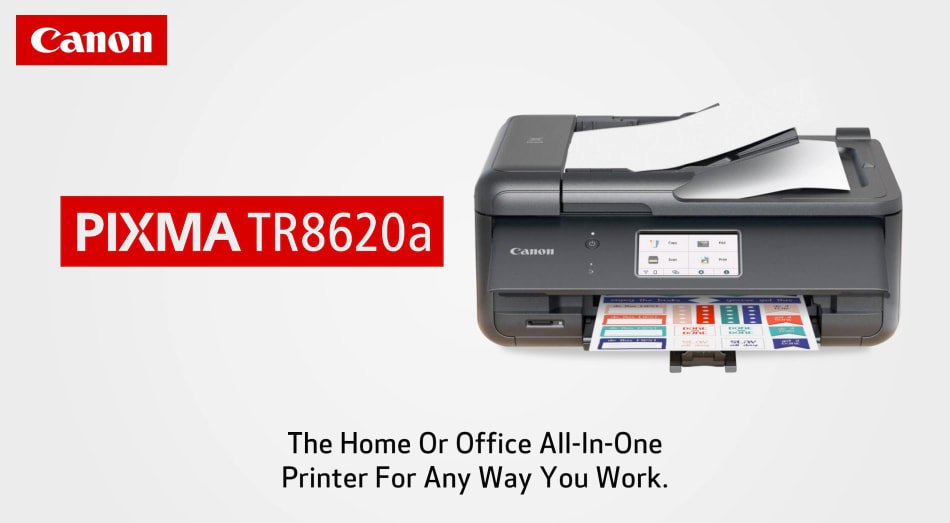
|Posted .This reviewer received promo considerations or sweepstakes entry for writing a review.Canon - PIXMA TR8620a Wireless All-In-One Inkjet Printer with Fax – Black. The Cannon Pixma printer is well suited for it’s class and price range. Using the printer I have found these items to note. First the Cons. The scanner is only single sided even though the printer dose duplex printing. In order to get a duplex scan, you have to go thru a somewhat long process of menu setting or software settings to get it set up for duplex scanning. The front of the printer must be opened in order for it to print. There is enough room for the paper to exit the printer with the front closed, but it will stop and tell you to open the front. If not opened all the way, it will not continue when you click on the OK button. The front display doesn’t go to sleep at times. During my testing it only went to sleep twice when left alone for 30 minutes. I set the power saving options for it to go to sleep but it didn’t. Installing the drivers assumes you have not set the printer up at all. You must click thru a bunch of steps you have already done. This may not apply to everyone. Now the Pros. When the energy savings is set to turn the printer off, it wakes up on its own when a print job is sent to it. Printing is clear, clean, and fast. The printed text is clear under a single pass of a highlighter. Doing more than 1 pass will smudge the print. This is better than some printers. It does duplex printing if you set that option in the software, or if you select that option from the program you print from. Once set up your phone will see the printer and print to it natively. There is also an APP that you can get to optimize the printing from your phone. I found the APP unnecessary. Photo printing is easy and high quality. They include a few sheets of 4x6 photo paper to try it with. Finding the right photo paper in the menu system is a little bit of an issue, but once you find it you’ll get a beautiful high gloss picture that is water proof. I ran mine under water for 30 seconds and rubbed it with my fingers. It stayed perfect and once it dried the paper did not have any curl in it. Bottom line. I will have to wait and see how long the print cartridges last, but in this price range you should be very happy. The paper feed tray is a bit small but that will only be an issue if you print a lot. The printer connects via Wi-Fi as well as Ethernet and USB to computer. It supports SD cards with the touch screen allowing navigation. It can be connected to a phone line for Fax service. I got this printer to put on my aunts computer desk but it is just a little to big for her. I will use it a secondary printer in my home office.
I would recommend this to a friend - Cons mentioned:Paper tray
Canon printer
||Posted . Owned for 3 weeks when reviewed.This reviewer received promo considerations or sweepstakes entry for writing a review.Still can’t get it to print a document and I don’t want the paperwork in the back but prefer having my documents printed from the front tray.
No, I would not recommend this to a friend Love Canon Printers Not this Model
||Posted . Owned for 4 months when reviewed.This reviewer received promo considerations or sweepstakes entry for writing a review.I have had two Canon Printers and they were workhorses. Swore by Canon. This model is the worst. I have had nothing but problems with this printer. Forgetting connection, not printing documents and half printing documents. DO NOT purchase this model.
No, I would not recommend this to a friendPrinter setup sent me to scammer
||Posted . Owned for less than 1 week when reviewed.This reviewer received promo considerations or sweepstakes entry for writing a review.I haven't used the printer much but had to pay a computer guru to get it set up. I followed instructions that came with the computer and the site that I went to to get the drivers was that of a scammer who claimed I had malware and who wanted a lot of money to clean the system and install the drivers. My "geek" found no malware and installed the printer in less than 10 minutes. Computer cost $199 and installation was $100. Shame on Cannon
No, I would not recommend this to a friendGreen
||Posted . Owned for 6 months when reviewed.This reviewer received promo considerations or sweepstakes entry for writing a review.It wont print the right colors and everything is green. Got it 09/13/2023
No, I would not recommend this to a friendNone
||Posted . Owned for 3 weeks when reviewed.This reviewer received promo considerations or sweepstakes entry for writing a review.Had to upgrade everything....bummer...wish i could use previous driver
I would recommend this to a friendSlow
||Posted . Owned for 1 month when reviewed.This reviewer received promo considerations or sweepstakes entry for writing a review.Printer is slow and doesn’t work well overall. Ink is also expensive.
No, I would not recommend this to a friendWorst printer ever
||Posted . Owned for 3 weeks when reviewed.This reviewer received promo considerations or sweepstakes entry for writing a review.This is the worst most cumbersome to use printer I have ever owned.The set up took 45 min. It turns itself off,it takes 5 stupid ink cartridges,you hit print and in 30-40 sec it decides to print. I would tell anybody to RUN away from this one.
No, I would not recommend this to a friendGIGO
||Posted . Owned for 1 month when reviewed.This reviewer received promo considerations or sweepstakes entry for writing a review.It's a piece of crap and not worth the price I paid. I tried to return it but was told that I was outside the 15 day window for returns. It doesn't have the features my old printer has. In addition when I initially went in to ask about checking my old printer foe issues I was told to trash it because you didn't look at printers. I later found out my old printer had a software issue nothing wrong with the printer.
No, I would not recommend this to a friendGood printer for the price
||Posted . Owned for 1 month when reviewed.This reviewer received promo considerations or sweepstakes entry for writing a review.nice printer, hadn't had to buy one in years, has new improved features over my last on, so very happy
I would recommend this to a friendNot the best
||Posted . Owned for 1 year when reviewed.This reviewer received promo considerations or sweepstakes entry for writing a review.Not bad but not the best. I prefer HP or Brothers.
No, I would not recommend this to a friendPleased!
||Posted . Owned for 3 weeks when reviewed.This reviewer received promo considerations or sweepstakes entry for writing a review.Versatile, with many options for printing, copying, scanning on diverse saving methods, and color and black are bright and "true". Sometimes, too many options,
I would recommend this to a friendTR8620a
||Posted . Owned for 1 month when reviewed.This reviewer received promo considerations or sweepstakes entry for writing a review.Took me longer to set up than I thought it would but seems to be working fine now.
I would recommend this to a friendWouldn’t recommend
||Posted . Owned for 3 weeks when reviewed.This reviewer received promo considerations or sweepstakes entry for writing a review.Disconnect continuously from my laptop and is a headache to reconnect it
No, I would not recommend this to a friendGood
||Posted . Owned for 2 weeks when reviewed.This reviewer received promo considerations or sweepstakes entry for writing a review.Its a good printer just that you have to open the control panel every time you print
I would recommend this to a friendBond paper Box very sensitive
||Posted . Owned for 1 month when reviewed.This reviewer received promo considerations or sweepstakes entry for writing a review.Very sensitive, Sad and badly use band papers uses while printing is on
No, I would not recommend this to a friend- Pros mentioned:Print quality, Size
Easy to install and get up and running
|Posted .This reviewer received promo considerations or sweepstakes entry for writing a review.So, I unboxed the Canon TR8620a printer this afternoon. The box contains the printer (of course), a power cord, phone cord, and starter ink packs. It doesn’t come with a USB/A to USB/B cable or a LAN cable, so have those ready if you wish to connect the printer that way. I chose to connect it to my Wi-Fi network since I didn’t have an either cable handy and it was a bit late to climb up into the attic to look for one. I read a few online reviews before the printer arrived and some said the software install was difficult. I have to say it was painless and the software found the printer on my network the very first try. I’ve had a number of other printers that take 2-3 times before they see the printer, so that was a plus. Other reviews I read said the ink leaked and the cartridges were weak, but I found them just as good as other ink cartridges I’ve used and no issues with leaking. Maybe those reviewers need to be a bit easier on the ink and printer since these things are mostly plastic and don’t do well with a strong grip or shove. Anyway, my impressions are that it’s a pretty well-built printer for the price point and I think it will allow me to create some nice photos using my Canon 6D Mark I. I have a few L series lenses and need to start using them again. This printer has 5 ink cartridges. The 3 color and black that most inkjets do, plus a PGBK (Page Black or Pigmented Black ink). From what I’ve read, the PGBK ink lasts twice as long for page printing and saves the black ink for photo paper. So, I’ve got the ink in, and I go to plug in the power cord, but it moves. I’m not sure if the ac plug pins on the printer is supposed to be loose, but I can move the plug around about 1/8th in all directions. Maybe it’s designed that way, not sure. I finish the installation and it’s up and running. The large LCD screen is easy to read, even for this old dude. It can copy, scan multiple pages and fax (for a few more months as I’m doing away with my landline). It can print from my cell phone via the Canon Print app or if you have Apple, there’s Air print. The printer does 2-sided printing and can print photos from an SD card. Like most Canon products, the printer includes several proprietary software should you wish to use them. I like that the unit is nice and small for all the functions it has. It’ll fit nicely and not take up too much real estate in your office or desk. I’m installing this on a fully updated Windows 11 Home PC. Just FYI since it doesn’t list 11 on the box yet. Also having a lan port and USB/B port to allow direct connection is a plus. For the price, I’d recommend this to my friends and family if they need a new or replacement printer for daily use. It’ll do some nice photos, quick copies, or printing letters as needed.
I would recommend this to a friend Don't buy
||Posted . Owned for 1 year when reviewed.This reviewer received promo considerations or sweepstakes entry for writing a review.Little less then a year old and the wireless connect failed, no new patch from cannon, had to hard wire to continue working for now.
No, I would not recommend this to a friendRobert
||Posted .This reviewer received promo considerations or sweepstakes entry for writing a review.This is the worst printed I have ever used. It is very slow and not user friendly
No, I would not recommend this to a friendNot satisfied
||Posted . Owned for 3 weeks when reviewed.This reviewer received promo considerations or sweepstakes entry for writing a review.It didn’t work… download the app follow instructions and still don’t work
No, I would not recommend this to a friend