Customer Ratings & Reviews
- Model:
- 4451C032
- SKU:
- 6494259
Rating by feature
- Value
Rating 4.4 out of 5 stars
- Quality
Rating 4.3 out of 5 stars
- Ease of Use
Rating 4.2 out of 5 stars
Customers are saying
Customers admire the excellent print quality, ease of use, and overall performance of the product. They also appreciate its convenient size, simple setup, versatile connectivity, and quiet operation, noting its good price and effective fax capabilities. However, a recurring concern among users is the design or functionality of the paper tray.
This summary was generated by AI based on customer reviews.
- Pros mentioned:Ease of use
The best printer.
||Posted . Owned for 3 weeks when reviewed.This reviewer received promo considerations or sweepstakes entry for writing a review.This printer is the best. It is easy to use and the fax is easy to set-up. It delivers impressive performance and versatility. I posted a picture of the printer on my desk. Portable & does a great job. I recommend you buy it!
I would recommend this to a friend 3 in 1 printer scanner fax
||Posted . Owned for 3 weeks when reviewed.This reviewer received promo considerations or sweepstakes entry for writing a review.Love my new printer. Having the display/command screen on the front makes it much easier to use. I still fax. I know. Old school. But it works great
I would recommend this to a friendPrints well but…
||Posted . Owned for 1 month when reviewed.This reviewer received promo considerations or sweepstakes entry for writing a review.The printer works well overall. I just don’t like when the printer goes to sleep and I have to physically turn it back on. Usually printers will wake up if you send a document to it but not this one.
I would recommend this to a friend- Pros mentioned:Overall performance
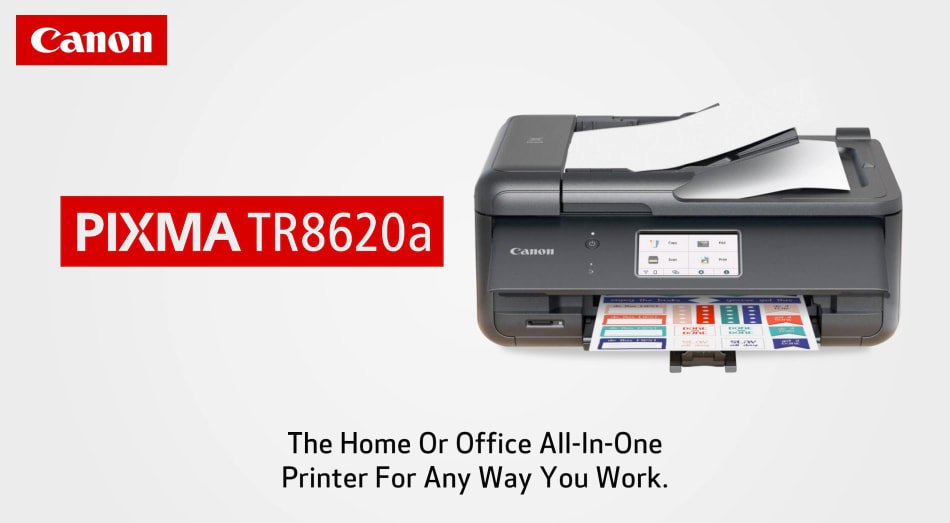
Canon TR8620a
||Posted . Owned for less than 1 week when reviewed.This reviewer received promo considerations or sweepstakes entry for writing a review.I had to find a replacement for my MX 922. This was a perfect fit.
I would recommend this to a friend Get'er Done Printer.
||Posted . Owned for 1 month when reviewed.This reviewer received promo considerations or sweepstakes entry for writing a review.My Canon MG7520 just had a brain freeze ,had all types of issues. I needed another printer, wasn't going to buy another Canon, but this one model # TR8620A caught my eye with the quality of functionality and customer reviews. It's been nearly 6 weeks since purchasing, no complaints thus far.
I would recommend this to a friend- Pros mentioned:Ease of use
My printer
||Posted . Owned for 1 month when reviewed.This reviewer received promo considerations or sweepstakes entry for writing a review.Love my new printer, the ease of printing from my phone or my desktop.
I would recommend this to a friend - Pros mentioned:Print quality
Big display makes set up easier
||Posted . Owned for 1 month when reviewed.This reviewer received promo considerations or sweepstakes entry for writing a review.Easy set up. Big easy to read display. Canon quality printing.
I would recommend this to a friend - Pros mentioned:Overall performance
My-new-printer
||Posted . Owned for 1 month when reviewed.This reviewer received promo considerations or sweepstakes entry for writing a review.I got this printer after watching several reviews online and it's working great
I would recommend this to a friend Prints Real Good
||Posted . Owned for 3 weeks when reviewed.This reviewer received promo considerations or sweepstakes entry for writing a review.Great printer, does everything we need. Good price and pickup at Best Buy was smooth.
I would recommend this to a friend- Pros mentioned:Print quality
Nice little home printer
||Posted . Owned for 1 month when reviewed.This reviewer received promo considerations or sweepstakes entry for writing a review.Upgraded from my old MX460 Canon. The auto feeder, multi color display are very nice. The moving parts like the paper feeder, scan lid etc feel very flimsy but not a problem. One thing I would have loved is a little hold on the scanner lid. There is a possibility that you drop it in open state and it comes down with a bang. The prints including photos are amazing !
I would recommend this to a friend All In One
||Posted . Owned for 3 weeks when reviewed.This reviewer received promo considerations or sweepstakes entry for writing a review.Its okay. You have to open the display panel for it to print. I dont like that.
No, I would not recommend this to a friend
Stellar print quality, OK speed, maddening design
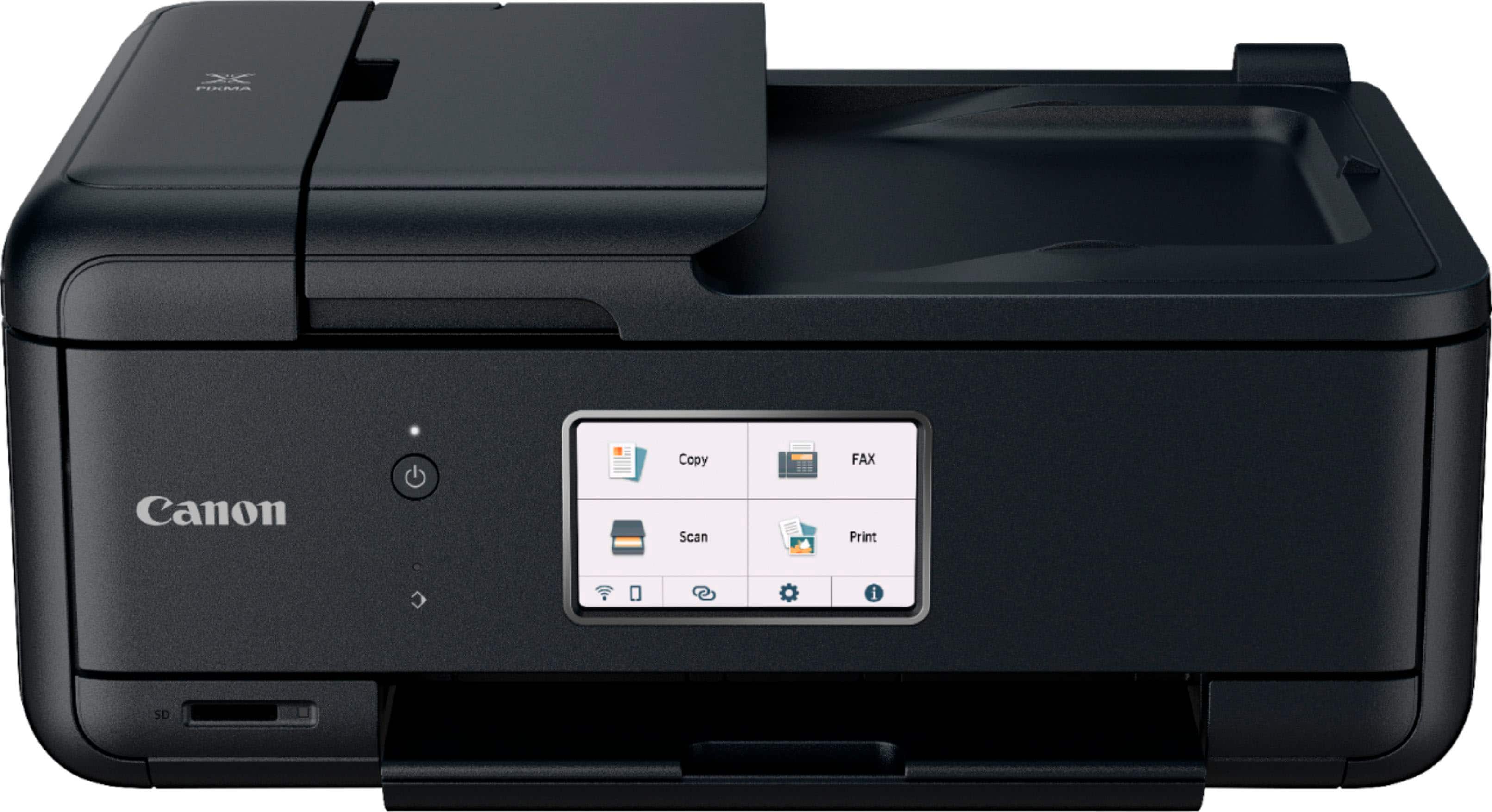
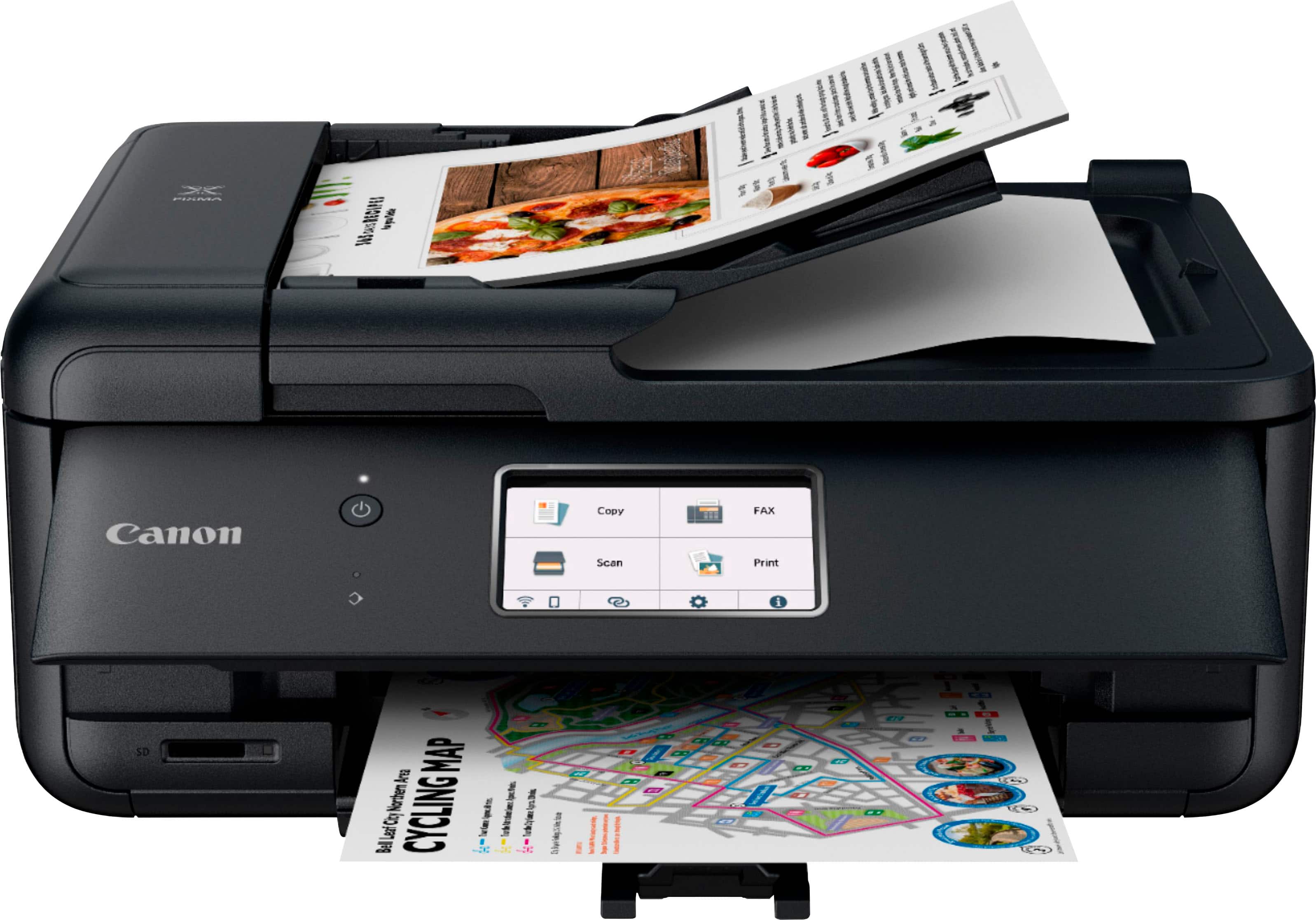
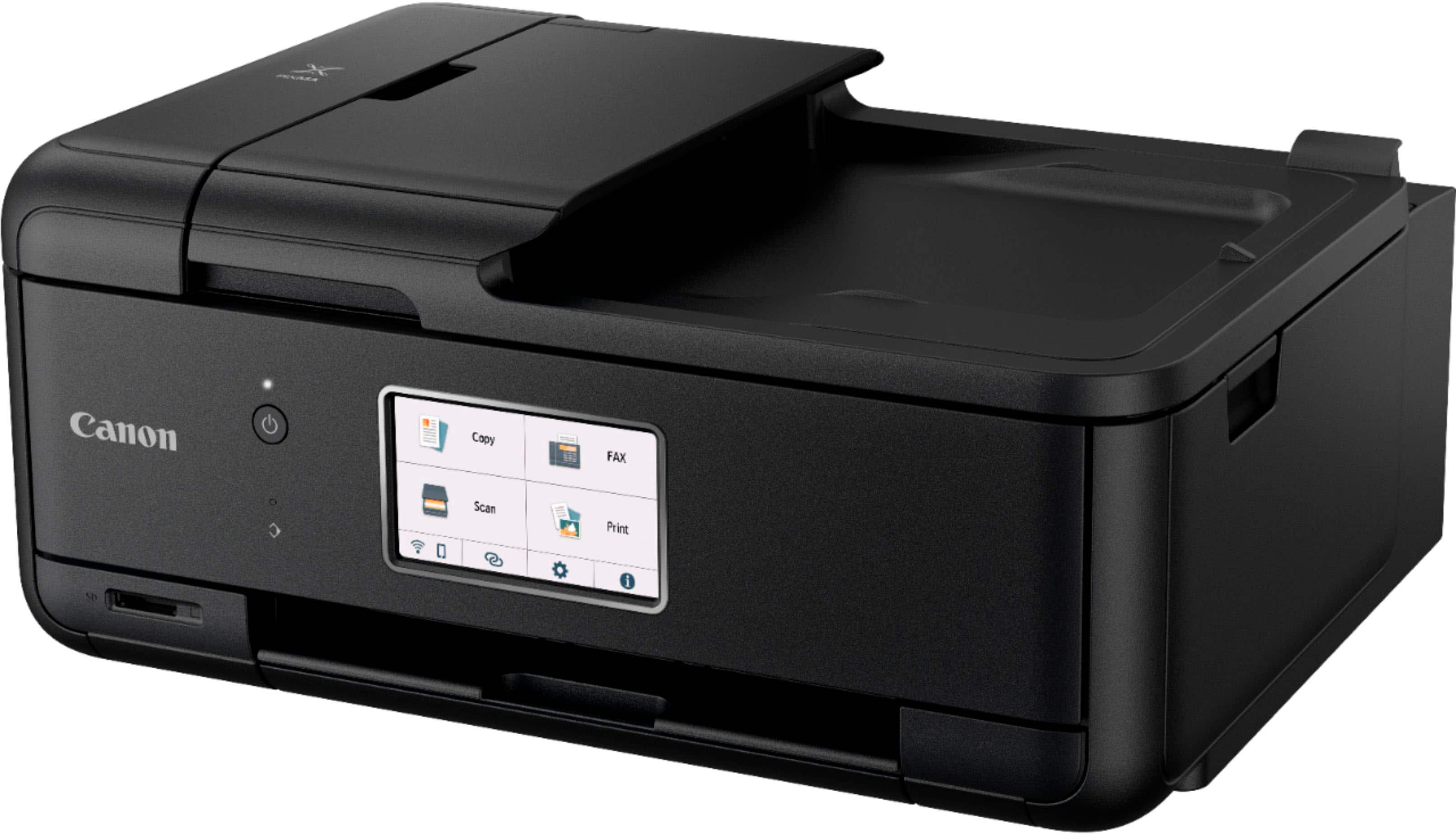
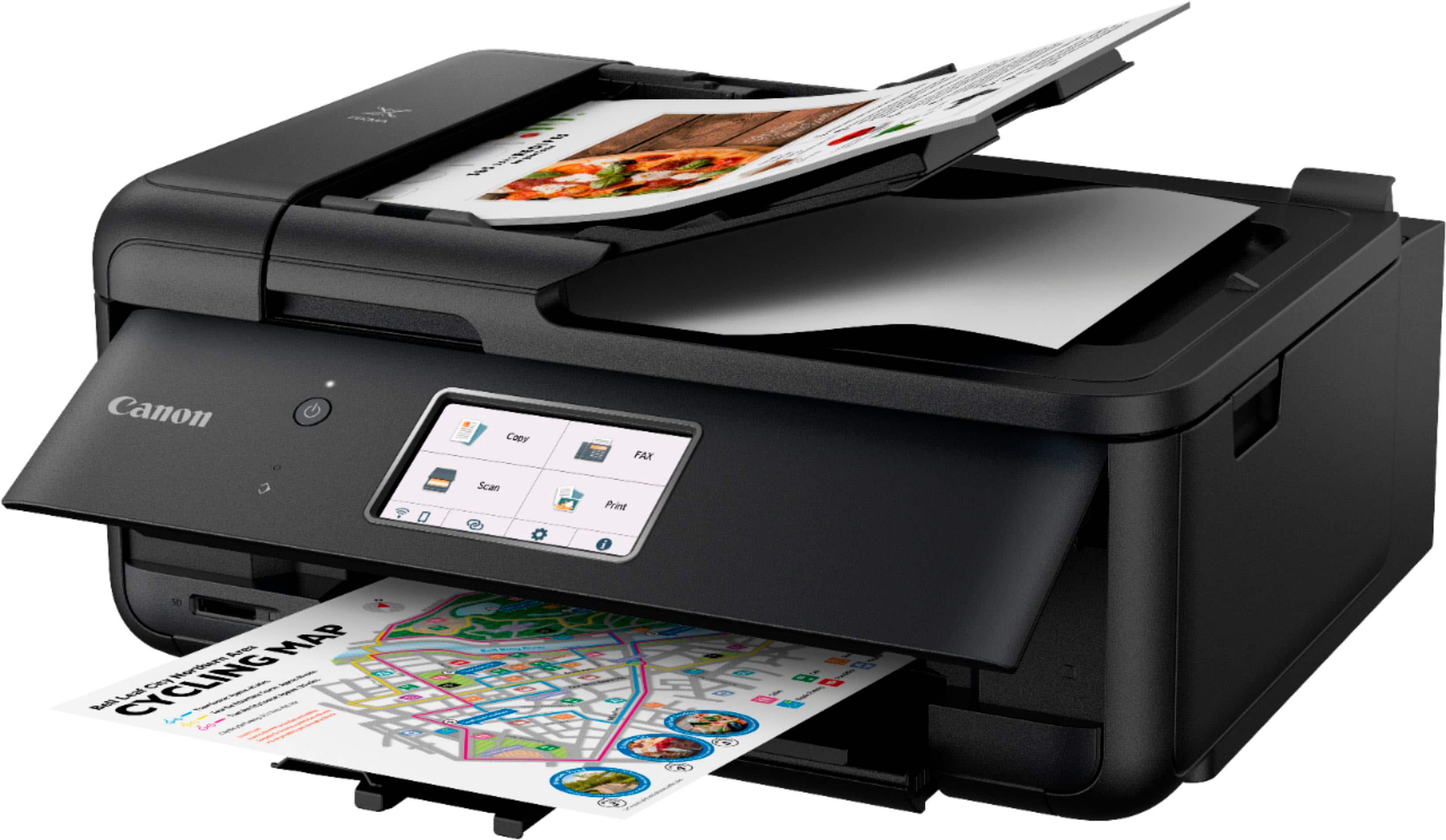
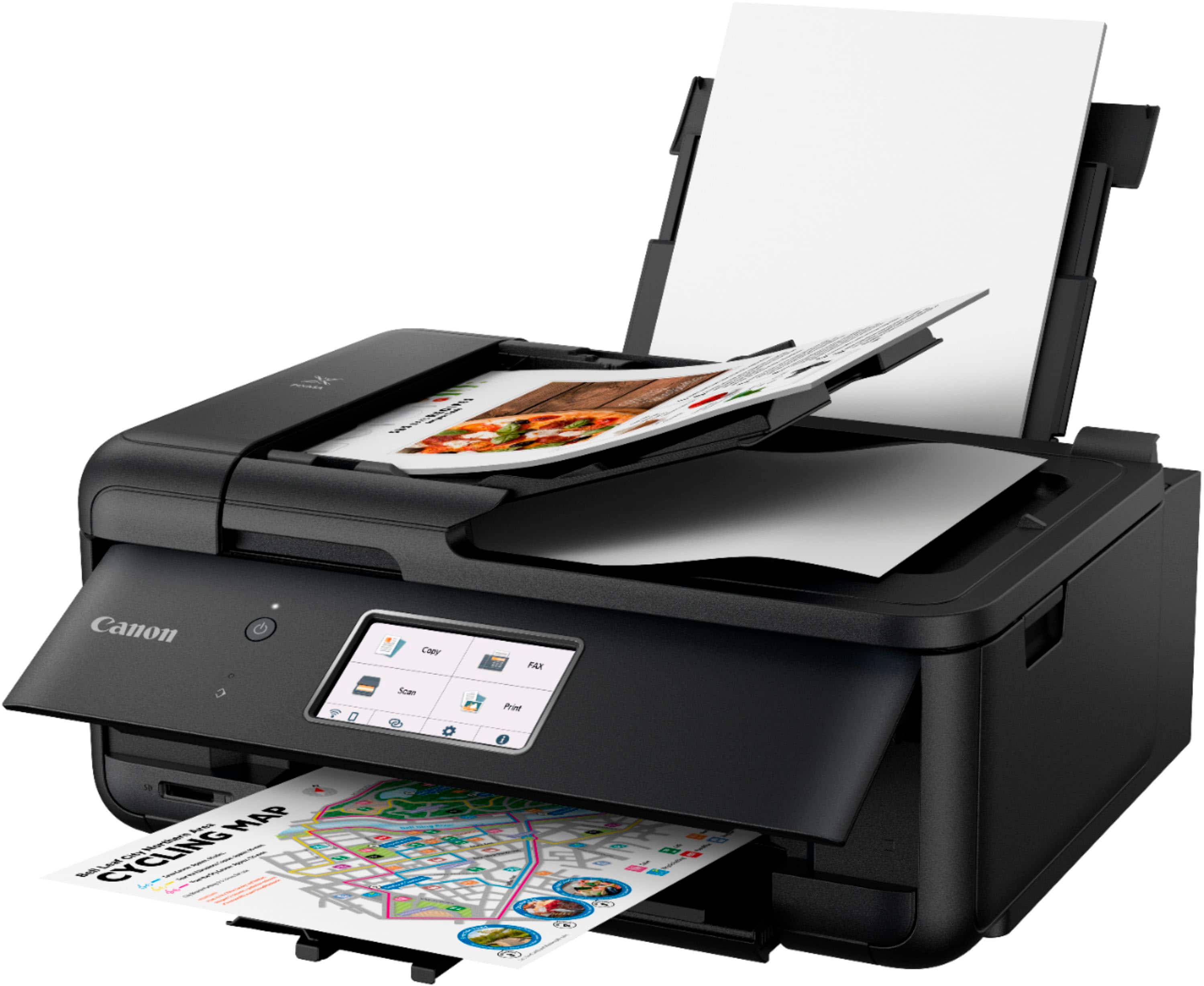
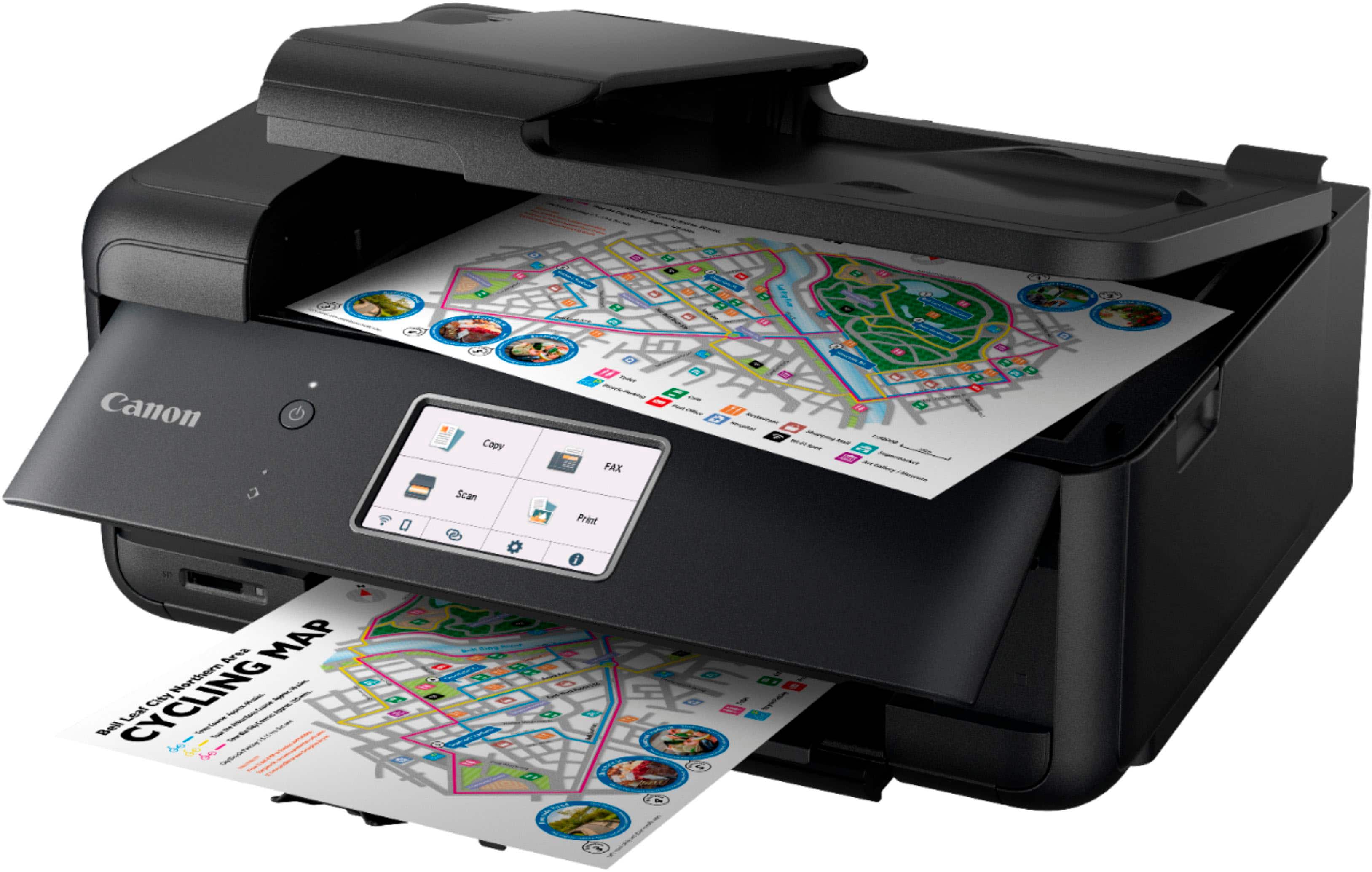
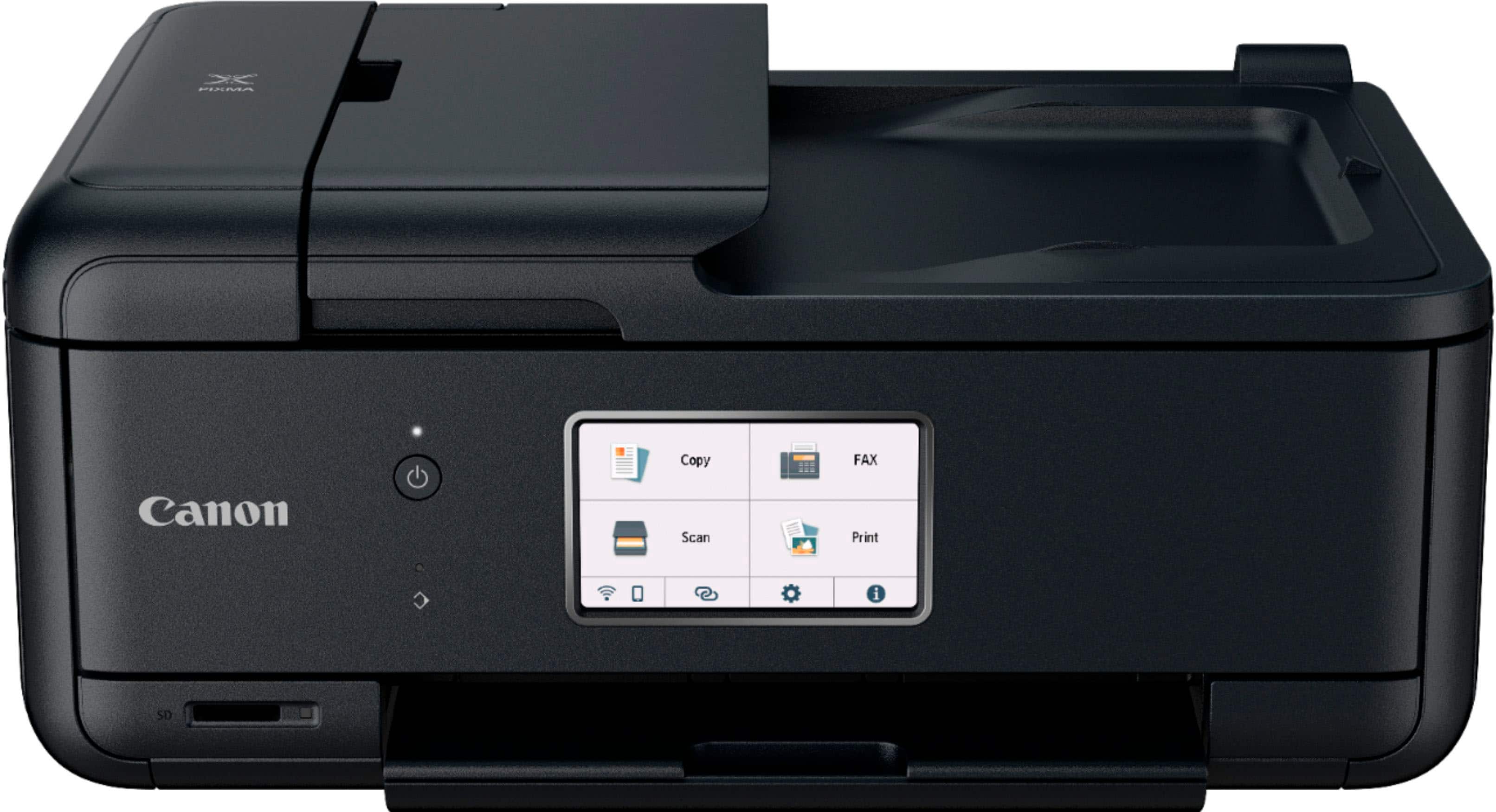
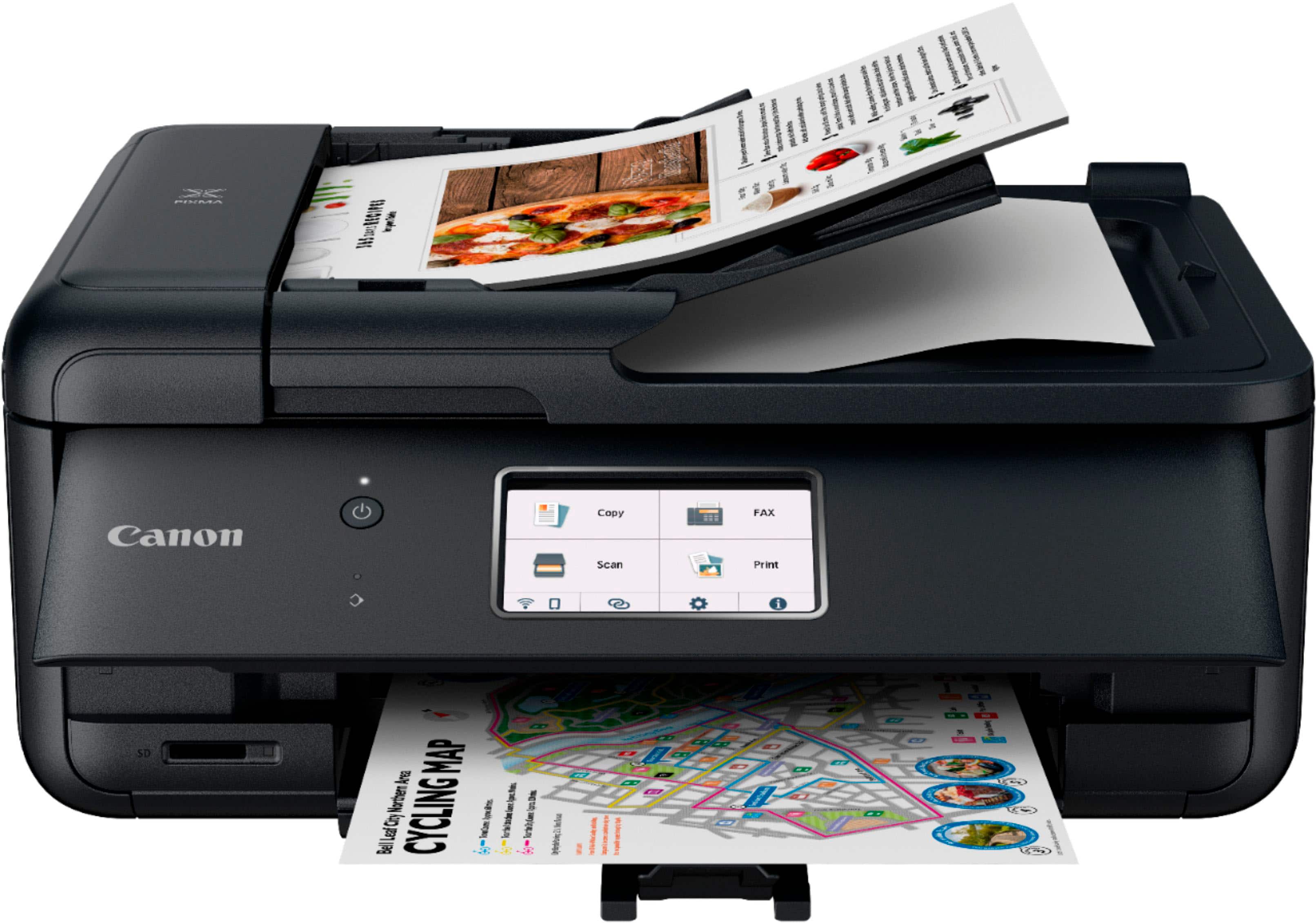
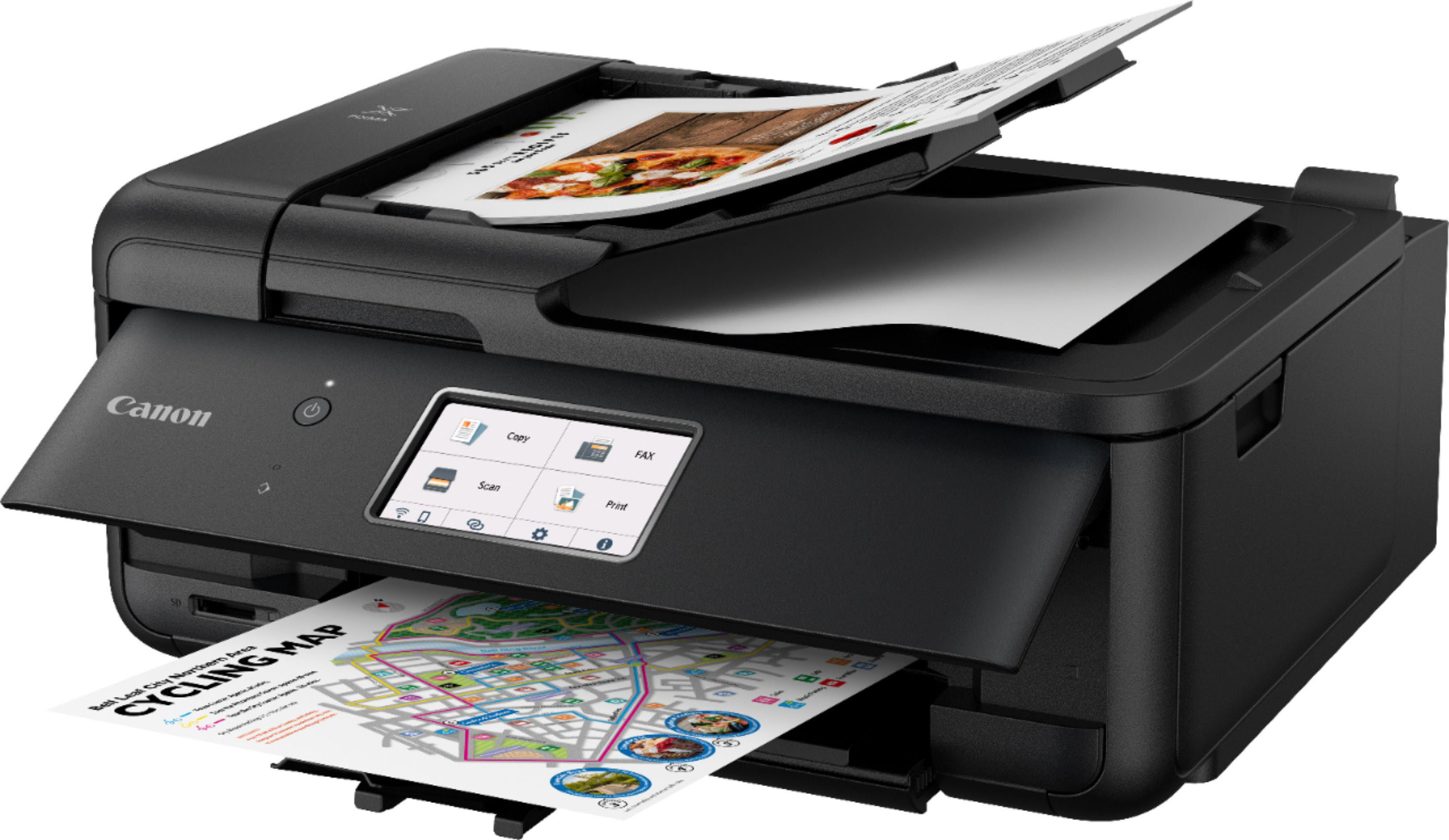
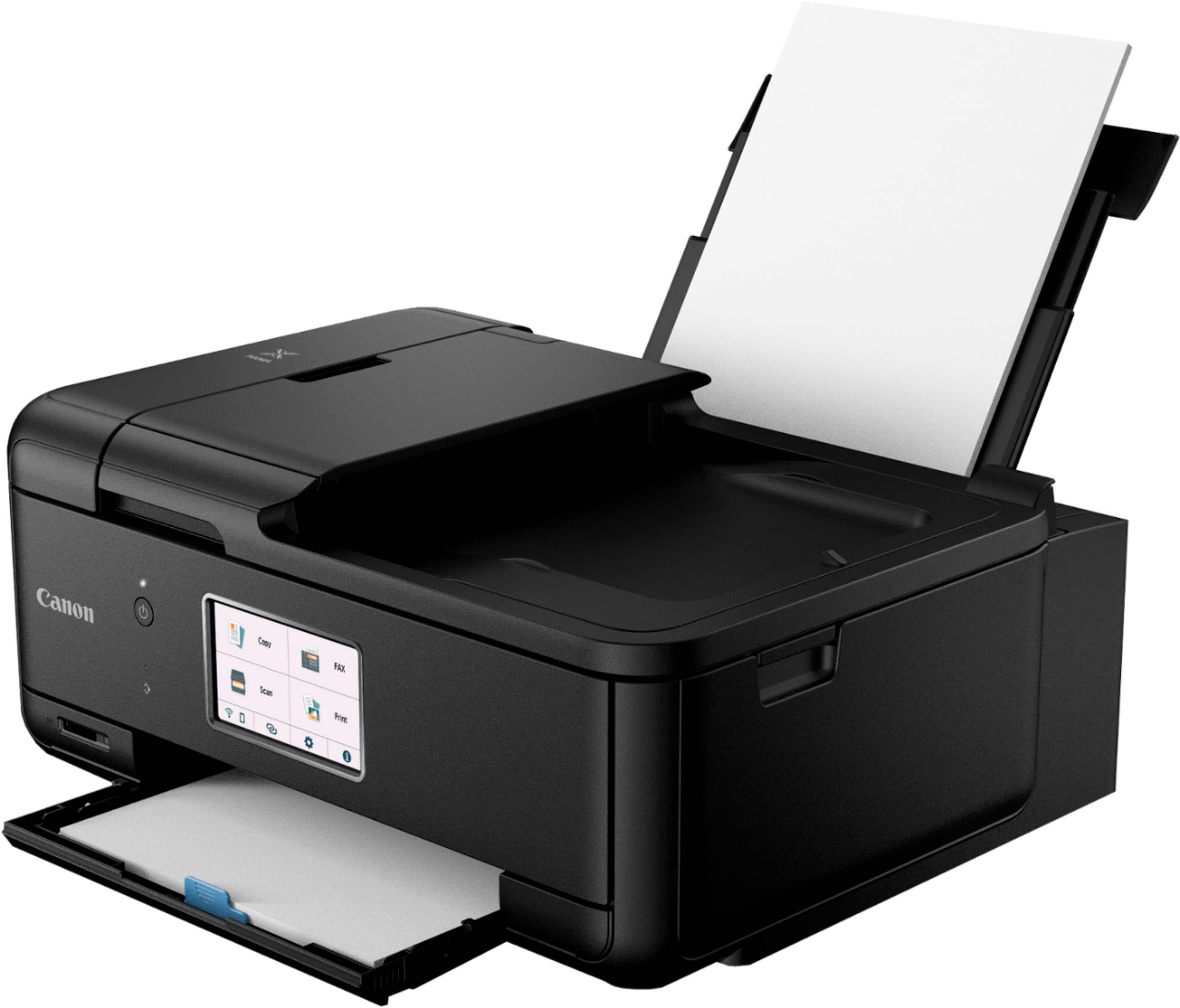
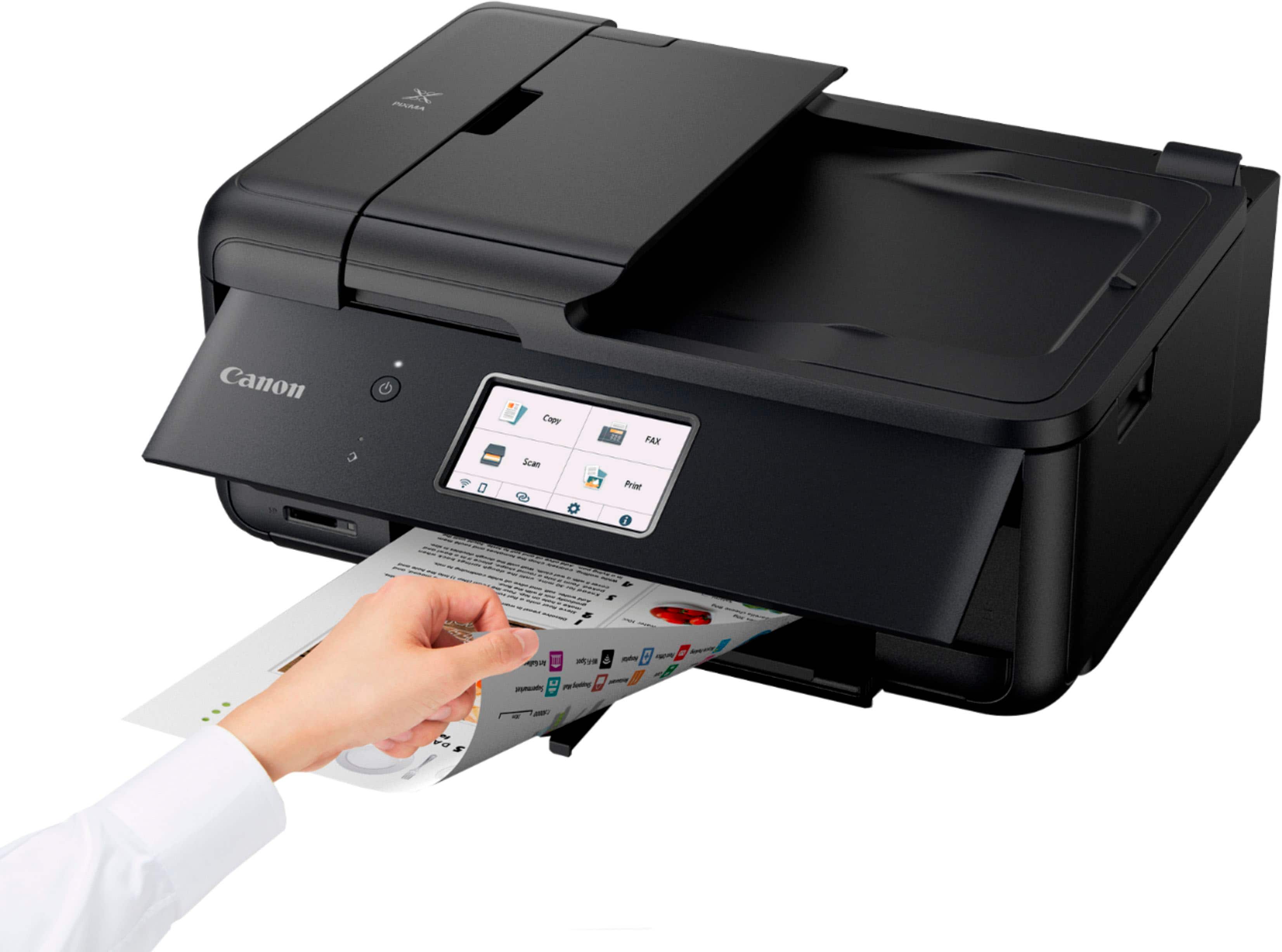
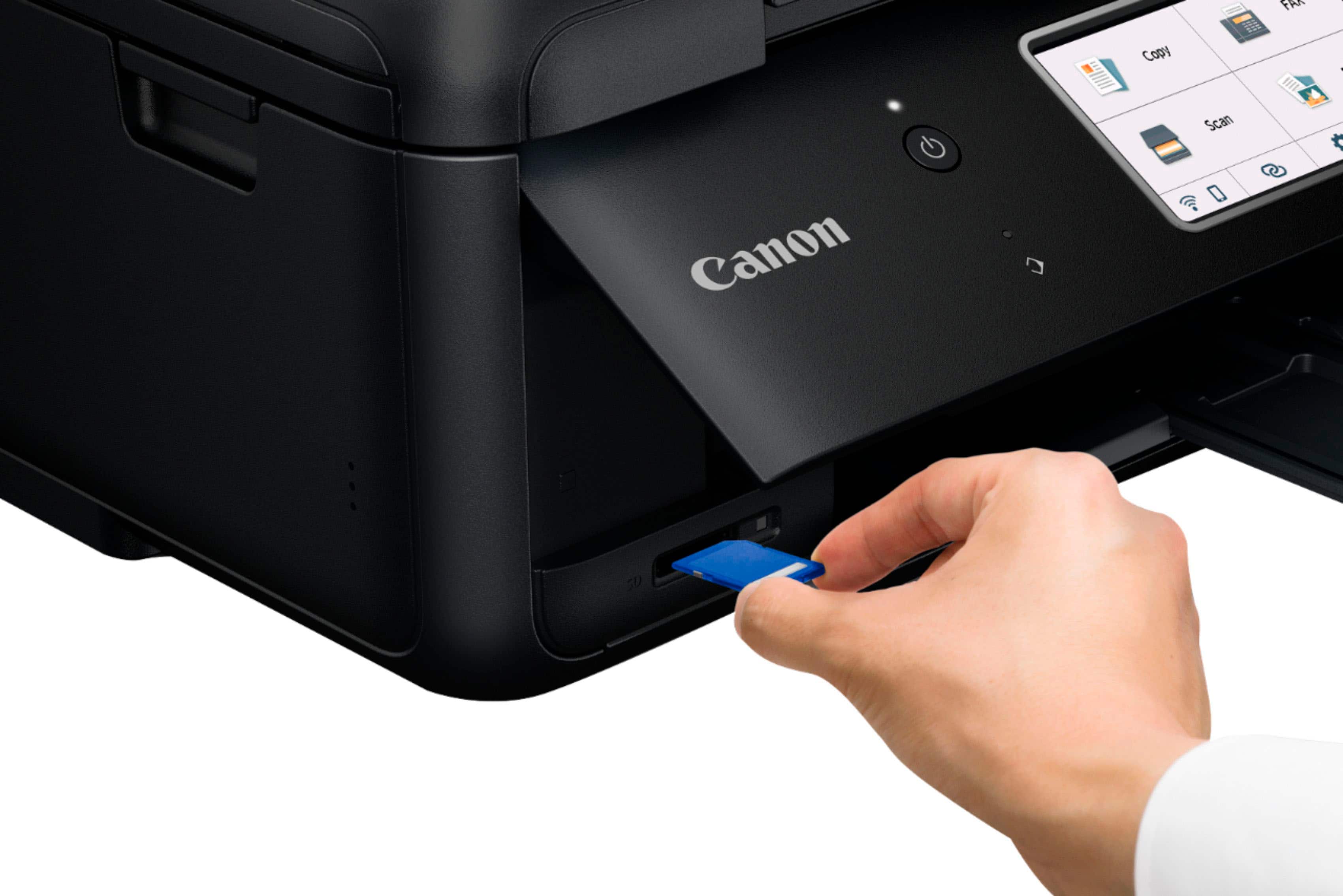
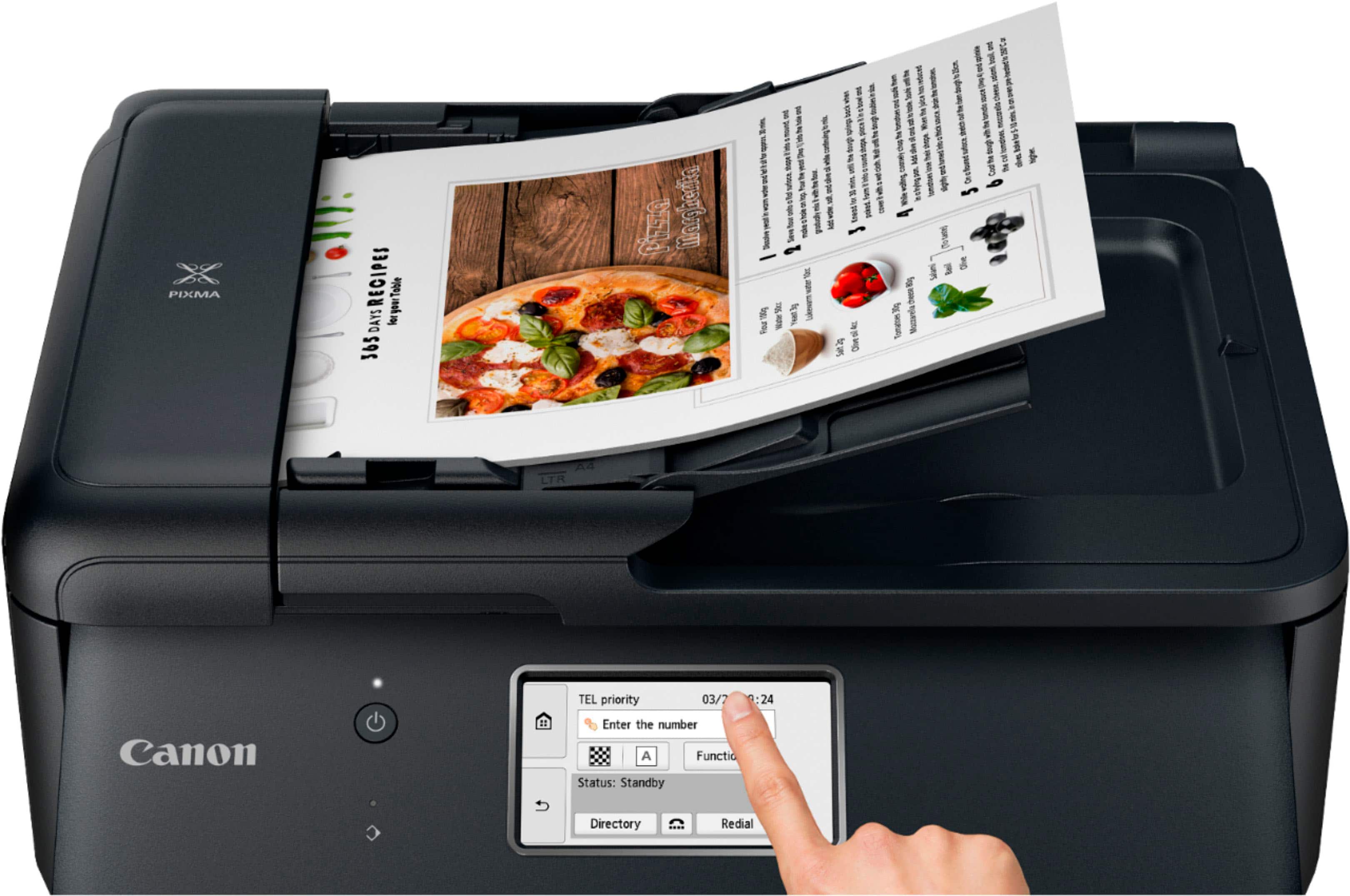
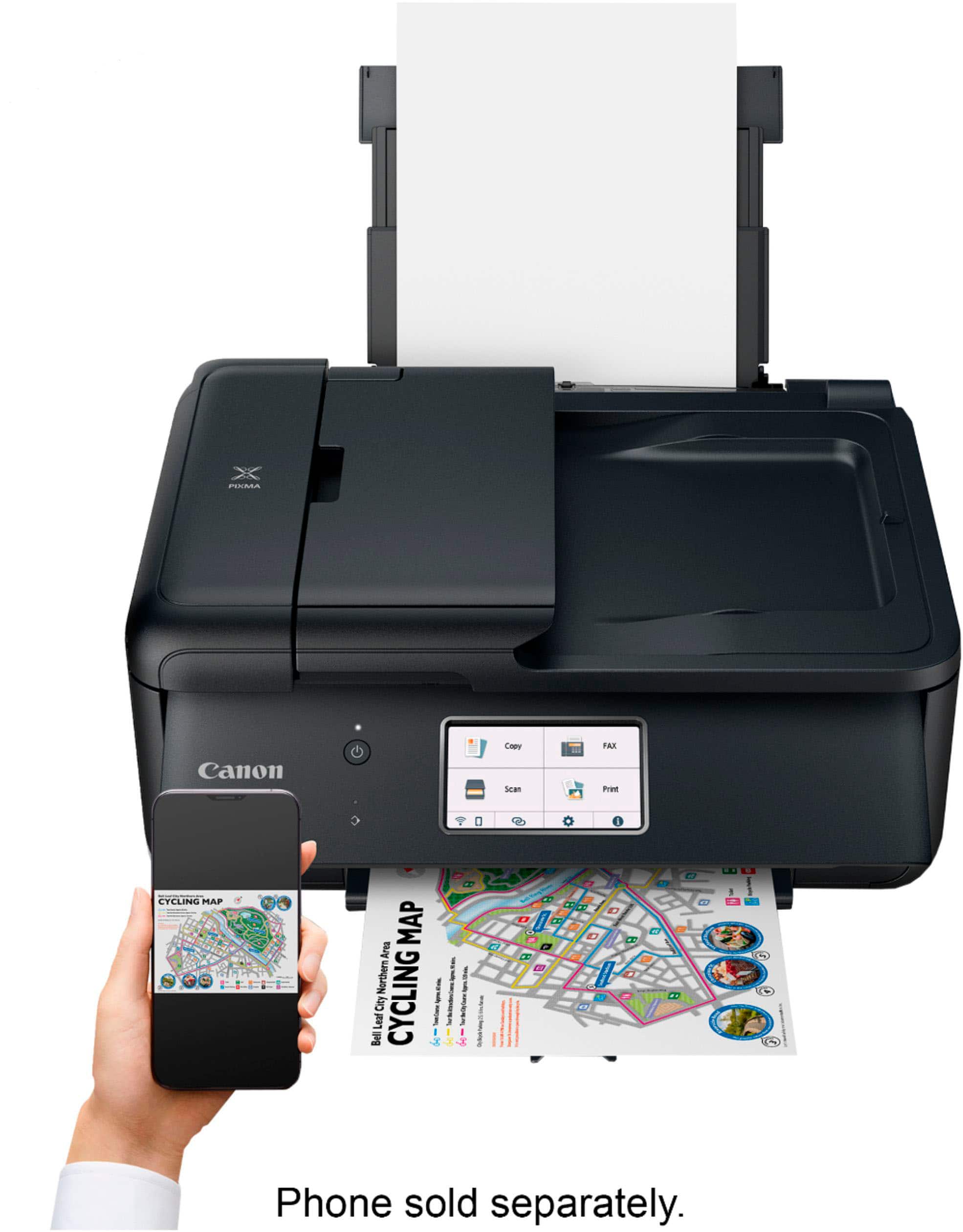
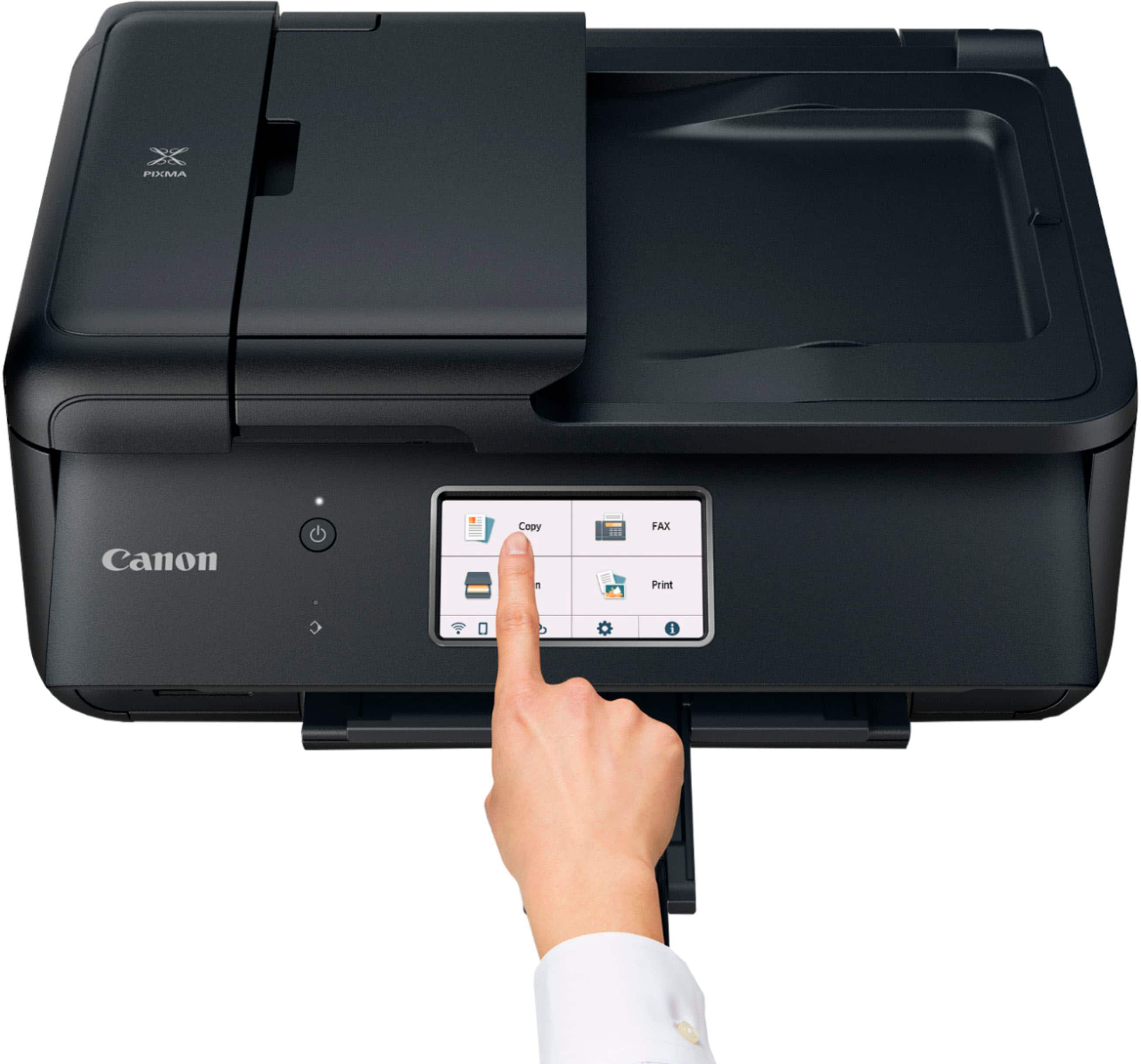
|Posted .This reviewer received promo considerations or sweepstakes entry for writing a review.I've been using a color laser printer for the past several years for brochure and other color print reproduction needs so I had forgotten how good a DECENT inkjet can look with the right settings on the right paper. So, I'll get that part of the review out of the way right up front--yes, the PIXMA TR8620a is capable of producing spectacular color photos on glossy paper with nary a sign of stippling, dithering, streaking, or banding. In our testing and use, text was also crisp and well-defined, even down to very small (less than 5-point) font sizes. If you are in the market for a mid-tier, light-to-mild duty AIO printer that can produce fabulous-looking color prints with text reproduction you wouldn't be shy about giving to someone else, the TR8620a seems to tick all the right boxes. Connectivity options are extensive...along with dedicated telephone FAX capability, the printer features high-speed USB, SD card reader, Ethernet, and wireless connectivity (sadly only 2.4GHz though!) options--it is also app-enabled with a mercifully simple-to-operate-and-navigate companion app that allows you to print photos, documents, or captured scans and copies from a smartphone or tablet. The main interface on the printer itself is a large flip-up panel featuring a 4.3" color touchscreen that holds the user's hands for basic operation such as loading paper, installing ink, troubleshooting, etc. In a stroke of usability genius, the initial test pages that verify proper setup are also used to check printer and scanner alignment with handy graphics that indicate exactly how to load the paper for the next steps...this is definitely a good printer for someone who may be slightly apprehensive about configuring and working with what looks like pretty involved technology. Unlike some budget AIO units, the TR8620 features 5 individual ink tanks--in my own experience, I have always found the individual tank approach to yield better-quality photos and color images than a single combined-color cartridge, and it allows you to better plan ahead for ink refills without having to waste excess capacity that might be left over in the other color wells. There is a handy 20-sheet auto-document feeder up top as well as the manual flatbed scanner glass, and this printer can auto-duplex which is a very nice feature to have at this price-point. Some additional nice-to-haves include auto-off and auto-on; if someone sleeps in the same room as this printer, you'll be happy to learn that all LEDs are dark after the adjustable auto-off timer has expired, but it will automatically wake if someone starts a print job so you shouldn't really have to fumble with the power button unless you want to. There is a quiet mode to keep the printer from rattling the windows during printing, but even with it off, I did not find the sound overly loud or objectionable. Canon also outfitted the PIXMA with a competent imaging Plain-paper output was actually slightly above average--copy results were clear though they tended to be slightly lighter and washed out than the originals--but this is entirely typical of non-photo inkjet performance--and the PIXMA definitely offered up better draft quality than some of the other inkjets we've tried over the past few years from Brother and HP. Color printing and finer B&W image reproduction on plain paper was generally smooth with only a hint of banding in uniform patches of color; and as already mentioned up front, fine-quality print jobs on photo-quality papers were simply superb. Maximum print resolution runs all the way up to 4800 x 1200 dpi while the optical resolution of the scanner hits 1200 x 2400 dpi...more than enough resolution to wring out and then reproduce very fine details in your documents and images. The primary tradeoffs for this great-looking output and flexibility come in two basic flavors. First, the PIXMA TR8620a just isn't very fast--a full page of black and white text took about 15 seconds before it was ready to grab from the output tray. A full 8.5" x 11" color page finished in about 22 seconds, while a single 4" x 6" color photo took just under 40 seconds to complete--people with high-volume print requirements might be better served looking elsewhere. Second, the physical design of this printer is overly complex--far more than it needs to be--to the point where it actually gets in the way of its operation. When it's not doing anything, the printer is sleek and friendly looking--a nice, smooth and unassuming rectangular box. But it is also completely unusable in this configuration. The beautiful and easy to see/use color touchscreen is mounted on a fold-up "operation panel" that runs the entire front of the printer. When not in use, the panel is flat against the front; but the moment you need to print something, you have to remember to flip the entire panel up AND extend the paper output tray which is set infuriatingly far back into the chassis, enough so that you can't really get a grip on the tray to extend it forward without lifting that ugly panel up and forward first. Fortunately, the LCD screen offers a handy reminder graphic that says "The operation panel is closed. Open the operation panel and slide out the paper output tray." If you're anything like us and you keep the printer folded up for a more desktop-friendly and streamlined look when it's not in use, get used to seeing that warning screen a lot. Now suddenly the printer is a bit awkward and kind of unwieldy to use because you're pressing down on the panel-mounted touchscreen that also causes the panel itself to move and wobble up and down a bit during operation. And if you prefer the idea of just setting-it-and-forgetting-it, leaving the front panel open and the paper tray extended adds a full 8" out the front of the printer (and then looks pretty odd according to my wife and daughter). The rear feeder is a similar story. There's a telescoping guide tray which isn't really that uncommon to help save on table space; but in addition to the rear paper feeder guide tray, there's a plastic "feed slot cover" that you have to remember to open and close every time you load new paper or want to print from the tray. Again, there's a handy graphic on the LCD screen to remind you of this, and I suppose it's a nice way to prevent dust and debris from settling down on the surface of the paper or the feed rollers, but it's an extra step that is not entirely intuitive or common amongst most other rear-feeder type printers we have used (and we've gone through a LOT of them over the year). Again, if you want to leave the rear feeder tray loaded with special paper rather than folded down and retracted into the printer's chassis, add another 6" out the back for clearance. What about that document feeder up top? Same story--you cannot just feed sheets into the ADF assembly as-is; another piece of the feeder tray unfolds to help support and guide paper into the ADF. In practice, we found this feature to be somewhat iffy. Reported capacity is up to 20 sheets of plain letter paper or 5 sheets of legal, but even with just one or two crisp new sheets of paper in the ADF tray, it look six tries before the document feeder grabbed the paper and slid it through; each time, the helpful LCD display told me to clear a paper jam (and even showed me how/where) when in fact there was none. Note that although the printer can duplex, the ADF cannot, so you'll need to manually flip your source documents and images. If you can get past some of these design quirks, don't need lightning-fast print output, or you don't mind the otherwise svelte exterior of your printer compromised and unfolded on your tabletop like some kind of Transformer in the middle of turning into a small airplane, you really are rewarded with some great-looking images and documents for your troubles. Cautiously recommended based primarily on print quality and flexibility.
I would recommend this to a friendNo double sided scanning
||Posted .This reviewer received promo considerations or sweepstakes entry for writing a review.Cannot for the life of me understand why a printer with and auto document scanner would only be capable of scanning one side. If I wanted to manually flip the page, I'd get a cheaper, flatbed only printer. And lying in the q&a section should result in banning. Why are questions even being answered by random people?! $200 waste of money.
No, I would not recommend this to a friend- Pros mentioned:Ease of use, Overall performance, Setup
Quik and Easy To Set Up
||Posted . Owned for 3 weeks when reviewed.This reviewer received promo considerations or sweepstakes entry for writing a review.Needed a quick replacement for an older model of this printer. Set up was quick and easy. The printer this one replaced is just like it, just older and I believe has a print head failure. Love the features and compactness of this printer. The only thing I wished they had NOT changed was the plastic "flap" (lack of a better way to describe it) on the paper tray. It does not stay on, it's not connected. (See photos) In order to refill the paper tray you have to remove this "flap". It's not hard to do, just time consuming based upon the amount of time it does take to replace it correctly. The paper tray will not function with out it. Maybe Canon will see this, and enough reviews like this one, to make changes on a go forward. The Canon PIXMA TR8620a is a great printer. It does it all and is very user friendly. And it takes the same ink as its replacement did, what a bonus! Great price and does a great job! PS: I wanted to upload a photo or two but after spending 15 minutes, using two different browsers, I gave up. With each browser refresh I saw the "photo failed to upload" in red. No kidding? So, if the photo posted, yay! If not, I tried. Best Buys servers must have been in a bad mood this morning. And if the photo didn't post, can I still get an additional entry to the once a month drawing? Doesn't hurt to ask. Need a printer? Get one of these, they're great!
I would recommend this to a friend - Pros mentioned:Ease of use, Print quality
Canon Pixma TR8620a Wireless All-in-One Inkjet
|Posted .This reviewer received promo considerations or sweepstakes entry for writing a review.I picked up this Canon because I wanted another printer that had color ability and I liked the smaller form-factor inkjet for general purpose use. Setup was easy, I used the accompanying manual to just do the basics of unpacking, ink insertion, etc. They supply a QR code that walks you through network setup, calibration, etc. Very easy and all worked without issue, I was printing and scanning in minutes. You can then use the web link on each different computer to setup the printer on each and the QR code can also be used to setup your smartphone to print as well. Again, all worked with no issues. Touch screen on the printer works great for selection. The MF tools on each computer also work very well. You need to pay attention to the settings in the Canon IJ Scan Utility. It’s very impressive, you have many customizable options for how to scan and where it can be sent and how its managed. For example, you can auto open different apps for different scan types like documents vs. photos. For most things that I just print because I want a paper copy, I use both sides printing. I found that this printer is about average on speed of printing both sides. Single sided printing it’s actually a bit faster than my older Canon Laser. Print quality seems above average. As far as ink goes, it’s hard to tell. Some say that the tanks that come initially with the unit are not full normal tanks. Whether that is true, I don’t know. I do know that on Amazon, official Canon replacement pack of all 5 is showing $70, same on the Canon site. This is not sustainable. There are other options on Amazon as well with reasonably high ratings. We will see. Overall I really like the printer, I love the scan flexibility, the form factor and ease of setup and use. I would recommend this to others but dropping by one star due to the ink replacement costs.
I would recommend this to a friend - Pros mentioned:Print quality
Great print/copy/scan outcomes; initial obstacles
|Posted .This reviewer received promo considerations or sweepstakes entry for writing a review.Canon’s PIXMA TR8620a pops out very colorful prints and photos, has a convenient-to-use LCD touchscreen, a fax feature set, a document feed (20 sheets), auto-2-sided printing. All good. The WiFi setup experience was a bit aggravating. The WiFI setup is left behind quickly, and the beautiful output will eventually have you smiling again. You can reach your own conclusion. SETUP: Canon’s newest printer leaves a nice impression with its heavy weight and generally solid construction. I’m going to sound dissatisfied with the setup process, but the final result is nice and pretty reliable. The ink cartridges are easily loaded into their printer head locations. These are starter (less filled) cartridges which never makes sense to me. First impressions count. Canon provides a simplified wireless setup for my M1 Mac laptop but it never worked for me. I wasted time waiting for nothing to happen and searching for the alternative. I used a manual process which Canon makes hard to access and implies is difficult. In other words, identify the relevant network, provide a password, and get an immediate connection. Far easier. It should be offered earlier and made easier to get to. I then added this PIXMA TR8620a to my printer list in the MAC System Preferences. So far, it has been a stable connection. Ready to print. I wanted to catch up on color printing and use some 8x10” matte print paper. It’s here that I discovered some other quirks of the Canon. It seems that photo print paper should be fed from the printer’s back feed and not the bottom paper tray. The bottom tray accepts standard print paper, only. That bottom tray has a relatively low (100 sheets) capacity. It also has a light-weight partial cover that landed on the floor every few minutes. I moved to the rear paper mechanism which is my favored gravity feed. Both feeds were reliable for these early usage days. RESULTS: Everything works. I’m able to print from my Mac laptop, my phone and my wife now has access from her iPad. My Photos App works seamlessly with the printer. I get a full set of printing options. The printer output on premium photo paper mostly matches my screen edit, with colors rich and properly intense, contrast pretty close, and blacks very accurate and deep while holding on to details. There is no reason to go out to a print lab. The paper feed worked reliably and should handle regular use. I couldn’t find an excuse to fax anyone this past week, but having a fax will satisfy those now occasional requests for contract signings. I do a lot of double sided printing of drafts and work notes. This mechanism works reliably. Scanning results in a perfect match, with very accurate colors and high resolution. SUMMARY: I’m going to endorse this Canon PIXMA TR8620a because the results overcome the initial connectivity hurdle. Setup and install issues are (hopefully) a one-off issue. A balanced perspective leads me to value more highly the long-term, rewarding photo, printing, scanning and faxing tasks. An important issue is Canon replacement printer cartridges which are also an ongoing expense that must be considered. Because of those “starter” ink cartridges, I’m already concerned about their price, far too soon after the initial burst of printing activity. Canon really ought to reconsider customer satisfaction. We’re printing like crazy and having no quality or reliability issues, so it’s only fair that we recommended this PIXMA.
I would recommend this to a friend - Pros mentioned:Print quality, Size
Impressive all in one
|Posted .This reviewer received promo considerations or sweepstakes entry for writing a review.I am impressed with this printer. First things first though. In the package, besides the printer, you'll get a power cord, a phone cord, ink, a user manual and a few sheets of high gloss 4X6 photo sheets. I setup the printer and downloaded the app on my phone, this was quick and straight forward. I used the integrated touch screen on th face of the printer, which I can raise or lower depending on my viewing preferences to complete the setup. The app is somewhat minimalistic but has, so far, done everything I need it to do. After putting in all the ink cartridges supplied with the printer, by lifting the scanner cover, the self check/maintenace procedure started. My first job was printing a pic from my phone. I think that's going to tell everything I need to know about it's quality. I can happily say that the picture I printed far exceeded my expectations. Compared to my other brand name all-in-one, this is two steps above. There was no pixelation, it looked as if I'd taken a film reel to the drug store to get it developed. Next I printed a recipe that had alot of advertisement (in color and black) and a long list of ingredients. It printed fast and the words were crisp, without any bleeding, even the small print came out perfect. You can also download the easy photo editor from the playstore, it's free, this allows you to make business cards, calendars, etc. Although I haven't done it yet it does double sided printing, which will be great for the student in the house. I think this is a perfect printer for a home office setup, the compact size doesn't take up much space. So finally on a funny note, I was thinking technology had caught up to the 21 century, and that a fax could be used via wi-fi since I didn't see that a phone connection was needed in the overview. Silly me, phone line is needed!
I would recommend this to a friend - Pros mentioned:Print quality
An office or business friendly printer
|Posted .This reviewer received promo considerations or sweepstakes entry for writing a review.The Canon Printer TR8620a will be a good printer for business or a large office setup. The printer is kind of big and has some weight to it. It is very well constructed and of course is a Canon they have been around for a while in this business. This is an all in one printer including fax capabilities. It has all types of connectivity: Bluetooth, WIFI, ethernet and USB. It also comes with the RJ11 (phone jack) connector for the fax. Setting it up is easy but you have to follow the instructions provided in the box. If you try setting it via WIFI using the windows alone that didn’t work for me. Same goes if you try using your phone without the Canon app. I was using an Android phone and a Windows PC. One you have set it up, using it is very simple with the Canon smart connect app on Windows. From there you can pretty much use most the functions of the printer. On Android the app is called Canon print which is similar to Windows app. One thing I found not intuitive was browsing the photo folders on your phone. The app will pull all the photos on your phone and you can only sort by date which is not helpful at all. If you try to find a photo let’s say from a year before you have to either remember the date or scroll until you get there. You cannot find a photo by specific folder which I found that very odd for an app of this caliber. Hopefully that gets fixed with an update. Besides that the printer works like a charm. It prints very fast either in color or black and white. The scanning was a little slow though, but the scanned quality was on point. Photo printing I was really impressed. I used the 4x6 sample photo paper included in this printer to print a photo I took on my phone and WOW it came out fantastic. My only complaint was that the photo setting on the phone did now allow me to fill the entire photo on the paper without cutting some of the original photo out. So the only way to print the entire photo was to shrink to fit. I added the photo in this review. The paper tray holds approx 100 sheets so the rear tray. Now the ADF only feeds 20 sheets. The touch screen in the front is very responsive and easy to use. In other words you can use the printer on its own. The paper size can go from regular 3.3 x 3.5 to legal 8.5 x 14. Overall this is a sweet printer for any setup but I will say it will be more useful for an office or business due to its size. In the box you get the printer, inks, power cable, RJ11 cable manuals, and photo paper samples.
I would recommend this to a friend - Pros mentioned:Print quality
Great quality printing!
|Posted .This reviewer received promo considerations or sweepstakes entry for writing a review.Great printer for home or a SOHO. They include all the necessary ink tanks to get started and even include some free glossy photo paper. They include a small booklet with clear instructions on how to set it up. It was easy, first remove all the protective orange tap keeping everything in place, then turn it on and then flip up the scanner bed to open access to the ink receptacle, then you install one ink tank at the time. This printer in particular includes the regular seen CMY colors, but also TWO black ink tanks. Once is bigger and it's a special black pigment, which allows this printer to print more defined and clear blacks (either on text or photos), very impressive. Then comes connecting the printer either to your local network or directly to your PC (or smartphone). I decided to connect it to my local network (router) so any device could print to it in my place. I followed the instructions and downloaded its software onto my PC. Unfortunately the software was unable to find the printer. I think it may have been that my PC was connected to my router via an ethernet cable and since the printer uses Wifi, that may have been the reason why it could not find it, but not sure. I then had to tell the software to use an alternate method and it was ease, the software guided me how to connect the printer manually to my router using its big touch screen (its big, around 4 inches, so its easy to navigate and the touch is very responsive). I was able to find my network there and enter my networks credentials. Once the printer connected to my router the software was finally able to find it and the setup finished, adding the PC to my list of printers on my PC. Now I can print wirelessly to it from my PC. The printer will print a piece of paper on the initial setup and ask you to place it on the scanner so it will align the printer heads for maximum quality. Then I was onto printing. Its not the fastest printer out there, however I was impressed by the quality, specially the blacks and documents. Having that extra black pigment tank is special. It also has a fax function if you need it and the scanner can scan (or copy) documents using either the flat bed or the paper feeding function. One con is that it does not have a duplex function (where in example if you want to scan a document on both sides, it will scan both sides automatically, with this printer you have to manually flip the paper either on the flat bed or the feeder for it to scan the other side of the paper). Just one minor thing, but can definitely save time on an office environment. I was looking also online for their ink tank replacements, and they are not that expensive, and even offer some extra capacity ones (like XL or XXL), that are a little more expensive but may save money in the long run.
I would recommend this to a friend - Pros mentioned:Ease of use, Print qualityCons mentioned:Paper tray
Printer with Prime Properties
||Posted . Owned for 3 weeks when reviewed.This reviewer received promo considerations or sweepstakes entry for writing a review.Overall this printer is high quality, both color and black and white. Setup was fairly easy. The menus are pretty clear. Have used the duplex and scan functions but not the fax yet. Quirks include not printing if a cartridge is empty but not always with a warning. One has to guess why it did not print. Also, the paper cassette is okay but the back paper holder has a function I have yet to understand. The printer is one I purchased before but the paper sensor had ceased to work. I liked ti well enough to buy another one. Too, I had some ink cartidges left from before.
I would recommend this to a friend