Customer Ratings & Reviews
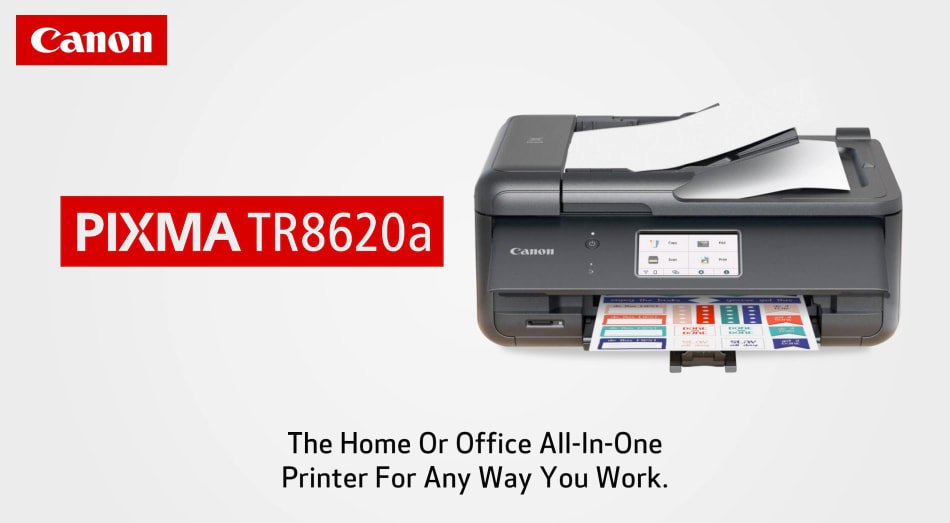
- Model:
- 4451C032
- SKU:
- 6494259
Rating by feature
- Value
Rating 4.4 out of 5 stars
- Quality
Rating 4.3 out of 5 stars
- Ease of Use
Rating 4.2 out of 5 stars
Customers are saying
Customers admire the excellent print quality, ease of use, and overall performance of the product. They also appreciate its convenient size, simple setup, versatile connectivity, and quiet operation, noting its good price and effective fax capabilities. However, a recurring concern among users is the design or functionality of the paper tray.
This summary was generated by AI based on customer reviews.
- Pros mentioned:Print quality

Multifunction Printer!
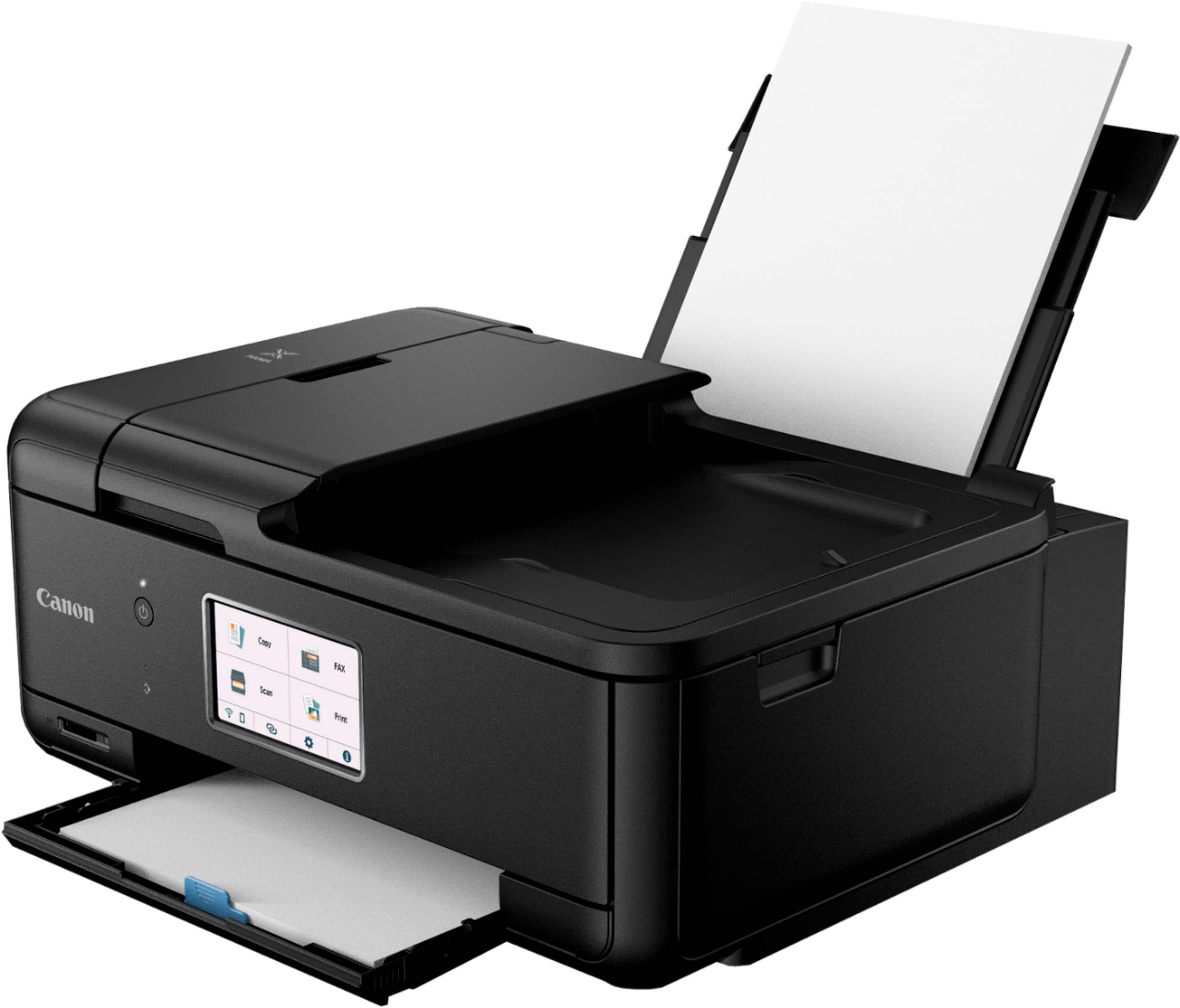
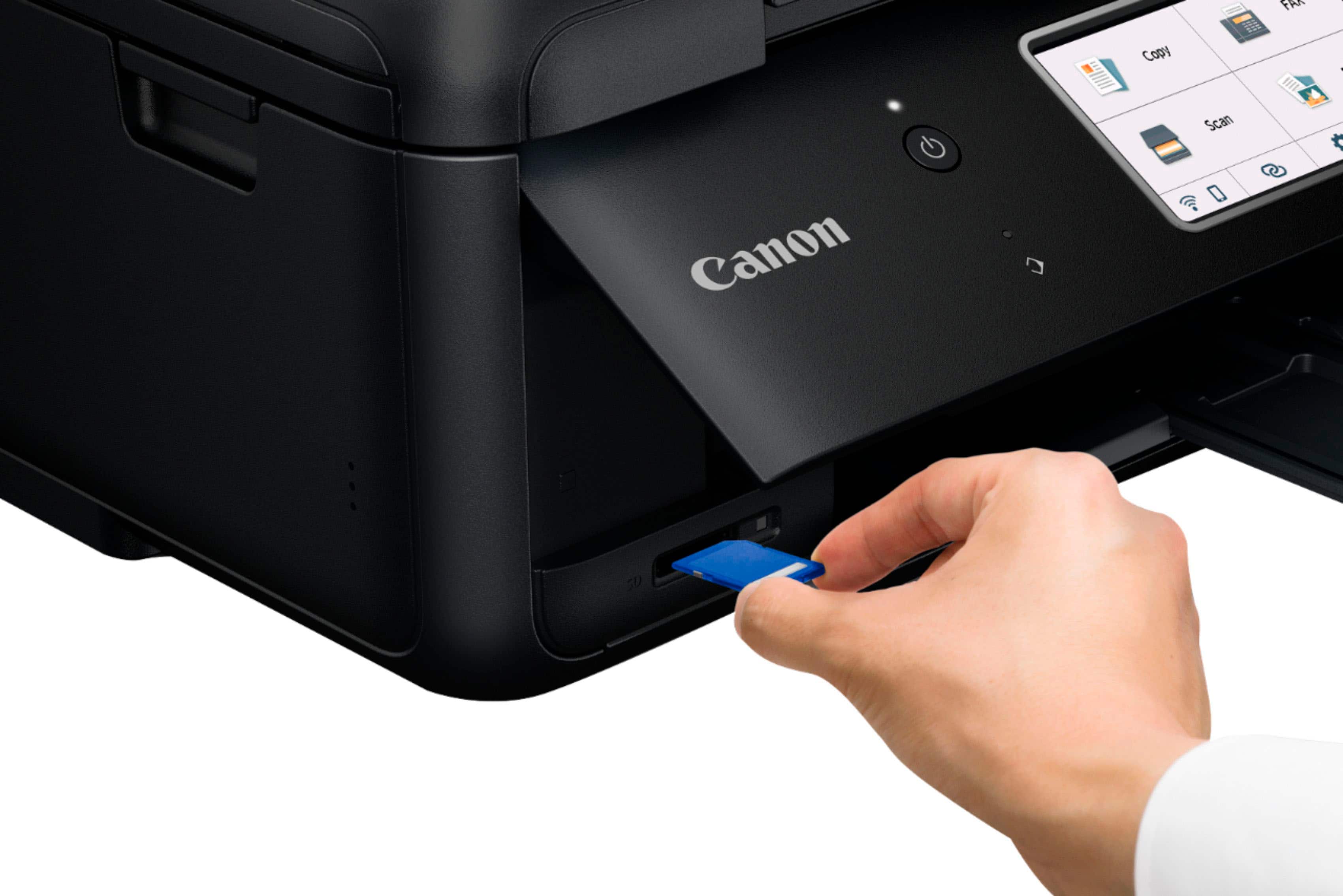
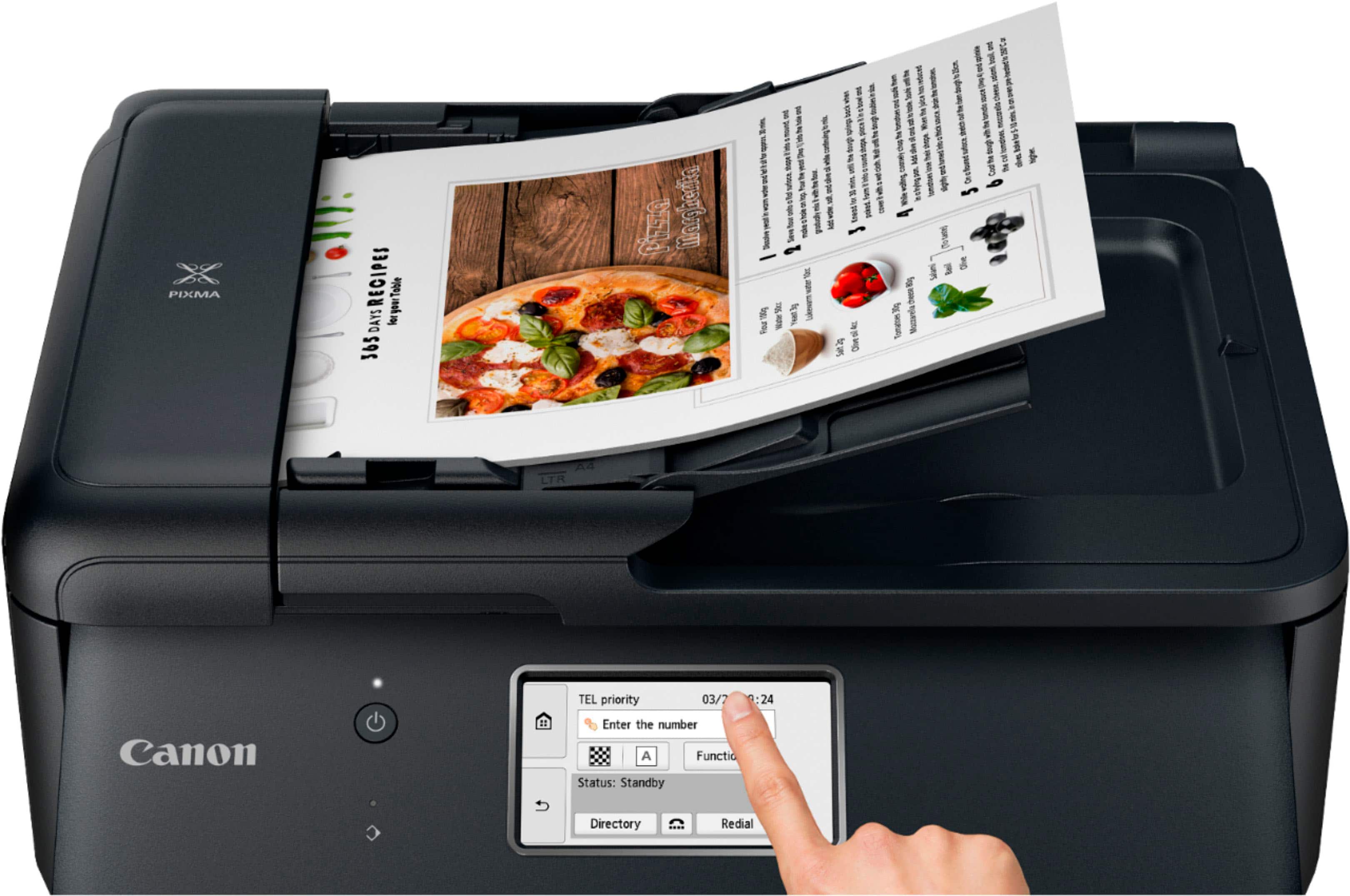
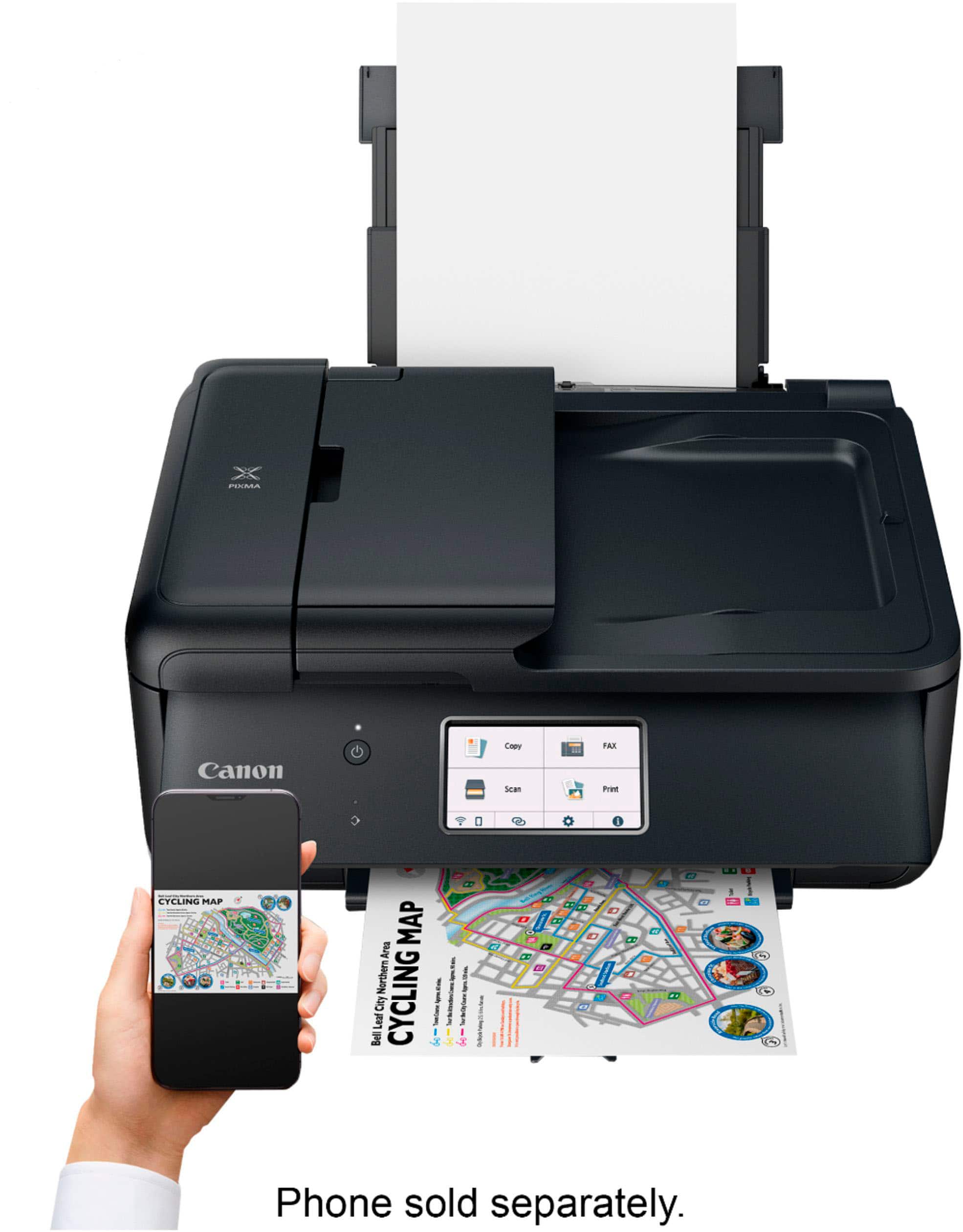
|Posted .This reviewer received promo considerations or sweepstakes entry for writing a review.Simple and compact multifunction powerful color inkjet printer that is great for printing photos, documents, labels, envelopes, etc. and to photocopy or scan documents for work or home use. It took me less than 5 mins to set it up and start printing from my PC and phone. It came with five color ink cartridges that should be good enough for a few months of regular printing (I print 40/50 pages a week). I recommend getting high-capacity ink cartridges when replenishing the stock ones. Functions: • It supports duplex printing, fax, photo printing, scan documents and photocopy documents. • I can print documents over networked ethernet, Wi-Fi, Airprint, Android, or Wi-Fi Direct (good if I don't want to use my wireless router or internet connection at home). It also supports USB printing to directly print when connected to USB port on a PC. • It has a color LED touch display screen to access menus and to configure the device. • It has a memory card reader port to print pictures directly from the memory card. • Paper can be fed via the front paper tray (20-page capacity) or the rare paper tray (also for photos or envelopes). • Printing speeds of ten pages per minute for color printing and about fifteen pages per minute for black and white printing. • I downloaded their printer app to configure the device and I set-up auto order for ink cartridges to be delivered to my doorsteps. I like this feature as I don’t have to worry about driving to the office supplies store every time I am out of ink. I suggest getting high-capacity ink cartridges that last longer than the stock ones. It’s a little expensive but the print quality is great, especially for printing pictures - amazing quality that can be compared to print quality you get from store printers. The only complaint is that it doesn't print if the display is docked, it must be in the raised position with the paper tray out. Also, I didn't notice any sleep function on it, but I did set it up to turn off after a few hours of being inactive. Overall, a great printer in terms of the quality and the speed at which it prints, small enough to take it with me if I need a printer on the go!
I would recommend this to a friend - Pros mentioned:Print quality
Great printer for home and office work
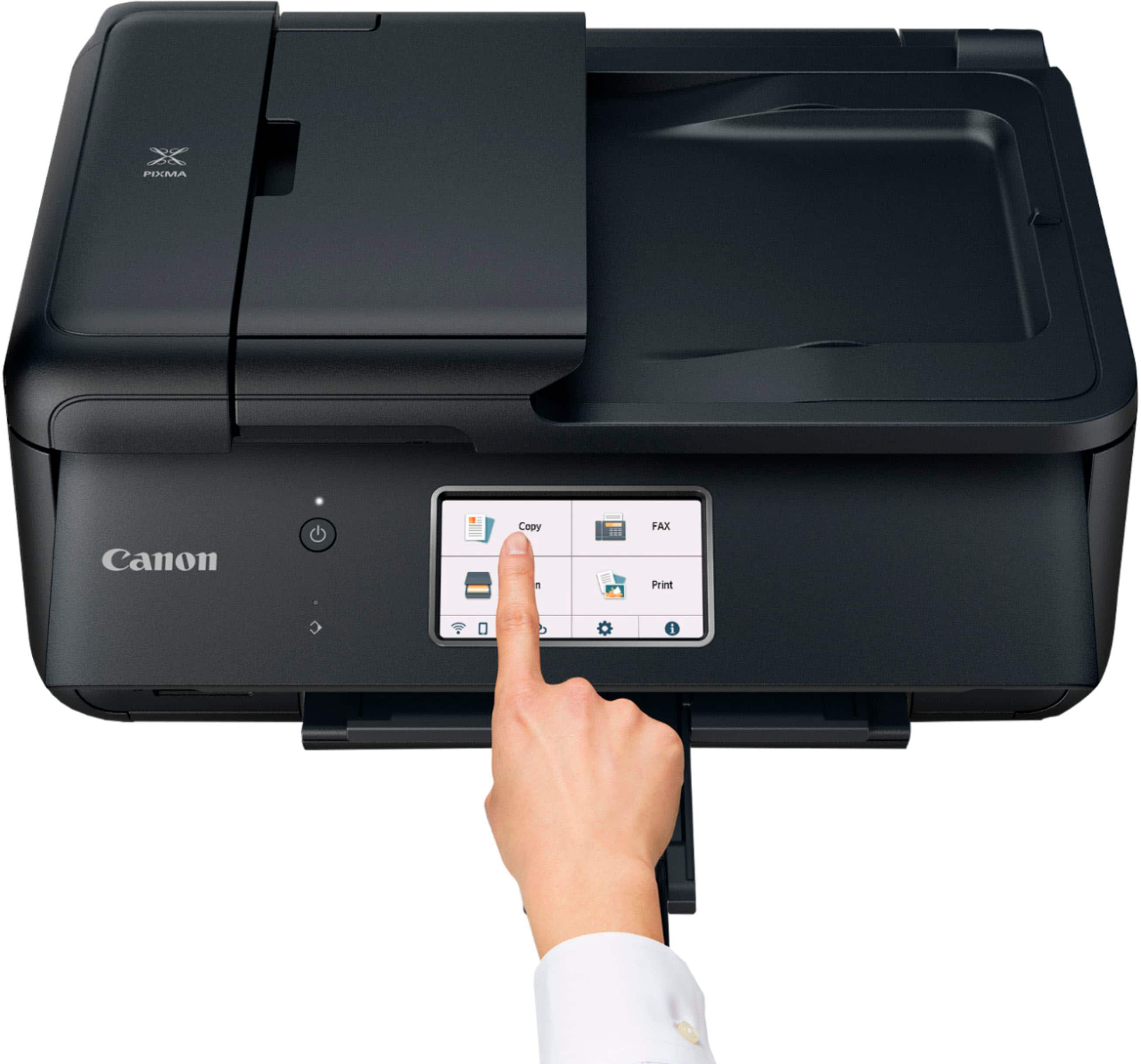
|Posted .This reviewer received promo considerations or sweepstakes entry for writing a review.Full specifications from manufacturer site: https://www.usa.canon.com/internet/portal/us/home/support/details/printers/inkjet-multifunction/tr-series-inkjet/pixma-tr8620a?tab=technicalspecifications From all the specifications, as little remark I wish it has is USB port as it comes with port for SD and miniSD.. With that, at glance the printer is a practical to use from setting up to printing via wifi, and control via mobile phone that deliver a printing and scanning quality more than needed for office work. Setting it up and connecting to the wifi are not much different to different Canon models. Jumping directly to the printing quality, which print up to 4800 x 1200 dpi, in the actual print it is quite clean and neat definition on the printed paper. For instance, printed on sticker printing sheet multiple images in color. Its print can notice the level of definition as clear per respective colors, and the edge lines well defined on the final image. However the total black image can notice some lines across which seen in different type of printing and printers. Similarly, the Scanner has support of Auto Document Feeder (ADF), with optical resolution u1200 x 2400 dpi, are handy specification that works well. Scanned a image that had quite invisible to the eye a smudge at the border line of the image, the scanned and printed includes such detail. From usage perspective, the 4.3 LCD Touchscreen is big plus as it ease the process of selection of options from the printer itself. However, it need have lifted the operation panel (the part that contain the LCD) otherwise it wouldn’t print. This is bit odd for those need to have the printer located high level of furniture and sort of best use by placing at desk level. Having used for variety of printing from document to images and stickers for kids, and sending/receiving some fax, Pixma TR8620a does help to complete the task for the office or small home and family projects without the need of a printer with higher resolution and complexity.
I would recommend this to a friend - Pros mentioned:Ease of use, Print qualityCons mentioned:Paper tray
Excellent Printer
||Posted . Owned for 2 weeks when reviewed.This reviewer received promo considerations or sweepstakes entry for writing a review.I bought this to replace my old Canon MX922 printer. This printer was easy to setup, prints much faster than my old printer. Colors appear accurate. Only negatives: doesn't hold as much paper as my old paper and loading paper is more difficult.
I would recommend this to a friend - Pros mentioned:Print quality
Professional Looking and Great Performing Printer
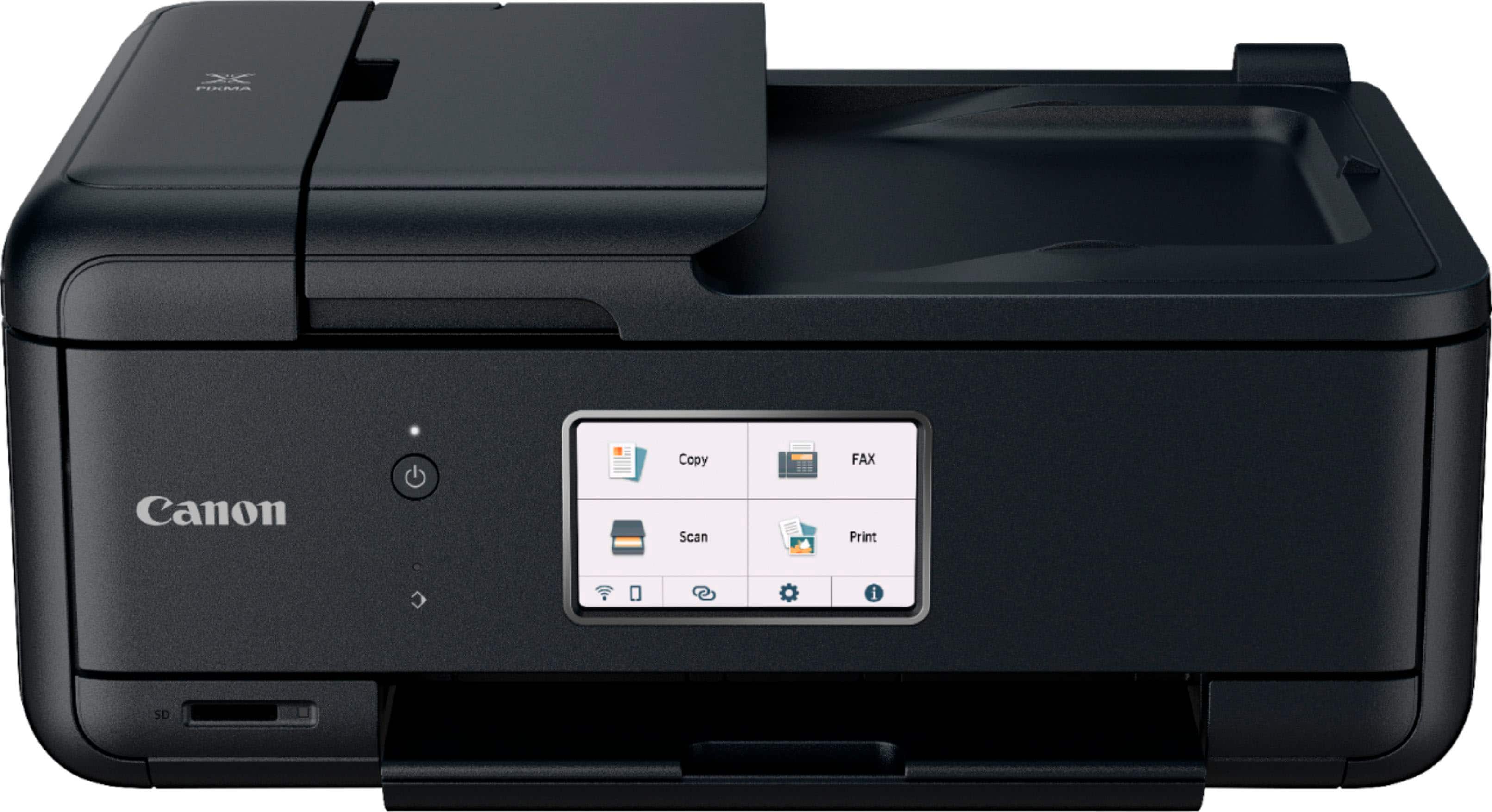
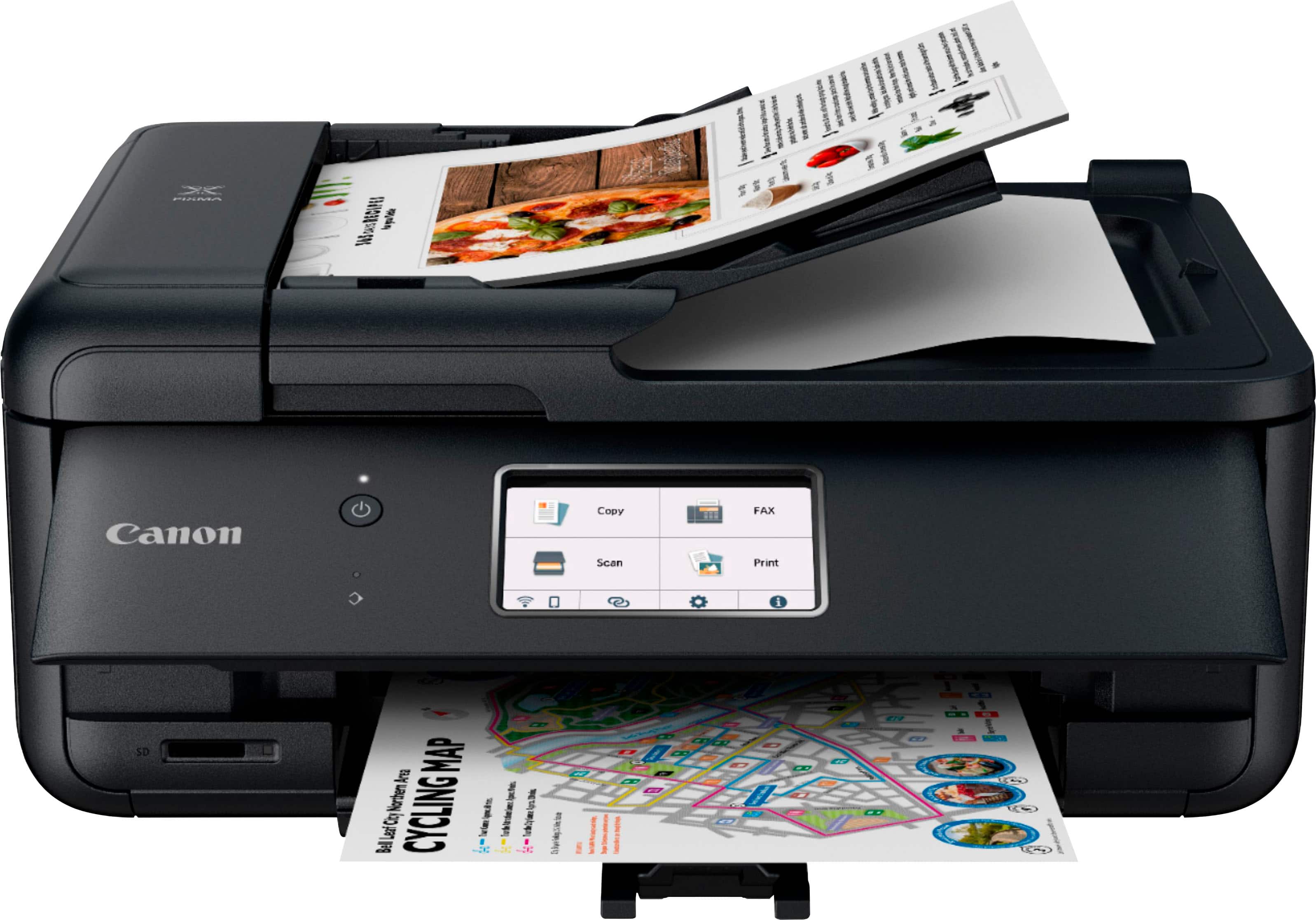
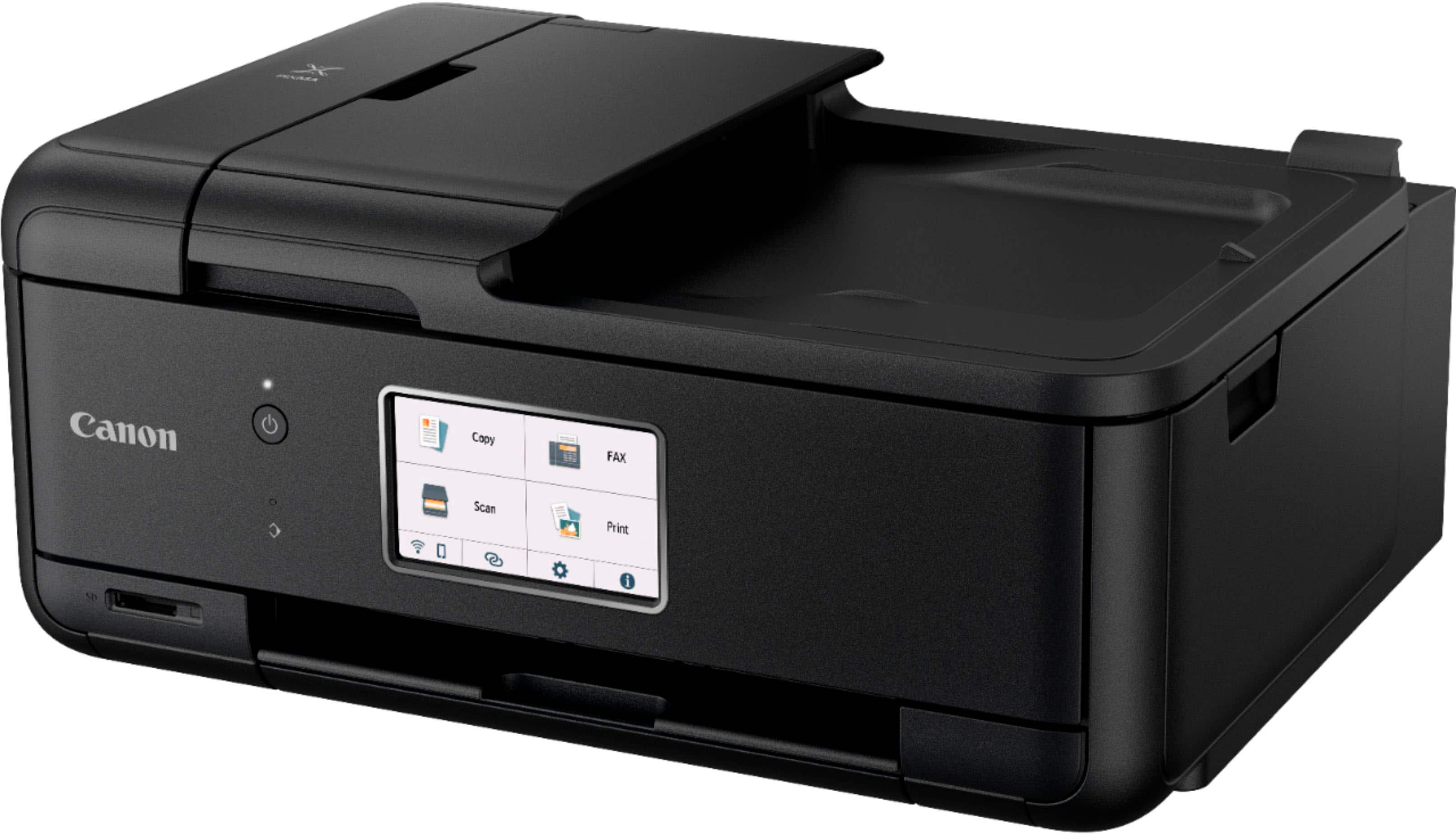
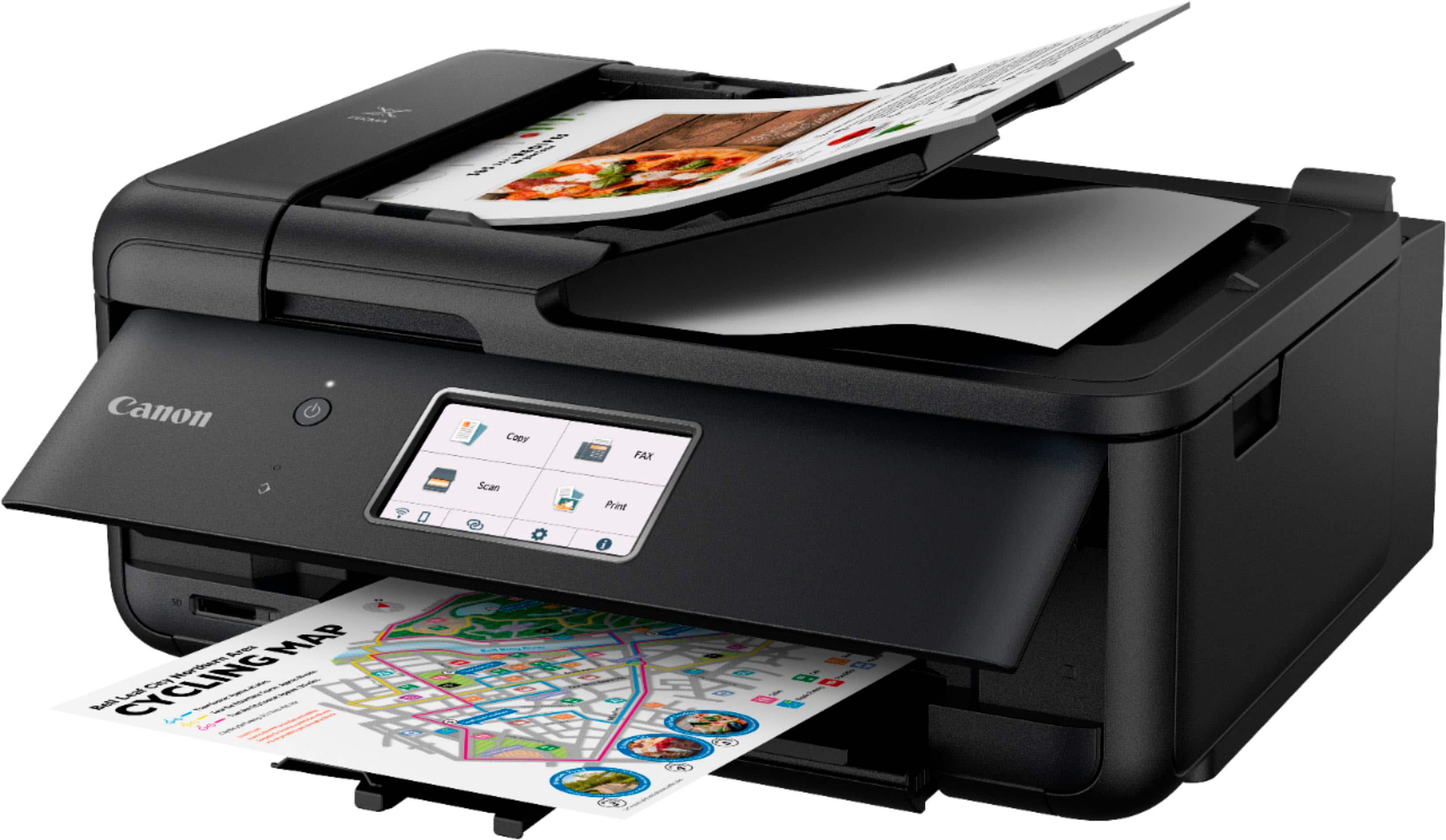
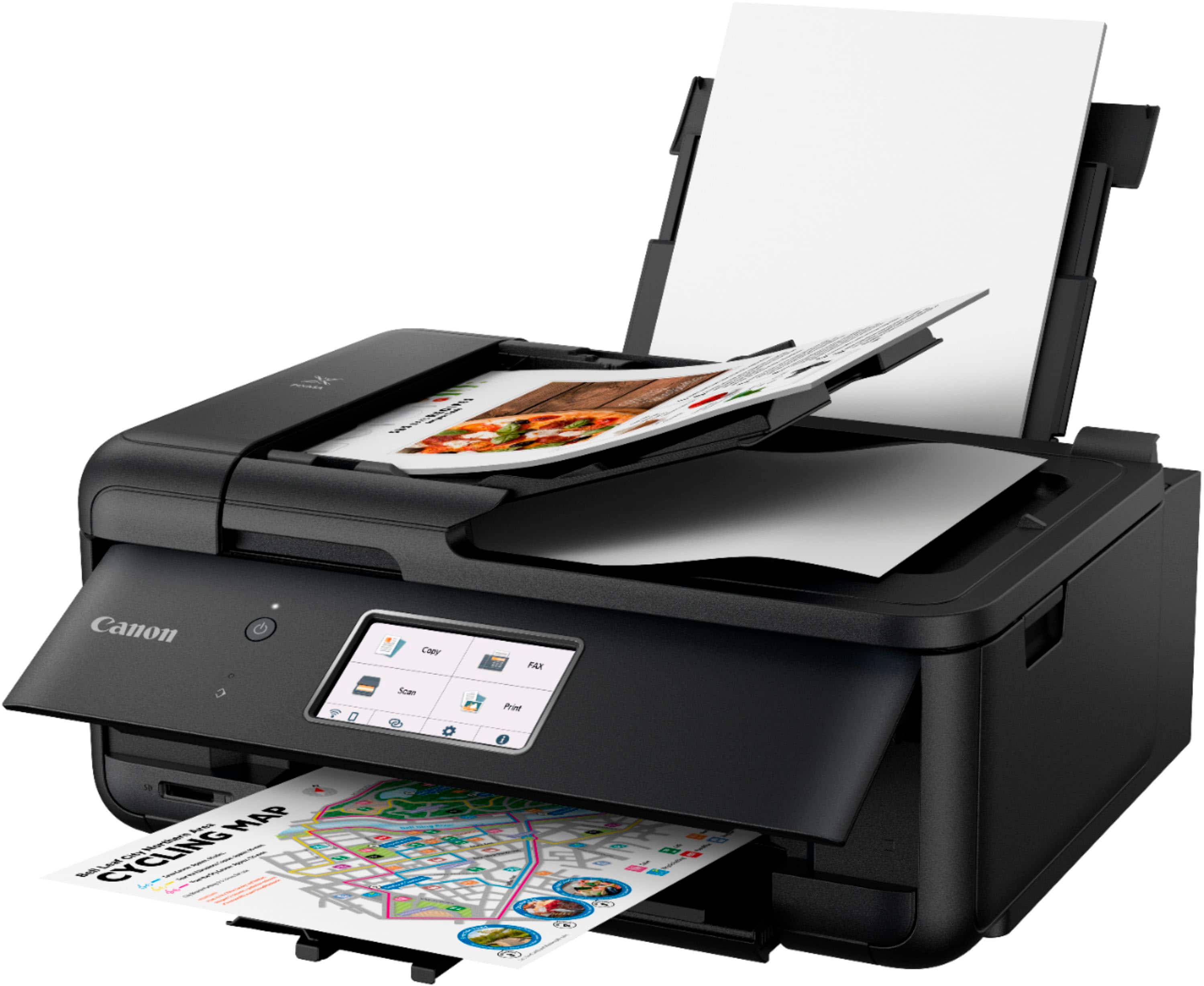
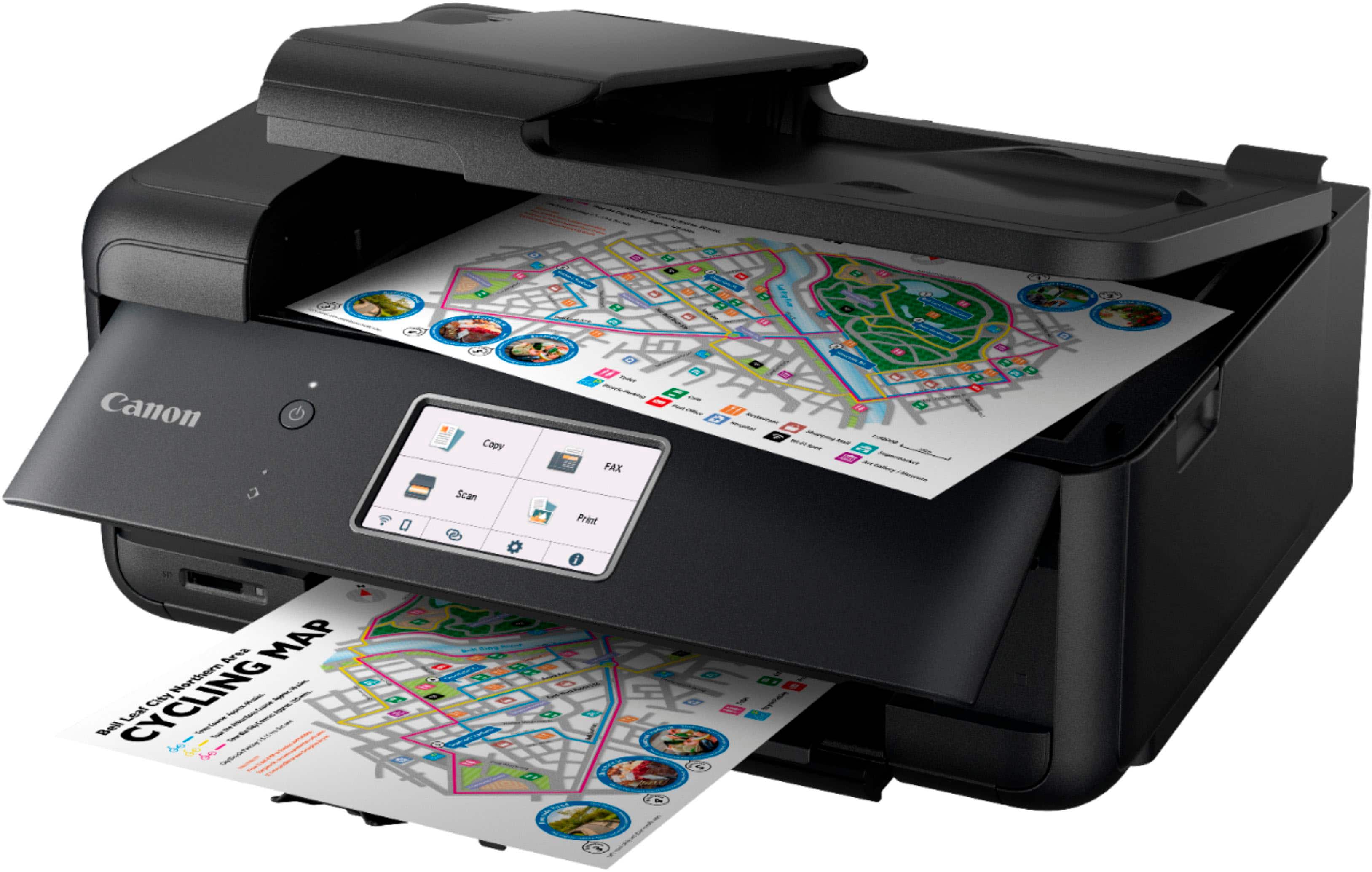
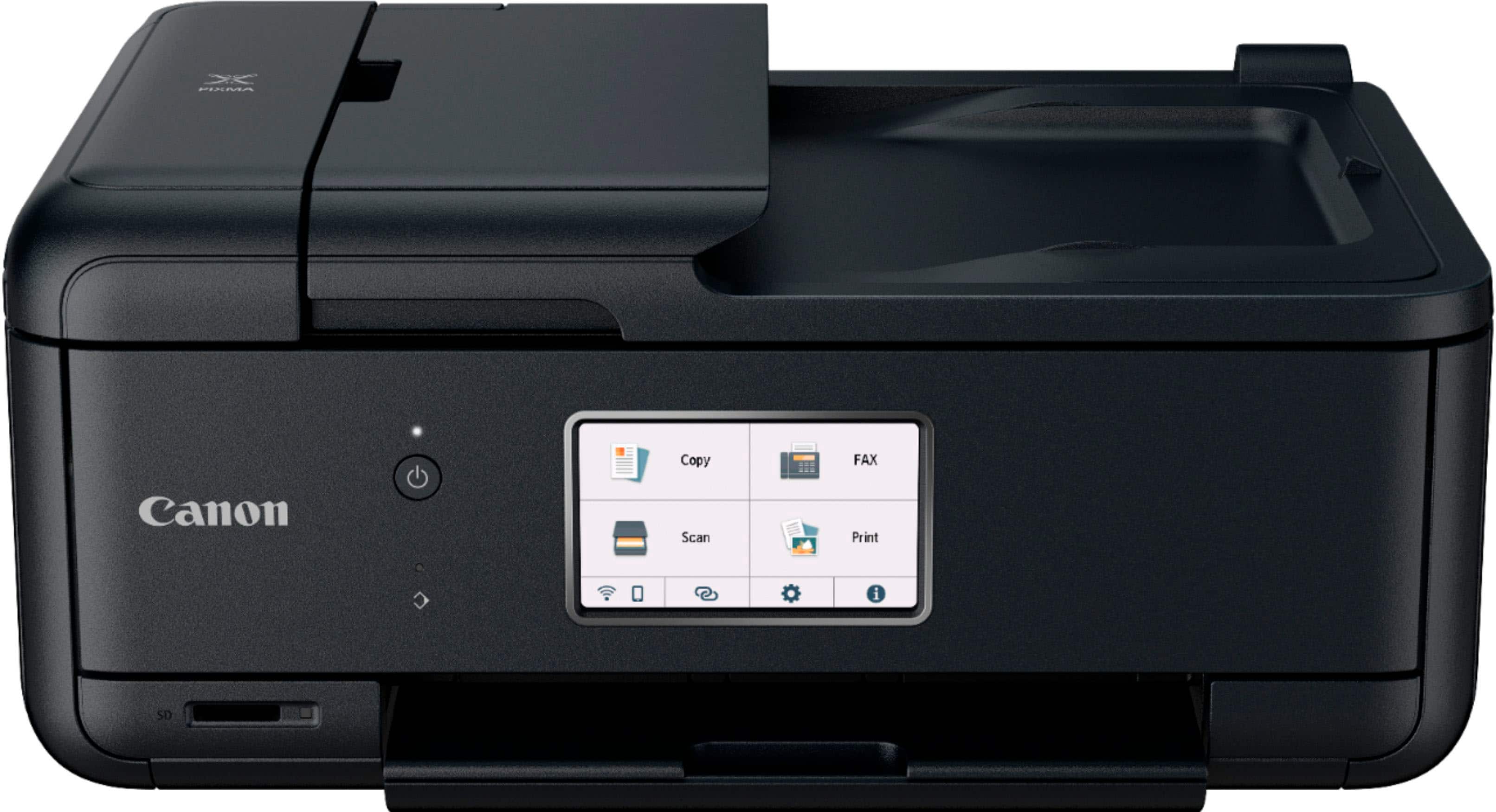
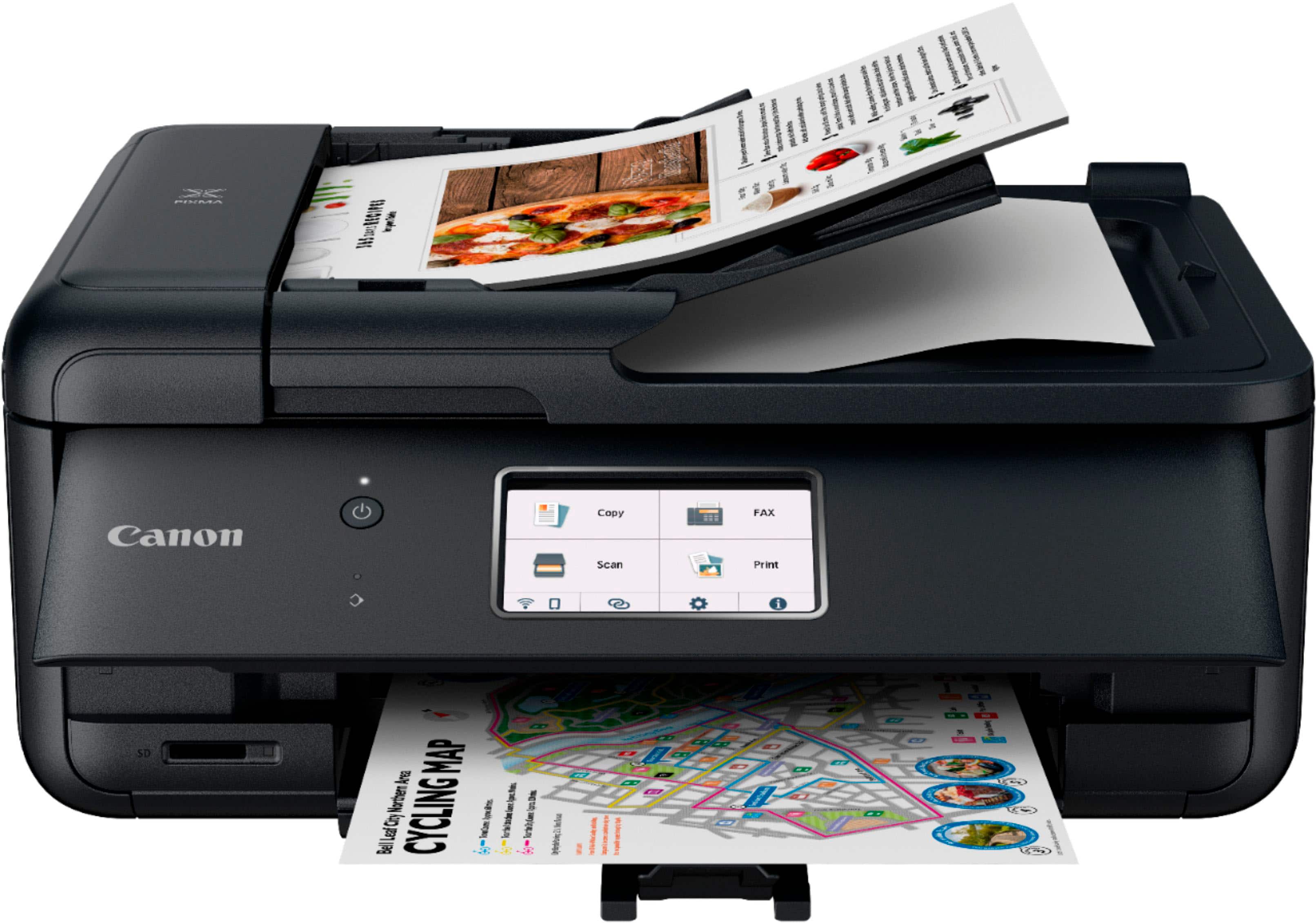
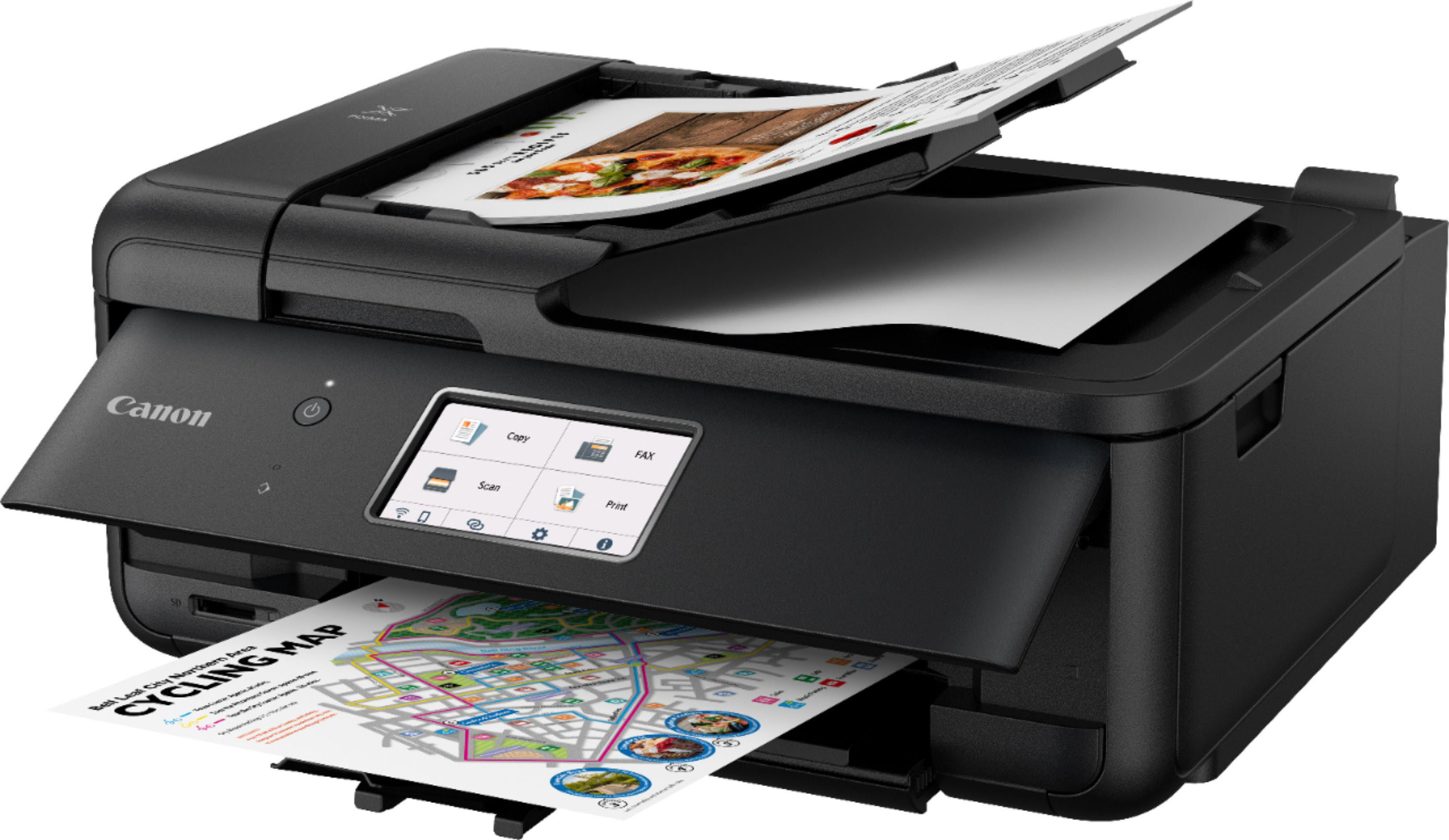
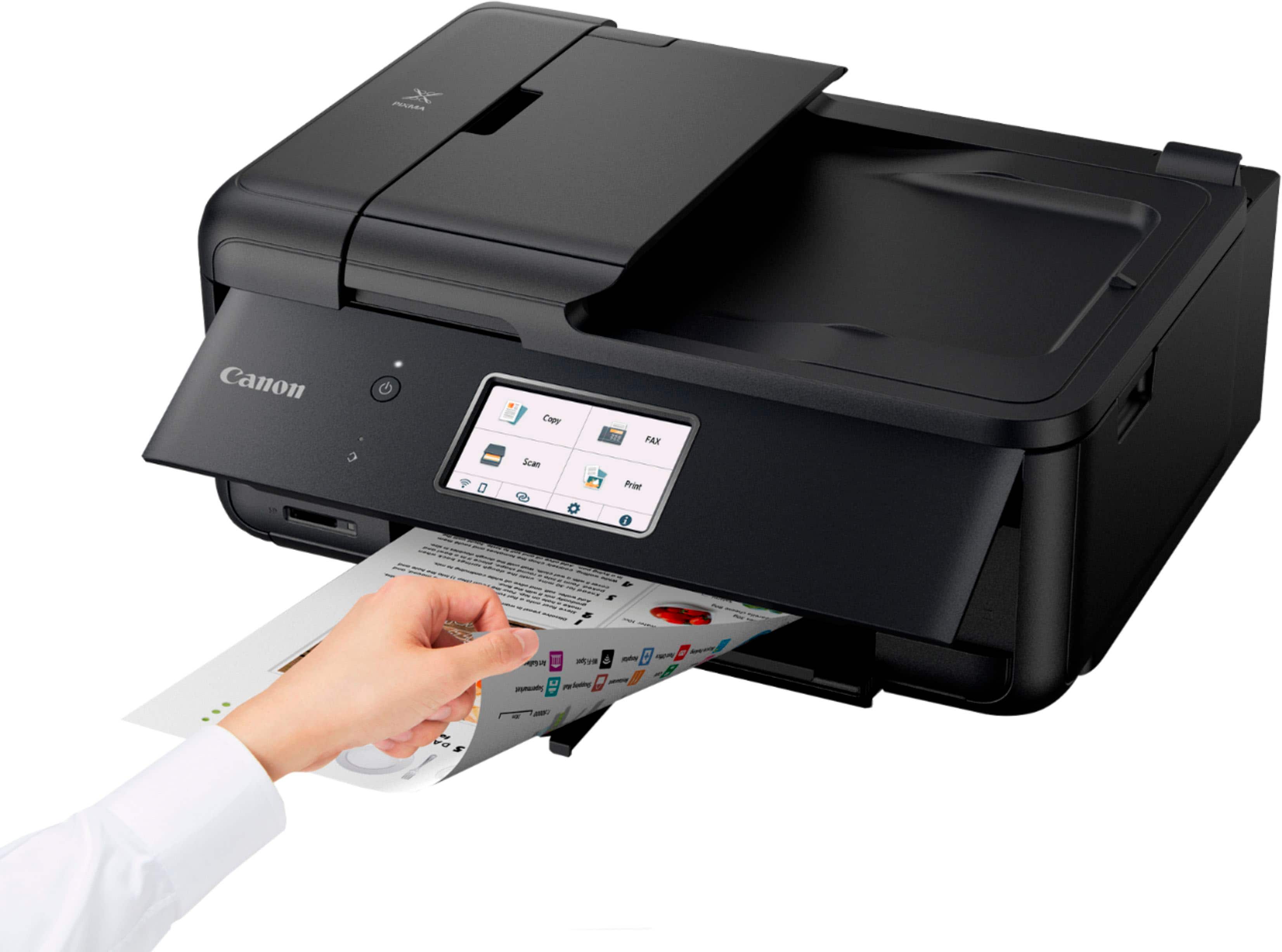
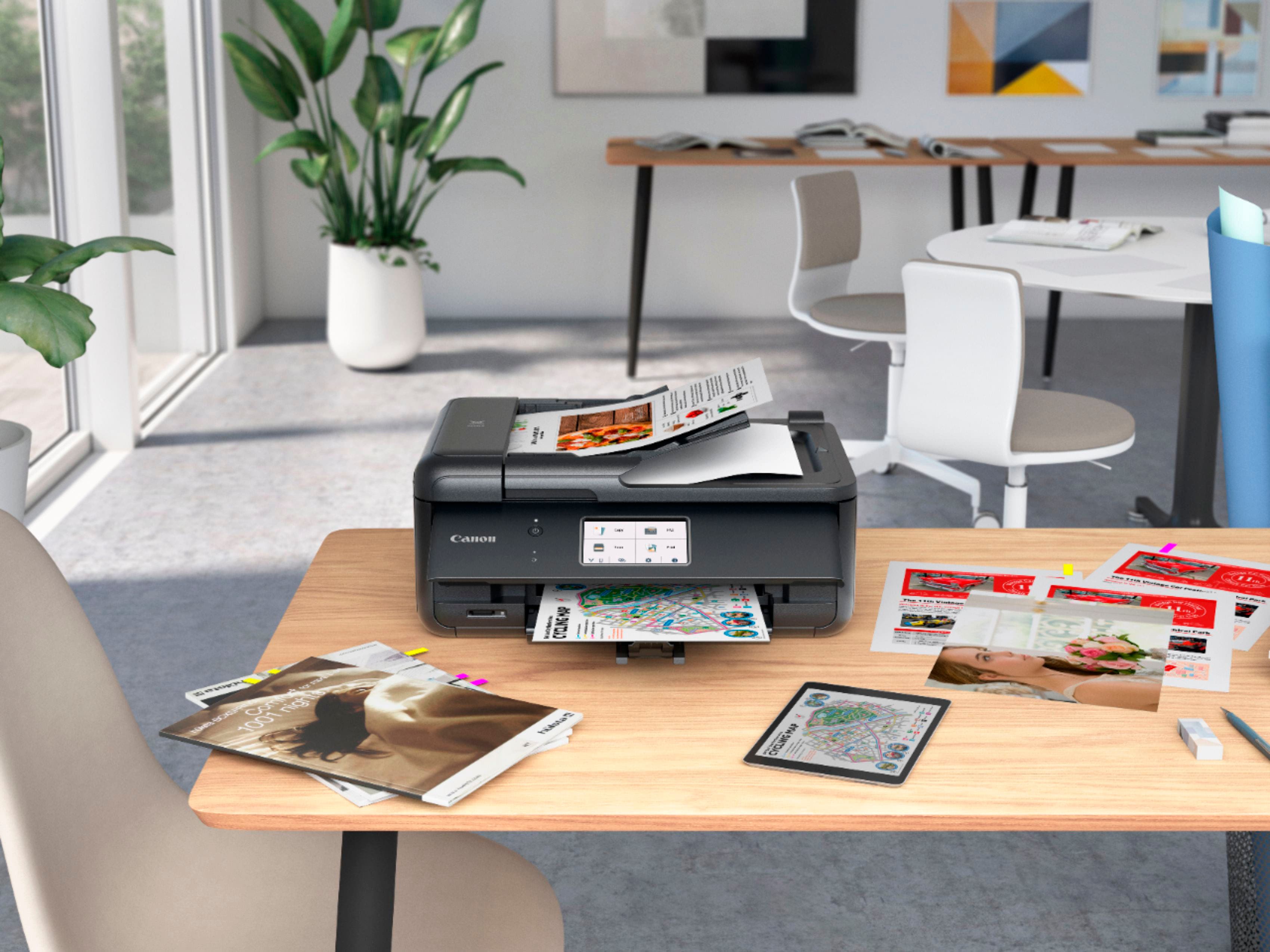
|Posted .This reviewer received promo considerations or sweepstakes entry for writing a review.The Canon PIXMA TR8620a is professional looking all-in-one inkjet printer. Its footprint is such that it will fit on a desk or end table and doesn’t take up too much space. There are two ways to provide the paper to the printer. One is through the paper tray which is accessible from the front and the other is from the rear. If you already have paper in the paper tray, but need to quickly print on different paper, you can open the rear paper feed and print on the second type/size paper. It supports duplex printing. This is a little slow but is a nice feature of a printer that will likely be used by most for work related printing. Although, the printer does print photos and isn’t too bad at it. I printer a photo which printed with reasonable speed. The photo looked good, but if you are needing to print many photos of high quality, it might be better to look into a printer specially made for photo printing such as Canon’s pro photo printer line. It also has faxing capabilities. This worked well when I used it to fax (yes, I still have need of a fax). It has a large touch screen on the front which has to be tilted up in order for the printer to print. I found myself wishing that it would print without having to tilt it up, but unfortunately, that isn’t the case. The touch screen, which on most printers tend to be slow, but on the TR8620a is quite responsive. I really like this about the printer. It supports wired and wireless printing. Connecting the printer to my wireless network was easy and straight forward. This printer supports mobile device printing. I was able to print from my iPhone 12 Pro Max without a problem. The printer uses 5 ink cartridges. You do get all 5 with the printer. Inserting the cartridges is easy and it’s not hard to get to the slots for the cartridges. The initial alignment of the printer heads was simple. Print an alignment page, then the printer scans it, and aligns the print head. I would like to see this line from Canon to change to a tankless system in the future, but as it is, the print cartridges are typical of inkjet printers. There is a document feeder for making copies/scanning as well as a flatbed. Scanning speed was a little faster than printer scanners that I’ve used in the past. Since it has a document feeder, you can get multiple pages scanned easily, just put them in the document feeder and go. Overall, I would say that Canon has done an excellent job with the TR8620a. I’m very happy with it. The responsiveness of the touch screen, physical appearance, size, duplex printing, document feeder, all of these features make the TR8620a a good option for an office all-in-one inject printer. I would recommend it to people wanting a great looking, well performing inkjet printer.
I would recommend this to a friend - Pros mentioned:Ease of use, Print quality
great printer
||Posted . Owned for 2 months when reviewed.This reviewer received promo considerations or sweepstakes entry for writing a review.I am absolutely thrilled with my new Canon PIXMA TR8620a Wireless All-In-One Inkjet Printer with Fax! It's been a game-changer for my home office, and I'm finding it incredibly easy to use. The wireless connectivity is a huge plus, allowing me to print seamlessly from all my devices. The print quality is excellent, producing sharp text and vibrant colors. The fax functionality is also a great convenience, and the all-in-one features (copying and scanning) make it a very versatile and efficient device. I highly recommend this printer to anyone looking for a reliable and feature-rich solution.
I would recommend this to a friend - Pros mentioned:Print quality
Compact, Easy Setup and Great Image Quality
|Posted .This reviewer received promo considerations or sweepstakes entry for writing a review.For the last week I've been testing the Canon Pixma TR8620A printer. Overall, I think it is a great all-in-one printer/scanner. It’s nice and compact in size and fits perfectly in a small home office. Setup was very quick and easy and it seamlessly was able to connect to my phone and laptop. When using it to print from my computer it prints fast and has great image quality. I really liked that it was able to print in duplex without having to remove the paper and put it back in the feeder. Additionally, I liked that I could also print on photo paper. Scanning and copying were also very quick and simple. The image quality of the copies was very clear and solid. it was so good that it was tough to tell the difference between the original and the copied document. The only con about the printer is that the print cartridges were small. Which tells me this printer will be good for occasional printing and not really for heavy printing. however, I am still pleased with this printer and for my use I'm confident it will get the job done.
I would recommend this to a friend - Pros mentioned:Ease of use, Overall performance, Print quality
Happy customer
||Posted .This reviewer received promo considerations or sweepstakes entry for writing a review.This was a great purchase. The quality is exceptional. It was very easy to set up and use. It has all the features I need for my home office.
I would recommend this to a friend - Pros mentioned:Print quality, Setup
Happy so far
||Posted . Owned for less than 1 week when reviewed.This reviewer received promo considerations or sweepstakes entry for writing a review.I was replacing an older HP all-in-one, with a new HP all-in-one which I have returned (different seller) because I couldn't get it to connect or work. This one has good reviews and a friend swears by Canon products, so thought I would give it a whirl. It connected quickly and was easy to set up. I haven't had any issues with it to this point. I don't print a lot but over the last week everything has been great. The print and images are very clear, crisp and good colors. The scanner is a little slow but it's OK for me. I was able to copy some images and adjust their sizes to fit the paper I needed. I haven't explored all of the features but it seems to be able to do more than I will use. The ink is significantly cheaper than what I paid for HP cartridges.
I would recommend this to a friend - Pros mentioned:Overall performance, Setup, Size
Canon Printer
||Posted . Owned for 1 month when reviewed.This reviewer received promo considerations or sweepstakes entry for writing a review.We like the printer. Loving the compact size, and the eáse of set up. It works well in my home office
I would recommend this to a friend - Pros mentioned:Ease of use, Overall performance, Print quality
Functional but awkward
||Posted . Owned for 1 month when reviewed.This reviewer received promo considerations or sweepstakes entry for writing a review.I’ve had and been using this printer for about a month now. It is speedy and makes nice copies and is relatively intuitive to use. I don’t like having to keep the “door” that has the panel of instructions on it, open in order for it to print though. As I have this machine a little high on a cabinet, there’s no way I can see or push buttons when needed when the panel is up and facing the ceiling. I’m also a bit annoyed at the overall layout of the machine compared to my old Brother, as well as the small paper tray that needs frequent reloading. That all having been said, the overall performance and quality seems good and it does what it should quite effortlessly.
I would recommend this to a friend - Pros mentioned:Ease of use, Print quality, Setup
Good printer
||Posted . Owned for 1 year when reviewed.This reviewer received promo considerations or sweepstakes entry for writing a review.Good print quality Easy to used Easy to Setup And fast
I would recommend this to a friend - Pros mentioned:Print quality
Amazing!
Posted .This reviewer received promo considerations or sweepstakes entry for writing a review.I usually don’t leave reviews for anything, but I had to this time! I have been contemplating on what printer to get for the past few days due to different reviews on different printers, but I decided to take a chance with this one. I did not regret it! The setup was pretty simple, the online guide you get when you scan the QR code on the box is very helpful, not too many steps. I like that the printer itself shows you the steps on the screen in the form of pictures. This prints pretty fast, and has a quiet mode too! My only minor complaint (nothing serious) was that the guide was not very clear on how to connect to a cellphone. It just says download the app and connect to it. But after trying with the app, I realized I needed to connect the printer to the wifi, which took me a few minutes, but I eventually figured it out. I just wish the online guide would have explained this part specifically more clearly. But other than that, I love that I can use my cellphone to print wirelessly with no connection to my laptop. Definitely recommend this if you are not sure which printer to get!
I would recommend this to a friend - Pros mentioned:Ease of use, Print quality
Superb reliable home printer
||Posted . Owned for 3 weeks when reviewed.This reviewer received promo considerations or sweepstakes entry for writing a review.One of the best printers I’ve ever had. Set up as a breeze. Connectivity has been 10 out of 10. This was one of the biggest issues I had with my previous Epson Xp. Print Quality is great. Even used this to print on passport style photographs. Completely worth it.
I would recommend this to a friend - Pros mentioned:Ease of use, Print quality
Great for price
||Posted . Owned for more than 2 years when reviewed.This reviewer received promo considerations or sweepstakes entry for writing a review.I just hooked up this printer today. Very easy to install, first time I can use with cell phone to print. Works great! Photo is sharp and colors are as should be. Is pretty quiet and print speed is fast, photo takes longer but not a problem. I had a Canon MX340 for 8 yrs, best printer Ever! Still works perfect on old computer. I bought a new computer and my Canon MX340 wont work. I went to web site and that printer is discontinued and driver Not available. I would buy that one again in a heartbeat. Long story short, I bought this TR8620, it is not the quality of my Canon MX 340, but for price it seems to be good, so far. Amazon has the MX340 for sale for over $600 ( I didn’t, pay close to that yrs ago), so anyone thinking of buying that Canon model, think again, it is discontinued and the driver is Not available from Canon. There are sites where you can download that driver but I wont chance going onto a random site to download anything. I just hope this TR8620 lasts for few years.
I would recommend this to a friend - Pros mentioned:Print qualityCons mentioned:Paper tray
Solid Home Printer
||Posted . Owned for 2 months when reviewed.This reviewer received promo considerations or sweepstakes entry for writing a review.This is a great printer for home use. It is fairly quiet, prints well and is great for photo printing. The ink totals about $70 for a full replacement (C,M, Y and K plus a photo K), but you can buy separate cartridges for under $15 each as well. The front panel has to be lifted to print and the paper tray is a little shallow. The pieces seem like they could break easily, but I haven’t had any problems after months of use. I am very happy with this purchase.
I would recommend this to a friend - Pros mentioned:Print quality
Good printer, scanner, copier, but be gentle!
||Posted . Owned for less than 1 week when reviewed.This reviewer received promo considerations or sweepstakes entry for writing a review.First, this printer is compact and set up for easy installation and operation. It integrated instantly with my WiFi, and printed very fast and very good quality output in black and color. The five cartridges that came with it were very easy to install (easy access) with good feedback for proper installation (a beep when each one was properly seated). The starter ink cartridges have tiny capacity, but that’s not unusual. I ordered high capacity "E-Z Ink" cartridges for when these run out. (You have to get good quality replacement cartridges, and these get high marks.) I tested scanning, copying, faxing, and auto-duplex printing, and everything works fine. I eventually got the fax component to work, although it was pretty confusing, mostly because my cable phone line didn’t want to cooperate at first (I connected from the modem/router through the printer to the phone/answering machine to run both on a single land line). I don’t expect to fax much, so it’s not a big problem. I mainly like the auto-document feeder, even if it does not do duplex (simultaneous 2-sided) scanning. The one drawback is that you have to raise the front panel in order to print. That panel is not robust, even though the color touchscreen works really well. You can’t print without the front panel being raised and the printout tray being extended, and that makes them vulnerable to breaking, if you leave them up raised/extended. I’m just going to leave them closed until I need to print, then open them up. I really like the Canon print app, since I print/scan a lot from my phone and tablet, and my MacBook added the printer right away via WiFi. Canon and Apple work pretty well together in my experience. I did remove every trace of my old printer from the MacBook before installing he new printer software for this printer. There are two paper trays, one in front and one in back, which is nice to have if you do envelopes and/or photo prints in the back feeder, along with regular 8.5x11” text printing in the front tray, but they are a little finicky to set up and load. So, in summary, this printer has really stout, fast, high-quality innards, but rather delicate exterior features. It replaces an old, but reliable Pixma MG3220, which was pretty sturdy on the outside, but very basic and not particularly swift or easy to use on the inside. I’m really happy with this purchase, and Best Buy did a good job in the purchasing process: competitive price, in stock, and easy pick-up.
I would recommend this to a friend - Pros mentioned:Overall performance, Print quality
Solid Work Printer
||Posted . Owned for 1 month when reviewed.This reviewer received promo considerations or sweepstakes entry for writing a review.As a Kitchen Manager, I spend a few hours going over P&L and cost analysis documents. I need a printer thats solid and wont give me much lip when I ask it to do its job. My first printer failed me for the last time and had to terminate its employment. Luckily, Black Friday deals were still going on and I knew it was time to seek a replacement. I needed an easy to connect, fast printer that will reliably do what I needed every time. After much comparing of numerous models and shoulder brushing with stressed out shoppers/employees, I found this printer. After months of use, it has been a top performer. My 3 month evaluation would be: exceeds expectations. If I paid this printer a wage, I'd give it a raise (I consider raises no less than 6 months after hiring, so high praise).
I would recommend this to a friend - Pros mentioned:Ease of use, Print qualityCons mentioned:Paper tray
SunshineSue
||Posted . Owned for 8 months when reviewed.This reviewer received promo considerations or sweepstakes entry for writing a review.I bought this printer early this 2023 season. I like it, prints well. Easy to use, easy to change out ink levels. I have not set up fax part. I use it for home, purposes, mostly and don't need the fax. I've made lots if copies for different functions. It made good copies, with having any problems. One problem that I see is when pull out the tray, its a little flimzy and skinny for all that paper weight to hold all those papers. So, I make sure I take off papers before it gets too full. The control panel face has to be lifted up, in order to print copies, My other printer I had to lift up control panel also. Making copies in this printer is noisy. But I do like my printer! It works great!
I would recommend this to a friend - Pros mentioned:Ease of use, Overall performance, Size
fits my needs
||Posted . Owned for 1 month when reviewed.This reviewer received promo considerations or sweepstakes entry for writing a review.Easy set up works well. Fits my spot just right. Good purchase.
I would recommend this to a friend - Pros mentioned:Ease of use, Print quality
Review of PIXMA TR8620a
||Posted . Owned for 2 weeks when reviewed.This reviewer received promo considerations or sweepstakes entry for writing a review.I recently purchased this printer to replace a PIXMA 9000+. that I had for 8+ years. It is not quite as sleek but still a fine printer. It was easy to set up, faster, and has done a good job on both photos and paper documents. Too early to give it 5 stars; it has to earn those a bit longer!
I would recommend this to a friend