Customer Ratings & Reviews
- Model:
- 4451C032
- SKU:
- 6494259
Rating by feature
- Value
Rating 4.4 out of 5 stars
- Quality
Rating 4.3 out of 5 stars
- Ease of Use
Rating 4.2 out of 5 stars
Customers are saying
Customers value the PIXMA TR8620a for its excellent print quality and ease of use. Many appreciate its overall performance, convenient size, and simple setup. The only concern expressed was about the paper tray.
This summary was generated by AI based on customer reviews.
No Good, Very Bad Printer
||Posted . Owned for 3 weeks when reviewed.This reviewer received promo considerations or sweepstakes entry for writing a review.It is not nearly as good or easy to use as the Canon TR8620a printer I bought from you several years ago, and it costs about $100 more. In order to print any document, you have to open it, turn it on (again), pull out the receiving arm, and then press print. Much more complex and distracting. Not suitable for anyone who likes to write and print out document.
No, I would not recommend this to a friend- Pros mentioned:Print quality
Good
||Posted . Owned for 2 weeks when reviewed.This reviewer received promo considerations or sweepstakes entry for writing a review.Does the job well enough. I have no complaints since I got it on black friday for good price.
I would recommend this to a friend Not easy to install
||Posted . Owned for 3 weeks when reviewed.This reviewer received promo considerations or sweepstakes entry for writing a review.I purchased this item and I can not get it installed properly. I bought it specifically for the fax and we can not get it to work.
No, I would not recommend this to a friendCanon Printer
||Posted . Owned for 1 month when reviewed.This reviewer received promo considerations or sweepstakes entry for writing a review.I have always liked using Canon and this printer is no different. Does everything I need it to do and I love it.
I would recommend this to a friendDON'T BUY!!
||Posted . Owned for 1 month when reviewed.This reviewer received promo considerations or sweepstakes entry for writing a review.I'm very tech-savvy. This printer has had connectivity issues from the first day I installed it. The software interface is pathetic. The paper output is a 2 inch wide guide that often results in the paper falling off the printer. I've had it for only two months and now it won't function at all. I get a "Support Code 6004." Canon Support wants $129 to have a technician "fix" it. Best Buy wants $99 to send out a technician. I'm annoyed and frustrated.
No, I would not recommend this to a friendStopped Working After A Year
||Posted . Owned for more than 2 years when reviewed.This reviewer received promo considerations or sweepstakes entry for writing a review.Stopped working after a year - a waste of money, look for other printers.
No, I would not recommend this to a friendNot the quality I expected
||Posted . Owned for 3 weeks when reviewed.This reviewer received promo considerations or sweepstakes entry for writing a review.Purchased this printer as my previous Canon printer was fine. This one is far lesser quality in general, the plastic arm that must be extended when printing falls off. You must push that tray and arm back in order to pull out the paper tray. you can not easily put paper in the tray, you must take a piece off, put the paper in and than make several attempts to put the piece back just right (and it is cheap plastic) before you can print
No, I would not recommend this to a friendGreat all in one copier.
||Posted . Owned for 3 weeks when reviewed.This reviewer received promo considerations or sweepstakes entry for writing a review.Lots of value and functionality for the price. Not too difficult to set up. Cartridges change out easily.
I would recommend this to a friendMis represented.
||Posted . Owned for 3 weeks when reviewed.This reviewer received promo considerations or sweepstakes entry for writing a review.Was told the printer would work with my Chromebook, well it will if I but $300 worth of service. Can only use it with my phone.
No, I would not recommend this to a friend- Pros mentioned:Print quality

Solid compact print
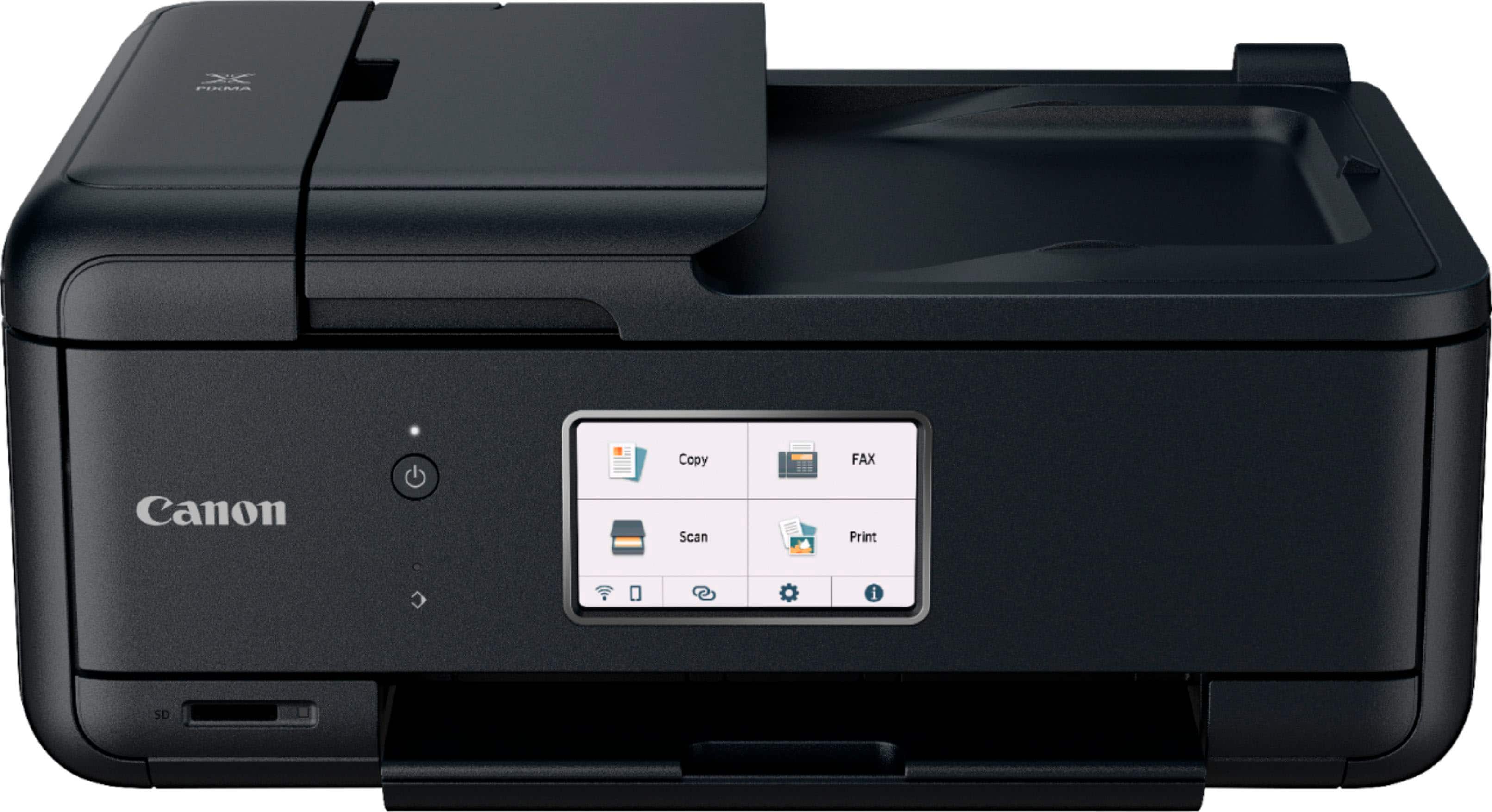
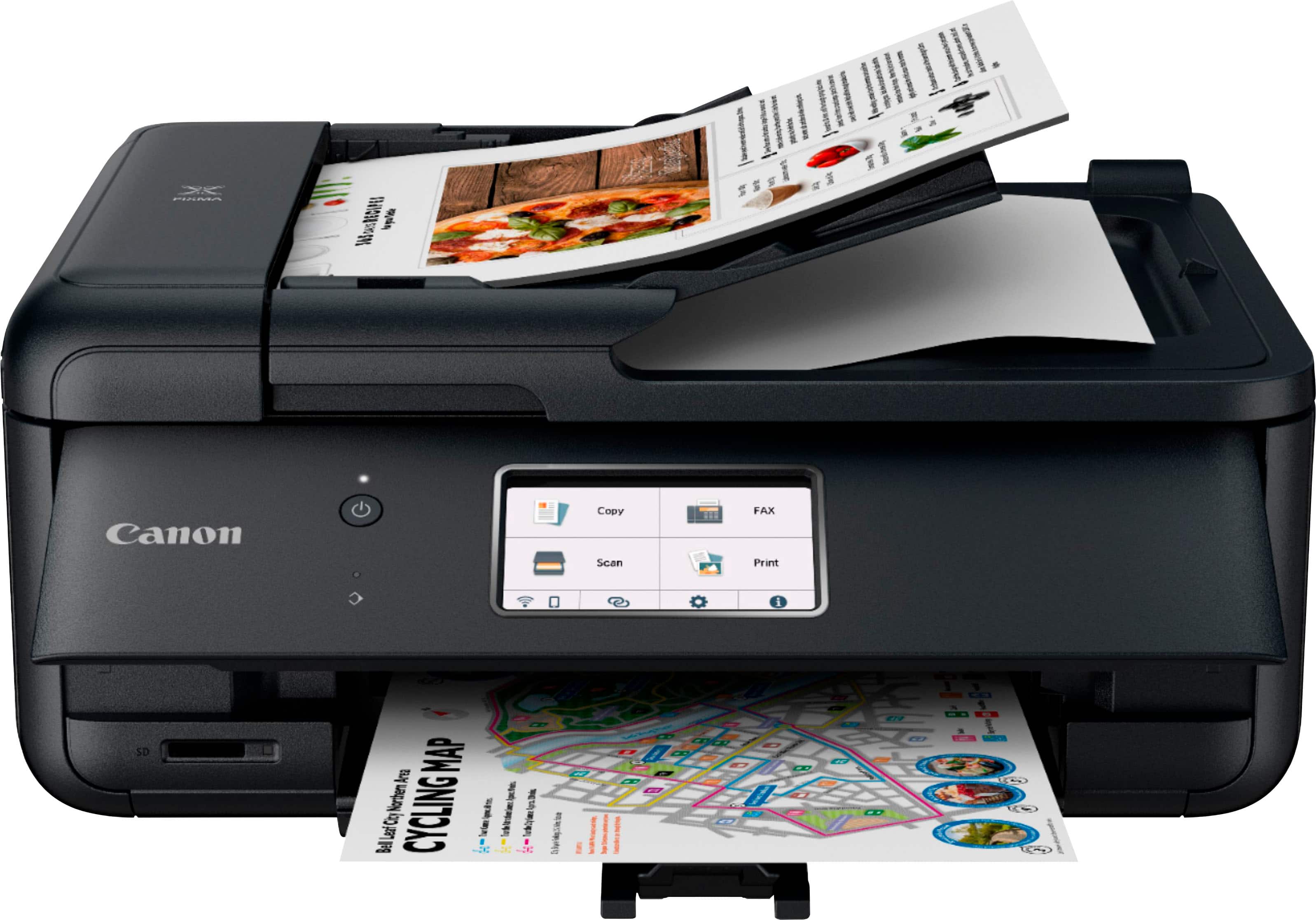
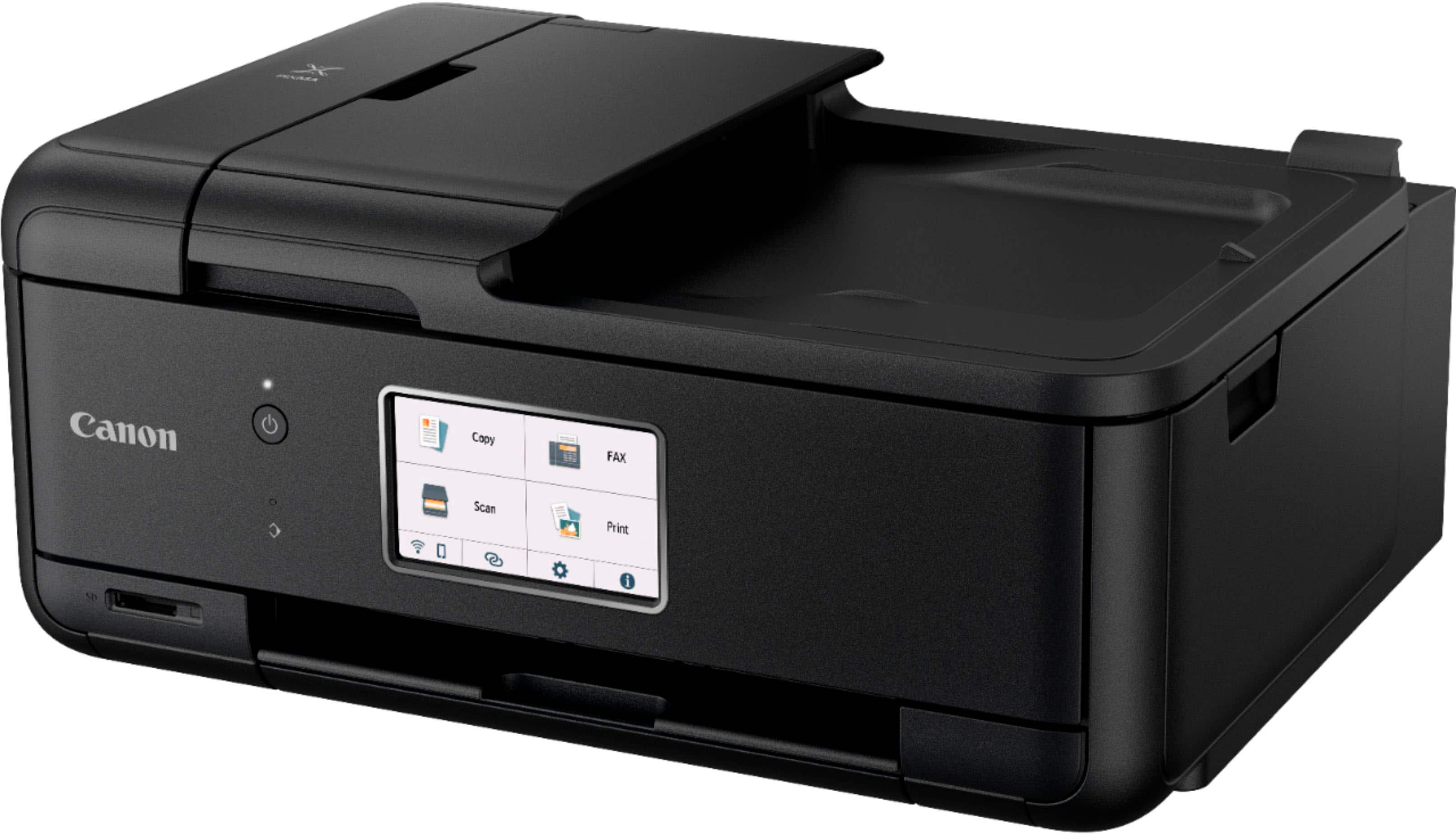
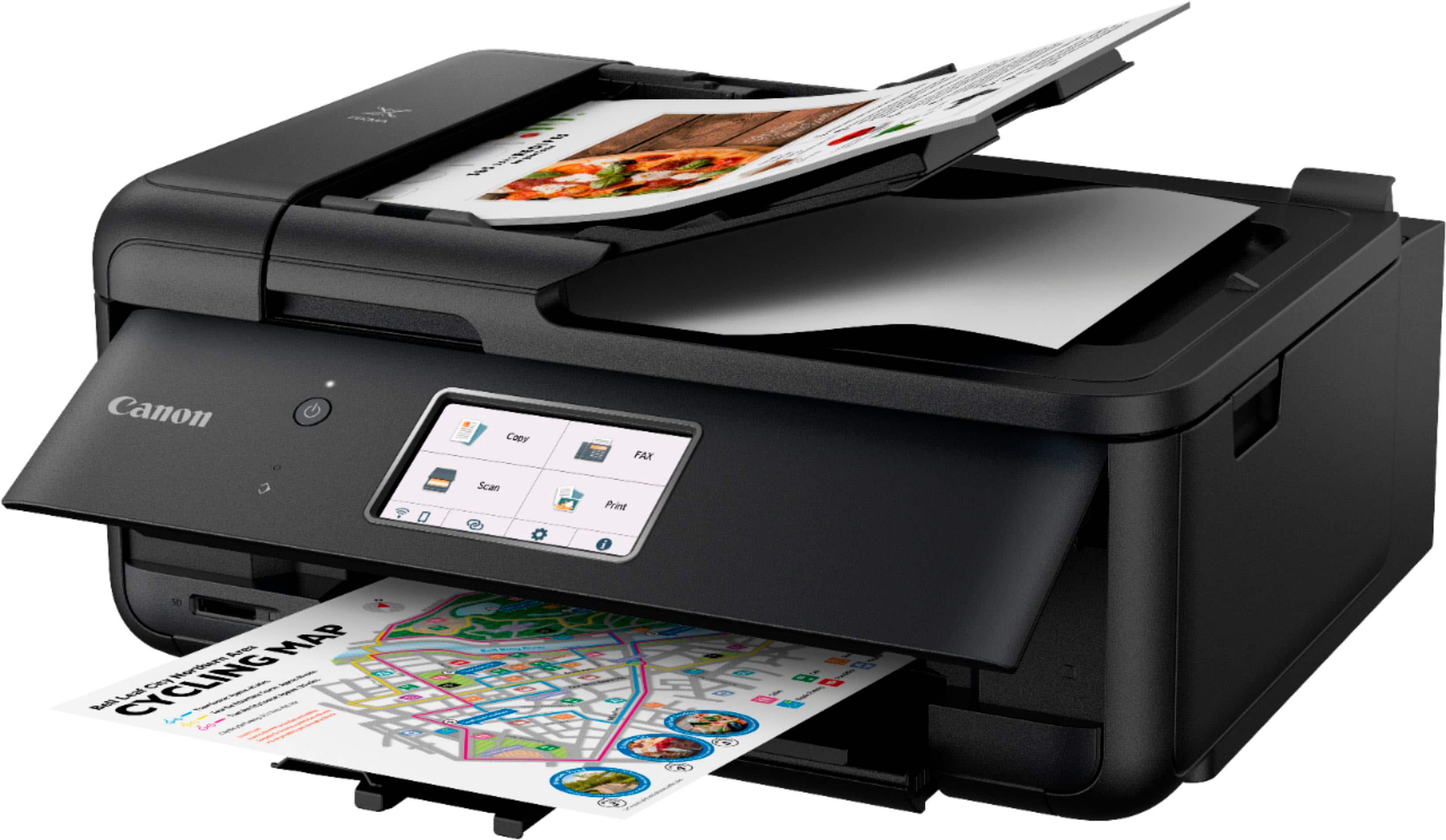
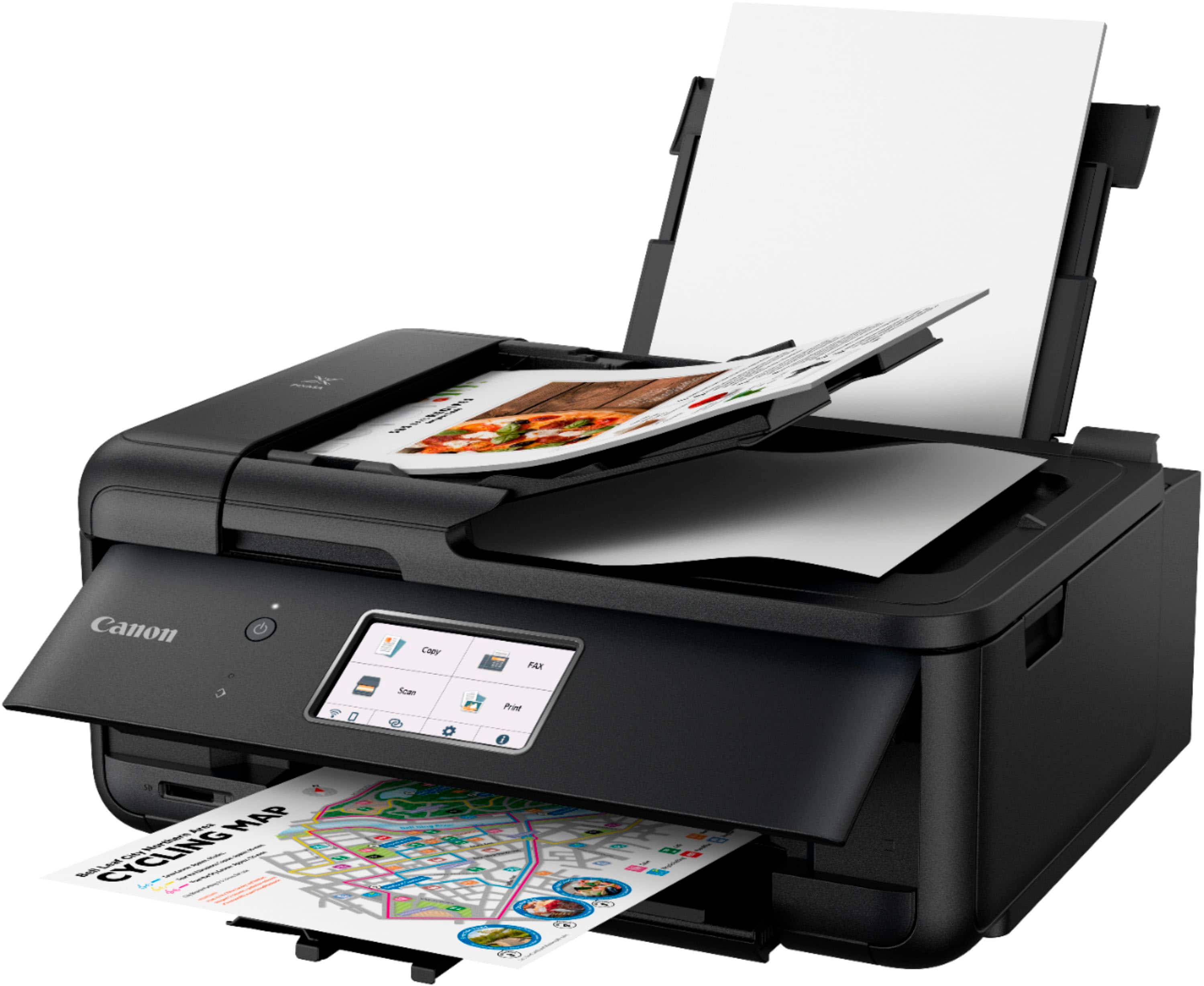
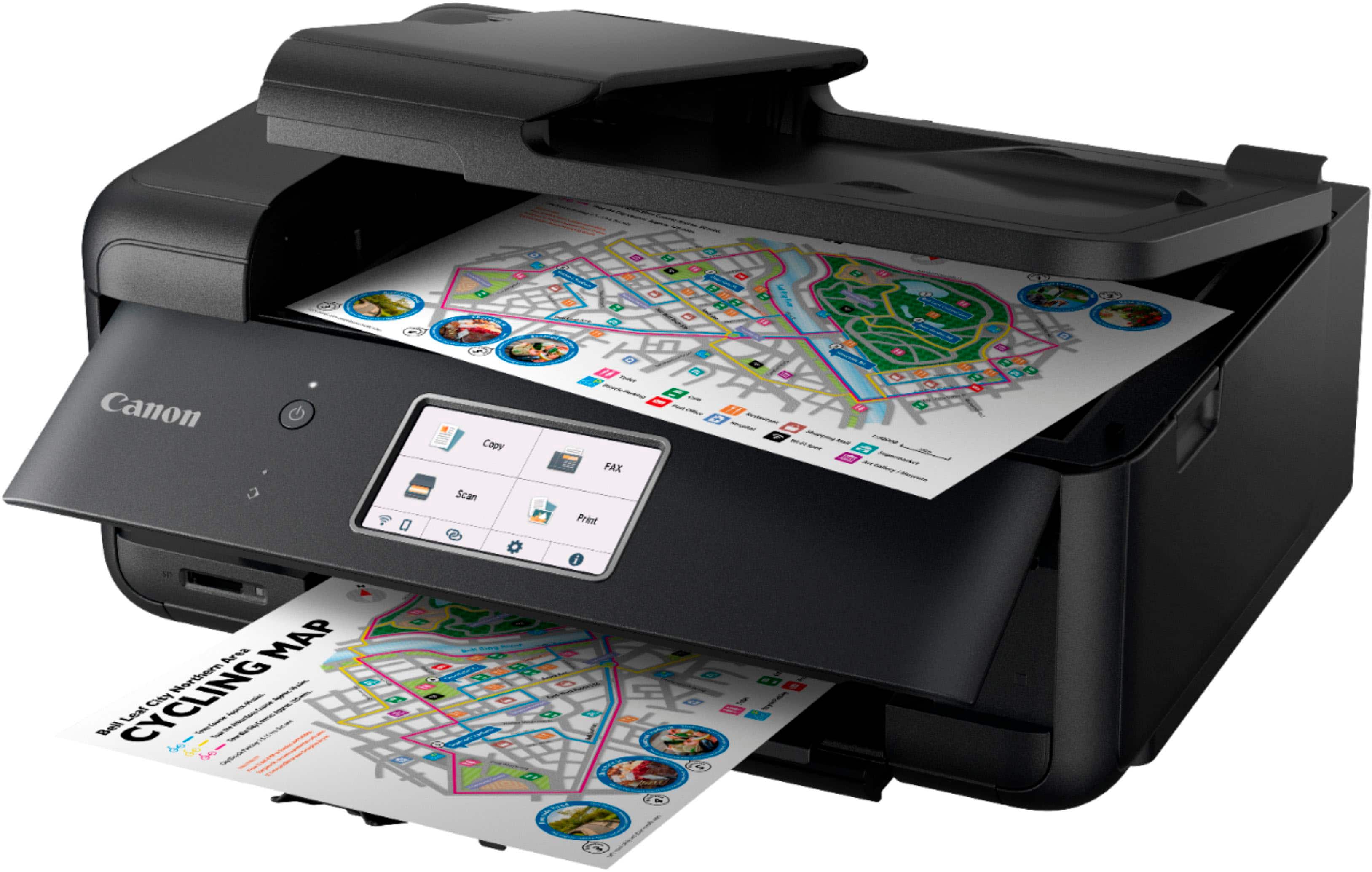
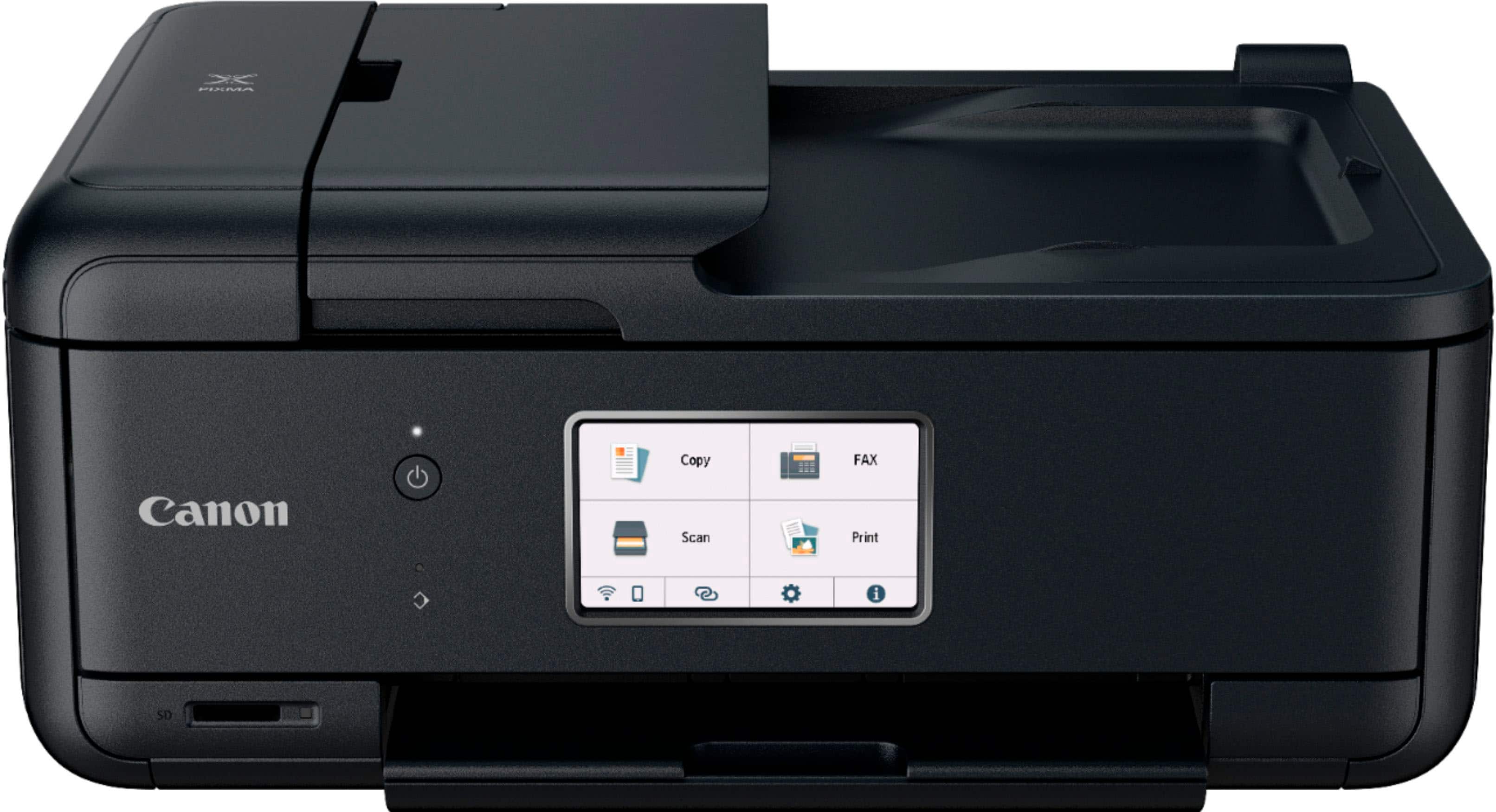
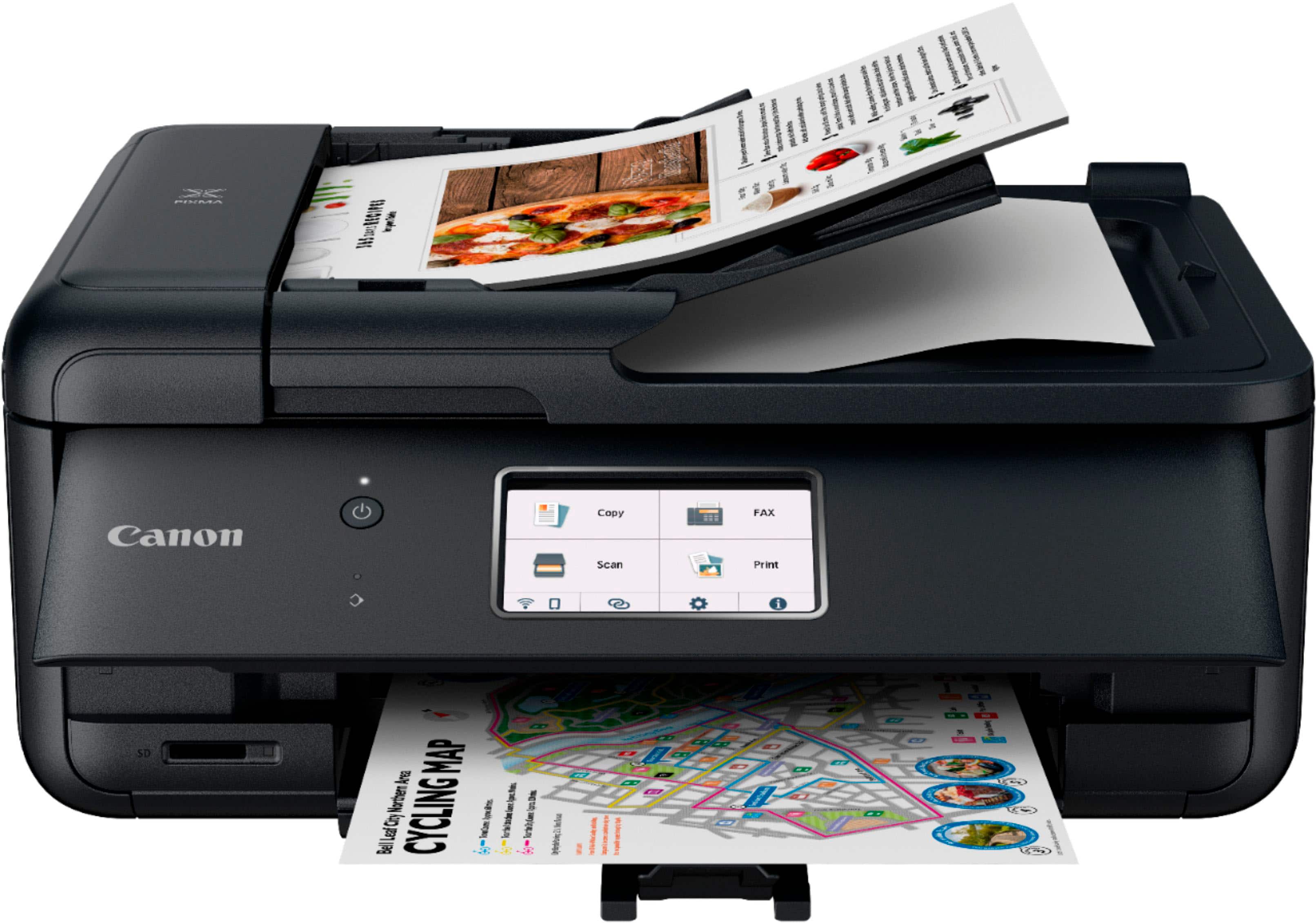
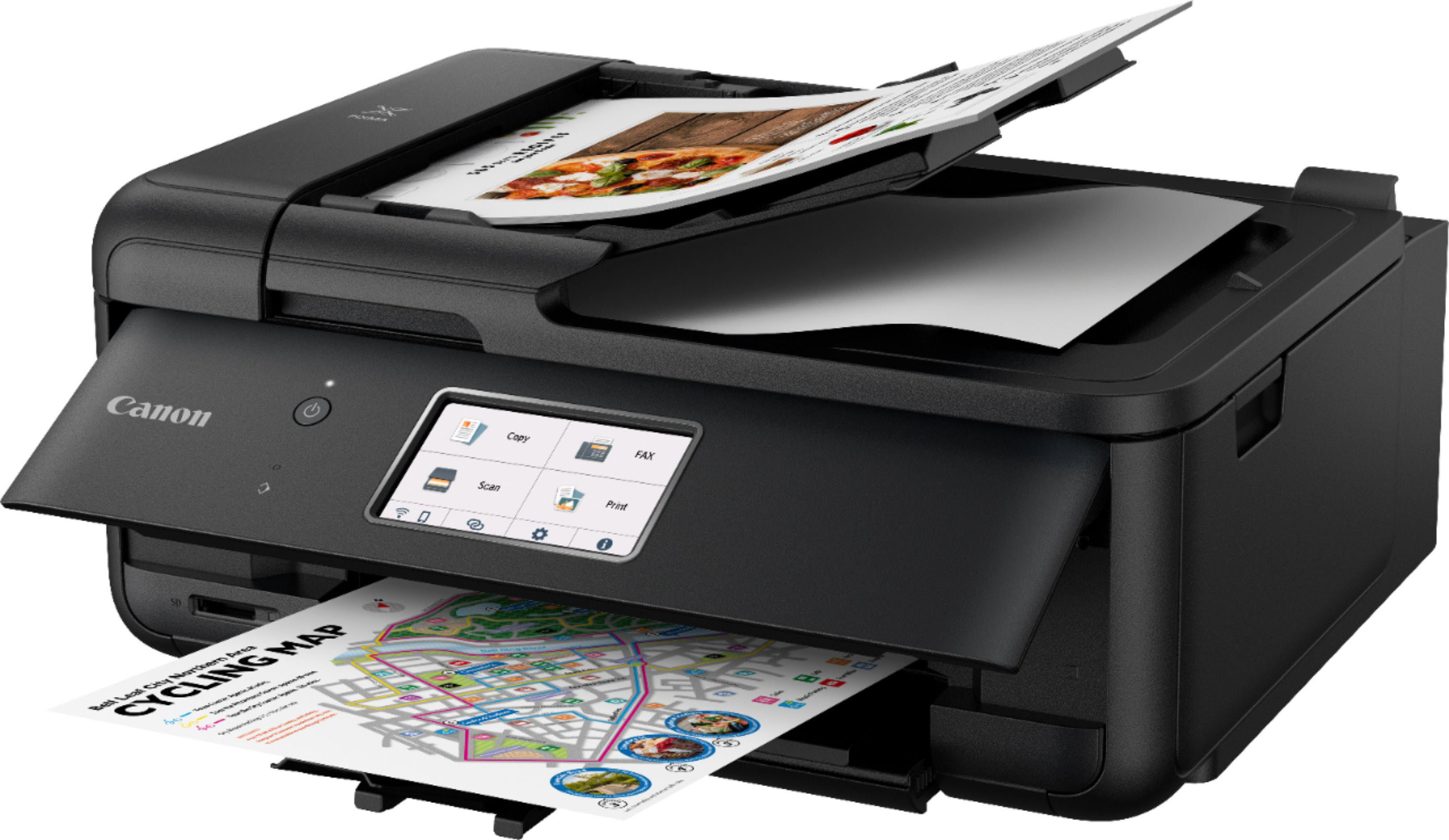
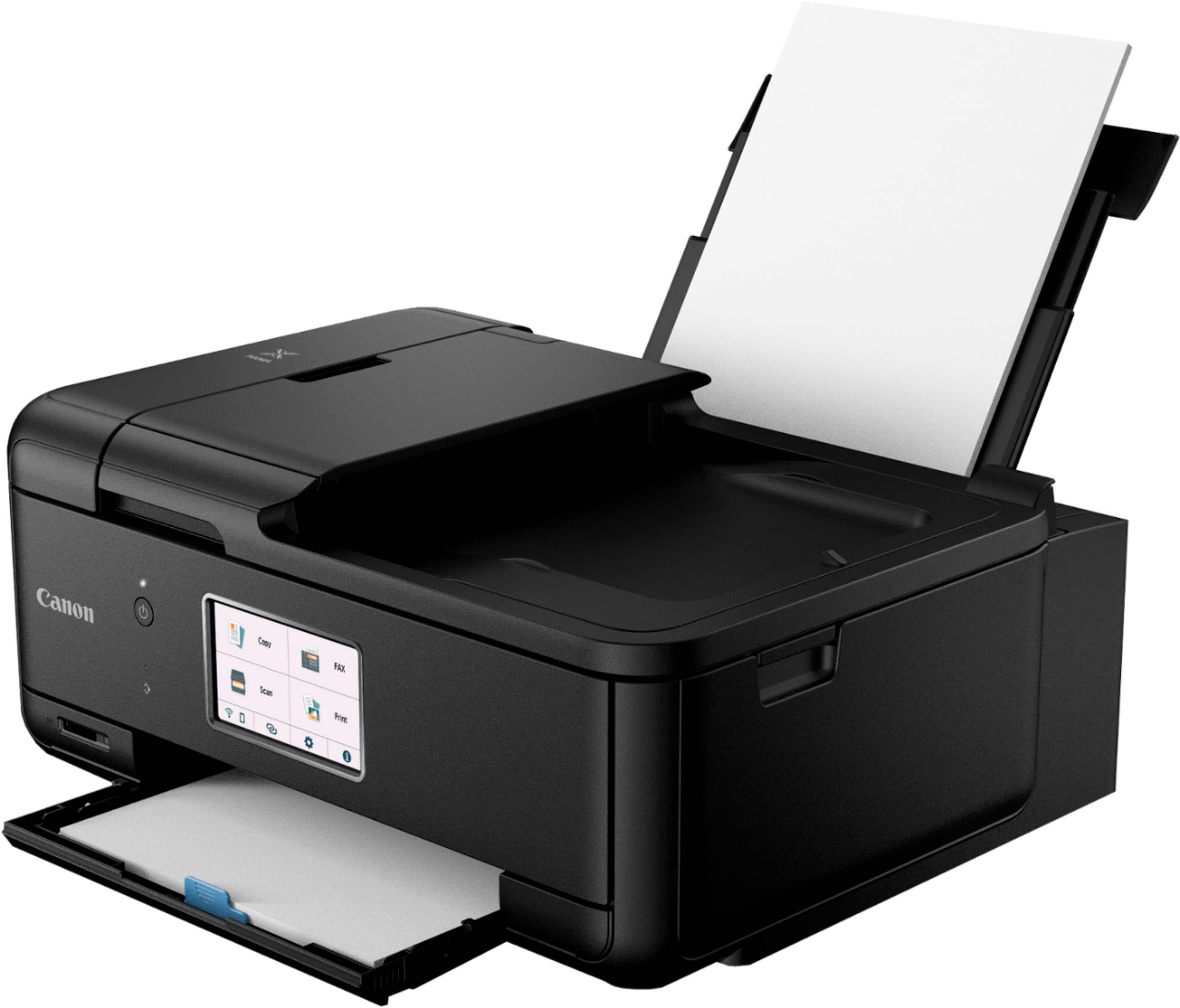
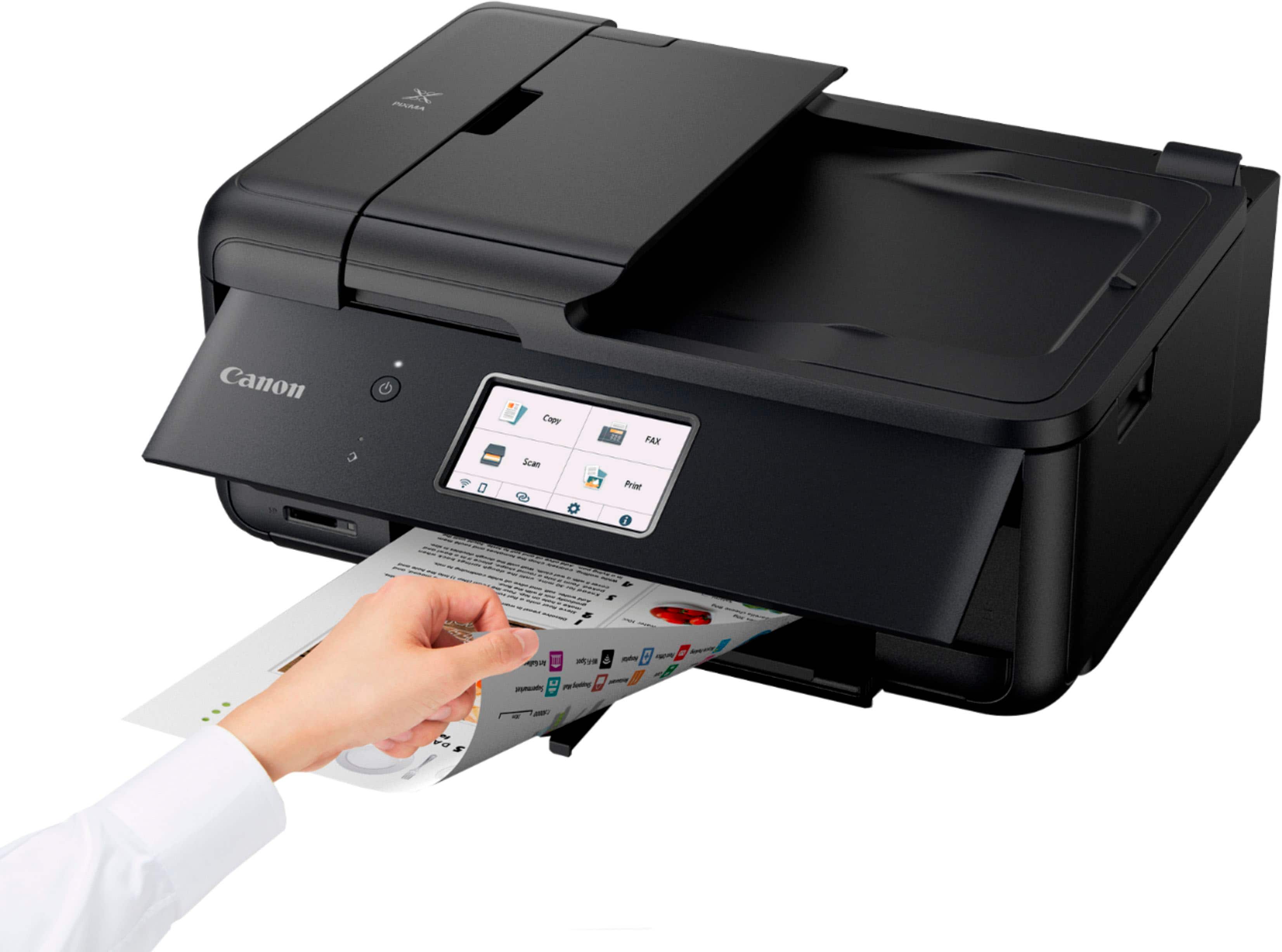
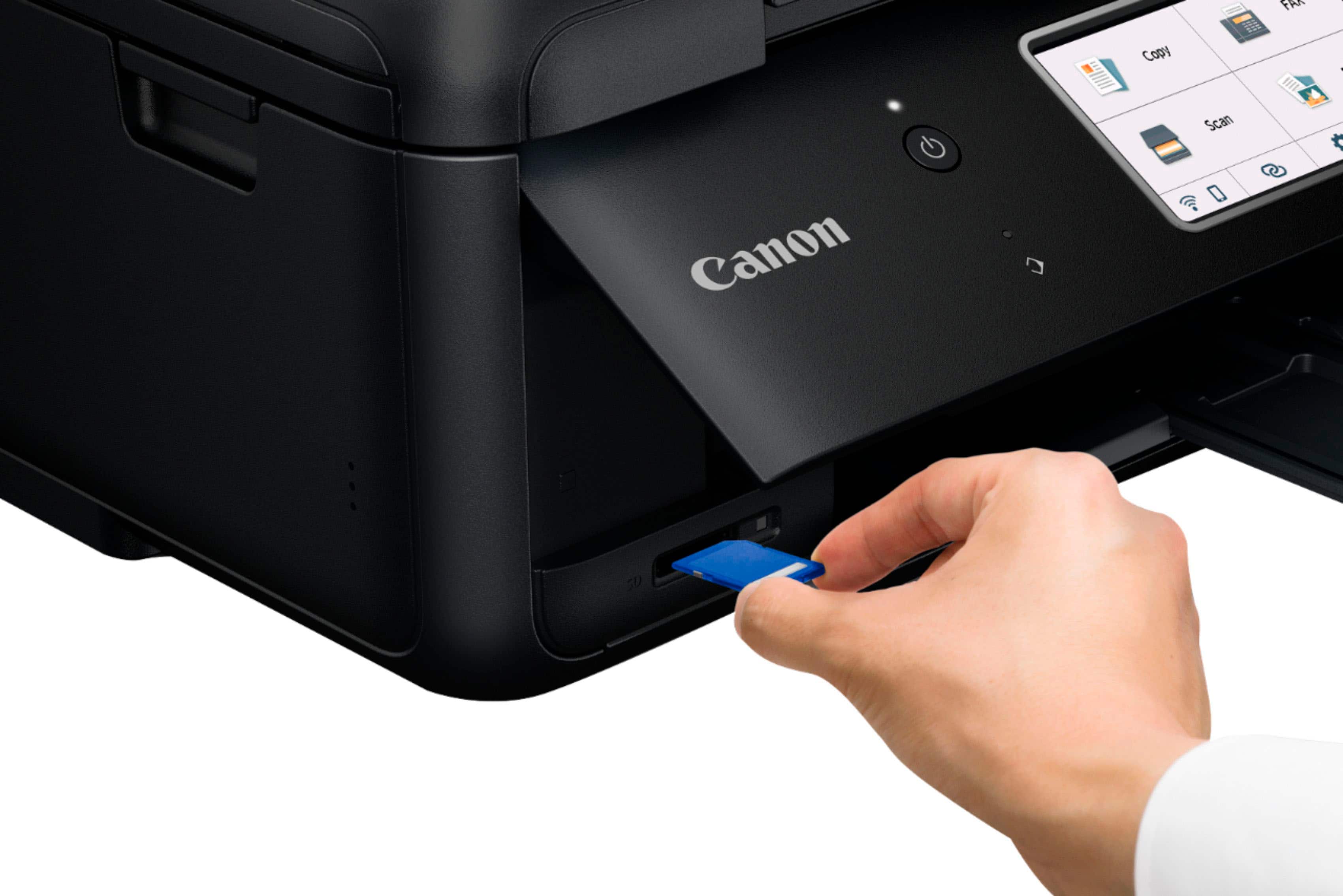
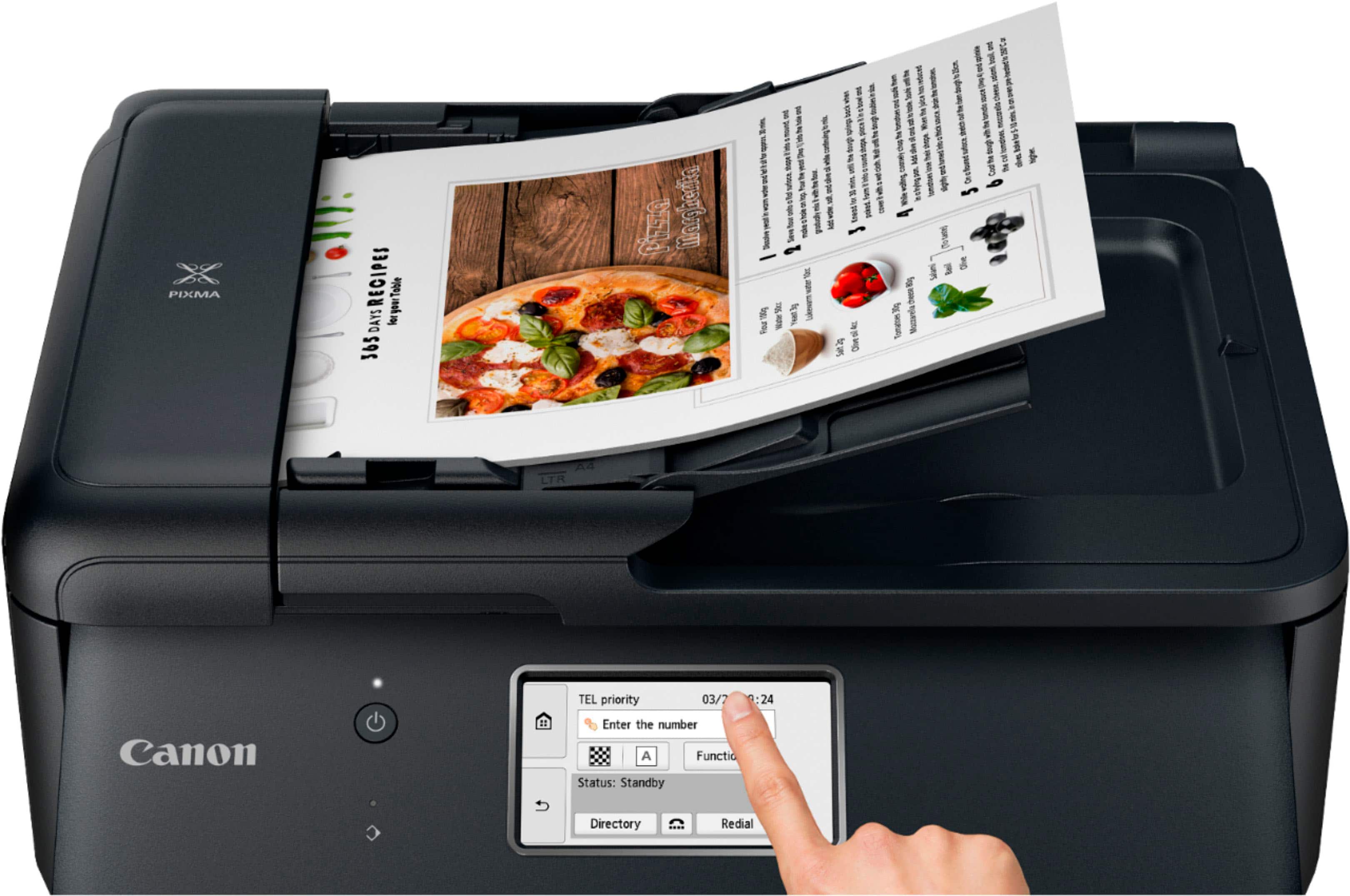
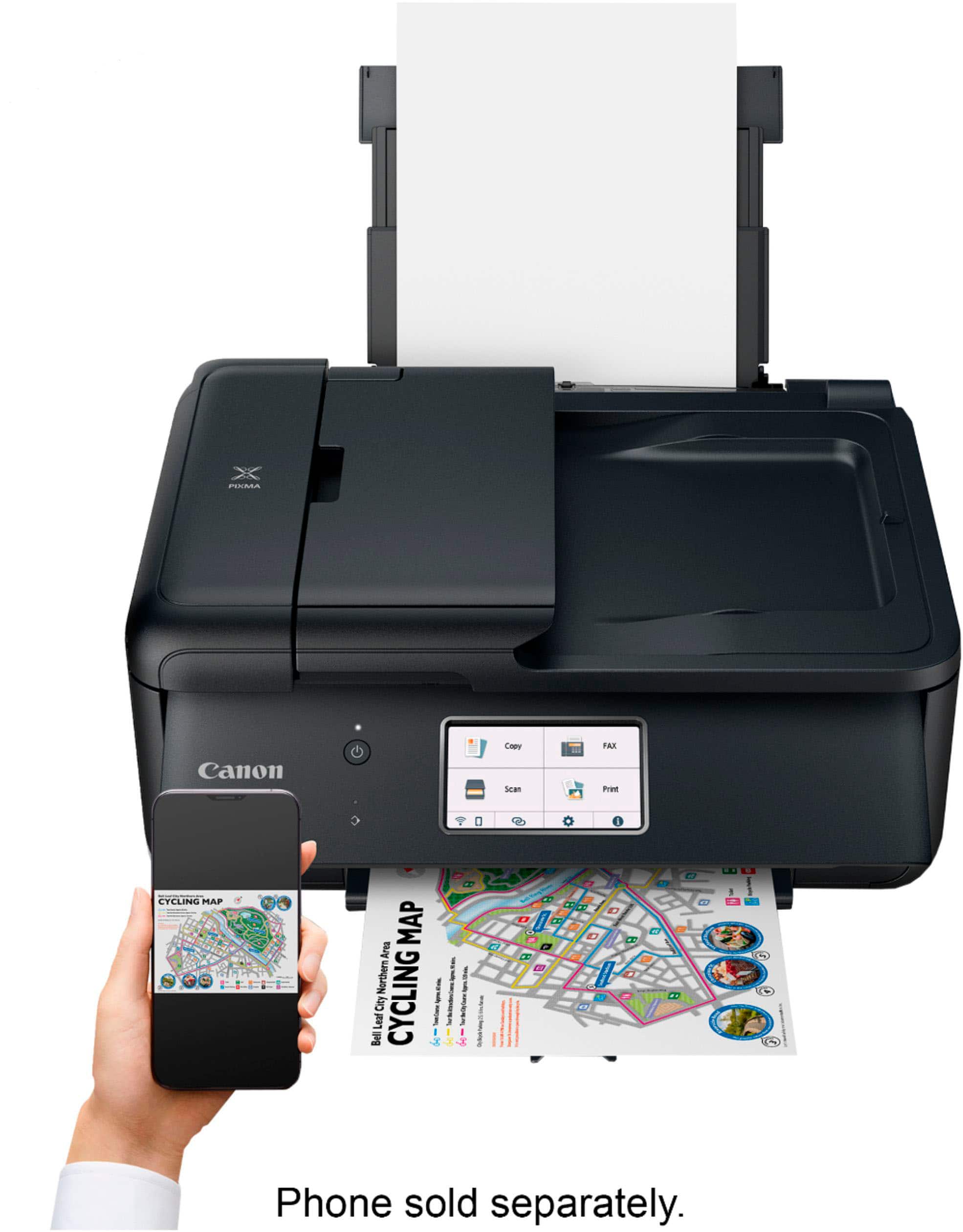
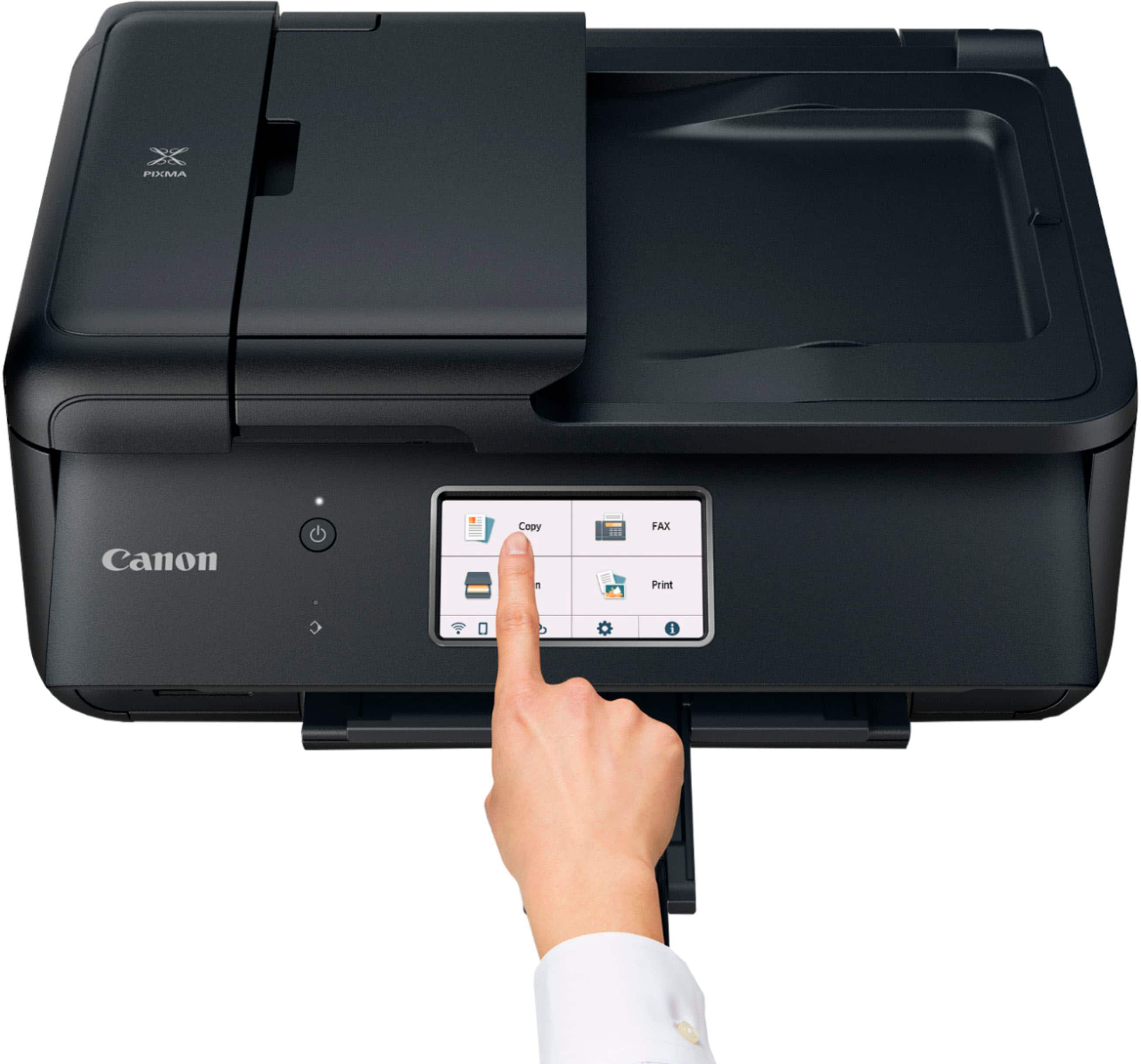
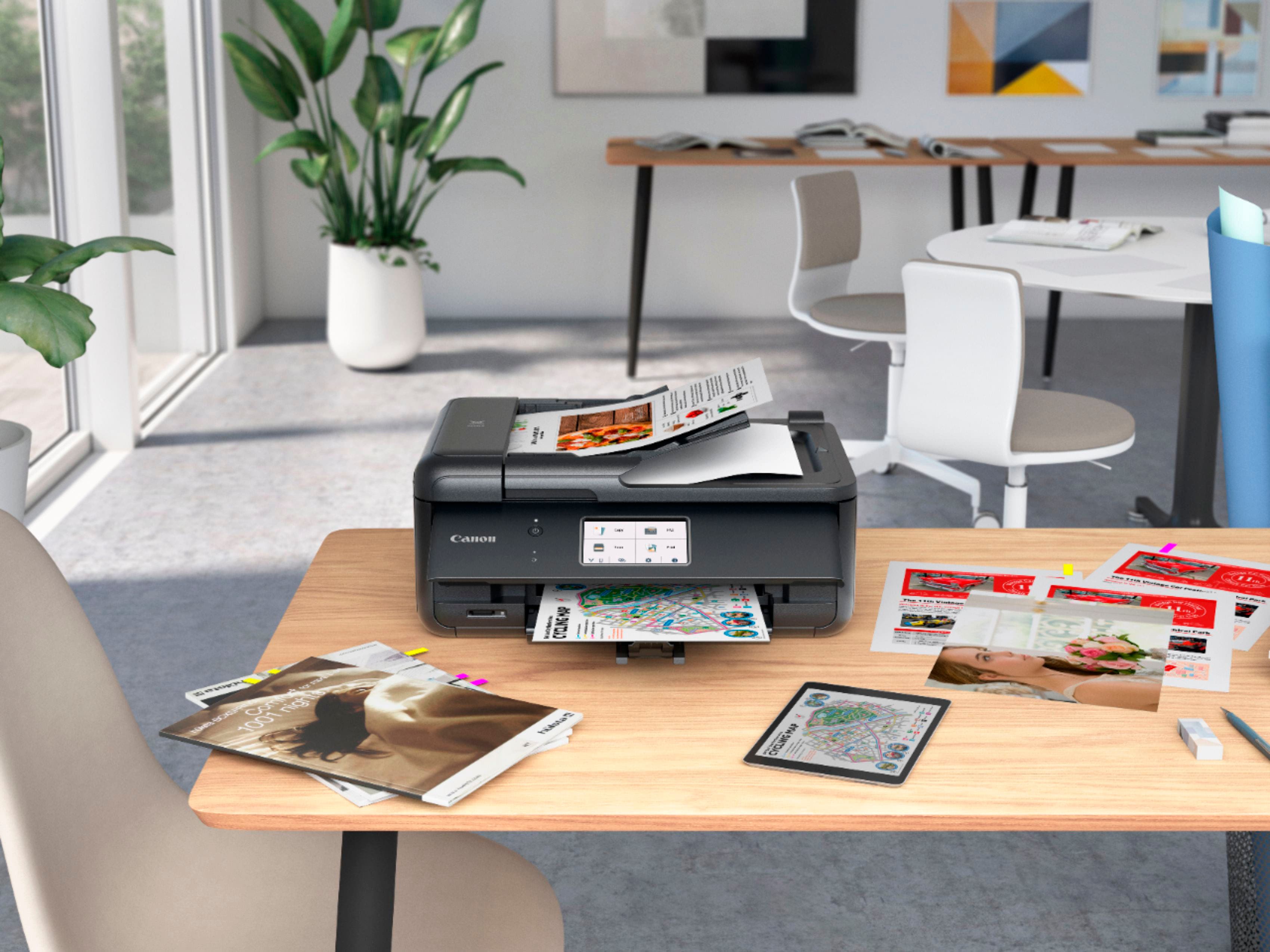
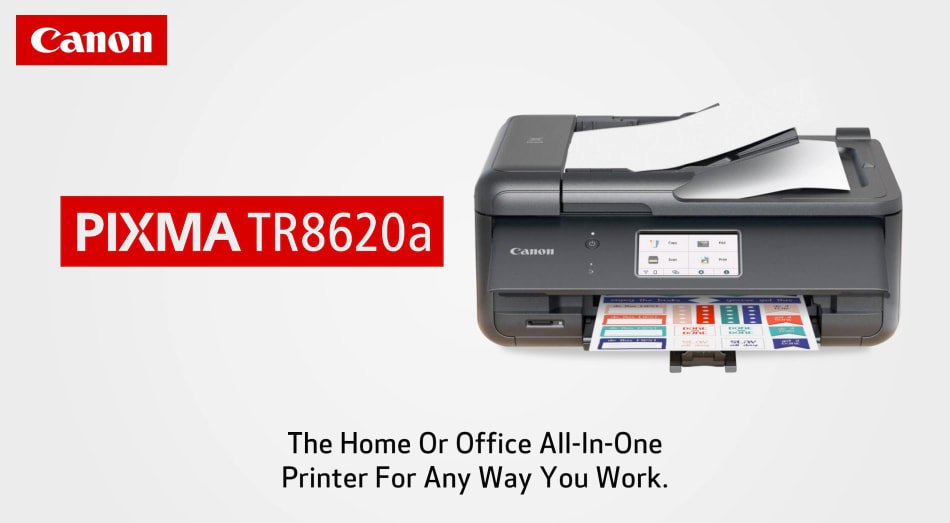
|Posted .This reviewer received promo considerations or sweepstakes entry for writing a review.This Canon all in one is a good printer that makes great photos. At just 17.3x13.8x7.5 in and 17.5 lbs, it doesn’t take up much space for a full letter size printer. It has a fold out ADF on the top that holds up to 20 sheets and you can lift up the top to access the flat bed. A vertical paper holder in the back and a paper tray on the bottom, each can hold up to ~100 sheets depending on the paper used. It doesn’t hold a lot of paper, but it’s good for a compact printer. On the front is a 4.3” color screen for setting up and controlling the device. The scanning is up to 1200 x 2400 dpi, and it has an integrated fax. It has multiple wireless (Wi-Fi, BT, 2.4 GHz only, etc) and wired (usb, ethernet) connections from individual to LAN use. The printer uses 5 different ink cartridges, a full set of the XL versions are ~$70 MSRP. The ink is easy to install, just unwrap and insert into the ink tray under the top of the printer I setup mine with an Ethernet cable. Plugged in, and on the setup screen gave it an IP address. From there you can go to the Canon page and download the software. Once obtained, it downloads the full set of features. This enables all of the printer features to be used from your PC, MAC, or Chrome OS device. Once connected to the internet, you can decide if you want to connect to online print services. Updates can also be obtained online. The software will allow you to send scans directly to your device. Ink levels can be seen on your PC or the printer touch screen. The touchscreen is large enough for sections to be selected easily. The device allows to adjust printing scanning, faxing or copying as needed. I had no issues setting up the printer. Access to all connections, and web interfaces is accessible through the touch screen. The utilities on a PC, MAC, or Chrome OS allow you to access and change various settings throughout the printer. Fax setup was straight forward and worked fine on my land line connection. The items from the printer, whether documents or photos look nice. On regular paper documents look crisp. Photos on regular paper do look well and would be great for projects. Using photo paper makes the photos really look their best. Borderless full-page prints come out fantastic. There is an eco-setting to make the ink last longer. It prints on the slow side, but the results are worth it. This compact all in one is a nice printer for the price point. Does everything you need in color in a tight space. The large touchscreen, multitude of connections, and options to print make it very versatile. You can set it up for auto turn on and off as needed. Interfacing with the printer through the printer screen or through a device was easy to setup and use.
I would recommend this to a friend Working to get set up.
||Posted . Owned for 3 weeks when reviewed.This reviewer received promo considerations or sweepstakes entry for writing a review.Software and drivers can be a process. Not just a simple download. Still working to get fax working properly.
No, I would not recommend this to a friendHuge disappointment
||Posted . Owned for 1.5 years when reviewed.This reviewer received promo considerations or sweepstakes entry for writing a review.Had been recommended to Canon to replace a history HP printers that I'd been fairly happy wit,h but have had some connectivity issues in the past. This printer did NOT resolve those issues, and I found new ones. Never was able to get the scanner to work; Ink ran out ridiculously fast and was only slightly cheaper than HP's; & could not clear out an error in spite of following online manual recommendations. I will recycle this one and choose another brand. I know I didn't buy the most expensive printer, but as it has never functioned on an even basic level. My first Canon experience was a huge dissapointment.
No, I would not recommend this to a friendIts ok but sometimes won't turn on.
||Posted . Owned for 3 months when reviewed.This reviewer received promo considerations or sweepstakes entry for writing a review.It works well when it actually turns on. Would I buy again? Probably not.
No, I would not recommend this to a friend- Pros mentioned:Print quality
Excellent for pictures
||Posted . Owned for 1 week when reviewed.This reviewer received promo considerations or sweepstakes entry for writing a review.Have not had this printer for very long, but it is excellent for printing pictures and has an SD card reader, which I was looking for.
I would recommend this to a friend canon pr inter
||Posted . Owned for 3 weeks when reviewed.This reviewer received promo considerations or sweepstakes entry for writing a review.have only had for short while but so far works great. easy to set up.
I would recommend this to a friendCheaply Made
||Posted . Owned for 1 month when reviewed.This reviewer received promo considerations or sweepstakes entry for writing a review.It works for now but is flimsy and cheaply made. Not sure how long this will last.
No, I would not recommend this to a friendlf
||Posted . Owned for 1 month when reviewed.This reviewer received promo considerations or sweepstakes entry for writing a review.So far no problems. Haven't yet used special features ie photos so cannot comment.
I would recommend this to a friendcanon pixma tr 8620
||Posted . Owned for 3 weeks when reviewed.This reviewer received promo considerations or sweepstakes entry for writing a review.slower than my old canon mg6220, it is also more noisy.. May return it...
No, I would not recommend this to a friend- Pros mentioned:Print quality
Great deal
||Posted . Owned for 1 week when reviewed.This reviewer received promo considerations or sweepstakes entry for writing a review.My wife and I purchased this for a casual But solid photo printer and we love it so far especially at its price point.
I would recommend this to a friend Not satisfied
||Posted . Owned for 6 months when reviewed.This reviewer received promo considerations or sweepstakes entry for writing a review.This is nothing against Best Buy. I appreciate your service. However this cannon printer is a rip off. You can enroll in instant ink however it would be cheaper buying the ink . I thought the idea of Instant ink was to help with Lower cost on customers however this does not support the lower cost of ink it charges by each cartridge. I wish I didn't buy Cannon brand and stick with HP cause it was what I wanted especially as a student.
No, I would not recommend this to a friend