Last Chance 48-Hour Flash SaleEnds Dec. 24. Limited quantities.Shop now

Skip to content
Gift Ideas
Main Content

Customer Ratings & Reviews
Your price for this item is $149.00
The comparable value price is $215.00

Customer reviews

Rating 4.3 out of 5 stars with 1039 reviews

Rating Filter

Rating by feature

  • Value

    Rating 4.4 out of 5 stars

  • Quality

    Rating 4.3 out of 5 stars

  • Ease of Use

    Rating 4.2 out of 5 stars

Pros mentioned filter

Cons mentioned filter

86%would recommend to a friend

Customers are saying

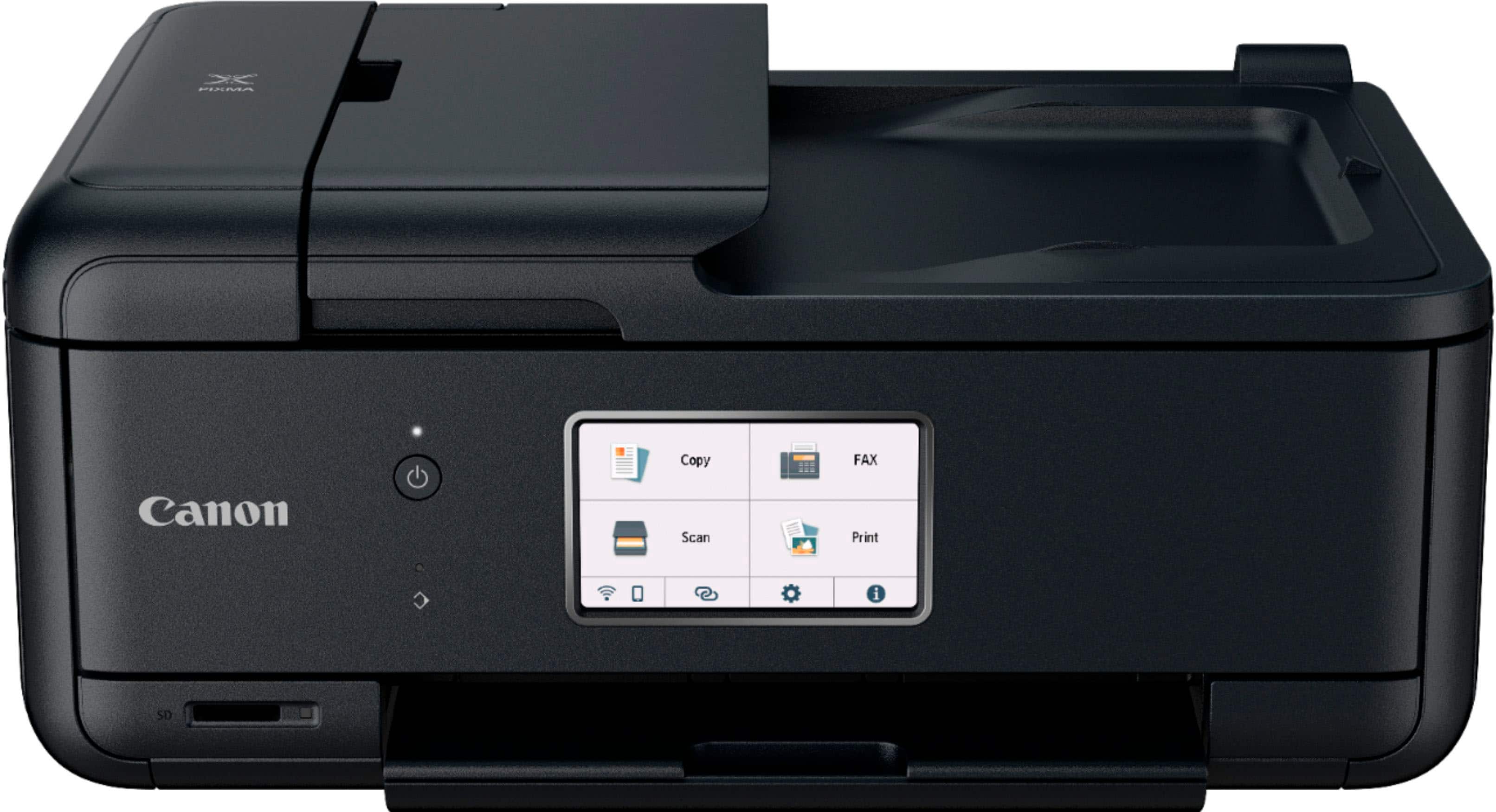
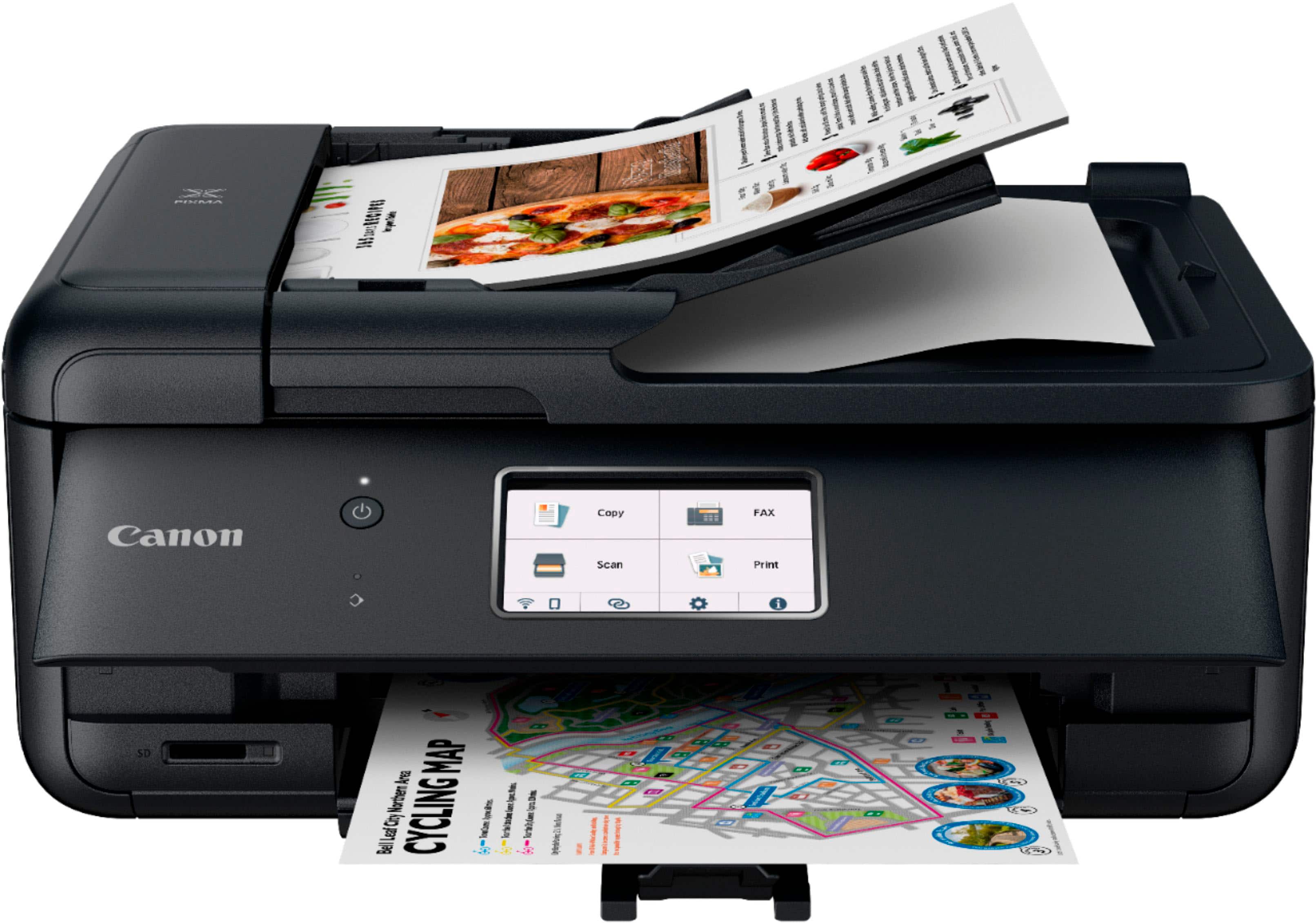
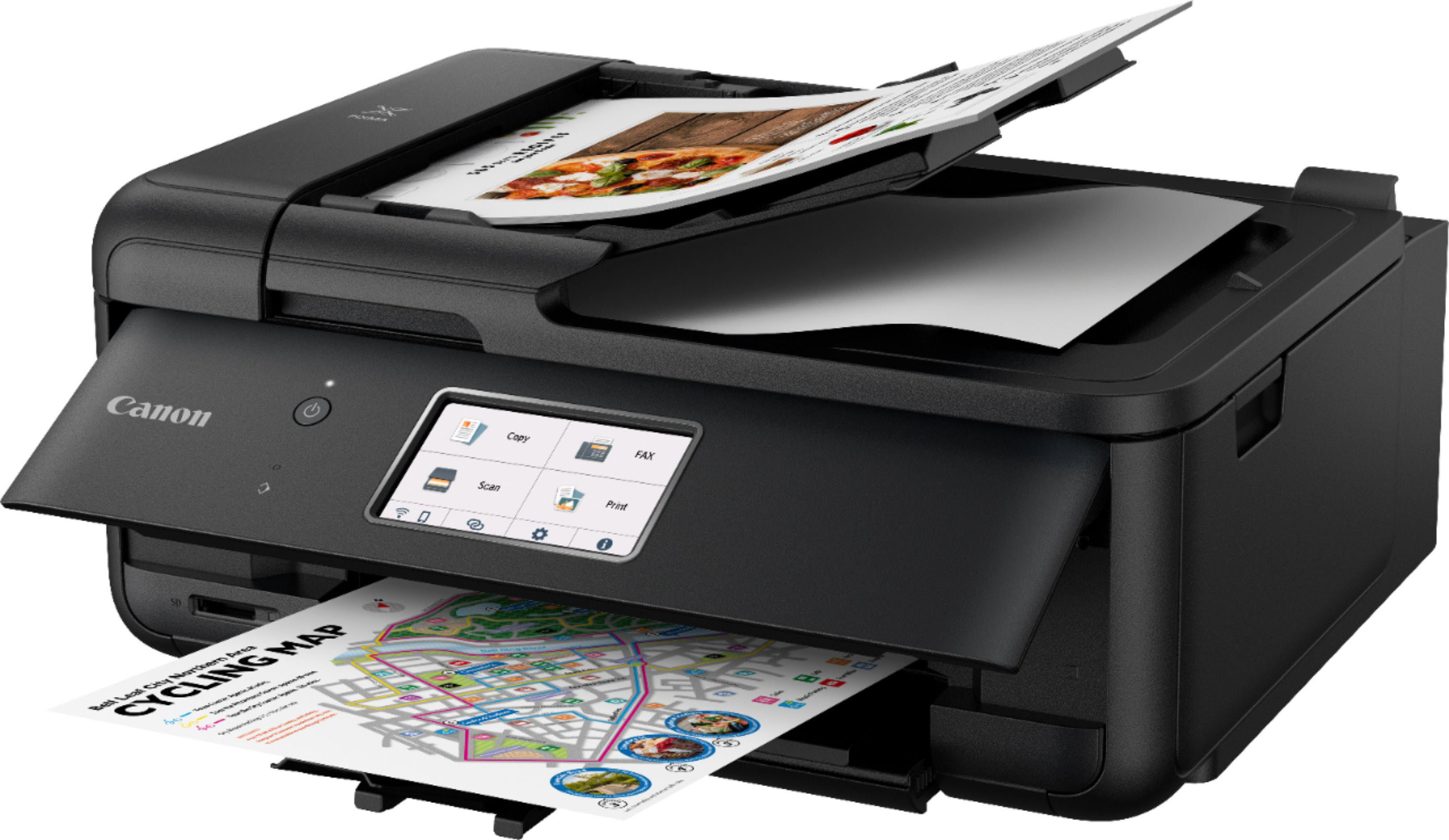
Customers praise the PIXMA TR8620a for its excellent print quality and ease of use, finding it easy to set up and convenient to use wirelessly. The compact size and quiet operation are also frequently cited as positive aspects. However, some users express concerns about the paper tray's accessibility and the printer's long-term reliability.

This summary was generated by AI based on customer reviews.

The vast majority of our reviews come from verified purchases. Reviews from customers may include My Best Buy members, employees, and Tech Insider Network members (as tagged). Select reviewers may receive discounted products, promotional considerations or entries into drawings for honest, helpful reviews.
Page 49 Showing 961-980 of 1,039 reviews
  • Rated 2 out of 5 stars

    Disppointing

    |
    |
    Posted . Owned for 1 month when reviewed.
    This reviewer received promo considerations or sweepstakes entry for writing a review.

    Difficult to set up. Instructions are poor. Had to use a cable, couldn’t figure out how to do wireless. Too much jargon in instructions. Hard to load paper, complicated to print or scan.

    No, I would not recommend this to a friend
  • Pros mentioned:
    Print quality
    Tech Insider Network Member

    Rated 4 out of 5 stars

    Best printer I've used so far

    |
    Tech Insider Network Member
    Posted .
    This reviewer received promo considerations or sweepstakes entry for writing a review.

    This printer is the first time I've used a non HP /Espon printer and I wasn't disappointed. Also first printer I have used that uses wifi and don't need to connect it to a computer or anything with a physical connection. It does everything you might need for home and office if you don't need a huge one for an office this will do the job. It can scan, print, copy and Even fax but I don't fax at all nor do I know how to set that up so I can't speak for that functionality of this printer. I'm used to the older ink jets which had two cartridges a color and a black one. Initially I think it's just more money hungry to do multiple colors but I shall see if it's more money in the long run. The printer comes with an LCD screen which I find is very basic and honestly the only downside to this whole printer. I find i have to be more precise and determined with touches on it and it effects how easily you can set this printer up. You need to use it to set up the printer to your wifi network and it's a chore. Thankfully you only have to do it once so it's not a total deal breaker. After setup the printer works great.

    I would recommend this to a friend
  • Pros mentioned:
    Print quality
    Tech Insider Network Member

    Rated 4 out of 5 stars

    Compact, versatile and print quality

    |
    Tech Insider Network Member
    Posted .
    This reviewer received promo considerations or sweepstakes entry for writing a review.

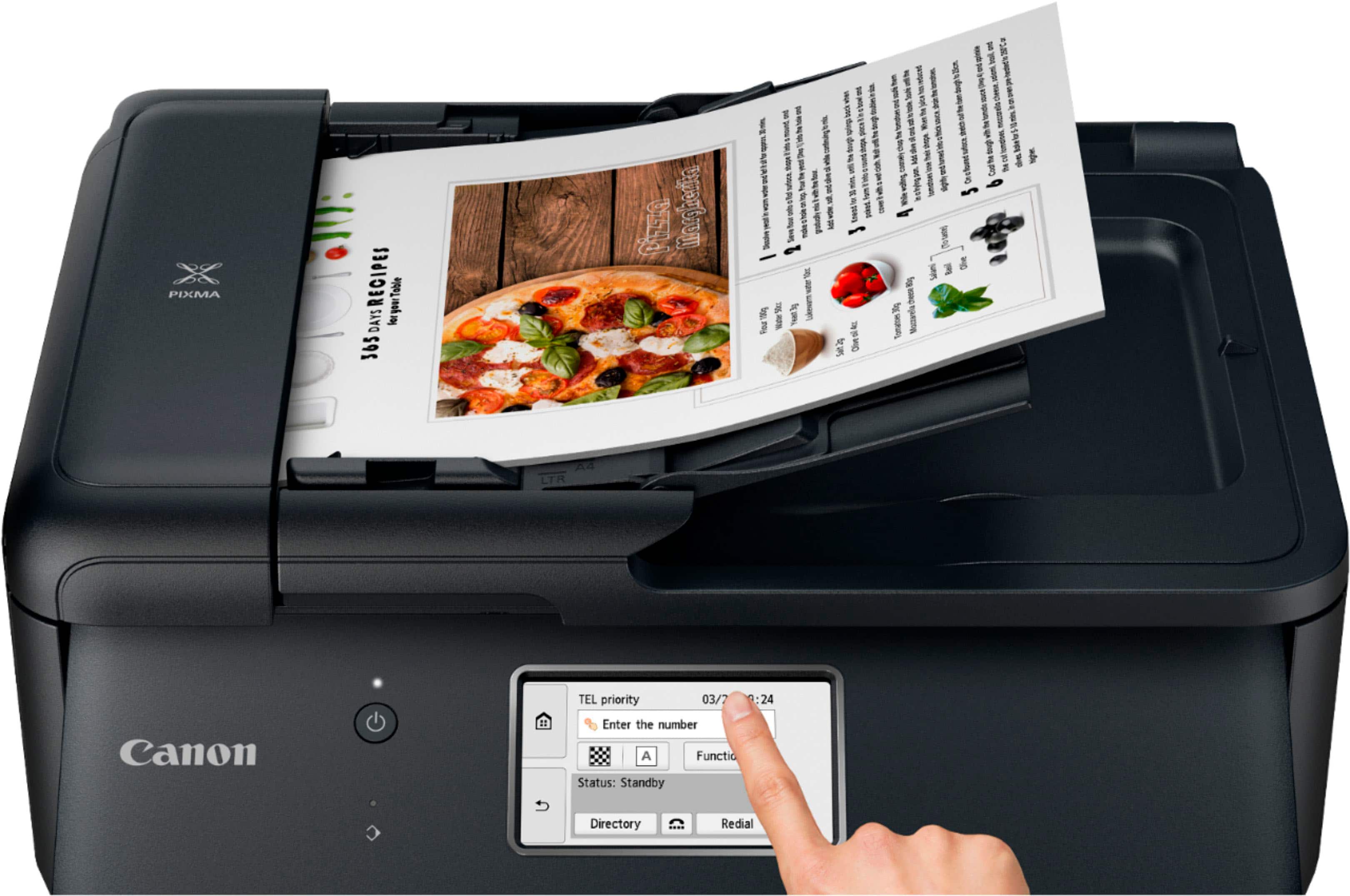
    Compact desktop printer with small footprint but complete home office printer. Printer, fax, scanner, 20 page adf, double sided printing/ but manual duplex scanning and of course a copier. The setup is problematic and so too the wifi setup. Please use the app that does make things go smoothly. Print quality is impressive especially color, but it is a canon so that goes without even needing to be stated. The titling touchscreen is a nice feature and found on many of canon’s other printers, large or small. I like the inclusion. The 5 ink cartridge system is nice and allows you to continue to print in bw if other color cartridges are low. How long they will last in real life seems to be good but still ink is always costly. The wifi setup is difficult but rock solid once established. Multiple options to store scanned documents from wirelessly to your computer to SD storage cards. The print speed is minus a star due to it being to me sluggish and high ink cost. I like the connection options of wifi, usb , Ethernet and Bluetooth.

    I would recommend this to a friend
  • Pros mentioned:
    Print quality
    Tech Insider Network Member

    Rated 4 out of 5 stars

    Multitasking Printer

    |
    Tech Insider Network Member
    Posted .
    This reviewer received promo considerations or sweepstakes entry for writing a review.

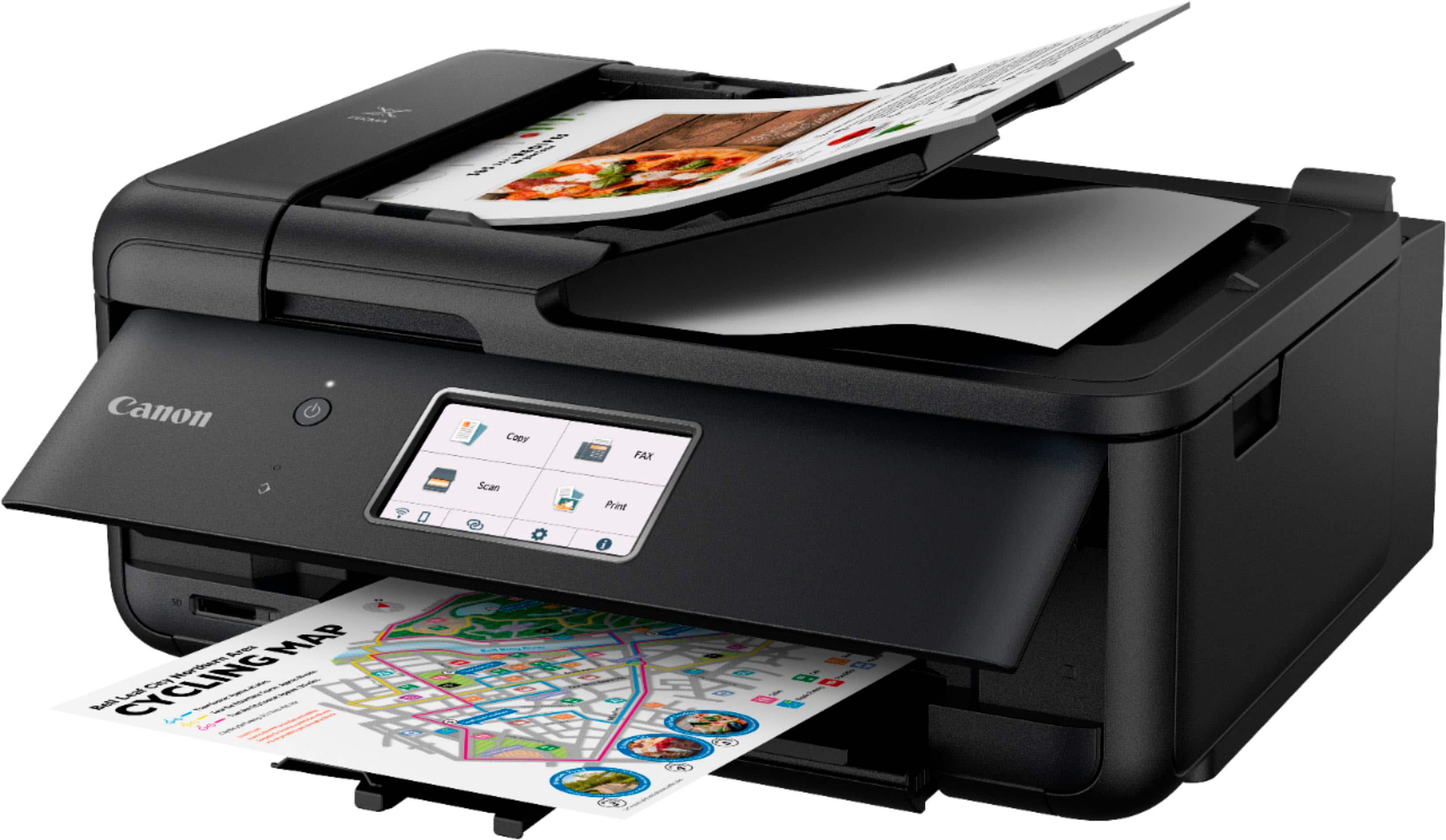
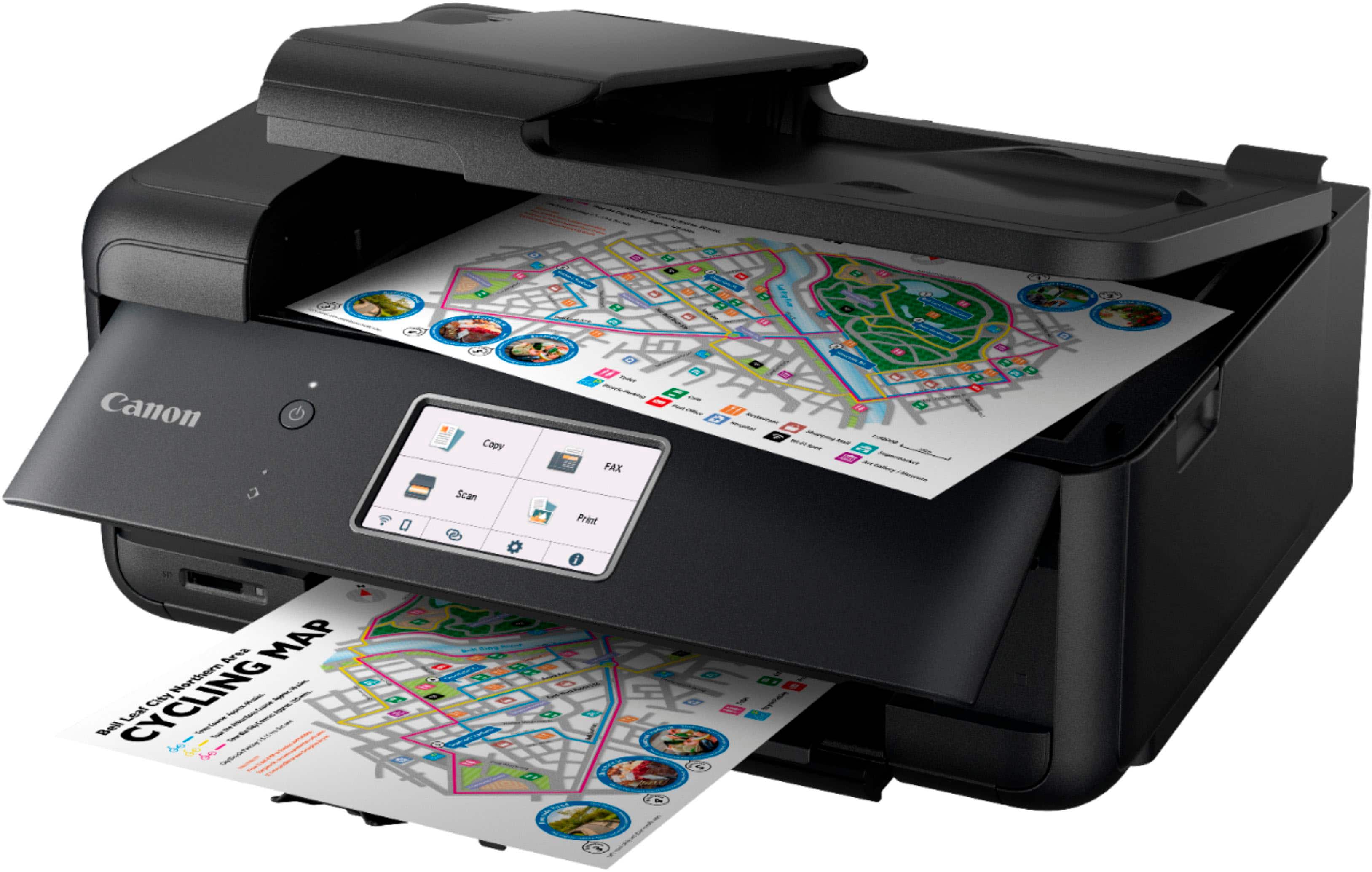
    The Canon-Pixma TR8620a Wireless All-In-One Inkjet Printer is great for those who work at home are in the office. You are able to print by placing paper in the cassette tray or the feeder tray. You can print photographs, certificates, use card stock, make labels, and more. When testing the printer out I utlitized both trays and successfully printed images, certificates, and a presentation I was working on. You also have the capability of scanning documents, faxing. There is a touch screen on the printer. When scanning the document you have the option of uploading to your computer, sending via email, to the cloud, and or storing on a memory card. When copying documents you are able to make it borderless, choose to have a frame, and/or select a standard frame. For faxing you have to the printer provides two choices. Selecting to setup the fax and/or to next set up the fax. The fax it stores the directory of numbers. Canon allows you to make different choices based upon your needs. You can choose to connect the printer via Wifi or connect directly into your router. I chose to do it from connecting directly into my router. Overall, the printer appears to work well. Unsure yet, how long the cartridges last. Cannot review this part yet. Pros: Easy Setup Touch Screen Prints very fast Not heavy Cons: None at the moment.

    I would recommend this to a friend
  • Pros mentioned:
    Print quality, Setup

    Rated 5 out of 5 stars

    Good value, does everything well.

    Posted .
    This reviewer received promo considerations or sweepstakes entry for writing a review.

    Nice product, easy to set up, fast, excellent print quality including photo-quality pictures. Haven't used the fax, but everything else works fine straight out of the box. Minor criticisms- the plastic paper trays and output trays seem flimsy, and the quick setup guide doesn't show the rear paper tray clearly. But I would still rate it excellent.

    I would recommend this to a friend
  • Pros mentioned:
    Print quality
    Tech Insider Network Member

    Rated 3 out of 5 stars

    Great output at the potential cost of time.

    |
    Tech Insider Network Member
    Posted .
    This reviewer received promo considerations or sweepstakes entry for writing a review.

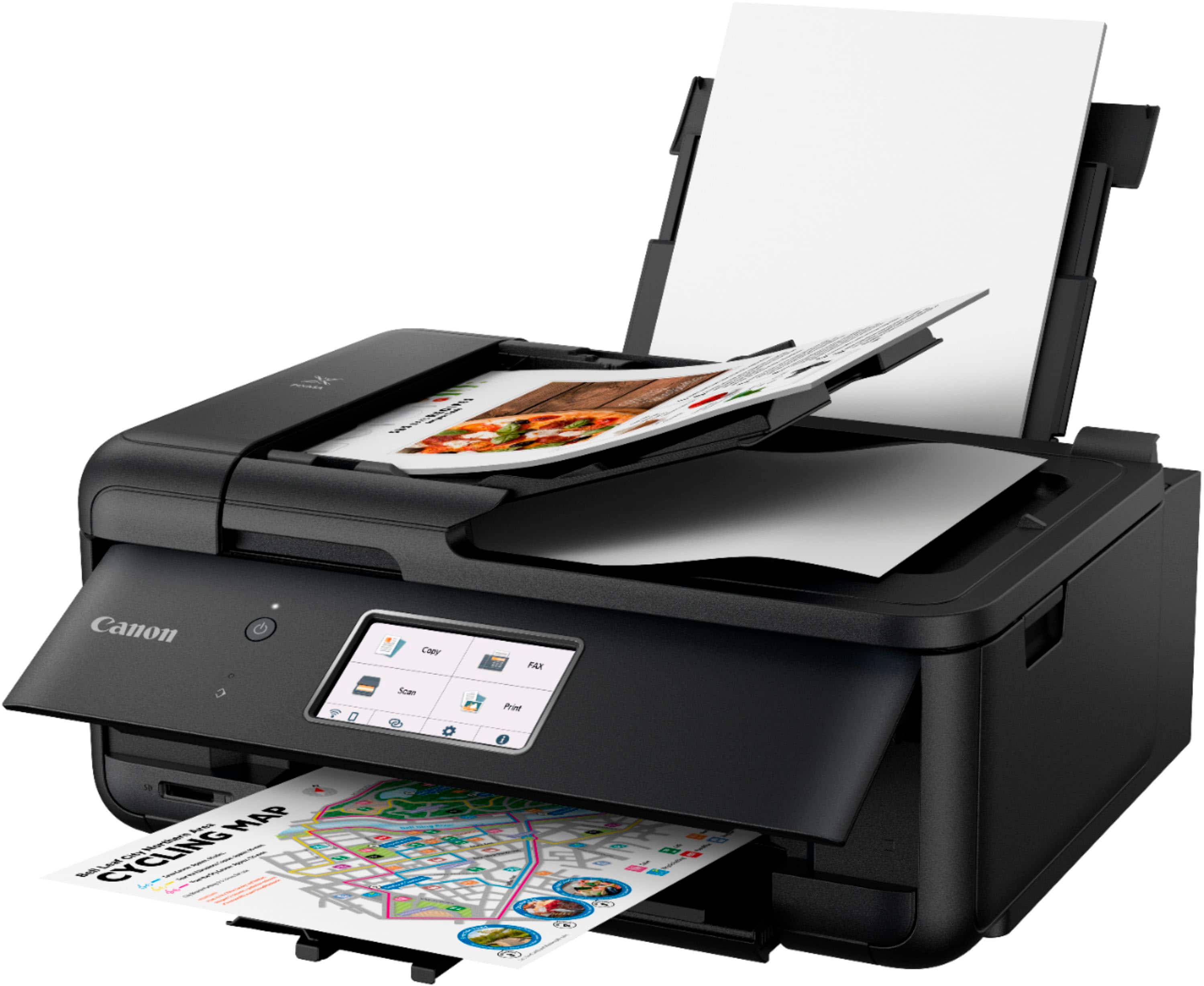
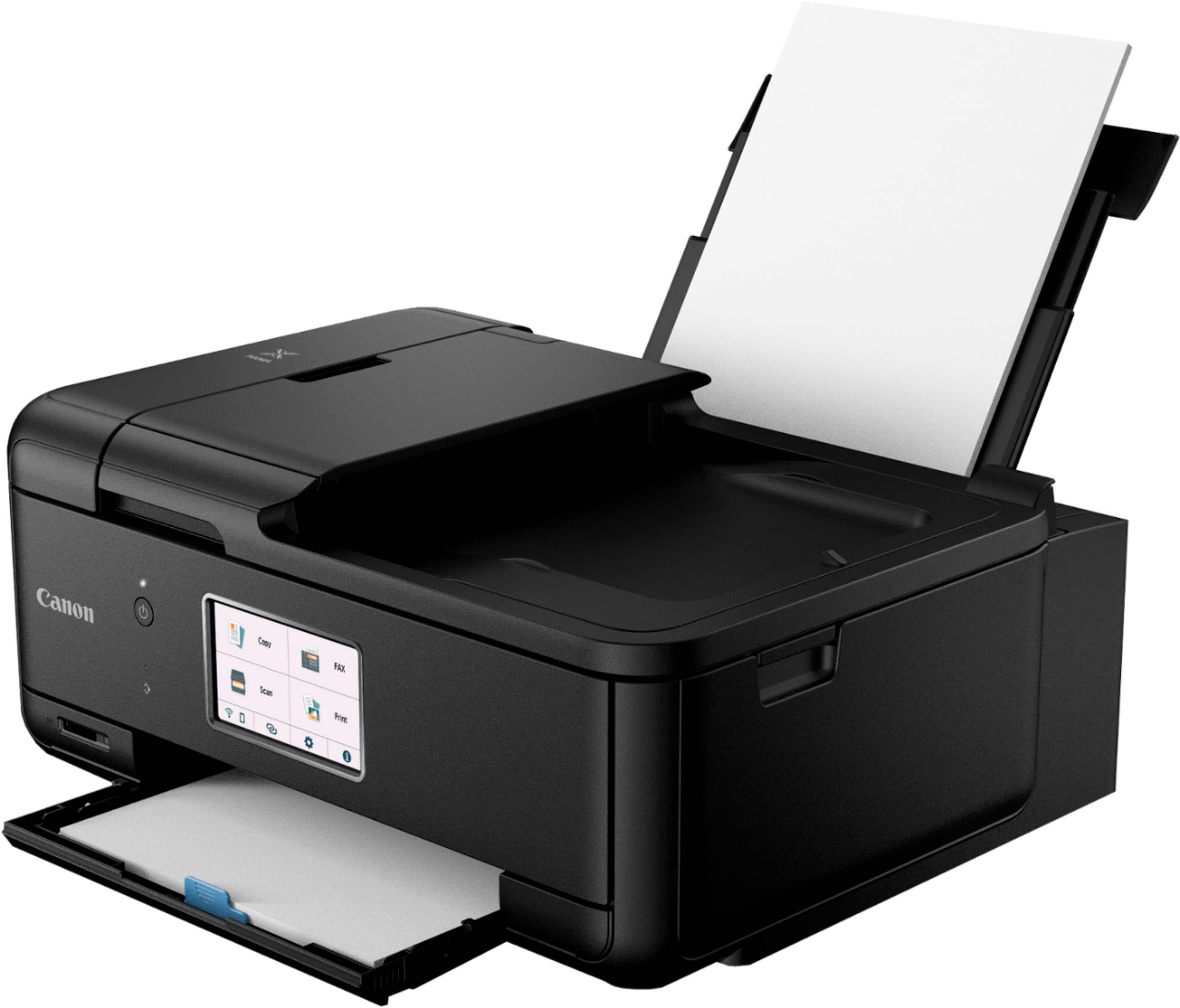
    When I used to do a lot of photo printing, Canon Pixmas were my “go to” printers. I started with a print only model and, as needs changed, progressed over time to all-in-one models. They all produced fast, exacting, and beautiful prints. All other functions performed exceptionally well, too. Given that history, I had those same expectations for the new Pixma TR8620a. SETUP: Getting the device functional and connected to wi-fi is easily done by following instructions on the touchscreen located on the front pullup panel. All functions can be managed using the screen. Given the screen size (2.5”x4.0”) and central front location, it can easily be read without being in the up position. Panel size is approx. 3.5” x 15” and extends across the device front and must be open to perform most functions. Caution: Jutting out as it does, there is a potential for damage to the screen panel and/or user. Also, with the panel up, it blocks view of the lower paper carrier and print output. LOADING: There are two paper loading areas: lower front and upper rear of printer. Unless you have especially small fingers, pulling out the front cassette for loading can be a bit of a challenge. Also, there is minimal access clearance between the cassette and the desk/table the printer is sitting on. The rear area is where photo paper is loaded. It is much more visible, and access is much more convenient. PRINTING: Output is excellent whether b&w or color! Ink is evenly distributed and dries quickly. This is important, especially for printing photos. COPYING: Works well and produces excellent product! However, one specific needs to be known: While the Pixma does copy on both sides, it is not a true duplexer. Manual intervention is required to turn over the original and reinsert it for copying side two. When using the document feeder, there is a metallic buzzing sound emitted (reminds me of a dentist office) during the paper feed process. SCANNING: Works well and produces excellent product! However, there is no automatic duplex scanning. That is the only real issue I have ever had with Pixmas, but I let photo print quality override it. Again, when using the document feeder, expect the same buzzing sound. PRINTING/COPYING SPEED: For the first two days of trying out these functions, the printing and copying of documents/photos were both done at excruciatingly slow speeds. The range was from 1:05 to 1:45 minutes for b&w documents to over 5:00 minutes for color photo. The third day of usage operational speeds in all categories were very satisfactory. The fourth day, speeds were slow again but not as bad as the first two days. Bottom line, there is an inconsistency in output speeds for printing and copying from day to day. Again, if you are using the document feeder, expect the buzzing sound. If you do not care about the buzzing and highly variable production speeds and just want excellent printed/copied/scanned outcomes, the TR8620a could be a smart choice for you. Otherwise, I would suggest trying a different Canon Pixma model.

    No, I would not recommend this to a friend
  • Tech Insider Network Member

    Rated 5 out of 5 stars

    An all-around Good Printer

    |
    Tech Insider Network Member
    Posted .
    This reviewer received promo considerations or sweepstakes entry for writing a review.

    I've been needing a newer printer to replace the one I have which I've begun to, quite frankly, not like very much for certain, specific reasons. Canon is a brand I'm well familiar with. I've owned a Canon printer before. And this particular model has the features I'm looking for. Since Canon is a brand known for photography, I was relatively confident the photo printing I'm wanting to do, would be of the quality I'd expect. The setup instructions are well-organized and it didn't take long to connect the printer to my computer. Proper calibration is important; simply follow the directions. After downloading and installing the Canon PIXMA Inkjet Selphy app, I was ready to use the printer via my mobile devices. And since I already had a Canon account, after signing in it was a simple task to register my new printer. The visual control display is bright and large, making it easy to navigate through the menus. Printing documents is really fast, and the machine is not exceptionally loud. If I had to point out a potential 'Con' it would be that the paper tray seems "cheap" and rather flimsy. I do, however, appreciate that this printer is designed so that the photo paper is loaded into a separate area at the back of the printer. This is much more preferable to me, instead of having to put the photo paper in the paper tray (like with my previous printer). Once I'd adjusted the slider tabs, no other modifying of settings was necessary. There are a few sample sheets of 4"x6" photo paper included. The ability to print quality photos using this printer, is a big 'Pro' for me. And, of course, being able to Fax from home via my printer ... that's always a plus! If you are someone that does a lot of printing, or would just prefer a more convenient ink subscription option, the Auto Replenishment Service or PIXMA Print Plan may be a good fit for you. Overall, this Canon PIXMA TR8620a Wireless All-in-One Inkjet Printer with Fax is a lovely machine. Highly recommend.

    I would recommend this to a friend
  • Pros mentioned:
    Print quality
    Tech Insider Network Member

    Rated 4 out of 5 stars

    Easy but Cheap

    |
    Tech Insider Network Member
    Posted .
    This reviewer received promo considerations or sweepstakes entry for writing a review.

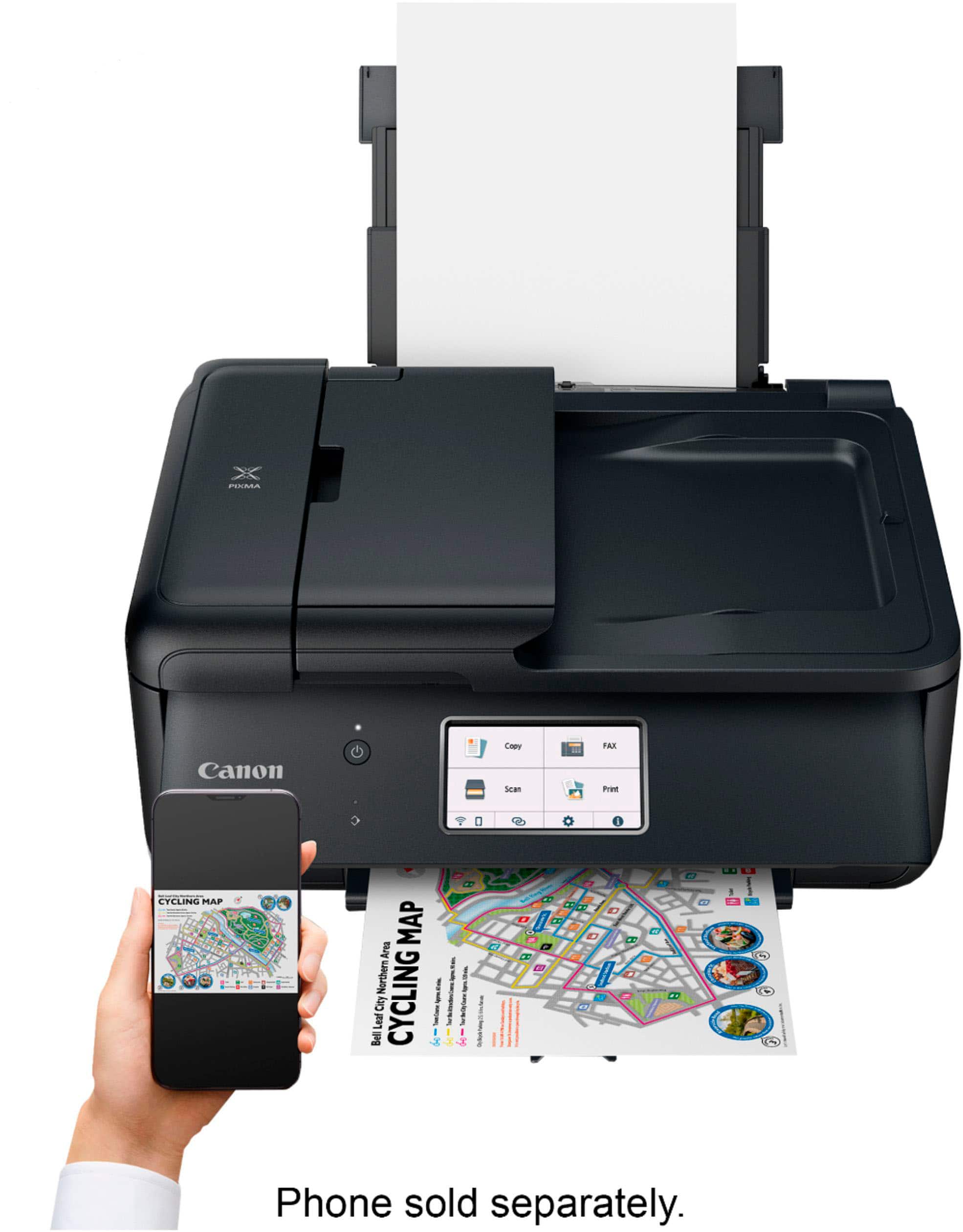
    Set up was pretty easy - followed the driver download instructions from Canon website. Also super easy to download the app to my iPhone to direct print photos. Garden photo I printed as a test came out with brilliant colors and nice and crisp. I like that there is a separate feed for photo paper but didn't realize at first when printing from my computer that I needed to select the tray with photo paper. When printing written word, it spits it out really fast which is nice. I had a canon pixma previously and liked that when scanning, I didn't have to do anything extra to set it up to scan from this printer. The printer is compact, which is the most positive thing I can say about it. As soon as I pulled it out of the box, I could feel how flimsy it is. I was so disappointed in the quality. The top cover/adf is super light and feels like it could snap off. The front paper tray basically bends when you touch it and is so loose that it doesn't feel like it's actually attached to the printer. Overall its a decent printer, just the quality is not the greatest.

    I would recommend this to a friend
  • Pros mentioned:
    Print quality

    Rated 5 out of 5 stars

    Great price for a printer

    Posted .
    This reviewer received promo considerations or sweepstakes entry for writing a review.

    Very nice printer. Canon does a great job. Prints faster than I thought it would. Haven't had it long enough to determine the ink usage, but appears to be very good.

    I would recommend this to a friend
  • Pros mentioned:
    Ease of use, Size

    Rated 4 out of 5 stars

    Useful all-in-one printer

    Posted .
    This reviewer received promo considerations or sweepstakes entry for writing a review.

    Pros: Excellent features for the price. Easy to set up. Compact size. Cons: Trays are a bit flimsy, hope they hold up. Won't stay powered up when not used for a while, so remote printing is difficult.

    I would recommend this to a friend
  • Tech Insider Network Member

    Rated 5 out of 5 stars

    Print like a pro!!!!!

    |
    Tech Insider Network Member
    Posted .
    This reviewer received promo considerations or sweepstakes entry for writing a review.

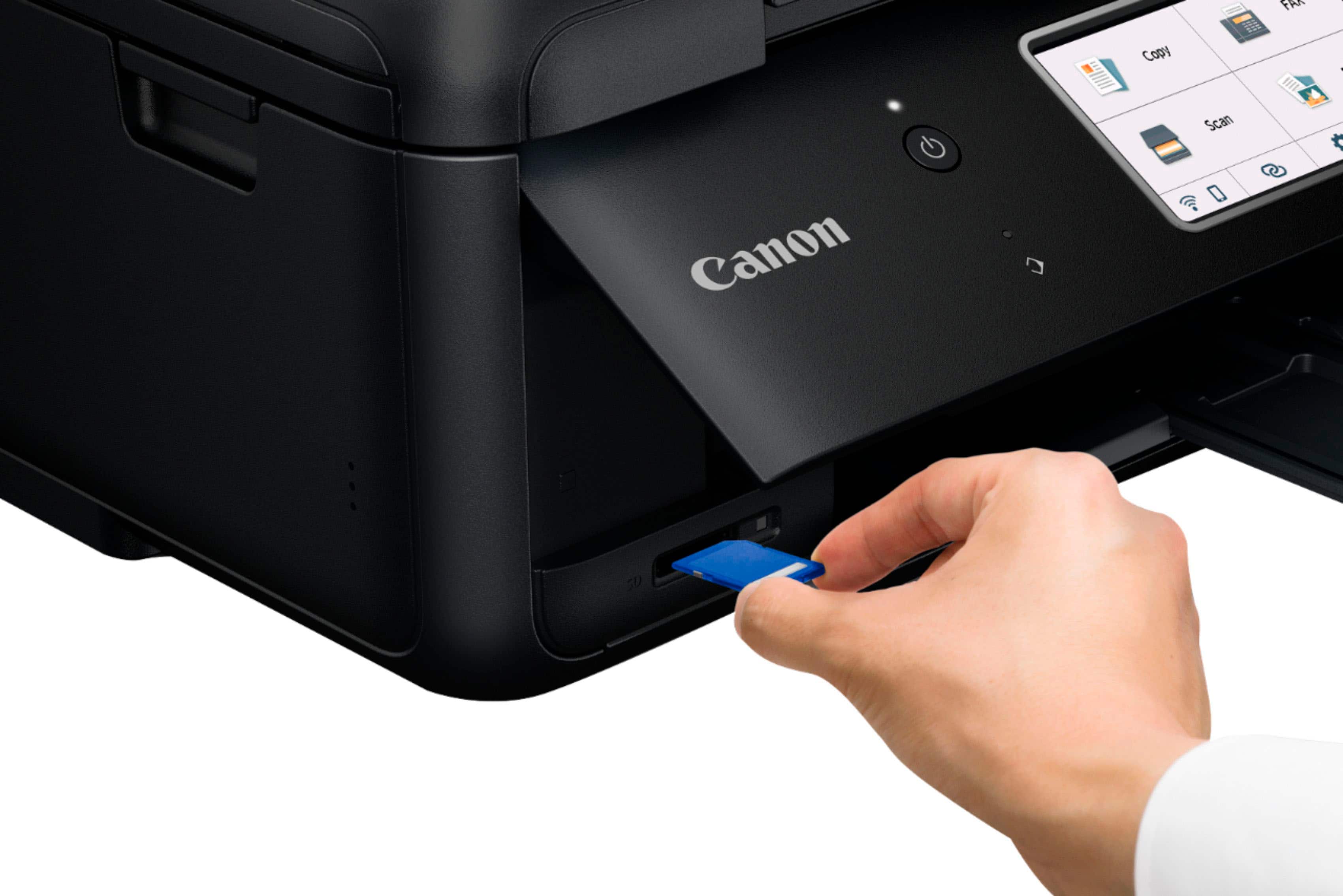
    Canon PIXMA TR8620a Wireless All-In-One Inkjet Printer is an excellent option for home or office. An all-in-one design including wireless and wired internet connectivity and fax machine capabilities will be a welcome addition to any home office. The setup was straightforward. I was up and printing within a few minutes. The 4.3" LCD touchscreen makes for easy control and task navigation. It also has front and rear paper support that lets you use all types of paper and options. Using the Canon print app Apple apron and Mopria print Service, you can also print on all mobile devices. You also have SD card support. Canon also uses the hybrid ink system, which gives you excellent blacks on all your documents and photos. The ink system uses five individual ink reservoirs, which provides a great cost-effect because you only replace the low ink. And I love that it has automatic two-sided printing. And it also supports Alexa and Google. There is also great software to download Easy-PhotoPrint Editor Software, PosterArtist Lite Software, And a Canon app from AppStore. It comes with Standard Ink Tanks(PGBK, BK, C, M, Y), Telephone/Modem Cords, and a power cord. This one will make your printing jobs effortless.

    I would recommend this to a friend
  • Pros mentioned:
    Ease of use, Print quality

    Rated 5 out of 5 stars

    DonnaS

    Posted .
    This reviewer received promo considerations or sweepstakes entry for writing a review.

    I'm very happy with this printer. It was very easy to set up and prints like a dream. I especially like the display on the front of the printer instead of on top. Much easier to read this way. Much faster than my other printer so what's not to like.

    I would recommend this to a friend
  • Pros mentioned:
    Print quality
    Tech Insider Network Member

    Rated 5 out of 5 stars

    Great printer!

    |
    Tech Insider Network Member
    Posted .
    This reviewer received promo considerations or sweepstakes entry for writing a review.

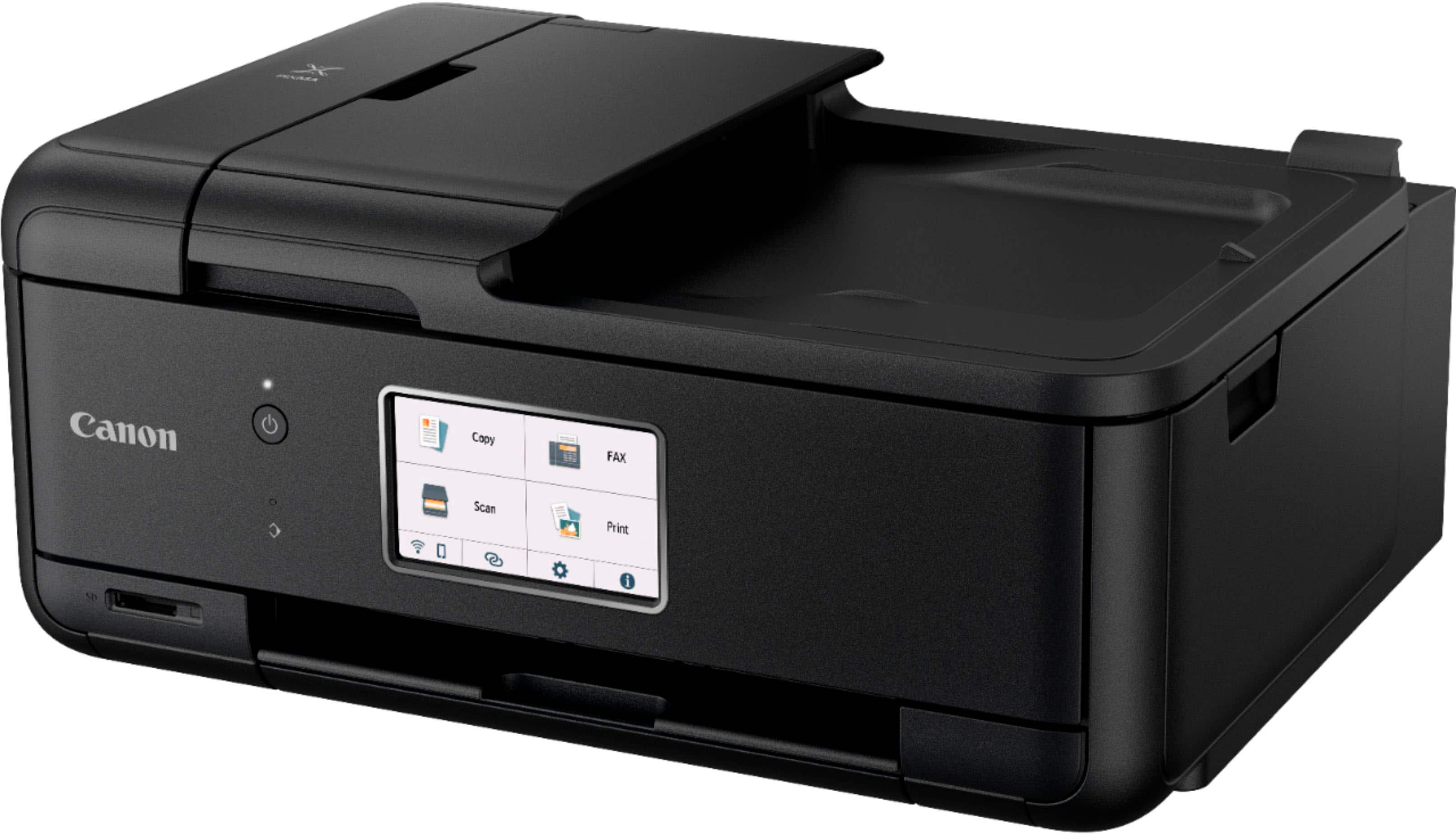
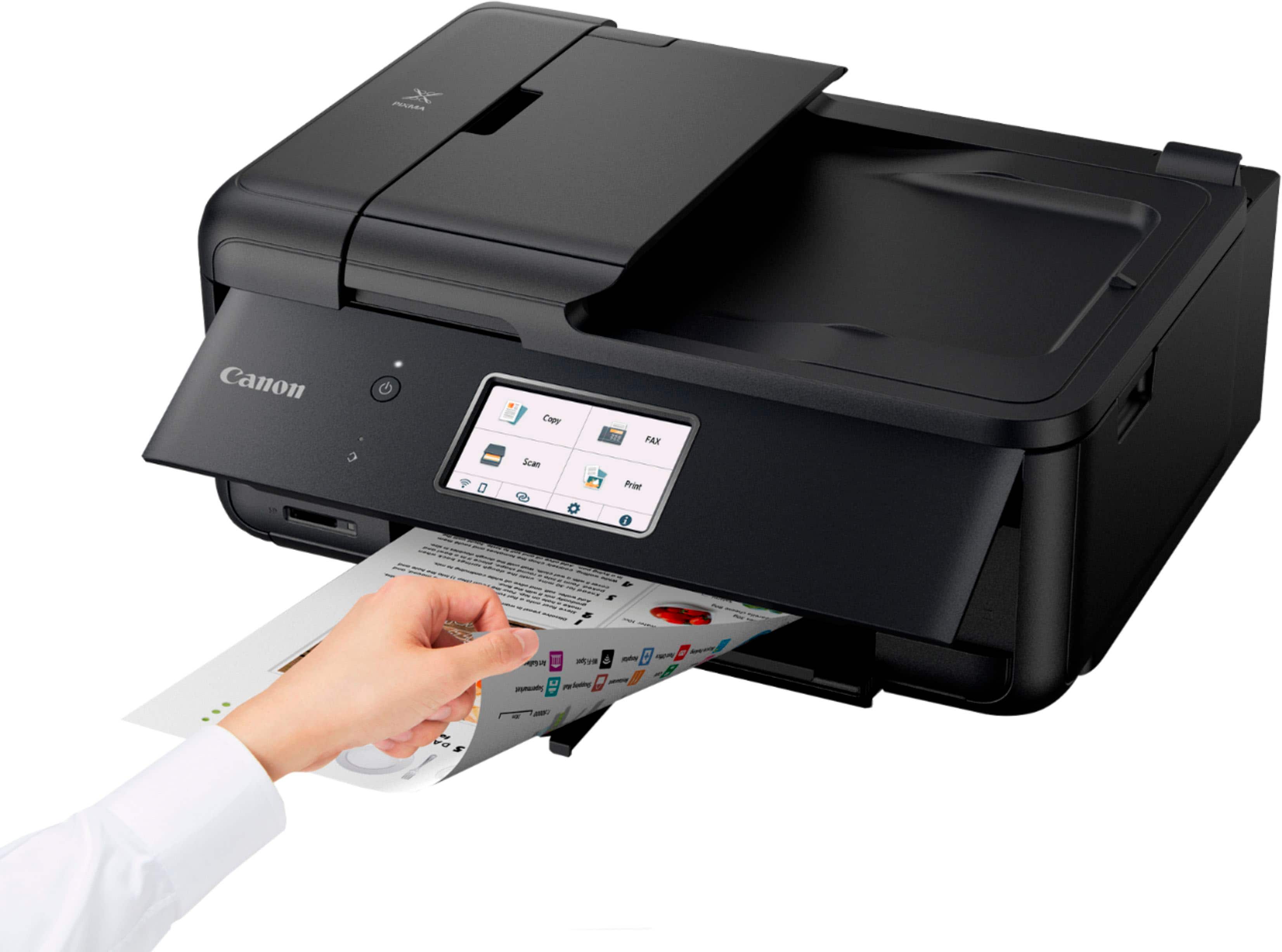
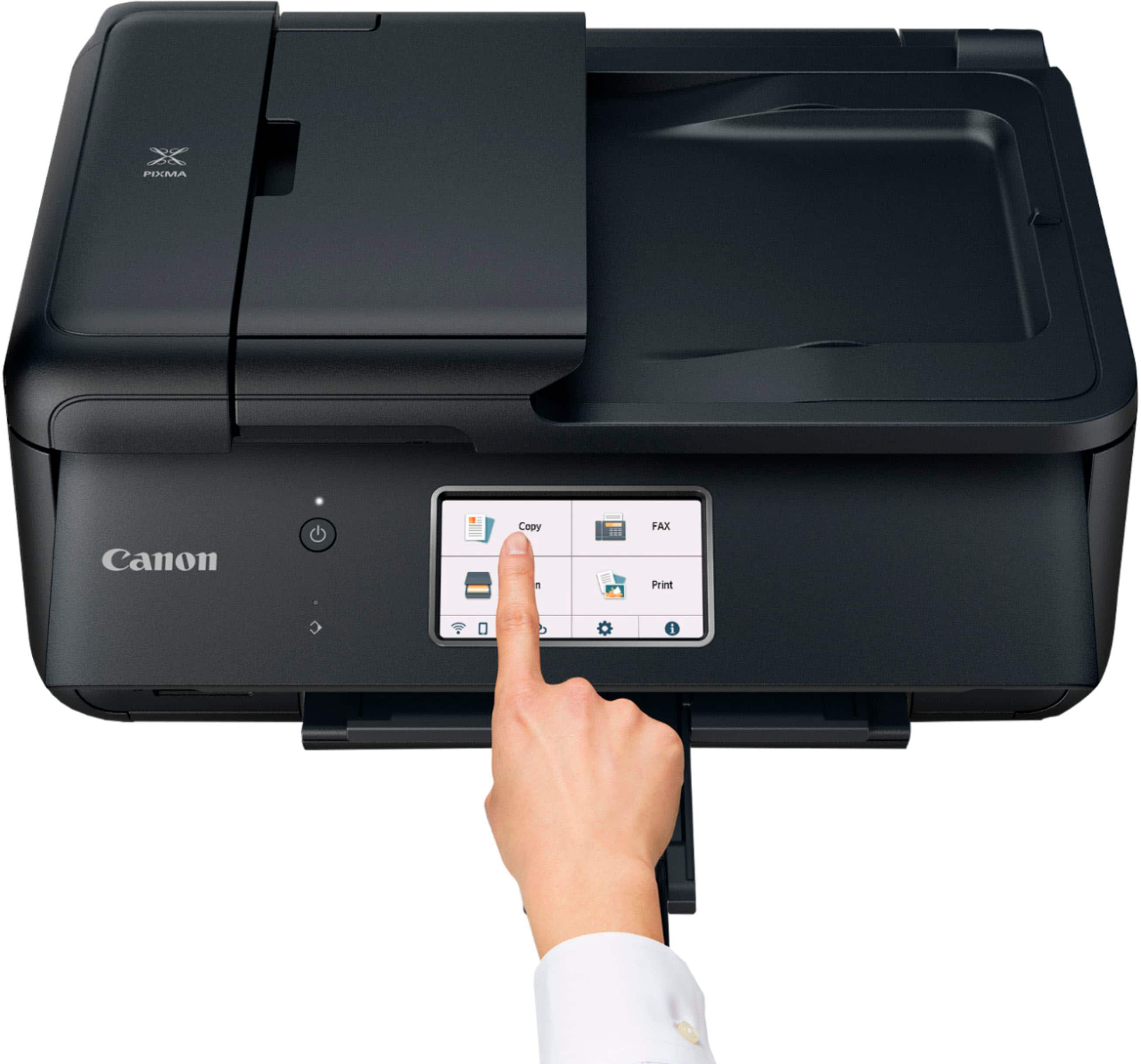
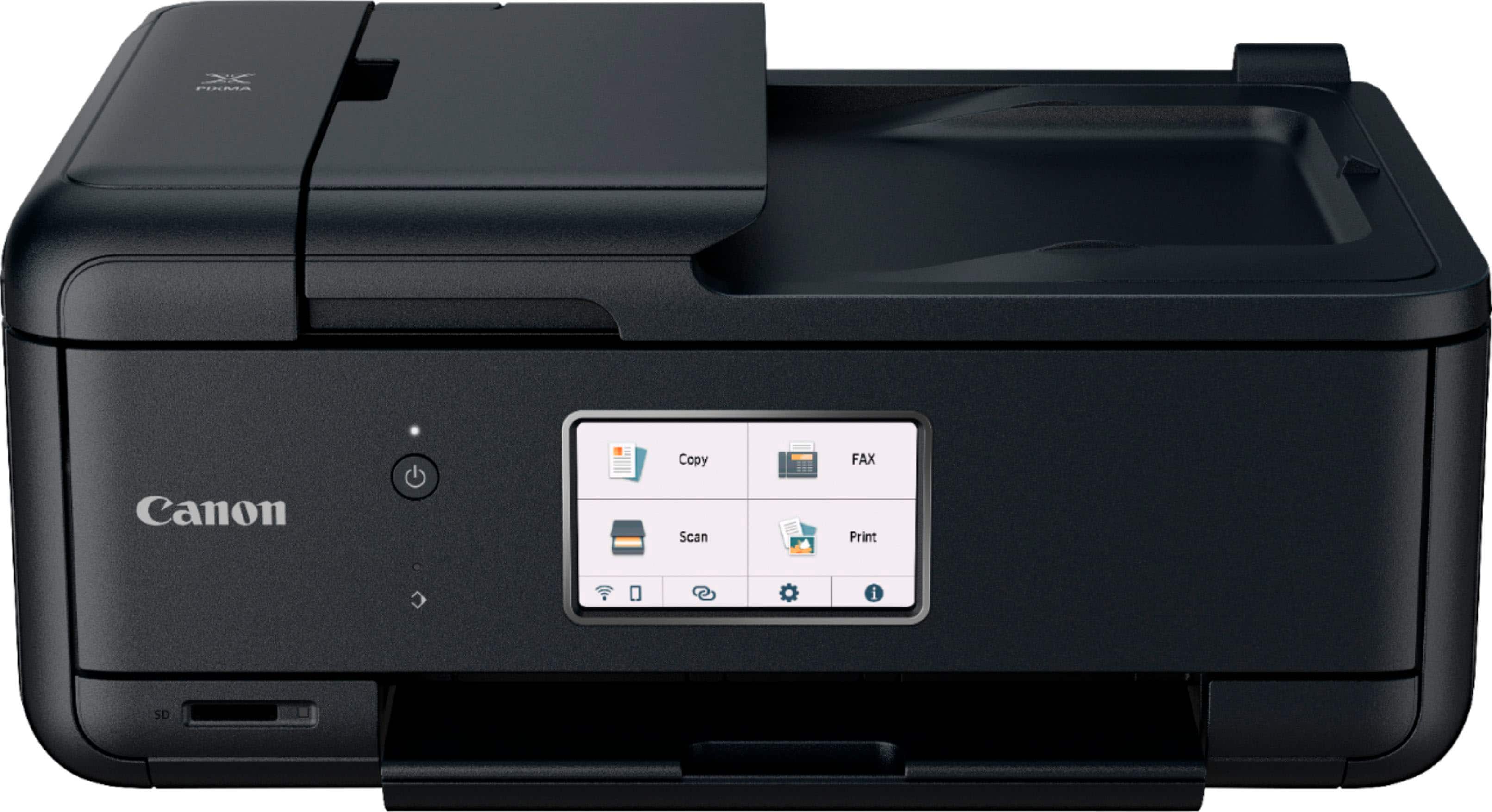
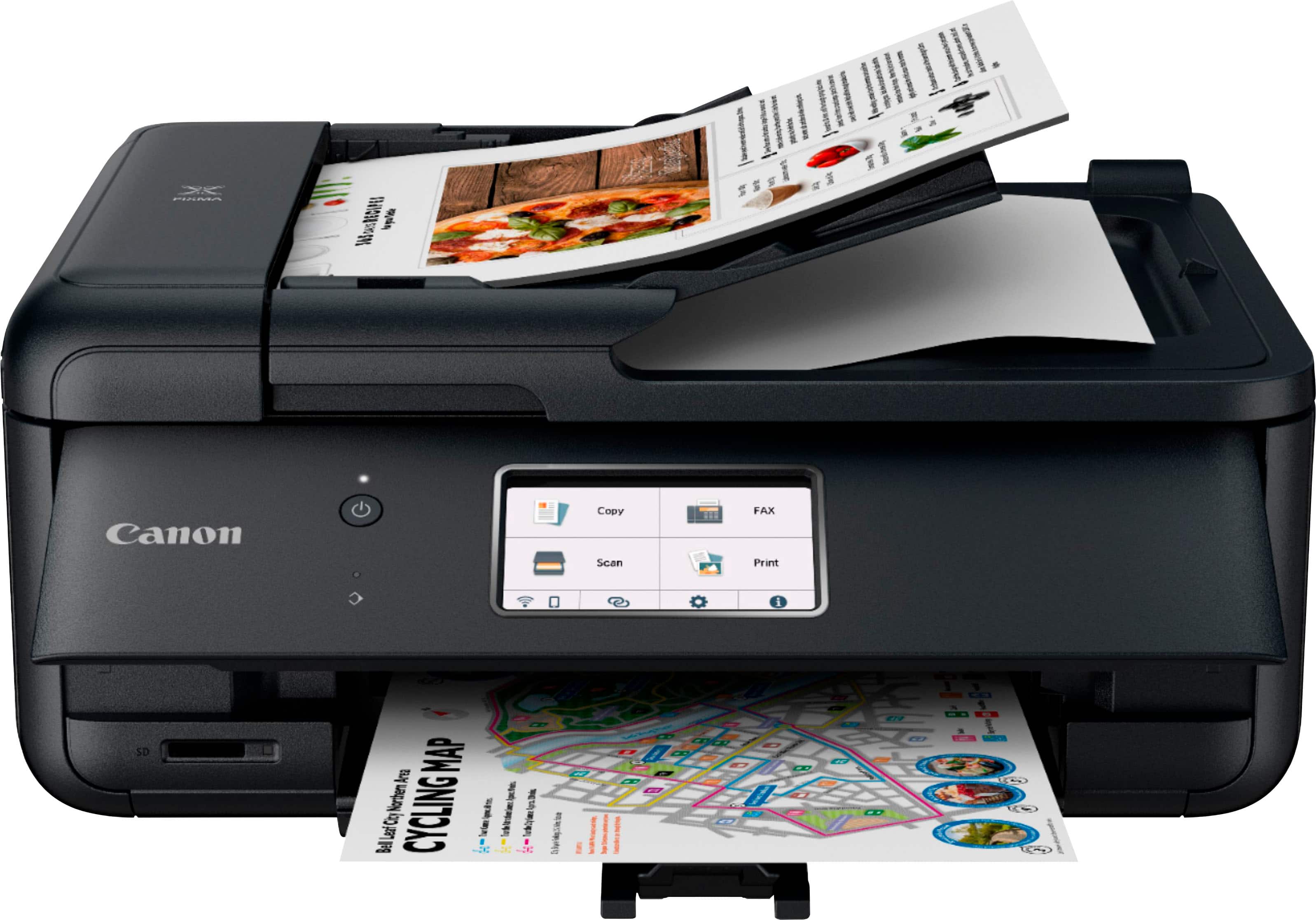
    Out of the box, this is a really nice looking printer. It has a wide, flat design and is very sleek looking. The front panel has a power button and the largest touchscreen I have ever had on a printer. There is an an SD slot on the front as well. After peeling off all the plastic and getting it plugged in, I was ready to give it a go. The "Getting Started" guide has everything you need to get started. Just scan the q-code with your smart phone to download the app. It does everything you need to get set up, walking you through it step-by-step. It has one of the easiest wi-fi setups I have ever encountered. The app is very useful for instructions on how to operate the printer and you can make setting adjustments as well. The print quality is excellent. Double-sided photo printing has come a long way and this printer handles everything with aplomb. It is one of the faster home printers that I have had. I really couldn't find any fault with this printer and recommend it with no reservation.

    I would recommend this to a friend
  • Rated 1 out of 5 stars

    Geek Squad terribl work

    |
    |
    Posted .
    This reviewer received promo considerations or sweepstakes entry for writing a review.

    item not completed !!!!!!!!!!!!!!!!!!!!!!!!!!!!!!!!!!!!

    No, I would not recommend this to a friend
  • Rated 5 out of 5 stars

    Best printer ever

    Posted .
    This reviewer received promo considerations or sweepstakes entry for writing a review.

    I really like the printer,but it seems like, once the warranty expires, and so does the printer. I had the TR8520 purchased from staples, and once the 4 yr ins was expired, the printer wouldn't turn on. May be it's a staples store things. That's why my 2nd one wich is the TR8620a i decided to purchased it from bestbuy instead, that is of course my go to for every electronic stuff. And I'm so upset i couldn't bought my last one from bestbuy, cause of the lock down from covid-19 bestbuy wasn't allowed in store shopping, and i didn't know what kind of printer that i wanted back them,and staples store was wild open at the time,as long you had a mask on. But i kinda regret purchased it from staples, cause 4 yrs later, it wouldn't turn one. And everything i ever bought from bestbuy, 4yrs later, they're still going strong.

    I would recommend this to a friend
  • Pros mentioned:
    Overall performance

    Rated 5 out of 5 stars

    Canno Printer

    Posted .
    This reviewer received promo considerations or sweepstakes entry for writing a review.

    Its a very product i have it for over 3 years and its just now burned out but i definitely got my money's worth and it print fax copy just perfect im in the process of getting a new one it work perfectly

    I would recommend this to a friend
  • Pros mentioned:
    Print quality

    Rated 4 out of 5 stars

    Decent printer

    Posted .
    This reviewer received promo considerations or sweepstakes entry for writing a review.

    So far, so good. workmanship is less than its predecessor. Quicker than its predecessor. Same type, separate ink cartridges that are easy to remove and install. I went with this because I needed a fax alternative. Most printers don't have that feature anymore.

    I would recommend this to a friend
  • Pros mentioned:
    Print quality

    Rated 4 out of 5 stars

    A good printer especially for the price

    Posted .
    This reviewer received promo considerations or sweepstakes entry for writing a review.

    Excellent print quality on photos and text. Starts quickly. Control panel very intuitive. Installation was very easy on both a Windows 11 laptop and an older Chromebook. One thing I do not like is that it complete powers off if not used for a long time. I have to remember to turn it back on frequently.

    I would recommend this to a friend
  • Tech Insider Network Member

    Rated 5 out of 5 stars

    Great for home office!

    |
    Tech Insider Network Member
    Posted .
    This reviewer received promo considerations or sweepstakes entry for writing a review.

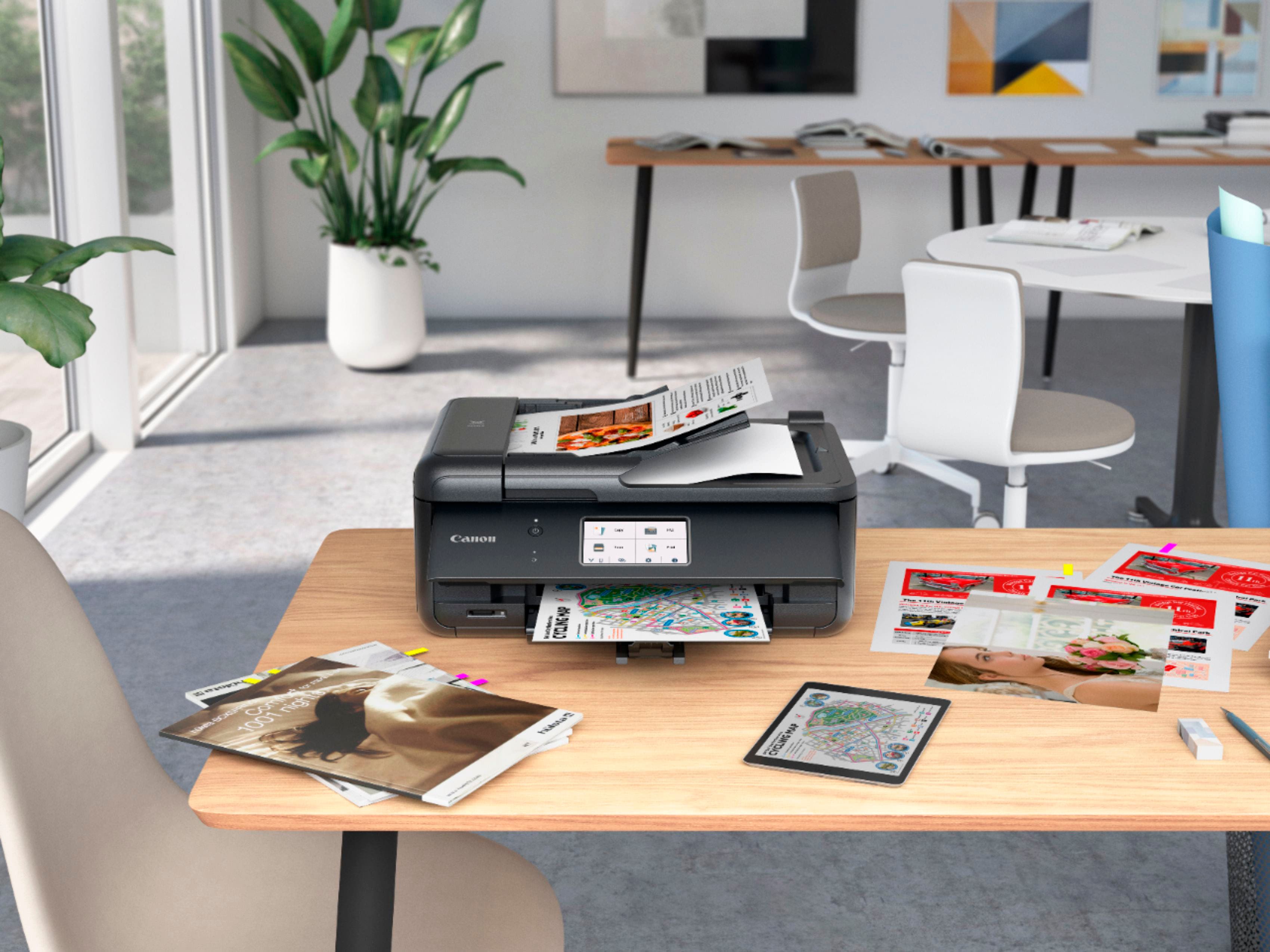
    One of the basic elements to be able to work from home that have become indispensable is the printer, not only to print but also to scan documents, make copies, fax and one of my favorite functions is to print photos with photo paper, there are times that we only keep our photos on our devices and having a printer that can print those photos that deserve to be, I feel it's something great. The unboxing is simple and easy, everything is well packaged, protected and in sight, the printer comes in a plastic bag easy to remove from the box, once outside is just a matter of connecting the printer to the power, follow the instructions on the screen and you're done (Canon app is required). One of the things I noticed from the beginning is that this printer does not allow you to print wirelessly if it is not with the Canon app, there are currently many apps that we use and sometimes you just need to print quickly, having to go through an app to print what you want from any mobile device sometimes can take more time than usual. Regarding the performance I have no complaints, the functions for which this printer was made to fulfill correctly, copies and prints are sharp, scanning is simple and the quality is sufficient, in question of photographs it seems to me that the quality is very good and no wonder being Canon, however there are some things that do not quite convince me as the paper tray is very small and if you want to print many sheets may not be enough, the design is simple but there are some parts that if you are not careful could break because they are made of a simple plastic, it is important to mention that for such a competitive price is what you get. Regarding the installation and configuration I definitely suggest to use the app to follow the steps and / or solve possible problems, besides that practically from the app you can perform most of the tasks. I can say that this Canon TR8620a printer is good for work at home, does not use much space and has the necessary office functions, copy, print, scan etc., the price as I mentioned seems reasonable, considering that you can print photos with photo paper seems a good choice, I wish it could be used wirelessly without the app but to tell the truth the app is not bad on the contrary is very complete and very helpful, I can recommend this printer without hesitation.

    I would recommend this to a friend
  • Pros mentioned:
    Ease of use, Print quality

    Rated 5 out of 5 stars

    Really awesome printer

    Posted .
    This reviewer received promo considerations or sweepstakes entry for writing a review.

    Easy to set up / beautiful copy / easy to use/ just waiting for photo paper to copy pictures

    I would recommend this to a friend