Customer Ratings & Reviews
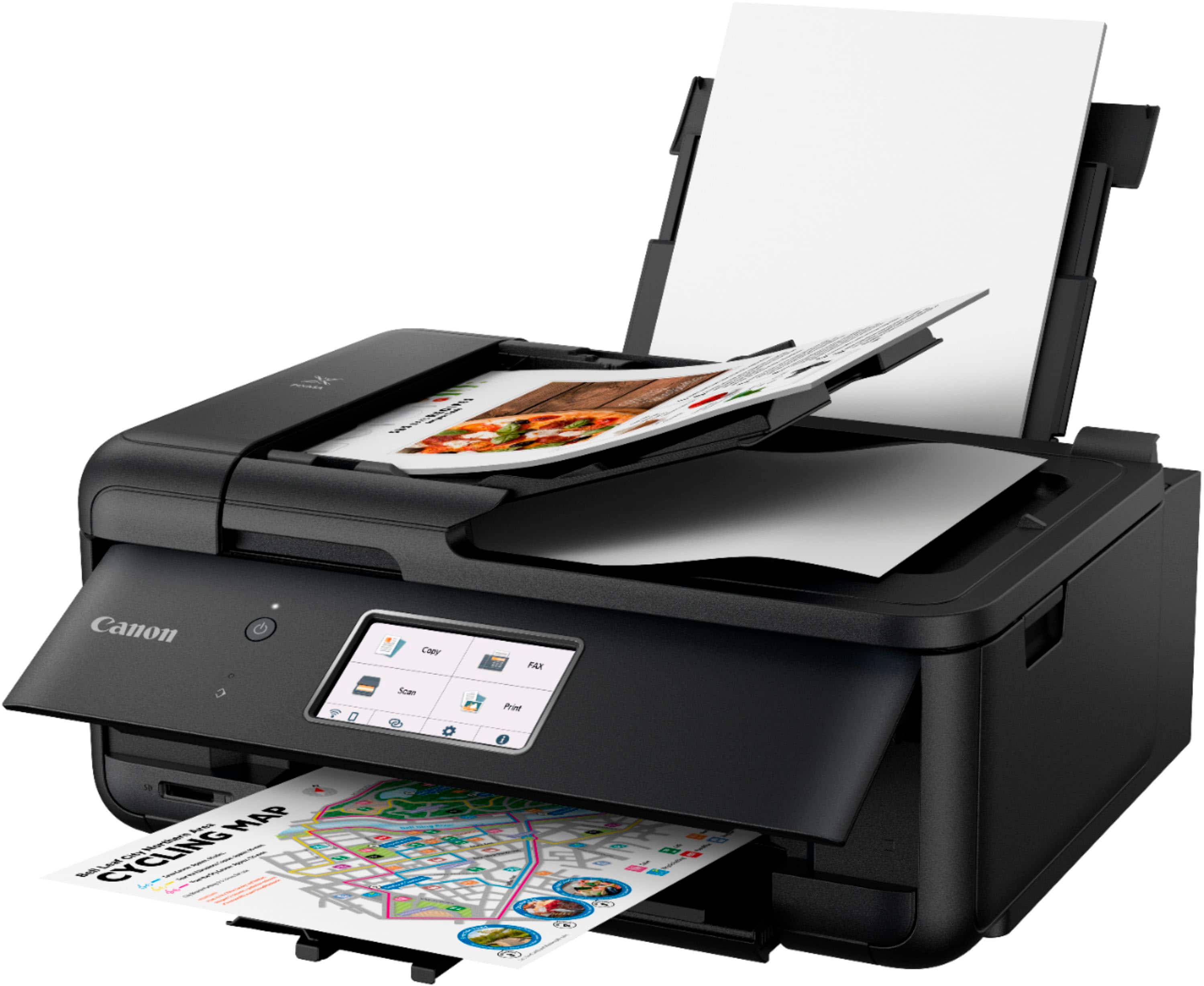
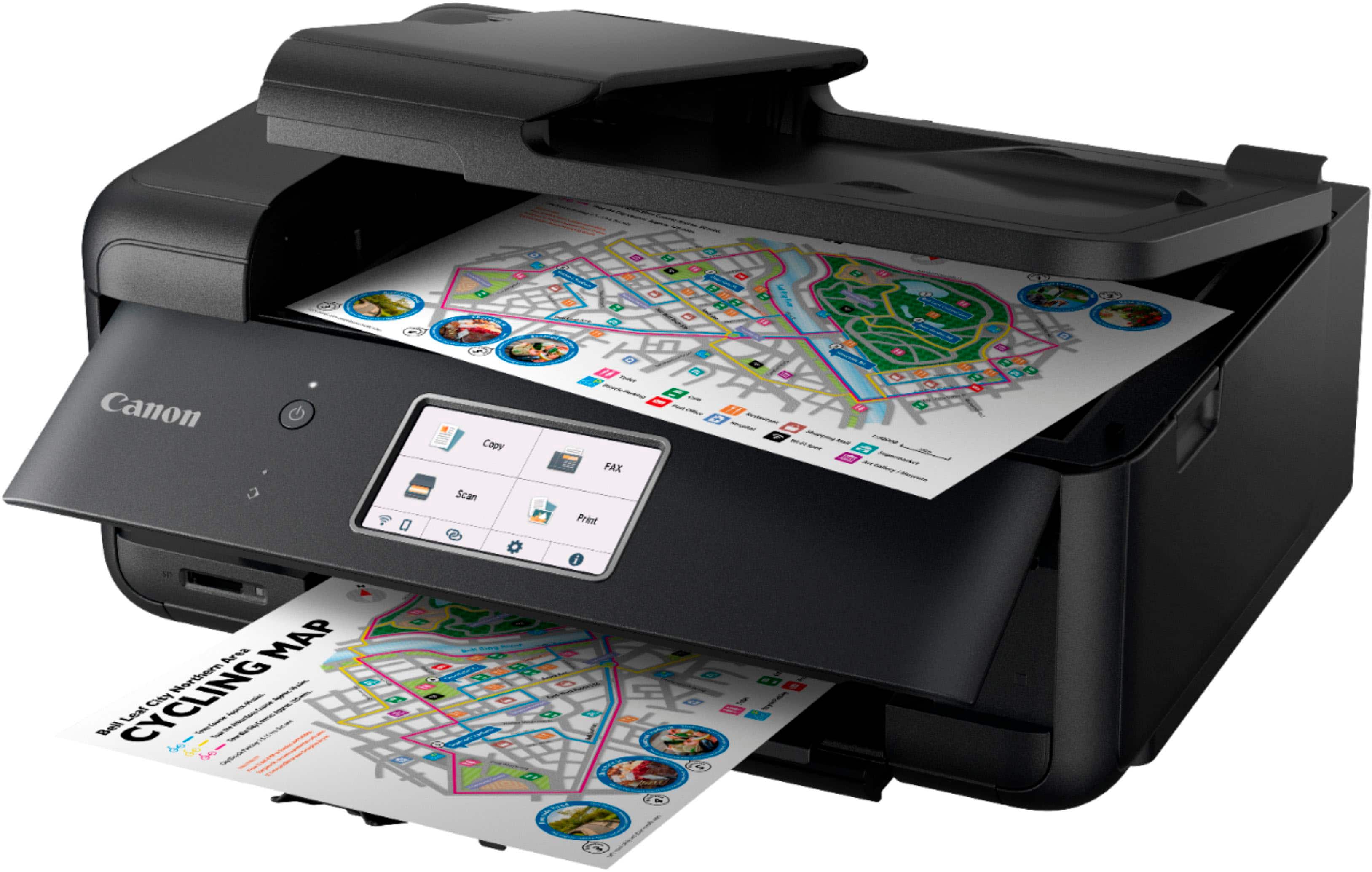
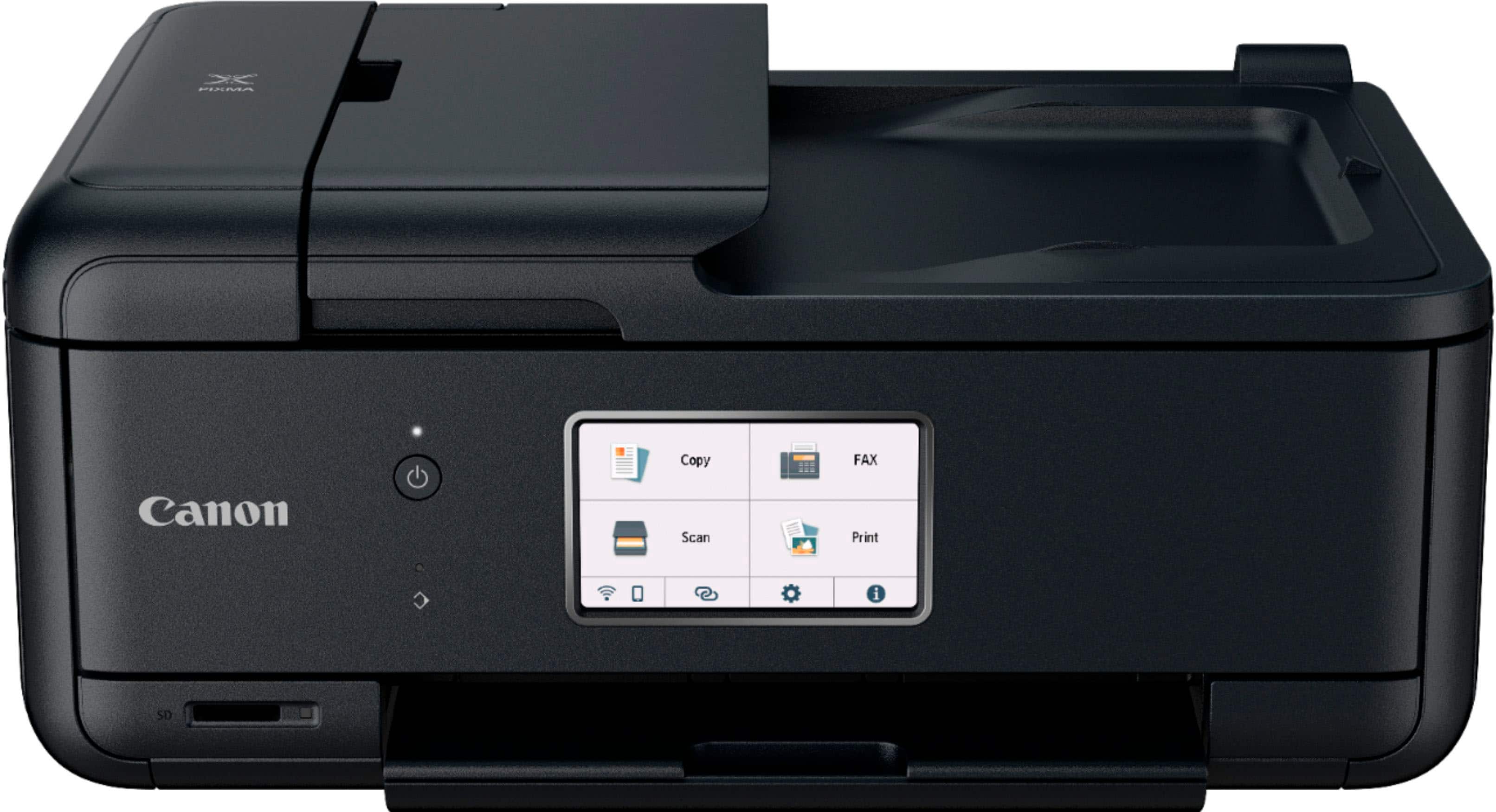
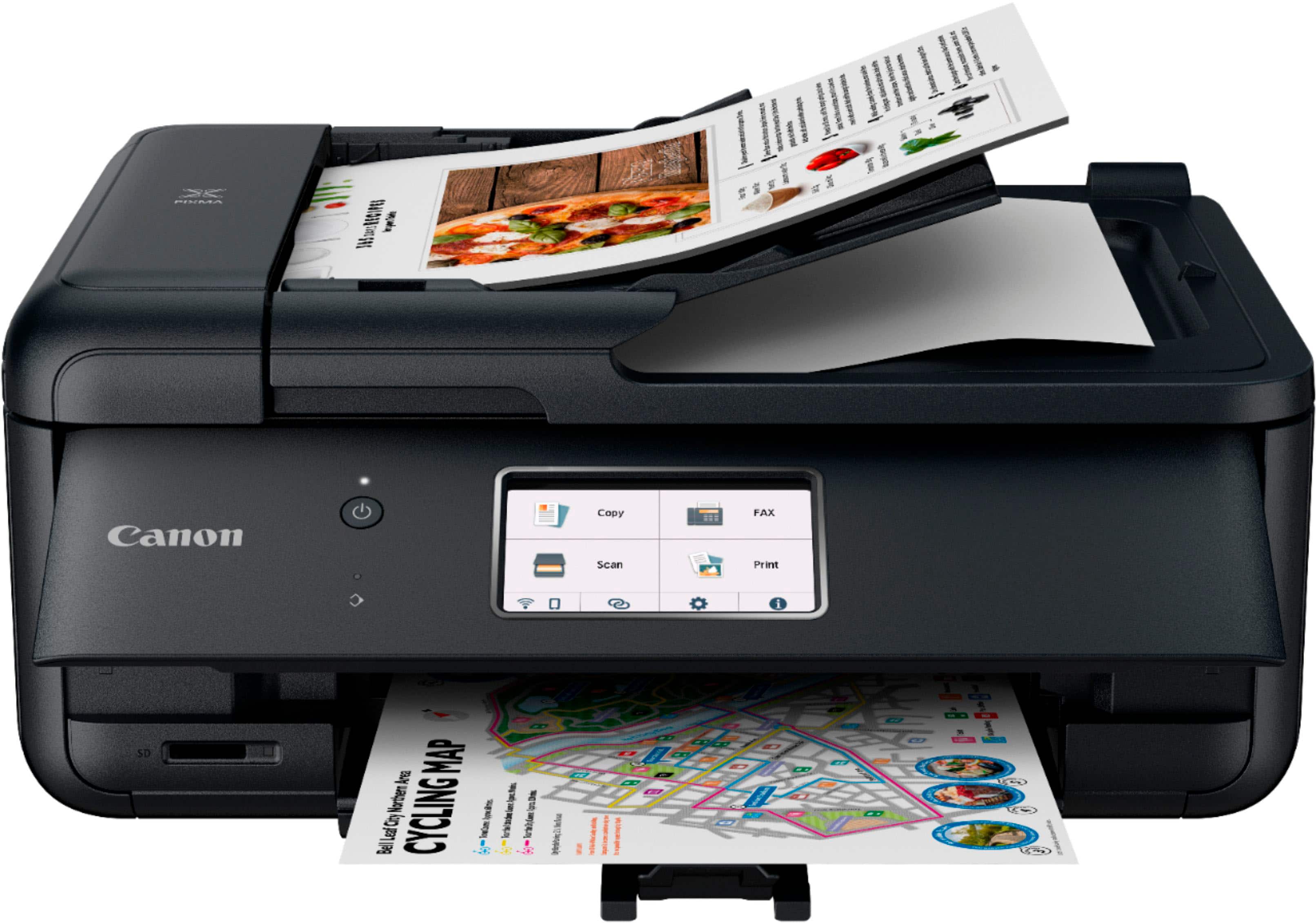
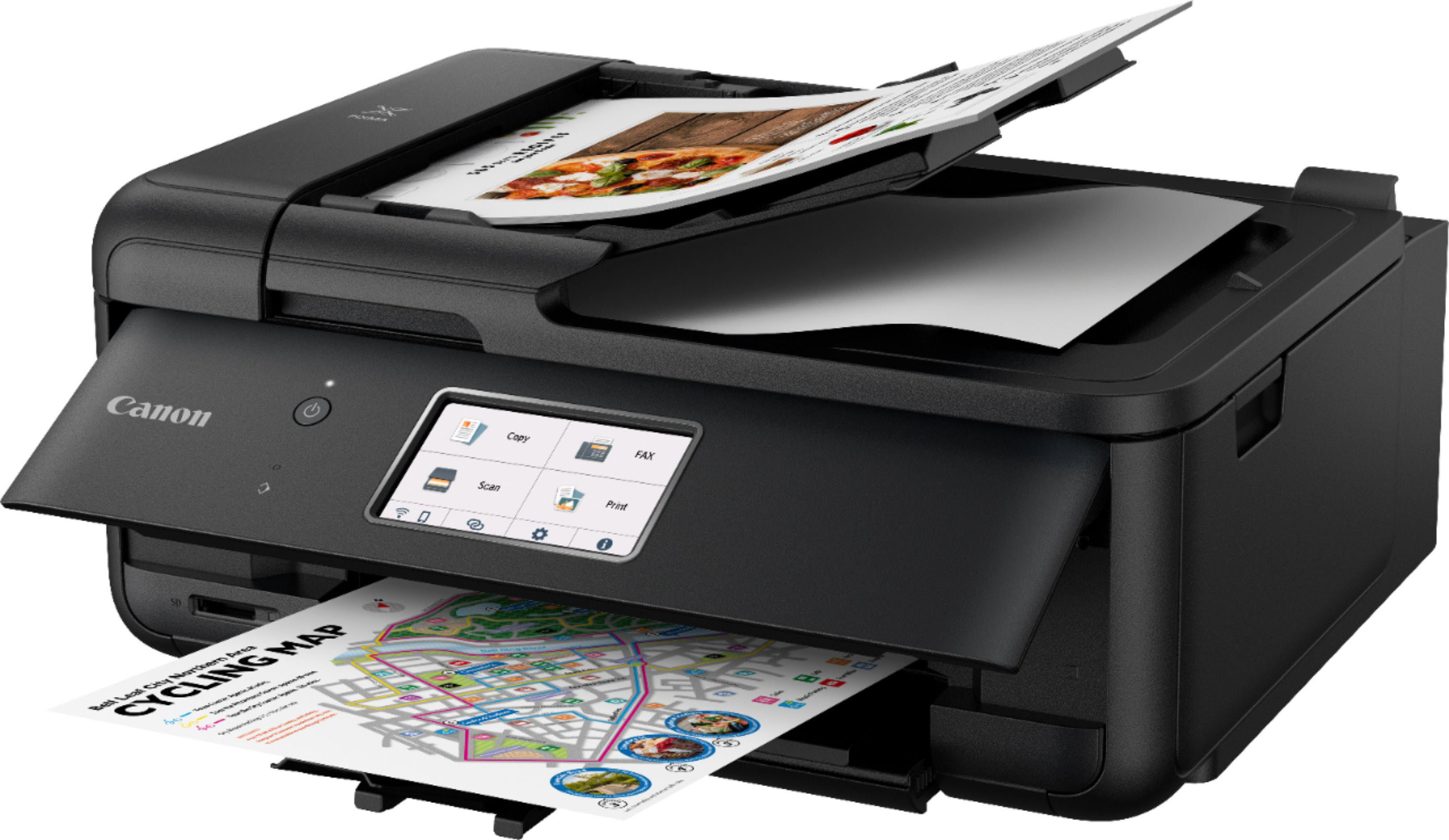
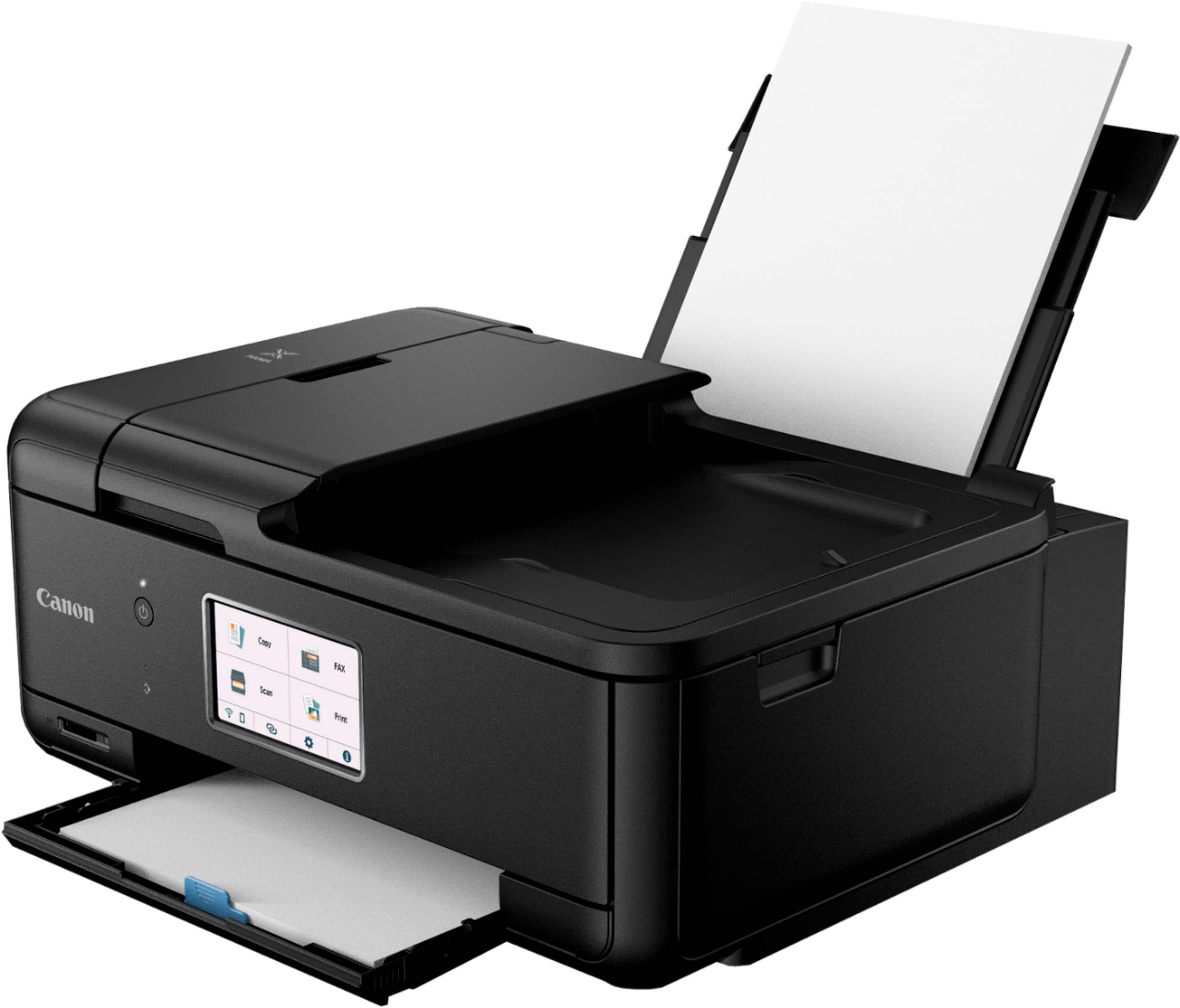
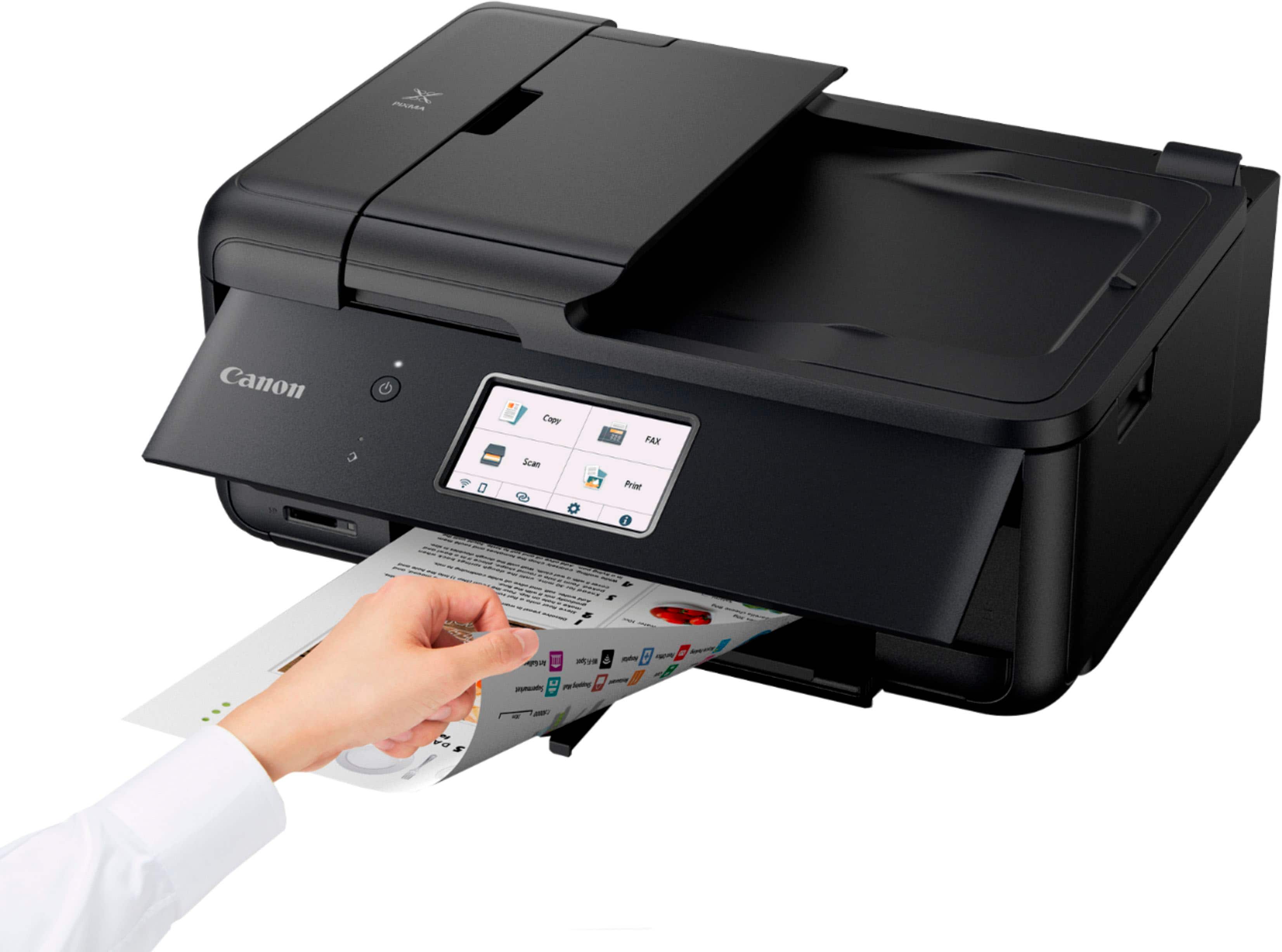
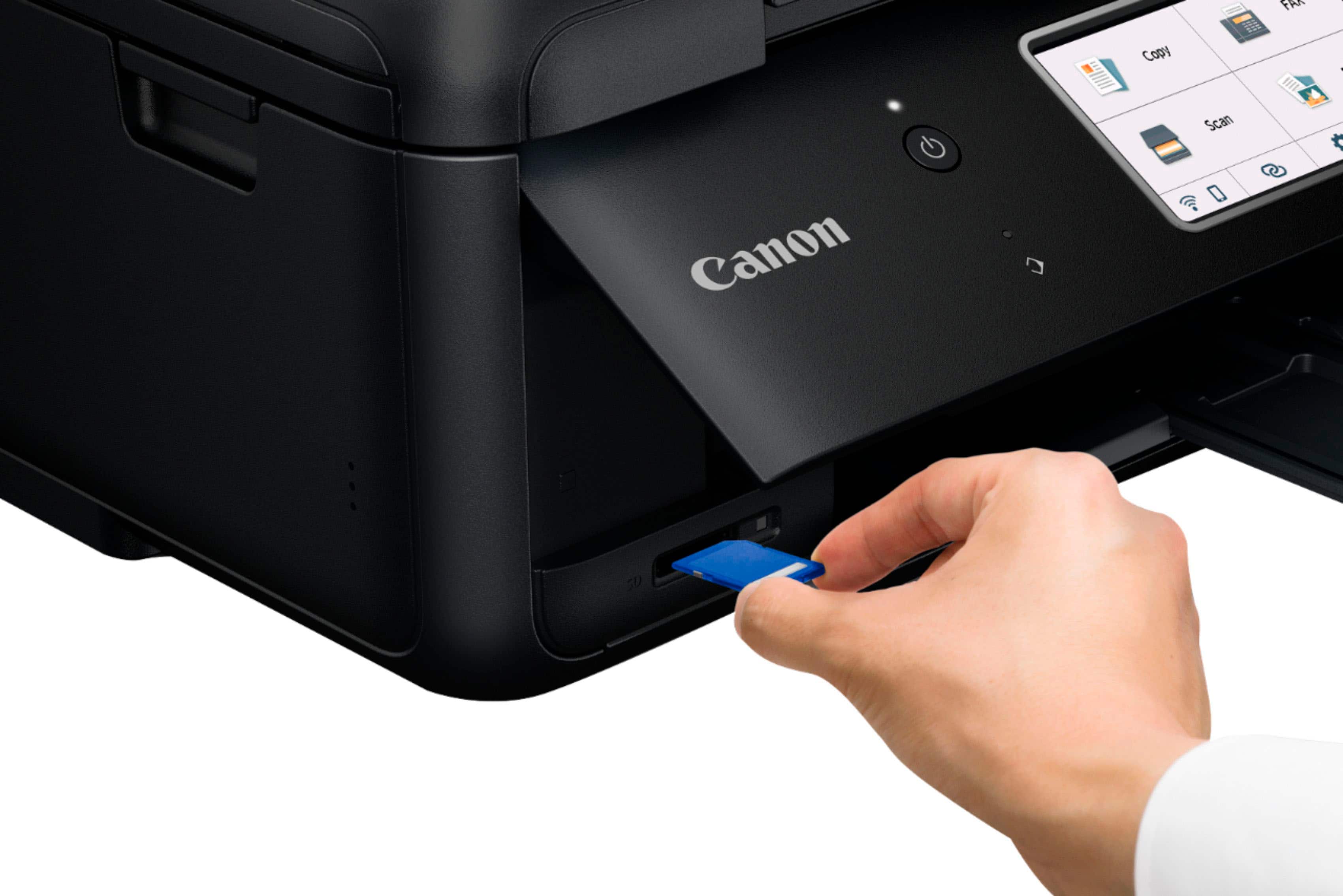
- Model:
- 4451C032
- |
- SKU:
- 6494259
Customer reviews
Rating 4.3 out of 5 stars with 1122 reviews
(1,122 customer reviews)Rating by feature
- Value4.4
Rating 4.4 out of 5 stars
- Quality4.3
Rating 4.3 out of 5 stars
- Ease of Use4.2
Rating 4.2 out of 5 stars
Customers are saying
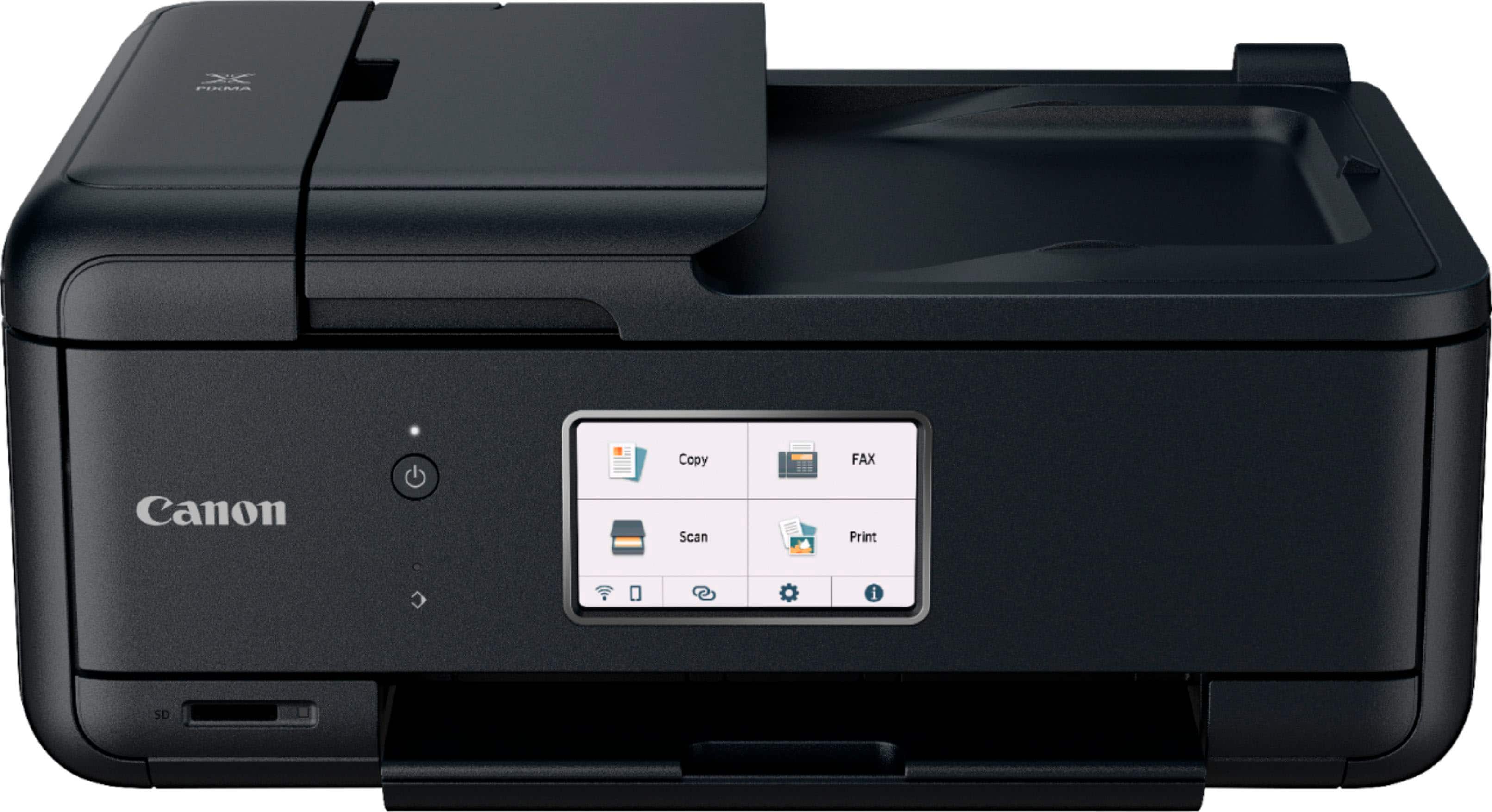
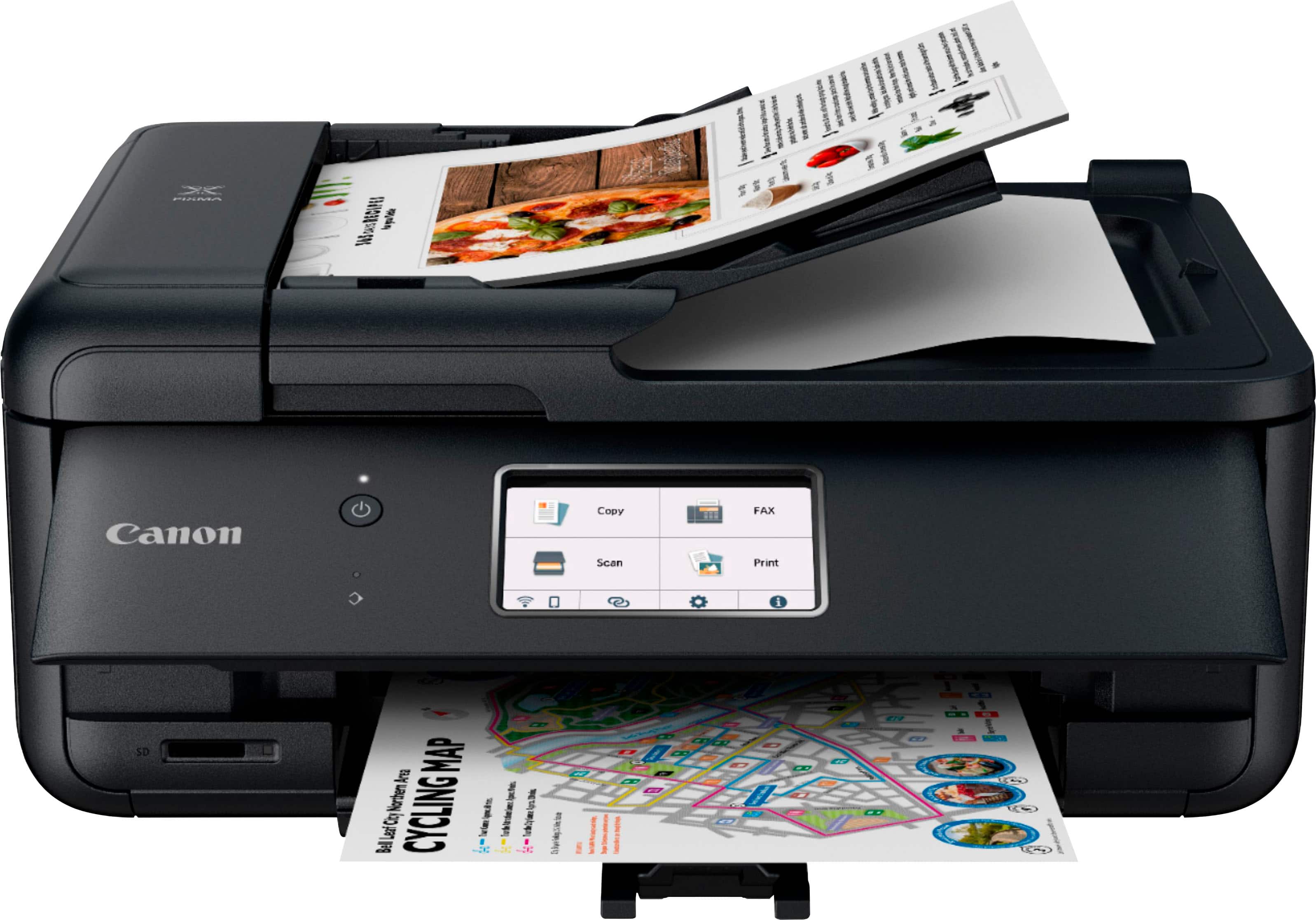
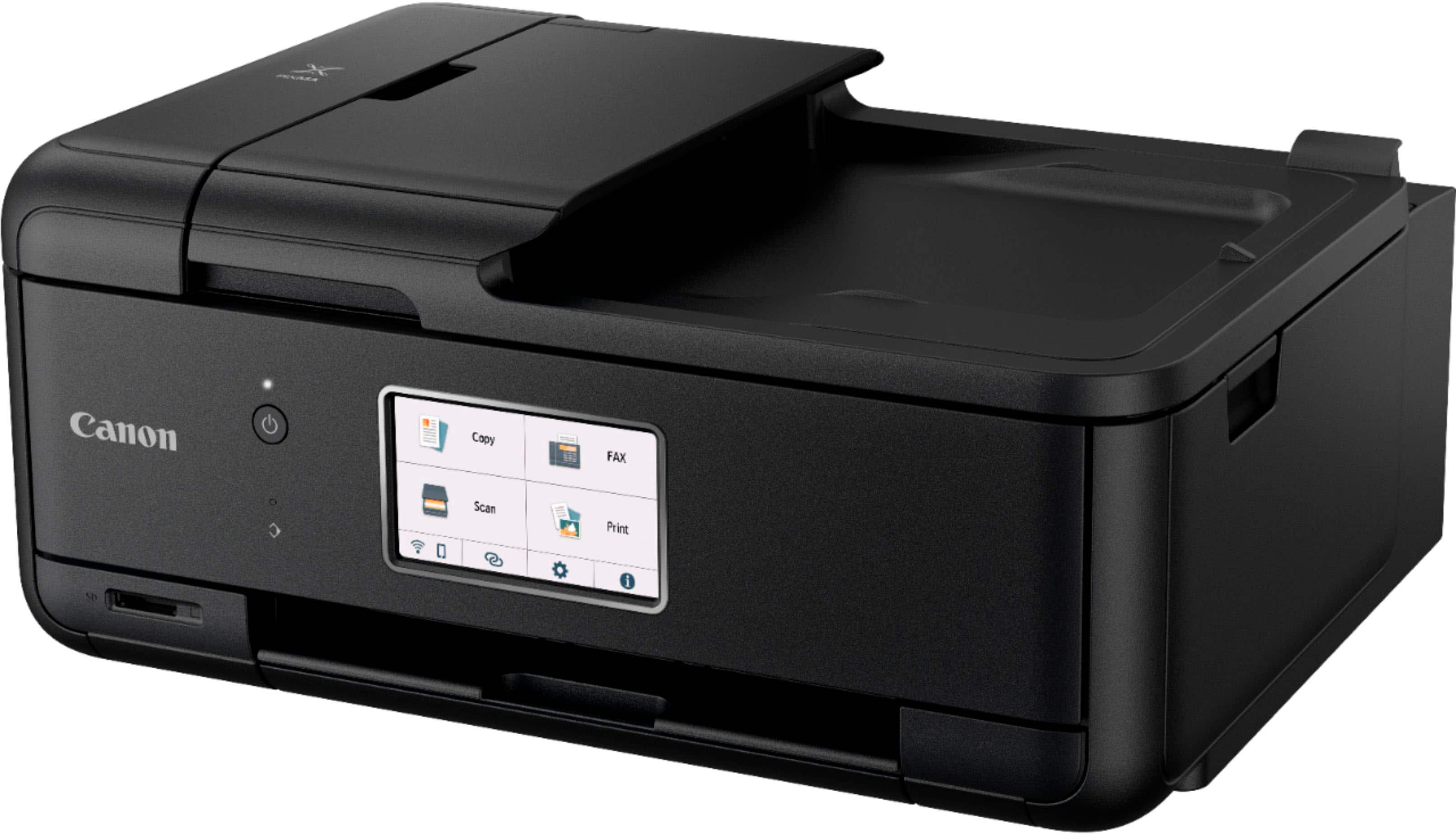
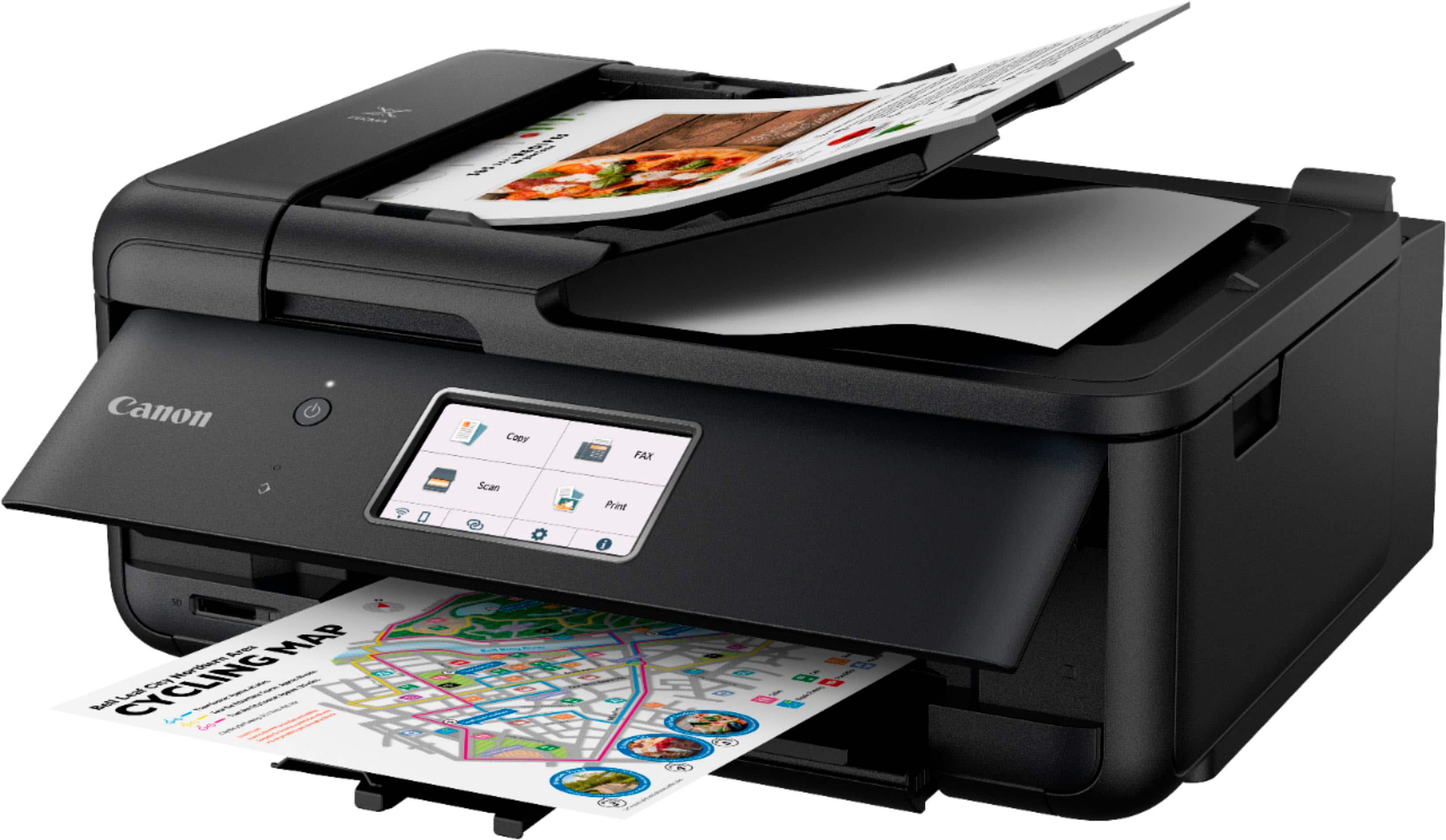
Customers value the PIXMA TR8620a for its excellent print quality and ease of use. Many appreciate its overall performance, convenient size, and simple setup. The only concern expressed was about the paper tray.
This summary was generated by AI based on customer reviews.
Rated 5 out of 5 stars
All in One Printer
||Posted . Owned for 3 weeks when reviewed.This reviewer received promo considerations or sweepstakes entry for writing a review.Haven't used it much yet, but so far, good. So far works better than my last HP printer. That never worked right from the begining an HP even sent me another and it had the same issues.
I would recommend this to a friendRated 5 out of 5 stars
Canon Printer TR8620a
||Posted . Owned for 1 month when reviewed.This reviewer received promo considerations or sweepstakes entry for writing a review.This is a new version of my previous Canon Printer. Works great so far. It would be so helpful if I could buy a printed version of the printer manual. Is that possible? Some of the features are different from my old printer. I am old and have a hard time with all the manuals being on line now.
I would recommend this to a friendRated 5 out of 5 stars
Canon - PIXMA TR8620a Wireless All-In-One
||Posted . Owned for 3 weeks when reviewed.This reviewer received promo considerations or sweepstakes entry for writing a review.Canon - PIXMA TR8620a Wireless All-In-One is great
I would recommend this to a friend- Pros mentioned:Print quality
Rated 5 out of 5 stars
8620a
||Posted .This reviewer received promo considerations or sweepstakes entry for writing a review.Easy and fast setup. Prints and copies well. Good Value
I would recommend this to a friend Rated 4 out of 5 stars
Canon printer
||Posted .This reviewer received promo considerations or sweepstakes entry for writing a review.I liked the ease of setting up, using touch screen, using sd port. However I was amiss in not noticing a lack of a USB port. At least I have not found one. Hard to remove photos from iPhone. Quality of prints are acceptable but not up to par to previous printers I have had. For the money …..it’s acceptable.
I would recommend this to a friendRated 5 out of 5 stars
Great Printer/Scanner - a few tweaks and perfect!
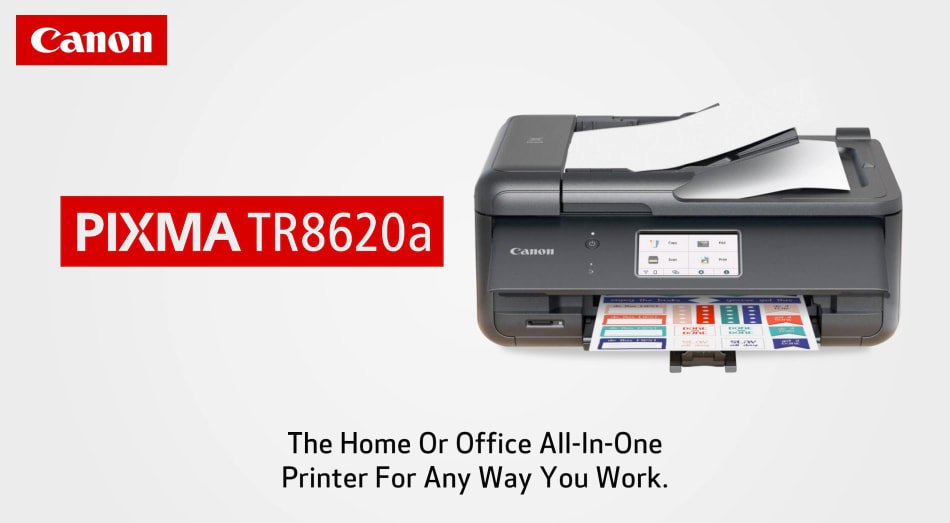
||Posted . Owned for 3 weeks when reviewed.This reviewer received promo considerations or sweepstakes entry for writing a review.The printer and scanner work like a dream. It's quiet and doesn't take a long time to start-up or shut down. There is a little plastic piece on the paper tray that's problematic and could have been designed better. In order to print you have to hinge the control panel up to allow it to print; this is a bit of a detractor. The software that comes with the printer is a little archaic and "clunky", but it hasn't given me a problem. As a printer/scanner it's great. Mechanically it's very good and whoever thought about putting the power plug in at an angle was smart. Duplex printing is superior.
I would recommend this to a friend- Pros mentioned:Print quality
Rated 5 out of 5 stars
Great Value
||Posted . Owned for 3 weeks when reviewed.This reviewer received promo considerations or sweepstakes entry for writing a review.This Canon printer is easy to set up, easy to use, and easy on your wallet. The perfect all in one printer for a sole proprietor small business like a real estate agent with a home office as I am now. I was up and printing important documents from my MacBook Pro in only 15 minutes. The printer communicates perfectly with my iPhone, iPad, and MacBook. The value for money is excellent.
I would recommend this to a friend - Pros mentioned:Print quality
Rated 5 out of 5 stars
Printer
||Posted . Owned for 4 months when reviewed.This reviewer received promo considerations or sweepstakes entry for writing a review.This product works amazingly, never jams, print is very clear, and very user friendly.
I would recommend this to a friend - Pros mentioned:Print quality
Rated 5 out of 5 stars
Reliable with excellent photo quality
||Posted . Owned for 3 weeks when reviewed.This reviewer received promo considerations or sweepstakes entry for writing a review.We use this primarily to print photos, which it does very well. It also prints documents well. This is our 4th Canon printer, and our 2nd of this model. In our experience Canon has been the most reliable and durable inkjet printer brand (and we’ve owned several each of the other major brands).
I would recommend this to a friend - Pros mentioned:Print quality
Rated 5 out of 5 stars
Best bang for you buck
||Posted .This reviewer received promo considerations or sweepstakes entry for writing a review.Easy to use beast bang for your buck printer. Prints come out clean with no smudging or blurring print quality. Big plus for us as well is no ink subscription.
I would recommend this to a friend - Pros mentioned:Print quality
Rated 5 out of 5 stars
Love my canon
||Posted . Owned for 10 months when reviewed.This reviewer received promo considerations or sweepstakes entry for writing a review.Great all in one. Very easy to use for non techy users (like me). Very fast and quiet.
I would recommend this to a friend - Pros mentioned:Print quality
Rated 3 out of 5 stars
Not A True AirPrinter, But Needed A Printer
||Posted . Owned for 3 months when reviewed.This reviewer received promo considerations or sweepstakes entry for writing a review.I had placed an online order for the 2022 13” MacBook Pro the same day our Brother AirPrinter decided to stop working and I did not realize that we had owned it for longer than any printer we’ve ever purchased. It has to be almost 10yrs old as we got it shortly after we moved from Microsoft to Apple devices. We were constantly getting malicious malware, key-loggers, and other viruses. We didn’t like Windows 10 because it was just too much of a change from Windows 7. We stopped buying desktop computers and started buying MacBook Pro laptops and iPad tablets. This Canon printer was something that I purchased on the spot when I was picking up my new MacBook Pro from my local BestBuy store. There’s a huge learning curve to get this to sort of work properly and there are things that just don’t make sense about the whole design of this printer. Our Brother AirPrinter was one of the first printers that offered the capability to print from our iPad Pro devices and iPhones and without a lot of effort doing so. We purchased it from BestBuy as well. I had purchased a new 2022 13 inch MacBook Pro and an Adapter for extra USB ports from our local BestBuy store and it was going to be ready for pickup the next day. The Brother printer that had been such a great printer for years decided to start acting up. It kept saying it had a paper jam and there was no paper jam at all. It then said on the screen to open the back door of the printer and check for a paper jam, which I knew was a bad idea before proceeding to do so. This is where it all went down hill and quickly. I opened the back panel and the plastic was so brittle that it literally crumbled into pieces in my hand. I knew immediately that there was no saving our beloved Brother AirPrinter. I started to look online for another Brother AirPrinter and found either very expensive models or a couple of similar model’s to our now deceased Brother AirPrinter and apparently the Black Ink is impossible to get for them. Even customer’s on the Brother website were complaining that they couldn’t get the black cartridge anywhere for the models similar to the one we had. I guess it was a supply chain issue that was to blame. I didn’t want to buy a $500+ printer and I certainly didn’t want one that I could not get the black ink cartridge for as it’s the one that gets the most use. I picked up my new MacBook Pro and I looked at the printer section and I decided on this printer. I wish I had just gone ahead and bought the expensive Brother model now. This is not exactly a terrible printer, but it has a lot of odd design “flaws” in my opinion, that other printers lack. The biggest issue is that the ink price is almost as much as the printer cost and it has five cartridges. He’s, I realize Ink for any printer is just outrageously expensive to start with and you are basically at the mercy of the printer companies. Our Brother printer ink was expensive as well, but it was not as expensive as this printer. The biggest issue and most foolish idea in the design of this printer is that the LED panel has to stay open or in the upward position in order for the printer to work. If it’s shut, you get a fault code. This is the dumbest idea I’ve ever seen and it is a poor design that probably aids in your ink drying out much faster than other manufacturers. It’s just a really poor design that makes no sense at all. People who have purchased this printer know exactly what I’m talking about and several reviews have commented on this design issue. The opening is large enough for a kitten to fit in and it keeps the printing heads out in the open to dry out. I consider myself to be somewhat more experienced with technology than most people, but I have never had a printer that was so hard to install in my life as this one. It initially kept trying to take the Router IP address and this would keep everything from connecting to the internet. I read the instructions and decided that this was possible a printer that designed for multiple networks to connect to and print from. I finally got the router back up and working again got the printer to connect to the internet and download the updated, but the printer is still showing that it is a separate network. I had to spend a couple of hours trying to get it to play nice with our Apple devices. It shows up in our devices as a separate network, and I have tried to get it to stop doing that, but it still says it is a separate network. I’ve ever added a password to the device, but it shows that it is locked down and not accessible to anyone else. My neighbor can’t see it on his devices but I can see multiple other local networks on our devices. I have our radio on the router turned off! I finally got it to print from my spouses iPad Pro and he is the one who uses the printer the most. He needed to print out our slips for our estimated taxes and he had about 5 days to get them in the mail. I also replaced our old NetGear router with a newer model that has Wi-Fi 6 and it is backwards compatible with older Wi-Fi signals. Basically, I was dealing with a lot of new devices and they just didn’t want to work with each other properly. I finally got it to print on my husband’s IPad Pro and he could print out the IRS form in time for them to get it. I had to mess with this for a few days before it would finally work enough that we could print out some things. It is not a true AirPrint printer as other reviews have mentioned. There are some things that our Brother would have printed out without doing backflips and this printer is picky about what it prints. I print out USPS paid shipping labels for packages and it prints the label in a very small size. Adjusting the size on the printer only makes things worse. So now I’m currently printing the address on a separate page and then cutting the barcode off the original postal page. It also took me several weeks to realize that it had an energy feature that would shut down the printer or turn it off if it was not printing out anything. So for several weeks, I would have to go into the office and turn it on and then print. It is just a poor design and the ink is really expensive for this printer. I still can’t get it to be included in our network and I’ve read the instructions and had assistance from Cannon with a very long and tedious phone call, but it quit showing up as a separate network until our power went out briefly only to revert back to its showing it’s on its own network. The other issue that I have not been able to resolve is that it reverts to photo mode and glossy paper, so you have to change the settings on your iPad or whatever device you’re using before you print anything. It constantly reverts back to photo format and glossy paper and if you are printing to A4 paper and don’t change the printer mode in a separate App, it will throw a fault code. Then there’s the separate App issue that I don’t get either. I looked at it to make sure it was compatible with our Apple devices and supported AirPrint and it said it does on the box. I would not recommend this printer to anyone unless they want to print a bunch of pictures. The photos do look great, and that earned this one of the 3 stars, but we don’t use printers for printing or own photos. We rarely print photos anymore. The ink is almost as costly as the printer itself was. It’s one of the most expensive ones currently available in the cartridge format. I guess the environmental impact of disposable cartridges is making its way into the printer market. But I don’t have a problem with that either. I will be replacing this printer with a Brother printer when the time comes. I would have already done so, but I just recently purchased the ink for this printer and when it started getting low. That’s the last time I will do so and I’m going to bite the bullet and buy the expensive Brother printer with the new ink wells that use bottles of ink instead of cartridges. Canon makes incredible cameras, but they need to stick to what they know how to make best. Printers are not one of their best products in my opinion. I gave this 3 stars for the fact that this is the only printer I’ve ever purchased and the initial ink cartridges didn’t run out in the first three weeks like most other printers and the quality of the photo it prints is really great. It came with some photo paper and I printed a picture to see how good the quality is compared with the kiosk in various places that you plug your phone into and print your photos out, and it is really exceptional quality for home printed photographs. That was impressive to me as they look better than anything I’ve seen from other places that still do photos.
No, I would not recommend this to a friend - Pros mentioned:Print quality
Rated 5 out of 5 stars
Great Pinter
||Posted . Owned for 2 months when reviewed.This reviewer received promo considerations or sweepstakes entry for writing a review.I love this new printer. Easy to use, beautiful photos and printing, and quiet. This replaces my old Canon Pixma MP560 that was 12 years old.
I would recommend this to a friend Rated 4 out of 5 stars
Great replacement printer for around $200
||Posted . Owned for less than 1 week when reviewed.This reviewer received promo considerations or sweepstakes entry for writing a review.Good replacement for my MG6620. Compact size, nice big display on the front, plus bonus of sheet feeder for copies and scans. 4x6 photo and envelopes can only be fed from the rear. Too bad front tray only accommodates 5x7... Easy set up and connection. Can print direct from google photos and other cloud storage.
I would recommend this to a friend- Pros mentioned:Print quality
Rated 5 out of 5 stars
Best printer ever!
||Posted . Owned for 3 weeks when reviewed.This reviewer received promo considerations or sweepstakes entry for writing a review.This printer is exactly what I wanted. It is a great size, does black and white and color, two-sided. Very simple to set up and use.
I would recommend this to a friend - Pros mentioned:Print quality
Rated 5 out of 5 stars
Great printer
||Posted .This reviewer received promo considerations or sweepstakes entry for writing a review.Love my Canon printers. This one replaced my old Canon that was 10 years old and still working but I wanted to get the newer model. It prints really good quality black and white and color documents. I also use it to print out some engineering drawings that were originally 22" X 34" to an 8.5" X 11" print and you can still the details when you use your magnifying glass!!!
I would recommend this to a friend Rated 5 out of 5 stars
Printer
||Posted . Owned for 2 weeks when reviewed.This reviewer received promo considerations or sweepstakes entry for writing a review.we purchased two of these and so far they work as advertised. Much more reliable than the HP we had prior.
I would recommend this to a friend- Pros mentioned:Print quality
Rated 5 out of 5 stars
Perfect printer!
||Posted . Owned for 4 months when reviewed.This reviewer received promo considerations or sweepstakes entry for writing a review.I waited a while before reviewing. I’ve printed at least a ream of paper including glossy paper and sticker paper I’m beyond happy with this all in one printer. The photo prints come out looking excellent, the ink lasts and the scans come out looking really clean! Recommend for at home / small projects! Also worth noting, in my experience printers are notorious for being time sinks in troubleshooting. Not this one. Works every time!
I would recommend this to a friend - Pros mentioned:Print quality
Rated 4 out of 5 stars
Decent printer
||Posted . Owned for 3 weeks when reviewed.This reviewer received promo considerations or sweepstakes entry for writing a review.Easy set up. Decent photo quality and price. Good entry level printer
I would recommend this to a friend Rated 5 out of 5 stars
Very good printer
||Posted . Owned for 3 weeks when reviewed.This reviewer received promo considerations or sweepstakes entry for writing a review.I needed a printer /scanner to replace the older Canon model. I don't do a lot of printing, This was a good price and works very well for my needs.
I would recommend this to a friend