Customer Ratings & Reviews
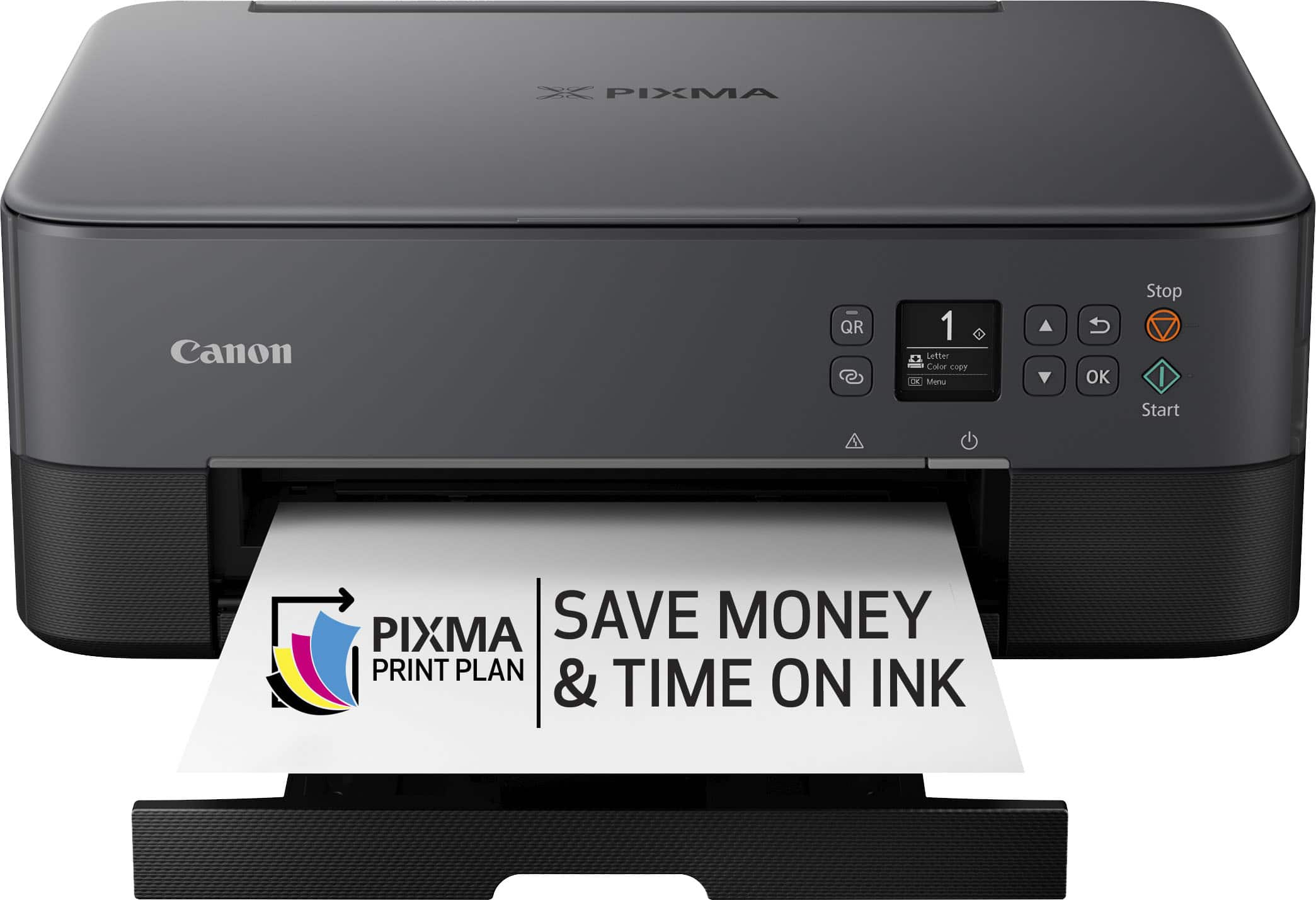
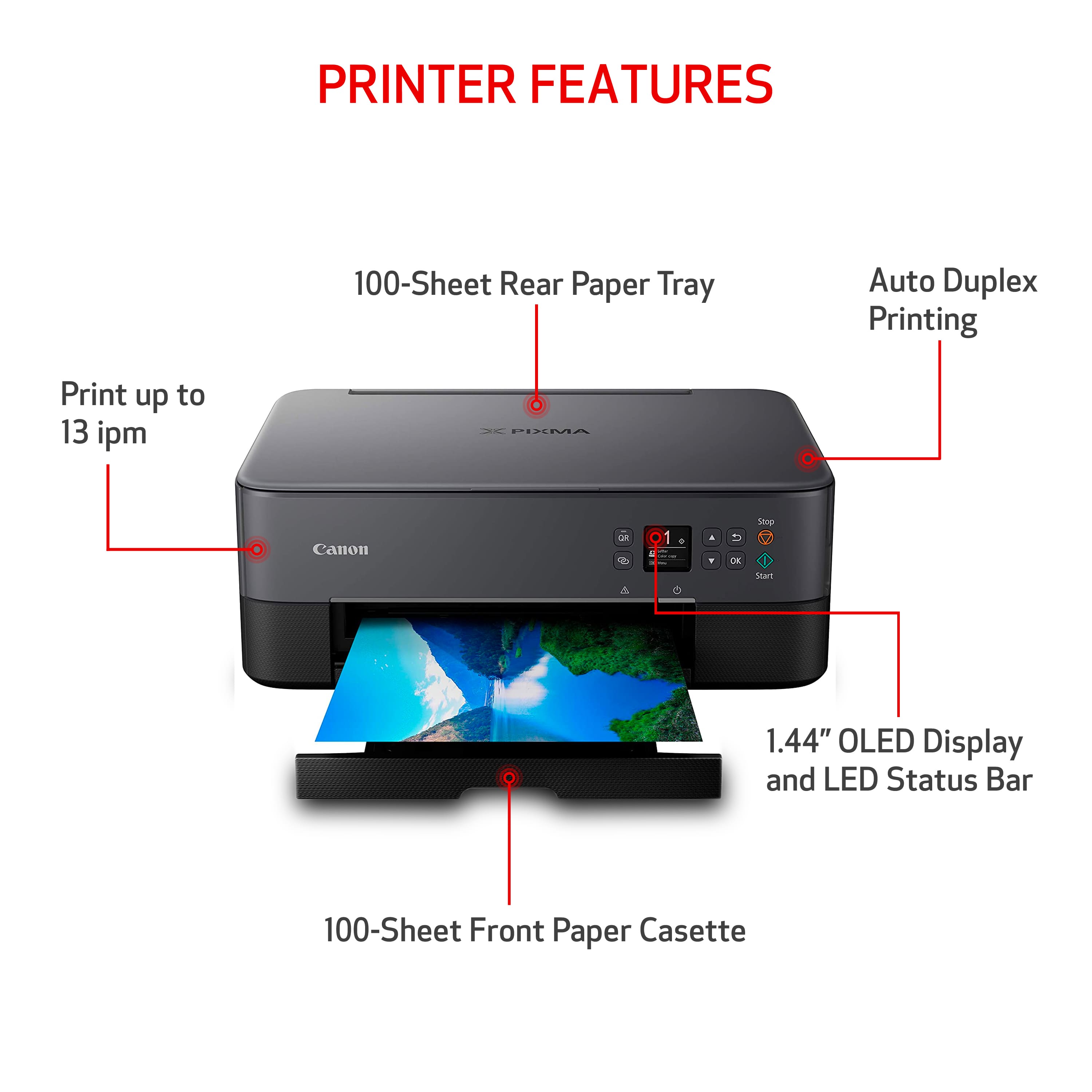
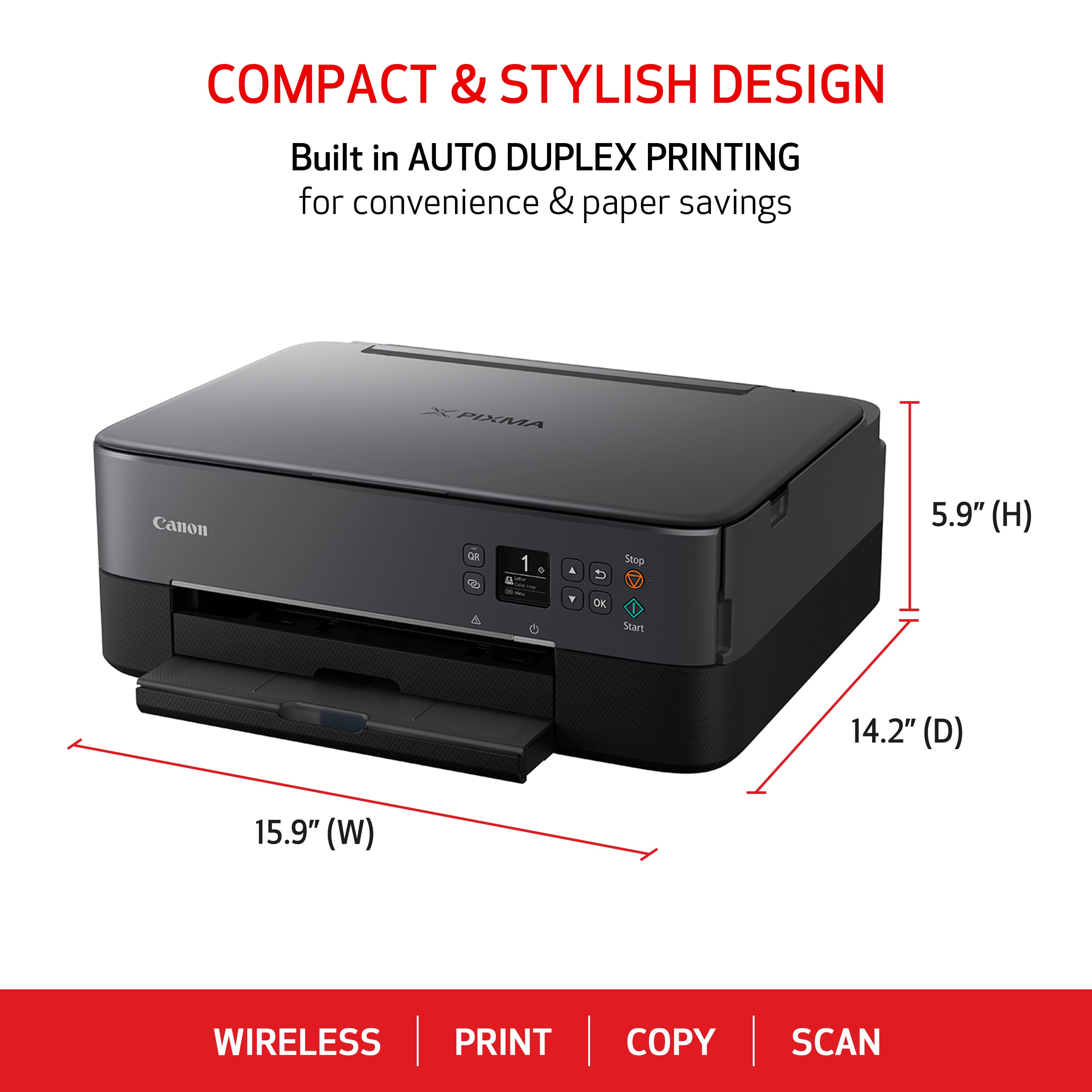

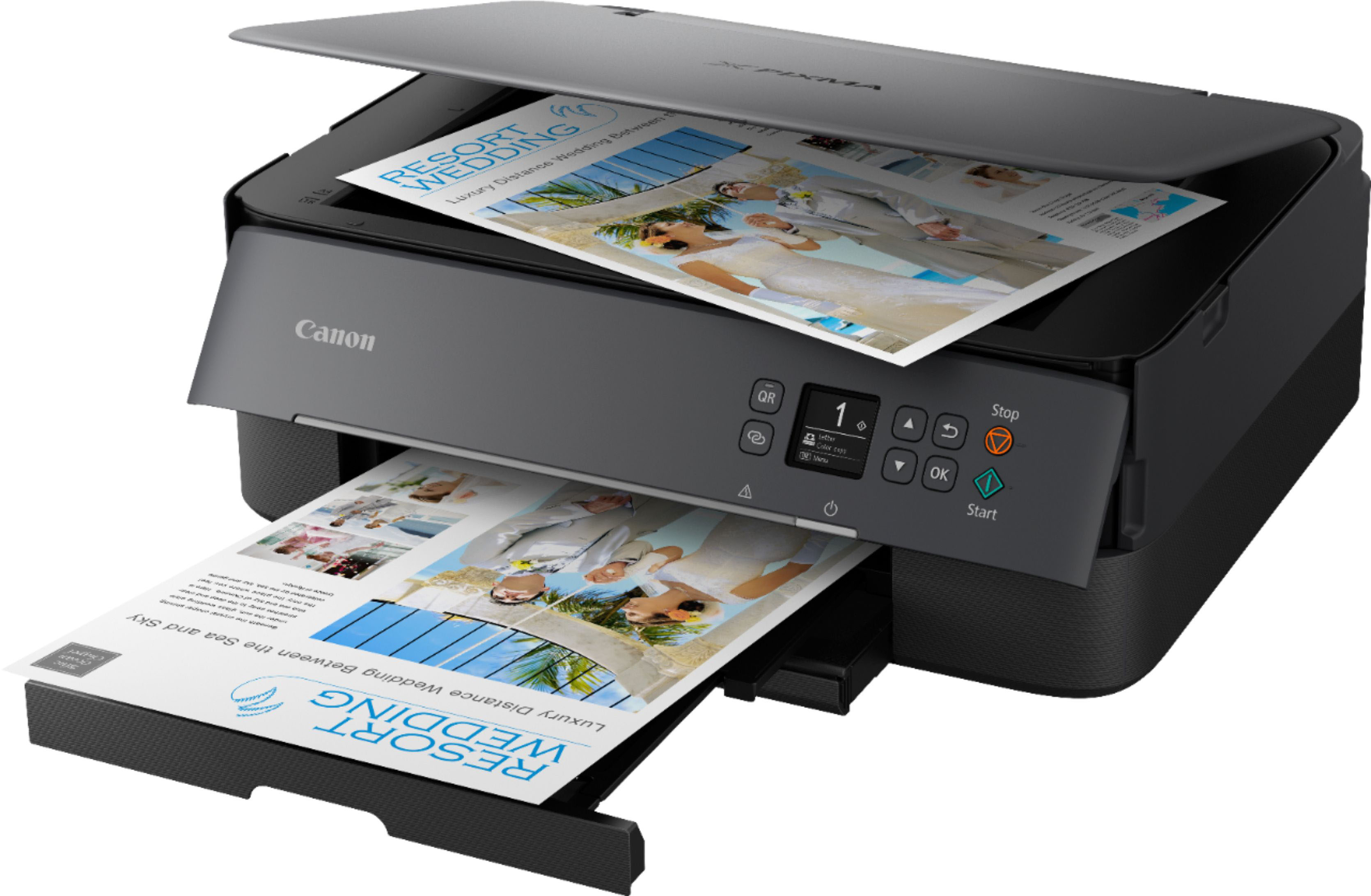
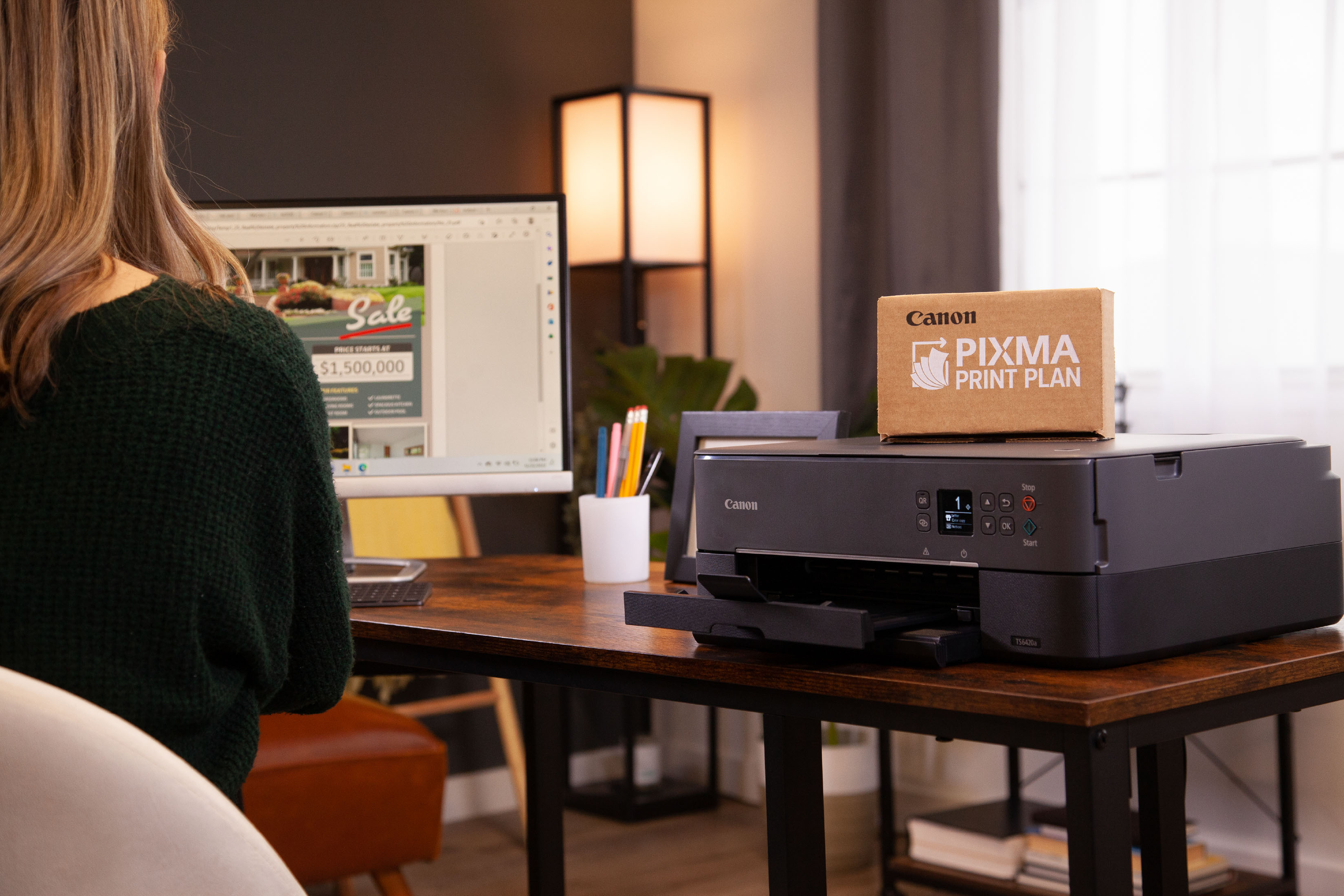
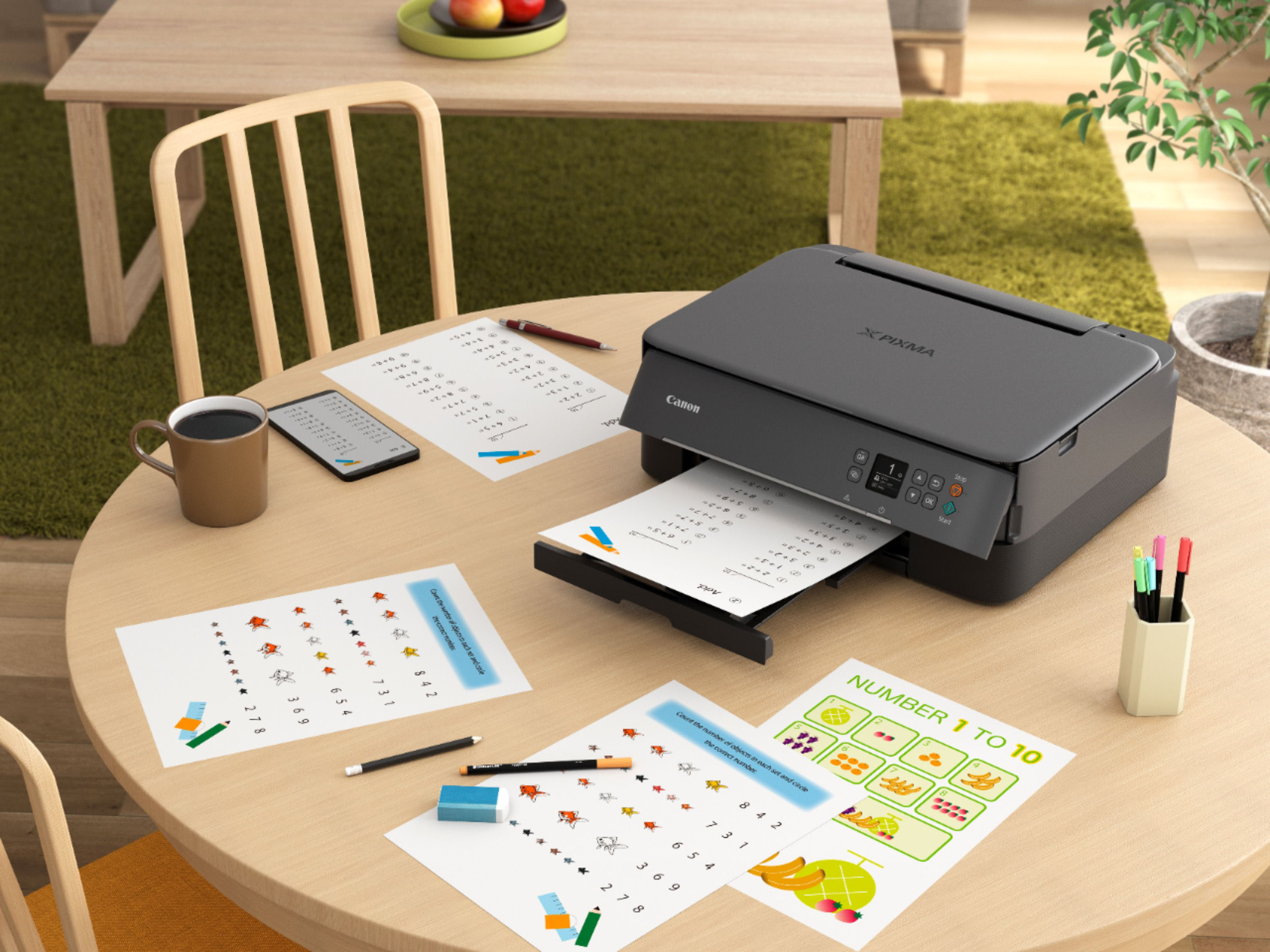
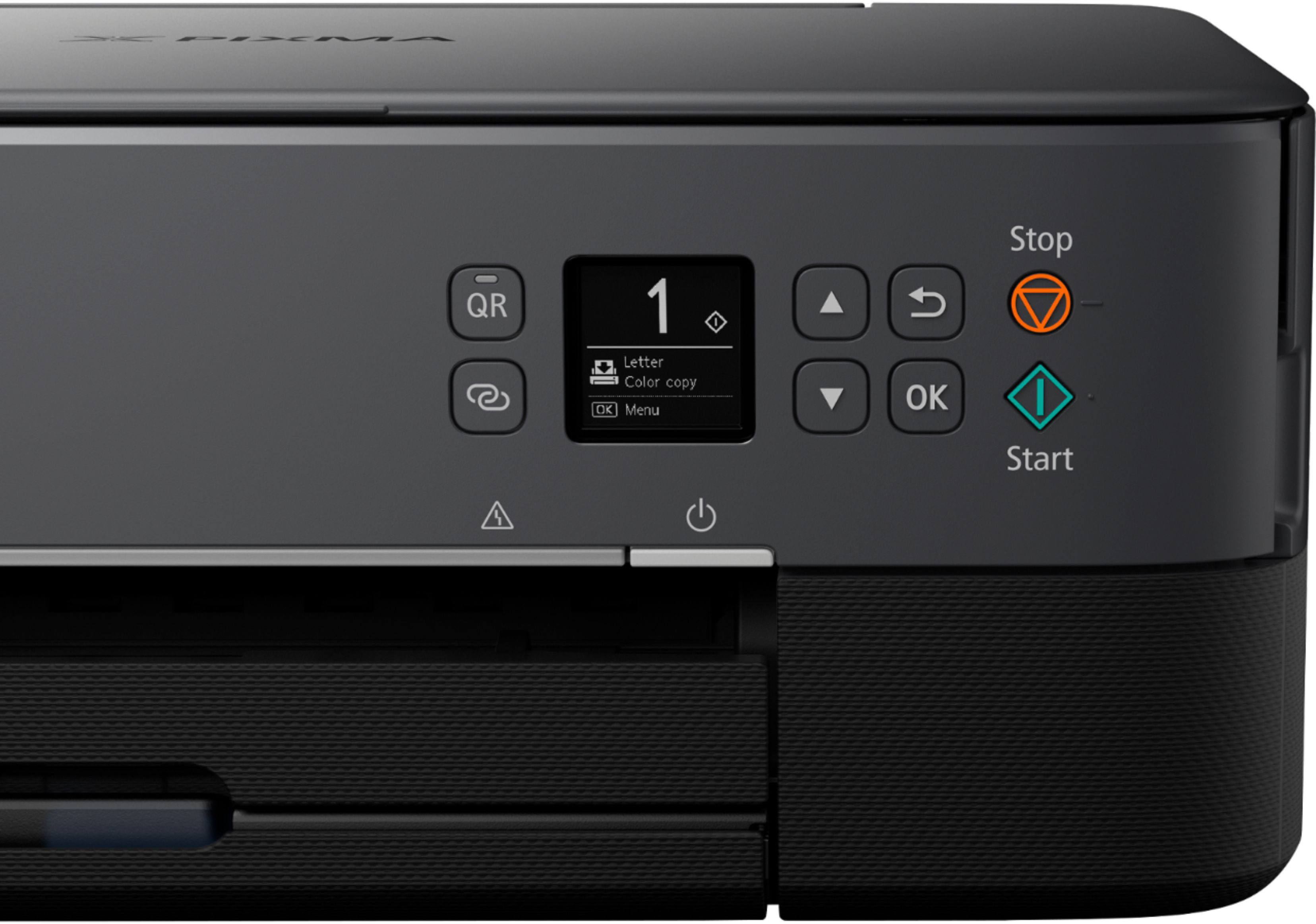

- Model:
- 4462C082
- |
- SKU:
- 6494255
Customer reviews
Rating 4.2 out of 5 stars with 4291 reviews
(4,291 customer reviews)Rating by feature
- Value4.4
Rating 4.4 out of 5 stars
- Quality4.3
Rating 4.3 out of 5 stars
- Ease of Use4.2
Rating 4.2 out of 5 stars
Customers are saying
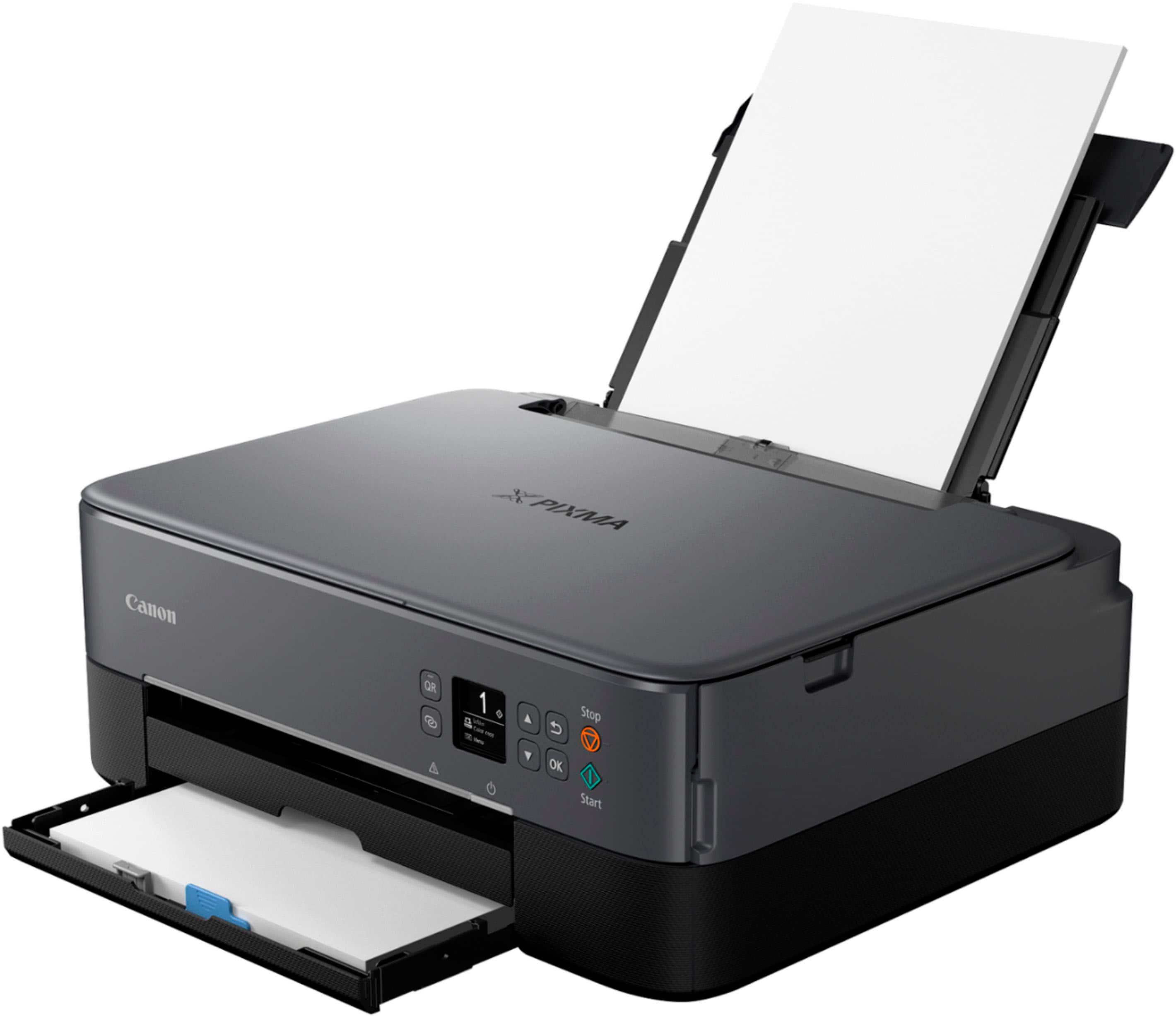
Customers highly value the PIXMA TS6420a Wireless All-In-One Inkjet Printer for its ease of use and print quality. The printer's overall performance, seamless connectivity, and reasonable price point are also appreciated. Furthermore, customers find the size perfect for their office and the setup process simple, with a tolerable noise level.
This summary was generated by AI based on customer reviews.
- Pros mentioned:Connectivity, Print quality
Rated 5 out of 5 stars
Printer
||Posted . Owned for 3 weeks when reviewed.This reviewer received promo considerations or sweepstakes entry for writing a review.An excellent replacement for my old printer. Easy to set up and wireless. Print quality is good too.
I would recommend this to a friend Rated 4 out of 5 stars
Okay printer, no local manuals, tools not robust
||Posted . Owned for less than 1 week when reviewed.This reviewer received promo considerations or sweepstakes entry for writing a review.My old printer died (black was unusable), and this made a good replacement printer. However, a feature I miss in the old HP printer is it would automatically eject the paper tray on a printout. If I forget to pull out the paper tray on this printer, the printout falls out onto the floor. All it would take is a electric latch to release a spring-loaded tray. The extended tray is quite long, so it occupies a lot of desktop space. The std quality output was better with the HP. This one can use high-quality output, but I no longer have printouts from the old HP printer at high-quality to compare with high-quality output from this printer. Old HP held 50 sheets of paper in cartridge tray. This one holds 100. Have to move up to the printer to read its LCD display. Unlike the HP, this one has straight paper feed from the backside via pull-out tray. This puts less bend in the paper. Does duplex printing, but will have to experiment with drying time which seems enough for std print quality, but will have to test with high-quality printouts. Print time (how long before re-injecting the paper to print on the other side) is adjustable. Wi-fi setup is a clumsy mess. Instructions are incomplete: at one point, the online manual refers to some installed software to take over the setup, but they don't say what software to load to be ready after doing the manual setup on the printer's screen. Only supports 2.4GHz band: the wifi scan found the 2.4GHz band of my router, but not its 5GHz band. Currently using USB to my computer, and possibly might have gotten it setup for wi-fi access, but unsure since instructions are incomplete or confusing. Print speed (black) is nowhere near the claimed spec of 13 PPM. After print job has completed, this printer keeps making noises for about a minute, like it's moving the heads around or repositioning something. It has an auto-off power mode which supposedly turns on when print traffic is sent to the printer; however, when you use its utilities to configure the printer, the software cannot connect because the printer is off, and those commands must not be considered print traffic. For now, I'll disable auto-off. Somewhere I saw the ink level reported, but I cannot find it again in any of the tools provided with the printer. All manuals are online. No offline copies, so you cannot read the manual during an Internet outage (ISP is down, their Internet service is dead, network issues), and no means of downloading copies of the manuals to your computer. In one tool (IJ Print Utility) is a button to "Manuals", but it takes you to a missing web page.
No, I would not recommend this to a friend- Pros mentioned:Print quality
Rated 4 out of 5 stars
Neat
||Posted . Owned for 1 week when reviewed.This reviewer received promo considerations or sweepstakes entry for writing a review.Small, and inconspicuous on Our File Cabinet. Chosen, partly because of the “paper tray”, no paper protruding from top, back of printer! It also has the rear paper slot too, if you might like that? Printed great so far, aftermarket ink available. The software and installation was a little confusing, the screen is very small, with little info apparently?
I would recommend this to a friend - Pros mentioned:Print quality
Rated 5 out of 5 stars
It's very quiet
||Posted .This reviewer received promo considerations or sweepstakes entry for writing a review.We've been happy so far. It's very quiet. It was fairly easy to set up. Print quality is good.
I would recommend this to a friend - Pros mentioned:Price, Print quality
Rated 5 out of 5 stars
Great printer
||Posted . Owned for 2 weeks when reviewed.This reviewer received promo considerations or sweepstakes entry for writing a review.This printer has a really easy set up guide with a step by step on what to do and how to put in the ink. I have an app in my iphone that allows me to print anywhere from my house and it will seasmlessly. Its wuick and pretty quiet too. It wasnt too much money out if pocket to afford as well. 10/10 recommend.
I would recommend this to a friend Rated 4 out of 5 stars
Fast, Easy Setup, and Reliable Wireless Printer
||Posted . Owned for 1 year when reviewed.This reviewer received promo considerations or sweepstakes entry for writing a review.This printer has been a great addition. Setup was quick and painless—it connected to WiFi almost immediately without any hassle, which is a huge plus. It also pairs easily with devices, making wireless printing smooth and convenient. Performance-wise, it’s fast for everyday use and handles printing, scanning, and copying without issues. Everything runs consistently and reliably, which is exactly what you want in a home printer. The design is compact and clean, and the interface is simple to use. Overall, it’s a solid, dependable printer that just works—fast, stable, and easy to connect. Highly recommend.
I would recommend this to a friend- Pros mentioned:Connectivity, Print quality
Rated 5 out of 5 stars
Printer
||Posted .This reviewer received promo considerations or sweepstakes entry for writing a review.Easy set up connection to Internet was easy prints excellent
I would recommend this to a friend - Pros mentioned:Print quality
Rated 5 out of 5 stars
Great Canon Buy for simple printing jobs needed.
||Posted . Owned for 3 weeks when reviewed.This reviewer received promo considerations or sweepstakes entry for writing a review.The Canon is working great. The size is perfect for my small office. Copying is quiet. Print quality is good. Purchasing from Best Buy was quick and easy!!!!
I would recommend this to a friend - Pros mentioned:Connectivity
Rated 4 out of 5 stars
Good basic printer when on sale.
||Posted . Owned for 8 months when reviewed.This reviewer received promo considerations or sweepstakes entry for writing a review.Prices for everything continue to increase. I purchased this for $75.56 and for that price it's a good basic printer. Full page pictures are actually pretty decent quality. It's noisy like most inkje printers but wifi and everything works as it should.
I would recommend this to a friend - Pros mentioned:Print quality
Rated 5 out of 5 stars
Ink cartridge replacement
||Posted . Owned for 6 months when reviewed.This reviewer received promo considerations or sweepstakes entry for writing a review.I've been using this printer for about six months now and it generally performs well. The print quality for everyday documents is quite satisfactory. However, I have found the ink replacement process to be rather inconvenient. The cost and accessibility of specific cartridges have been a point of concern. I would appreciate a more streamlined and economical solution for ink replenishment in the future.
I would recommend this to a friend - Pros mentioned:Connectivity, Ease of use, Print quality
Rated 5 out of 5 stars
Great All-in-One Printer!
||Posted . Owned for 1.5 years when reviewed.This reviewer received promo considerations or sweepstakes entry for writing a review.I bought the Canon PIXMA TR7020a, and it’s been a great purchase! Easy to set up, reliable wireless connectivity, and excellent print quality. Perfect for home use!
This review is from Canon - PIXMA TR7020a Wireless All-In-One Inkjet Printer - Black
I would recommend this to a friend - Pros mentioned:Connectivity
Rated 4 out of 5 stars
Didn't fool around with setting up WI FI
||Posted .This reviewer received promo considerations or sweepstakes entry for writing a review.I gave this four stars as I just got it set up. My last printer of another brand just couldn't retain the wi fi settings for some reason and was always off line when I needed it. On the Cannon, I didn't waste my time with wi fi, just shopped around for a suitable cable and connected it up to my windows computer and it just worked! Also reviews showed this printer's cartridges are more dependable. Cartridges for the other printer were so faulty I spent the cost of the printer in 9 months. We will see.
This review is from Canon - PIXMA TR7020a Wireless All-In-One Inkjet Printer - Black
I would recommend this to a friend - Pros mentioned:Ease of use
Rated 5 out of 5 stars
Great printer for home office
||Posted . Owned for 1 month when reviewed.This reviewer received promo considerations or sweepstakes entry for writing a review.Great size. Prints photos really nicely. Extremely easy to use and not terribly loud. Only drawback for me is my previous printer automactically pushed out the paper tray but this one has to be pulled manually. Until I get in the habit of pulling it when I turn the printer on, I'll be picking pages up off the floor. Definitley recommend.
This review is from Canon - PIXMA TR7020a Wireless All-In-One Inkjet Printer - Black
I would recommend this to a friend - Pros mentioned:Overall performance, Print quality
Rated 5 out of 5 stars
Excellent product
||Posted . Owned for 2 months when reviewed.This reviewer received promo considerations or sweepstakes entry for writing a review.Outstanding performance from this Canon printer and scanner. Setup was simple, operation is smooth, and the results are consistently high quality. Highly recommended.
I would recommend this to a friend - Pros mentioned:Ease of use
Rated 5 out of 5 stars
Does the job.
||Posted . Owned for 3 weeks when reviewed.This reviewer received promo considerations or sweepstakes entry for writing a review.We had a printer with 6 cartridges, and one of the other was always needing replaced. I finally had enough, and realized we could replace the printer for less than the cost of the ink we needed to buy. We got this little gem. Build of the printer is subpar, but it functions well and at the end of the day that’s really what counts. It’s not huge so easily fits where you want. Super easy to set up and start using. Scans, prints from phone without an app, really does everything you need it to do. Love that it has only two print cartridges as well. If you need an affordable multifunction printer this is a fine choice.
This review is from Canon - PIXMA TS6420a Wireless All-In-One Inkjet Printer - White
I would recommend this to a friend - Pros mentioned:Connectivity, Ease of use
Rated 4 out of 5 stars
Nice and Sleek Printer
||Posted . Owned for 3 weeks when reviewed.This reviewer received promo considerations or sweepstakes entry for writing a review.This printer is sleek and nice. It hooks up fast to Wi-Fi and other devices. I usually struggle when it comes to setting printers up. I set this one up by myself in less than an hour. Very good printer, for a good price. I enjoy using it so far.
I would recommend this to a friend - Pros mentioned:Connectivity, Print quality
Rated 5 out of 5 stars
Great multi-use printer for daily use!
||Posted . Owned for 7 months when reviewed.This reviewer received promo considerations or sweepstakes entry for writing a review.Great printer and we love, love love the air print from our iPads and phones. Quick, clear rendition and fast enough for our needs. Seems to really be a miser with ink consumption and much easier than our past canon printers that required multiple ink cartridges and they always seemed to be running low. Highly recommend for the household computer and daily or infrequent use.
I would recommend this to a friend - Pros mentioned:Connectivity, Overall performance
Rated 5 out of 5 stars
Great basic home printer, easy to use and setup
||Posted . Owned for 3 weeks when reviewed.This reviewer received promo considerations or sweepstakes entry for writing a review.Great home printer. Easy to set up and connect to wifi. I would recommend as a basic home printer for printing here and there.
I would recommend this to a friend Rated 5 out of 5 stars
Easy set up!
||Posted . Owned for 1 year when reviewed.This reviewer received promo considerations or sweepstakes entry for writing a review.The printer is compact, quiet and prints fast. I have had many Canon printers and this by far was the easiest to set up and use.
I would recommend this to a friend- Pros mentioned:Overall performance
Rated 4 out of 5 stars
Canon printer
||Posted .This reviewer received promo considerations or sweepstakes entry for writing a review.I love this printer. No issues so far. The size of it is perfect for me.
I would recommend this to a friend