Customer Ratings & Reviews
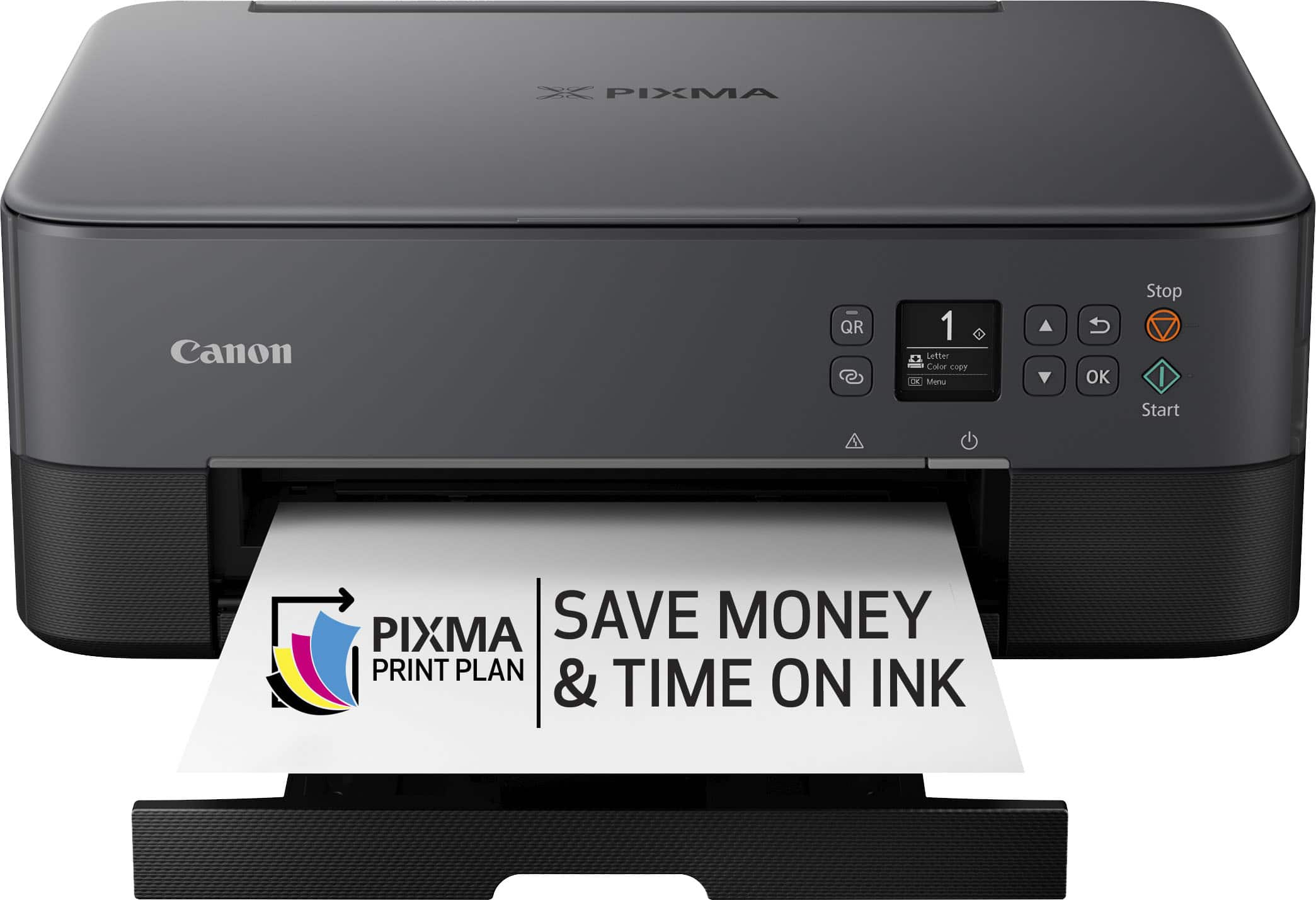
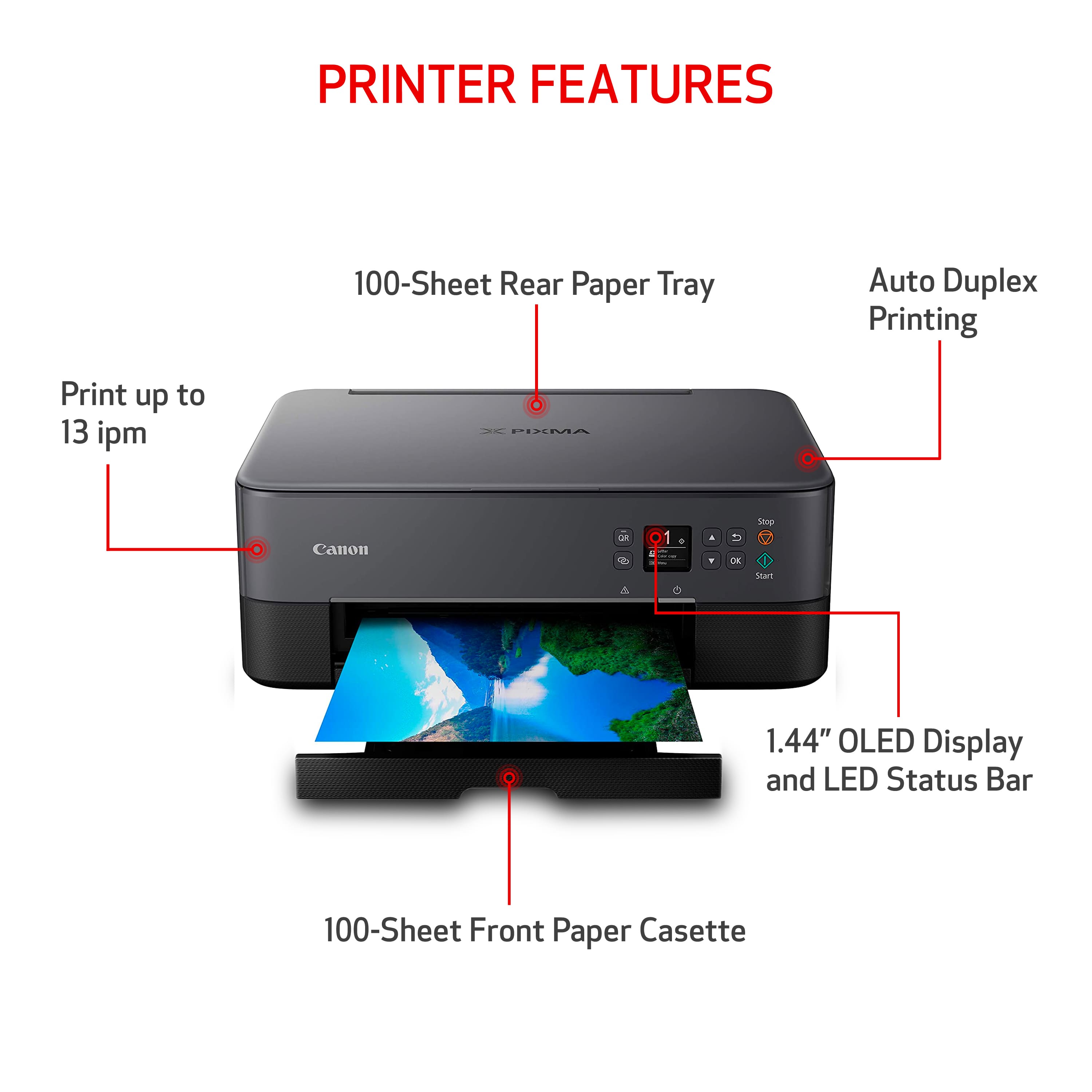
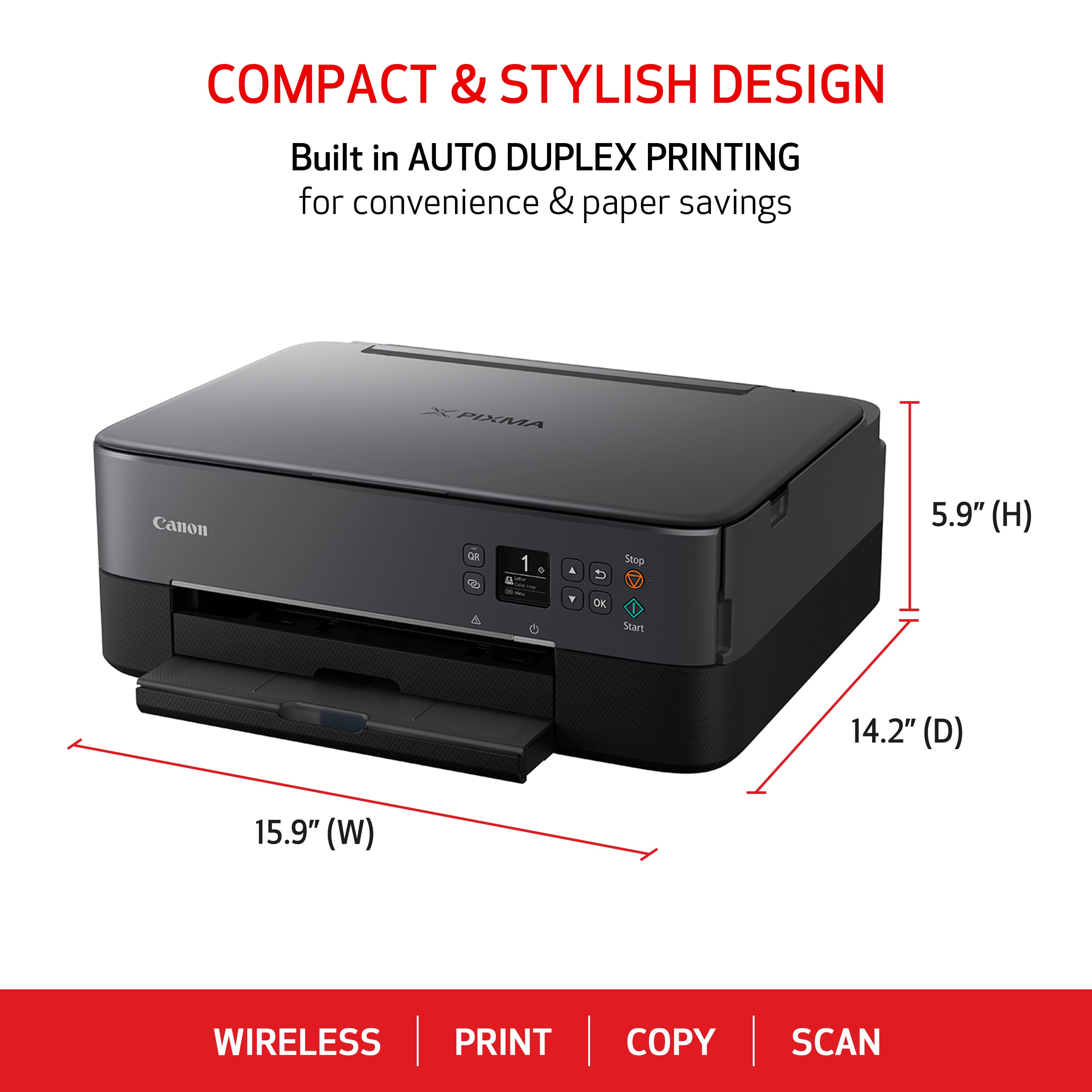


- Model:
- 4462C082
- |
- SKU:
- 6494255
Customer reviews
Rating 4.2 out of 5 stars with 4291 reviews
(4,291 customer reviews)Rating by feature
- Value4.4
Rating 4.4 out of 5 stars
- Quality4.3
Rating 4.3 out of 5 stars
- Ease of Use4.2
Rating 4.2 out of 5 stars
Customers are saying
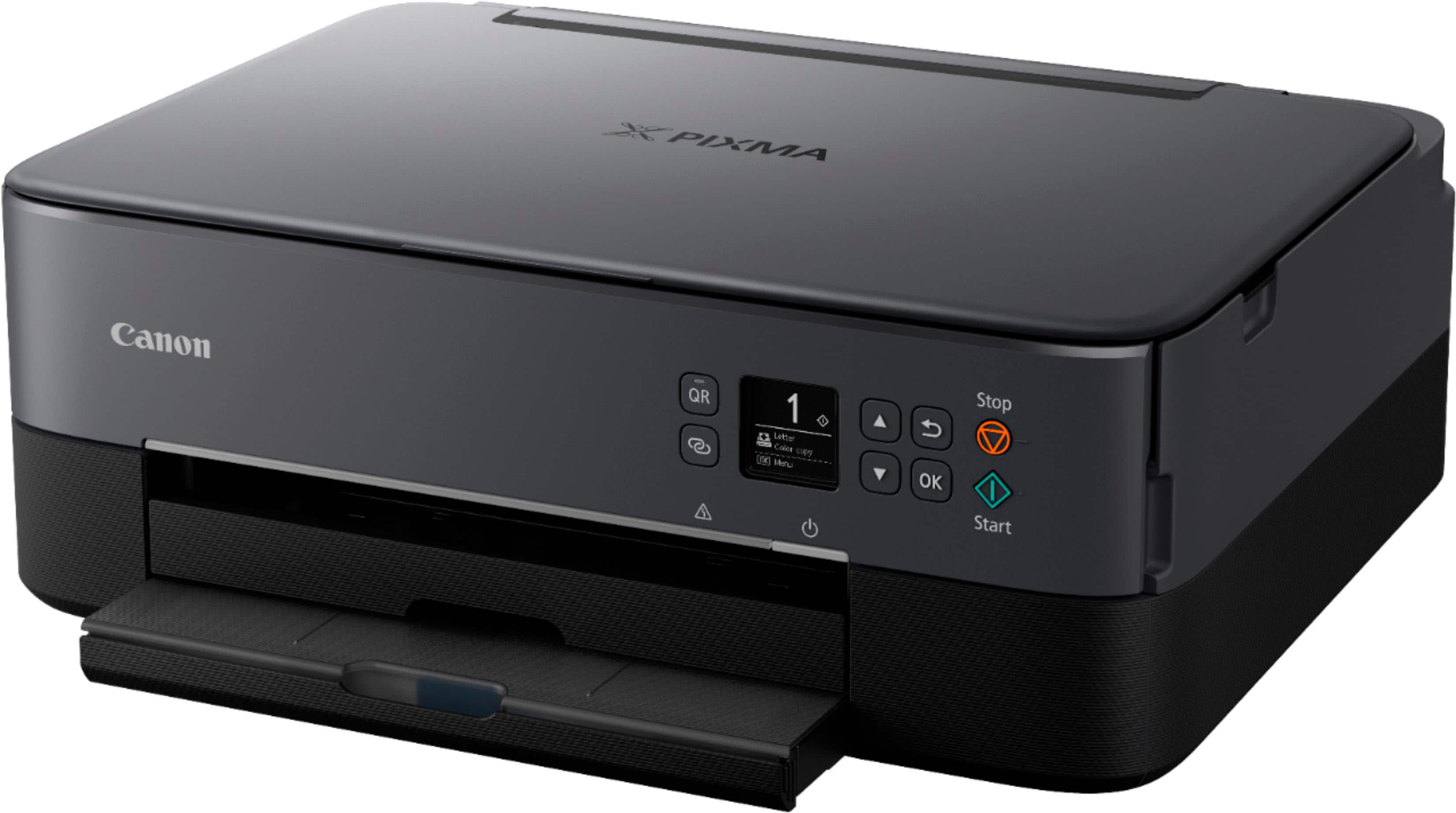
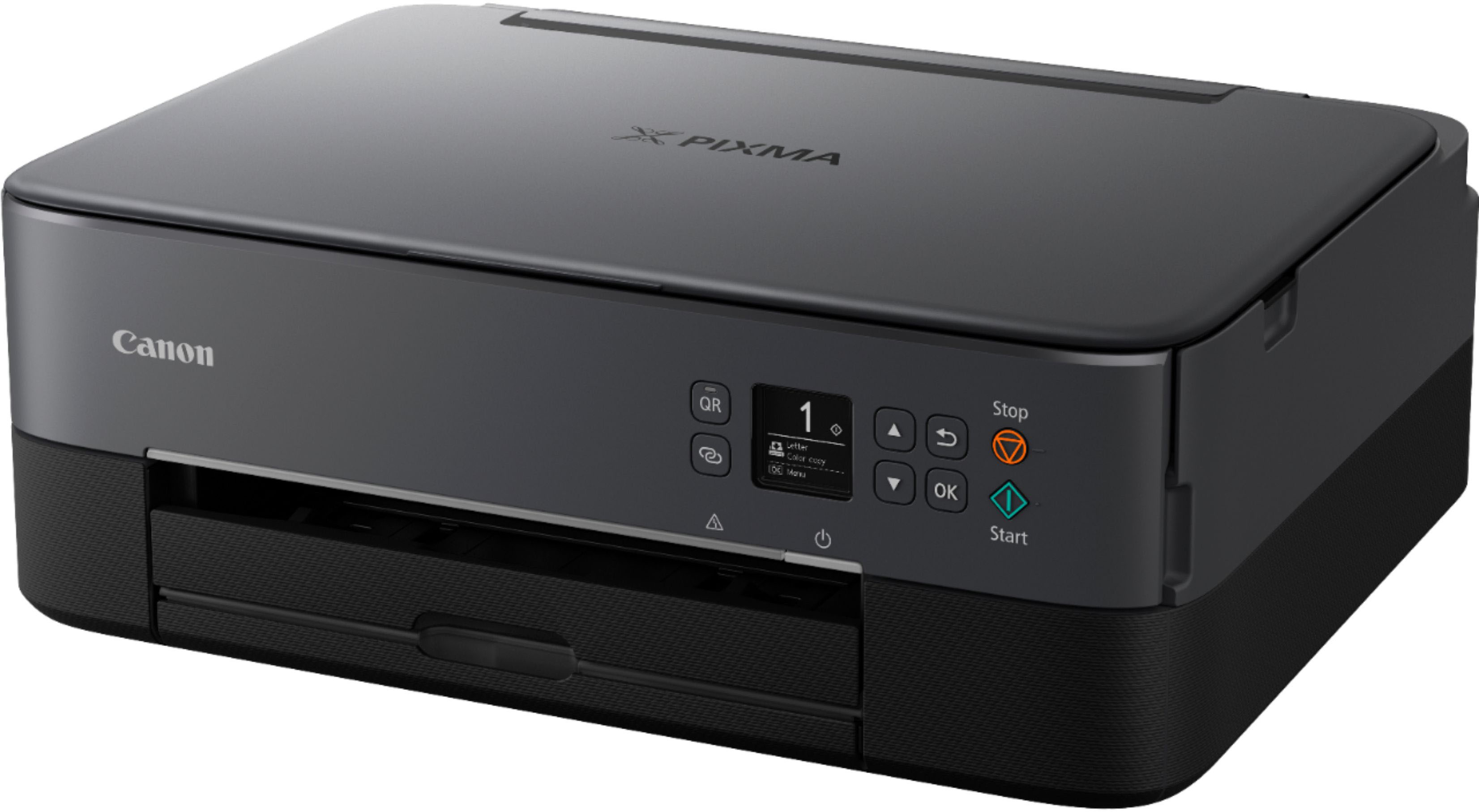
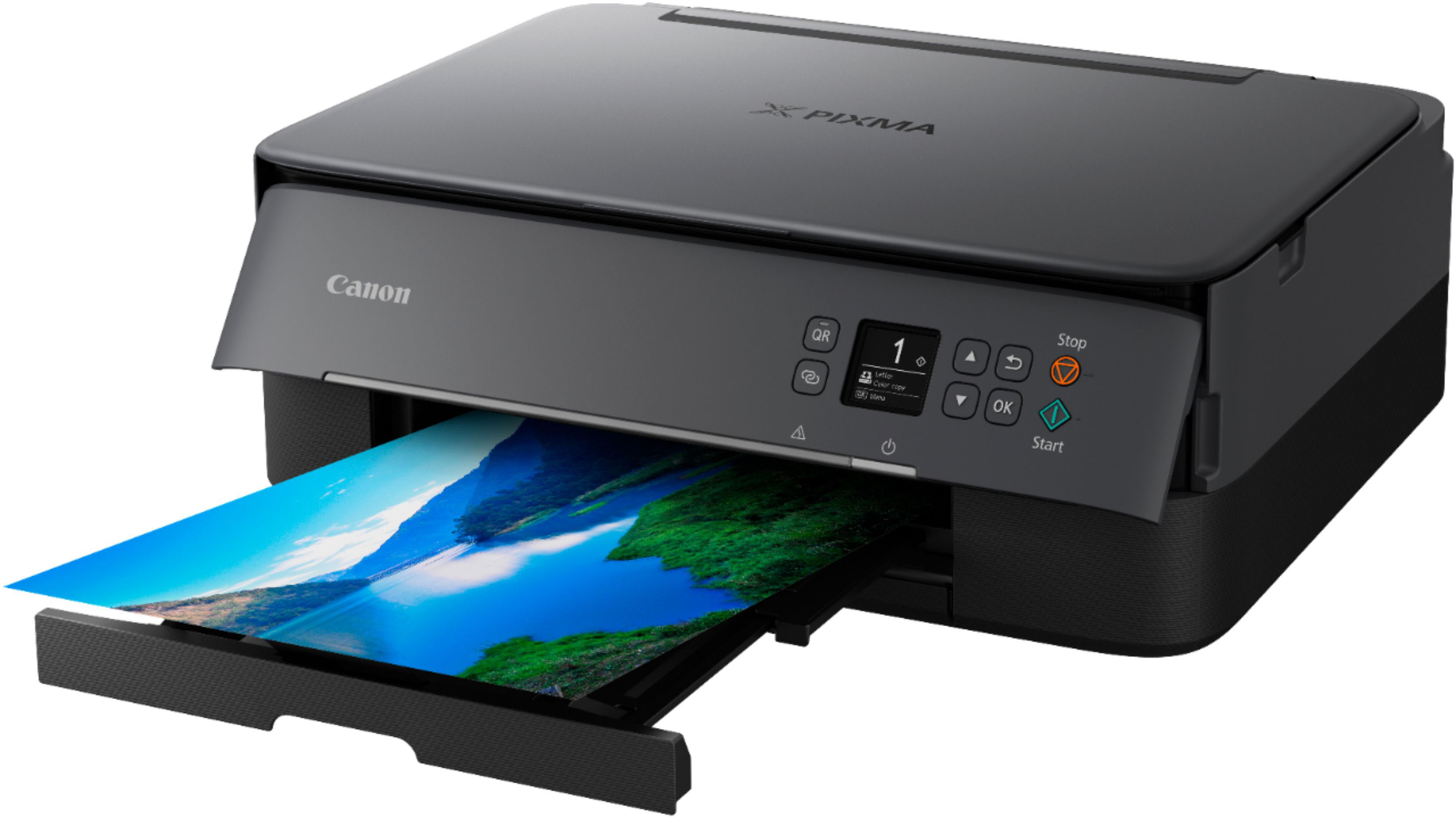
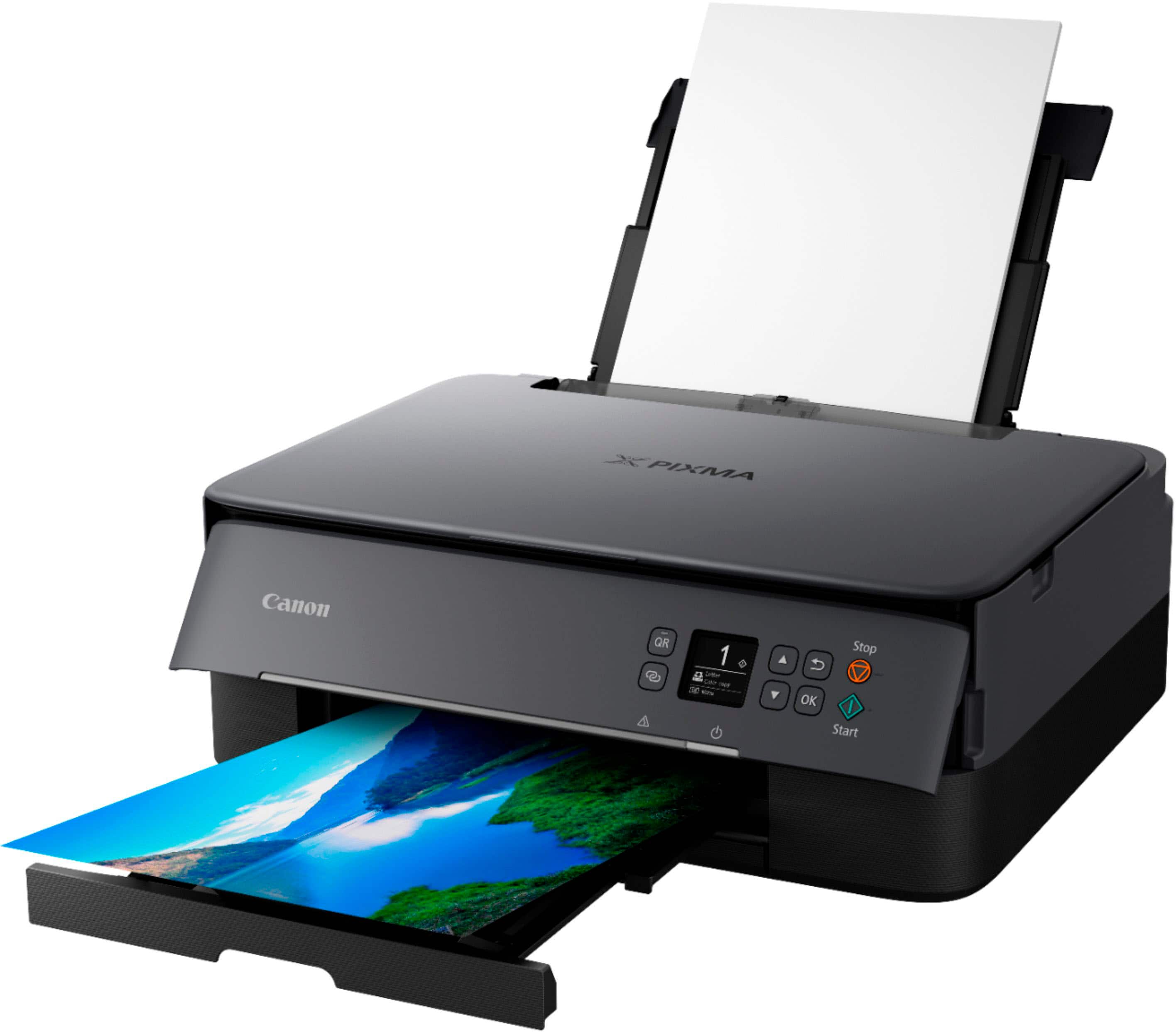
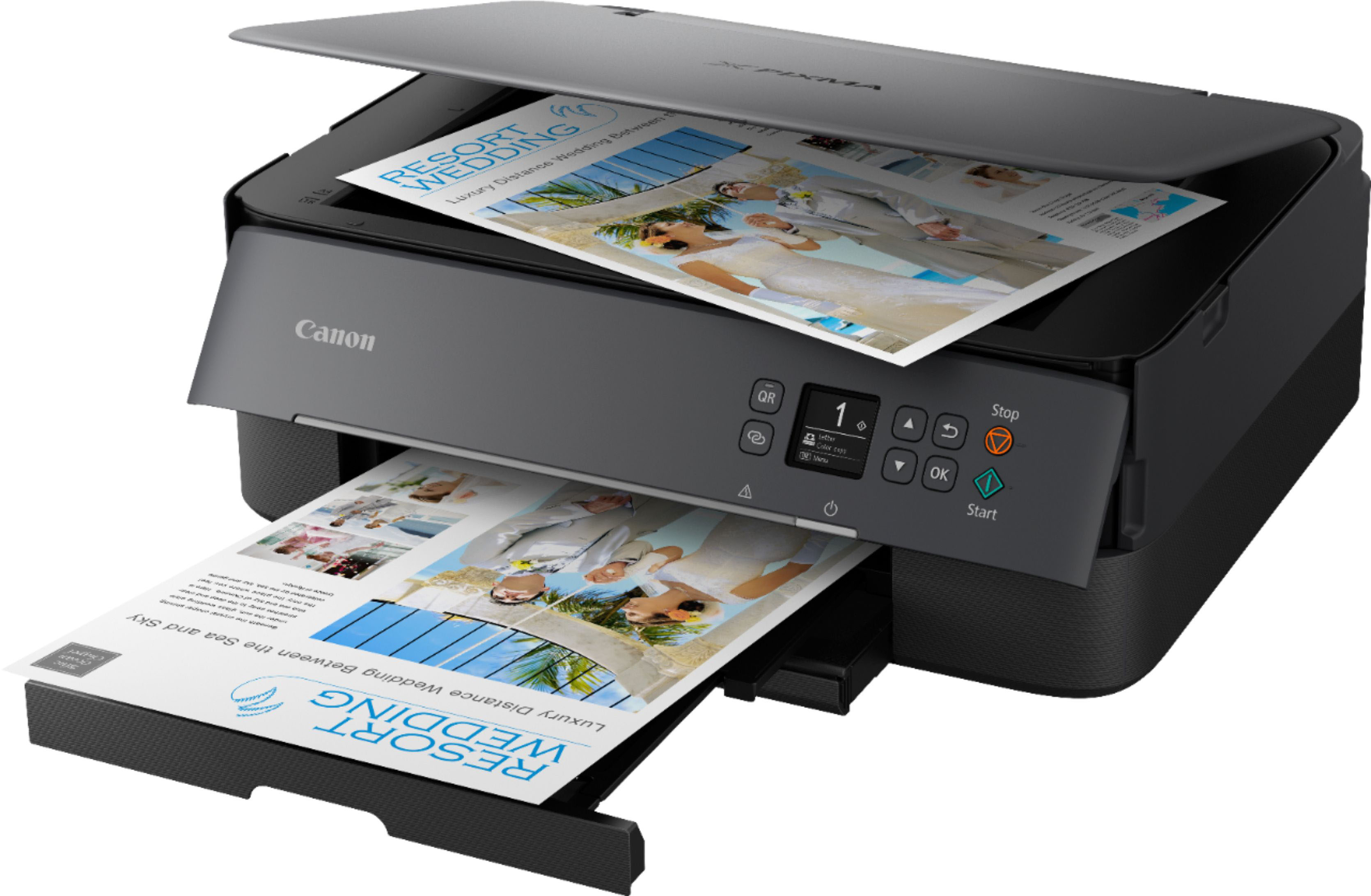
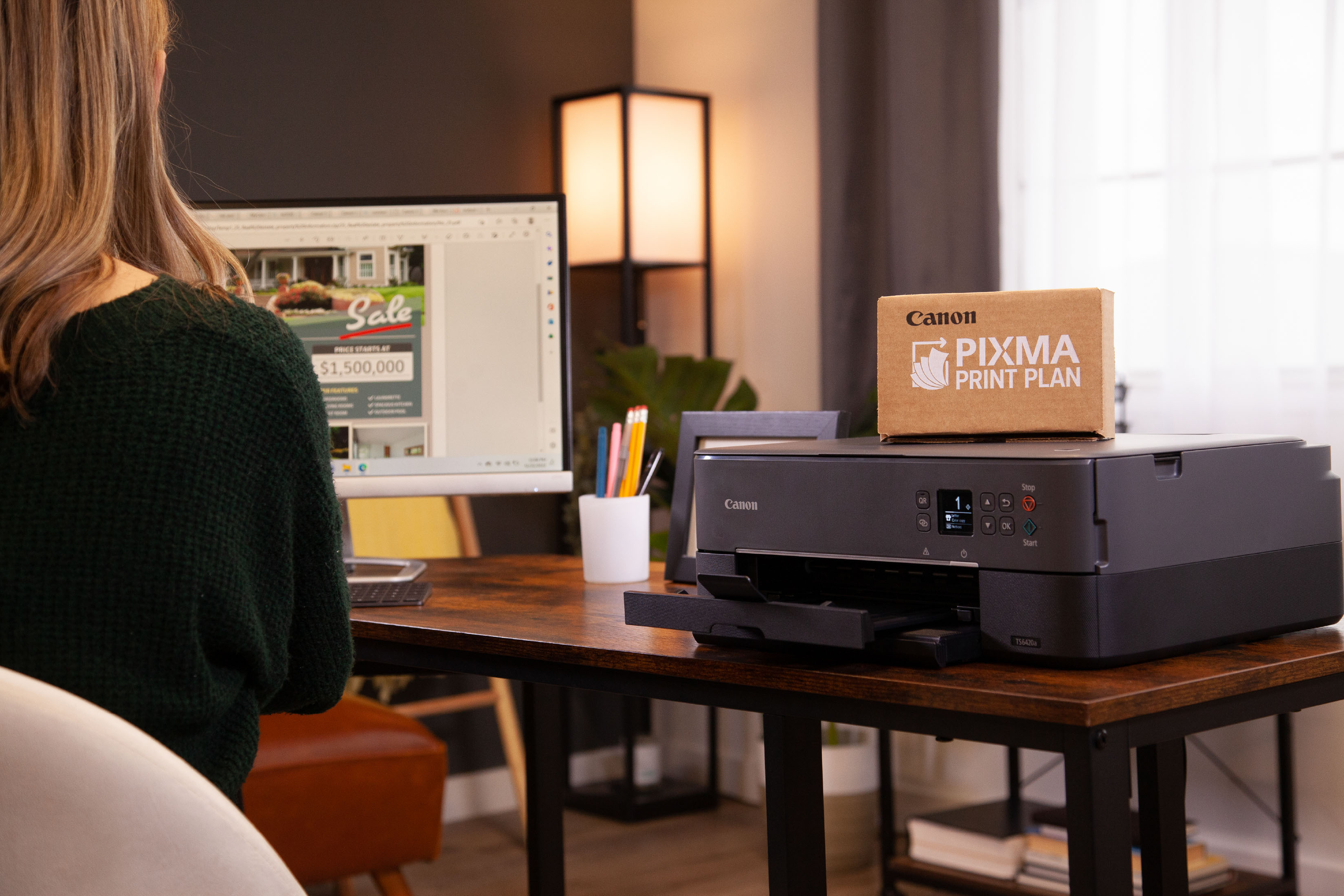
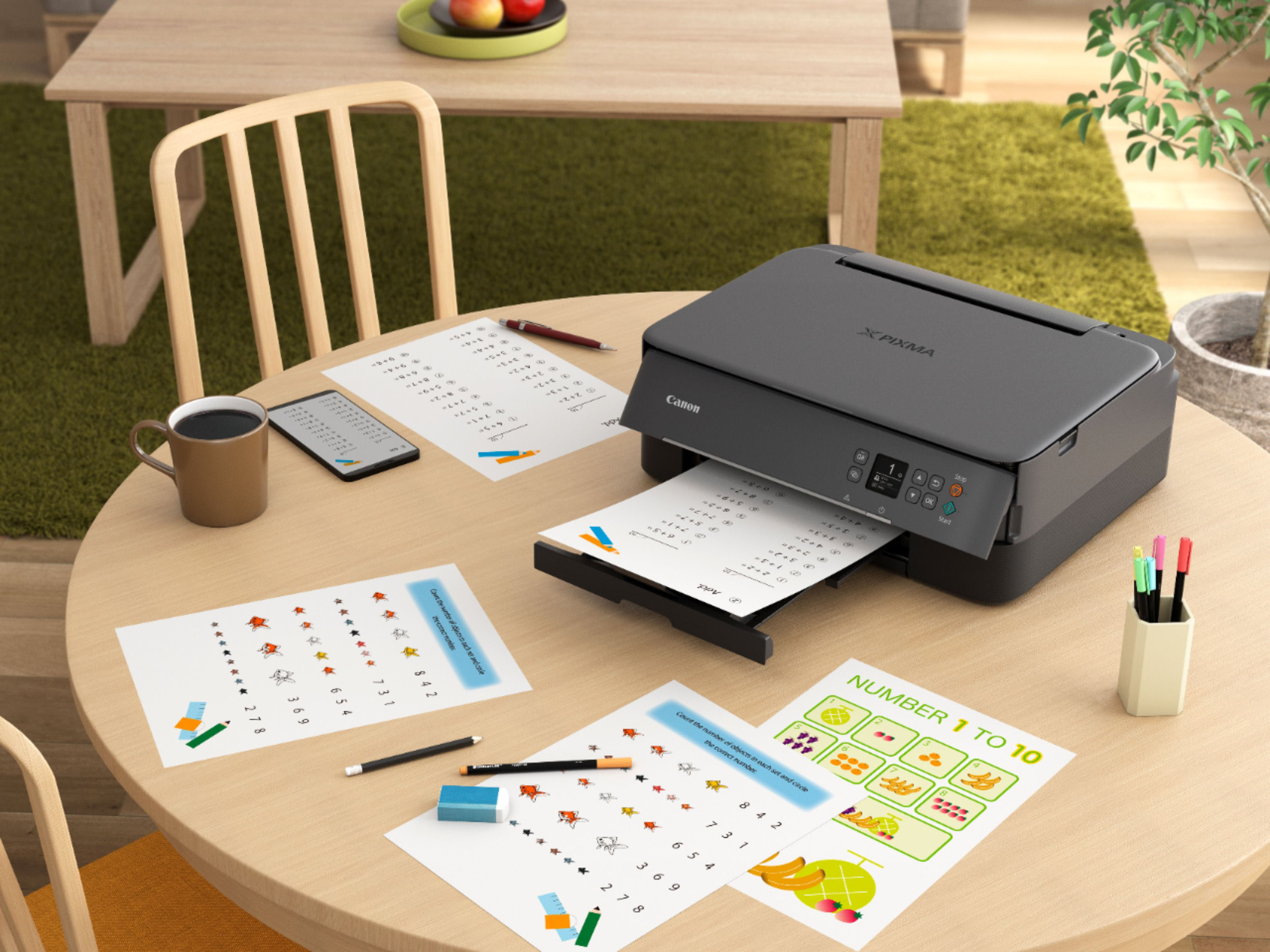
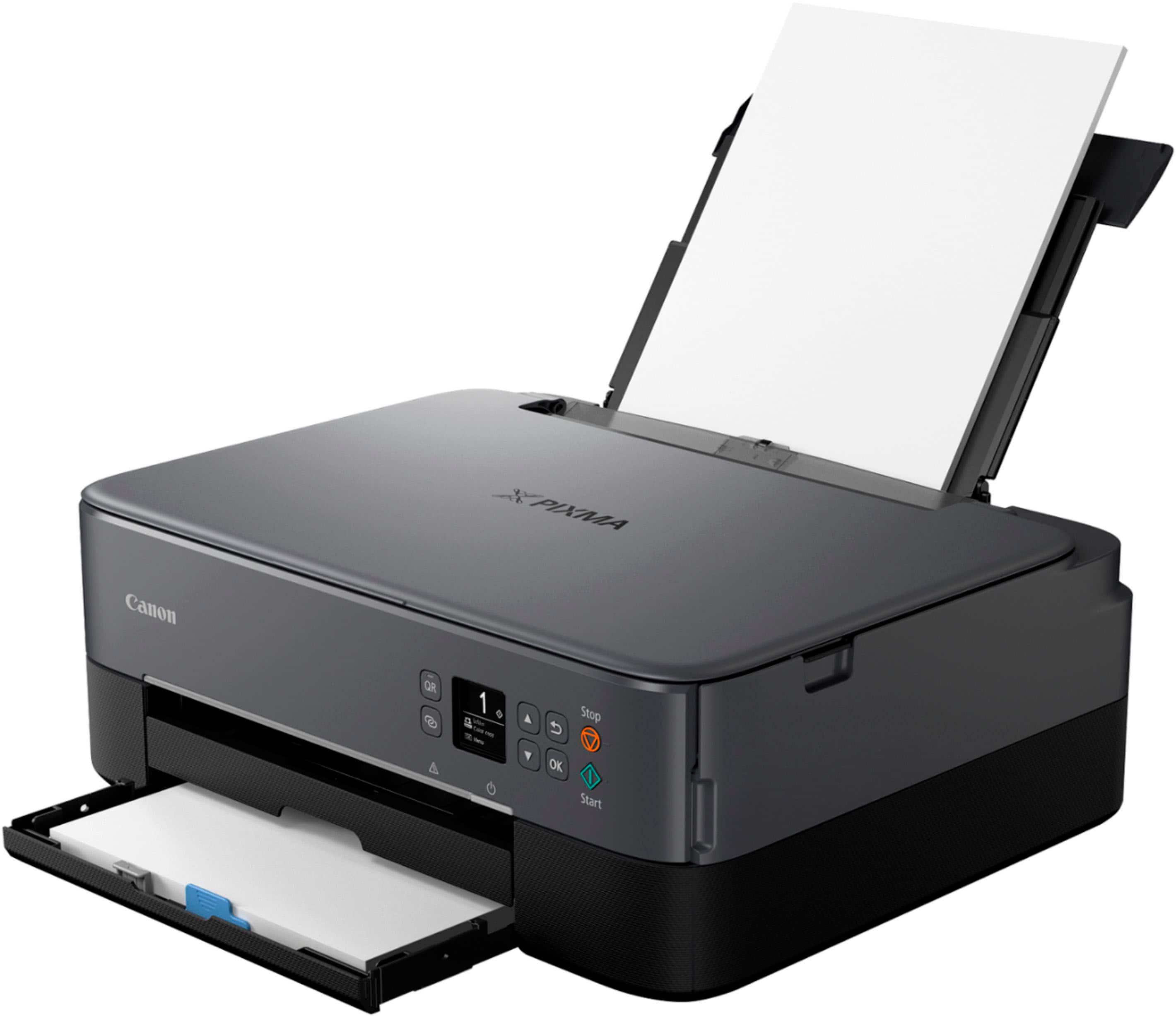
Customers highly value the PIXMA TS6420a Wireless All-In-One Inkjet Printer for its ease of use and print quality. The printer's overall performance, seamless connectivity, and reasonable price point are also appreciated. Furthermore, customers find the size perfect for their office and the setup process simple, with a tolerable noise level.
This summary was generated by AI based on customer reviews.
- Pros mentioned:Ease of use, Print quality
Rated 5 out of 5 stars
Love it!
||Posted . Owned for 1 year when reviewed.This reviewer received promo considerations or sweepstakes entry for writing a review.Love this printer. It’s easy to use, simple to set up, and I can send things right from my phone or lap top. I even get notifications from the app when the ink is running low! Great quality and affordable!
I would recommend this to a friend - Pros mentioned:Ease of use, Print quality
Rated 4 out of 5 stars
Pleased with features/performance for the price
||Posted . Owned for less than 1 week when reviewed.This reviewer received promo considerations or sweepstakes entry for writing a review.I wanted something inexpensive and simple to print spec sheets and manual pages in my workshop, and I am quite pleased with this printer for my needs. Initial opening and setup were simple, including WiFi setup with iPhone 15. Setup with the iMac was not smooth but ultimately achieved. (Fairly poor documentation for Mac setup.) File processing, print speed, and print quality are good, especially considering the price point. I'm particularly pleased that this printer has scanning and automatic duplex printing for the price.
I would recommend this to a friend - Pros mentioned:Ease of use, Print quality
Rated 5 out of 5 stars
Great printer, great size, great price
||Posted . Owned for less than 1 week when reviewed.This reviewer received promo considerations or sweepstakes entry for writing a review.Recently purchased this canon pixma printer. It’s light weight, has nice compact size and was relatively easyto setup. So far I’m pleased withthe print speed and quality. Having a paper draw beneath is an aesthetic addition. I would recommend!
I would recommend this to a friend - Pros mentioned:Connectivity
Rated 4 out of 5 stars
Solid all-in-one with good features, uses ink fast
||Posted . Owned for 1.5 years when reviewed.This reviewer received promo considerations or sweepstakes entry for writing a review.I picked up this printer on sale and I think I got a good deal; the printer wasn't hard to set up (I have a Mac), runs on wireless, and goes pretty quickly for a small unit. The printing quality is good. I have also used the scanner feature and it works pretty well; you can get multiple pages into one document pretty easily. It is a flatbed (no feeder) so that means you do have to babysit it for that—could get frustrating if you have a long document. I haven't printed photos but I think it could handle it well. I have printed on cardstock and it worked fine. I haven't tried odd paper sizes but I think it would handle small fine—not sure about larger. Why doesn't this get 5 stars? It seems to go through ink pretty quickly. I'm about to buy my third cartridge in 2 years (and last time I got the XL size), and that would be fine if I used it a lot more than I do. But I only occasionally print more than a few pages, and that max 1-2 a month, if that. Since I do print rarely it's not hitting me that frequently, but if you print a lot this may not be the best option for you—you should probably get a more heavy duty, ink-efficient machine.
I would recommend this to a friend - Pros mentioned:Connectivity, Ease of use
Rated 5 out of 5 stars
Great office printer!
||Posted . Owned for 11 months when reviewed.This reviewer received promo considerations or sweepstakes entry for writing a review.Great printer for an at home office. It's wireless and connects easily. I use it often and it was easy to set up.
I would recommend this to a friend - Pros mentioned:Print quality
Rated 5 out of 5 stars
printer
||Posted . Owned for 2 weeks when reviewed.This reviewer received promo considerations or sweepstakes entry for writing a review.It was easy to set up and prints ok. The paper is easy to load and its compact enough to set on my filing cabinet.
I would recommend this to a friend - Pros mentioned:Ease of use, Overall performance
Rated 4 out of 5 stars
Great printer for the price!
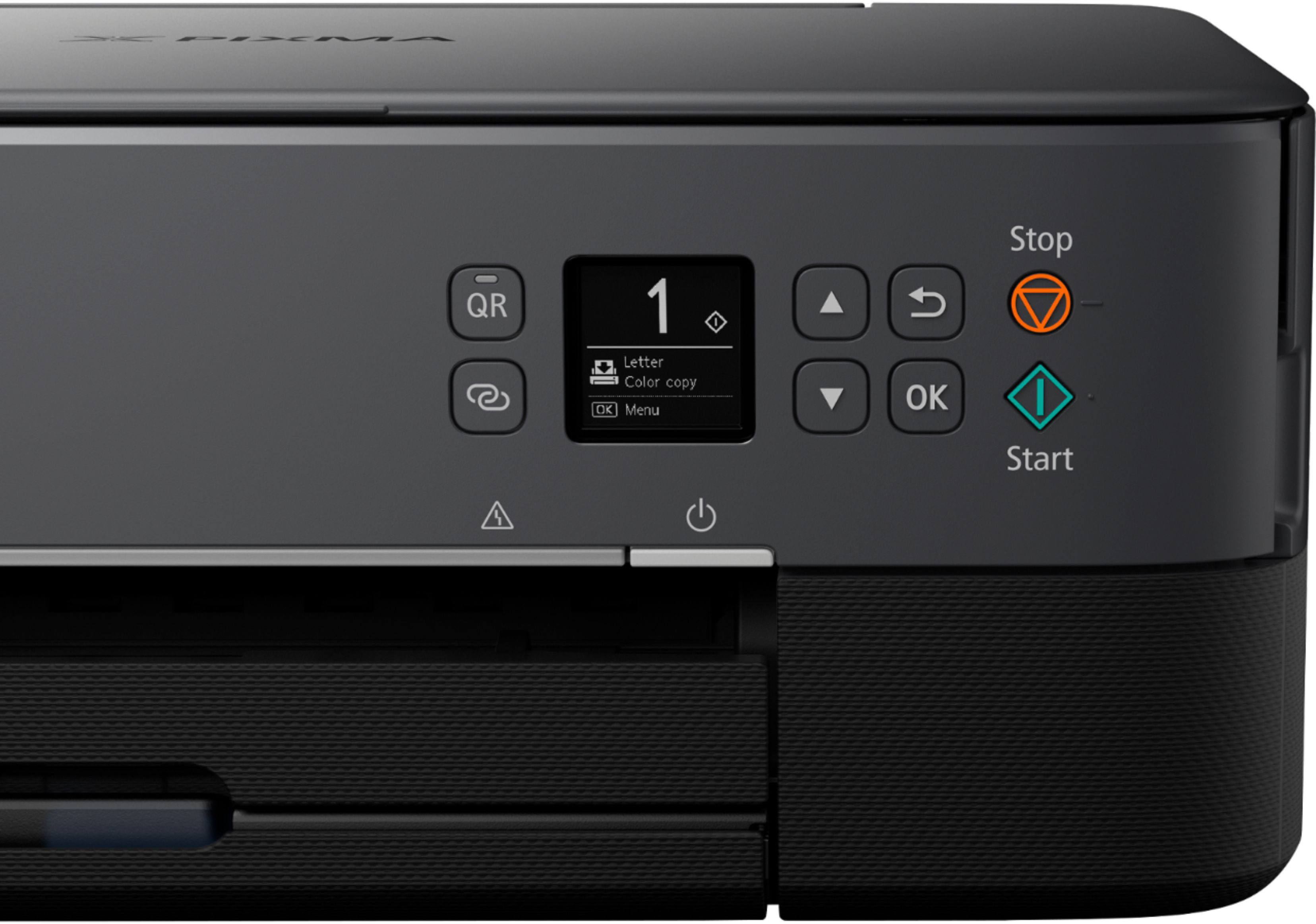
||Posted .This reviewer received promo considerations or sweepstakes entry for writing a review.This printer does as it advertises and that's what I wanted. A cheap printer to do the minor print jobs I need from now and then. Setup was fairly simple. Would've liked a bigger screen for even easier setup.
I would recommend this to a friend - Pros mentioned:Connectivity, Print quality
Rated 5 out of 5 stars
Excelent purchase
||Posted .This reviewer received promo considerations or sweepstakes entry for writing a review.I’ve been using my Canon printer for a few months now, and honestly, I’m really happy with it. As someone who works on creative projects, events, and sometimes needs to print photos or designs, this printer has been a great help. The print quality is sharp, the colors look vibrant, and it's fast. I also love how easy it is to connect it wirelessly—I can print directly from my phone or laptop without any issues
I would recommend this to a friend - Pros mentioned:Ease of use, Overall performance
Rated 4 out of 5 stars
Great printer for home use
||Posted .This reviewer received promo considerations or sweepstakes entry for writing a review.Easy set up, work great. Great solution for at home printing. Haven't tried printing photos, though, so no feedback there.
I would recommend this to a friend - Pros mentioned:Ease of use
Rated 4 out of 5 stars
Great, but….
||Posted . Owned for 3 weeks when reviewed.This reviewer received promo considerations or sweepstakes entry for writing a review.I am very satisfied with this printer. It isn’t fancy, but easy to use, and priced well. My only trouble wasn’t getting it connected to my wireless, which is AT&T. I had to call the geek helpdesk and even they couldn’t help me get it connected even though I’m pretty sure I was following their instructions. They sent me outside of Best Buy and I was charged for that without getting the printer connected. I finally requested a house car and the gentleman came and successfully got it connected, but it took over an hour because he had to do something to the computer to get it connected to the AT&T system. Just a warning if you have AT&T. However, now that it’s connected, I’m very pleased with it
I would recommend this to a friend - Pros mentioned:Ease of use, Overall performance
Rated 5 out of 5 stars
Best for the price
||Posted .This reviewer received promo considerations or sweepstakes entry for writing a review.Works perfect, easy set up and easy to use. Cannot beat for the price
I would recommend this to a friend - Pros mentioned:Overall performance, Print quality
Rated 5 out of 5 stars
Works way better than my hp with instant ink
||Posted . Owned for 3 months when reviewed.This reviewer received promo considerations or sweepstakes entry for writing a review.Works way better than my hp with its annoying subscription service that locks u out of your printer unless i payed subscription even if i had ink and paper. It seems to be great quality for low price point
I would recommend this to a friend - Pros mentioned:Ease of use, Print quality
Rated 5 out of 5 stars
Works very well so far
||Posted . Owned for 1 month when reviewed.This reviewer received promo considerations or sweepstakes entry for writing a review.Easy to set up, works with Apple AirPrint, print operation is smooth and quiet. Print quality is great. Automatic document feeder is a must have IMO. Size is relatively compact and style & color (I got the white one) looks nice. No issue so far and would recommend.
This review is from Canon - PIXMA TR7020a Wireless All-In-One Inkjet Printer - White
I would recommend this to a friend - Pros mentioned:Ease of use
Rated 5 out of 5 stars
Bang for your buck!
||Posted .This reviewer received promo considerations or sweepstakes entry for writing a review.Very simple to use and is nice and compact. I've had different printers that always lead to frustration. I popped it out of the box and was able to print something in less than 30 minutes. Couldn't ask for anything better for the price!
This review is from Canon - PIXMA TR7020a Wireless All-In-One Inkjet Printer - Black
I would recommend this to a friend - Pros mentioned:Connectivity, Ease of use
Rated 5 out of 5 stars
Perfect easy to use printer for Apple or HP.
||Posted . Owned for 2 weeks when reviewed.This reviewer received promo considerations or sweepstakes entry for writing a review.Great printer. Hooked up to Apple and HP products in less than 1 minute. Small enough to take to hotel for travel. Replacement ink is cheap. For the price its the best option for basic printing and scanning purposes. Very easy to use.
I would recommend this to a friend - Pros mentioned:Connectivity, Print quality
Rated 5 out of 5 stars
GREAT PRINTER!!
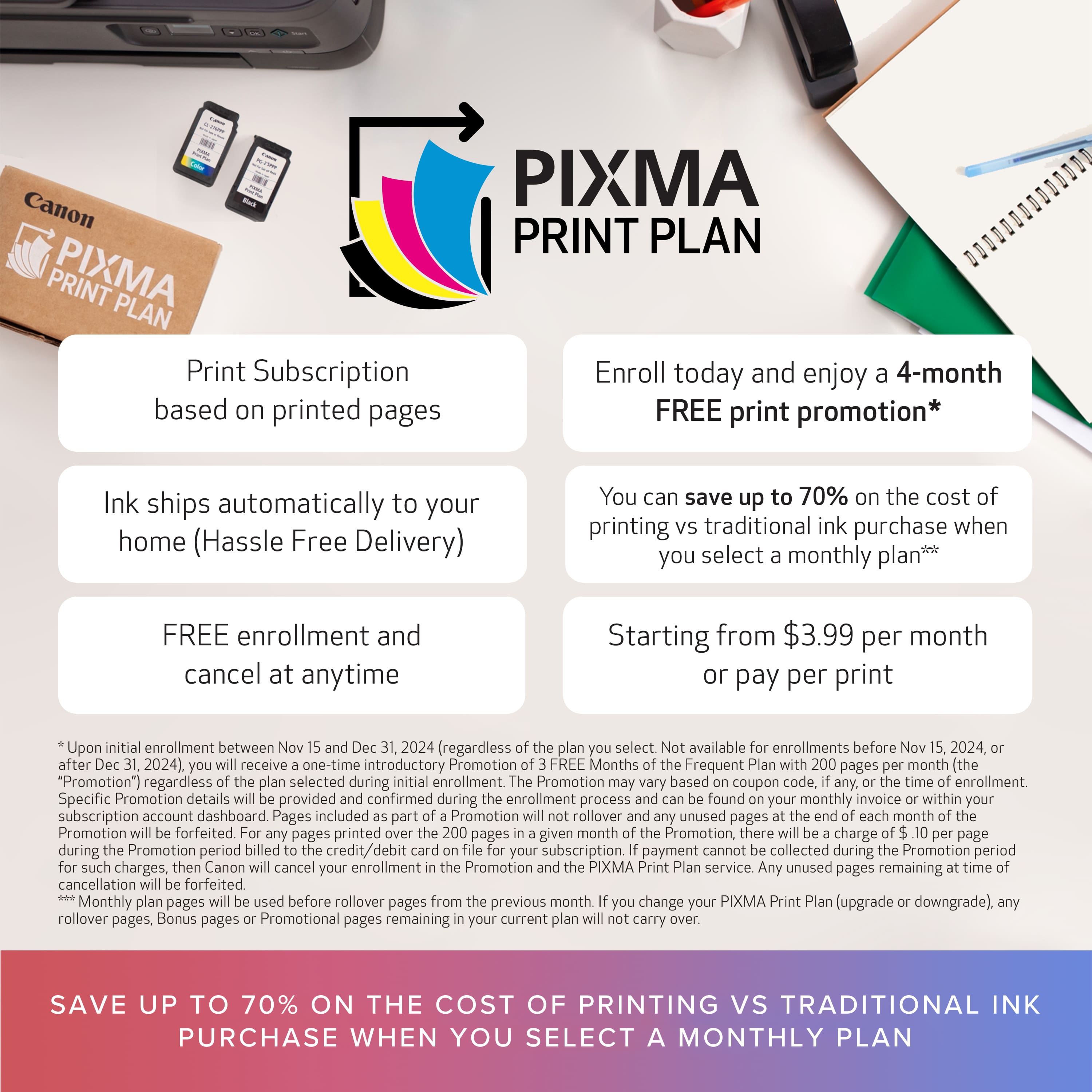
||Posted . Owned for 1 month when reviewed.This reviewer received promo considerations or sweepstakes entry for writing a review.This was an excellent buy. The printer is set up seamlessly to print from all connected devices including phone, the quality of print is terrific. The photo printing is beautiful. It is a nice size, this value is outstanding. This printer made me purchase photo paper to print photos because of the quality. The auto ink refill service by Pixma is also very nice. I would highly recommend.
I would recommend this to a friend - Pros mentioned:Overall performance, Print quality
Rated 4 out of 5 stars
Worth it.
||Posted .This reviewer received promo considerations or sweepstakes entry for writing a review.Works as it should. I followed instructions and loaded the drivers on my laptop. Nice quality printing output.
I would recommend this to a friend - Pros mentioned:Connectivity, Print quality
Rated 5 out of 5 stars
Printer
||Posted . Owned for 1 year when reviewed.This reviewer received promo considerations or sweepstakes entry for writing a review.Easy to set up and prints perfect! Love to be able to print from my phone or tablet with no wires!
I would recommend this to a friend - Pros mentioned:Print quality
Rated 4 out of 5 stars
Good budget printer
||Posted . Owned for 1.5 years when reviewed.This reviewer received promo considerations or sweepstakes entry for writing a review.Good price and good quality on document printing. I bought it since it's cheaoer than replacing inks on my Epson. It has mobile printing feature. It took some time to set things up correctly. That process can be confusing.
I would recommend this to a friend Rated 4 out of 5 stars
So far so good
||Posted . Owned for 3 weeks when reviewed.This reviewer received promo considerations or sweepstakes entry for writing a review.It's a good printer, but it took me many hours and found it frustrating to set up. I carefully followed the directions and started over several times and it finally worked. I then was able to print, copy and scan. It is a compact printer, but you cannot see the status of or refill the paper tray without manually pulling it out. Of course it takes a different printer ink number than my previous Canon printer. Aggravating to have remaining cartridges that I can't use. Ink is expensive! There are so few places that sell printers and now that they are wireless, there is no real free help to set them up. The online sources expect you to know all of the acronyms and don't show all of the steps in detail.
I would recommend this to a friend