Customer Ratings & Reviews


- Model:
- 4462C082
- SKU:
- 6494255
Rating by feature
- Value
Rating 4.4 out of 5 stars
- Quality
Rating 4.3 out of 5 stars
- Ease of Use
Rating 4.2 out of 5 stars
to a friend
Customers are saying
Customers highly value the PIXMA TS6420a Wireless All-In-One Inkjet Printer for its ease of use and print quality. The printer's overall performance, seamless connectivity, and reasonable price point are also appreciated. Furthermore, customers find the size perfect for their office and the setup process simple, with a tolerable noise level.
This summary was generated by AI based on customer reviews.
Canon printer
||Posted . Owned for 2 weeks when reviewed.This reviewer received promo considerations or sweepstakes entry for writing a review.The printer was easy to setup. The multiple paper trays can be a little confusing. Overall, great product!
I would recommend this to a friendFine printer….but…
||Posted . Owned for 1 month when reviewed.This reviewer received promo considerations or sweepstakes entry for writing a review.Maybe 3.5 stars. It’s fine and small and does what I need it to. BUT the power cord does not sit securely.All good but for the power cord.
No, I would not recommend this to a friendThee best printer
||Posted . Owned for 1 month when reviewed.This reviewer received promo considerations or sweepstakes entry for writing a review.This probably thee best printer ror its price point
I would recommend this to a friendWorst Printer you will ever own
||Posted .This reviewer received promo considerations or sweepstakes entry for writing a review.I would never and I mean beaver put anything important to print on here. This printer has screwed me over 2 times!!!! And makes me waste more paper than I ever needed to. Worthless!!!!! Please anyone reading this don’t bother, I’m currently giving this printer away until the garbage collects it. Will sit loading for more than 5 minutes…….
No, I would not recommend this to a friendWireless printer
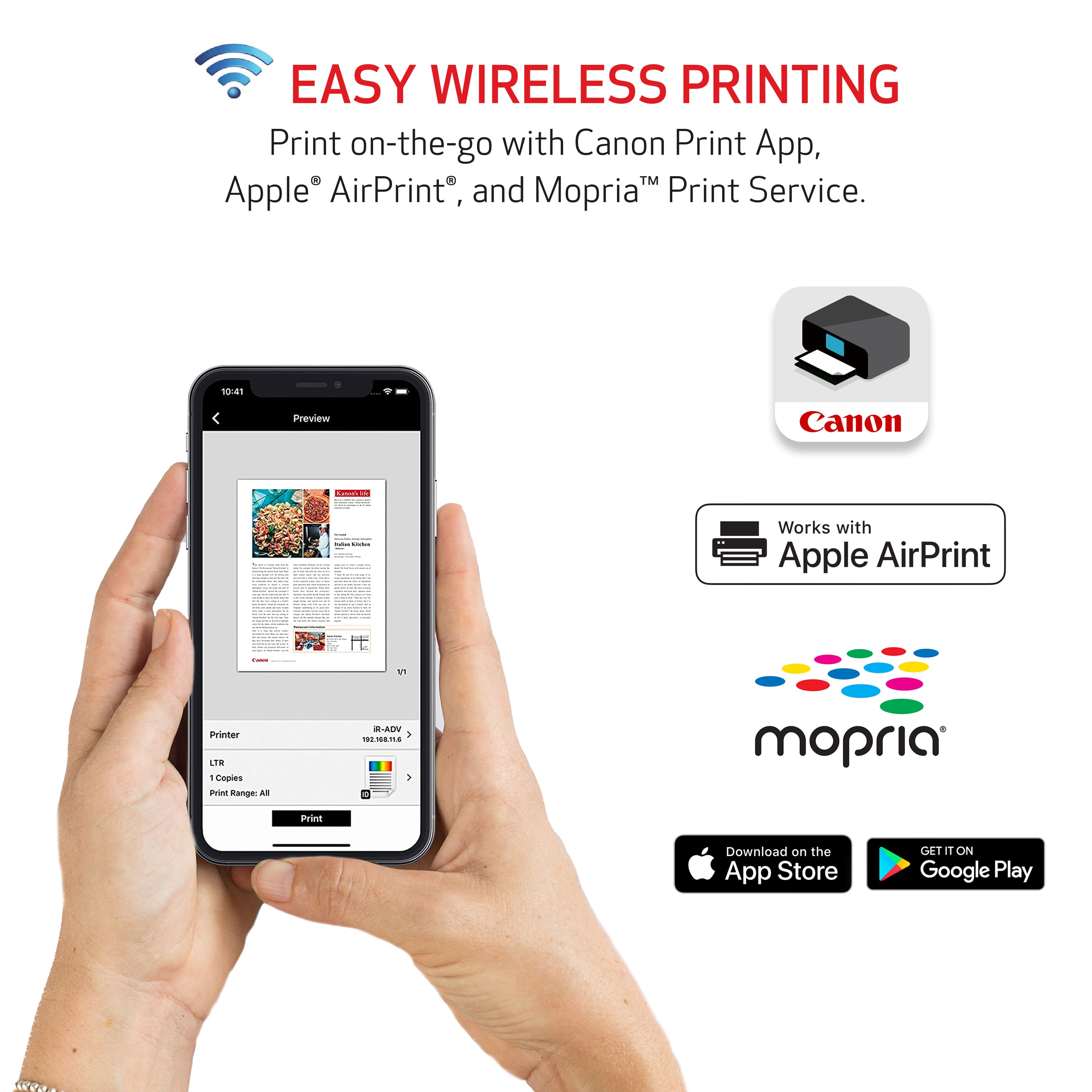
||Posted . Owned for 1 month when reviewed.This reviewer received promo considerations or sweepstakes entry for writing a review.Works with Chromebook ! Took a minute to figure out the WiFi.
I would recommend this to a friendPrinter
||Posted . Owned for 1 month when reviewed.This reviewer received promo considerations or sweepstakes entry for writing a review.Paper doesn’t want to feed now like it did when I first bought it.
No, I would not recommend this to a friendgreat printer
||Posted . Owned for 1 month when reviewed.This reviewer received promo considerations or sweepstakes entry for writing a review.love this printer a great price very ink expensive
I would recommend this to a friendNot for me.
||Posted . Owned for 7 months when reviewed.This reviewer received promo considerations or sweepstakes entry for writing a review.Not what i needed. Too many malfunctions for me to keep.
No, I would not recommend this to a friendValue for the money
||Posted . Owned for 1 month when reviewed.This reviewer received promo considerations or sweepstakes entry for writing a review.Have always used cannon printers, just needed an upgrade
I would recommend this to a friendDon't buy it
||Posted . Owned for 3 weeks when reviewed.This reviewer received promo considerations or sweepstakes entry for writing a review.I bought it because it was on sale. However, when I took it out of the box and began to set it up, the printer did not work well. It could not read the new ink cartridges provided. No matter how many times I reset the printer, it continued to display the same error. I ended up returning it and buying another printer. I will not buy this again.
No, I would not recommend this to a friendAwesome printer
||Posted . Owned for 1 month when reviewed.This reviewer received promo considerations or sweepstakes entry for writing a review.Great printer, works really well for printing pictures
I would recommend this to a friendNot a good Photo printer.
||Posted . Owned for 1 month when reviewed.This reviewer received promo considerations or sweepstakes entry for writing a review.Not good for photos, and the color ink gets used up pretty quickly. Also needs USB cable for scanning, the wifi doesn't work for scanning.
No, I would not recommend this to a friendNo complaints
||Posted . Owned for 1 week when reviewed.This reviewer received promo considerations or sweepstakes entry for writing a review.Got it 2 weeks ago, working ok. Printing speed is bothering me a little
No, I would not recommend this to a friendGood buy
||Posted . Owned for 3 weeks when reviewed.This reviewer received promo considerations or sweepstakes entry for writing a review.The printer is printing and is working as expected.
I would recommend this to a friend
Excellent Print Quality, But Slow
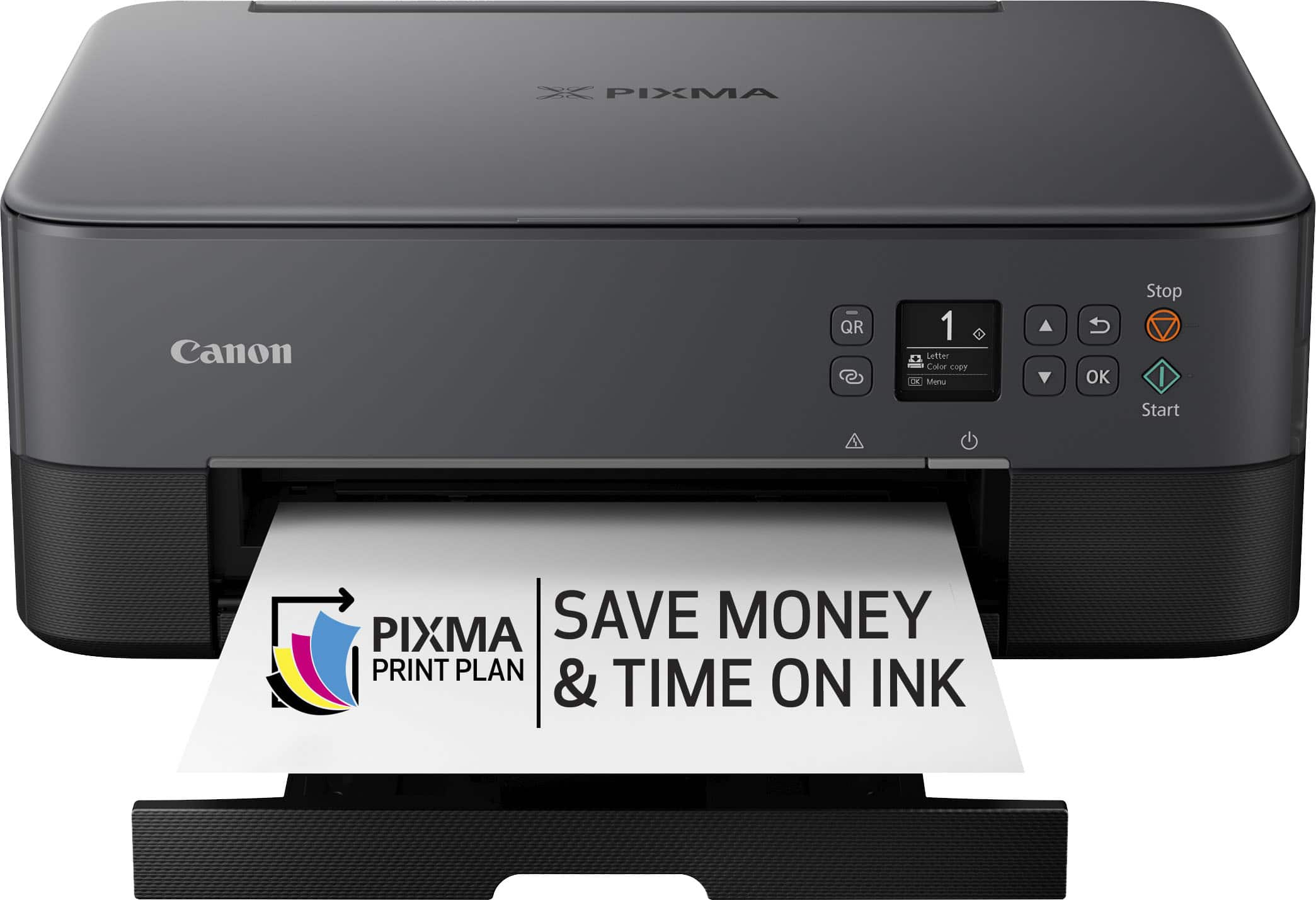
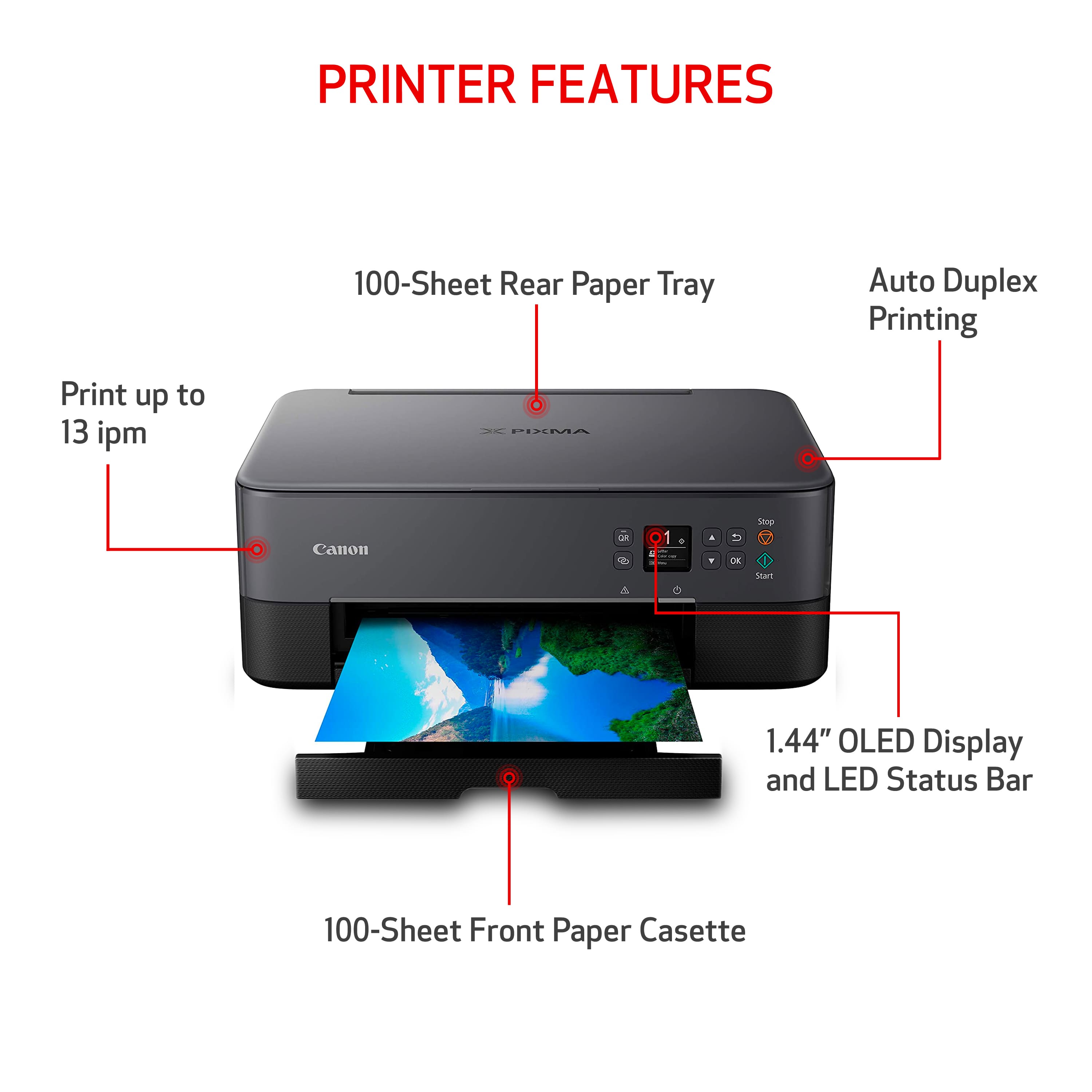
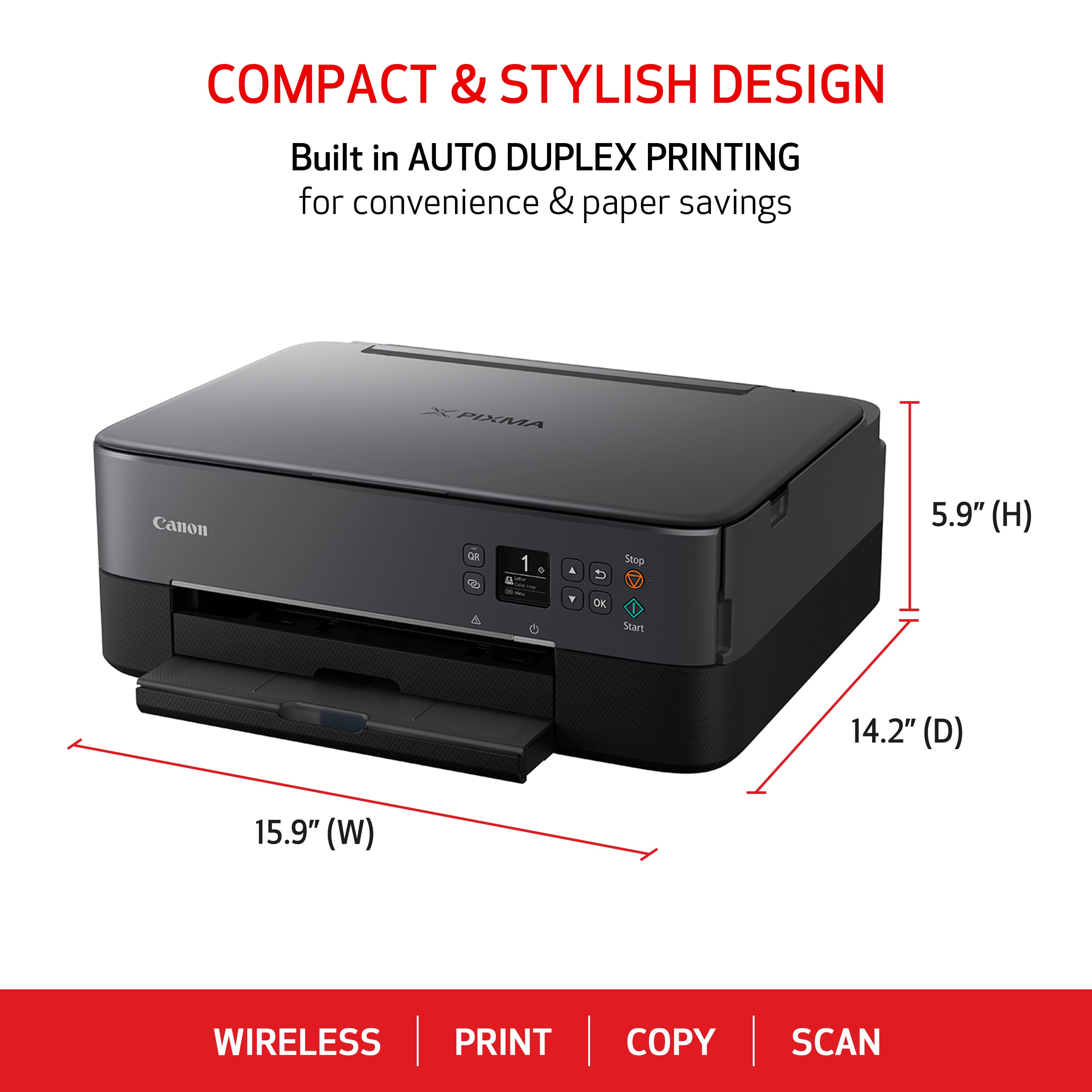
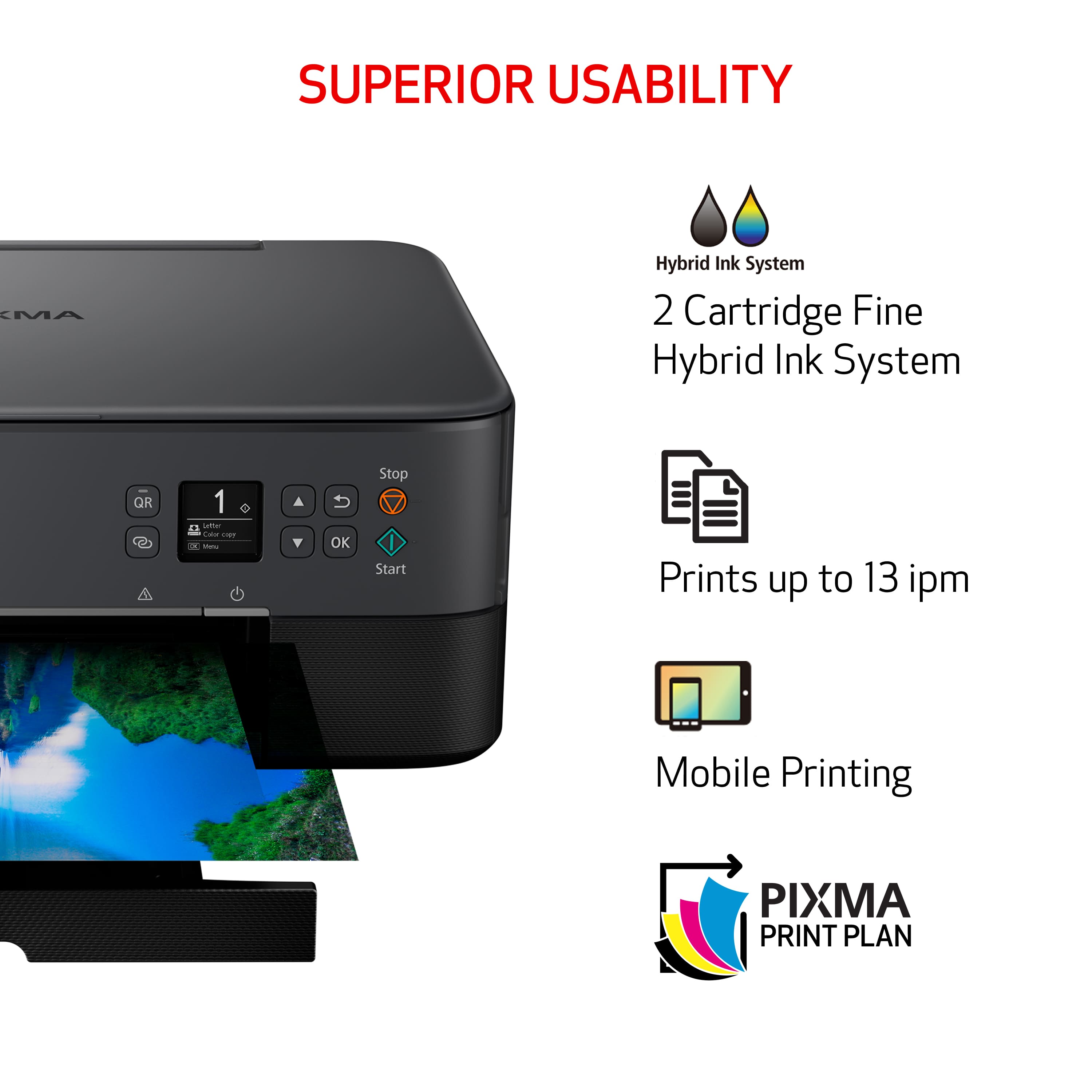
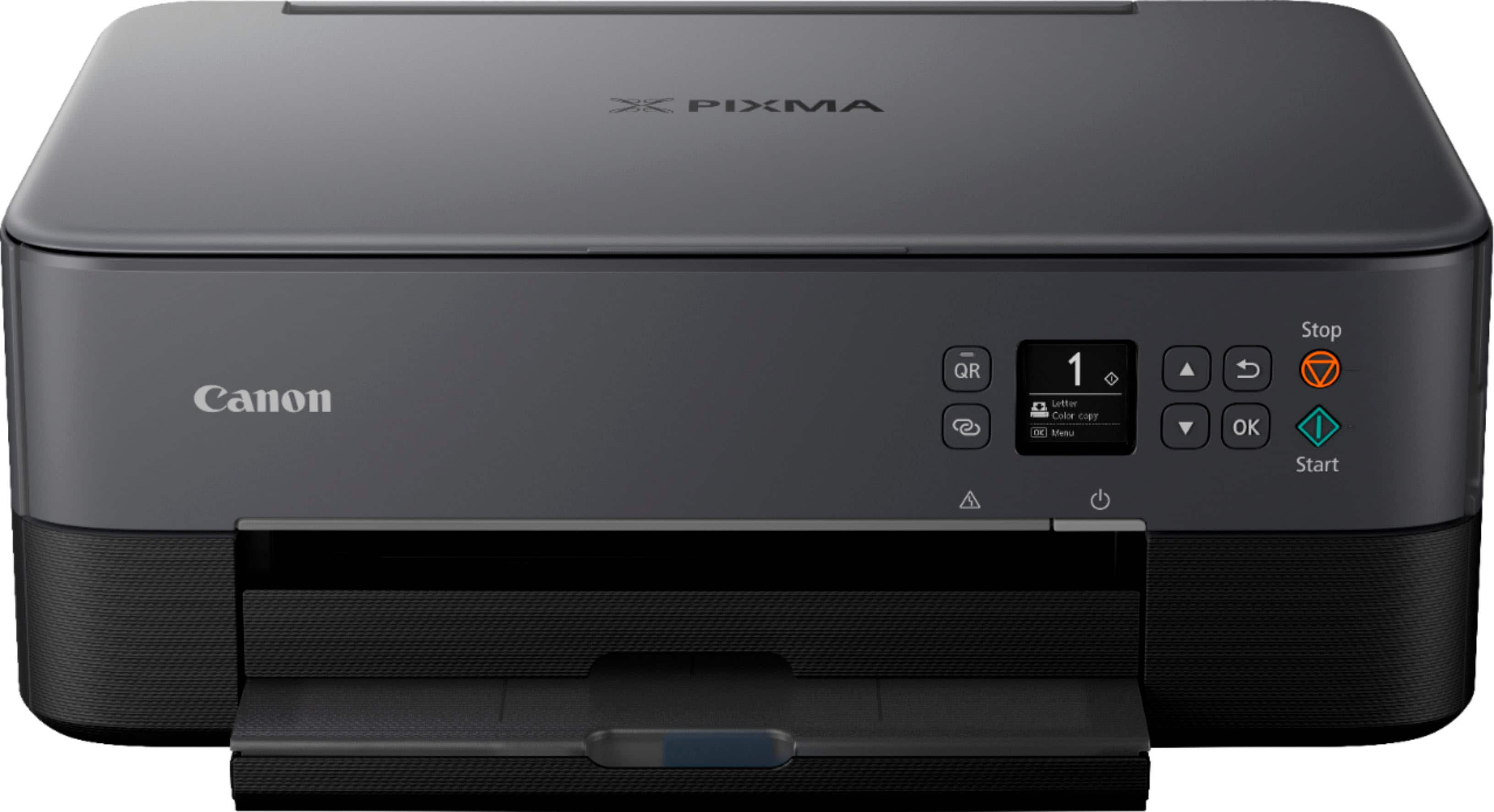
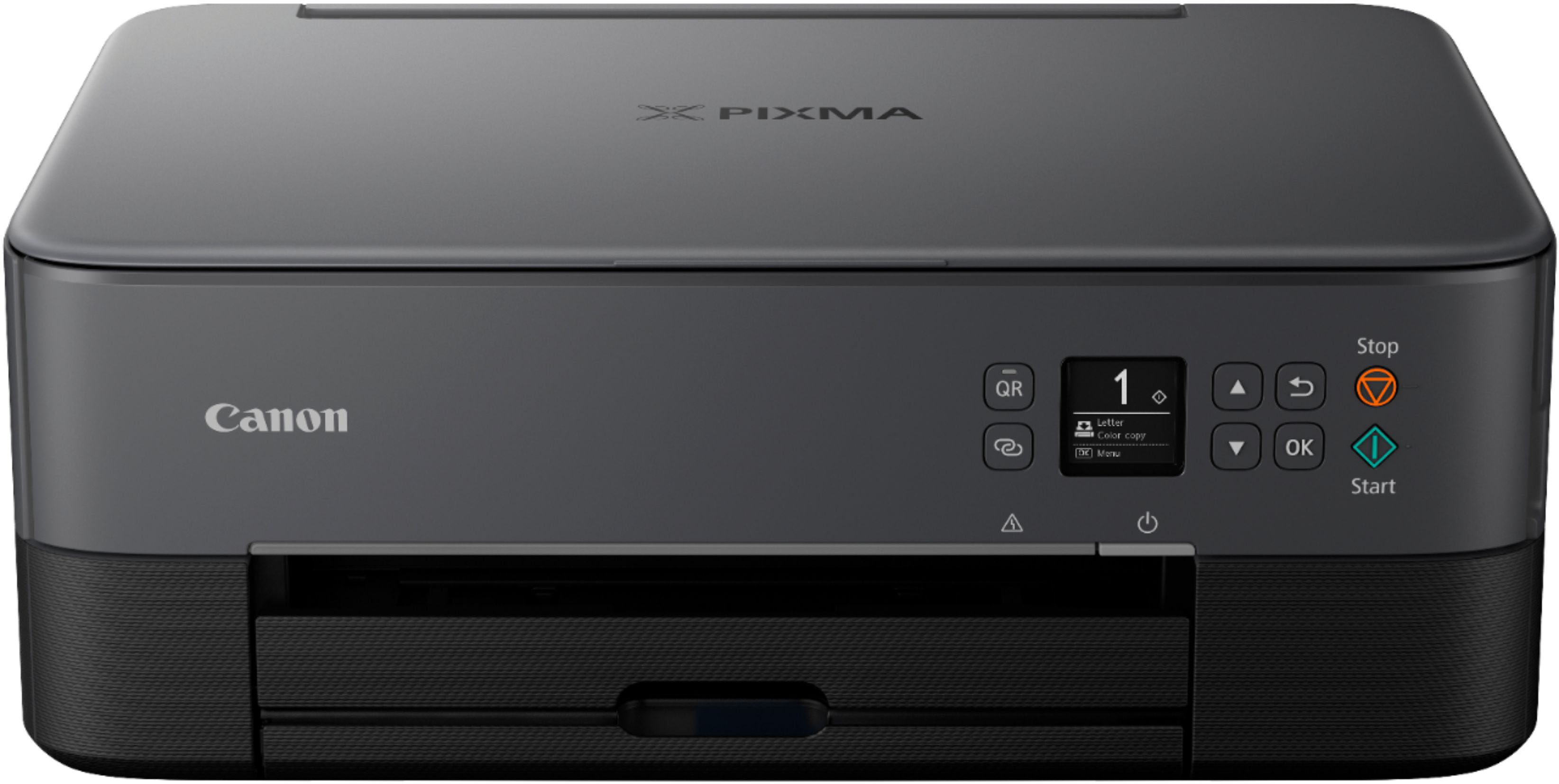
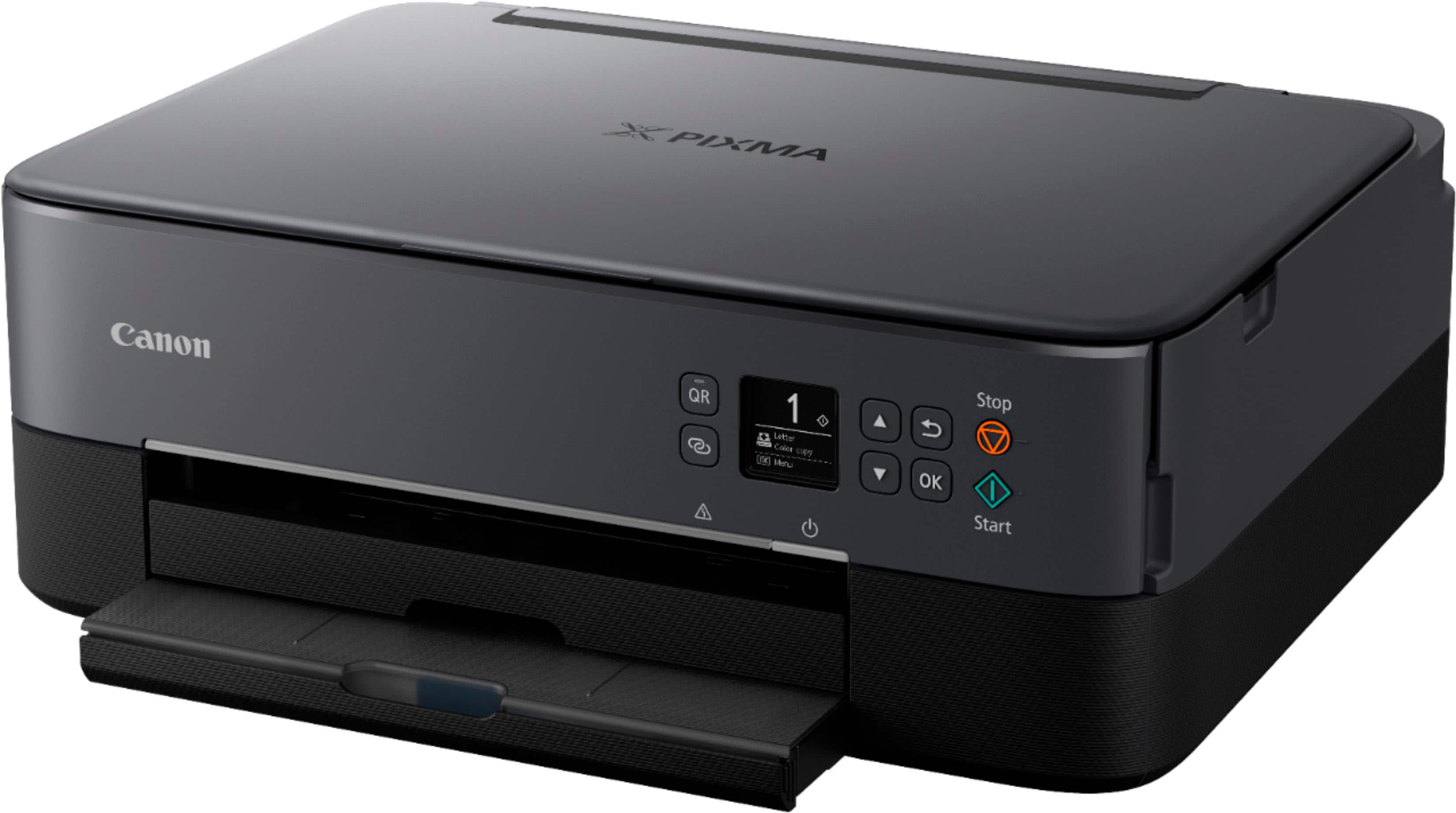
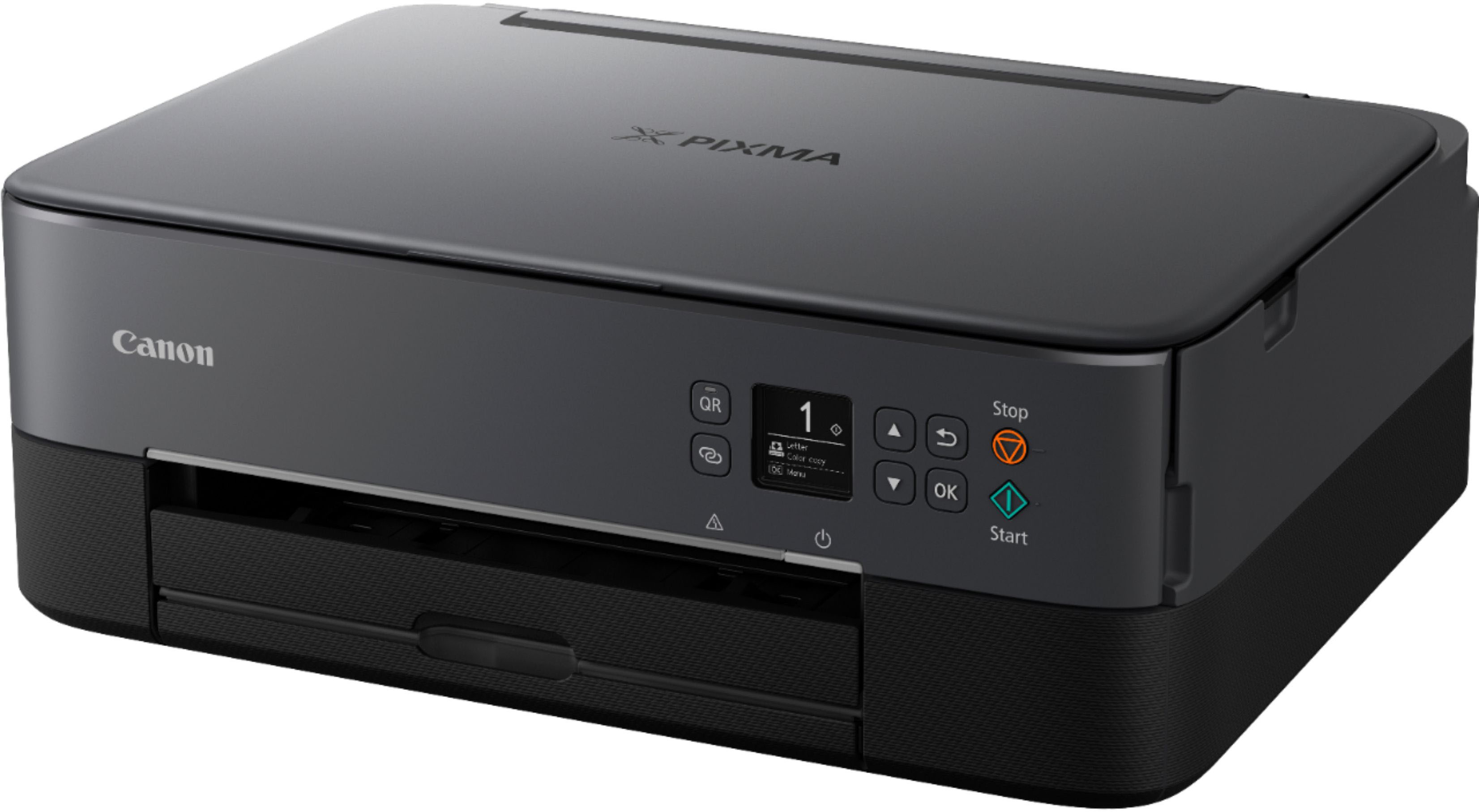
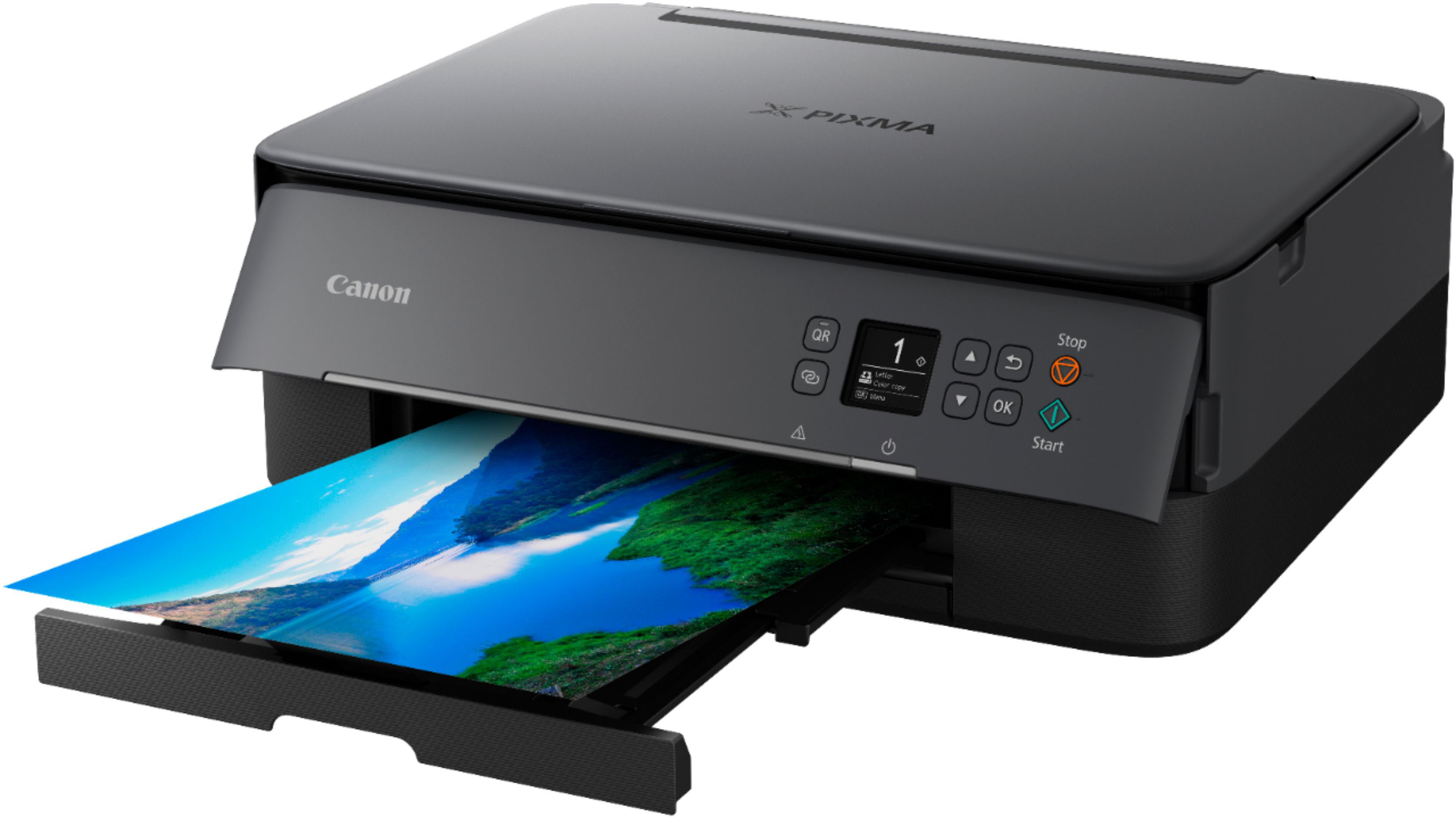
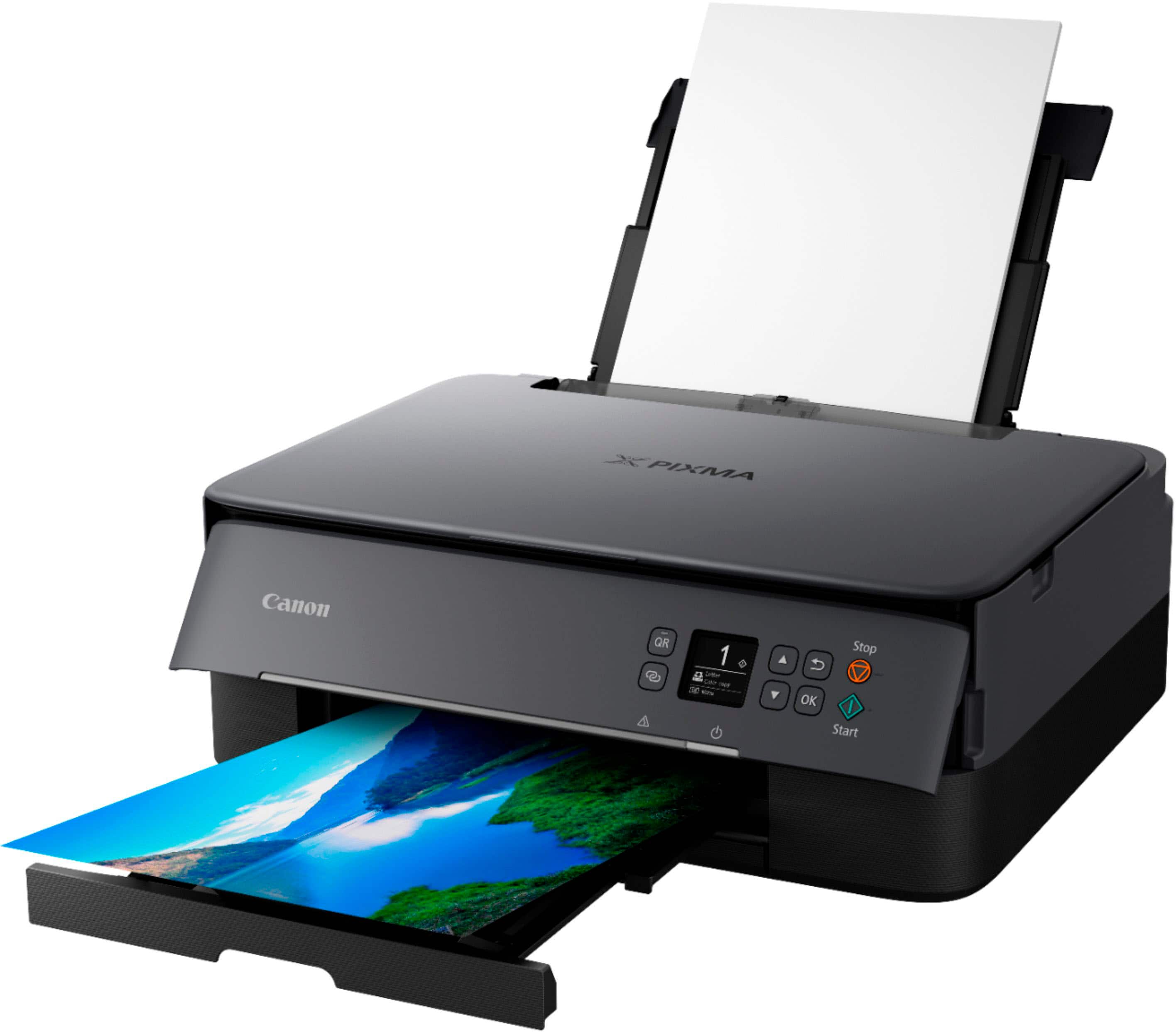
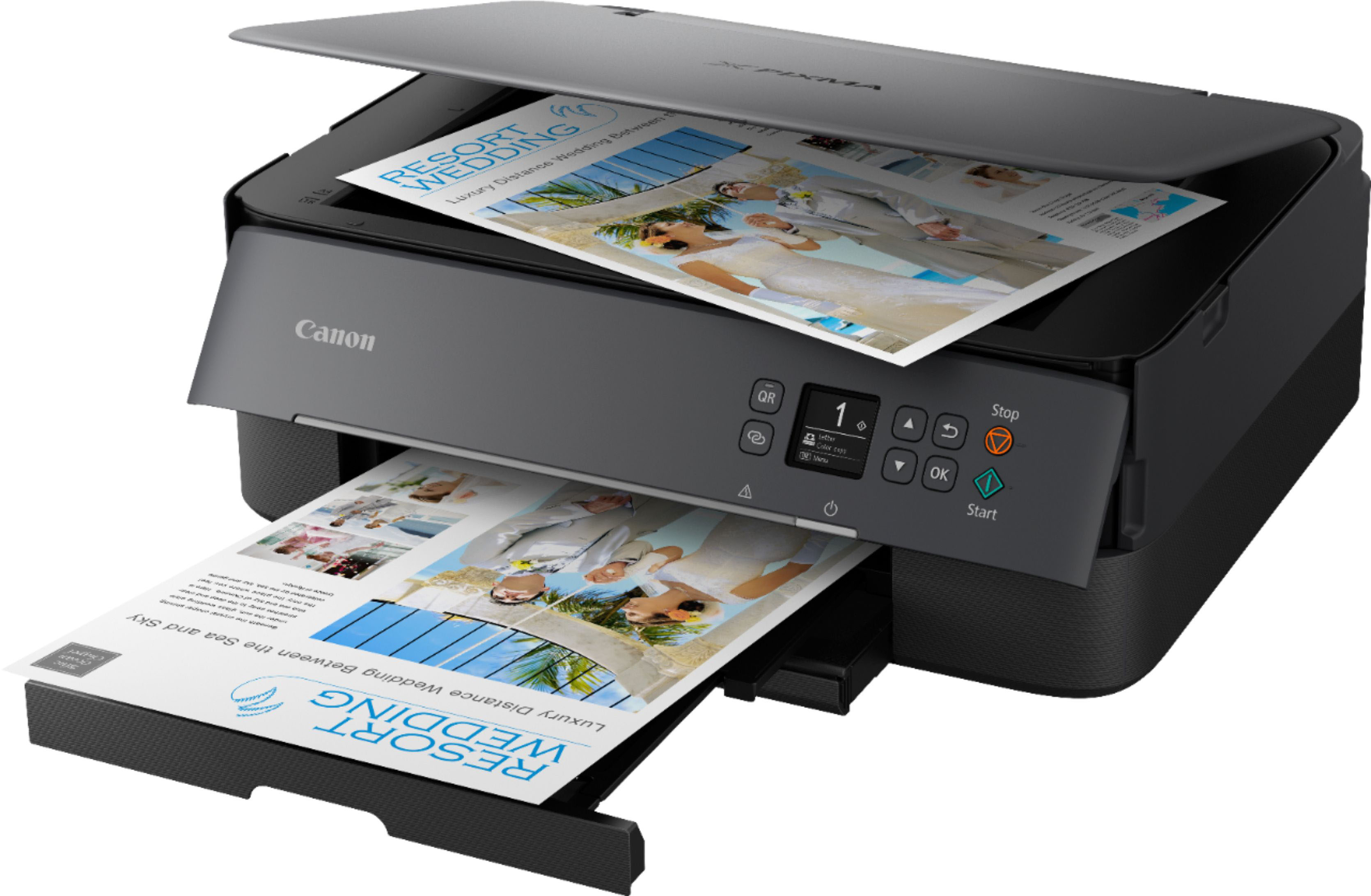
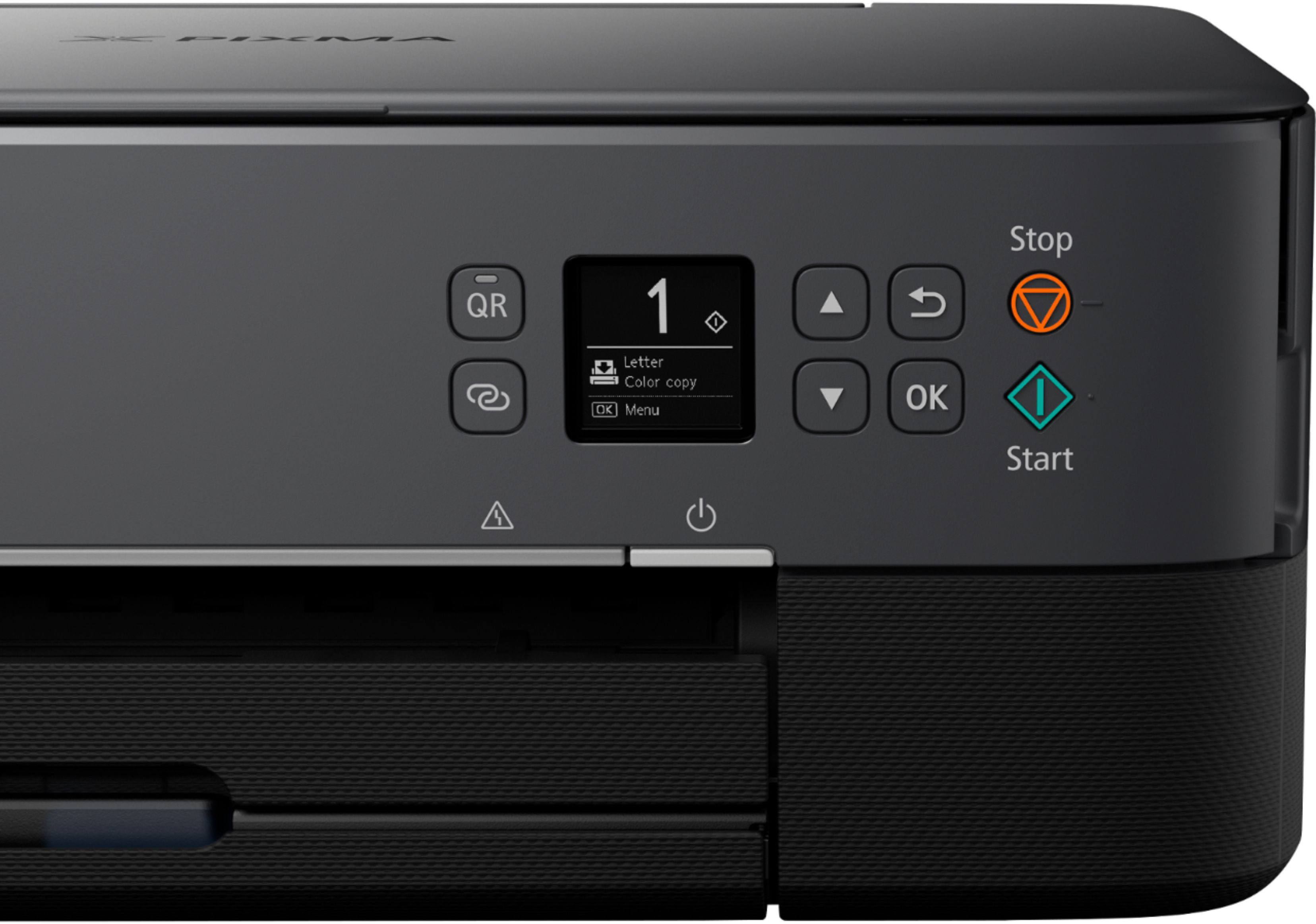
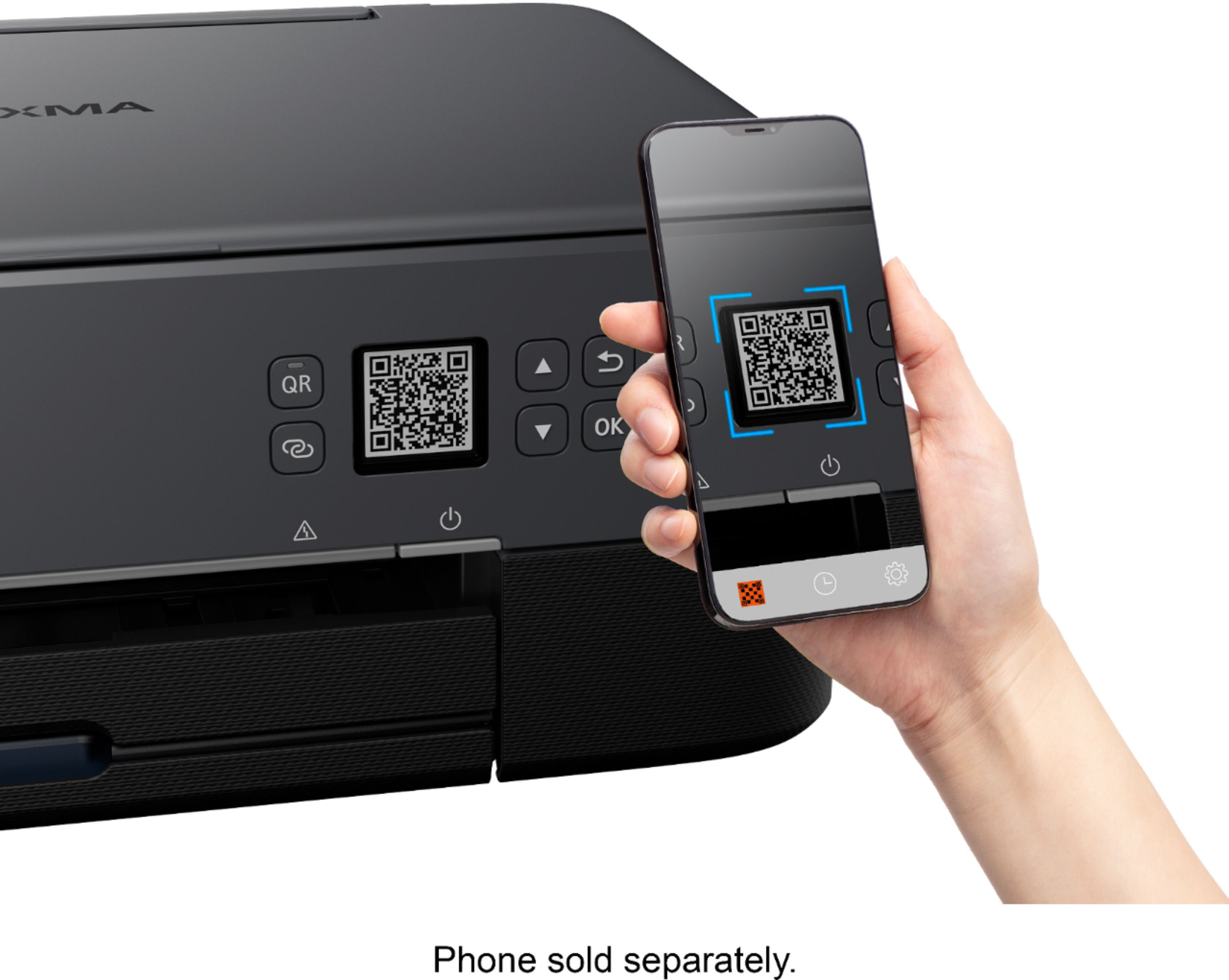
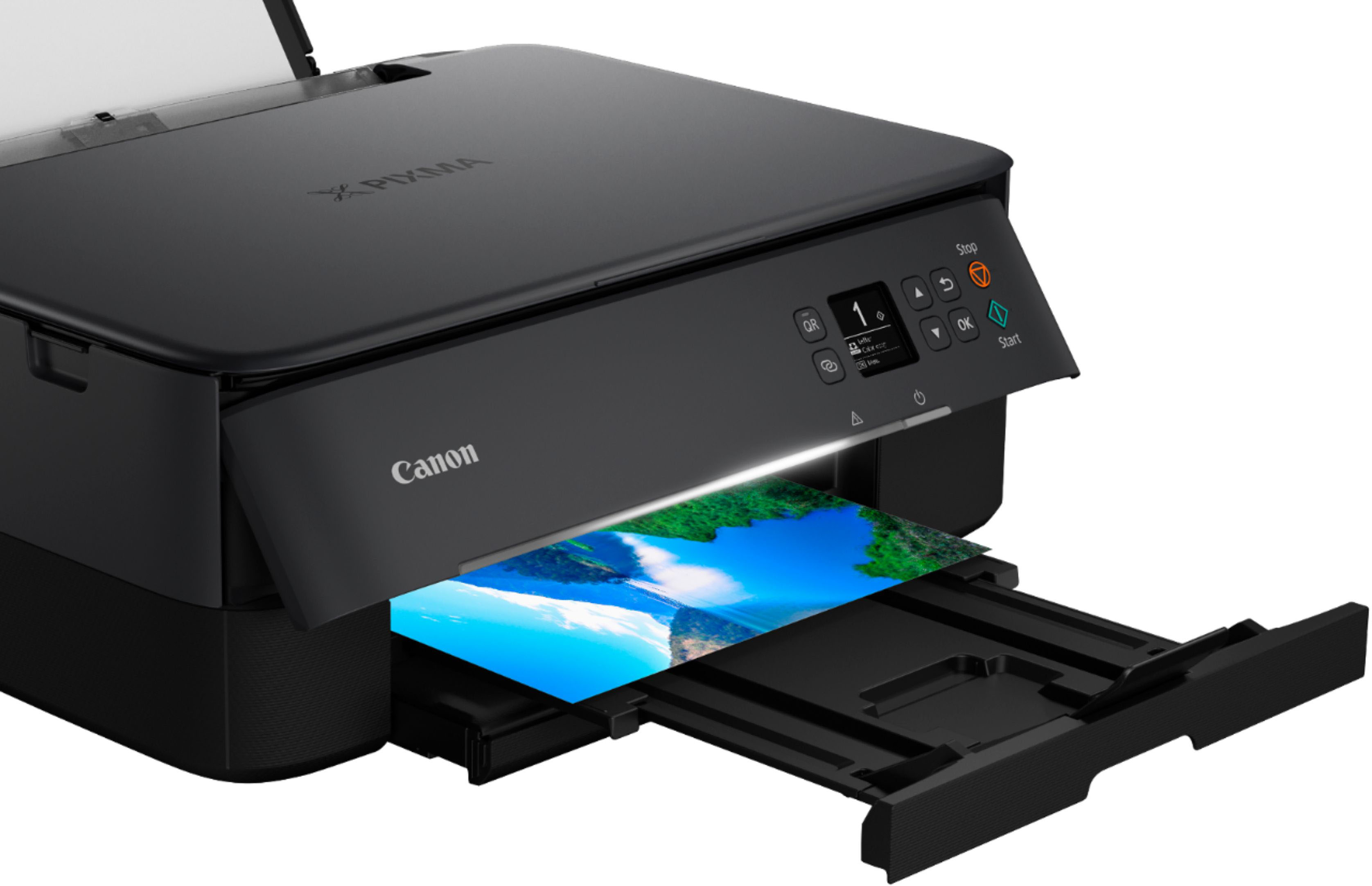
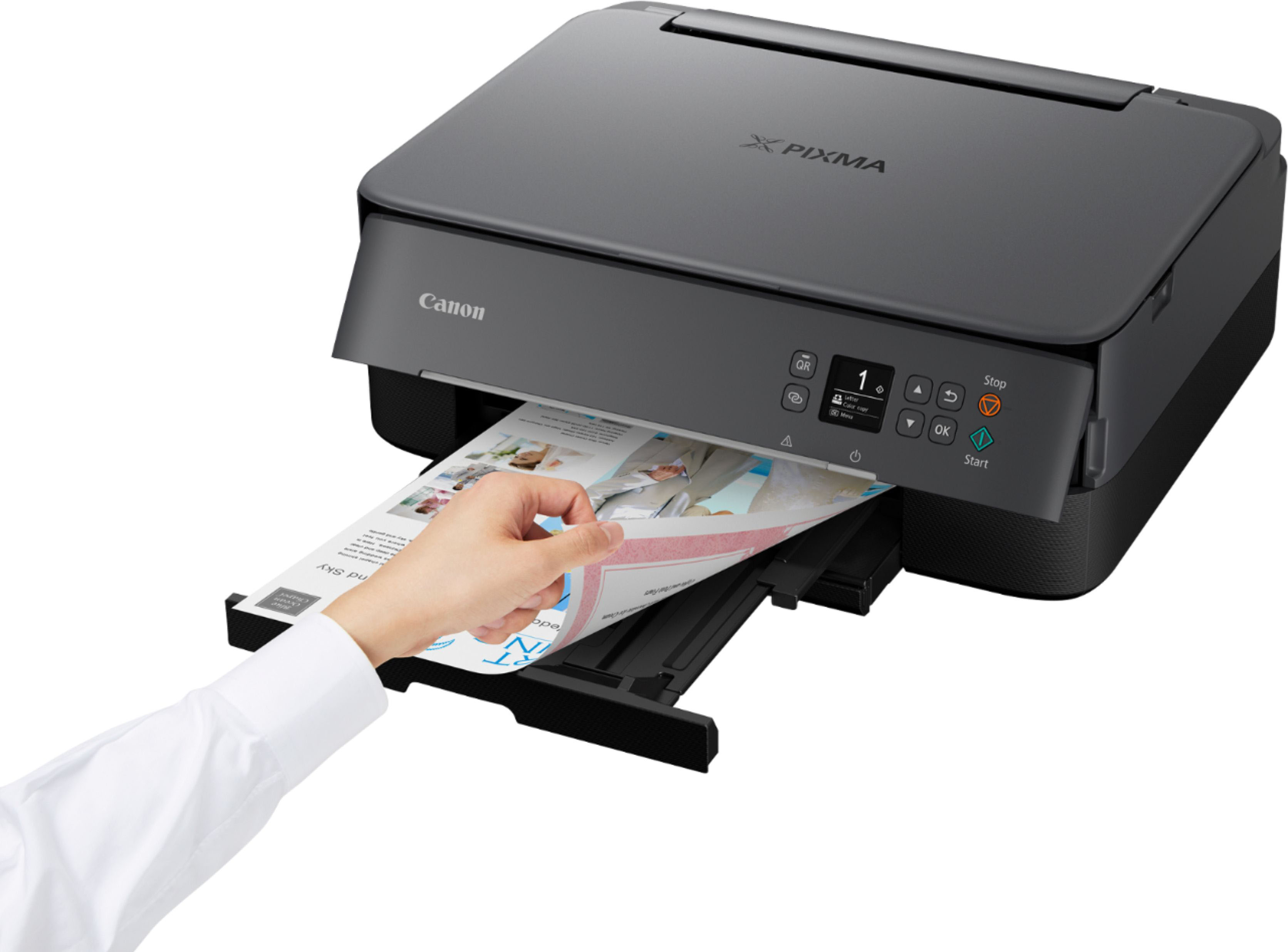
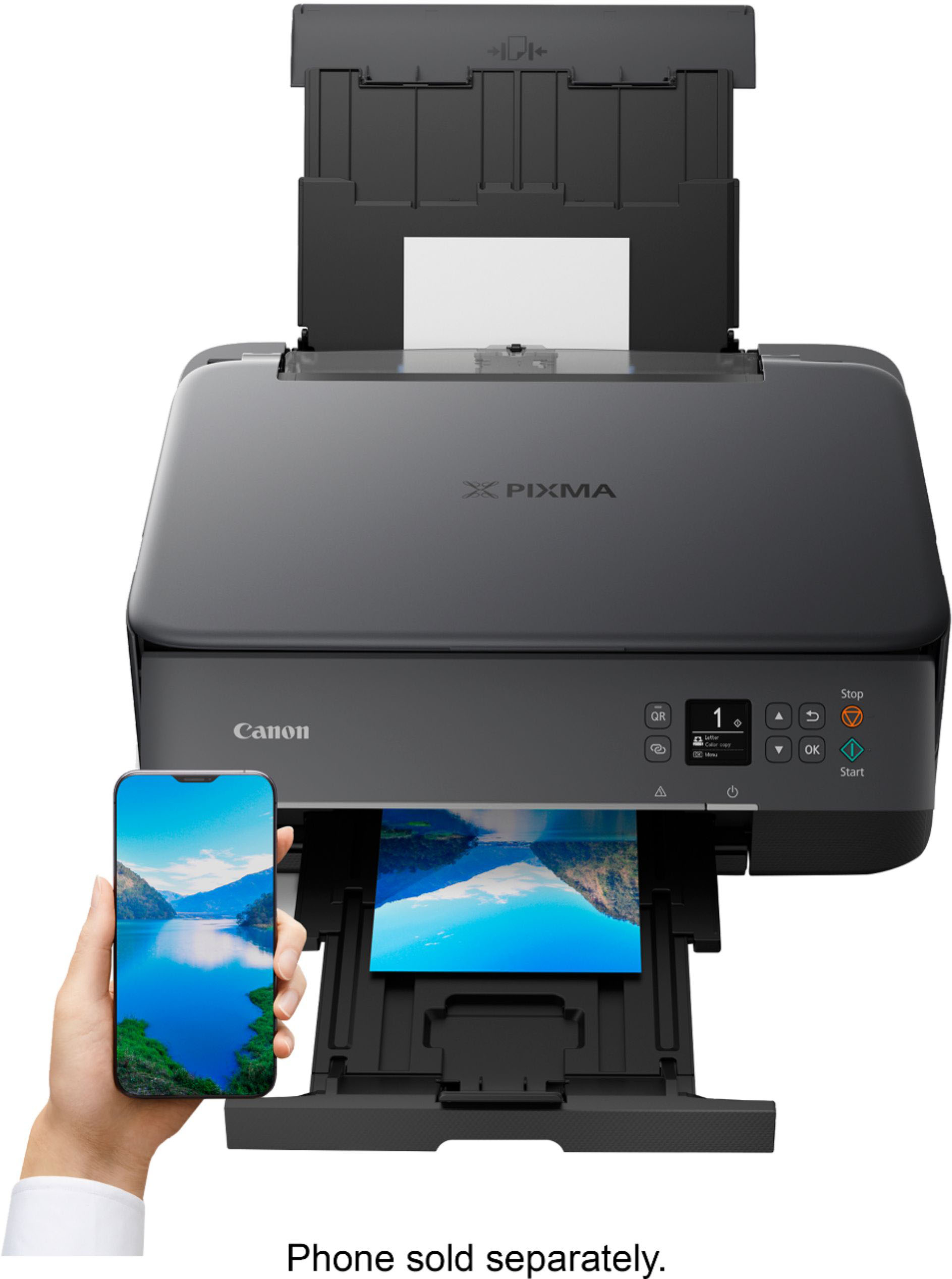
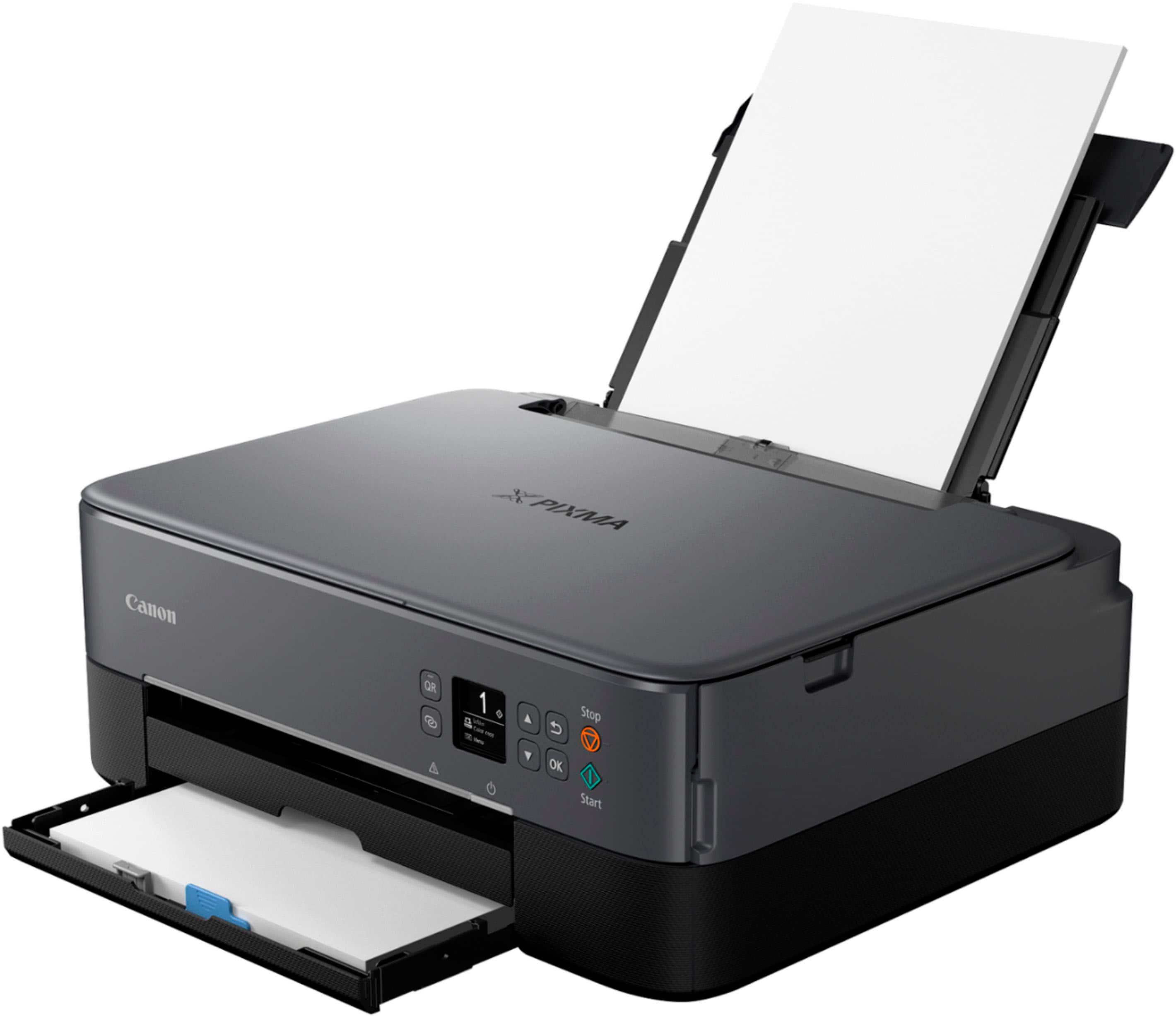
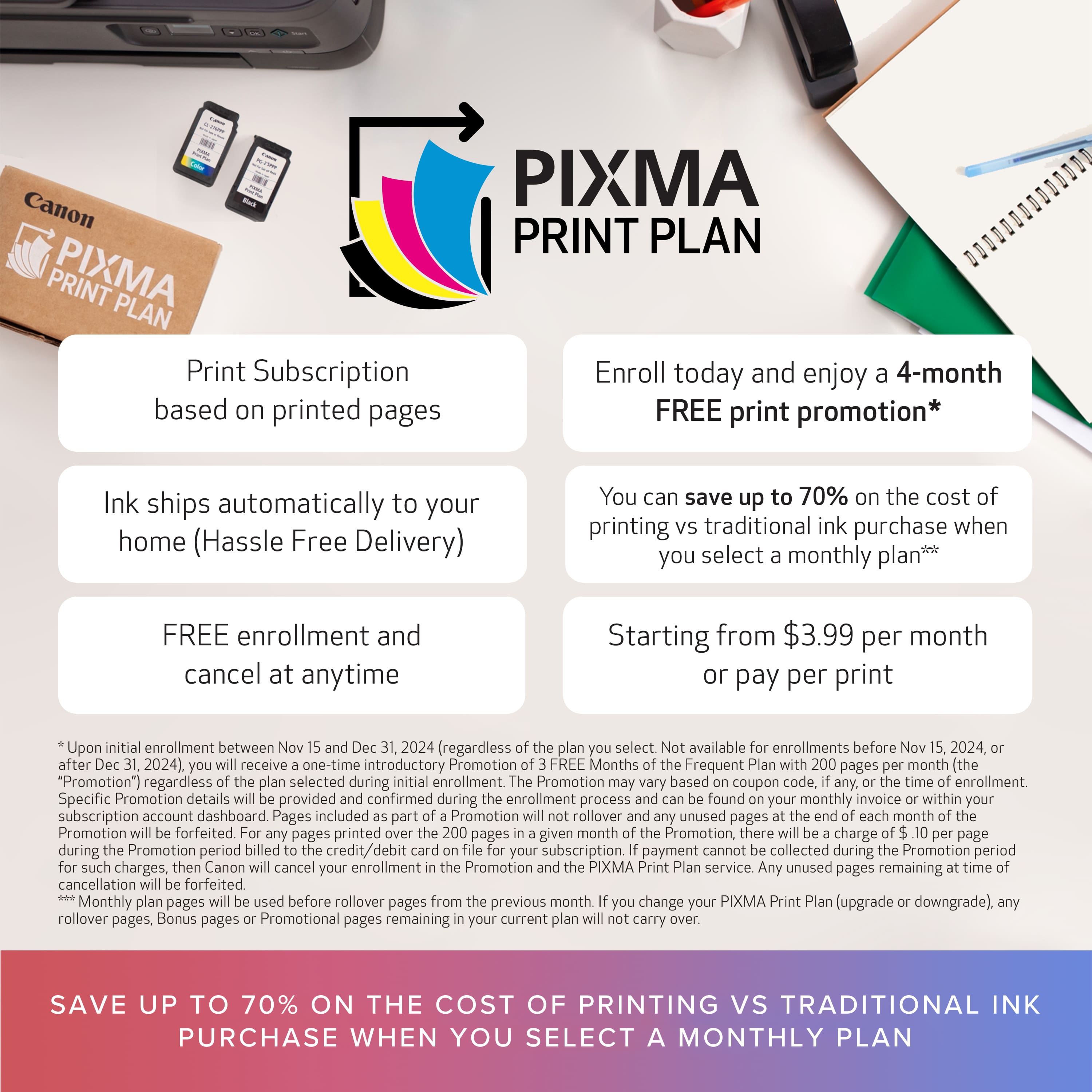
|Posted .This reviewer received promo considerations or sweepstakes entry for writing a review.The Canon Pixma TS6420 printer is described in the specifications as being 5.9 inches tall, 15.9 inches wide and 14.2 inches deep. I expected it to fit in my 16 x 14 inch space, but it does not. The exit tray for the printed paper extends 5 inches beyond the printer so that the total footprint is 16 x 18 inches. It is temporarily sitting on top of my laser printer until I can find a spot for it. Fortunately it’s wireless, so I can place it anywhere relatively close to the computer. Setting up the printer and the wireless connection was easy and fast. I installed it on two PCs and didn’t have any problems with either installation. The online instructions were clear and easy to follow. Everything needed to connect to wireless is on the front panel of the printer. There is no tiny button in the back that has to be poked with a pen. The wireless connection has remained stable. I’ve seen better paper tray designs. To add paper, the exit tray has to be pushed in, the paper tray pulled out, the flimsy paper tray cover removed/replaced and the exit tray pulled out again. The paper tray is the actual bottom of the printer (no framework below) so I feel like there is a potential for the in and out to scratch whatever it is sitting on. The paper exit tray doesn’t work well. If the print job has more than 5 pages, they start falling off of the tray. The printer is slow at 13 pages per minute black/6.8 color. Until I changed some auto power settings in Maintenance, it would take a full 2 minutes between the print command and the printed paper. Even now it can take over 60 seconds to start printing if it hasn’t been used in a few hours. 20 seconds is the fastest I’ve seen it print. Neither the two-sided printing nor the quiet mode seemed to affect the print speed. The ink drying time can be reduced to speed up printing, but at the risk of smearing the finished product. The control panel is easy to navigate. It has words for instructions and doesn’t require a cryptic combination of keys to get to certain functions. Unlike some printers that scan using commands on the printer itself, the Canon Pixma uses the IJ scan utility app. It would be nice if the app had Canon in the name. After a while I forget what I have to type to bring up the app, because IJ makes no sense to me. The app has very complete instructions. Unlike some other scan programs, I didn’t have any problem locating the scanned document on my PC. After scanning I was taken directly to its location in Documents. The printer comes with one color and one black starter cartridge. That seems a much better design than the printers that require 4 or 5 individual color cartridges. Canon has an ink print plan similar to HP Instant Ink, but more expensive. Plans range from $3.99/month for 30 pages (13 cents/page) to $9.99 a month for 200 pages (5 cents a page). If you do high volume printing that uses a lot of ink per page the plan might be cost effective. Otherwise non-Canon replacement ink can be purchased for much less. I have no complaints about the quality of the printing, especially the color printing. I think this is where Canon excels over other brands. The print is sharp and the colors are soft but crisp. The only thing I really don’t like about it is the paper tray/exit tray design. That and the fact that it’s the slowest printer I’ve ever used.
Nice printer!
||Posted . Owned for 1 month when reviewed.This reviewer received promo considerations or sweepstakes entry for writing a review.Extremely compact machine that does great quality prints. My only criticism, if any is the capacity of the paper tray which could be half an inch deeper.
I would recommend this to a friendit won't work; just flashes after several errors
||Posted . Owned for 2 months when reviewed.This reviewer received promo considerations or sweepstakes entry for writing a review.Do NOT buy. It is incredibly unreliable. I will get it to print 3-4 times and then it errors, saying a foreign object is in it. I have tried everything to clear it. Finally I got it to work again. And now a week later, it's saying the same thing and I can't get it to work. I do know that the packaging it came in...the styrofoam had been a mess, flake of it all over. So that could be the issue, but either way, it's not working and I didn't choose the packing materials. Of course, it is outside of the return window. I will not be purchasing this one again, and I guess i have to contact Canon directly, so will not be buying my next one through Best Buy. The one upside is... it has ONE cartridge for all ink colors, which is a HORRIBLE idea for the customer but great for the company. I notoriously use up yellow fastest...and significantly faster than the other colors. with this, you'd have to replace ALL colors at the same time!
No, I would not recommend this to a friendMs
||Posted .This reviewer received promo considerations or sweepstakes entry for writing a review.Ink does dry immediately. Nothing to catch the paper. Can not scan. Will return it.
No, I would not recommend this to a friendNot good, awful design
||Posted . Owned for 1 month when reviewed.This reviewer received promo considerations or sweepstakes entry for writing a review.This thing is awful... The way to have to put the paper in it jams so easily and mine would print and then spit out all of the paper.... Also the starter ink went down so quit it's not even funny.... like 4 pages of not much black ink and it was already down to 1/5th left
No, I would not recommend this to a friendDisappointed
||Posted . Owned for 2 weeks when reviewed.This reviewer received promo considerations or sweepstakes entry for writing a review.This works, but the print and scan quality is poor, and this is sloooow. I had to call the Best Buy Geeks to figure out how to use the scan function, as Canon Utilities didn't load. I am very disappointed, and will be returning this.
No, I would not recommend this to a friend