Customer Ratings & Reviews


- Model:
- 4462C082
- SKU:
- 6494255
Rating by feature
- Value
Rating 4.4 out of 5 stars
- Quality
Rating 4.3 out of 5 stars
- Ease of Use
Rating 4.2 out of 5 stars
to a friend
Customers are saying
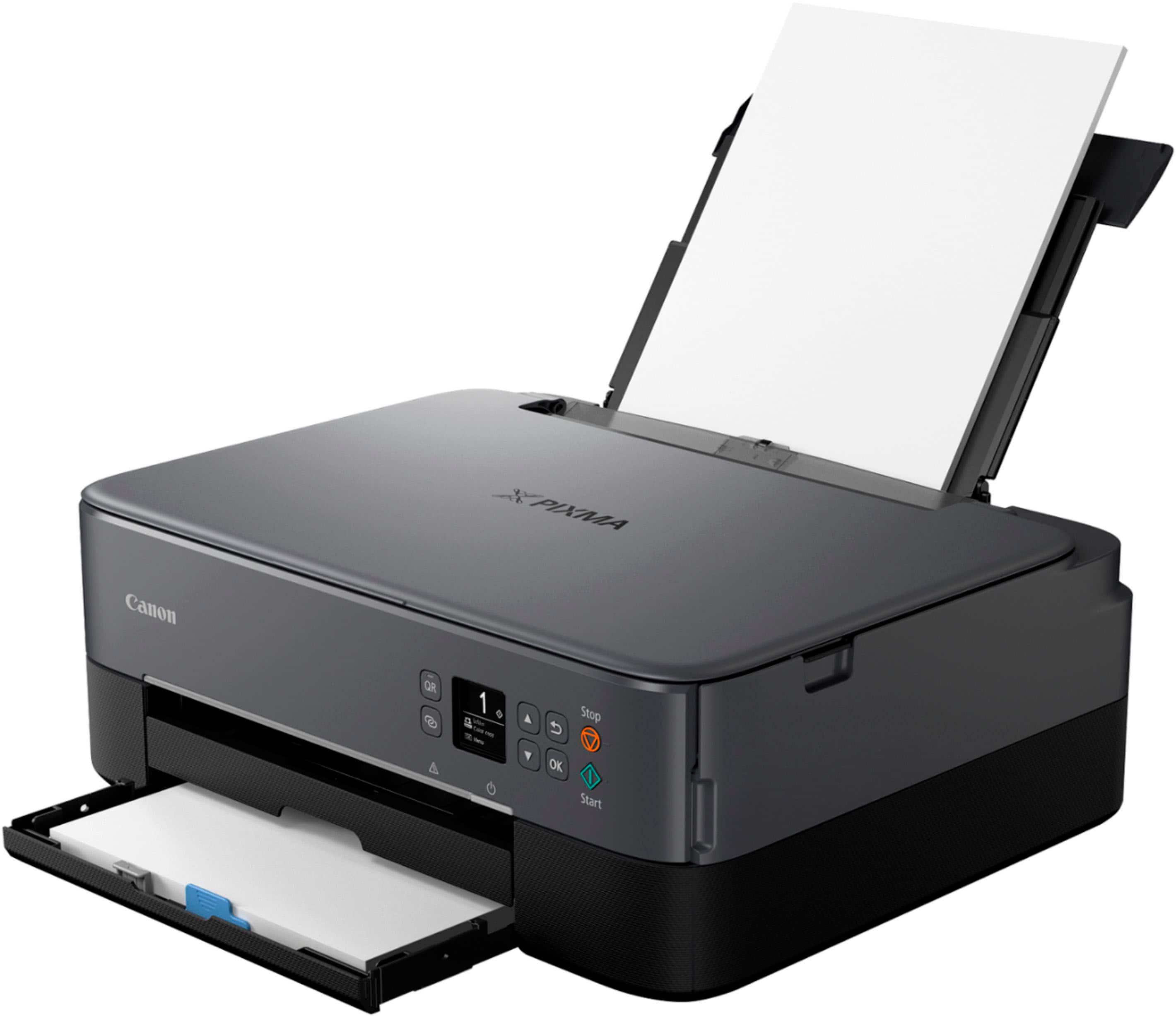
Customers highly value the PIXMA TS6420a Wireless All-In-One Inkjet Printer for its ease of use and print quality. The printer's overall performance, seamless connectivity, and reasonable price point are also appreciated. Furthermore, customers find the size perfect for their office and the setup process simple, with a tolerable noise level.
This summary was generated by AI based on customer reviews.
Canon printer
||Posted . Owned for 3 weeks when reviewed.This reviewer received promo considerations or sweepstakes entry for writing a review.Not a bad purchase. The display is a little bit out of date. Overall not a bad printer.
I would recommend this to a friendCanon Printer
||Posted . Owned for 8 months when reviewed.This reviewer received promo considerations or sweepstakes entry for writing a review.Not easy to print from different devices ie phone.
No, I would not recommend this to a friendaverage printer. spend a bit more
||Posted . Owned for 3 weeks when reviewed.This reviewer received promo considerations or sweepstakes entry for writing a review.average printer. kind of disappointed in photo quality. has lines going through the image. i used the included glossy paper
No, I would not recommend this to a friendUnnecessary complicated
||Posted . Owned for 1 month when reviewed.This reviewer received promo considerations or sweepstakes entry for writing a review.Lack of clarity from setup guide made installing time consuming
No, I would not recommend this to a friendConfusing printer
||Posted . Owned for 3 weeks when reviewed.This reviewer received promo considerations or sweepstakes entry for writing a review.My last Canon Pixma was so easy to use. Not so much for this one. Instructions are very basic and you have to try and figure it out yourself. Getting the printer to work with WiFi, smart phone, tablets is challenging. I keep trying things to connect and I think I am getting close.I am not computer illiterate but this printer has been hard to figure out.
No, I would not recommend this to a frienddumb
||Posted . Owned for 1 month when reviewed.This reviewer received promo considerations or sweepstakes entry for writing a review.intentionally, It does not come with a usb cable because they want you to be hooked on-line. You better connect it with a usb cable to your computer Since there is a question if i would recommend this product, i would say i would but use an usb cable. expensive ink cartridges though
I would recommend this to a friendCanon printer
||Posted . Owned for 2 weeks when reviewed.This reviewer received promo considerations or sweepstakes entry for writing a review.Easy setup and install. Happy with purchase. No tray for copy or scan.
I would recommend this to a friendSlow Printer
||Posted . Owned for 5 months when reviewed.This reviewer received promo considerations or sweepstakes entry for writing a review.Printer is slow as hell. I'd send print jobs to it and it will take an hour or two or more for it to finish a 5 page job front to back 2- sided. It acks like this for all the devices I print to it. Also it jams up a lot. half the time its cancels a job in the middle of it and its make me unhappy
No, I would not recommend this to a friendUnreliable printer
||Posted .This reviewer received promo considerations or sweepstakes entry for writing a review.Seldom used printer is ALWAYS problematic. I certainly cannot recommend this printer. Right now telling me that is needs paper despite the fact that the paper tray is full. Always a problem getting it to work.
No, I would not recommend this to a friendCanon Pixma TR7020 Wireless
||Posted . Owned for 8 months when reviewed.This reviewer received promo considerations or sweepstakes entry for writing a review.very slow printer, paper keeps getting stuck, wifi connection to other PC not working properly, No RJ45 network hardwire connectivity available.
No, I would not recommend this to a friendSmall and slow
||Posted . Owned for 1 month when reviewed.This reviewer received promo considerations or sweepstakes entry for writing a review.I just needed a basic color printer for my home desk for occasional printing.
I would recommend this to a friendJust fair at best
||Posted . Owned for 1 month when reviewed.This reviewer received promo considerations or sweepstakes entry for writing a review.Minimally acceptable quality. If you want a very inexpensive copier and printer, this is your product.
No, I would not recommend this to a friendLove this printer
||Posted . Owned for 1 month when reviewed.This reviewer received promo considerations or sweepstakes entry for writing a review.I haven't had this printer very long, but so far it performs great. Clear, good quality prints. Plus, it kicks out the pages much faster than my previous printer.
I would recommend this to a friendEhhhh
||Posted . Owned for 2 months when reviewed.This reviewer received promo considerations or sweepstakes entry for writing a review.Its jams too easily. Slow printer. Exchanged it for a epson
No, I would not recommend this to a friendGarbage
||Posted . Owned for 1 week when reviewed.This reviewer received promo considerations or sweepstakes entry for writing a review.Cheap pile of garbage. Constant paper jamming, flimsy tray and lid. Constantly feeding extra paper and jamming. Don't waste your money even if only for $1. Shame I have no choice but to give it a star, as zero wasnt an option.
No, I would not recommend this to a friendBy far the best.
||Posted . Owned for 3 weeks when reviewed.This reviewer received promo considerations or sweepstakes entry for writing a review.I’ve had HP, Epson, and Brother printers. This is my first from Canon and so far it is, by far, the best. It was on sale, probably making it the last expensive.
I would recommend this to a friendFrustrating experience
||Posted . Owned for 6 months when reviewed.This reviewer received promo considerations or sweepstakes entry for writing a review.The Canon PIXMA TS6420a works great if I've got all day. It's a nice little printer, but ours has a problem connecting to our wireless. I have to turn it off and on to reset it sometimes multiple times per page before the applications will finally connect to the printer and print or scan. Very frustrating. I hope to return it.
No, I would not recommend this to a friendCannon
||Posted . Owned for 1 month when reviewed.This reviewer received promo considerations or sweepstakes entry for writing a review.No clear setup instructions - not great print color
No, I would not recommend this to a friendGreat for the price
||Posted . Owned for 1 week when reviewed.This reviewer received promo considerations or sweepstakes entry for writing a review.Its not the best printer, but for the price, you wont do better
I would recommend this to a friend
Decent Budget Option But Expensive Operating Costs
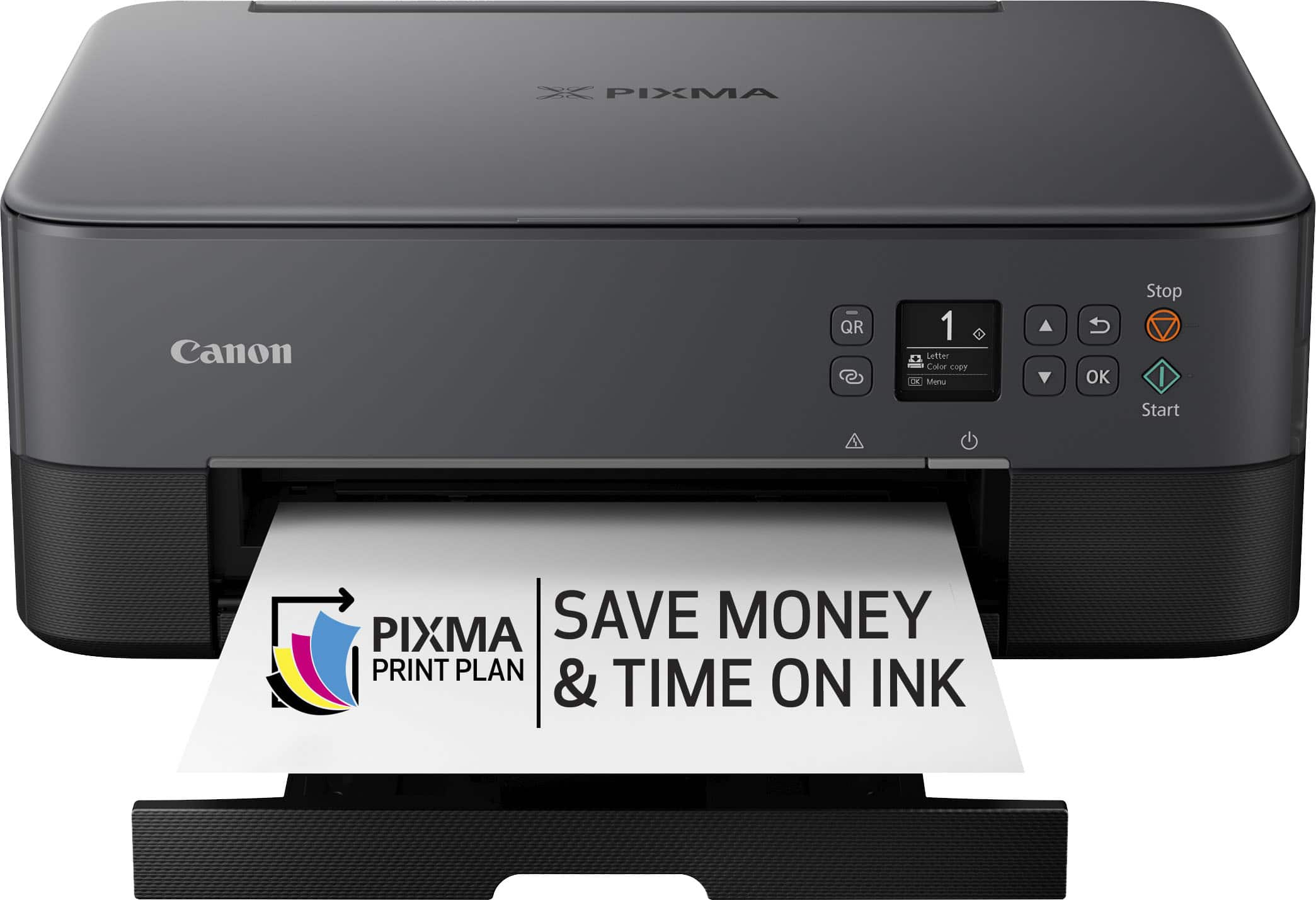
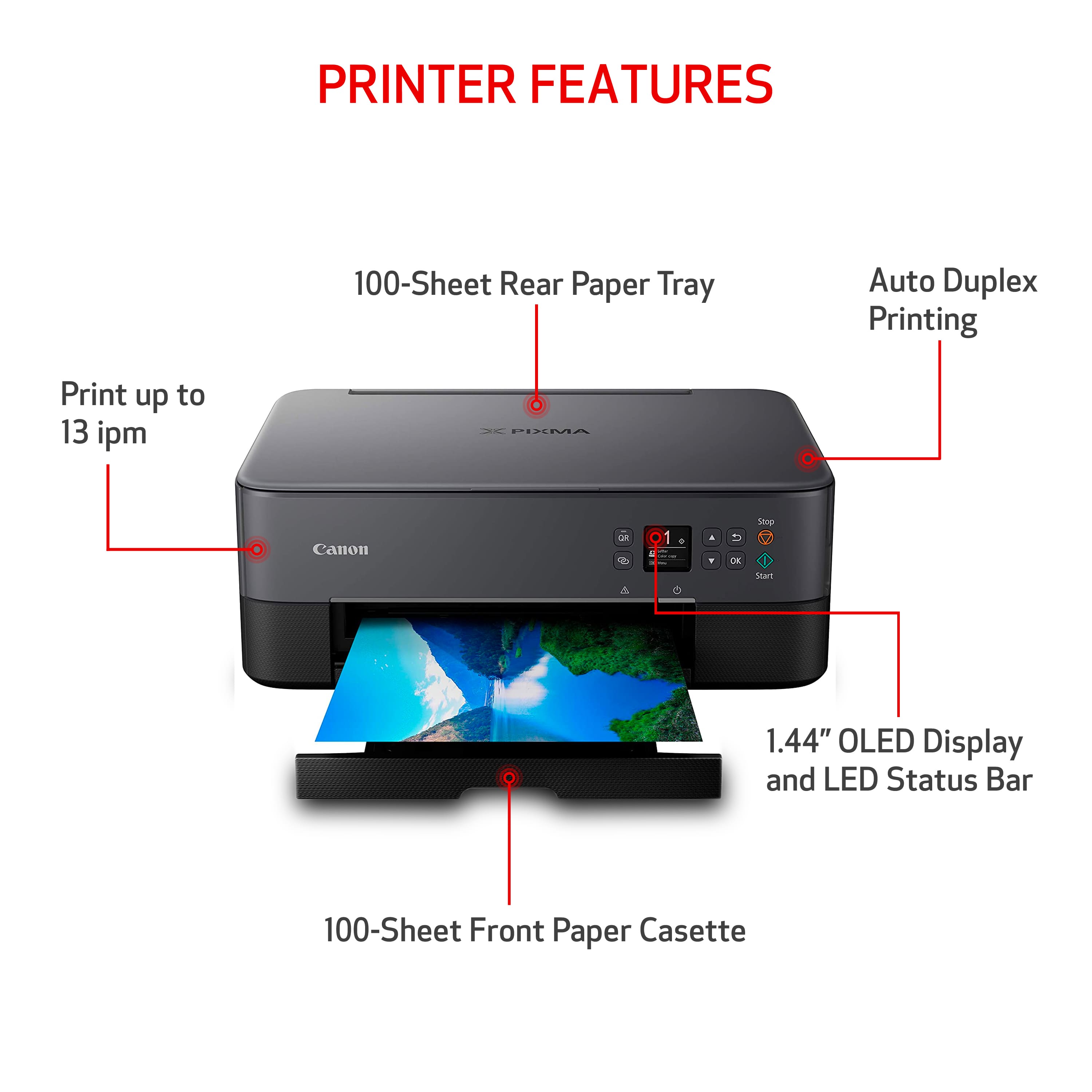
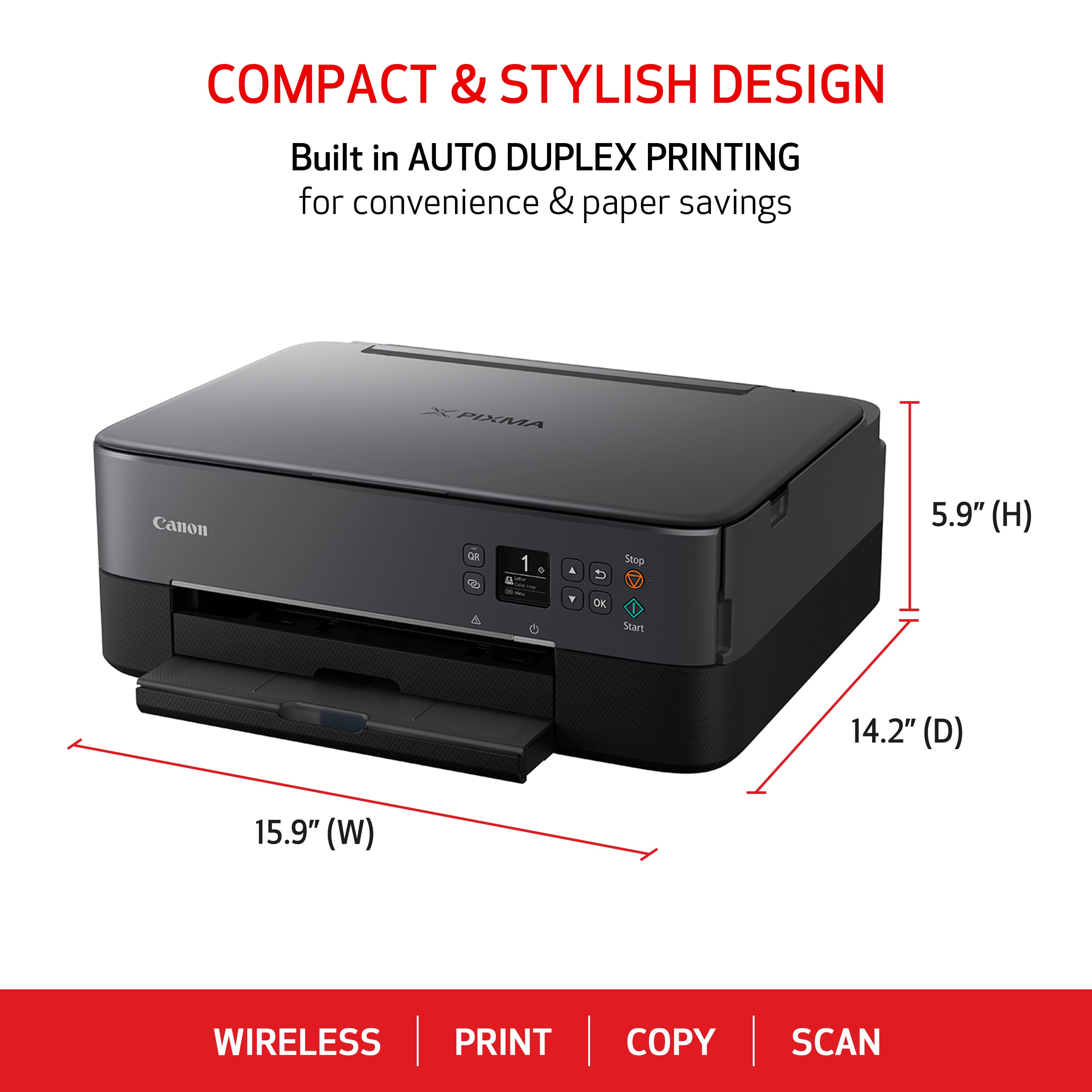
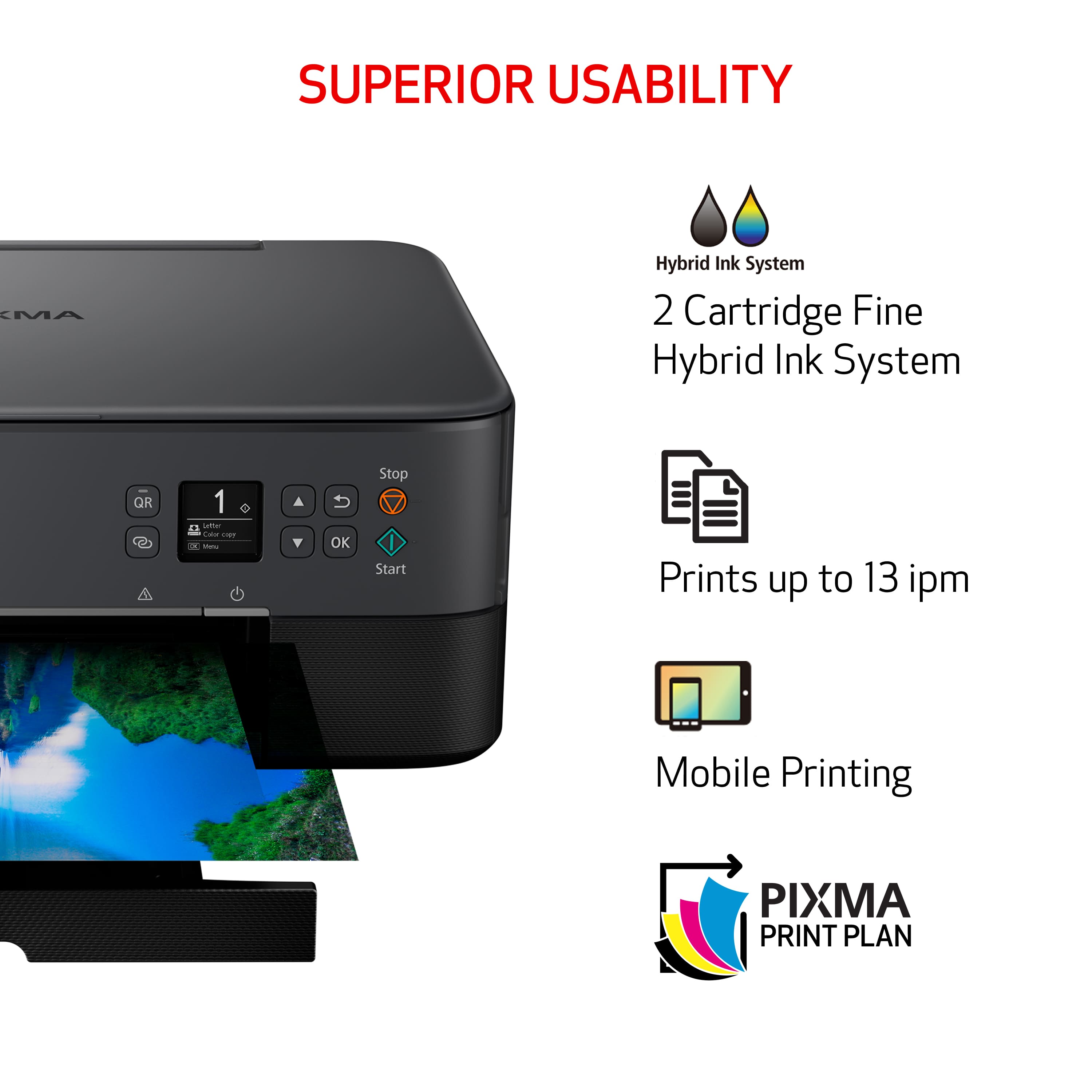
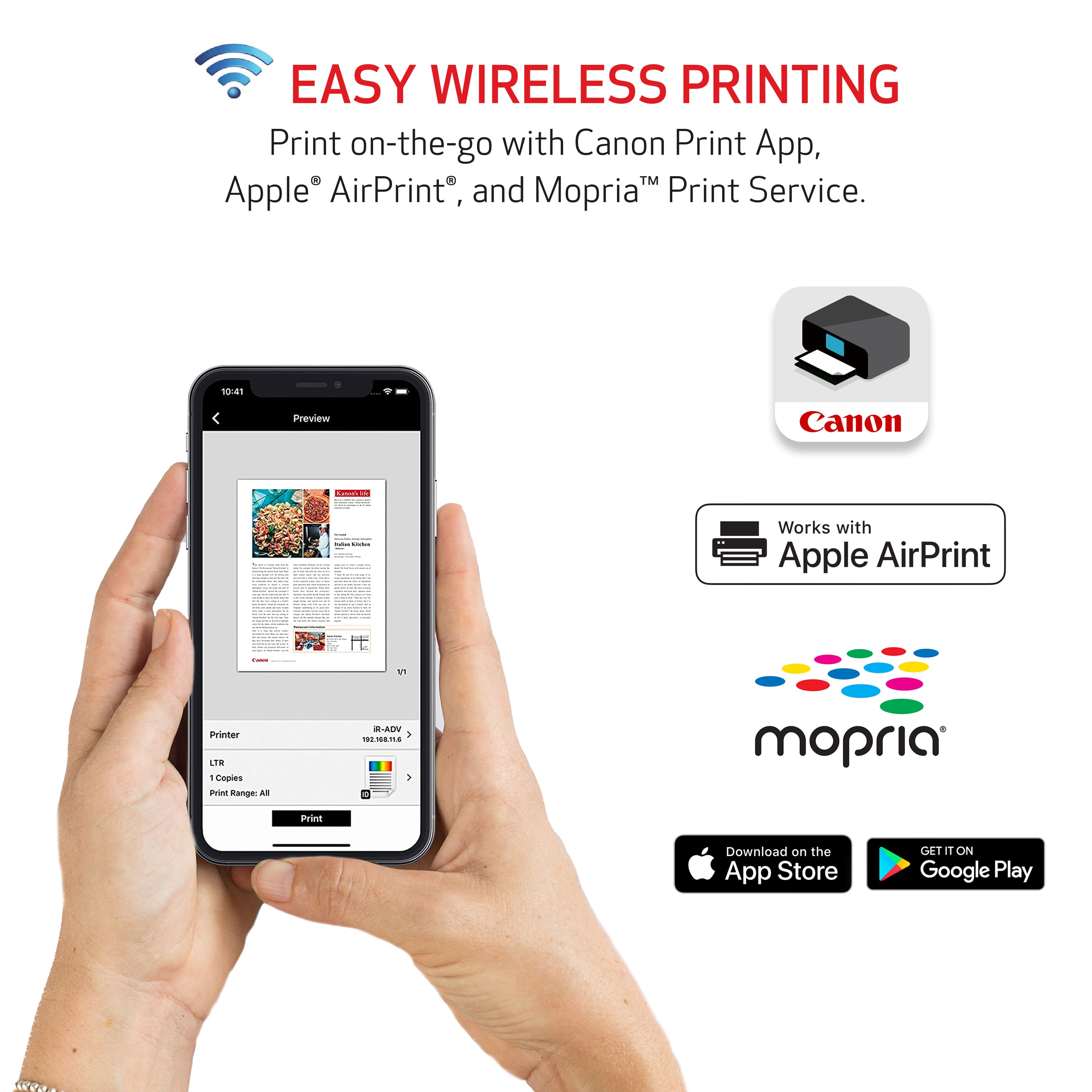
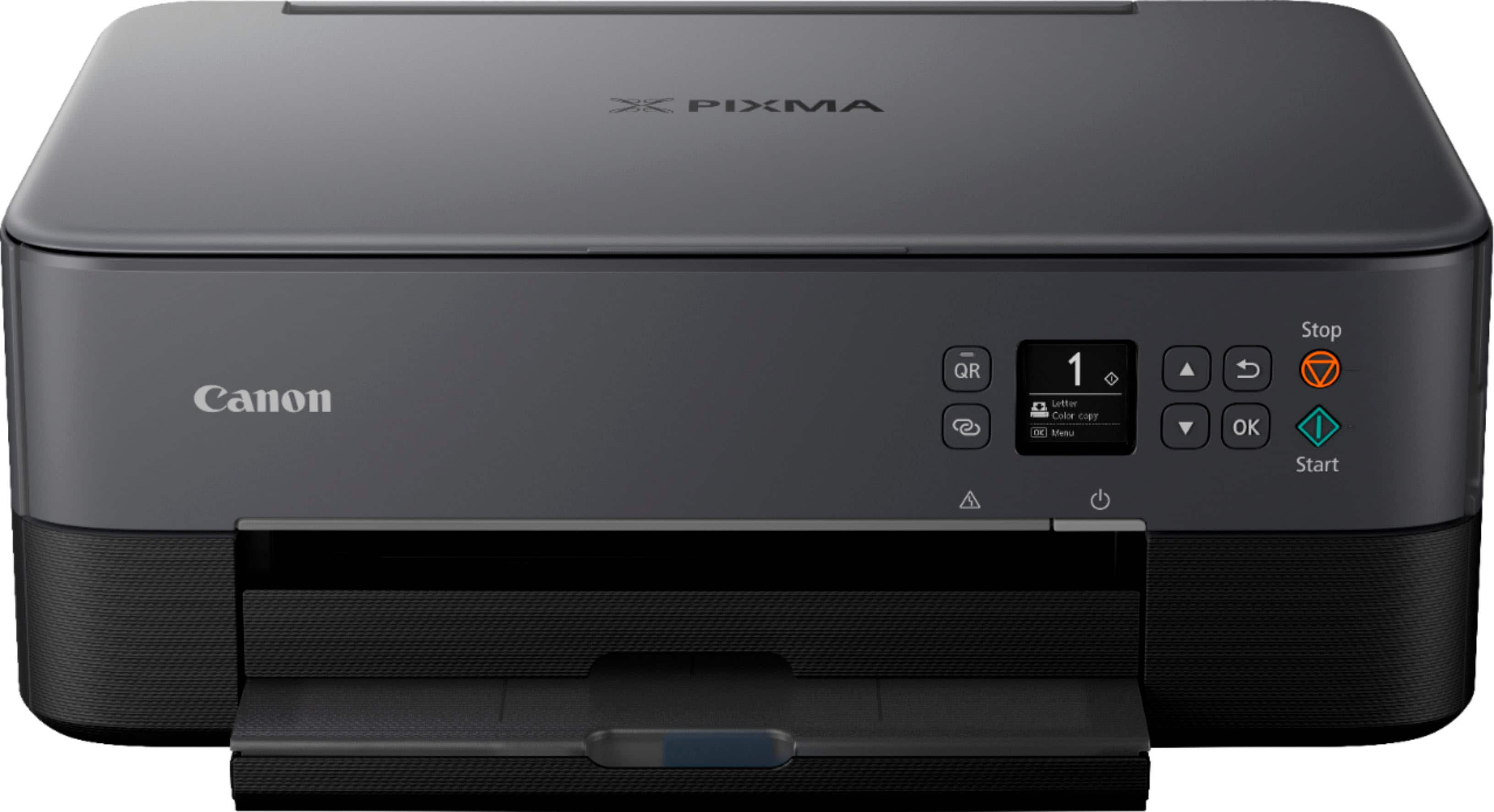
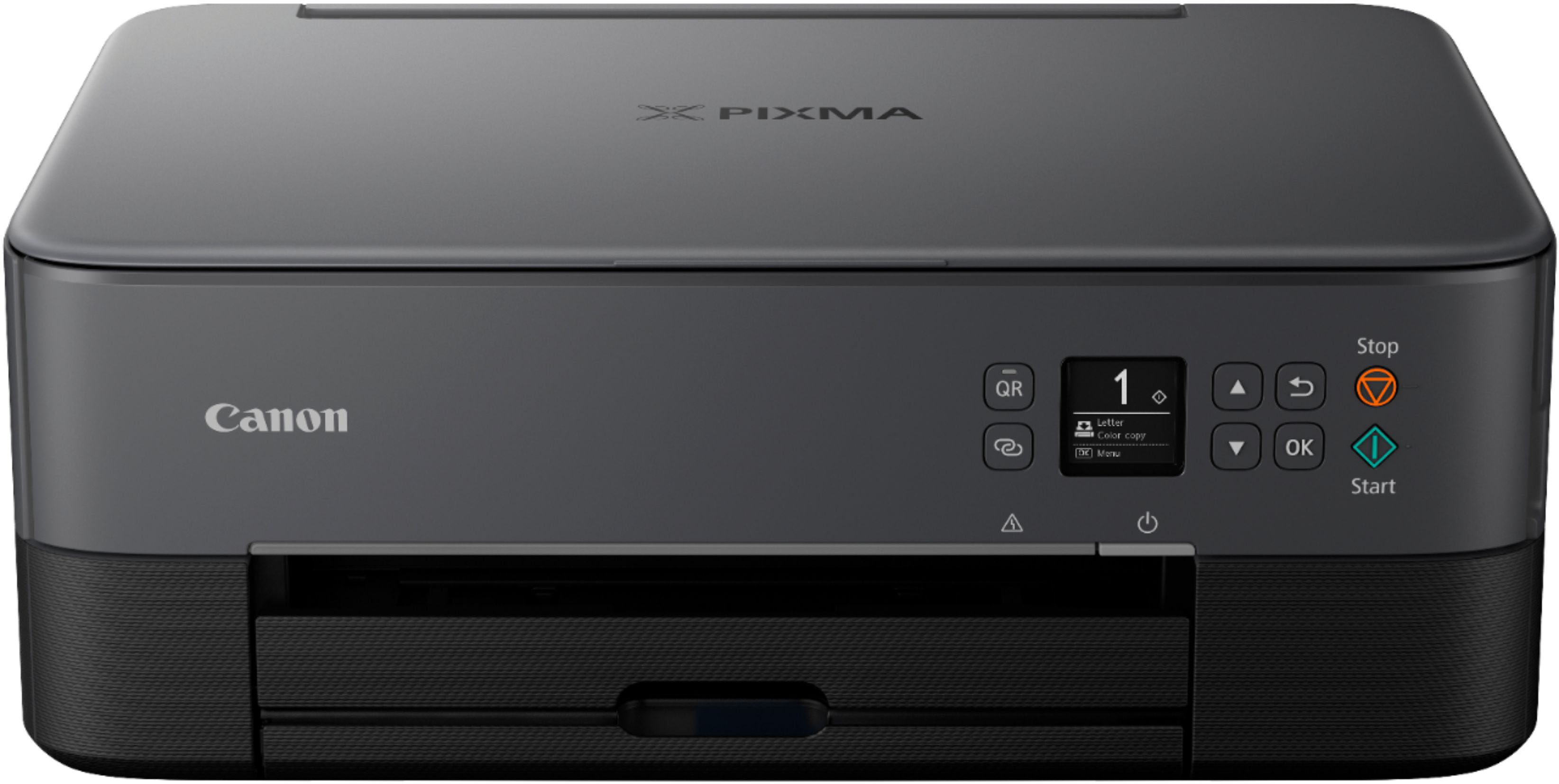
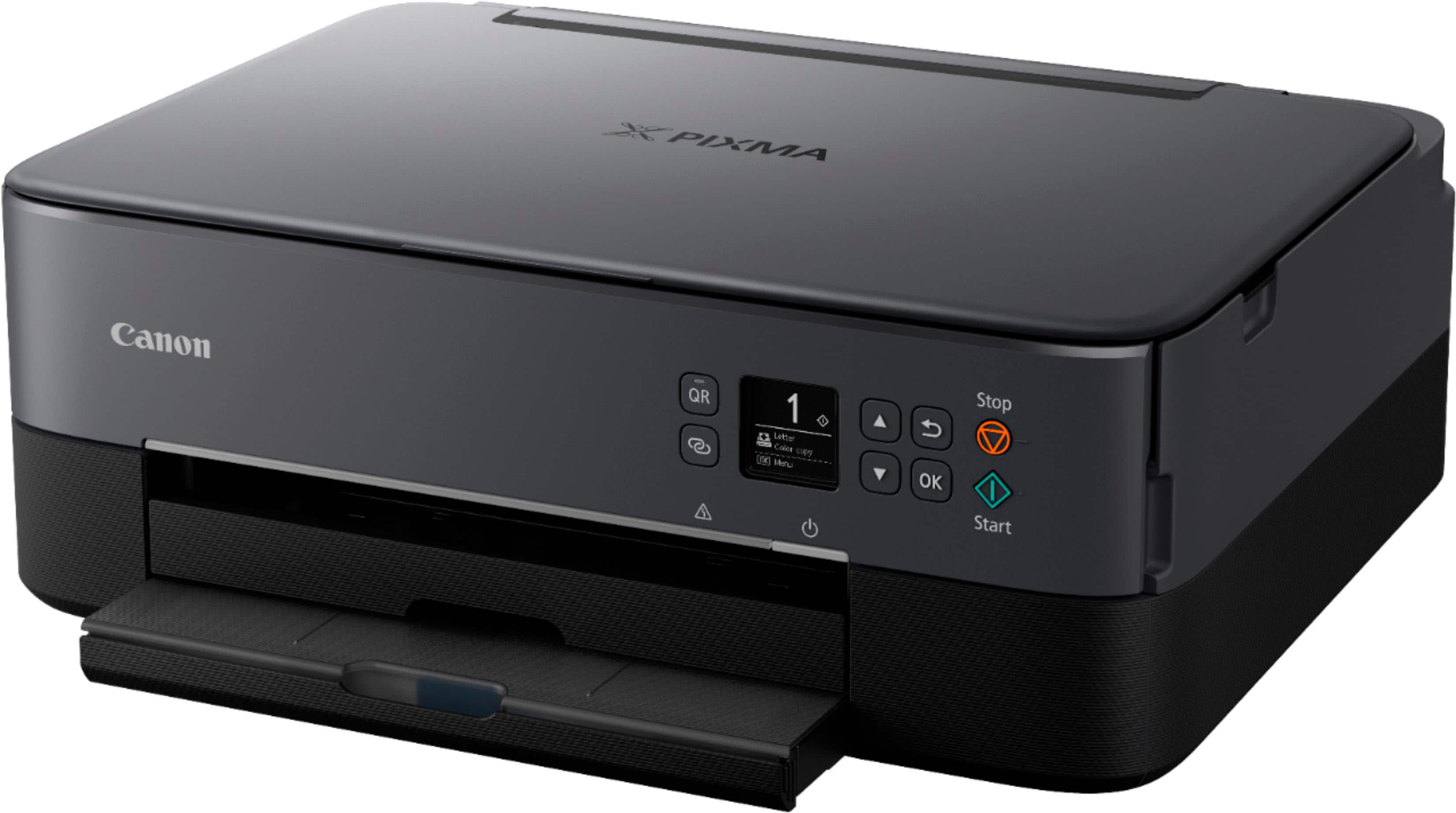
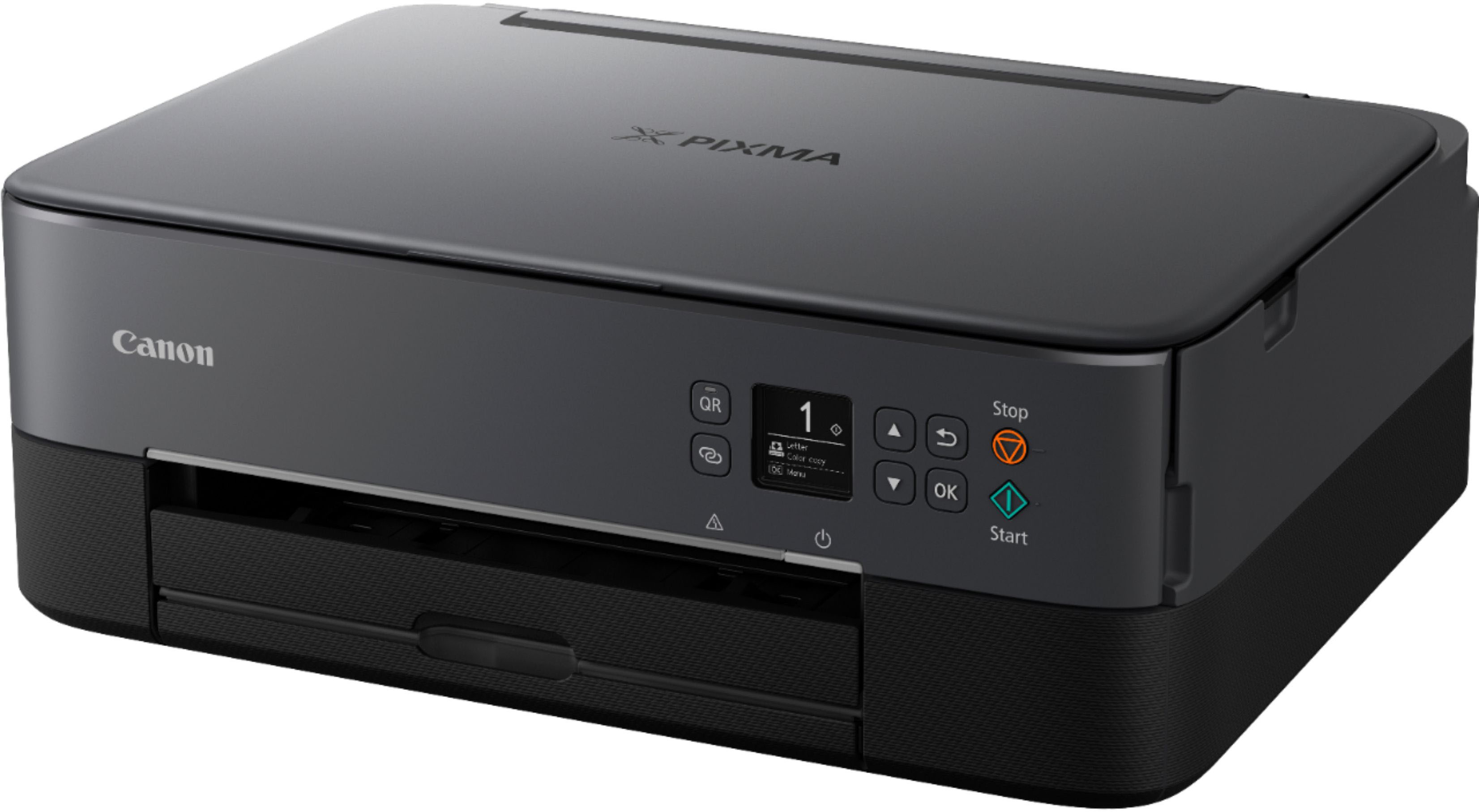
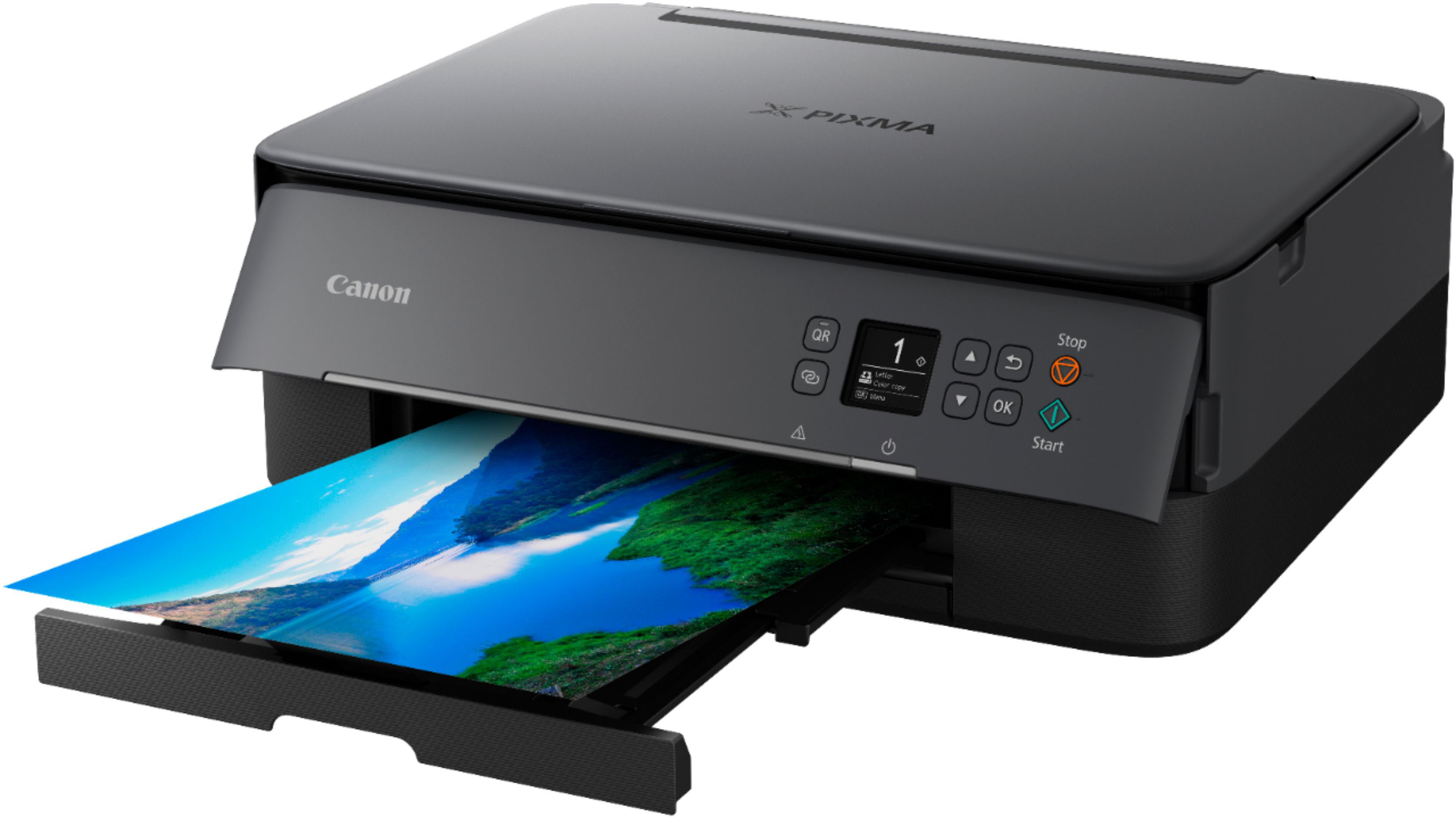
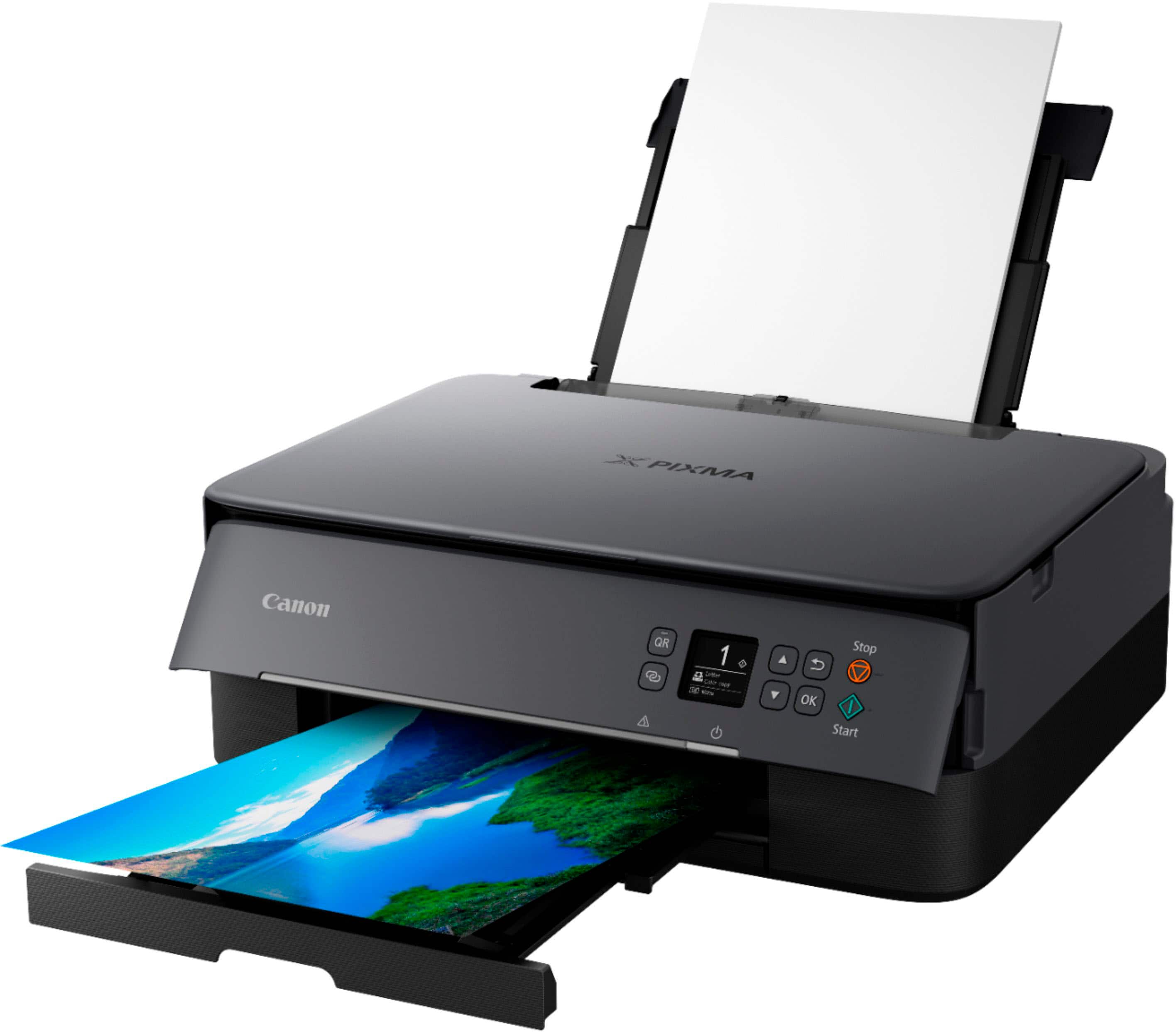
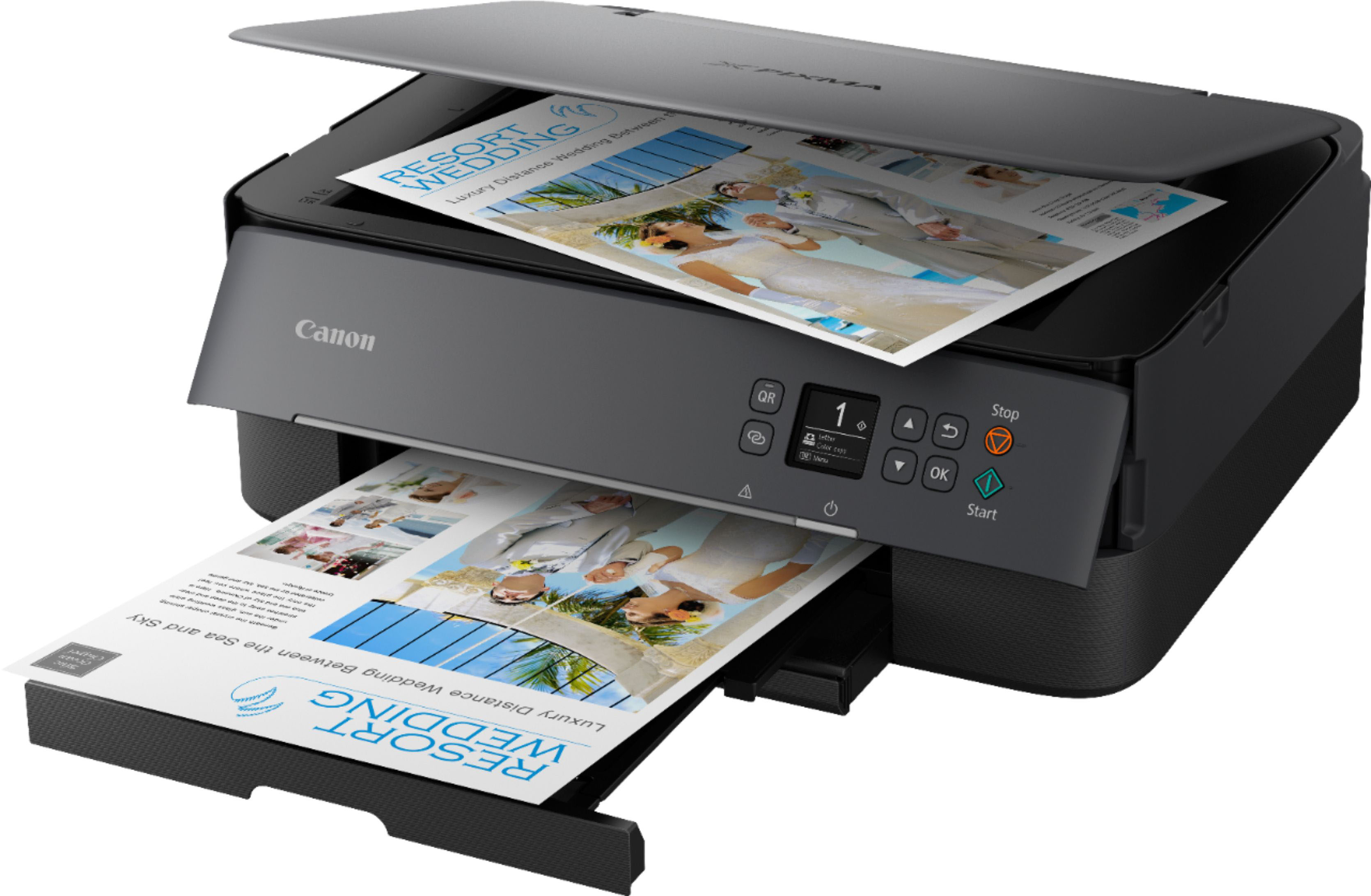
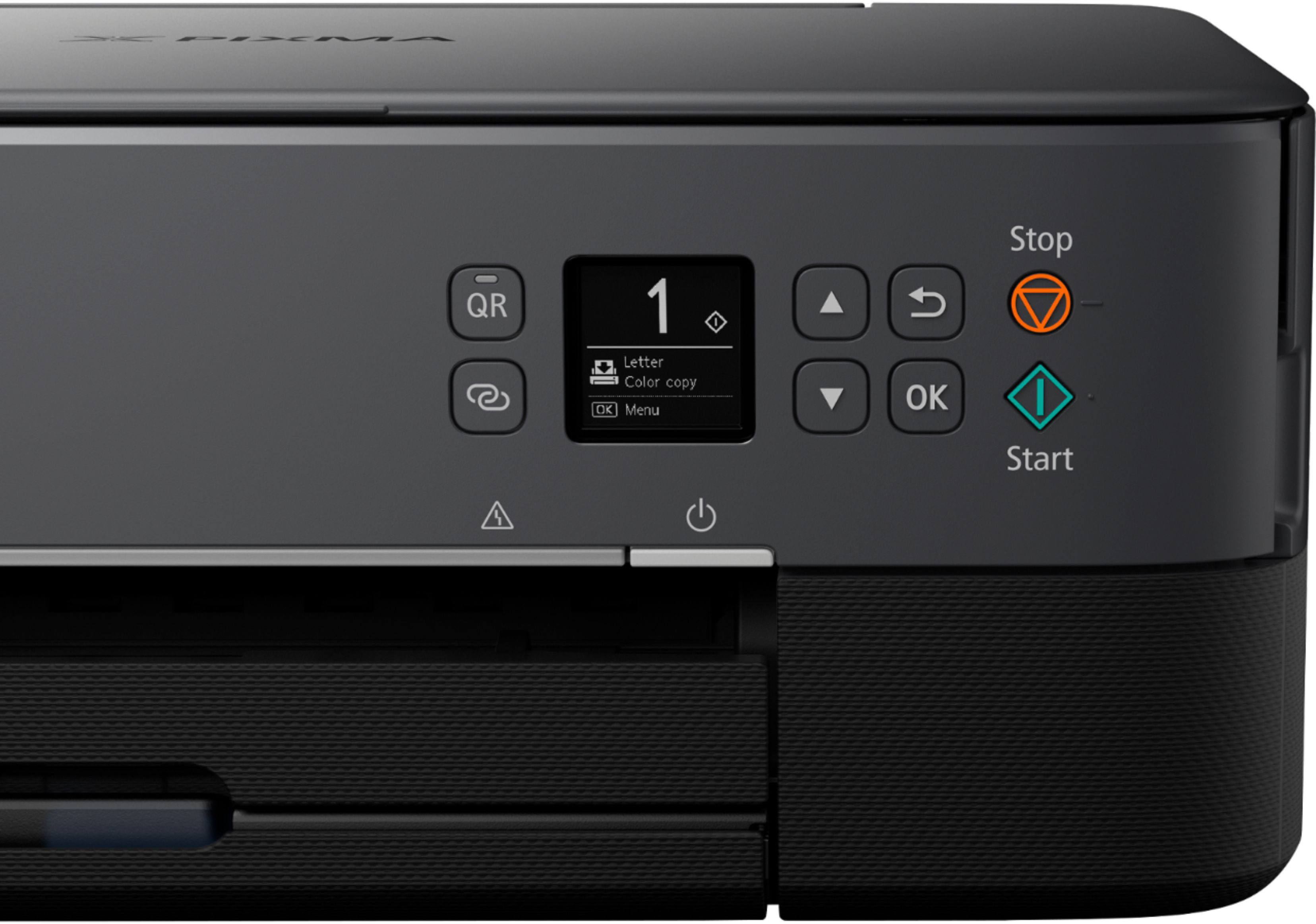
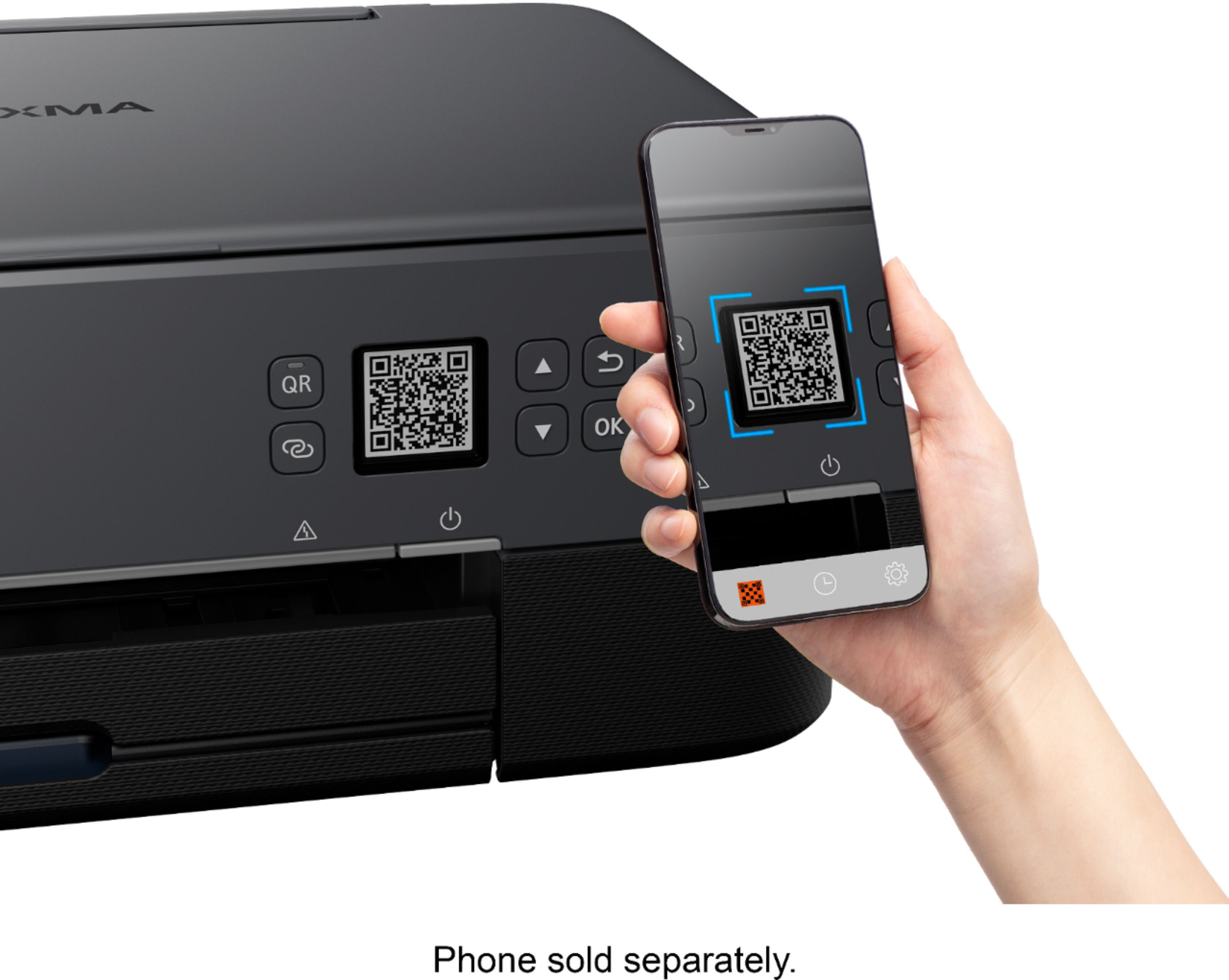
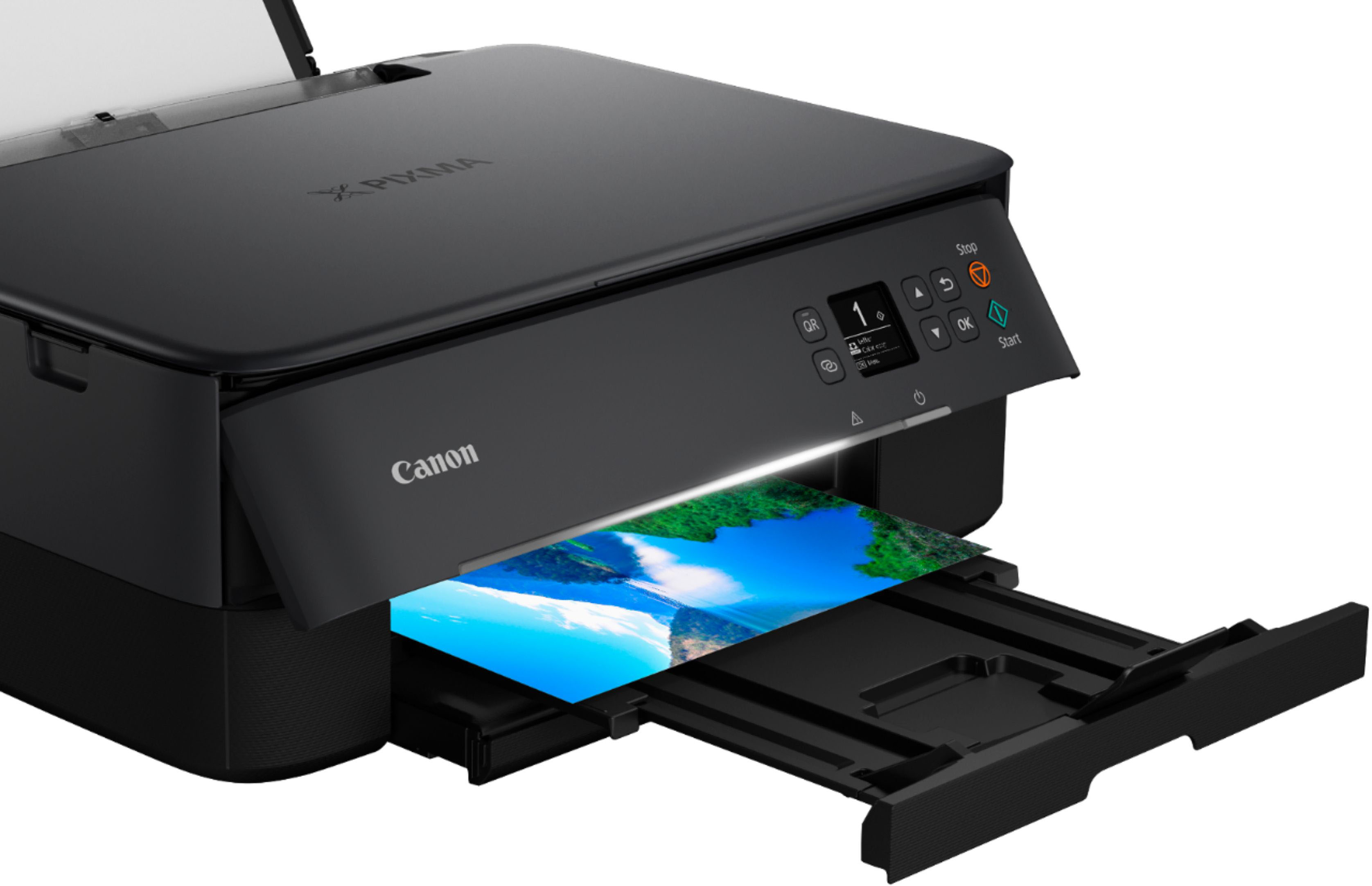
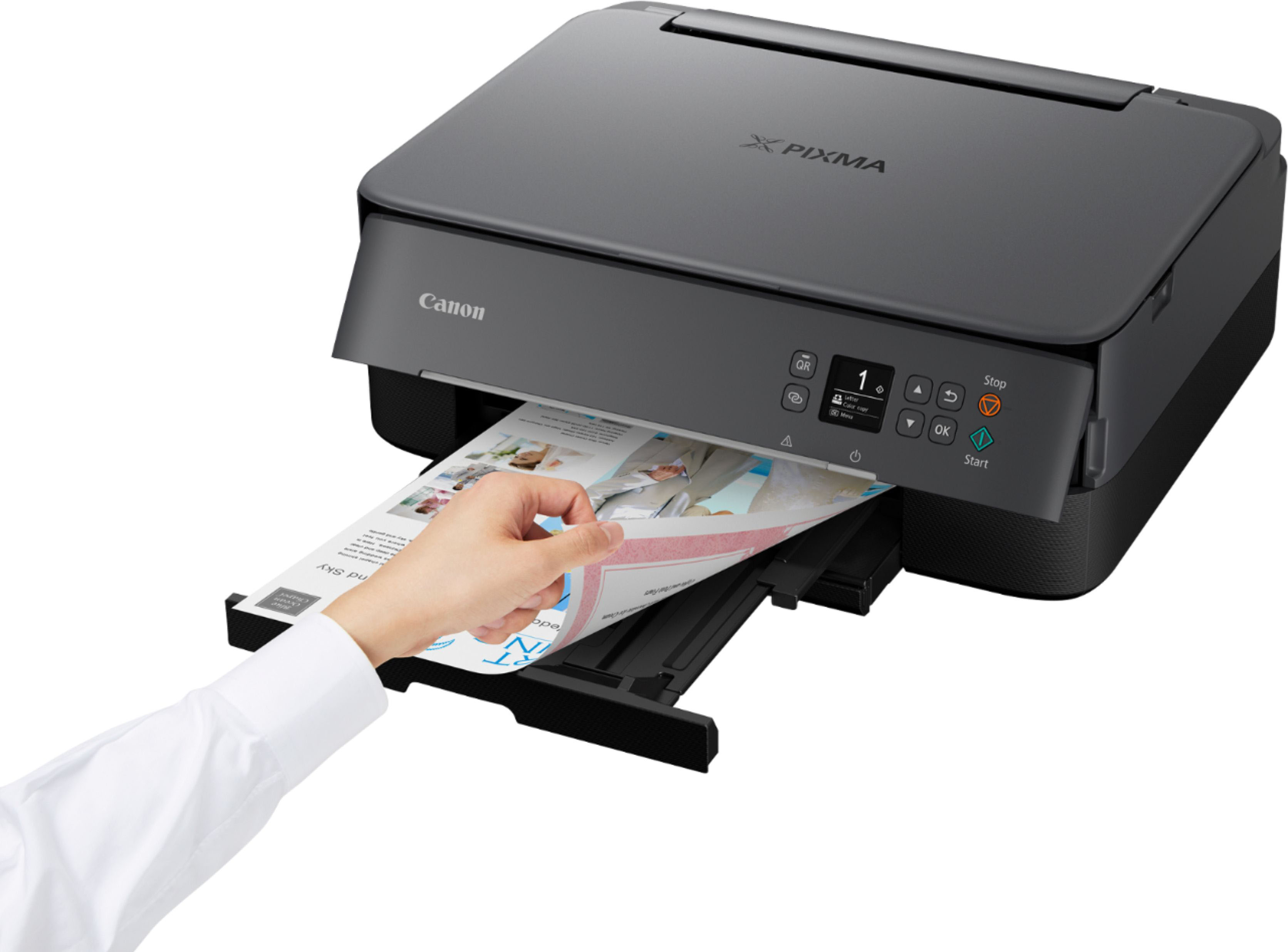
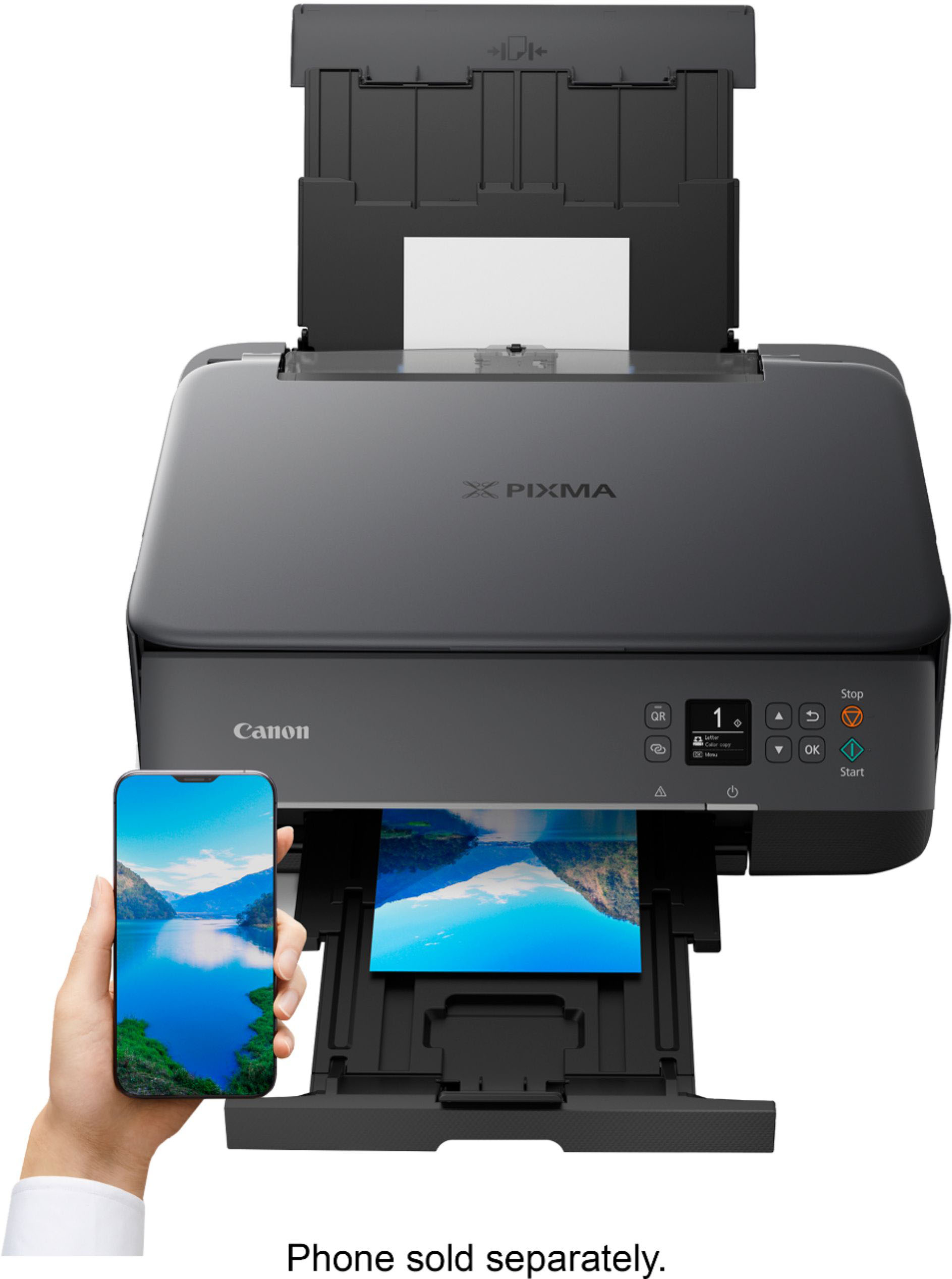
|Posted .This reviewer received promo considerations or sweepstakes entry for writing a review.The Pixma TS64210a is a decent budget option for those looking for a multifunction printer that can operate as a jack of all trades. However, the ongoing operating costs make it potentially less appealing than other options at the price point. Setup was simple as expected. Hooking it to my wifi network was simple and the printer was immediately recognized by the Canon app. I had this installed from a previous Canon printer which recently stopped working. In addition to setup being easy, functionality is quite good with this Pixma. There's a small, somewhat useful screen that enables you to view the various menus and options available to you. It's frankly sufficient; while other models may tend toward larger, touchscreen based interfaces, they've kept it simple here and likely kept the cost down. Print quality was reasonably good across various types of printing for me. Document printing will be as good as expected, but normal color printing (non-photo based) was just OK. Compared to my previous Pixma (the MX922), this felt like a slight step backwards in this regard; color reproduction wasn't quite as accurate and appeared ever so slightly more washed out. It's not terrible, but it's not the best you can get. I'm not sure if this is down to Canon's decision to reduce the total ink cartridges down to two, one for black and one for color, but thus far, I'm not a fan of this decision (which I'll discuss more in a bit). Photo printing is adequate for this range of printer; again, not stellar but it does reasonably well and with a higher quality print setting and better paper, I found that it performed more to expectations compared to standard color printing. About the ink cartridges... Again, I'm finding to be not a fan of this setup. My previous Pixma had numerous inks, including two different black cartridges and something like 5 color cartridges. To some, this seems like a worse setup based on pricing alone. However, in my experience, that worked VERY well, as it allowed you to only replace what you used. In this case, if I use a lot of blue in my prints, for instance, I'll eventually need to replace the entire color cartridge. Pricing is at least somewhat reasonable, but to me, this is going to cost more in the long run and might have the potential side effect of worse color reproduction on prints (though this is wholly speculation on my part). The rest of the features here work as expected. The scanner is nice to have, and while there's no document feeder, the trade off is that you get a much sleeker and slimline printer, which at least in my case, is more "wife-approved" in design. The scanner works as expected, as does the copy function. In general, there's no extra fluff here; no "fax" feature (which I've personally never used) for instance, which did nothing but add extra components and space to my previous printer. Overall, I'm happy enough with this printer. It performs a wide number of functions decently well, but doesn't exactly excel at any. But given the price range, it's not really expected to. If you're in the market for a compact printer that can do it all, this is one to consider.
I would recommend this to a friend