Customer Ratings & Reviews
- Model:
- 4462C082
- |
- SKU:
- 6494255
Customer reviews
Rating 4.3 out of 5 stars with 4242 reviews
(4,242 customer reviews)Rating by feature
- Value4.4
Rating 4.4 out of 5 stars
- Quality4.3
Rating 4.3 out of 5 stars
- Ease of Use4.2
Rating 4.2 out of 5 stars
Customers are saying
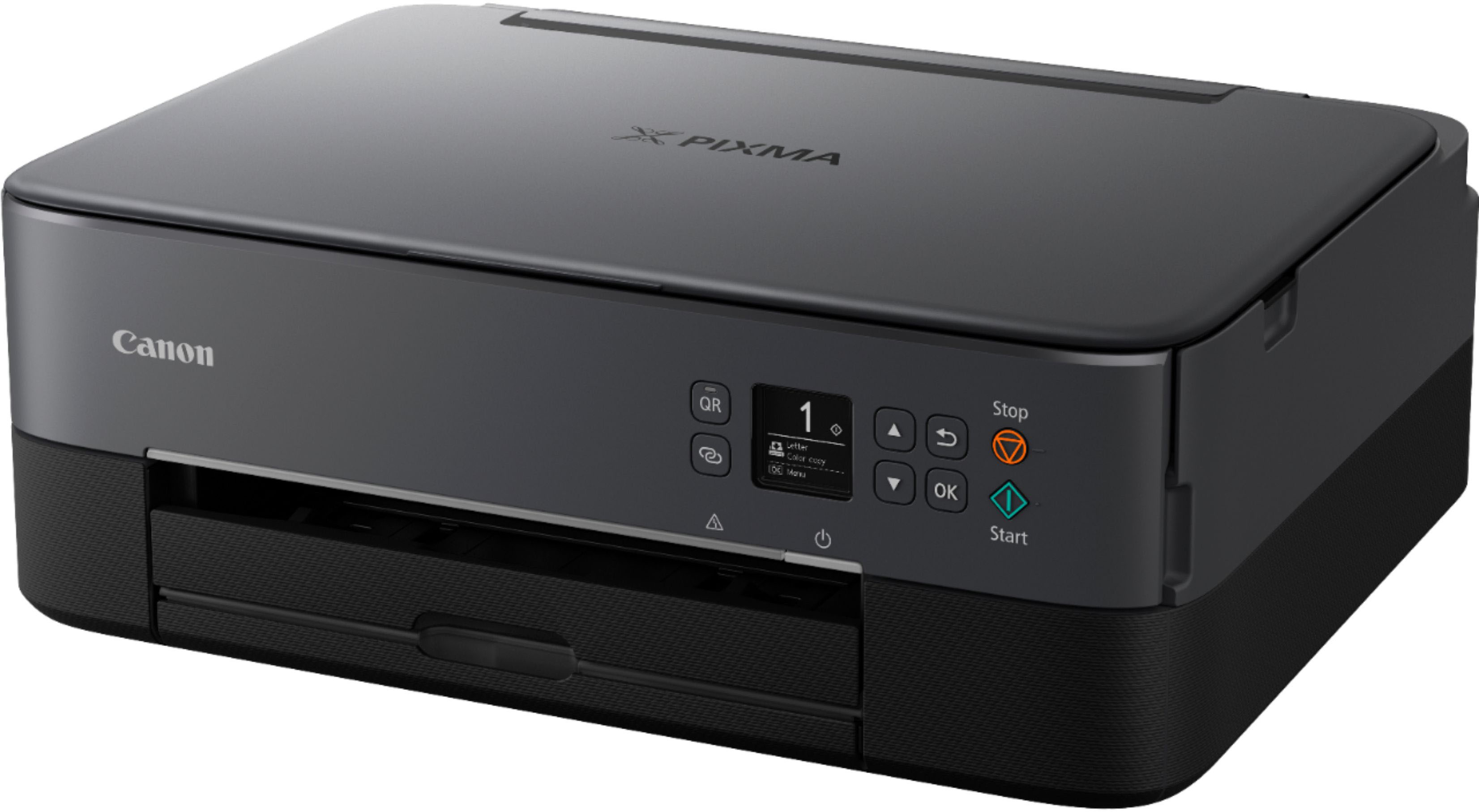
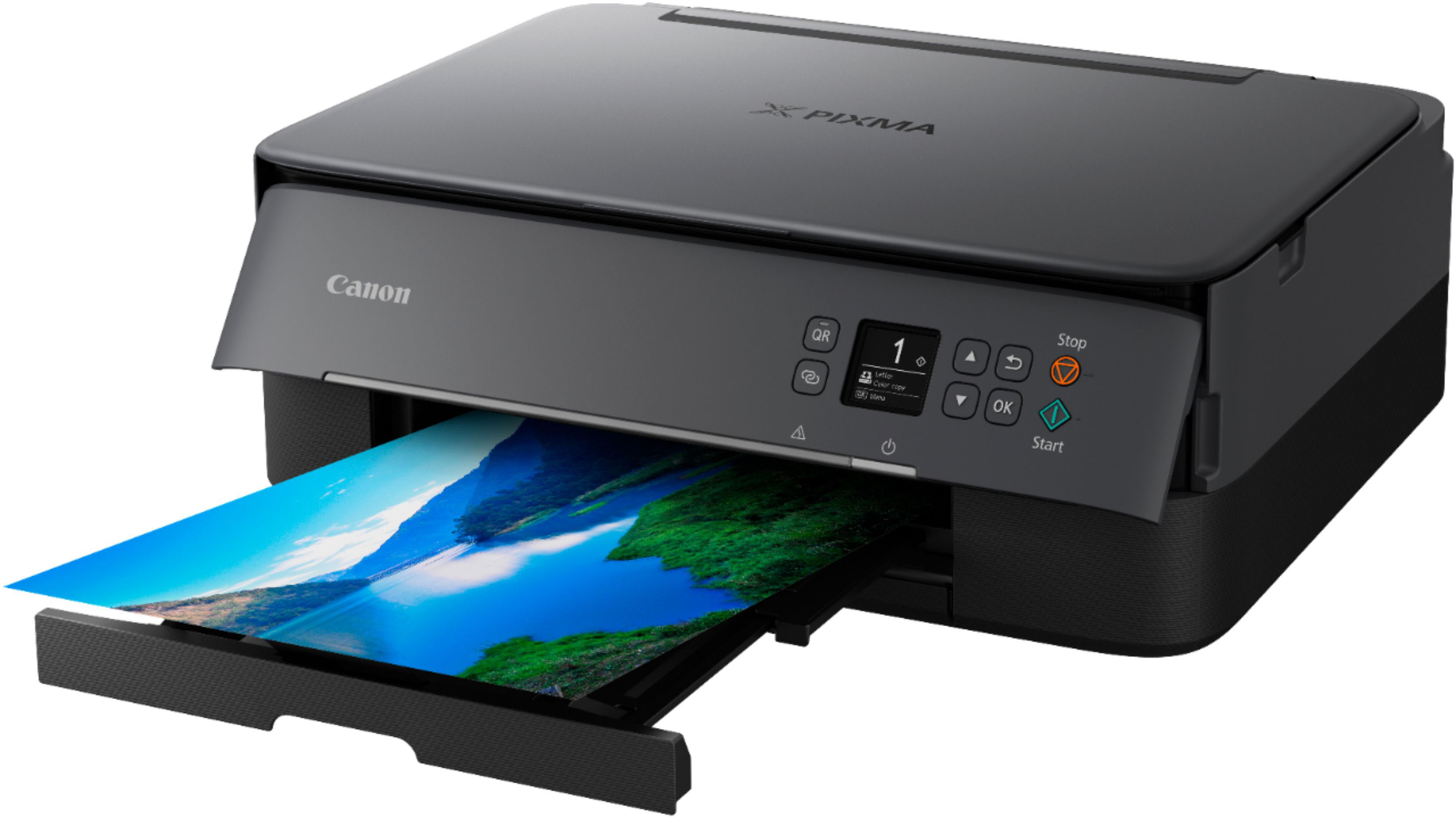
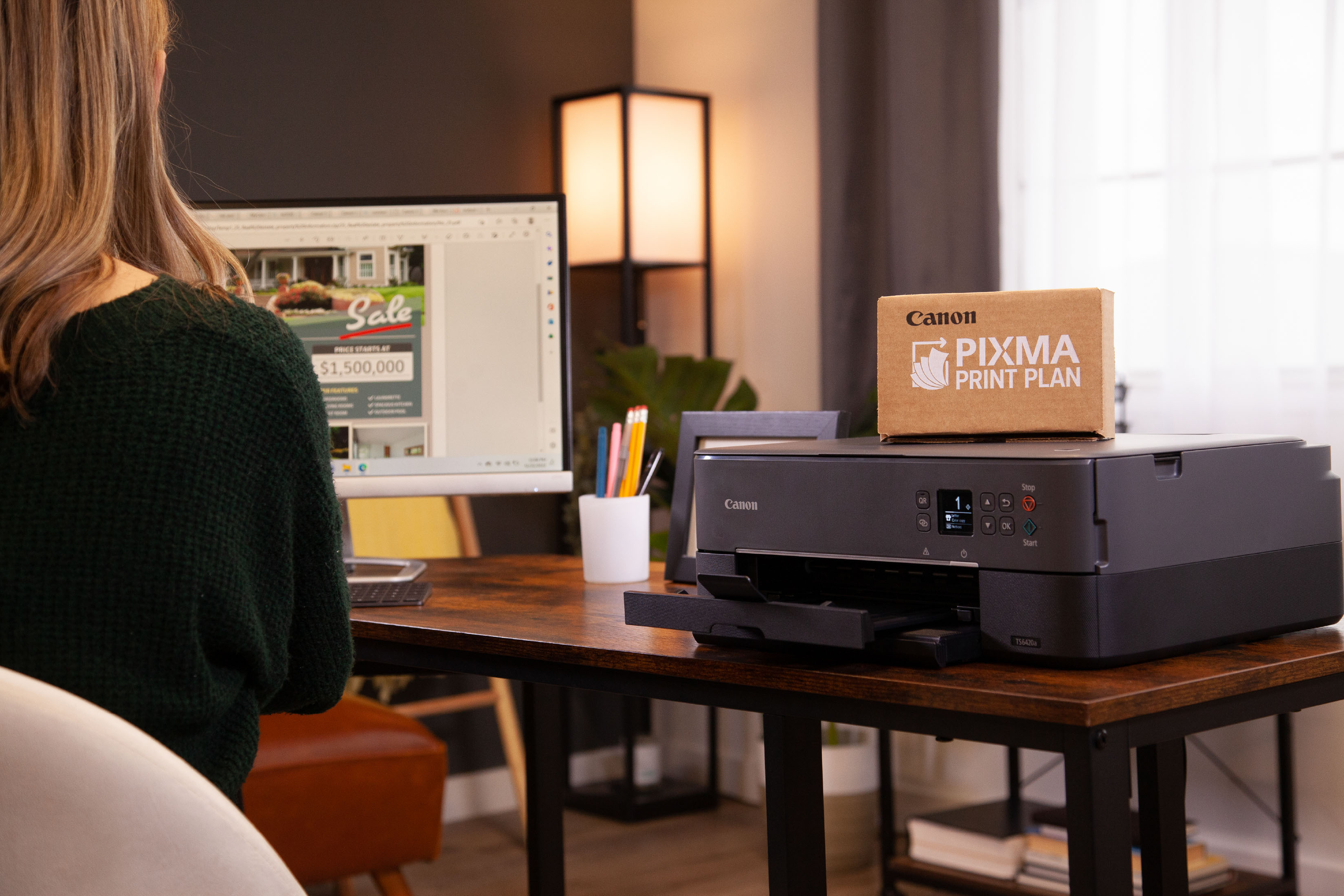
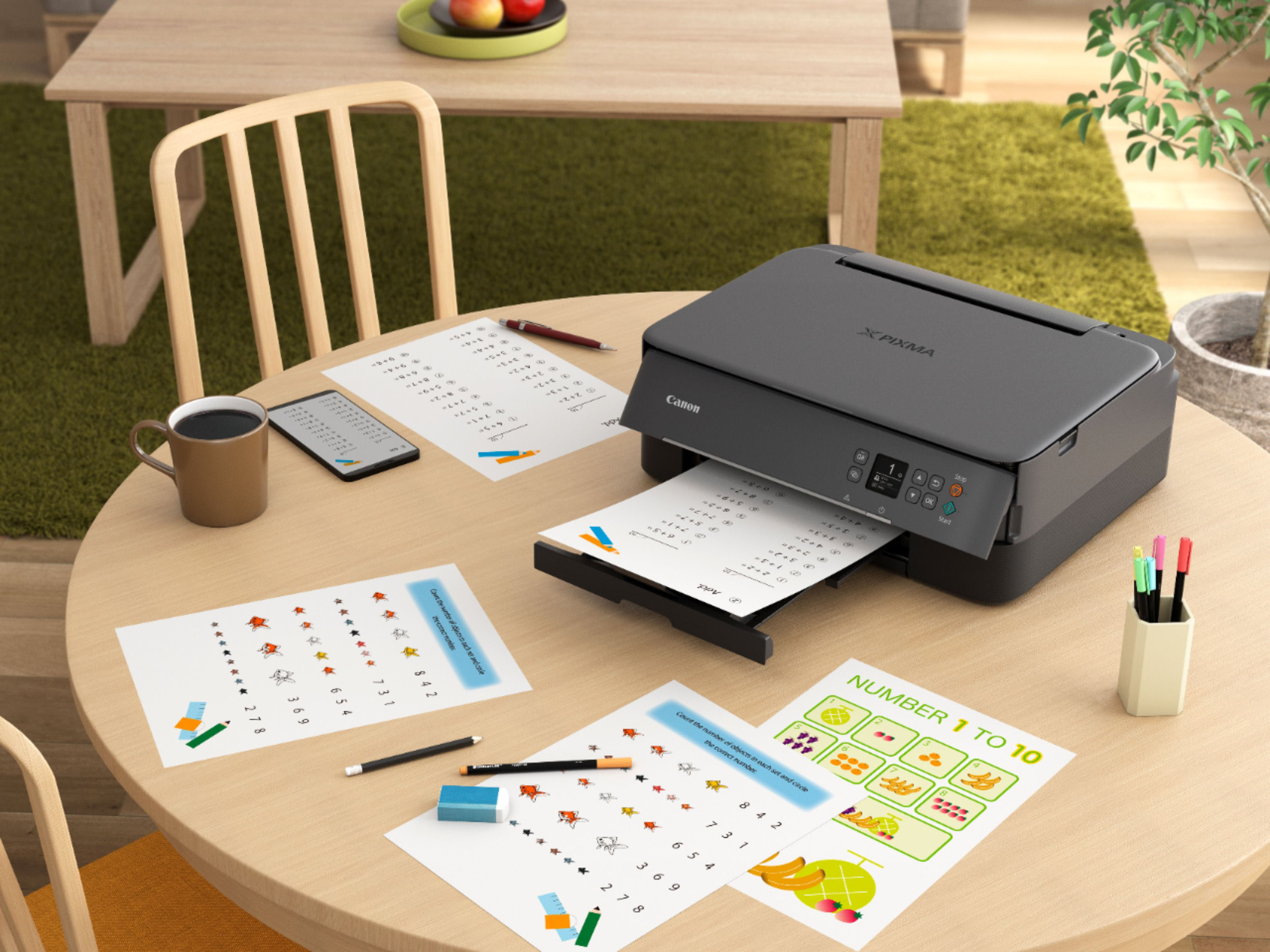
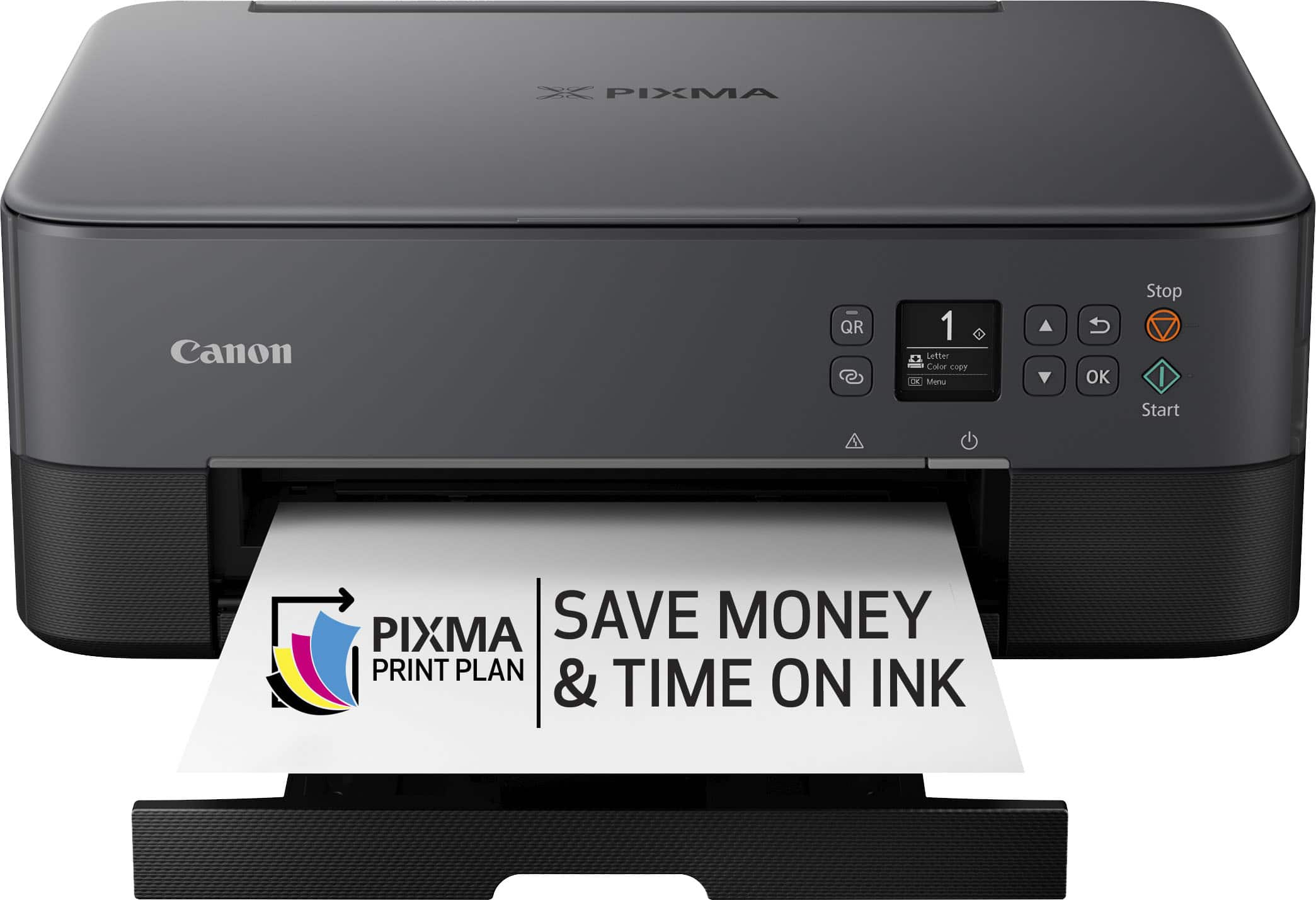
Customers highly value the PIXMA TS6420a Wireless All-In-One Inkjet Printer for its ease of use and print quality. The printer's overall performance, seamless connectivity, and reasonable price point are also appreciated. Furthermore, customers find the size perfect for their office and the setup process simple, with a tolerable noise level.
This summary was generated by AI based on customer reviews.
Rated 2 out of 5 stars
Rhonda G
||Posted .This reviewer received promo considerations or sweepstakes entry for writing a review.Not user friendly. Difficult to make copies and can not change the auto shut off .
No, I would not recommend this to a friend- Pros mentioned:Ease of use, Print quality

Rated 3 out of 5 stars
Easy setup, so-so photos
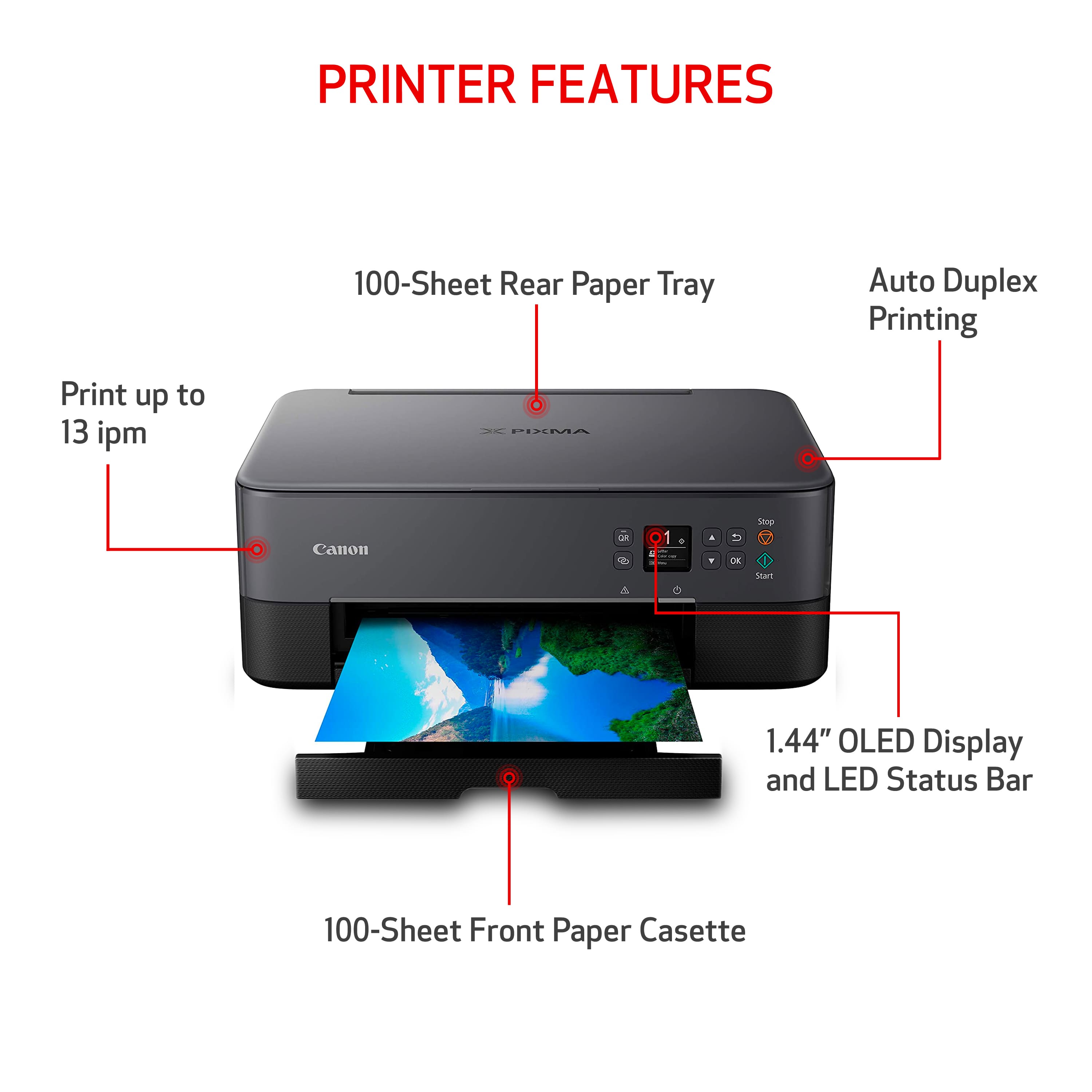
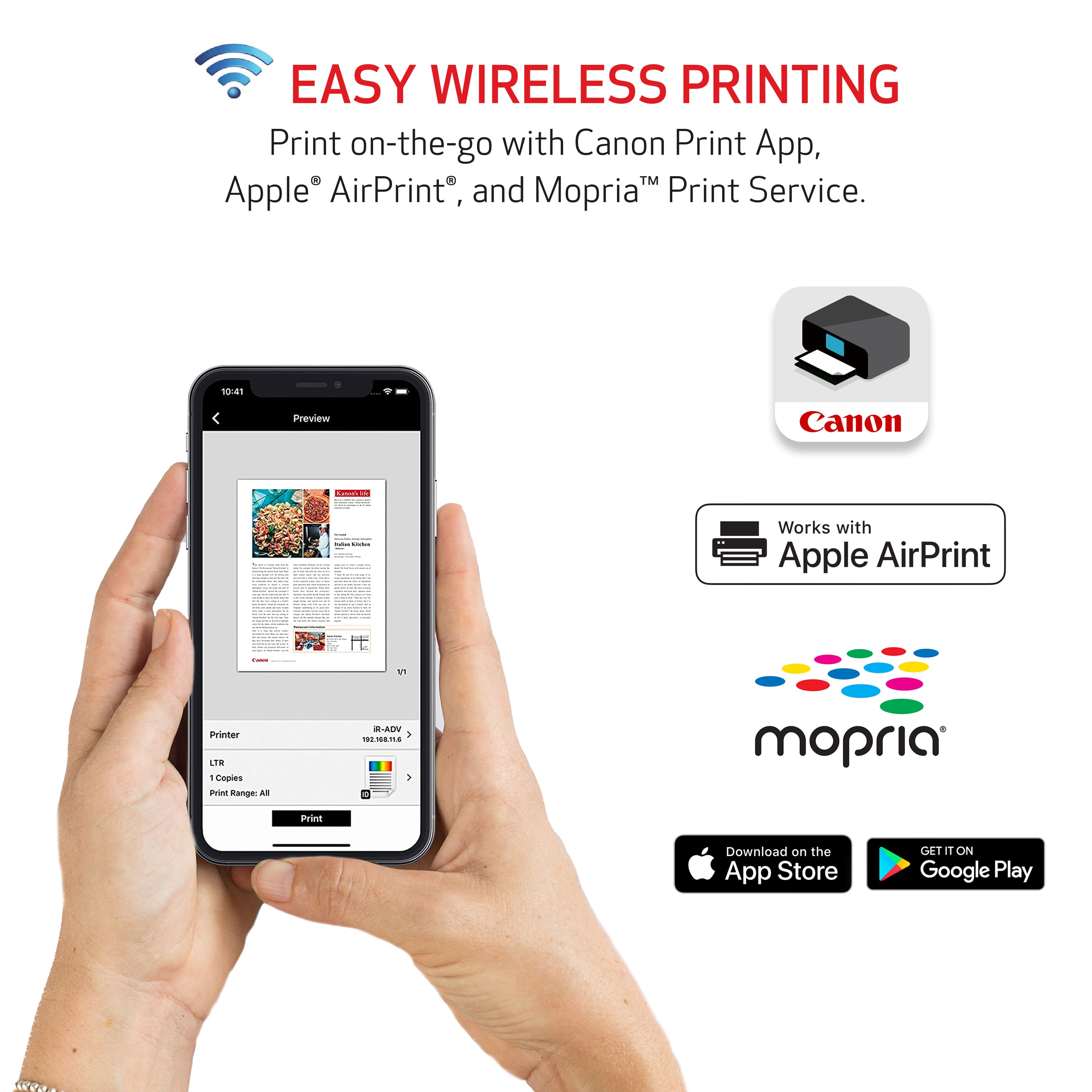
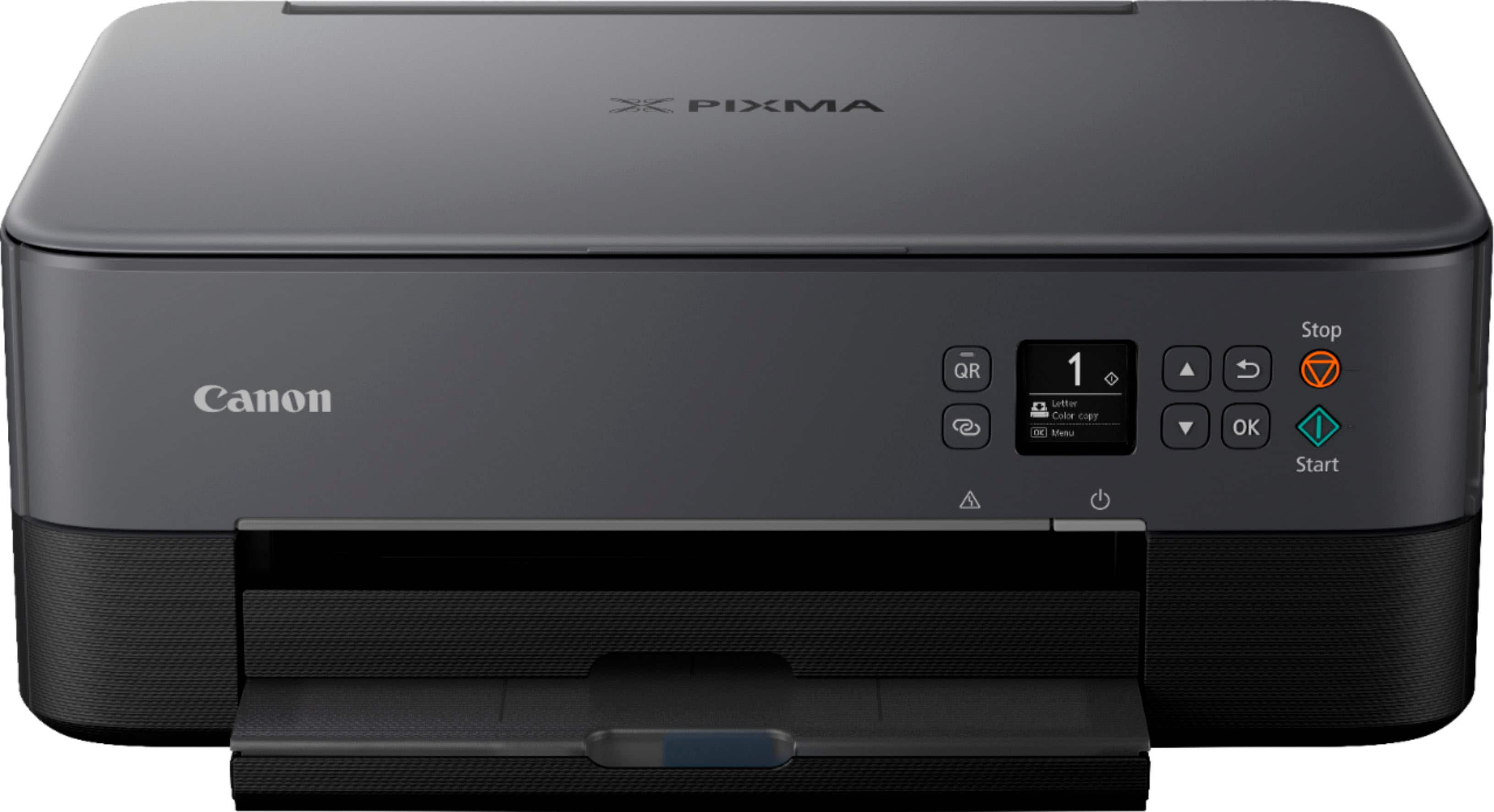
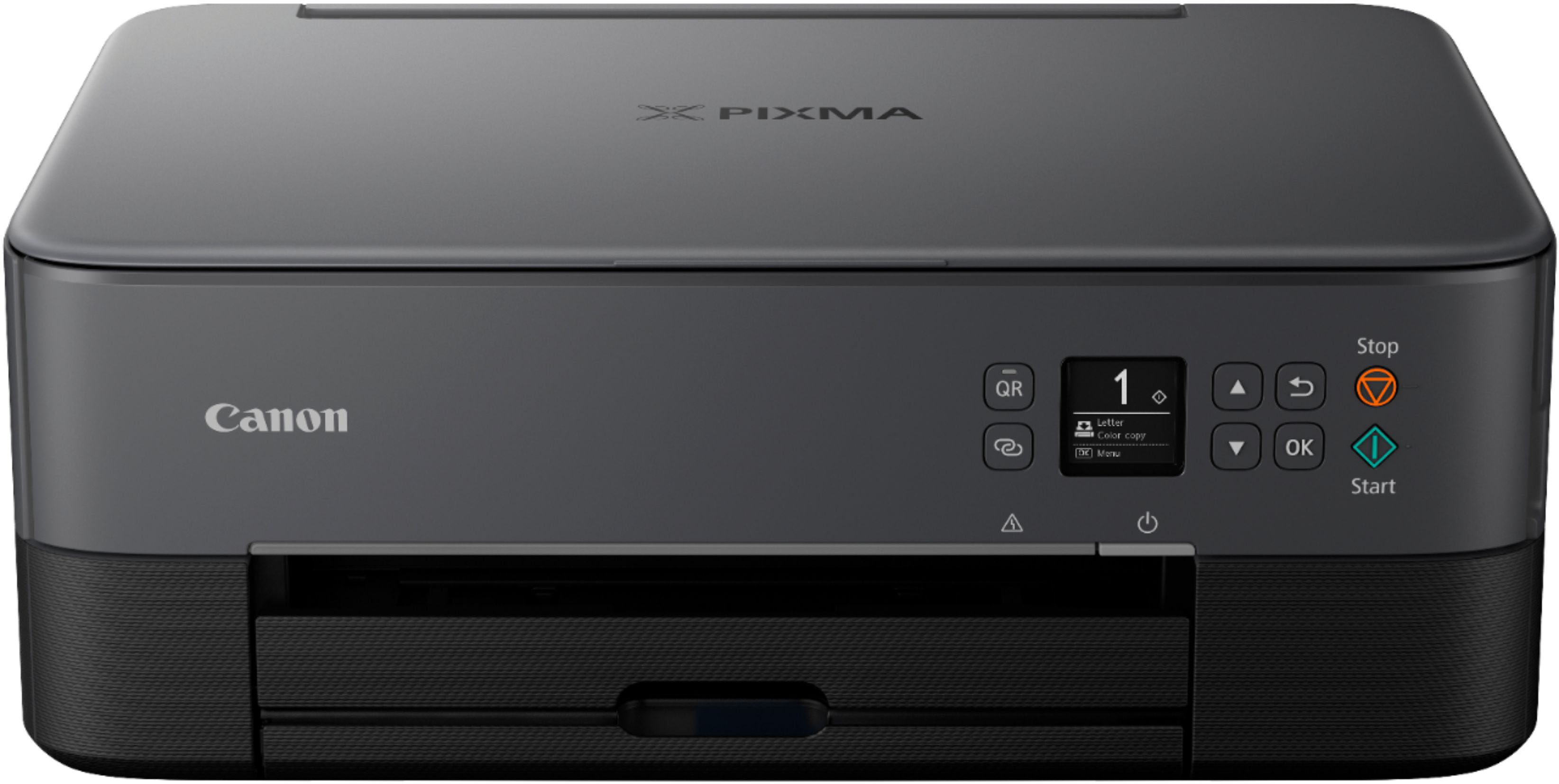
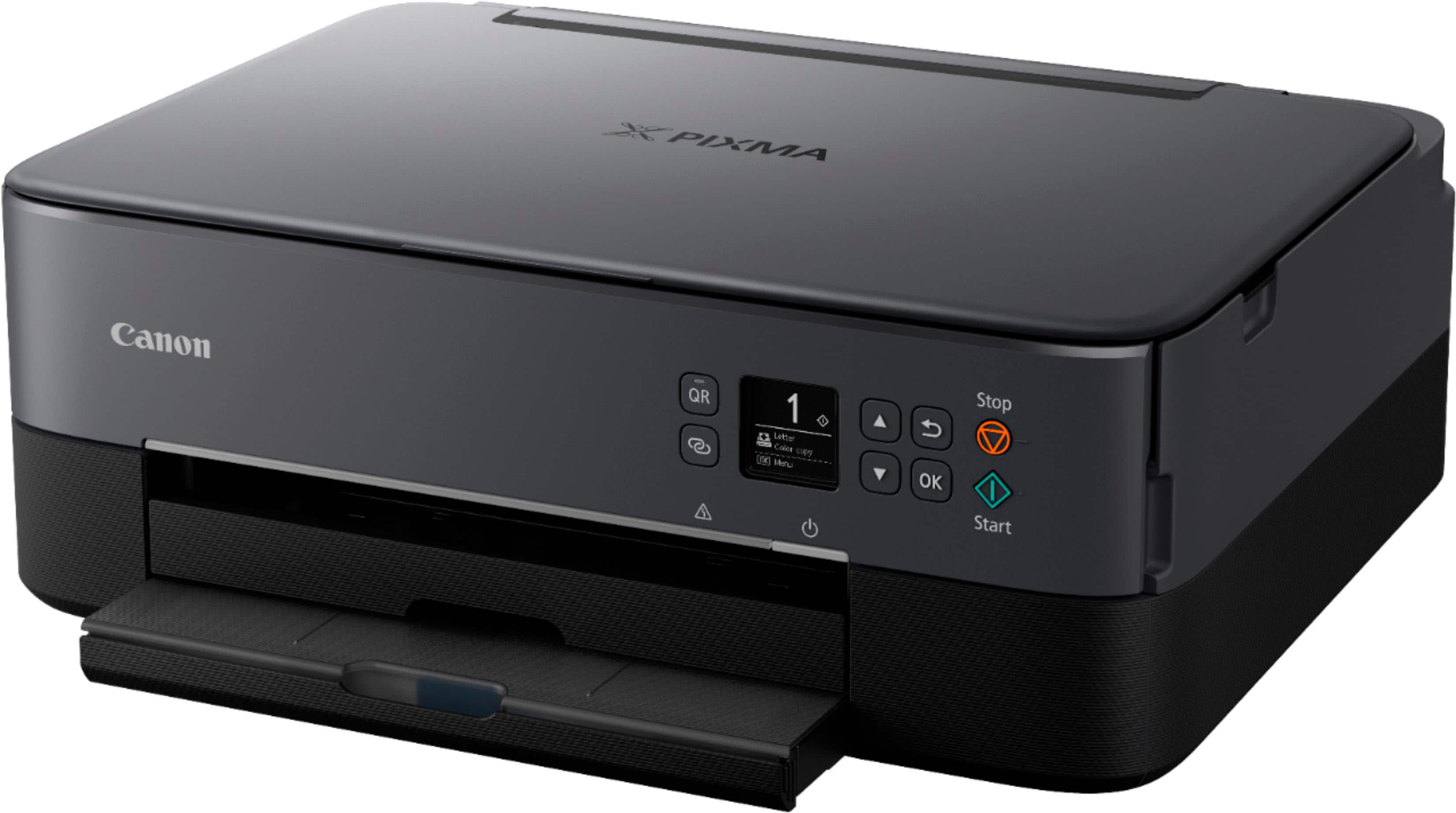
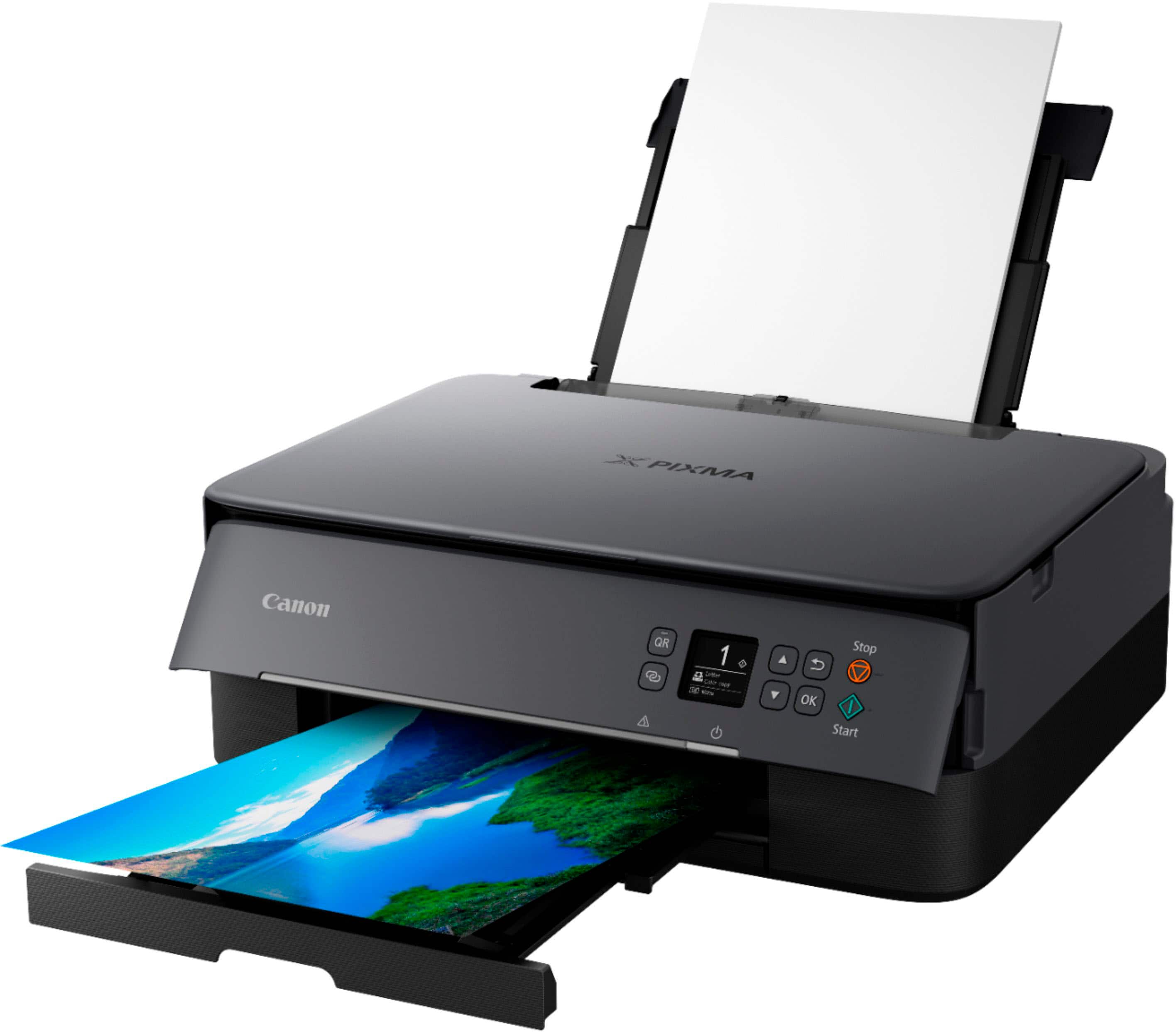
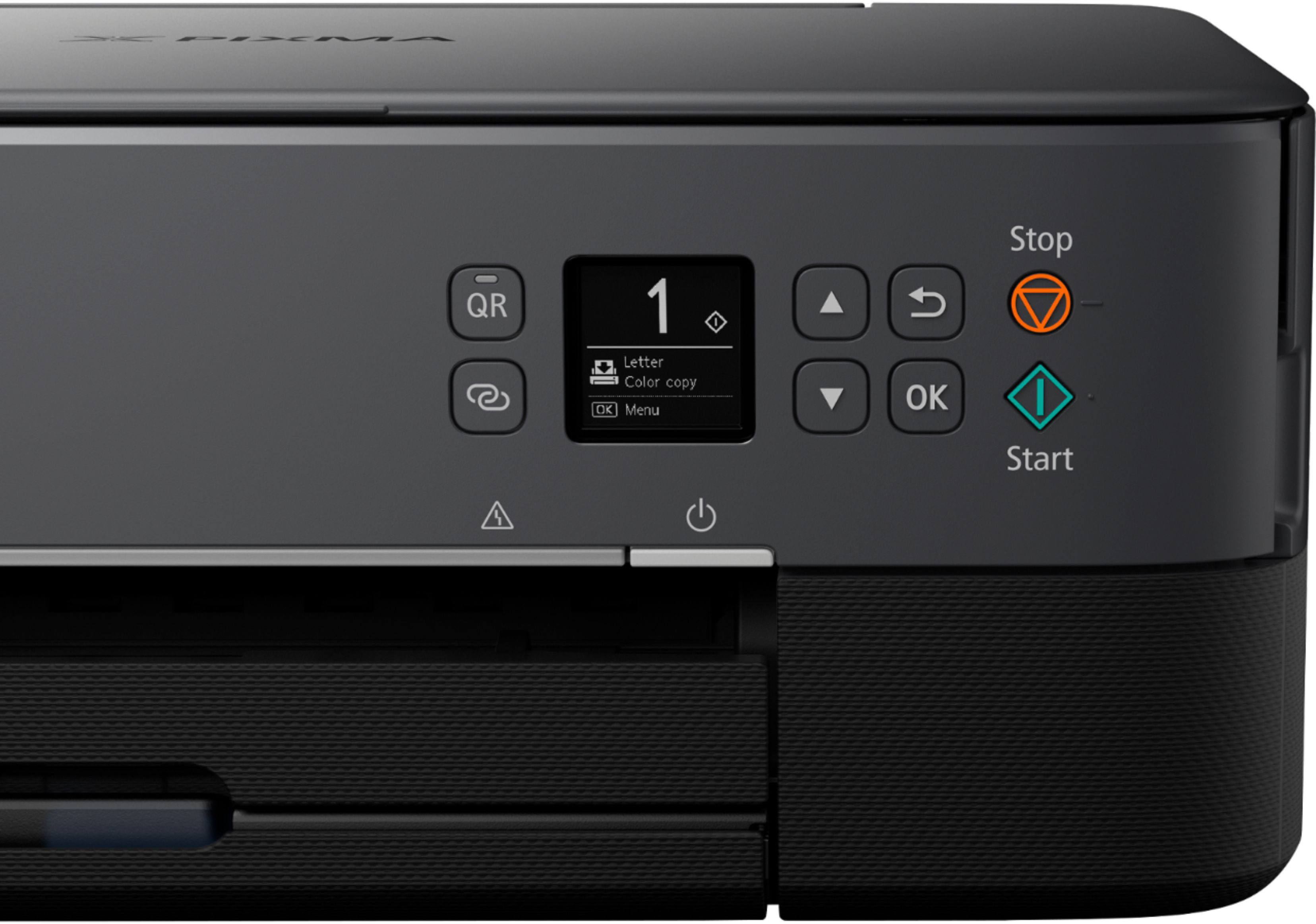
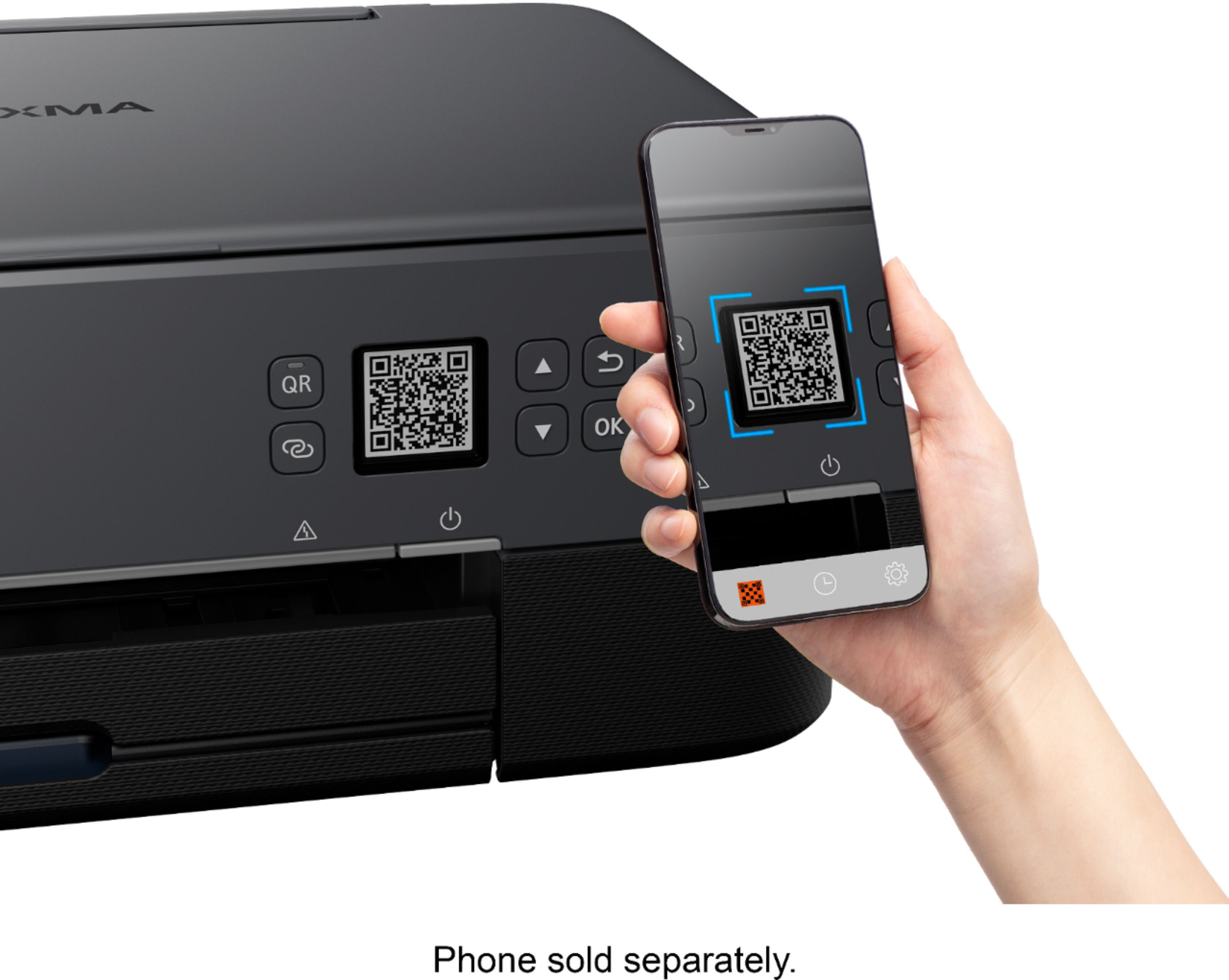
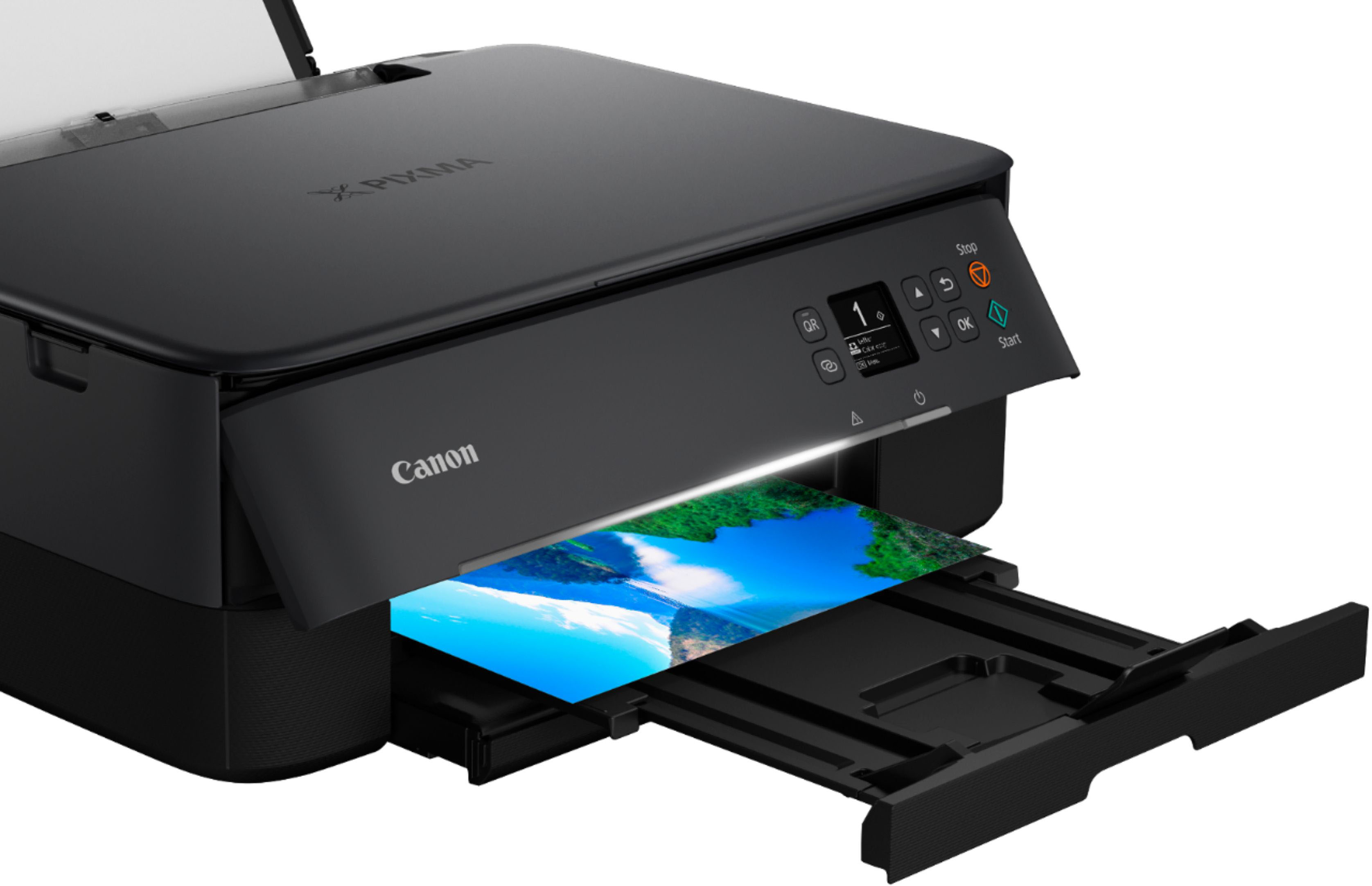
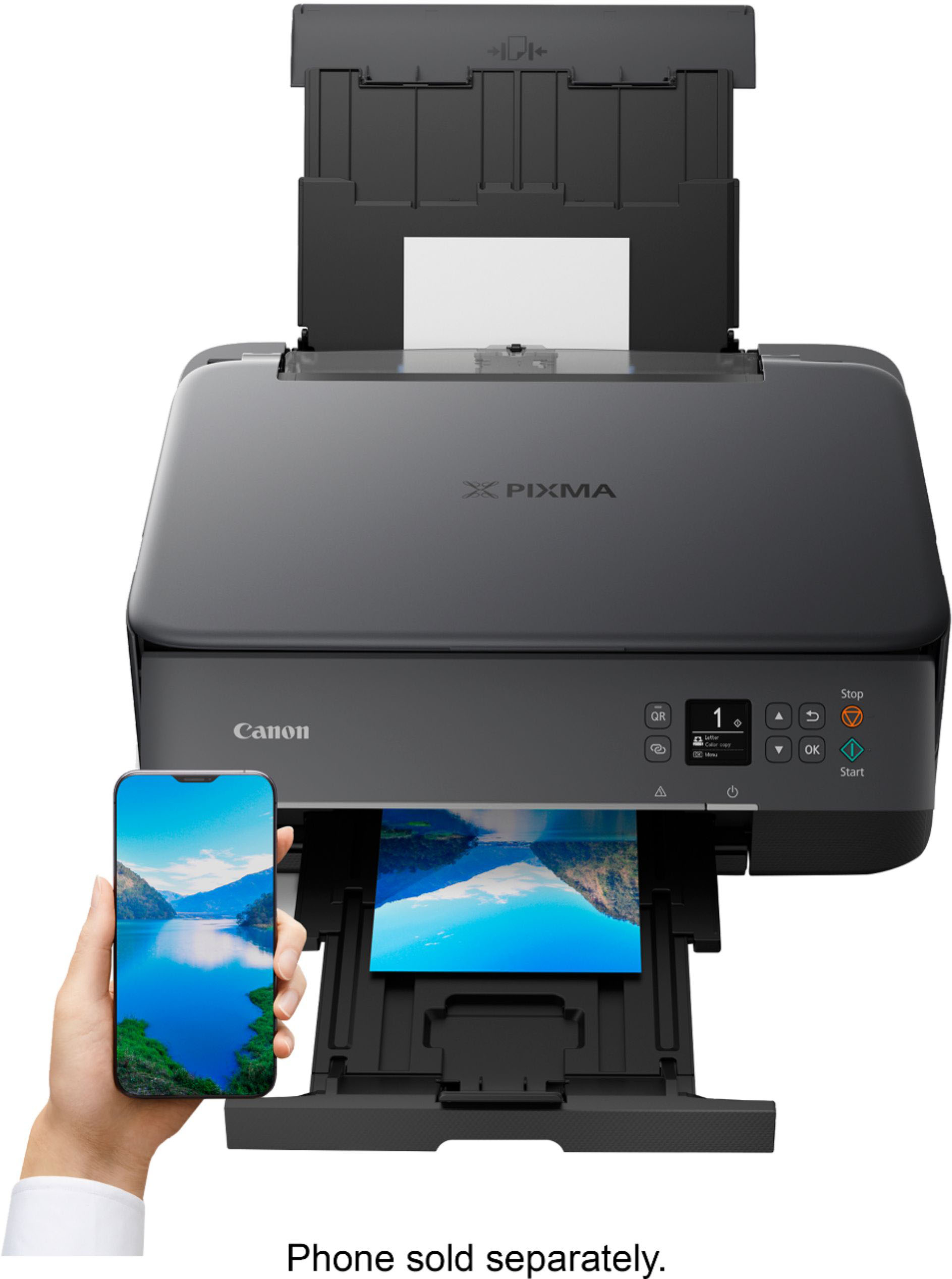
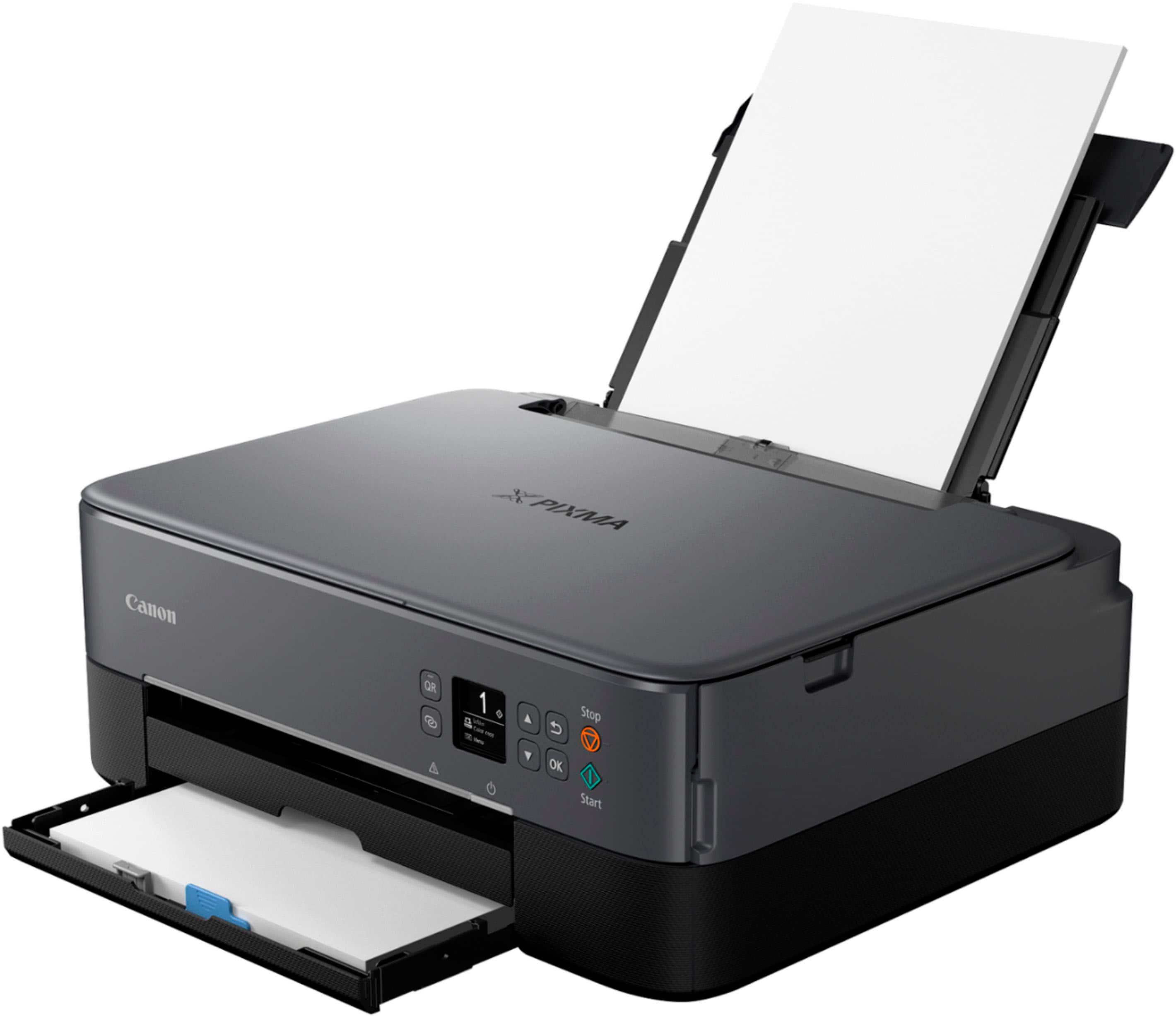
|Posted .This reviewer received promo considerations or sweepstakes entry for writing a review.I was really happy with the ease of setup on this printer. I've had mixed luck with printers in the past, so I was impressed with how easily this one went. I simply downloaded the Canon App on my android phone and looked for the printer. The app took over and prompted me through a few steps to have the printer join the network and I was set! Loading the two ink cartridges was also simple, the top just flips open and they go into their respective, clearly marked cradles. The front paper cartridge holds a good amount of paper and is easy to load. I have regular paper loaded there and there's a rear paper-feed for photo paper. There was a small sample of photo paper included. First off I tried a couple photo prints from my phone using the app. It was simple enough and printed fairly quickly. The prints themselves are detailed but definitely somewhat washed out. Colors don't seem to pop, most likely due to the fact that there is just one color and one black cartridge. I've had better results with other printers that take separate cartridges for CMYK. Text, on the other hand, is sharp and prints very quickly. Also, I have an older Canon point and shoot camera with WiFi. It was pretty slick that I could join the same network as my printer and print directly to it with ease. The camera even let me specify which kind of photo paper was loaded into the printer for best results. If you have a Canon camera with wireless capability, this would be an excellent companion! The front display, while tiny, is nice and sharp. I really like when manufacturers use OLED displays for their readability. At any point if you need help there's a button next to the display that will bring up a QR code for directions on your phone. Also, and this is probably silly, but I really like the white LED strip on the front that shows when the power is on and "scans" from side to side when the printer is in use. I'm a sucker for animated lighting! While I find this to be an adequate all-around printer for the office I would look elsewhere if you are more interested in printing your photos.
No, I would not recommend this to a friend - Pros mentioned:Ease of use, Print quality
Rated 5 out of 5 stars
Nice!
|Posted .This reviewer received promo considerations or sweepstakes entry for writing a review.In the past few years I’ve picked had numerous new printers. From the normal inkjets to laser printers, from dirt cheap to high end multifunction all-in-one printers that run on ridiculously expensive toner. Canon is of course a name I knew about since 20+ years ago I bought my first Canon Rebel XT Digital SLR camera after we had our kiddos (twin boys). The camera was a monster & took amazing photos. I even bought my parents one like mine. So to say we were happy with it would be an understatement. I have been very happy this far with the Canon Pixma printer. From the unboxing and seeing the da familiar Canon colors, to the build quality of the printer itself, to the ease of setting it up and printing from it, to the quality of the printing, this Pixma is a nice addition to our home. Is it cheaper than store bought prints? No, no it won’t be. But I still like the quality of the printed photos & I can foresee it saving me in a pinch! All-in-all I am extremely happy with the Pixma, and look forward to our continual use of this cool little printer!
I would recommend this to a friend - Pros mentioned:Ease of use, Print quality
Rated 5 out of 5 stars
Great all in one printer
|Posted .This reviewer received promo considerations or sweepstakes entry for writing a review.The printer is very easy to setup and start using out of the box. It came with starter ink cartridges for both black and color. I prefer the ink cartridges over the reservoirs that you fill individually with ink due to there being a smaller chance of making a mess. A small sample pack of 4x6 glossy photo paper was also included. It only took a few minutes to insert the ink cartridges and connect the printer to my network. I used the provided photo paper to print a photo from my phone and it came out great. It was easy to print using the Canon print app from my phone. Printing from my laptop was just as easy. The dual paper loading feature is great. I can leave regular paper loaded in the bottom and feed photo paper from the back when I do need to print photos. The scanner works as just as intended. I made a couple copies of a picture my child colored because he wanted it hung in his room and on the fridge. Overall I am very happy with this printer. It doesn't take up a lot of space on my desk and I can see it lasting for quite a while.
I would recommend this to a friend - Pros mentioned:Connectivity, Ease of use, Print quality
Rated 5 out of 5 stars
Cannon Wireless All-in-One Inkjet Printer
Posted .This reviewer received promo considerations or sweepstakes entry for writing a review.Great All-in-one printer for the money. Easy to install and set up. Began printing in minutes. Am able to print off my laptop or phone. Very simple to use. This is the 2nd one I have purchased this year. Awesome product!
This review is from Canon - PIXMA TR7020a Wireless All-In-One Inkjet Printer - Black
I would recommend this to a friend - Pros mentioned:Print quality
Rated 3 out of 5 stars
Good for light print users
|Posted .This reviewer received promo considerations or sweepstakes entry for writing a review.Canon, being a respectable name in printers comes out with the Canon - PIXMA TS6420a Wireless All-In-One Inkjet Printer. What's new? What's not? The Canon - PIXMA TS6420a Wireless All-In-One Inkjet Printer draws your attention with its "hide it all, but it's all here" sleek design. It's hard to imagine that this small form factor brings to the plate everything it does (in the way that it does) ....... As a heavy print user, with a small business, I was optimistic in using the Canon - PIXMA TS6420a Wireless All-In-One Inkjet Printer for the occasional document, or photo prints to include in reports. Setting it up was wacky at first. It didn't want to recognize my Wi-Fi. And then when it did, "Poof!" it had forgotten the Wi-Fi network. It took several attempts for the Canon - PIXMA TS6420a Wireless All-In-One Inkjet Printer to accept and save the Wi-Fi network. Once it did, however, the setup process was extremely simple and there were no further hiccups in that process. I liked the fact that I could do everything with my phone to set up the printer. I guess you can say I'm somewhat of a "printer snob". So, during installation, when I saw the ink cartridges themselves, I rolled my eyes. Yes, it is nice having just 2 (instead of other brands that have a cartridge for each color in the rainbow) - but it is apparent at this point that this is not a "business machine". I say this because it is all too obvious that ink carts are not going to last for documents AND photos AND be economical in the long run. So just the occasional document it is. Print quality, for the price point was genuinely nice in color. Black and white documents were crisp. Neither suffered from the usual "I'm a new printer, and I just slurped up some ink" banding that usually occurs, even after aligning the print heads in either. The Canon - PIXMA TS6420a Wireless All-In-One Inkjet Printer seems to know its place. You do get an LCD screen on the printer, but compared to other Canon models, and even other brands in this price-point it is sort of "meh". Very unintuitive from the get-go. The instructions don't really help with this either. HOWEVER. This is what I consider a "point A-B" printer. Just like that ol' reliable Datsun would get you from point A to B if you threw some petrol in her, this printer would take care of you as long as you keep giving it ink to slurp. Scanning with the phone APP, along with Windows, Linux, Pixel books, etc. WAS a joy to do. And easy once I got the ball rolling. It was at this point that I concluded that the Canon - PIXMA TS6420a Wireless All-In-One Inkjet Printer is best suited for light, home use. And in that environment, it thrives. Anything more, than printing out some recipes or emails every now and then, you will run into buying more and more ink. Personally, if you are looking for a printer that can handle a higher cycle, I would suggest going a bit higher up in the Canon ladder. Yes, you may pay more at the start, but the time, money, and aggravation you would not experience is worth it. Once more, this is not a "BAD" printer, it just isn't worth the aggravation of running out of ink all the time if you are a heavier ink consumer.
I would recommend this to a friend - Pros mentioned:Print quality
Rated 4 out of 5 stars
Canon PIXMA TR7020a printer, copier, scanner.
Posted .This reviewer received promo considerations or sweepstakes entry for writing a review.Great for home use! Prints, copies and scans. I noticed that printing or copying in COLOR on plain paper turns out LIGHTER than printing in just black and white. Even the black is noticeably lighter on the documents when printing using the color. Photos on photo paper turn out beautifully! (However, the photos are not quite as good as my previous printer, the Canon MG5720.) My biggest complaint is that you have to look online to see the user manual. I would have given the overall rating a 5, but I feel that alot of the explanations are poor for using the different operating features. The display screen on the front isn't very helpful in guiding users through the steps needed to print, copy or scan. I'm not into alot of technology stuff, so I find some of the instructions to be unclear. Once you figure out how to do the basics it a very nice printer for home use.
This review is from Canon - PIXMA TR7020a Wireless All-In-One Inkjet Printer - Black
I would recommend this to a friend Rated 2 out of 5 stars
Printer tr7020a
||Posted . Owned for 1 week when reviewed.This reviewer received promo considerations or sweepstakes entry for writing a review.Unable to connect via usb or other wired connections.
This review is from Canon - PIXMA TR7020a Wireless All-In-One Inkjet Printer - Black
No, I would not recommend this to a friend- Pros mentioned:Ease of use, Print quality
Rated 5 out of 5 stars
Exactly What I needed
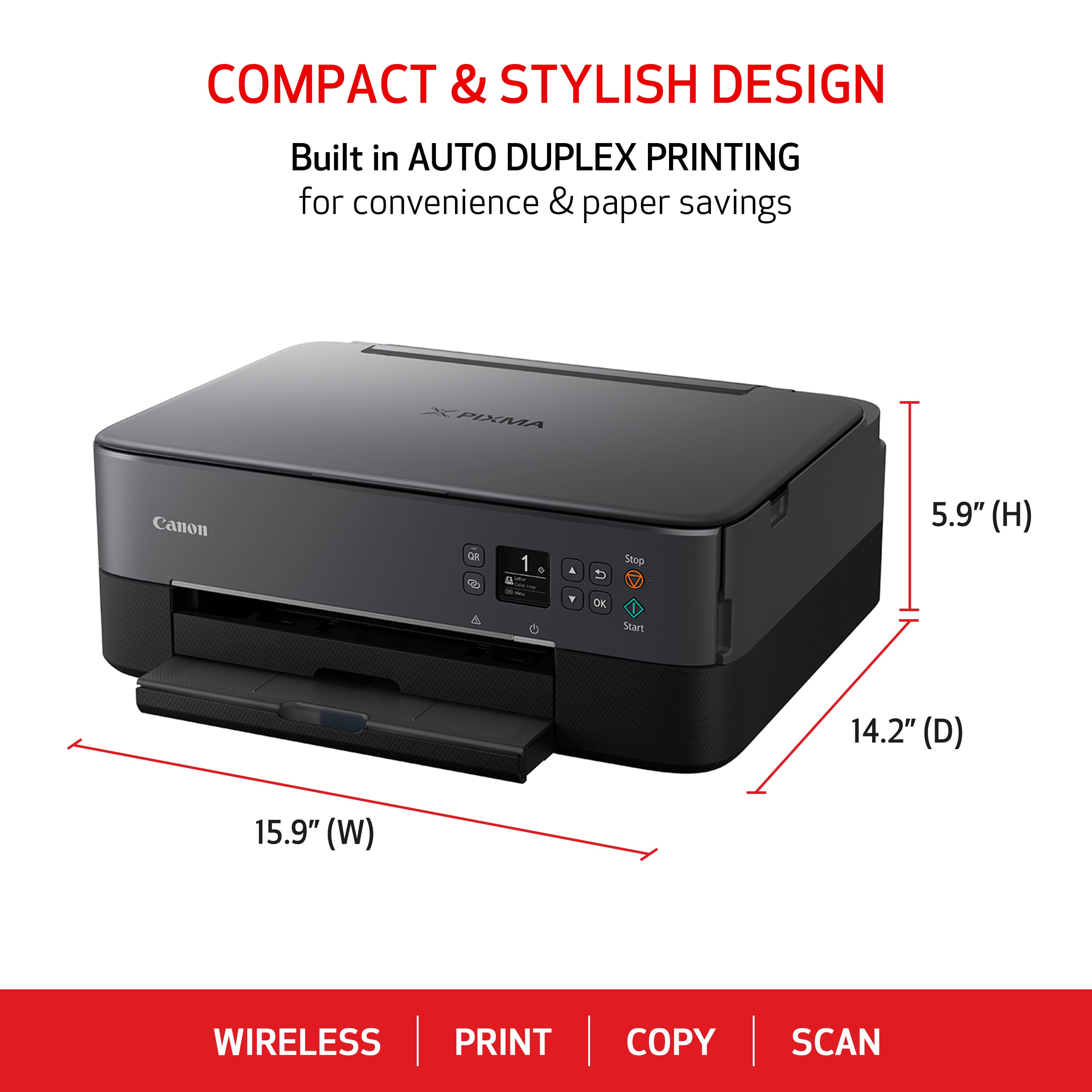
Posted .This reviewer received promo considerations or sweepstakes entry for writing a review.This Canon is an exceptional replacement for my old HP All-In-One. It is easy to set up. The quality of what I have printed so far has been great. What I also appreciate is the smaller footprint than my previous all-in-one.
I would recommend this to a friend - Pros mentioned:Print quality
Rated 5 out of 5 stars
Little speed demon
|Posted .This reviewer received promo considerations or sweepstakes entry for writing a review.So it's been about 20yrs since I've owned an inkjet printer. I've been using lasers for a long time and main for just BW prints. I've run and worked on high end large format inkjets at work though, like the Canon SC60000, so I've not been completely away from inkjet tech. Set up was a breeze, but a bit of a pain having to type in you SSID with the little menu nav buttons. Still simple without any issues. I could have opted for setup with my phone, but I'm more of a manual kind of guy so I can control everything I can. Everything was set and I fed it the two sheets it requested for head alignment. I was actually surprised that it didn't need any input from me. It printed, scanned, and adjusted all on its own. I remember having to print out the patterns and pick out the best results until you got to where you needed to be. Even some of the large formats still require manual calibration. This was a nice surprise. My test print was of a photo on standard quality. I most likely won't need anything higher than standard for what I print. Hit print an seconds later it was finished. This was a full sized photo on US Letter sized sheet and it was done so fast I thought I was printing on a economy model laser instead of an inkjet. It surprised me how fast it is.The head just zips quickly across the carriage rod faster than the old slow pokes from the early days of home printing. Wow, I was impressed. Next was a scanning test. This didn't go so well but I'm not sure if it's because Window's built in scan app is poor or if the Canon isn't good at it. Since copy came out pleasant I'd have to point to either Windows or scanning via Wifi just isn't good. Scanning isn't a high priority since I can just make copies, but it's something I'll have to dig in later when I download Photoshop or Affinity Photo and test their scanning capabilities. Knowing what I know about the large format printers, I do turn on the printer every day to let it run maintenance. Cart/Printhead replacement is relatively cheap compared to old days and to what we have to pay if we don't do maintenance on the large formats (some heads are $6000 each with 10 in the carriage). So to save a little headache I just let it run its cycle and auto shut down after a few hours. Honestly, I'm surprised how far home inkjet tech has come and how inexpensive inkjet carts have gotten. Still not as economical as laser, but far more affordable than they were 20 years ago. I definitely going to put some use on the Pixma.
I would recommend this to a friend - Pros mentioned:Print quality
Rated 5 out of 5 stars
Hassle-Free Printing with AI Power!
Posted .This reviewer received promo considerations or sweepstakes entry for writing a review.If you're tired of complicated printer setups, then Canon PIXMA is the perfect choice! This printer works flawlessly with iOS devices, offering quick, reliable, and high-quality prints for both personal and professional use. The wireless connection is stable, and I haven’t faced any connectivity issues. To take things to the next level, I use Printer AI—a smart printing app that makes everything super simple! Why I Love Printer AI: One-Tap Printing from iPhone & iPad Scan, Convert & Print PDFs Easily Ink & Paper Saving Features with AI Universal Compatibility with Most Printers This printer + Printer AI combo has made my workflow faster and smarter! Highly recommend. Download Printer AI today: https://shorturl.at/ale8V
I would recommend this to a friend - Pros mentioned:Ease of use
Rated 5 out of 5 stars
Compact and easy.
Posted .This reviewer received promo considerations or sweepstakes entry for writing a review.Easy to setup with the app from my iPad, iPhone and MacBook. I turned off the eco setting that puts it to sleep after a few hours because it required me to push a button to wake. Now I can print wirelessly whenever and it’s waiting for me in the office. Also I originally got an HP model but didn’t realize it fed paper from the top so didn’t fit on my printer shelf. This one fits great even with the printed pages. It’s a pretty compact thing as far a printers go.
This review is from Canon - PIXMA TS6420a Wireless All-In-One Inkjet Printer - White
I would recommend this to a friend - Pros mentioned:Connectivity
Rated 5 out of 5 stars
Canon PIXMA TS6420a
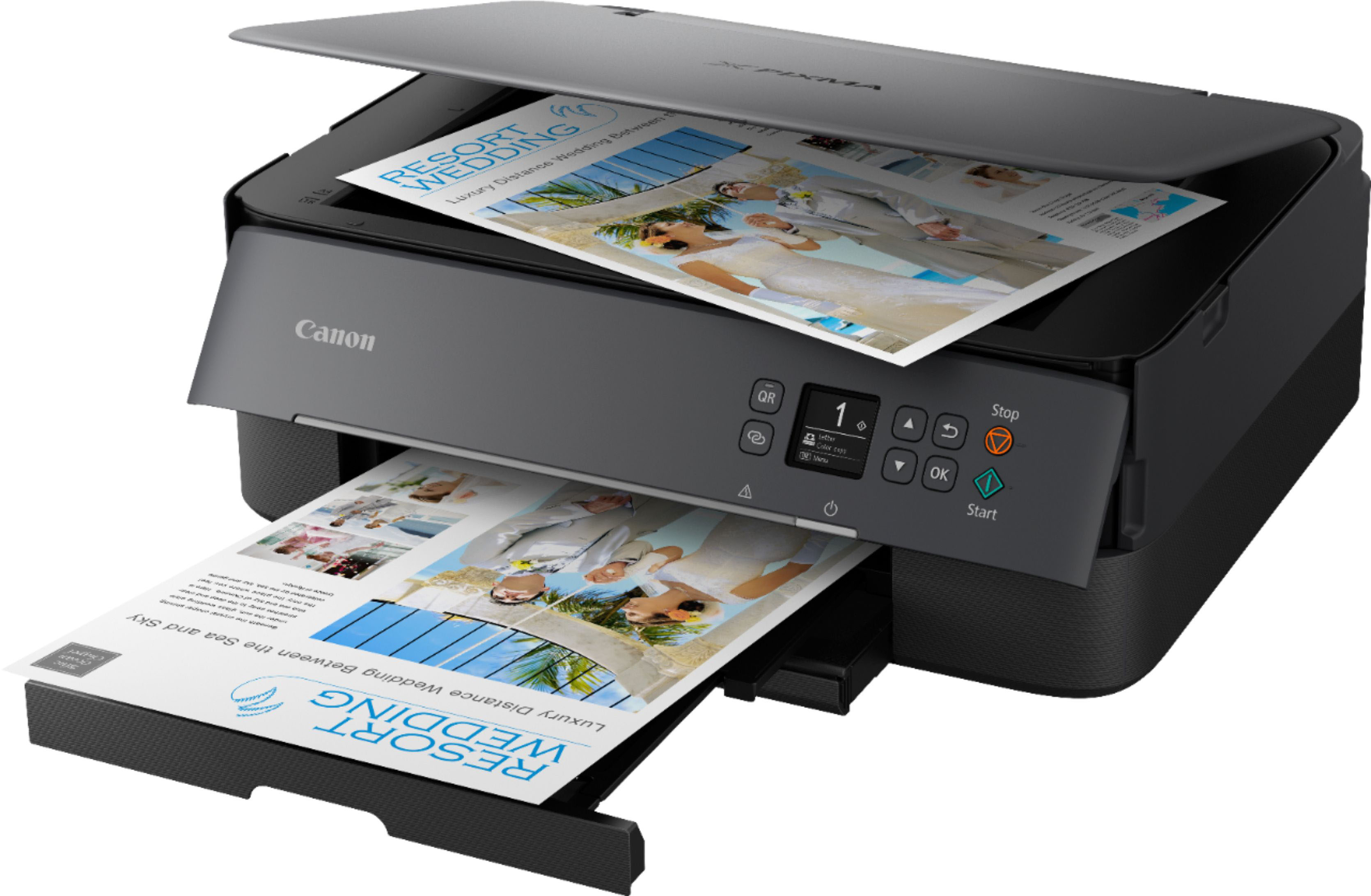
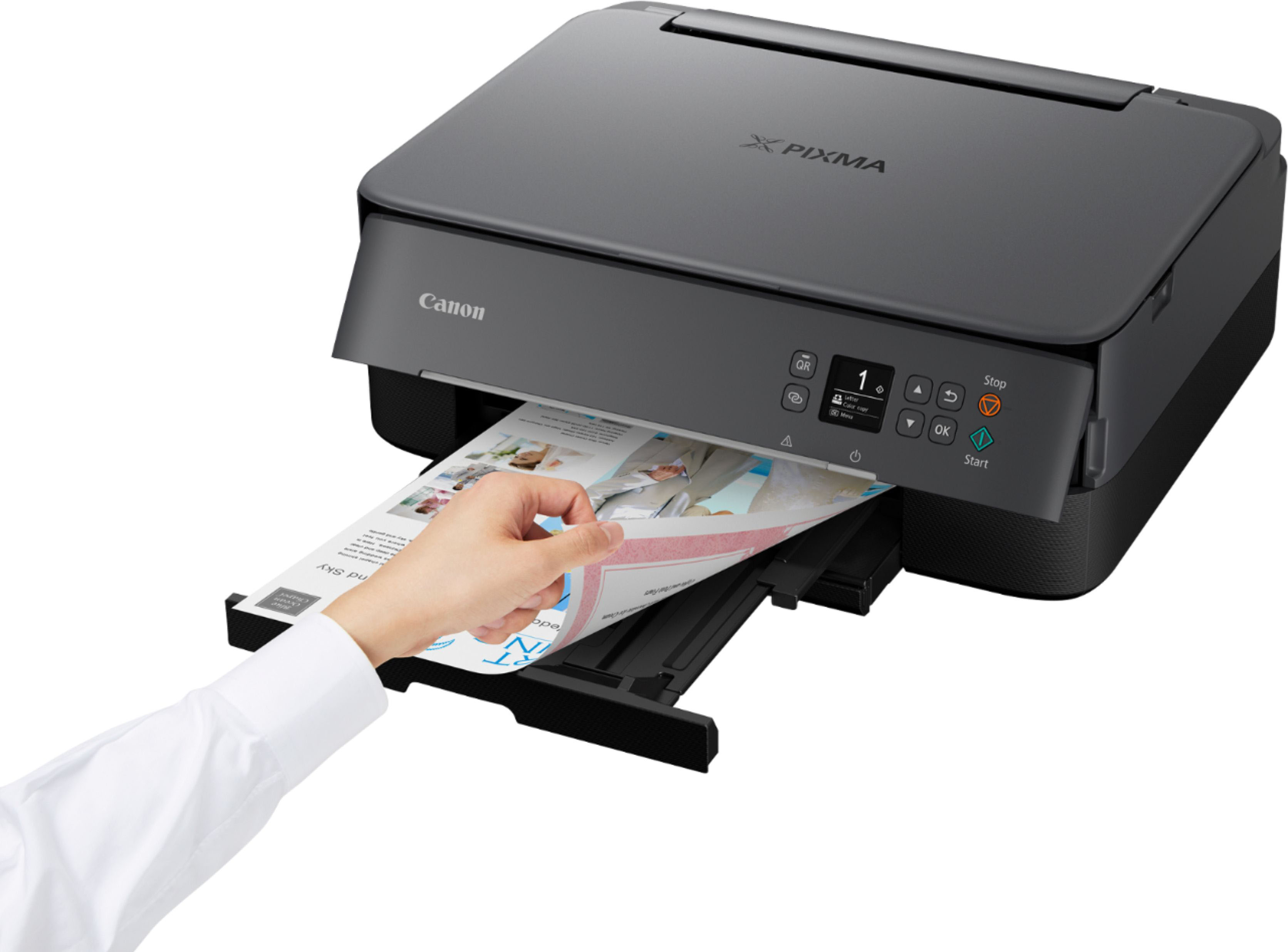
|Posted .This reviewer received promo considerations or sweepstakes entry for writing a review.Canon PIXMA TS6420a The Canon PIXMA TS6420a can be set up to utilize Wi-Fi. You can set the printer to use wireless direct, this enables the device to talk directly to the printer. Using this method will turn off the printer’s internet connection. The standard Wi-Fi connection through a router. This method allows for all features and updates to be available. Printer setup is completed by using the Canon IJ printer driver. You will need to download this from Canon’s web site. Following the onscreen prompts, the setup is completed in minutes. There are 2 methods of feeding paper to the machine. 1 Rear Tray 2 Cassette The rear tray is used for photo paper and envelopes, along with other thicker papers and media. The cassette will hold all standard paper types. This printer uses Canon 260 Black cartridges and Canon 261 Color cartridges. The Canon PIXMA TS6420a can be used for printing, copying, and scanning. For printing this printer uses standard printing sized papers. The rear tray holds up to 100 standard sheets, 10 sheets of legal paper, and 10 envelopes. All else should be 1 sheet including labels. The cassette holds up to 100 standard sheets only. The receiving tray holds 50 sheets of standard sheets and 10 sheets of legal paper. Copying You can make the following types of copies on the Canon PIXMATS6420a. One sided Two Sided Reducing/Enlarging Direct from Smartphone/Tablet One sided copy is straight forward. Set the original on the glass and select copy. Fill in the form and select start. Two sided copies can be from either 2 one sided documents to a two-sided document, or a 2-sided document to a two sided document. Scanning You can scan a document from the computer. You first start the IJ Scan Utility. Select from the following options: Auto Document Photo Custom OCR Stitch ScanGear PDF Editor Auto allows for quick scanning with the default options. The printer will determine the document type. Document/Photo sets the default file type for either document or a photo. PDF Editor saves the results as a PDF document, also gives the user a chance to add more pages to the PDF. ScanGear is the software for scanning documents and photos. Scanning and printing over a network is permitted with the Canon PIXMA TS6420a. You are going to want to use a computer to set this printer up. The on-printer keys and LCD screen are very small and hard to read, with the buttons also being small and hard to control.
I would recommend this to a friend - Pros mentioned:Overall performance
Rated 5 out of 5 stars
Great Product
Posted .This reviewer received promo considerations or sweepstakes entry for writing a review.Perfect for the space that I have. Works great! I would recommend.
I would recommend this to a friend Rated 1 out of 5 stars
I will never buy another Cannon product
||Posted . Owned for 3 weeks when reviewed.This reviewer received promo considerations or sweepstakes entry for writing a review.Did not come with an instruction booklet. Have to use internet instructions. Cannot get it to print. I will have to pay the Geek Squad to come to my home to install.
No, I would not recommend this to a friend- Pros mentioned:Ease of use
Rated 4 out of 5 stars
Good bang for the buck for the average household
|Posted .This reviewer received promo considerations or sweepstakes entry for writing a review.For the price this printer is feature packed, user friendly, and high quality. This is certainly not the highest end printer in the market, but for the majority of house hold users it will be a pleasent bang for the buck. Pros: - Ease of setup. While I struggled with this step slightly, I fully attribute it to user error. The companion application on mobile devices is slick and user friendly to guide through set up. - Companion Mobile Application. While this feature is relatively common these days, the Canon app is easy to use, responsive, and has all the features one might need. I especially liked the fact that trial photo paper was included in order to test out that printing ability. I feel as though the average household user will be pleasently surprised with the ease of printing pictures directly from their devices storage. Cons: - Build quality. Let's be honest, at this price point consumers should not expect a workforce level build quality from their printer. However, in opening the flaps to change ink, adjust the paper tray, scan a document, etc. It felt pretty flimsy. Things fall apart and disconnect and half the time I'm not sure if it is actually broken or just cheap. The lack of a touch screen here doesn't help as the navigation controls are not exactly fool proof.
I would recommend this to a friend - Pros mentioned:Connectivity
Rated 4 out of 5 stars
Great Printer
|Posted .This reviewer received promo considerations or sweepstakes entry for writing a review.I really enjoy Canon printers, and this one is no exception. This printer does everything I need it to, including copying, printing, and scanning. I love that it is wireless, and therefore compatible with many devices, including PCs, laptops, and cell phones. Getting this printer connected to wifi was a little bit of a pain, but it was easier to just use the screen on the printer rather than following the app instructions. This printer has both front and rear paper feeding trays, which allows for tons of different types of printing. I also love that it has the ability to print double-sided documents. It also can be loaded with photo paper and print pictures! The ink is easy to replace by just unclipping the right side of the scanner and lifting it up, which also makes general maintenance easier. It is nice to have everything controlled by a few different apps, but it ends up being quite a few apps with several different login accounts needed to use all features. It also automatically defaults to double-sided printing and color printing with few details on how to switch away from these defaults. All in all, this is a great printer for the price. The app usage needed is a little cumbersome sometimes, but it seems to be more than likely worth the trouble.
I would recommend this to a friend - Pros mentioned:Connectivity, Ease of use
Rated 5 out of 5 stars
Great printer!
Posted .This reviewer received promo considerations or sweepstakes entry for writing a review.I purchased this printer for home use to replace a 15yr old HP PhotoSmart printer. It is very easy to install. It probably took no more than 15 minutes. I can now print wirelessly from my MAC and iPhone. Scanning is easy. The printer produces great quality pictures and text is good quality and I especially like that it can prints two sided documents. I am very happy with my purchase.
This review is from Canon - PIXMA TR7020a Wireless All-In-One Inkjet Printer - White
I would recommend this to a friend - Pros mentioned:Print quality
Rated 5 out of 5 stars
Great small printer/scanner
Posted .This reviewer received promo considerations or sweepstakes entry for writing a review.Great replacement for our PIXMA 3600. Fast, quiet, smaller form factor. Same excellent print and scanning quality.
I would recommend this to a friend - Pros mentioned:Ease of use, Price
Rated 5 out of 5 stars
Nice little printr.
Posted .This reviewer received promo considerations or sweepstakes entry for writing a review.I bought this for my sister after being unable to setup her old printer. It was easy to setup and connect to the wifi and works great. I am generally no a big fan of color cartridges that do all three colors in one unit, but she doesn't do a lot of color printing - primarily in black and white. The cartridges are reasonably priced and the printer works well - all at a good price.
I would recommend this to a friend