Black Friday is hereShop new DoorbustersShop now

Main Content

Customer Ratings & Reviews
Your price for this item is $140.99

Customer reviews

Rating 4.3 out of 5 stars with 3525 reviews

Rating Filter

Rating by feature

  • Value

    Rating 4.5 out of 5 stars

  • Quality

    Rating 4.3 out of 5 stars

  • Ease of Use

    Rating 4.2 out of 5 stars

Pros mentioned filter

Cons mentioned filter

84%would recommend to a friend

Customers are saying

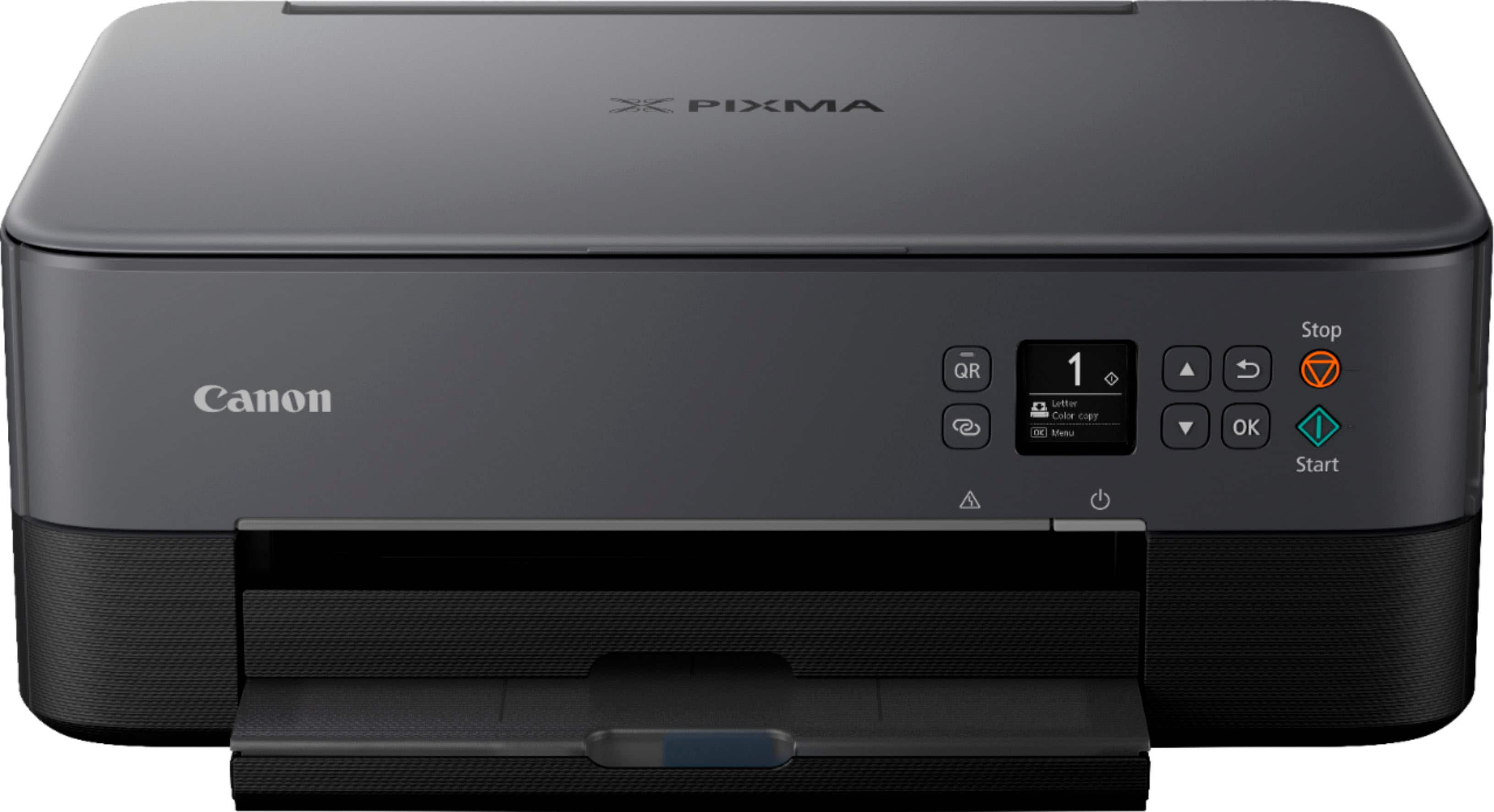
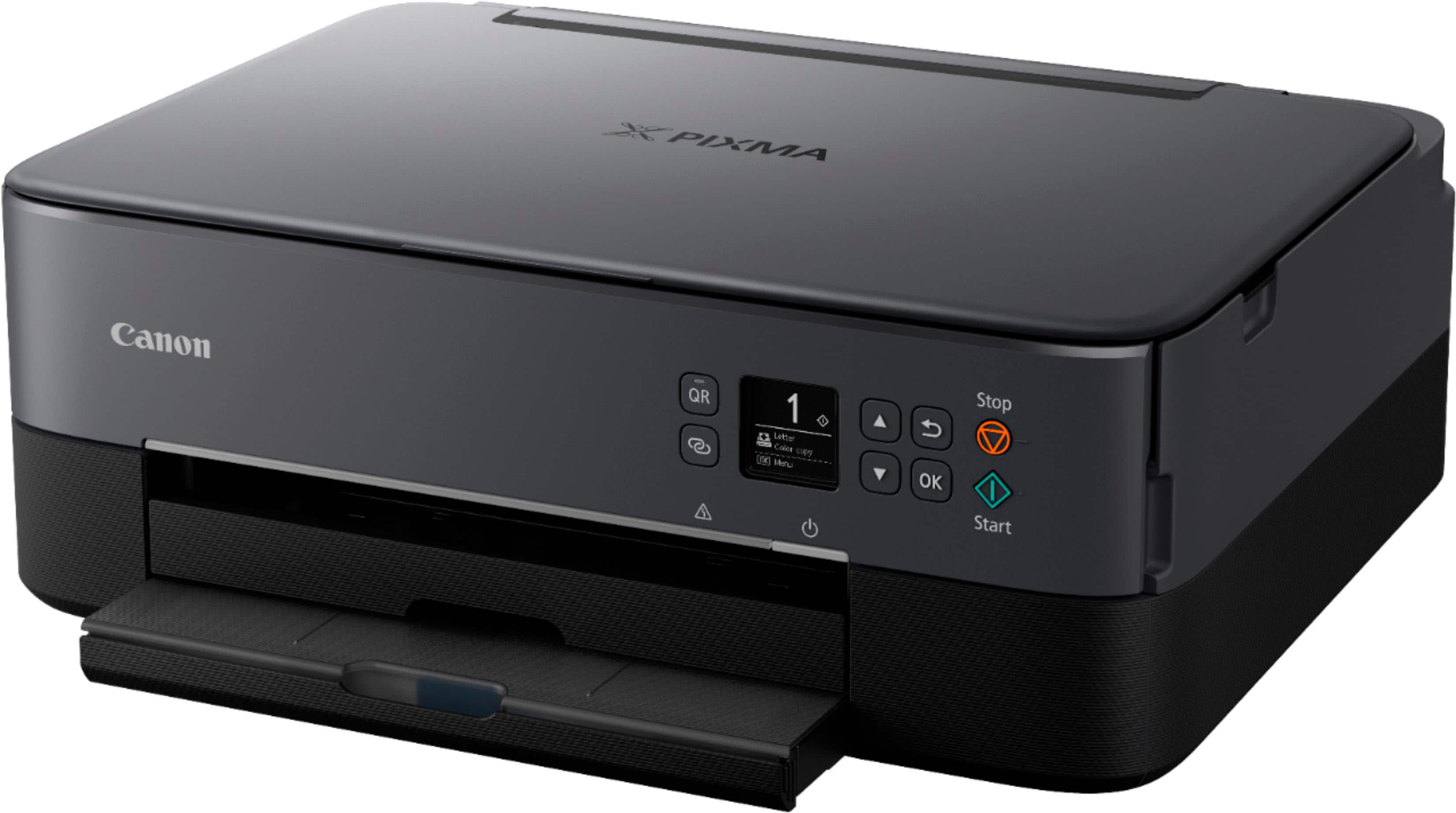
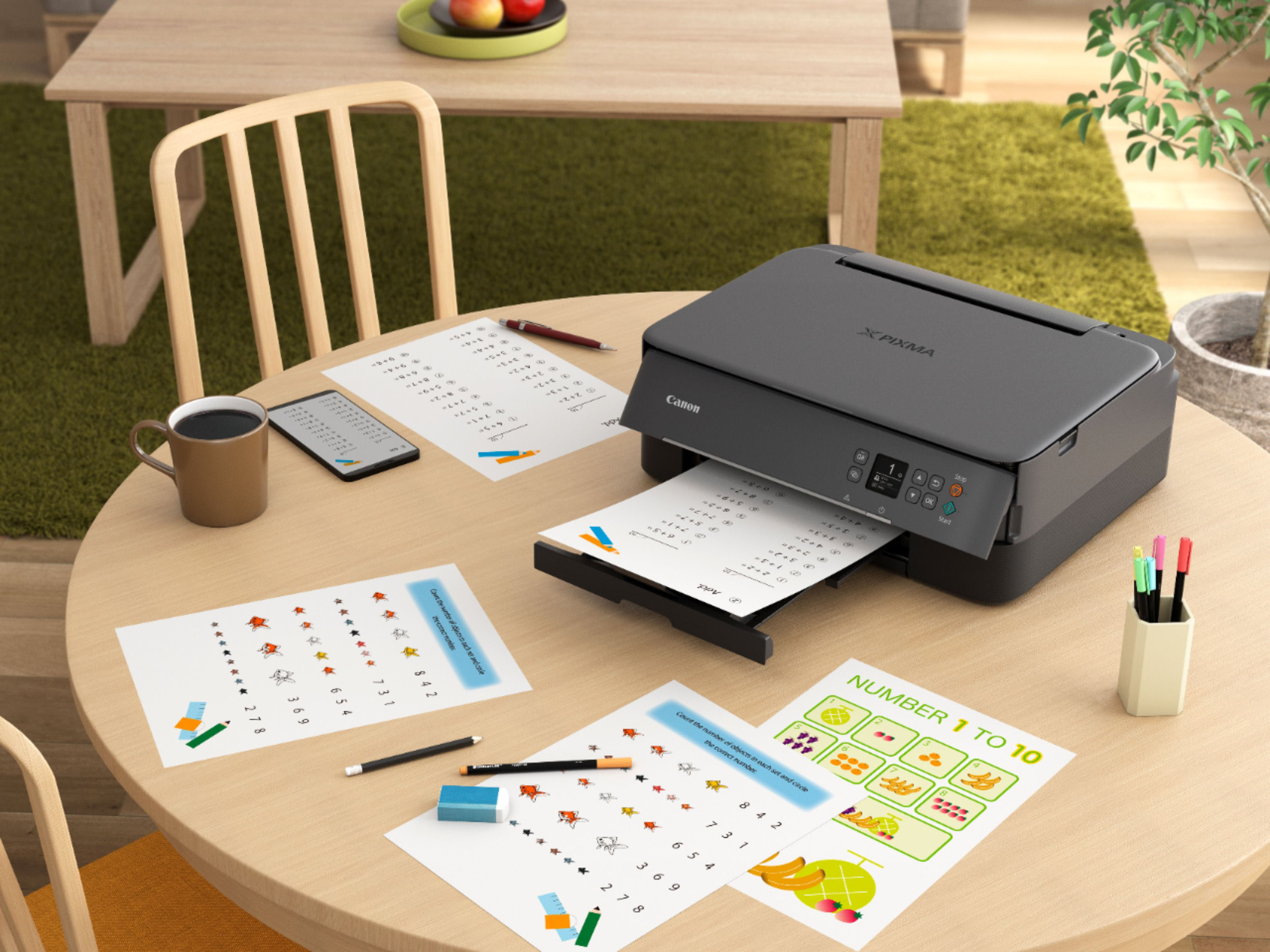
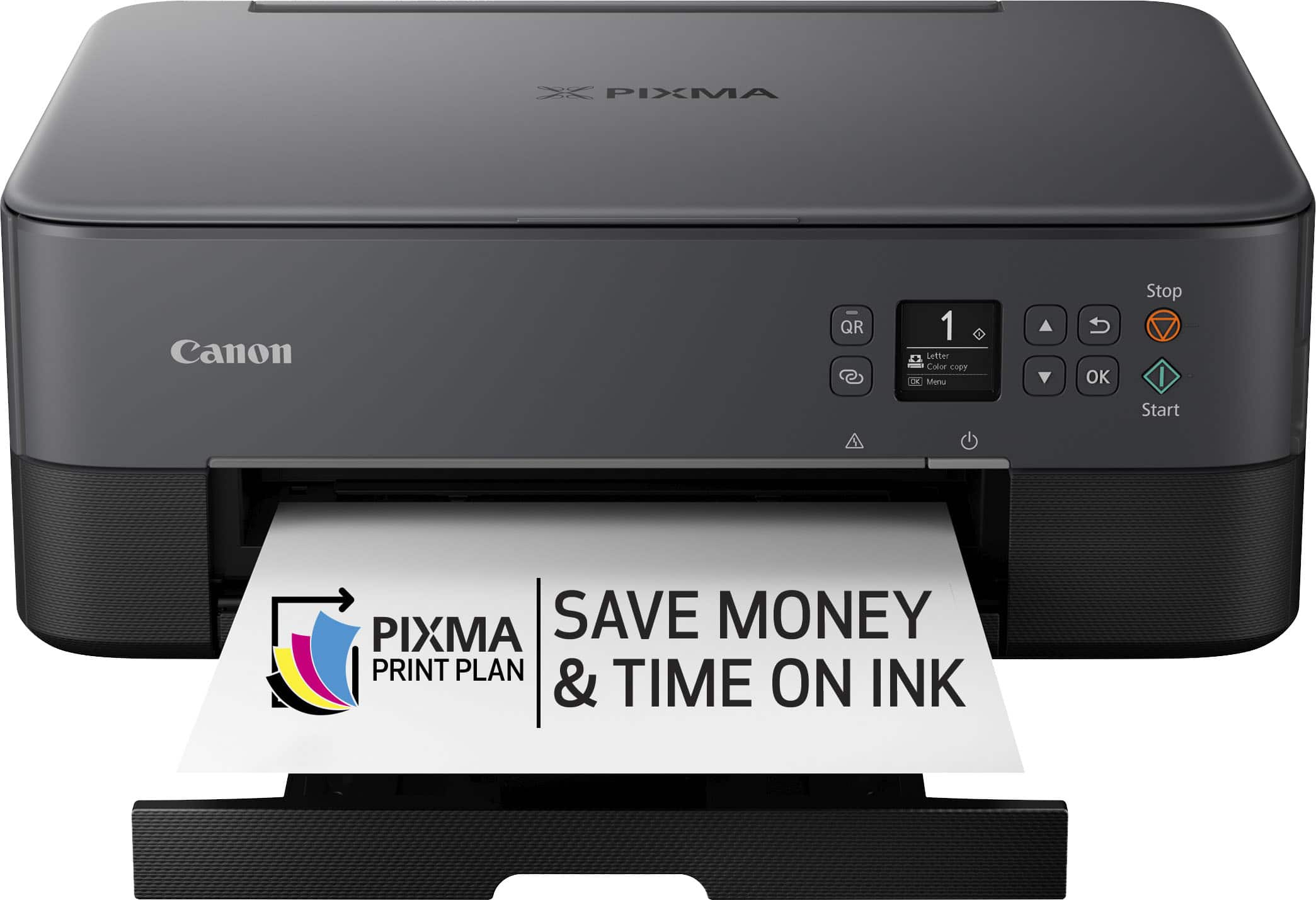
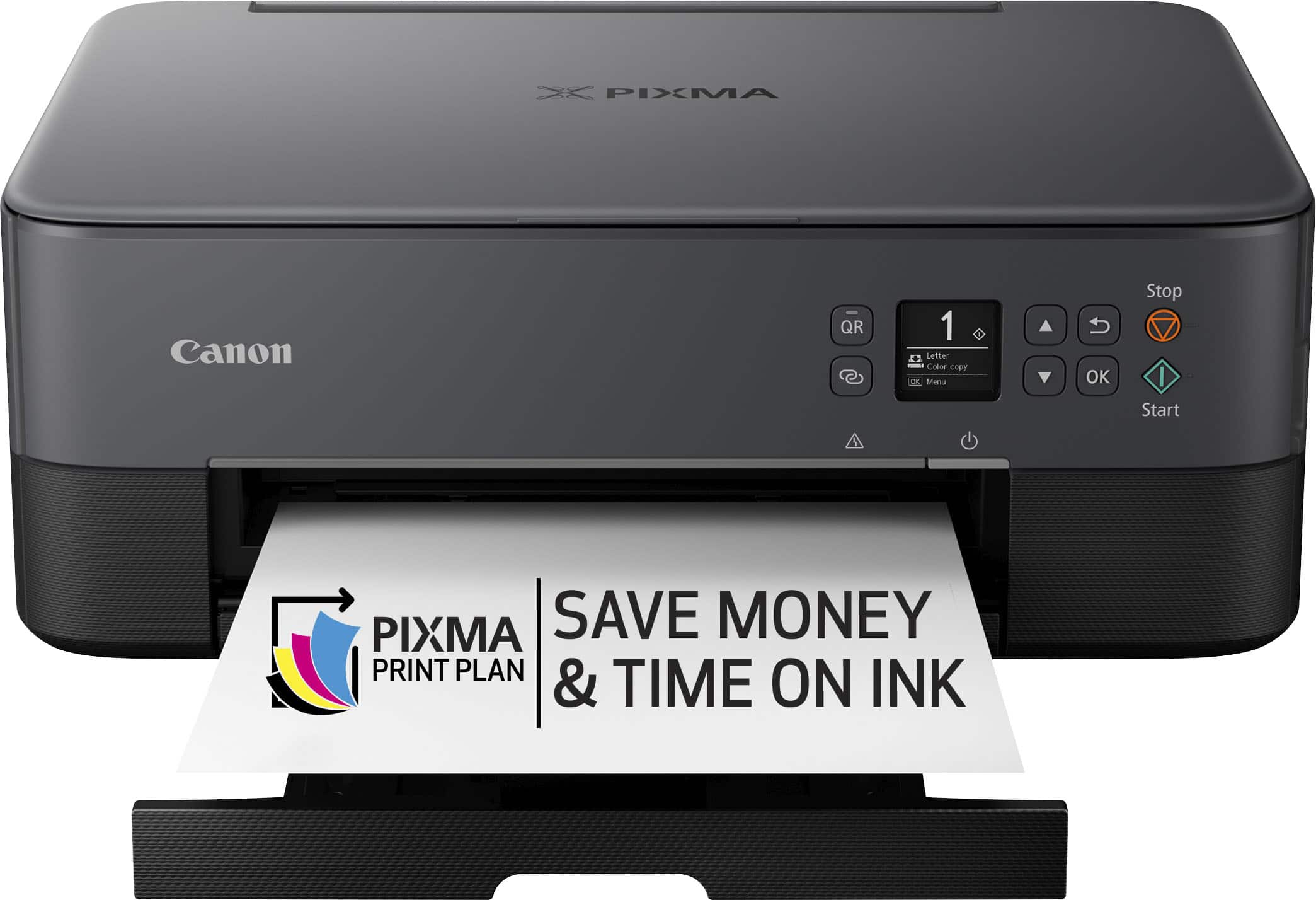
Customers are enthusiastic about the PIXMA TS6420a Wireless All-In-One Inkjet Printer, particularly its ease of use and print quality. Many appreciate its overall performance, seamless connectivity, and reasonable price. Users also find its size perfect for their offices and the setup process straightforward, with a tolerable noise level.

This summary was generated by AI based on customer reviews.

The vast majority of our reviews come from verified purchases. Reviews from customers may include My Best Buy members, employees, and Tech Insider Network members (as tagged). Select reviewers may receive discounted products, promotional considerations or entries into drawings for honest, helpful reviews.
Page 8 Showing 141-160 of 3,525 reviews
  • Rated 5 out of 5 stars

    Canon O

    |
    |
    Posted . Owned for 3 weeks when reviewed.
    This reviewer received promo considerations or sweepstakes entry for writing a review.

    It works .I like this printer and I bought for reasonable price

    I would recommend this to a friend
  • Rated 1 out of 5 stars

    A PIECE OF JUNK

    |
    |
    Posted . Owned for 8 months when reviewed.
    This reviewer received promo considerations or sweepstakes entry for writing a review.

    This printer is a piece of junk i have problems constantly trying to print once my return date passed it got worse don't buy this printer it's a worthless piece of junk now i have to go buy another printer somewhere else

    No, I would not recommend this to a friend
  • Rated 1 out of 5 stars

    Waste of Money

    |
    |
    Posted . Owned for 1 year when reviewed.
    This reviewer received promo considerations or sweepstakes entry for writing a review.

    It constantly says Load Paper!!! It was a waste of money! I printed 2 documents in a year! It’s garbage.

    No, I would not recommend this to a friend
  • Rated 1 out of 5 stars

    Don’t bother

    |
    |
    Posted . Owned for 6 months when reviewed.
    This reviewer received promo considerations or sweepstakes entry for writing a review.

    Constant error messages. Doesn’t print from pc without problems. Junk

    No, I would not recommend this to a friend
  • Rated 1 out of 5 stars

    Junk

    |
    |
    Posted . Owned for 1 month when reviewed.
    This reviewer received promo considerations or sweepstakes entry for writing a review.

    Canon printer used to be good. Those new wireless printer are waste of money better stay old school. No matter what you do your tablet or iPhone can’t not connected to the printer or found the printer. It’s a waste of money, time and energy. Don’t bother.

    No, I would not recommend this to a friend
  • Pros mentioned:
    Ease of use, Print quality
    Tech Insider Network Member

    Rated 5 out of 5 stars

    Canon does it again

    |
    Tech Insider Network Member
    Posted .
    This reviewer received promo considerations or sweepstakes entry for writing a review.

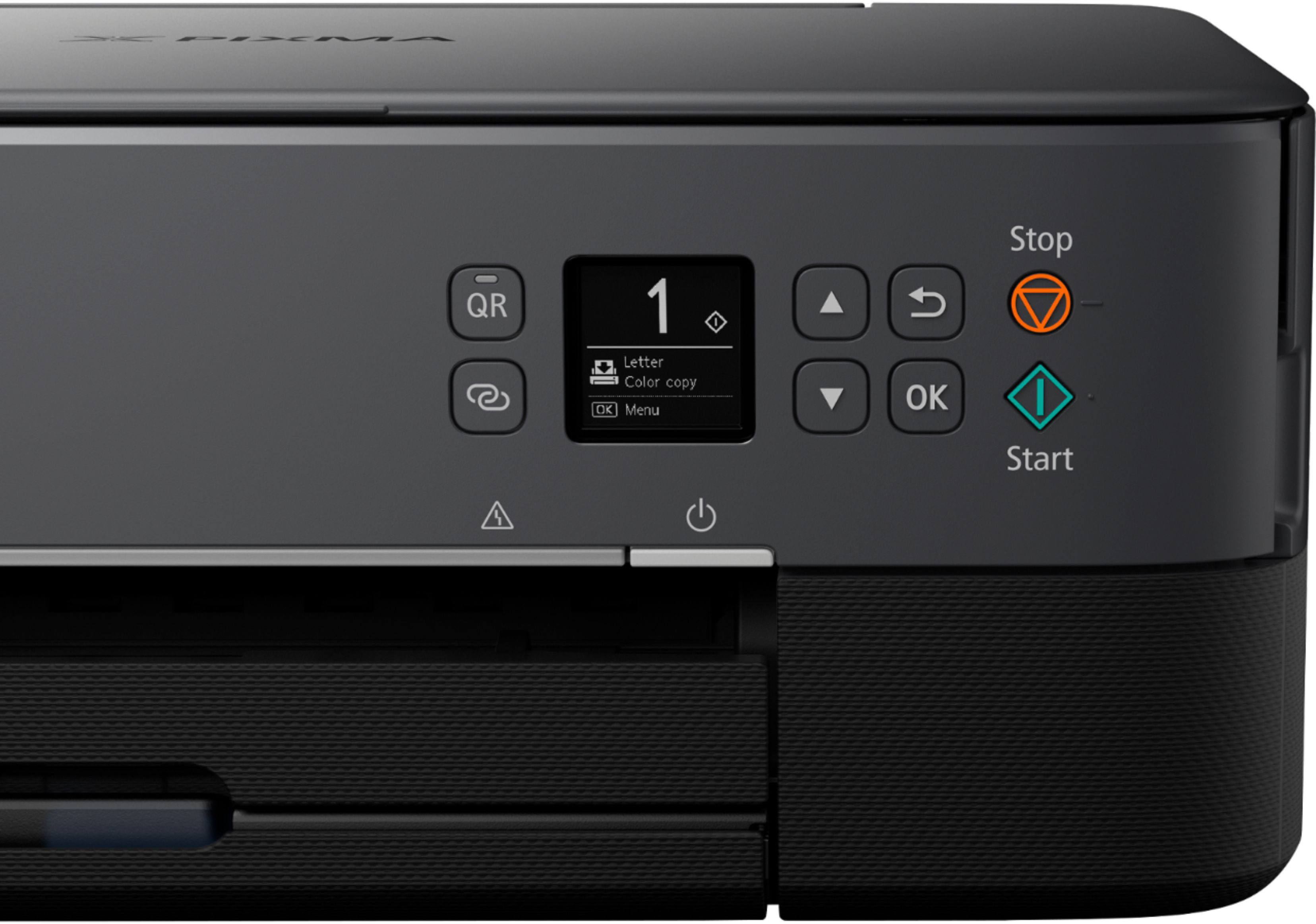
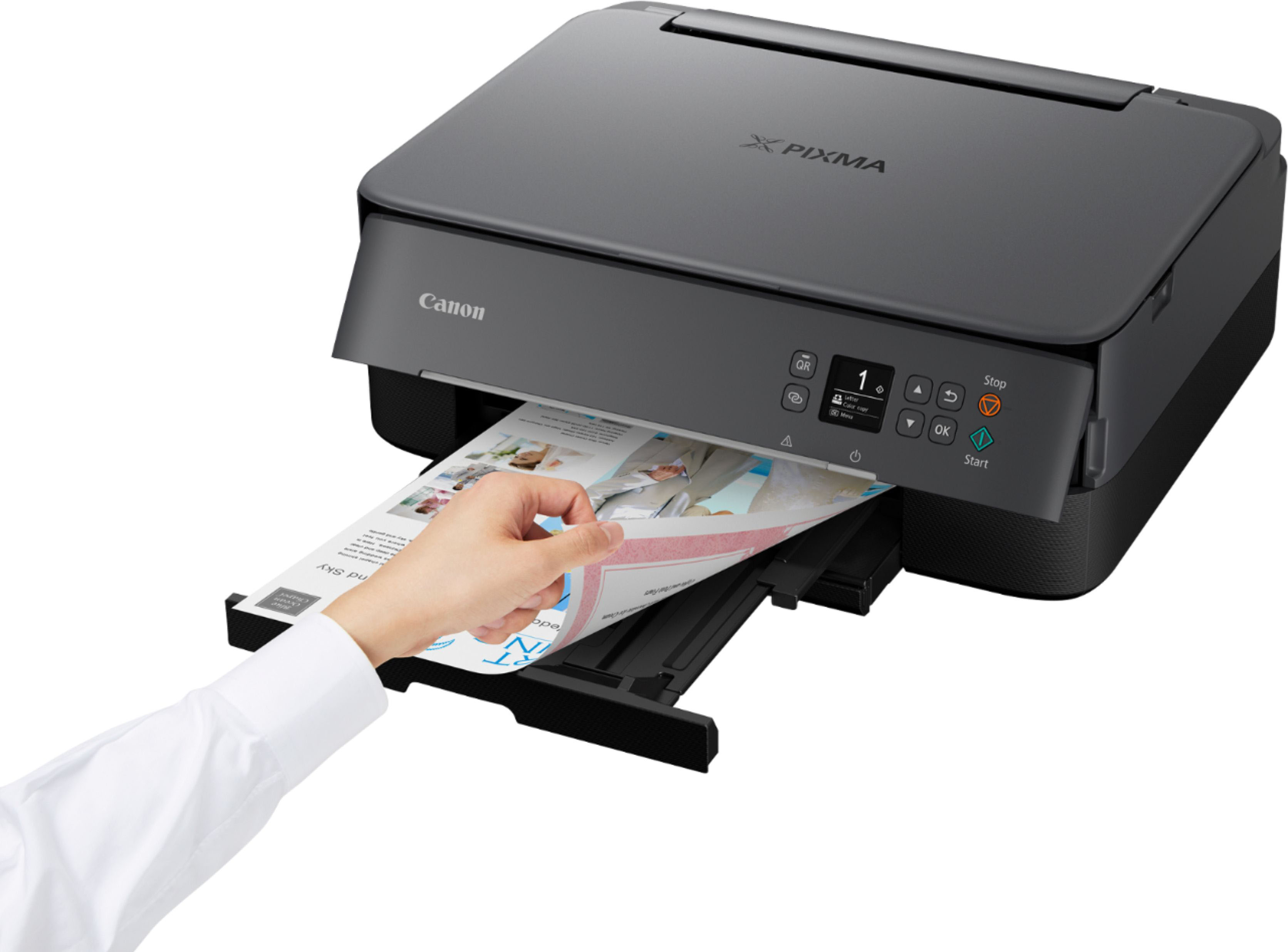
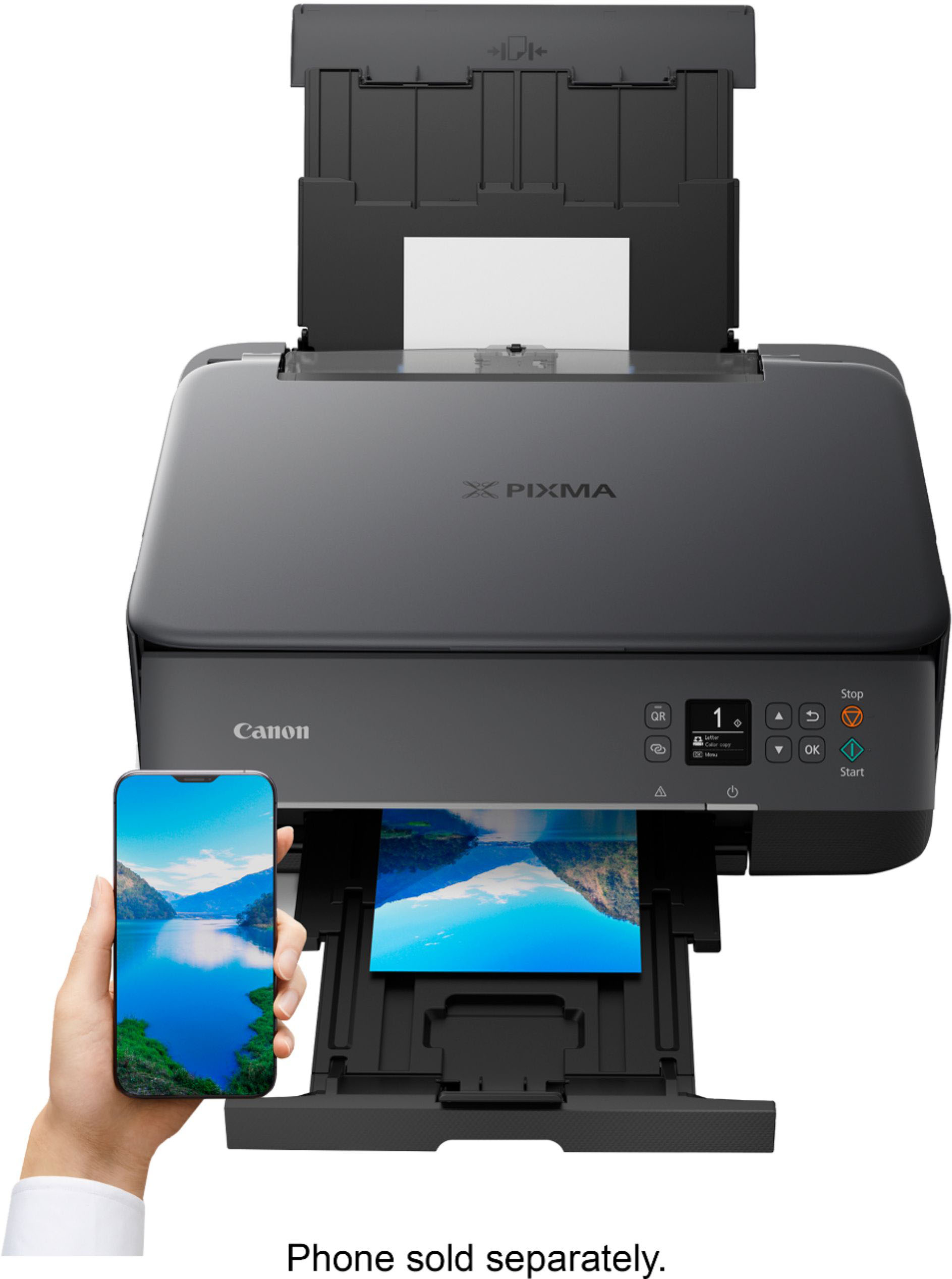
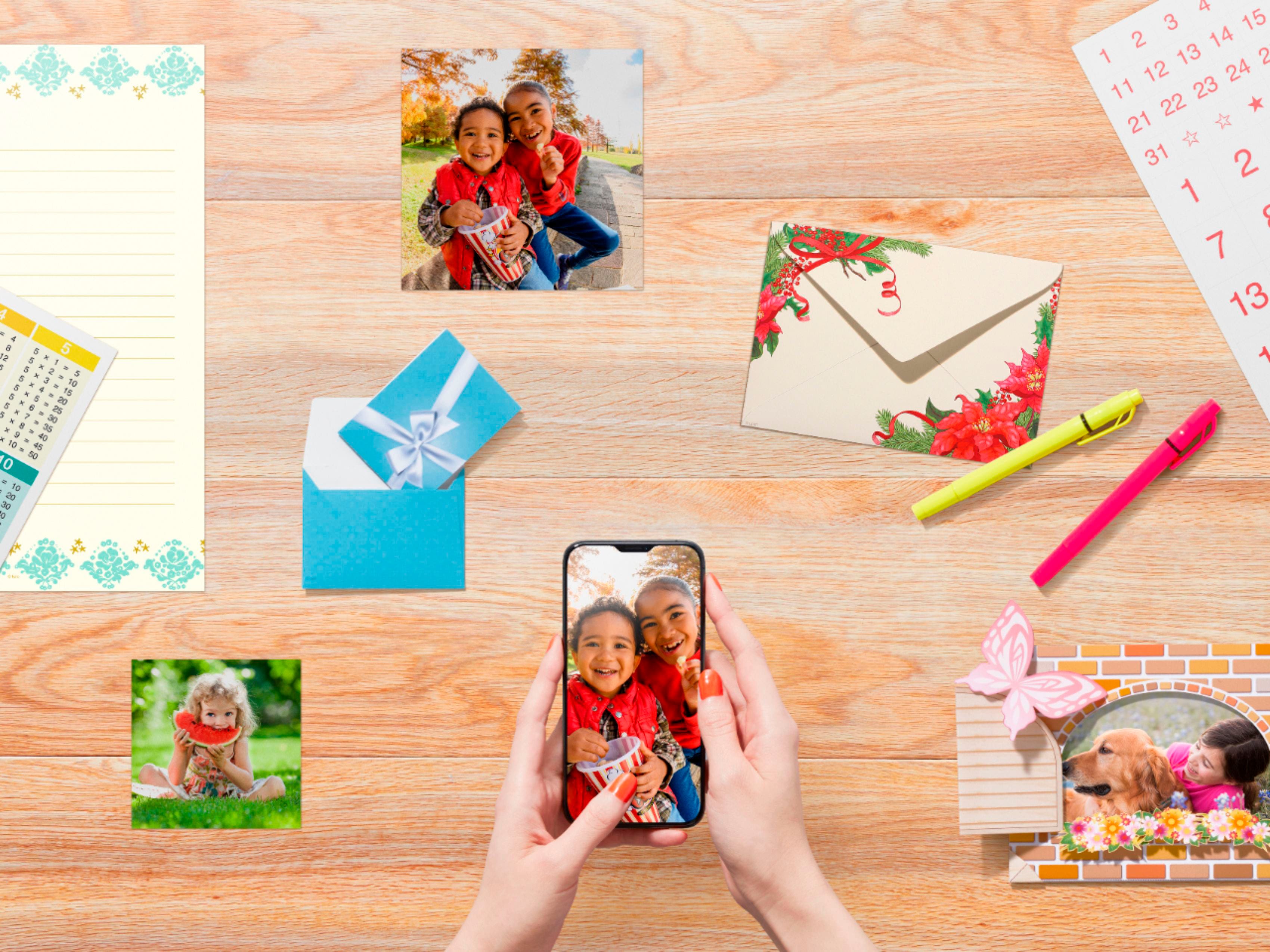
    My old Canon MP series photo printer recently broke down on me and I was in need of a new printer. I came across the Pixma TS6420. I am no stranger to printers and I really like Canon brand printers so I had to go and get this one to replace my old one. :::Initial impressions::: Upon opening the box it is nothing spectacular you'll find the power cord, printer, a sample 4x6 photo paper and the ink cartridges. This isn't an experience I suppose but I can not complain because this isn't a premium product but it isn't cheap either. The packaging was more than sufficient and there was nothing broken inside of the box. Just be sure to remove all of the tape from all around. I am impressed with the fact that a sample was included of the photo paper which was a nice addition. Outside of that the printer has a nice bit if heft to it and doesn't weigh a whole lot. It has a small footprint as well so it will not take up a lot of space on your desk. The printer weighs a little more than twelve pounds and the construction feels pretty solid. :::General thoughts::: Using this printer was effortless just follow the instructions and you'll have it up and running in less than five minutes. I used my android phone to set up the printer using the Canon selphy app and I found it great that I didn't need a computer and having to go through the hassle of installing drivers and then possibly rebooting my pc. I most definitely appreciated how little effort and time it took to get up and running. I went and purchased 4x6, 5x7 and have two packs of 8&1/2 x 11 photo paper on the way. I printed some photos of my wedding and of my daughters seventh birthday and the prints were phenomenal. It were just as if I had them professionally printed. The quality of the photos were good because of my phone I am using a Samsung Z Fold 3. When you have a capable device that can take great photos and pair it with this printer the results speak for itself. Now the sole purpose of this printer is for printing photos and that is what I have used it for. I would be lying if I didn't admit that I am a little biased towards Canon and the products that they make I have owned numerous cameras and this will be my second Canon printer with the previous lasting a little more than eight years. There is a light bar which also tells you what is happening with the printer and it is a nice design feature it gives it a nice futuristic look and the small display screen is plenty easy to read. Like pretty much all other printers here you will find that you can print & scan and do all the basics there isn't much need to explain what a printer can do and how it does it. :::Pros & Cons::: Pros: - This printer only uses two ink cartridges (some use around five) - Canon has robust smartphone apps - This printer is intuitive and easy to setup and use. - Economical in many ways (up front cost and cost of ownership) - Variety of printing materials are available from Canon Cons: - Haven't encountered one as of yet. :::Closing thoughts::: I wasn't aware until as of recent that Canon makes all sort of printing materials for example greeting cards, magnetic photo paper and t/shirt & iron on printing materials. I am very interested in obtaining this and trying it out. And I am most certain that my children would love this as well I want to create more than memories and I have never felt that way about a printer or any kind of technological device. I am curious as to what else this printer can help me create!? :::TL;DR::: In closing the Canon Pixma TS6420 is an exceptional printer that does a little bit of everything but really excels in photo printing. If that is of interest to you then I say consider bringing this home or adding it to your business.

    I would recommend this to a friend
  • Rated 1 out of 5 stars

    I got less then I paid for

    |
    |
    Posted .
    This reviewer received promo considerations or sweepstakes entry for writing a review.

    Doesn't old photo paper in the cassette, just copy paper! Are you kidding ? very very slow to print. cassette sticks out all of the time 2 ink cartridge, low duty cycle wants you to set with iPhone have to work to set up on Mac (PC) has large number 1- 2 -99 on LCD, with no description what they mean. No wake on LAN function. online manual is cryptic, unintuitive annoying , am returning No more Canon Printers at any price for me.

    No, I would not recommend this to a friend
  • Pros mentioned:
    Connectivity

    Rated 5 out of 5 stars

    Zero Frustrations

    |
    |
    Posted .
    This reviewer received promo considerations or sweepstakes entry for writing a review.

    Unsure if this is just me or a shared experience but I always found printing to be an incredibly frustrating and anger inducing experience. I will say that I don't print a lot but having a printer at home is still needed for those random times. Every printer I've had previously (and i've had plenty) worked fine at first but then turned into an enormous headache to connect to and just print, whether it be from my phone, my personal computer or my work computer. I basically associate printing with torture now. I know, low bar and first world problems, but each time, I feel like I just want to throw the printer out the window and take joy in seeing it break into pieces. After doing that with the last 2 network printers I had, I found that I needed another printer and since I'm not about to spend a lot on a printer I'll end up hating, I read some reviews and went with this Canon. Why? Price was perfect, I've had some luck with Canon's in the past, the all-in-one features, and the size and style worked for my home office. Whether it stays or goes is simple for me: does it connect easily and can I print from all my devices? A quick setup and dl of the app and I was running. I printed a return label and a random pdf I had on my phone. SCORE! Test 2... can my spouse do it just as easily? As a teacher, she may use it more than I do and another win! She printed with no issues! So far this is a keeper and glad I recycled the 2 we were just barely putting up with and got this one. Let's hope I feel this way a year from now! :)

    I would recommend this to a friend
  • Pros mentioned:
    Connectivity, Ease of use, Print quality

    Rated 4 out of 5 stars

    Versatile and User-Friendly Printer

    |
    |
    Posted . Owned for 1.5 years when reviewed.
    This reviewer received promo considerations or sweepstakes entry for writing a review.

    The Canon PIXMA TS6420a has been a fantastic addition to my home office. Setting it up was a breeze, and the wireless connectivity makes it incredibly convenient to print from any device. The print quality is excellent, whether I’m printing documents or photos, and the colors are vibrant and sharp. I also appreciate the compact design, which fits perfectly on my desk without taking up too much space. The all-in-one functionality is a huge plus, allowing me to print, scan, and copy with ease. The user interface is straightforward, and the Canon PRINT app adds an extra layer of convenience for mobile printing. Overall, the Canon PIXMA TS6420a offers great value for its price, combining quality, ease of use, and versatility. I highly recommend it to anyone in need of a reliable and efficient printer.

    I would recommend this to a friend
  • Pros mentioned:
    Overall performance, Print quality

    Rated 5 out of 5 stars

    Compact, Reliable, and Great for Everyday Use

    |
    |
    Posted . Owned for 3 weeks when reviewed.
    This reviewer received promo considerations or sweepstakes entry for writing a review.

    I’ve been using the Canon PIXMA TS6420a for a few weeks now, and it’s been a solid addition to my home office. The setup was straightforward, and I appreciate the compact design, it fits nicely on my desk without taking up too much space. Printing from my smartphone is seamless, and the print quality for both documents and photos is impressive. One thing to note is that it uses a tri-color cartridge, so if one color runs out, you have to replace the entire cartridge, which can be a bit wasteful. Also, while it’s not the fastest printer out there, the speed is adequate for my needs. Overall, for the price point, it’s a great all-in-one printer that handles everyday tasks efficiently. I’d recommend it to anyone looking for a reliable and affordable printing solution.

    I would recommend this to a friend
  • Pros mentioned:
    Connectivity, Ease of use, Print quality

    Rated 5 out of 5 stars

    Do it all printer

    |
    |
    Posted . Owned for 1 year when reviewed.
    This reviewer received promo considerations or sweepstakes entry for writing a review.

    As someone who relies heavily on printers for both personal and professional use, I can confidently say that the Canon PIXMA TS6420 is a standout performer in its category. Here's why I'm thoroughly impressed: Sleek Design: Let's start with the aesthetics. The white finish of the PIXMA TS6420 adds a touch of elegance to any workspace. Its compact size makes it ideal for home offices or dorm rooms where space is at a premium. It seamlessly blends in with any decor, adding a stylish flair to the surroundings. Versatile Functionality: Despite its compact size, the PIXMA TS6420 is packed with features that make it a versatile workhorse. It's not just a printer; it's an all-in-one solution for printing, scanning, and copying. Whether I need to print documents, photos, or labels, this printer handles it all with ease. Wireless Connectivity: Gone are the days of dealing with tangled cords and messy cables. The PIXMA TS6420 offers seamless wireless connectivity, allowing me to print effortlessly from my laptop, smartphone, or tablet. With built-in Wi-Fi and Bluetooth capabilities, I can print from anywhere in the house without having to physically connect to the printer. Impressive Print Quality: Canon is renowned for its exceptional print quality, and the PIXMA TS6420 lives up to that reputation. Whether I'm printing text documents or vibrant photos, the results are consistently crisp, clear, and true to life. The 5-color individual ink system ensures accurate color reproduction and sharp details, making every print a masterpiece. User-Friendly Interface: Setting up and operating the PIXMA TS6420 is a breeze, thanks to its intuitive interface and user-friendly controls. The 1.44-inch OLED display provides clear and easy-to-follow instructions, making it simple to navigate through the printer's various functions. Plus, the Canon PRINT app offers additional convenience, allowing me to print and scan directly from my mobile devices. Cost-Effective Printing: With the option to use high-yield XL ink cartridges, the PIXMA TS6420 offers cost-effective printing solutions for both everyday documents and high-volume tasks. This helps me save money in the long run without compromising on quality. Overall, the Canon PIXMA TS6420 Wireless All-In-One Inkjet Printer in White is a superb choice for anyone in need of a reliable, versatile, and stylish printer. Whether you're a student, a small business owner, or a busy professional, this printer delivers top-notch performance and convenience at an affordable price. Highly recommended!

    I would recommend this to a friend
  • Pros mentioned:
    Connectivity, Ease of use, Print quality

    Rated 5 out of 5 stars

    Canon Pixma printer

    |
    |
    Posted . Owned for 3 weeks when reviewed.
    This reviewer received promo considerations or sweepstakes entry for writing a review.

    Great little home printer, easy to connect, very easy to use from iPhone, iPad and desktop Windows computer. And the printer can be turned on from all devices, so you don’t have to be near it. Print quality is also great, both color and b&w. Pretty quiet and reasonably fast printing.

    I would recommend this to a friend
  • Pros mentioned:
    Print quality
    Tech Insider Network Member

    Rated 4 out of 5 stars

    Great for pictures and light home office printing

    |
    Tech Insider Network Member
    Posted .
    This reviewer received promo considerations or sweepstakes entry for writing a review.

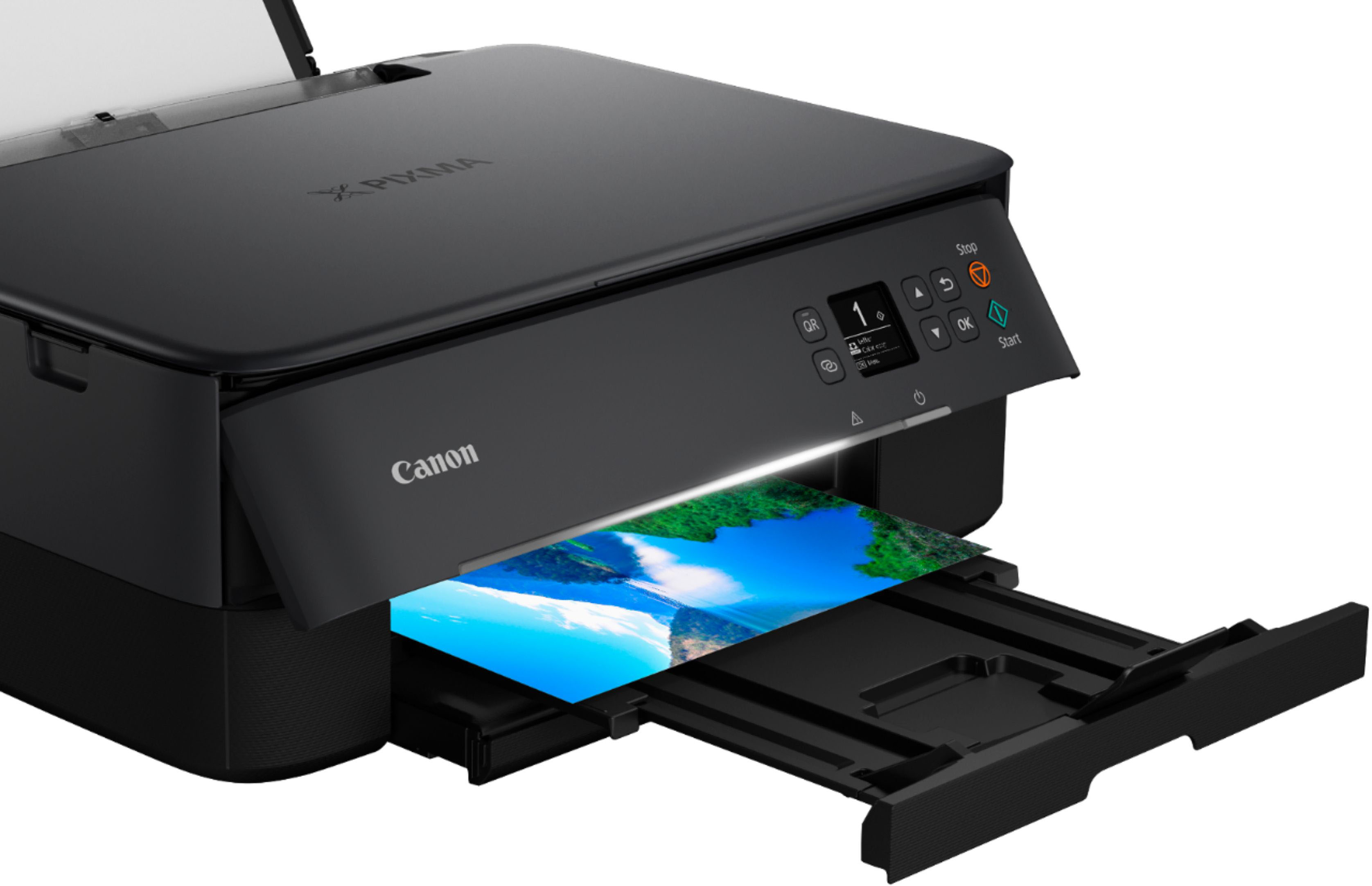
    It has a nice, small footprint on my already crowded desk, which is good. The setup process is all online so no paper instructions or DVDs to deal with. Mostly simple but it only covered putting in regular paper. I found a YouTube video on how to load and print a photo. There are a few odd steps to get the printer into “photo mode”, but I will say it does a nice job printing them. I will use it for printing about 20 pages of paper per month for work, but mostly I wanted it to print photos and I’m happy to say it does a nice job. The photos are crisp and it’s surprisingly quick (at least for a 4X6 photo). However, when I printed from my computer (just a basic .jpg photo) it would only print with a white border for some reason, but when I printed from my iPad, I was able to get a borderless photo. The printer itself feels a little flimsy and the plastic is thin. I feel like I need to be gentle when I pull out the paper tray. I would give the construction 3 stars, and the photo printing 4 stars.

    I would recommend this to a friend
  • Pros mentioned:
    Connectivity, Ease of use, Overall performance

    Rated 5 out of 5 stars

    Perfect Light Weight Printer

    |
    |
    Posted .
    This reviewer received promo considerations or sweepstakes entry for writing a review.

    Great printer. Easy to setup, links with my phone. I was looking for a good, light, no subscription type and this is perfect!

    I would recommend this to a friend
  • Pros mentioned:
    Ease of use, Print quality

    Rated 4 out of 5 stars

    Canon printer just for me

    Posted .
    This reviewer received promo considerations or sweepstakes entry for writing a review.

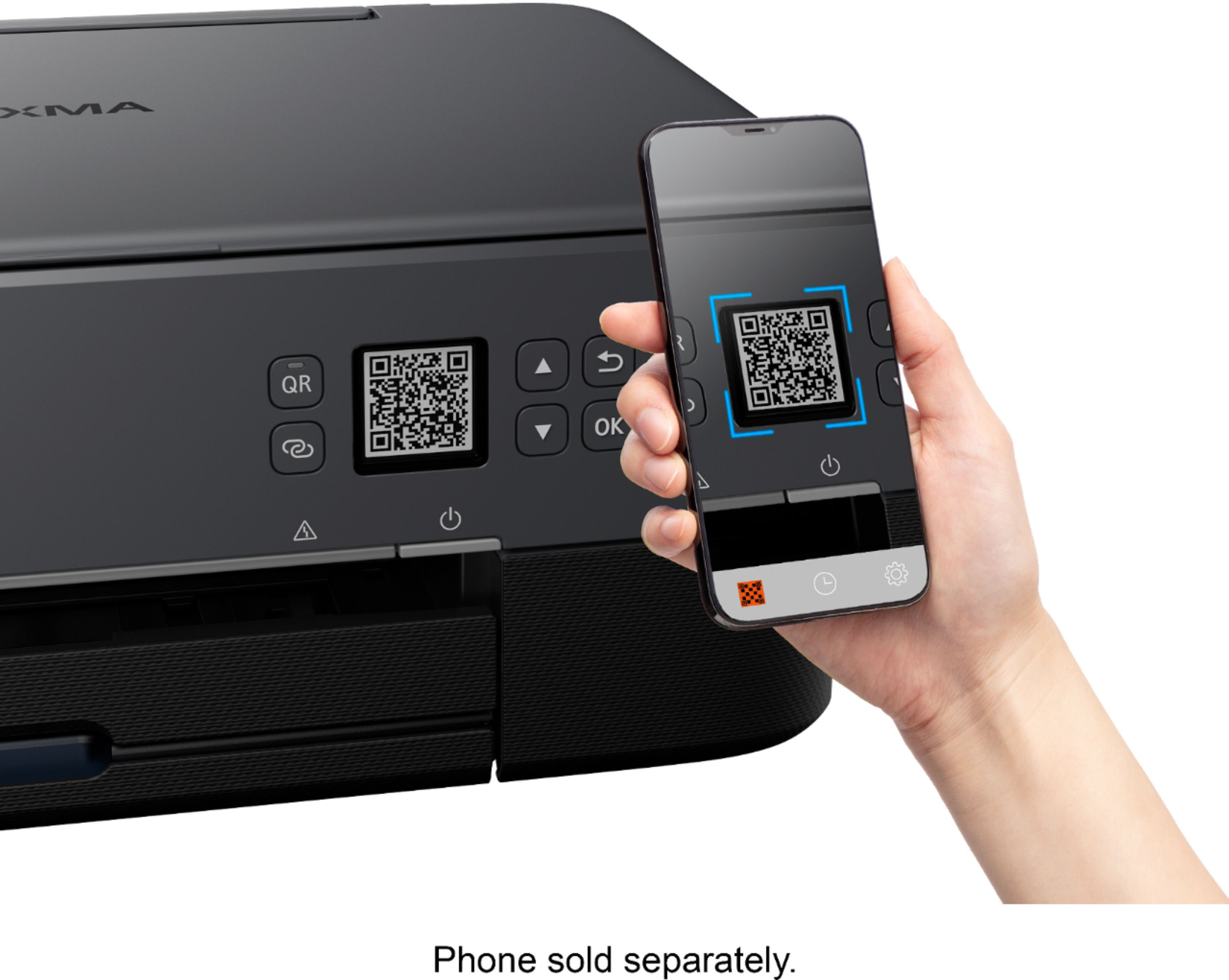
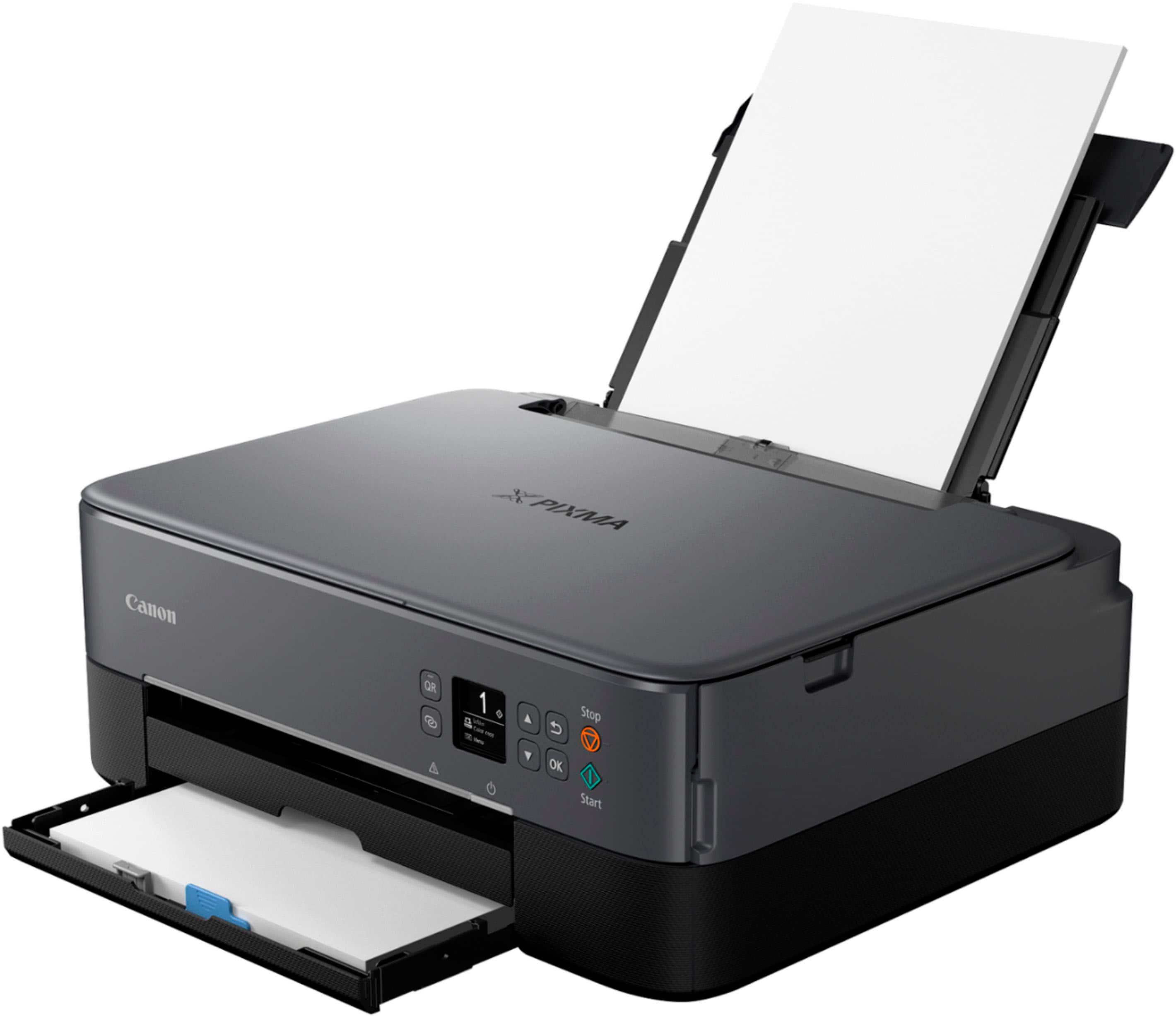
    Only have it for a week but it's just right for my simple printing needs. Print from my smartphone and making copies is working well. Set up took a bit longer than expected (30 mins) but not bad. No instructions in the box but the set-up website was easy to find and the walk through clear enough. Scanned the qr but didn't recognize the result. The ink load was really simple and I'm very happy to be back using 2 cartridges. If the ink runs out on either one of them you can still print. I disliked my previous printer's 5 cartridge set up, if ANY one of them ran out the printer locked up and try and go find one cyan cartridge! The ink clarity on this printer was very good for both smartphone and copying jobs. This is not a printer for heavy users but I was surprised how fast it printed. The price of ink is why you pay so little for the printer but no worse than all the other ones out there. Only 4 stars because it's still early and haven't used photo copying nor rear paper feed. Treat this printer gently and it will last you for a good while. Light users will be satisfied with its purchase.

    I would recommend this to a friend
  • Pros mentioned:
    Connectivity, Ease of use
    Tech Insider Network Member

    Rated 5 out of 5 stars

    Canon Is Can-do

    |
    Tech Insider Network Member
    Posted .
    This reviewer received promo considerations or sweepstakes entry for writing a review.

    It takes a minute to get started, but onnce it is all set up, it's really nice. I don't ormally start my reviews like that, but I feel like that's a vidal part of the whole user experience. But in the box, it's pretty straight forward. You'll get the printer, power cord two ink cartridges and a boat load of tape. Seriously, there's tape eveywhere. theres some Creative Park software inside( and sample photo paper pack, so to speak.) You may choose to use it or not. It's not the real reason to pick this up. The great part about this printer is its connectivity. You can link your PC, tablet of phone to it with ease. The controls are very simple and to the point. The screen is easy to read and the prompts are simple as well. Once you're connected to your device, you may not even use the screen and buttons on the machine. The scanner is a cake walk to use. All in all, it's a very easy to use deviice. The only problem I have with this printer is the setup. There's no instructions in the box. You have to scan the QR code to watch tutorial videos. Fortunately, I've got a huge phone to see the videos. That being my only quam, I think this is great buy. The ink is going to cost you,like all ink does, but that's to be expected by now. Ink jet printers are pretty useful, plus it does print on both sides of the paper. You're also able too load copy paper from the top and in the tray at the base. I can definitely recommend this printer to friends.

    I would recommend this to a friend
  • Pros mentioned:
    Connectivity, Ease of use, Print quality

    Rated 4 out of 5 stars

    Versatile and User-Friendly Printer

    |
    |
    Posted . Owned for 1.5 years when reviewed.
    This reviewer received promo considerations or sweepstakes entry for writing a review.

    The Canon PIXMA TS6420a has been a fantastic addition to my home office. Setting it up was a breeze, and the wireless connectivity makes it incredibly convenient to print from any device. The print quality is excellent, whether I’m printing documents or photos, and the colors are vibrant and sharp. I also appreciate the compact design, which fits perfectly on my desk without taking up too much space. The all-in-one functionality is a huge plus, allowing me to print, scan, and copy with ease. The user interface is straightforward, and the Canon PRINT app adds an extra layer of convenience for mobile printing. Overall, the Canon PIXMA TS6420a offers great value for its price, combining quality, ease of use, and versatility. I highly recommend it to anyone in need of a reliable and efficient printer.

    I would recommend this to a friend
  • Pros mentioned:
    Overall performance, Print quality

    Rated 4 out of 5 stars

    Works fine

    |
    |
    Posted .
    This reviewer received promo considerations or sweepstakes entry for writing a review.

    Works as expected. Prints fine. Double sided printing is a nice feature. Quality is fine. Easy to set up. I was tempted to spend extra to get one that has fax capabilities, but when replacement ink costs more than a new printer, why invest the money? This is perfectly acceptable for anyone’s desktop.

    I would recommend this to a friend
  • Pros mentioned:
    Connectivity, Ease of use, Print quality

    Rated 4 out of 5 stars

    Canon

    |
    |
    Posted . Owned for 1 month when reviewed.
    This reviewer received promo considerations or sweepstakes entry for writing a review.

    I've been using the Canon PIXMA TS printer for a while now, and I must say I'm very satisfied. This printer is a reliable workhorse that produces high-quality prints and scans. The wireless connectivity and mobile app make it convenient to print from different devices. It's a compact and stylish printer that fits well in any home office setup. I haven't encountered any major issues, and it's been a great addition to my workspace. I highly recommend the Canon PIXMA TS printer for its performance and ease of use.

    I would recommend this to a friend
  • Pros mentioned:
    Ease of use, Price, Print quality

    Rated 5 out of 5 stars

    Good 3-in-1

    |
    |
    Posted . Owned for 3 weeks when reviewed.
    This reviewer received promo considerations or sweepstakes entry for writing a review.

    This is a good home printer/copier/scanner, and a good buy when I got it on sale for under $70. Very easy to set up after downloading the start-up app that leads you through the entire process step-by-step. Network/wifi connection was no problem. I can print from my all of my devices: desktop Mac, iPad, iPhone. Reasonable footprint that doesn't consume too much space on my desk. Auto start and auto shutdown are useful features. Crisp back and white print outs. Color could be a little richer, but still fine relative to the price level. The user manual can be accessed online. So far so good.

    I would recommend this to a friend
Sponsored