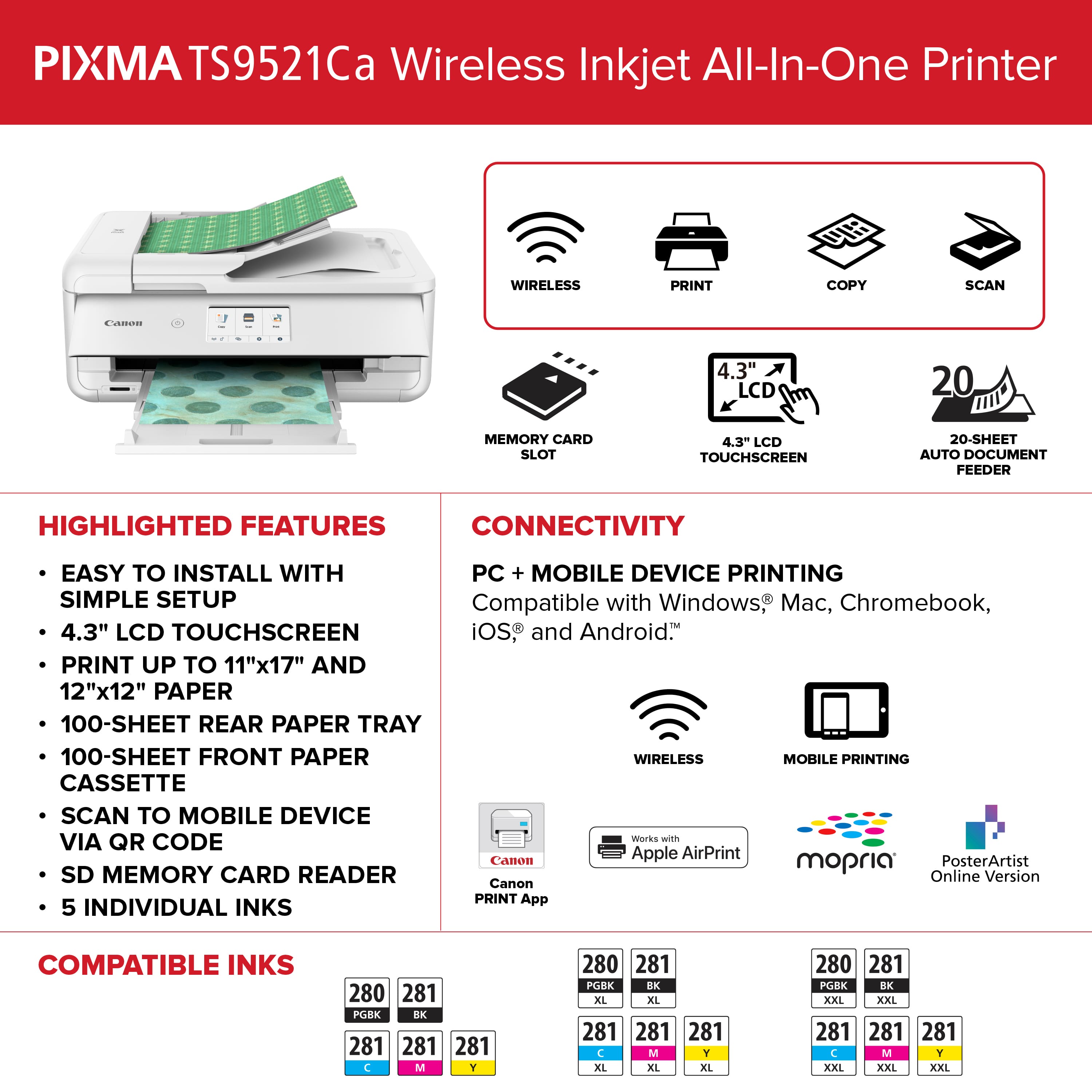
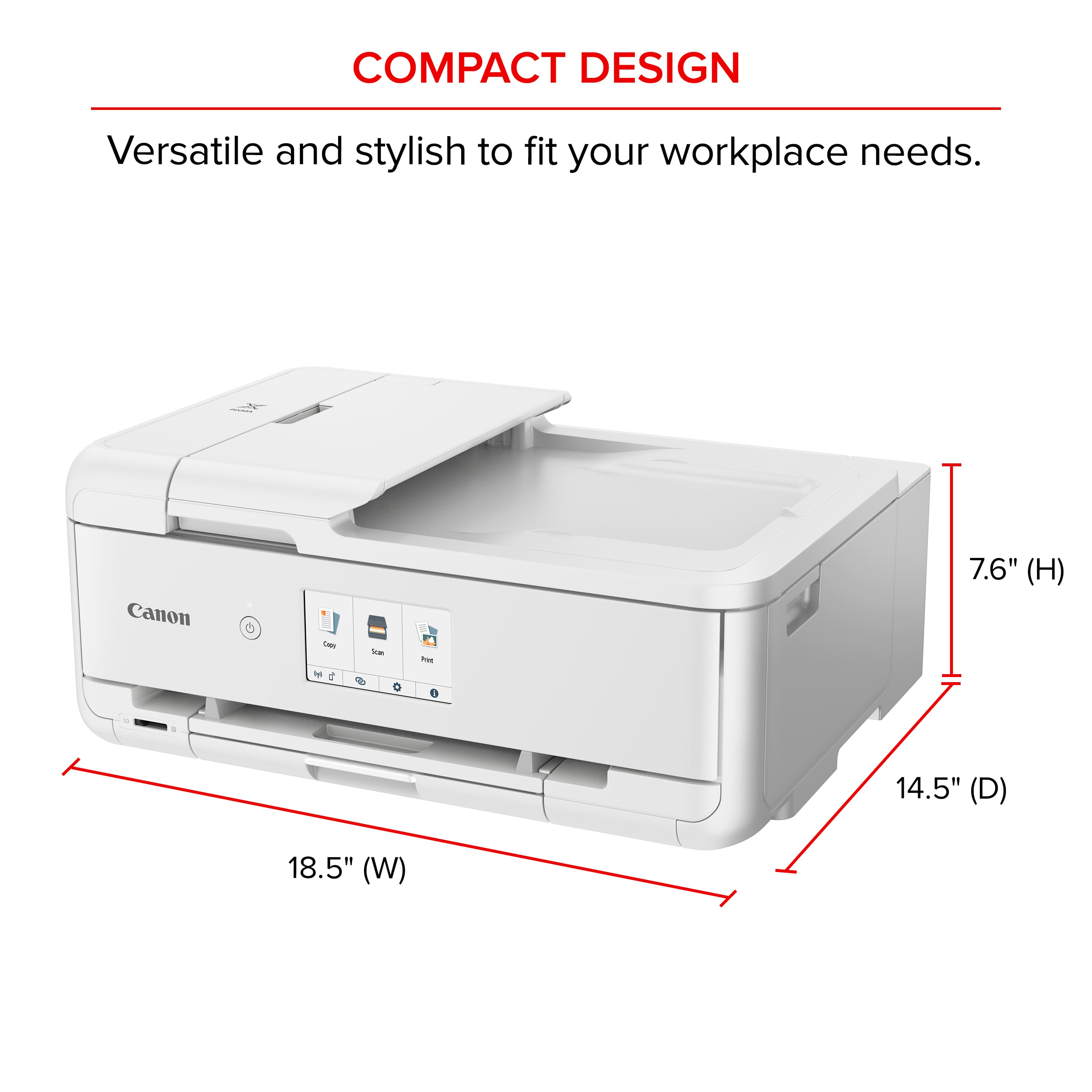
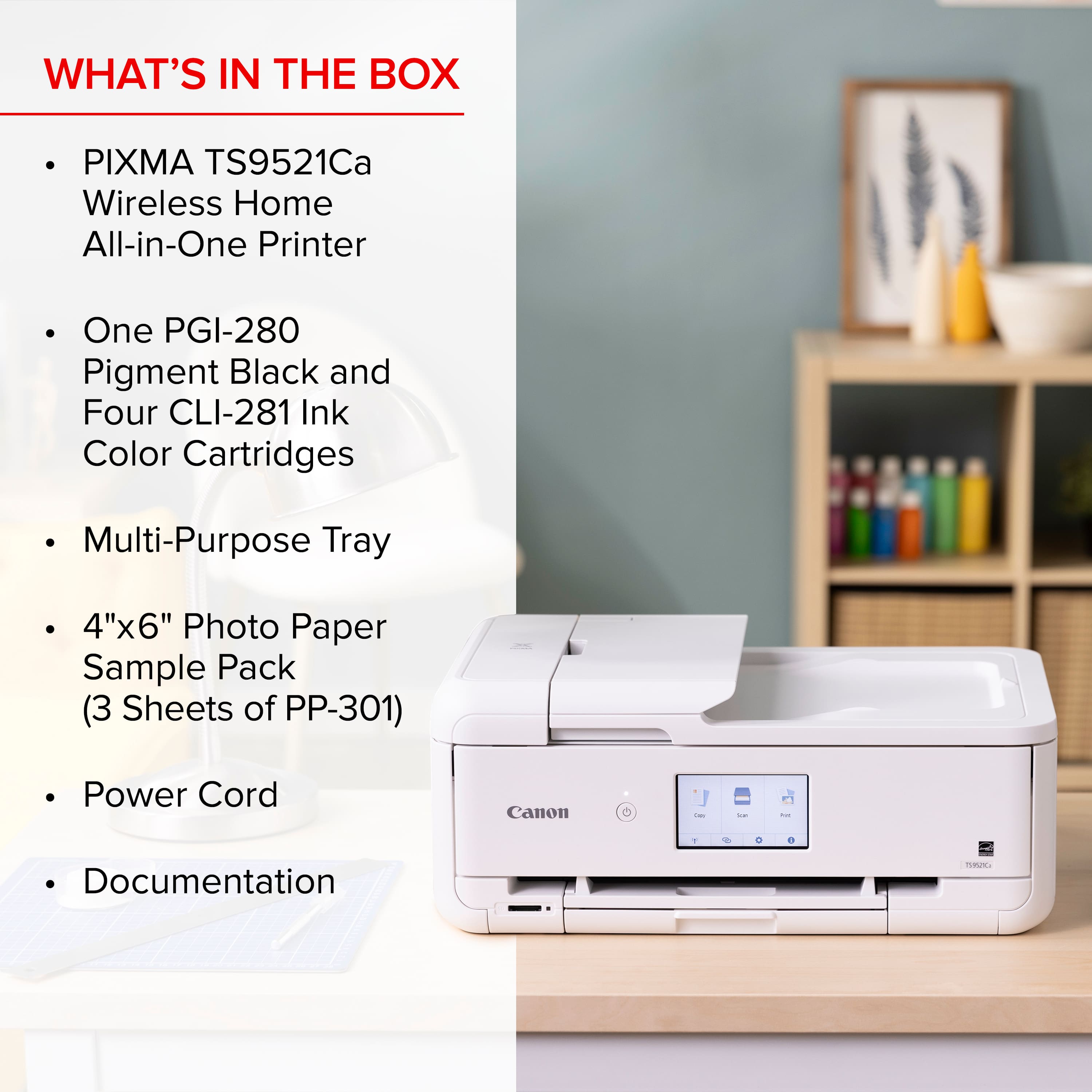
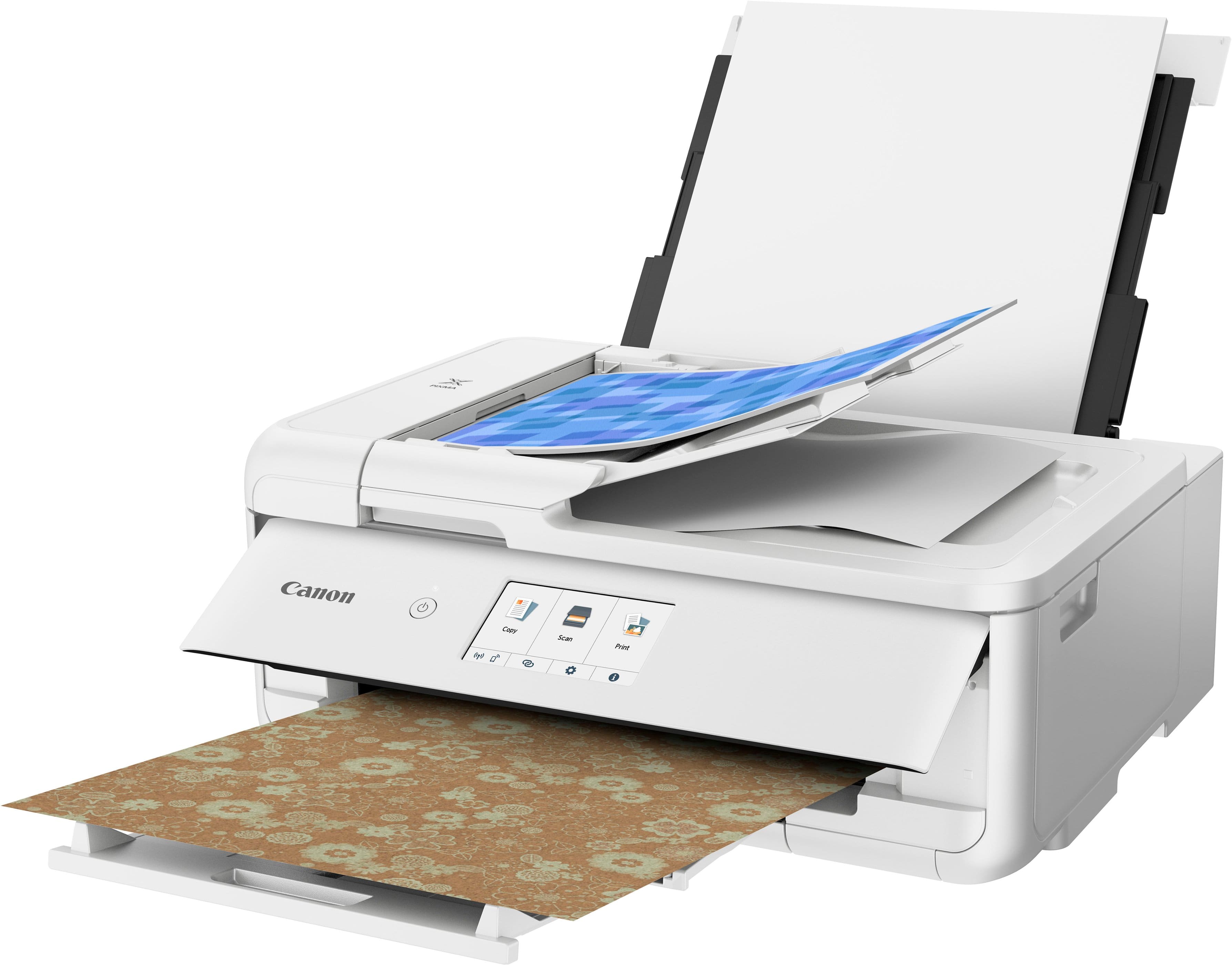
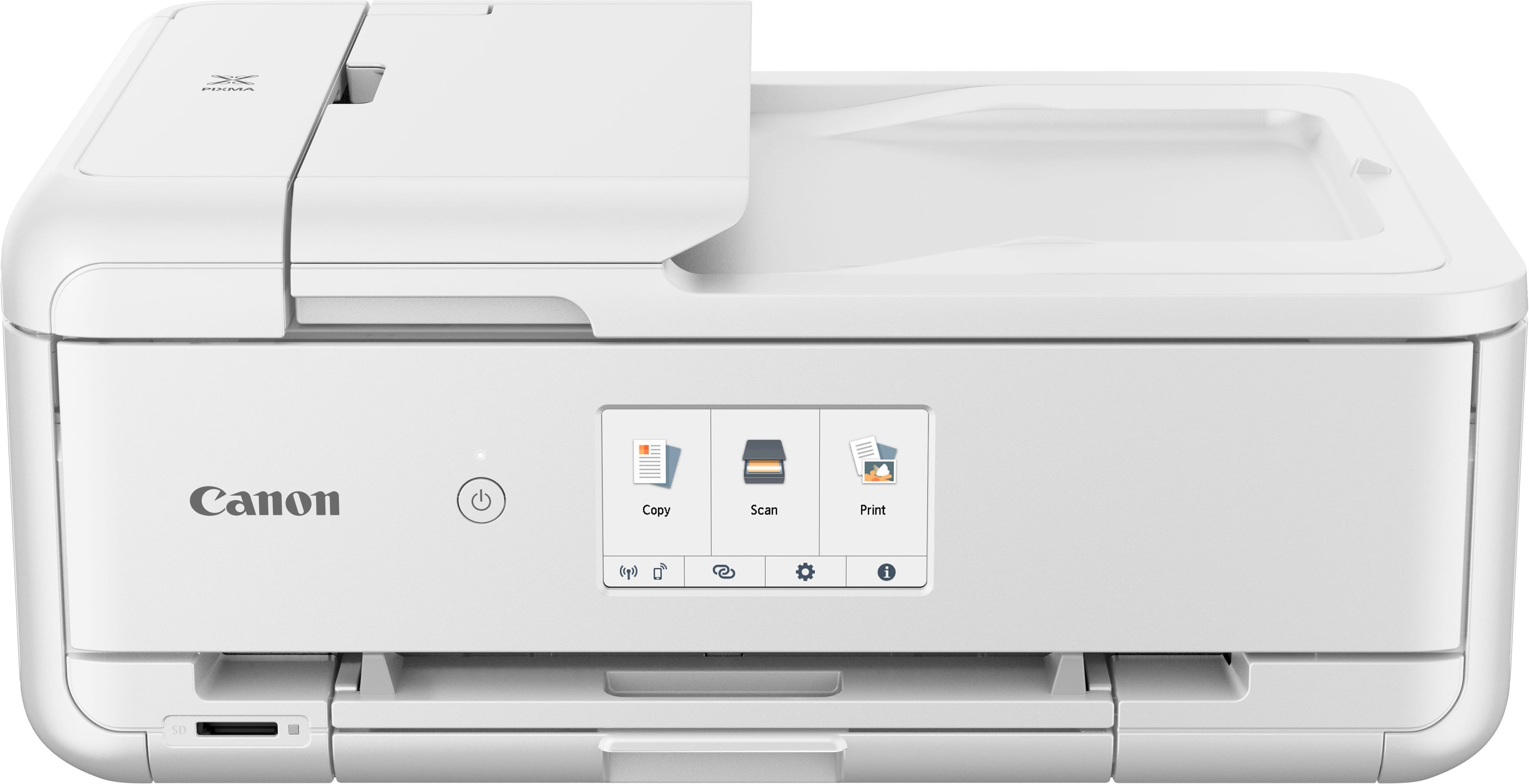
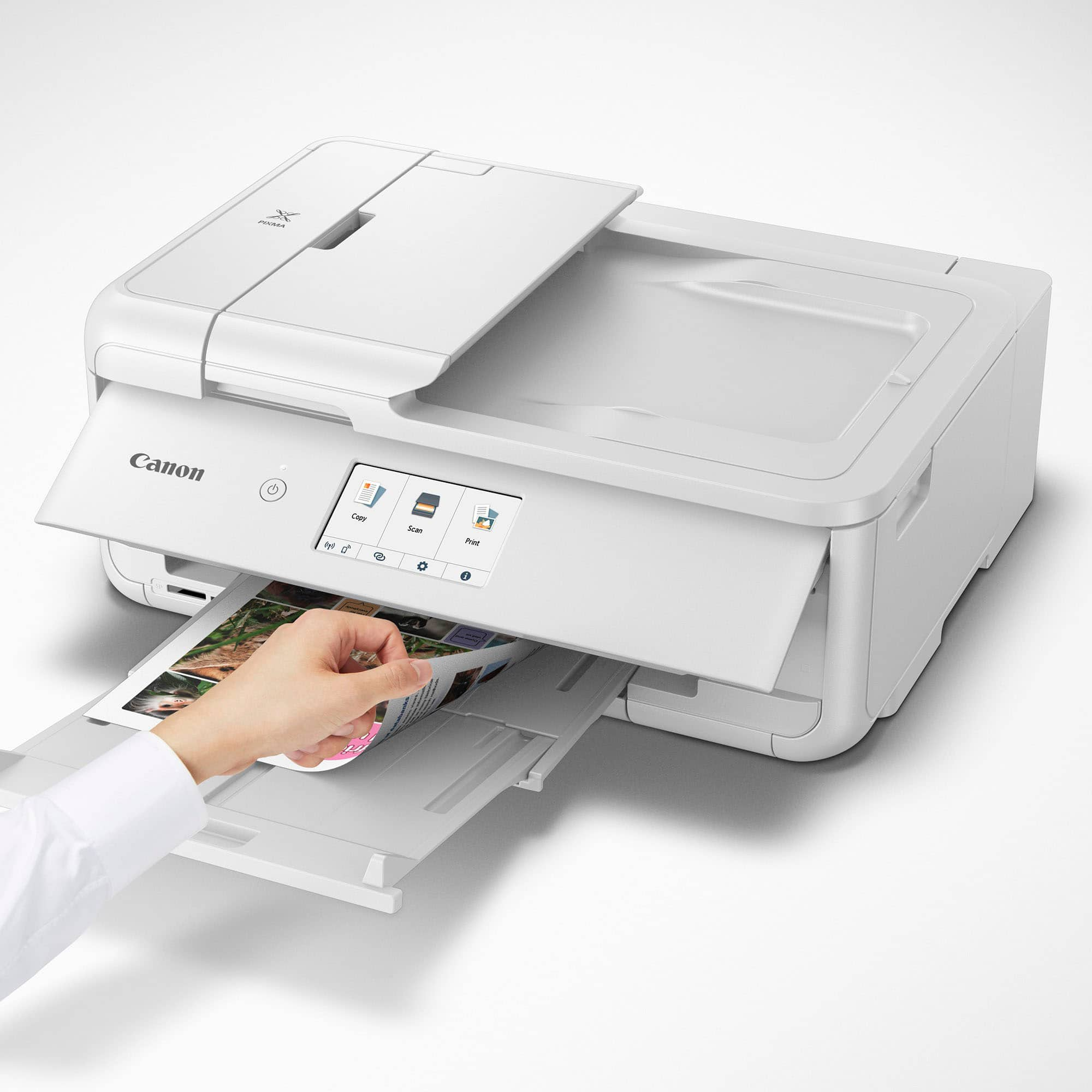
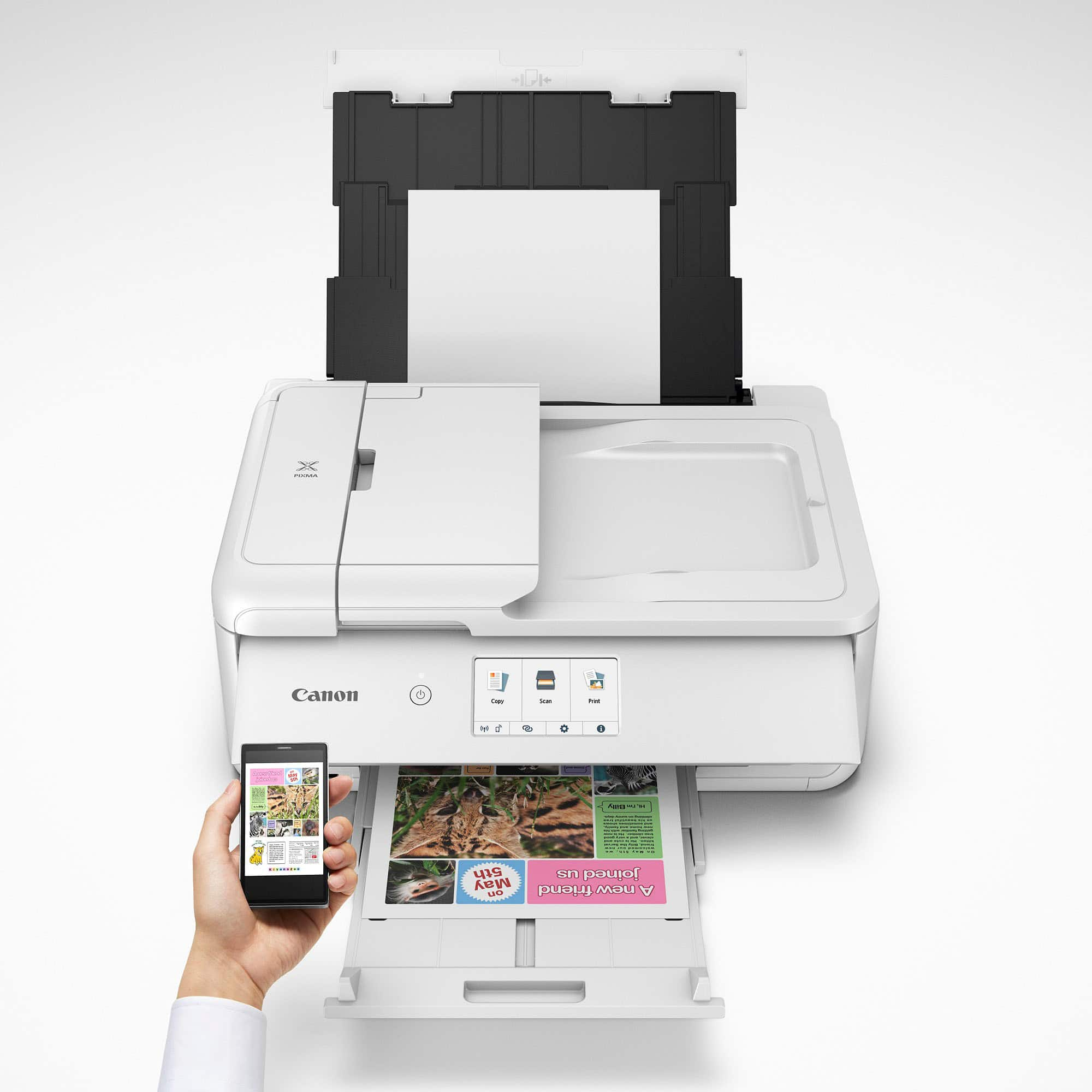
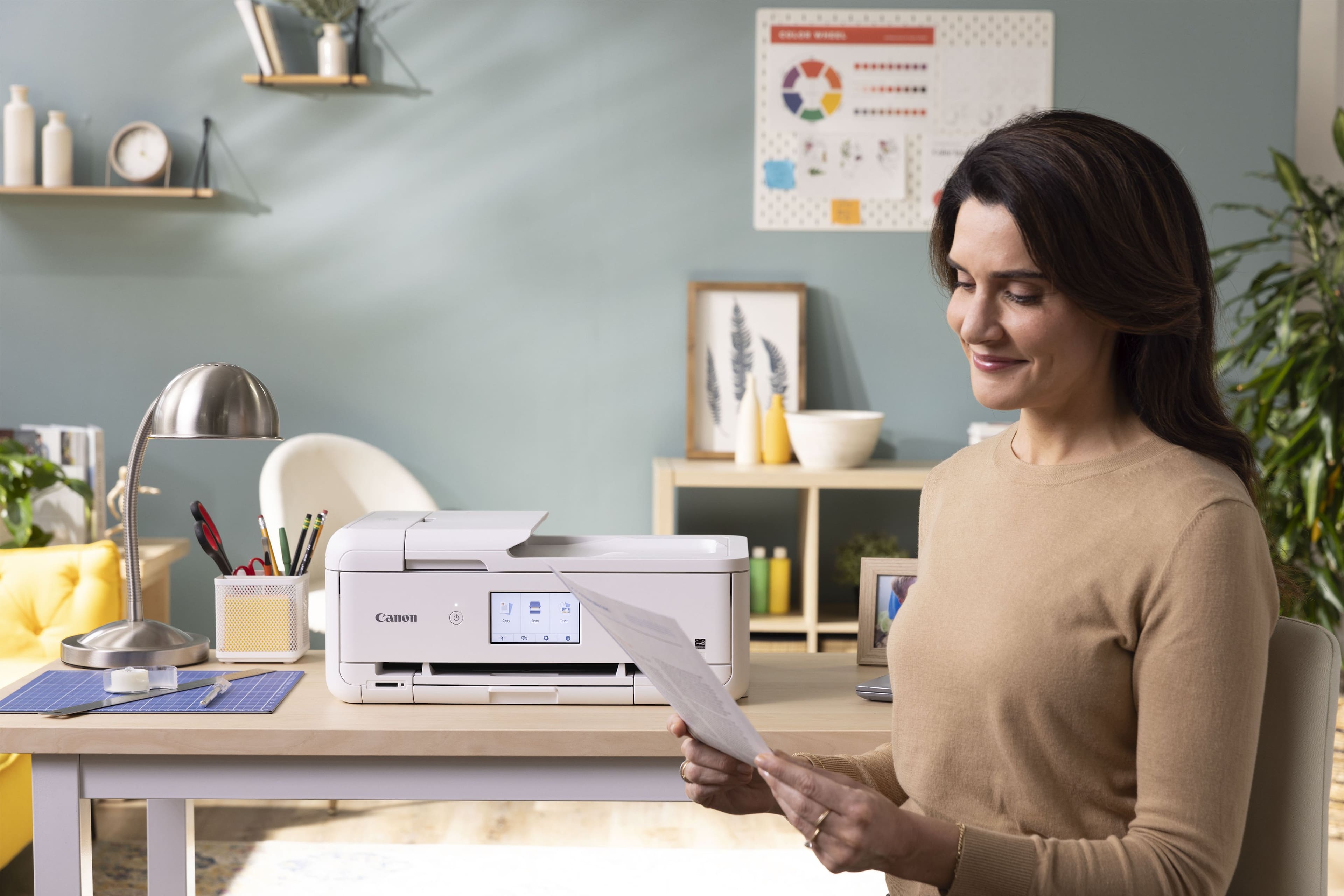
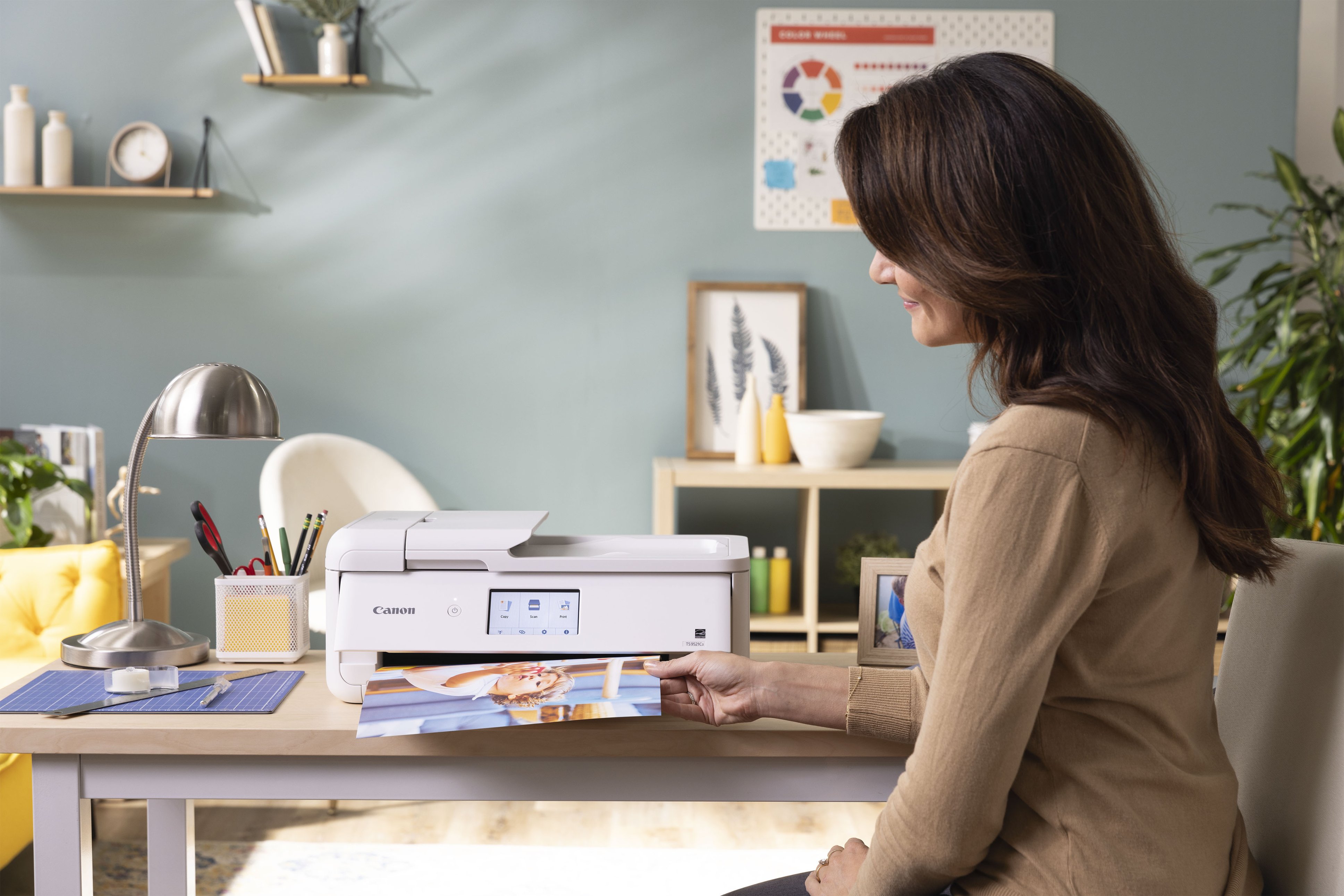
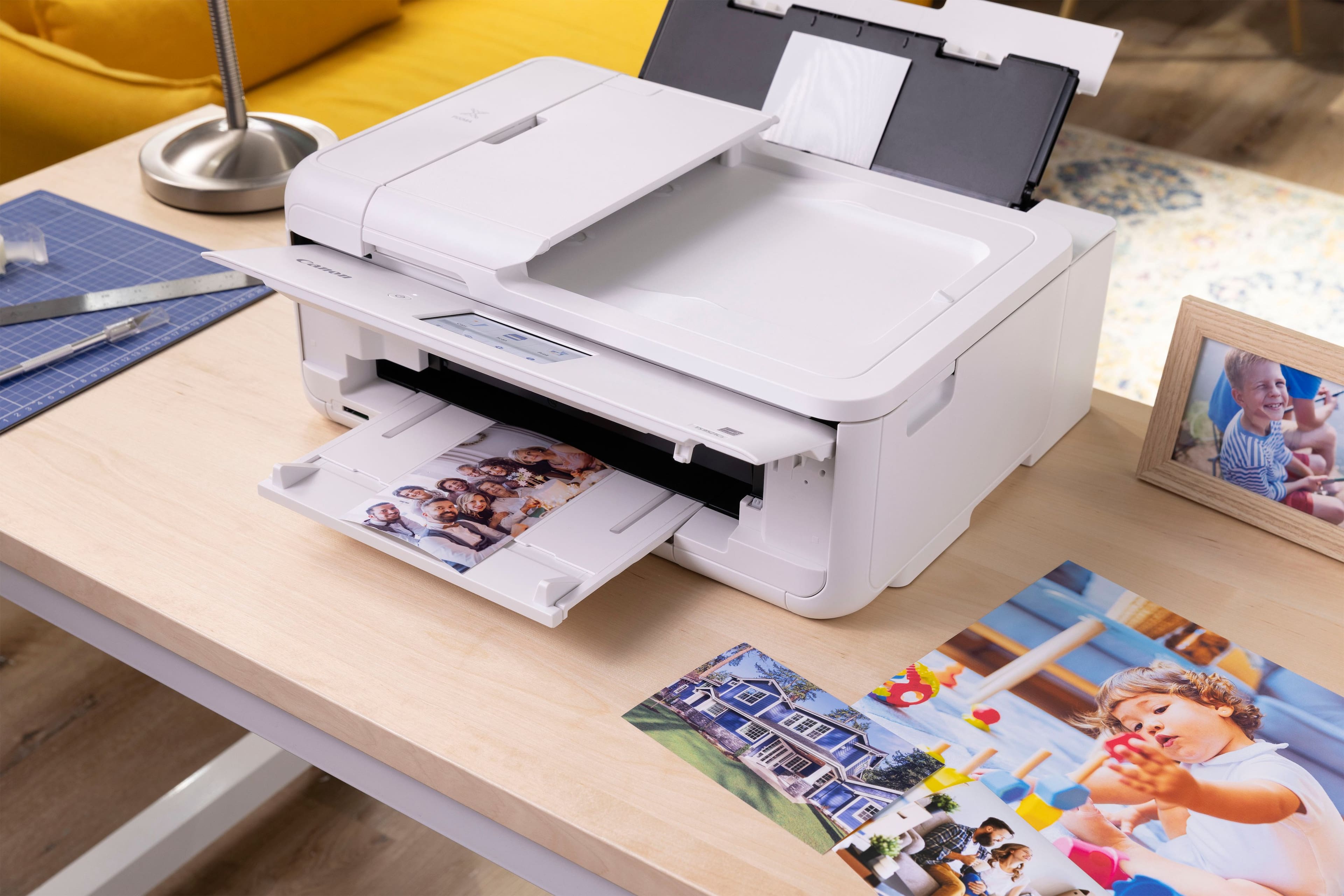
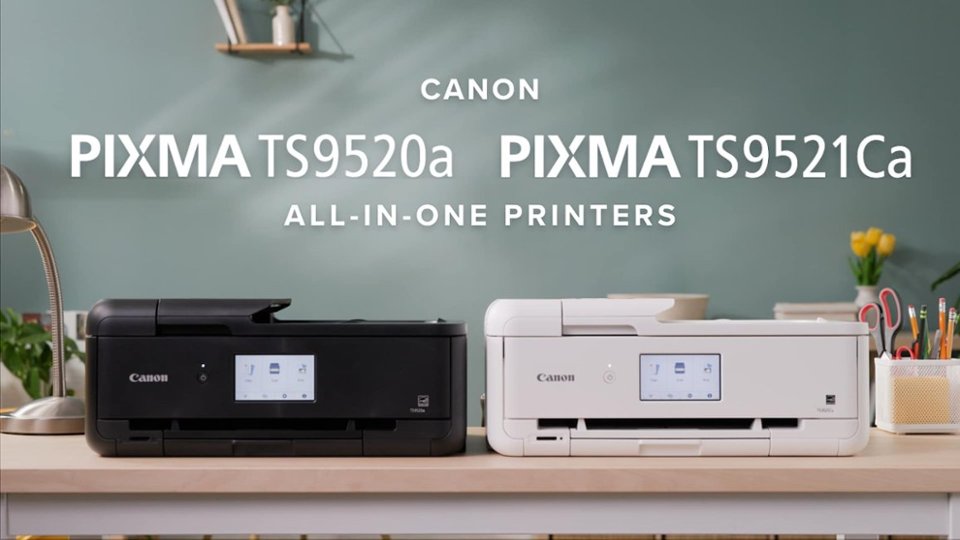
Customers often highlight the PIXMA TS9521Ca Wireless All-In-One Inkjet Printer for its very good print quality, easy setup, and overall performance. Many appreciate its ease of use, connectivity, reasonable noise level, and surprisingly compact size. The main concern expressed by some users is the paper tray capacity.
This summary was generated by AI based on customer reviews.
The vast majority of our reviews come from verified purchases. Reviews from customers may include My Best Buy members, employees, and Tech Insider Network members (as tagged). Select reviewers may receive discounted products, promotional considerations or entries into drawings for honest, helpful reviews.
Page 5 Showing 81-100 of 115 reviews
Rated 5 out of 5 stars
Dependable Printer.
|
|
Posted . Owned for 3 weeks when reviewed.
This reviewer received promo considerations or sweepstakes entry for writing a review.
I have always had HP printers but have been very unhappy with the last two I purchased. They never worked right, and HP did not help.
This Cannon has done an excellent job so far with no problems. My only criticism is it is a little bulky.
I would recommend this to a friend
Rated 5 out of 5 stars
Out of this world!
|
|
Posted . Owned for 3 weeks when reviewed.
This reviewer received promo considerations or sweepstakes entry for writing a review.
Amazing! Customer service was outstanding. What ever I needed employees were on it.
I would recommend this to a friend
Pros mentioned:
Ease of use
Rated 5 out of 5 stars
Great priner
|
|
Posted . Owned for 1 month when reviewed.
This reviewer received promo considerations or sweepstakes entry for writing a review.
Great printet, used for photos and was able to set up very easy
I would recommend this to a friend
Rated 5 out of 5 stars
My Printer
|
|
Posted . Owned for 5 months when reviewed.
This reviewer received promo considerations or sweepstakes entry for writing a review.
Love it! Perfect for crafting!! Perfect for printing stickers as well!
I would recommend this to a friend
Cons mentioned:
Paper tray capacity
Rated 1 out of 5 stars
Terrible printer
|
|
Posted .
This reviewer received promo considerations or sweepstakes entry for writing a review.
The printer worked for a short while. Off and on I’ve been trying to get it to work again. It jams constantly and won’t recognize paper in the main tray. Some parts are made of cheap materials. I’ve never tried to print a photo because I can’t get it to work with paper.
No, I would not recommend this to a friend
Rated 5 out of 5 stars
PRINTER
|
|
Posted . Owned for 3 weeks when reviewed.
This reviewer received promo considerations or sweepstakes entry for writing a review.
GREAT PRINTE! RECOMMEND IT. GREAT VALUE! PEOPLE GIVE THIS A TRY
I would recommend this to a friend
Rated 1 out of 5 stars
Mac buyer beware
|
|
Posted . Owned for 1 month when reviewed.
This reviewer received promo considerations or sweepstakes entry for writing a review.
bought this to start stationary biz. except it's not fully compatible with Mac. There is no canon driver, only Air Print option, which means you have zero control over the colors. They come out dark and blurry. I've spent days online researching all the "fixes" but unfortunately there just are none. Out of the money and mad because I did so much research and it said it was compatible. You've been warned.
No, I would not recommend this to a friend
Rated 5 out of 5 stars
Cannon Printer
|
|
Posted . Owned for 3 weeks when reviewed.
This reviewer received promo considerations or sweepstakes entry for writing a review.
I bought this printer because of it's ability to print directly on DVD/CDs. That it does and very well. It replaced my Epson that was always messing up my cds. They look great!
I would recommend this to a friend
Pros mentioned:
Overall performance, Print quality, Setup
Rated 5 out of 5 stars
Much More Than Just a Printer
|
Posted .
This reviewer received promo considerations or sweepstakes entry for writing a review.
Canon is one of my 'go-to' favorite brands for home office printers. I've owned and regularly used many well-known brand named printers over the years, and Canon has always lived up to my needs, and expectations.
Setting up this printer was a straightforward process, since it is fairly similar to my other Canon printer; the one this is replacing.
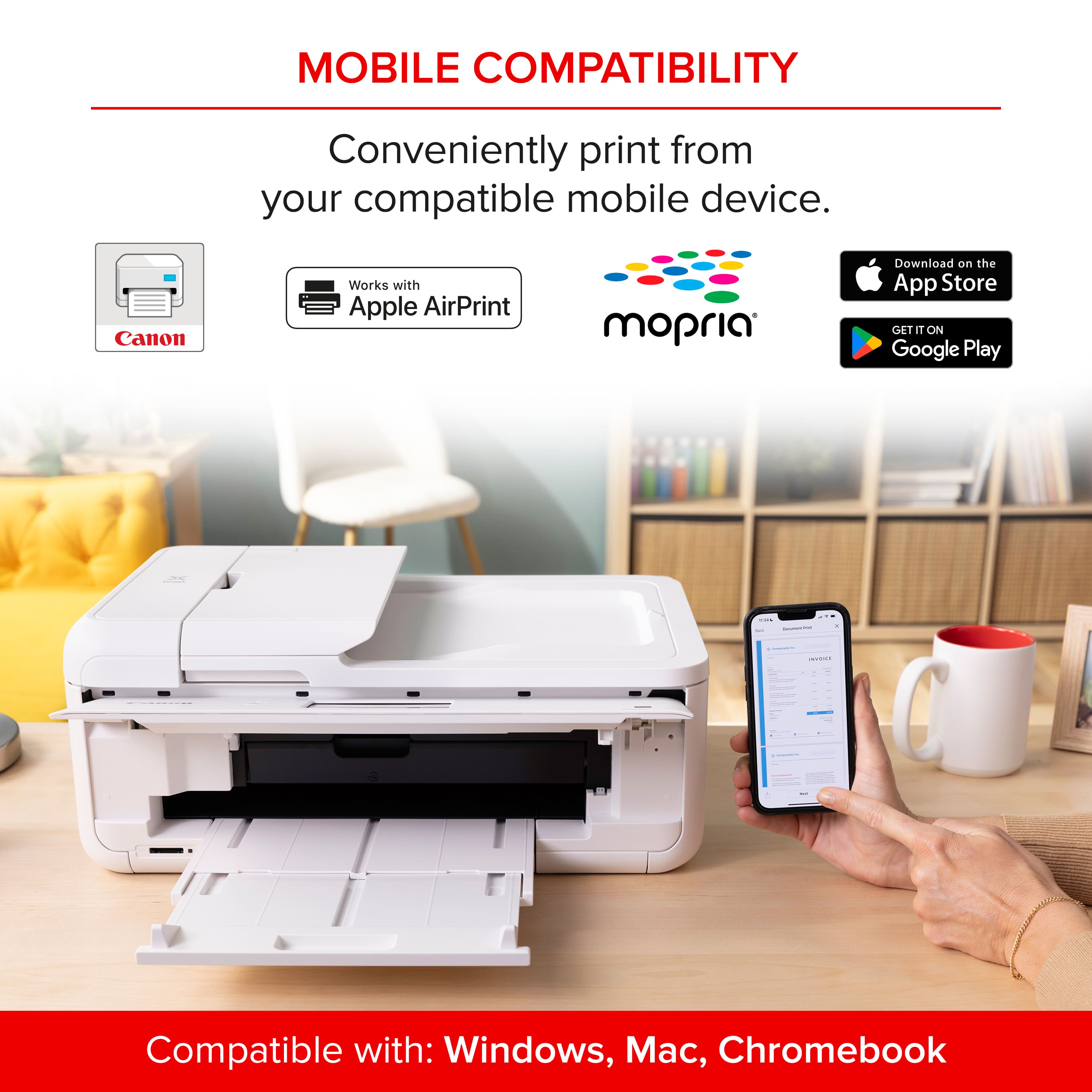
Of course, there's an app to use in conjunction with this Canon PIXMA TS9521Ca All-in-One inkjet printer, but that is a good thing. A very good thing. The app itself is easy to navigate, and makes using the printer wirelessly, and from your mobile devices, truly a breeze.
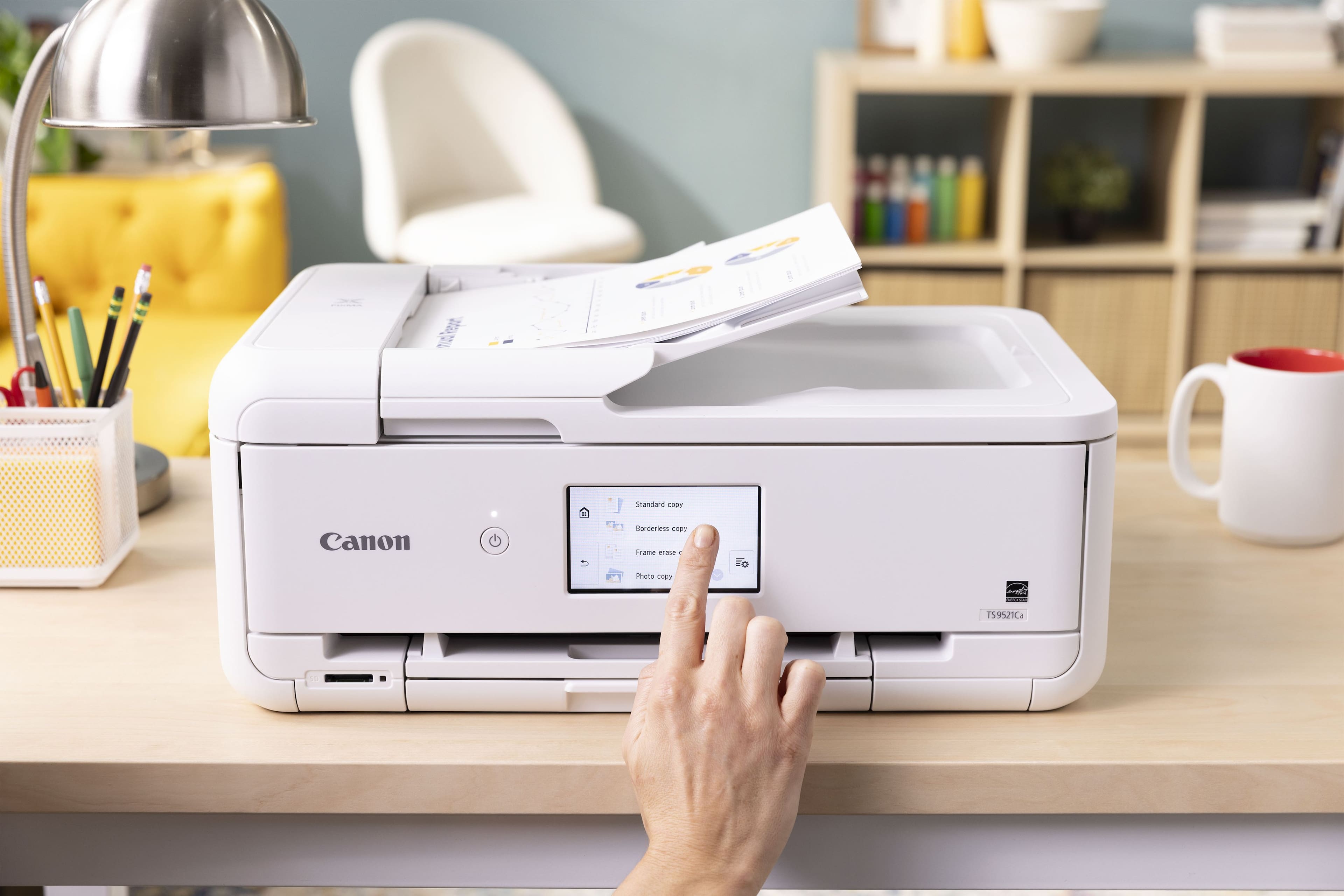
While operating, the printer isn't overly loud. And though the printer isn't "compact" by any means, it also doesn't take up a lot of room either. The LCD touch screen 'control panel' display is actually more responsive than my previous Canon printer, so that's an improvement there. Speed and quality of printing for color and black & white documents was wonderful.
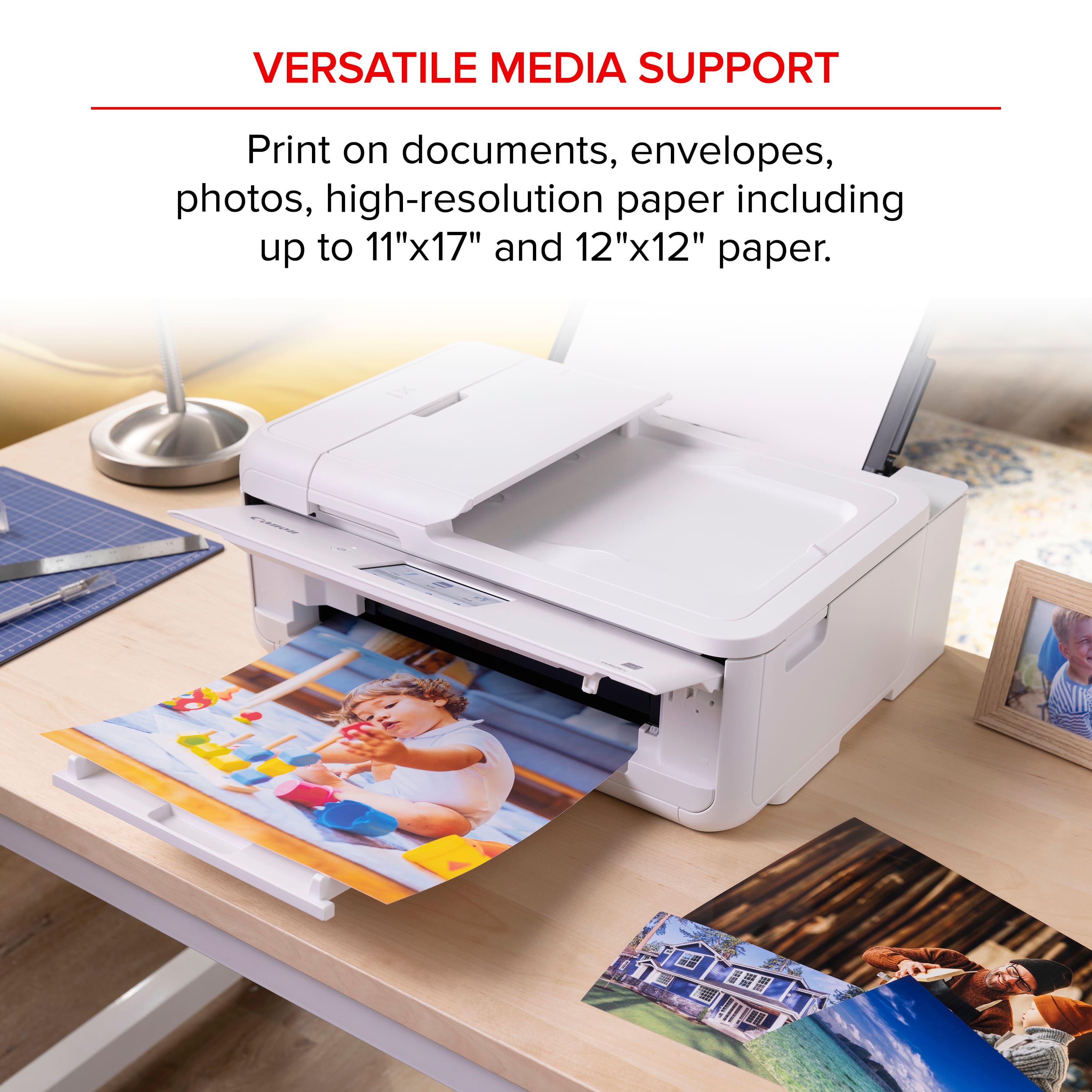
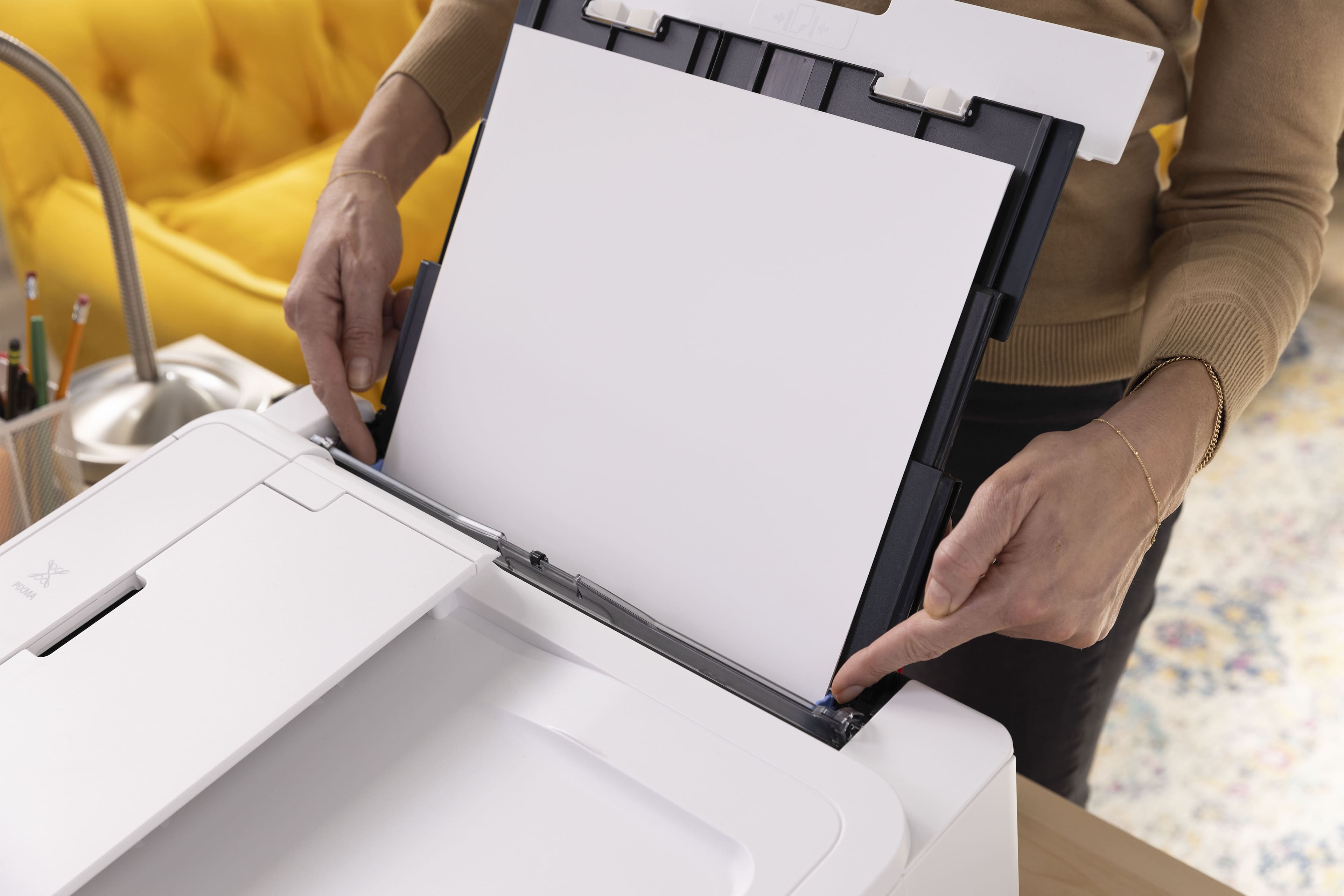
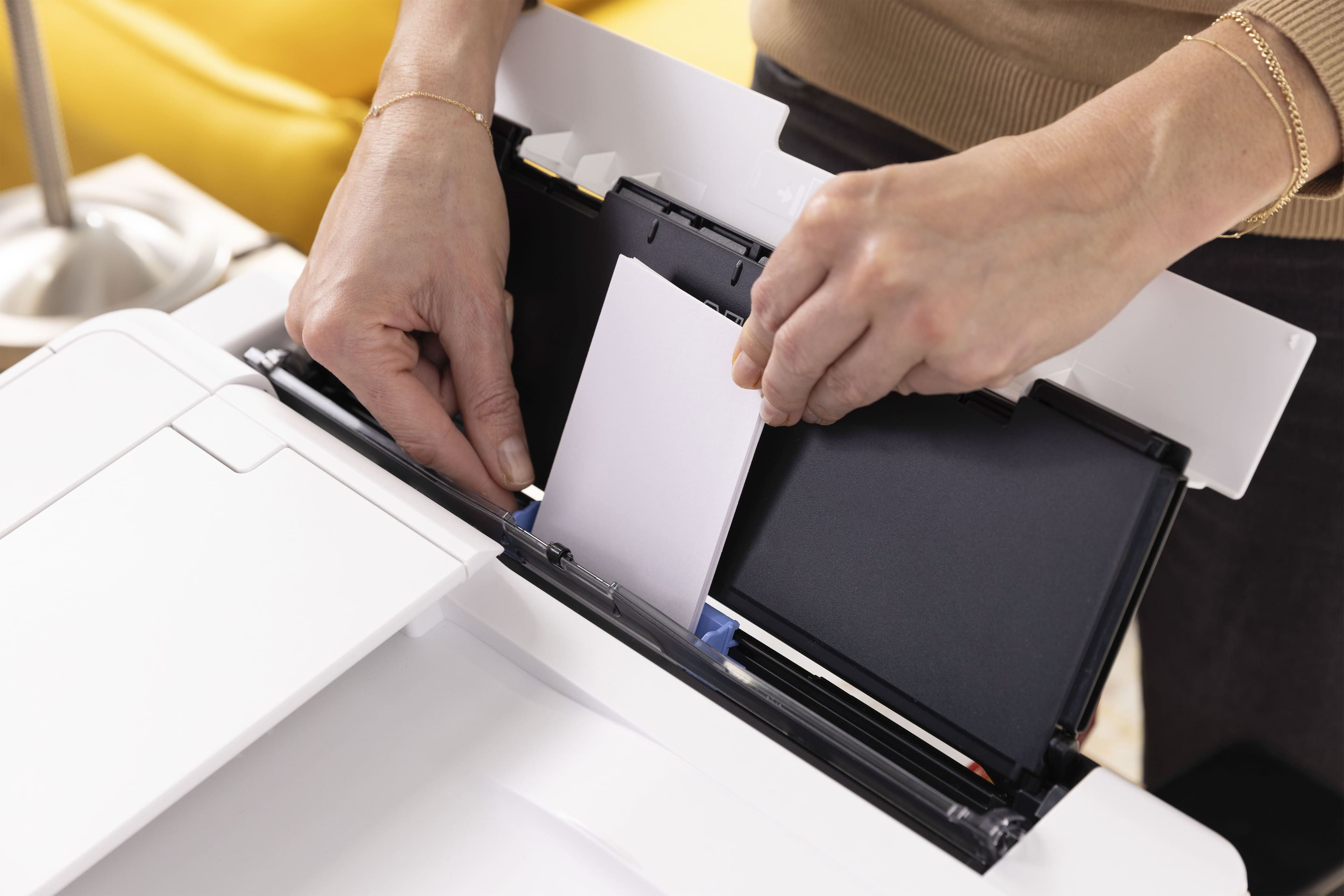
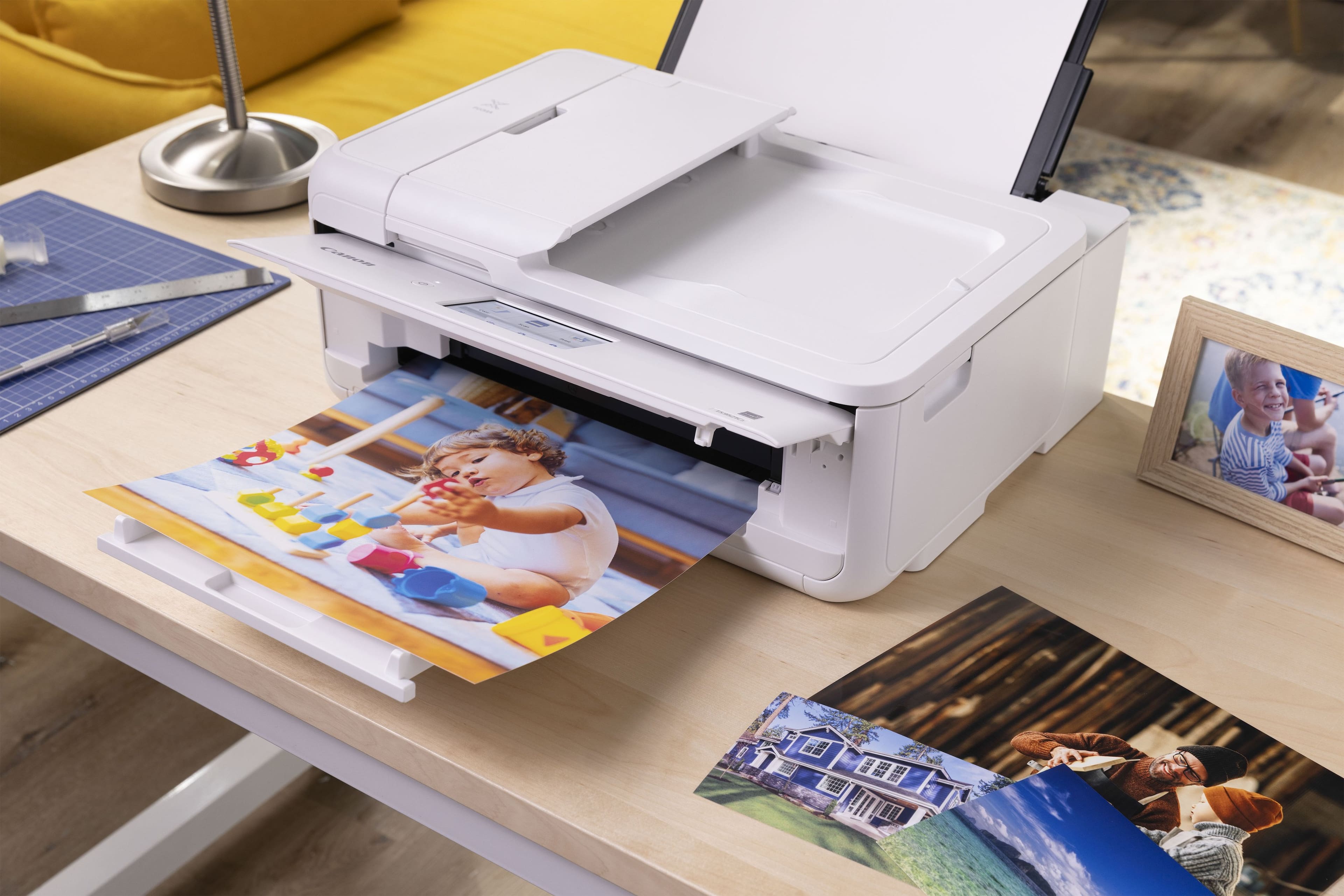
I very much prefer being able to print photos by loading the paper into a specific slot on the backside of the machine, rather than in the shared paper tray. This printer has that feature.
Replacement ink are the same cartridges from my previous Canon printer, which I appreciate. They've even included some sample photo paper sheets to get you started.
This model Canon Pixma inkjet printer is "crafter friendly." And with the free Poster Artist software, you can create flyers, posters, calendars, menus, banners, photo collages, and more via your PC connected to the printer. As a writer and photo enthusiast, this feature is of particular interest to me.
Purely as an aesthetic preference, I really like that the printer is offered in white which is a contrast to the basic black a great many electronics are these days. I try to blend with, or compliment rather, the color palette of the various technology devices I have around my home, and home office.
The only feature I miss from my previous Canon printer, is the ability to fax. I hadn't used it, but it was nice to have that option.
Overall, this Canon PIXMA TS9521Ca All-in-One inkjet printer is of the standard Canon quality and performance I'm familiar with, and the brand is known for. And while the price may seem a bit "more on the expensive side", this printer should serve you well for years to come.
I would recommend this to a friend
Rated 5 out of 5 stars
I am really liking this Canon printer
|
|
Posted . Owned for 1 week when reviewed.
This reviewer received promo considerations or sweepstakes entry for writing a review.
I normally a hp product person but I am really liking this Canon printer. I also like the ink refill subscription.
I would recommend this to a friend
Rated 1 out of 5 stars
If you cannot connect is it worth it?
|
|
Posted .
This reviewer received promo considerations or sweepstakes entry for writing a review.
Since I tried the Canon walk through for setup which was a breeze and then wireless connect setup. Canon programmers should be sent to prison for fraud so that they can be treated like they treat their customers. The phone App just searches and searches for zero results which we can only hope the same happens to the programmers. The frustration only continues for PC when trying to connect wireless. The stupid software keeps loading and then saying setup failed which then it trys loading again.
I shouldn't have to but I am contacting Geek Squad for help.
I only hope that Canon gets treated the same way.
No, I would not recommend this to a friend
Cons mentioned:
Paper tray capacity
Rated 1 out of 5 stars
Do not recommend
|
|
Posted . Owned for 3 weeks when reviewed.
This reviewer received promo considerations or sweepstakes entry for writing a review.
This printer was difficult to install via Bluetooth and paper keeps getting jammed. I had to return it.
No, I would not recommend this to a friend
Rated 3 out of 5 stars
fine printer, a little fragile
|
|
Posted . Owned for 2 weeks when reviewed.
This reviewer received promo considerations or sweepstakes entry for writing a review.
Has many issues using rear cassette with heavy print media. Had to replace it twice before support suggested using a thinner material.
No, I would not recommend this to a friend
Rated 5 out of 5 stars
DebL
|
|
Posted . Owned for 1 month when reviewed.
This reviewer received promo considerations or sweepstakes entry for writing a review.
works great , very pleased.Have always had Canon. Good price
I would recommend this to a friend
Rated 3 out of 5 stars
Mediocre at best.
|
|
Posted . Owned for 1 month when reviewed.
This reviewer received promo considerations or sweepstakes entry for writing a review.
Slower than advertised and not living up to Consumer Reports rating. Set up is convoluted and operation seems counter-intuitive at best. I think it's over-engineered.
No, I would not recommend this to a friend
Rated 1 out of 5 stars
IT'S FRAUD IMO
|
|
Posted . Owned for 1 month when reviewed.
This reviewer received promo considerations or sweepstakes entry for writing a review.
My experience could not be worse. After hours of research, I finally ordered a new desktop, printer and ink for myself. I was delighted to realize it was on sale for black Friday. The ink came but the desktop and printer kept getting delayed...THEN, when it finally shipped (supposedly), and although it had been ordered and confirmed via Best Buy's live chat feature, it was shipping to the wrong address! 3 emails on the same day, order delayed, order delivered, order unable to be delivered. I tried to contact Best Buy through the same live chat, they couldn't help, I must call. I called still confused as to the impossibility of their getting the address wrong after so much confirmation upon ordering and it was again, supposedly straighted out and got a new delivery window. Nothing ever came, order cancelled. I believe it was all a sham, Best Buy didn't have or didn't want to honor the sale price and managed to wiggle out of it by engineering the confusion. Let it be said that their ongoing delay and wrong address STRATEGY left me without a computer & printer but also ineligible to order from one of the thousands of other retailers offering the same computer & printer at a sale price for black Friday. I now deeply question Best Buy's integrity. Oh!, and they keep hounding me for a review so here it is...Buyer beware!!!
No, I would not recommend this to a friend
Rated 1 out of 5 stars
Printer
|
|
Posted .
This reviewer received promo considerations or sweepstakes entry for writing a review.
Printer Would not connect with apple wireless products
No, I would not recommend this to a friend
Rated 3 out of 5 stars
Canon Printer
|
|
Posted . Owned for 6 months when reviewed.
This reviewer received promo considerations or sweepstakes entry for writing a review.
The printer is okay. The colors do not print out bright enough.
No, I would not recommend this to a friend
Pros mentioned:
Connectivity, Print quality
Rated 4 out of 5 stars
A Creative Powerhouse with Some Caveats
|
Posted .
This reviewer received promo considerations or sweepstakes entry for writing a review.
The Canon PIXMA TS9521C is an intriguing addition to Canon's lineup, especially designed with the crafting community in mind. As a tech enthusiast with a penchant for multifunctional devices, I found this printer to be a compelling mix of versatility and specialized features.First off, the TS9521C's standout feature is its ability to handle a wide variety of media types and sizes. From standard documents to intricate scrapbook pages, this printer is a creative powerhouse. It supports 12” x 12” borderless prints, which is a dream come true for scrapbookers and crafters who need that extra bit of space. The inclusion of a rear paper feed and a multipurpose tray further enhances its versatility, allowing users to print on thicker media like cardstock, envelopes, and even CDs.The print quality is superb for both text and graphics. With a five-color individual ink system, including a pigment-based black for crisp text, the TS9521C delivers vibrant and sharp prints consistently. The printer also supports a wide color gamut, making it suitable for photo enthusiasts who demand high-quality prints.On the connectivity front, the TS9521C is well-equipped with options like Wi-Fi, Bluetooth, and Ethernet, ensuring it can fit seamlessly into any home or office setup. The support for various mobile printing options, including AirPrint, Google Cloud Print, and the Canon PRINT app, makes it easy to print directly from smartphones and tablets.However, the TS9521C is not without its shortcomings. One of the most significant drawbacks is its speed. While the print quality is high, the printing process can be slow, especially for high-resolution photos and complex craft projects. This can be a downside for users who require quick turnaround times.Another area where the TS9521C could improve is its user interface. The touchscreen, while functional, is not as responsive or intuitive as some of its competitors. Navigating through the settings and options can sometimes feel cumbersome, which detracts from an otherwise smooth user experience.Additionally, the cost of ink is a concern. While the individual ink tanks are convenient and can save money in the long run, the initial cost of replacing all five cartridges can add up quickly. Users who print frequently might find themselves spending a considerable amount on ink.In terms of physical footprint, the TS9521C is quite large. It might be a tight fit for small desks or limited spaces, which could be a dealbreaker for users with constrained work areas.Overall, the Canon PIXMA TS9521C earns a solid 4 out of 5 stars. Its versatility, high print quality, and extensive media support make it an excellent choice for crafters and creative professionals. However, its slower print speeds, somewhat clunky user interface, and high ink costs keep it from achieving a perfect score. If you can overlook these minor drawbacks, the TS9521C is a reliable and capable companion for your creative endeavors.
I would recommend this to a friend
Pros mentioned:
Print quality, Setup
Cons mentioned:
Paper tray capacity
Rated 5 out of 5 stars
Multi Function, Multi Results
|
Posted .
This reviewer received promo considerations or sweepstakes entry for writing a review.
So our household has a lot of printers... Laster Color, Laser B&W, a sublimation, and a couple ink jets... so why another... Well, we only have one with a scanner... and we have found ourself more often needing the ability to scan, away from the main office of the house. So time for a new printer.
So let's get right into setup, easy. Standard stuff. Remove all the packaging, get it plugged in, and then walk through he straight forward steps of adding to WiFi. No one should have any issues getting it up and on the network.
Once on the network, finishing up printer setup on various computers, easy. We have both Macs and PCs and both were able to connect and get going, we did scanning first on the Macs, and that was just smooth and simple, and able to save as Image files as well as PDFs.
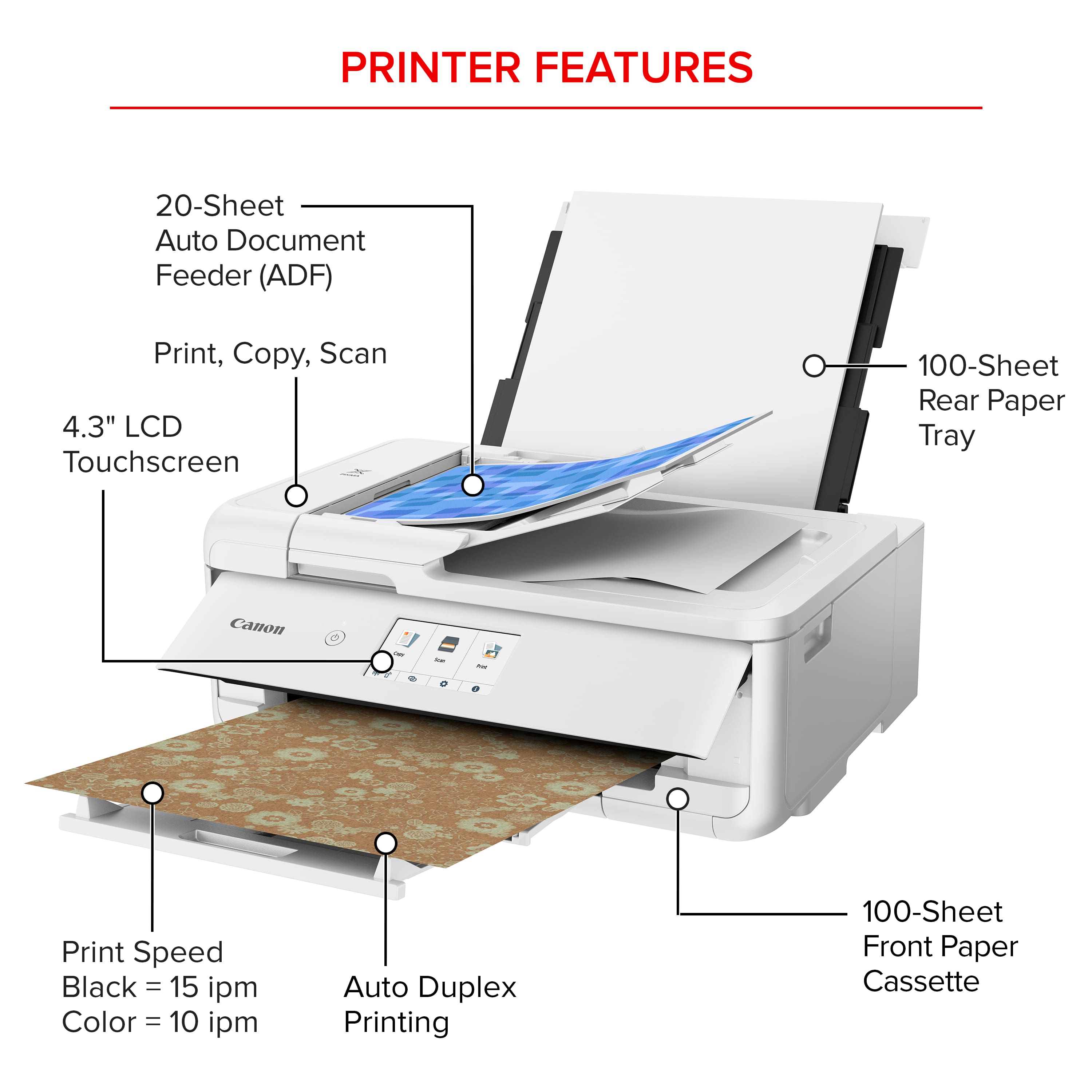
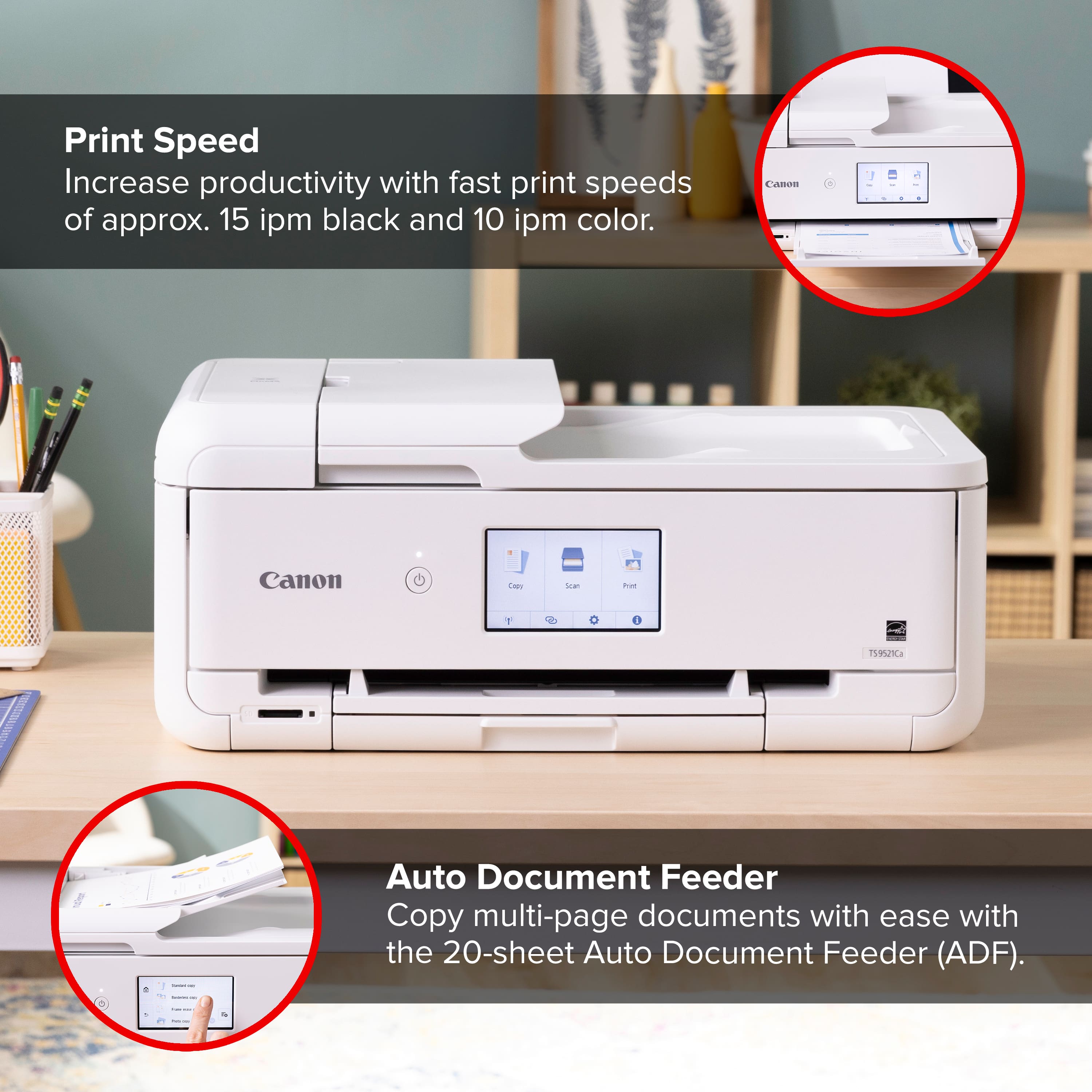
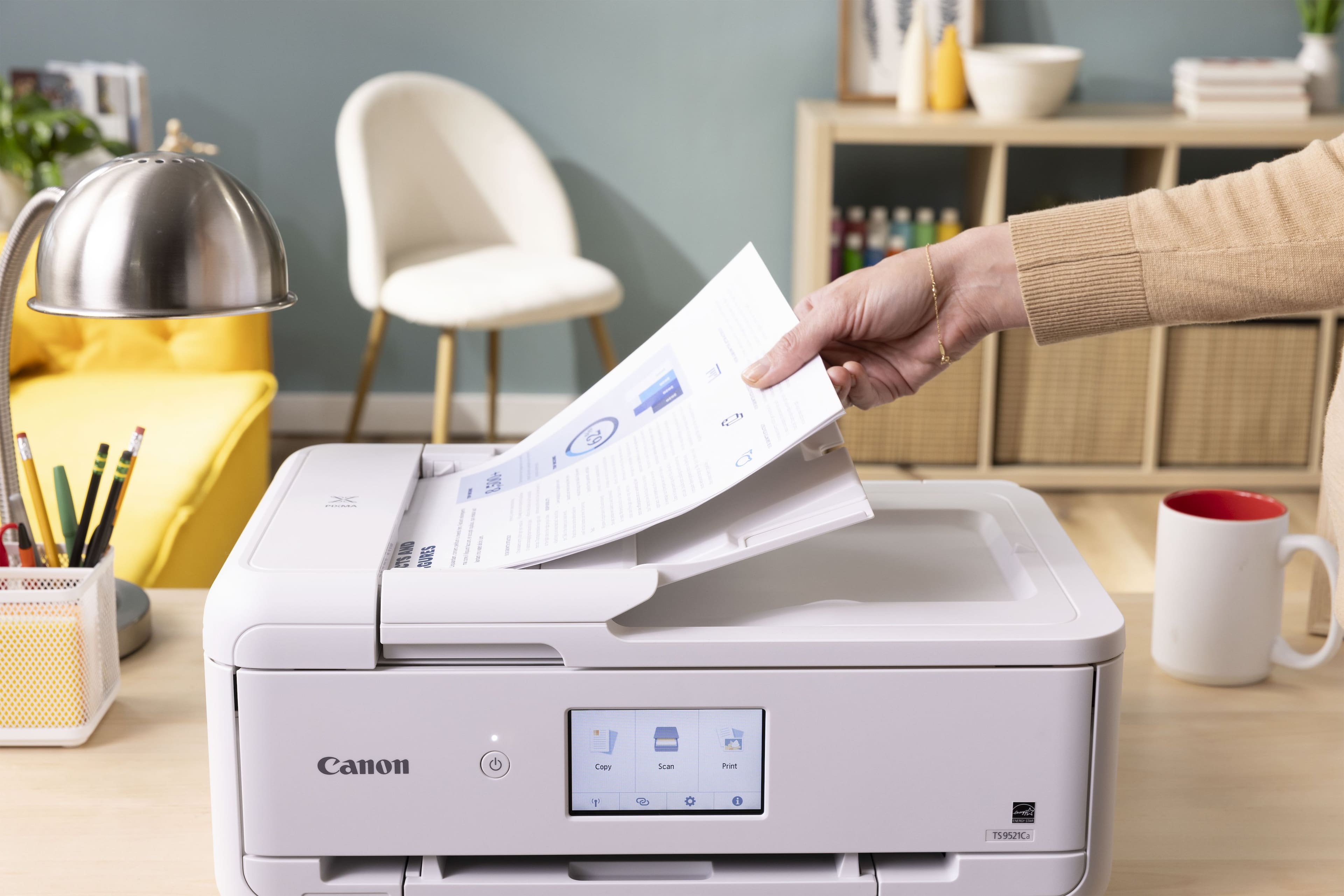
The Automatic feeding tray is great if you have more then 1 or 2 pages, it is just like a copy machine feeder.
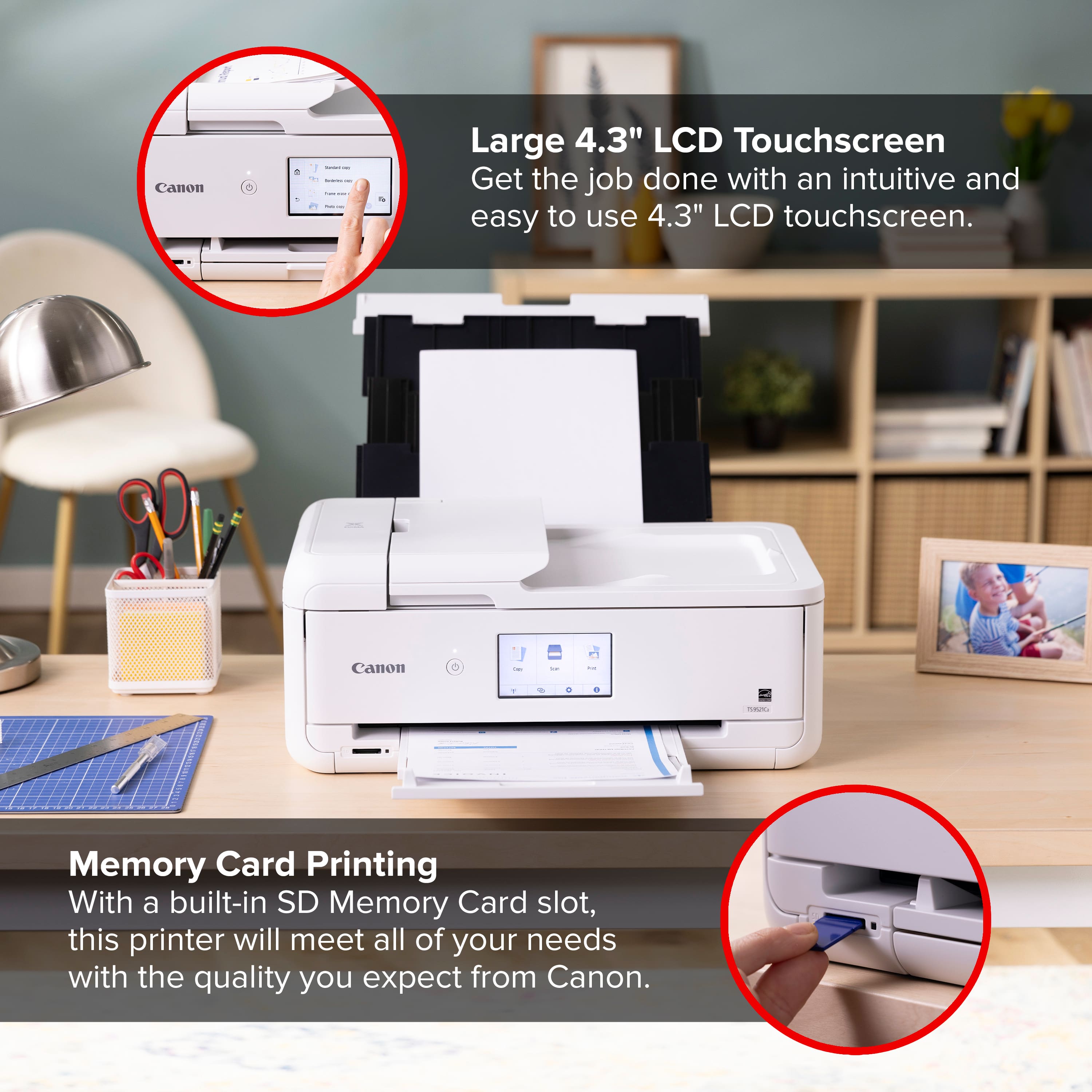
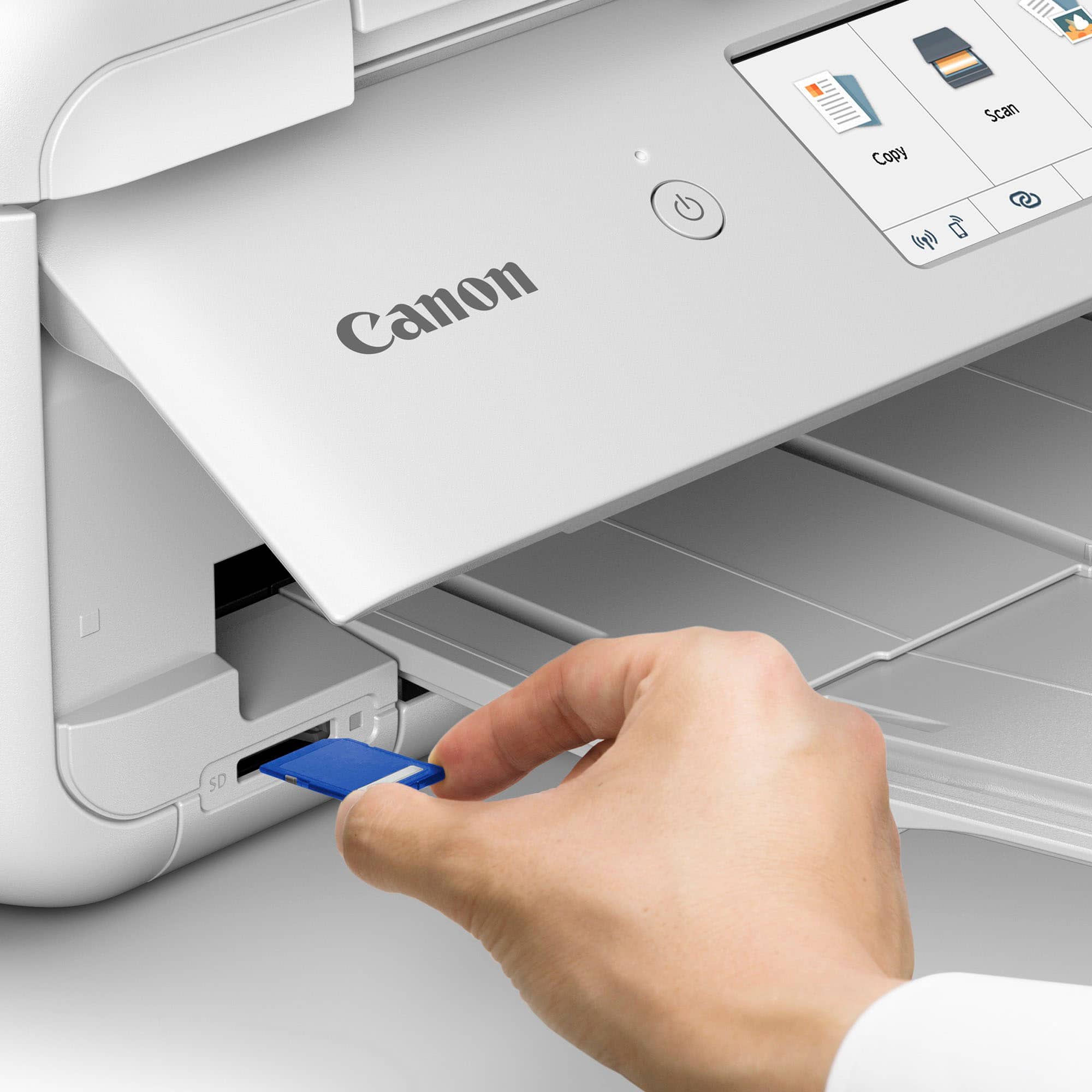
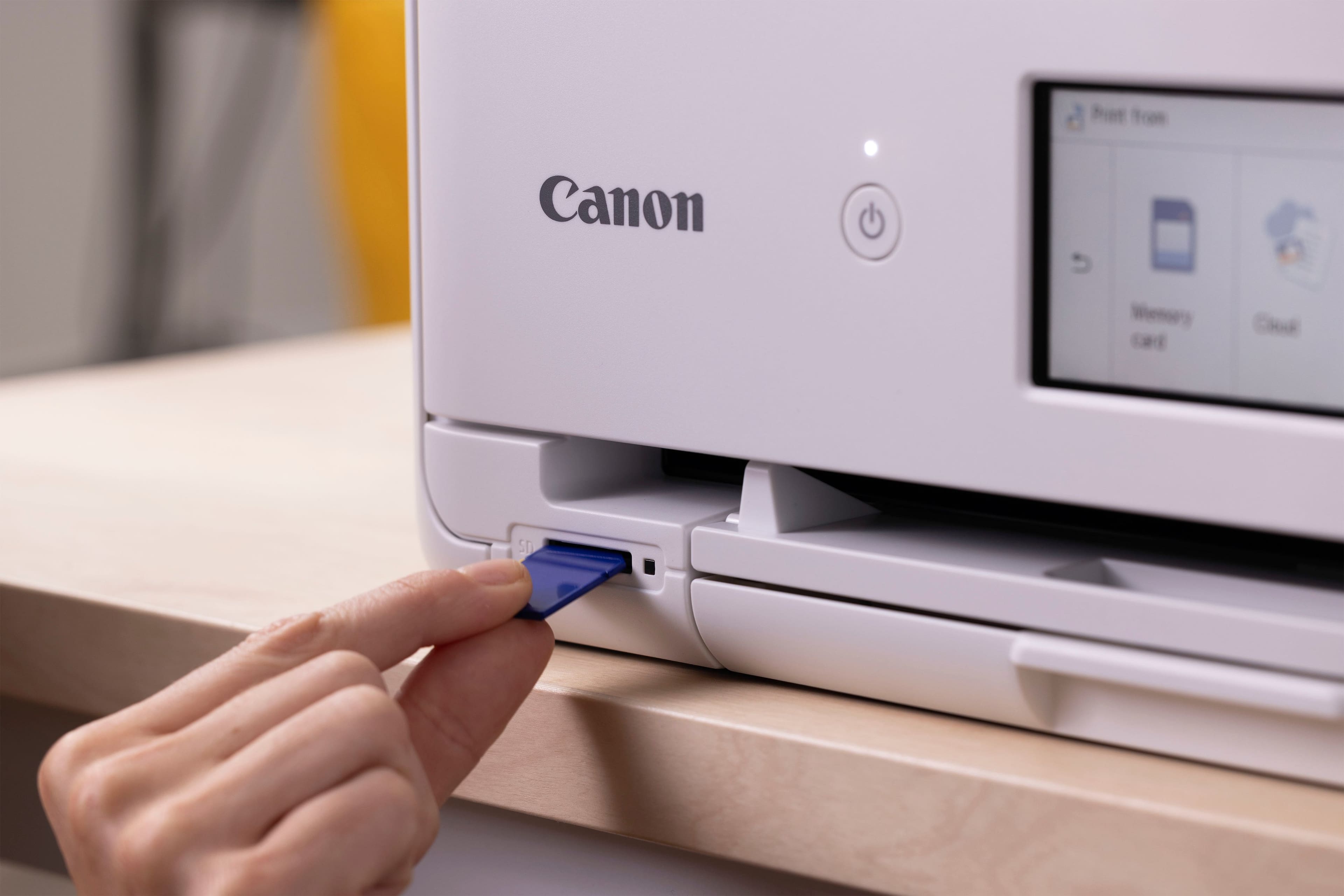
Per the documents, it can print on CDs/DVDs, but that is a feature I will never use again, long left that platform and style. The SD slot is okay for those with digital cameras using physical media. But it was easy to print from our iPhones. There is a companion app available ,that helps you with more features, but found it straight forward just to use the built in print features.
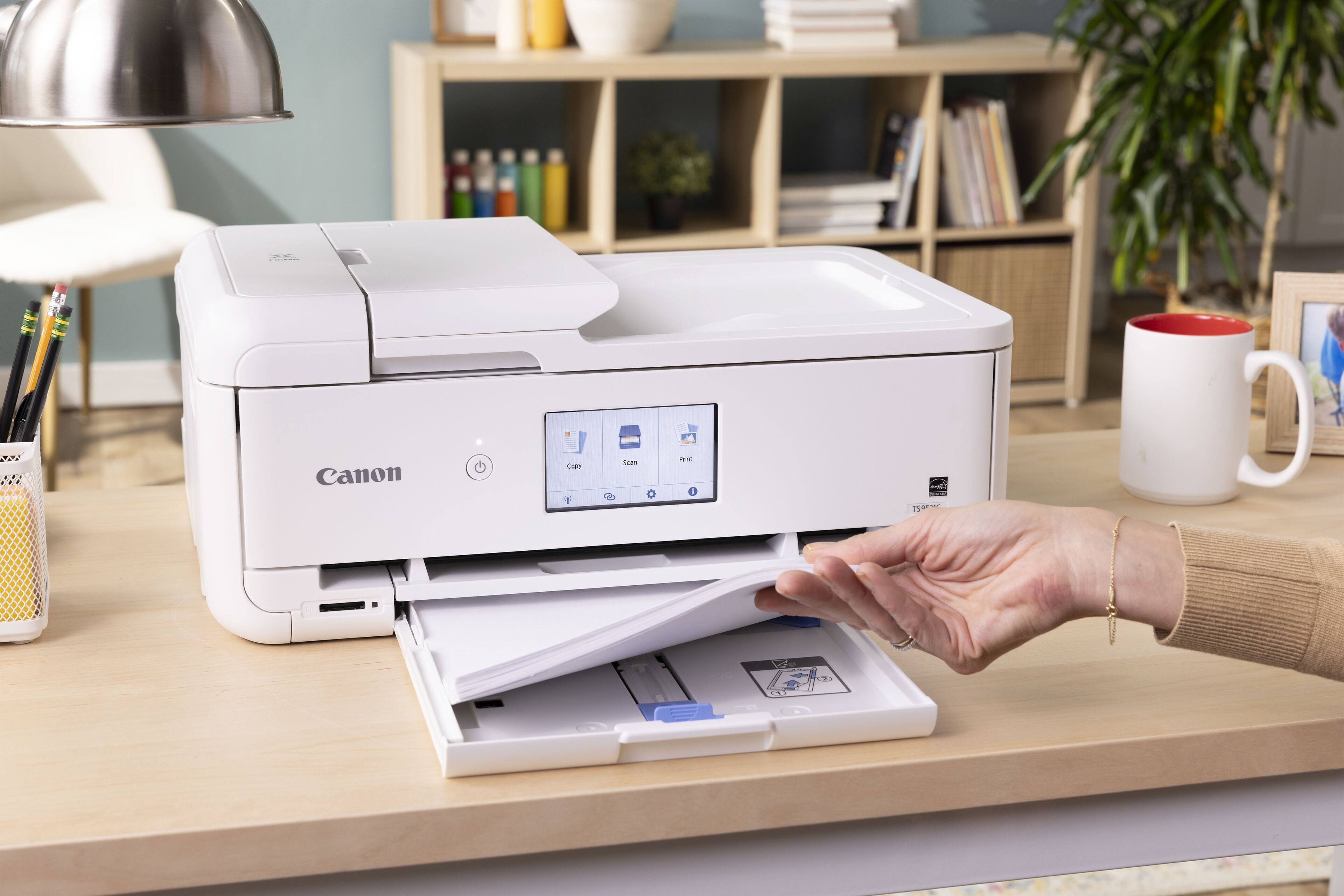
100 page tray, smaller then some... I miss the days of a larger printer that could take the entire reem of paper, but 100 isn't bad.
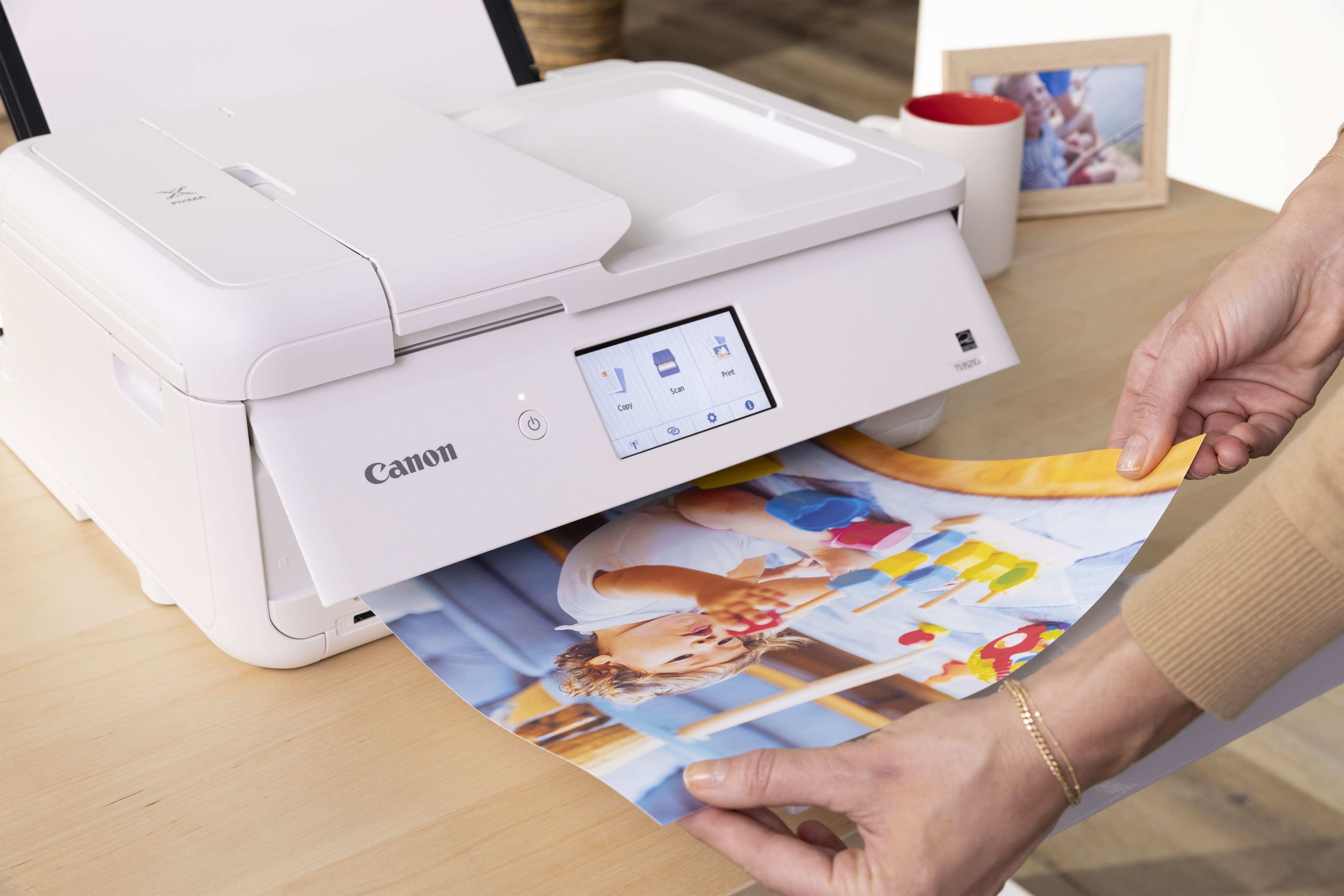
Clear colors, good detail, and relatively quick. not the fastest, but certainly not slow by any means.
Simple duplex printing, to save paper, or make it booklet style.
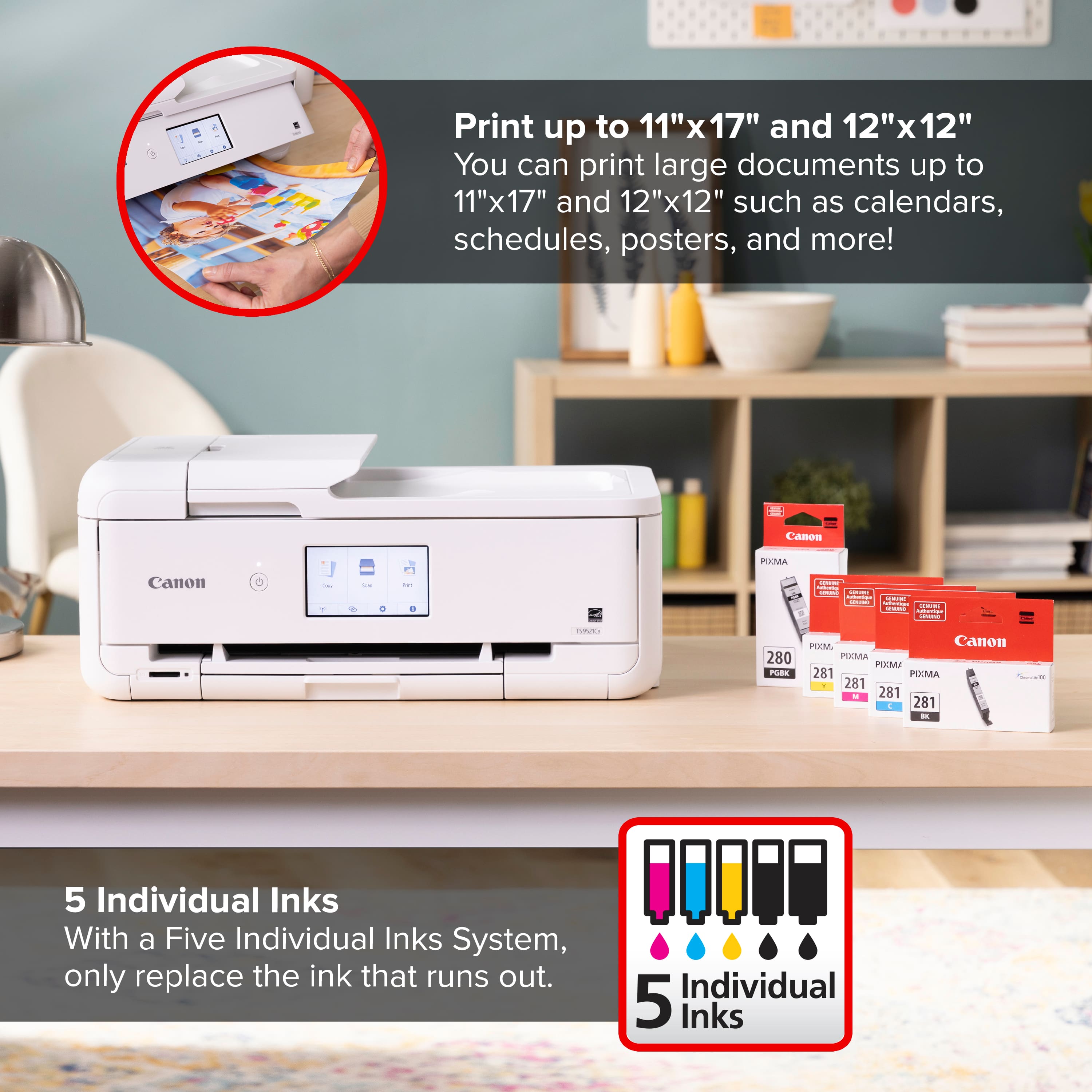
The docs say it will support 11x17 printing, but I don't have any of that paper handy anymore (sold that printer), but looking forward to testing it. 12x12 is also listed for the traditional size of memory books.
Good printer for the price point... But partially holding out verdict to see how far the OEM and the replacement print cartridges take me. However, it does use a relatively common ink cart, not a new one, so there are a lot of options available.