Customer Ratings & Reviews




- Model:
- 2988C052
- SKU:
- 6579398
Rating by feature
- Value
Rating 4.4 out of 5 stars
- Quality
Rating 4.5 out of 5 stars
- Ease of Use
Rating 4.3 out of 5 stars
to a friend
Customers are saying
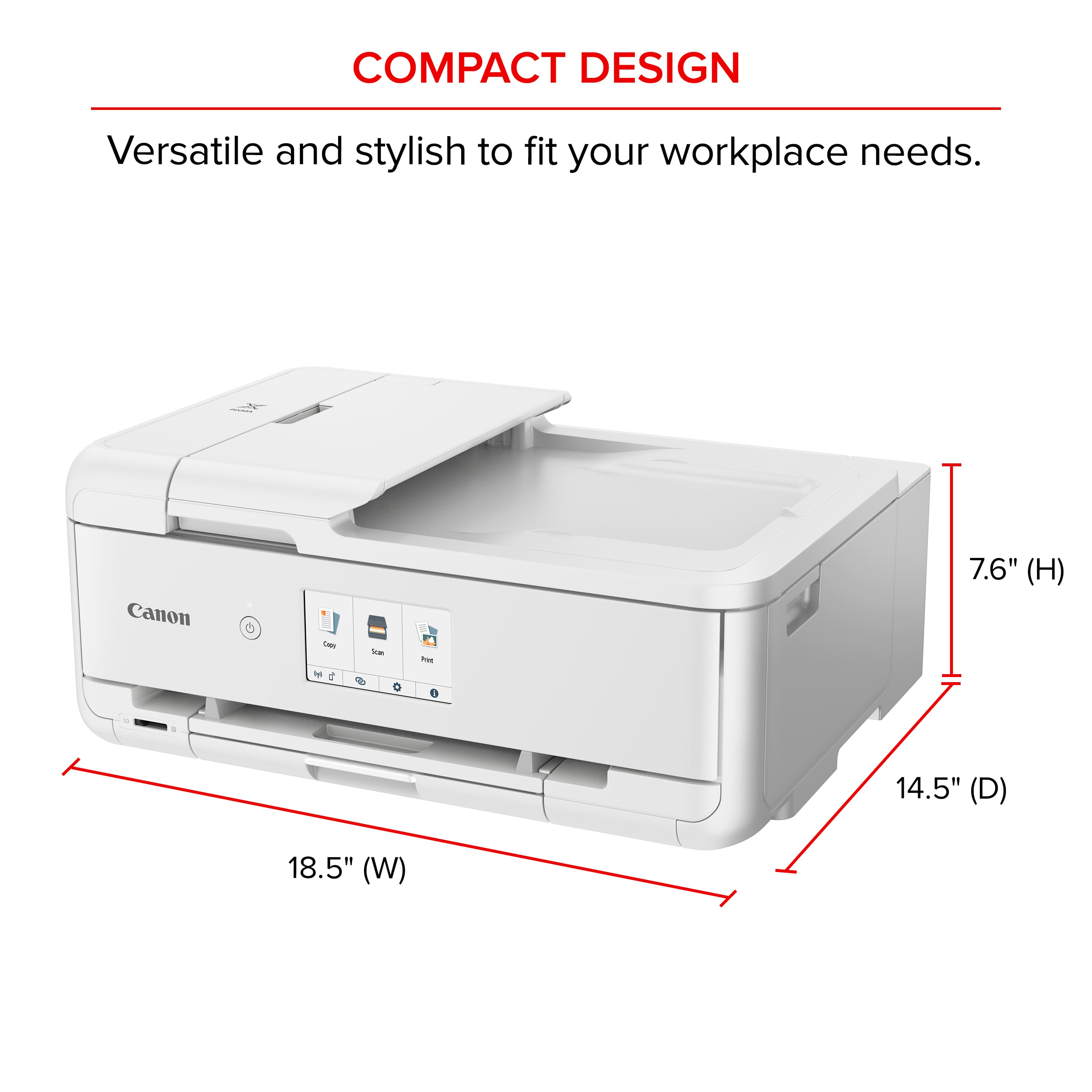
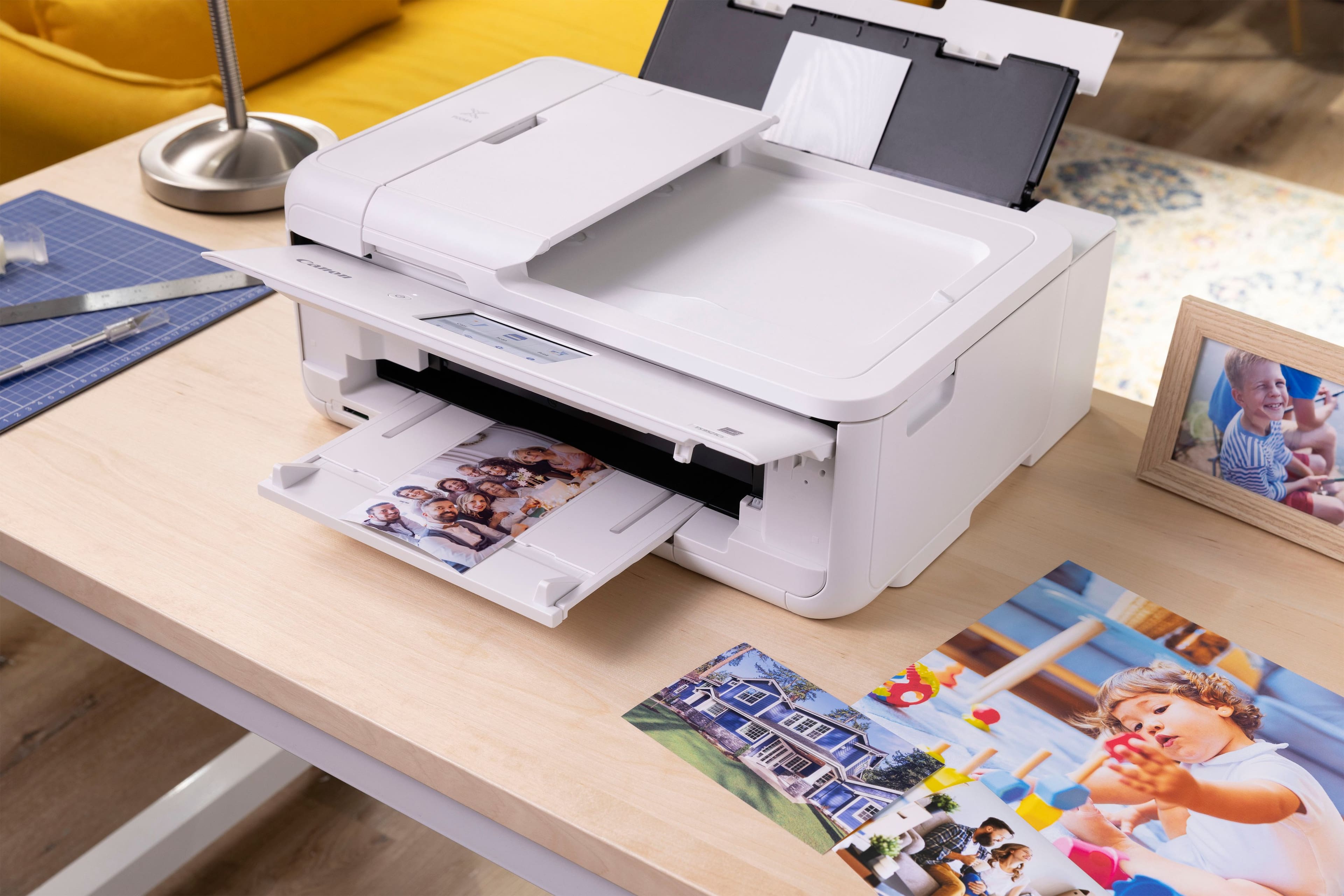
Customers value the PIXMA TS9521Ca Wireless All-In-One Inkjet Printer for its very good print quality, overall performance, and easy setup. Many also appreciate its ease of use, reasonable noise level, and surprisingly compact size. However, some customers have expressed concerns regarding connectivity and the paper tray capacity.
This summary was generated by AI based on customer reviews.

Quality printing & features
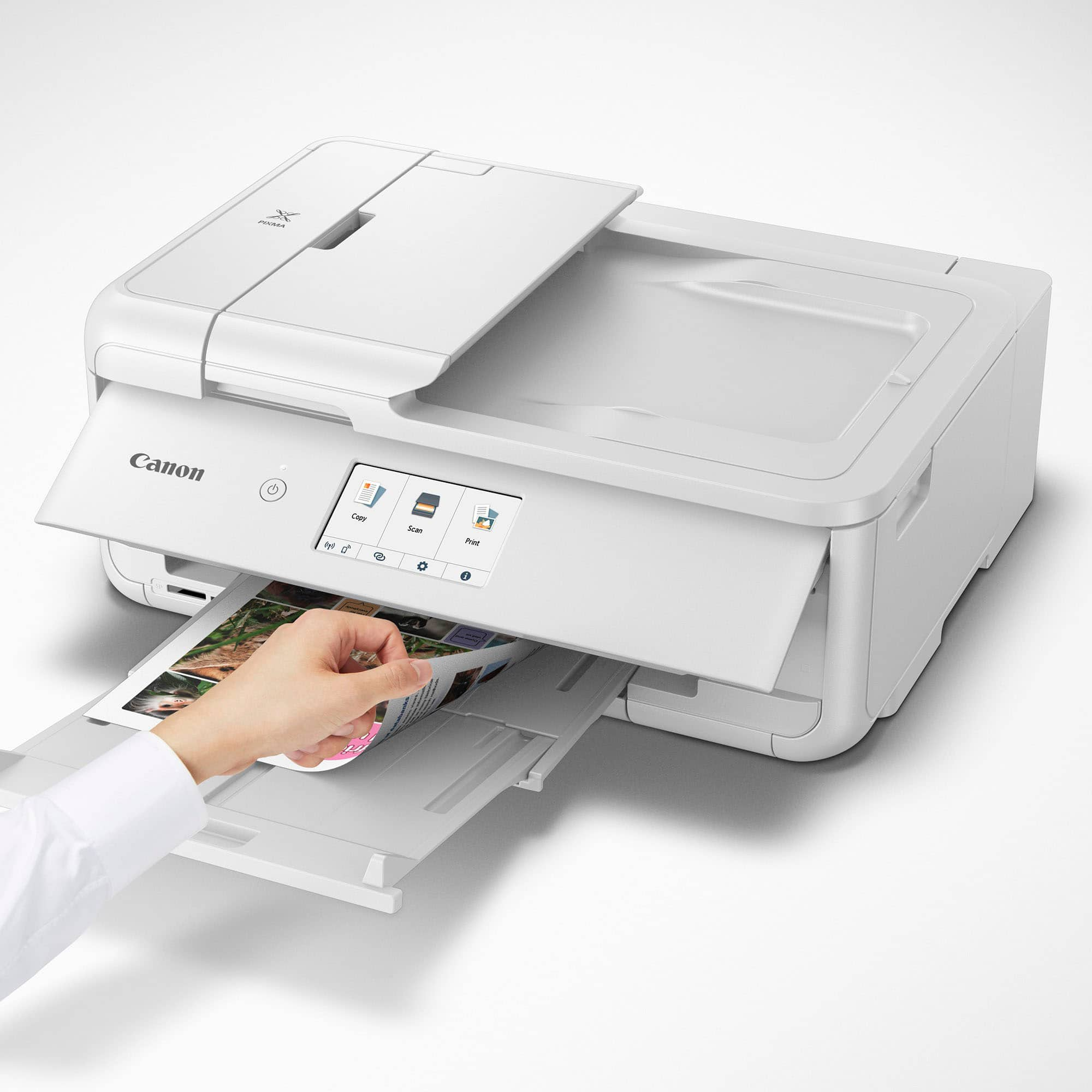
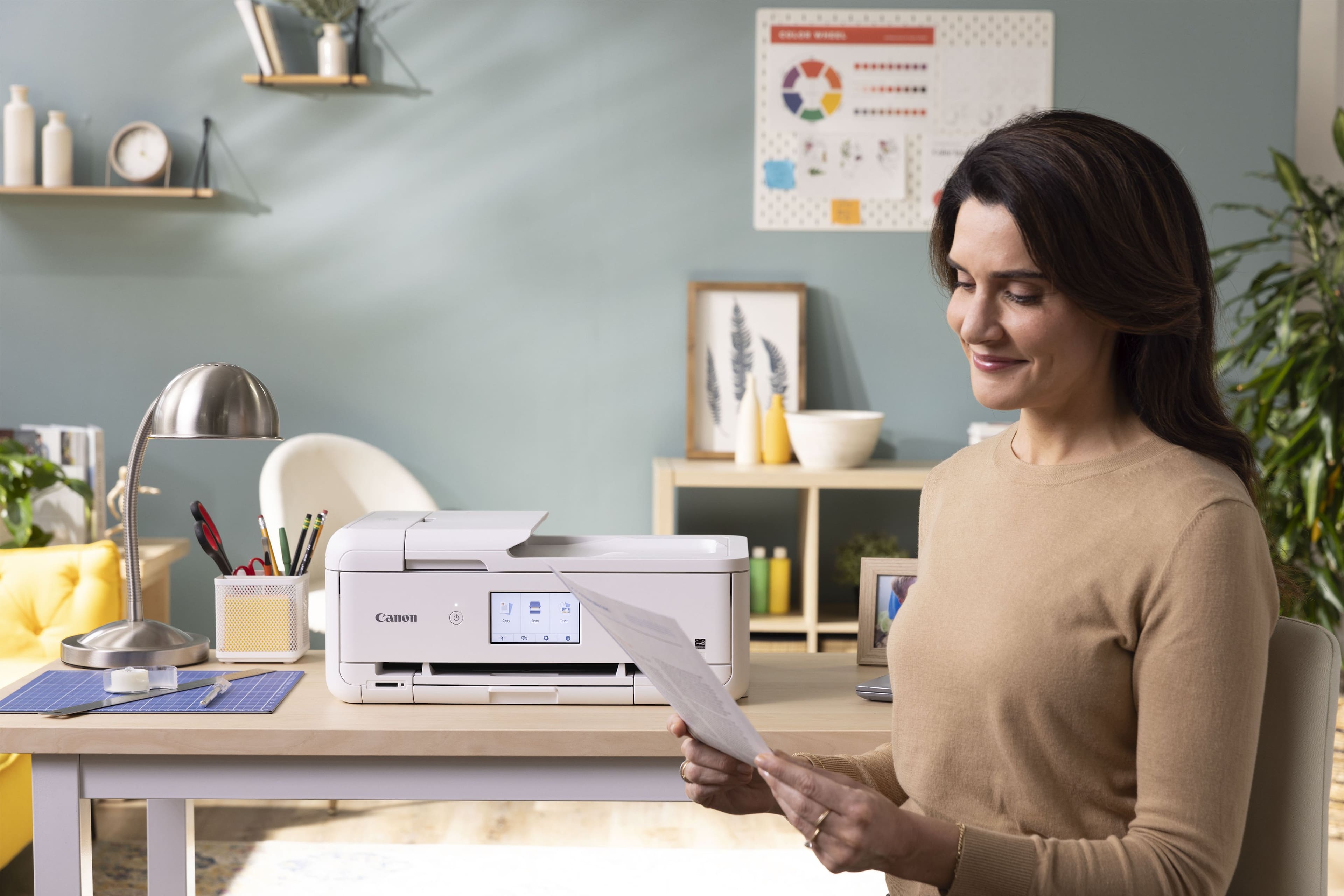
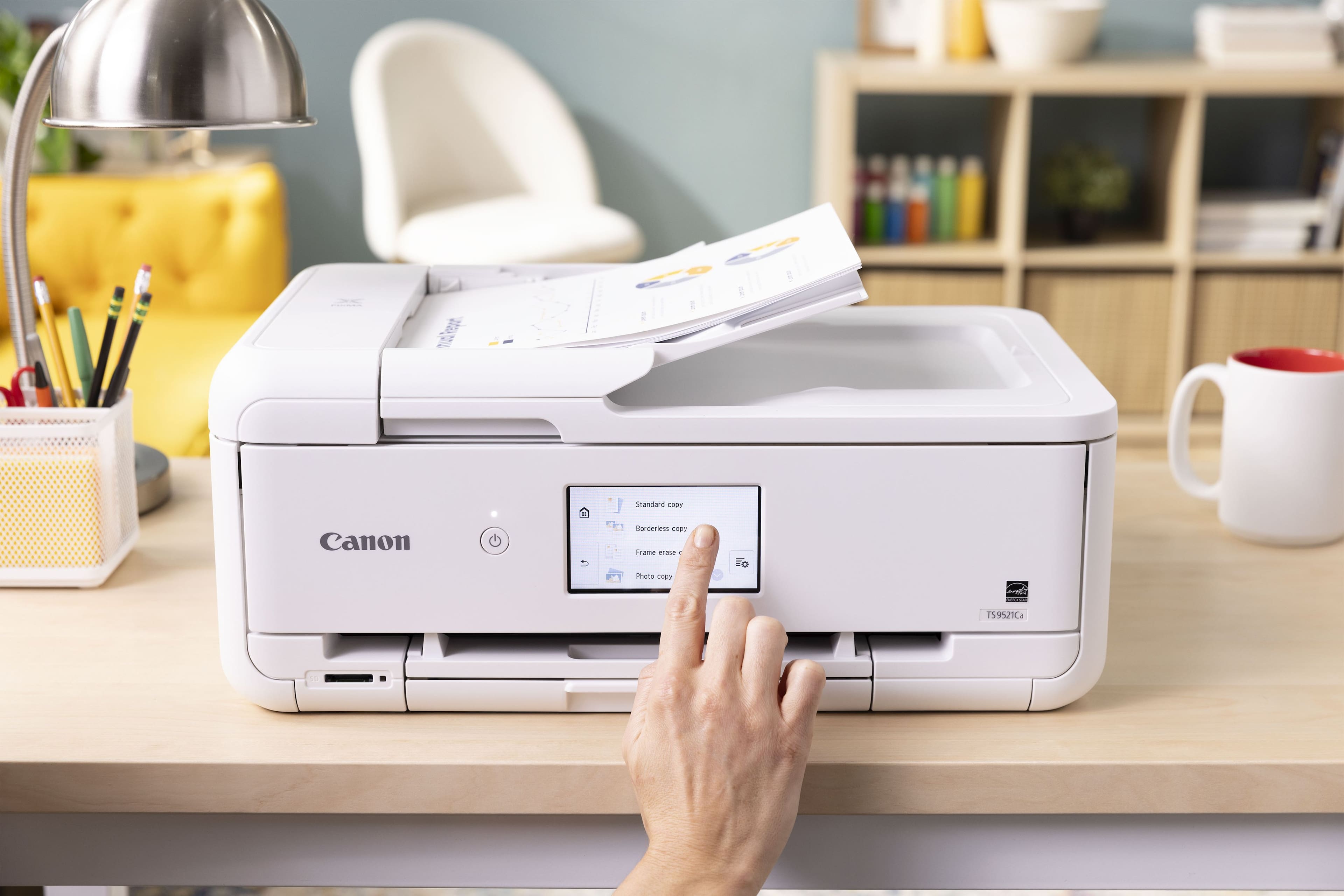
|Posted .This reviewer received promo considerations or sweepstakes entry for writing a review.This printer packs a wealth of features in a compact package. Setup was straightforward and easy. You just have to power on, follow the prompts, install the print cartridges, connect to your network and it is ready to go. Print time is fast and colors are the quality you would expect from Canon's picture background. The scanner is quick, and the color quality is top notch as well. It would be nice if the paper tray was a little larger, but this is fine, since the printer is tailored toward crafting versus mass print jobs. Print cartridge replacements are economically priced and you have the option to subscribe to a monthly subscription plan. Plans start at a price per page or go up to $9.99 per month for 200 pages per month. Unused pages roll over to the next month, so you don't lose any unused printing. Firmware updates are seamless as well from the easy-to-read LCD screen. The entire front panel can be adjusted to make the screen easier to read depending on what level the printer is placed. Printing is also not very loud so the printer can be placed virtually anywhere.
I would recommend this to a friendVery Good Printer For Crafting (And personal use)
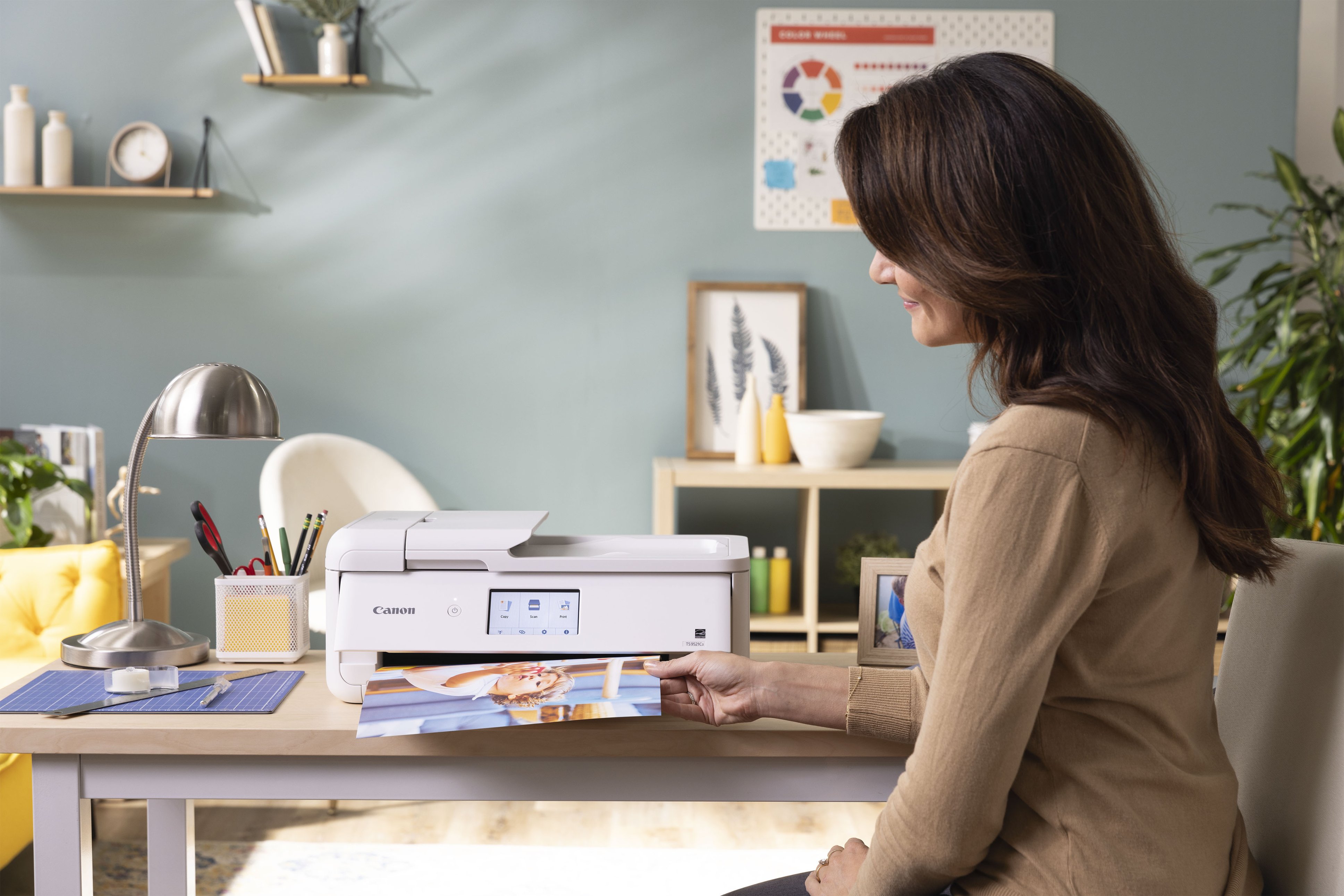
|Posted .This reviewer received promo considerations or sweepstakes entry for writing a review.I had been researching a printer for some time that is geared toward crafting, and once I received the Canon PIXMA TS9521 I was glad I did. It has everything you need to make crafting easier. The one thing that I like is the size, the room in which my wife and I use to make crafts (I build the frames/plaques/serving trays and she decorates them w/ our cutting machine) the room is not that big and we wanted a printer to fit that bill, the TS9521 does. The installation of the ink and setup took about 20-25 minutes max. I did have an issue w/ the Canon Print App, and after some time and research I discovered it was my VPN not allowing my tablet to connect to the printer. As far as printing, this is amazing! The colors are true and are very distinct. I like that it accepts not only regular printing paper, but also card stock and greeting cards. W/ the print then cut feature on our cutter the Canon PIXMA far exceeds our old printer and truly speeds up the process. Having the wireless feature is a plus and knowing that most of our local box stores sell the ink that you need w/ this printer. It is a very well made and great printer. I like the touchscreen on the control panel that it is in color, they are just the right size and very easy to see. Canon has made a very fine crafting printer. And if you are in the market for one, I highly recommend the PIXMA TS9521.
I would recommend this to a friendTop quality Photo and Craft Printer
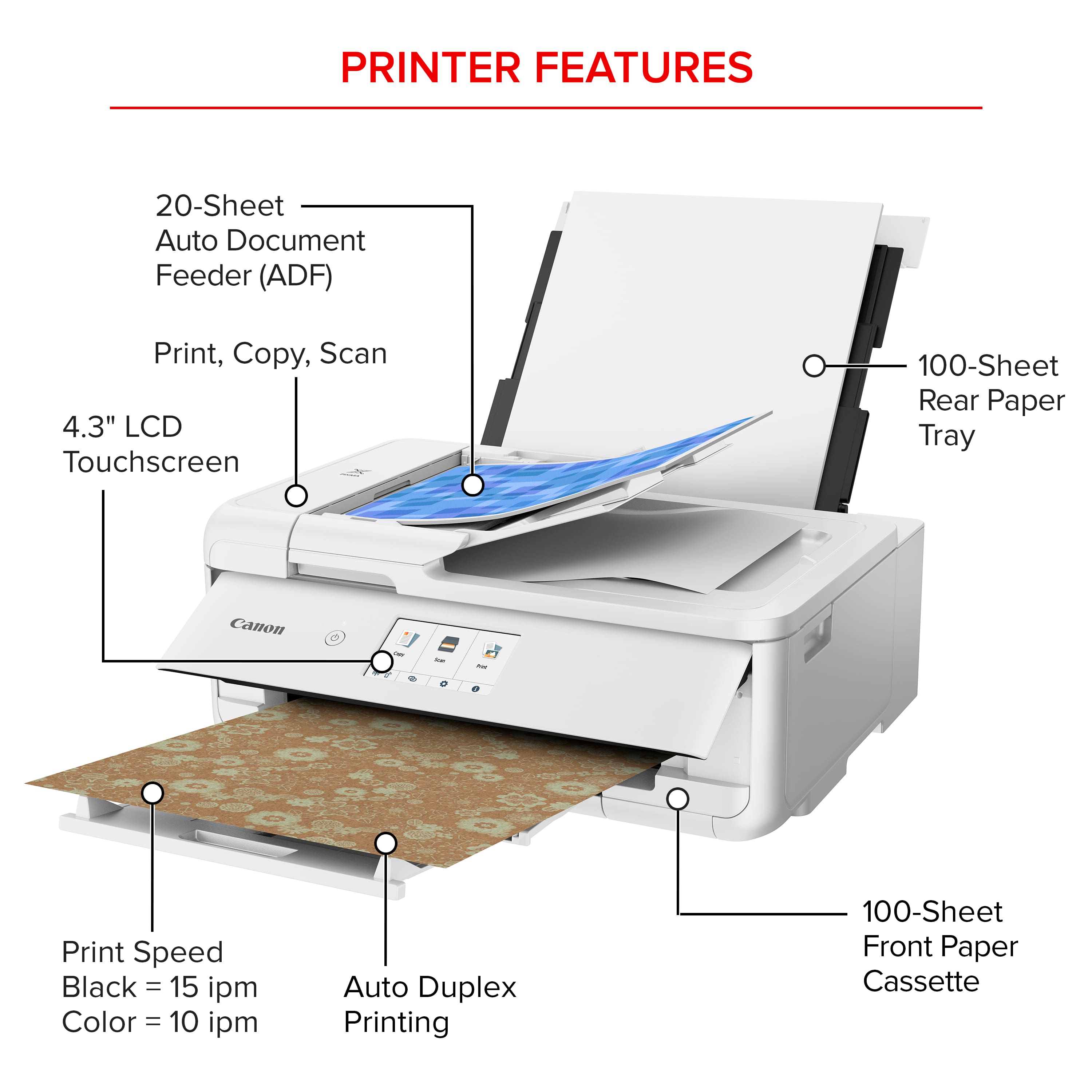
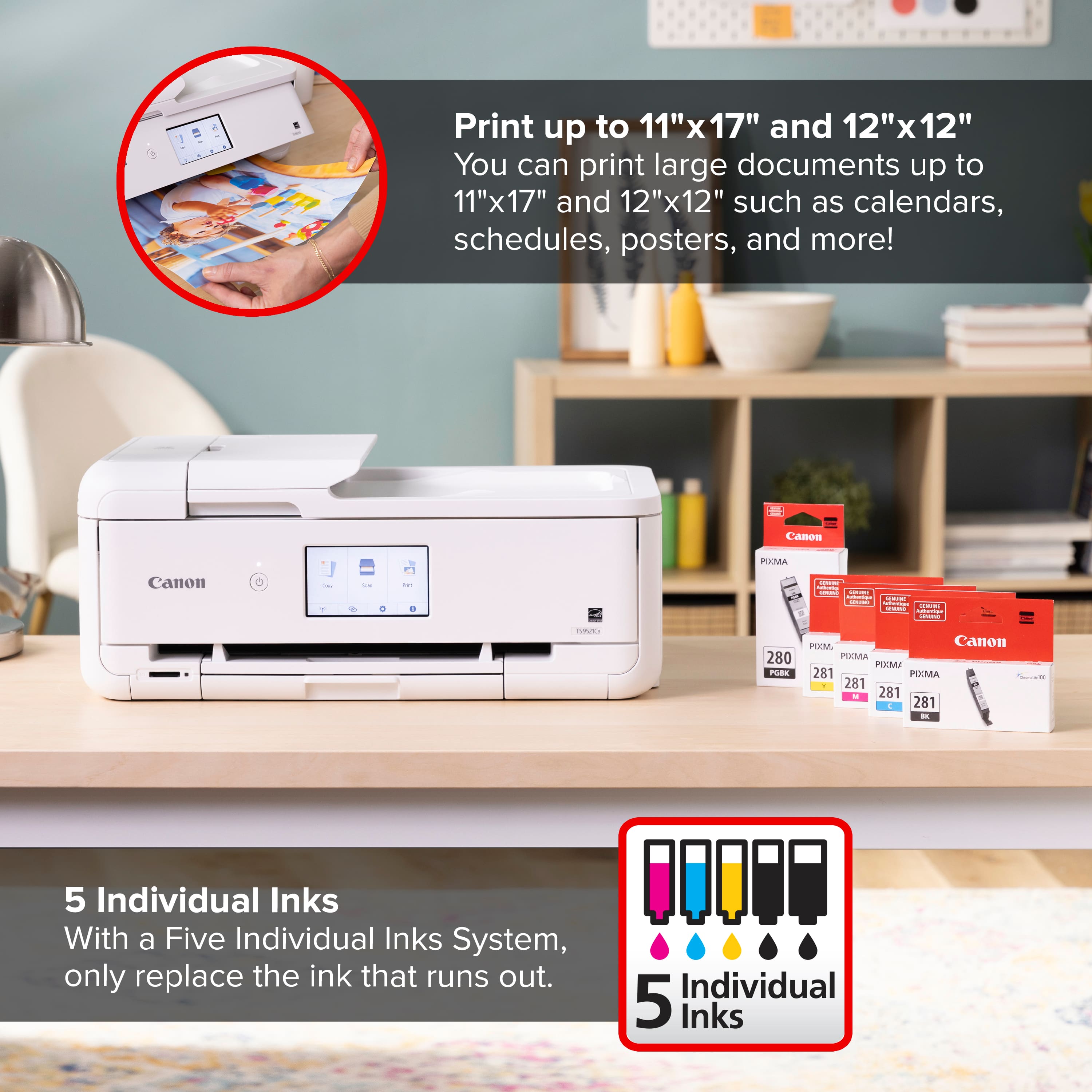
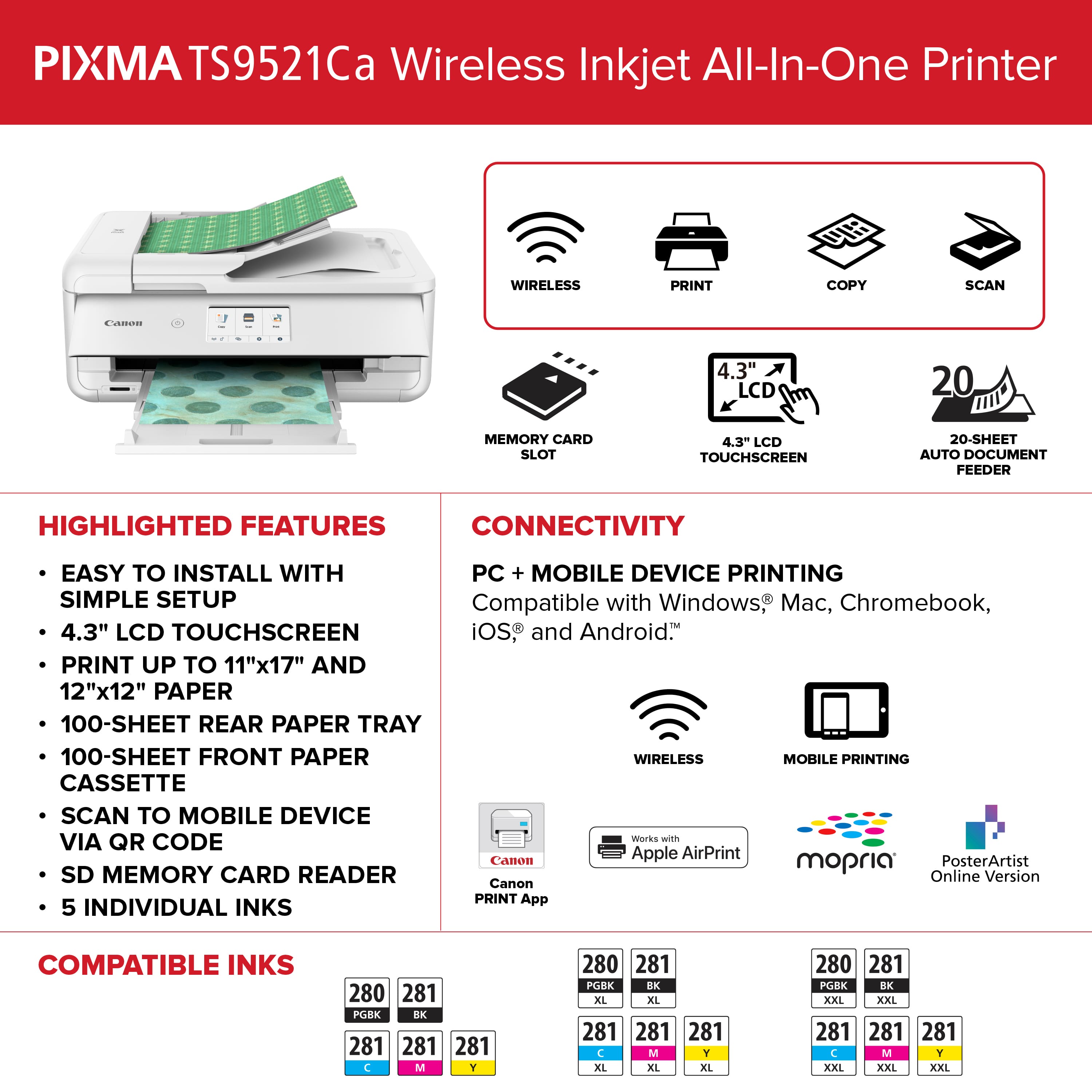
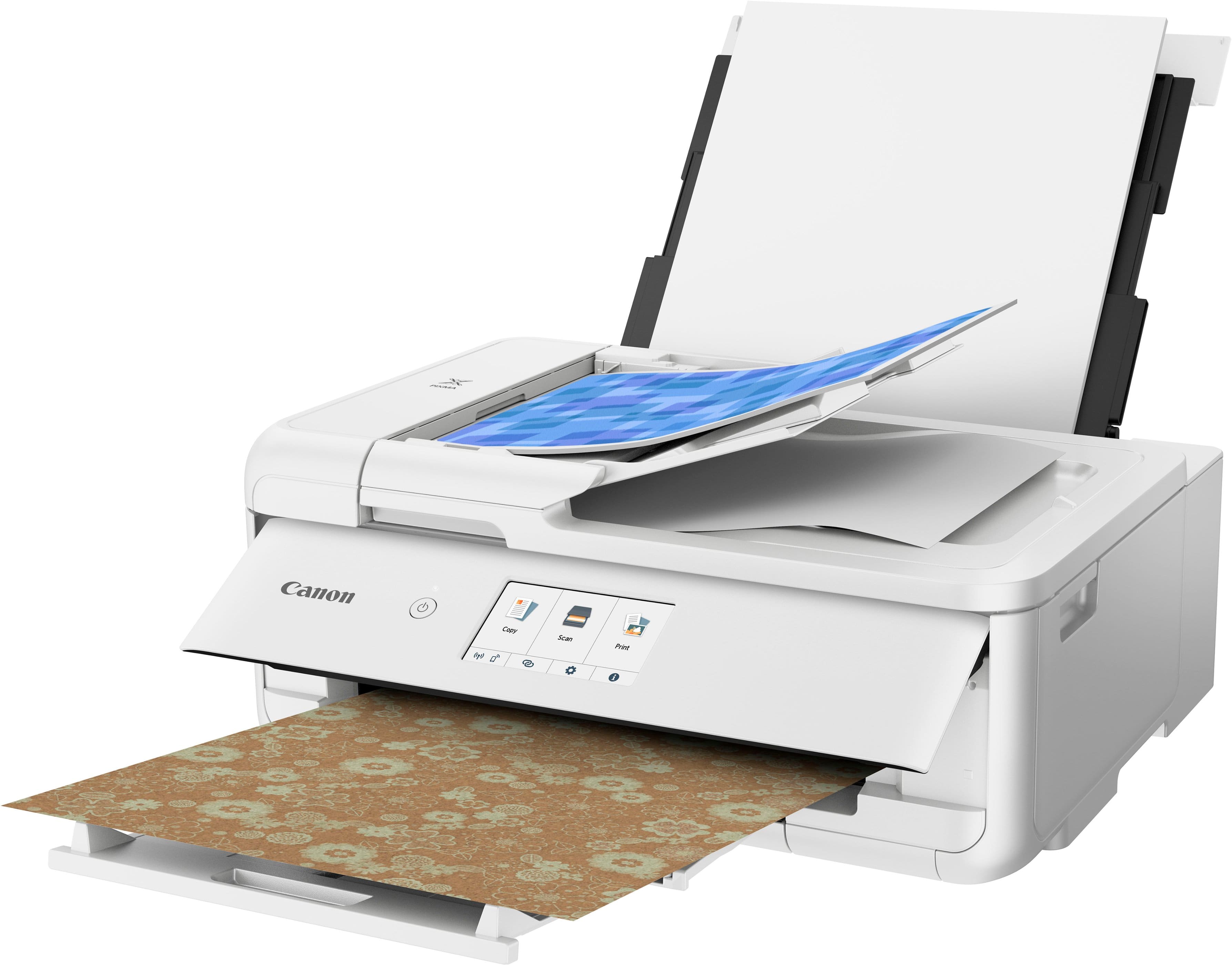
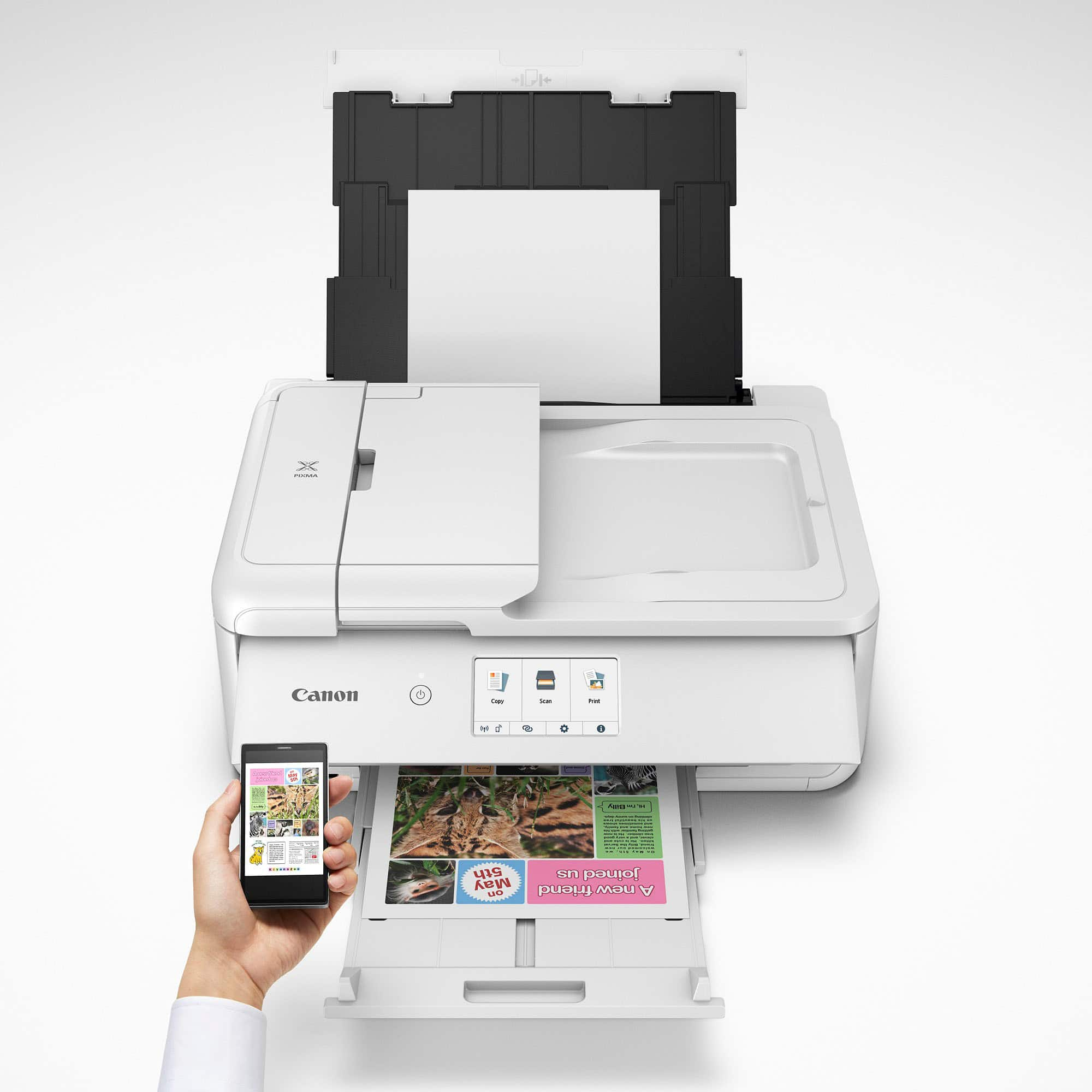
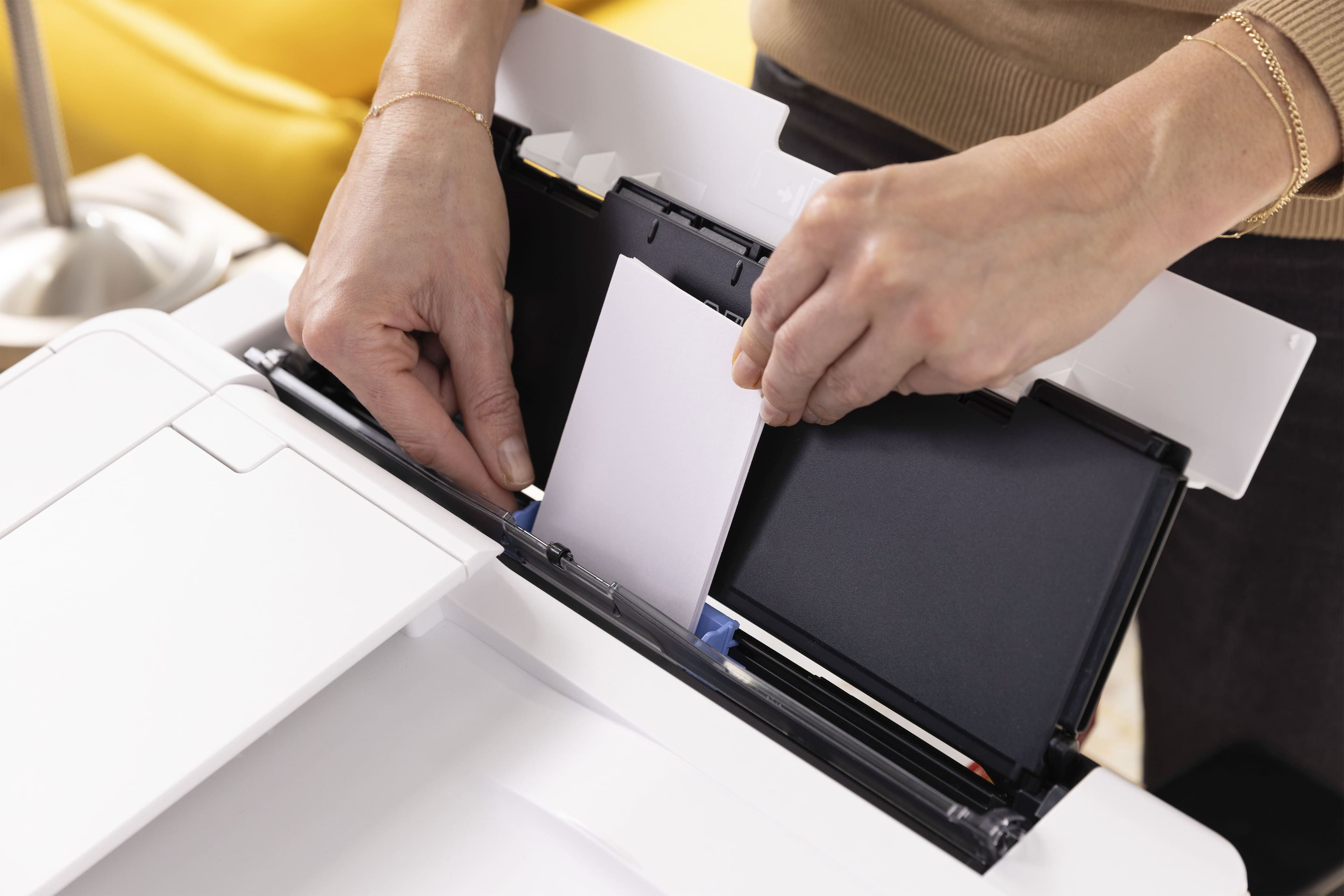
|Posted .This reviewer received promo considerations or sweepstakes entry for writing a review.This printer is great if you like to print photographs and artwork that you want to have precise colors that will not fade over time. There are five printer cartridges, cyan, magenta, yellow, black (all dye based), and another larger back (pigment based) for printing documents. The use of dye means that your photos and art will not fade over time. The printer has scan, copy, and print capabilities. The connection to the printer is wireless, via USB, and Ethernet (which I like because I have a network in my home). The printer is relatively compact and attractive with a very curvy profile. The printer can be controlled via the touchscreen display or the Mobile or PC app. Paper can be fed in through the adjustable paper tray on the bottom, or the slot in the back. There is also a special slot where CD's can be placed in the printer to be printed on. This printer connects with your smart home so that it can be controlled with your voice. This model is targeted towards crafters with many built-in patterns and support for square 12x12, 5x5 and 3.5x3.5 paper. The Cannon Easy-Photo Print app is a very versatile and capable companion to this printer.
I would recommend this to a friendCompact Quality!
|Posted .This reviewer received promo considerations or sweepstakes entry for writing a review.I have been searching for awhile to replace my wife's printer, but it has been hard to check all the boxes and keep it small enough for her office with limited space. The Canon Pixma TS9521Ca has been perfect for her! It is small enough to be semi discreet in her space, and the functionality on this device is seemingly endless! It prints amazing photos, which is one of the main things she uses a printer for. It even does so when printing remotely from her tablet, which really simplifies printing for her. She also finds the scanner to be very detailed, and has had great success using it for photos and documents as well. Our old printer was very loud when printing, and this one is also much quieter. This makes it much easier for her to use while working, without having to only print between meetings. Overall we couldn't recommend the Canon Pixma TS9521Ca more! It is a great value, and does an amazing job printing all of the documents, photos, and crafting projects that we use it for every day!
I would recommend this to a friendA Creative Powerhouse with Some Caveats
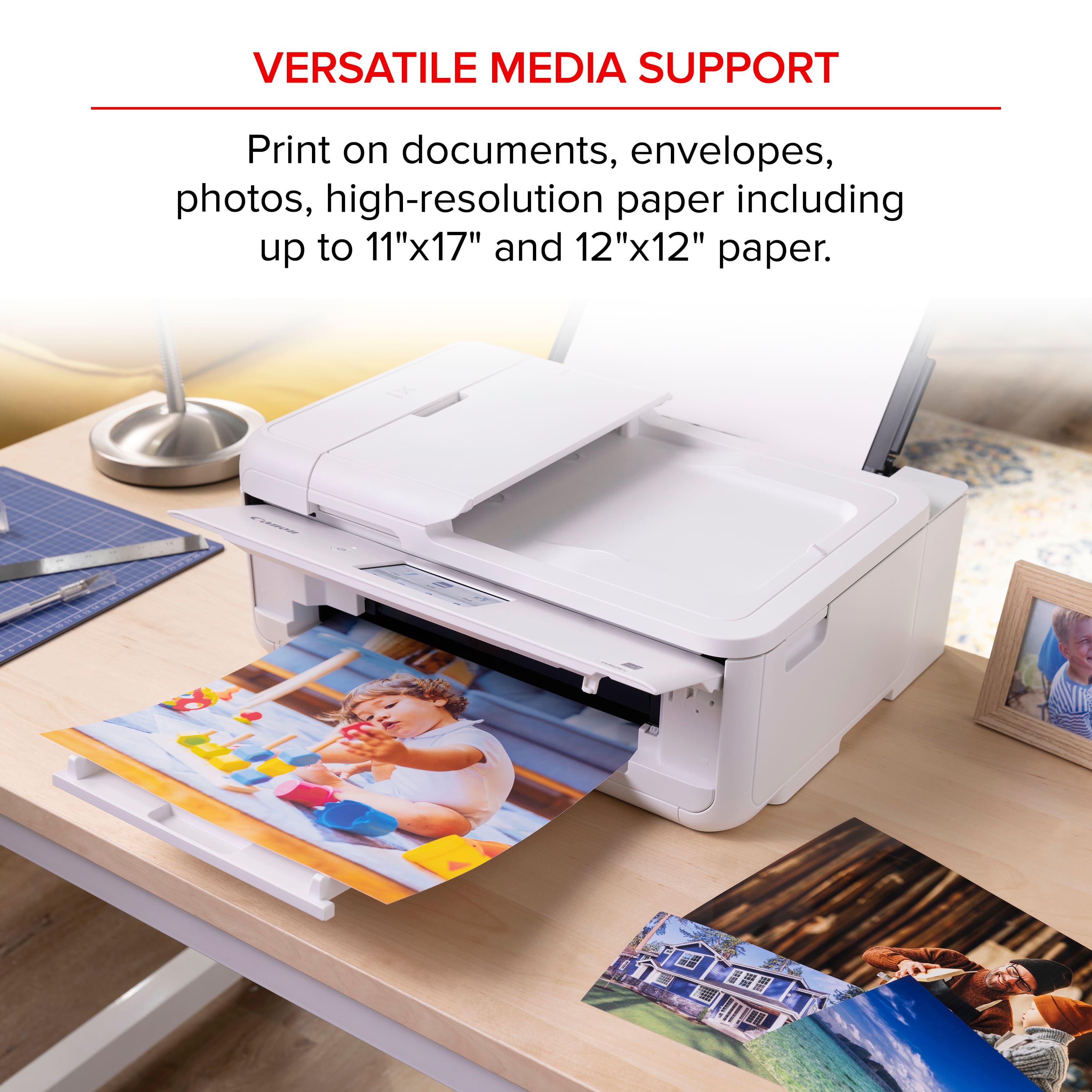
|Posted .This reviewer received promo considerations or sweepstakes entry for writing a review.The Canon PIXMA TS9521C is an intriguing addition to Canon's lineup, especially designed with the crafting community in mind. As a tech enthusiast with a penchant for multifunctional devices, I found this printer to be a compelling mix of versatility and specialized features.First off, the TS9521C's standout feature is its ability to handle a wide variety of media types and sizes. From standard documents to intricate scrapbook pages, this printer is a creative powerhouse. It supports 12” x 12” borderless prints, which is a dream come true for scrapbookers and crafters who need that extra bit of space. The inclusion of a rear paper feed and a multipurpose tray further enhances its versatility, allowing users to print on thicker media like cardstock, envelopes, and even CDs.The print quality is superb for both text and graphics. With a five-color individual ink system, including a pigment-based black for crisp text, the TS9521C delivers vibrant and sharp prints consistently. The printer also supports a wide color gamut, making it suitable for photo enthusiasts who demand high-quality prints.On the connectivity front, the TS9521C is well-equipped with options like Wi-Fi, Bluetooth, and Ethernet, ensuring it can fit seamlessly into any home or office setup. The support for various mobile printing options, including AirPrint, Google Cloud Print, and the Canon PRINT app, makes it easy to print directly from smartphones and tablets.However, the TS9521C is not without its shortcomings. One of the most significant drawbacks is its speed. While the print quality is high, the printing process can be slow, especially for high-resolution photos and complex craft projects. This can be a downside for users who require quick turnaround times.Another area where the TS9521C could improve is its user interface. The touchscreen, while functional, is not as responsive or intuitive as some of its competitors. Navigating through the settings and options can sometimes feel cumbersome, which detracts from an otherwise smooth user experience.Additionally, the cost of ink is a concern. While the individual ink tanks are convenient and can save money in the long run, the initial cost of replacing all five cartridges can add up quickly. Users who print frequently might find themselves spending a considerable amount on ink.In terms of physical footprint, the TS9521C is quite large. It might be a tight fit for small desks or limited spaces, which could be a dealbreaker for users with constrained work areas.Overall, the Canon PIXMA TS9521C earns a solid 4 out of 5 stars. Its versatility, high print quality, and extensive media support make it an excellent choice for crafters and creative professionals. However, its slower print speeds, somewhat clunky user interface, and high ink costs keep it from achieving a perfect score. If you can overlook these minor drawbacks, the TS9521C is a reliable and capable companion for your creative endeavors.
I would recommend this to a friendNice photo printer
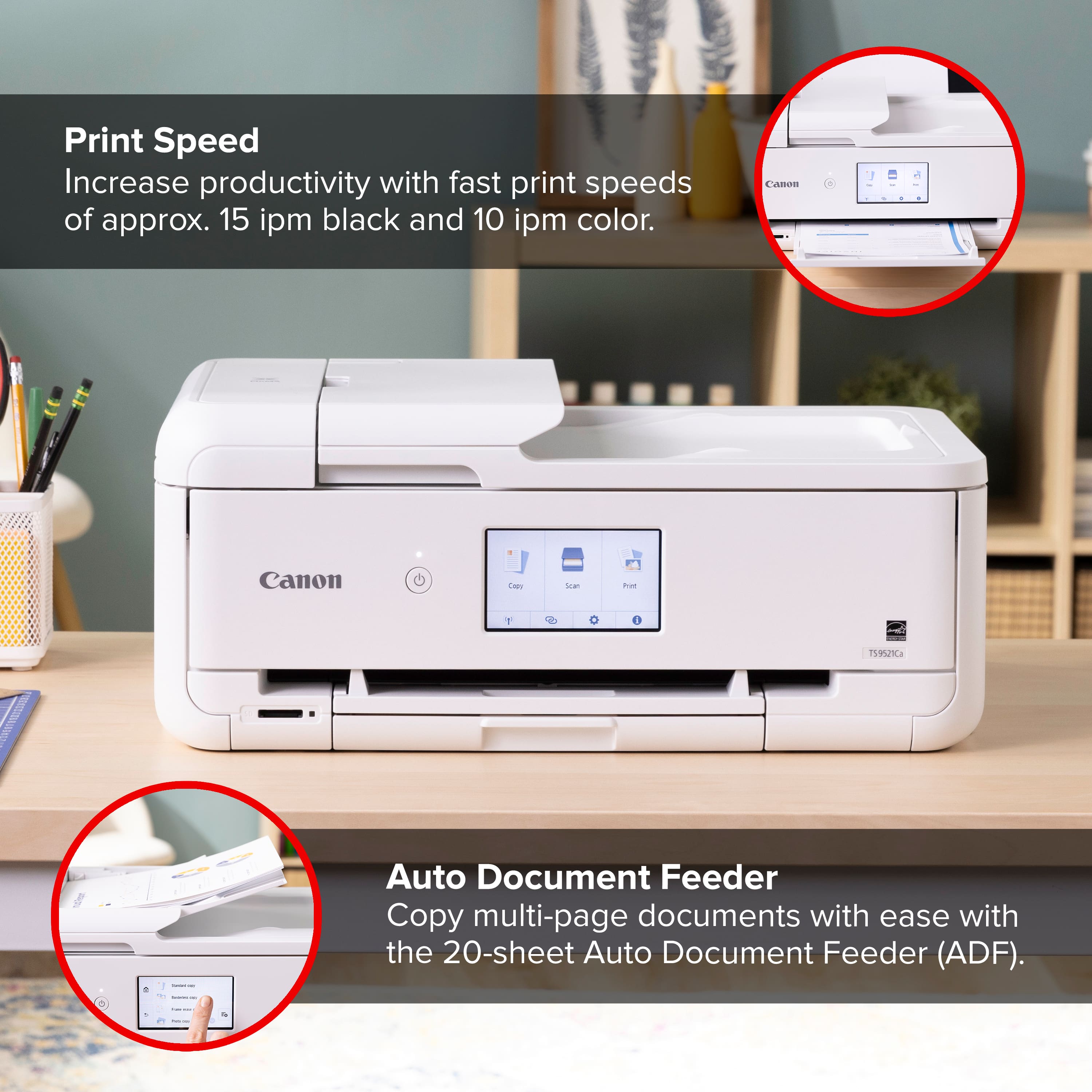
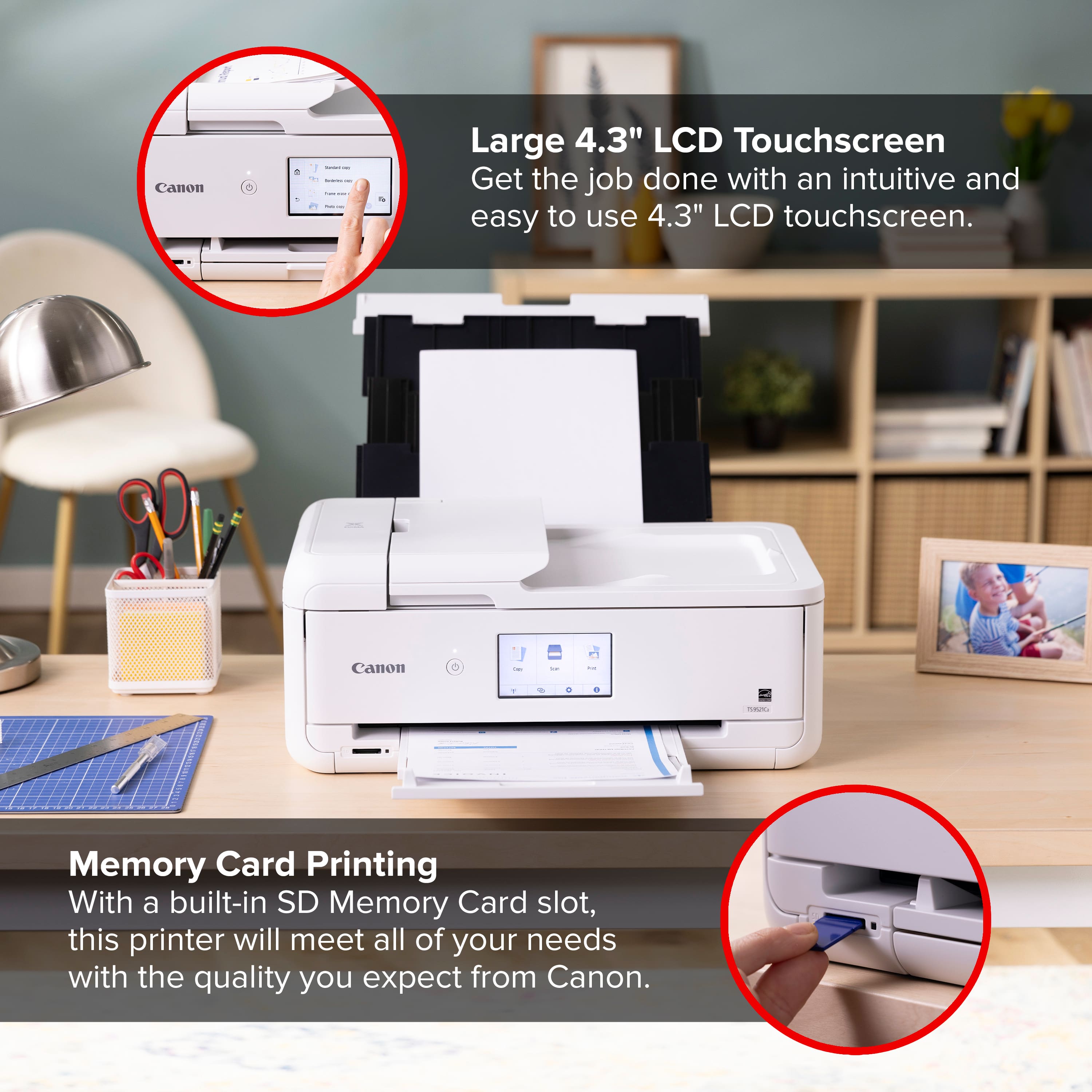
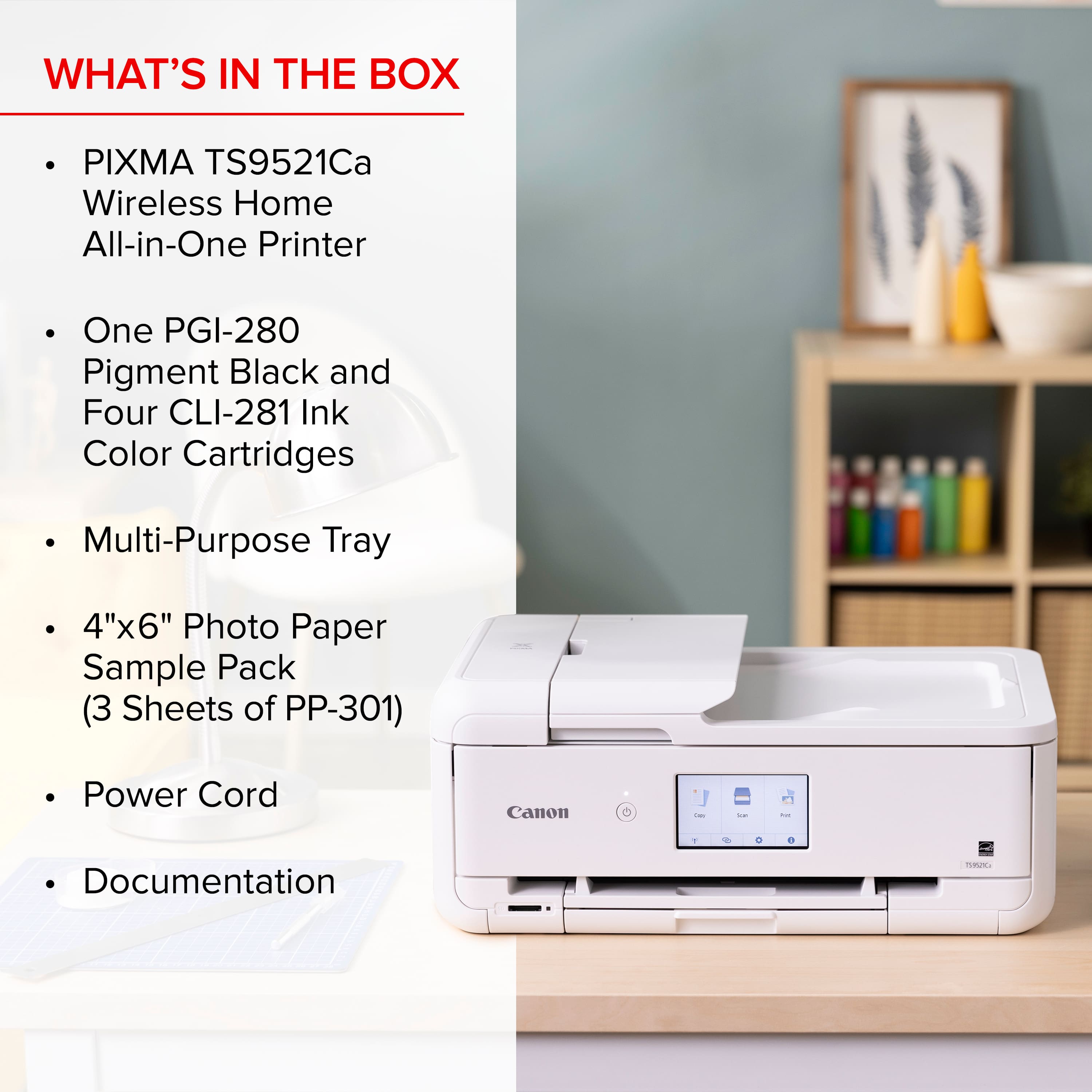
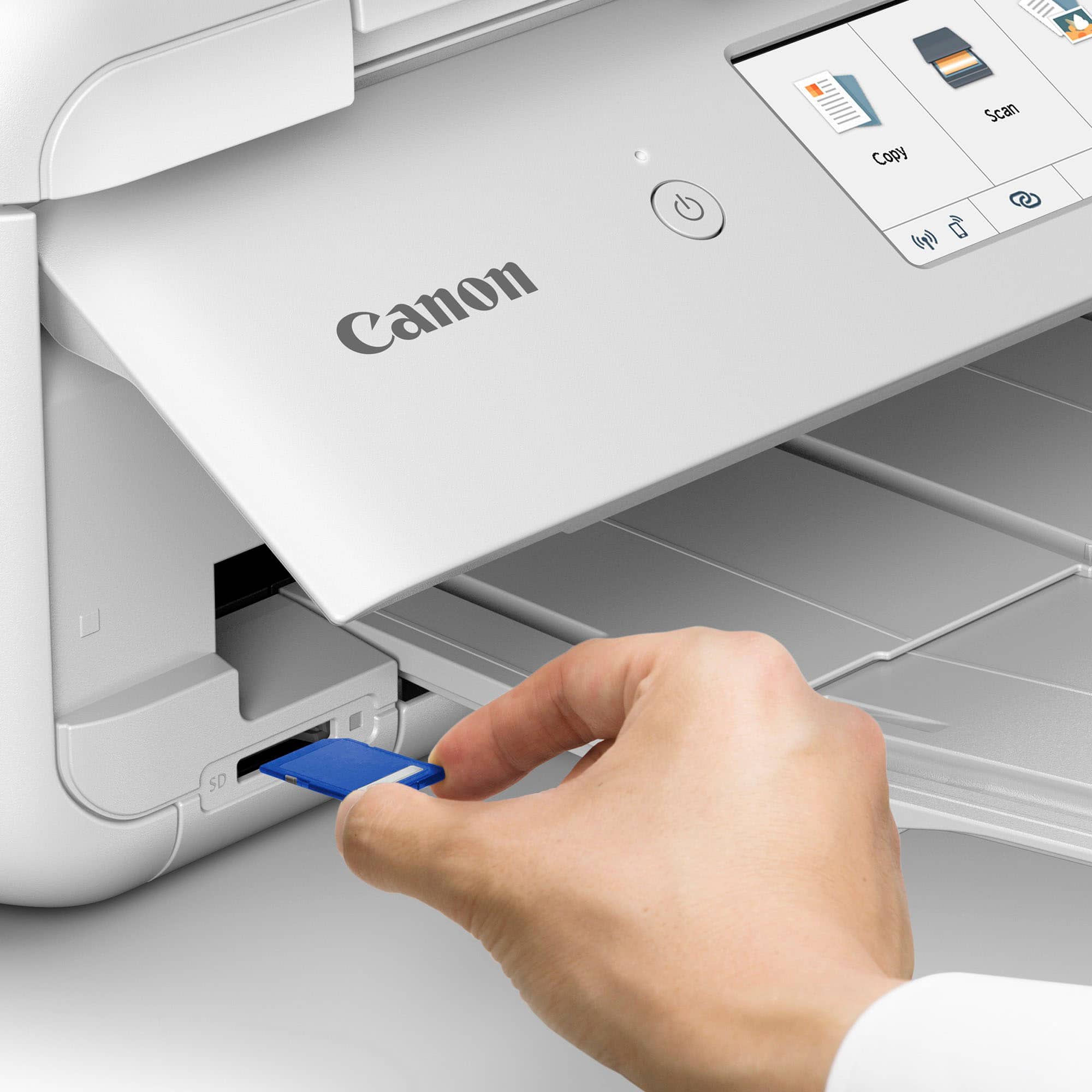
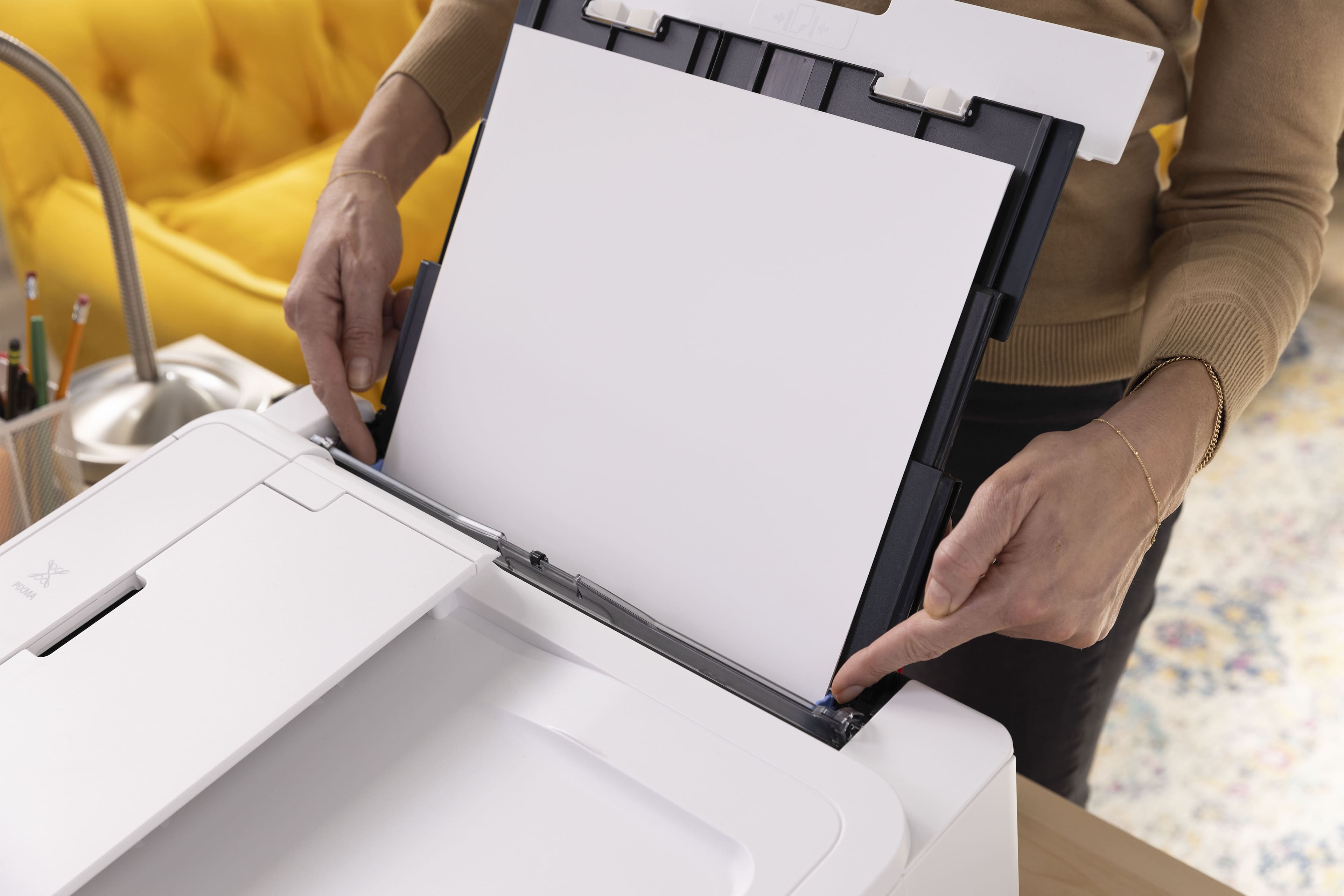
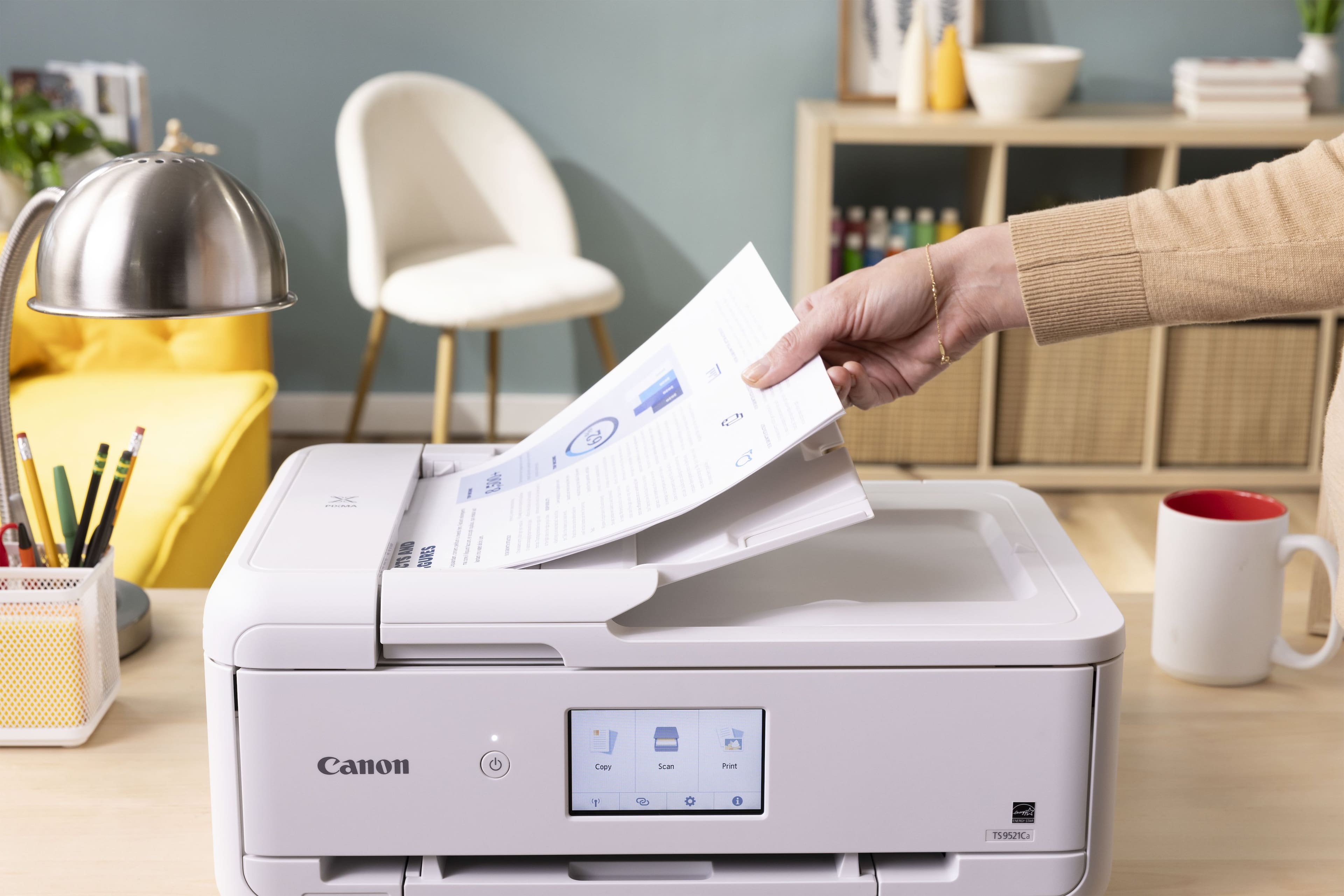
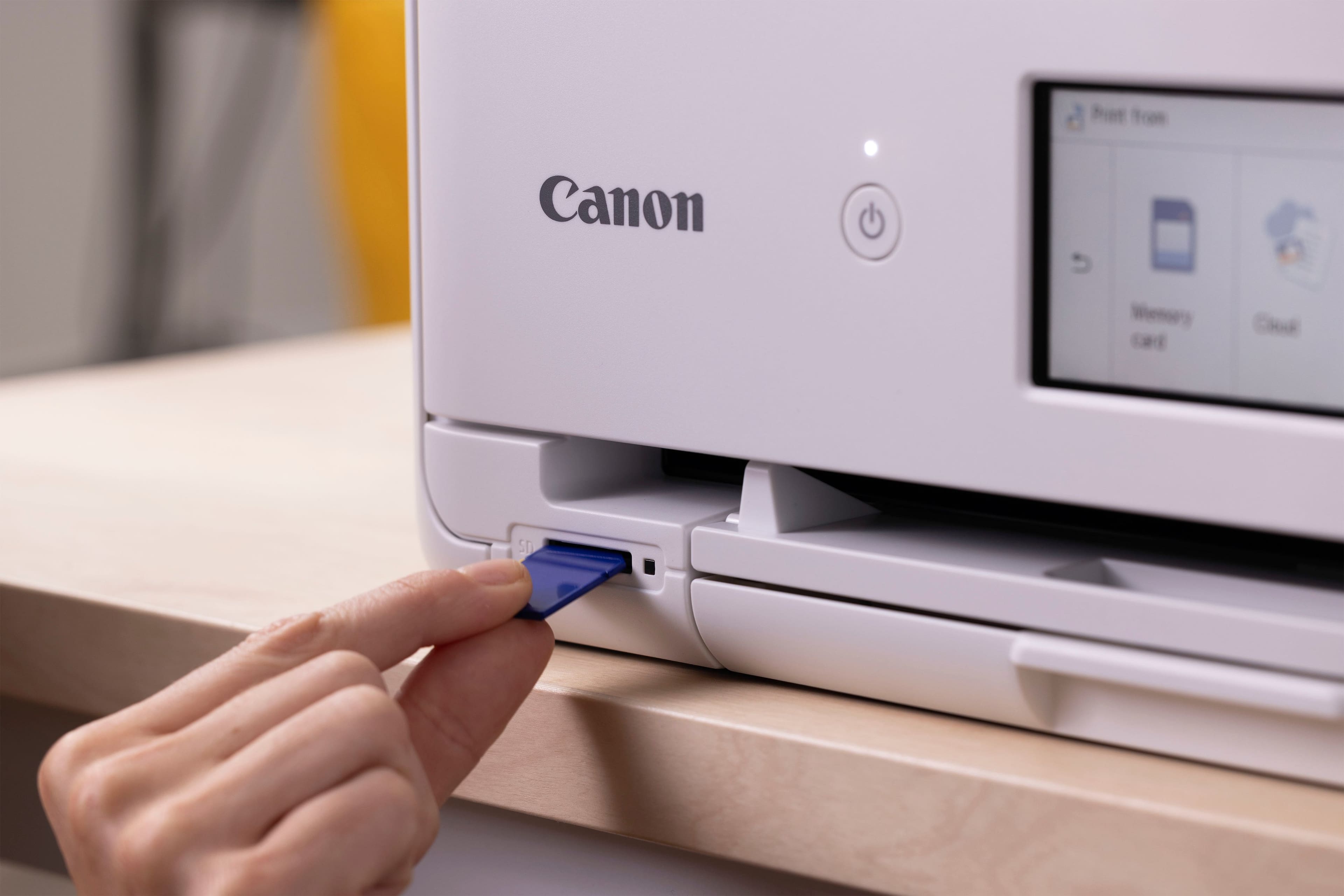
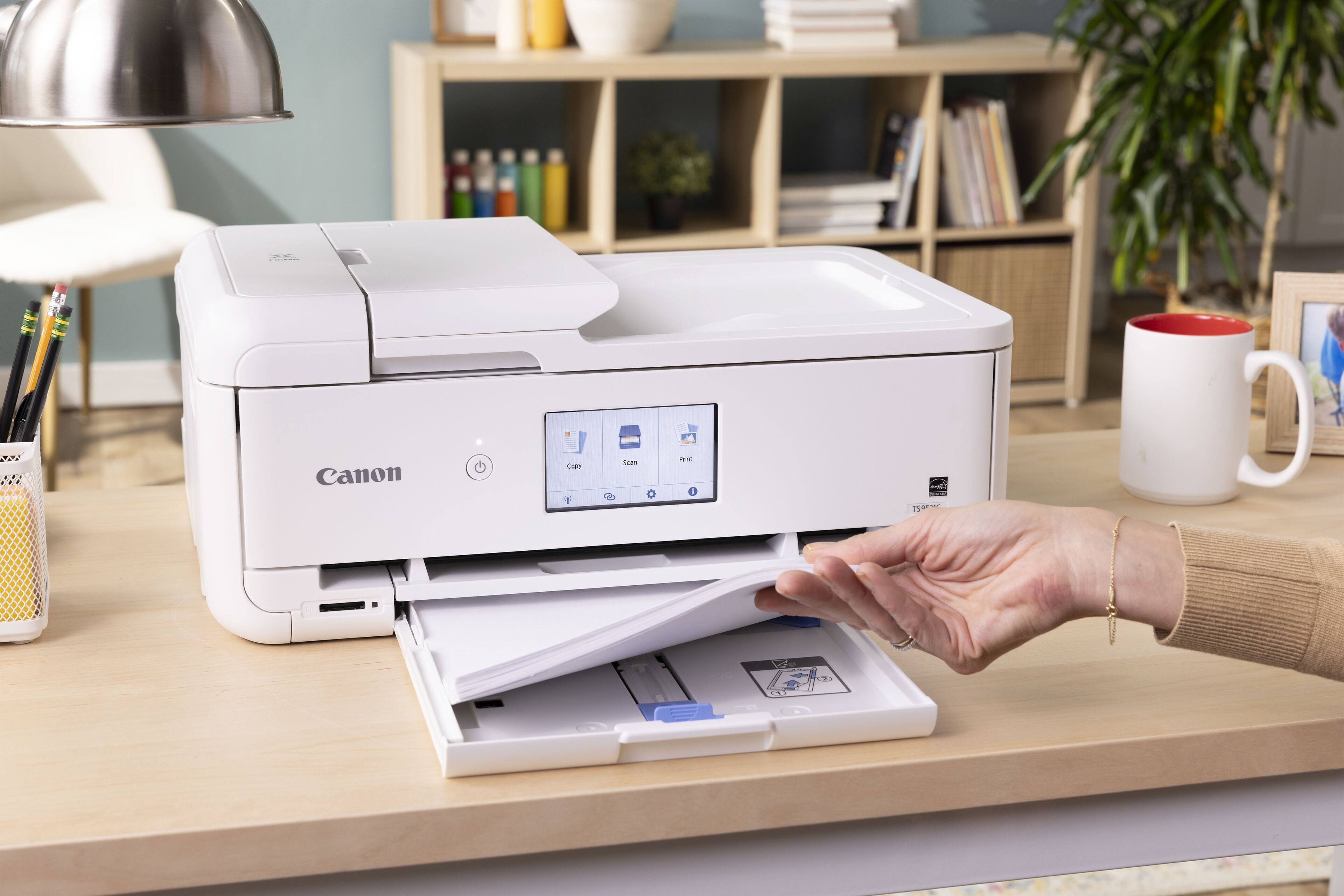
|Posted .This reviewer received promo considerations or sweepstakes entry for writing a review.The printer was well protected with formed foam pieces and in excellent condition. Also included in the box was some ink, a power cord, sample photo paper of various sizes, warranty and safety information, and a setup instructions card. The instruction card has a link to complete setup online. The first step is to remove blue plastic tape securing various covers and the ink carriage. The printer is then plugged in, powered on, ink cartridges and paper are installed, and it automatically performs an alignment step. Setup continues by downloading and running the Canon installation software. The installation software requires the printer to be connected to a computer, which can be done with a USB cable (not supplied), an ethernet cable (not supplied) or wirelessly. I set it up wirelessly, connecting manually to my SSID. Once the printer is connected and visible to the installation software, it proceeds with driver and application software installation, creates a link to the online manual on the desktop, offers to print a test page and optionally makes this the default printer. I found high quality printing to be a bit slower than I’ve witnessed on other similar printers, but none of those matched this Canon’s color quality. Printouts are still quite fast, but quality is a priority. There were no issues printing on the largest print papers. I can create rich looking tri-fold brochures. Card-stock printouts are handled well. Generally, paper handling is full proof. The 20-sheet rear loaded photo feed and 100 sheet plain paper tray feed work well and slide away completely when not being used. I don’t expect Auto 2-sided printing in an inkjet, but this is included and works perfectly. There’s even an Auto document feeder (20 sheets) which is useful for our legal activities. There is a memory card reader, as well. As for the memory card reader, it is an SD slot, and an SD adapter is required for other supported formats like microSD. USB flash drives are not supported, which seems like an odd feature choice. The front panel must be partway open to print. This isn’t a problem, but it is something to get used to. The printer beeps and displays a message on the front panel if you forget, and printing proceeds after you open the front panel and dismiss the message. Scans were okay, but I hit the resolution limits of the scanner rather easily. Scans never looked bad. They were just not captured in as high of a resolution as that of a dedicated flatbed scanner. But that really is a knock on the printer, just FYI. Wrapping up, the print quality and paper size options make the Canon all-in-one printer a great choice if you don’t do a large volume of printing regularly. Photos come out looking as good if not better than if professionally printed. The printer’s fast print speed would be negated by time lost having to constantly refill the paper tray. I still need a more efficient printer for most print jobs but will use this one for scanning, and copying or printing low-page count projects because the print quality really is amazing.
I would recommend this to a friendCanon delivers a great all-in-one
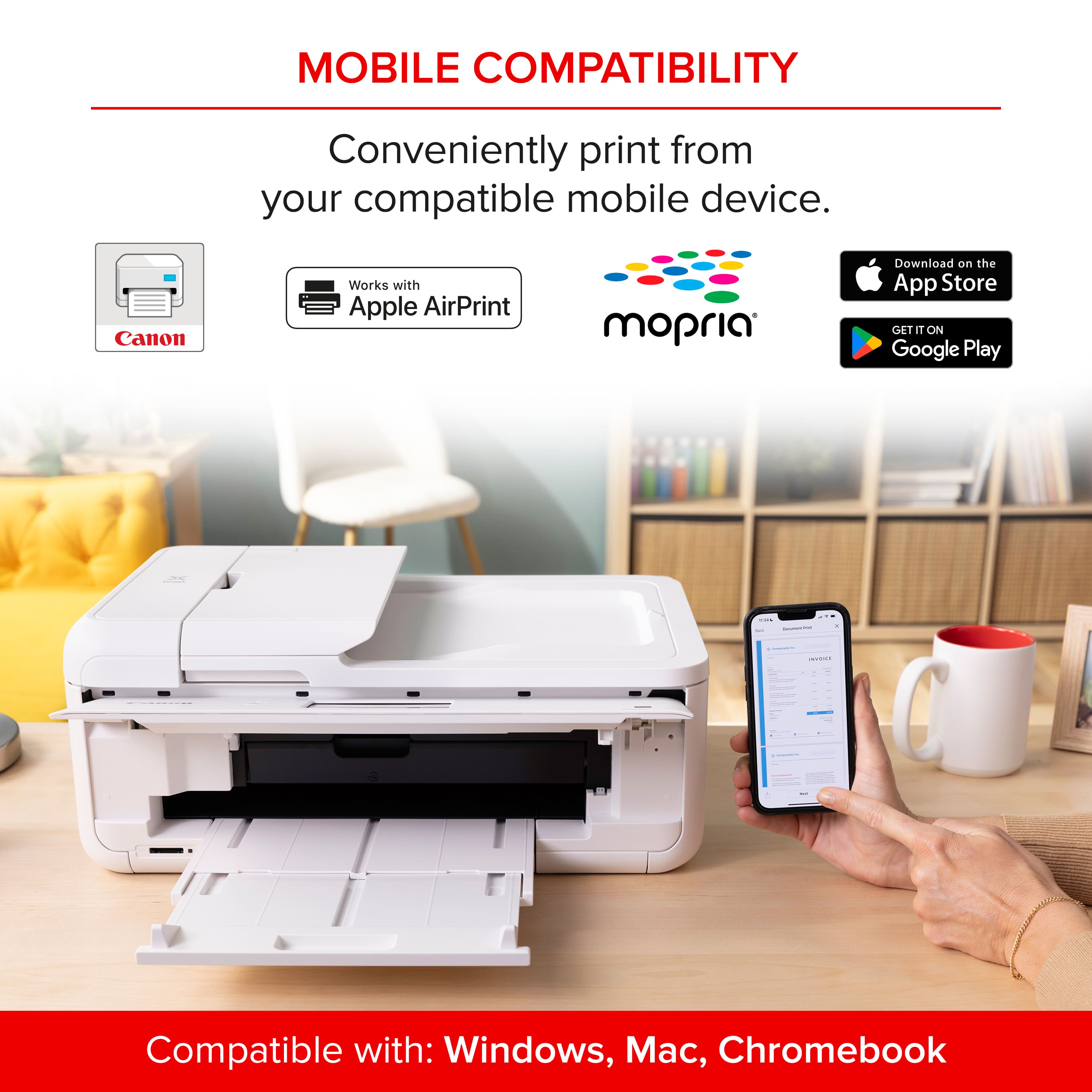
|Posted .This reviewer received promo considerations or sweepstakes entry for writing a review.I recently got the new Canon Pixma TS9521Ca all-in-one printer from Best Buy. My primary uses for my preceding all-in-one devices and this new Canon are relatively basic. I occasionally print work-related documents, and more frequently scan, copy, and print personal content. This Canon does everything I need, and for those people who are more creative there are features like handling 12-by-12-inch scrapbooking paper size; I just don’t use all these functions. Setup of this device is easy. In the few years since I last got a new printer the process has become much simpler. Included in the box was a barcode which I scanned with my phone and that routed me to instructions (primarily video-based). Notably, that process included phone-based wireless network configuration, a big improvement over the previous need to enter network SSID and password information on a small printer screen. Kudos to Canon! The unboxing through configuration process took me about 10 minutes. Adding the printer to my home PCs was also easy, with Windows 11 printer settings readily finding the new Canon on my home network. Not surprisingly, the most important characteristic for me is print quality. The TS9521 prints as well as or better than any printer I’ve owned, and is equal to the laser printers I use when I’m in my work office. Also important is print speed, and the Canon is very fast. Though I don’t typically print photos at home I tested that function using the photo paper sampler provided in the box. Both my wife and I were surprised how well this worked. Not only was it fast, but the quality was just as good as we get when we print photos from our local drugstore! Also important to me is scanning and copying. I’ve done both with the TS9521 using the auto document feeder and directly on the scanner glass. It’s easy to do this from the Canon’s built-in screen and/or using the Canon Inkjet Smart Connect app I downloaded from the Windows Store. I also like the ease of copying (and printing) double-sided documents. The Pixma TS9521Ca is a stylish-looking high-quality all-in-one device. For those needing to upgrade or replace a printer, this is a great choice!
I would recommend this to a friendAlot for the money
|Posted .This reviewer received promo considerations or sweepstakes entry for writing a review.I think I've been through more printers from more brands than the average person. From printers for my business to printers at home for work and for my kids school work. We have different needs so we use different printers. If you really break it down, the costs of ink can and usually ends up costing more than the printer itself. So let me tell you where I think this particular Canon fits in. The short of it, it is the best printer for any student or anyone that needs a simple do it all printer. Because, it does everything it states, well. Setting the printer up is pretty straight forward. You download the Canon app, which is pretty good compared to some others imo. Scan the QR code for installations and follow the instructions. This is an all in one but does not have a fax feature. I think that that feature is no longer needed but just be aware before purchasing. The copy and print feature is a bit slow but works fine. Printing documents and such is quite good and comes out crisp and clear. Photos are ok and will be good for most people. Scanning documents is also ok, but a lot slower than my other printers but I figure most people wouldn't know or care. The 2 best feature, in my opinion, is the generous lcd screen. So many printers now comes with a tiny little screen who isn't good with my sausage size fingers and my old eyes, LOL. This one is easy to scroll and use. It also has a sd card reader, which surprisingly many printers don't have any more. With all this wireless printing, I don't think a lot of people would need it. But I still use a DSLR camera and appreciate the feature. The only negative is printing is slow and it uses 5 different ink cartridges which gets me worried about how much I will have to replace it. Other than that, I think its a great choice.
I would recommend this to a friendCannon, nothing better. Bar none!
|Posted .This reviewer received promo considerations or sweepstakes entry for writing a review.The Canon PIXMA TS9521Ca, marketed as the "Crafter's All-In-One," is a versatile inkjet printer designed to cater to a wide range of printing needs, with a particular focus on craft enthusiasts. It's features, performance, pros and cons, and ultimately determine if it lives up to the hype. The printer features a large 4.3" touchscreen display, which is responsive and intuitive. The menu navigation is well-organized, and accessing various functions is a breeze. The printer also includes a physical button panel for quick access to essential tasks like copying and scanning. Always a plus to have for a home or small business printer. I want to just talk about the printing quality. Take nothing from the features, like, 12" x 12" Printing, Multiple Paper Feeds, ability to connect to Mobile Printing Apps: Canon offers various mobile printing apps, including Canon PRINT Inkjet/SELPHY, Easy-PhotoPrint Editor, and Message In Print, enhancing the convenience of mobile printing, as well as Cloud Printing, Built-In Patterns, the SD Card Slot, these are all fantastic features and I had to make sure and include them because they are awesome but nothing makes this printer more worth it than the print quality. Text documents are sharp and legible, even at smaller font sizes. Photos printed on glossy photo paper exhibit vibrant colors, accurate details, and smooth gradients. Simply put, be sure to get one right away.
I would recommend this to a friendVersatile and High Quality Color
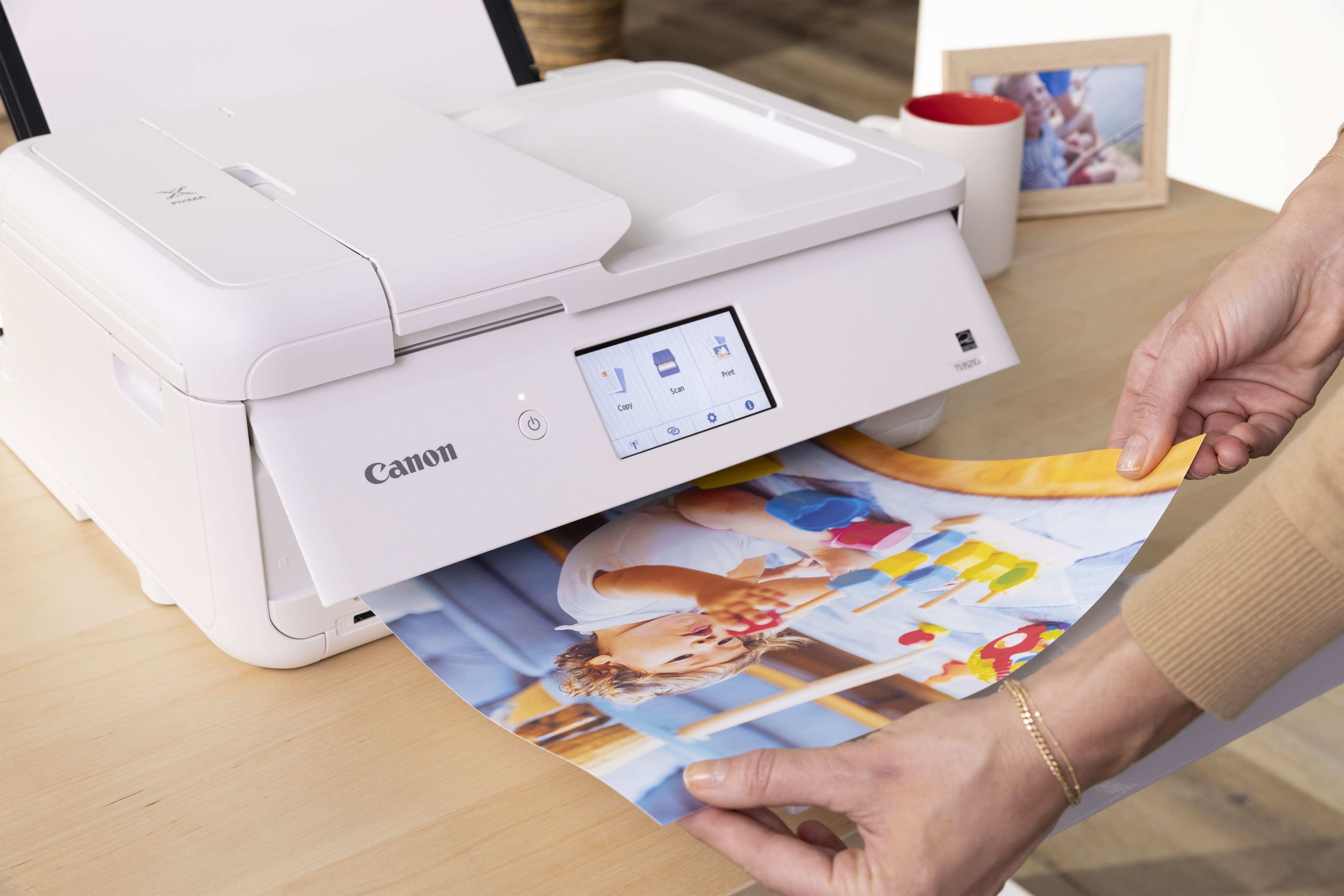
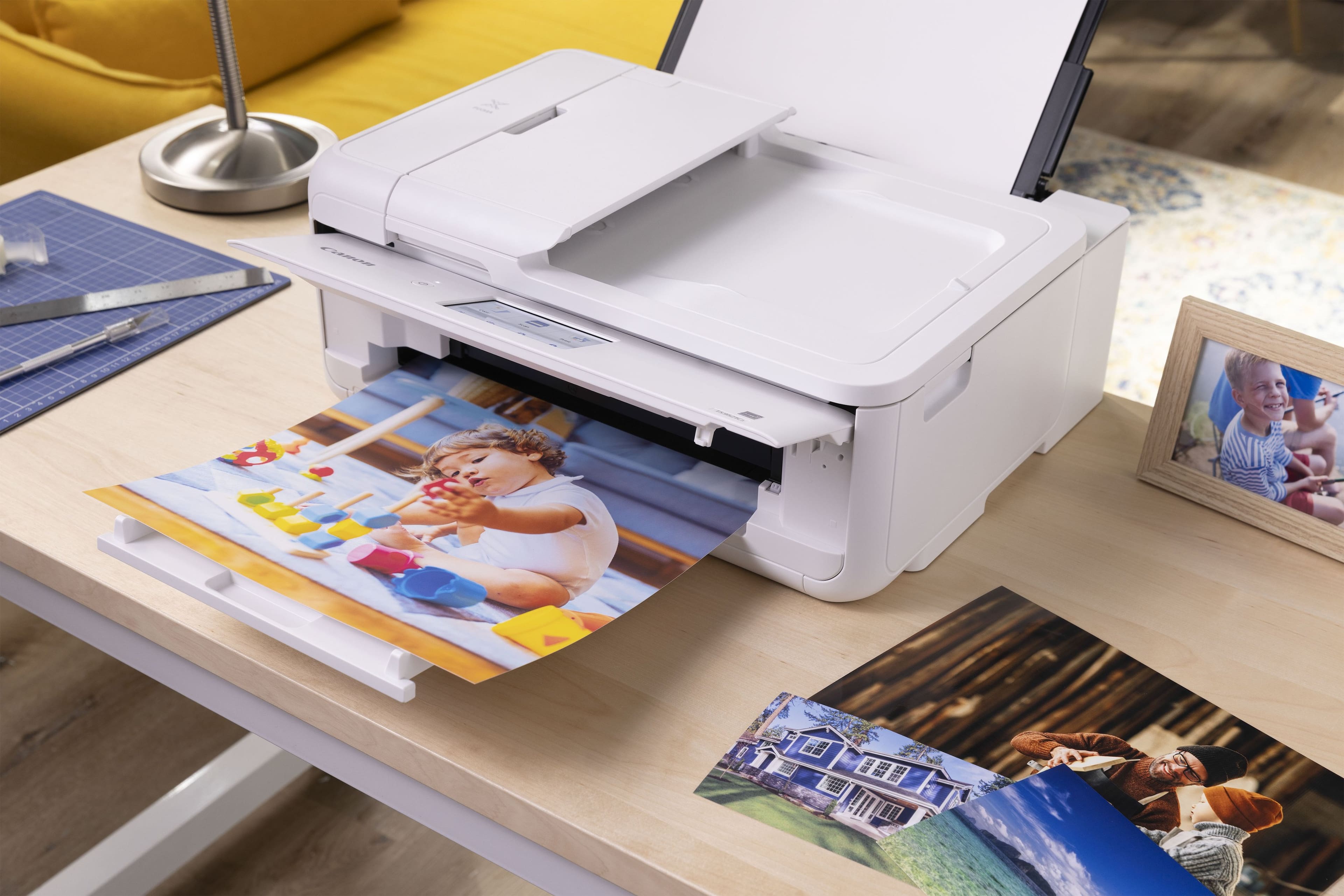
|Posted .This reviewer received promo considerations or sweepstakes entry for writing a review.The Canon PIXMA TS9521Ca wireless all in one inkjet printer is a high quality inkjet printer capable of outputting 4800dpix1200dpi resolution prints in a wide variety of sizes using multiple connections including wireless, ethernet, or usb. The printer can print photo like prints at 12"x12" , handles 2 sided printing, and can print up to 11+x17". In addition to printing from your PC or Mac, it can also print from Chromebooks and mobile devices using the Canon Print app and Apple AirPrint. Also, in addition to printing, the Canon provides versatile scanning and copying features. The Canon is easy to setup and includes a sample of 4"x6"photo paper and a set of ink cartridges. I have been using mostly laser and lower end inkjet for the past few years. The output quality and speed of the Canon made me realize again the benefits of using a high quality inkjet device. If you are looing for a versatile all in one color device that prints photo quality pictures, I recommend the Canon PIXMA TS9521Ca wireless all in one inkjet printer.
I would recommend this to a friendGreat for Pictures
Posted .This reviewer received promo considerations or sweepstakes entry for writing a review.Been using this printer for a few weeks now and it's been great. It was easy to set up and the quality of the pictures is amazing.
I would recommend this to a friendSuper
Posted .This reviewer received promo considerations or sweepstakes entry for writing a review.Very good. I am happy with this printer. will print perfectly and quickly.
I would recommend this to a friendcanon printer
Posted .This reviewer received promo considerations or sweepstakes entry for writing a review.Canon printers do not have reliable Wi-Fi connections on the printers so do not buy a canon printer go for some different like a different brand
No, I would not recommend this to a friend