Customer Ratings & Reviews




- Model:
- 2988C052
- SKU:
- 6579398
Rating by feature
- Value
Rating 4.4 out of 5 stars
- Quality
Rating 4.4 out of 5 stars
- Ease of Use
Rating 4.2 out of 5 stars
Customers are saying
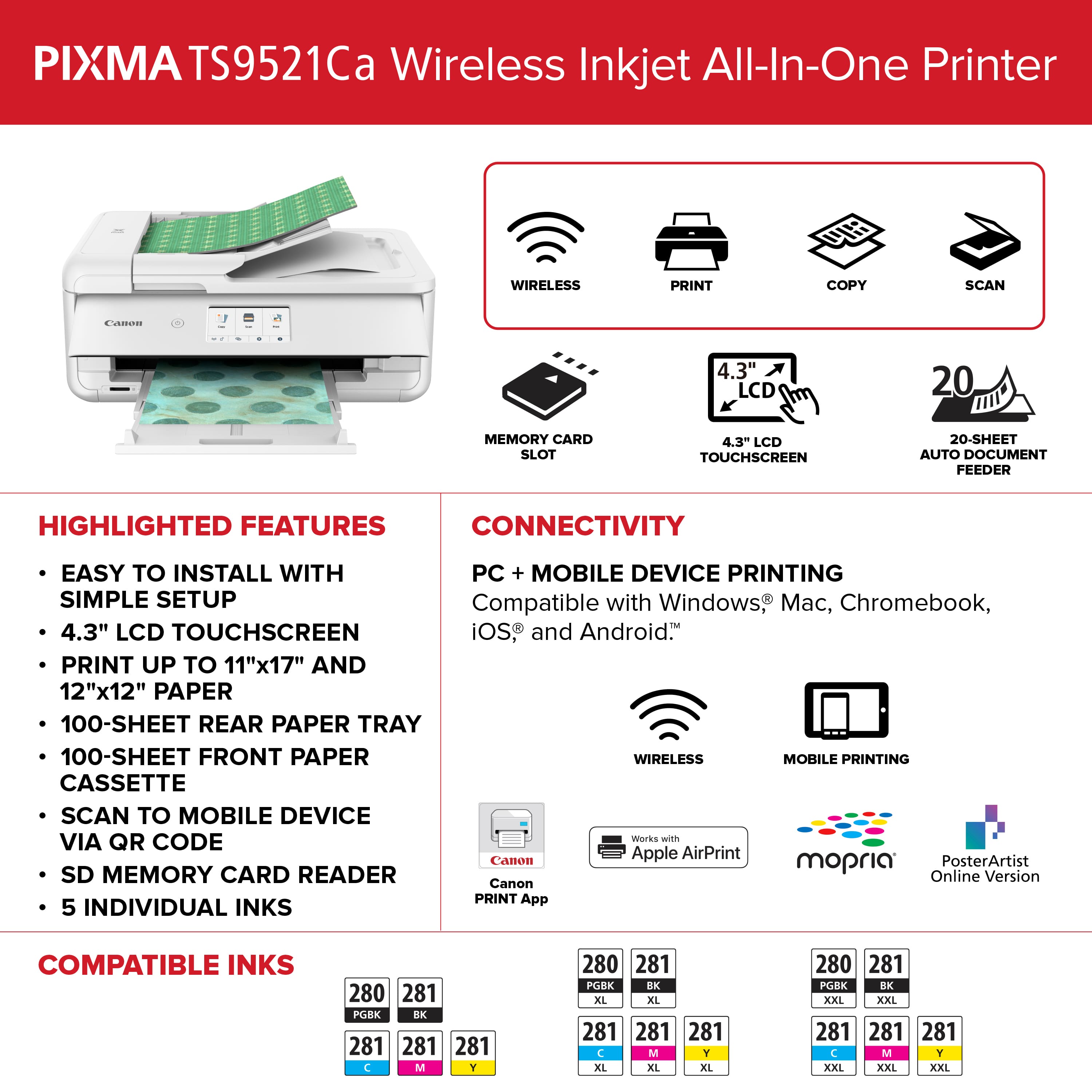
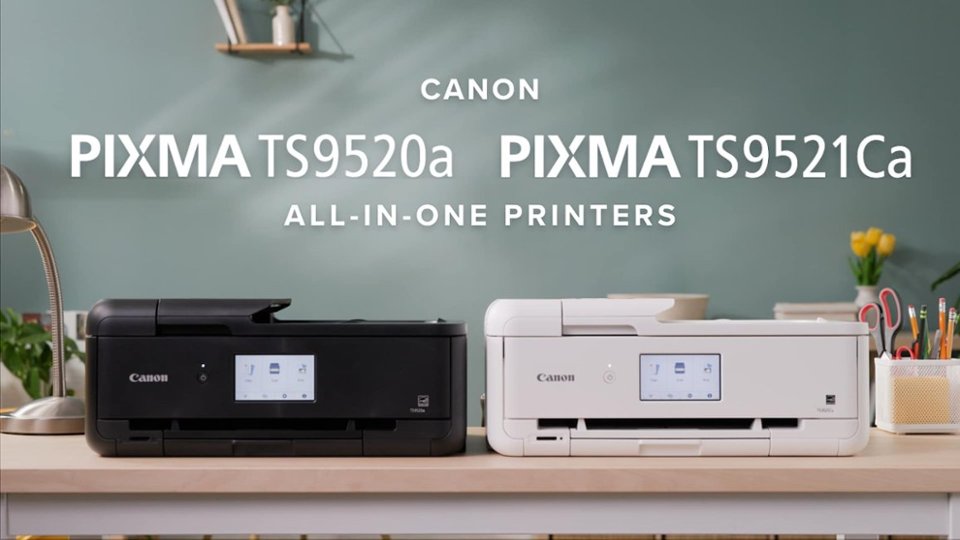
Customers are delighted by the PIXMA TS9521Ca Wireless All-In-One Inkjet Printer's very good print quality and easy setup. Many appreciate its overall performance and ease of use, along with its connectivity and relatively low noise level. The only notable drawback mentioned is the paper tray capacity.
This summary was generated by AI based on customer reviews.
- Pros mentioned:Overall performance, Print quality, Setup
Awesome fun printer at a fair price
||Posted . Owned for 1 week when reviewed.This reviewer received promo considerations or sweepstakes entry for writing a review.This printer has excellent print quality prints quickly and efficiently we printed some photos of the northern lights that we photographed last week and they look fantastic I saw one reviewer that said it wouldn't print from a PDF file do not be fooled by this review I just printed from it PDF file and it came came out great printed from both my phone and my PC it had online step-by-step set up instructions that were easy to follow and went very smoothly The one thing I did notice is that when I went to purchase a printer there was so many selections that if you were to study each selection it would take an eternity to figure out which one to buy I'll save you the trouble and let you know that this is a very good choice it has many different print media choices from envelopes to business cards to many different sizes of print paper to photo paper and even T-shirts this is a fun copy machine to own with all those choices and it works great I highly recommend for the price it's worth the money
I would recommend this to a friend - Pros mentioned:Connectivity, Setup
Excellent all in one printer
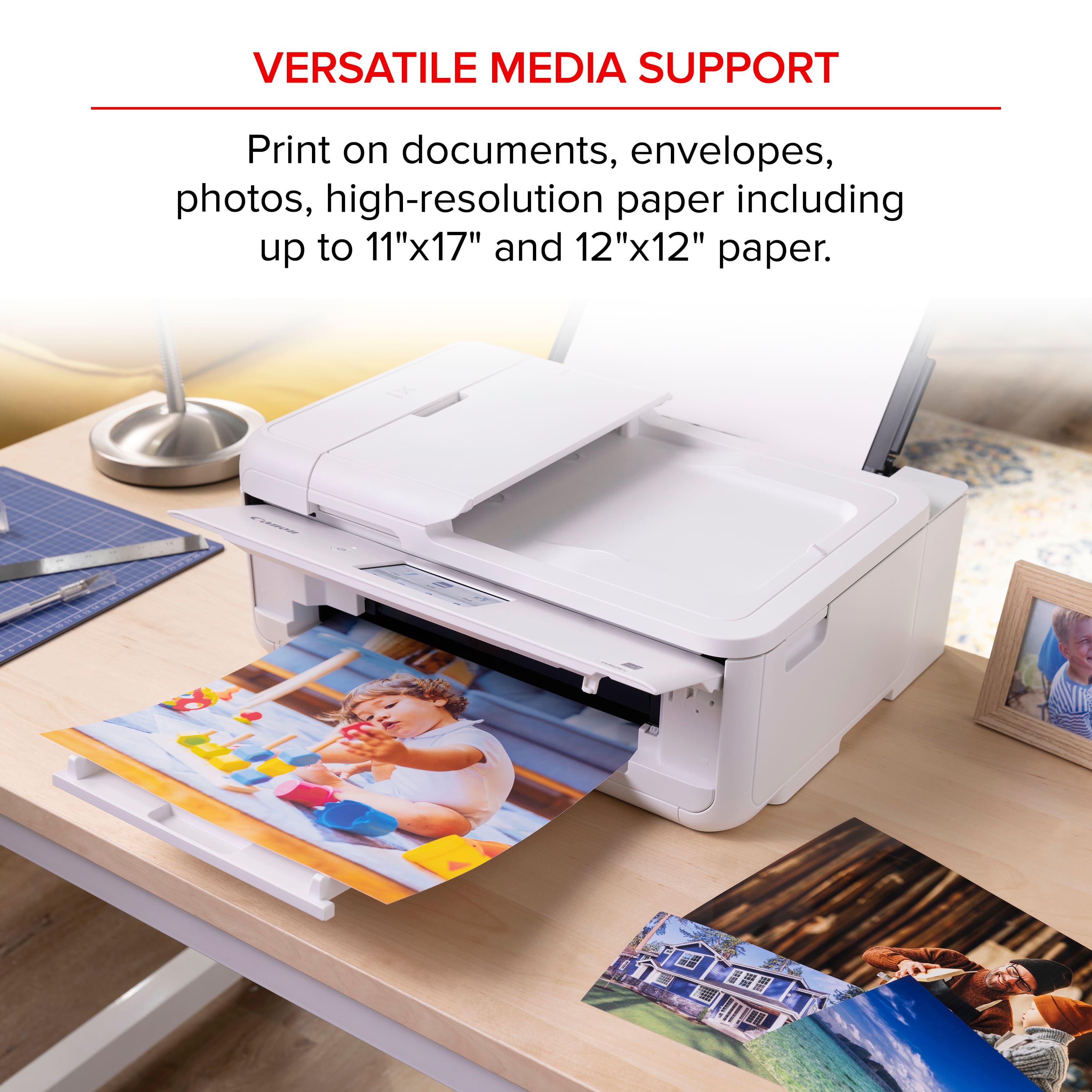
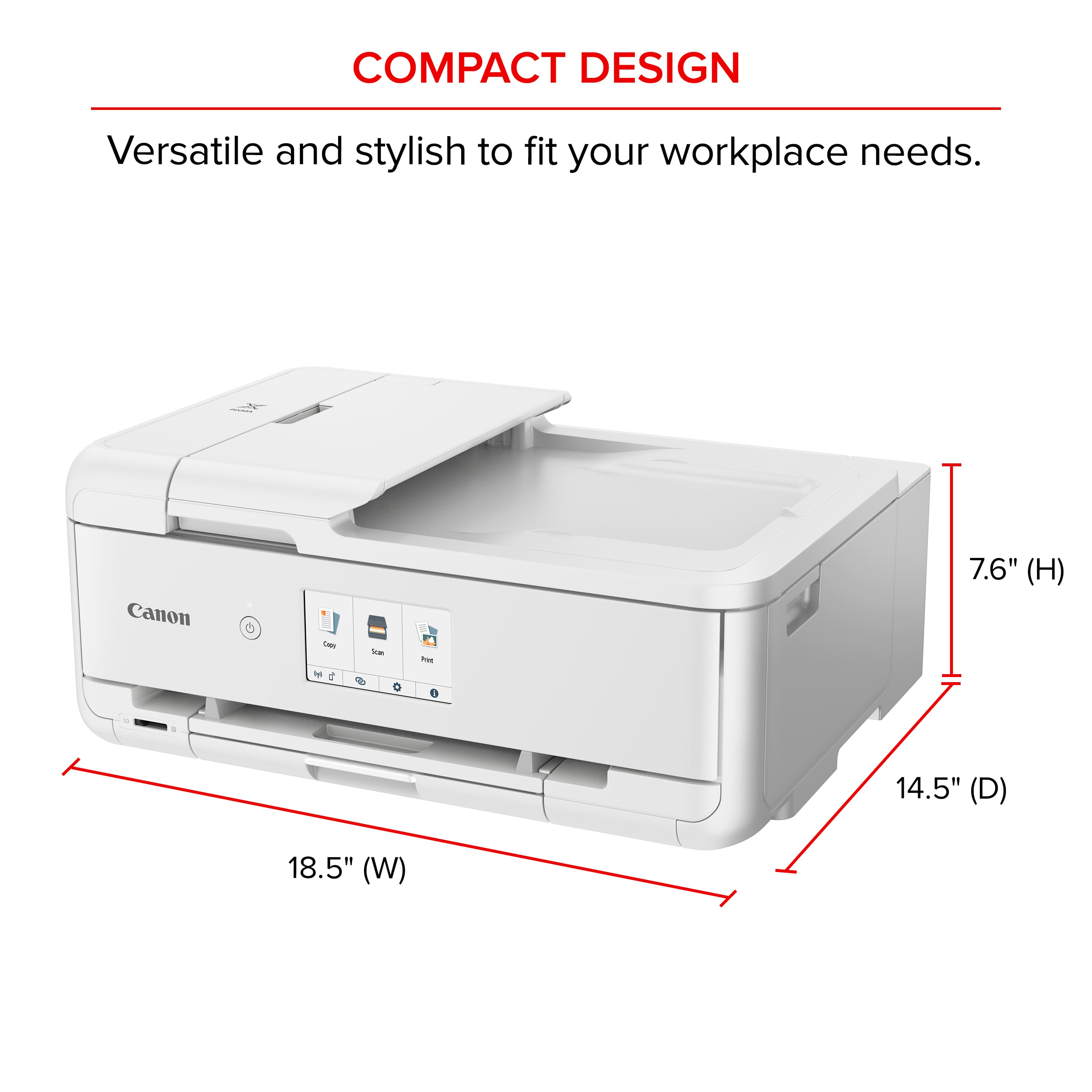
||Posted .This reviewer received promo considerations or sweepstakes entry for writing a review.Great product so far. Very easy set up. Connection was quick and I was printing in 10 minutes. The ability to print 11x17 items was a bonus at this price! It also doesn't take up much space.
I would recommend this to a friend - Pros mentioned:Ease of use, Print quality
Fabulous Printer
||Posted . Owned for 1 month when reviewed.This reviewer received promo considerations or sweepstakes entry for writing a review.Love love this printer. I actually converted it to an edible image printer and was skeptical about doing so after trying to do it with 3 other printers prior and this one by far exceeded my expectations. Fabulous picture print quality and super easy to use. I’m waiting for the black one to go on sale just to have a regular printer. So glad I listened to the reviews on my cake group site.
I would recommend this to a friend - Pros mentioned:Connectivity, Print quality
Best printer ever!
||Posted . Owned for 3 months when reviewed.This reviewer received promo considerations or sweepstakes entry for writing a review.Easy connection just hook up using bluetooth, perfect prints! I use this printer to make stickers with and they come out wonderful! Yes i used the ink that came with it!
I would recommend this to a friend - Pros mentioned:Overall performance
Printer
||Posted . Owned for 2 months when reviewed.This reviewer received promo considerations or sweepstakes entry for writing a review.This printer perfectly fits our needs for home use. It was time for an upgrade. We needed something that wasn’t like commercial business speed, but more than our printer circa 2005 could give us. Our Canon Pixma checks all of our boxes!!
I would recommend this to a friend - Pros mentioned:Print quality
Edible images
||Posted .This reviewer received promo considerations or sweepstakes entry for writing a review.I bought this printer to use for edible images - works great!
I would recommend this to a friend - Pros mentioned:Overall performance, Print quality

A Print Shop For The Home
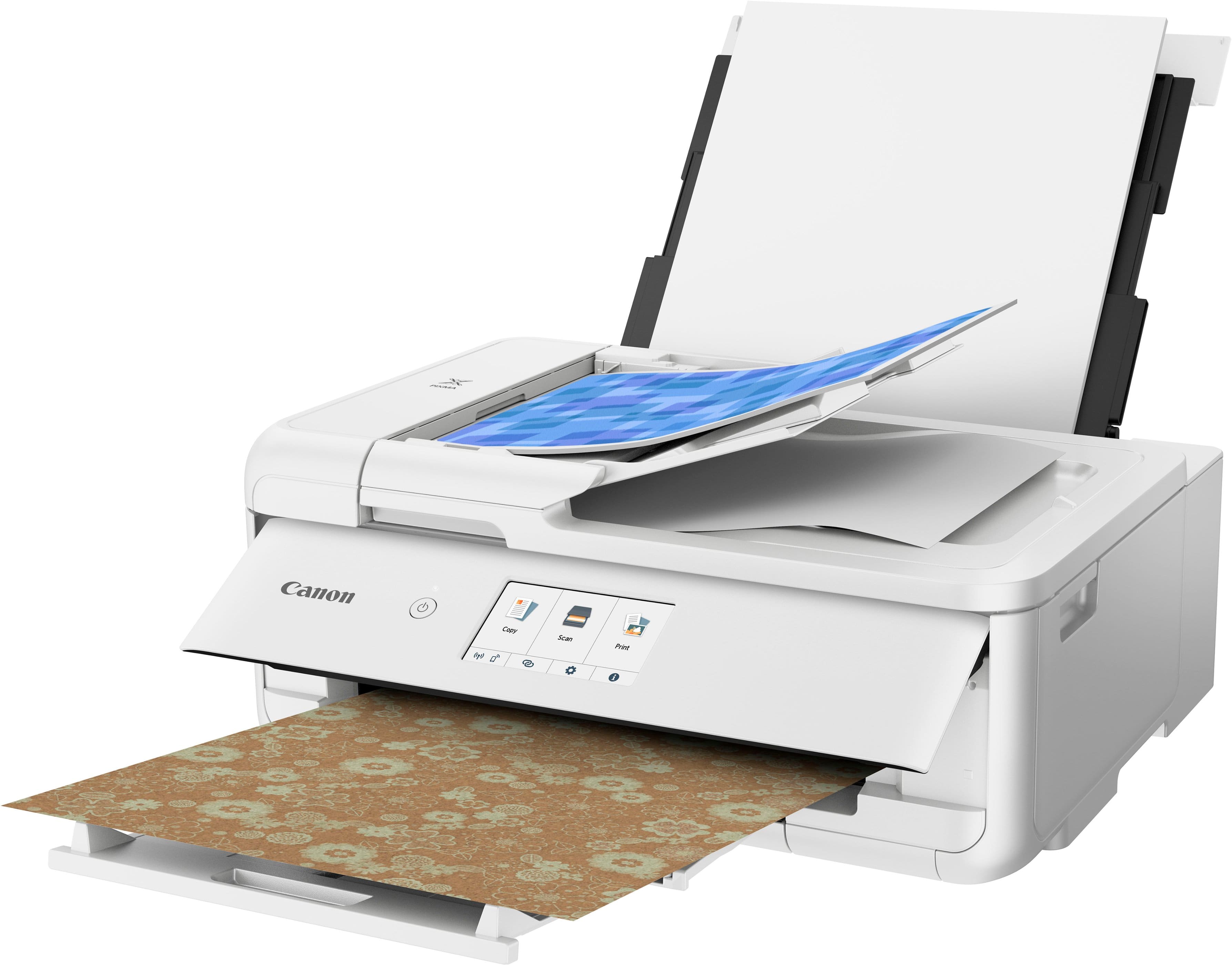
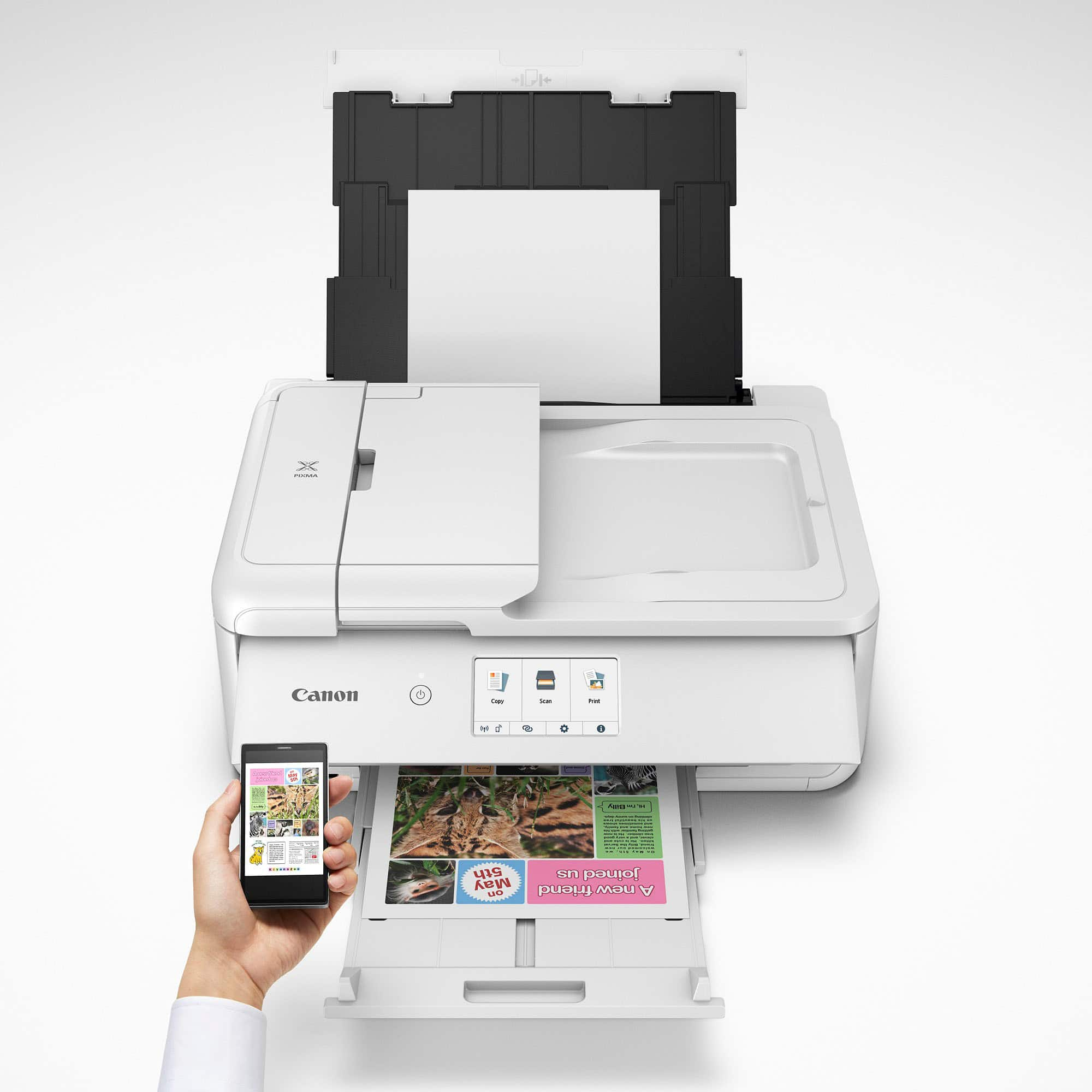
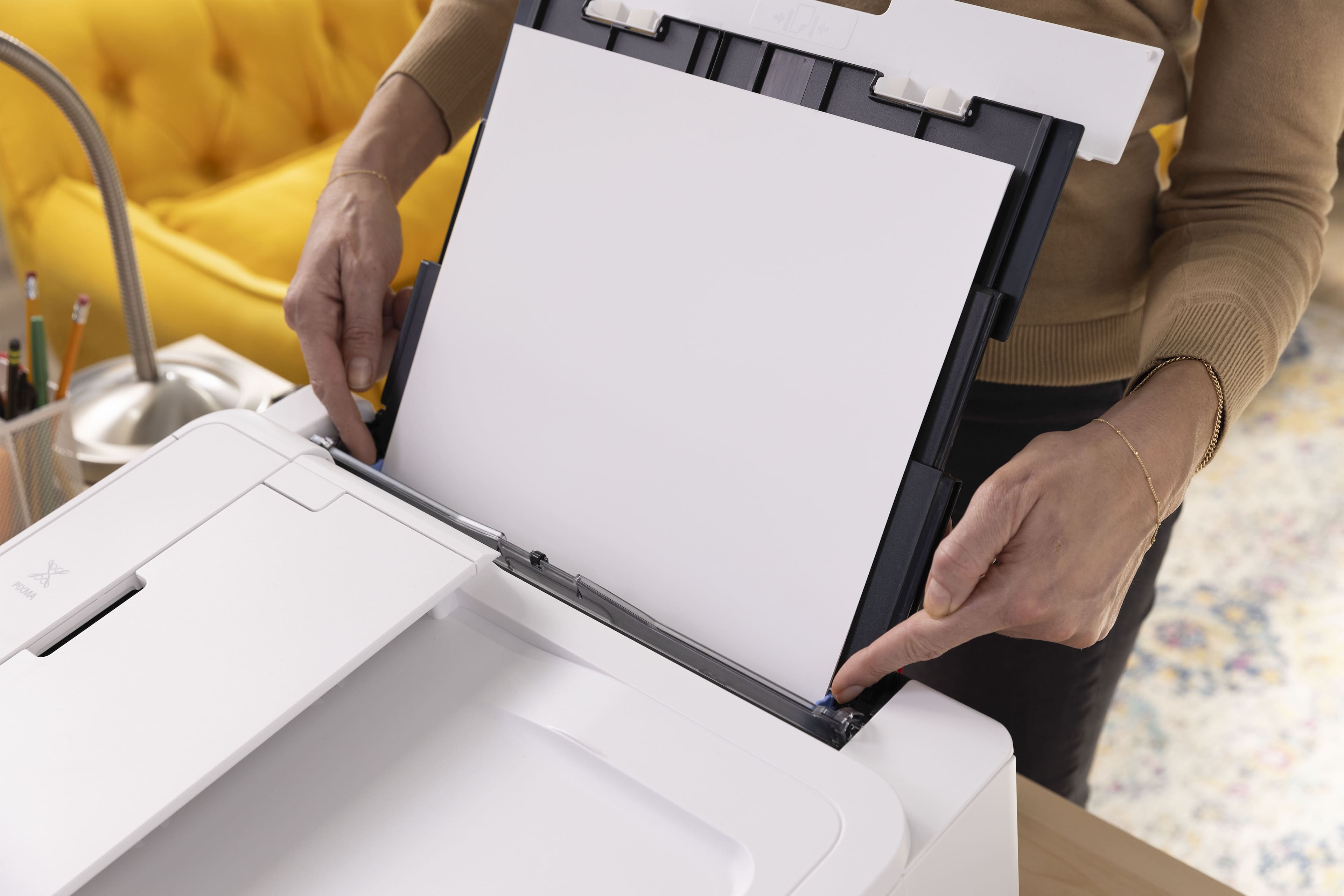
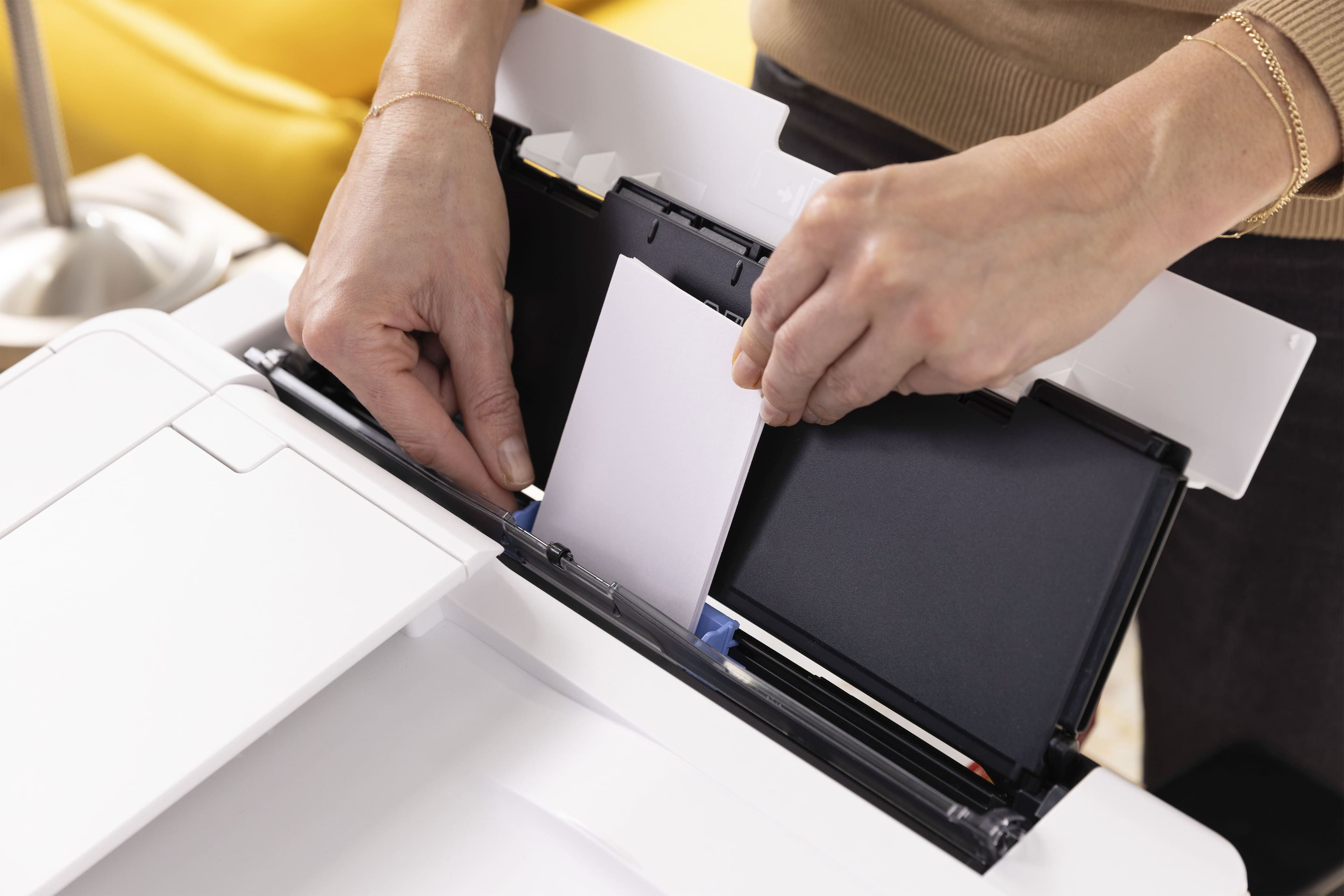
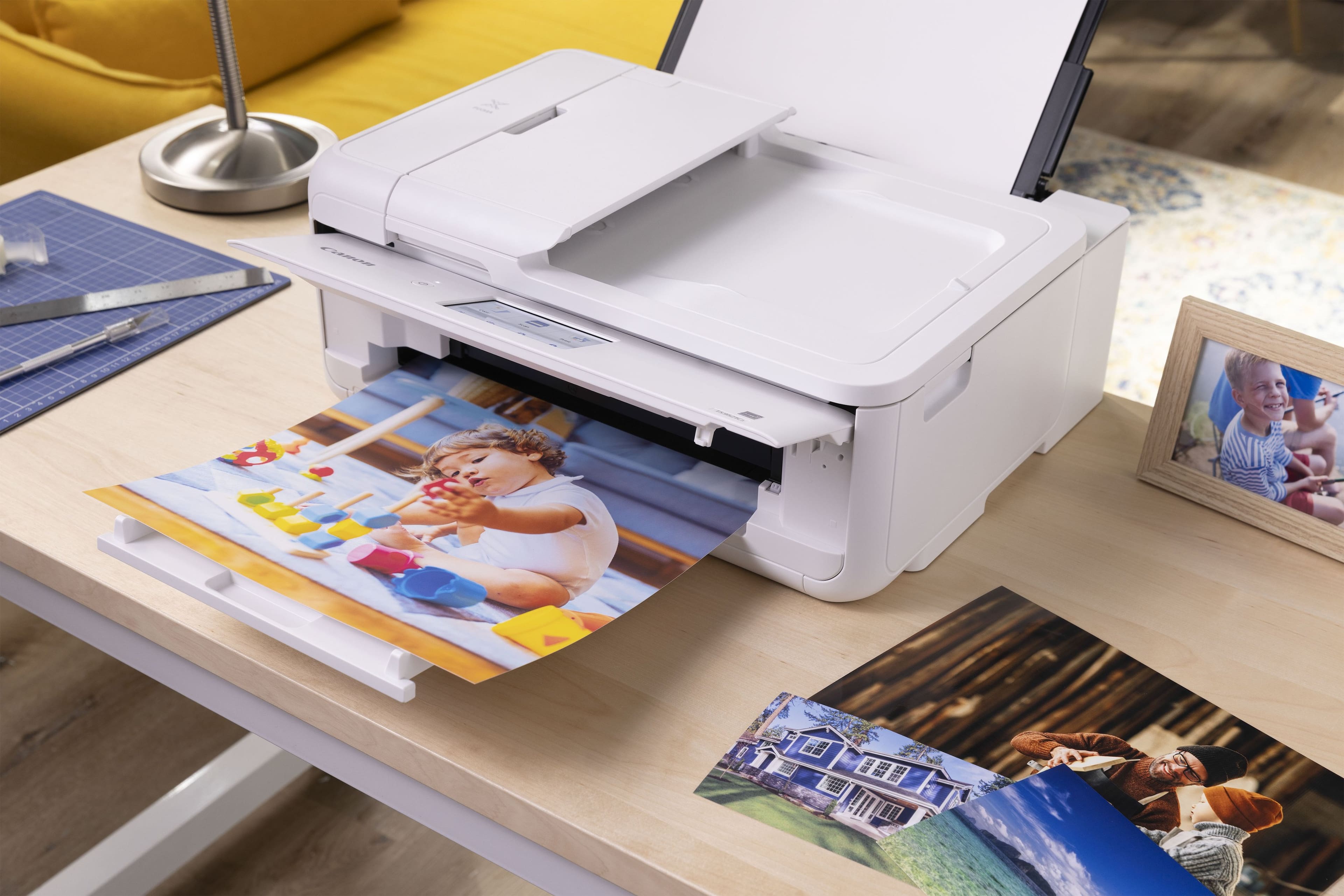
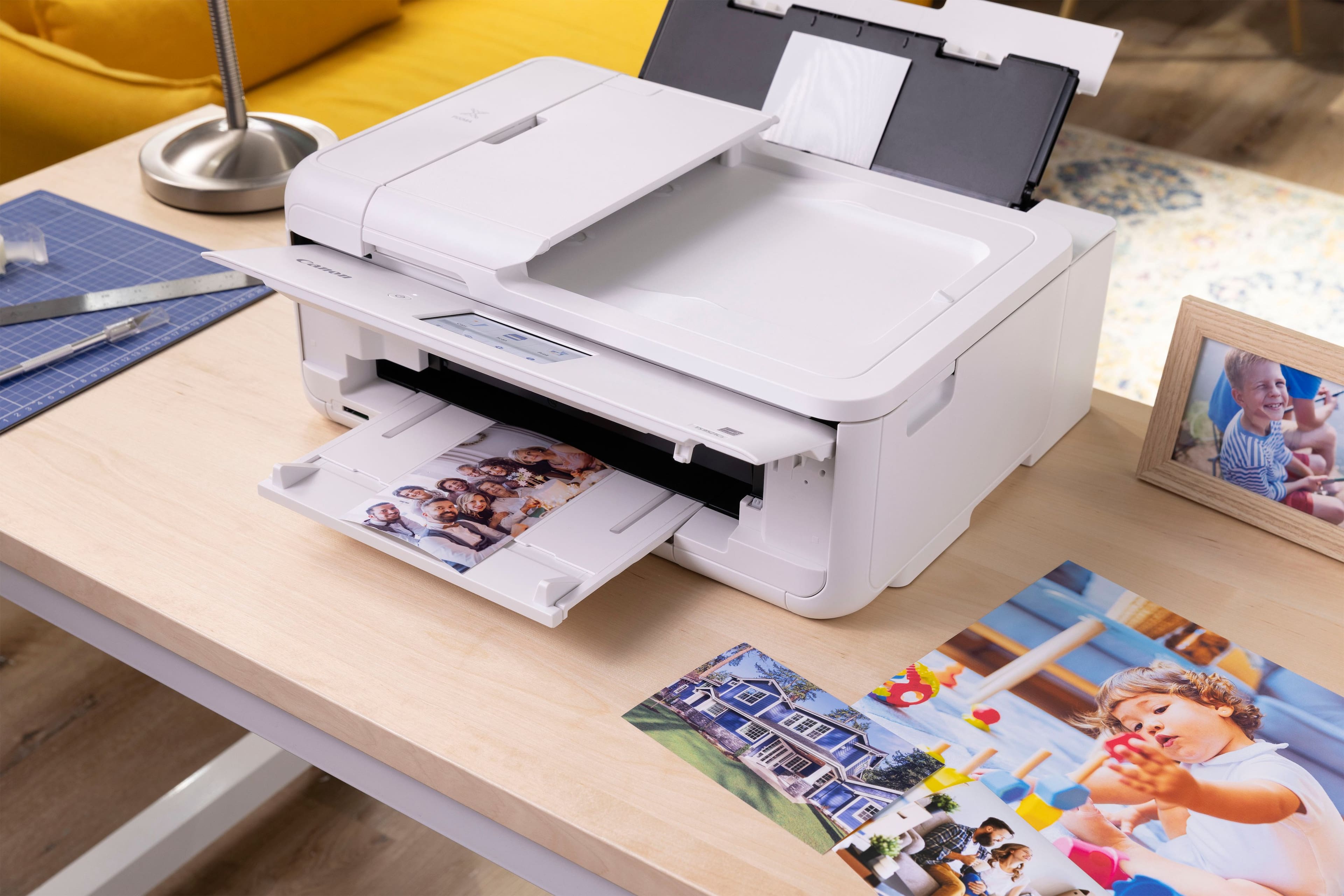
|Posted .This reviewer received promo considerations or sweepstakes entry for writing a review.On the box this printer came in Canon proudly declares it to be “the crafter’s all-in-one.” After spending a few days with it I can confirm that there’s a lot here for someone into DIY crafting to love, but with some caveats potential buyers should be aware of. At first glance the TS9521Ca could easily be mistaken for any Canon all-in-one inkjet. It takes up surprisingly little space given the size of the media it’s designed to handle, owing largely to the fact that the large rear paper tray can be slid invisibly into the main body of the printer when not in use. The design has the typical Canon hallmarks as well, with lots of gentle curves, matte finishes, and hidden mechanisms designed to keep it from looking overly industrial. Most of the setup process involved finding all the places they’d secured panels and moving parts with tape before plugging it in – once that was done going through the initial calibration process and getting it added to my home network via push-button WPS only required a few minutes and two sheets of printing paper. No special drivers or utilities were needed on my PC or phone to start using the printer, though they are of course available for anyone who wants them. At this point the TS9521Ca was able to show it was a very capable little multifunction inkjet. I’ve always found Canons to be very precise printers that do an excellent job splitting the difference between photos and documents, and this was no exception. Photos came out crisp and colorful, while text was sharp and thanks to the two separate ink cartridges I didn’t need to worry about using up ink for photos later. Operation was reasonably silent even without turning on the noise control. And borderless prints worked just about perfectly. Even scanning from the printer, often a deeply kludgey job, was made relatively painless with the option to send the scan directly to the cloud storage account of my choice rather than one of the many devices on my home network. Once the back tray came out through, things got a bit wilder. I do have to give Canon credit here: They’ve stuffed just about every feature I think a DIY enthusiast might think to ask for and a few they probably wouldn’t – like a specialized tray for printing directly onto printable optical media. By default though no one will likely notice until it’s needed. The rear tray, which seems to be capable of handling paper as wide as 12”, unfolds in several segments to let it be however tall it needs to be for poster prints and the CD/DVD tray is very cleverly latched into a hidden compartment beneath the main paper cassette. This does have some downsides though. There are an abundance of small panels and trays that need to be flipped into the right position for less common printer modes and I found it very quick to chastise you for getting one of them in the wrong position but less forthcoming about explaining what’s wrong. Early on in one of my prints for example I accidentally flipped down the access door where you’re meant to feed in the optical media cassette and was told that the tray was missing, which led to a few minutes of fruitlessly removing and reinserting the main cassette before I noticed my mistake. Likewise it took a little trial and error to figure out that a transparent flap in the rear paper tray needed to be dropped down after loading before the printer would begin feeding paper from it. These are definitely minor annoyances, and I suspect most people doing the kind of projects this printer was clearly made for would be able to work them out as I did, but it certainly does make it clear that the designers prioritized offering a broad range of functionality over overall user-friendliness. As far as how it performs doing these less conventional prints – again I found it excelled. While finding somewhere that actually had 11x17 “tabloid” sized paper in stock proved a little tricky, I was eventually able to track down someone with a single very dusty box of photo paper in their inventory and printed some absolutely gorgeous poster sized maps that I’d be happy to hang on my wall. It’s certainly not something I’d want to be doing every day – by the fourth page I’d managed to completely drain one of the ink cartridges, and when I swapped it out mid-print it restarted the job from the beginning and managed to drain two more before it was finished. I feel like this would have been a great candidate for using ink tanks rather than replaceable carts, or at the very least should have shipped with the optional XXL tanks in the box because having to replace ink carts less than a week after getting a printer seems borderline absurd. But given that I’ve yet to see an ink tank printer that doesn’t have some issues with color accuracy I suppose this might be the best compromise available for the moment. The rate at which it consumes ink does complicate my thoughts on who I’d recommend this to, though. For a long time my printers saw extremely heavy use, to the point that I was used to replacing ink carts multiple times a year. These days though, I will often go long periods without printing and then do a bunch of really big projects so replacing carts once a year is a bit more typical. And when I did need to do large format printing, I’d go to the print shop. When I add everything up here, I discovered that doing large format printing from home probably doesn’t stand to save me much money unless I plan to do enough of it to justify buying a lot more of the paper and the largest ink cartridges available. Which leads me to think that this perhaps isn’t so much the printer for the occasional crafter looking to make posters for their kids or print out battle maps for a D&D session so much as it is the printer for the person selling posters on their personally Etsy store. If that is you, though, I think you might be very pleased with the TS9521Ca.
I would recommend this to a friend - Pros mentioned:Connectivity, Print quality, Setup
Excellent printer for photography enthusiasts
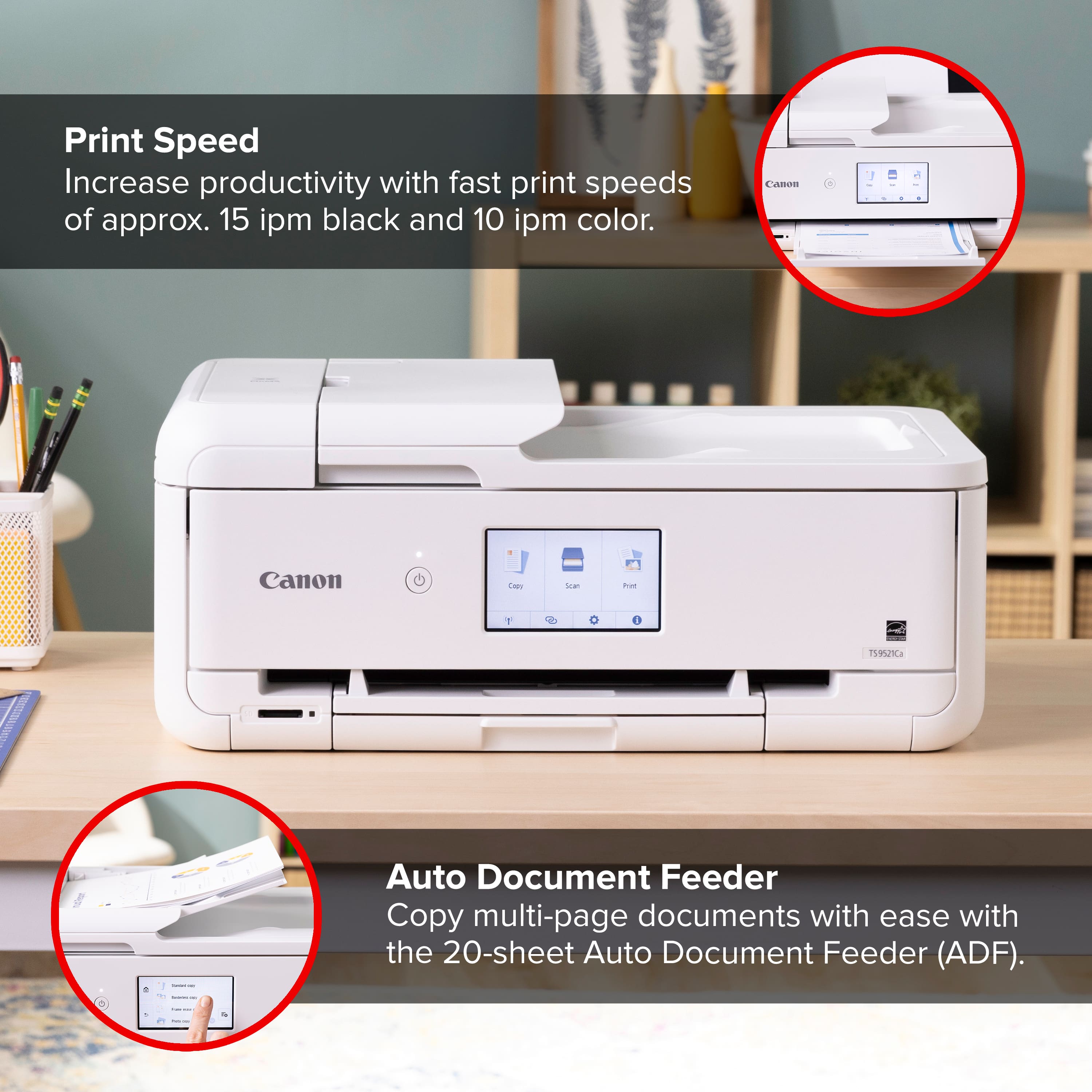
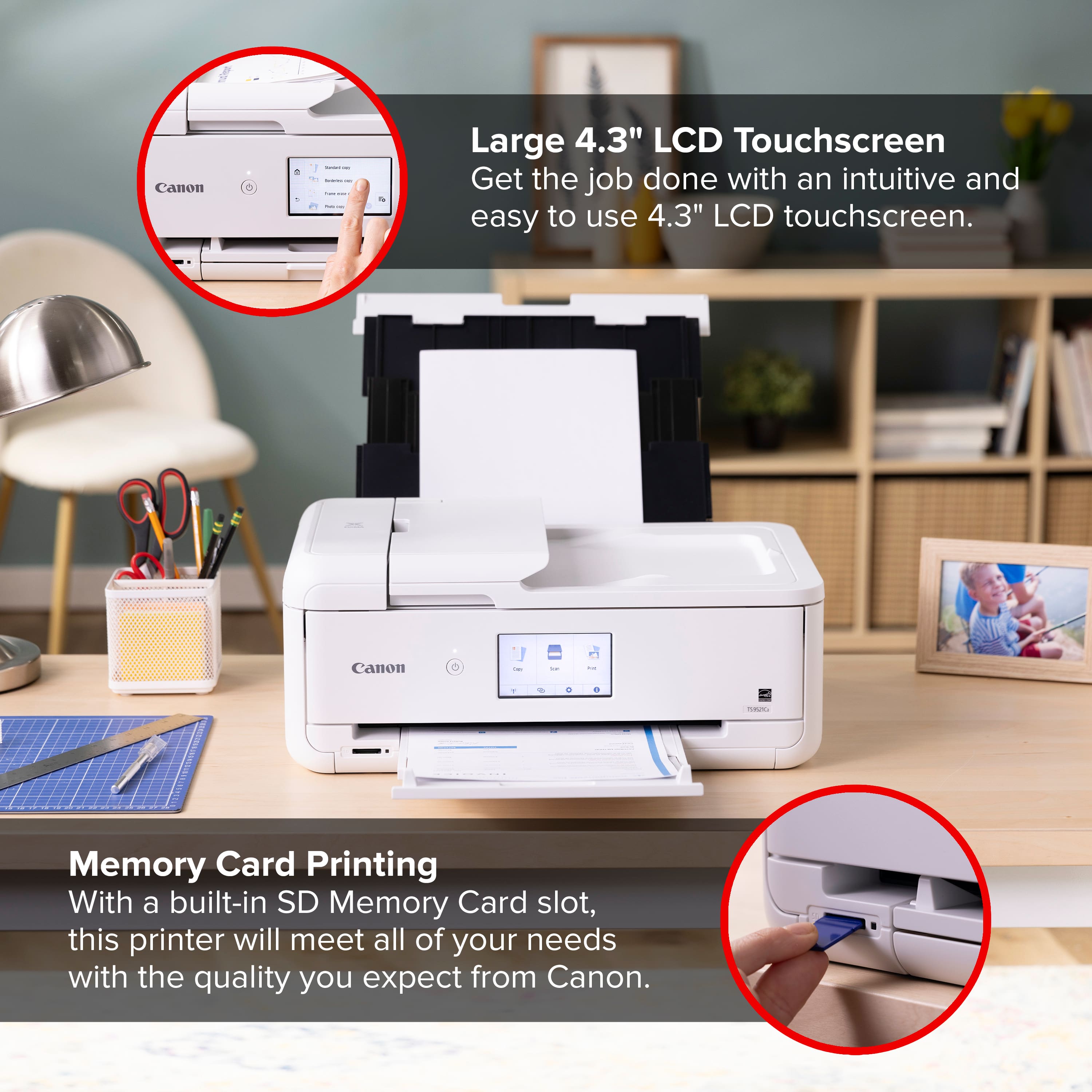
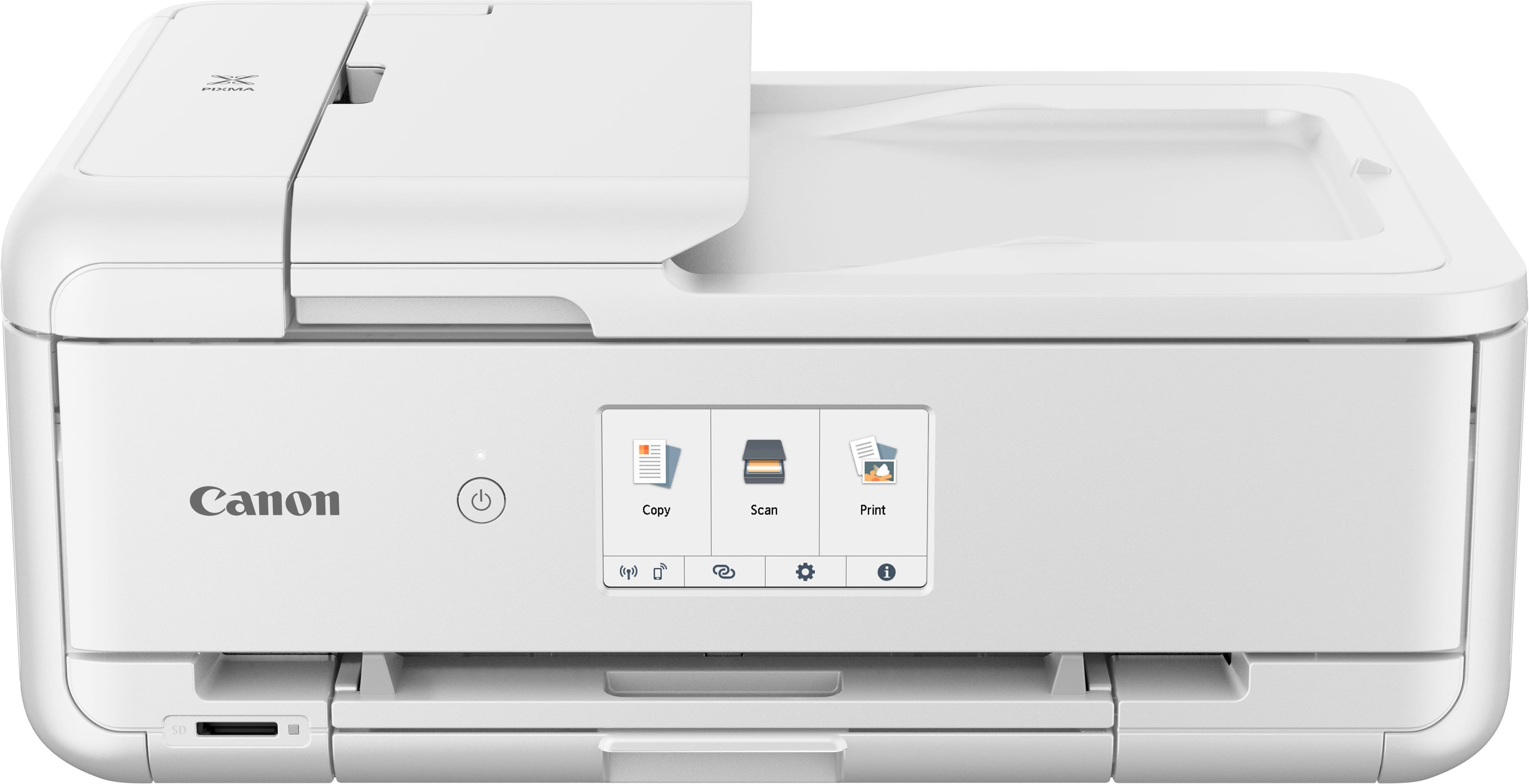
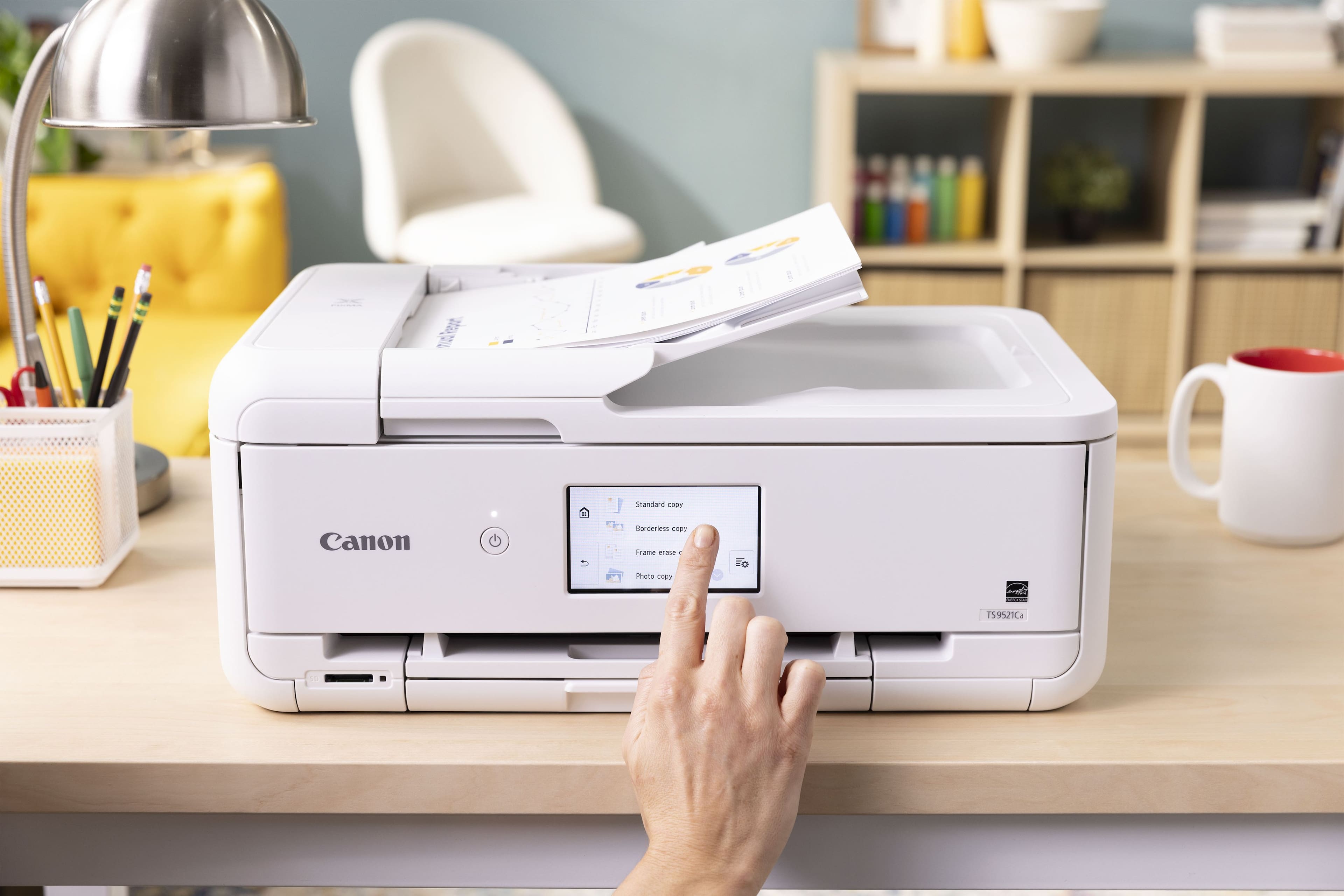
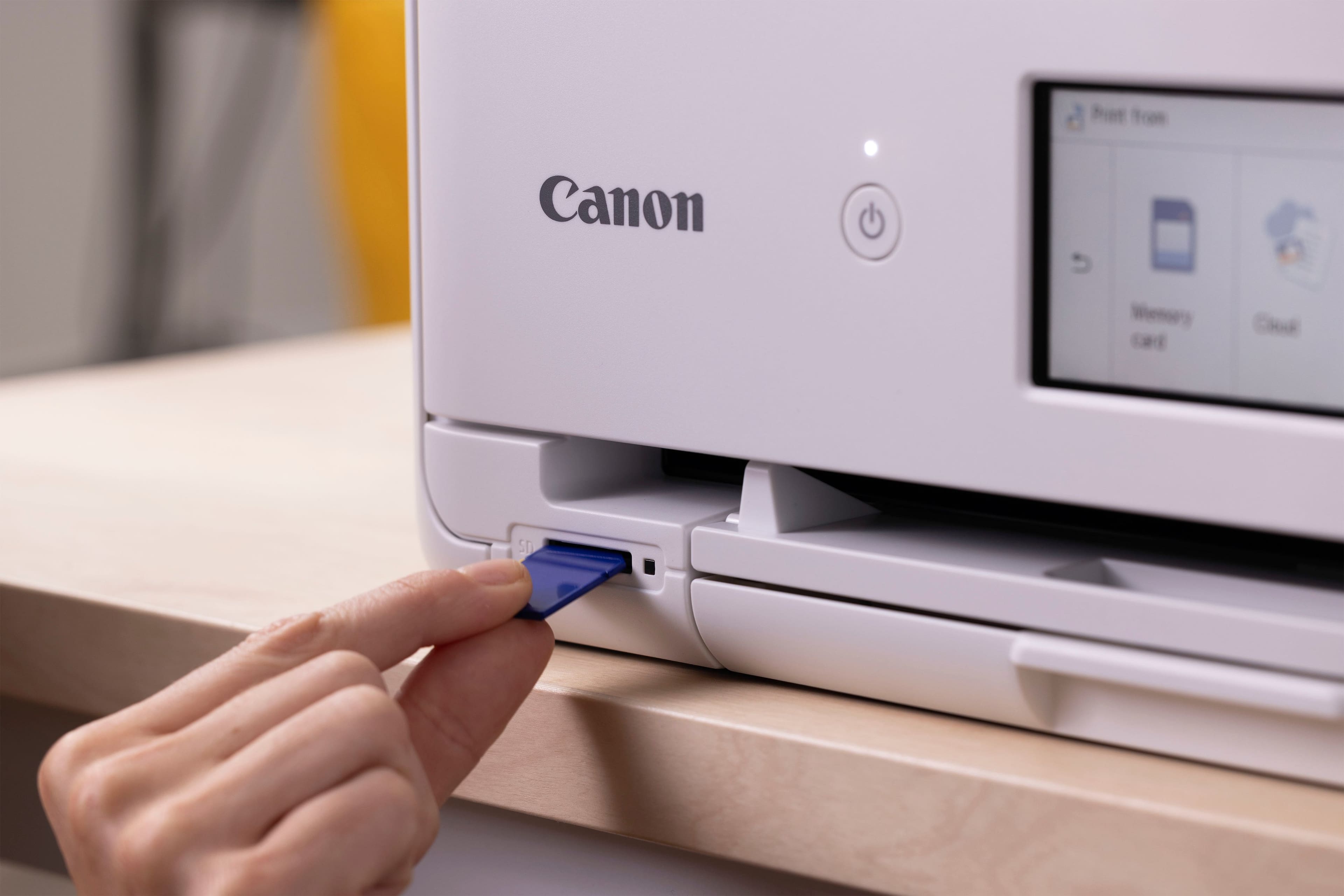
|Posted .This reviewer received promo considerations or sweepstakes entry for writing a review.The Canon PIXMA TS9521Ca Wireless All-In-One inkjet printer sports a sleek and modern design with a compact footprint, making it easy to fit into most home or office spaces. The intuitive 4.3-inch touchscreen display provides a user-friendly interface, allowing for easy navigation and control. Its robust build quality ensures durability, while the stylish finish adds a touch of elegance to any workspace. The TS9521Ca delivers exceptional print quality with a resolution of up to 4800 x 1200 dpi. Whether printing photos, graphics, or text documents, the results are sharp and vibrant, thanks to the 5-color individual ink system. I tested printing some stock photography images on regular 8x11 heavyweight paper and the results were stunning. At the best setting, they were as good as the quality one would get from a color laser printer. This printer supports a wide range of media types and sizes, including 12" x 12" scrapbooking paper, making it perfect for crafting projects. The auto document feeder adds to its versatility for everyday office tasks. With built-in WiFi (802.11b/g/n/ac), Bluetooth, and support for various mobile printing solutions like AirPrint, Google Cloud Print, and the Canon PRINT app, the TS9521Ca offers seamless wireless printing from smartphones, tablets, and computers. However, the lack of support for 5GHz WiFi networks was disappointing; only 2.4 GHz networks are supported. There is no excuse not to have 5GHz support in 2024 as it is a common and widespread standard now. The TS9521Ca is particularly geared towards crafters with features such as built-in templates for cards, calendars, and other crafts. It also supports borderless printing and comes with software that provides additional creative options. The flatbed scanner and the automatic document feeder (ADF) provide high-quality scanning and copying. The ADF can handle multi-page documents up to legal size, enhancing productivity. This is a great time saver when dealing with large documents as scanning each individual page manually is a chore. However, note that the ADF does not support duplex scanning. The performance of the TS9521Ca is impressive across all functions. Print speeds are satisfactory, with up to 15 pages per minute for black and white and 10 pages per minute for color. The printer handles high-resolution photo printing exceptionally well, producing detailed and vibrant images. The scanning and copying functions are reliable, with the ADF significantly speeding up the process for multi-page documents. Setting up the PIXMA TS9521Ca is straightforward, with clear instructions provided in the box. For more detailed instructions on using the printer’s various functions I found the online manual to be very easy to use. The touchscreen interface is highly responsive and intuitive, making it easy for users of all tech levels to operate the printer. The inclusion of an SD card slot and USB port allows for direct photo printing, adding to the convenience for photographers. Also, the individual ink tank system allows one to replace the heavily used colors, like black, without having to replace all the colors. The Canon PIXMA TS9521Ca Wireless All-In-One Inkjet Printer is an outstanding choice for those who need a versatile, high-quality printer that excels in both photo printing and everyday document tasks. Its array of creative features makes it particularly appealing to crafters and DIY enthusiasts. I highly recommend this printer if you are photographer looking for a reliable printer.
I would recommend this to a friend - Pros mentioned:Ease of use, Print quality
Powerful, Versatile, and Easy to Use
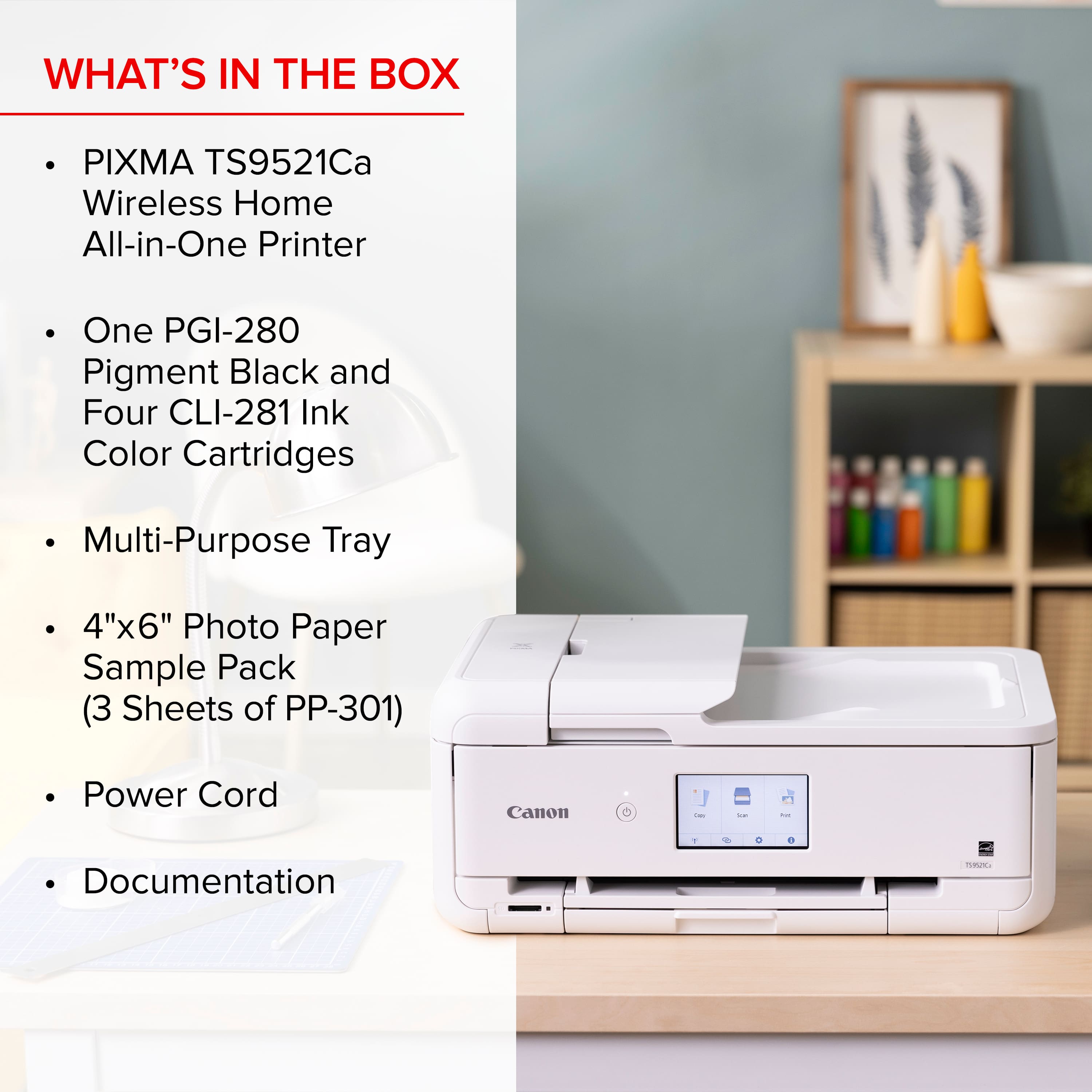
|Posted .This reviewer received promo considerations or sweepstakes entry for writing a review.The Canon Pixma TS9521Ca printer, scanner, and copier is one of the best printers I have ever used. Powerful enough for a creative professional, but simple enough for a casual home user. My photo prints look amazing. Whether on glossy or matte finishes, photos look great. I love this thing; I am going to go through so much ink…. Setup: Inside the box you get the printer, power cord, setup instruction guide, five setup ink cartridges, and sample print paper in glossy 4X6, 5X5, semi glossy 5X7, and matte finish 8.5X11. There are two black cartridges. One is the PGI-280 that uses pigment black ink for printing documents on plain paper. The other four tanks are CLI-281, dye-based ink used for photos and images. Be sure to remove all the tape. There were a few tabs of tape that were particularly hard to see at first. The setup instructions and the printer walk you through installing the ink cartridges and connecting your printer to the network. I connected via WiFi, but it is nice to know that USB and ethernet connections are available as I occasionally prefer to keep things wired. I had no difficulties setting the printer up. I followed the instructions from my phone which had me download the Canon PRINT app to complete installation. I set the printer up on a Windows 11 PC as well as a Samsung Galaxy S22. For other computers, I tested driver only installs from Windows. I have had no difficulties with printer connection or print quality. Every print has gone through no problems. I have had no calibration issues. The printer is quiet. Experience: My wife and I are looking at projects we can make with her Cricut and this printer. With its capacity for larger print projects, the TS9521Ca is a great companion for anyone looking to print large documents or work in scrap booking. Loading paper in the rear or front paper trays was easy. After you load paper in the back tray, make sure that you lower the back plate with roller. I occasionally forget. The mobile app, and the Windows 11 utilities are as complicated or as simple as you make it. You can get lost in the weeds of details to tweak everything to your liking, but I thought the printer was simple enough that I could get good looking prints within minutes of setting the printer up. Copies from the top load document reader looked great. Document prints are extremely fast. Duplex printing was noticeably slower, but it does work. My only nitpick is the flatbed scanner. Scans were okay, but I hit the resolution limits of the scanner rather quickly. Scans never looked bad. They were not captured in as high of a resolution as that of a dedicated flatbed scanner. But that really is a nitpick. Supplies: I have been shopping for replacement cartridges. Best Buy sells ink and photo paper for the Pixma. I have noticed the ink cartridges come in three assorted sizes. You can buy either the regular, XL, or XXL. I will probably stick to combo packs of the XL when available. Canon also has an ink replenishment subscription program. The photos do take a good deal of ink to print. After six days of printing some large prints, I am down to about 70 percent of my cartridges remaining. Depending on how many projects you have per month, you may want to consider those larger cartridges. Conclusion: The TS9521Ca is an update or refresh of the TS9521C. Both use the same cartridges. TS9521Ca has duplex printing, but no Bluetooth connectivity. That is a fair trade as I never use Bluetooth printing. I cannot say whether this printer is a worthy upgrade for existing owners of the TS9521C, but as a new owner, this printer is great. I hope to be using this printer for years to come. I am so impressed with the ease of use and the quality of the print projects. My friends and family think the prints look amazing. I have already recommended this printer to several friends. So, it is easy to say that I can easily recommend the TS9521Ca. 5/5
I would recommend this to a friend - Pros mentioned:Ease of use, Print quality
Nicely Featured High Quality Home Printer
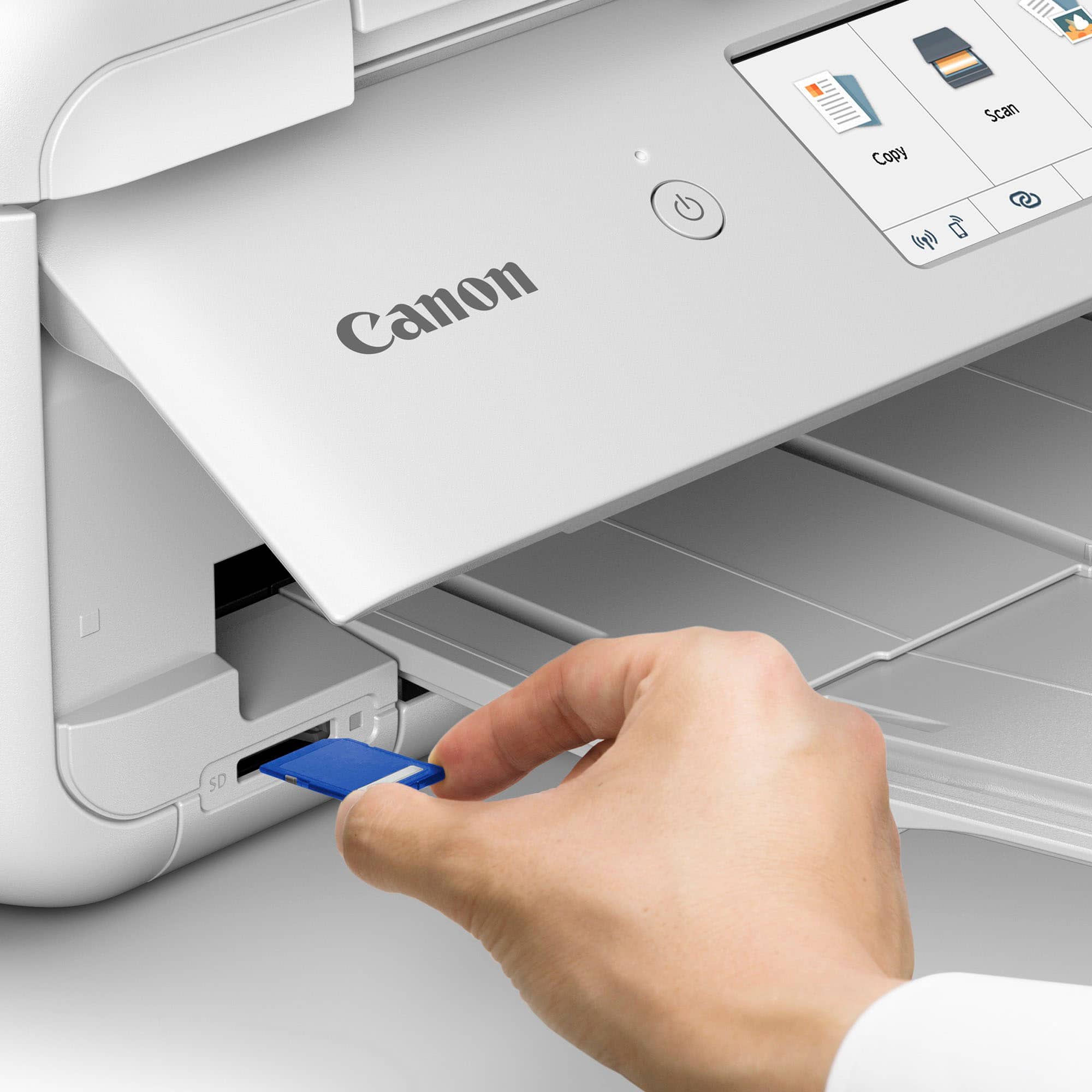
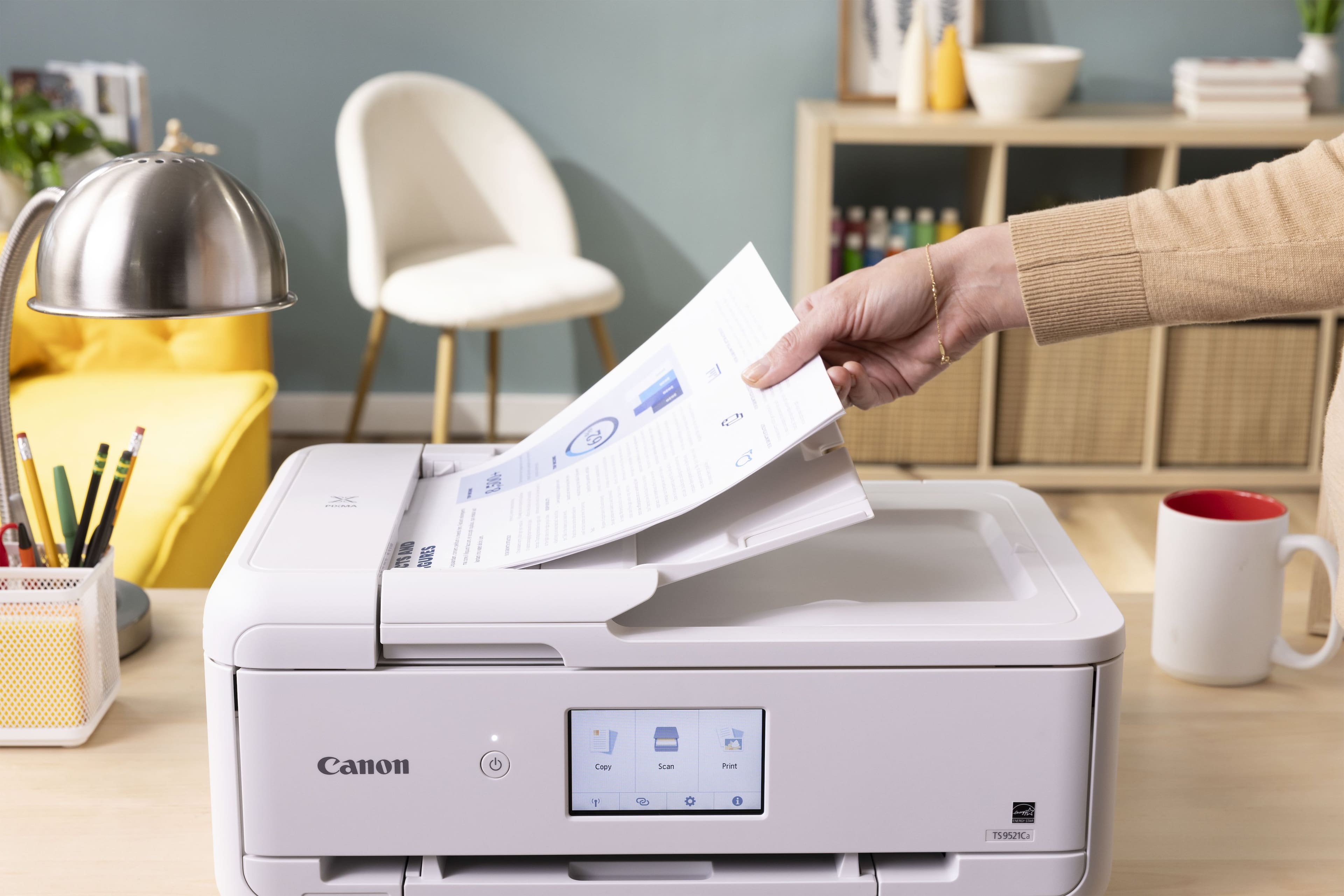
|Posted .This reviewer received promo considerations or sweepstakes entry for writing a review.The Canon TS9521Ca combines exceptional scan and print quality with a rich set of features and capabilities. Supporting documentation and software make it easy to set up and use. I’m using the printer with Windows 10 and 11 desktop PCs, a Windows 10 laptop and a Galaxy Note 10, all with up to date system software. Setup The shipping box had typical wear and a corner dent. The printer was well protected with formed styrofoam pieces and in pristine condition when unboxed. In addition to the printer, the package contains ink and a power cord, sample photo paper of various sizes, warranty and safety information, and a setup instructions card. The card directs you to a website with instructions for completing setup. The first step is to remove blue plastic tape securing various covers and the ink carriage. The printer is then plugged in, powered on, ink cartridges and paper are installed and it automatically performs an alignment step. Online videos make all of this very easy. Setup continues by downloading and running Canon installation software. The installation software requires the printer to be connected to the computer, which can be done with a USB cable (not supplied), an ethernet cable (not supplied) or wirelessly. I chose to connect wirelessly and did it manually instead of automatically, allowing me to select the correct SSID from those visible and supply the password. Once the printer is connected and visible to the installation software, it proceeds with driver and application software installation, creates a link to the online manual on the desktop, offers to print a test page and optionally makes this the default printer. Operation The online manual is well organized and very useful. It has general information about the printer itself, links to related documentation, and does a great job presenting the various functions that are available and describing how to use them. Instructions are generally detailed and clear, and the online manual is organized in such a way that it is easy to quickly explore the available printing, copying and scanning capabilities. Scanned images are clear and sharp. Scanning an item as a document produces a different result than scanning the same item as an image. The resolution doesn’t change, but colors are more accurate when scanned as an image. The ability to scan documents to PDF is wonderful. The included IJ Scan Utility has a PDF Editor function that controls scan and makes this easy. The ADF (automatic document feeder) holds up to 20 sheets and can be used in Simplex (single-sided) or Manual Duplex (double-sided) mode. Manual Duplex requires that you manually rotate the scanned sheets and re-load them into the ADF to scan the second side. Documents larger than 20 sheets are accumulated into a single PDF as successive 20-sheet sections are scanned. Printing to various sizes of plain paper, photo paper and even to printable CDs/DVDs is supported. There is a borderless printing option that covers the entire page, which is great when creating things like posters, cards or calendars. Borderless printing typically produces some cropping, which is noted in the online manual. Print color and clarity are impressive, and the photo print quality with the included photo paper is just amazing. I will definitely be printing more photos. Copy operation is controlled from the front panel and generally supports available input sources and output destinations, resulting in a rich set of useful copy functions. Interesting special copy functions are implemented, such as the ability to copy two or four pages onto a single page, copying photos, and more. Software In addition to drivers and online manual, installed software includes IJ Scan Utility, ScanGear, Easy-PhotoPrint Editor and Easy-WebPrint EX. IJ Scan Utility made it easy to convert a few old technical papers to PDF, and I used Easy-PhotoPrint Editor to set up and print a photo. The PDF conversion recognizes text, allowing copy/paste from the PDF document. Easy-PhotoPrint Editor supplies basic templates allowing you to personalize photo layouts, calendars, cards, collages and more. Application software user interfaces feel a bit dated, but most importantly they are stable and functional. I installed the Canon PRINT app on my Note 10 though the Google Play Store. It was easy to print a photo from my phone, and to scan an image to a file saved on my phone. Operations such as copy, document print and others are also supported, but functionality is somewhat limited when compared to the same operations run from the front panel or from Windows application software. Issues The only removable storage interface is an SD slot, and an SD adapter is required for other supported formats like microSD. USB flash drives are not supported, which seems like an odd feature choice. The front panel must be partway open in order to print. This isn’t a problem, but it is something to get used to. The printer beeps and displays a message on the front panel if you forget, and printing proceeds after you open the front panel and dismiss the message. Verdict The Canon TS9521Ca is a stable, well designed, high quality product. It supports the things I typically do with a home printer and much more, and does it all very well based on everything I’ve tried. No problems or instabilities were encountered using the printer and supporting software. Based on my initial experience with this printer I highly recommend it, and I am eager to do more with it.
I would recommend this to a friend - Pros mentioned:Ease of use, Print quality
Fully Featured All-In-One Printer/Scanner/Copier
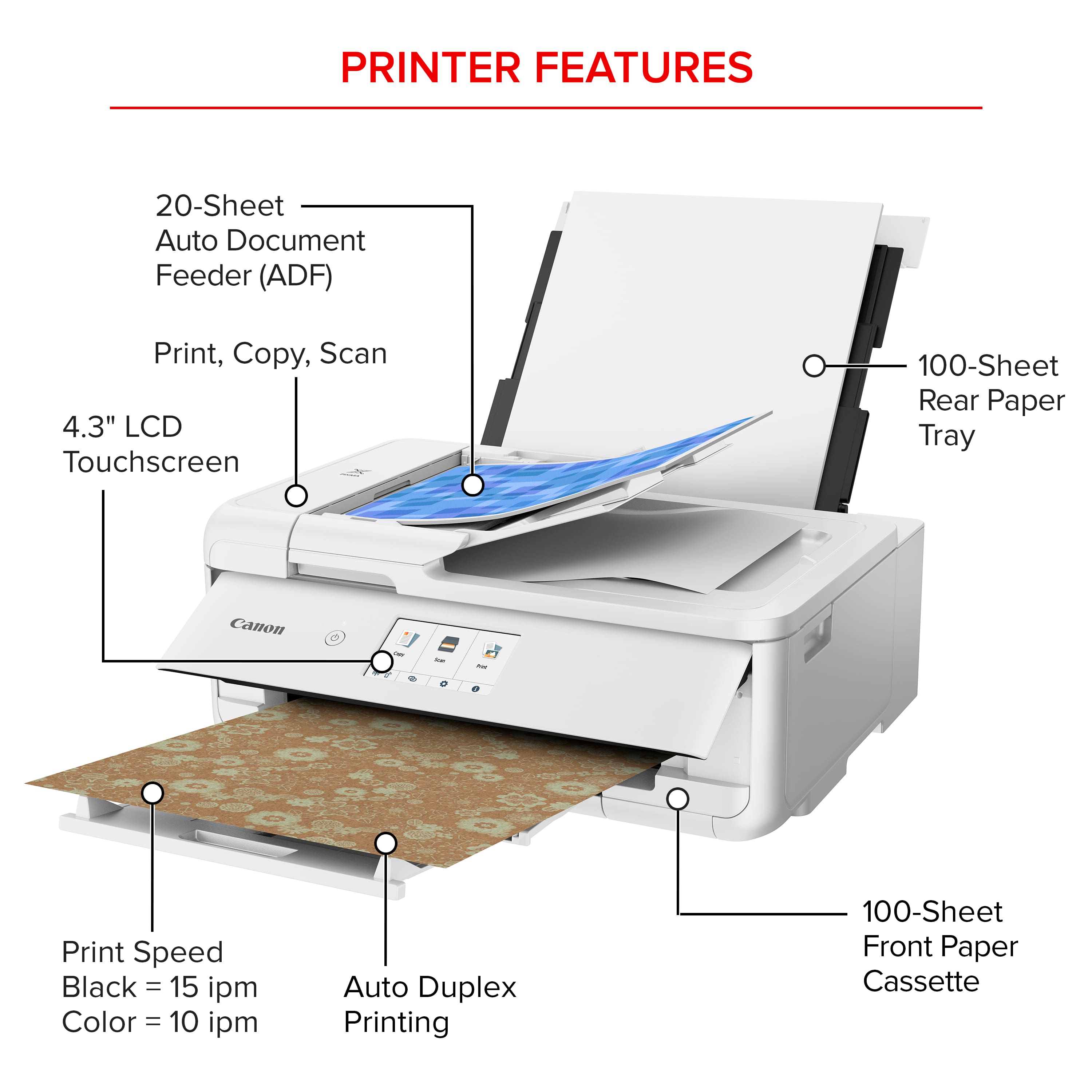
|Posted .This reviewer received promo considerations or sweepstakes entry for writing a review.I haven't bought a new all-in-one printer for quite a few years and I'm really impressed with this new one from Canon! The Canon - PIXMA TS9521Ca Wireless All-In-One Inkjet Printer - White does pretty much everything one would want to do with an all-in-one and does it beautifully. The printer arrived solidly packaged with no issues. Easy to remove from the box and simple instructions to get you up and printing quick! Remove some strategically placed pieces of tape around the printer, plug it in and follow the instructions to get the ink loaded and get it connected to your PC or mobile device. The software on the PC downloaded and installed and was all connected within a few minutes over my wireless network. It didn't like my 5Ghz network but was able to join my regular wifi network just fine. The Canon Easy-PhotoPrint Editor software that you can choose to install during setup is quite nice! It lets you print all sorts of things and makes it easy to do so from photos layouts to calendars to poster and all sorts of other things. It will connect to all your cloud photo services if you want to pull photos from there which is quite useful. Some other utility apps get installed as well that let you manage the printer. Canon Printer Assistant Tool, Network Scanner Selector and Scan Utility. You can also install the help printer manual and a shortcut to the online manual which tells you anything you want to know how to do with the printer. You also have the quite nice on printer screen for interacting with the printer. Easy to read and responsive touch-screen control makes it easy and walks you through any action you want to take. The printer has a very nice aesthetic look and feel to it and seems to be well constructed. There is a back-loader for loading larger paper sizes and photo paper. There is a bottom tray that hold normal paper of various sizes and holds 100 pages. The top loader I believe can also hold 100 pages of paper. So there are lots of options for what type and size of paper you want to print with. The printer prints fast in either black and white or color and printing photos on photo paper also prints pretty fast and look GORGEOUS. I can't tell the different between photos I would have developed professionally and the photo prints I have done so far on the provided sample paper! Copies copy fast too and look quite close to the original. The scanner works fast as well and lets you send scans directly to your PC. Scans look great and the software makes it simple to find your scans or email them. I love that you can replace individual ink cartridges of a certain color instead of having to replace all the colors if one color runs low. Installing the ink was easy just be careful not to get too much ink on you or the printer... a little bit ended up on my fingers and on the printer because I wasn't watching closely enough. A bit of ink transfer happened after removing the packaging and exposing the ink pads. You can register your printer during setup and also setup ink replenishment if you want. You can have the printer send you notifications when it starts running low as well. Obviously the amount you print will determine how often you need to purchase refills. Connecting to and printing from your mobile devices will be just as easy as from a PC. I downloaded the app to my iPhone within a couple minutes and was connected and sending prints to the printer a couple minutes later. Very nice! I've always had good experiences with Canon printers over the last 25 years and this appears to be another great experience! This printer should keep me satisfied for years to come. Looking forward to order some more media for printing projects. It is nice that Canon provides some samples in the box! I would definitely recommend this to a friend and the price seems just right for this all-in-one.
I would recommend this to a friend - Pros mentioned:Connectivity, Ease of use, Print quality
Nice wireless printer
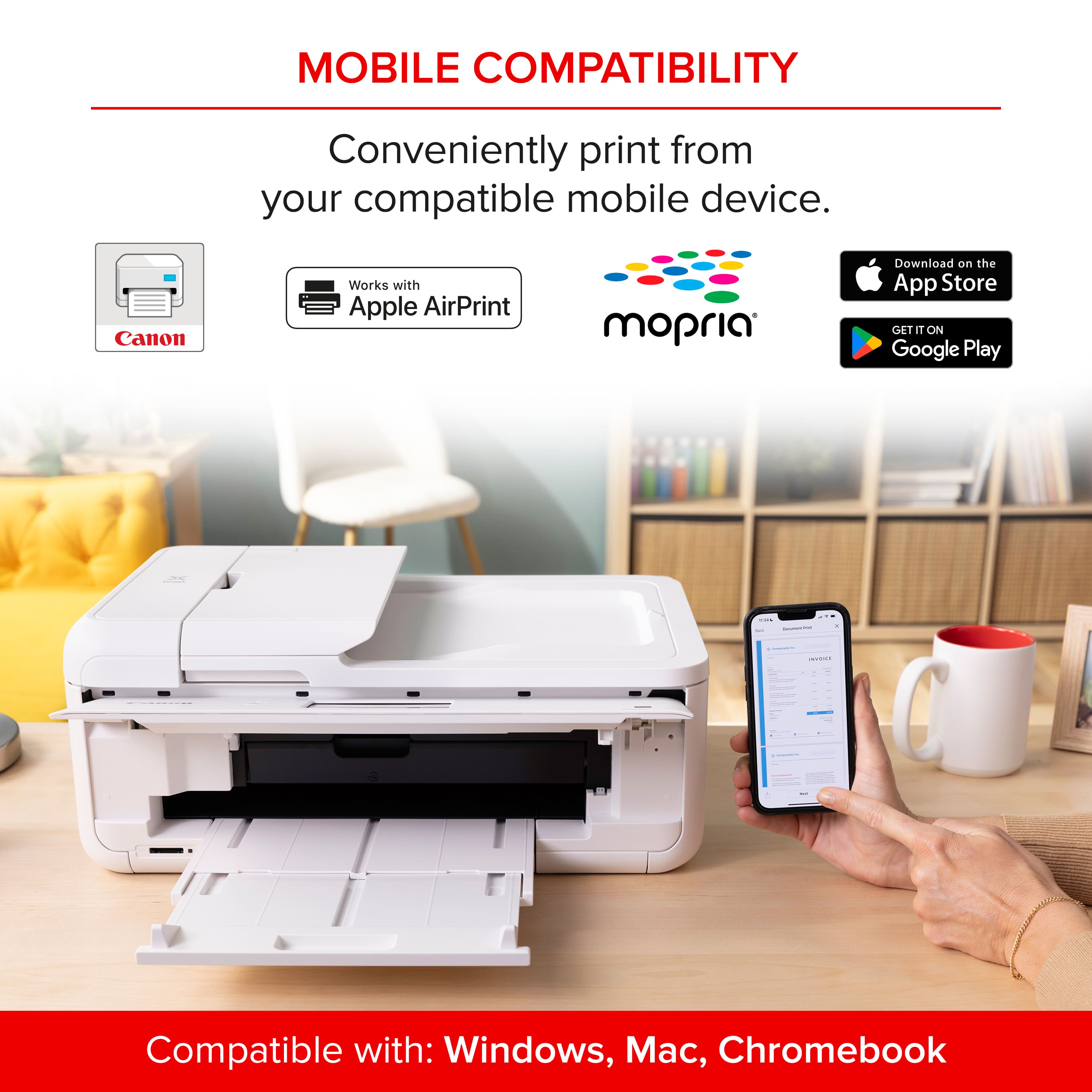
||Posted .This reviewer received promo considerations or sweepstakes entry for writing a review.This was recommended to me as I was looking to replace an old printer that was a wired only one. Easy to set up and it prints nicely. I love that I can finally can use Airprint and wirelessly print from my iphone and ipad as well as from my Imac
I would recommend this to a friend - Pros mentioned:Ease of use, Print quality
I does most in an easy way!
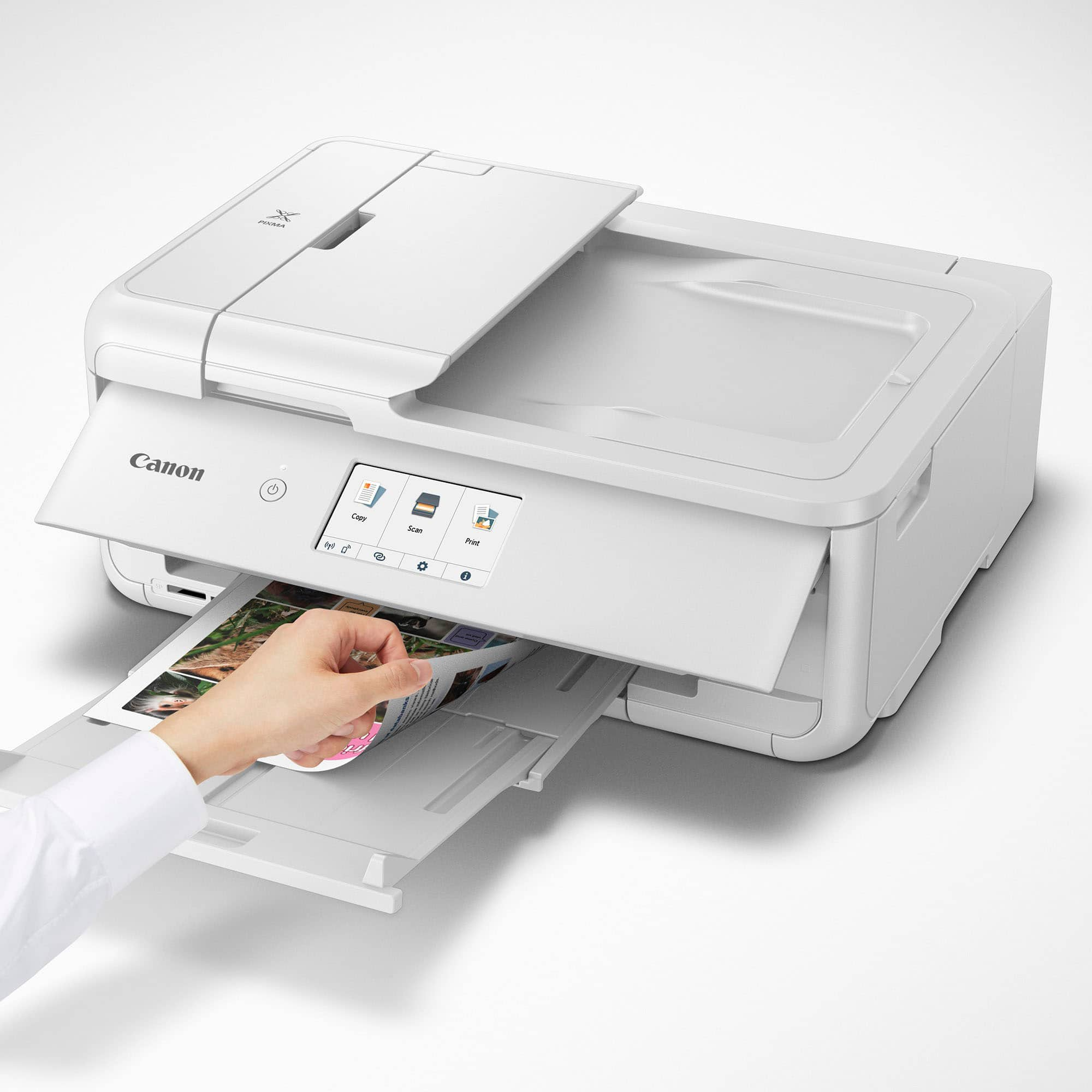
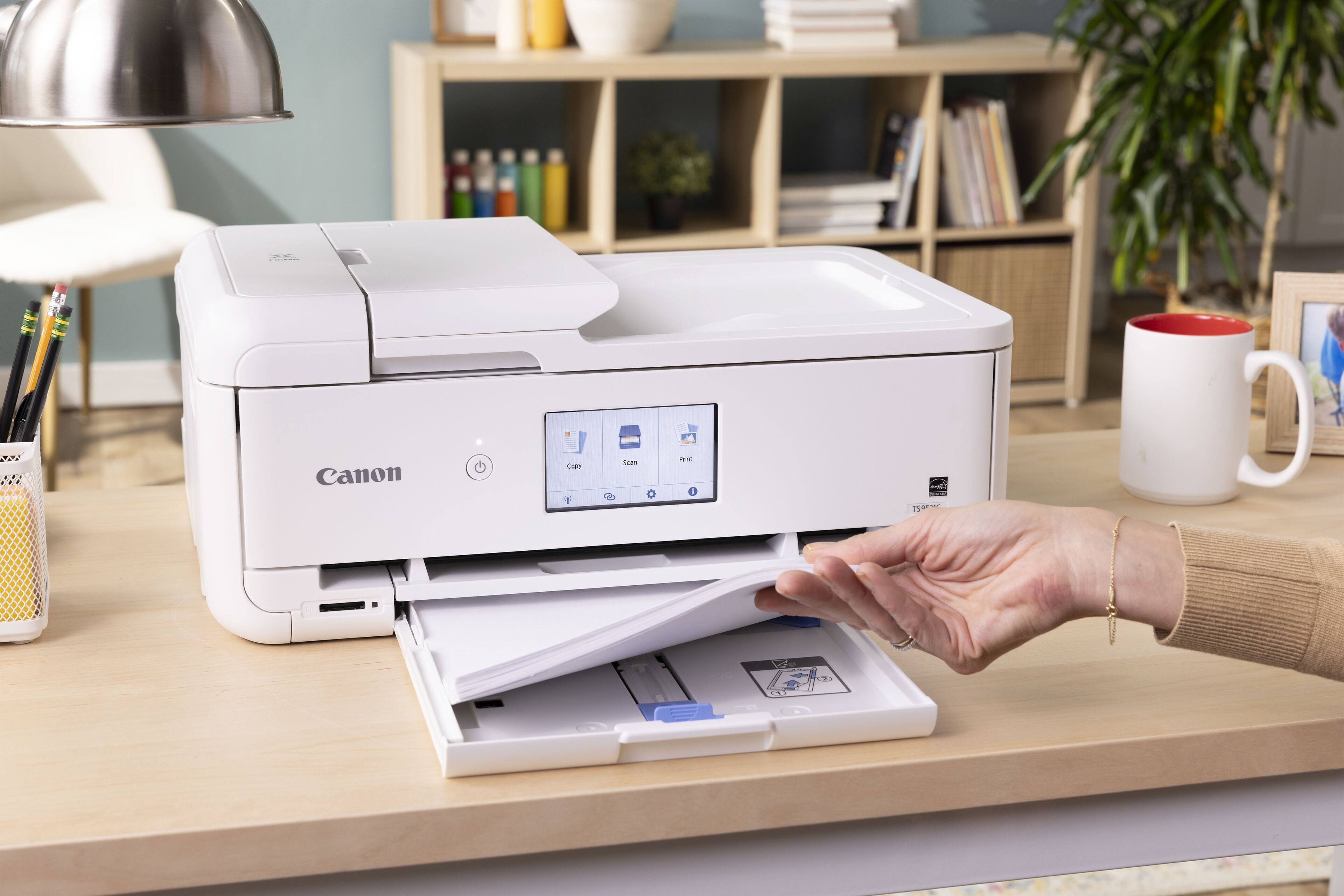
|Posted .This reviewer received promo considerations or sweepstakes entry for writing a review.Great all in one printer. It came very well packed and I was surprised on how hefty was the box, the printer has weight to it, you can tell its well built. Setup was easy, not my first foray with Canon printers. They include all the necessary inks to get you started (I was greatly surprised they also include a second, larger black tank) and a power cord. They do not include any printer USB cable, however its not needed as its a wireless enabled printer. Once I turned it on and inserted all the inks and the alignment was done, I downloaded their latest "TS9500 series Full Driver & Software Package" from their website to get it all setup on my Wi-fi network. I love how convenient it is and gives you many options. 1st you can load up 100 sheets of paper in the lower cassette and use those to print, or you can also load up paper on the rear tray. 2nd, you can either use the flatbed or the auto document feeder to make copies or scan. I love the auto document feeder and have not have the need to open and use the flatbed. Just insert whatever documents you want to either scan or copy and the all in one will automatically "suck in" the pages and scan/copy them for you. 3rd, it supports many paper sizes, envelopes, photo papers etc. 4th, it does support auto 2 sided printing/copy. I love this feature as it saves lots of paper (it will automatically flip your page and print on both sides if you want). The printer has also a nice touch screen that is easy to navigate should you need to use it, but other than using it for on the fly copies, I just use the included Canon software to manage it from my PC. Print quality is very good and its very quiet when printing, albeit a little slower than other printers I have, but not by much. If you are looking for a good quality and easy to use all in one for your home or small office, this is the one to get. Replacement ink tanks are very affordable too!
I would recommend this to a friend - Pros mentioned:Print quality
Elevates photography projects into the sublime.
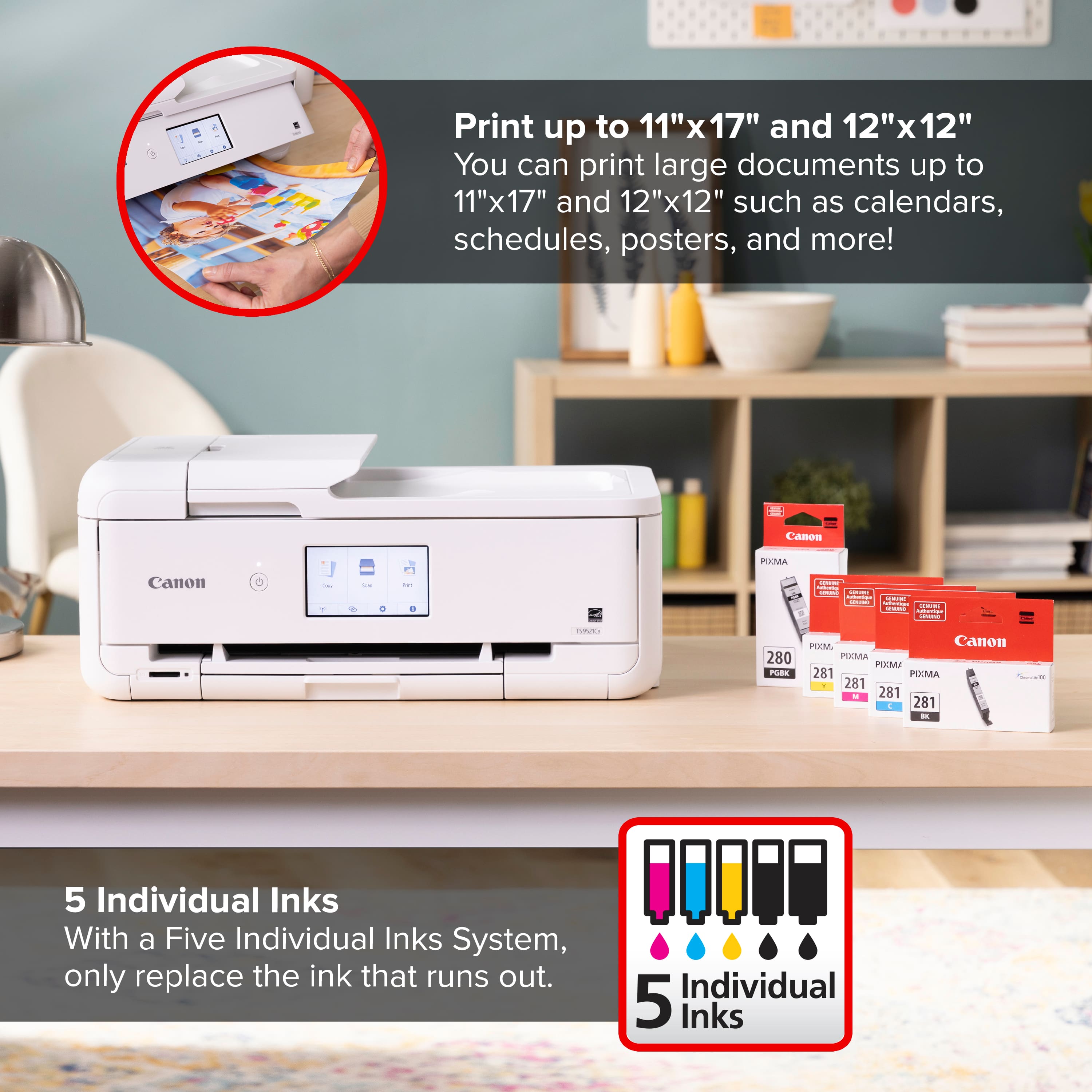
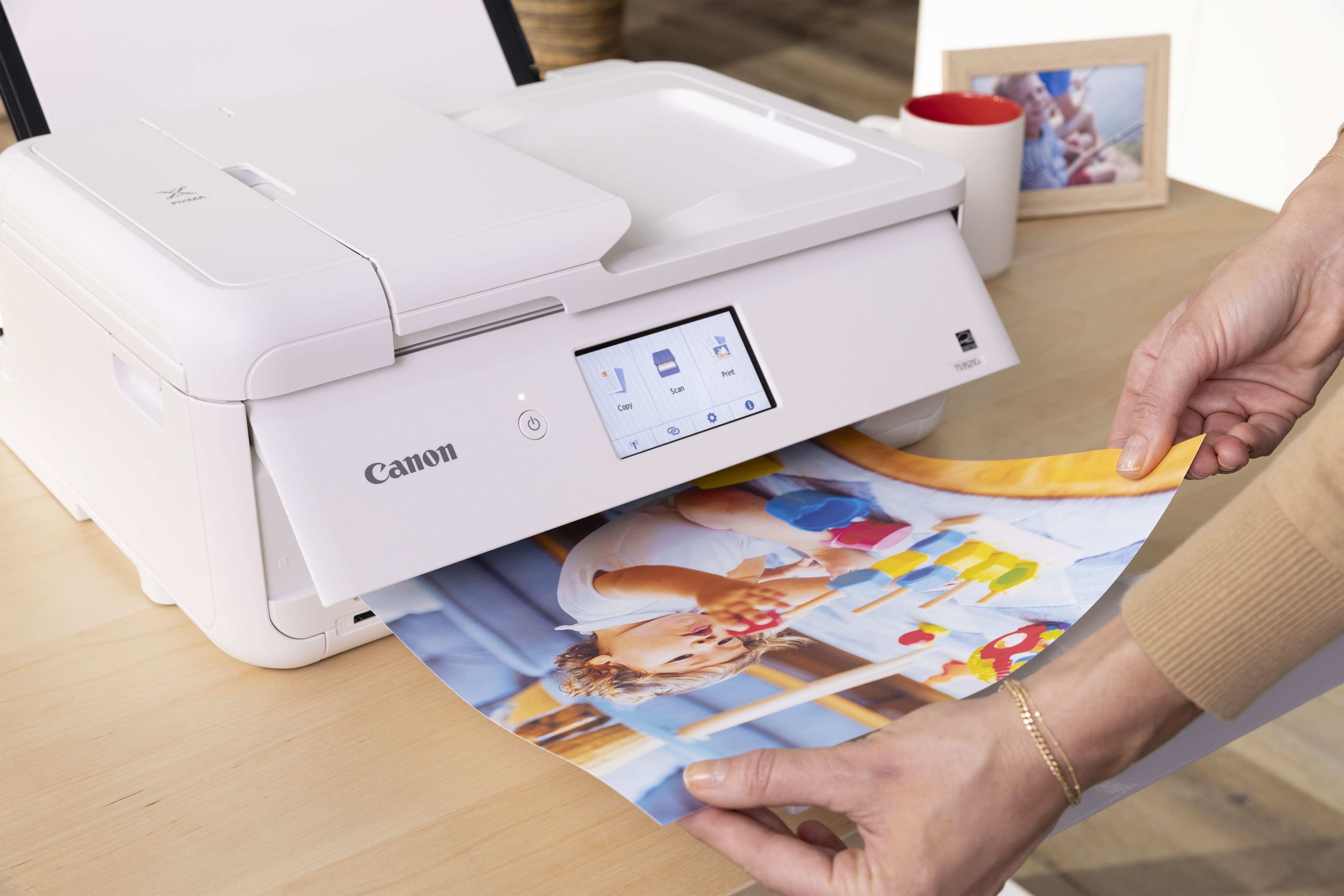
|Posted .This reviewer received promo considerations or sweepstakes entry for writing a review.Canon - PIXMA TS9521Ca Wireless All-In-One Inkjet Printer - White My first printing session with the Canon achieved a level of output quality that is inspiring me to spend more time with my photo hobby. I’ve waited for a reasonably priced (printer and consumables) large document (11”x17” and 12”x12”) printer for hobby print activities for too long. I’ve had very good experiences with several Canon printers over the many years I’ve been engaged in computer-based printing, so I have no hesitation trusting Canon to deliver, but this review is about proving my trust is warranted with this newest model. I’m now convinced. After using this for a week, I can suggest that this is the printer you owe yourself for a number of very practical reasons. SETUP was initially accomplished from my MacBook M1Pro, Sonoma 14.5 with a wireless setup. To begin, I downloaded from Canon Wi-Fi Connection Assistant Ver.1.8.1 (Mac). Setting up using the Mac App was not as easy, direct or problem-free as it should be. In my opinion, it could be simpler. When I set aside all the Canon Apps and efforts to guide the process and relied on my Mac’s ADD PRINTER function while I was connected to my network via Ethernet, I was connected within minutes, followed by successful printing. IAfter my printing day, I circled back and connected both my iPhone 14 and my Asus Chromebook. After downloading the Canon print Apps from their respective App stores, device connections were effective immediately and I was printing. The online manual, after skipping past 34 pages of legalese was the most comprehensive and easiest to follow set of instructions, setting modifications and troubleshooting you can imagine. There is very little you can’t control, from printer network solutions, to auto-on/off, and all sorts of paper and printing management as well as printing from Mac, Windows, mobile phones and memory cards. Sometimes the simple LCD window used to make changes didn’t bring me where I wanted because it was waiting for me to move something on the printer, such as the paper guide, or paper cover, or output tray. We’re getting to know each other and maybe communications will improve. This will be a long term relationship, because the features, flexibility and maintenance costs are all very inviting. Canon offers their own buy-as-you-need cartridges which are advertised to yield typical page coverage for the STANDARD = 200B&W; 250color. XL = 400B&W;500color. XXL = 600B&W;800color.There is an available Canon replenishment service, but they aren’t pushy about it. I’m so drawn to the rich, natural color I can achieve it’s not very tempting to go find cheaper knock-off ink, so hopefully Canon stays reasonable. As always with Canon’s approach to ink supplies, you can replace the five individual colors as they empty. It’s very encouraging to take artistic dives into monochorme, but still colorful, challenges knowing the colors you aren’t drawing down quickly remain available while you replace the higher use colors. (Canon provides 4 dye-based inks for photos and a pigment black for text.) PERFORMANCE: I found high quality printing to be a bit slower than I’ve witnessed on previous, recent machines, but none of those matched this Canon’s color quality on the matt, heavy print paper that I prefer or the high gloss print paper favored by family members for their print copies. Printouts are still quite fast, but quality is a priority. There were NO hiccups printing on the largest print papers. I can create rich looking tri-fold brochures. Card-stock printouts are handled well. Generally, paper handling is full-proof. The 20 sheet rear loaded photo feed and 100 sheet plain paper tray feed work well and slide away completely when not being used. I don’t expect Auto 2-sided printing in an inkjet, but this is included and works perfectly. There’s even an Auto document feeder (20 sheets) which is useful for our legal activities. There is a SD memory card reader. I make regular use of the included scanner / copier and this one is easy to use with the Canon management App. Canon claims 1200x2400 dpi resolution. Canon includes software that adds creative projects to an interested end user’s repertoire of skills. It helps make banners, signs and other projects. There is even some sample Photo paper in the package. Canon has provided the resources I need and it does take pro quality photography seriously. SUMMARY: I’m using my PIXMA TS9521Ca Wireless All-In-One Inkjet Printer almost daily. Everything about a reliable printer with such outstanding output invites regular use. My regular work printouts are very nice, and my hobbies are getting a real boost. Recommended.
I would recommend this to a friend - Pros mentioned:Print quality
A craft-tastic printer with some minor caveats
|Posted .This reviewer received promo considerations or sweepstakes entry for writing a review.TL;DR: the Canon Pixma TS9521Ca is a fantastic printer, but it isn't for everybody. Main issues: build quality, hefty size, and ongoing ink costs. I am still absolutely in love with it and would recommend it to any creative. To preface, the Pixma TS9521Ca claims to specifically be geared to crafters, so I don't expect Joe Schmoe who just needs a cheap inkjet to print off the occasional work document to grab this at his local blue-and-yellow electronics shop...but I can say that the TS9521Ca offers more than just crafting-specific perks. It's moreso that it can handle the creature comforts I expect out of more work-oriented machines while still tackling the creative side, which I appreciate as someone with creative interests who still needs to print off work forms now and then. The TS9521Ca starts on a good foot with an aesthetically pleasing white-and-black color scheme. It's on the larger size to begin with, and it only gets larger when you get to printing. While I had some issues with initial setup, that seems to have been more of an unlucky lottery win than any indication of ongoing quality control issues. I appreciated that it didn't come with every single component wrapped in plastic, and while there is a fair bit of plastic, most of it seems to be necessitated. True to its name, the TS9521Ca is a brilliant printer for crafters. It supports a wide range of media types, from 12x12 scrapbooking paper to more heavyweight cardstock (up to 275 gsm). You can print photos and greeting cards and flyers and brochures and god knows what else, and the TS9521Ca manages to do it with relative ease. It had no problems doing print-and-cut from Silhouette Studio and projects came out brilliantly with my Silhouette Portrait. Sticker paper, matte and glossy, both came out amazing. With SD card input, photographers can also print directly from an SD card. I have no complaints about its crafting capabilities, and it manages to also squeeze in some efficiency-minded bonuses like an auto document feeder for scanning multi-page documents and auto duplex printing, both of which are sorely missed on the more office-oriented "H" brand printers I have used. Scanning is a breeze and scans come out crisp and detailed. While I've only used it for documents and a few photos, I imagine it would work well for scanning traditional artwork as well. Print quality is excellent. It falls just shy of most professional print shops I've had experience with, but it holds its own well. Graininess is minimal and I couldn't spot any issues with banding in my test prints. Color accuracy is remarkable and blacks are deep. Although in the PDI test image the TS9521Ca looks more cool and washed out, it looks pleasant and leans warmer in person. Looking at just how clear prints come out, I genuinely cannot think of a better quality home printer that isn't in a much higher price range. There is so little to nitpick with the print quality, and while color accuracy isn't 1:1, I'm still very pleased with it and expect most crafters or creatives using this printer will be more than satisfied. Having sung the TS9521Ca's praises, I would be remiss to not point out its shortcomings - of which there are just a few! The very first is my own negative experience with my first unit, which came with a cassette feed roller issue that took me an entire day to troubleshoot before I had to have it RMA'd. Thankfully, Canon stands by its products and I am delighted to say that the second unit has had no such issues. That said, the build quality in general raises some concerns about longevity; it feels overall flimsier than previous Canon printers I've used, and I particularly worry about the fiddlier parts like the rear feed tray and cassette which will see plenty of adjusting and movement. The second is that this printer is a behemoth compared to some other models on the market. When everything is tucked in, it's a somewhat tidy rectangle that will occupy most of your desk. Once you need to print, though: out must pop the rear tray and front cover, and so too must the paper tray extend. In all, it's a bit like watching a Transformer and I would be more amused if, when fully extended, it did not have such a substantial footprint. It simply would not be able to coexist on a desk with anything else on it. My final major quibble is the high cost of ink. Printing twenty or so pages used more ink than I would have liked. Setup cartridges should have the same capacity as normal ones, which raises concerns about how often ink will need to be replaced and the ongoing costs associated with that. As for more minor nitpicks, they include fairly slow print speeds, especially for color documents. Like other Canon printers, the TS9521Ca also has the dreaded "pizza wheel" markings on certain paper types. I notice it most on thicker glossy paper. In fairness to the TS9521Ca, the roller markings are much harder to discern with this printer and even knowing what to look for, I still struggle to make it out at times. A casual viewer is very unlikely to ever notice them. I also would expect that some people prefer a wired USB connection, so seeing no USB ports (either to use a wired connection or perhaps print off a flash drive) could be an issue for some. In summary: this is a great printer for any crafter or creative type. If your printing needs are more casual or document-oriented, calling this an overinvestment is an understatement. That said, as a person who prints craft-related projects at least once a week, I am absolutely in love with it and would recommend the TS9521Ca wholeheartedly. PROS + exceptional print quality + good support for more "crafty" needs, like varying paper weights, types, and sizes + has some nice perks, like auto duplex and auto multi-document scanning CONS - build quality is not the most robust, worry about longevity - pricey ink - very large and heavy
I would recommend this to a friend - Pros mentioned:Print quality, Setup
Perfect for D&D Prep and More!
||Posted .This reviewer received promo considerations or sweepstakes entry for writing a review.I bought the Canon PIXMA TS9521Ca specifically to print materials for my Dungeons & Dragons campaigns, and it’s been absolutely fantastic! Whether I’m printing high-resolution battle maps, detailed character sheets, or vibrant tokens, this printer handles it all like a champ. The color quality is crisp, the lines are sharp, and the wireless setup made it super easy to print directly from my laptop and phone. One standout feature is its wide-format printing capability—it’s perfect for larger maps and handouts. I’ve also used the scanner a few times to digitize hand-drawn sketches, and the quality is excellent. Ink usage seems efficient so far, and I love how quiet it is while printing. If you're a DM or tabletop gamer looking for a reliable printer that can keep up with your creativity, this is a solid investment. It’s become an essential tool in my D&D toolkit!
I would recommend this to a friend - Pros mentioned:Connectivity, Overall performance, Print quality
Great Printer
||Posted .This reviewer received promo considerations or sweepstakes entry for writing a review.My old Canon printer finally died. So went looking for a replacement. I’m a Canon fan. This printer allows to print up to 12x15 paper loaded from the rear. What a great plus. The 8.5 x 11 paper tray is easily accessible. Both the Wi-Fi and hard wired work great. When printing from a phone you do not get as many options. Anything that I need more control of I print from my computer. Overall I am very happy with this machine
I would recommend this to a friend - Pros mentioned:Print quality
Quality Home Craft / Photography Printer
|Posted .This reviewer received promo considerations or sweepstakes entry for writing a review.The PIXMA TS9521Ca Wireless All-In-One Inkjet Printer is the latest addition to Canon's impressive line of consumer, office and professional photo printers. It was developed to meet the needs of small scale creatives and crafters who want high quality photographic reproduction with versatile, easy to use software and the ability to print directly and wirelessly from multiple sources. When my TS9521Ca arrived, I unpacked the unit. In the box, I found that Canon had provided an 8-1/2" x 11" (Letter-sized) Matte Photo Paper Sampler and a mixed size (5" x7", 4" x 6" and 5" x 5") Photo Paper Sampler in mixed Glosses. This was a true bonus. Continuing setup, I removed all the blue packing tape from the printer. I scanned the QR bar code on the setup instruction card and downloaded the Canon Print application onto my Android phone and proceded to follow the instructions through set-up. First plugging in the printer, installing the (5) CLI 280 / 281 series individual ink cartridges (Magenta, Black (used for plain paper), Yellow, Pigment Black (used for photo papers), and Cyan). I was thrilled that the cartridges were individual and not all-in-one, like some other printers that I have encountered, which left me having to buy a new, expensive cartridge when one color ran out and wasting all the remaining ink. Per the app's instruction, I loaded plain white letter quality paper into the front paper cassette (tray) that takes up to 100 sheets and proceded to run the printer alignment. Gone are the days of printing the alignment sheet and manually typing in which columns or boxes were off, then running the print again. This printer prints the alignment test sheet, then automatically draws it back in to scan it and to self-adjust. The process is fast, efficient and effective. After alignment, the application takes you to wireless setup. Your phone or computer must be on the same wireless network to make this work. (Remember to have your wireless network password ready.) The setup was quick for me and without any hitches. I was able to run a print test sheet successfully from my phone. At this point, I stopped using my phone for setup. I personally don't see the point of photographing, photo editing and printing from my phone. I am getting older and a small screen does not do it for looking at composition and detail. I do take pictures with my phone; mainly, when I don't have my professional camera ready or need to quickly send a pic for an email or text. Otherwise, my good photos get downloaded to my computer where I can see them at size and can easily edit if necessary. So, I went to the Canon website and easily found and downloaded all the drivers and applications for the TS9521Ca, which are generically named the TS9500 (IJ) series. Once the software was downloaded and installed, I setup the wireless between the computer and the TS9521Ca. All went quickly and smoothly and I was able to run a successful test print. Now was the moment I was really waiting for: time to print some photos. I got out some sheets of Canon Paper Plus Glossy II, placed them in the Rear Paper Tray (this tray holds up to 100 sheets, also). I chose a photo downloaded to my computer from my phone to print. In the print dialog, I chose the Landscape Orientation, Automatically Select Paper Tray, Letter 8.50" x 11.00" Paper Size, Full Page Photo Size, Normal Page Margins, Fill Page (Borderless) Fit, and left the Quality Setting at Automatic, then hit Print. It took less than a minute for the TS9521Ca to wirelessly receive the photo info and begin to print. It took much less than 2 minutes to output an impressive, very high-quality glossy print. After that success, I utilized the provided Easy Photo-Print Editor application to choose a calendar template, upload a photo and print the result on one of the 8.50" x 11.00" Matte Photo papers from the Sampler. The resulting print was beautiful. I am thrilled to have this easy to use, high-quality, small format (up to 12" x 12") photo printer with the additional scan and duplex copy capabilities of an All-in-One. It allows me to print stunning quality photos without having to setup my large format professional Canon printer. I highly recommend the Canon - PIXMA TS9521Ca Wireless All-In-One Inkjet Printer for your smaller projects.
I would recommend this to a friend - Pros mentioned:Ease of use, Print quality, Setup
Color printer
||Posted . Owned for 1 month when reviewed.This reviewer received promo considerations or sweepstakes entry for writing a review.Setup easy getting it to connect to all devices okay too. Print quality goo.
I would recommend this to a friend - Pros mentioned:Setup
Incredible photo printing quality!
|Posted .This reviewer received promo considerations or sweepstakes entry for writing a review.The photo printing quality for this printing is absolutely incredible. I would have never expected the photos I printed to turn out as nice as they did, it’s almost as if they were developed from film. I can’t find any smudging or lines, just a smooth finish across the paper. The printer setup is incredibly easy - you simply plug up the printer, follow the prompts, and then download the app once you connect WiFi. My 9 year old son helped me with most of the setup and in installation, and he figured it out really quickly. The app is really easy use, and the app should auto detect the printer as long it’s connected to your WiFi network. I can easily search and attach photos from my phone, as well as use presets to bring patterns and backgrounds. The printer is really solid, takes up slightly more space than I was expecting. You need to make sure you have enough room front and back to open all the trays. It also has a screen tilting feature which is very helpful. Overall, the a really versatile device, that can function as document printer and a craft printer as needed. The input tray takes an array of different paper sizes and types, and can print on thicker pound paper if needed.
I would recommend this to a friend