Customer Ratings & Reviews
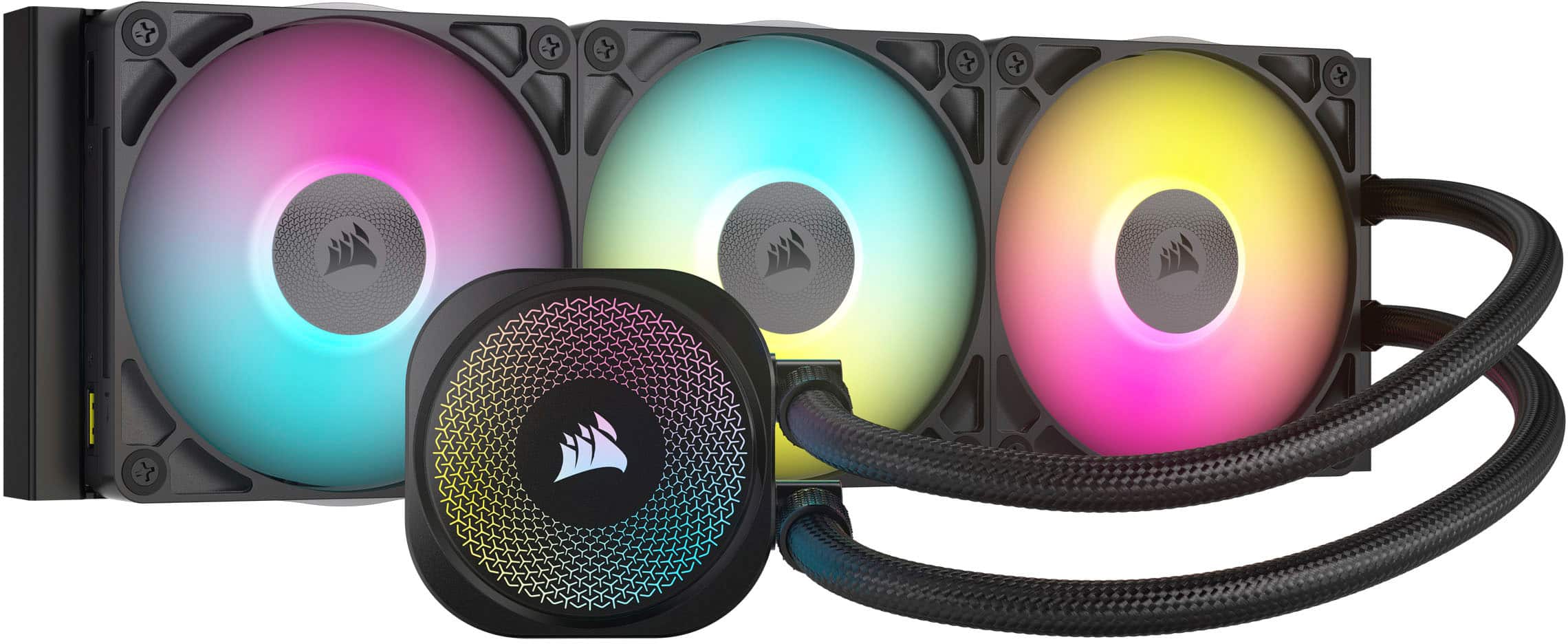
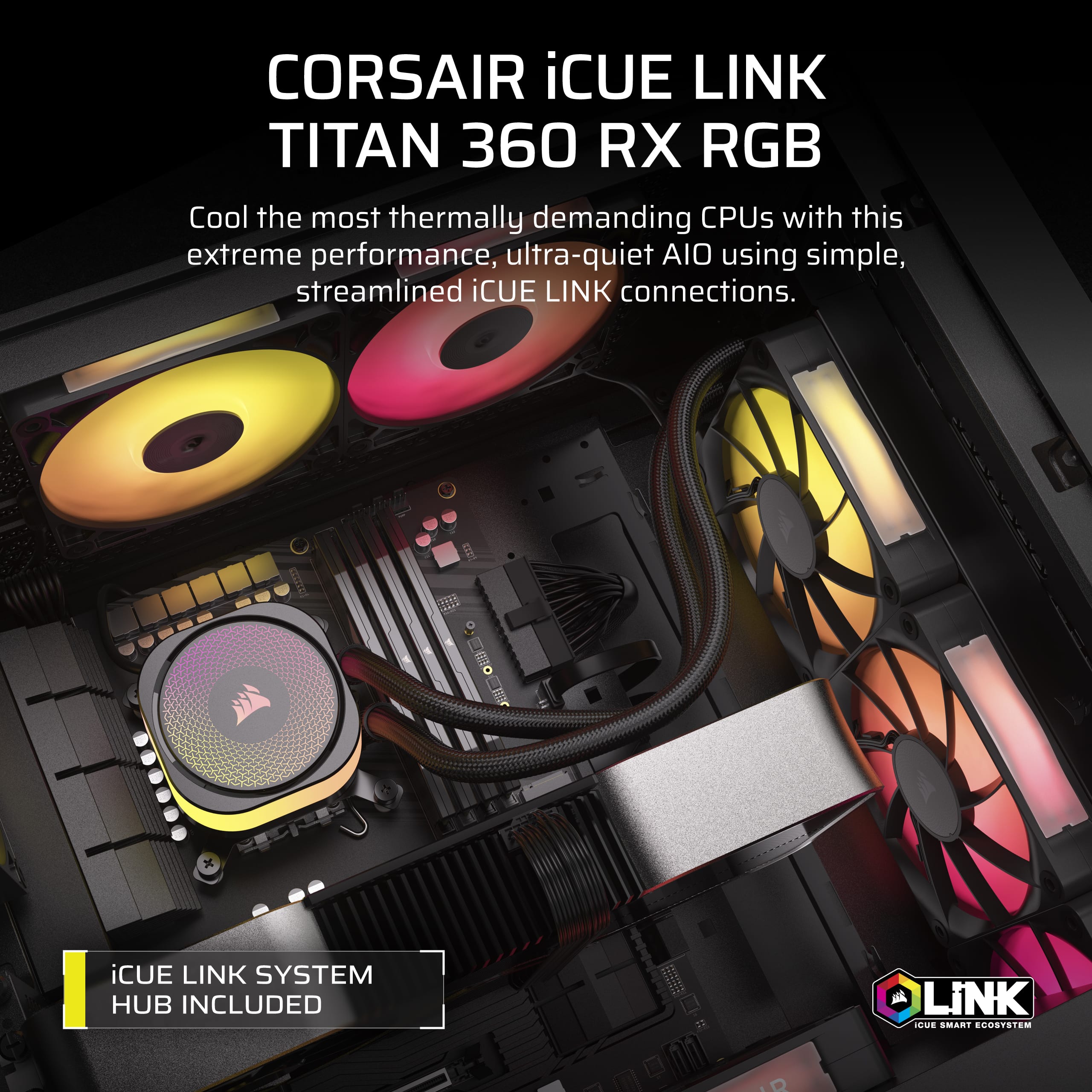
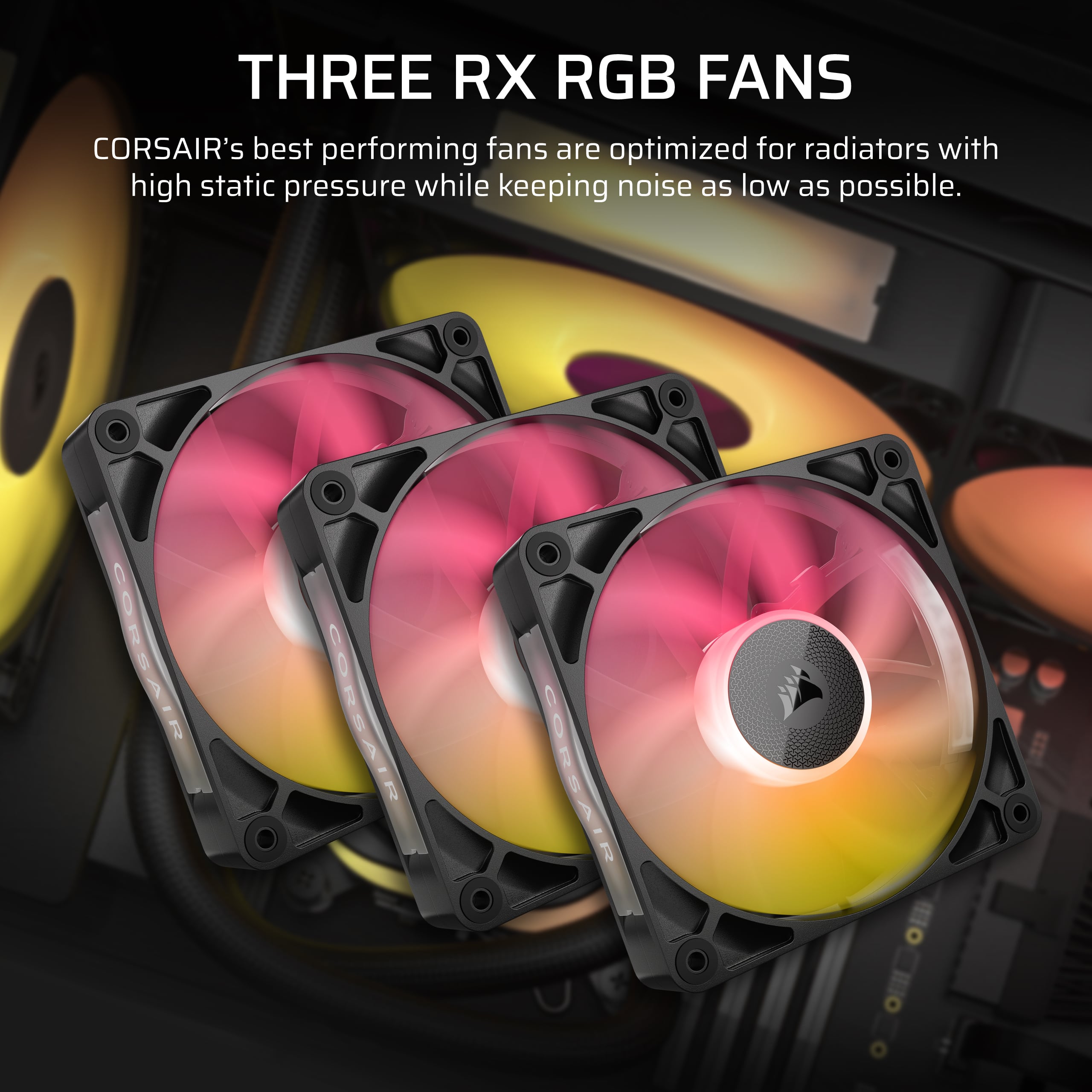
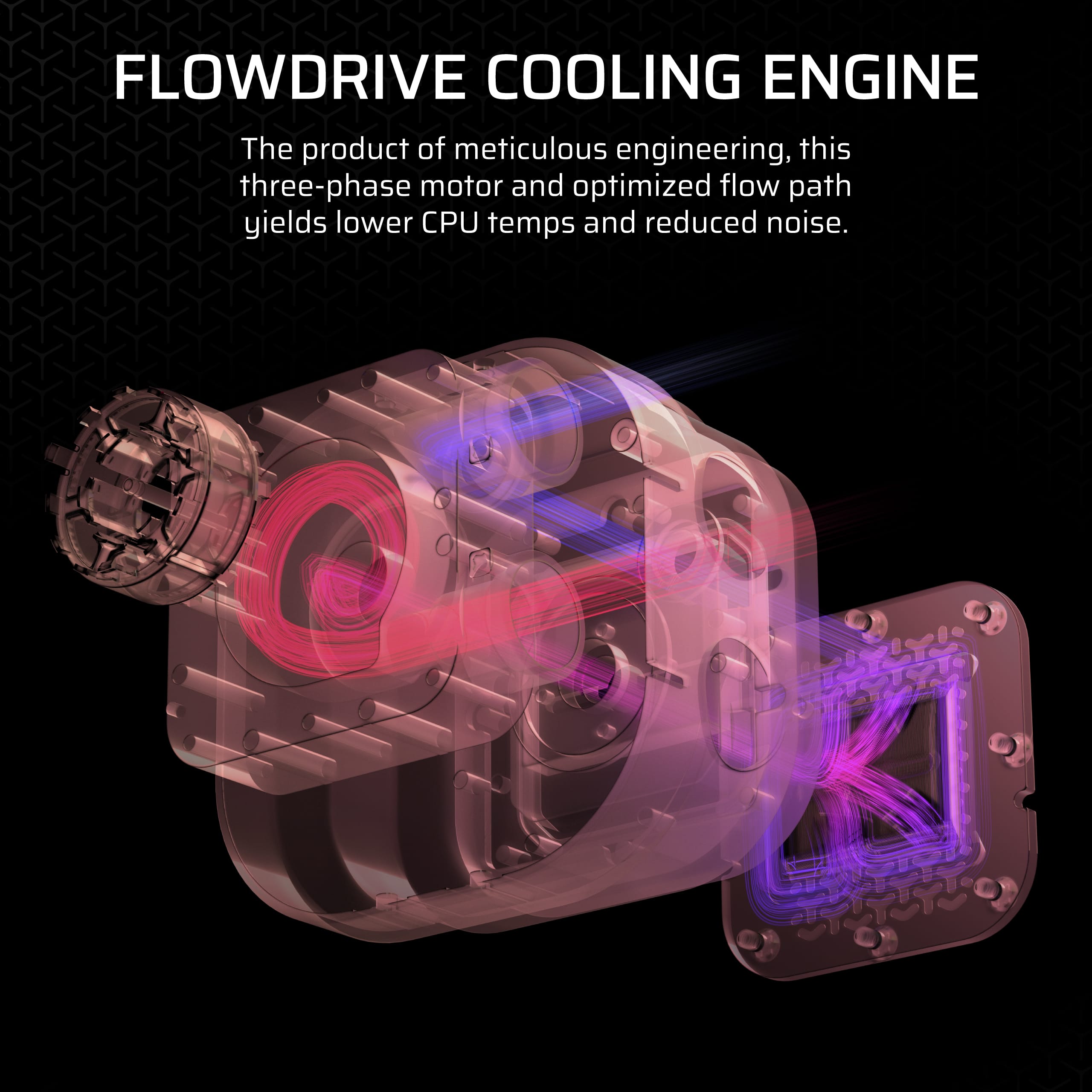




- Model:
- CW-9061018-WW
- |
- SKU:
- 6587606
Customer reviews
Rating 4.6 out of 5 stars with 195 reviews
(195 customer reviews)Rating by feature
- Value4.4
Rating 4.4 out of 5 stars
- Quality4.7
Rating 4.7 out of 5 stars
- Ease of Use4.6
Rating 4.6 out of 5 stars
Customers are saying
Customers often highlight the iCUE LINK TITAN 360 RX Liquid CPU Cooler's excellent cooling performance and remarkably low noise levels, even when used with demanding CPUs. Many users also appreciate the ease of installation and clean cable management. Additionally, some find the RGB lighting fun to customize and enjoy the cooler's overall appearance inside their PC.
This summary was generated by AI based on customer reviews.
- Pros mentioned:Cooling performance
Rated 4 out of 5 stars
Great for cooling with a hint of whine.
||Posted .This reviewer received promo considerations or sweepstakes entry for writing a review.This cooler works fantastically. However, it had a whine to it a few days after putting my PC together. It's very audible and annoying as all heck. Would send it back and get a replacement, but I do not have another AIO to use while I wait for a new one. Would be a 5/5 if not for the whine it makes. Usually have my headset on, so do not hear it when that's the case. Other than that, it's very loud. (And yes, I assembled and attached to my case correctly).
I would recommend this to a friend - Pros mentioned:Installation ease
Rated 5 out of 5 stars
10/10 AIO cooler
||Posted . Owned for 2 weeks when reviewed.This reviewer received promo considerations or sweepstakes entry for writing a review.This is the second corsair titan 360 cooler I buy. This AIO cooler is really easy to install and the hub lets you cable manage to perfection.
This review is from CORSAIR - iCUE LINK TITAN 360 RX Liquid CPU Cooler with RGB Lighting - White
I would recommend this to a friend - Pros mentioned:Cooling performance, Noise level
Rated 5 out of 5 stars
Unreal!
||Posted .This reviewer received promo considerations or sweepstakes entry for writing a review.I’m shocked at how quiet and how efficiently it keeps my desktop cooled. Literally the best!
I would recommend this to a friend - Pros mentioned:Cooling performance
Rated 5 out of 5 stars
Great cooler
||Posted . Owned for 3 weeks when reviewed.This reviewer received promo considerations or sweepstakes entry for writing a review.I ended up returning the product after noticing it was damaged. But I did install and use it for a short time and it did keep the cpu cool, around 62c full load i7 13700k. Good cooler, worth the money!
I would recommend this to a friend Rated 5 out of 5 stars
Great AIO with 9800x3D
||Posted . Owned for 1 month when reviewed.This reviewer received promo considerations or sweepstakes entry for writing a review.I recently installed this AIO to cool my new 9800x3D, and I’m super pleased with the performance. Today, it was idling at a relatively chilly 43c. Coming from a 5800x and a 280mm Corsair AIO that idled around 50c, I’m very impressed. It handles spikes really well too, quickly dissipating heat and bringing the temps back down.
I would recommend this to a friend- Pros mentioned:Cooling performance
Rated 5 out of 5 stars
Perfect Aio
||Posted . Owned for 5 months when reviewed.This reviewer received promo considerations or sweepstakes entry for writing a review.If your processor is running hot this is exactly what you need to get. Only thing to look forward to is the icue hub link. It’ll be extremely difficult if you over complicate things once you add fans. Use the power on top of the pump and plug into fans to link everything. The pump is already connected from the usb-c.
I would recommend this to a friend - Pros mentioned:Cooling performance, Noise level
Rated 5 out of 5 stars
Good hardware. Doesnt make noise at all,
||Posted .This reviewer received promo considerations or sweepstakes entry for writing a review.Good hardware. Doesnt make noise at all, considering my cabinet is on the floor. Nice cooling and price.
I would recommend this to a friend - Pros mentioned:Appearance, Cooling performance
Rated 4 out of 5 stars
New purchase
||Posted .This reviewer received promo considerations or sweepstakes entry for writing a review.Works well. Effecient. Looks nice in computer case
I would recommend this to a friend - Pros mentioned:Cooling performance
Rated 5 out of 5 stars
Review
||Posted . Owned for 1 week when reviewed.This reviewer received promo considerations or sweepstakes entry for writing a review.This liquid cooler was pretty solid just couldn’t fit in my case. So I had to return it.i like that you can customize the lights . And it keeps tempts pretty cool.
I would recommend this to a friend - Pros mentioned:Cooling performance
Rated 5 out of 5 stars
Pc water cooler
||Posted . Owned for 3 weeks when reviewed.This reviewer received promo considerations or sweepstakes entry for writing a review.Great cooler and fans are super quiet. The icue link system is great for cable management. Would definitely recommend this product to a friend.
I would recommend this to a friend - Pros mentioned:Cooling performance, Noise level
Rated 5 out of 5 stars
Excellent
||Posted . Owned for 7 months when reviewed.This reviewer received promo considerations or sweepstakes entry for writing a review.Good cooling fan. Much quieter than previous models.
This review is from CORSAIR - iCUE LINK TITAN 360 RX Liquid CPU Cooler with RGB Lighting - White
I would recommend this to a friend - Pros mentioned:Noise level
Rated 5 out of 5 stars
Clean design and optimaly functional.
||Posted . Owned for 3 weeks when reviewed.This reviewer received promo considerations or sweepstakes entry for writing a review.The cabling is consice and clean. The cooler is mostly silint and the lighting is easily controlled.
I would recommend this to a friend - Pros mentioned:Appearance, Cooling performance
Rated 5 out of 5 stars
Amazing
||Posted . Owned for 1 month when reviewed.This reviewer received promo considerations or sweepstakes entry for writing a review.I ordered the product and it works great cools my cpu good and looks nive inside the pc.
I would recommend this to a friend - Pros mentioned:Cooling performance, Installation ease
Rated 5 out of 5 stars
Amaing!
||Posted . Owned for 2 weeks when reviewed.This reviewer received promo considerations or sweepstakes entry for writing a review.Best upgrade ove done to my gaiming pc very easy to instap and dous idsacly what i need it to do.
I would recommend this to a friend - Pros mentioned:Cooling performance
Rated 5 out of 5 stars
Very COOL
||Posted . Owned for 1 month when reviewed.This reviewer received promo considerations or sweepstakes entry for writing a review.It keeps my cpu so cool, I love it it’s really worth the 200 bucks plus with the nice lcd screen, have had no issues so far whatsoever
I would recommend this to a friend - Pros mentioned:Cooling performance
Rated 5 out of 5 stars
Review
||Posted . Owned for 2 weeks when reviewed.This reviewer received promo considerations or sweepstakes entry for writing a review.So far it’s been really working well and I’ve had no issues with it and has done a great job cooling the cpu
This review is from CORSAIR - iCUE LINK TITAN 360 RX Liquid CPU Cooler with RGB Lighting - White
I would recommend this to a friend - Pros mentioned:Cooling performance, Rgb lighting
Rated 5 out of 5 stars
Love this cpu cooler!
||Posted . Owned for 5 months when reviewed.This reviewer received promo considerations or sweepstakes entry for writing a review.This is by far the best one i have owned yet. Love the RGB!!
I would recommend this to a friend - Pros mentioned:Appearance, Cooling performance
Rated 5 out of 5 stars
CPU cooler
||Posted . Owned for 8 months when reviewed.This reviewer received promo considerations or sweepstakes entry for writing a review.Beautiful cooler works really well and keeps my processor cool
This review is from CORSAIR - iCUE LINK TITAN 360 RX Liquid CPU Cooler with RGB Lighting - White
I would recommend this to a friend - Pros mentioned:Cooling performance, Noise level
Rated 4 out of 5 stars
Super Quiet!
||Posted . Owned for 2 months when reviewed.This reviewer received promo considerations or sweepstakes entry for writing a review.It works really well and is quiet. ICUE is super easy to configure. ICUE will occasionally act wierd though but it’s nothing a quick restart can’t fix.
This review is from CORSAIR - iCUE LINK TITAN 360 RX Liquid CPU Cooler with RGB Lighting - White
I would recommend this to a friend Rated 4 out of 5 stars
New pump design, iCue is awesome
||Posted . Owned for 3 weeks when reviewed.This reviewer received promo considerations or sweepstakes entry for writing a review.New pump, nice not to see Asetec once again. I dont know if its much better, but its nice they got away from that license nightmare. This Titan series is like a perfect blend of quality and performance. The RX fans are a huge leap up from the QX Fans and the other garbage they used to make. iCue link makes all the cabling super easy and you can get going in 30 minutes! I love that you can see coolant temps as well with this AIO. I like to make my fan curves based on Coolant temps vs CPU temps to keep the fans from constantly spinning up and down.
This review is from CORSAIR - iCUE LINK TITAN 360 RX Liquid CPU Cooler with RGB Lighting - White
I would recommend this to a friend