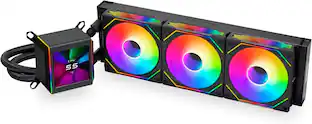
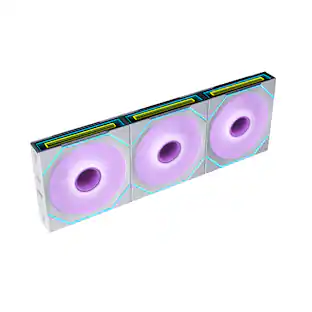
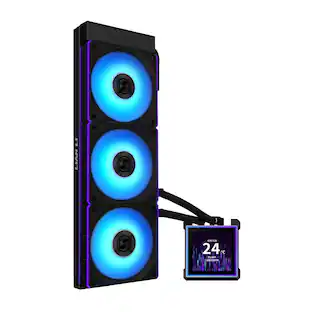
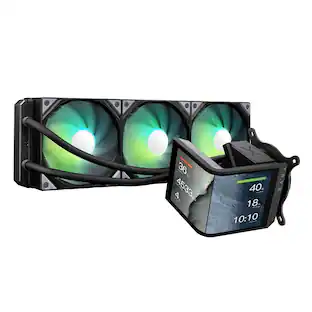
CORSAIR - iCUE LINK TITAN 360 RX Liquid CPU Cooler with RGB Lighting - Black
Customers are saying
Customers highly value the exceptional cooling performance and straightforward installation process of this CPU cooler. Users frequently praise its quiet operation and attractive aesthetic, noting that the integrated RGB lighting and convenient cable management enhance the overall build experience. While the cooler is noted for its significant physical size, it remains a popular choice for those seeking efficient thermal management.
Color
BlackAll-in-One CPU Cooling Made Easy with iCUE LINK
High-performance, low-noise AIO cooling helps you get the most out of your CPU, taking advantage of the iCUE LINK ecosystem for simplified, streamlined connections.
Effortless Connectivity and Intelligent Design
iCUE LINK technology lets you connect all your components in sequence using universal connectors, all plugged into a single port on the included iCUE LINK System Hub. Build faster, reduce cable clutter, and create a more intelligent, cohesive system setup.
FlowDrive Cooling Engine
A performance pump powered by a three-phase motor, combined with a precision engineered cold plate surface profile to ensure maximum contact with your CPU’s integrated heat spreader, form CORSAIR’s ultra-efficient FlowDrive engine.
Pre-Mounted iCUE LINK RX RGB Fans
RX RGB fans are specifically engineered for high airflow and static pressure, excelling as radiator cooling fans. CORSAIR AirGuide technology and Magnetic Dome bearings deliver unrivaled cooling performance and low noise.
Quiet PWM-Controlled Cooling and Zero RPM Mode
Dictate your exact fan speeds up to 2,100 RPM with PWM control, plus support for Zero RPM PWM signals allows fans to stop entirely at low temperatures, eliminating fan noise completely.
Dynamic RGB Lighting
Immerse your system in dynamic illumination with 20 individually addressable RGB LEDs on the pump and an additional eight on each fan, all fully customizable through CORSAIR iCUE software.
Pre-Applied XTM70 Thermal Paste
CORSAIR’s highest-quality premium thermal paste comes already pre-applied for optimal installation, ensuring quality thermal transfer and efficiency for years to come.
CapSwap Modular Design
Easily customize your cooler with alternative pump cap modules (sold separately) that snap on in seconds, tool-free. Add new visual designs, motherboard VRM cooling, a personalized LCD screen, and more.
Wide Compatibility
Supports a wide range of Intel and AMD socket types, including Intel 1851/1700 and AM5/AM4.
Unite Your Setup
Set up automated fan curves and fully customize your RGB lighting effects with powerful CORSAIR iCUE software, creating synchronized light shows with all of your iCUE devices system-wide
Part of the iCUE LINK Ecosystem
iCUE LINK is the next leap forward in PC building, spanning across fans, coolers, and more, letting you neatly chain all of these components together for clean cabling, less mess, and a faster build.
- Airflow Volume73.5 cubic feet per minuteCooling SystemLiquidFan Size120 millimetersFan Speed2100 revolutions per minuteNoise Level36 decibels adjustedNumber of Fans Included3
Reviews
Rating 4.6 out of 5 stars with 219 reviews
- Cooling Performance (123)
- Installation Ease (53)
- Noise Level (33)
- Appearance (19)
- RGB Lighting (15)
- Size (4)
Customer Images
The vast majority of our reviews come from verified purchases. Reviews from customers may include My Best Buy members, employees, and Tech Insider Network members (as tagged). Select reviewers may receive discounted products, promotional considerations or entries into drawings for honest, helpful reviews.
Compare similar products

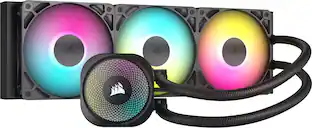
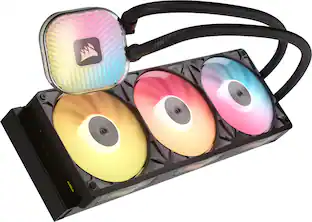
The CORSAIR iCUE LINK TITAN RX RGB CPU Cooler delivers high-performance, low-noise cooling and seamless iCUE LINK connectivity. Its FlowDrive cooling engine features a high-performance three-phase pump with a 6-year warranty, a precision engineered cold plate surface profile for optimal thermal contact, and pre-applied XTM70 thermal paste for unparalleled efficiency. iCUE LINK RX RGB fans, with AirGuide technology and Magnetic Dome bearings, ensure superior airflow and quiet operation. PWM control and Zero RPM mode let you decide the balance between cooling performance and fan noise. Dynamic RGB lighting via iCUE software and easy CapSwap modules give you unprecedented customization. The TITAN RX RGB supports the latest CPU sockets, including Intel LGA 1851/1700 and AMD AM5/AM4.

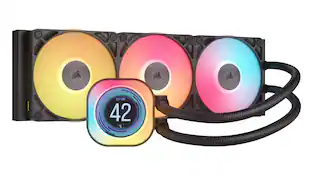
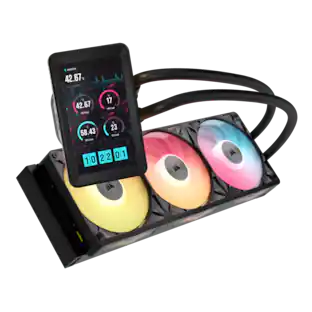
The CORSAIR iCUE LINK TITAN RX LCD CPU Cooler delivers high-performance, low-noise cooling and seamless iCUE LINK connectivity, while showing off your creativity on a stunning 2.1” IPS LCD screen. Its FlowDrive cooling engine features a high-performance three-phase pump with a 6-year warranty, a precision engineered cold plate surface profile for optimal thermal contact, and pre-applied XTM70 thermal paste for unparalleled efficiency. iCUE LINK RX RGB fans, with AirGuide technology and Magnetic Dome bearings, ensure superior airflow and quiet operation. PWM control and Zero RPM mode let you decide the balance between cooling performance and fan noise. Dynamic RGB lighting via iCUE software and easy CapSwap modules give you unprecedented customization. The TITAN RX LCD supports the latest CPU sockets, including Intel LGA 1851/1700 and AMD AM5/AM4.

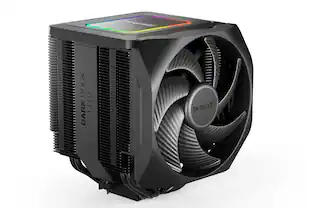
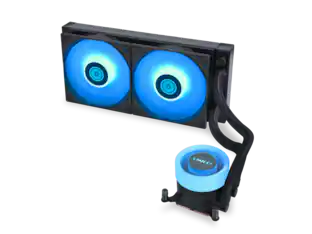
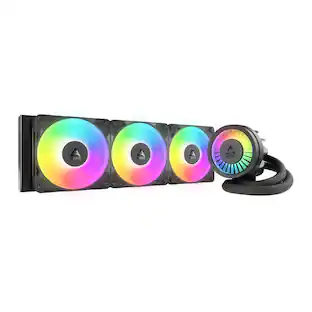
The CORSAIR NAUTILUS RS ARGB Liquid CPU Cooler showcases CORSAIR's excellence in engineering and design, offering efficient, low-noise cooling with straightforward connectivity – no controller required, just plug directly into your motherboard. Its slightly convex cold plate with pre-applied thermal paste ensures superior thermal transfer, while RS120 ARGB fans maintain low temperatures for maximum CPU performance. Eight RGB LEDs on the pump head and each fan light up your system with easy motherboard control. Simplify your build with easy, daisy-chained connections and precise cooling control via a 4-pin PWM fan header. For more advanced control, an optional iCUE controller (sold separately) can be used. Supporting a wide range of Intel and AMD CPU sockets, including LGA 1851, the NAUTILUS RS offers broad system compatibility.
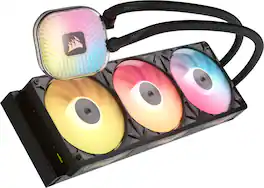
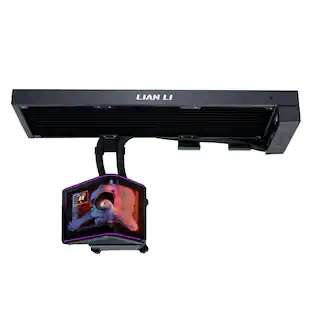
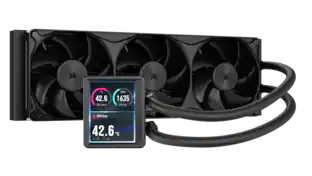
The iCUE LINK TITAN II ULTRA 360 LX LCD AIO Liquid CPU Cooler delivers premium cooling performance with an advanced thermal design and refined visuals. A 40mm thick dual-layer, cross-flow radiator improves heat transfer efficiency, paired with a FlowDrive 2 pump and an optimized cold plate for quiet, consistent cooling under load. LX360 Unified Frame fans provide efficient airflow with 54 individually addressable RGB LEDs. Connect over DisplayPort to show system stats, images, or animations on the large 5" IPS LCD with native 720x1280 resolution or use it as an auxiliary display within your operating system. Full iCUE integration and iCUE LINK connectivity make customization effortless.
| Pros for CORSAIR - iCUE LINK TITAN 360 RX Liquid CPU Cooler with RGB Lighting - Black | |||
|---|---|---|---|
| Cooling Performance, Installation Ease, Noise Level, Appearance, RGB Lighting | Cooling Performance, Noise Level, Installation Ease, Appearance, Screen Quality | Cooling Performance, Installation Ease, Noise Level, RGB Lighting, Build Quality | There were no pros for this product— |
| Cons for CORSAIR - iCUE LINK TITAN 360 RX Liquid CPU Cooler with RGB Lighting - Black | |||
| Size | Software Compatibility | Compatibility | There were no cons for this product— |
Specs
Customers often buy these together
Computer Enclosures
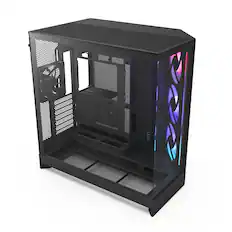
CORSAIR - FRAME 4000D RS ARGB ATX Mid-Tower PC Case - Black
$89.99The price was $124.99
CORSAIR - FRAME 4000D RS ATX Mid-Tower PC Case - Black
$84.99The price was $114.99

Computer Memory

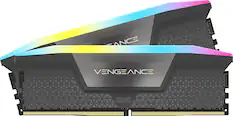
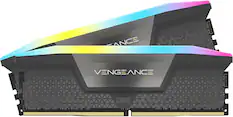
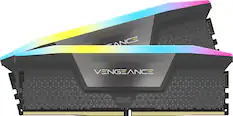
CORSAIR - VENGEANCE RGB 32GB (2x16GB) DDR5 6000MHz C36 AMD EXPO & Intel XMP UDIMM Desktop Memory - Gray
$509.99The price was $545.99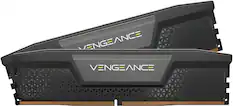
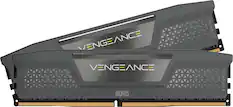
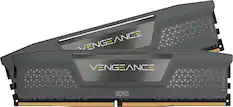
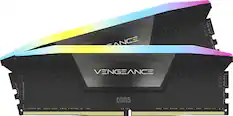
CORSAIR - VENGEANCE 32GB (2x16GB) DDR5 6000MHz C36 UDIMM Desktop Memory - Black
$519.99The price was $533.99
More recommended items
 Motherboards
 Computer Repair and Installation Tools
 Computer Power Supplies
 Processors
 Graphics Cards
 Computer Controllers and Panels
 Internal Hard Drives
More to consider
 $119.99The price was $139.99
 $83.99The price was $125.46
Explore tech essentials Sponsored
 $155.99The price was $156.99

Discover related products
 $12.99The price was $13.99










Keep exploring
 $100.99The price was $125.99
 $149.99The price was $182.15
 $199.99The price was $219.99
 $24.99The price was $29.99
 $139.99The price was $146.94
 $39.99The price was $44.99