Ultimate Upgrade SaleEnds Sunday. Limited quantities. No rainchecks.Shop now

Skip to contentGo to Product Search
Main Content

Customer Ratings & Reviews
New Limited Time Deal
Loading...
$69.99
Save $20
The comparable value is $89.99

Customer reviews

Rating 4.8 out of 5 stars with 35 reviews

Rating Filter

Rating by feature

  • Value

    Rating 4.8 out of 5 stars

  • Quality

    Rating 4.9 out of 5 stars

  • Ease of Use

    Rating 4.7 out of 5 stars

Pros mentioned filter

Cons mentioned filter

97%would recommend to a friend
The vast majority of our reviews come from verified purchases. Reviews from customers may include My Best Buy members, employees, and Tech Insider Network members (as tagged). Select reviewers may receive discounted products, promotional considerations or entries into drawings for honest, helpful reviews.
Page 2 Showing 21-35 of 35 reviews
  • Best Buy Employee

    Rated 5 out of 5 stars

    Decent mouse.

    |
    Best Buy Employee
    Posted . Owned for 1 week when reviewed.
    This reviewer received promo considerations or sweepstakes entry for writing a review.

    Tried it out after using g502x plus. Decent mouse. Nice weight and feel. Customizable buttons.

    I would recommend this to a friend
  • Rated 5 out of 5 stars

    Good mouse

    |
    |
    Posted . Owned for 2 weeks when reviewed.
    This reviewer received promo considerations or sweepstakes entry for writing a review.

    It good work real nice. Nice and heavy. Response time is very good.

    I would recommend this to a friend
  • Rated 5 out of 5 stars

    Decent Mouse for the Price

    |
    |
    Posted . Owned for 1 week when reviewed.
    This reviewer received promo considerations or sweepstakes entry for writing a review.

    Comfortable Mouse for bigger hands, Good Battery life.

    I would recommend this to a friend
  • Rated 5 out of 5 stars

    Corsair

    |
    |
    Posted . Owned for 2 weeks when reviewed.
    This reviewer received promo considerations or sweepstakes entry for writing a review.

    It ok one of the best 3 in one i have had in a while

    I would recommend this to a friend
  • Rated 4 out of 5 stars

    New Fav

    |
    |
    Posted .
    This reviewer received promo considerations or sweepstakes entry for writing a review.

    good size mouse for bigger hands. very resposive and I like the extra buttons

    I would recommend this to a friend
  • Pros mentioned:
    Connectivity, Ergonomics
    Cons mentioned:
    Button accessibility
    Tech Insider Network Member

    Rated 5 out of 5 stars

    Versatile gaming mouse

    |
    Tech Insider Network Member
    Posted .
    This reviewer received promo considerations or sweepstakes entry for writing a review.

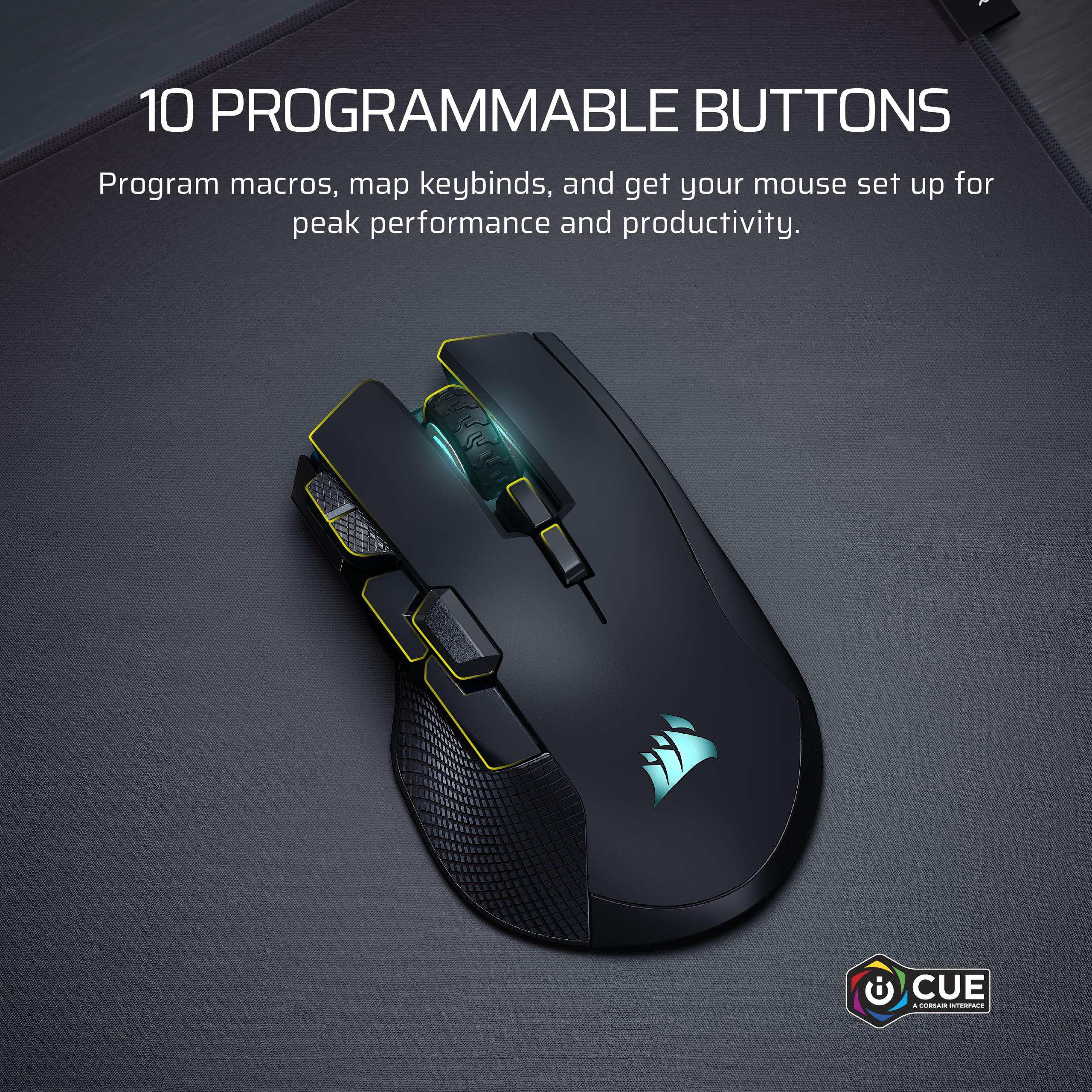
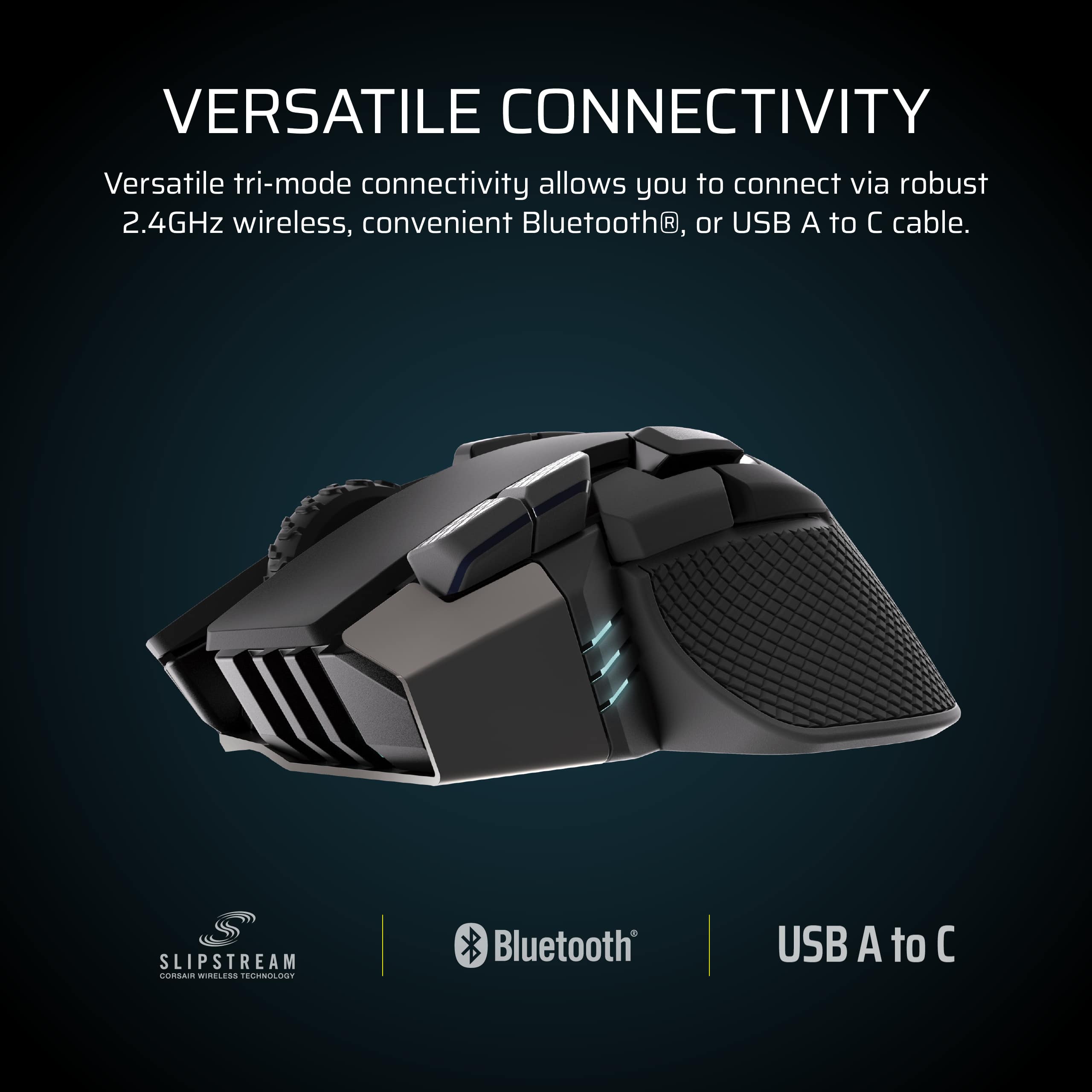
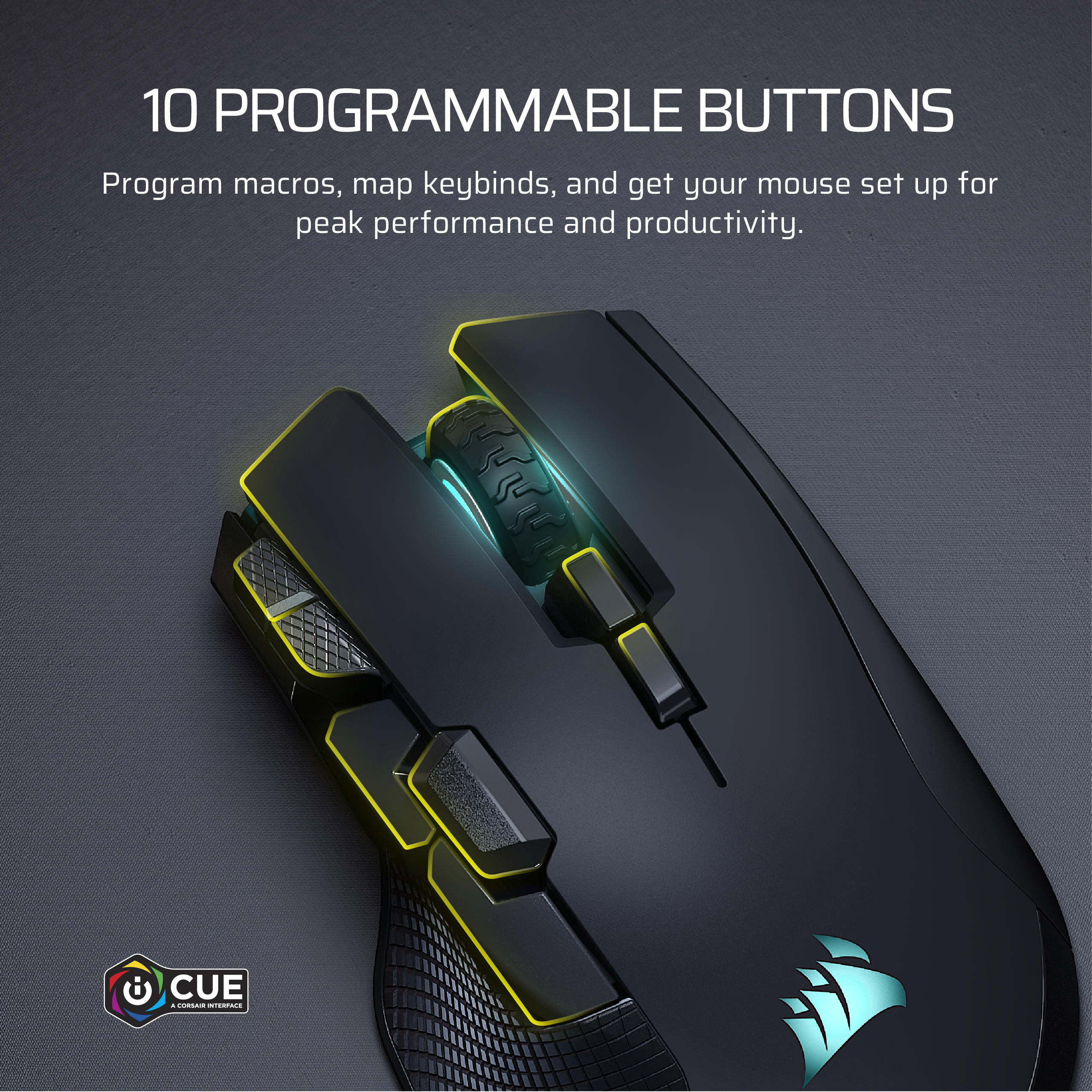
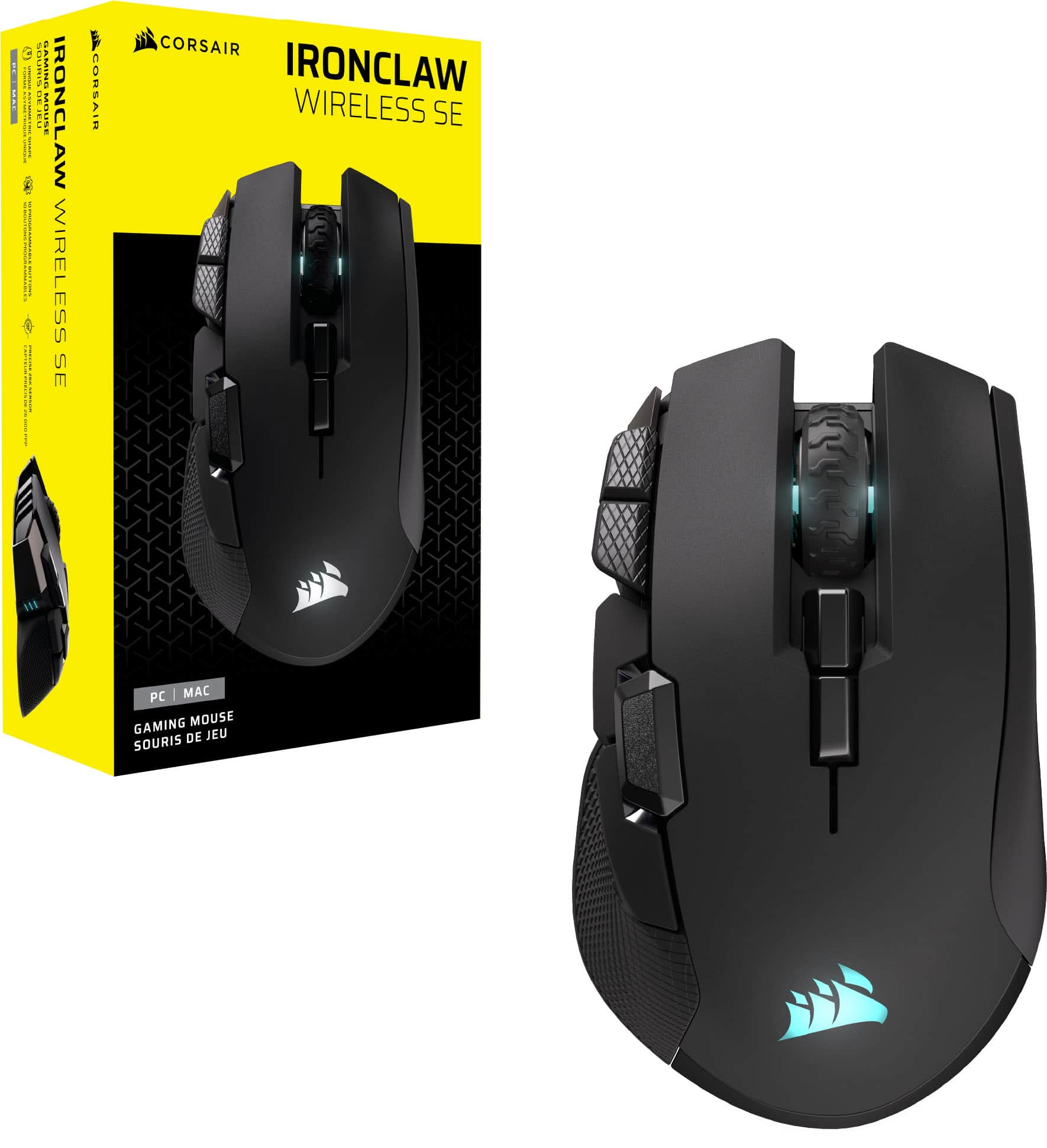
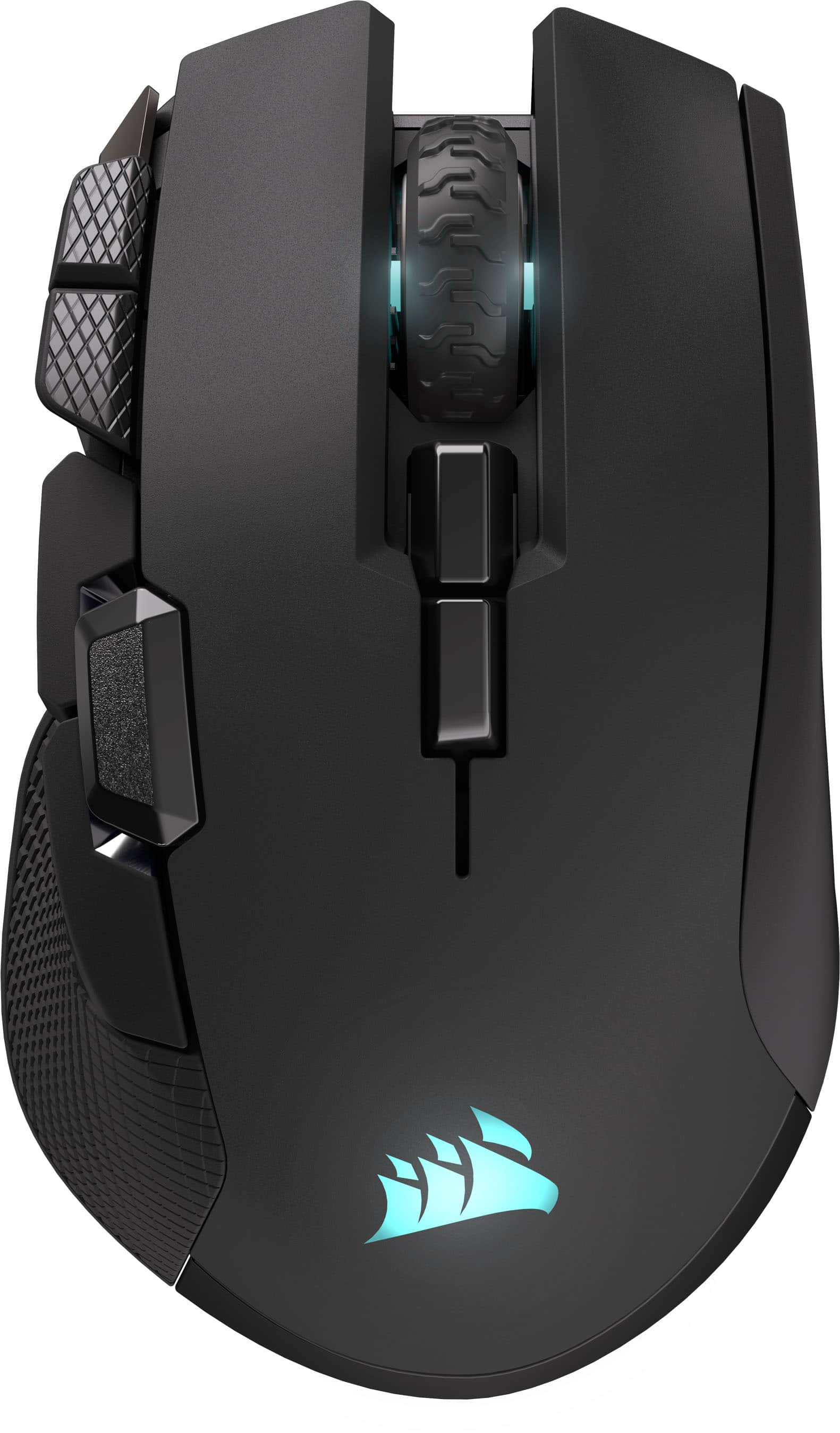
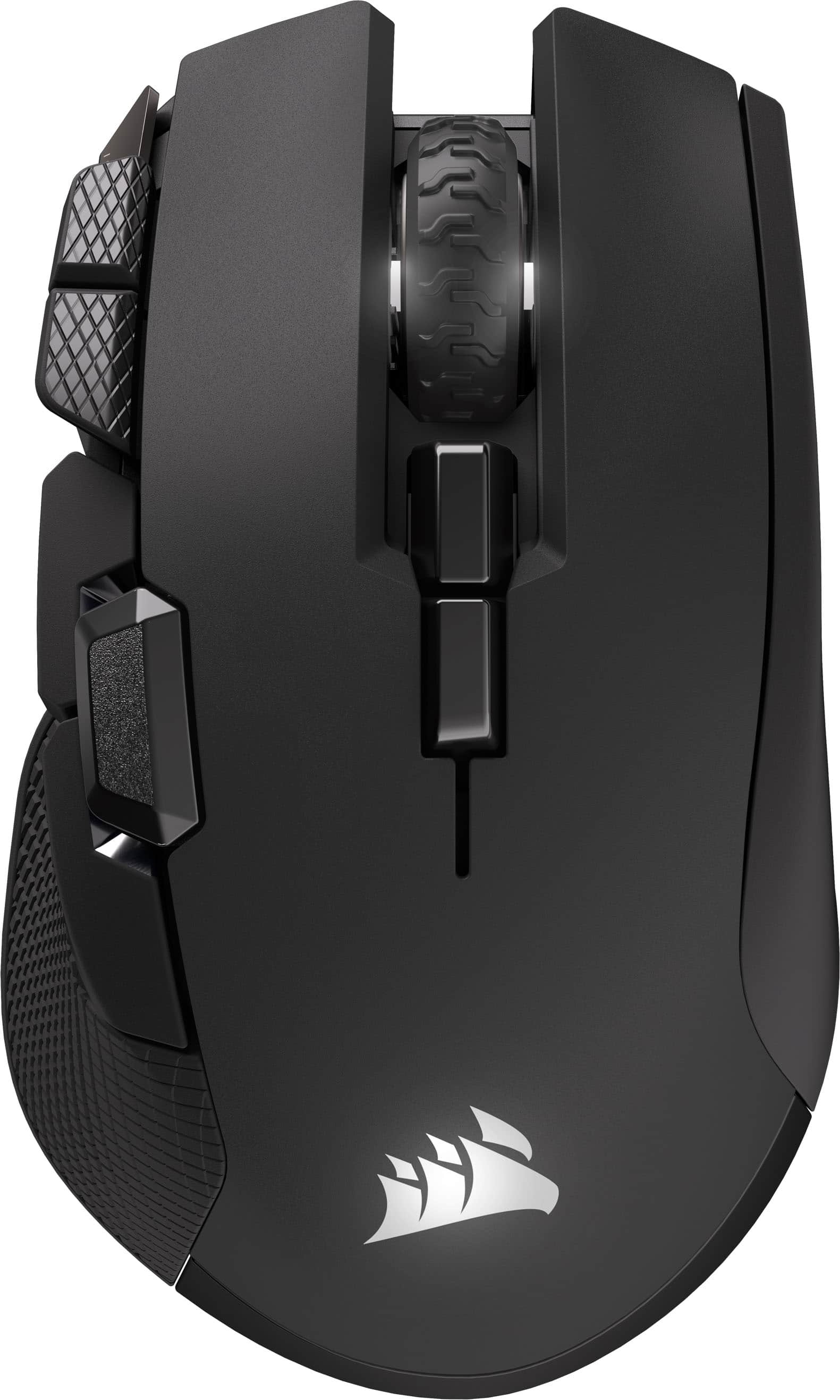
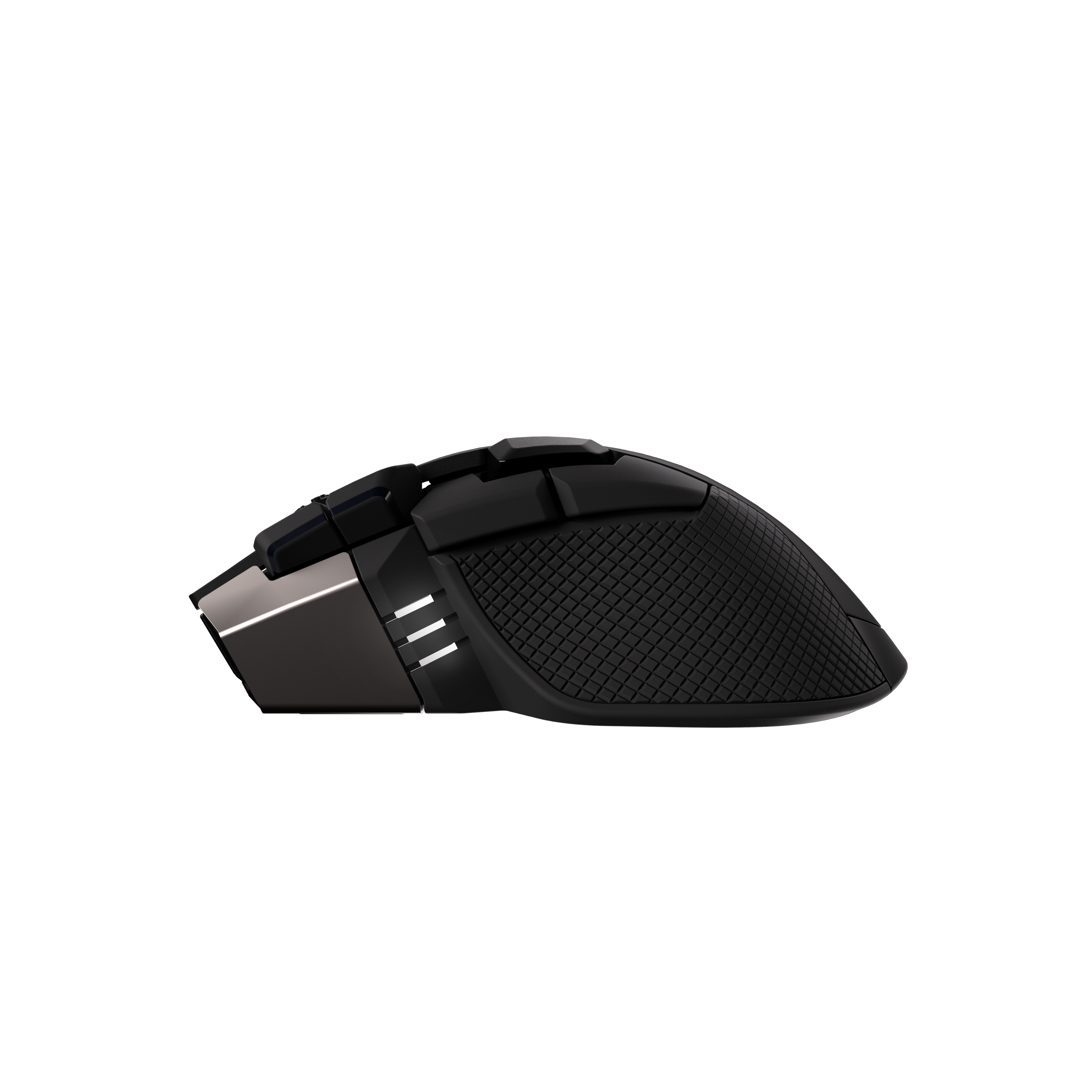
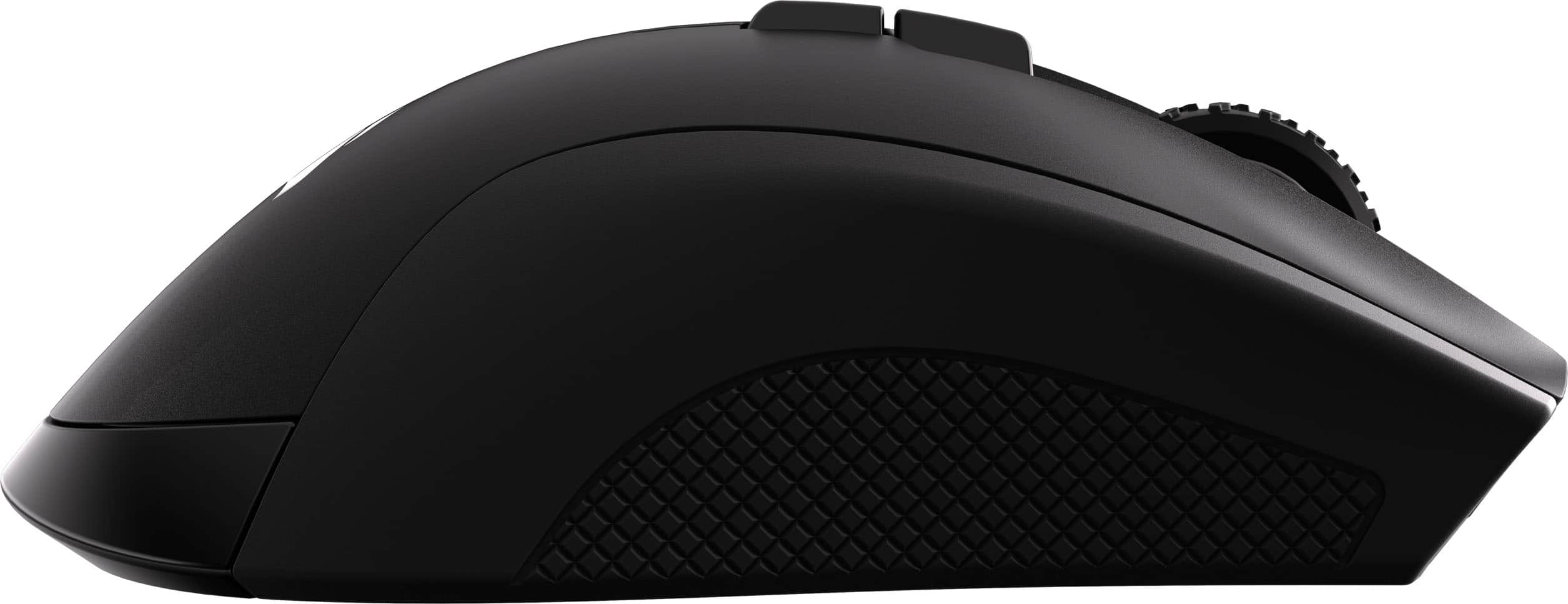
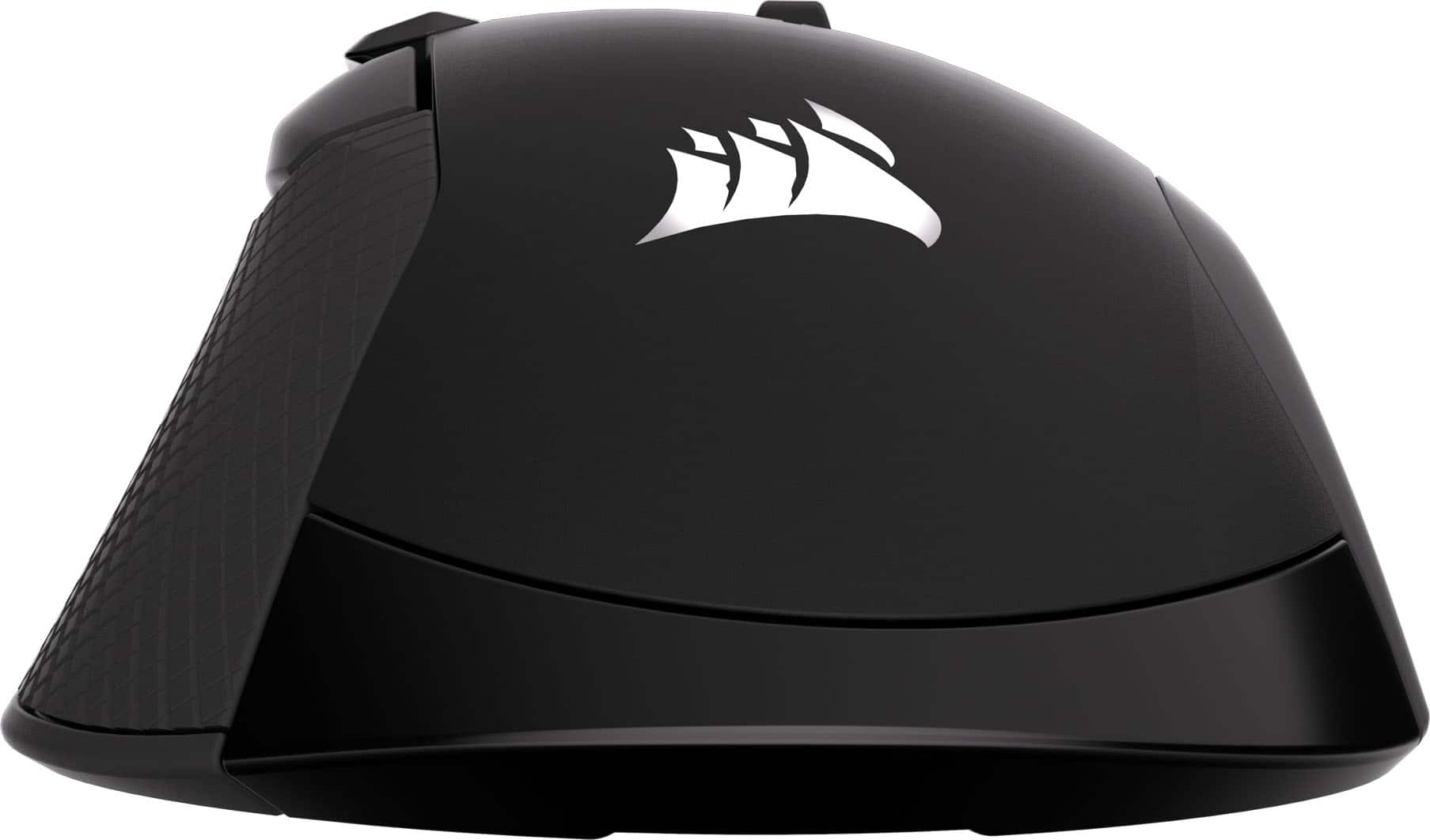
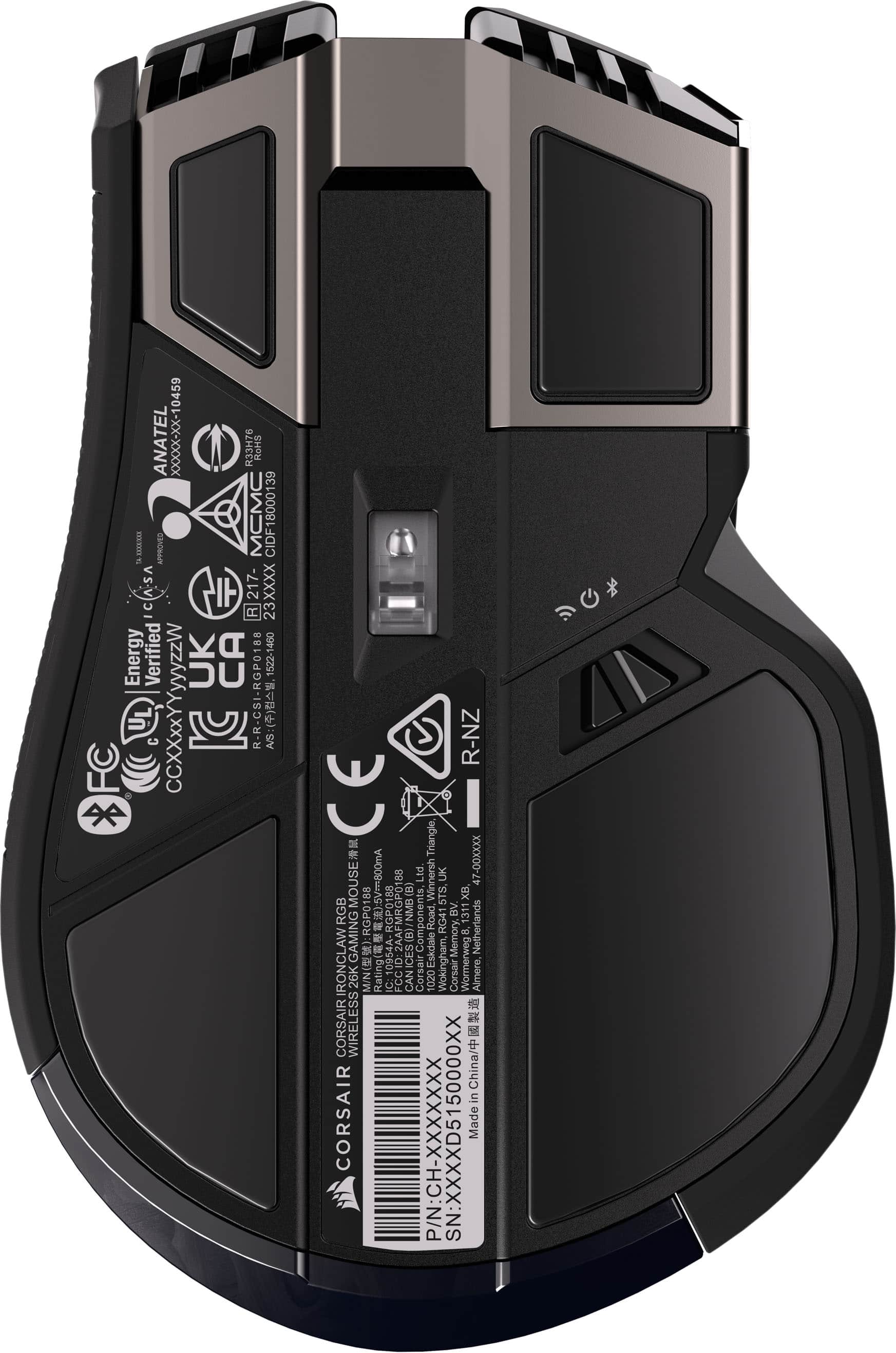
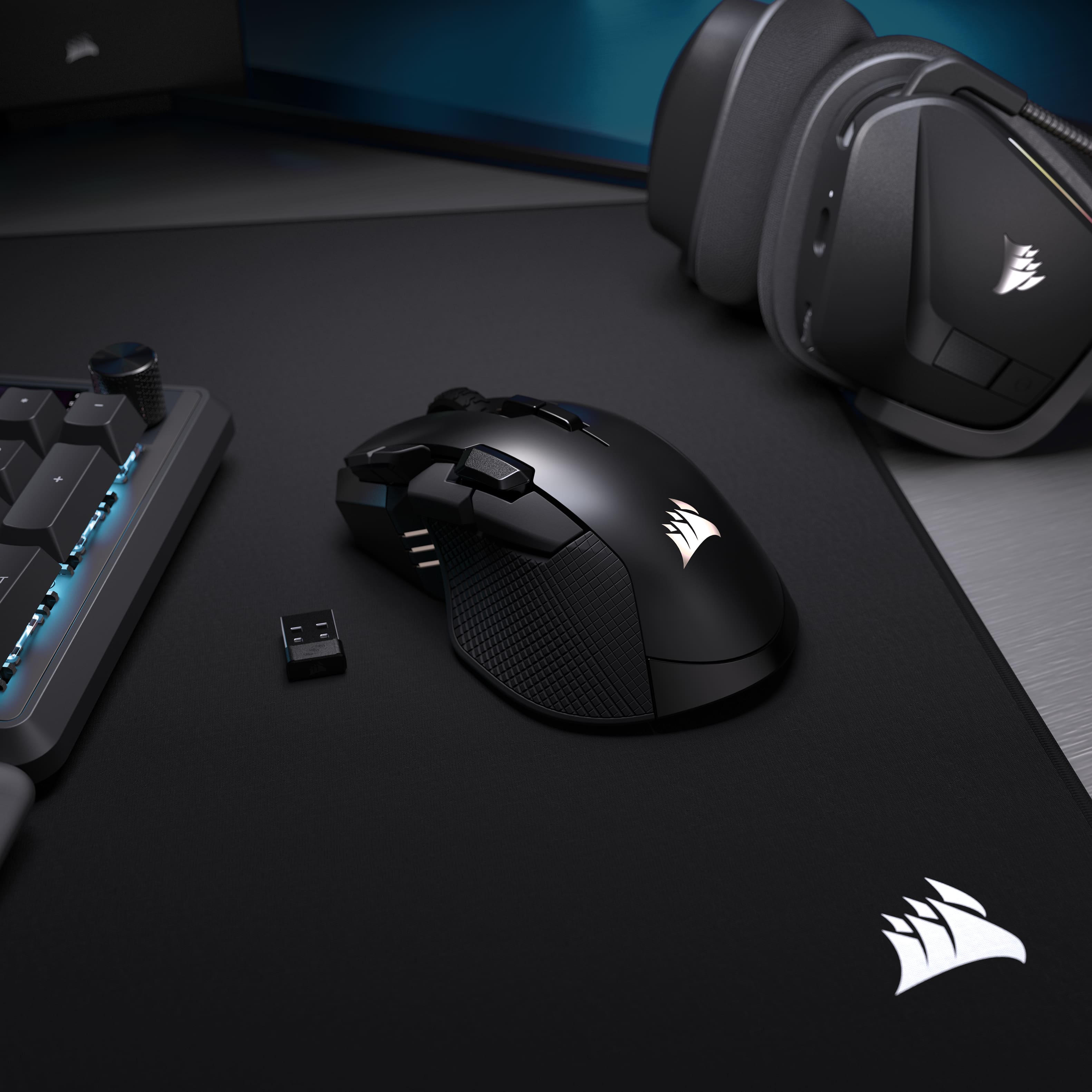
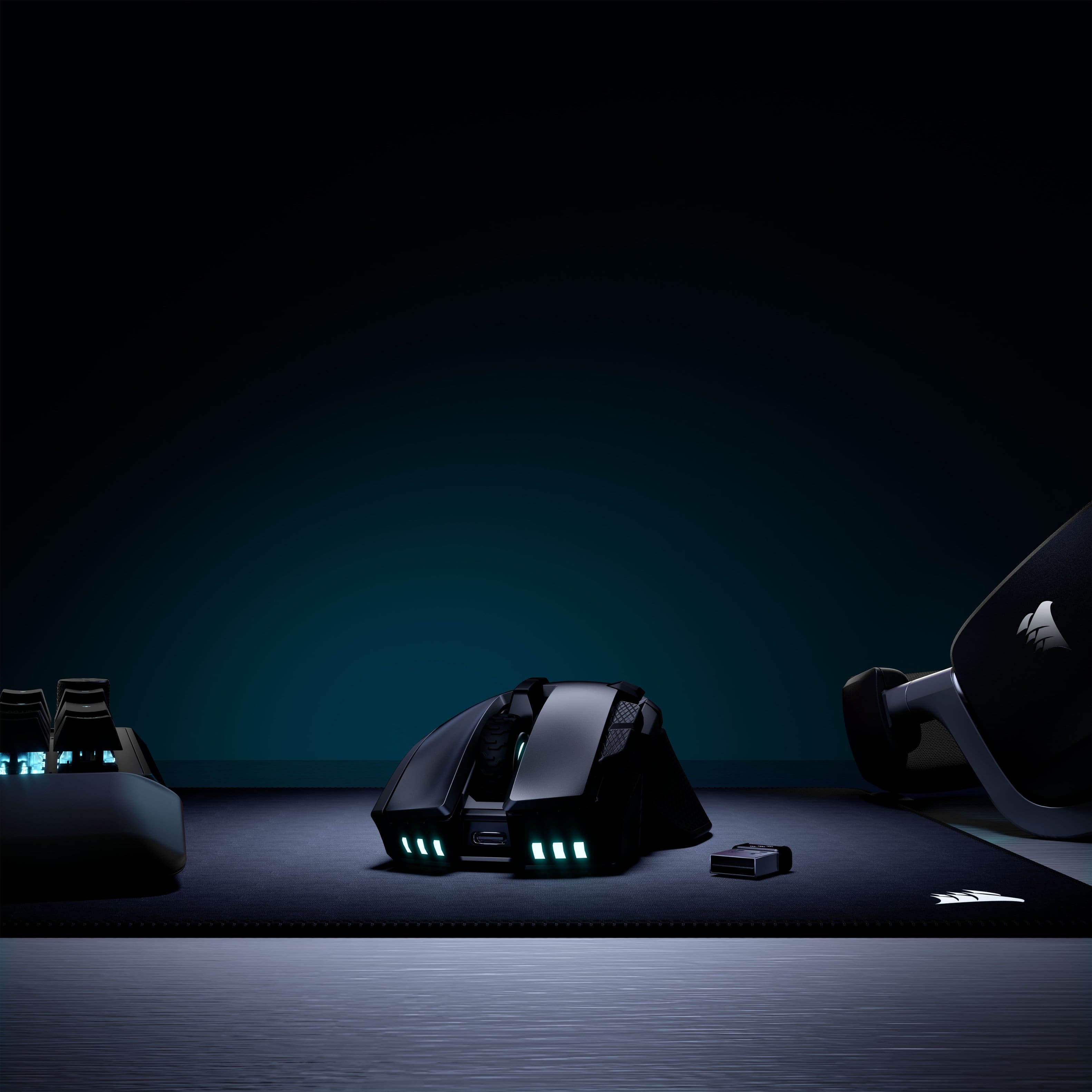
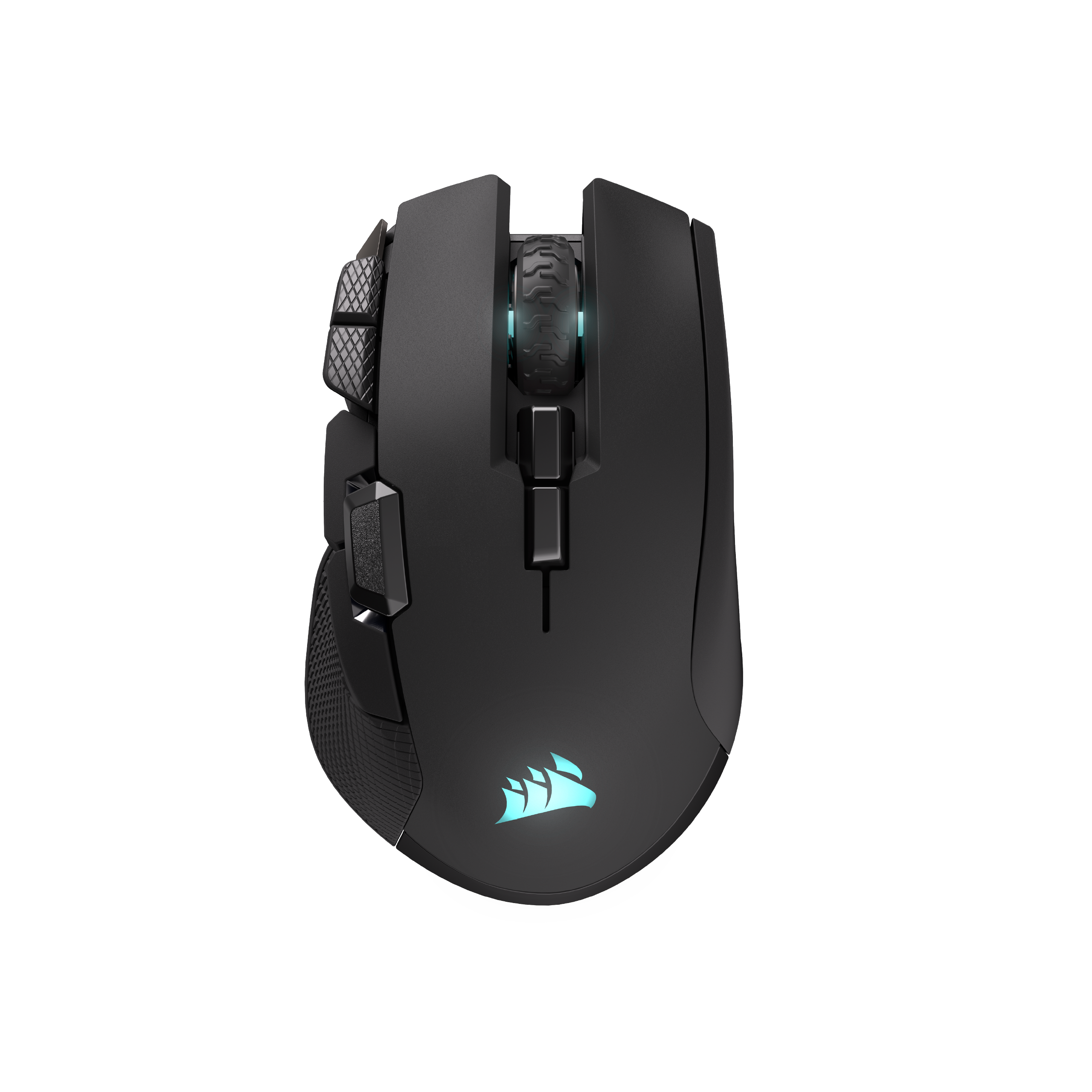
    One of the things that stand out on this mouse for me is its ergonomic design. It has nice resting spots for your index and middle finger to rest on the mouse buttons, and side grip for your thumb, all of which have a slight concave shape so it feels like the mouse is cradling your fingers. My thumb is able to reach the 3 side buttons without having to move my hand around on the mouse much. The two buttons to the left of the left click require me to lift my hand off the mouse a little bit to comfortably reach them, so personally I would've like them a little more forward on the mouse. Then there are two buttons that sit behind the scroll wheel, which naturally you'll have to lift your hand off the mouse to reach. But these are default to changing the mouse profile (3 programmable profiles), so obviously not intended to be used in the heat of gaming. The mouse has textured grips on the right side of the mouse where your ring and pinky finger may rest, and on the thumb rest area. They initially feel aggressive, but if you get a sweaty palm like I do, they are actually kind of nice for keeping a firm grip on the mouse. All of the buttons are fully programmable through iCUE software. I had to reinstall iCUE before it recognized both the dongle and mouse. But once it's there you can do full programming and save the profiles to the mouse (so iCUE doesn't specifically need to be running to take advantage of the programmed buttons). You can also control the lights on the mouse, of which include the Corsair logo on the palm rest, LEDs that surround the scroll wheel, and LEDs on the front that kind of shine down on the desk. The LEDs on the left are for status (profile, pairing, battery, etc...). Honestly, none of them are terribly bright, but that's fine. The mouse can be used in bluetooth, dongle (2.4ghz), or wired modes. Using the dongle will let you get the full features of the mouse. But unfortunately, the mouse doesn't include anywhere to stow the dongle in case you plan on travelling with the mouse. But I guess you've always got BT as backup (or wired). But I'll always wish wireless mice came with a spot to stow their dongle. Performance of the mouse is great... it can be bit finnicky on unusual surfaces, but iCUE does include an option to calibrate it for different surfaces. I just chose to make sure I use it on a mousepad. Overall, it's a quite nice mouse and I am happy with it.

    I would recommend this to a friend
  • Pros mentioned:
    Battery life, Build quality, Ergonomics
    Tech Insider Network Member

    Rated 5 out of 5 stars

    Comfortable Mouse with Solid Performance

    |
    Tech Insider Network Member
    Posted .
    This reviewer received promo considerations or sweepstakes entry for writing a review.

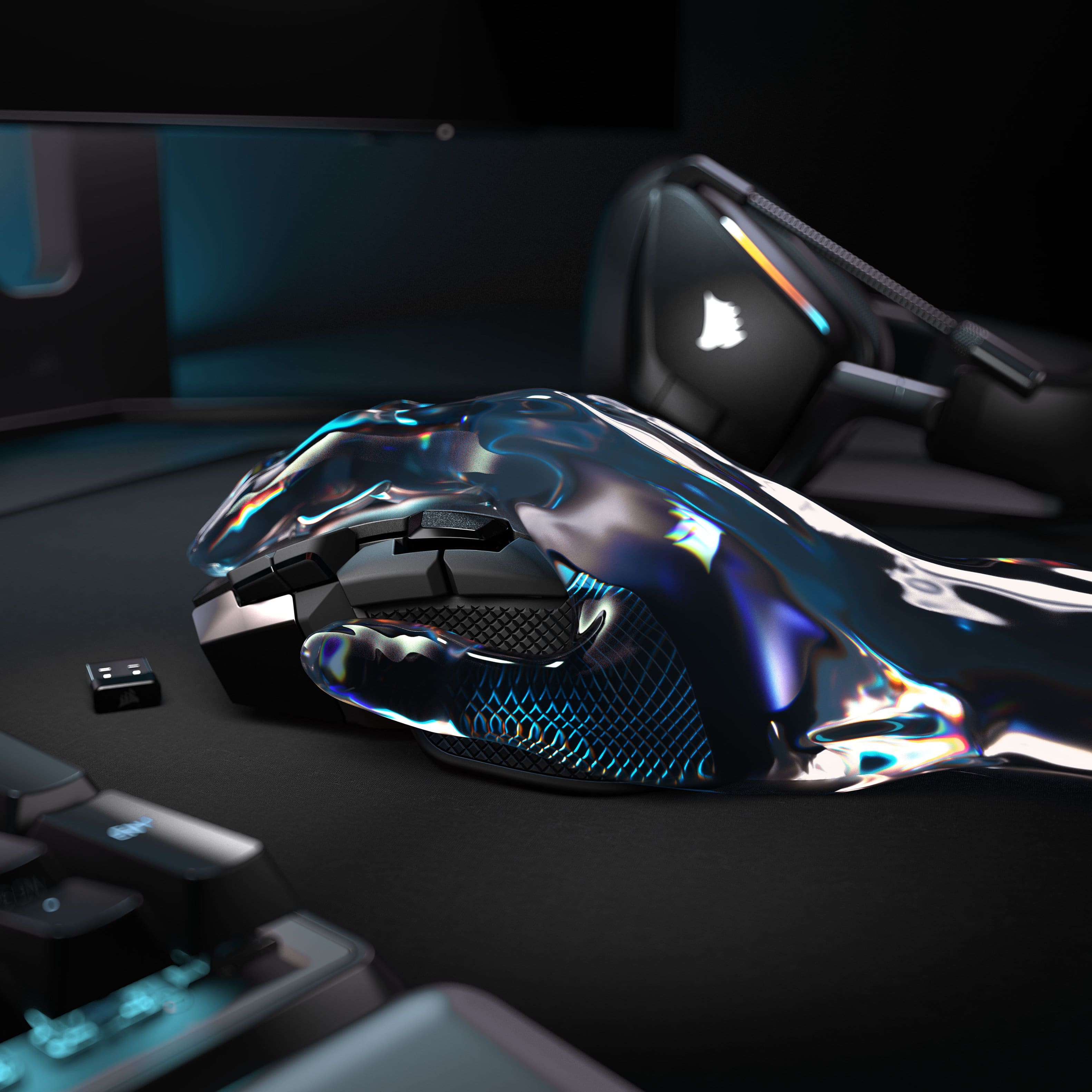
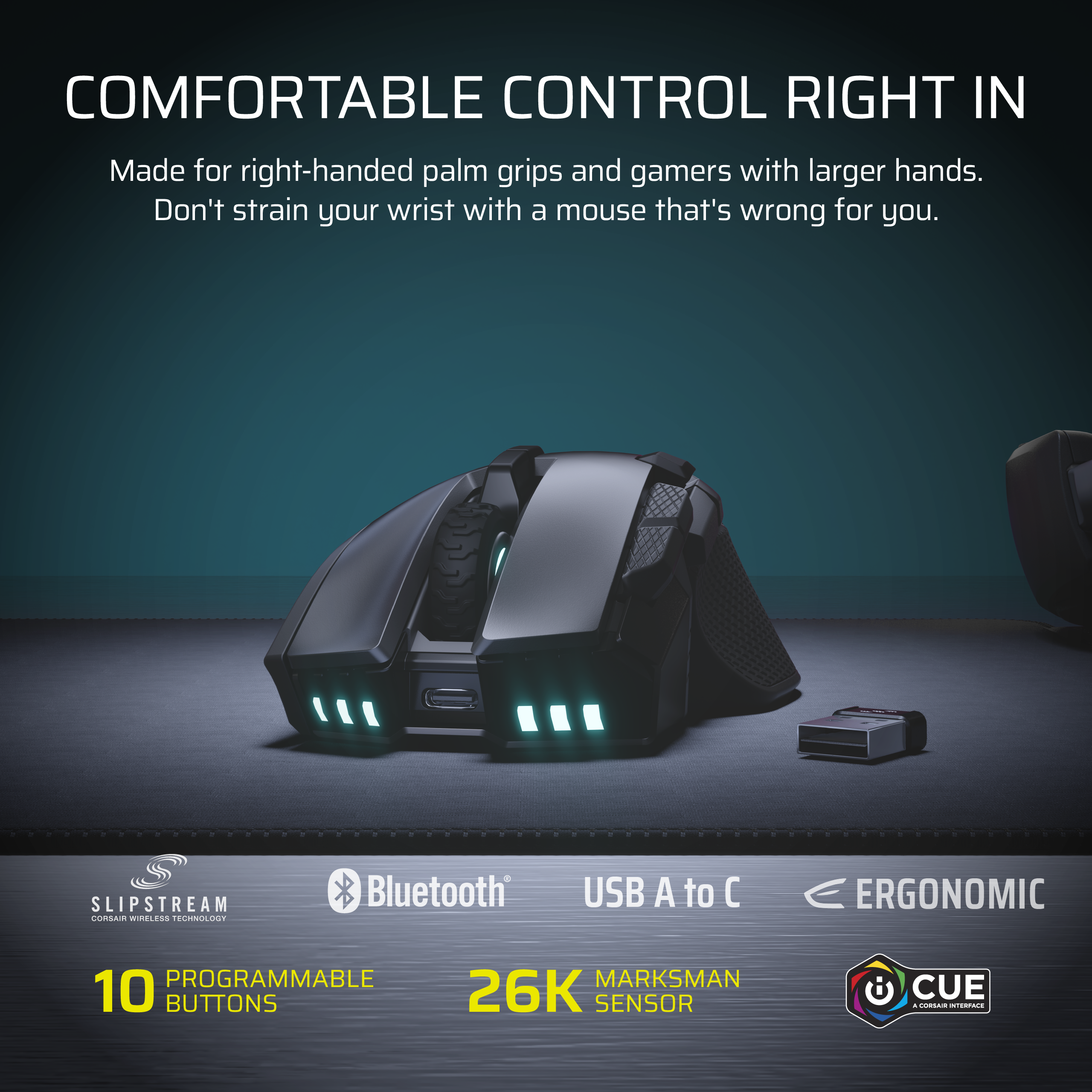
    I have had a decent experience with my CORSAIR IRONCLAW WIRELESS SE over the last couple of weeks. I have mostly used the mouse for gaming and general computer use. The shape of the mouse jumped out to me as being one of the first traits that I noticed on the CORSAIR IRONCLAW WIRELESS SE. This mouse was designed for large-size hands and palm grip, so it fits my hand better than many of the other mice I have previously used. The textured sides of the mouse help maintain stability during longer gaming sessions, though it did take a couple of days to get used to the size of the mouse. As for the wireless performance of the mouse, I have had the mouse connected via the 2.4GHz channel, and I have not experienced any noticeable lag or connection loss. The switch from wireless to Bluetooth is easy to do if you happen to switch between your devices while using. The battery life was surprising to me, and I have not needed to charge it after several days of continuing to use it. I find that the sensor accurately tracks my movements during gameplay. I primarily play for fun, and the mouse feels precise and smooth for fps games and strategy games. The programmable buttons are useful as well, but setting everything up in the iCUE software took a little time before I could figure it out. One thing to note about the CORSAIR IRONCLAW WIRELESS SE is that it is a little heavier than other mice; however, as I stated earlier, the build quality is excellent. Overall, the CORSAIR IRONCLAW WIRELESS SE is a great mouse for everyday use and has been very comfortable to use, has great battery life and has consistently performed well when using it.

    I would recommend this to a friend
  • Pros mentioned:
    Build quality, Ergonomics
    Tech Insider Network Member

    Rated 5 out of 5 stars

    Fantastic Mouse!

    |
    Tech Insider Network Member
    Posted .
    This reviewer received promo considerations or sweepstakes entry for writing a review.

    This mouse is very slick! The style of it very ergonomic and it feels great under my palms. The general build quality of it is very premium and even its packaging is premium without wasting unnecessary resources on it. My favorite part about is the amount of buttons that you're given. You have a lot of extra buttons that you can just customize and use to your liking. You will have to go on the Corsair app to fully customize them all, but it's endless. You can even change your dpi on the fly if you want to. Yes, it has full RGB so you can change the color how you want it! The general weight of the mouse is actually pretty heavy so if you're into a lightweight mouse , this might be too heavy for you. The speed of the mouse is really fast and responsive. I've not experienced any ghosting or latency issues with this mouse . This is a revamp of the old mouse of the same name, and this is definitely a good upgrade from that bringing it to modern standards. If you were a fan of that old mouse and design, this is a good upgrade.

    I would recommend this to a friend
  • Pros mentioned:
    Battery life, Build quality, Connectivity
    Tech Insider Network Member

    Rated 5 out of 5 stars

    Hits the sweet spot for a gaming mouse

    |
    Tech Insider Network Member
    Posted .
    This reviewer received promo considerations or sweepstakes entry for writing a review.

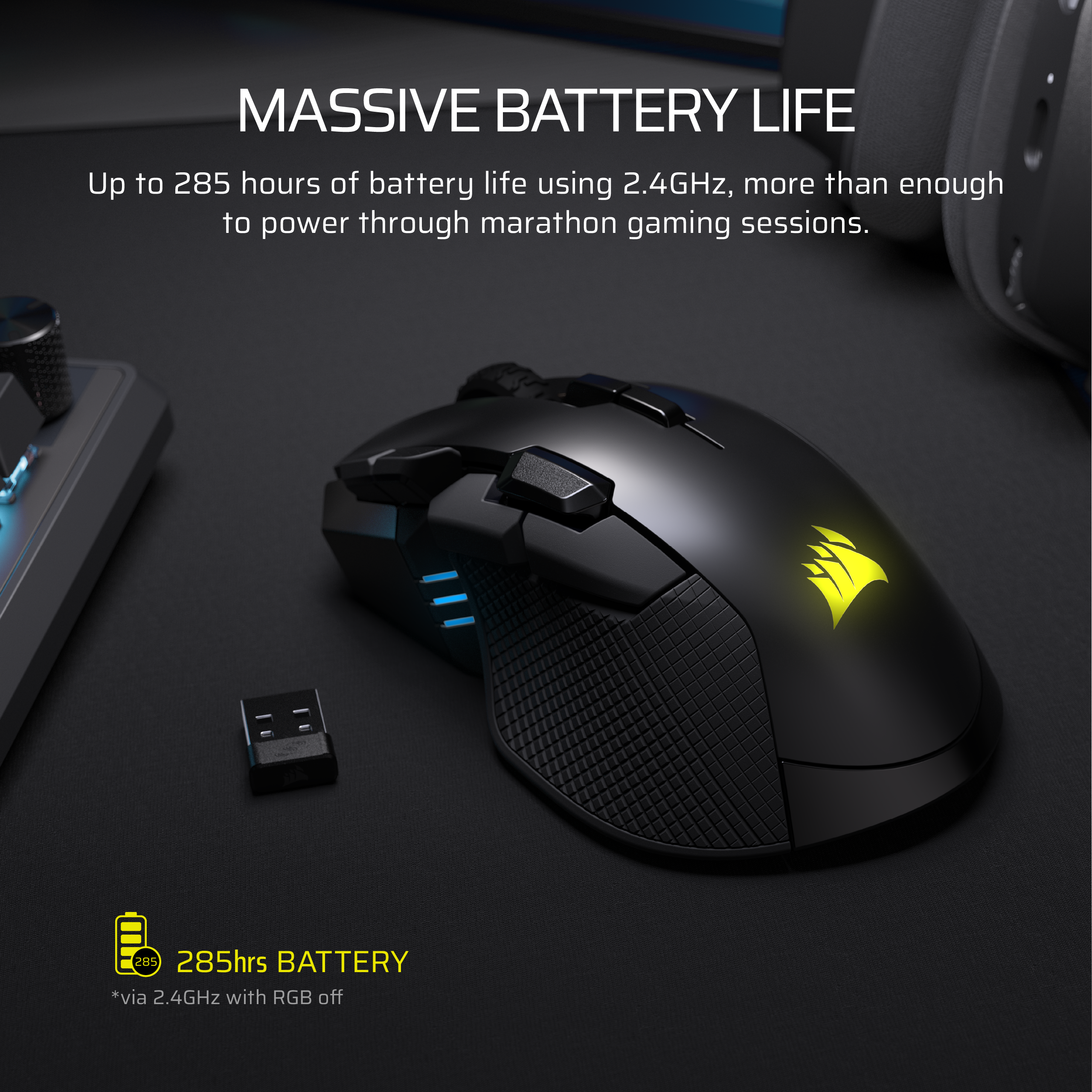
    The Corsair Ironclaw Wireless SE gaming mouse is an excellent gaming and everyday mouse. It is well made (like all the Corsair gaming products I've used) and is logically designed. A gaming mouse is really in may ways the most important gaming item you will buy. If the mouse doesn't sit just right in your hand or feels to light, to heavy or just all around uncomfortable then it will affect your game play. Everything with the Ironclaw just feels right. It balances nicely. The buttons are easy & comfortable to reach. It feels rugged enough to last a long time (trust me, I can wear a mouse out quickly if it's not rugged) and it has good battery life (claimed to be 285 hours on 2.4GHz with out lights). Connectivity is the biggest area where some gaming mice fall short. An unstable or laggy connection will make it useless. Not the case here. It can be used with 2.4GHz or Bluetooth (wired as well, of course). I've tried the 2.4GHz and it worked great but for my needs the Bluetooth is the way to go and it works just as well. Again, no lag or dropping out. You can easily spend way more for a great gaming mouse. But for the average user that's not realistic. The Corsair Ironclaw is a great fit for the vast majority of gamers.

    I would recommend this to a friend
  • Pros mentioned:
    Battery life, Connectivity, Weight
    Tech Insider Network Member

    Rated 5 out of 5 stars

    Fantastic gaming mouse!

    |
    Tech Insider Network Member
    Posted .
    This reviewer received promo considerations or sweepstakes entry for writing a review.

    This mouse is an awesome mouse that offers tons of features, and customizability that you can do to make it fit your preferences and feel. First, I have to say I love that Corsair provided the ability to select the Slipstream wireless, Bluetooth or USB so you have multiple connection options. The second thing is with Corsair iCue and the ability to customize profiles that are easily accessed with a button on the mouse so you can adapt the mouse to your gameplay on the fly. I previously had a Corsair MMO gaming mouse and I have to say that I like the feel of this one better. I don't particularly care for a ton of buttons, and this one has just enough in the right places for my preference. Like the previous one you can really dial it in by calibrating it to the surface its on, and yes that does make a difference. Friends who come over and use my machine almost always comment on how sensitive the mouse is and it just moves where you want. For battery life, even with the RGB I've been able to get more than a solid week of using it out of it. So I'd say the advertised 50 hours is about what you get but it may go much longer depending on your settings and how much RGB stays on. Unlike the prior gen mice I do think so far the RGB doesn't seem to drain it as fast so I think it strikes a good balance of a little flare that doesn't keep you tethered to the USB port. For the feel, it has just the right amount of weight and glides over a Corsair mousepad with ease. I like this refreshed version not only because it's wireless but the buttons and features have improved. If you're due for an upgrade, I would definitely check this one out, it has everything that I want and it's a great addition to my rig.

    I would recommend this to a friend
  • Pros mentioned:
    Battery life
    Cons mentioned:
    Button accessibility
    Tech Insider Network Member

    Rated 3 out of 5 stars

    Nice, but a little too chunky

    |
    Tech Insider Network Member
    Posted .
    This reviewer received promo considerations or sweepstakes entry for writing a review.

    The Corsair Ironclaw Wireless SE gaming mouse is a really nice gaming mouse, however, it is relatively large and heavy for a gaming mouse. To put my review into perspective, I have been using lightweight gaming mice almost exclusively for at least the last two years. So I have gotten very accustomed to mice that are very lightweight. The first thing I noticed about the Ironclaw when I took it out of the box was how heavy it felt. In addition to this, it is just a chunky mouse overall. When you think of the sterotypical gaming mouse, this is probably what you would picture. In-your-face RGB lights, over stylized design, chunky action buttons. It has it all. These designs never really bothered me before, but with this mouse the design seems to actually detract from the usability. The grip texture on the sides seems over done and actually starts to feel very uncomfortable to more I use the mouse. The buttons are very chunky, to the point of getting in the way while just using the mouse in normal day to day use. The performance of the mouse is nice, and what you would expect from a good gaming mouse. It has very long battery life. I have been able to use it for about two weeks without needing to recharge. You can customize the dpi and poll rates to really dial in the responsiveness to your exact needs. And you can customize the lighting as well. I tested the mouse in a variety of different FPS games and was very pleased with the performance. It is very responsive and works exactly as needed. However, the aforementioned size and weight are what keep me from really recommending this mouse. If you like a heavier feeling mouse, then I'm sure you'll be happy with this mouse as well. However, if you're like me and want something really lightweight, you may want to keep looking.

    No, I would not recommend this to a friend
  • Pros mentioned:
    Ergonomics
    Tech Insider Network Member

    Rated 5 out of 5 stars

    It fits my hand like a glove

    |
    Tech Insider Network Member
    Posted .
    This reviewer received promo considerations or sweepstakes entry for writing a review.

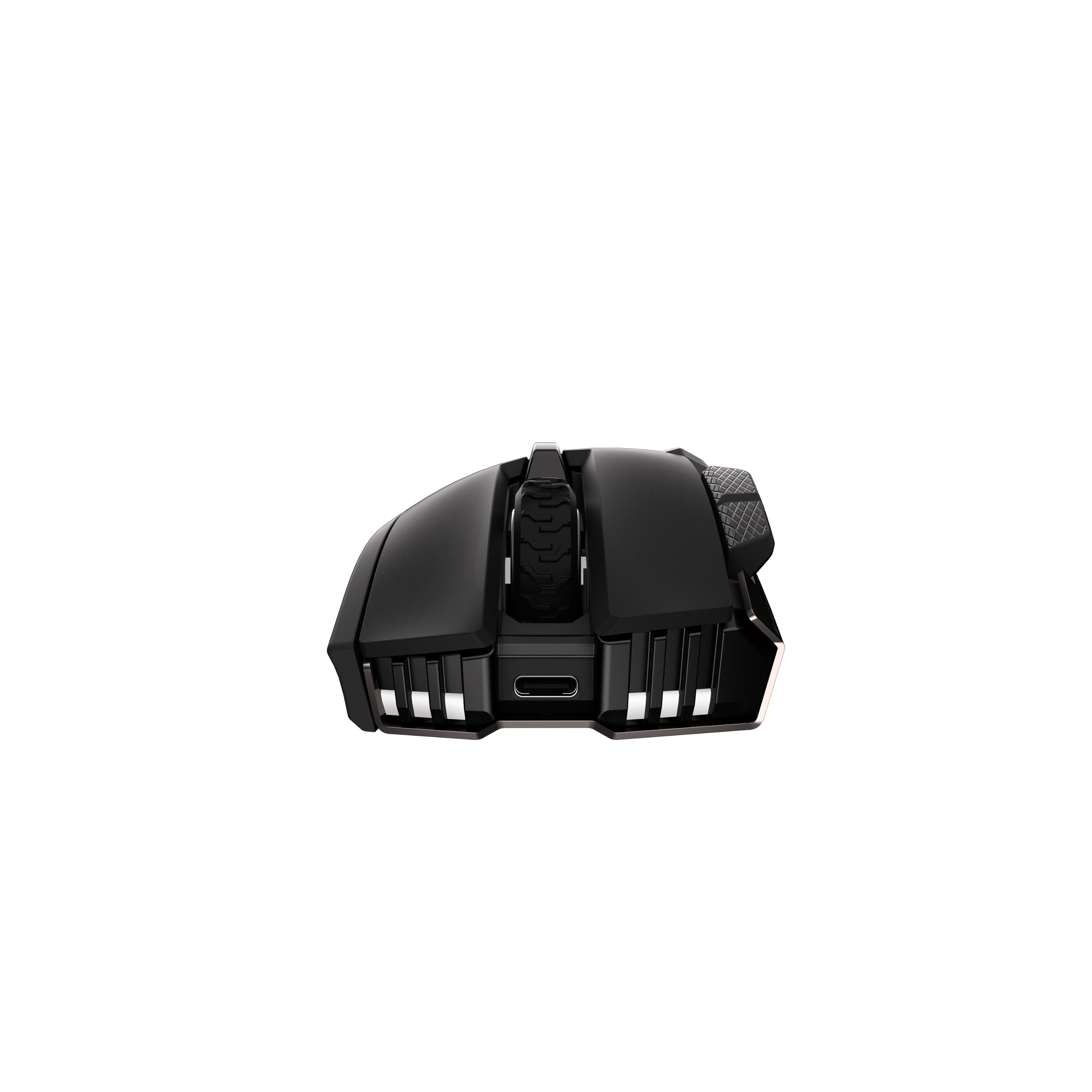
    The Corsair Ironclaw Wireless SE Gaming Mouse surprised me quite a bit. I've never been a huge fan of Corsair items but this mouse really hit's a homerun for me. It fits my handsize just perfect. It glides on my mat effortlessly too. I hit a small snag during the setup process, maybe this is just something everyone else will just pick up on but I'll mention it. During the setup with the iCue software it tells you to plug in the 2.4ghz recceiver and turn on the mouse but nothing was syncing up. I finally decided to try and plug in the included USB-C charging cable and magically everything synced up. Nowhere in the setup process was it stated to do this, opinion would have been nice and saved me some time. Configuration in the software was super easy to set up RGB sync with my keyboard, configure DPI settings and assign keys to the mouse buttons. I recorded a custom text macro and it worked great. One of my favorite things about this mouse is the placement of all the extra mouse buttons in relation to how my hand sits on the mouse. I feel like everything is in a very reachable spot and doesn't feel like I'm over reaching to hit things ever. I've always been a logitech guy, but keep making products like this Corsair and you will win me over. Would recommend especially at the price point, new favorite gaming mouse.

    I would recommend this to a friend
  • Tech Insider Network Member

    Rated 5 out of 5 stars

    LOVE the large size, great battery life

    |
    Tech Insider Network Member
    Posted .
    This reviewer received promo considerations or sweepstakes entry for writing a review.

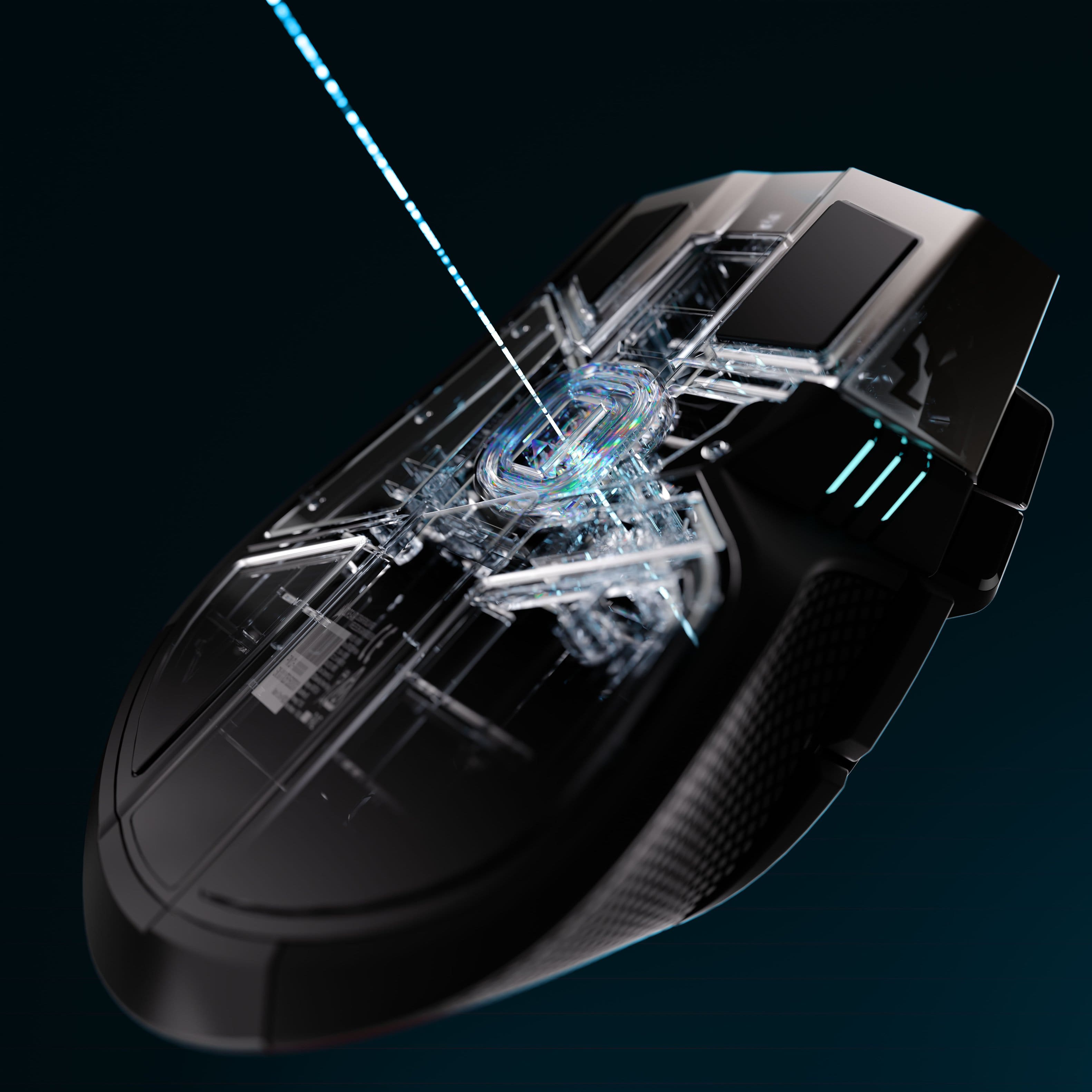
    Corsair Ironclaw Wireless SE Gaming Mouse Good Mouse. Large, Responsive, Stylish, Well-built. A Comfortable Grip on Performance: Corsair Ironclaw SE Review Alright, so I finally got my hands on the CORSAIR Ironclaw Wireless SE mouse, and I gotta say, I'm really impressed. As a guy with pretty big hands, finding a comfortable mouse has always been a bit of a struggle. Most of them feel like I'm trying to grip a bar of soap, you know? But this Ironclaw SE is different. Right out of the box, it just felt right. It's got a really nice, ergonomic shape that truly cradles your hand, especially if you're like me and prefer that full palm grip. No more cramping after an hour of work or trying to sneak in some gaming after the kids are asleep. It’s substantial, which I actually really appreciate – none of that flimsy, lightweight stuff that feels like it could fly off the desk with a strong breeze. Speaking of feeling substantial, the build quality on this thing is top-notch. It feels incredibly sturdy, like it could survive a few accidental drops (though I'm definitely not going to test that theory). The textured rubber grip on the sides gives you a fantastic hold, so it never feels slippery, even when you're getting into an intense gaming session or just powering through spreadsheets. The buttons all feel solid and responsive too, with a satisfying click that isn't too loud but definitely lets you know you've registered the action. Corsair really put some thought into making this thing durable, which is a big plus for me because I need something that can stand up to daily use. Now, performance-wise, this mouse doesn't disappoint either. The 26,000 DPI MARKSMAN optical sensor is incredibly precise. Whether I'm trying to make a pixel-perfect selection in an editing program or tracking enemies in an FPS game, it's super accurate. There's no lag, no jitters, just smooth, consistent movement. And the fact that it's tri-mode connectivity is fantastic. I mostly use the hyper-fast 2.4GHz SLIPSTREAM wireless for gaming because it feels just like being wired, but having Bluetooth for when I'm just browsing or want to connect to a different device easily is super convenient. And if I ever really need to, I can just plug it in with the included USB-C cable. Oh, and let’s talk about that battery life – it’s a game-changer! My old wireless mouse felt like it needed charging every other day, but this Ironclaw SE goes for ages. We're talking hundreds of hours without the lighting on, which is how I usually run it to conserve power. It’s seriously impressive. I can go weeks, maybe even months, without even thinking about plugging it in. And the fact that they finally upgraded to USB-C for charging? Hallelujah! No more fumbling with those old Micro-USB cables. It just makes life so much easier when everything can use the same modern cable. The ten programmable buttons are also a huge bonus. I’ve set up some macros for my work applications, which saves a ton of time, and in games, they're perfect for quick access to spells or inventory slots. It's really versatile and lets you tailor the mouse to exactly how you use it. Some people might find the iCUE software a bit much to set up, but once you get your settings locked in for the RGB lighting and button assignments, it pretty much just runs in the background. I like a bit of subtle RGB, and it looks pretty sharp, giving it that modern, stylish gaming aesthetic without being too flashy. I know some folks might shy away from it because it's on the heavier side at around 130 grams, but honestly, for a guy with larger hands who prefers a comfortable, stable palm grip, that weight actually feels *good*. It provides a sense of control and stability that lighter mice just can't match. It’s not meant to be one of those ultralight competitive shooter mice, and that’s perfectly fine by me. If you’re like me and tired of small, uncomfortable mice that make your hand cramp up, and you appreciate a solid, well-built product with fantastic battery life and precise performance, then this CORSAIR Ironclaw Wireless SE is definitely worth checking out. It’s a great mouse that’s truly designed for us big-handed folks.

    I would recommend this to a friend
  • Tech Insider Network Member

    Rated 5 out of 5 stars

    Great mouse. Has a different Ergo nomic Feel.

    |
    Tech Insider Network Member
    Posted .
    This reviewer received promo considerations or sweepstakes entry for writing a review.

    Great gaming Mouse. I love the ability to use Bluetooth or their wireless usb dongle. The ergonomics of the mouse took me some time to get use to but it is not a bad design. I simply have been using the same mouse design for the past 5 years and it took about 30 min for my hand to realize it was using a different mouse. I love the simplicity of using this mouse and connecting it to various devices I have. For example. My work laptop discovered the device by name the moment I turned on Bluetooth on the Iron Claw and asked me if I would like to connect my laptop to it without me ever opening the windows settings myself. Very simple to use. The software corsair provides has a reputation, but if you are already in the corsair product family then this wont be an issue as you likely are already using their RGB software on your PC anyways. All of the 10 buttons on the mouse work. It is helpful in 3D application that you are editing or for PC Gaming if that is something that intertest you. I recommend seeing if you like the feel at a best buy store.

    I would recommend this to a friend
  • Tech Insider Network Member

    Rated 4 out of 5 stars

    A Great Mouse at a Great Price!

    |
    Tech Insider Network Member
    Posted .
    This reviewer received promo considerations or sweepstakes entry for writing a review.

    This is a tank of a mouse. It's definitely on the larger side. It's highly customizable. It also comes in at a good price. The Ironclaw Wireless SE felt comfortable in my hand. There is a little bit of texture on both sides. With a smooth surface for the clammy hands in a tense gaming session. There are plenty of buttons on the Ironclaw SE. There are ten in total. You need to download the Corsair iCUE software. Which wasn't as resource-heavy as I remember. In the software, you can do your customization. You can do your RGB Lighting, DPI, and key binding here. Corsair has always been good here with the customization. Once all of that is set up to your liking, it's time to put the mouse to use. I'm not sure how this operates in FPS games. In my playing of AARPG hames everything worked fine. Precision clicking is a must for me. When playing Path of Exile 2 I always had a problem with clicks not registering. With the ironclaw wireless se, this didn't happen as often. I do have larger-sized hands so the mouse does fit me well. The size of it may be a little big for most games. It is very lightweight, so flicking crosshairs across the screen should be a breeze. The mouse feels like it glides across your desk. A very comfy mouse at a fair price!

    I would recommend this to a friend