Customer Ratings & Reviews

- Model:
- CH-9317110-WW
- SKU:
- 6666378
Rating by feature
- Value
Rating 4.8 out of 5 stars
- Quality
Rating 4.9 out of 5 stars
- Ease of Use
Rating 4.8 out of 5 stars
Customers are saying
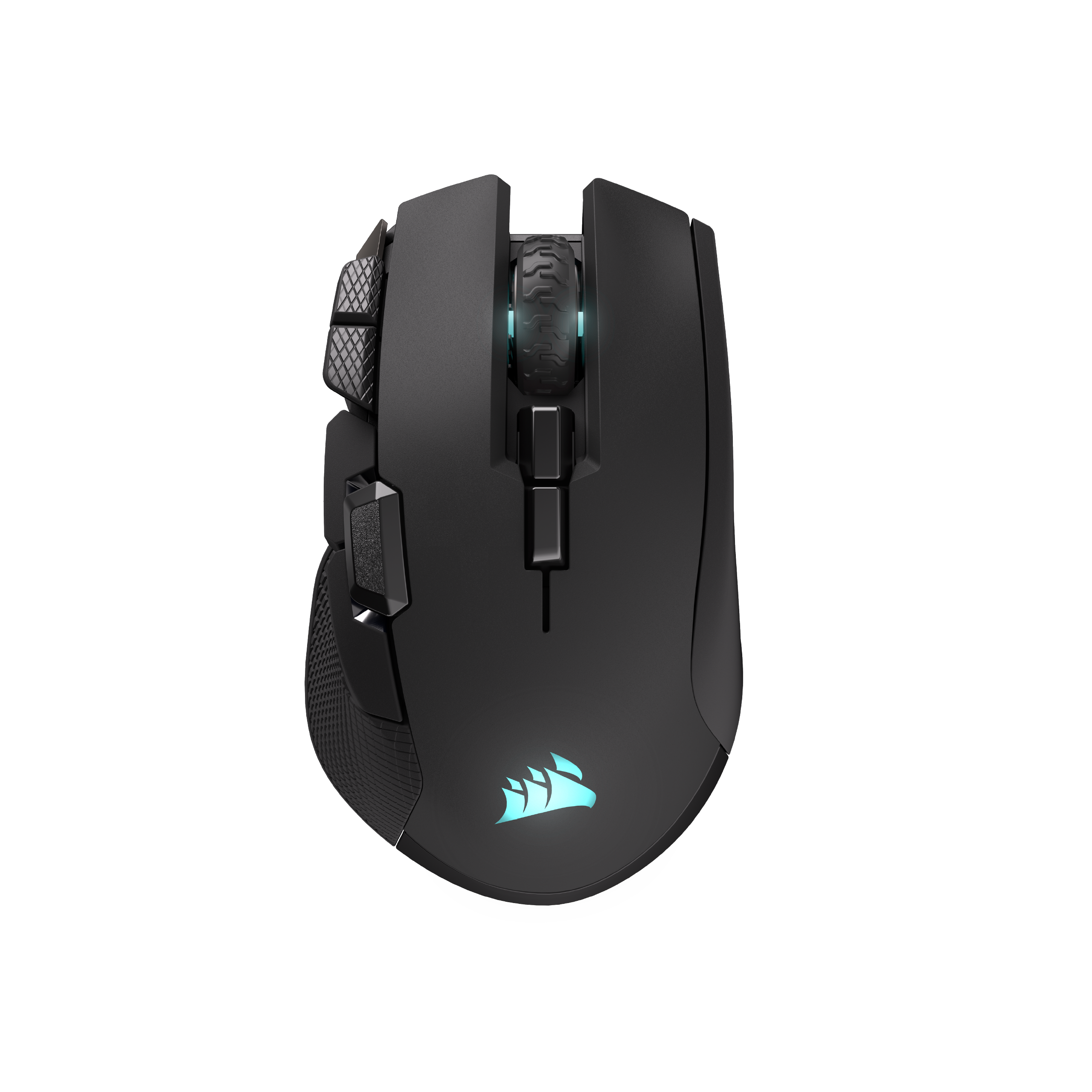
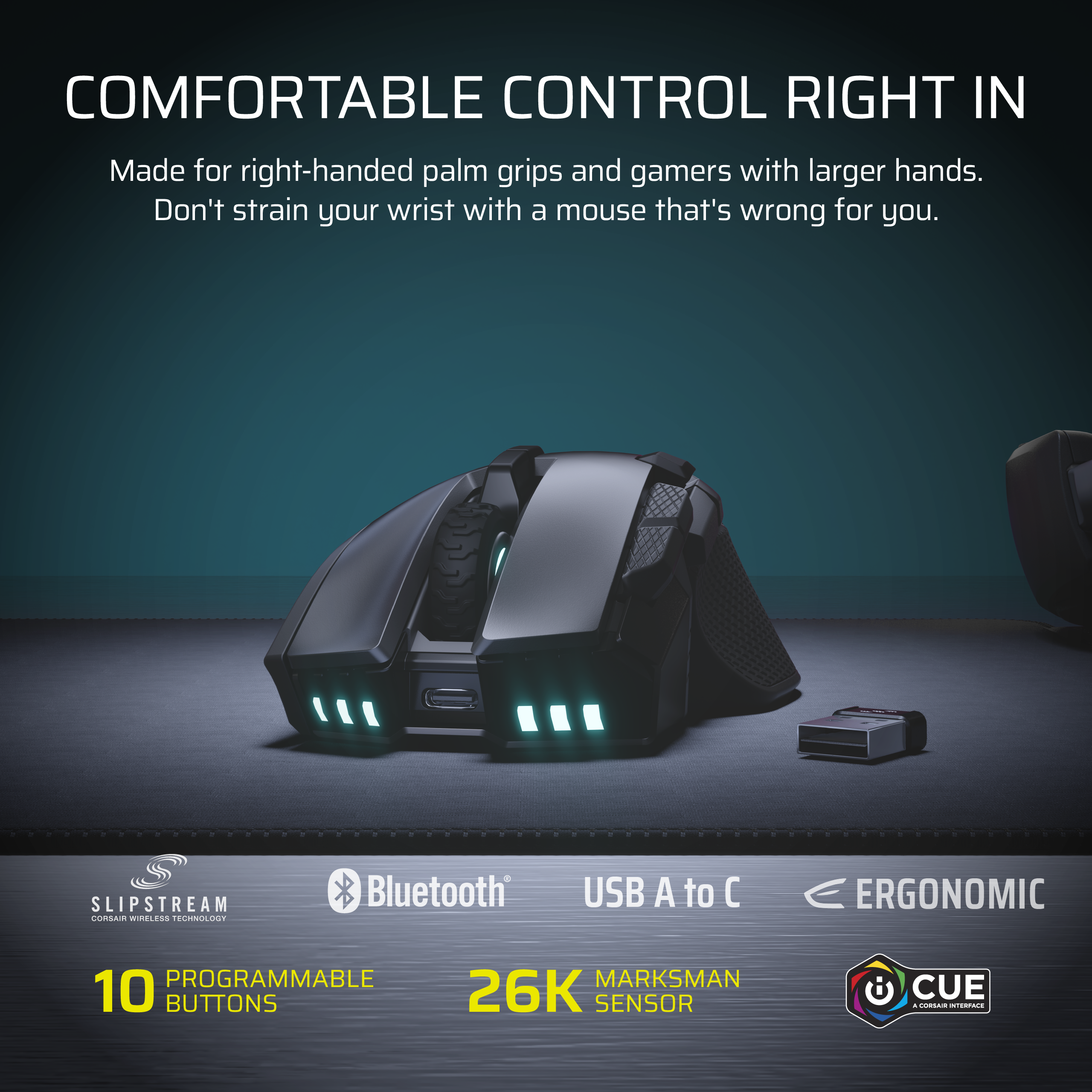
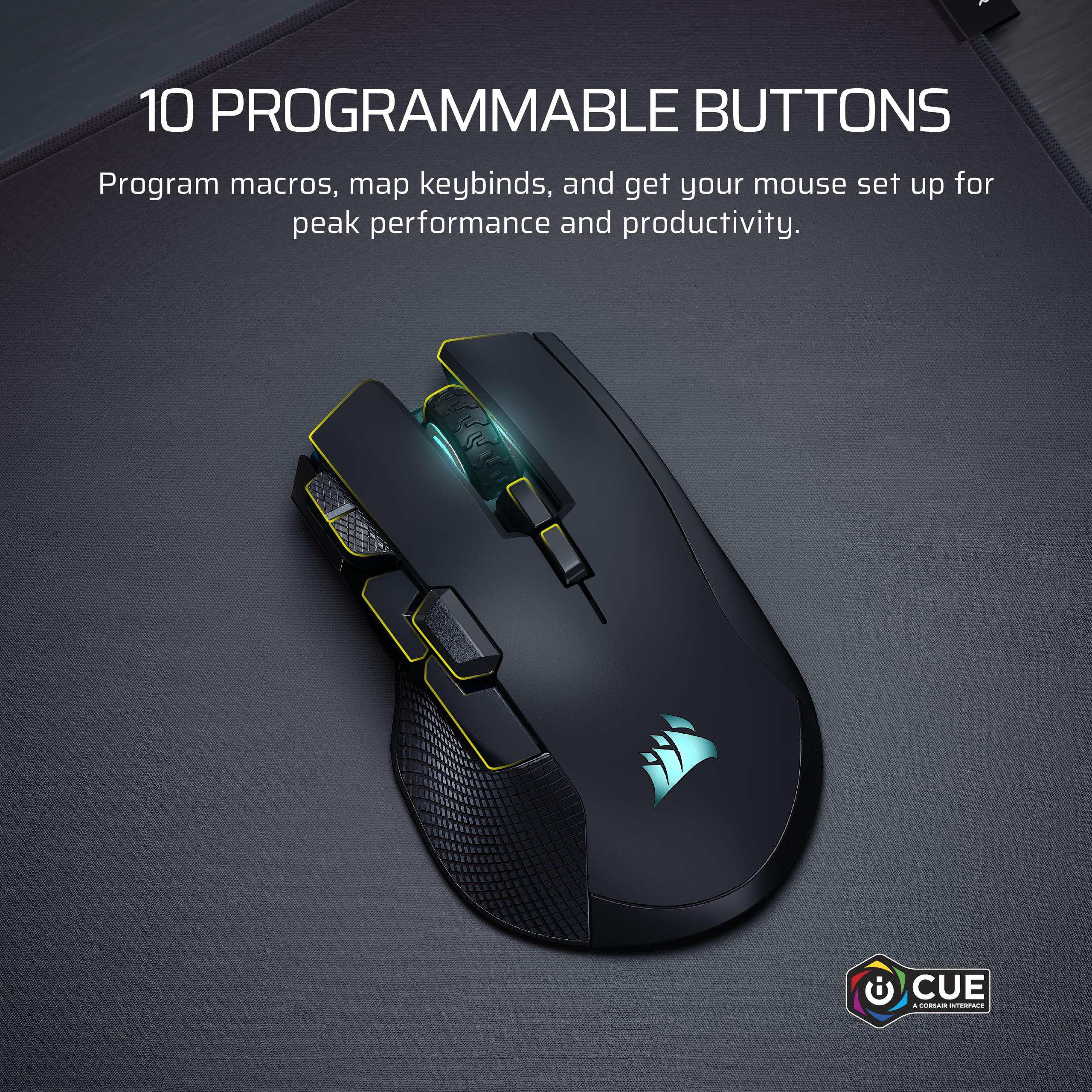
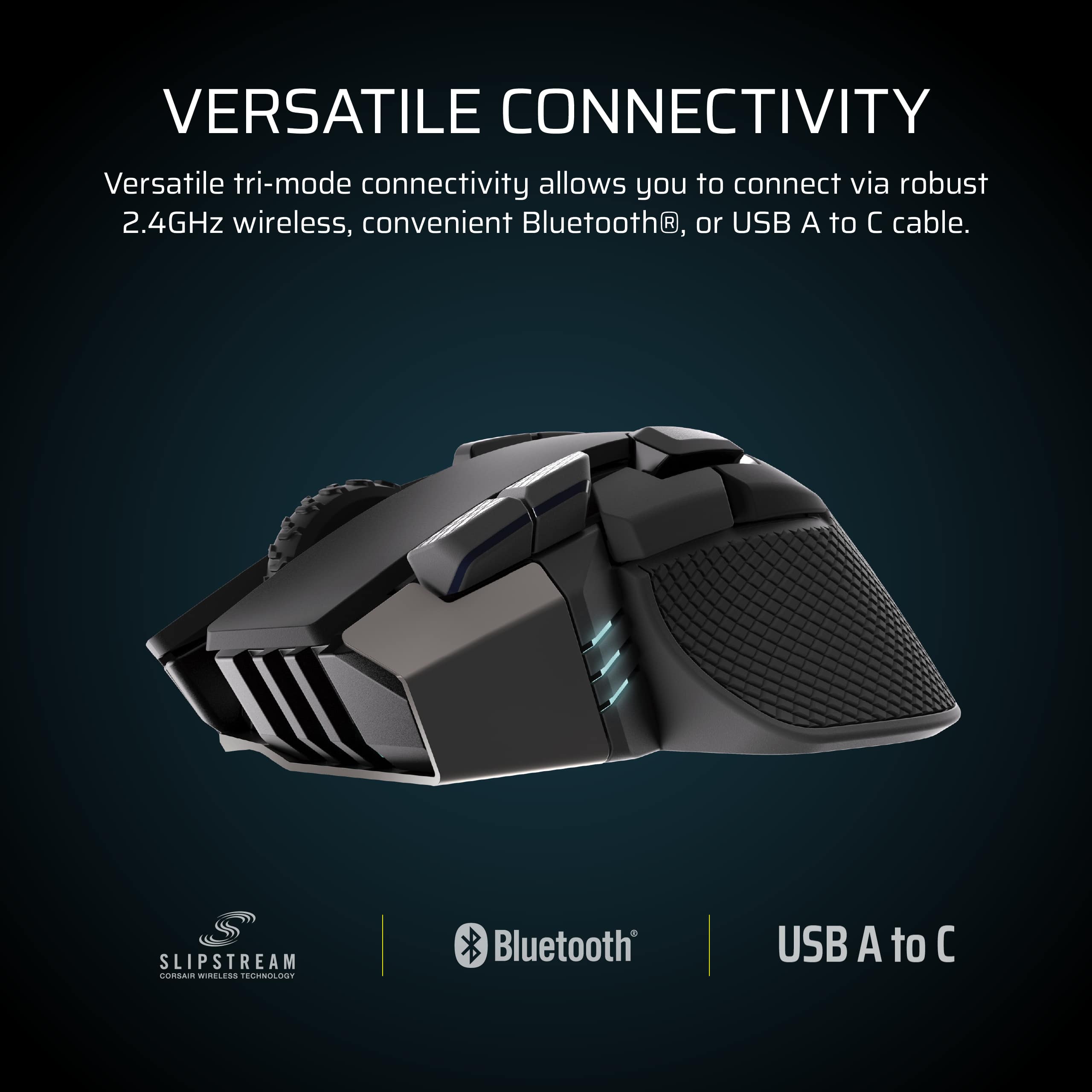
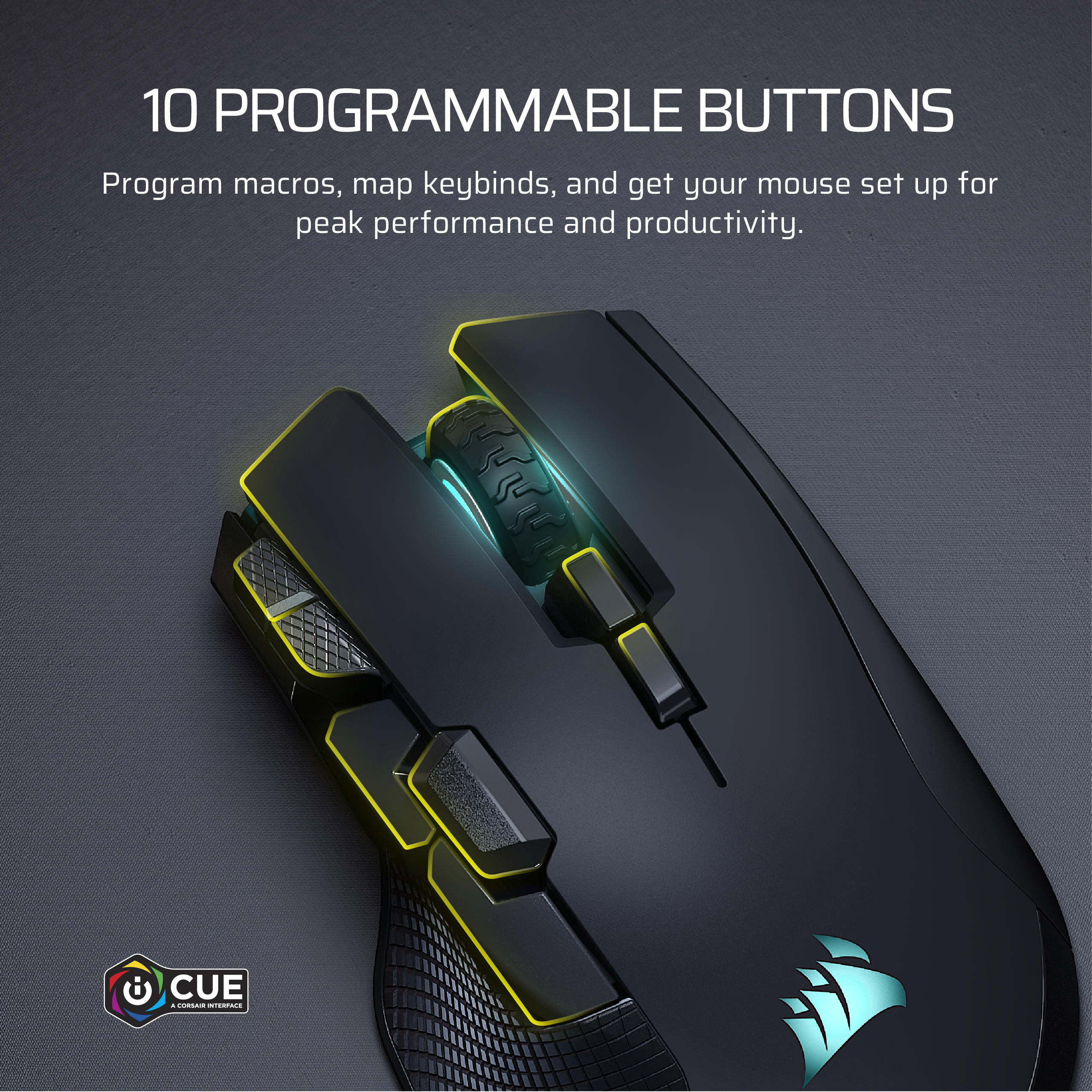
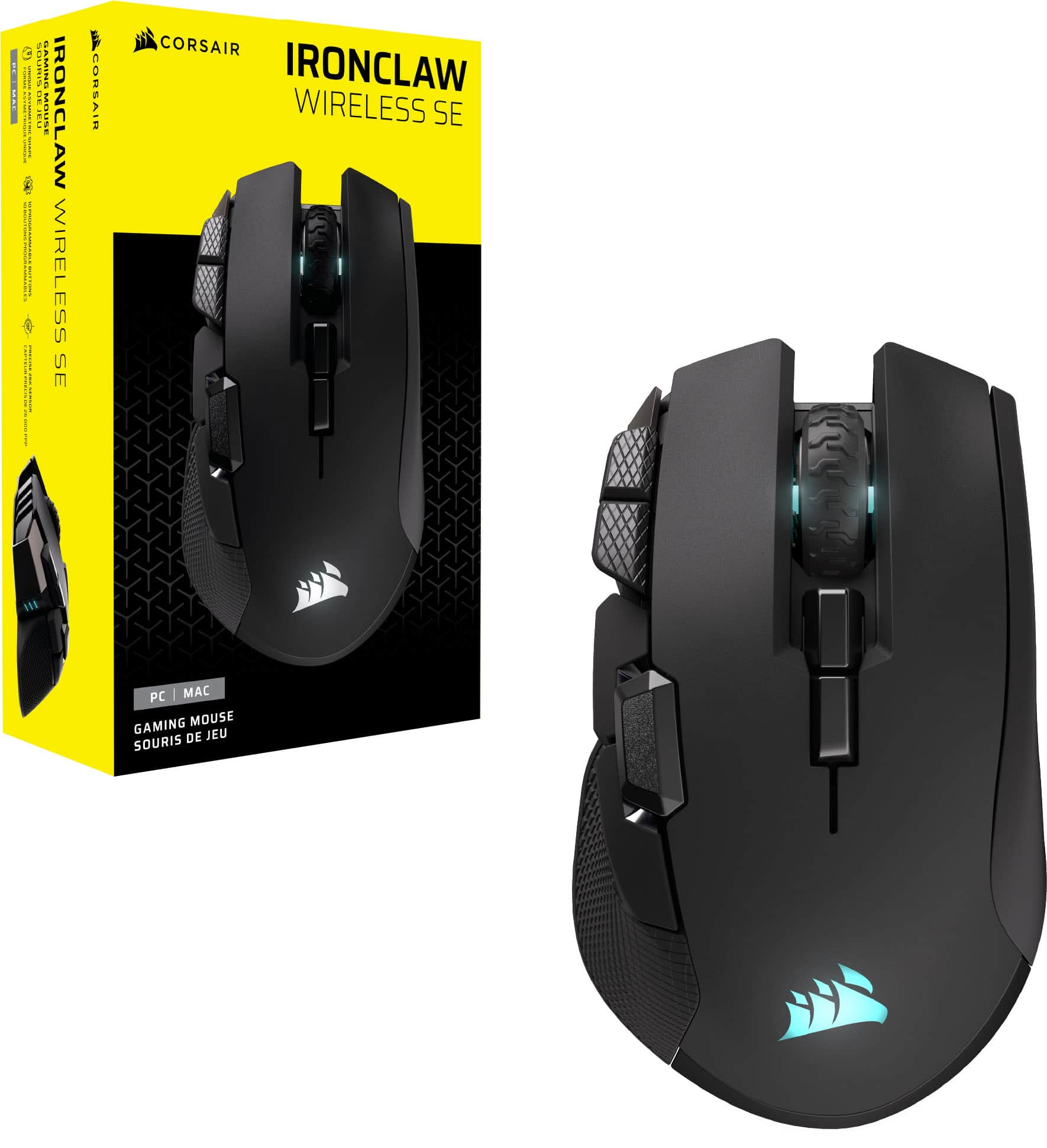
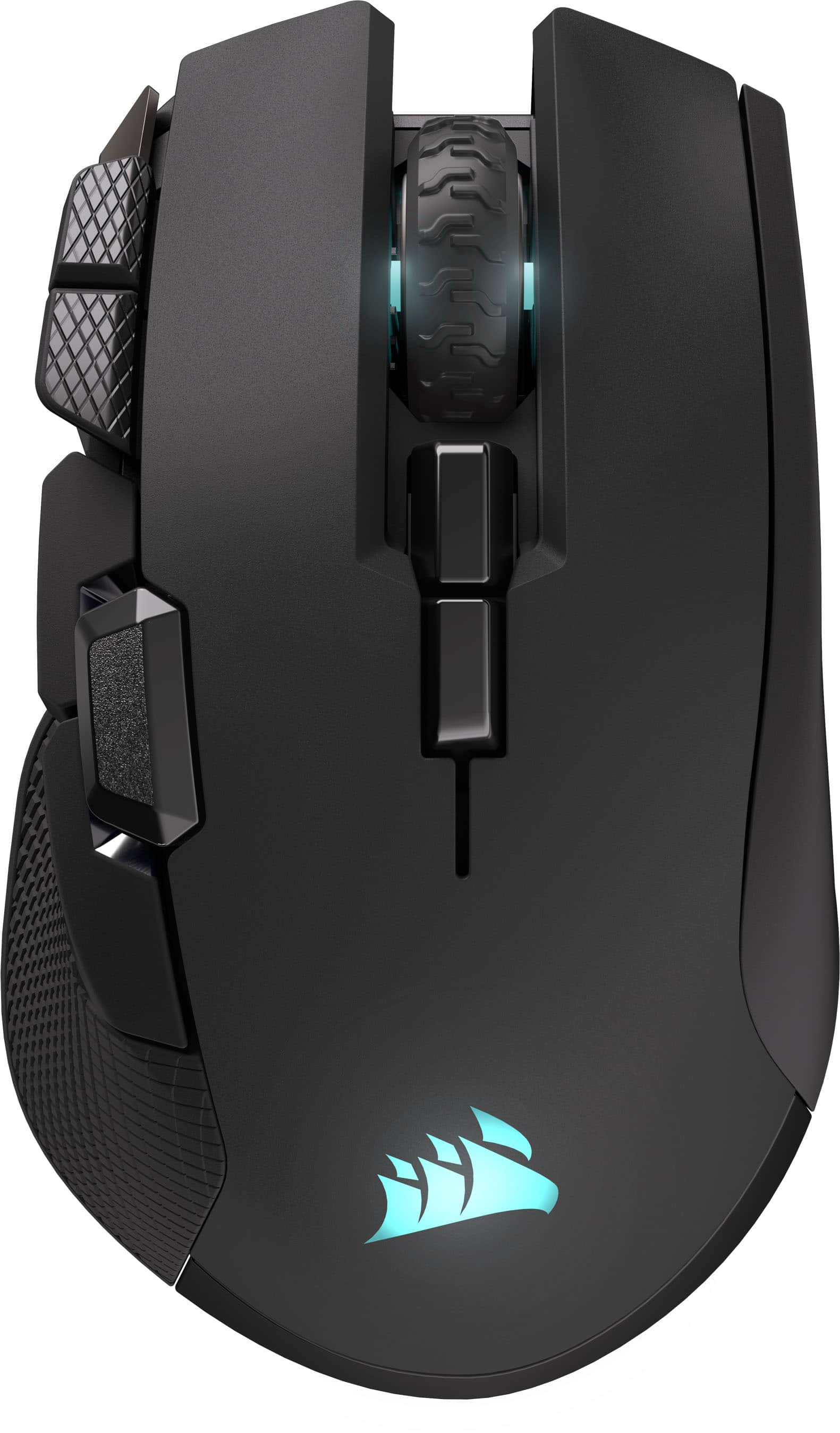
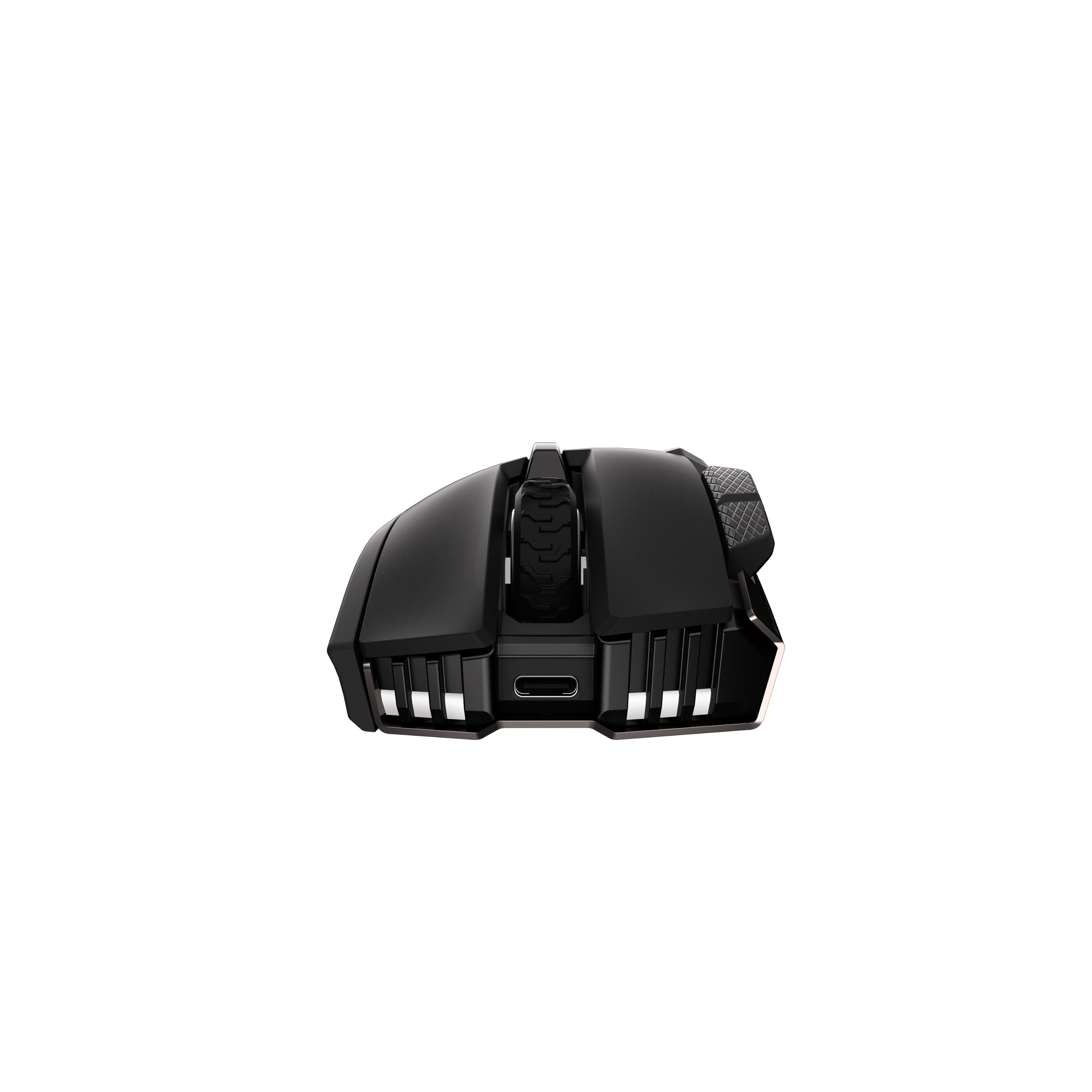
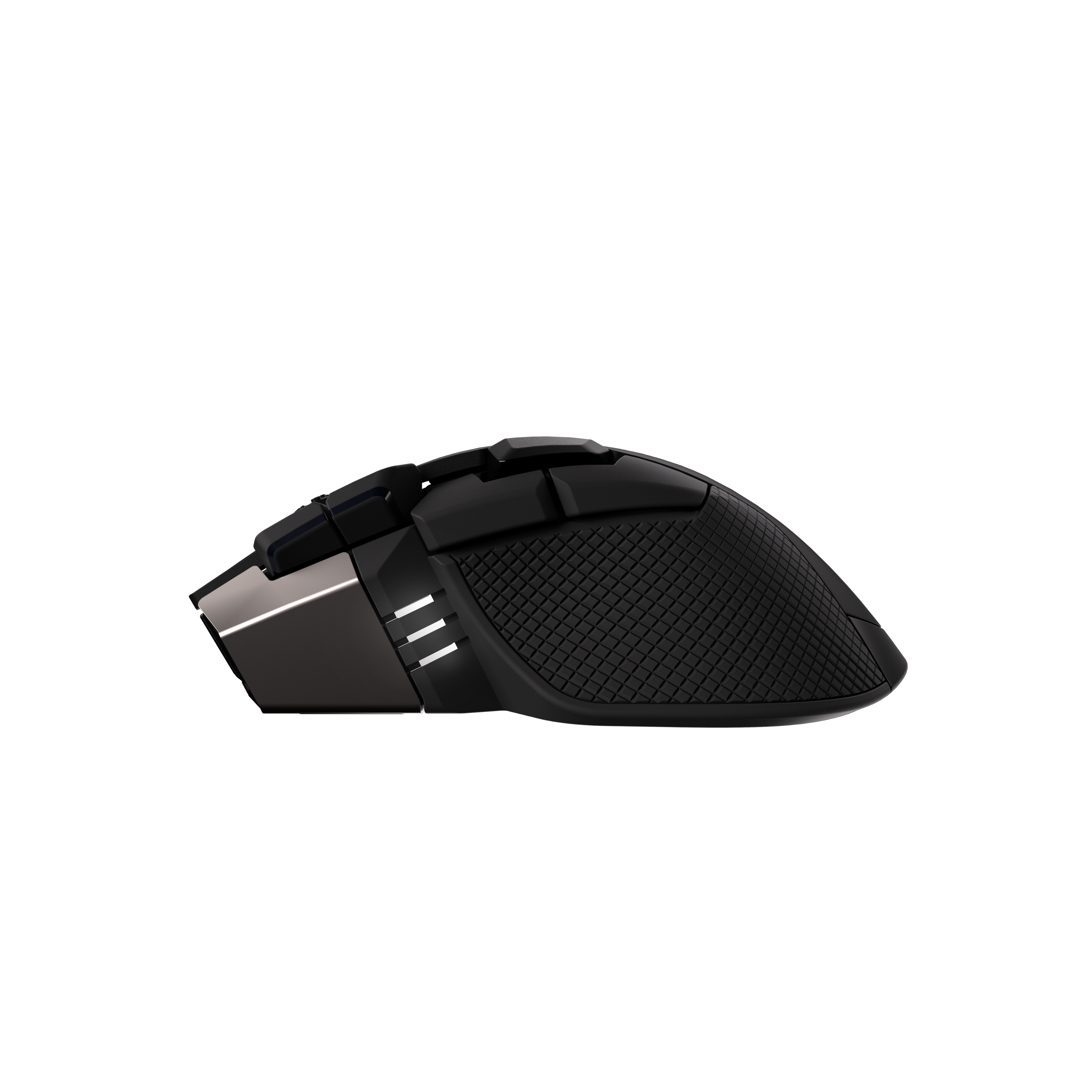
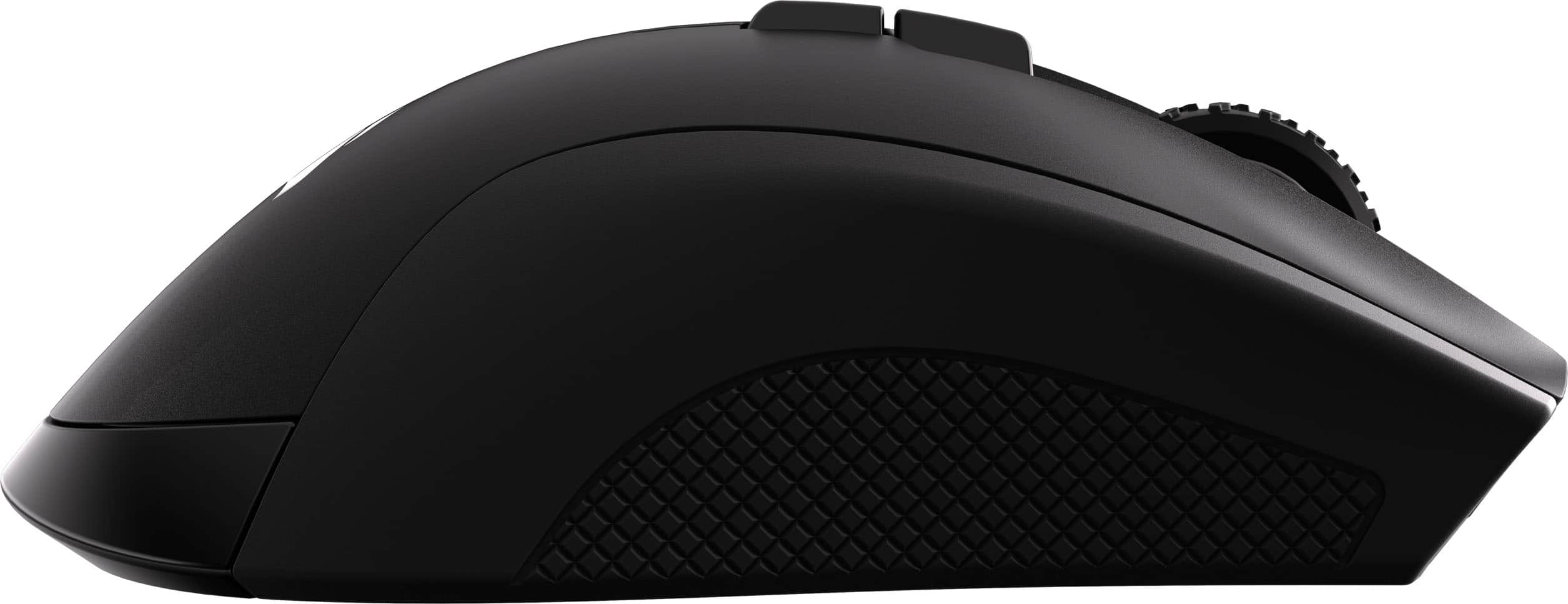
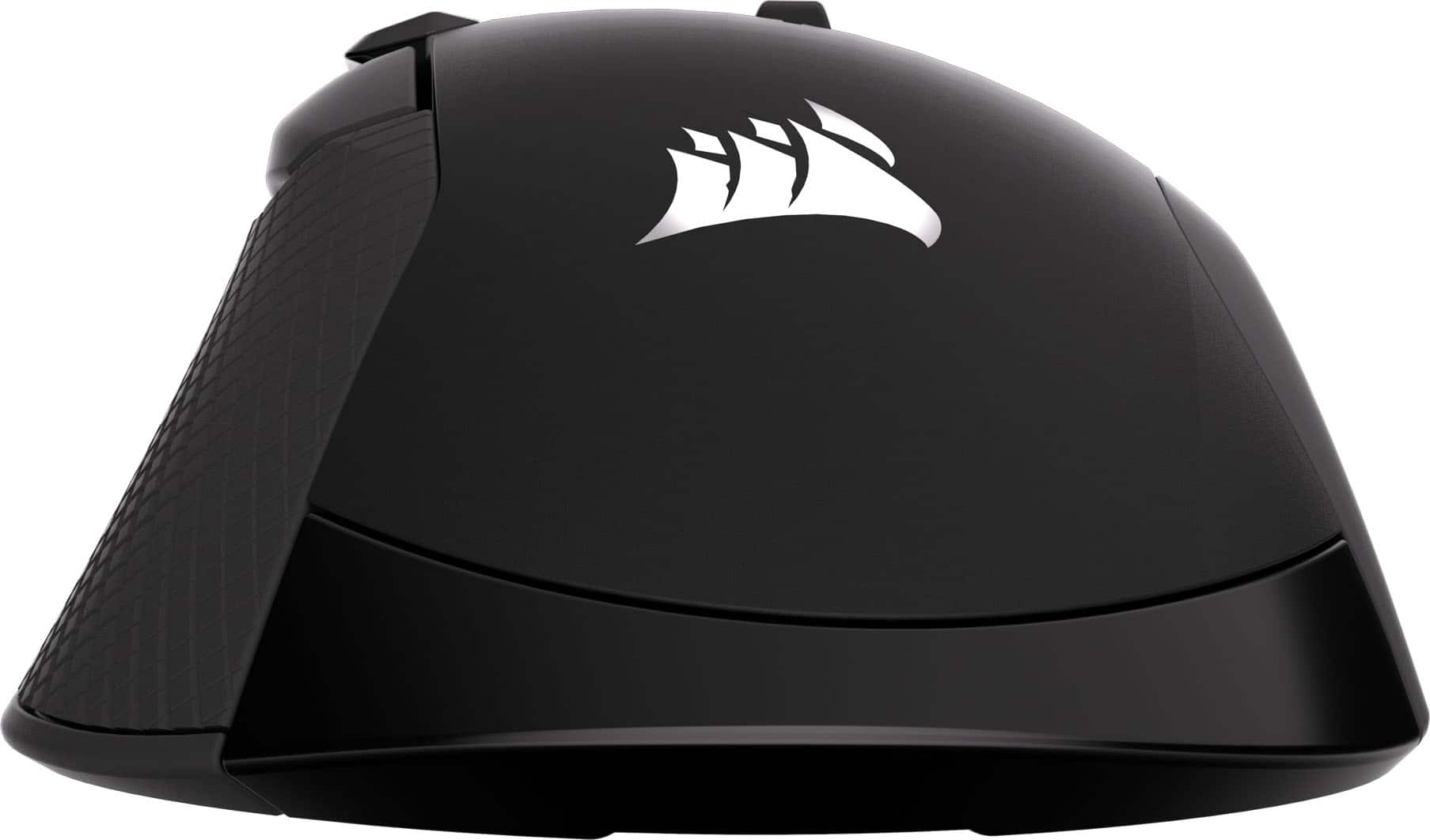
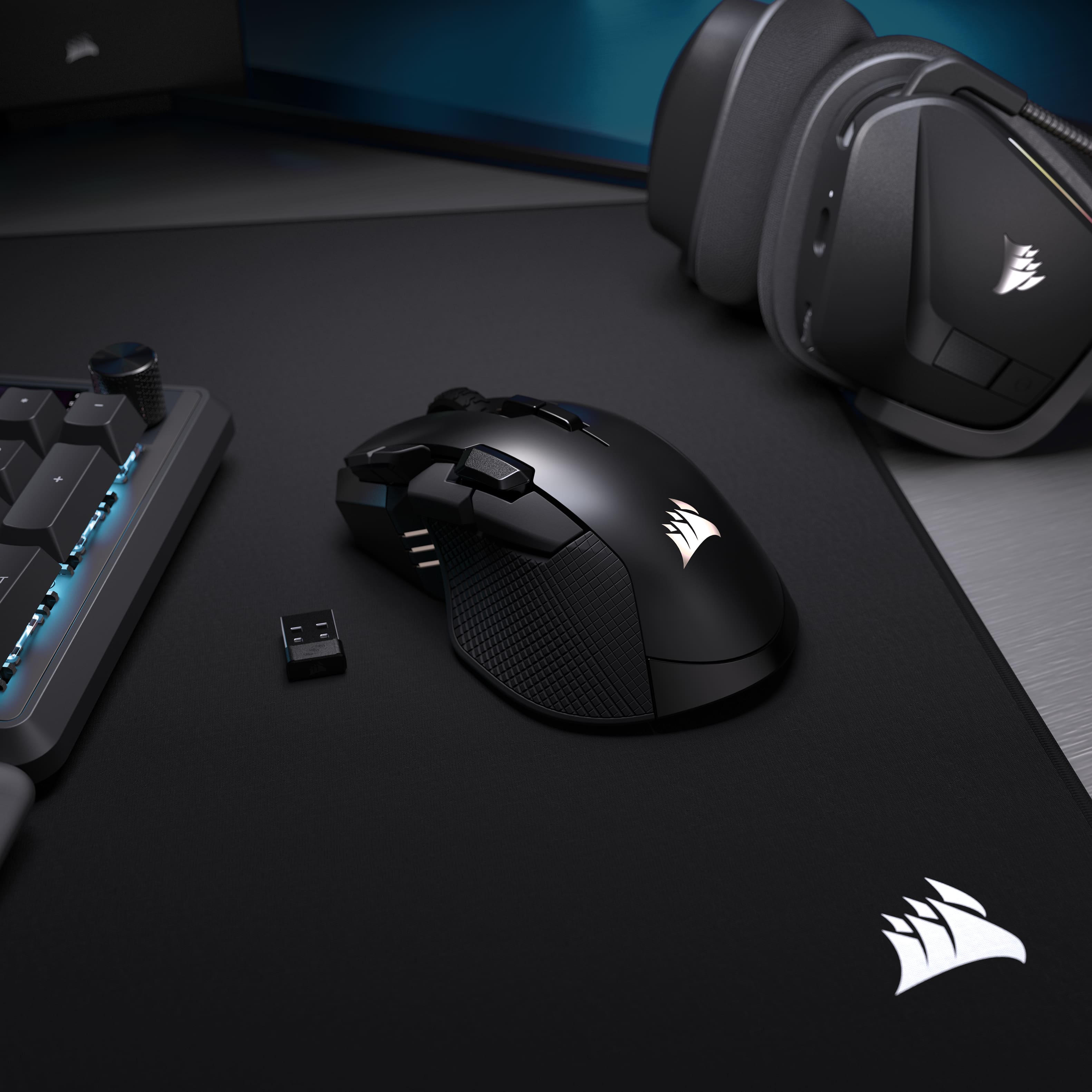
Customers enjoy the product's excellent ergonomics, long battery life, and versatile button layout, which contribute to its strong overall performance. They also appreciate its tri-mode connectivity, balanced weight, and precise sensor accuracy, along with its subtle RGB lighting. However, some customers expressed a desire for a smaller size.
This summary was generated by AI based on customer reviews.

A Great Mouse at a Great Price!
|Posted .This reviewer received promo considerations or sweepstakes entry for writing a review.This is a tank of a mouse. It's definitely on the larger side. It's highly customizable. It also comes in at a good price. The Ironclaw Wireless SE felt comfortable in my hand. There is a little bit of texture on both sides. With a smooth surface for the clammy hands in a tense gaming session. There are plenty of buttons on the Ironclaw SE. There are ten in total. You need to download the Corsair iCUE software. Which wasn't as resource-heavy as I remember. In the software, you can do your customization. You can do your RGB Lighting, DPI, and key binding here. Corsair has always been good here with the customization. Once all of that is set up to your liking, it's time to put the mouse to use. I'm not sure how this operates in FPS games. In my playing of AARPG hames everything worked fine. Precision clicking is a must for me. When playing Path of Exile 2 I always had a problem with clicks not registering. With the ironclaw wireless se, this didn't happen as often. I do have larger-sized hands so the mouse does fit me well. The size of it may be a little big for most games. It is very lightweight, so flicking crosshairs across the screen should be a breeze. The mouse feels like it glides across your desk. A very comfy mouse at a fair price!
I would recommend this to a friend