Customer Ratings & Reviews








- Model:
- CH-913A01U-NA
- SKU:
- 12475385
Rating by feature
- Value
Rating 3.8 out of 5 stars
- Quality
Rating 4.5 out of 5 stars
- Ease of Use
Rating 4.5 out of 5 stars
to a friend
Great
||Posted . Owned for 1 week when reviewed.This reviewer received promo considerations or sweepstakes entry for writing a review.Love the clicky noise of the keyboard, and love that it is low profile so great for typing.
I would recommend this to a friendBest Mechanical Keyboard
||Posted . Owned for 8 months when reviewed.This reviewer received promo considerations or sweepstakes entry for writing a review.Ive owned several mechanical keyboard and this one is my favorite. Being wireless also keeps the desk clean without cables running everywhere.
I would recommend this to a friendQuality
||Posted . Owned for 1 month when reviewed.This reviewer received promo considerations or sweepstakes entry for writing a review.Overpriced but very nice quality and toucj filling.
I would recommend this to a friendMid Keyboard
||Posted . Owned for 1 week when reviewed.This reviewer received promo considerations or sweepstakes entry for writing a review.This keyboard looks nice, buttons are nice and clicky, and great idea. Only issue is, it doesn’t register with the software and unable to install new drivers. The app itself is the reason for the low rating of this product.
No, I would not recommend this to a friendBrand response from Corsair
Posted .Hello,
Please do let our team help out, you can reach out to them directly on our site at any time.
-Art

True Low Profile w/ trade offs
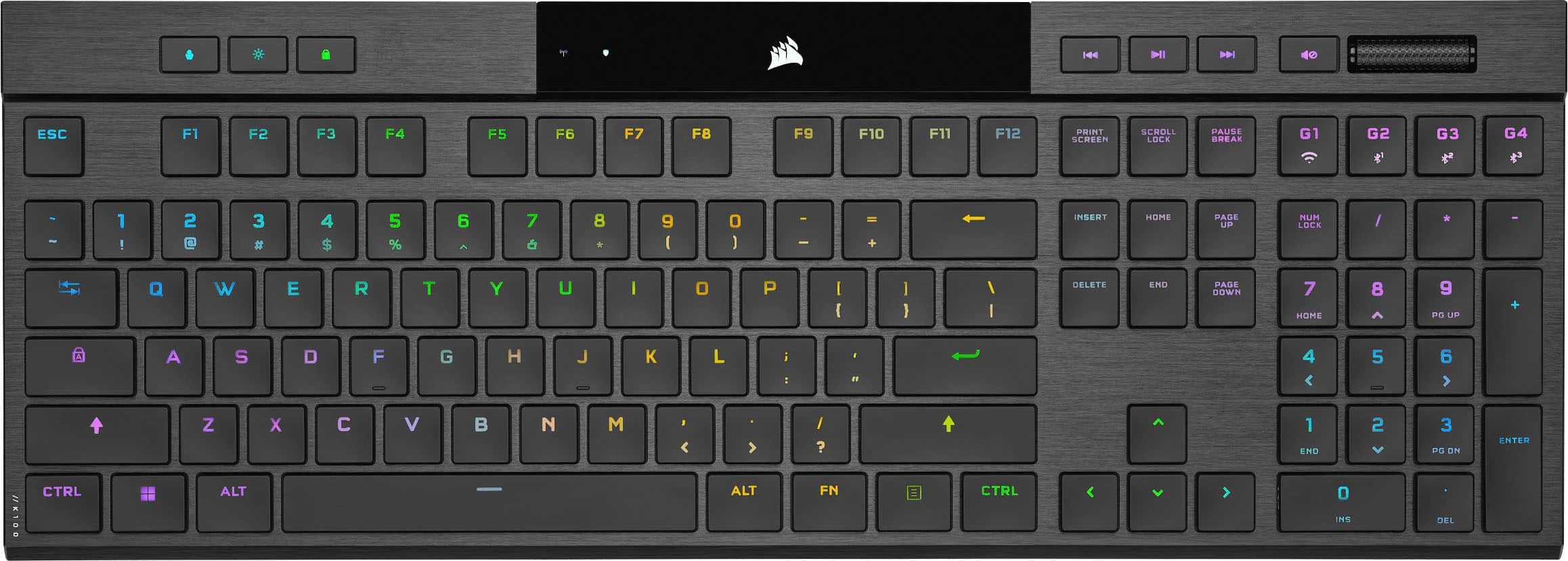
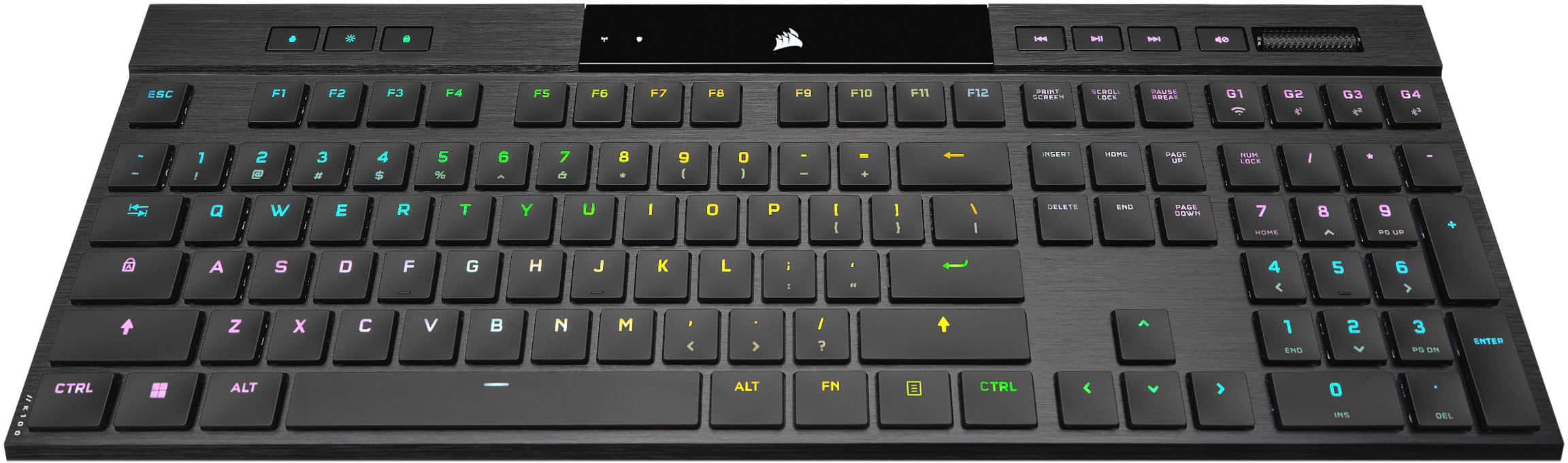
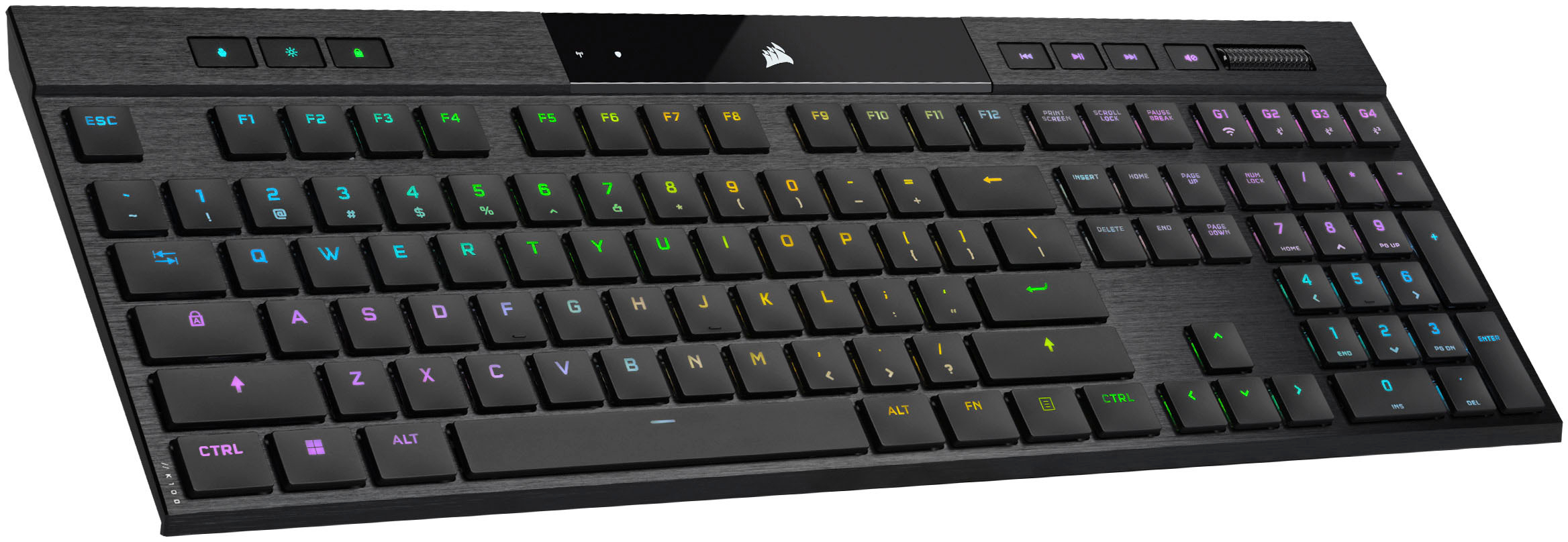
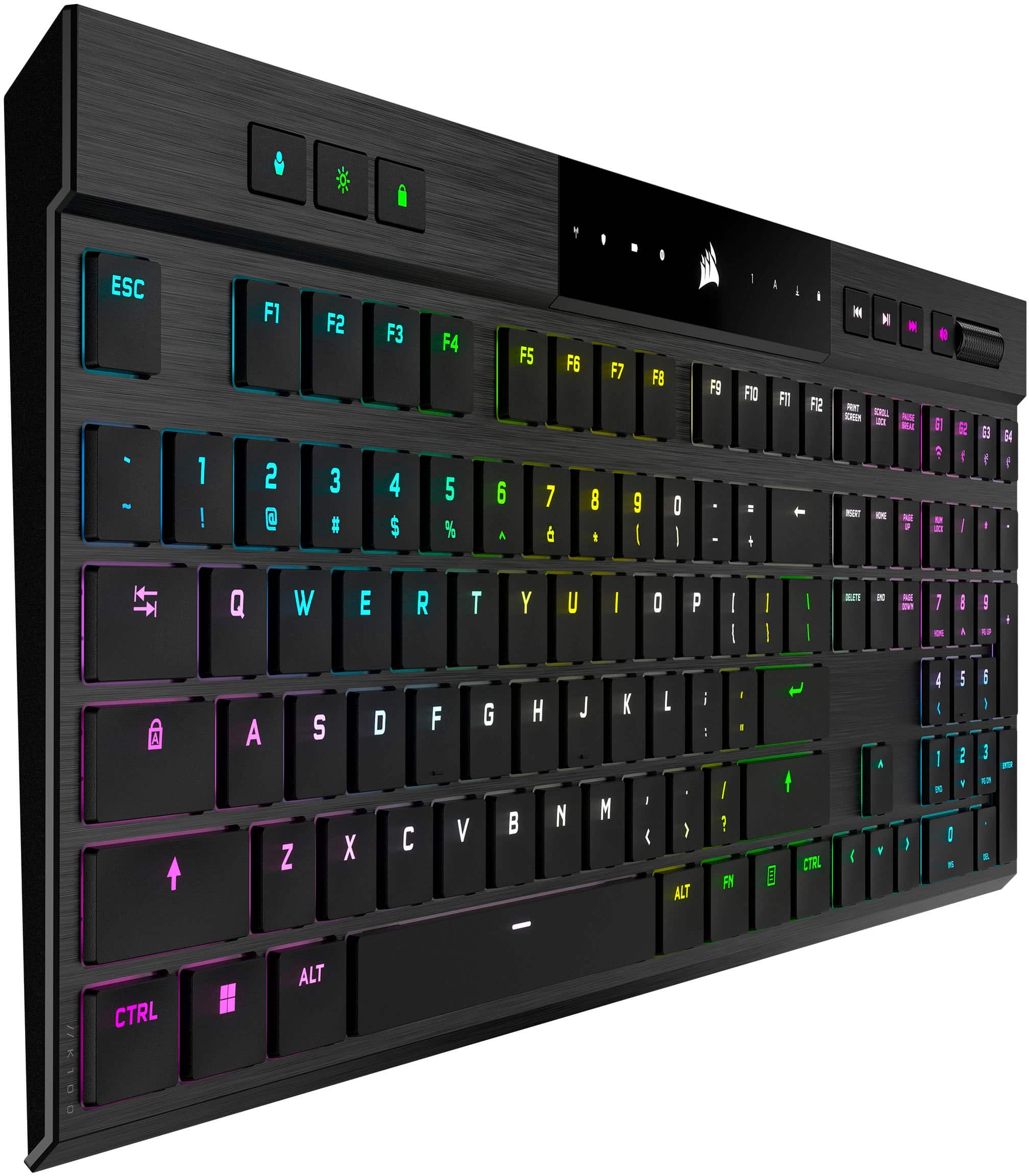
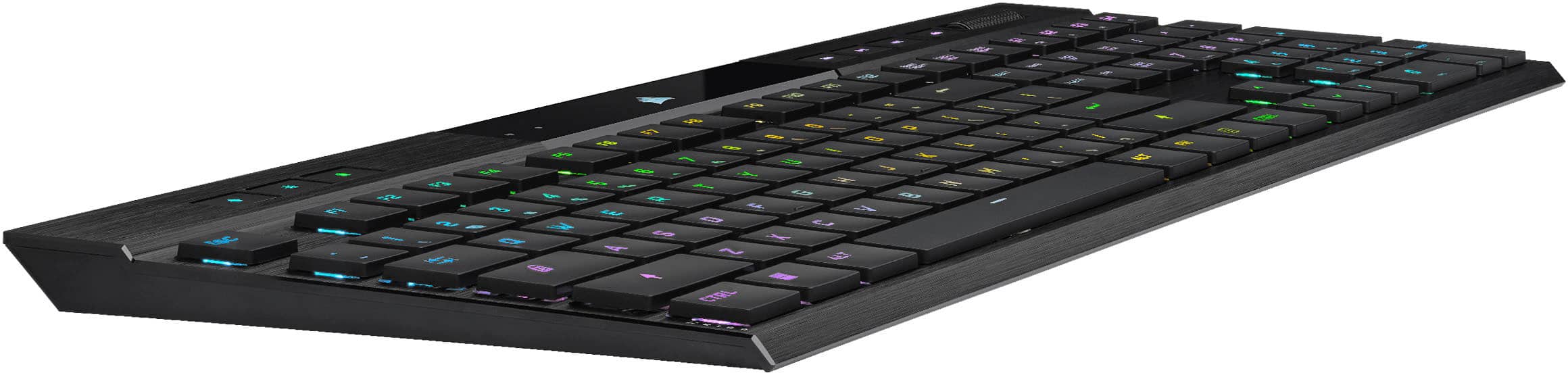
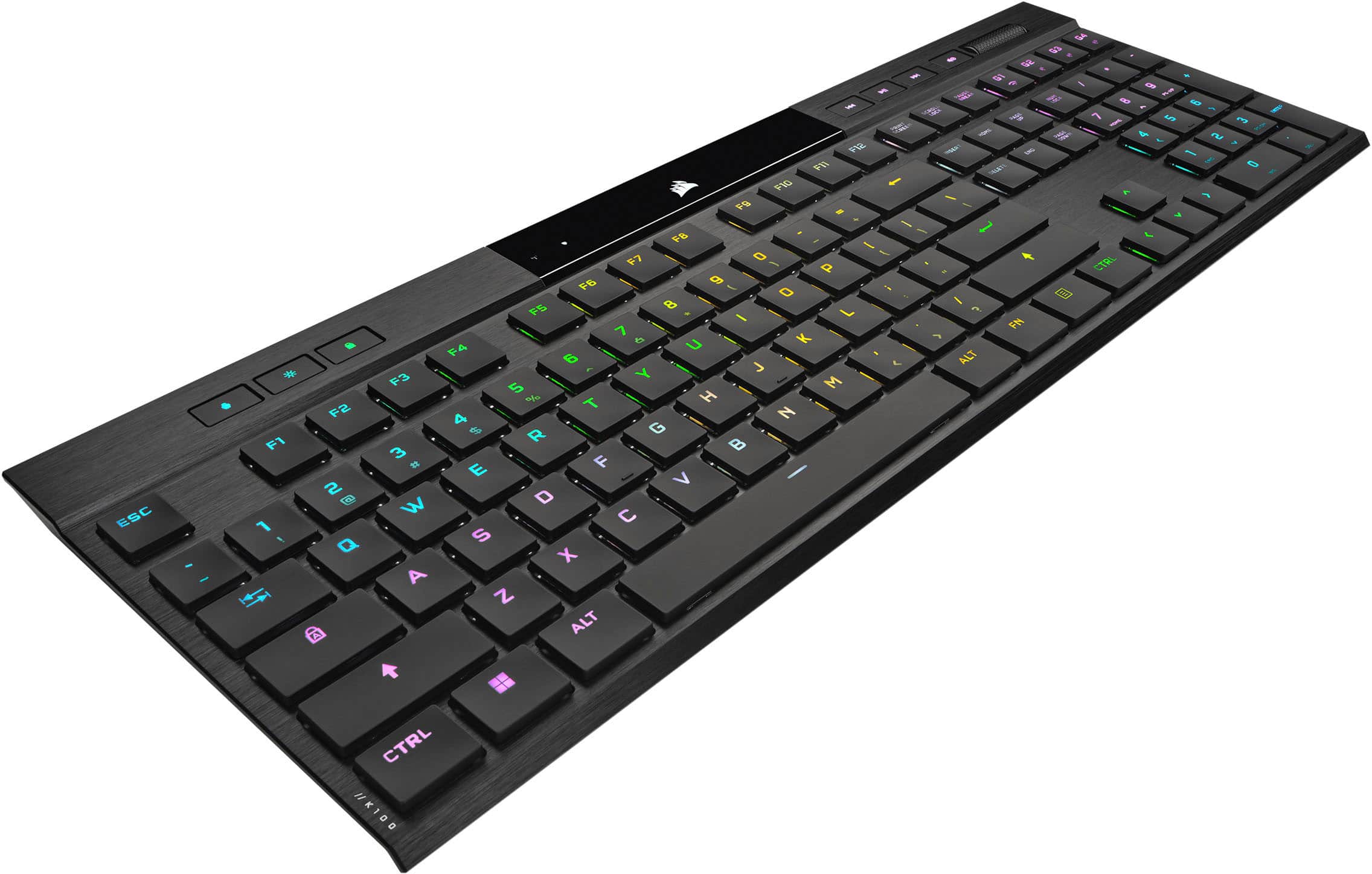
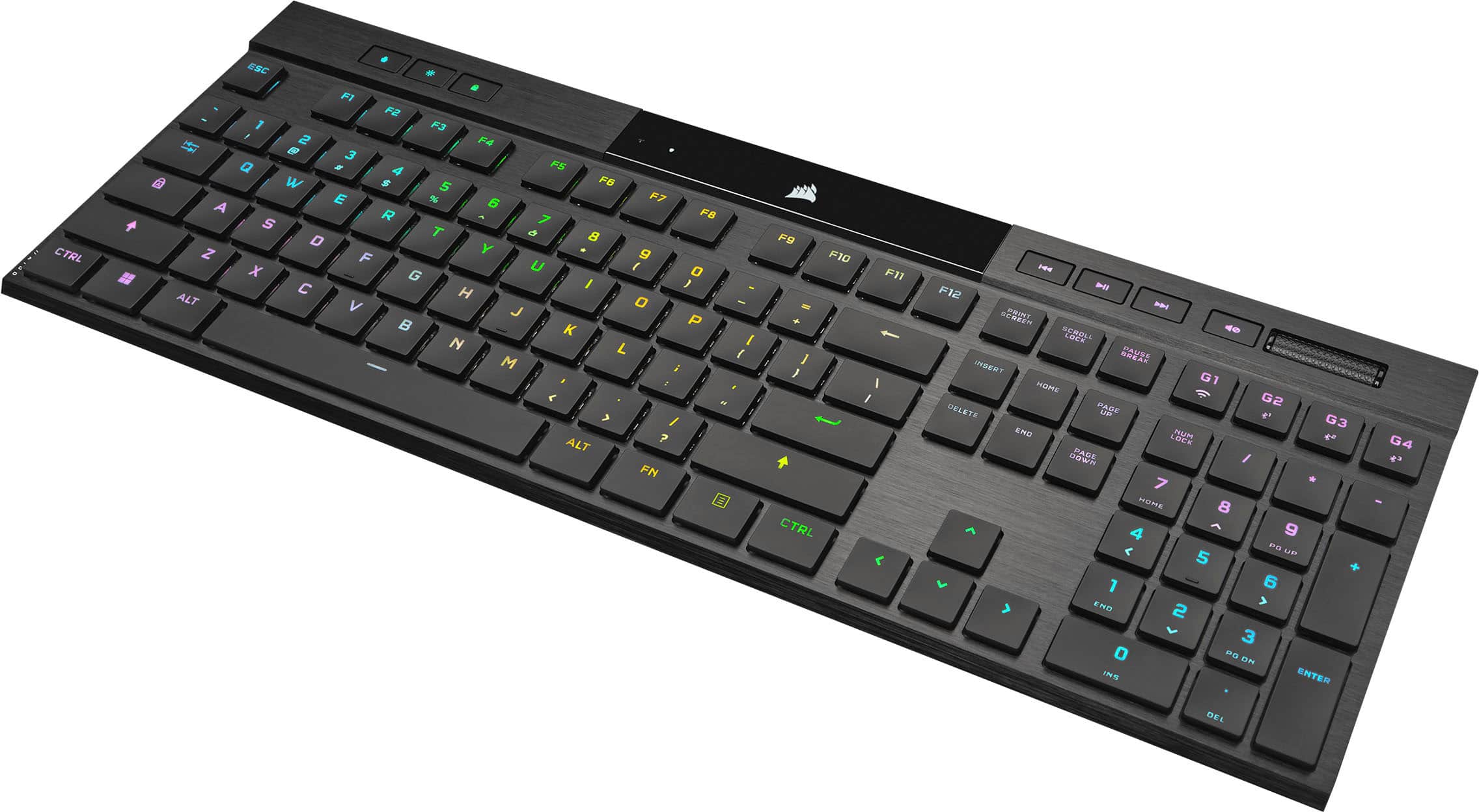
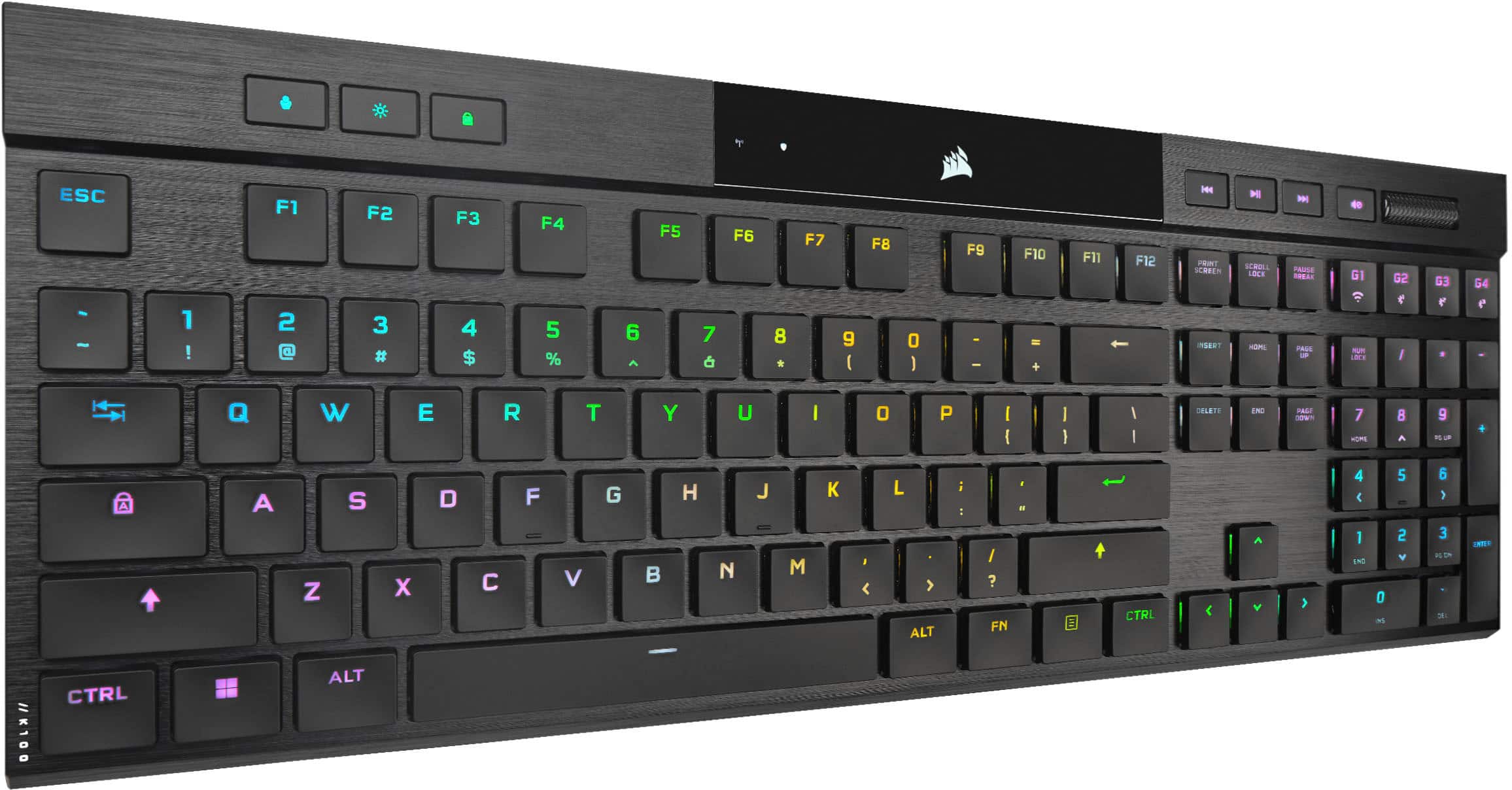
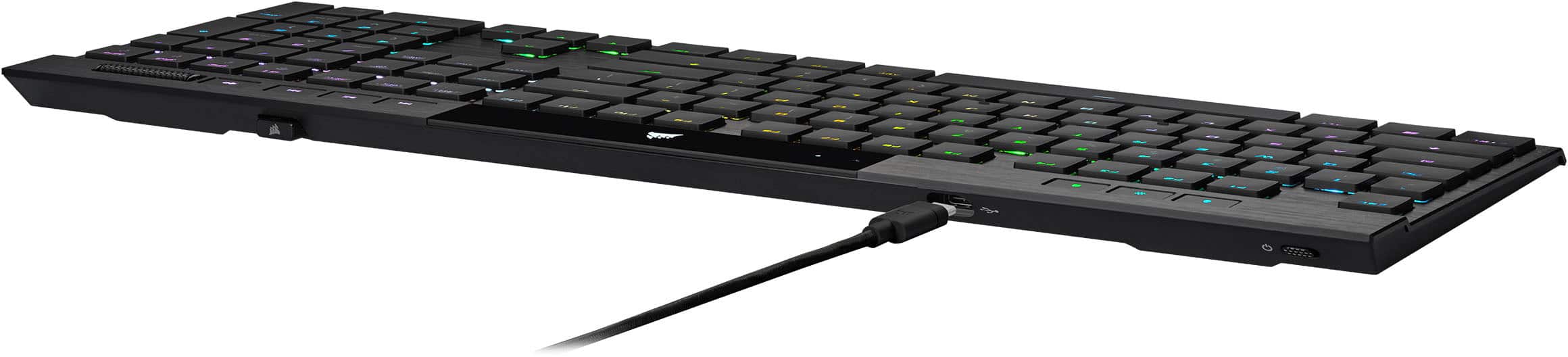
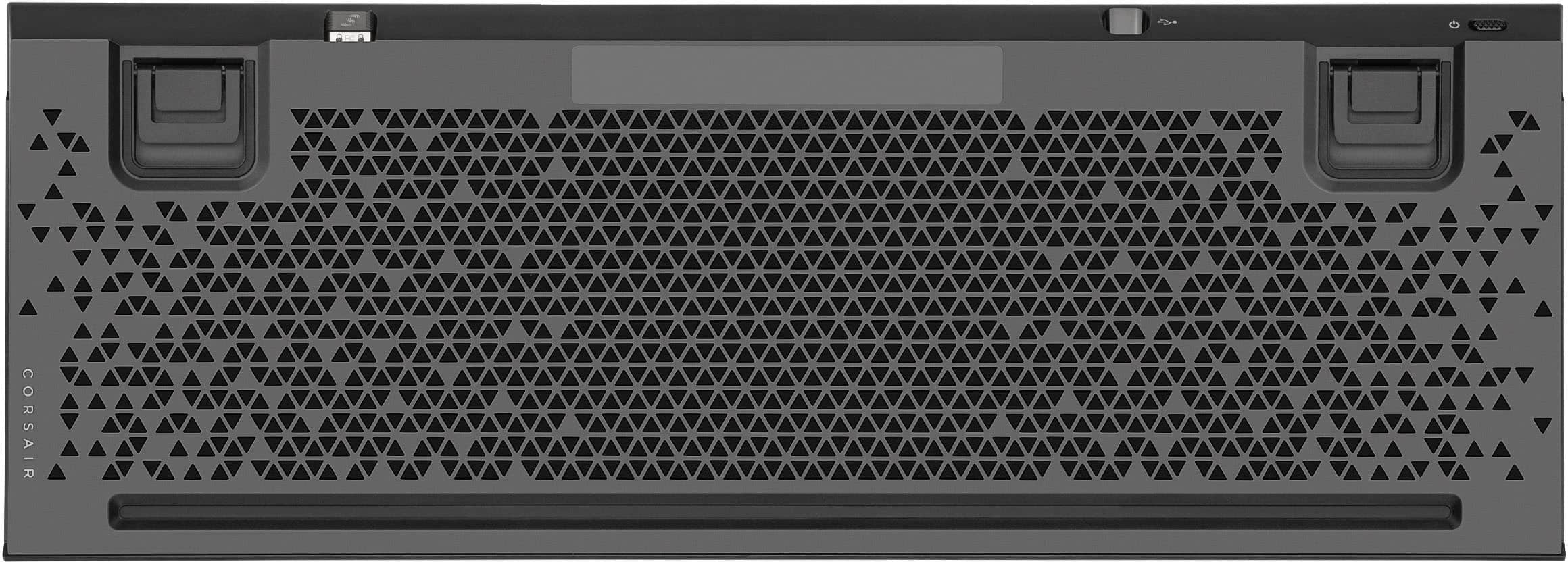
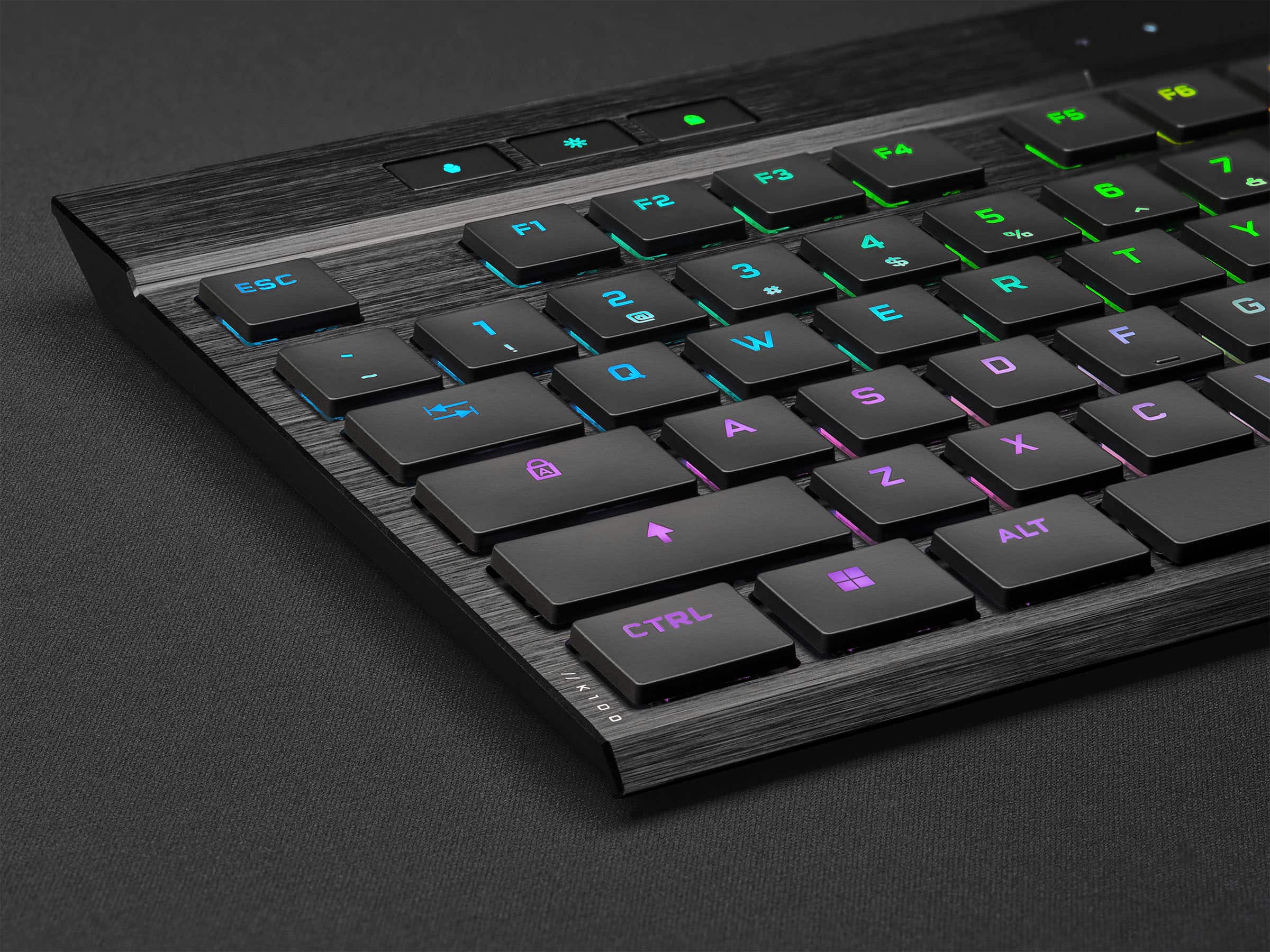
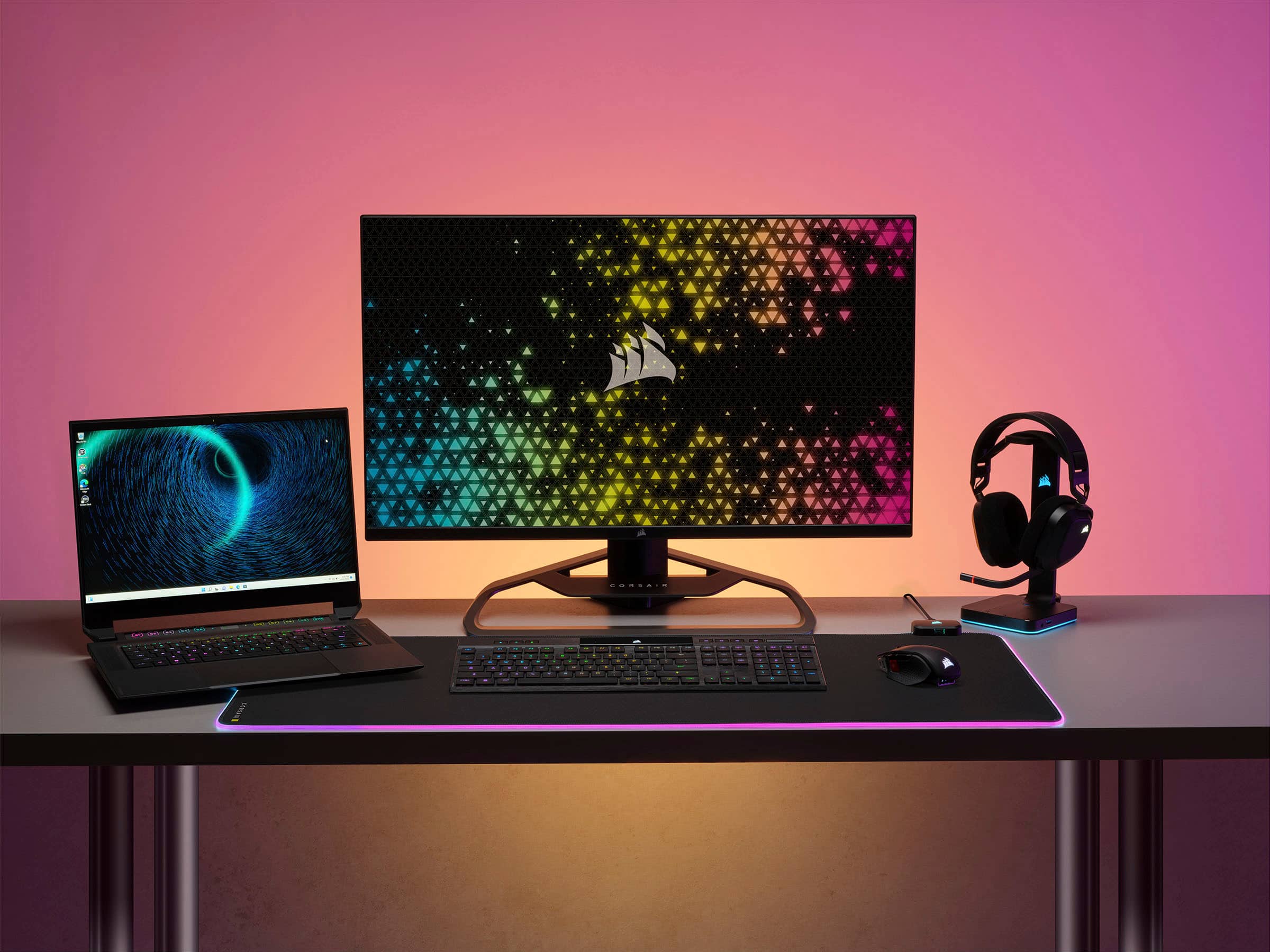
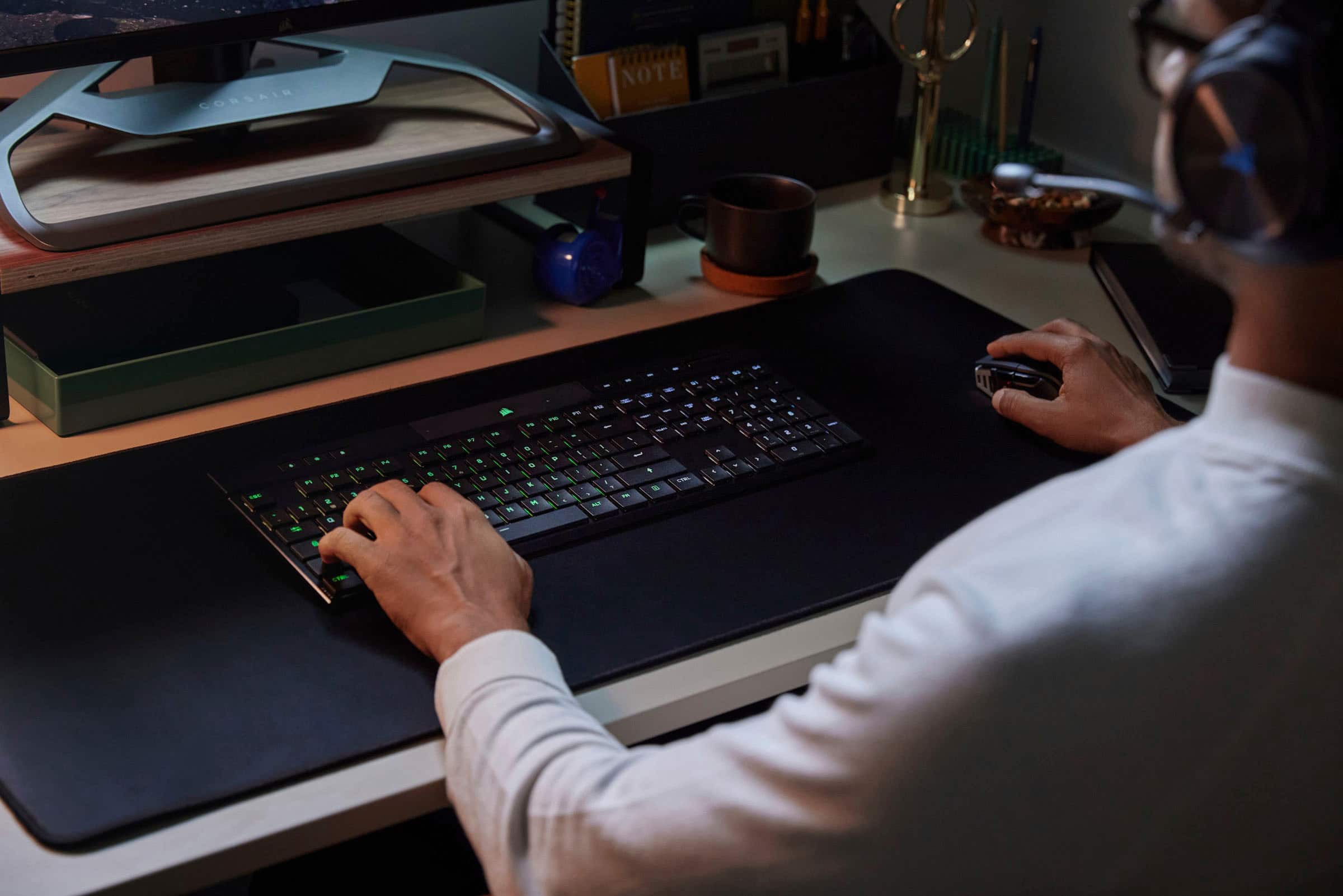
|Posted .This reviewer received promo considerations or sweepstakes entry for writing a review.Let's welcome the new king of all ultra-thin wireless TRULY low-profile keyboards! Others have already tried, but NONE came with a low profile until now. The K100 AIR is a FULL-SIZE keyboard with a clean minimalist aesthetic and slim design measuring just 11mm at its thinnest; the K100 AIR wireless sets the standard for what LOW PROFILE truly is - showing what others are not. It is NOT just a thin bottom plate with huge mechanical key warts sticking out! Corsair took out their Bugatti K100 and made it lighter with connectivity options, a battery, and a quieter typing experience to build the K100 AIR, and it is not lacking anything! The user experience is like driving in your dream luxury or supercar. It turns heads, comfort is next to none, and performance is high-level with features and options galore (most of which you may never use). Be warned; this isn't for everyone, though. If you hate laptop keys, this isn't for you. First things first, unpack the box and get started. If you bought this keyboard, you probably already know what you need to do. Install iCue software if you don't have it already, and ensure you get the two firmware updates available: USB receiver and K100 Air. Once you plug in the USB receiver, everything syncs up and works as plug-and-play should. Be sure to update the firmware and follow instructions before playing with this to avoid any glitches. Take some time if you haven't noticed the fantastic RGBs that are bright and vibrant, with endless options and effects to build using up to 20 Photoshop-like layers in iCue. You can have various profiles onboard that load at the press of a button or when you launch specific applications or games for instant custom experiences. Tactile CHERRY MX Ultra Low Profile mechanical key switches deliver a super-responsive, clicky keystroke with 0.8mm actuation. AXON processing that scans for your keypresses ON A CHIP ON THE BOARD! Overkill for sure, but THE BEST response time. Corsair has designed a genuine low profile that provides more comfortable ergonomics while reducing wrist strain and fatigue. The integration of connectivity options allows you to choose USB, wireless, or Bluetooth when you take this weapon into battle. They have you covered no matter how you choose to game, with varying polling rates up to 8000Hz when wired. The typing experience is among the best, if not the best, I have ever experienced on a laptop-style keyboard. Think gaming laptop keyboard, but with BETTER switches and higher performance. I thoroughly enjoyed typing this review on this board and the hours played to test! Both gamers and productivity can unite under one board. The design follows typical Corsair design language with aggressive styling you will either love or hate, with hard lines galore. This is the CyberTruck keyboard. Play and work are both accomplished easily with this one board. In all three ways I used the board, it excelled, never failed me, and remained easy to use. While gaming, I noticed every key press without latency or delay, and I could barely tell the difference between wired and SLIPSTREAM WIRELESS. I tested it on both PS5 and Xbox using wired and wireless using the dongle without issues. I played for hours and thoroughly enjoyed myself. On PC, you can go to warp speed polling using USB and iCue to unlock 8000hz polling for responsiveness second to none! It is a feature, but I was happy with the normal responsiveness going wireless @ 2,000Hz. All keys are mappable in iCue, where this board REALLY shines. iCue is exceptional and implemented a perfect board software solution. They've included 4 "G" keys you can set macros to along with switch connections. I can connect to 3 different devices with Bluetooth, 1 via USB, or up to 3 devices SLIPSTREAM WIRELESS with the press of a button. One mouse, keyboard, and headset via the USB receiver will save you a few ports. Just another reason to stay in the family. Battery life easily lasted me a week on 50% RGB brightness and 15 minutes power save enabled. On paper, up to 50hrs and 200hrs without RGB on. It charges using the included USB-C and then everything just works when I had to work. This board is summed up in one sentence - Work Hard AND Play Hard. Now it's time to tell you the problems and issues I personally have with the board. First, the price is REALLY premium to match but lacks options for key switches and caps. The board is difficult to clean, and repair, then you cannot customize it. There is only one flavor of switches. If you don't like tactile mechanical switches, you won't want this board. You can only vacuum and tap on the back of the keyboard to clean it and loosen any debris caught under the keys. The glossy plastic piece scratches easily and destroys the beautiful aesthetics of the board if you clean it too many times. Maybe even a screen protector pre-installed would be more helpful. I believe for this price point, perhaps a case or cover to keep it protected since you cannot clean it easily. For some, if you are sloppy, you may see increased typos, but for gaming its a non-issue. I'm a guy who is tough to please and always looking for ways to improve things. There is a lot I would do to improve this board that is already good. There are sharp corners I would smooth a bit without changing the aggressive styling. It is a cut of aluminum, so you feel the edges everywhere. I'd like to see you offer removable keycaps and other switch options. I wonder if the scissor style of switches is what restricts these options, but hopefully they could be in development. The keys are sharp ABS plastic with sharp edges to match; thus hardlines are everywhere. We need a better way to see the actual remaining battery percentage. The icon just says high and low and shows a battery. Hopefully in firmware, we can get some update with estimated battery life remaining in days, but maybe that's patented tech. I would like to see another set of feet to raise the bottom of the board for more options when you need to raise up to a wrist rest. The glossy plastic should be made of 9H tempered glass or plastic to make it scratch-resistant. Wiping your keyboard should not be stressful; being in fear of scratching it with ANYTHING you use to clean it shouldn't be the case. Please include a case or cover and even a branded microfiber to show you get more when you pay more. Create different options for switches and keycaps. PLEASE, PLEASE, PLEASE, make a GOLD or SILVER board! Put a real USB port with passthrough for the SLIPSTREAM WIRELESS receiver storage spot that works when plugged in. PROS +Responsiveness and Low Latency +Performance and actuation height +iCue Software and Customization (hardware/software perfection) +Keys and Switches (but no other choices!) +Connectivity - Excellent to have three options: USB-C, Bluetooth, Slipstream 2.4GHz Wireless. +Quieter but not quiet (muted mechanical sound at best) +Dedicated Media Keys with Volume Roller +PS5 and Xbox Supported NEGATIVE -Difficult to clean. You cannot remove caps to clean and vacuum so you will need to treat this like a laptop keyboard and tap and shake. -Typos possible - some may experience more typos because the keys are tight together and lower. -Plastic is cheap and scratches easily. -Build quality could be better. I would expect aluminum chassis like Apple quality for this price. -Not repairable. Special tools and training are needed. -Keycaps are NOT removable. -Not physically customizable. You cannot change anything physically about the keyboard. One key switch is offered; that is it. In this price range, you are in the higher-end board territory, and you give up a lot here to compromise the low profile. -Did I mention price? If you are looking at this board, it is probably something you will enjoy or should at least try out. This unique offering gives everything you need from your K100 in a portable more capable package that you will pay for. I love this board and it is now my daily driver. It pairs beautifully with my M65RGB wireless and keeps my workspace looking nice without looking to "Gameresque ". Beautiful work Corsair, bravo with a few caveats!
I would recommend this to a friendBEST WIRELESS LOW PROFILE KEYBOARD
||Posted . Owned for 3 weeks when reviewed.This reviewer received promo considerations or sweepstakes entry for writing a review.BEST EVER KEYBOARD! I RECOMMEND IT! but it's pricey for a keyboard. NOW GIVE ME MY GIFT CARD SO I CAN BUY MORE STUFF FROM YOU GUYS! PLEASE!!
I would recommend this to a friendGood
||Posted . Owned for 4 months when reviewed.This reviewer received promo considerations or sweepstakes entry for writing a review.Good but i did not like continuous RGD light after computer shut down
I would recommend this to a friendKeys not tight. Multi-device is clunky.
||Posted . Owned for 1 month when reviewed.This reviewer received promo considerations or sweepstakes entry for writing a review.Keys are mechanical clicky, but they feel loose, not snappy. Bluetooth connectivity turns to standby mode too quickly and takes several seconds to turn back on. Switching between devices is too slow. Overall just not great value for the price.
No, I would not recommend this to a friendBrand response from Corsair
Posted .Hello Justin,
Sounds like you'd benefit from contacting our team for some assistance, please do so right on our site at any time.
-Art
2 Thumbs Up
||Posted . Owned for 11 months when reviewed.This reviewer received promo considerations or sweepstakes entry for writing a review.Great keyboard! I haven't had any problems, and the lighting software is easy to use and is capable of plenty lighting needs.
I would recommend this to a friendKeyboard
||Posted . Owned for 1.5 years when reviewed.This reviewer received promo considerations or sweepstakes entry for writing a review.Was not working for me. I had to get a new keyboard.
I would recommend this to a friendFor a $300 keyboard, Highly disappointing
||Posted . Owned for 1 month when reviewed.This reviewer received promo considerations or sweepstakes entry for writing a review.Needed to be charged every other day, (My Logi MX Keys would go 1+ mos before the next charge) and one day, the keyboard just died. Total Kaput. Luckily it was under Bestbuy Warranty.
No, I would not recommend this to a friendWorked good for 3 months
||Posted .This reviewer received promo considerations or sweepstakes entry for writing a review.Started off good now 3 months in the keys jam and sometimes the number keypad doesn’t work, not sure what’s going on but it’s frustrating for $200. Iv had it in an office the whole time so I’m not abusing it or anything just normal use.
No, I would not recommend this to a friendExcellent, pricy keyboard
||Posted . Owned for 1 month when reviewed.This reviewer received promo considerations or sweepstakes entry for writing a review.Definitely wouldn’t pay full price but if you can get it on sale and use reward points this is a great keyboard. Right amount of tactility and good customization.
I would recommend this to a friendGreat keyboard just expensive
||Posted . Owned for 3 weeks when reviewed.This reviewer received promo considerations or sweepstakes entry for writing a review.Exactly what you want out of this keyboard just decide if you are willing to spend the money
I would recommend this to a friendGreat keyboard
||Posted . Owned for less than 1 week when reviewed.This reviewer received promo considerations or sweepstakes entry for writing a review.This keyboard is a beast it is great if you have large hands and can take repetitive beatings on the keys and they are nice and clicky
I would recommend this to a friendFideo
||Posted . Owned for 1 week when reviewed.This reviewer received promo considerations or sweepstakes entry for writing a review.Excelente keyboard lights goes on all time super fast easy to use well combine w / son pc
I would recommend this to a friendCorsair K100 Air
||Posted . Owned for 1 month when reviewed.This reviewer received promo considerations or sweepstakes entry for writing a review.Love the look and feel of this keyboard. I also have the Logic G915 and prefer the Corsair keyboard. Keycaps are solid and well built.
I would recommend this to a friendFirst Corsair
||Posted . Owned for 1 month when reviewed.This reviewer received promo considerations or sweepstakes entry for writing a review.Great typing experience. It doesn’t feel too big on the desk for a full size keyboard.
I would recommend this to a friendk100 air
||Posted . Owned for 1 month when reviewed.This reviewer received promo considerations or sweepstakes entry for writing a review.A lot nicer than the k95 that I had. quieter. glad I bought it.
I would recommend this to a friendPerfect Gaming KB!
||Posted . Owned for 3 weeks when reviewed.This reviewer received promo considerations or sweepstakes entry for writing a review.What I have been looking for in a Wireless KB. Low profile and ergonomics is perfect for gaming
I would recommend this to a friend