Skip to contentGo to Product Search
Gift Ideas
45575 Dulles Eastern Plz
Ste 188
Sterling, VA 20166
Opens at 10 am
Find Another Store
Main Content

Customer Ratings & Reviews
$235.00
Save $94.99
Comp. Value: $329.99

Customer reviews

Rating 4.3 out of 5 stars with 357 reviews

Rating Filter

Rating by feature

  • Value

    Rating 3.8 out of 5 stars

  • Quality

    Rating 4.5 out of 5 stars

  • Ease of Use

    Rating 4.5 out of 5 stars

Pros mentioned filter

Cons mentioned filter

84%would recommend to a friend
The vast majority of our reviews come from verified purchases. Reviews from customers may include My Best Buy members, employees, and Tech Insider Network members (as tagged). Select reviewers may receive discounted products, promotional considerations or entries into drawings for honest, helpful reviews.
Page 16 Showing 301-320 of 357 reviews
  • Rated 5 out of 5 stars

    Great!

    |
    |
    Posted . Owned for 3 weeks when reviewed.
    This reviewer received promo considerations or sweepstakes entry for writing a review.

    Wonderful product as usual from Corsair. Couldn't ask for better.

    I would recommend this to a friend
  • Rated 5 out of 5 stars

    An excellent premium keyboard.

    |
    |
    Posted . Owned for 3 weeks when reviewed.
    This reviewer received promo considerations or sweepstakes entry for writing a review.

    This keyboard is excellent, colicky and has a great style. This will be excellent for any gamer.

    I would recommend this to a friend
  • Rated 5 out of 5 stars

    I love it.

    |
    |
    Posted . Owned for 3 weeks when reviewed.
    This reviewer received promo considerations or sweepstakes entry for writing a review.

    Perfect……………………………………………………………………………….::::::::::::::

    I would recommend this to a friend
  • Rated 3 out of 5 stars

    Good Until a Firmware Update Failed

    |
    |
    Posted . Owned for 11 months when reviewed.
    This reviewer received promo considerations or sweepstakes entry for writing a review.

    Keyboard itself is okay. The bottom antislip tracks peeled off in the first two months and a firmware update has destroyed the wireless function. Just a very expensive wired keyboard at this point.

    No, I would not recommend this to a friend
    • Brand response from Corsair
      Posted .

      Hi,

      Sorry to hear about your experience. Considering this keyboard carries a 2-year warranty, please contact support via our website - we'd appreciate the opportunity to remedy this.

      -Albert CorsairGaming

  • Rated 5 out of 5 stars

    Rainbow Keyboard

    |
    |
    Posted . Owned for 3 months when reviewed.
    This reviewer received promo considerations or sweepstakes entry for writing a review.

    Colorful, slim, quick response. The scroll wheel for volume is pretty handy

    I would recommend this to a friend
  • Rated 5 out of 5 stars

    Great Keyboard

    |
    |
    Posted . Owned for 1 month when reviewed.
    This reviewer received promo considerations or sweepstakes entry for writing a review.

    Very smooth and low profile to type on. Does make the usual mechanical keyboard noises though.

    I would recommend this to a friend
  • Rated 5 out of 5 stars

    Expensive but underestimated.

    |
    |
    Posted . Owned for 1 week when reviewed.
    This reviewer received promo considerations or sweepstakes entry for writing a review.

    Soo good. my wrist pain has went away!!! I underestimated how good it was going to be.

    I would recommend this to a friend
  • Rated 5 out of 5 stars

    Great keyboard

    |
    |
    Posted . Owned for 3 weeks when reviewed.
    This reviewer received promo considerations or sweepstakes entry for writing a review.

    Great product no issues easy to use highly recommend this product

    I would recommend this to a friend
  • Rated 3 out of 5 stars

    Not worth it for the price

    |
    |
    Posted . Owned for 1 month when reviewed.
    This reviewer received promo considerations or sweepstakes entry for writing a review.

    I had Alienware X11, which technically uses the same key switch as this one. But somehow the key strokes feels different. This one feels slugish when you type, mistypes all the time and requires extra effort. Totally not worth it for the price

    No, I would not recommend this to a friend
    • Brand response from Corsair
      Posted .

      Hi,

      The K100 AIR's key switches are not identical to that laptop's keys. Although similar in size to laptop keys, the CHERRY MX ULTRA LOW PROFILE key switches are vastly different from traditional laptop keys, offering the mechanical key switch experience that tailors to the preference of many gamers and enthusiasts. You can find more details on the CHERRY MX ULTRA LOW PROFILE mechanical key switches here: (https://www.cherrymx.de/en/cherry-mx/mx-ultra-low-profile/mx-ulp-click.html). If you have any questions, please reach out - we'd be happy to assist: help.corsair.com

      -Albert CorsairGaming

  • Rated 5 out of 5 stars

    Amazing keyboard

    |
    |
    Posted . Owned for 1 month when reviewed.
    This reviewer received promo considerations or sweepstakes entry for writing a review.

    Love the feel and usability. Works perfect with all its different features.

    I would recommend this to a friend
  • Rated 5 out of 5 stars

    Highly recommend

    |
    |
    Posted . Owned for 3 weeks when reviewed.
    This reviewer received promo considerations or sweepstakes entry for writing a review.

    %100 worth the money if your looking to buy do it.

    I would recommend this to a friend
  • Rated 5 out of 5 stars

    WOW

    |
    |
    Posted . Owned for 1 week when reviewed.
    This reviewer received promo considerations or sweepstakes entry for writing a review.

    it is VERY responsive. Looks good. It has made me a Corsair fan.

    I would recommend this to a friend
  • Rated 5 out of 5 stars

    Beautiful

    |
    |
    Posted . Owned for 1 week when reviewed.
    This reviewer received promo considerations or sweepstakes entry for writing a review.

    Looks really nice and runs incredibly smooth and in sync

    I would recommend this to a friend
  • Rated 5 out of 5 stars

    Corsair K1000

    |
    |
    Posted . Owned for 1 month when reviewed.
    This reviewer received promo considerations or sweepstakes entry for writing a review.

    Love the looks and feel of this keyboard. Flexible connection options.

    I would recommend this to a friend
  • Rated 2 out of 5 stars

    Noisy and complicated keyboard. Wireless? Kinda

    |
    |
    Posted . Owned for less than 1 week when reviewed.
    This reviewer received promo considerations or sweepstakes entry for writing a review.

    The problem is "wireless" is misnomer. You could call it "kinda wireless". I mean, in the end you are in fact having to add a wire to charge it. And this thing is LOUD. The spacebar is horrible. I don't recommend this keyboard. I went with wireless mouse which can charge on a wireless charger, and that helped enough. So I ended up with the K100 wired. Much quieter. Both the k100 and k100 air are EXPENSIVE though. And the biggest reason I went with these keyboards is I didn't want to add Razor's RGB software to my already large pile of software packages. I already have MSI, GHUB, and iCUE.

    No, I would not recommend this to a friend
    • Brand response from Corsair
      Posted .

      Hi,

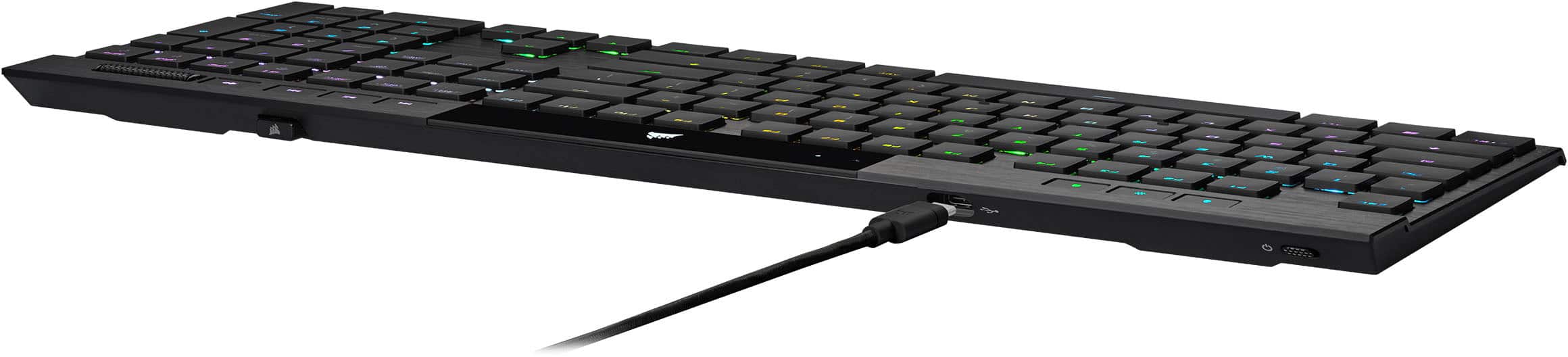
      The K100 AIR is capable of up to 200 hours of battery life on a single charge. Fully charging the K100 AIR's battery via the detachable braided USB Type-C cable should take no longer than a few hours, depending on the power source. In regard to the space bar, please contact us - we'd appreciate the opportunity to further look into this and provide assistance: help.corsair.com

      -Albert CorsairGaming

  • Rated 1 out of 5 stars

    Broke within the first two weeks.

    |
    |
    Posted . Owned for 1 week when reviewed.
    This reviewer received promo considerations or sweepstakes entry for writing a review.

    I really wanted to like this keyboard but it did have a couple issues. 1) High key actuation force 2) Not-TKL (obvious, but having used TKLs for a while the extra space it took it up on the desk was noticeable) 3) The largest issue is that one of the arrow keys BROKE within the first two weeks. I'm glad it's in the return window, but I take care of my peripherals and it's shocking that a $300 keyboard would break so soon. Bad switch implementation.

    No, I would not recommend this to a friend
    • Brand response from Corsair
      Posted .

      Hi,

      Sorry to hear about your experience. Considering our keyboards carry a 2-year warranty, please get in touch with us - we'd appreciate the opportunity to further look into this and getting this resolved. Reach out directly to our Support Escalation team at [email protected] with a screenshot of this review, and our team will assist you ASAP.

      -Albert CorsairGaming

  • Rated 1 out of 5 stars

    Many pros with a glaring con

    |
    |
    Posted . Owned for less than 1 week when reviewed.
    This reviewer received promo considerations or sweepstakes entry for writing a review.

    Great form factor and asthetically pleasing enough to justify the price (while on sale) but freezes very often in the middle of use. Unreliable for any sort of gaming, it may freeze for up to 10-20 seconds before starting again. Issue is very common based off online forums and multiple replacement keyboards.

    No, I would not recommend this to a friend
    • Brand response from Corsair
      Posted .

      Hello,

      This is, of course, not common. Do contact our team directly on our site for assistance with your issue!

      -Art CorsairGaming

  • Rated 2 out of 5 stars

    Great keyboard, Windows Key doesn't work

    |
    |
    Posted . Owned for 1 week when reviewed.
    This reviewer received promo considerations or sweepstakes entry for writing a review.

    The keys are great. You can't use Windows Key + commands. You'd think for 300 bucks you'd be able to use generic windows commands but for some reason the keyboard can't determine when you're pressing more than 1 button at a time. I use these commands for work constantly so I can't use this keyboard for work which was the reason I purchased it. I would recommend this for gamers, I would NOT recommend this for daily driver.

    No, I would not recommend this to a friend
    • Brand response from Corsair
      Posted .

      Hello,

      The keyboard can definitely take shortcuts, please contact our team directly right on our site for assistance.

      -Art CorsairGaming

  • Tech Insider Network Member

    Rated 4 out of 5 stars

    Fantastic ultra-thin gaming keyboard

    |
    Tech Insider Network Member
    Posted .
    This reviewer received promo considerations or sweepstakes entry for writing a review.

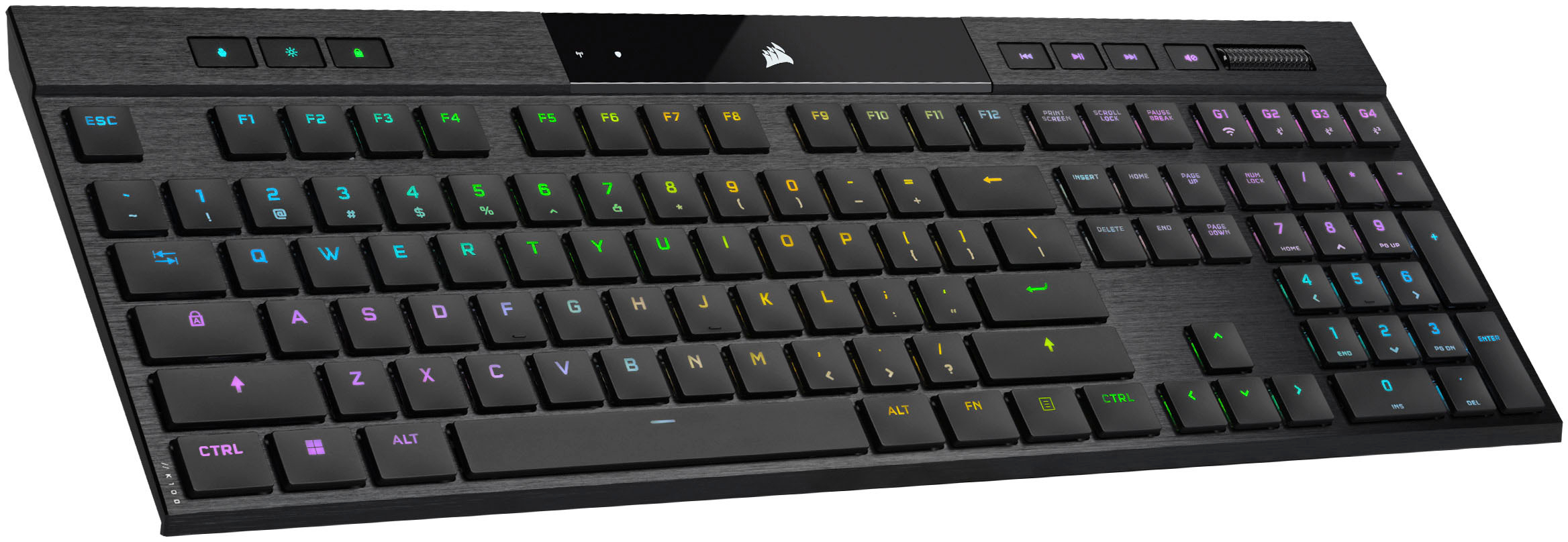
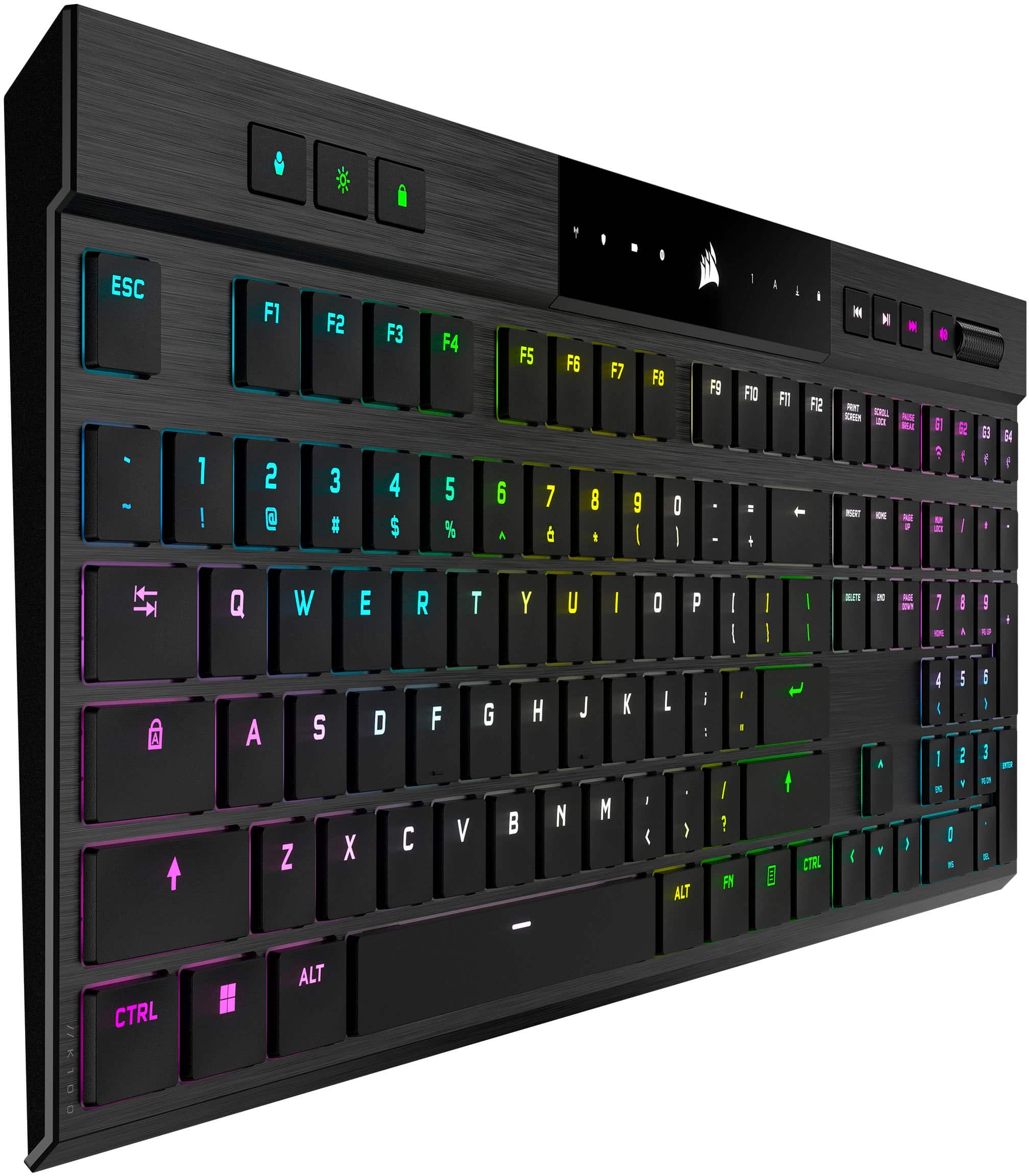
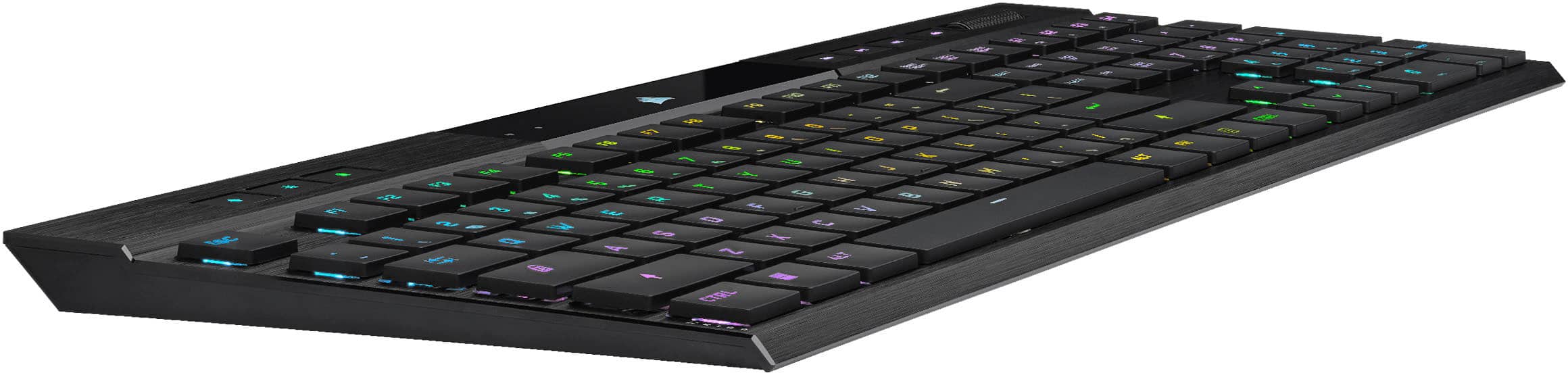
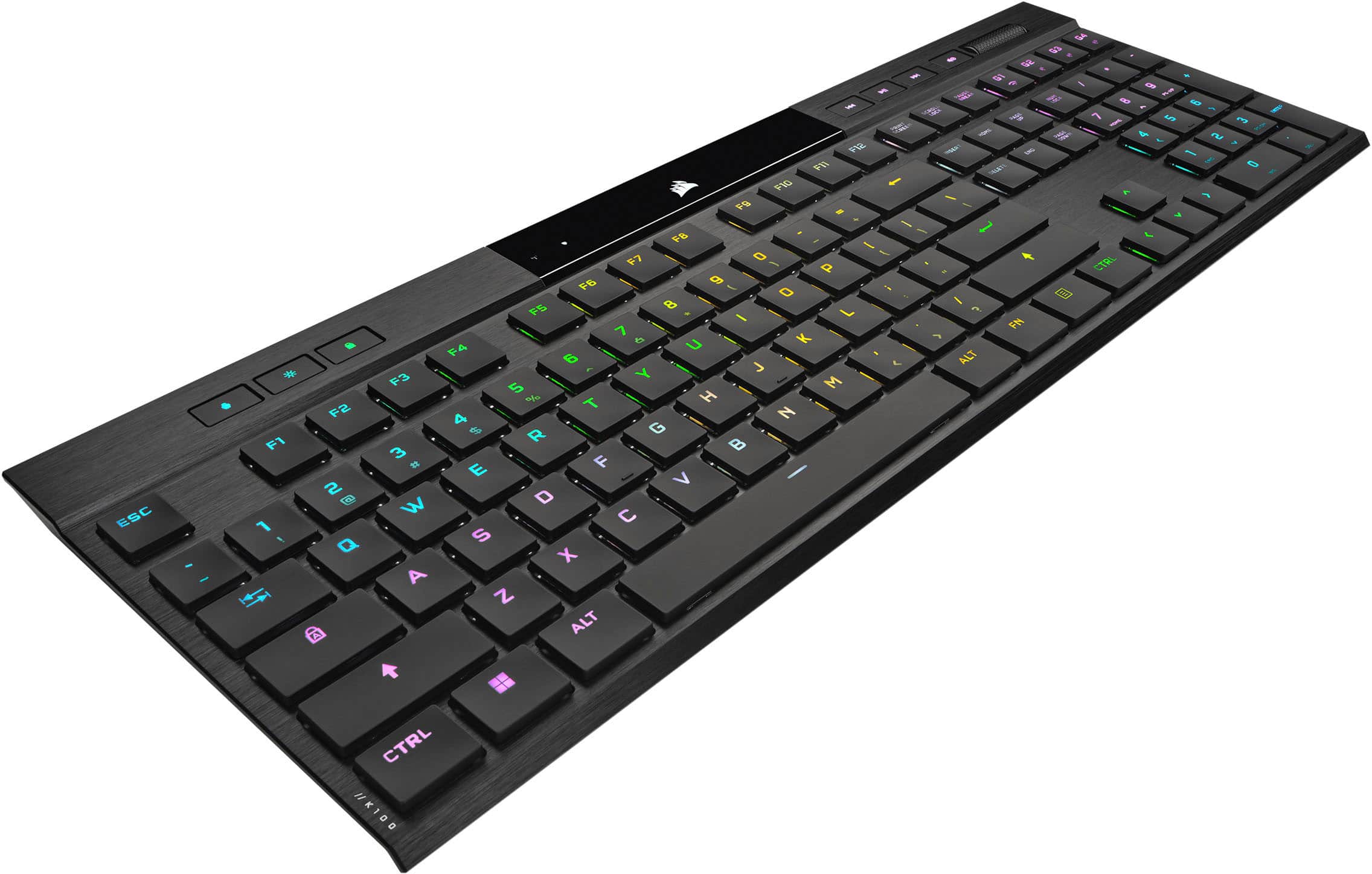
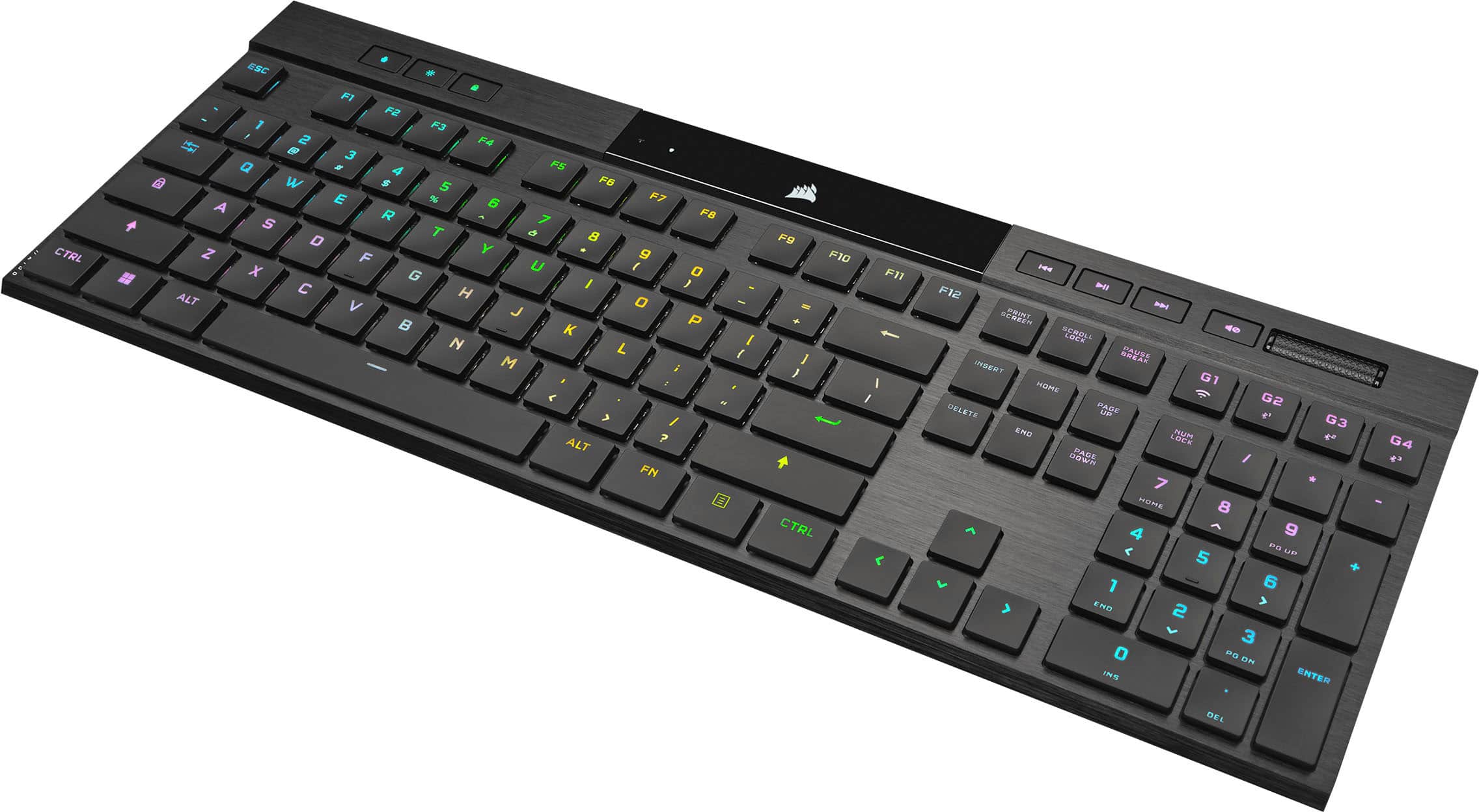
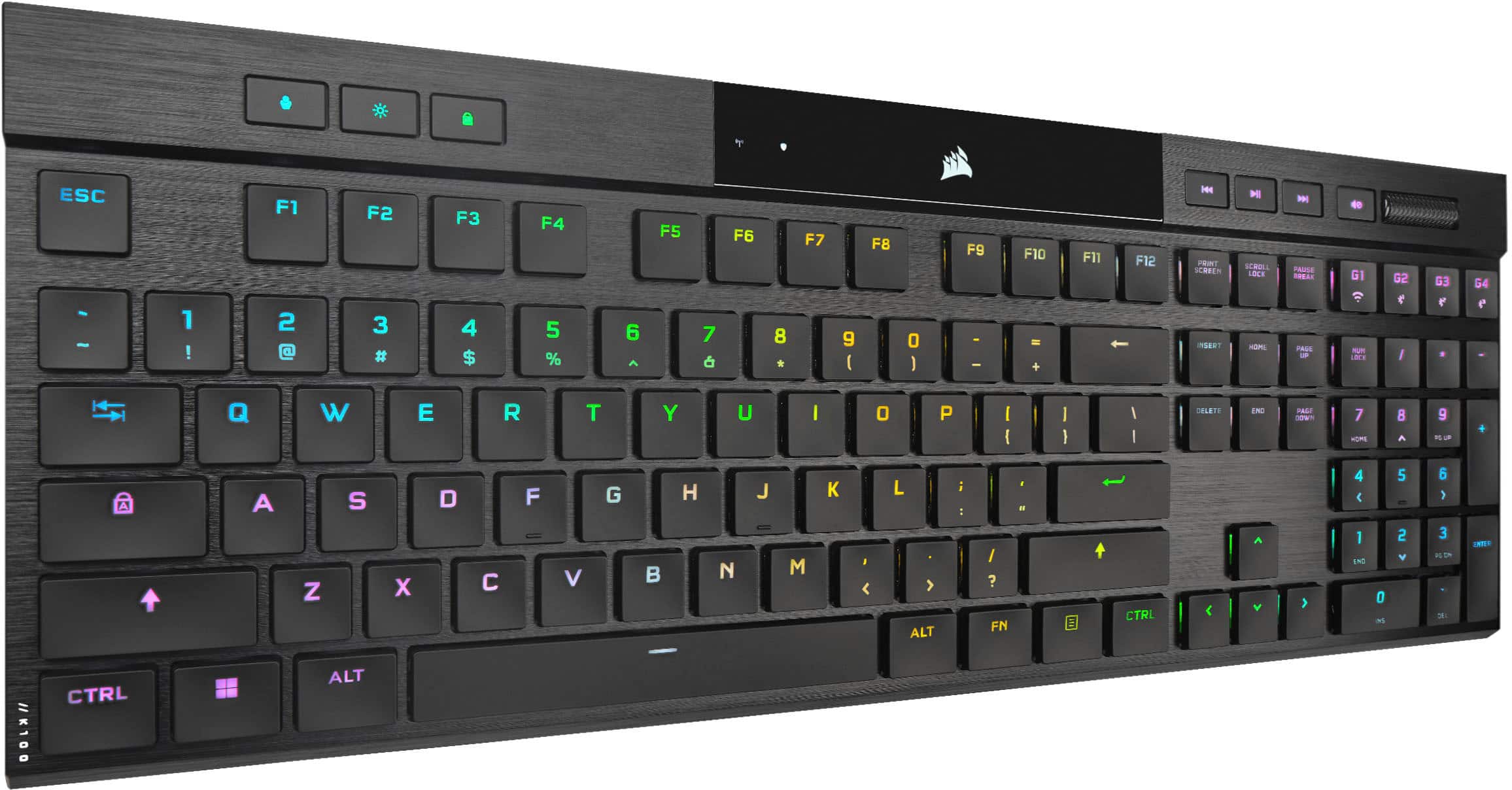
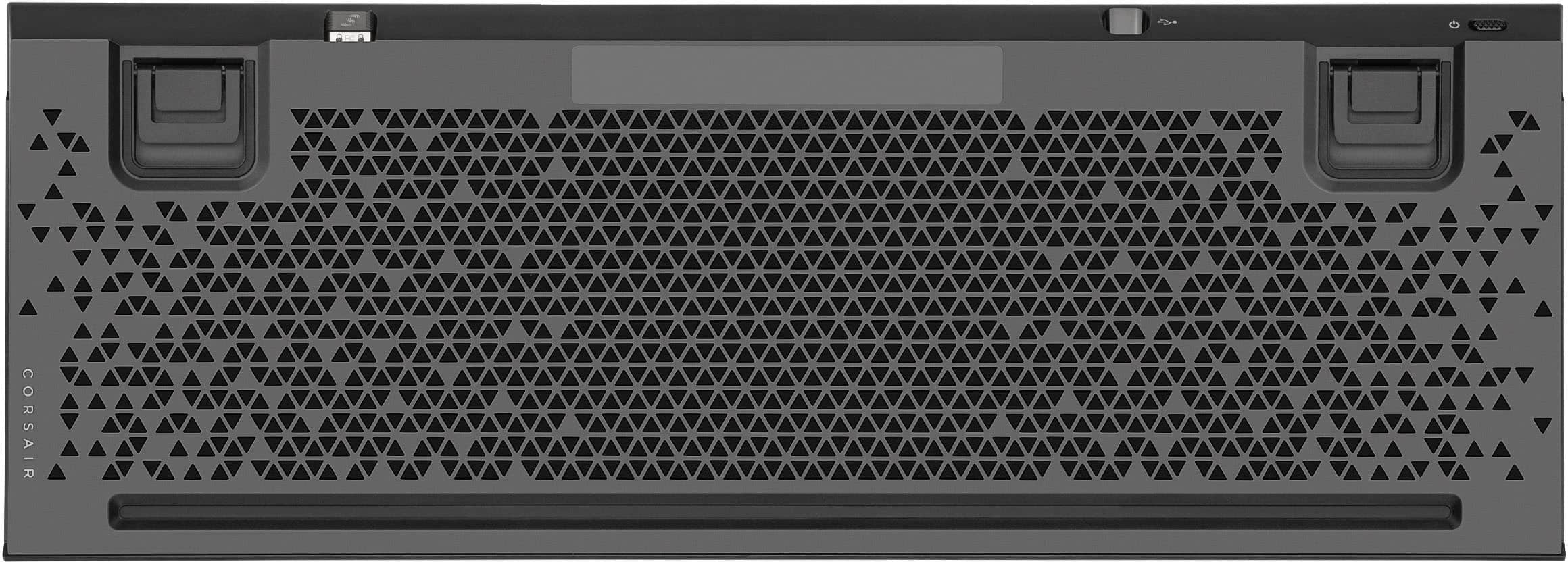
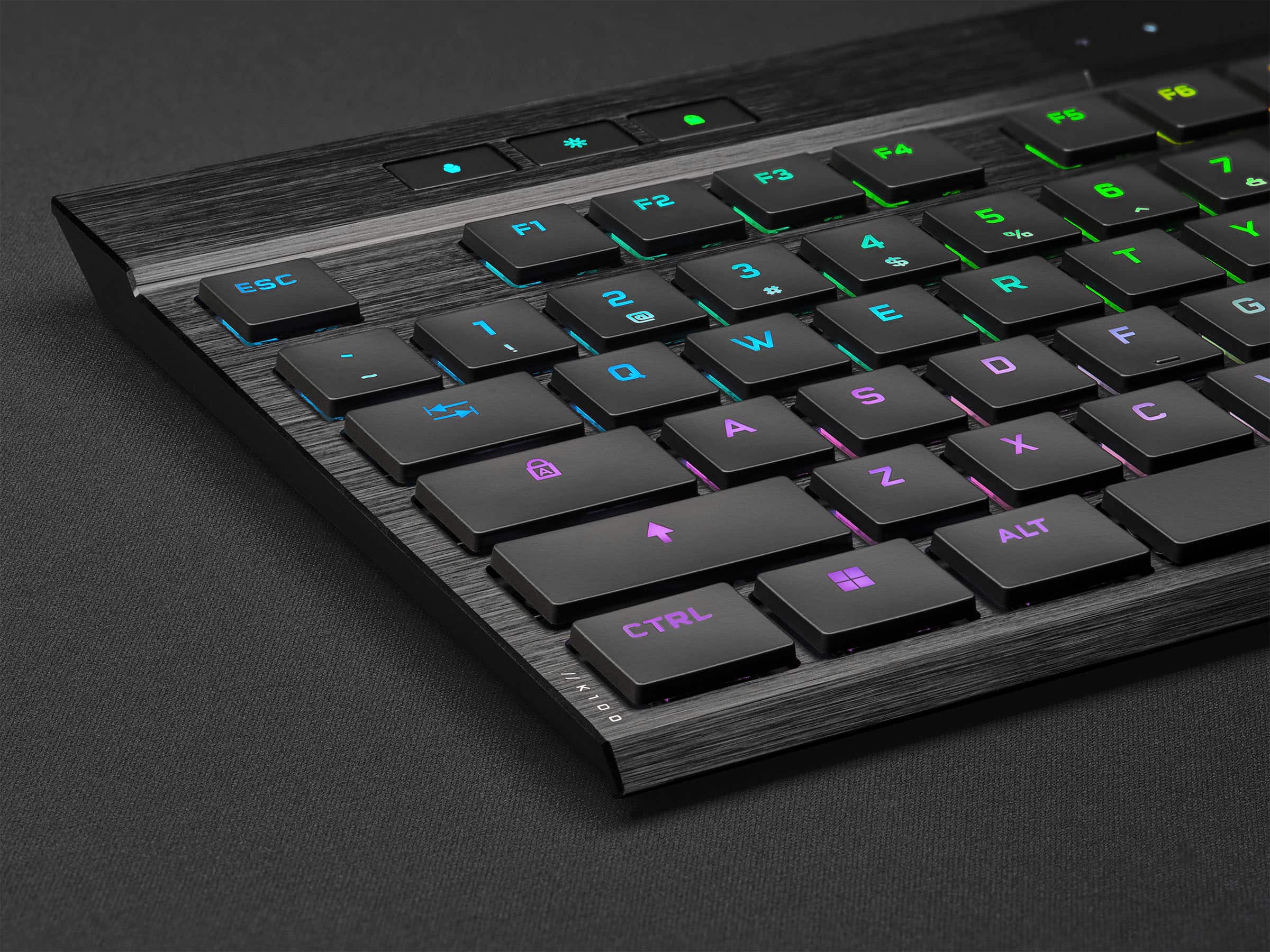
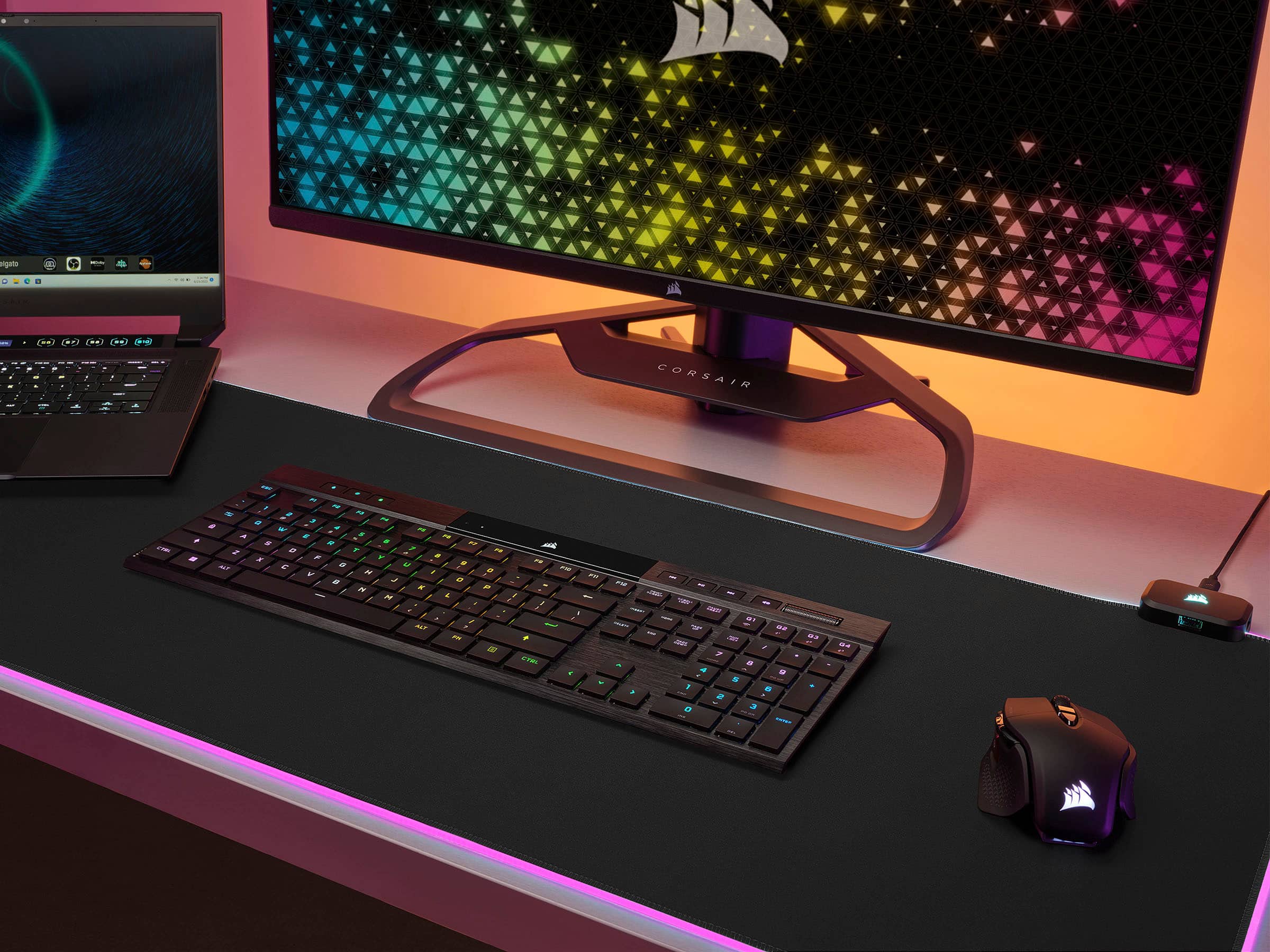
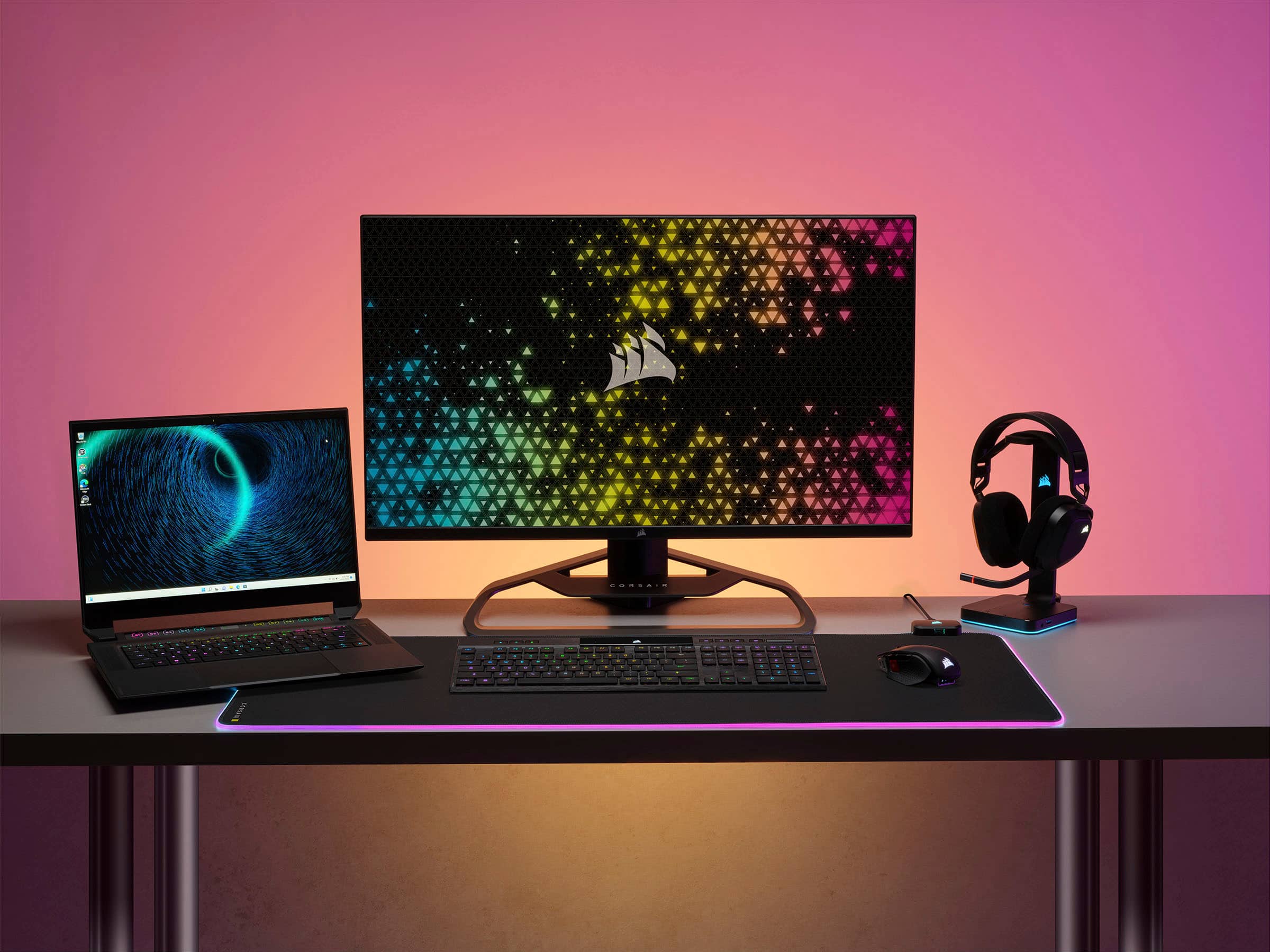
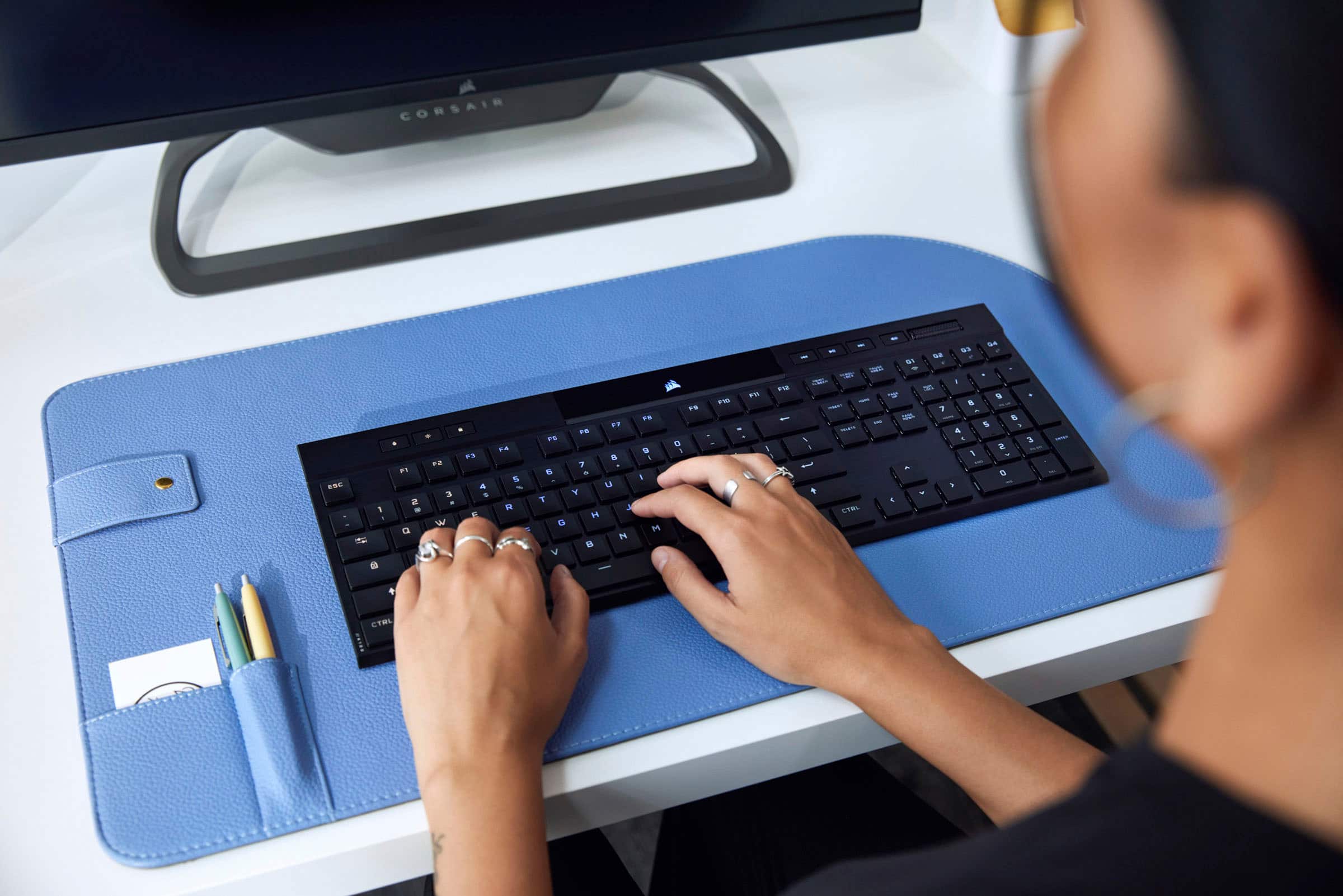
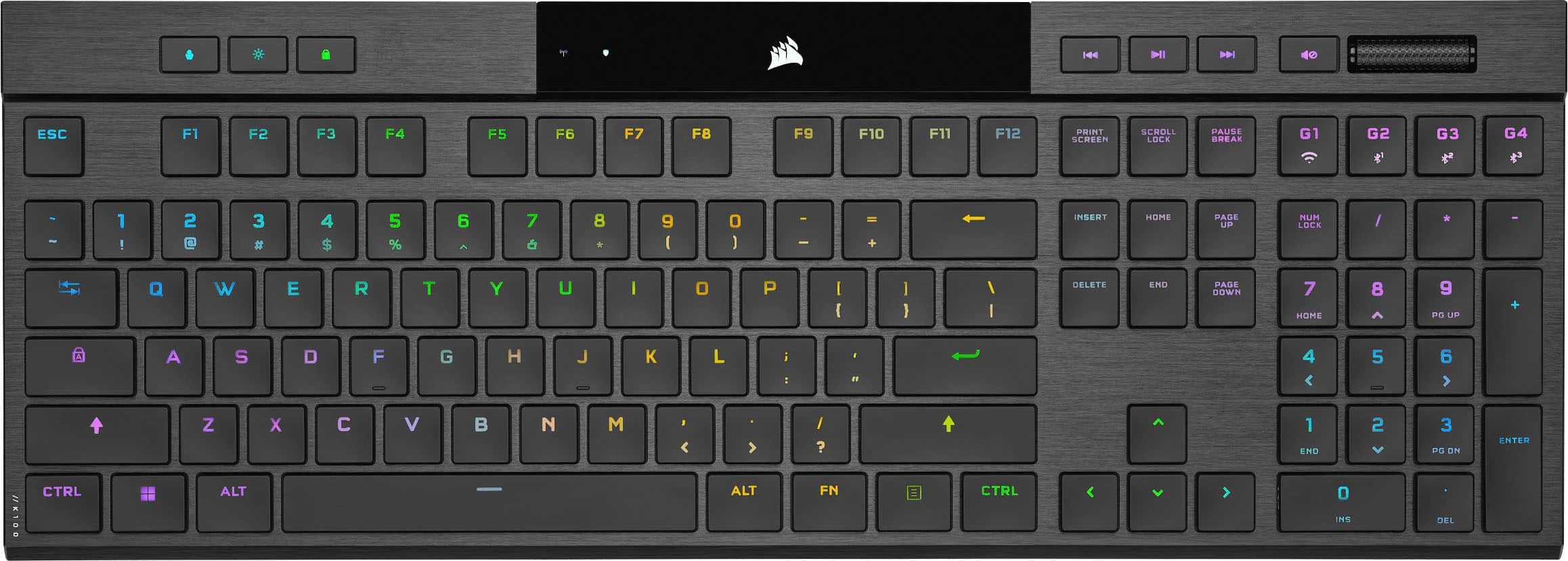
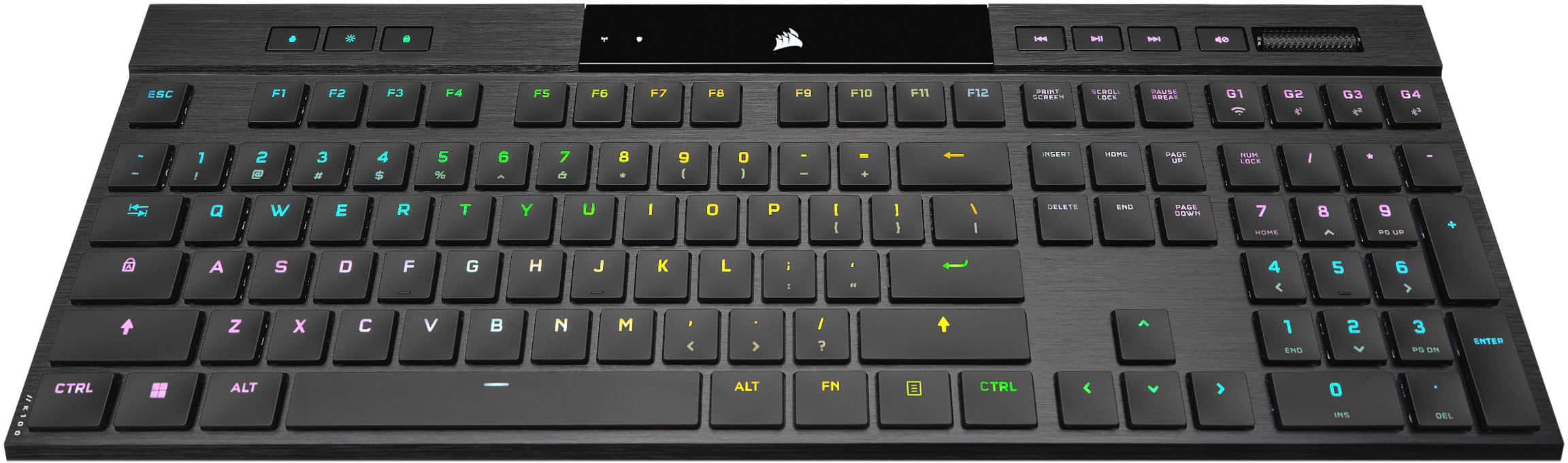
    Gaming is excellent! Response times are immediate on both Slipstream and wired. I did test Bluetooth but not for gaming. According to Corsair, I can set max poll rates of 1000hz for Bluetooth, 2000hz for slipstream, and 8000hz over high-speed USB. 8000hz equates to near instantaneous response to for every key press. Even better, the keyboard has full key rollover with anti-ghosting. This essentially means that my keyboard is most likely not the cause of me stinking at my game. I am not a hyper competitive FPS player. But, I a very fast typist who can bury a keyboard when I get warmed up. As is, the keyboard can keep up with my 100+ word a minute typing, including mistakes and corrections, without a single dropped character or keyboard command. If this can keep up with my typing without showing any drops or hesitation, then competitive gaming response should not be an issue for anyone. Just keep in mind that anything over 1000hz polling rate will require additional processing power. In game, every key, including the G-keys, worked flawlessly; both wired and over Slipstream. Through the iCUE software, I was able to color code my keyboard for the WASD keys, jump, weapon controls, and any special thematic affects. For example, one of my games allows for artillery strikes and UAVs. My profile presents this with blue and red blinking lights. This way, if I need to glance at my keyboard the special keys will jump out from among all the other color coding I do. In general, I am not a very big macro user. But, I do like having the G keys available to reassign certain commands without taking my hands off the mouse or WASD keys. Unfortunately, Corsair moved the G1-G4 keys from left edge of the keyboard, like other K100 keyboards, to the far right just above the number pad. This effectively makes them useless for the games I play. I suspect this design decision was made to allow the keyboard to comfortably fit in your average gamer’s backpack. Portability and flexibility is what this keyboard is all about. The Cherry MX Ultra Low profile keys require 65 grams of actuation force. Actuation distance is 0.8 mm with a full travel of 1.8 mm. In contrast, Cherry MX Red requires 45 grams of force and a total travel of 4 mm. 65 grams makes for a stiff key. And it takes some getting used to. Cherry also managed to include tactile feedback to each key. The key click is satisfying without being obnoxious loud. The key caps themselves are very comfortable. This is mostly due, in my opinion, to the concave shape of the keys. I also found that the shape of the keys prevent my fingers from slipping between keys. I always knew where my fingertips were. Size: The K100 Air is like my laptop keyboard without the laptop. The chicklet style keys are maybe a millimeter or two above the surface of the aluminum base. There are two foldout legs on the bottom of the keyboard that provide two levels of tilt. Using the longer leg setting does not dispel the feeling that I am typing directly from my desktop’s surface. This ultra low profile also makes it impossible to use a wrist rest. Any wrist wrest I have seen is already twice as tall as this keyboard. For typing, this keyboard will force you to keep your wrist up when typing. No lazy typing! Connectivity: The Corsair K100 Air Wireless comes with a wireless dongle that allows for instant connection to any of my windows 10/11 computers and laptops. This is Corsair’s Slipstream wireless technology which purports to offer the best wireless experience for the K100 Air; 2000hz polling vs 1000hz polling for Bluetooth. But, if you have more than one computer then the K100 Air can make a Bluetooth sync relationship with three other devices. The K100 also ships with a USB A to USB C braided cable. The keyboard can jump wireless connections from device to device by use of the G1 – G4 functions keys located above the number pad. Each key has a pre-defined function printed on the key. G1 is for Slipstream, G2 through G4 are for Bluetooth connections 1-3. As mentioned earlier, I did not test gaming via Bluetooth. I did spend some time switching wireless connections between my laptop, using Slipstream, and my MS Surface Pro. Just for fun, I edited a MS Office document through Office 365 online. Using FN+G1 and FN+G2, I was able to seamlessly jump between computers and pick up editing my test document without missing much of a beat. I still had to deal with cursor repositioning every time I switched connections. But this was a function of the software and had nothing to do with the keyboard. Last word on wireless connectivity. Bluetooth setup requires a code be entered into the keyboard before the sync relationship is established. This adds a layer of security to the wireless connection and ensure that the correct keyboard is connecting to the correct device. RGB and iCUE: First, RGB for the K100 Air has a clean presentation. There is almost no light bleed from around the keys. This has more to do with the low-profile design of the keyboard than it does with the brightness of the RBG lights. The lights are plenty bright and should satisfy anyone who is into RGB. iCUE does not currently unify lighting profiles between the iCUE software profiles, wireless profiles, and the Hardware profiles stored on the keyboard. This does make for a muddy experience if you plan on using the keyboard with iCUE wired, or wirelessly without iCUE running, or wirelessly, or wired without iCUE running. They are all different things as far as iCUE and the keyboard are concerned. For example, there is no way to port a profile created in iCUE Software mode to wireless or hardware modes. Additionally, if the keyboard is running in wireless mode with iCUE turned on, then the keyboard lights will simply go out. According to Corsair, iCUE requires the kind of bandwidth that only USB 3.0 can provide in order for iCUE to drive the lighting effects. Hence, why there are hardware profiles that can be leverage when iCUE is not in use or cannot be used. If your custom profile use is modest then it probably is not a big deal to simply recreate the same profile more than once. The more complex the profile, the more burdensome it becomes. The silver lining in all this is that I heard that Corsair will be addressing profile transfers between modes so a single profile can be transferred between the different modes. Axon, Corsair’s embedded Hyper-Processing technology, allows for up to 50, 20-layer profiles. Of course, the number of profiles depends on the profile’s complexity. For example, lighting the WASD keys one color, the number keys another, and the reload key a third color is far less complex than an animated profile that combines elements of the above with strobe affects, visor affects, and keys that cycle through specific colors at specific intervals. Axon is also the technology that allows the K100 Air to achieve an 8,000hz polling rate over USB 3.0. If all you want are the basic lighting effects like Rainbow, Wave, Rain, and other default type profiles then they are built into the keyboard. FN+1 through 10 will activate the built-in profiles. It is also possible to set the speed and lighting intensity of each built-in profile using the FN key with other key combinations. You will want to read the manual for more information. Pressing the button at the top left of the keyboard with the image of the person will cycle through your saved lighting profiles. Finally, it is possible to program macros from the keyboard itself. Again, you will want to consult the manual for specific instructions. Just keep in mind that while in wireless mode iCUE must be turned off or you will be locked out of the preset lighting effects, any hardware profiles you uploaded, and you will not be able to create any macros from the keyboard. Final thoughts: This is a very nice keyboard. It is the thinnest gaming keyboard I have ever seen or used. The keys are tactile and make a satisfying click when they bottom. Response to key presses is fantastic. The product and the experience using the keyboard is premium. The weird combination of iCUE, wireless/wired modes, and the different types of profiles can make for a clunky, complicated experience to work through. Overall, I think this is a fantastic ultra-thin, portable, wireless gaming keyboard that will give me years of fantastic service.

    I would recommend this to a friend
  • Rated 1 out of 5 stars

    Disconnects & Broken Key

    |
    |
    Posted . Owned for 2 weeks when reviewed.
    This reviewer received promo considerations or sweepstakes entry for writing a review.

    I was using the Logitech G915 for a long time and really enjoyed the keyboard. When this went on sale for $200 I thought I’d upgrade. It started off great and I loved using the keyboard for work and gaming. I was not able to update the firmware of either the receiver or the keyboard, so thats the first issue. The second issue was the . button on the NumPad came broken, which I was just going to let go. What I can’t get over is it disconnecting during FPS games. It has been disconnecting so much more for the last few days that I’m just going to return the keyboard. Sorry Corsair - you tried, but ultimately failed.

    No, I would not recommend this to a friend
    • Brand response from Corsair
      Posted .

      Hello Brad,

      A simple exchange should fix your issues, please work with our team for a favorable solution.

      -Art CorsairGaming

Sponsored