Customer Ratings & Reviews


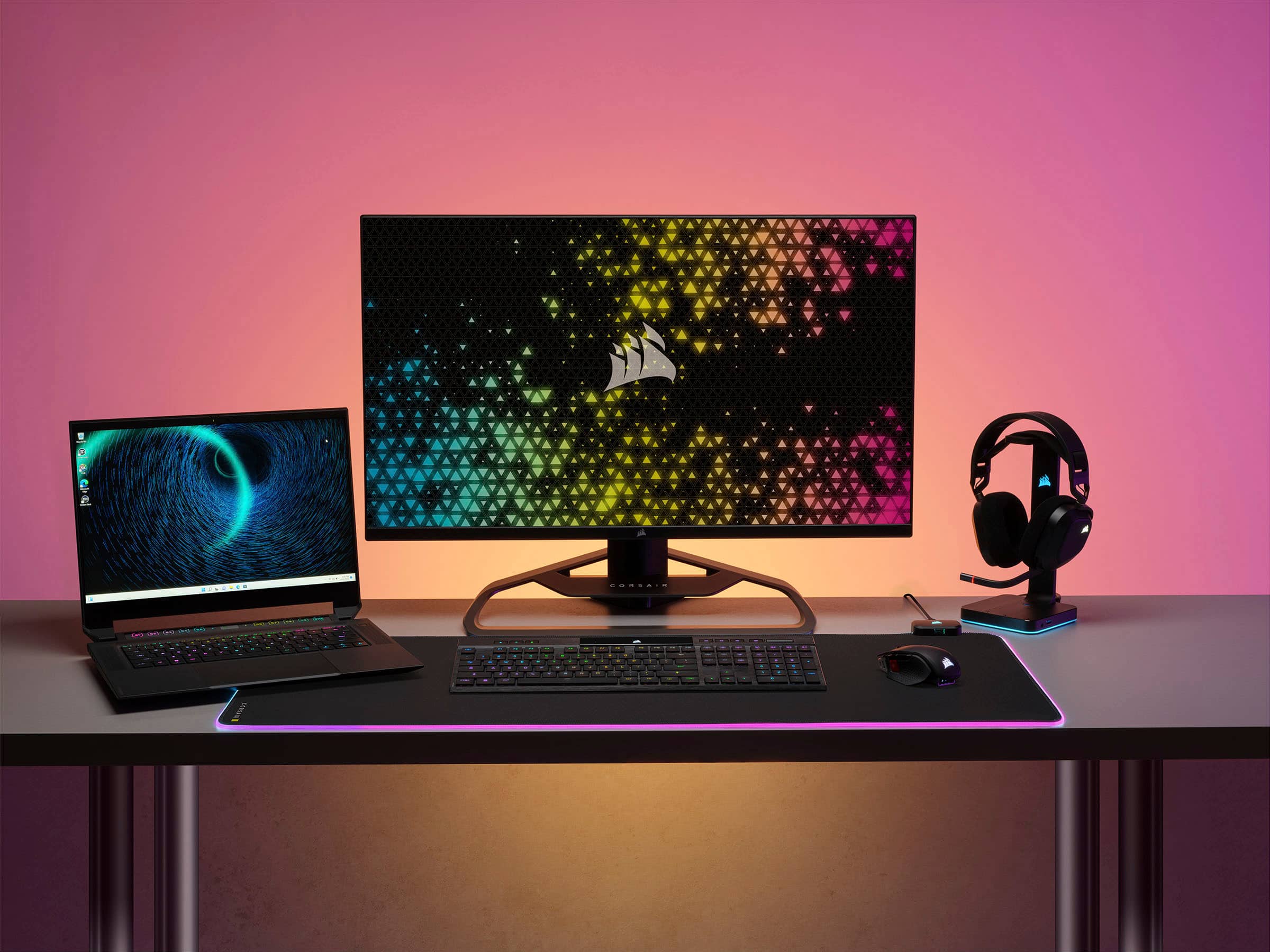
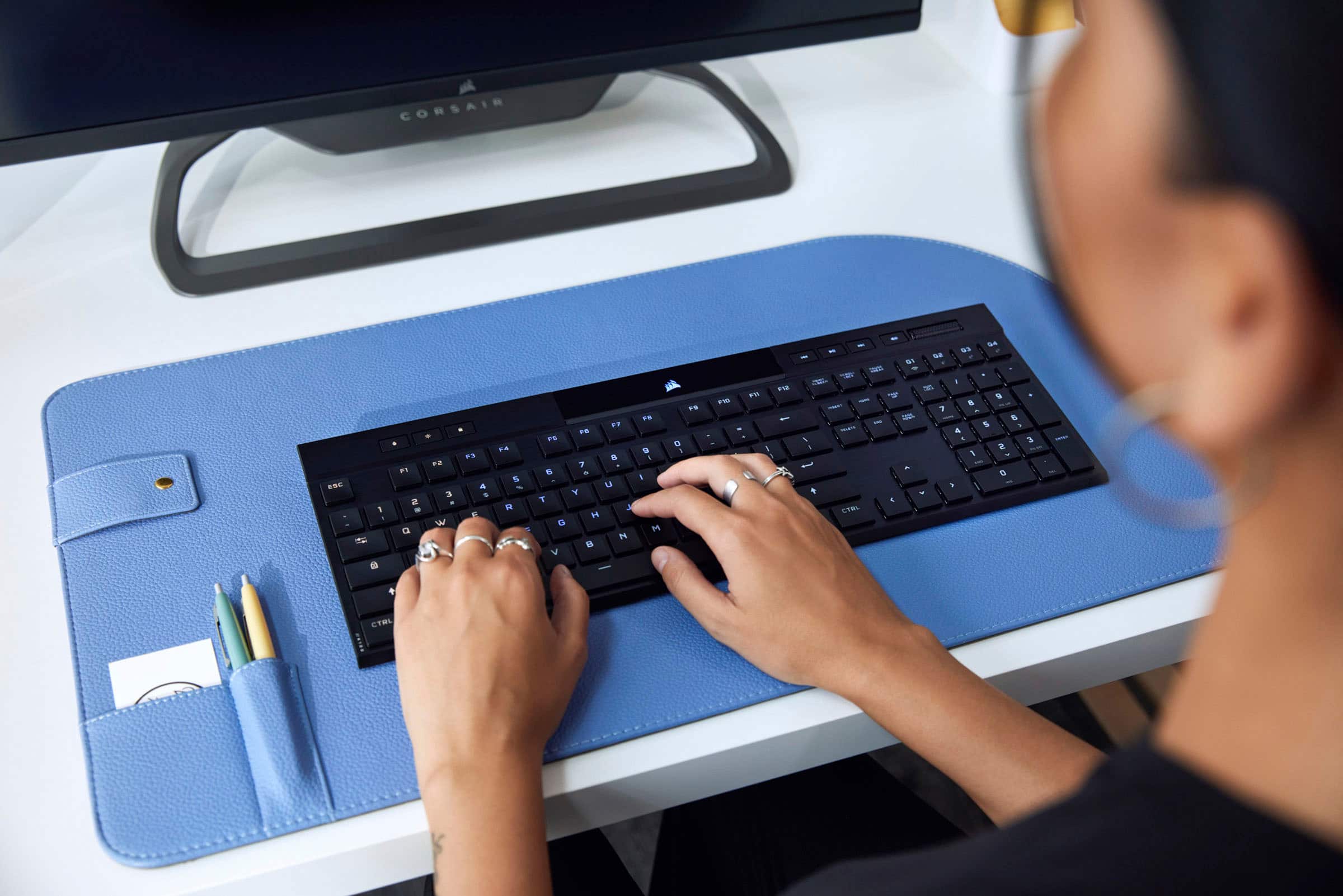


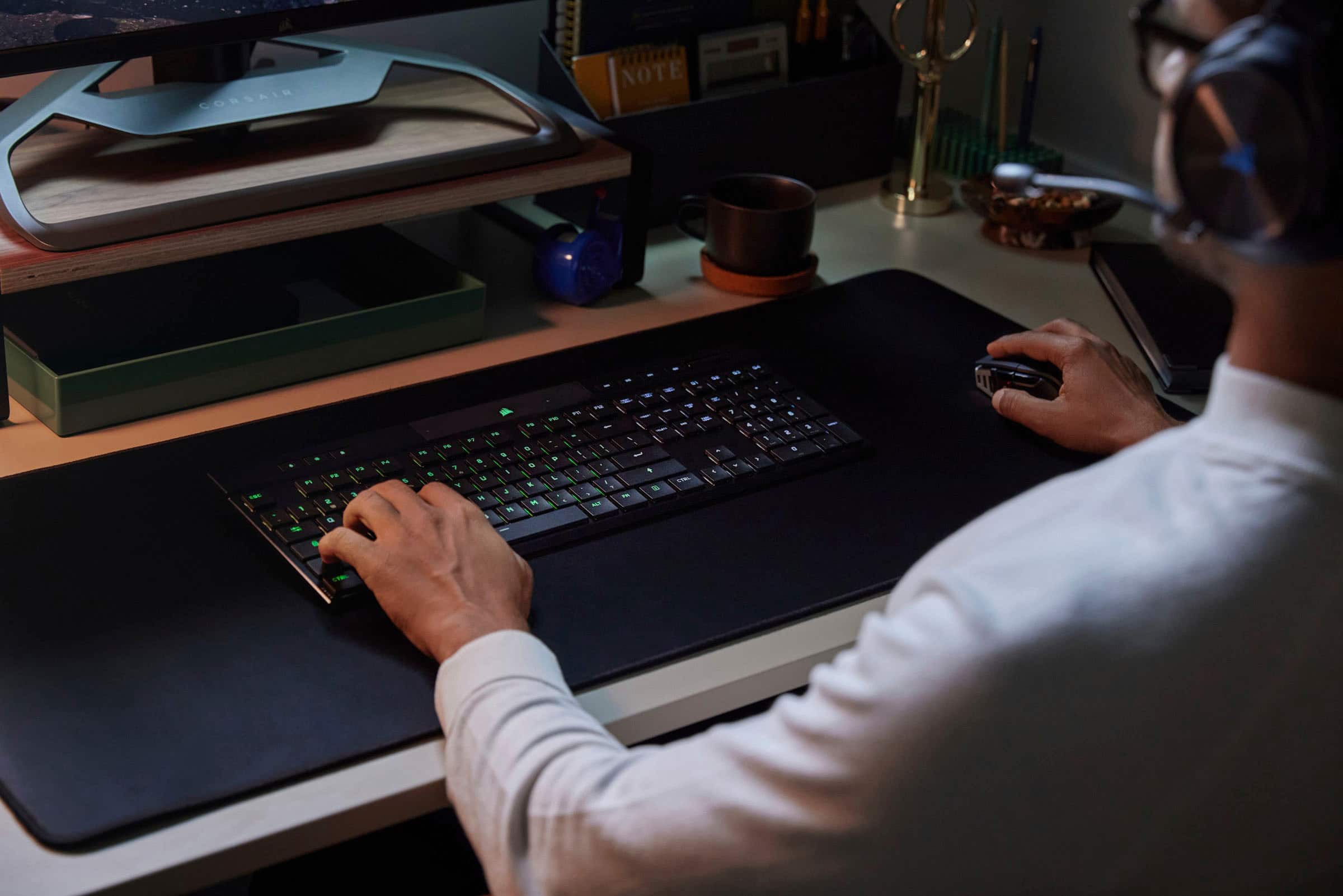


- Model:
- CH-913A01U-NA
- SKU:
- 6518230
Rating by feature
- Value
Rating 3.8 out of 5 stars
- Quality
Rating 4.5 out of 5 stars
- Ease of Use
Rating 4.5 out of 5 stars
Customers are saying
Customers praise the K100 Air Wireless keyboard for its solid build quality and satisfying key feel. Many appreciate the fantastic battery life and stellar RGB lighting. However, some customers find the price to be high and have concerns regarding the stability and reliability of the software.
This summary was generated by AI based on customer reviews.
- Pros mentioned:Keyboard quality
Corsair!
||Posted . Owned for 6 months when reviewed.This reviewer received promo considerations or sweepstakes entry for writing a review.Laptop like feel keyboard , very reactive love this keyboard use it for my spare computer!!
I would recommend this to a friend - Pros mentioned:Keyboard quality
Great keyboard
||Posted . Owned for 3 weeks when reviewed.This reviewer received promo considerations or sweepstakes entry for writing a review.Keypresses feel great, ideal size for pc recliner gaming, took a bit to figure out ICUE software and how to save profiles with drak pro mouse. Love it now that its set to my exact specifications.
I would recommend this to a friend Sleek and professional
||Posted . Owned for less than 1 week when reviewed.This reviewer received promo considerations or sweepstakes entry for writing a review.I absolutely love the keyboard but i was pretty ticked that I paid full price for one that had already been opened. Thanks Trussville BB. If I wanted a potential damaged or used electriconic….I would have clicked the “Open Box” option. Smh
No, I would not recommend this to a friendAwesome Keyboard
||Posted . Owned for 3 weeks when reviewed.This reviewer received promo considerations or sweepstakes entry for writing a review.Love the look amd feel of this keyboard. It teuly does feel like air with how thin it is! While retaining the feel of a mechanical keyboard.
I would recommend this to a friend- Pros mentioned:Keyboard quality
Great
||Posted . Owned for 1 year when reviewed.This reviewer received promo considerations or sweepstakes entry for writing a review.Great keyboard works great haven’t had any issues love it
I would recommend this to a friend - Pros mentioned:Key feel
Best keyboard in the world
||Posted . Owned for 2 months when reviewed.This reviewer received promo considerations or sweepstakes entry for writing a review.If you have gotten this far just buy it great quality nice and heavy best feel ive ever experienced from keyboard.
I would recommend this to a friend - Pros mentioned:Keyboard qualityCons mentioned:Software
fix WASD
||Posted . Owned for 1 year when reviewed.This reviewer received promo considerations or sweepstakes entry for writing a review.This is a great keyboard, it feels luxurious. I purchased this product in October 2023 and I'm beginning to experience issues. As most of us we usually use keys w,a,s, and d. but for some reason it keeps turning off when I press w and the only way to get back to work is to lift it up and flip upside and then it turns back to normal. I’ve tried updating the keyboard and software and still has the same issues.
I would recommend this to a friendBrand response from Corsair
Posted .Hello,
Our team can help, please reach out directly right on our site for assistance.
-Art
- Cons mentioned:Price
Great keyboard with high price
||Posted . Owned for 1 week when reviewed.This reviewer received promo considerations or sweepstakes entry for writing a review.Keyboard is very good. Price is little high. If the price comes down then this is great keyboard
I would recommend this to a friend Minimal and sleek
||Posted . Owned for 3 weeks when reviewed.This reviewer received promo considerations or sweepstakes entry for writing a review.I have had this keyboard for about a month now and it has been a joy to type on. It has a very sleek and minimal profile which was very important to me. I went from a Logitech G915 to this because I kept having issues after a year of use. I went through 2 G915s in a span of 2 years which is why I was open to try this keyboard. I loved the typing experience of the G915, which is why after the first time I went back to it. I will say the key press on this Corsair is a bit heavier than the G915, not by a lot but you can feel it.
I would recommend this to a friend- Pros mentioned:Connectivity
must have
||Posted . Owned for 1 month when reviewed.This reviewer received promo considerations or sweepstakes entry for writing a review.excellent wireless keyboard. love that i can switch it from being connected to my desktop and mac very easily
I would recommend this to a friend - Pros mentioned:Battery life
Clap Clap
||Posted . Owned for 2 weeks when reviewed.This reviewer received promo considerations or sweepstakes entry for writing a review.Best keyboard I have ever owned. Battery life is great. Gaming is good and typing is great.
I would recommend this to a friend - Cons mentioned:Price
Great keyboard
||Posted . Owned for 1 week when reviewed.This reviewer received promo considerations or sweepstakes entry for writing a review.Great wireless keyboard I love how slim it is really help with space or travel but a little expensive lucky I got it on sale
I would recommend this to a friend - Pros mentioned:Battery life
Major upgrade
||Posted . Owned for 3 weeks when reviewed.This reviewer received promo considerations or sweepstakes entry for writing a review.Love the customization options with the colors and honestly prefer it without the app and the battery is actually great
I would recommend this to a friend - Pros mentioned:Key feel
Awesome!
||Posted . Owned for 1 month when reviewed.This reviewer received promo considerations or sweepstakes entry for writing a review.Great keyboard. Love the flat press keys and new switches. I’ve had the K95 XT, K100, K65, etc. in love with the lightweight and ergonomics.
I would recommend this to a friend - Pros mentioned:Connectivity, Key feel, Keyboard qualityCons mentioned:Software

Pricey, but good keyboard to share between devices
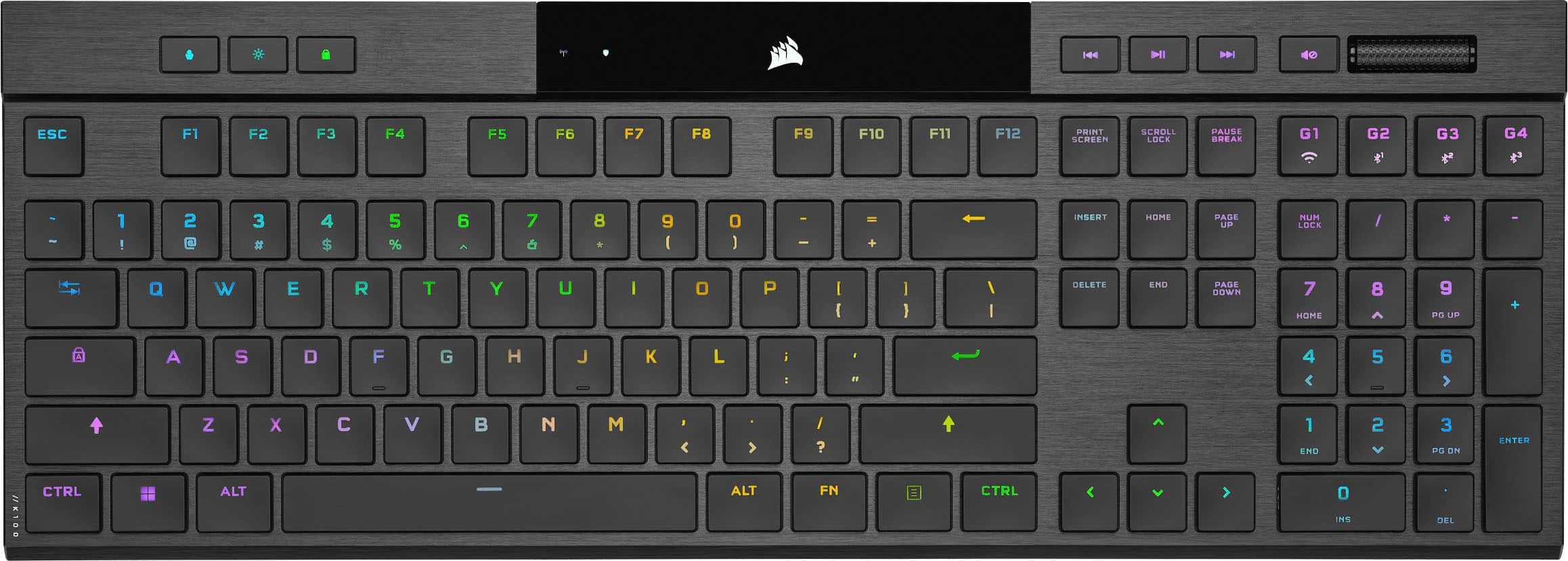
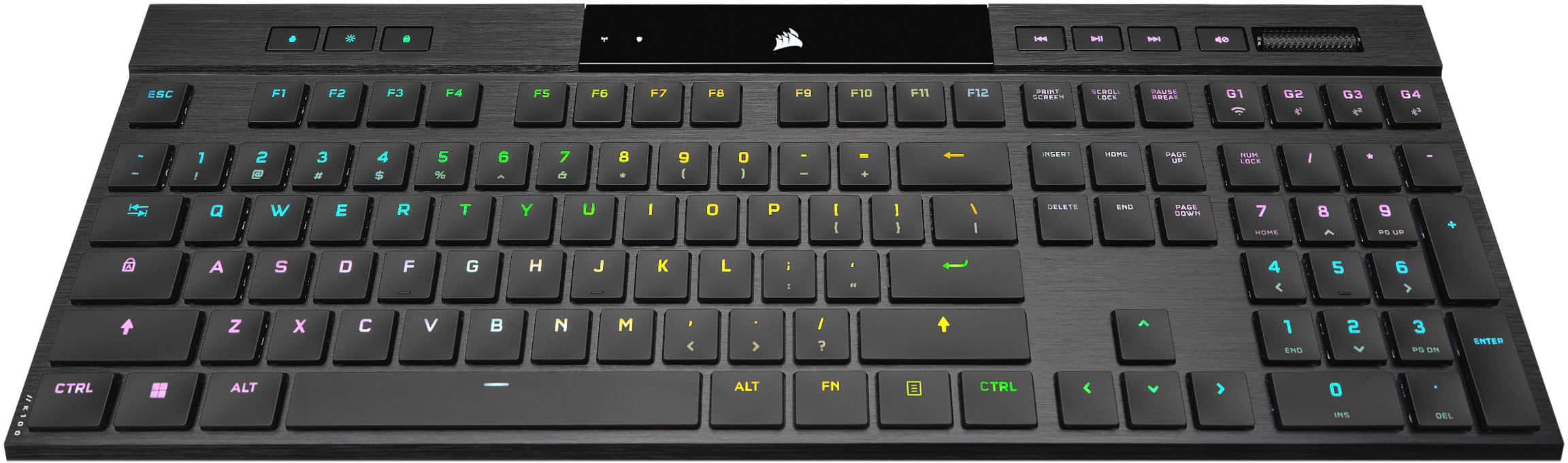
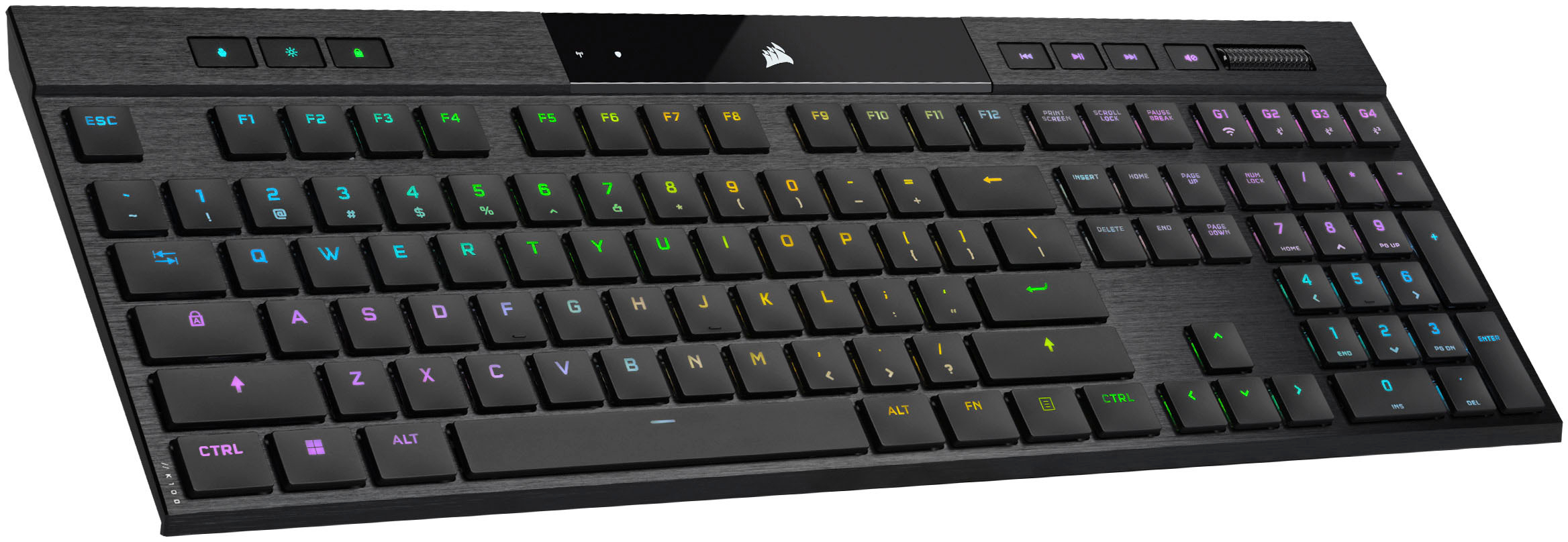
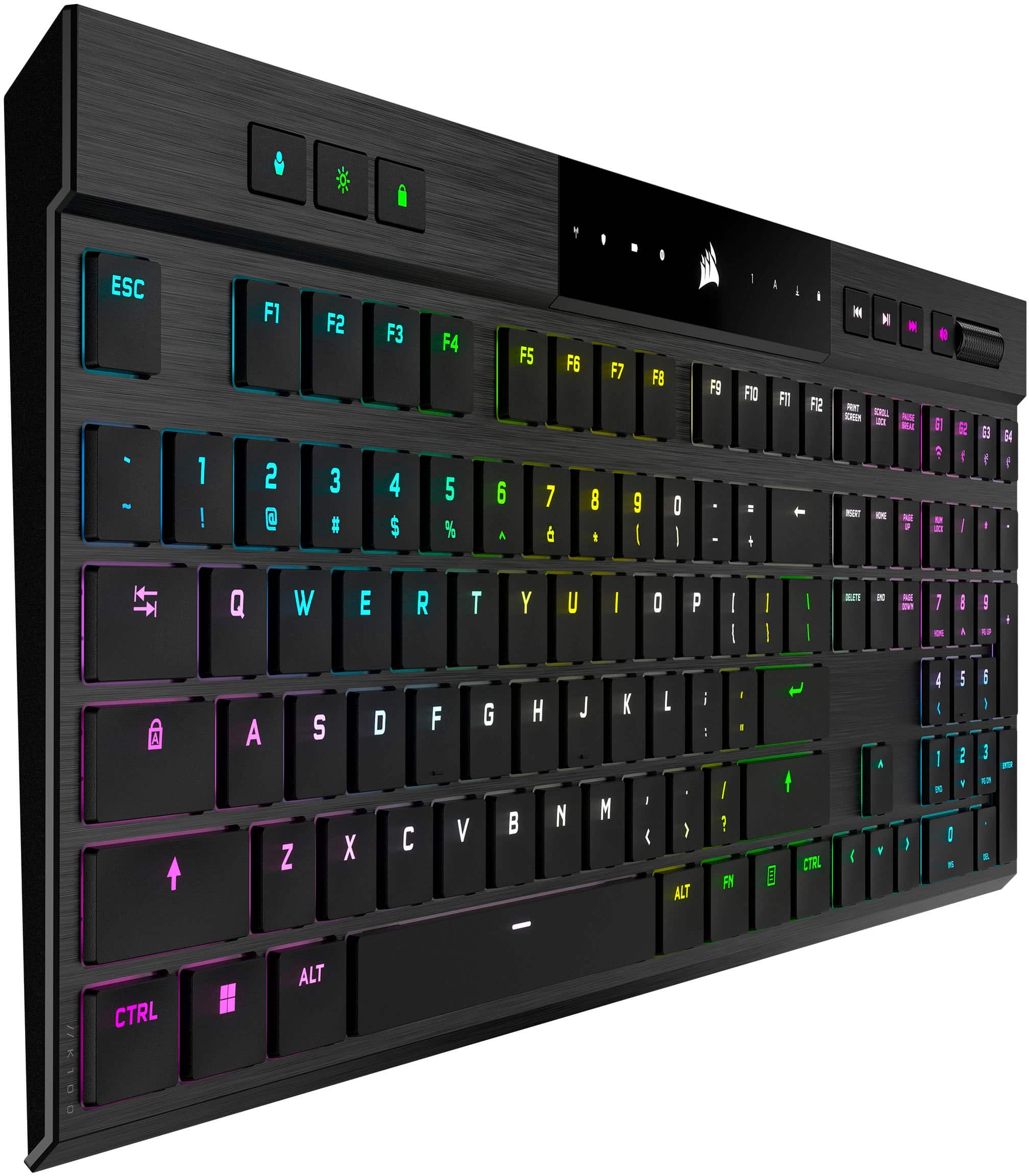
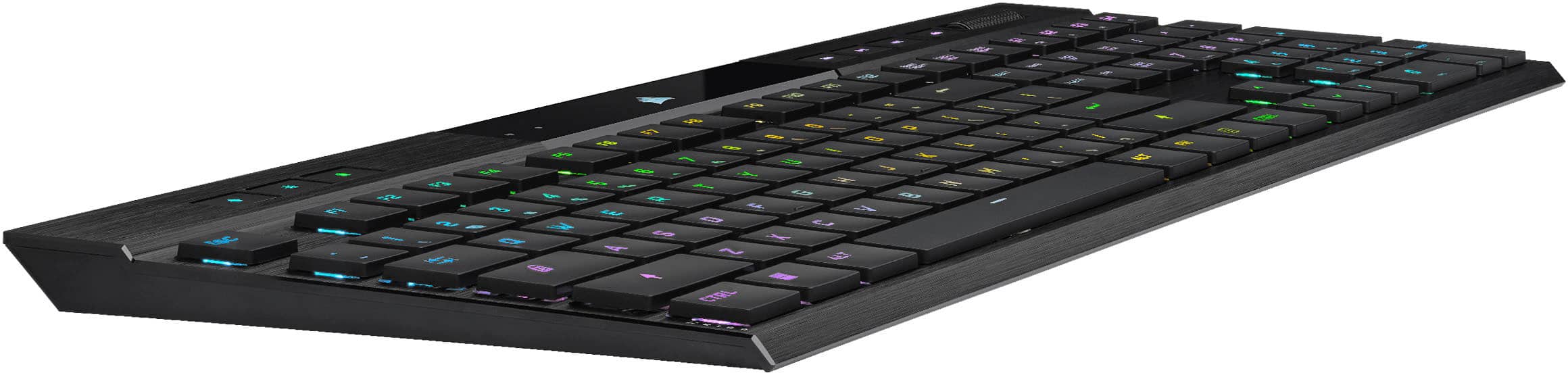
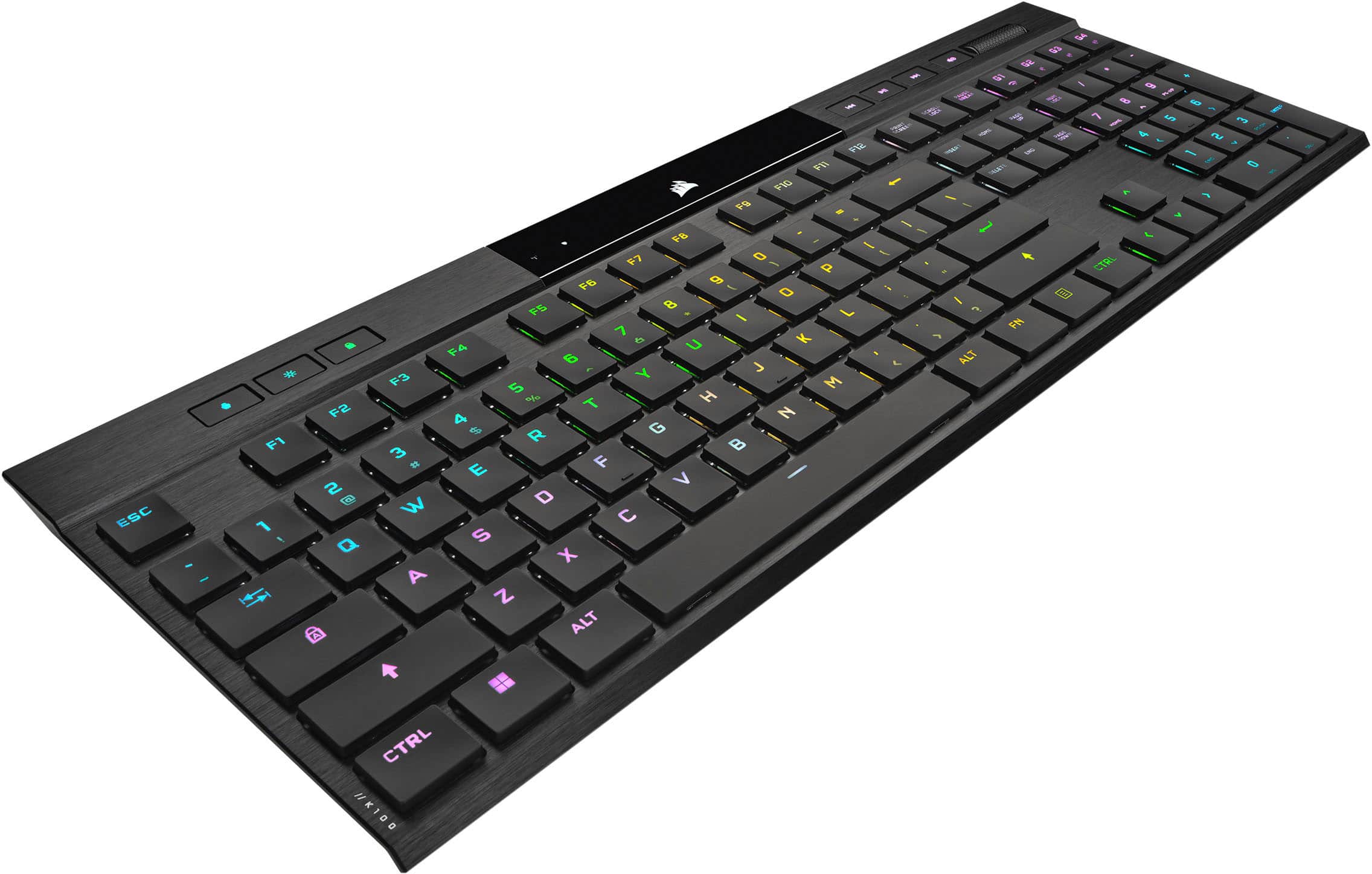
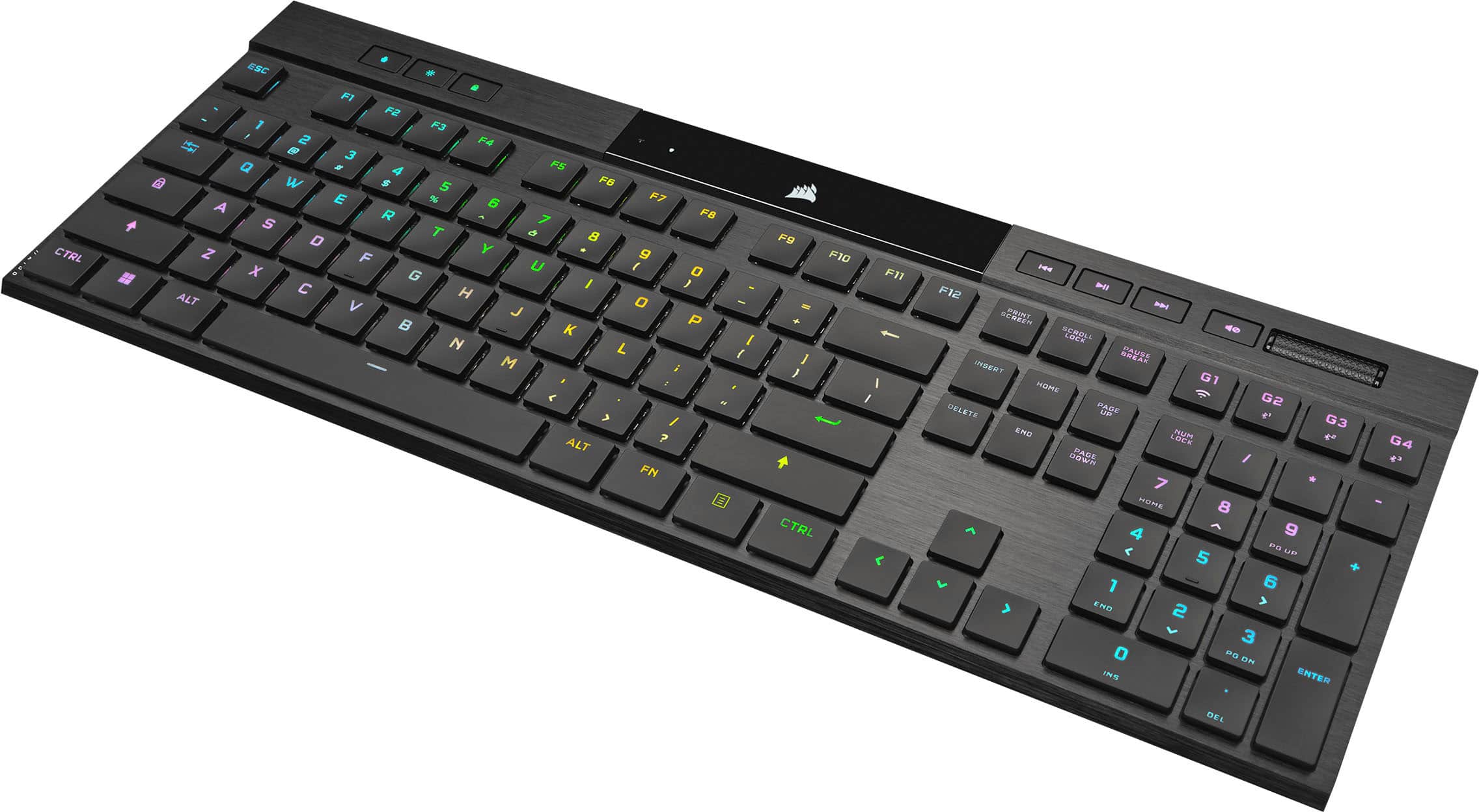
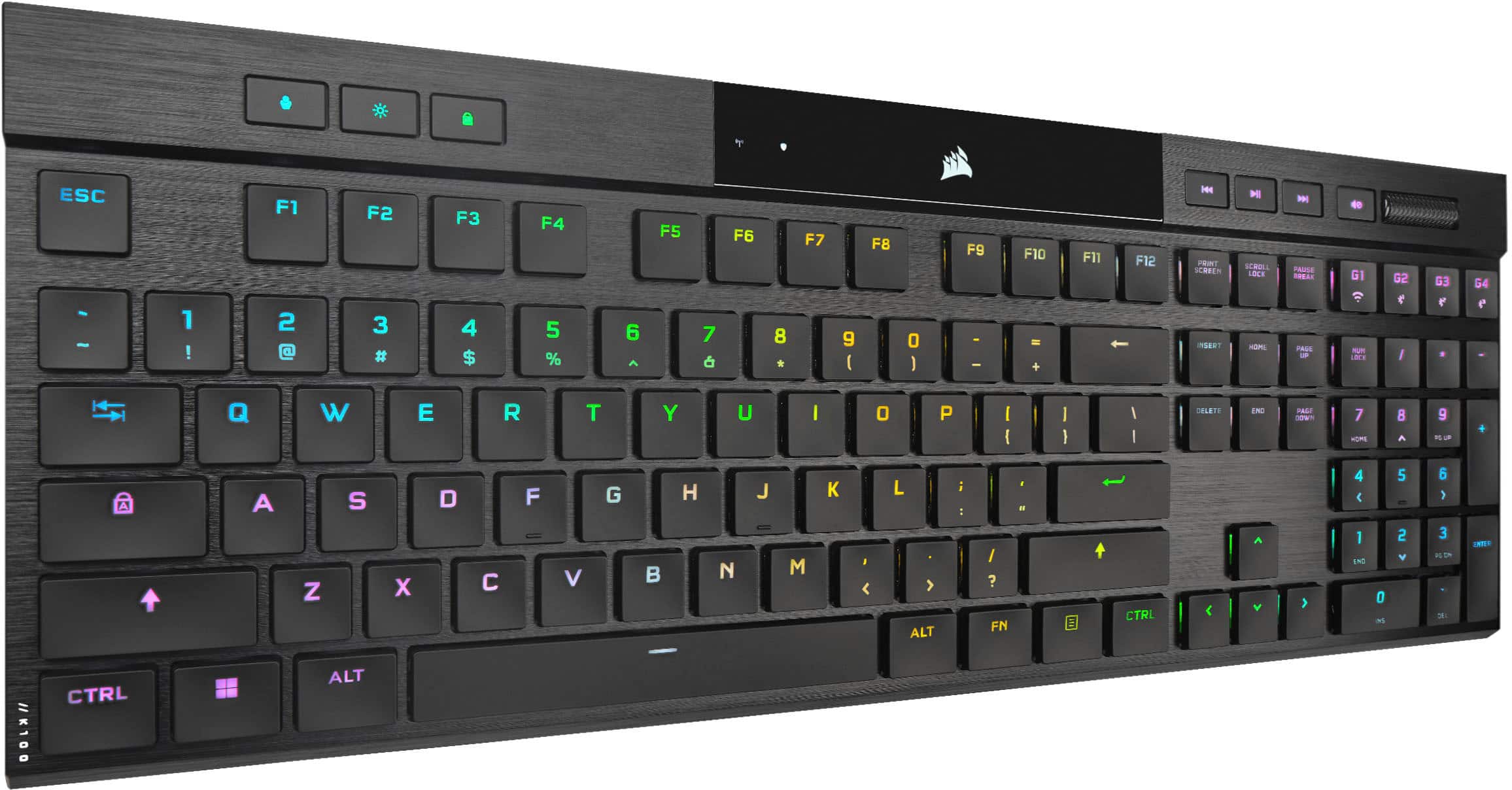
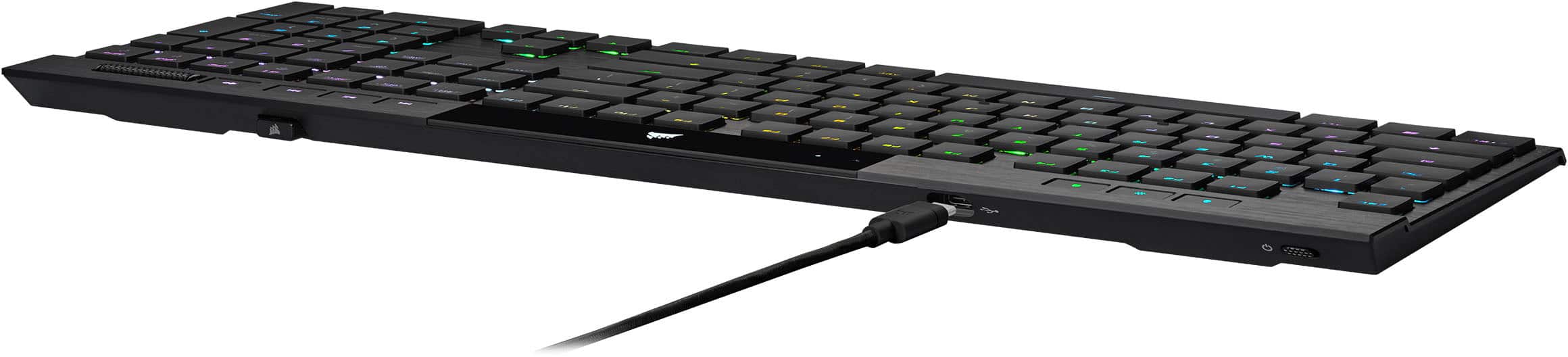
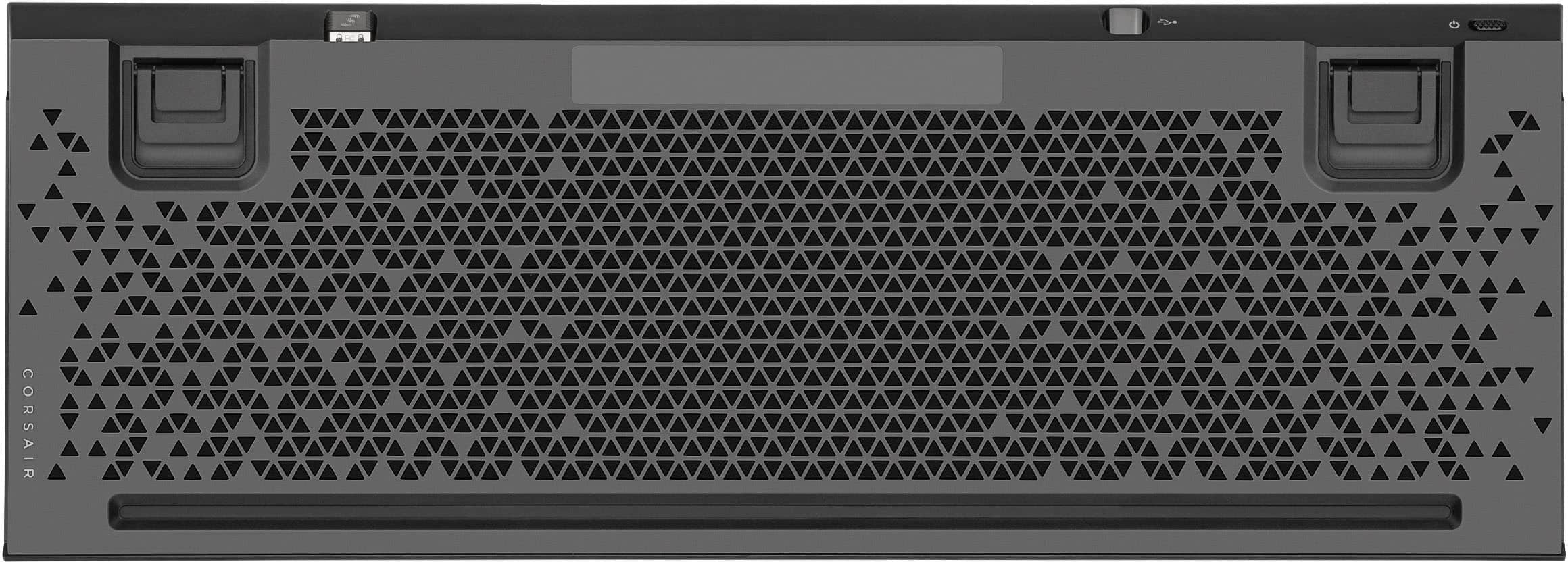
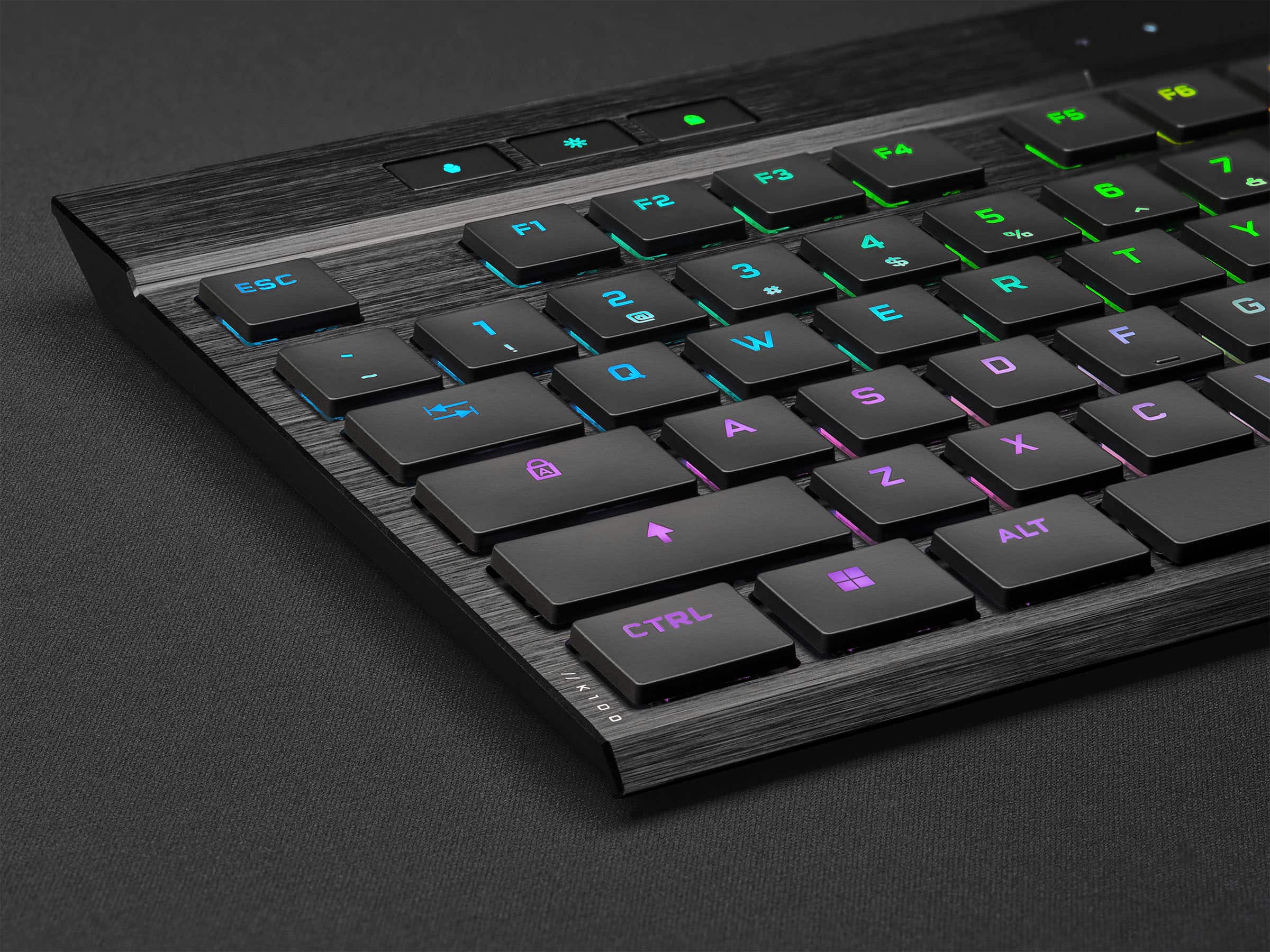
|Posted .This reviewer received promo considerations or sweepstakes entry for writing a review.THE GOOD - Wired USB, wireless USB, and Bluetooth connectivity - Per-key RGB backlighting - Onboard profile storage great for transferring keyboard to multiple devices - Key switch has crisp feel for low-profile keys - Has storage slot for wireless USB dongle - Works with Xbox, PlayStation, and Switch THE BAD - Fairly pricey - Caps and Num lock keys don't have on-key indicators - Shift symbols on keys are shown below the primary character and aren't well backlit - Programming software is massive 1GB download - No auto power-off in wired mode - Names of RGB lighting pattern in software can be confusing - "Software" and "Hardware" profiles are not interchangeable THE TLDR The K100 Air is a well made keyboard with low-profile switches that still feel relatively crisp. It's rather pricey for just a desktop keyboard, but the onboard profile storage means you can customize the keymaps and lighting for multiple devices without them needing to run Corsair's software. If you need a semi-portable keyboard that can work with your desktop, your laptop, your phone, your tablet, and your gaming consoles, this is a great way to go. THE DETAILS As a keyboard goes, the K100 feels very solid and well built. The switches feel crisp with a pleasant resistance. The frame is quite rigid, which adds to the nice feel of the key switches. It's a great improvement over typical membrane "chiclet" keyboards. Dedicated typists will likely cringe at the thought of using something other than their precious Blue or Brown switches. People used to normal full-height keyboards will likely have a period of adjustment going to a half-height board. The keyboard can connect over USB, both wired and using wireless dongle, and Bluetooth. The keys are backlit with programmable RGB per-key lighting effects and can also be customized for keystrokes, macro, and application shortcuts. To customize the keyboard, you need to use Corsair's iCue software, which seems rather bloated as the installation file alone is over a 1GB download. Apart from just configuring Corsair peripherals, it also has a number of system monitoring utilities, like temperature and CPU utilization. Using iCue isn't horrible, but it could be more straightforward. You can create any number of profiles for the keyboard, and each profile can have its own custom lighting scheme, macros, keystroke remapping, etc. You can save commonly used commands, light schemes, and macros to a library to make them easier to reassign and share among multiple profiles. You can make simple are very elaborate RGB schemes with multiple layers and effects. If you have multiple Corsair products, you can also sync them together. It will take some experimentation to see what all the different effects do, especially since some of them are names very similarly ( what's the difference between "Solid Color" and "Static Color" effects? ). Also, the K100 has internal storage that allows it to store up to 50 profiles on board, meaning you can use your customizations even on devices that don't have iCue, like a separate computer, a tablet, a phone, even a gaming console. A dedicated profile key on the top left of the keyboard cycles through all profiles. Unfortunately iCue separates "software" profiles that run through iCue itself and "hardware" profiles that are copied to the keyboard, and you can't convert one profile type to the other. So if you make a software profile that you really like and want to copy it to the keyboard's internal memory so you always have access to it, you have to make that profile again from scratch as a hardware profile. It's extremely frustrating. Thankfully, that's the only major flaw. You may find a few other niggles annoying. The secondary key symbols ( such as the & on the 7 key ) aren't backlit very well and are quite faint. They're also shown BELOW the main character. For touch-typists, this doesn't matter, but for anyone that still hunts-and-pecks for things, it can be confusing when the shift character is shown below the normal one. The caps lock and Num lock keys also don't have lighting indicators on the keys themselves. Instead there's a small status window on the top center of the keyboard that shows a 1 and A when they're on. You can probably get creative in the RGB customization to change the key backlighting when you turn one of them on, but that's something that should be directly available. Also, while the keyboard has an auto-off feature when using it in a wireless mode, it will not power-down in wired USB mode. If you use this on a desktop, it's a little annoying when you power down the system but the keyboard stays glowing at night. Apart from all this, the biggest concern is the price. As of this writing it's going for around $280, which is rather steep. Normal wired mechanical keyboards with RGB lighting can be had for almost half that price. But almost all of those are going to be wired only models. Now, if all you want is a good mech keyboard for a desktop, those cheaper wired models are the better way to go. Mechanical keyboards that have wired, wireless, and Bluetooth connectivity are going to cost north of $200. Considering the K100 can pair with multiple Bluetooth devices, and has internal memory to store custom profiles for each of those devices, and the $280 doesn't look quite as bad. It may be a niche use case, but the K100 makes a lot of sense as a semi-portable keyboard. The half-height keys and low-profile frame make it much smaller to pack around. If you need a keyboard that can work with your desktop and laptop, perhaps a tablet on occasion, and maybe even a gaming console or HTPC, the K100 has some very desirable features, albeit at a premium price.
I would recommend this to a friend Good mechanical keyboard
||Posted . Owned for 3 weeks when reviewed.This reviewer received promo considerations or sweepstakes entry for writing a review.Great gaming keyboard with a solid press of the keys. Key presses are very quiet compared to full hight mechanical keys. Only draw back is you can’t replace the keys or caps. That feature alone made me reluctant to such an expensive keyboard. I’m still very happy with the product over all and would recommend
I would recommend this to a friend- Pros mentioned:Keyboard quality
Love it
||Posted . Owned for 2 weeks when reviewed.This reviewer received promo considerations or sweepstakes entry for writing a review.I really love the feel of it, it has a sort of premium feel that I really can’t get enough of.
I would recommend this to a friend - Pros mentioned:Key feel
Great keyboard!
||Posted . Owned for 4 months when reviewed.This reviewer received promo considerations or sweepstakes entry for writing a review.Excellent keyboard. The keys feel really nice and tactile while also being very quiet. The super short form factor feel great.
I would recommend this to a friend Good keyboard
||Posted .This reviewer received promo considerations or sweepstakes entry for writing a review.Its a good keyboard but I barely brush against the caps lock and its on. I just turn off Cap Locks in ICUE.
I would recommend this to a friend- Pros mentioned:Battery life
Works from home games from home
||Posted . Owned for 3 weeks when reviewed.This reviewer received promo considerations or sweepstakes entry for writing a review.Slim wireless mechanical keyboard, works flawlessly. Has a long battery life, have had it for a couple weeks now and have had to recharge it only once.
I would recommend this to a friend