Customer Ratings & Reviews








- Model:
- CH-913A01U-NA
- SKU:
- 6518230
Rating by feature
- Value
Rating 3.8 out of 5 stars
- Quality
Rating 4.5 out of 5 stars
- Ease of Use
Rating 4.5 out of 5 stars
Customers are saying
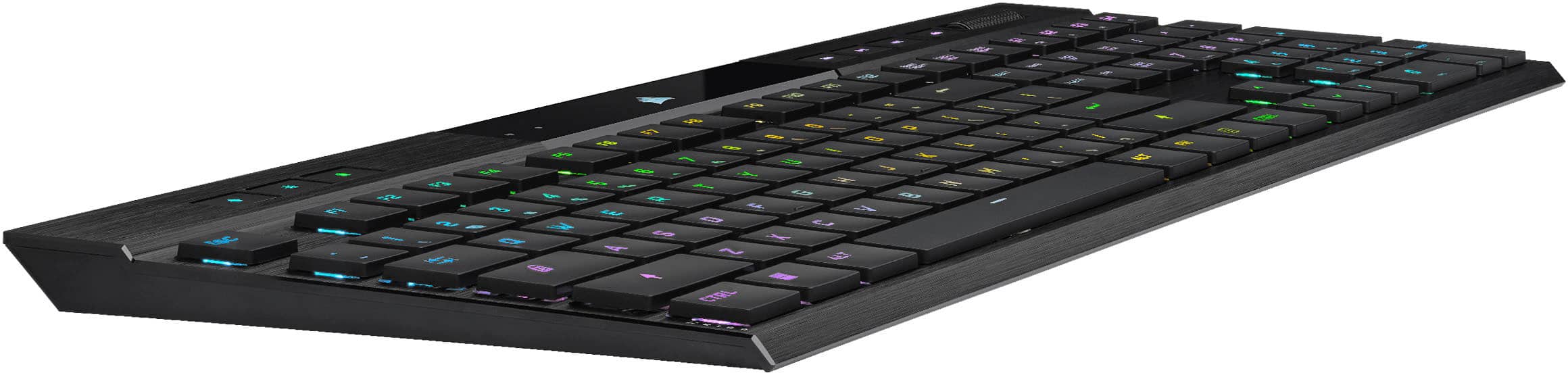
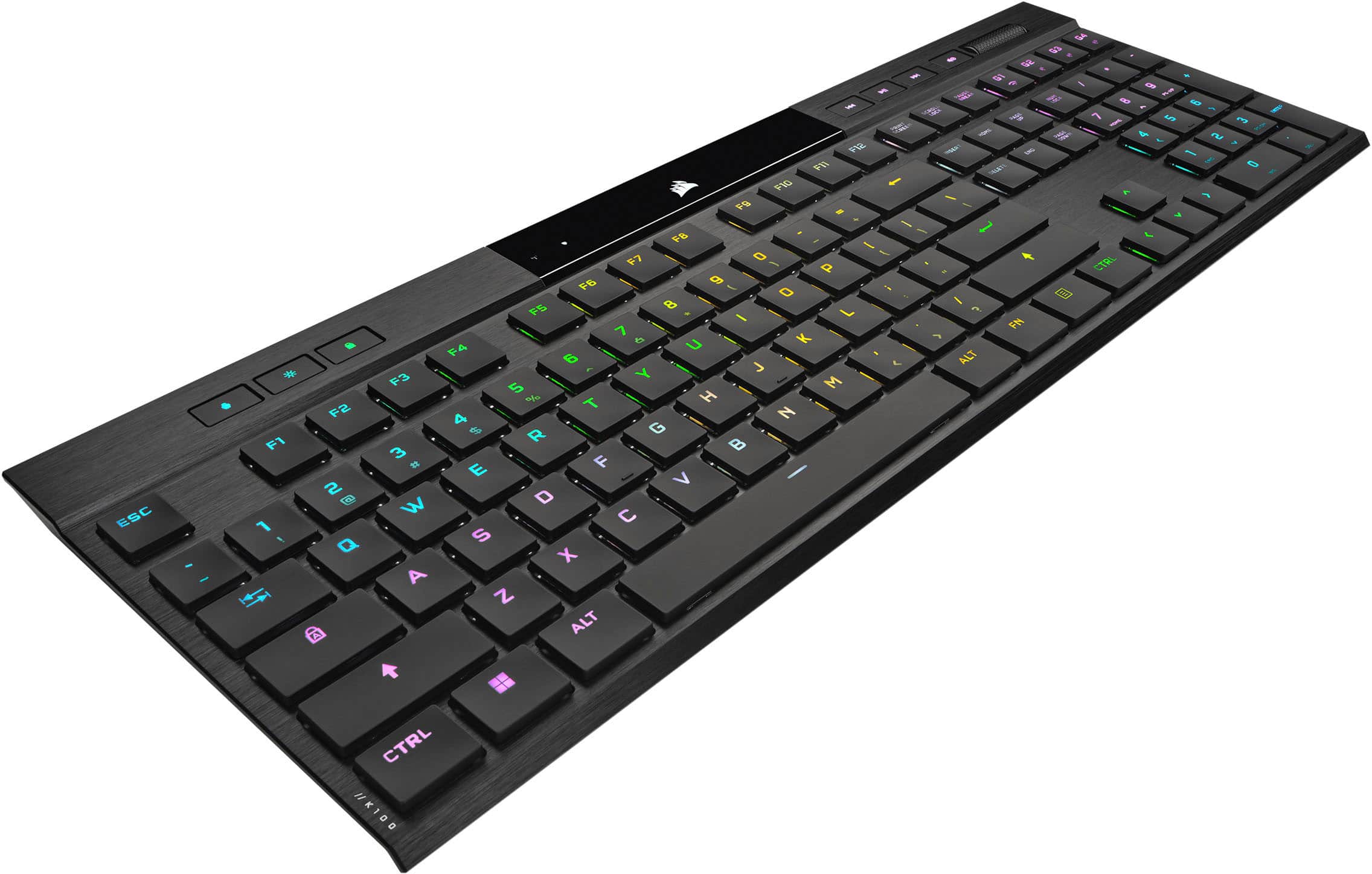
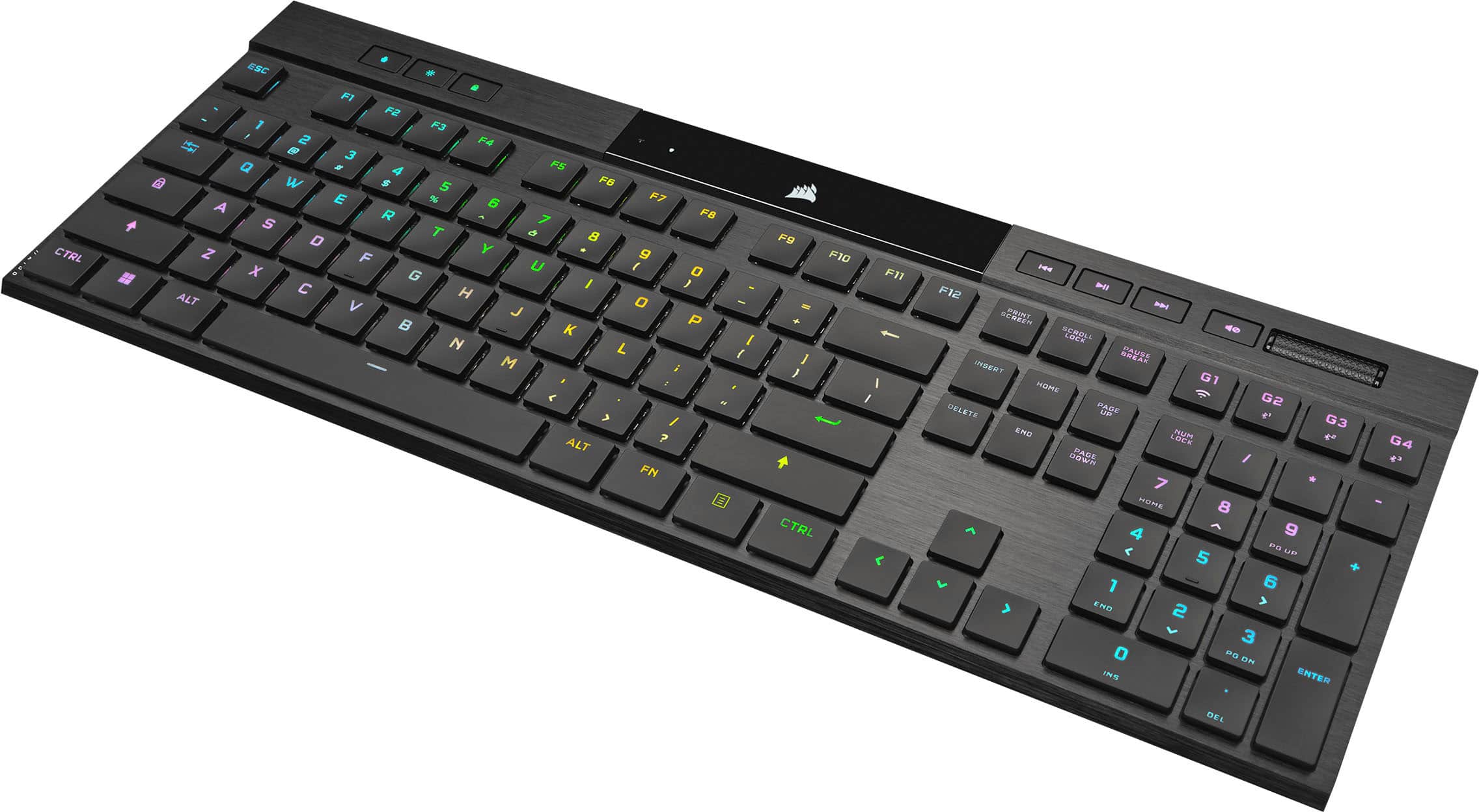
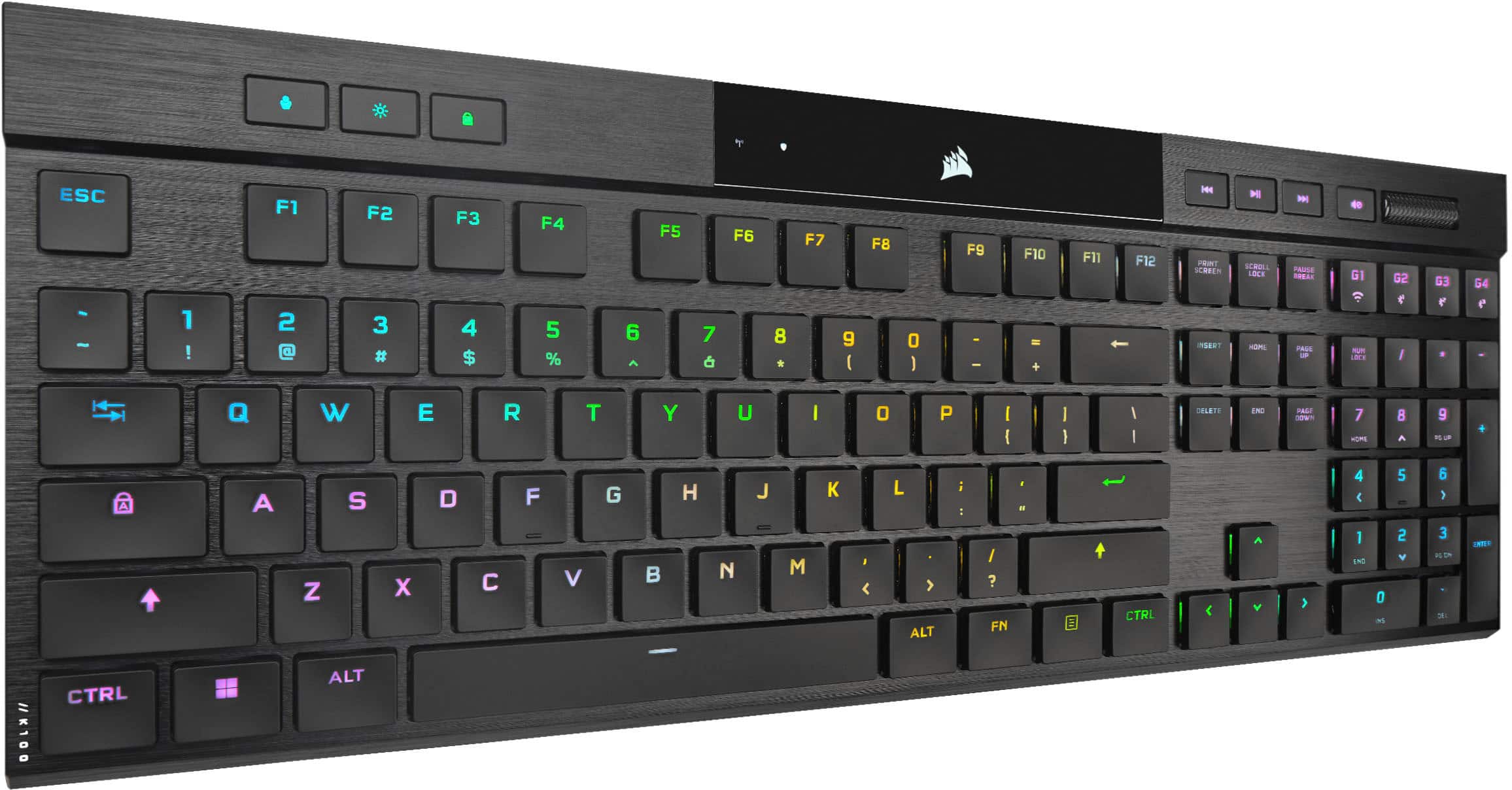
Customers praise the K100 Air Wireless keyboard for its solid build quality and satisfying key feel. Many appreciate the fantastic battery life and stellar RGB lighting. However, some customers find the price to be high and have concerns regarding the stability and reliability of the software.
This summary was generated by AI based on customer reviews.
- Pros mentioned:Key feel
Great keyboard
||Posted . Owned for 3 weeks when reviewed.This reviewer received promo considerations or sweepstakes entry for writing a review.Great keyboard ,low profile and keys require very little movment to type.
I would recommend this to a friend - Pros mentioned:Keyboard quality
The Leading Global Developer
||Posted . Owned for 1 week when reviewed.This reviewer received promo considerations or sweepstakes entry for writing a review.Coming from Logitech to Corsair, has changed the game. Literally. Corsair has done a fantastic job with the quality and definitely did not cut corners. Perfect size, wireless and a great weight to the keyboard. Thank you, Corsair!
I would recommend this to a friend - Cons mentioned:Price
Expensive
||Posted . Owned for 3 months when reviewed.This reviewer received promo considerations or sweepstakes entry for writing a review.Too expensive in my opinion, but it is a nice keyboard if you like really low profile keys. I think I just prefer a larger mechanical keyboard.
No, I would not recommend this to a friend - Pros mentioned:Rgb lighting
Sleek
||Posted . Owned for 2 months when reviewed.This reviewer received promo considerations or sweepstakes entry for writing a review.Love this keyboard. It’s sleek and sits on the desk like a dream. The rgb is a nice touch. But its all about the key quality. You can type all day and never get tired of this clicking
I would recommend this to a friend Doesn't wake my wife up...
||Posted .This reviewer received promo considerations or sweepstakes entry for writing a review.Overall 5 Stars but I'm rounding up here. I don't like the set up to Slipstream. Not the keyboard's fault but I think it's worth noting that having to plug in all my devices to have them connect to slipstream at once is a fatal flaw for me. The first of these keyboards I purchased had a noticeable crack on the screen. I am assuming it was just shipping damage, but that's on Corsair again. Aside from that, it's the best keyboard I've ever owned. It connects to multiple devices and switches between them seamlessly. The noise level doesn't wake my wife up when I'm gaming. Being 200 more than the K57/K53 (the next full size corsair keyboard) Wireless is pretty steep but it's much easier on my carpal tunnel.
I would recommend this to a friend- Pros mentioned:Keyboard quality
BEST KEYBOARD EVER
||Posted . Owned for less than 1 week when reviewed.This reviewer received promo considerations or sweepstakes entry for writing a review.Hands down the best keyboard I've ever had. I have 4 computers wirelessly and they all are configured to connect to this keyboard with a click. If you can get over the ridiculous amount they are asking for, you will be very satisfied with this one.
I would recommend this to a friend - Pros mentioned:Keyboard quality
The Bentley of keyboards
||Posted . Owned for 3 weeks when reviewed.This reviewer received promo considerations or sweepstakes entry for writing a review.Bought it for work since I needed the number pad and wireless connectivity with my shared gaming setup. But now forget to swap out with my smaller keyboard. Great build quality and easy to set profiles through ICUE.
I would recommend this to a friend - Pros mentioned:Keyboard quality
Worth it
||Posted . Owned for 1 month when reviewed.This reviewer received promo considerations or sweepstakes entry for writing a review.Definitely expensive, but a premium product. This would have to be the cleanest looking low profile mechanical keyboard currently on the market.
I would recommend this to a friend - Pros mentioned:Keyboard quality
It is good
||Posted . Owned for less than 1 week when reviewed.This reviewer received promo considerations or sweepstakes entry for writing a review.Coming from anorher high end full size corsair with MX browns. This isnt as loud when typing. Its nice, light and it the design is beautiful. You get what you pay for with this one. Wish it had more fearures but thats what my wired ones are for.
I would recommend this to a friend - Pros mentioned:Battery life
excellent keyboard
||Posted . Owned for 1 week when reviewed.This reviewer received promo considerations or sweepstakes entry for writing a review.This keyboard reminds me of using a mac keyboard with rgb control. The battery life is insane. Currently running this keyboard with a wireless rgb corsair mouse and only using one usb slot for the reciever. Zero input lag thus far.
I would recommend this to a friend - Pros mentioned:Keyboard quality
Great Keyboard
||Posted . Owned for 2 weeks when reviewed.This reviewer received promo considerations or sweepstakes entry for writing a review.This is my first elchanical keyboard and I've been really impressed! Using Bluetooth I can sit on my couch and play games. I am happy with the build quality as well as the tactile feel of the mechanical switches!
I would recommend this to a friend - Pros mentioned:Battery life
Great keyboard!
||Posted . Owned for 1 week when reviewed.This reviewer received promo considerations or sweepstakes entry for writing a review.I really like this keyboard. It works exactly as expected the battery last long enough and it works as you would expect.
I would recommend this to a friend - Pros mentioned:Rgb lighting
Good keyboard
||Posted . Owned for 3 weeks when reviewed.This reviewer received promo considerations or sweepstakes entry for writing a review.This keyboard truly provides a superior typing experience. With its great ergonomics, mechanical keys, multi-device connectivity, and eye-catching RGB lighting. I used it for three months. I have no problems with it.
I would recommend this to a friend - Cons mentioned:Price
Good looking, bad quality.
||Posted . Owned for 1 year when reviewed.This reviewer received promo considerations or sweepstakes entry for writing a review.I am really dissapointed at this product. I have loved Corsair for so long because I always thought they made good looking and quality products. But this is the second time this keyboard gives me problems. This time it is not picking up wireless connectivity, it has to be plugged in at all times to function. I expected much more from this product considering the ridiculous price tag. I wish I could just get a refund and get something else...
No, I would not recommend this to a friendBrand response from Corsair
Posted .Hello Edgar,
Definitely not the experience we'd want you having, please contact our team directly right on our site through the chat for assistance: help.corsair.com
-Art
- Pros mentioned:Keyboard quality
Excellence!
||Posted . Owned for 5 months when reviewed.This reviewer received promo considerations or sweepstakes entry for writing a review.The best wireless gaming keyboard I have ever had. It's slimmer then it looks on photos high quality goodness! It's a bit pricey but it's the price you pay for the best experience!
I would recommend this to a friend - Pros mentioned:Battery life
A Low Profile for Anything But
||Posted . Owned for 1 week when reviewed.This reviewer received promo considerations or sweepstakes entry for writing a review.It’s a great wireless option depending on your setup. Pros: Responsive Long Battery Life Cons: Overall Cost
I would recommend this to a friend - Pros mentioned:Keyboard quality
Perfect keyboard
||Posted . Owned for 3 weeks when reviewed.This reviewer received promo considerations or sweepstakes entry for writing a review.Really expensive keyboard but I purchased on sale for 199. It is excellent quality and well built. Get what you pay for with this keyboard. Typing is very nice
I would recommend this to a friend Keyboard
||Posted . Owned for 3 weeks when reviewed.This reviewer received promo considerations or sweepstakes entry for writing a review.Great, smoot responsiveness. Color profiles are cool. No lag when wireless
I would recommend this to a friend- Pros mentioned:Keyboard quality
Sounds amazing
||Posted . Owned for 1 week when reviewed.This reviewer received promo considerations or sweepstakes entry for writing a review.Very good product very solid. I had an old K70 for years and it didnt break or wear down i just wanted something new and the keys take getting used to because of the height differences but still love it.
I would recommend this to a friend Great product, but...
||Posted . Owned for 2 months when reviewed.This reviewer received promo considerations or sweepstakes entry for writing a review.I got this keyboard during black friday, The keys are a little too close together and flat for my taste so I always press the wrong keys. It is a quality product. I wouldn't pay full price for it, though.
I would recommend this to a friend