Customer Ratings & Reviews
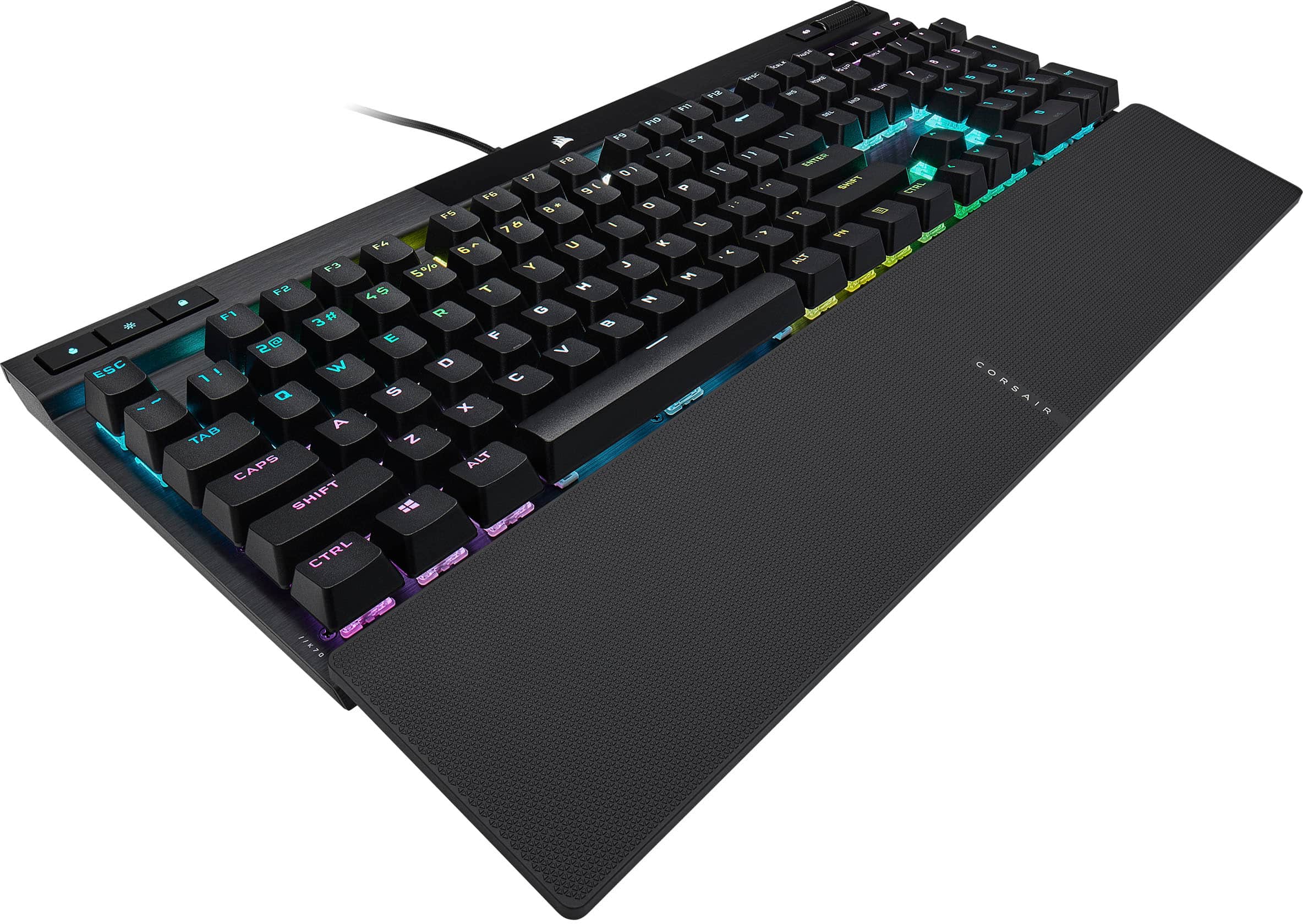
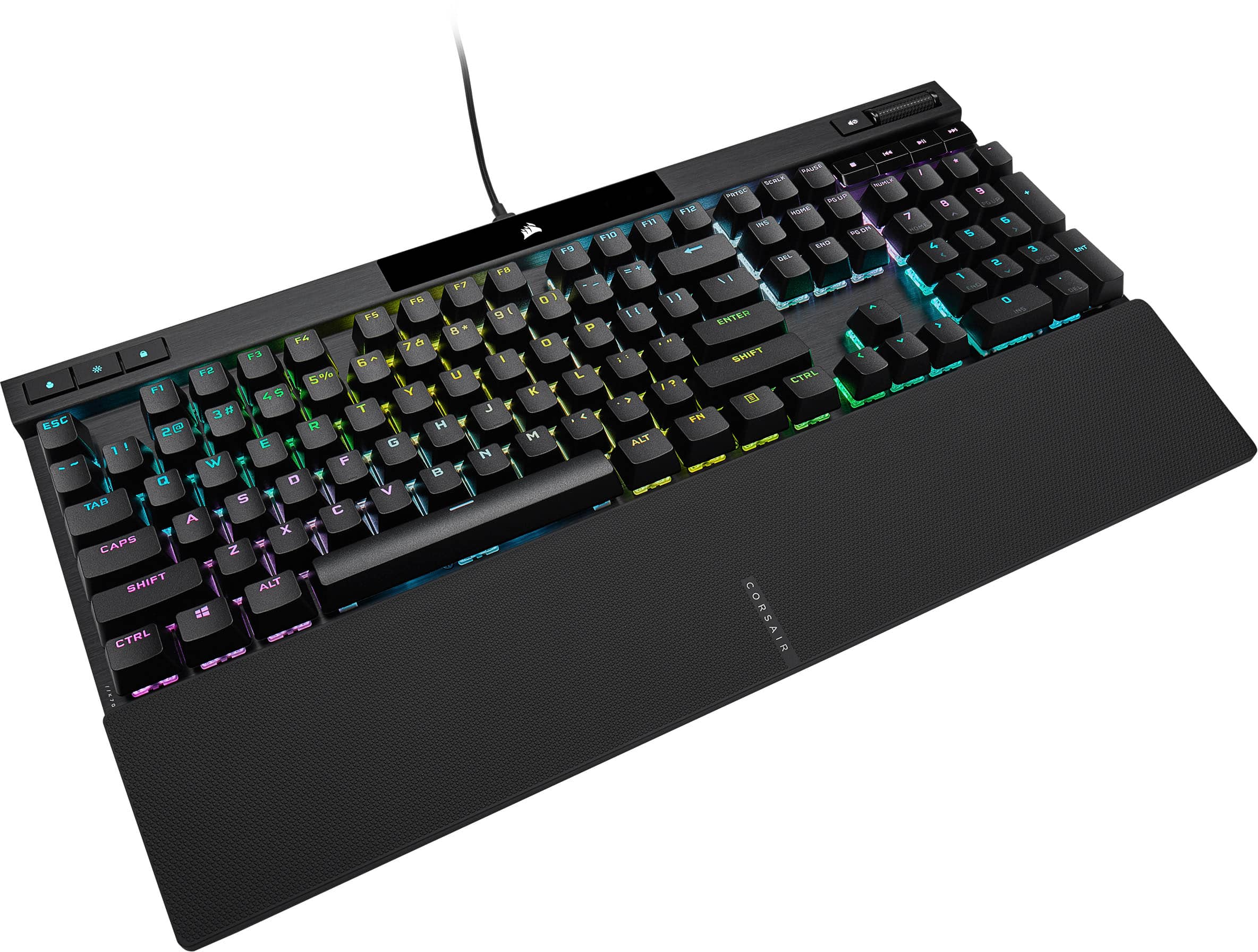
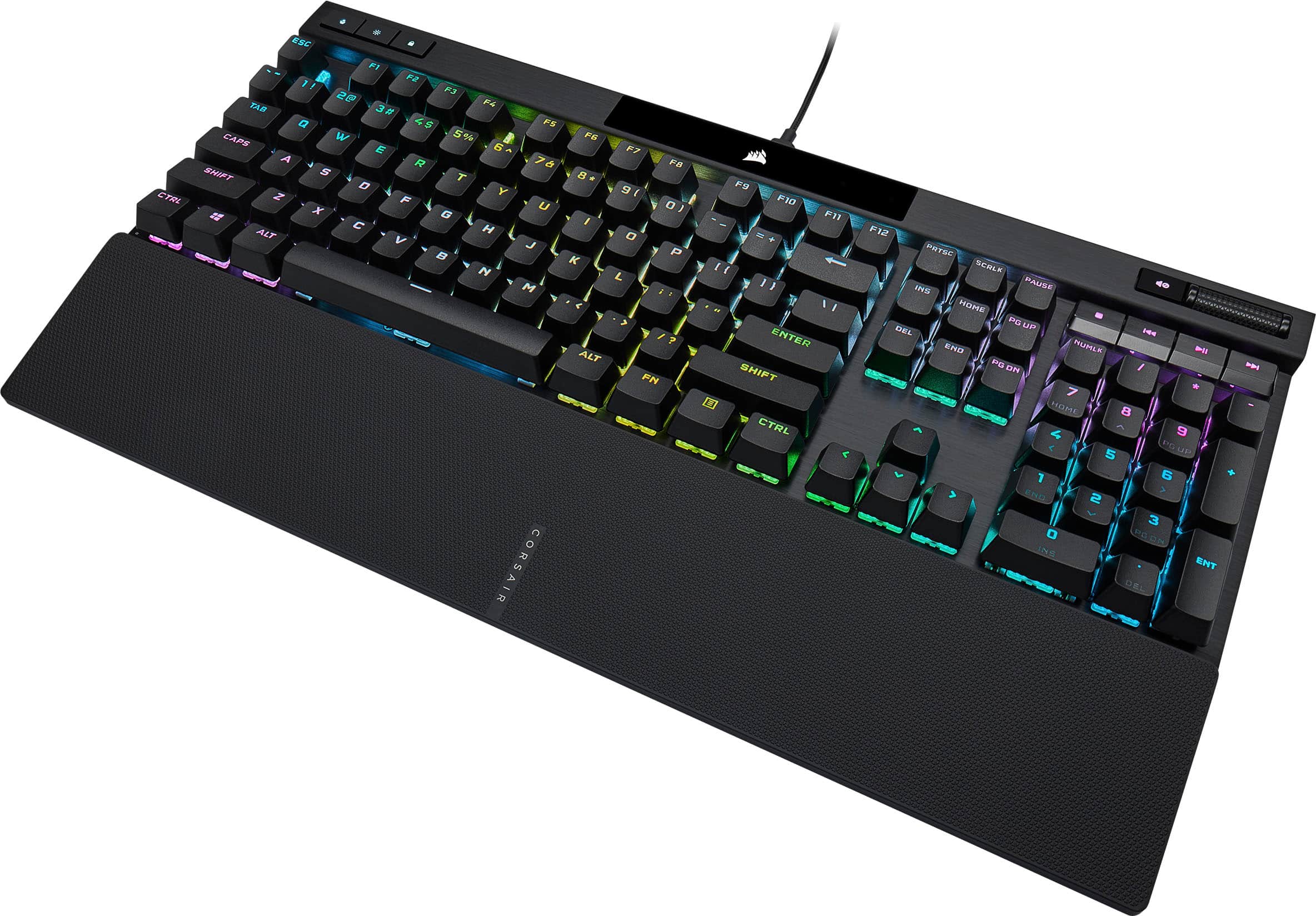

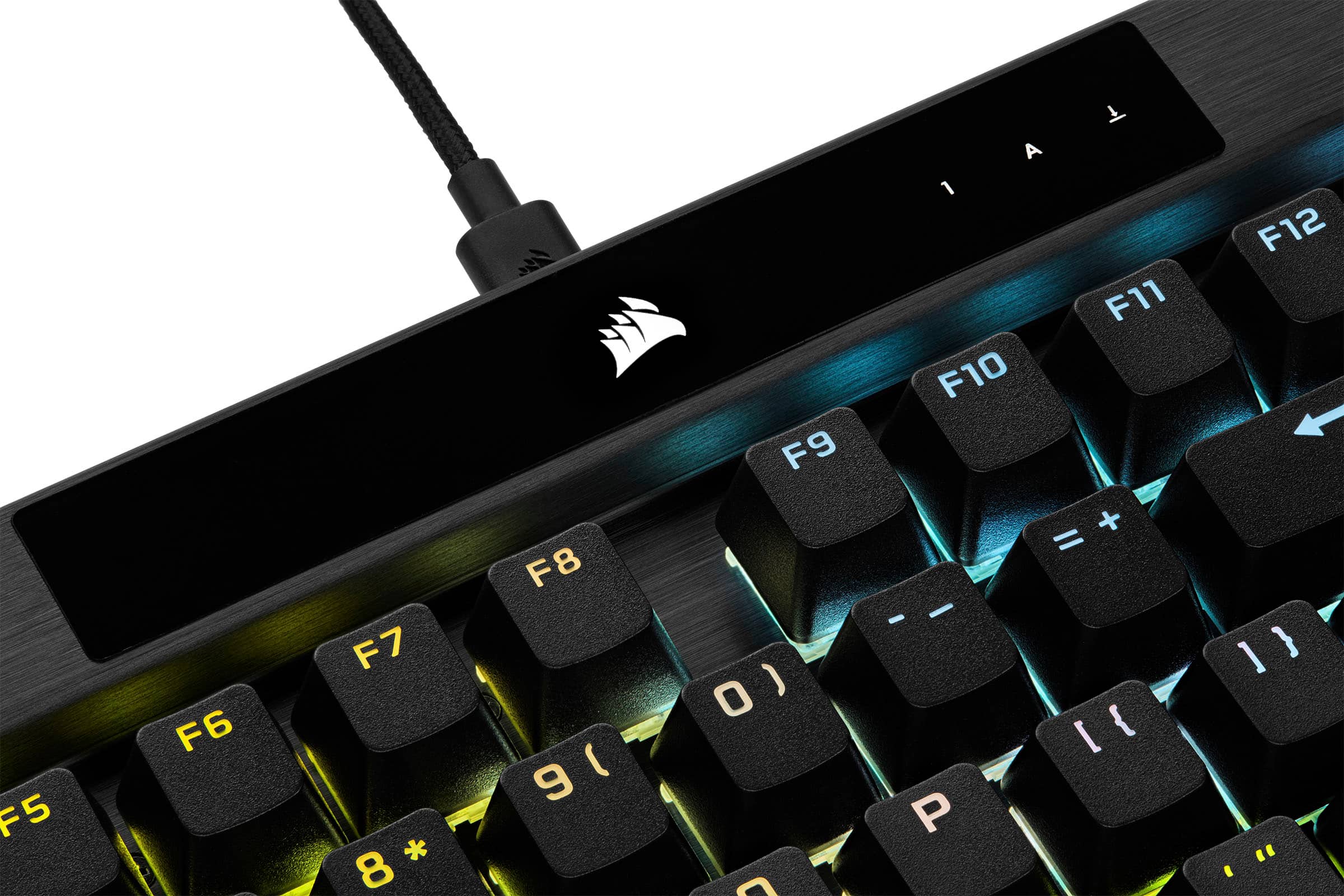
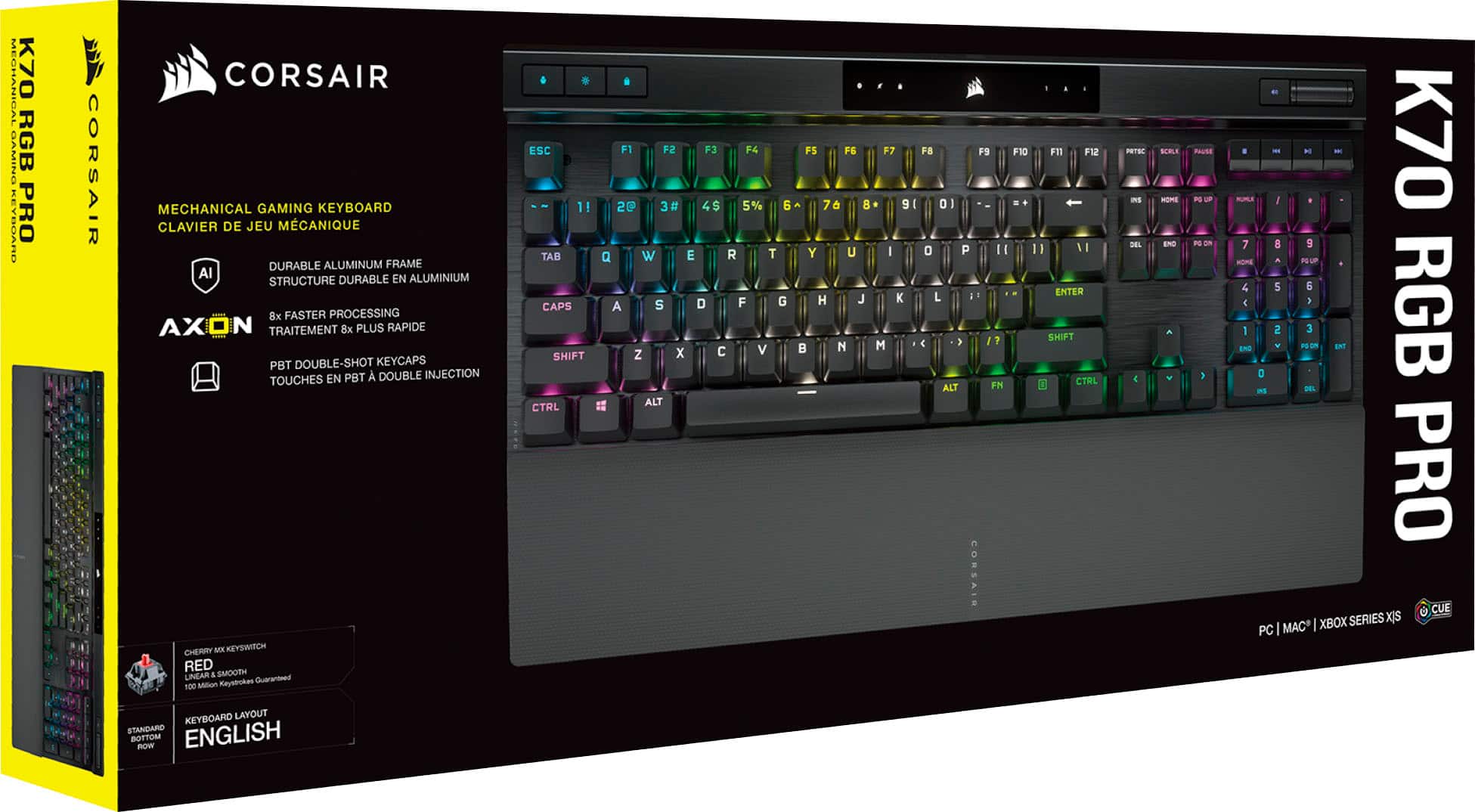

- Model:
- CH-9109414-NA
- SKU:
- 11232266
Rating by feature
- Value
Rating 4.6 out of 5 stars
- Quality
Rating 4.7 out of 5 stars
- Ease of Use
Rating 4.7 out of 5 stars
to a friend
The best gaming keyboard
||Posted . Owned for 2 weeks when reviewed.This reviewer received promo considerations or sweepstakes entry for writing a review.Keyboard was everything I expected. Very comfortable to use and worth the price. I enjoy using it
I would recommend this to a friendGreat graduation gift
||Posted . Owned for 3 weeks when reviewed.This reviewer received promo considerations or sweepstakes entry for writing a review.My son got this for a graduation present and is very happy with it!
I would recommend this to a friendWouldn’t recommend
||Posted . Owned for 3 weeks when reviewed.This reviewer received promo considerations or sweepstakes entry for writing a review.This review is based on my personal opinion. The keyboard is pretty large and wide, so if you don’t like your desk feeling crowded, I wouldn’t recommend it. Another downside is the palm rest it’s very hard and uncomfortable, especially during long gaming sessions. Another issue I had is that the keyboard is extremely sensitive. Sometimes letters or numbers would type even when I barely touched the keys. The keys also aren’t very clicky, which was disappointing for me. I ended up switching to the Razer BlackWidow V4, and I prefer it a lot more. It feels much clickier, sounds better, and the RGB lighting looks brighter and more vibrant overall.
No, I would not recommend this to a friendAmazing keyboard
||Posted . Owned for 1 week when reviewed.This reviewer received promo considerations or sweepstakes entry for writing a review.I usually don’t spend that much on a keyboard, but it was worth it this keyboard feels amazing!
I would recommend this to a friendGood Keyboard
||Posted . Owned for less than 1 week when reviewed.This reviewer received promo considerations or sweepstakes entry for writing a review.Very customizable. Good keyboard. Look great on desk
I would recommend this to a friendGreat Keys
||Posted . Owned for 1 week when reviewed.This reviewer received promo considerations or sweepstakes entry for writing a review.Awesome keyboard. Especially love the volume control roller.
I would recommend this to a friendTop Quality Musical Instrument
||Posted . Owned for 1 week when reviewed.This reviewer received promo considerations or sweepstakes entry for writing a review.The second-best keyboard I have ever used. I'm no typist by the way. I hunt and peck, quite well with 6 total fingers across two hands. The size of this keyboard helps me with typos and badly aimed finger smashes, reducing the number of red lines that go ignored until I hit submit, and pray there is an edit button. The sound it makes influences me to better concentrate on the actual skill of typing, the sound is like a well-crafted musical instrument. I really do love it. oh the best keyboard is the Corsair K100 RGB.
I would recommend this to a friendAwesome keyboard!
||Posted . Owned for 1 month when reviewed.This reviewer received promo considerations or sweepstakes entry for writing a review.Keyboard is really great and reliable! Customizable lights and satisfying key strokes 10/10
I would recommend this to a friendgreat keyboard
||Posted . Owned for 1 week when reviewed.This reviewer received promo considerations or sweepstakes entry for writing a review.works great, good Corsair quality. Wish it came with the textured caps, instead of the smooth ones. Other models come with WSAD to find them easily.
I would recommend this to a friendLove it!
||Posted . Owned for 3 weeks when reviewed.This reviewer received promo considerations or sweepstakes entry for writing a review.Beautiful keyboard and great feel! Staff was great when asked for a price match as well! Couldn’t be happier with this purchase
I would recommend this to a friendK70 pro rgb keyboard. Love it!
||Posted . Owned for 2 weeks when reviewed.This reviewer received promo considerations or sweepstakes entry for writing a review.Great keyboard. Very sleek and professional for both work and gaming!
I would recommend this to a friendVery clicky
||Posted . Owned for less than 1 week when reviewed.This reviewer received promo considerations or sweepstakes entry for writing a review.Seems great love the dedicated media keys and volume control. Corsair has always made good products.
I would recommend this to a friendKeyboard
||Posted . Owned for 1 month when reviewed.This reviewer received promo considerations or sweepstakes entry for writing a review.Thank you for This keyboard i Dont have a problems
I would recommend this to a friendNice keyboard
||Posted . Owned for less than 1 week when reviewed.This reviewer received promo considerations or sweepstakes entry for writing a review.I love the sound of the keys, not too sharp. Nicely sized keyboard with the option to attach the bottom piece to rest your arms on. It has a convenient volume wheel that allows you to adjust your computer volume right from the computer. The cord wasn’t long enough to go to my computer, though you can get a longer one.
I would recommend this to a friendAmazing Keyboard
||Posted . Owned for 1 week when reviewed.This reviewer received promo considerations or sweepstakes entry for writing a review.Keyboard is really easy to use. The whole thing feels amazing to use.
I would recommend this to a friend
Hyper Polished Keyboard Worth Every Penny
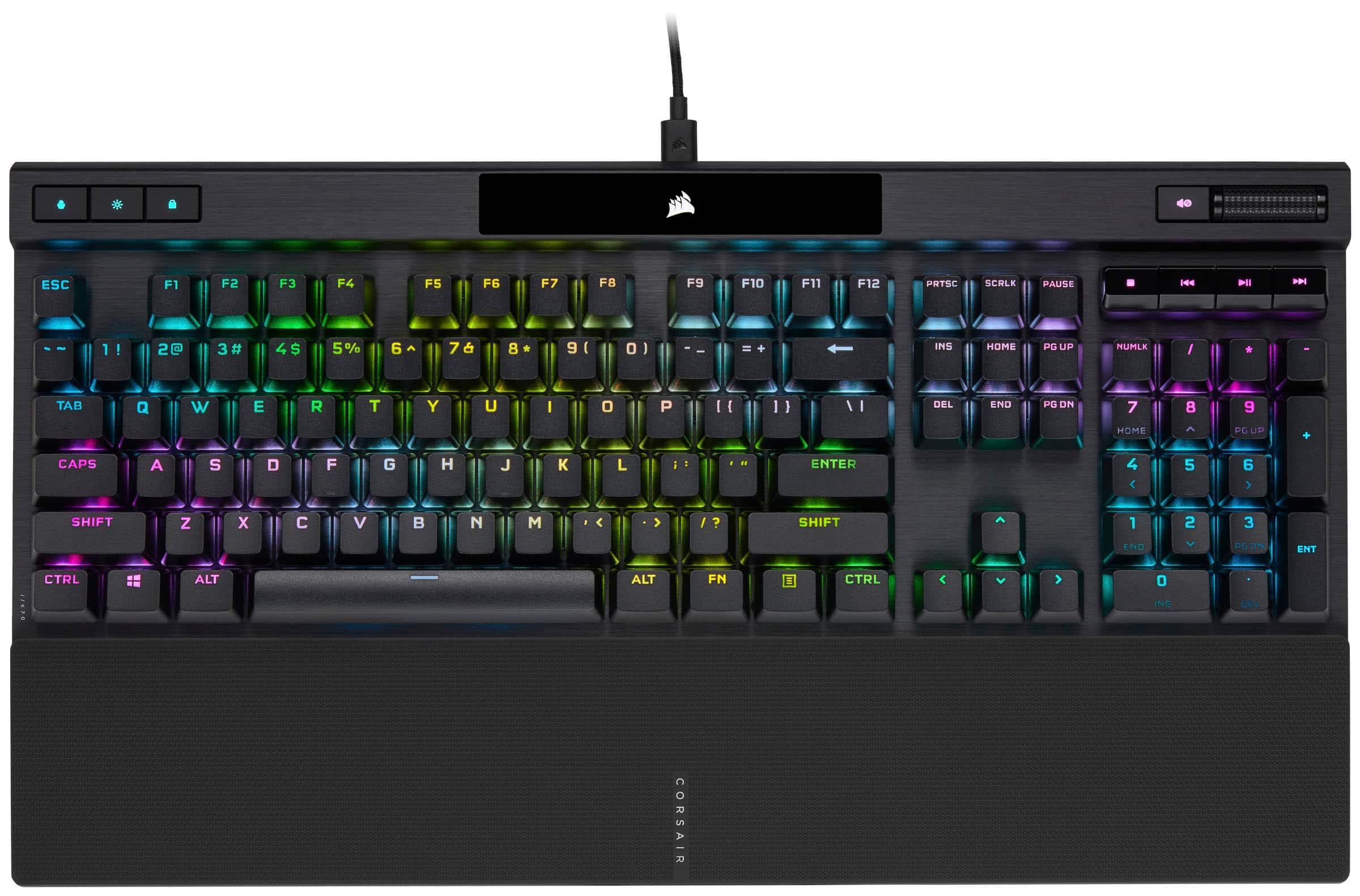
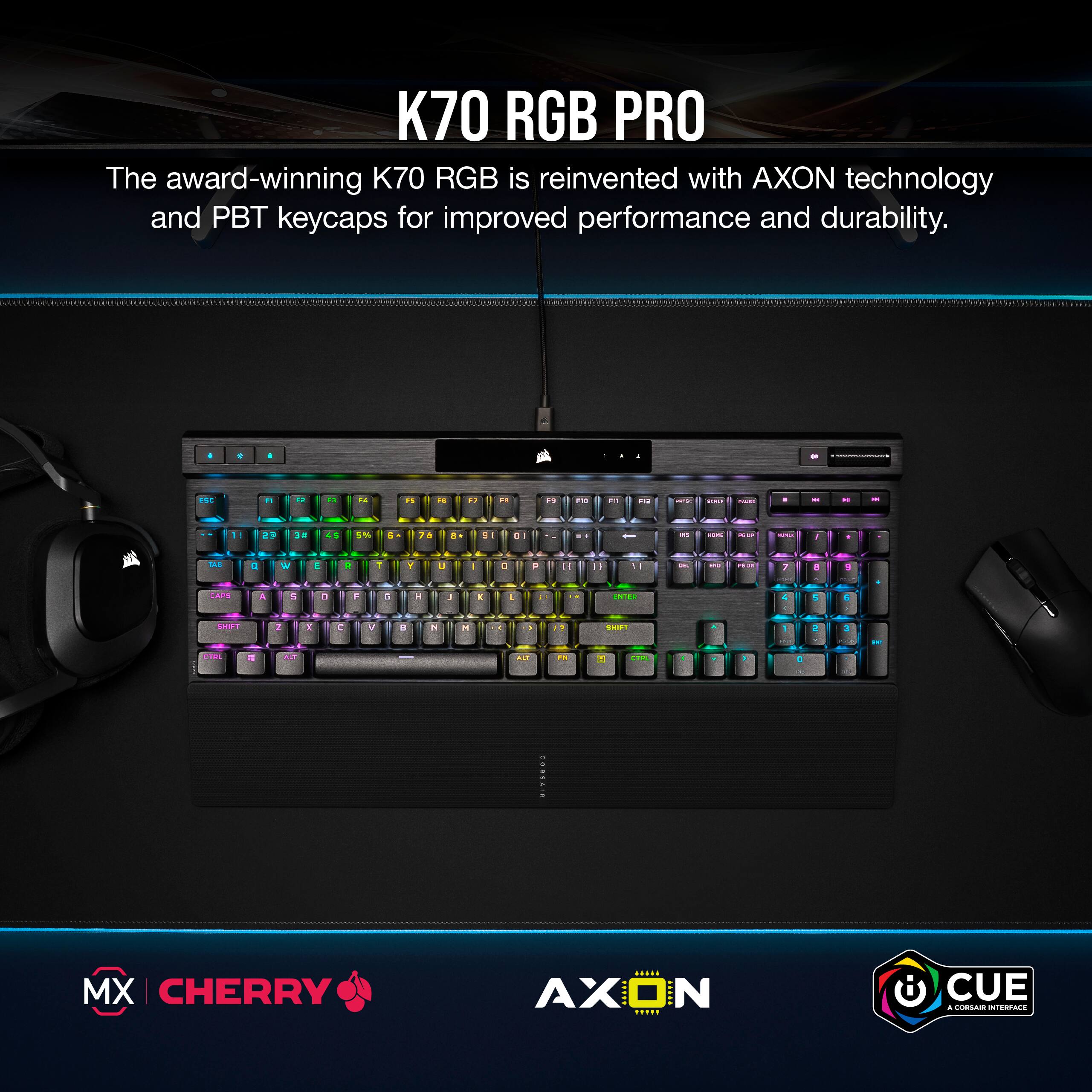
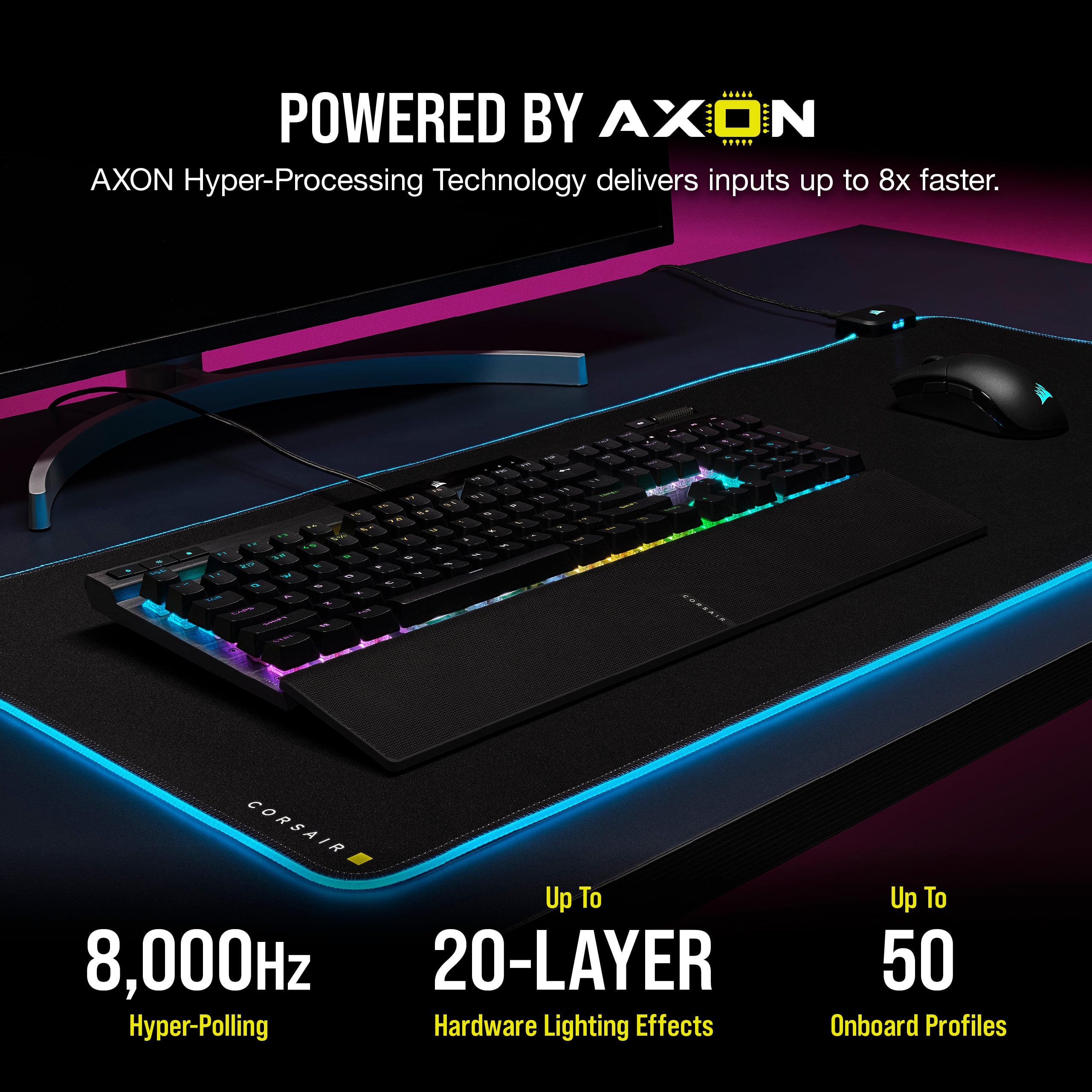
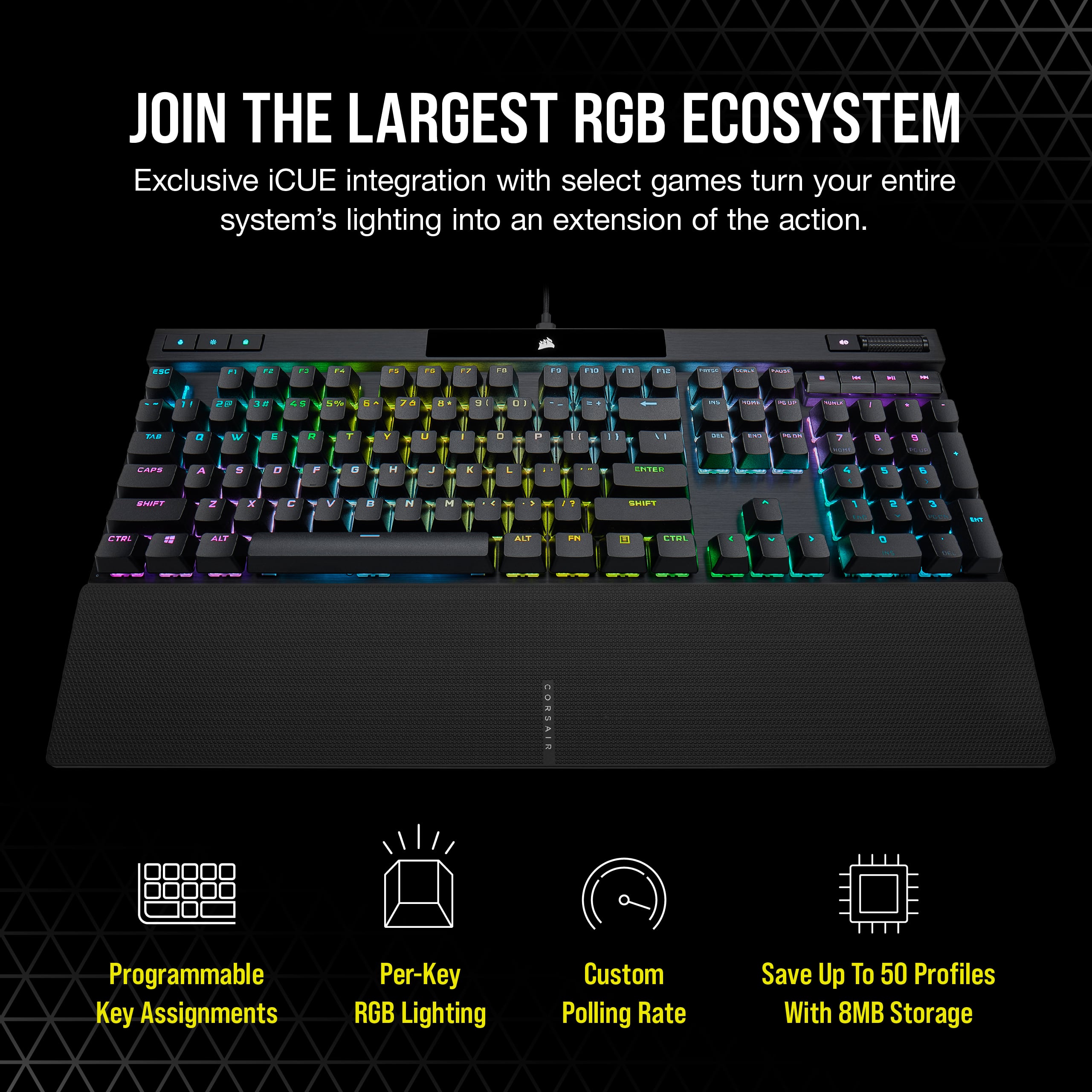
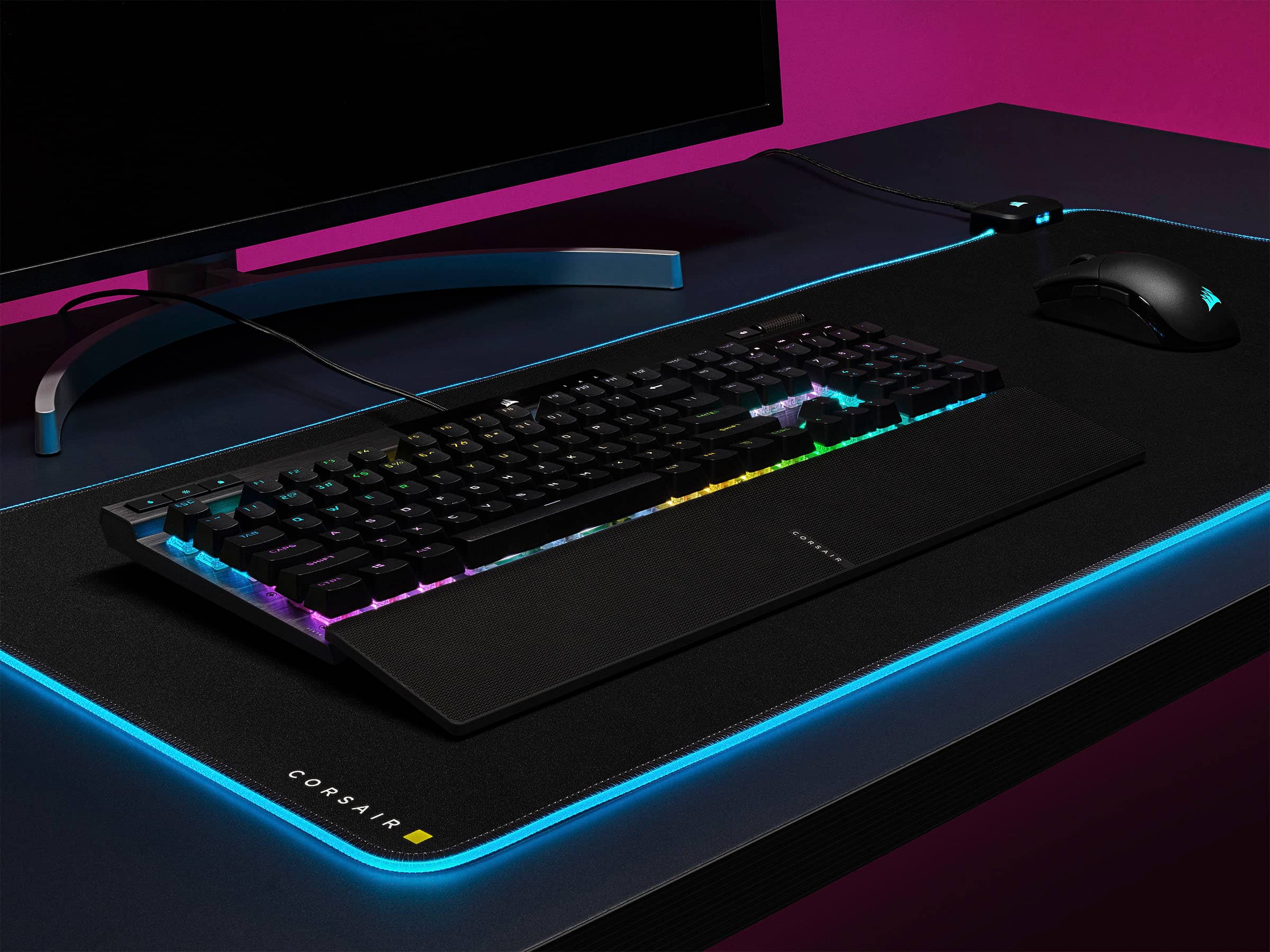
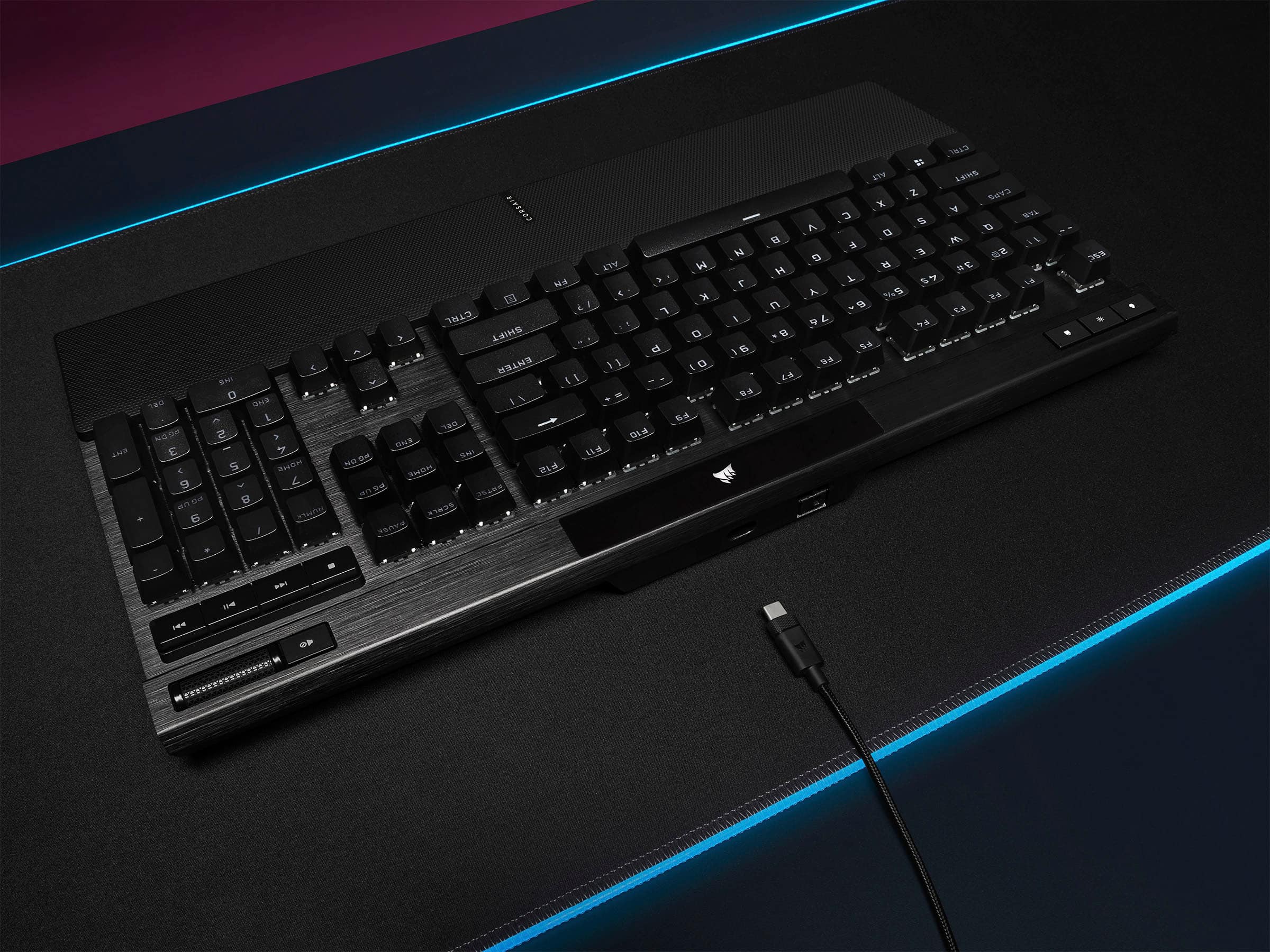
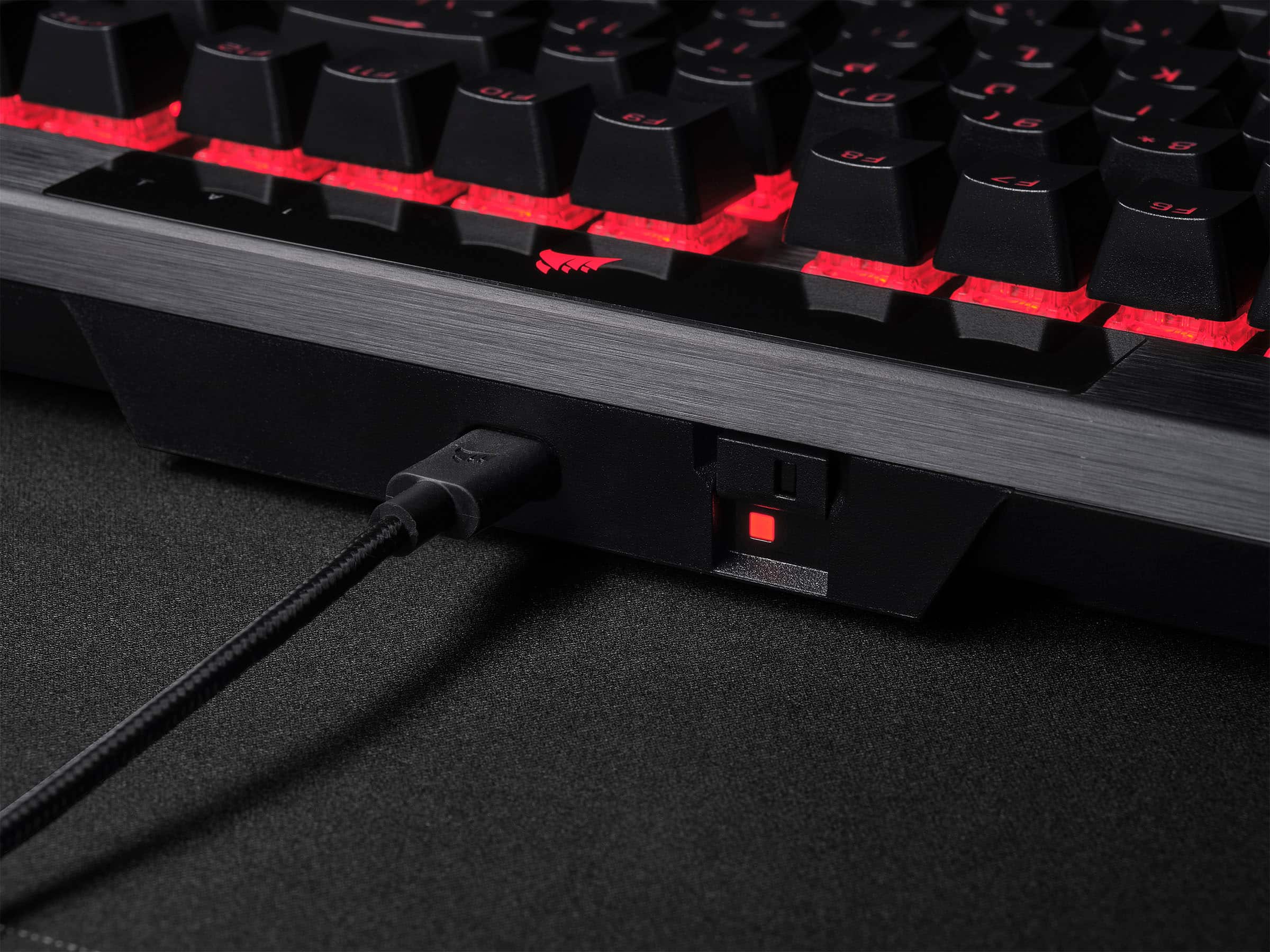
|Posted .This reviewer received promo considerations or sweepstakes entry for writing a review.The Corsair K70 RGB Pro Keyboard is a solid gaming keyboard. The hyper responsive keys, aluminum frame, customizable lighting, detachable USB-C connection, and magnetic wrist rest combine to create an enjoyable keyboard experience from Corsair. My keyboard is using silver switches and I don't think I have ever had a faster key press on a keyboard. Whether playing games or typing, the keys are super sensitive and the response to my key press was extremely quick. A few minor bugs like an LED indicator that won't turn off kept this from being a flawless experience, but overall, this has been a great keyboard. It looks great. It feels excellent to the touch. I highly recommend the Corsair K70 RGB Pro. Inside the box, you get the keyboard, the magnetic wrist rest, and a USB-C to USB-A cable for hooking the keyboard up to a PC, MAC, or XBOX Series X/S. Setup: Corsair says the keyboard needs a USB 3.0 connection. Because of the advanced features of the keyboard, I would strongly recommend that you hook the keyboard up directly to a USB 3.0 port on the PC as opposed to a hub. You will need to download iCUE software from Corsair to get the most out of the keyboard. As of this review, I am using version 4.20.169. I have watched iCUE evolve over the last few years and it's currently my favorite software for mice and keyboards. It's easy to use. Within 5 minutes, I had lighting synced between devices and special key assignments for multiple profiles. You can set up up to 50 onboard lighting and function profiles with up to twenty layers of lighting effects. Upon starting my PC, iCUE notified me that there was a firmware update for the keyboard. Installation took a couple of minutes. Experience: The keyboard just looks great. The aluminum frame, the key caps, the LED indicator panel, the RGB lighting, and the wrist wrest look great. Keycaps feel good to the touch. After a few days of usage, I haven’t noticed the keys turning glossy or shiny from finger wear. The built-in media controls and volume control are super nice. It’s very easy to fine tune volume levels. I have the K70 RGB Pro with silver switches. With the silver switch, you don’t feel any click or resistance when the keys are pressed. The actuating force required to register keystrokes is lower than say a red or black switch. This isn't the quietest keyboard I have ever used. I think that sound tolerance will depend a lot on the user. The spacebar is the loudest key. I didn't find the noise to be bothersome or too loud, but that's me. This keyboard has full key rollover. Many keyboards can handle up to six simultaneous button presses before those button presses are lost (or ghosted). This keyboard can handle a full keyboard press. I should point out that there is no USB or AUX passthrough. I don’t necessarily mind the lack of an AUX passthrough as I never use it, but I would appreciate a built in USB 3.0 port to attach a mouse dongle or flash drive. I did encounter one small bug. The mute LED indicator stays lit even when I have unmuted the device. I had a firmware update out of the box. Here’s hoping a future firmware update will fix the problem. In the meantime, I found that cycling the brightness key will get rid of the mute icon. There's a tournament switch on the back to disable key functions and limit the keyboard to preset lighting. I guess there were dozens of people asking for this feature, but it wasn't more than a curiosity for me and I doubt I'll ever use it again. Conclusion: I really like this keyboard. The small bug I encountered can probably be fixed with a firmware update. Everything else about the keyboard has just felt great. I think this is my current favorite keyboard. I really wish there was a USB passthrough port, but I'll live without it. I strongly recommend the Corsair K70 RGB Pro. 4.5/5
I would recommend this to a friendGreat keyboard, big brands finally listen!
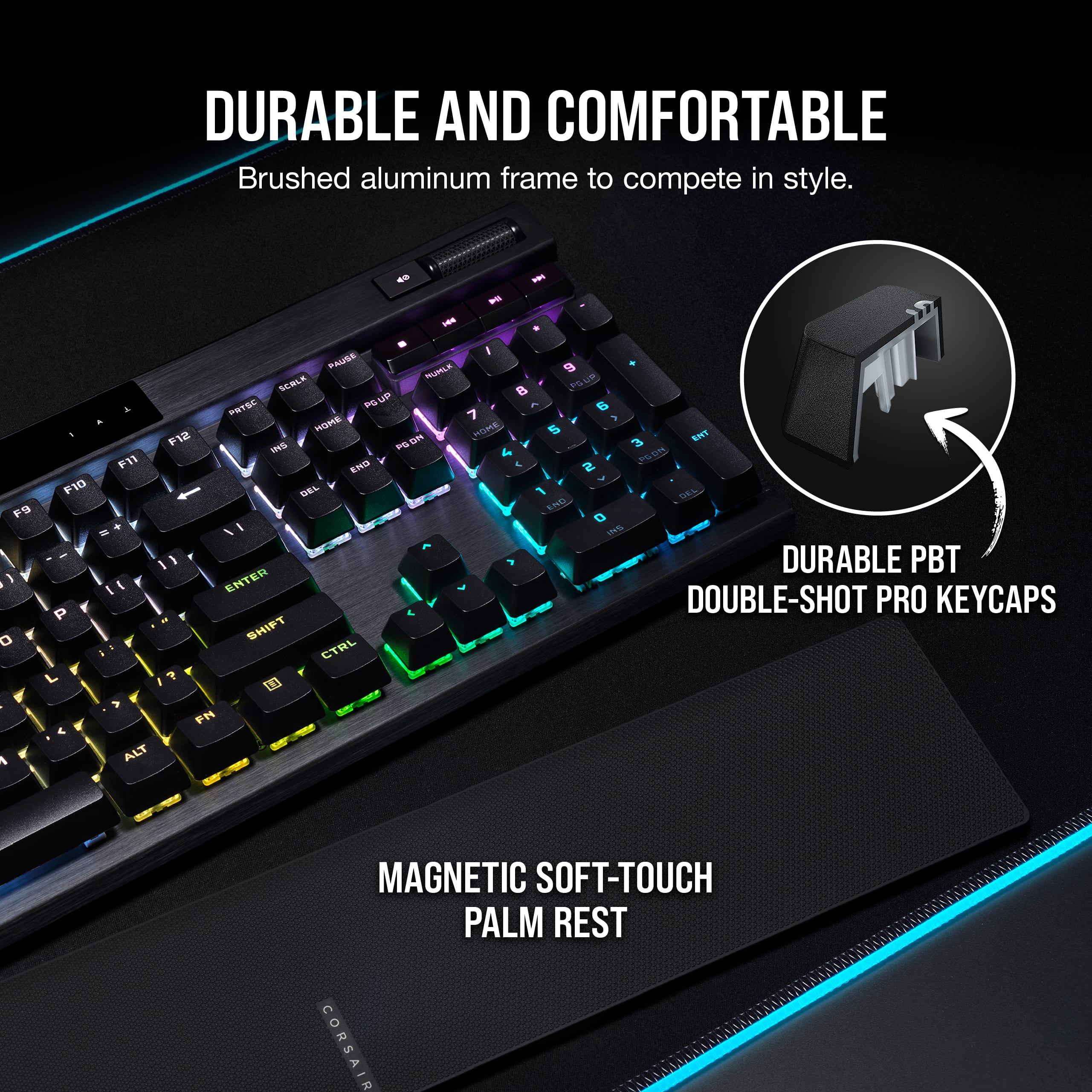
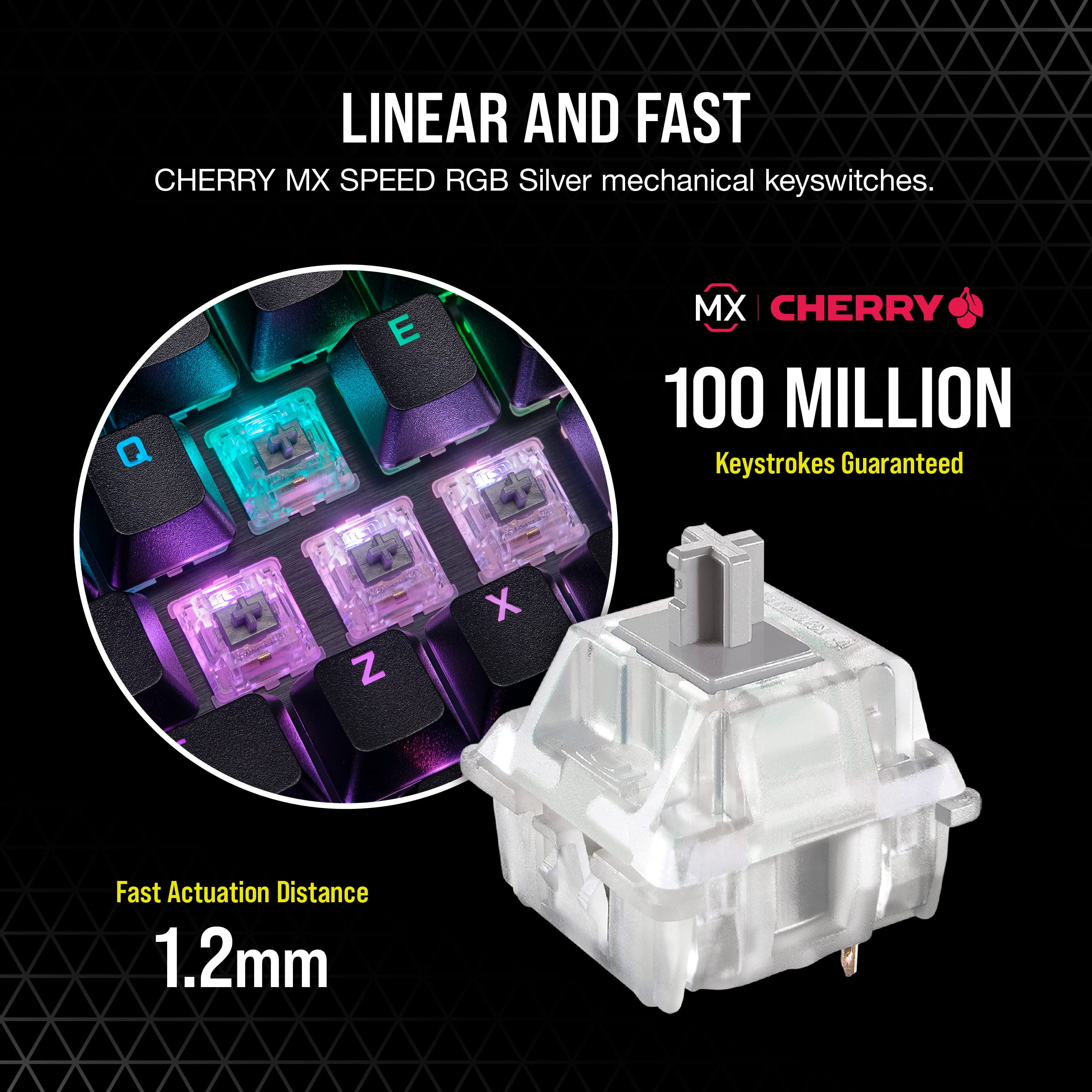
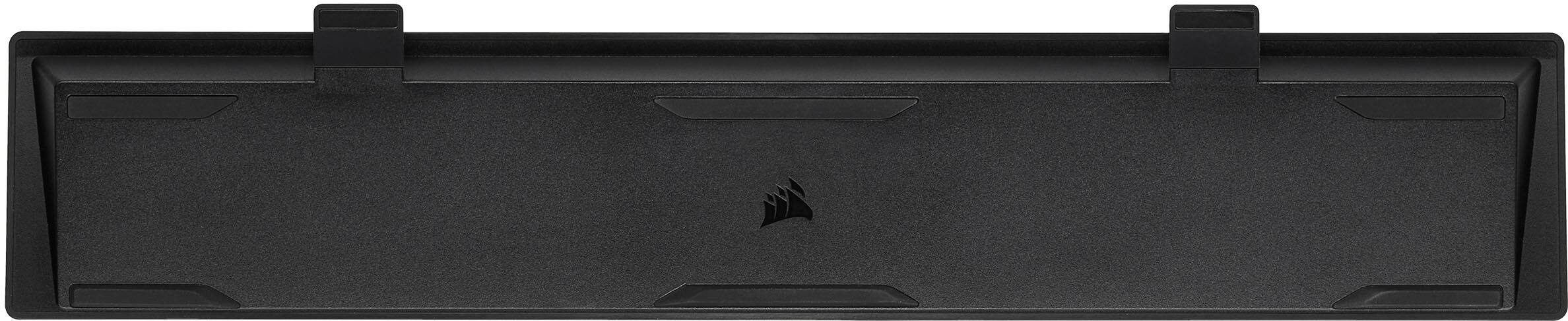
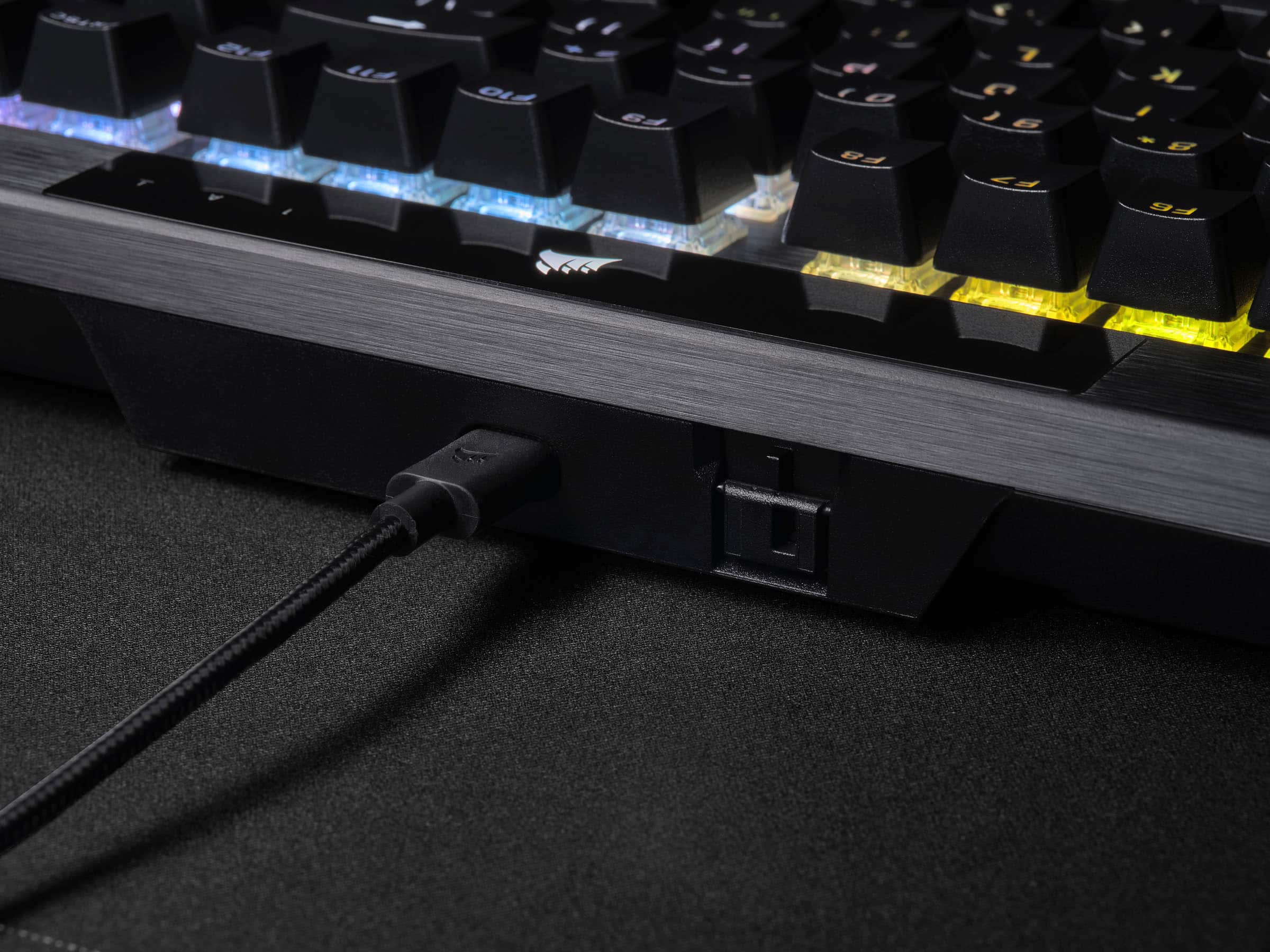
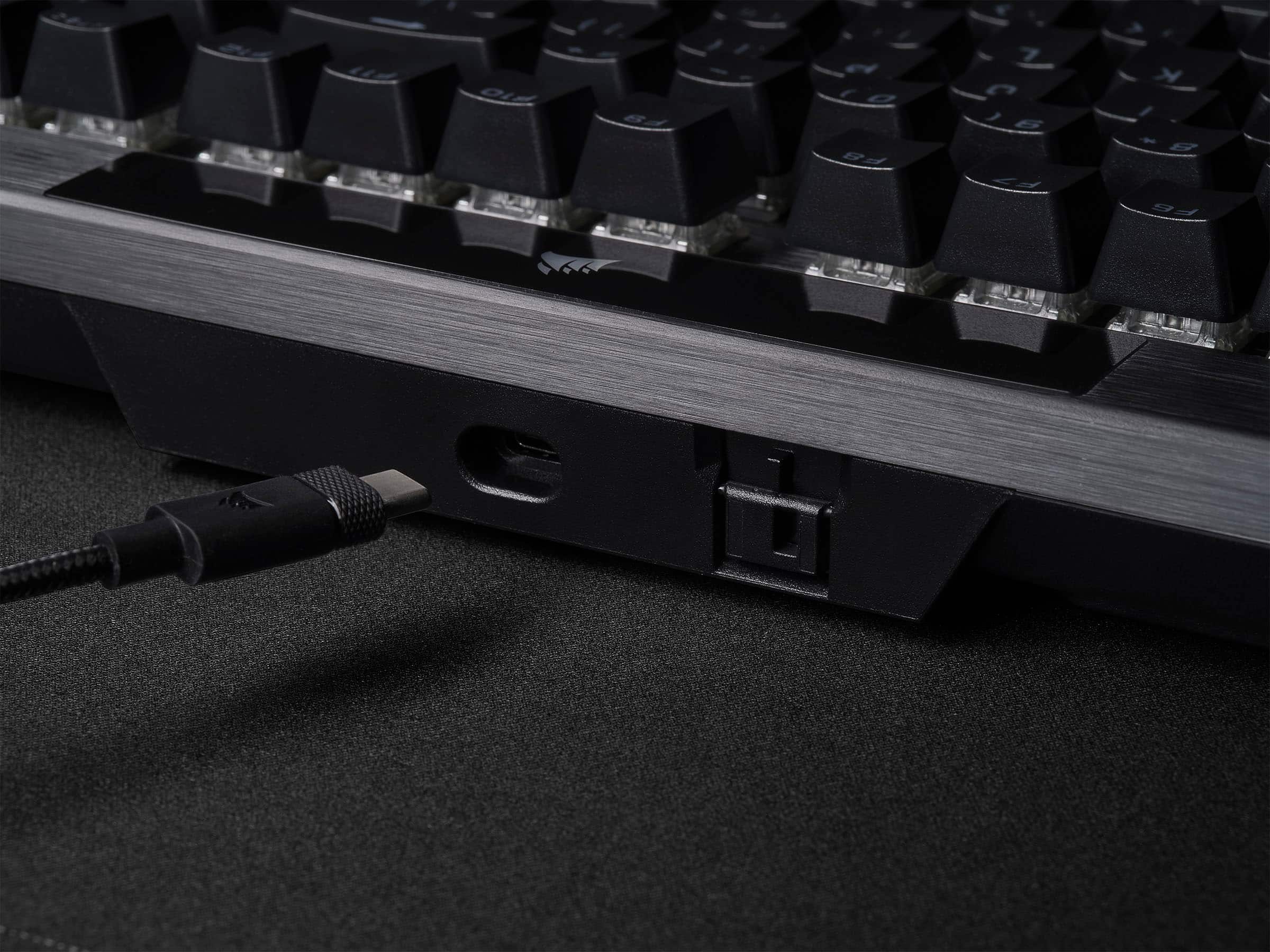
|Posted .This reviewer received promo considerations or sweepstakes entry for writing a review.Loving this keyboard. I see that finally a big brand like Corsair is listening to their keyboard customers. This keyboard has addressed two of the biggest concerns I had about keyboards from big gaming brands: 1- Removable type C USB cable and 2- double shot PBT key caps, finally! You may say, what that does matter? Well, most keyboards use cheaper ABS plastic keycaps, those, If you haven’t noticed, are prone to get shinny over use (due finger oils and use) and most of the times the legends fade away. PBT solves this, its better-quality plastic and it has a nicer texture to it, grippy I would say. And removable Type C cable? Lord, the ease to be able to remove the cable, or heck, even replace it with your favorite aviator type one (like mine, check my pic). Is a big plus in my book. They also include a wrist wrest, its plastic, textured and attaches magnetically. Its hard plastic and not cushioned, but hey, at least they include one. I got the Cherry MX Speed switches, these are linear and super-fast, they actuate with little force. If you are not used to them, it may take some time to do so as it may make you more prone to typos, but after a while, these are the fastest you can get for gaming. They are not that loud either. The only problem is that it seems there must not been or if there is, very little sound dampening in the keyboard. I can hear a metallic ping with each keystroke. Some people may care some may not. I game with a headset so doesn’t bother me, YMMV. This keyboard brings their Axon technology that previously was only on the more expensive K100 keyboard for faster processing and minimal lag for gaming. If you game, this is the keyboard for you, where reflexes and fast response is key to winning. I also love that it has a metal wheel on the right that I can use to control my volume. Very nice. Finally, you can customize the keyboard’s lightning and assign profiles using their ICUe software, very easy to use. I generally don’t like having programs running in the background, so in my case, I installed it, setup the lighting the way I wanted it, saved it to the keyboard and then uninstalled the software. If I want to change something in the future, I will install it and re do the same thing. If you want great gaming features (and some that they are bringing over from their higher end k100 to this one) for a cheaper price, this keyboard is perfect, highly recommend it!
I would recommend this to a friendYes, so many yeses.
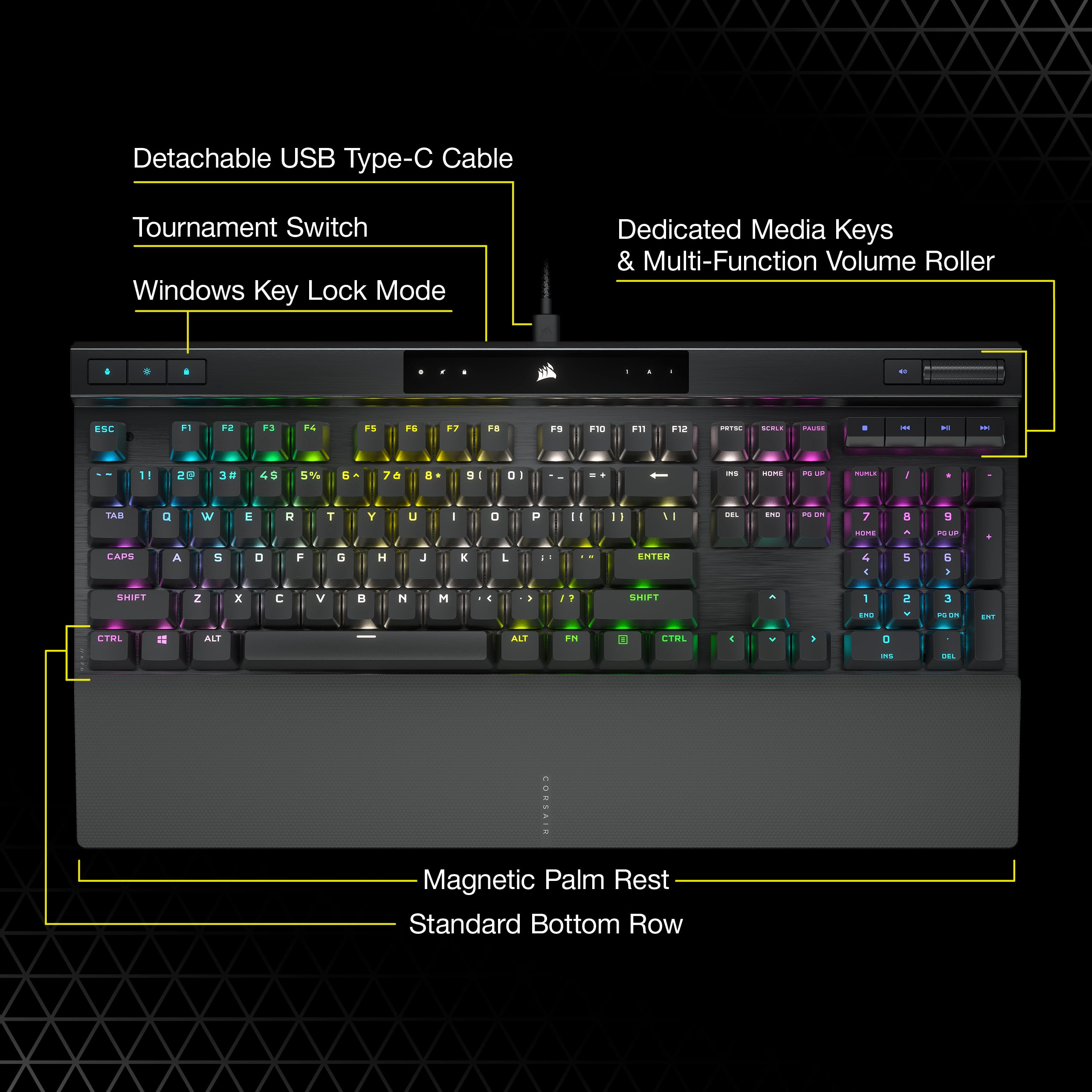
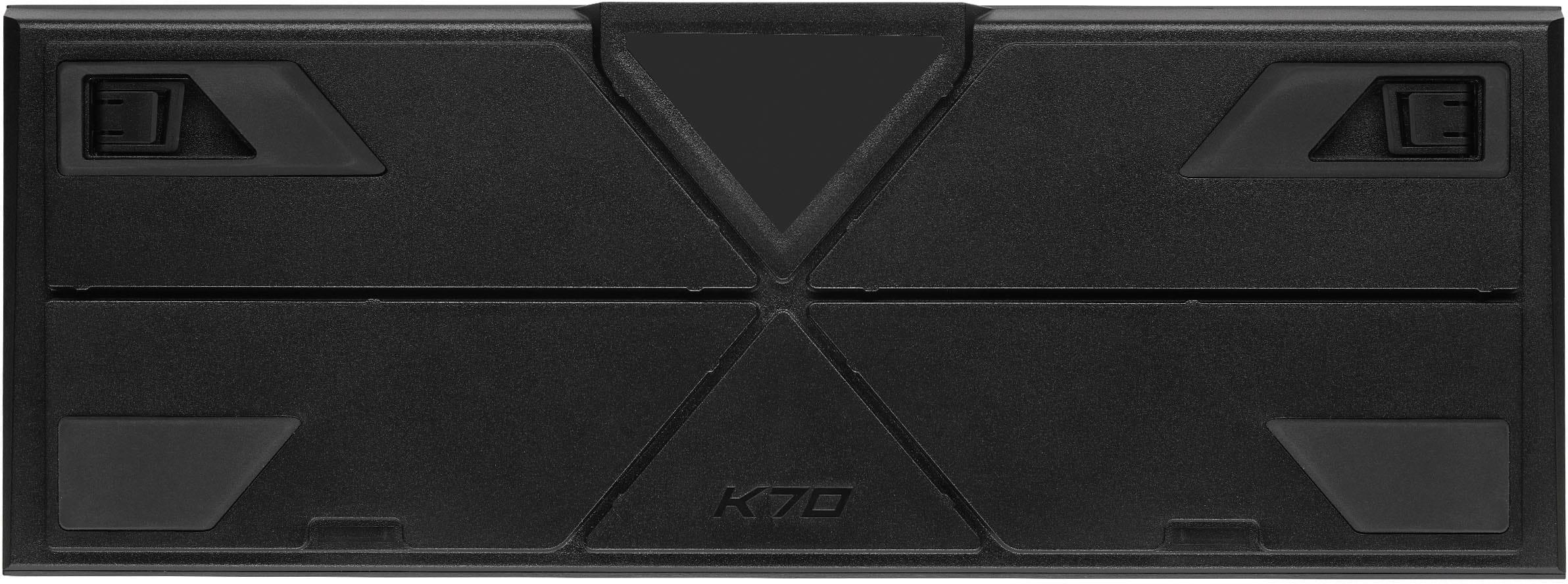
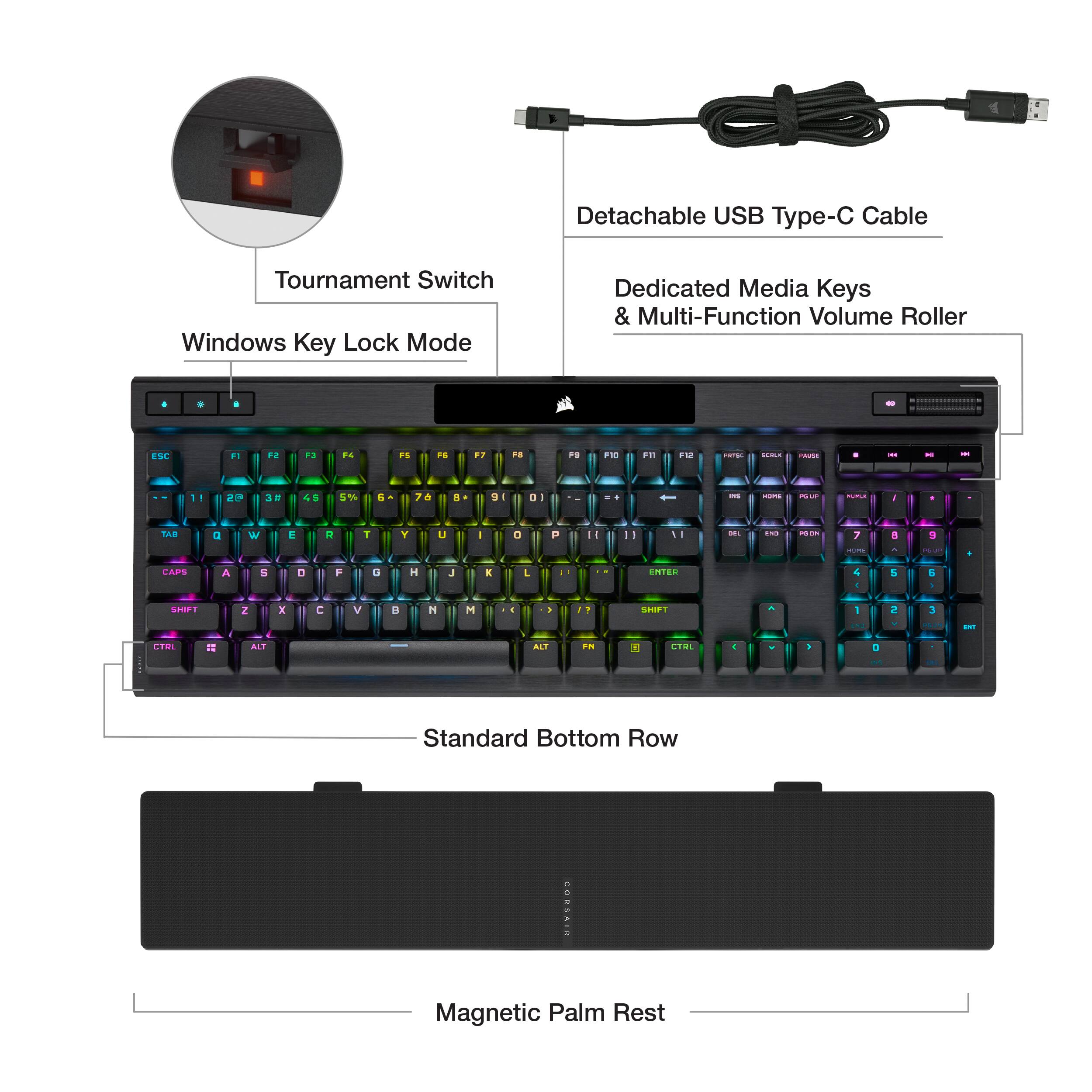
|Posted .This reviewer received promo considerations or sweepstakes entry for writing a review.NEW ADDITIONS: • Tournament switch. • Detachable USB 3.0 Type-A to USB-C braided cable. • No USB Passthrough. • Double-shot PBT keycaps that are 1.5 mm thick.. • Standard bottom row. • AXON hyper-processing that supports 8,000 Hz hyper-polling and 4,000 Hz key scanning. • New sleek design with slightly different profile.. • Magnetic wrist rest. PROS: • Sleek black aesthetics look great and remind me of Batman. And who doesn’t like Batman? • Tournament grade switch is neat. Switch feels great. When on the lighting goes static (which you can adjust color in ICUE), turns off macros, and customized settings to adhere to tournament rules quickly. • REMOVABLE USB C cord is awesome. The cable itself is meh. It’s braided, thin, and stiff. But so much better than the huge cords of the past. Probably one of my favorite features. • Your choice of Cherry Switches. I got Speed Silver. They feel great, spring back up fast, making them feel very crisp. I love typing and gaming on them. I just wish this keyboard also came with their optical switches which I think are the best thing since sliced bread. • RGB in general is fantastic. It is crisp, bright, and has smooth transitions and movement. With the darkness of the board, it really makes it pop. Can do highly complex lighting with ICUE software. • ICUE Software is hit or miss with people. I think it has an attractive design and is relatively straight forward and user friendly. If you’re like me who has a lot of color profiles and shortcut keys that they all transfer over to the new keyboard without having to redo everything. It is just there. But I do wish they had cloud saves. • Double shot PBT keycaps are fantastic. A. they have attractive non-gamery font. B. They feel amazing. As they are the perfect size, not too big but not too small. They are slightly tapered on the sides which push your finger to the center of the key making it excellent for typing and gaming. • AXON processor is seriously impressive. Supporting 8,000 Hz hyper polling and 4,000 Hz key scanning. Makes your keyboard feel more responsive. Like 60 Hz to 144 Hz does for monitors. Not a huge difference but noticeable after using it for a while. I don’t want to go back to 1,000 Hz. • NKRO full key rollover and 100% anti-ghosting. • Dedicated media keys feel and look great. • Volume wheel is now black making it look sleek. Is also very smooth without wobble. • Two-stage tilt is stiff meaning even if you move your keyboard around they stay up and don’t collapse. • Four large rubber pads keep the keyboard in place • Cable routing is thick and deep enough to be useful. • Magnetic wrist rest feels great to attach and use. Doesn’t scratch the aluminum like it previously did. • Standard bottom row. Even though I think these are some of the best PBT keycaps I’ve tried. CONS: • Some will be disappointed that they took away the USB playthrough port on the front of the device and switched it to a tournament switch. • No choice for Corsair OPX switches. • Flat profile buttons are meh. • Can still hear a metal ping if I hit the keys just the right way. Which means they didn’t put dampeners in which is a bummer. • Standard bottom row can take some getting used to. • Shows dust and debris easily. But with the open design can spray it out of there easily. CONCLUSION: I absolutely love this board. I like it a lot better than the previous K70 as I think they knocked the visual design out of the park. All of the tech (which is a lot) also translates well into real life and works great. The AXON processor and 8,000 Hz polling and 4,000 Hz keyscanning makes this keyboard feel ultra-responsive and smooth which makes me feel in more control in game. The keys (PBT and Cherry Switches) feel and sound fantastic. Media keys are some of the best I’ve tried. Having a small removable USB C cable makes me very happy. As I can easily clean up my desk and don’t have a cable taking up a bunch of room. This is an easy recommendation. It’s a yes from me. If you want to know more about this keyboard or learn more about the features make sure to checkout my YouTube video.
I would recommend this to a friendJust a great keyboard OVERALL! Buy it!
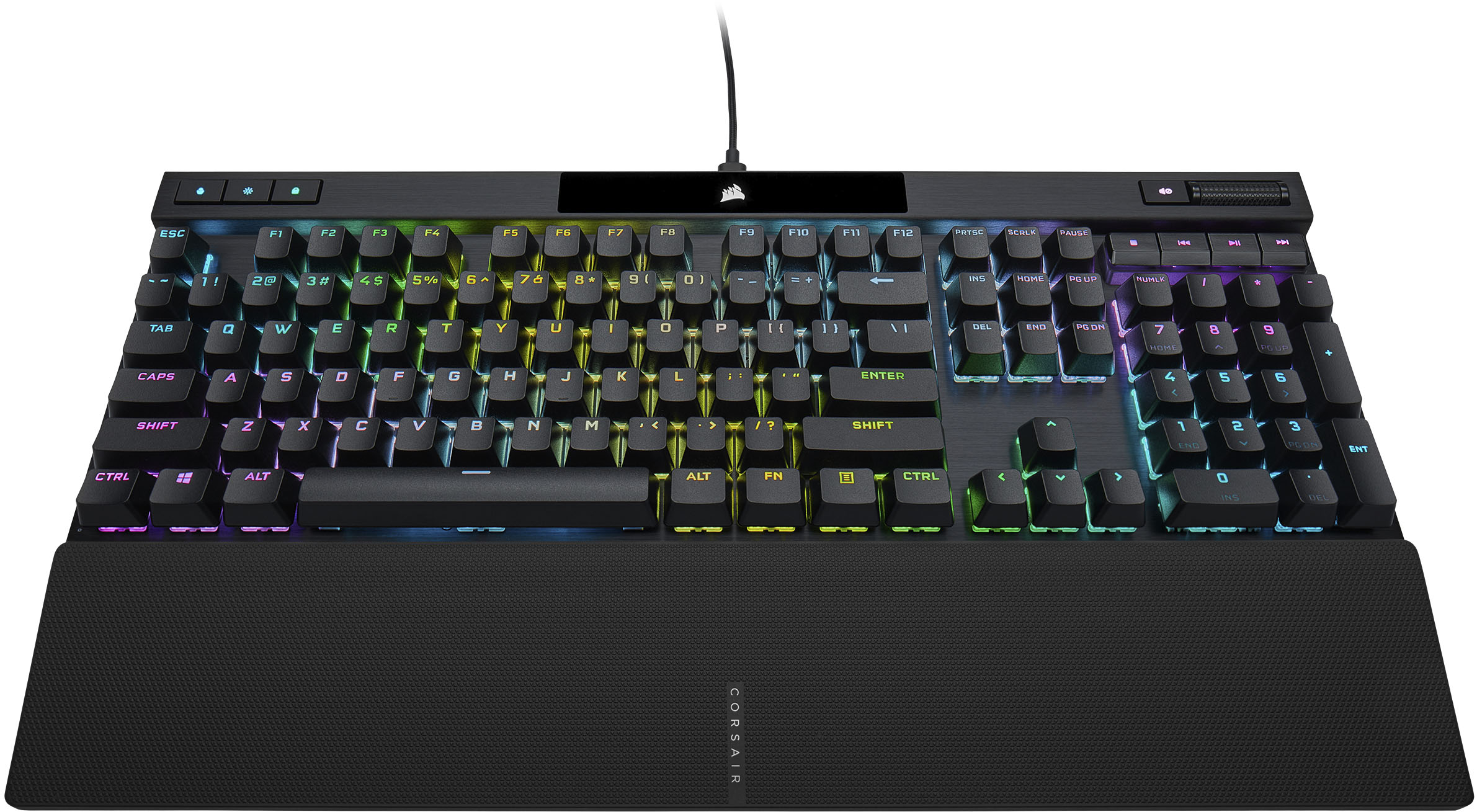
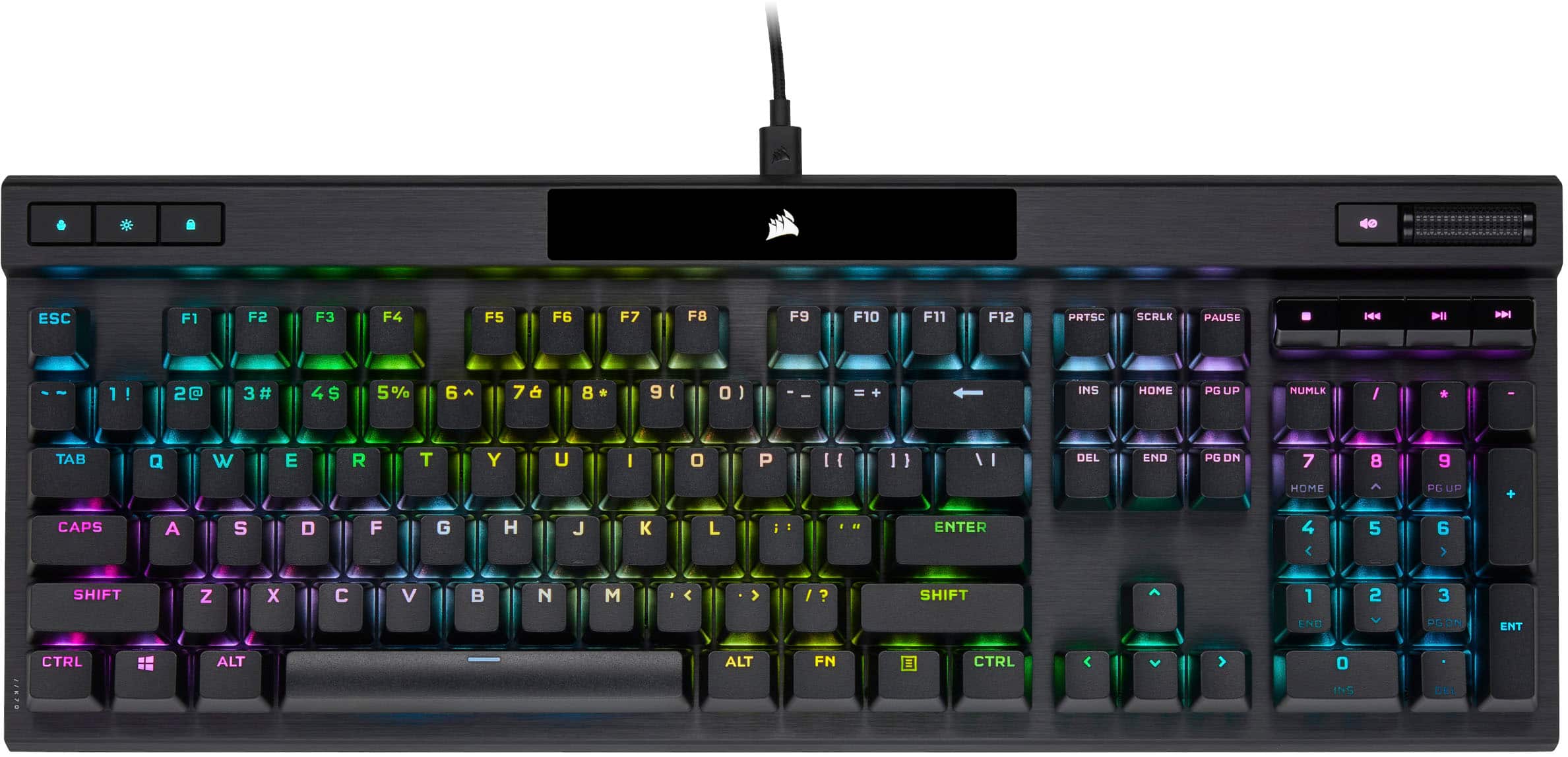
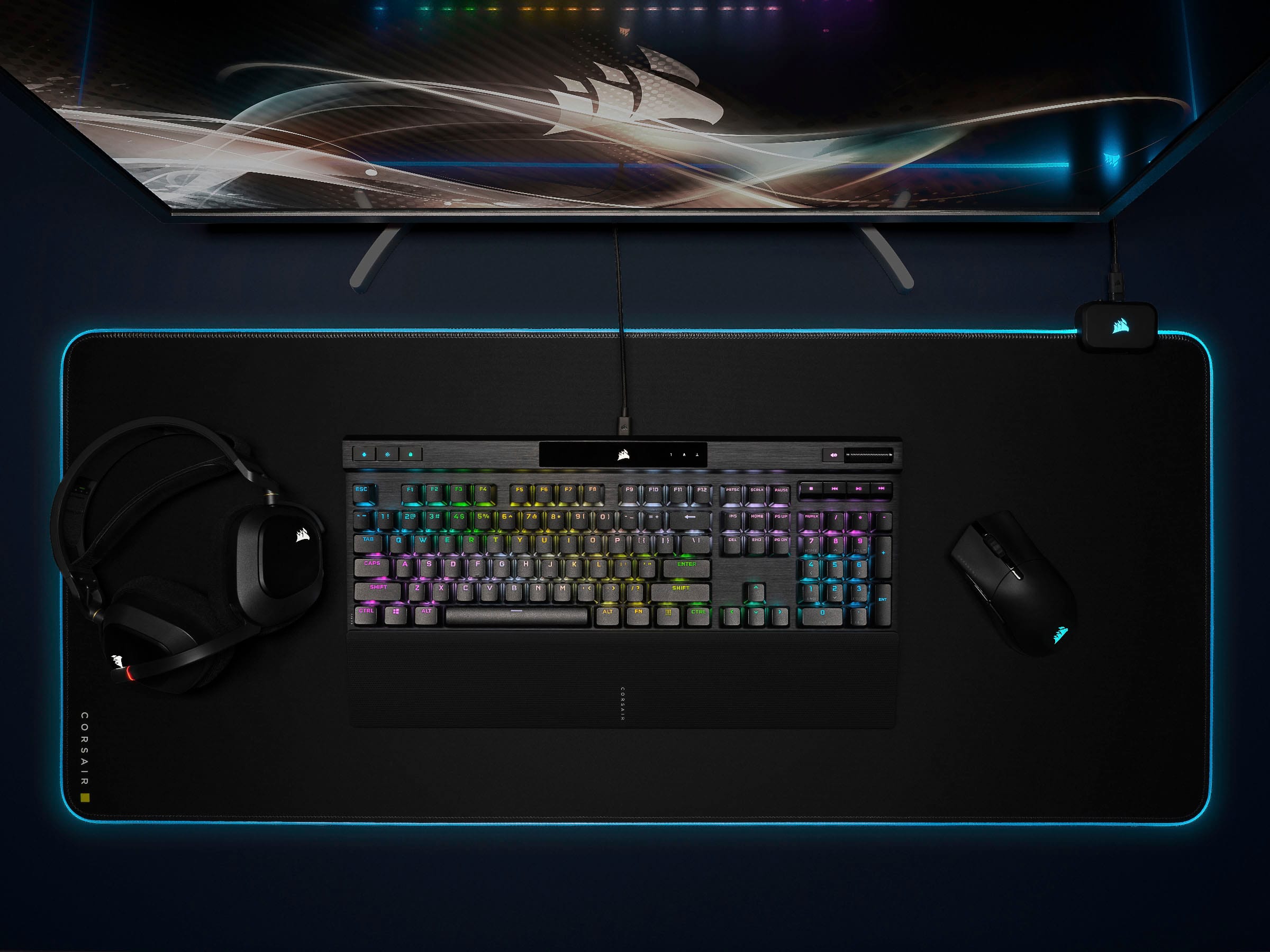
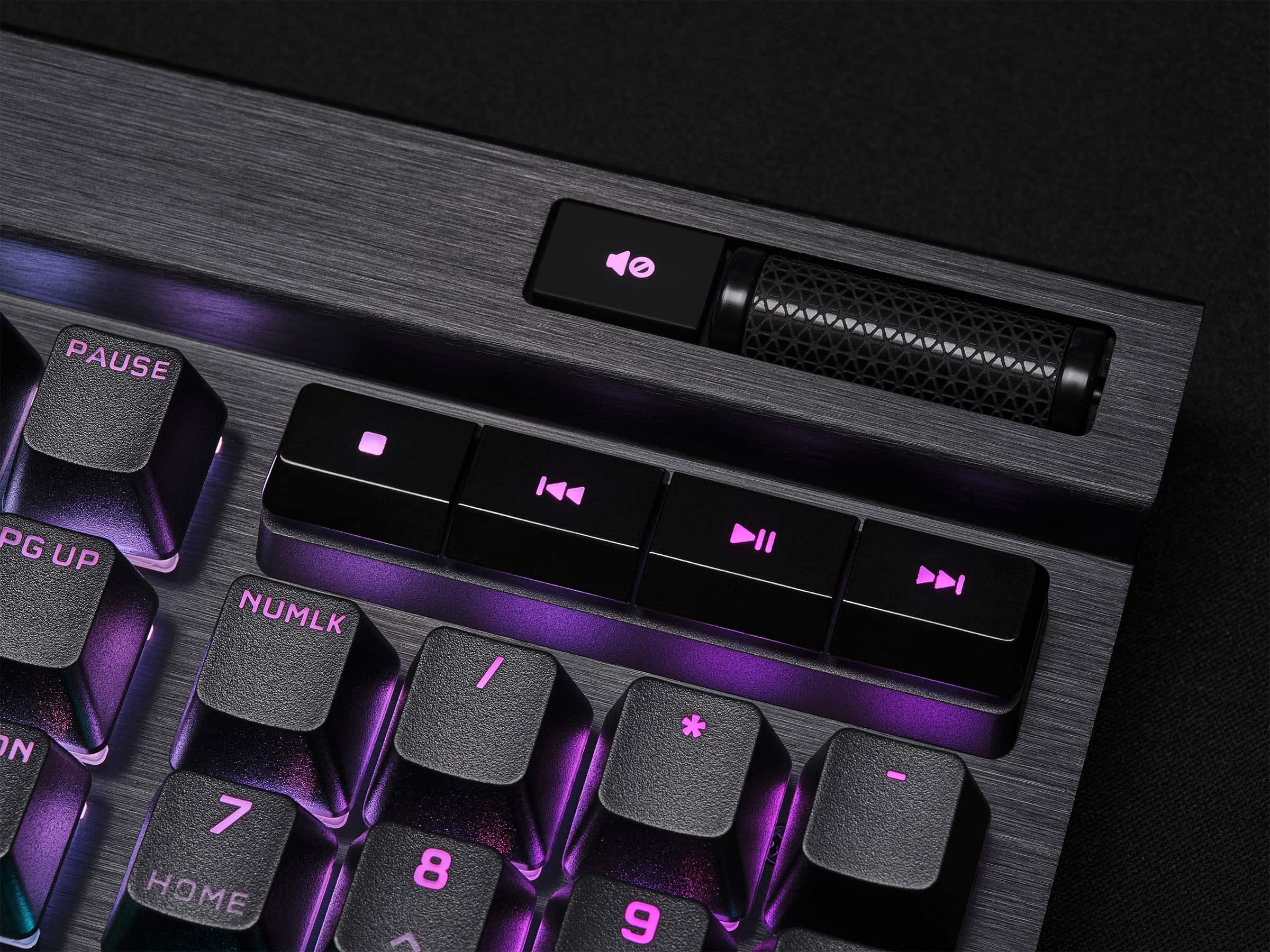
|Posted .This reviewer received promo considerations or sweepstakes entry for writing a review.Corsair has been known for making some of the best accessories you can grab for your Gaming PC. Thus far, I’ve used their headsets almost exclusively for the past two years, use a desktop sized mouse pad, and have even used some of their previously released keyboards and mouse devices. The iCue software is fully featured for many of their devices, but this K70 Pro feels like a culmination of all the right features for this keyboard. In the box, you’ll find the K70 RGB Pro Keyboard, a braided premium USB C to A cable, a simple warranty card, and a wrist rest which attaches the keyboard easily using a magnetic attachment. You won’t necessarily need to install the iCue software right away to begin using this as a keyboard, but you’ll likely want to take advantage of profile settings, key assignments, and lighting configurations which require the use of the software. There was a quick firmware installation prompted by the iCUE software upon launch, and installed quickly. The default ripple lighting scheme used does a good job of showing off the individualized key lighting, as it waves across the keyboard. You’ll also find a toggle switch, near the USB connector to enable “Pro” mode, which allows for competition use. I don’t imagine many will take advantage of the Pro mode switch, but it’s a great addition for those who are in eSports style tournaments. Enabling pro mode makes the lighting shine Red across the entire keyboard. The keyboard is using Corsair’s “AXON” hyper processing technology, paired with speed silver keyswitches, for quick reliable response during gaming sessions. The keys themselves are easy to pull off, and just as easy to push back on. The casing is made of Aluminum, with larger rubber pads on the bottom for a nice grip on your desk, some flip out feet to add some tilt. There isn’t any flex of the keyboard when you’re using it, and the only noise you’re going to hear from this is the keys as you’re typing. There are some media keys in the upper right corner, with a responsive volume rocker, a mute button (with an indicator light), stop, skip, and play/pause buttons. On the upper left, you’ll see a profile button for toggling between profiles you’ve configured in the iCue app, a brightness toggle which dims the keys with about 5 different levels, and a lock button. There is also a 10 key on the right hand side for those that love using 10 keys for various productivity apps. If typing noise isn’t a problem, using the keyboard is satisfying, but might be a bit loud for those around you. It doesn’t take a lot of effort to enter any key presses, only requiring light presses with immediate results. You can individually set up lighting for each key with the iCue software, and can mirror the same style across your Corsair devices, and even enabled control of my Asus motherboard lighting. Holding the function key, and pressing any of the number 1-0 buttons above the QWERTY keys can cycle between lighting modes. Overall, this keyboard is pretty great! I found the key assignment profiles made it easy to customize profiles for various games, the individual key lighting made it easy to mark out my WASD and action keys for gaming, and the responsiveness of the keys were excellent throughout. If you’d like a fast responsive keyboard, want to upgrade a previous Corsair keyboard, or want that edge in gaming with various profiles, I’d say this is an easy buy recommendation. I absolutely LOVE this keyboard and would highly recommend this for anyone looking to have a reliable gaming experience. The iCUE software can be used to change the lighting effects, program macros, store profiles onboard, and even allows the ability to turn off the Windows key during gaming. The software is probably some of the best used for any gaming keyboards.
I would recommend this to a friendHigh Performance Keyboard that is Comfortable
|Posted .This reviewer received promo considerations or sweepstakes entry for writing a review.My gaming desktop came with a subpar keyboard so I really wanted a quality full size gaming keyboard that not only had good performance specs but also felt good. This Corsair K70 Pro keyboard has an aluminum frame so its rock solid and the keys have the slight indent to let you know you are aligned on the keys. The Cherry MX mechanical keys have a nice springy responsiveness so when you hit the key there is no doubt its actuated. When I first started playing games on this keyboard I had to rethink some of my FPS moves because the keys would respond so fast that I would often over step my intended position. Driving got to be comical because I was oversteering by using the same techniques and pressures that I was using on the old keyboard. I can’t tell if it’s the Corsair’s AXON with Hyper processing which is supposed to be 4 times faster than other gaming keyboards or just the smooth actuation of these keys but one thing is certain this keyboard is comfortable and it responds. The only downside is that this keyboard does not have a USB pass through port nor does it have any dedicated macro buttons. My mouse and headphones are wireless so the lack of a USB port was not important to me. Using the profile Hotkey is not quite as convenient as dedicated macro buttons but it works well enough for me. Note also that this keyboard does not include FPS and MOBA textured keycap sets, all the keys have the same texture. Overall I am very happy with this keyboard which I use for gaming and work, its everything I was looking for in a keyboard. This keyboard is packed with features whether it’s for gaming or watching videos or just office work. To me the most important thing is whether the keys feel good and are easy to find without looking. When you are in the middle of a game the last thing you want to do is lose time trying to find the right key. For me the indents in the top of the keys, the keytop size and spacing just feel natural. Corsair gives you the ability to configure macros and/or reassign keys via the keyboard hardware or using the Corsair iCUE software. The hardware macros can be recorded on the fly and saved to function keys. There is a Profile Hotkey for selecting profiles and a Macro Record Indicator built into the keyboard. The software profiles are set up and controlled from within iCUE. You can set up to 50 different profiles with custom macros, actions and lighting effects. The profiles can be stored inside the keyboard’s memory so that you can quickly switch profiles without having to use the iCUE software. With the iCUE software you can configure the RGB color patterns down to the key or you can use one of the many already configured in the software. The ability to light down to the key allows you to highlight the keys you need for a specific tasks or games. You can also use the iCUE software to sync your lighting effects to other Corsair products. Corsair also includes a Windows lock key that disables the Windows key on the keyboard as well as a Tournament Switch on the back that disables all the custom profiles for competition play. The keyboard comes with a nice magnetic palm rest and like most keyboards you can adjust the height to meet your needs. Most keyboards come with media keys as does this one but Corsair ups the game by including a volume roller control, a quick turn and the volume is set. The volume roller is one of those items you never knew you needed until you get it and then it becomes a must have item. The keyboard attaches via a USB-C to USB-A six foot braided cable provided.
I would recommend this to a friend