Customer Ratings & Reviews



- Model:
- CH-9109414-NA
- SKU:
- 11447113
Rating by feature
- Value
Rating 4.6 out of 5 stars
- Quality
Rating 4.7 out of 5 stars
- Ease of Use
Rating 4.7 out of 5 stars
- Pros mentioned:Keyboard quality

Premium High Performance RGB Mechanical Keyboard
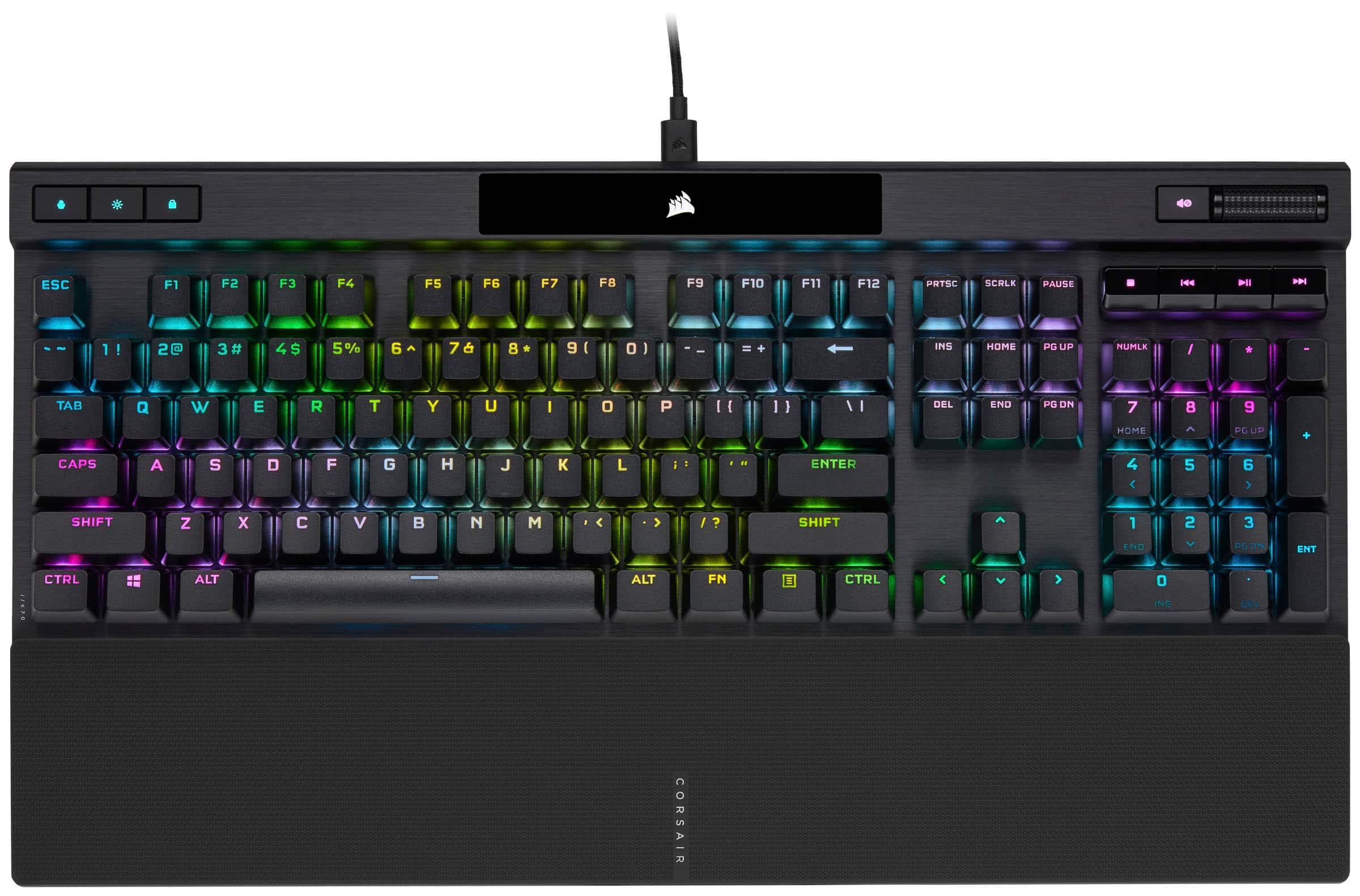
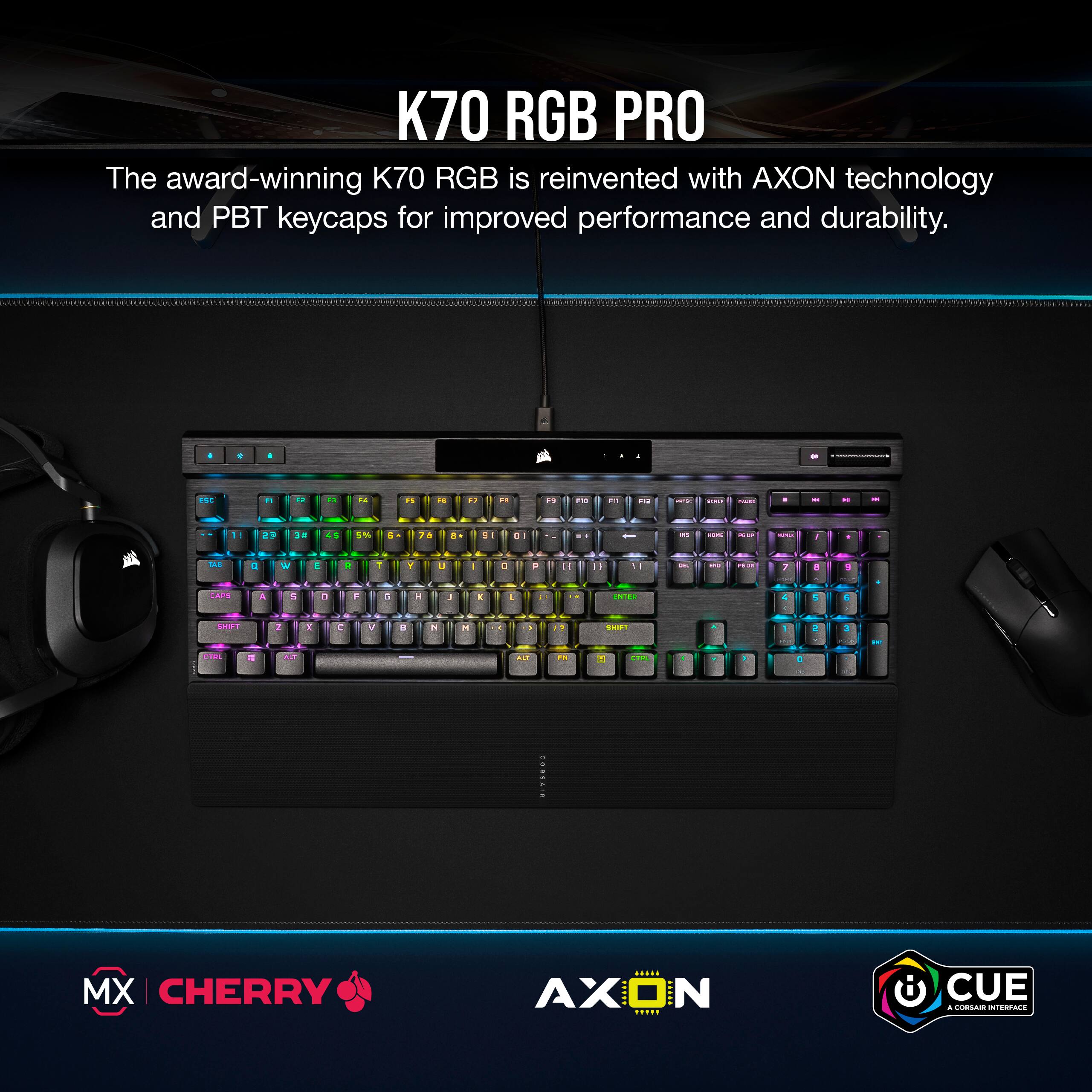
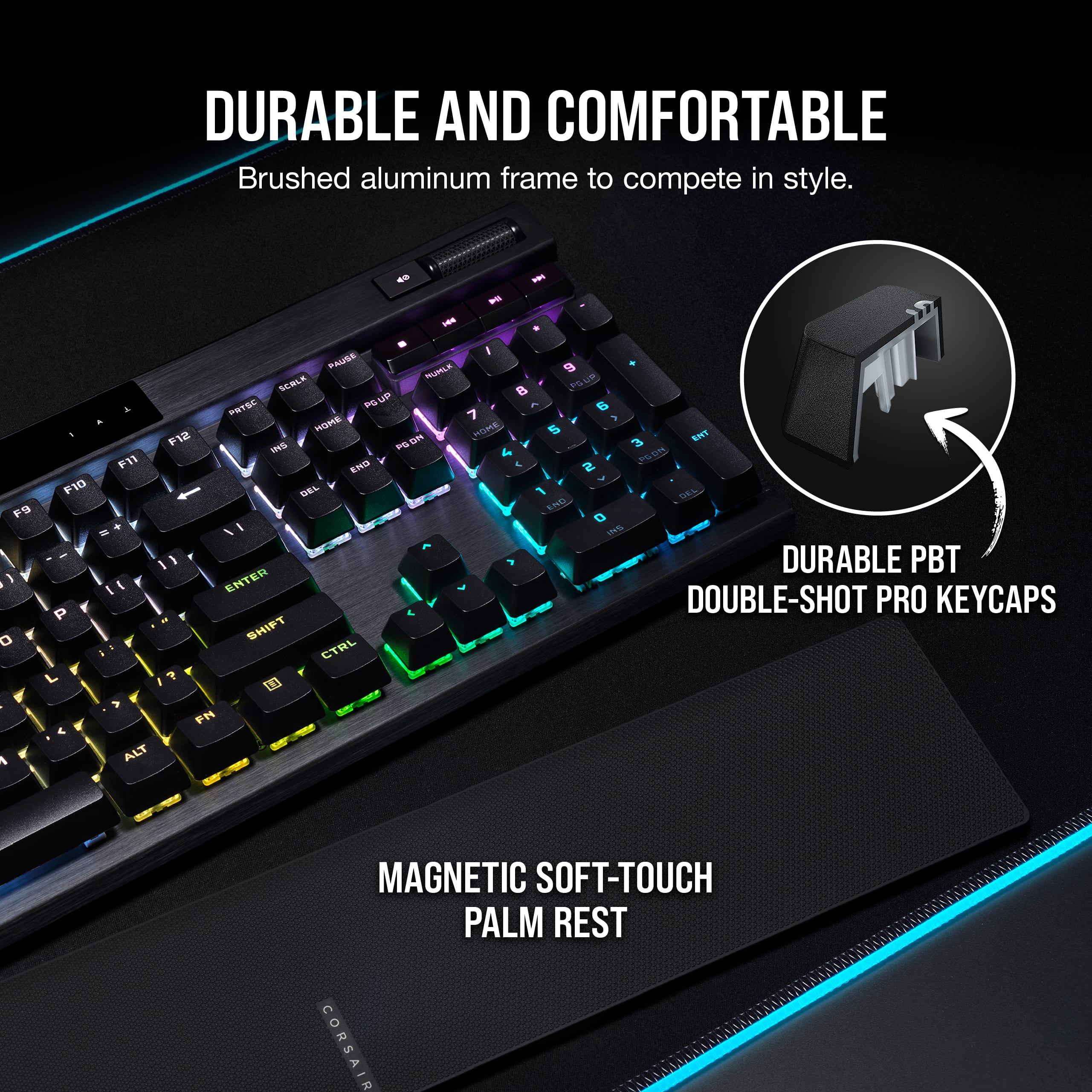
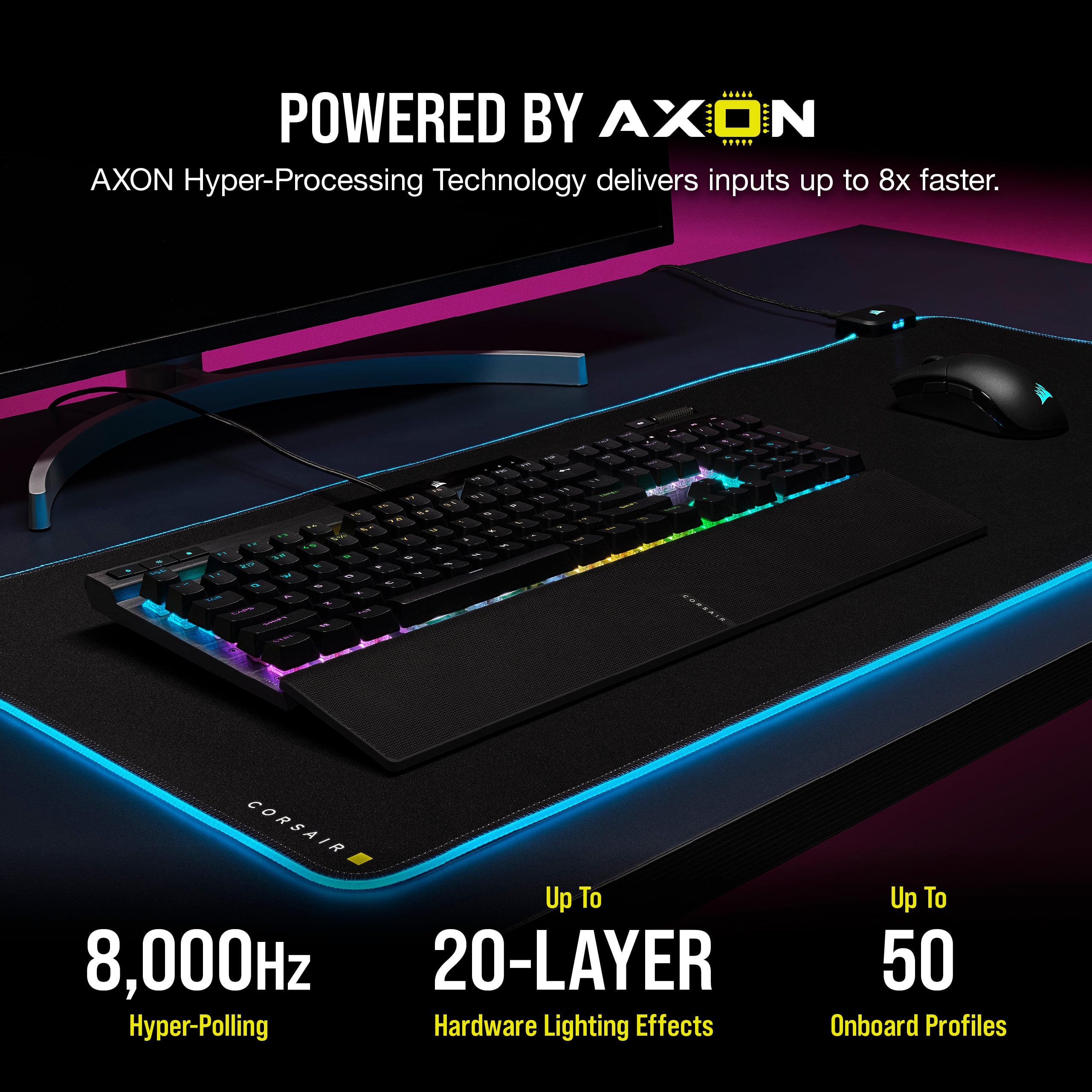
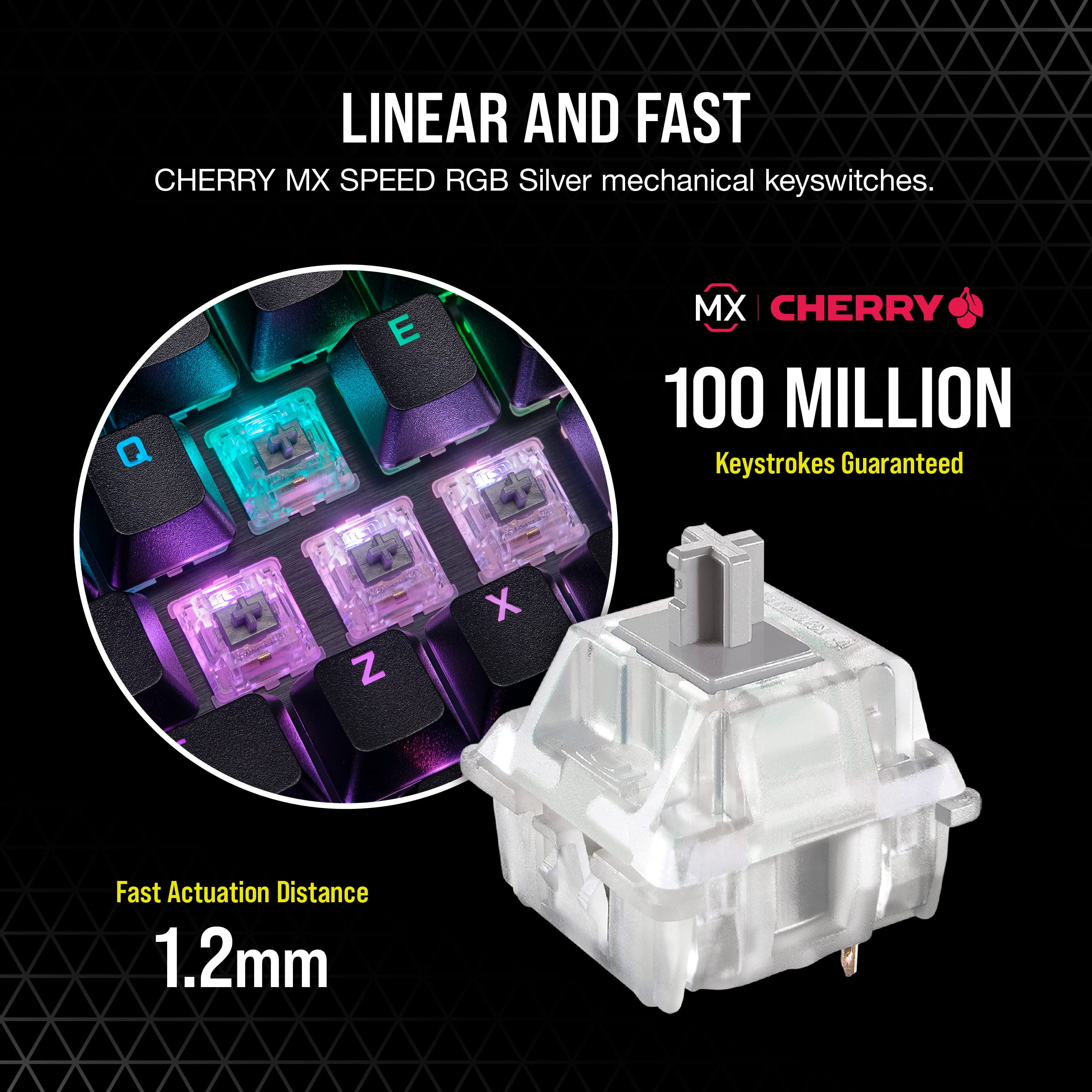
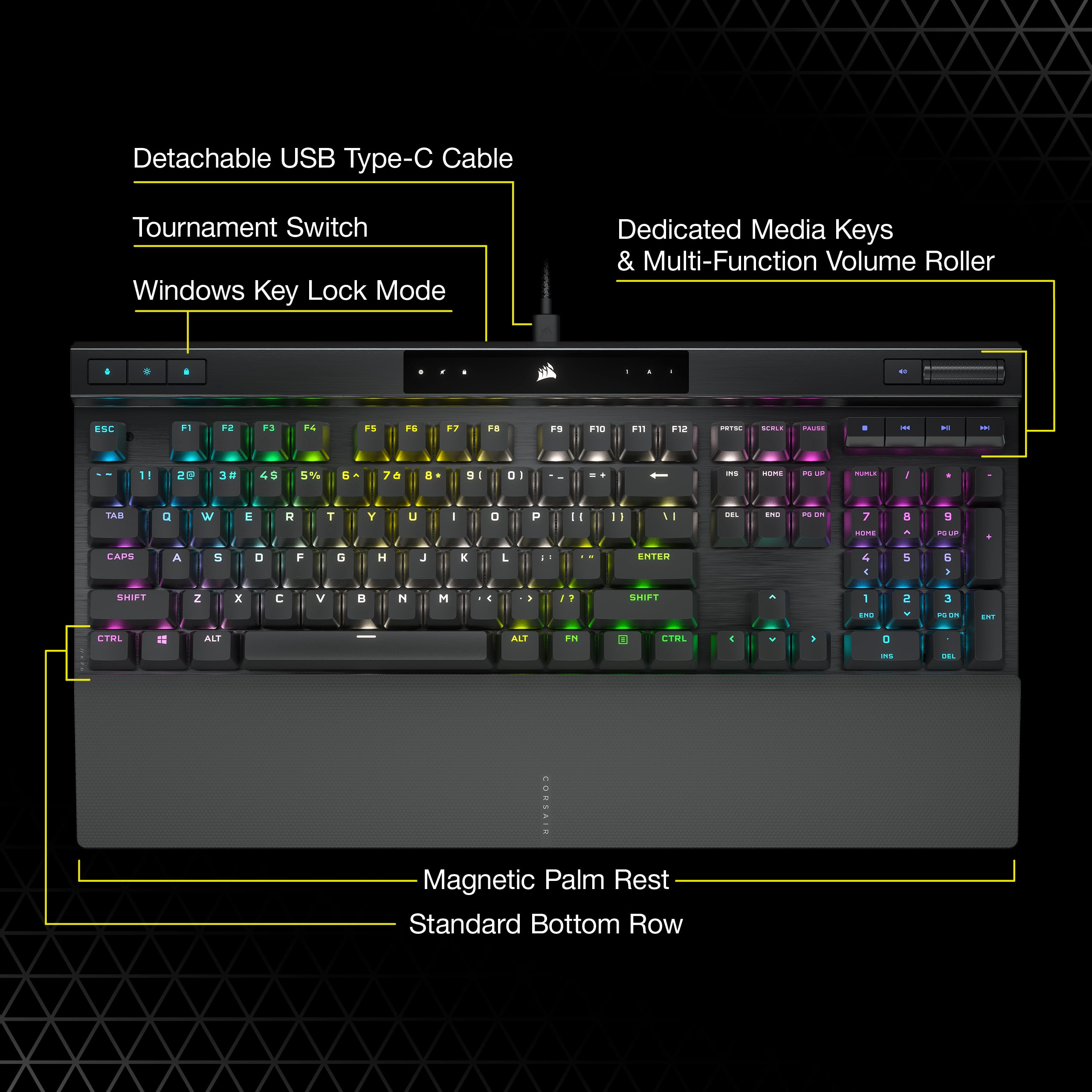
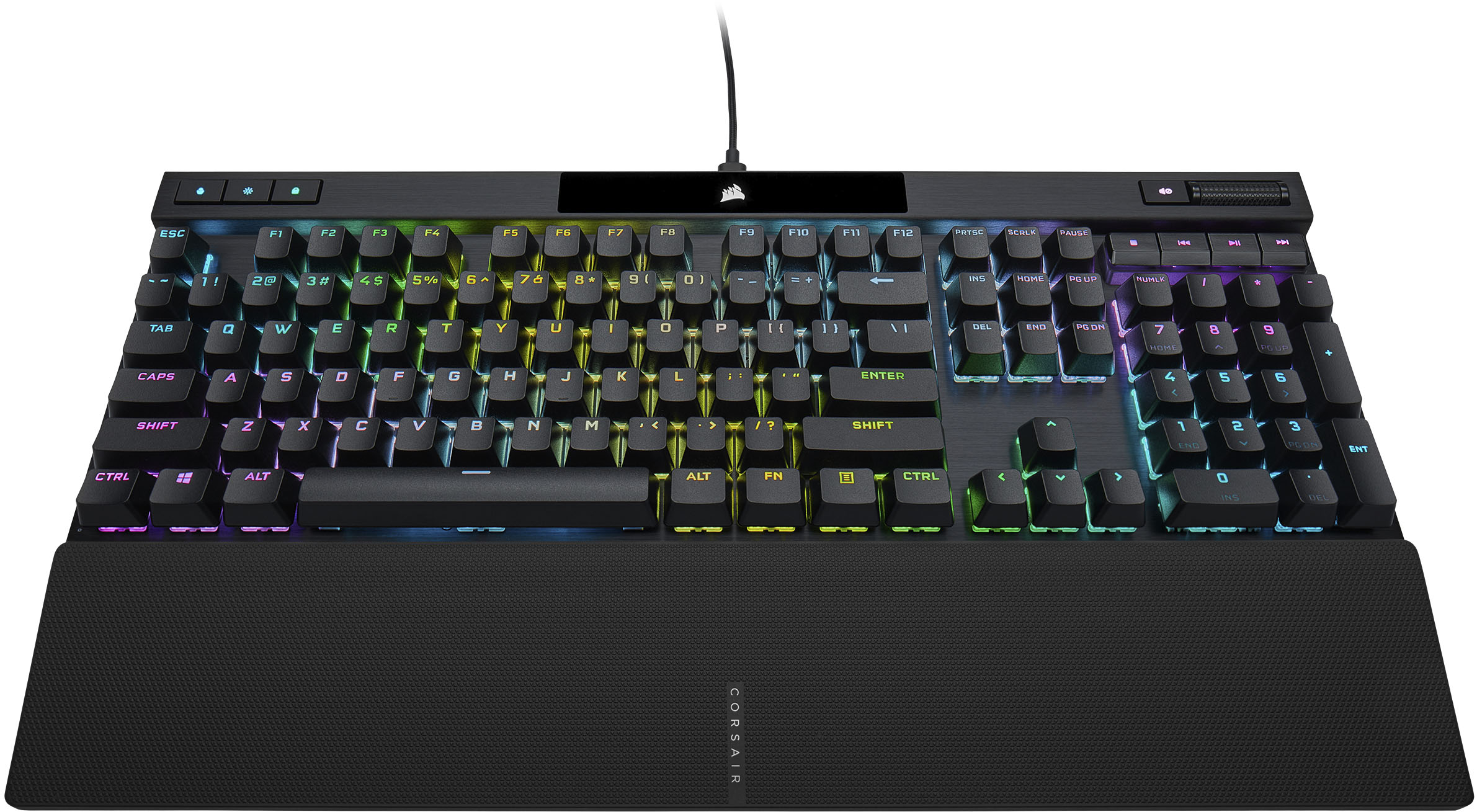
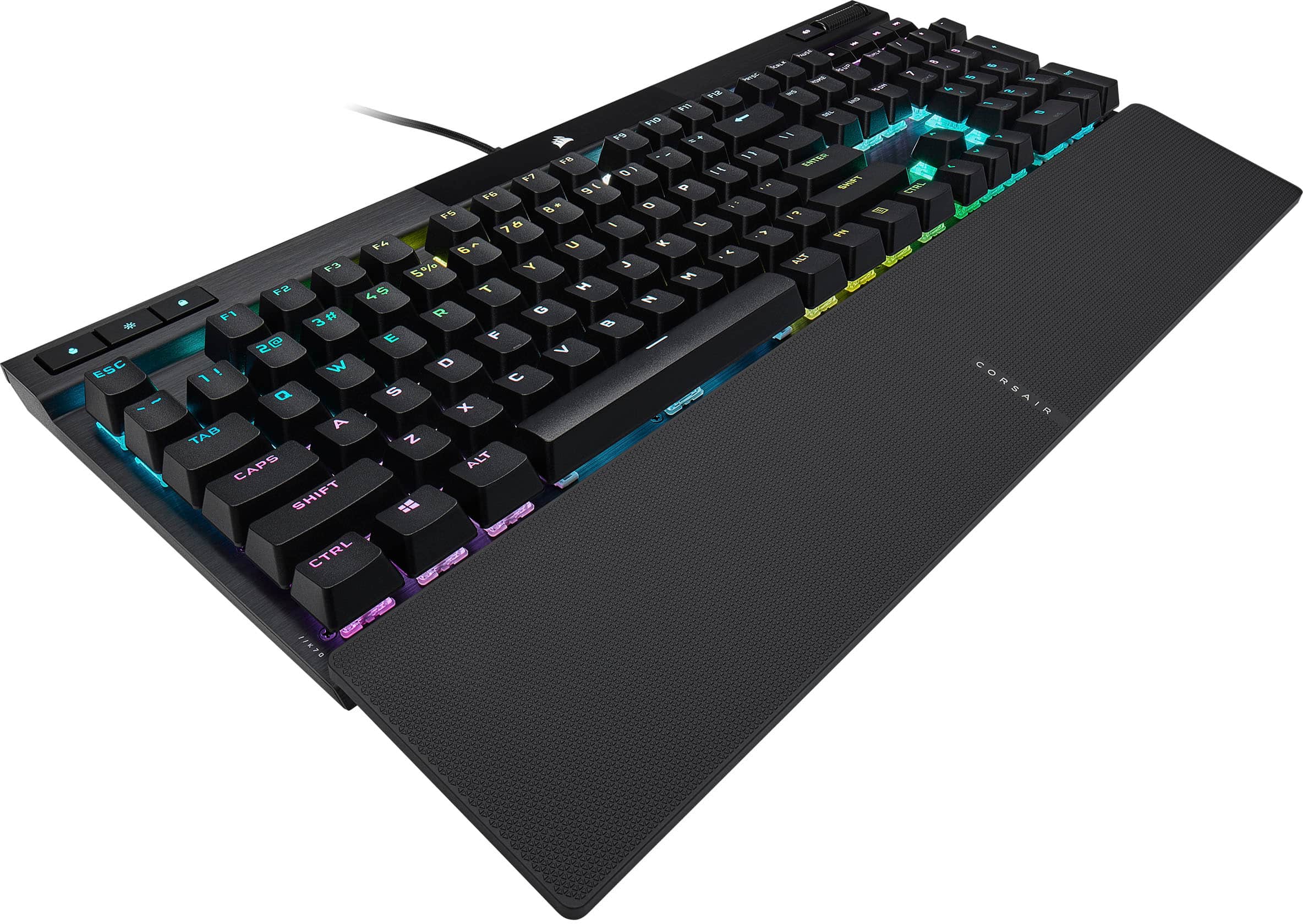
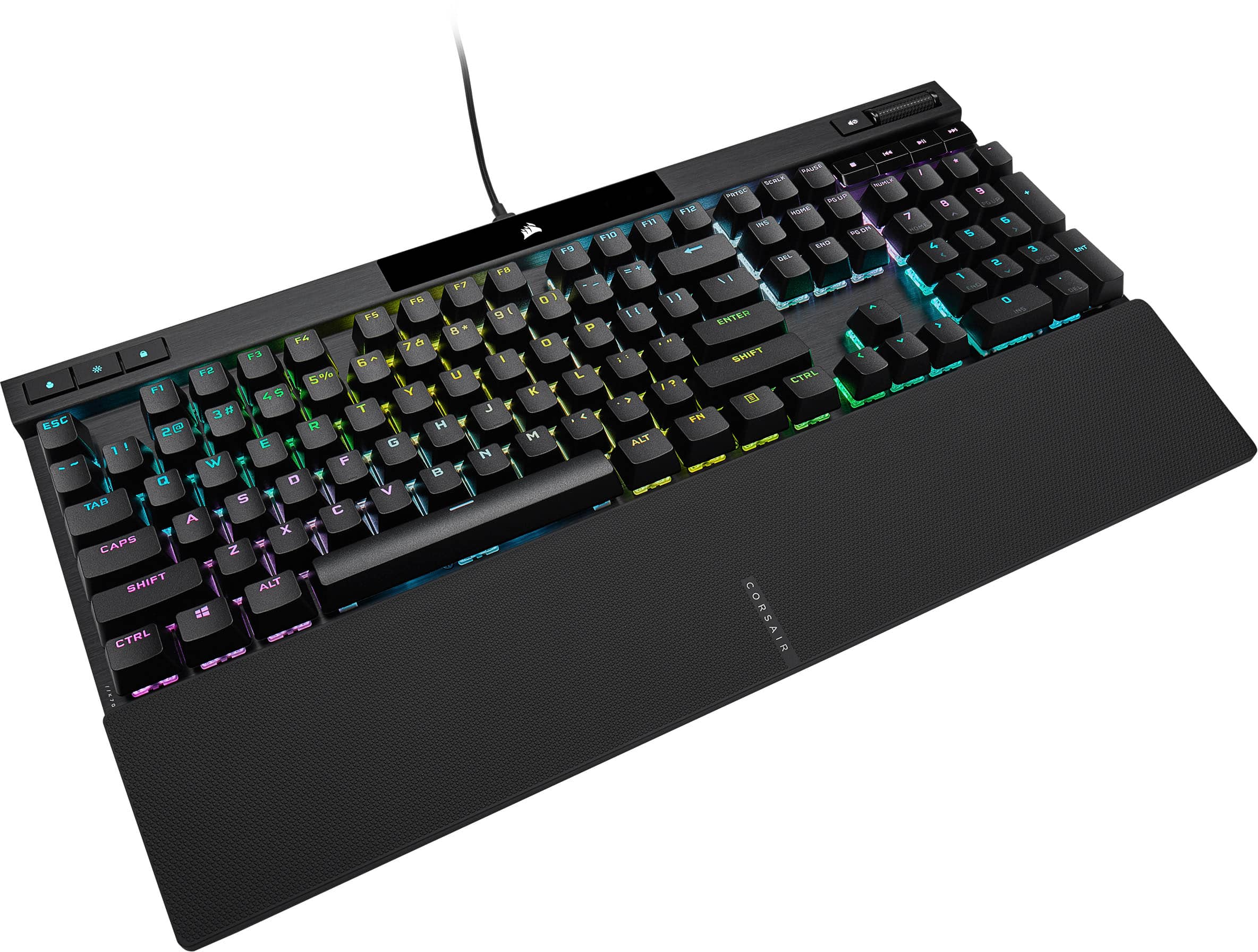
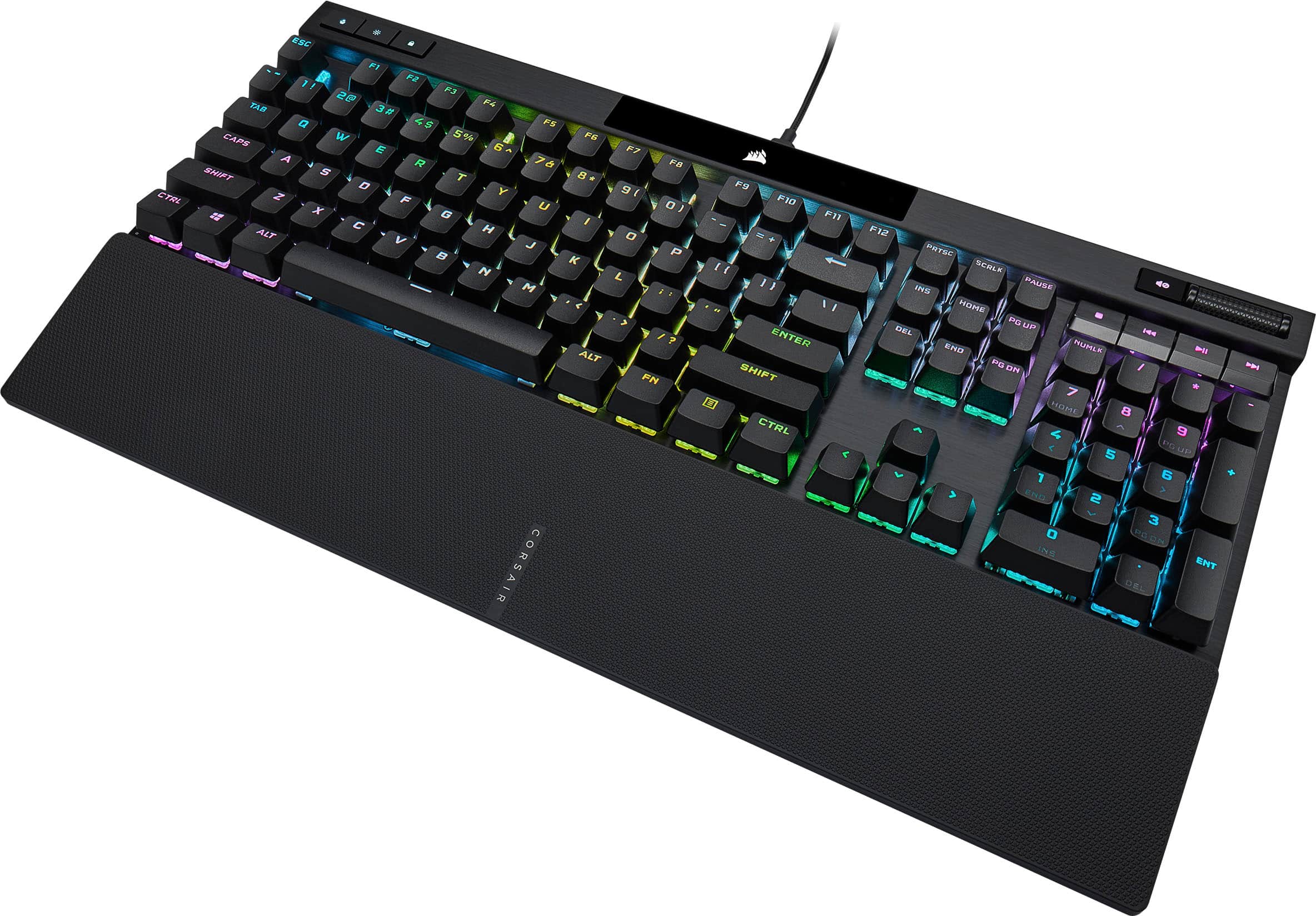
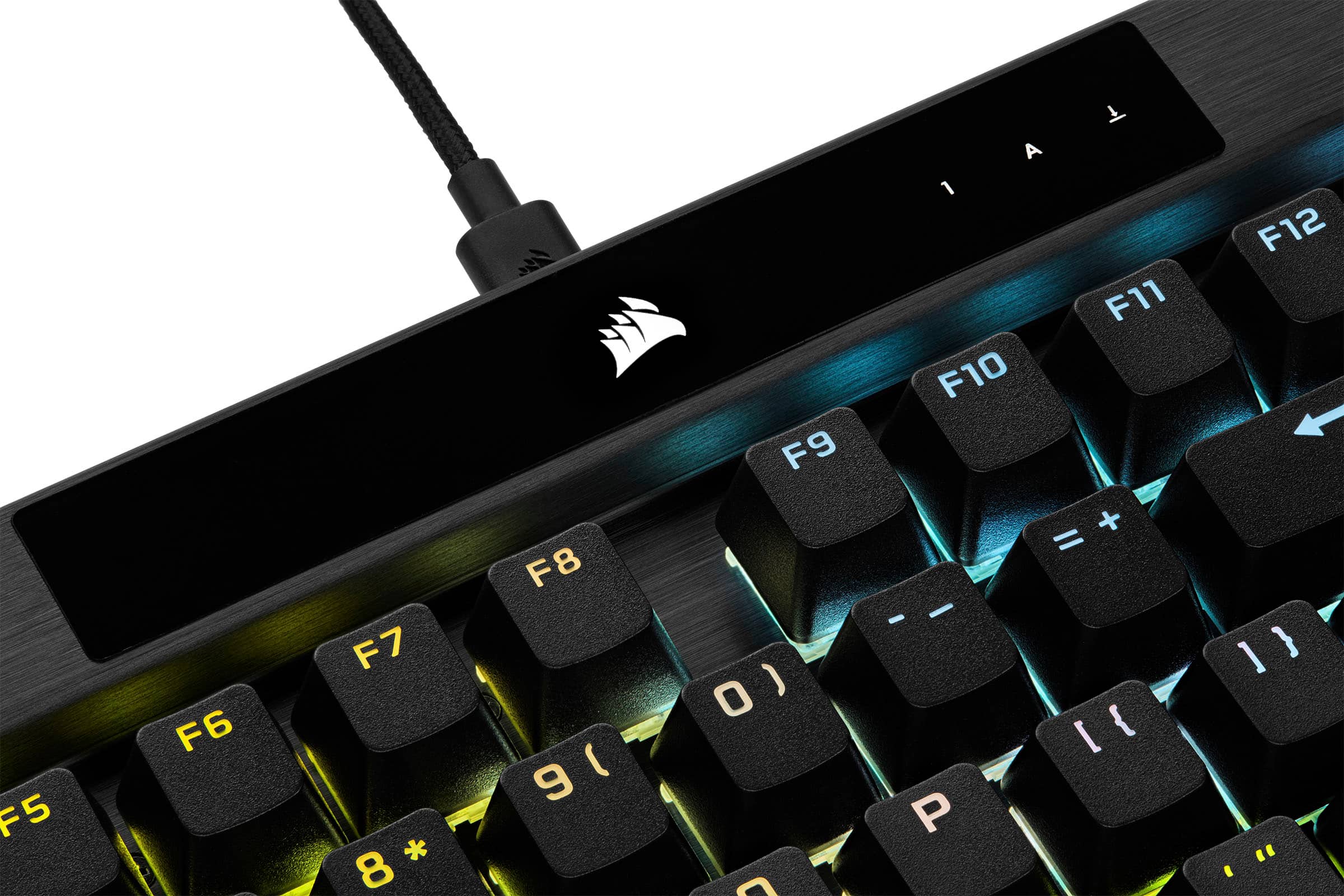
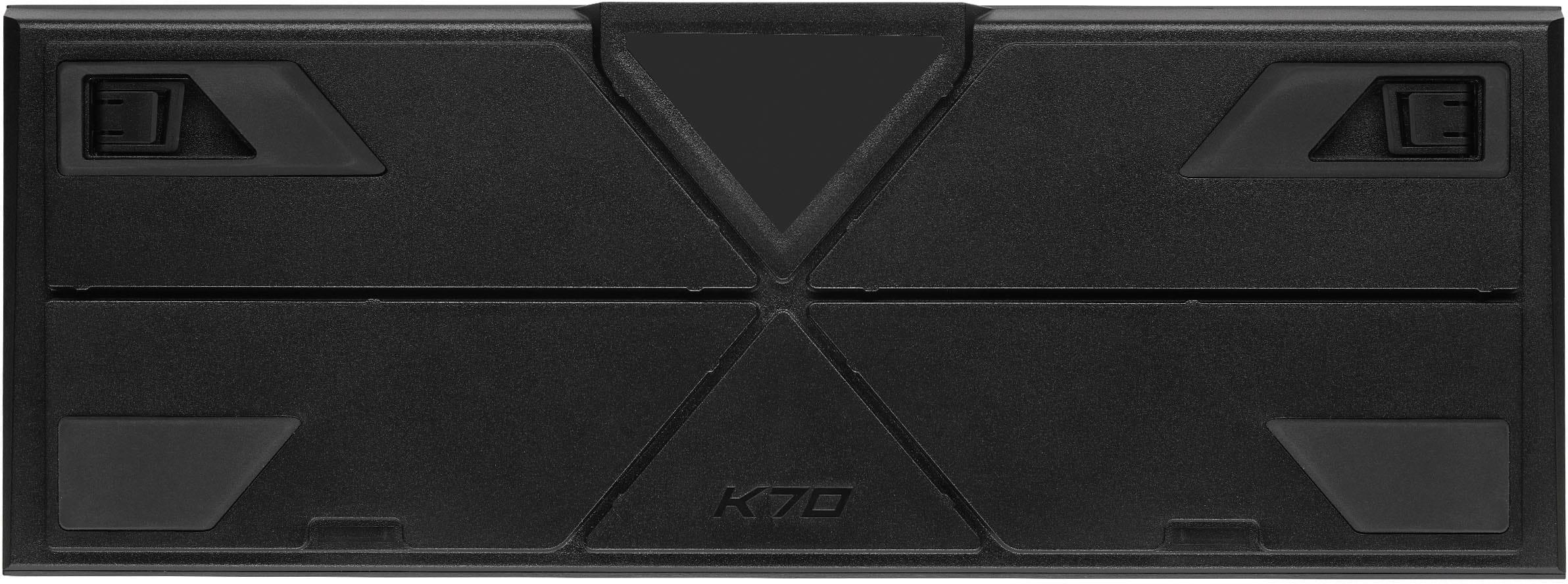
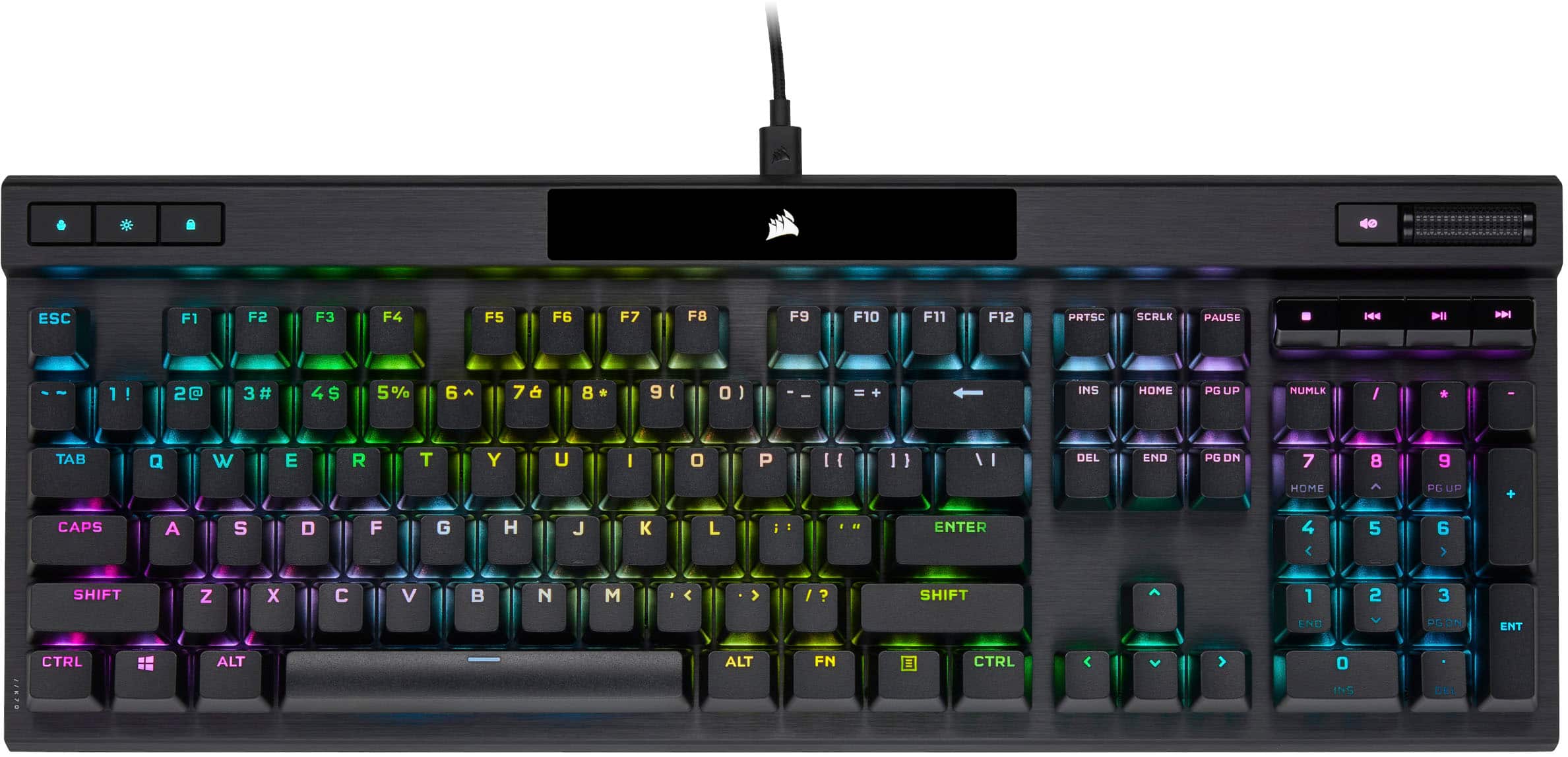
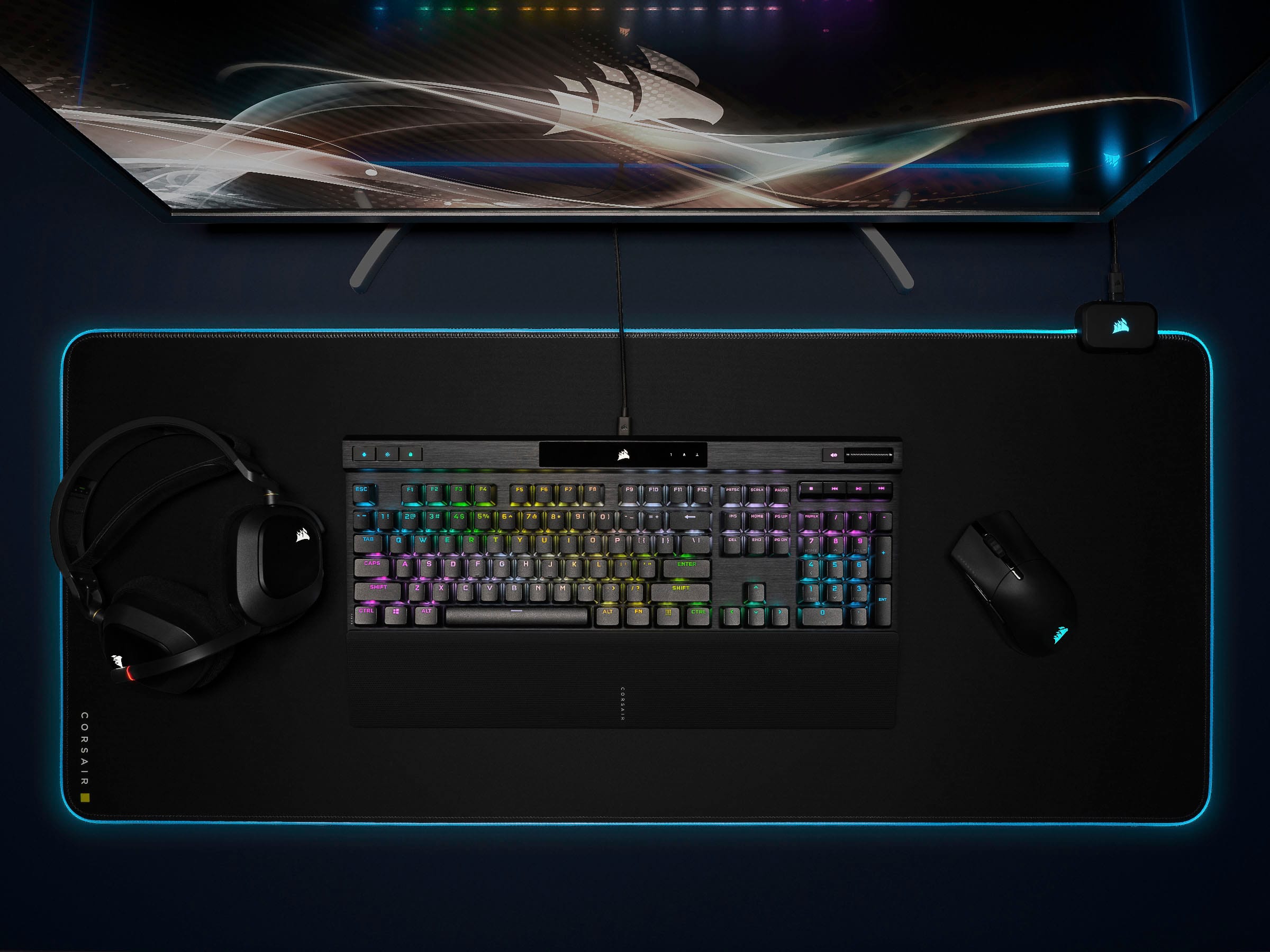
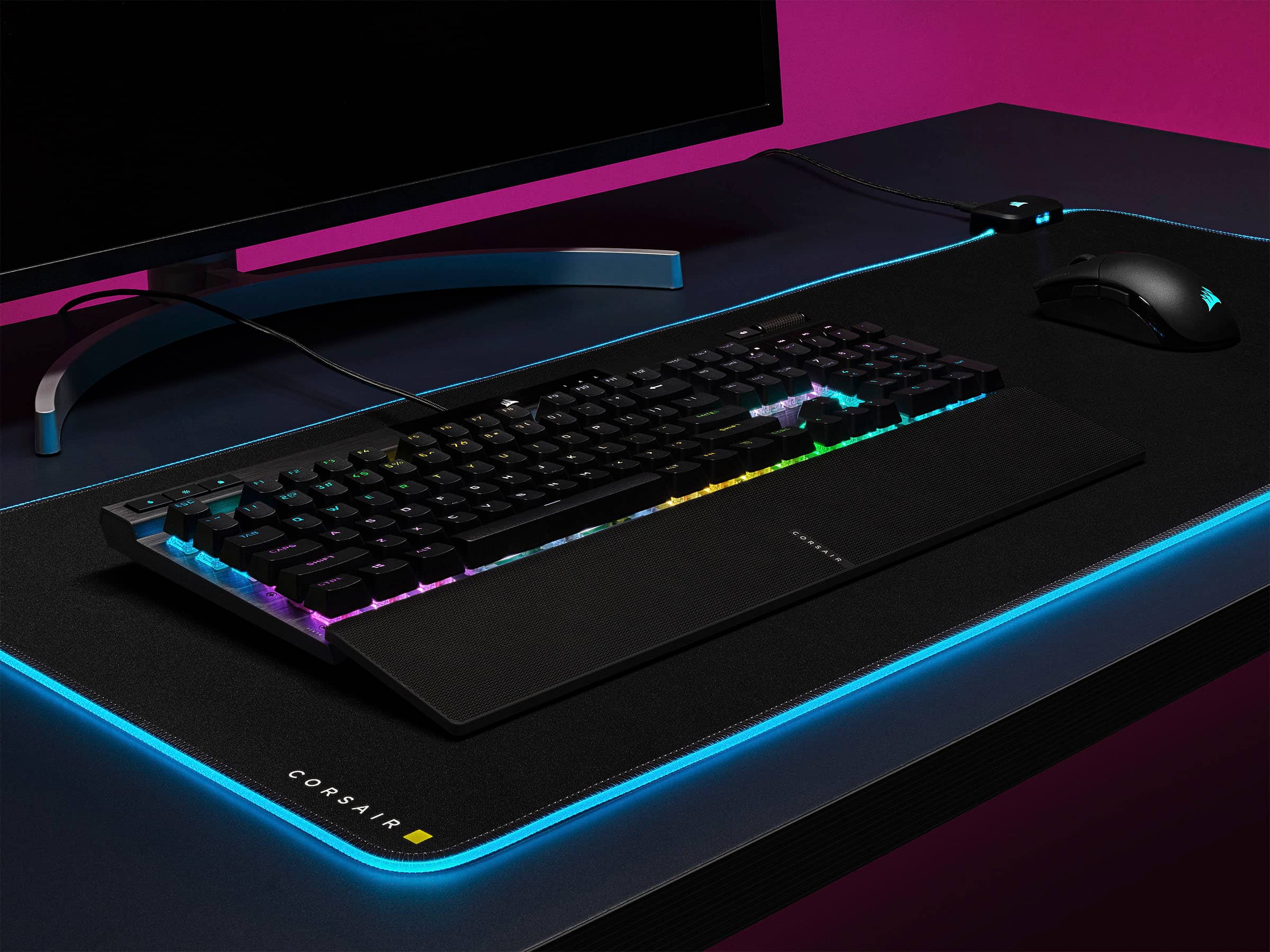
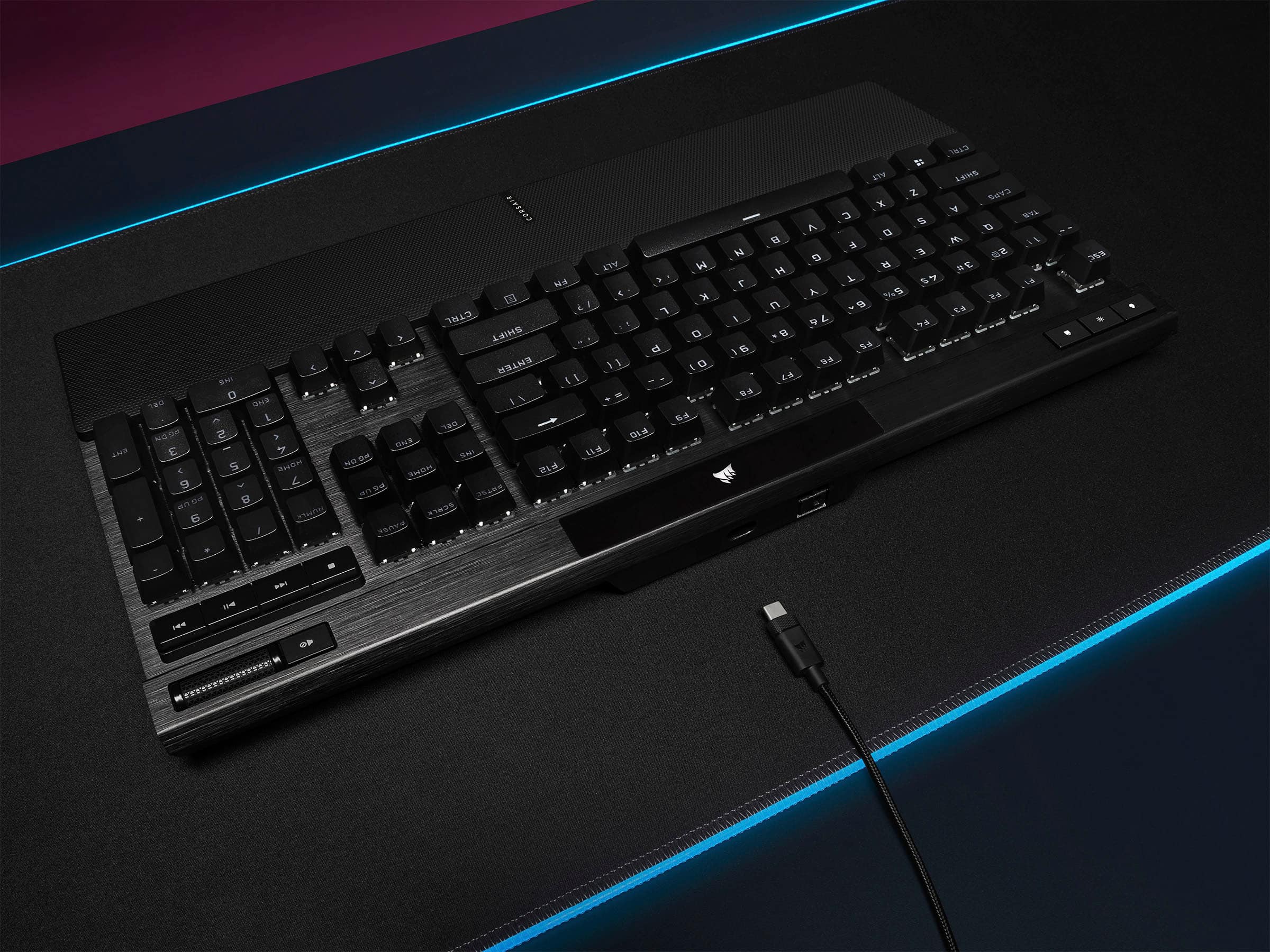
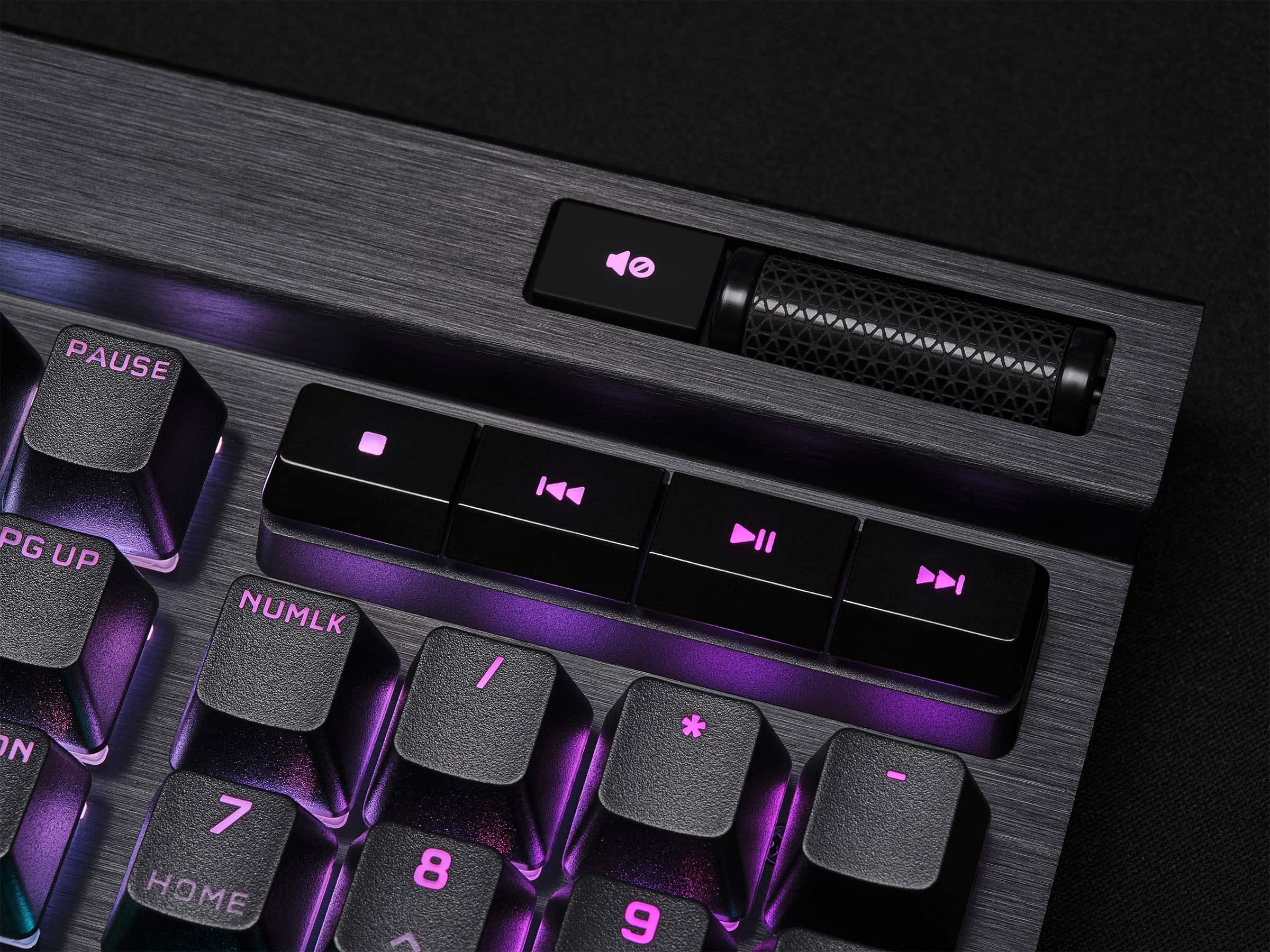
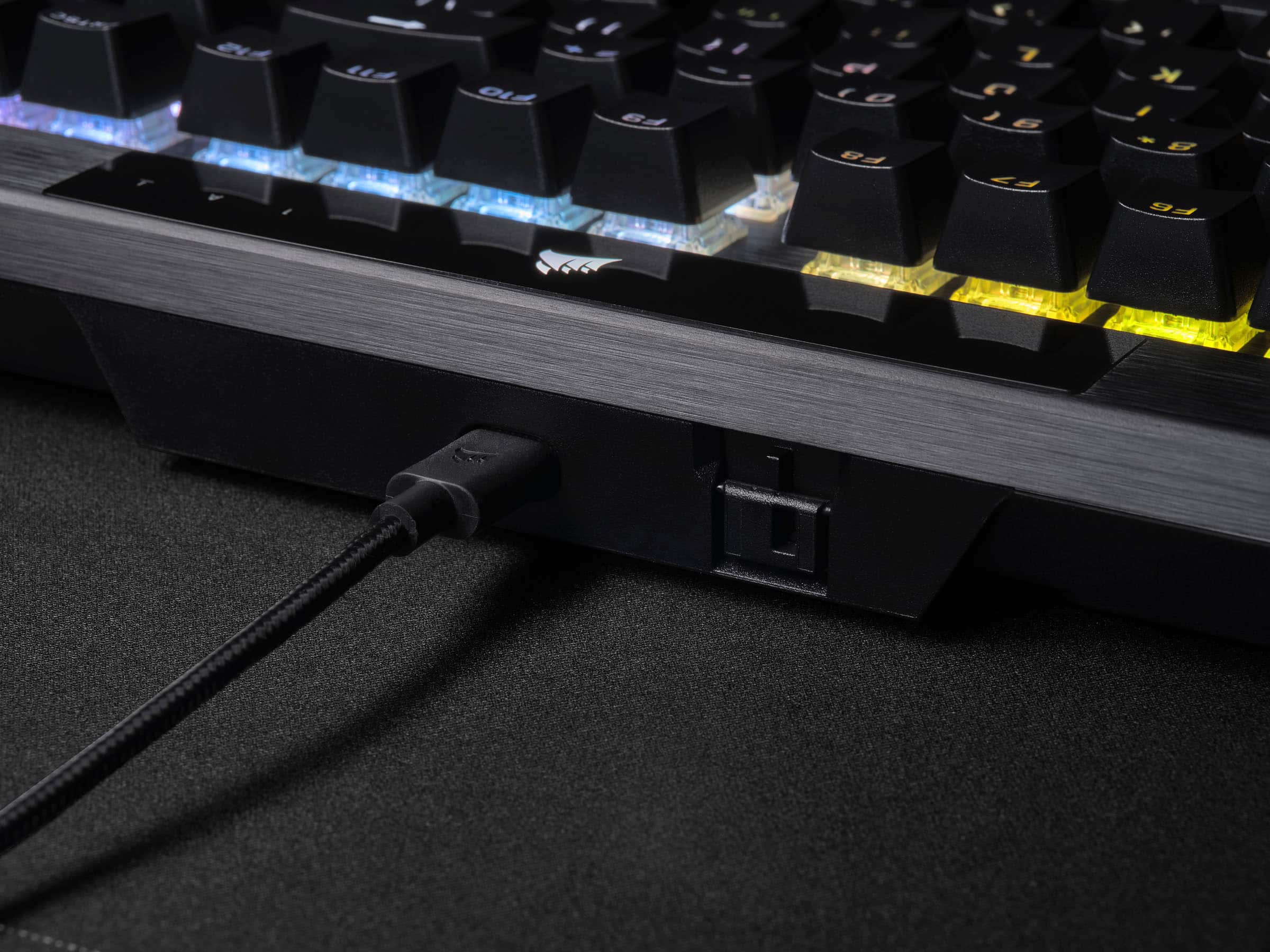
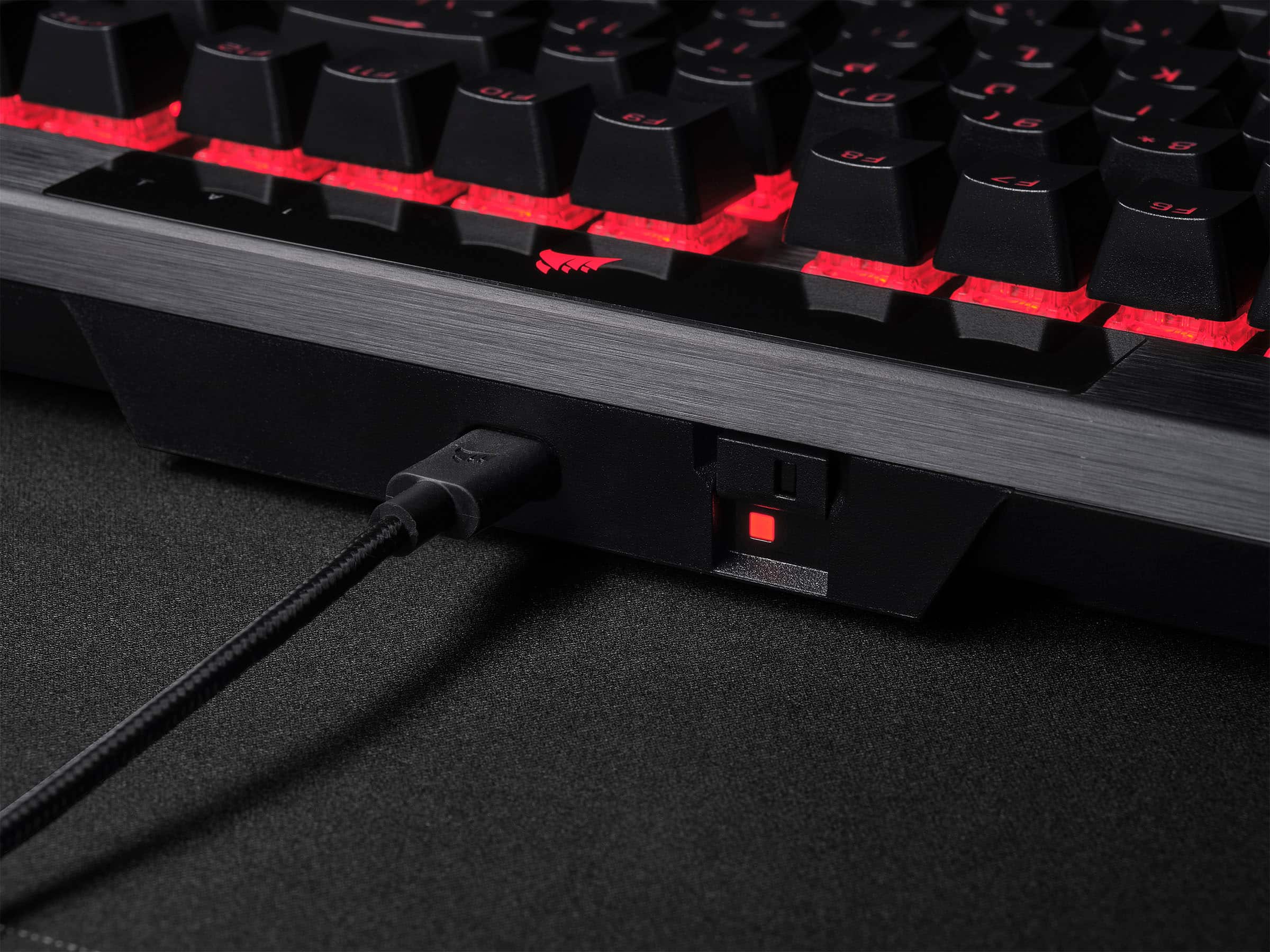
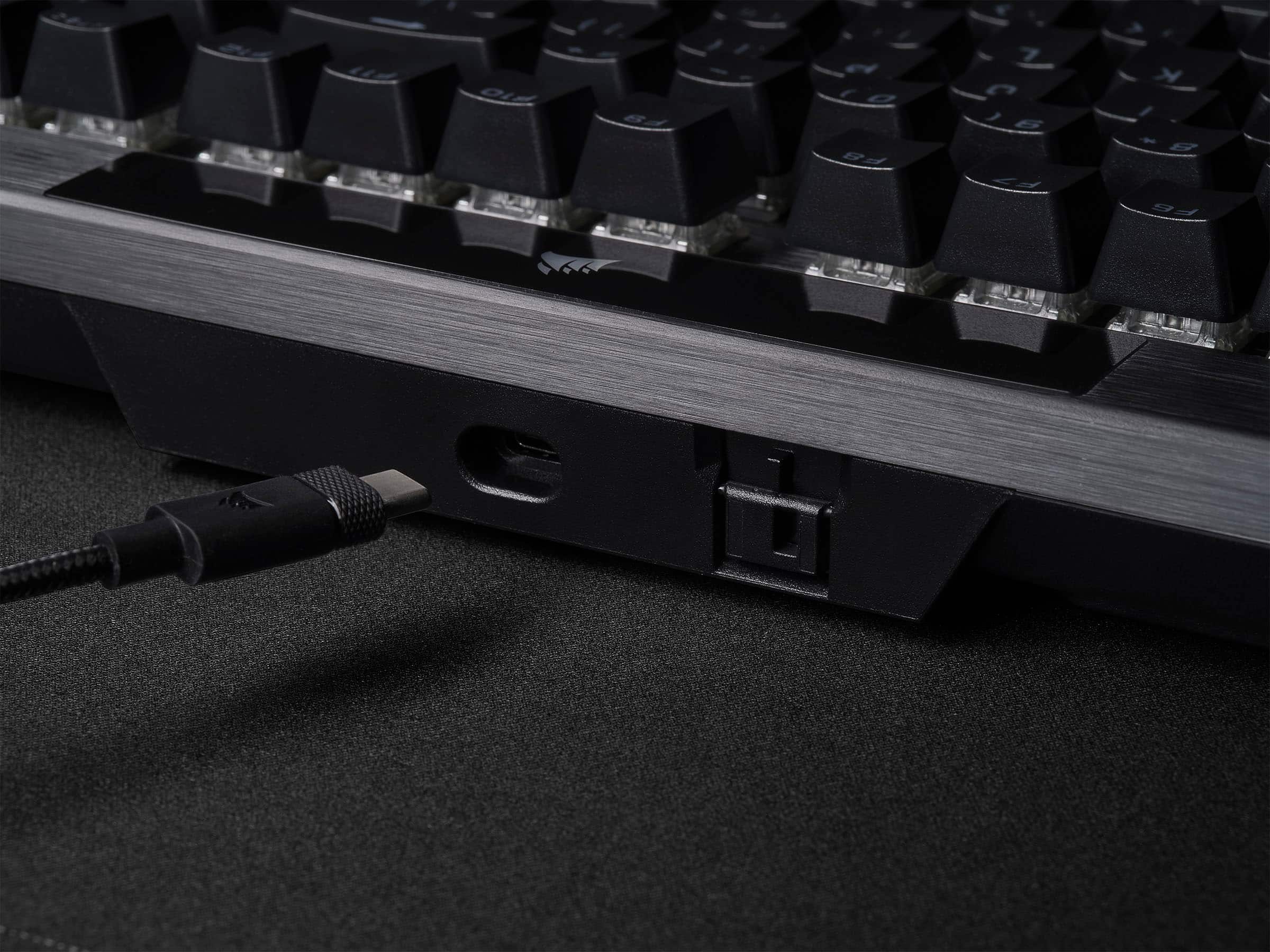
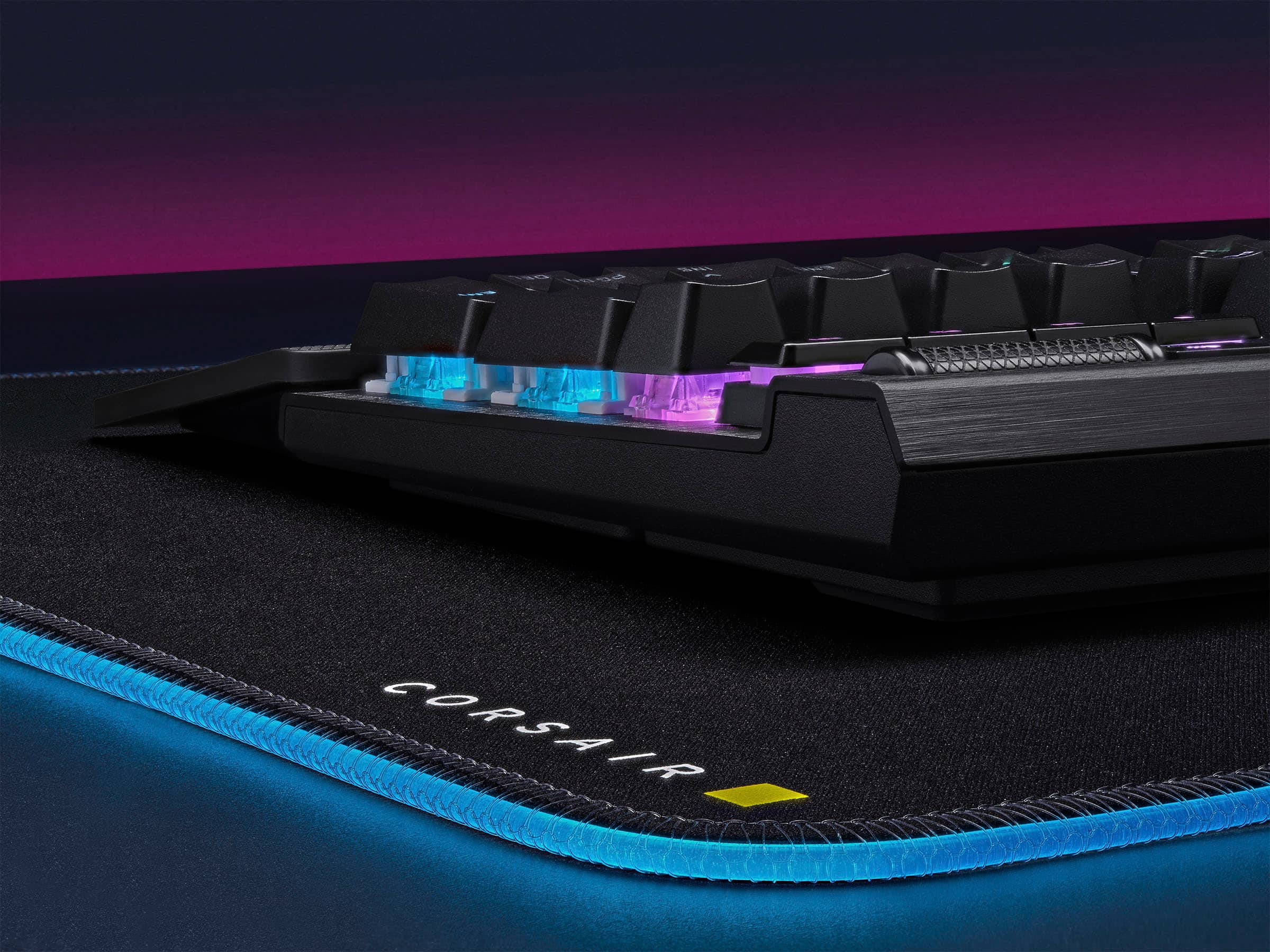
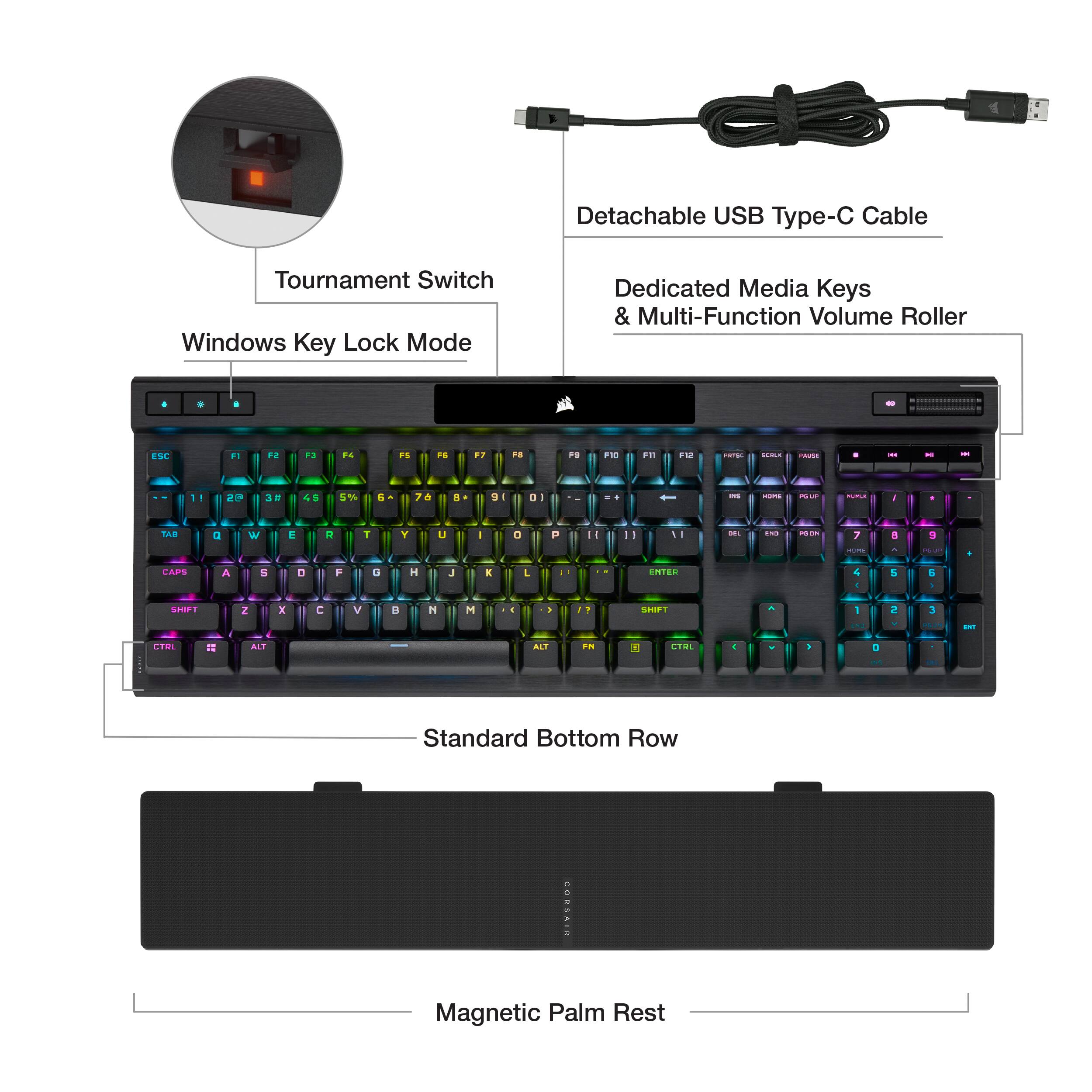
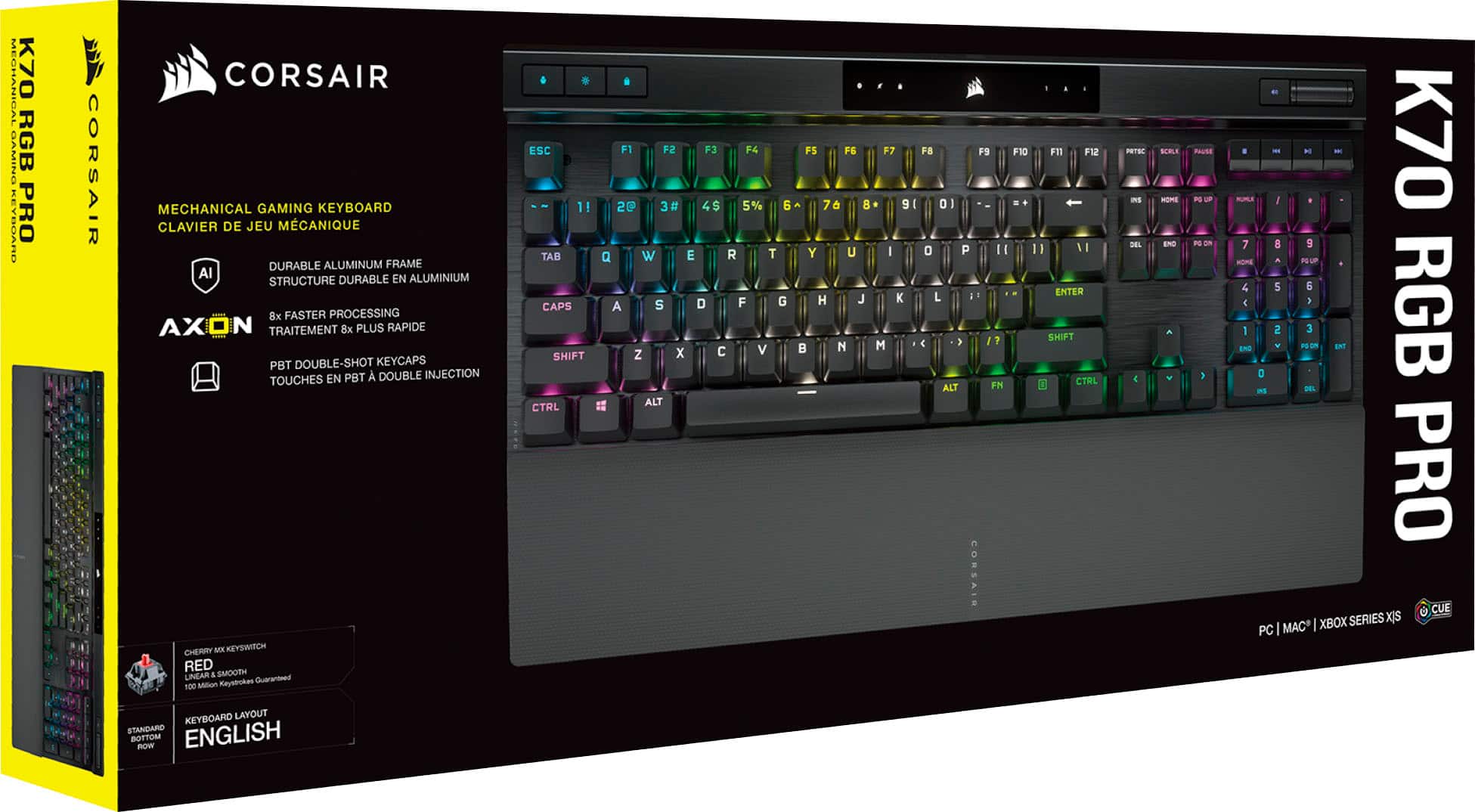
|Posted .This reviewer received promo considerations or sweepstakes entry for writing a review.Initial impressions were impressive. Out of the box there’s a very solid feeling keyboard. You get this comfortable palm rest that magnetically connects to the keyboard. And I love Corsair’s cables. There’s a bit of stippling on each end of the connectors that helps with grip on removal and who doesn’t love a braided cable? I really like the size and weight of this keyboard. The profile from top to bottom is thin and the left and right is just wide enough to fit a standard layout for a fullsized keyboard. There’s a bit of heft to the keyboard along with some large rubber pads on the bottom to help hold it in place. I really like this about the design because I’ll often set a laptop up in my living room on a food tray and the keyboard in my lap for gaming. It’s not ideal for typing but it’s very comfortable for gaming. The fact that it uses USB-C means I can easily use one cable for most of my devices. I now have mouse, headset, game controller and keyboard that all use USBC. This is my first experience with cherry mechanical switches. I’ve used other mechanical designs but I opted for the silver speed switches which is surprising how sensitive it is to the touch. I’m finding that it takes just a light touch to type and I tend to rest my fingers on keys hard enough sometimes to actuate the key. After a few days of typing and gaming I’ve gotten a bit better and if anything, a little faster. The keys sound nice but don’t have that “clicky” sound if that’s something your used to in mechanical keyboards. I prefer a quieter keyboard since I’m often gaming near my wife who usually watches TV next to me and it can be very distracting. I wouldn’t confuse this with them being quiet, they still have that mechanical keyboard sound, but this could likely be countered with a lighter touch, which wouldn’t be a problem at all for this keyboard since it takes so little to acuate the keys. The brightness of RGB is very satisfying. I think Corsair is one of the best in this category as their RGB seems to really glow through the key cap and the switch housings. All the hotkeys light up and are customizable. The iCue software allows for full customization of what seems like literally everything. You can control each key individually and you can set up layers and blend different colors and effects. Corsair is also featuring what they’re calling Corsair Axion hyper-processing technology. This is what helps them offer 8,000 hz hyper-polling and onboard profiles. To add to the customization, you can set hardware profiles that can be used in the event that you connect it to another computer and it does not support iCue software. I’m not sure if this difference can be measured with human senses, but I can tell you it doesn’t take much at all to press a key and have it registered on the PC. There seems to be a ton of onboard processing to help support hardware profiles, lighting layers, and hardware macros. Finally, probably my favorite feature and it seems easily overlooked, is how easy it is to assign macro’s on the keyboard. You can assign them straight from the keyboard and the function keys (F1-F12) have been left open to assign the secondary FN key for macros (FN+F3 for example). You hold the lock key for 2 seconds, type your keyboard combo or key input, then press the lock button again, then assign it to a key or FN+key, then press the lock button again to save the macro. Instead of stretching to reach for a key combo or if you use ALT+ key combos to access a menu bar feature, you can assign a macro instead and reduce the amount of key presses. For example, I constantly have to input my email to sign into programs, so I assigned a macro for that input. Some honorable mentions are the included wrist rest. The magnetic latching means it’s easy to pick up, detach, and throw in a backpack if you use a mobile setup. The magnetic bond could be a tad bit stronger because when I do lift up and move, if I’m too fast, it just falls off. The tournament switch on the back feels like a very niche feature but I’m sure those that use it will greatly appreciate it. iCUE software continues to improve with every update. What was once a very sluggish software has vastly improved, provides tons of features, integrations with other corsair products, and a dashboard for monitoring your PC. TL;DR – Tons of RGB customization, hardware profiles, superb performance, macros straight from the keyboard, premium design and feel, cherry switches feel great.
I would recommend this to a friend - Pros mentioned:Keyboard quality
Great keyboard for gaming.
Posted .This reviewer received promo considerations or sweepstakes entry for writing a review.I bought this to replace and failed Corsair keyboard that was 10 years old. I was very surprised to find the new one better than my old. Very light touch and clicky. I absolutely love it.
I would recommend this to a friend - Pros mentioned:Key feel, Keyboard quality
The one and only Keyboard you need!!!
|Posted .This reviewer received promo considerations or sweepstakes entry for writing a review.This Corsair keyboard is perfect, I personally love how smooth the keys are and simple to use it is, It feels that it was built with the user in mind, the volume control scroll is perfect, and also the remainder of thing can be controlled with the app. change the colors to your liking and make patterns also. The wrist set connects with magnets to it will not separate from the actual keyboard. Overall thei keyboard is perfect.
I would recommend this to a friend - Pros mentioned:Keyboard qualityCons mentioned:Software
Review
Posted .This reviewer received promo considerations or sweepstakes entry for writing a review.Keys feel smooth, and it does everything as advertised. If its like my last k70 it will last the next 5-10 years no problem. Only complaints i can come up with - price feels just a bit to high (gaming markup) - icue is a historically annoying & unstable software at best - pourus wrist rests that corsair always give you can and will get dirty, and its a pain to clean inside all the bumps
I would recommend this to a friend - Pros mentioned:Rgb lightingCons mentioned:Software
Great Keyboard, Software Not Too Great
|Posted .This reviewer received promo considerations or sweepstakes entry for writing a review.I love the Corsair K70 Pro keyboard with RGB. I've used the older model to this one, and this is the same but better. Comfortable typing, and the RGB is very customizable. Nice volume scroll wheel too. USB C cable to USB A for connecting it to a PC. The icue software needs some help. When selecting the color schemes, it tends to forget what I've setup unless it's saved. Its a little confusing to use.
I would recommend this to a friend - Pros mentioned:Rgb lighting
Excellent keyboard with every feature that matters
|Posted .This reviewer received promo considerations or sweepstakes entry for writing a review.What's not to love about this keyboard? The MX Speed Silver switches a joy to use, and I prefer them to reds. My favorite overall switch has historically been brown switches, I like the tactile bump for touch typing. However, these Speed Silvers have changed my mind about linear switches. For some reason I can type much more accurately on these than red switches. Gaming performance is superb, and all settings are adjusted through the iCue software like most other Corsair products. I do also enjoy that Corsair is a USA based company. Their products might cost a few more dollars than some competitors, but I've never had a low quality product from Corsair. The lighting on this keyboard is excellent and customizable. The media controls ands knurled volume wheel are perfect. I have played handful of games with this board so far and it has not disappointed. FPS games are smooth and fast, adventure/single player games are a joy. The key shape and spacing works well for my preferred finger placement. Overall I highly recommend this keyboard.
I would recommend this to a friend Solid keyboard with solid software
|Posted .This reviewer received promo considerations or sweepstakes entry for writing a review.The K70 RGB Pro is a pretty solid keyboard, as gaming keyboards go. There are a lot of features packed in, some which I don't really use but have definite use cases. For example, there's a tournament switch which changes the backlighting and stops macros - I don't really play competitively, but if I did that would be a nice thing to have. There are some other features I definitely do use, however - I highly appreciate having dedicated media keys instead of that thing where the media keys are all stacked onto the F keys and a function key is needed to use one or the other. The palmrest on the bottom is nice to have and aesthetically pleasing, as well as practical - the fact that it's magnetic means it's very easy to take off and put away if you need to. In fact, the whole keyboard is easy to disassemble for travel - the keyboard wire is actually a USB C cable that can be disconnected at both ends so you store it without breaking something. The fact that the keyboard has onboard memory seems kind of weird at first, but I do appreciate the fact that it means my lighting and macro profiles can be used without being logged into an account, *especially* when trying to play games when the internet connection is down. Hardcore gamers may like the fact that the polling rate can be adjusted, to make keypresses register as fast as possible. Again, as I don't play anything competitive, this doesn't really matter to me; however, the option is there if you need it, and is simple to access and adjust. If that's not something you're interested in, there's no need to worry about the setup process being a pain - it just kind of works out of the box. The hardest configuration I saw was actually setting up my RGB color scheme with iCUE, and that was mostly because I'm indecisive. However, it should be noted that iCUE can scale weirdly with some 4K screens. The good thing is, unlike other software that just runs off the screen, iCUE at least includes a scroll bar to be able to move through the window and see every configuration option without horrendous amounts of finagling with compatibility and DPI settings. There are some other fun little features as well. There's a Windows lock key, which while toggled disables the Windows key so accidental keypresses don't send to you to the start menu and disrupt your game. There's a profile key to cycle through your saved profiles, which is great if you connect the keyboard to a system without iCUE installed (such as a friend's computer or an Xbox). Holding the Windows lock key starts a macro recording process. The keys themselves feel very nice and seem to be high quality, and the keyboard body looks extremely good. One complaint I do have is that while the keyboard says it and iCUE are compatible with Mac, no Apple keycaps for the function keys are included and I'm not even sure if they sell them. While that may seem like a shallow complaint, I do game on a Mac from time to time and that would really be something nice to have. Additionally, considering that this is definitely a "premium" keyboard, it would be really nice if it was modular to allow the key switches to be replaced, but unless I'm missing something in the manual it doesn't appear to be. This is slightly disappointing, but not a dealbreaker. Overall, I feel like the K70 RGB Pro is definitely a solid keyboard that I would recommend, with most of the shortcomings being nitpicking.
I would recommend this to a friend- Pros mentioned:Key feel, Lighting
Great keyboard
Posted .This reviewer received promo considerations or sweepstakes entry for writing a review.This keyboard is great it has no problems the keys feel good and it has great lighting.
I would recommend this to a friend - Pros mentioned:Keyboard quality
Meh
Posted .This reviewer received promo considerations or sweepstakes entry for writing a review.Very loud for a linear switch keyboard. There doesn't seem to be any sound-dampening layers. The iCUE software is a disaster. Unintuitive. I just wanted to make the backlighting a solid blue, and it took way longer than it should have. While I am on the subject, who wants a light show on their keyboard? It seems to be built fairly well. It is not better than ReDragon linear keyboards in any way, shape, or form. ReDragon isn't great either. Wish I had bought another(kid spilled a lot of liquid on it) instead of this.
No, I would not recommend this to a friend - Pros mentioned:Key feel
Corsair gaming keyboard
Posted .This reviewer received promo considerations or sweepstakes entry for writing a review.I bought it for my grandson . He is playing a lot of games and he absolutely love this keyboard. He said that the keys are very responsive, providing an amazing gaming experience. That was a great purchase :)
I would recommend this to a friend - Pros mentioned:Keyboard quality
Well worth the price!
Posted .This reviewer received promo considerations or sweepstakes entry for writing a review.Love this keyboard. Got it on sale and I can see myself having using this for a very long time. It’s comfortable and sturdy. Clacky but not too much.
I would recommend this to a friend 4 years of gaming before first issue.
Posted .This reviewer received promo considerations or sweepstakes entry for writing a review.Bought the previous version of this model with the silver volume dongle back in 2019. It's been a solid device and only today on 08/28/2023 did my A key start to fail me. It is not responsive at times when gaming and I am way passed the warranty period. I got this one a massive sale back then so its been an awesome device. Time to replace it with this new model and hopefully it lasts as long as this old one.
I would recommend this to a friend- Pros mentioned:Keyboard quality
Great feel awesome lighting for the price
Posted .This reviewer received promo considerations or sweepstakes entry for writing a review.My favorite gaming keyboard now . Great feel , quality and response
I would recommend this to a friend Best Keyboard I've owned
Posted .This reviewer received promo considerations or sweepstakes entry for writing a review.Corsair has been my go-to for keyboards and memory for years. hasn't disappointed me once. Highly recommend.
I would recommend this to a friend- Pros mentioned:Keyboard quality
Corsair Keyboard
Posted .This reviewer received promo considerations or sweepstakes entry for writing a review.Great product! One of the best keyboards I have ever used!
I would recommend this to a friend - Pros mentioned:Keyboard quality
The iCUE software is garbage. Keyboard is great.
|Posted .This reviewer received promo considerations or sweepstakes entry for writing a review.Physically this keyboard is great: It's full-size keys and number pad are a comfort to type on and I love the mechanical clicks that accompany each press of the keys. The palm rest is gigantic and overkill for my own preference but I like how it's attached by a magnet to the keyboard for easy connection and disconnection so I'm not forced to use it. For volume adjustment I prefer knobs compared with the flat wheel included on the Corsair K70 but the rest of the physical keyboard is solid. What is absolute garbage is the iCUE software that is required to customize this keyboard. The iCUE app needs a complete re-write. When first launched the app starts a photo based tutorial that makes it seem so easy to change keys and change illumination options then save them as a profile. I wasted half an hour tinkering with the iCUE software and I finally managed to save a new profile with the settings I wanted, but then I lost another 30 minutes trying to figure out how to apply the profile. I never could get the profile to apply. If anyone out there could record a YouTube video to show how this is supposed to work I would love to see it because I really really want the rain pattern as the default illumination.
No, I would not recommend this to a friendBrand response from Corsair
Posted .Hi Bryan,
Thank you for your feedback. Please feel free to refer to our CORSAIR LAB YouTube channel, which provides an abundance of how-to videos with product installation and setup: https://www.youtube.com/c/CORSAIRHowTo. If you require any additional assistance, we'd be happy to help: support.corsair.com
-Albert
Killer Corsair Keyboard!
Posted .This reviewer received promo considerations or sweepstakes entry for writing a review.So far, I'm enjoying my new keyboard. I had A laptop before this so some getting used to. Love the LED lighting. I don't use it for gaming but works great for what I need it for. I recommend.
I would recommend this to a friendAwesome!
Posted .This reviewer received promo considerations or sweepstakes entry for writing a review.Quick and responsive keys, I consider it the best mechanical keyboard, especially for gaming.
I would recommend this to a friendBest gaming keyboard
Posted .This reviewer received promo considerations or sweepstakes entry for writing a review.One of the best keyboards I’ve used in awhile! , keys are really smooth and it feels nice to play with.
I would recommend this to a friendWould recommend
Posted .This reviewer received promo considerations or sweepstakes entry for writing a review.Great feel. Good responsiveness. Can be a little loud but i rarely notice. The software for the lights and key assignments can be finicky at times.
I would recommend this to a friend