Customer Ratings & Reviews



- Model:
- CH-9109414-NA
- SKU:
- 12110232
Rating by feature
- Value
Rating 4.6 out of 5 stars
- Quality
Rating 4.7 out of 5 stars
- Ease of Use
Rating 4.7 out of 5 stars
Don’t waste your money if you own a Mac
||Posted . Owned for 3 weeks when reviewed.This reviewer received promo considerations or sweepstakes entry for writing a review.Such as compatible with the Mac, while that may be true, as far as key input is concerned when you buy a keyboard like this, you expect the color customization to be relatively easy, or at least work, which it does not currently it is sitting on my desk unplugged and is a piece of junk as far as I’m concerned specially, compared to my razor, black widow pro4 keyboard, that is currently connected to my Alienware I have never tried this brand before, and I certainly will not again
No, I would not recommend this to a friendBrand response from Corsair
Posted .Hello,
Please contact our team directly on our site for assistance with this.
-Art
Meh
||Posted . Owned for less than 1 week when reviewed.This reviewer received promo considerations or sweepstakes entry for writing a review.Did not like the fact that this keyboard was not plug and play. I returned do to having to download drivers and apps just to be able to use it. Since i bought for work, It did not workout.
No, I would not recommend this to a friendBrand response from Corsair
Posted .Hello,
Please do research products before purchase to avoid purchasing something you're not able to use as intended.
-Art
Gamer son loves it
||Posted . Owned for 1 week when reviewed.This reviewer received promo considerations or sweepstakes entry for writing a review.Bought for my son and he loves it more than the hyperx he was using, and he is an avid gamer so I guess that’s good?
I would recommend this to a friendNever disappoints
||Posted . Owned for 1 week when reviewed.This reviewer received promo considerations or sweepstakes entry for writing a review.We liked that it was quiet and linear. Corsair has good products. This works good with the ICUE software.
I would recommend this to a friendDisappointed
||Posted . Owned for 2 weeks when reviewed.This reviewer received promo considerations or sweepstakes entry for writing a review.I bought this keyboard and the left Ctrl key started sticking. I returned it and bought another one of the same keyboards and now I have several keys sticking and it is too late to return it. I have always loved my Corsair keyboards, but this one is not of the same quality as all the other Corsairs I've had (although the price indicates that it is.)
No, I would not recommend this to a friendBrand response from Corsair
Posted .Hi,
Sorry to hear about your experience. Considering our keyboards are backed by a 2-year warranty, we'd appreciate the opportunity to further look into this and get this resolved - please reach out directly to our Support Escalation team at SES@corsair.com with a screenshot of this review and our team will assist you ASAP.
-Albert
Too sensitive
||Posted . Owned for 3 weeks when reviewed.This reviewer received promo considerations or sweepstakes entry for writing a review.This keyboard is terrible for anything. You could barely brush against a key and it would activate.
No, I would not recommend this to a friendDon't waste your money
||Posted . Owned for 1 month when reviewed.This reviewer received promo considerations or sweepstakes entry for writing a review.It's nice until it stops working. Worked fine until today, now my computer won't even register it being plugged in but it registers a cheap keyboard being plugged in. Brand new computer, brand new keyboard. $120 keyboard to be exact and it stops working. Waste of money.
No, I would not recommend this to a friendBrand response from Corsair
Posted .Hello,
Sounds like the driver may have gotten uninstalled, on it's outdated? Please contact our team directly right on our site for assistance.
-Art
Gaming keyboard
||Posted . Owned for 2 weeks when reviewed.This reviewer received promo considerations or sweepstakes entry for writing a review.It works really good very functionable the keys are very good
I would recommend this to a friendGreat Keyboard
||Posted . Owned for 1 week when reviewed.This reviewer received promo considerations or sweepstakes entry for writing a review.Excellent gaming keyboard, my nephew loved it!!!!!
I would recommend this to a friendYum
||Posted .This reviewer received promo considerations or sweepstakes entry for writing a review.Yumyum is yummy Yumyum yum dude I don't know how to
I would recommend this to a friendSticky Key - 1.5 months after original purchase
||Posted . Owned for 1 month when reviewed.This reviewer received promo considerations or sweepstakes entry for writing a review.Purchased this keyboard on May 26, 2023 and 1.5 months later the keys are sticking so bad that you can't use it, nothing has been spilled on the keyboard, not to mention the lights started failing as well. I'm disappointed in the quality of this expensive product. Sadly, I've missed my window to return this keyboard.
No, I would not recommend this to a friendBrand response from Corsair
Posted .Hello Jared,
Not to worry, our team can help with this issue! Please contact them directly right on our site at any time for assistance.
-Art
- Pros mentioned:Key feel, Keyboard quality, Rgb lighting

It doesn't get any better than this!
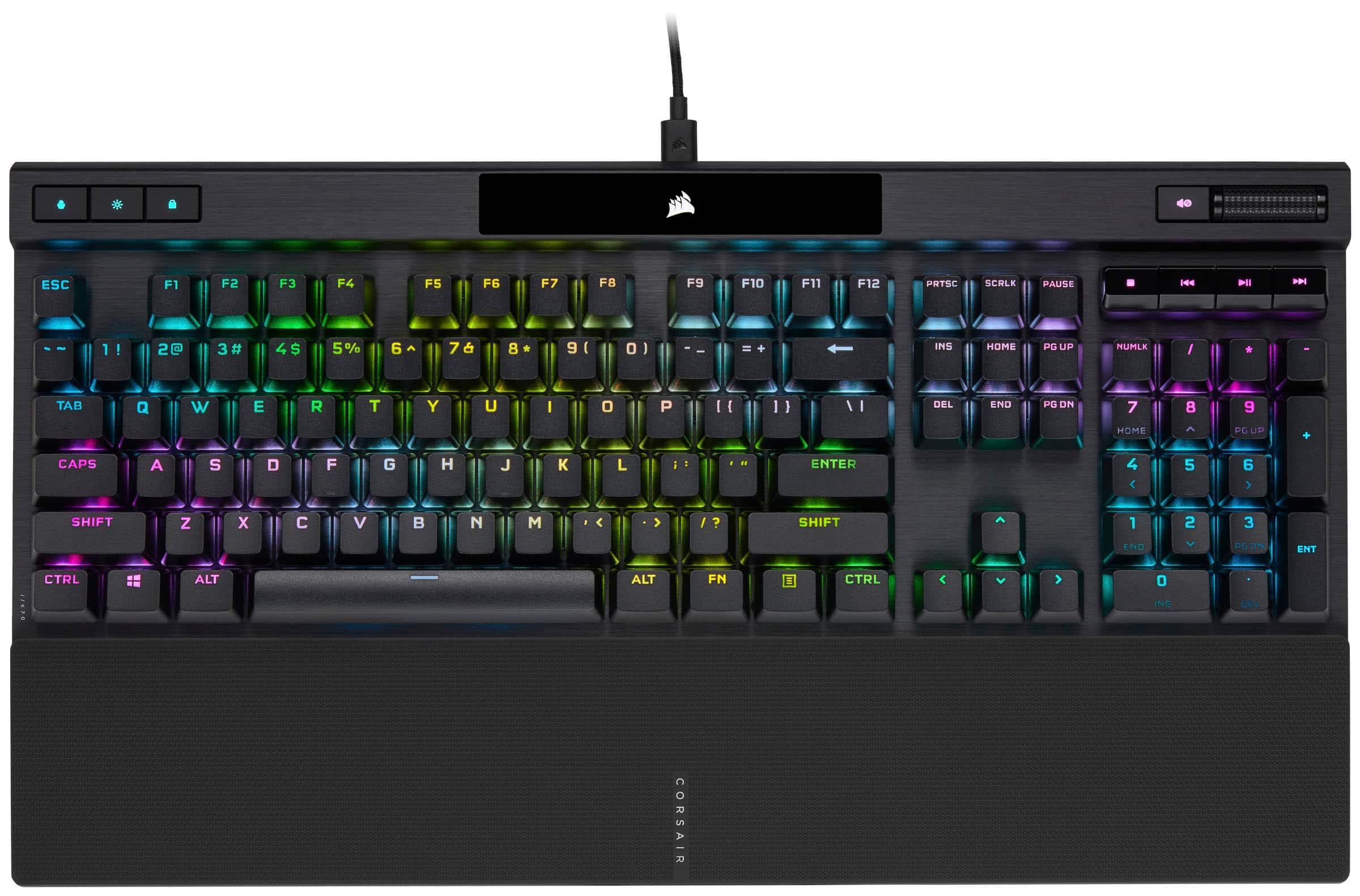
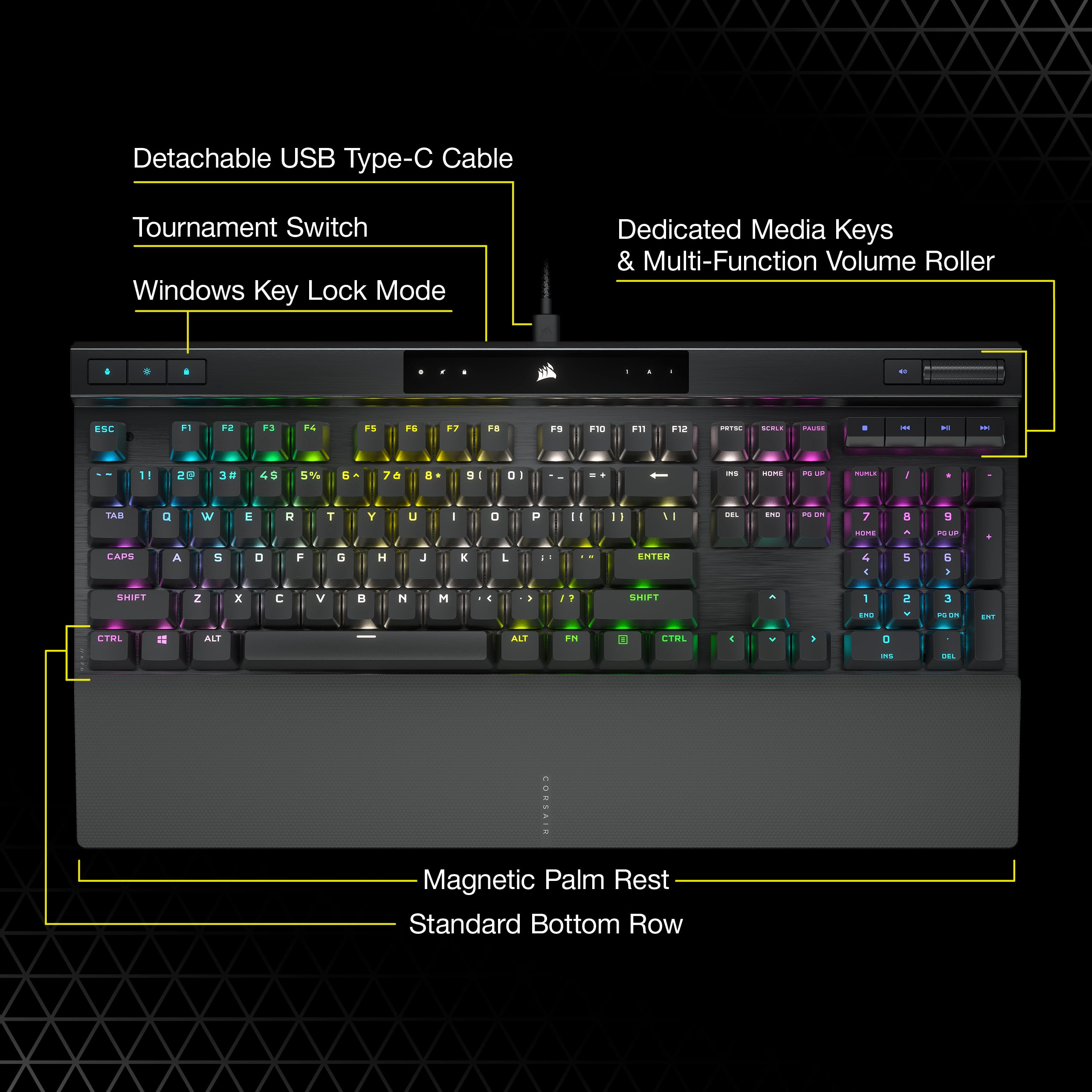
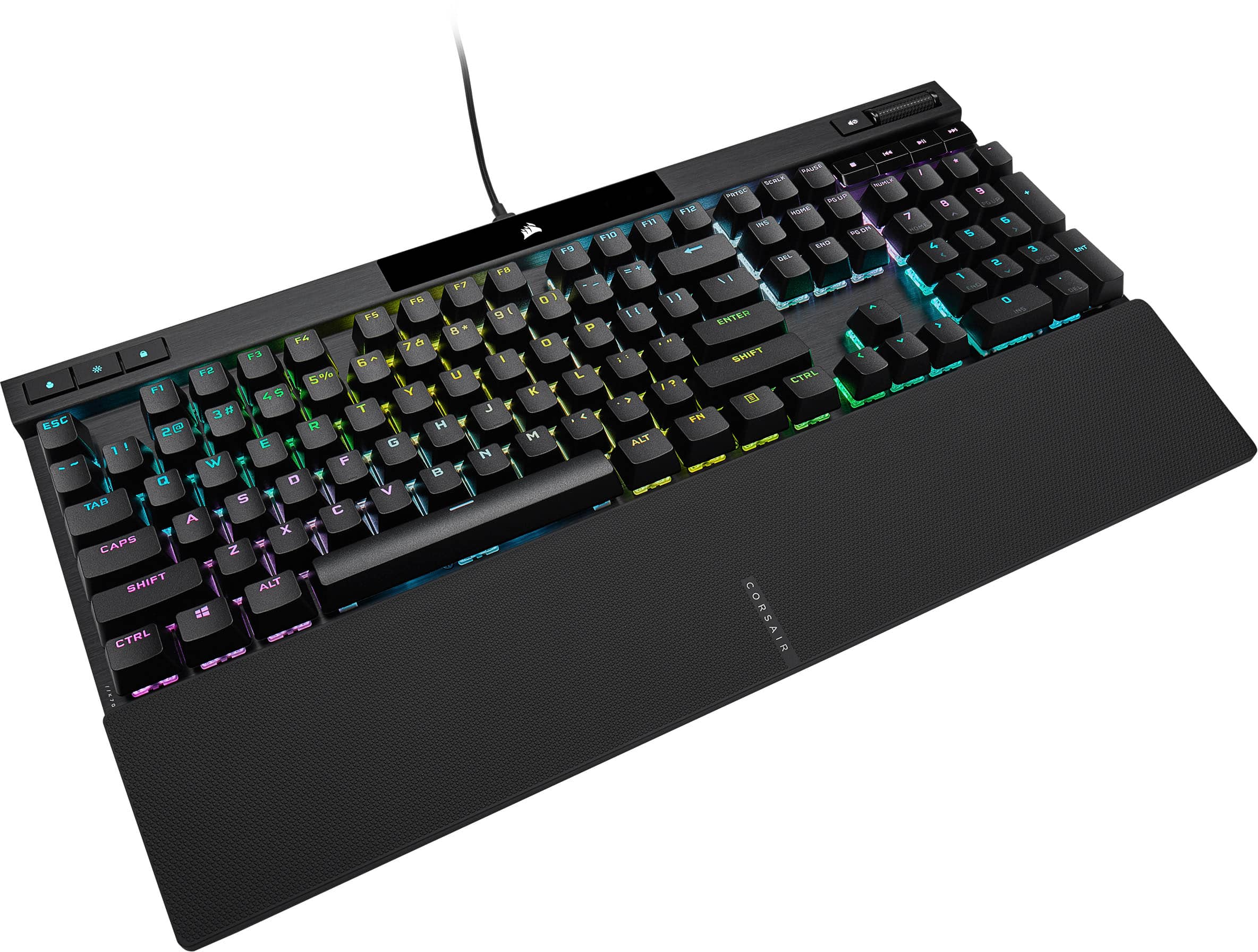
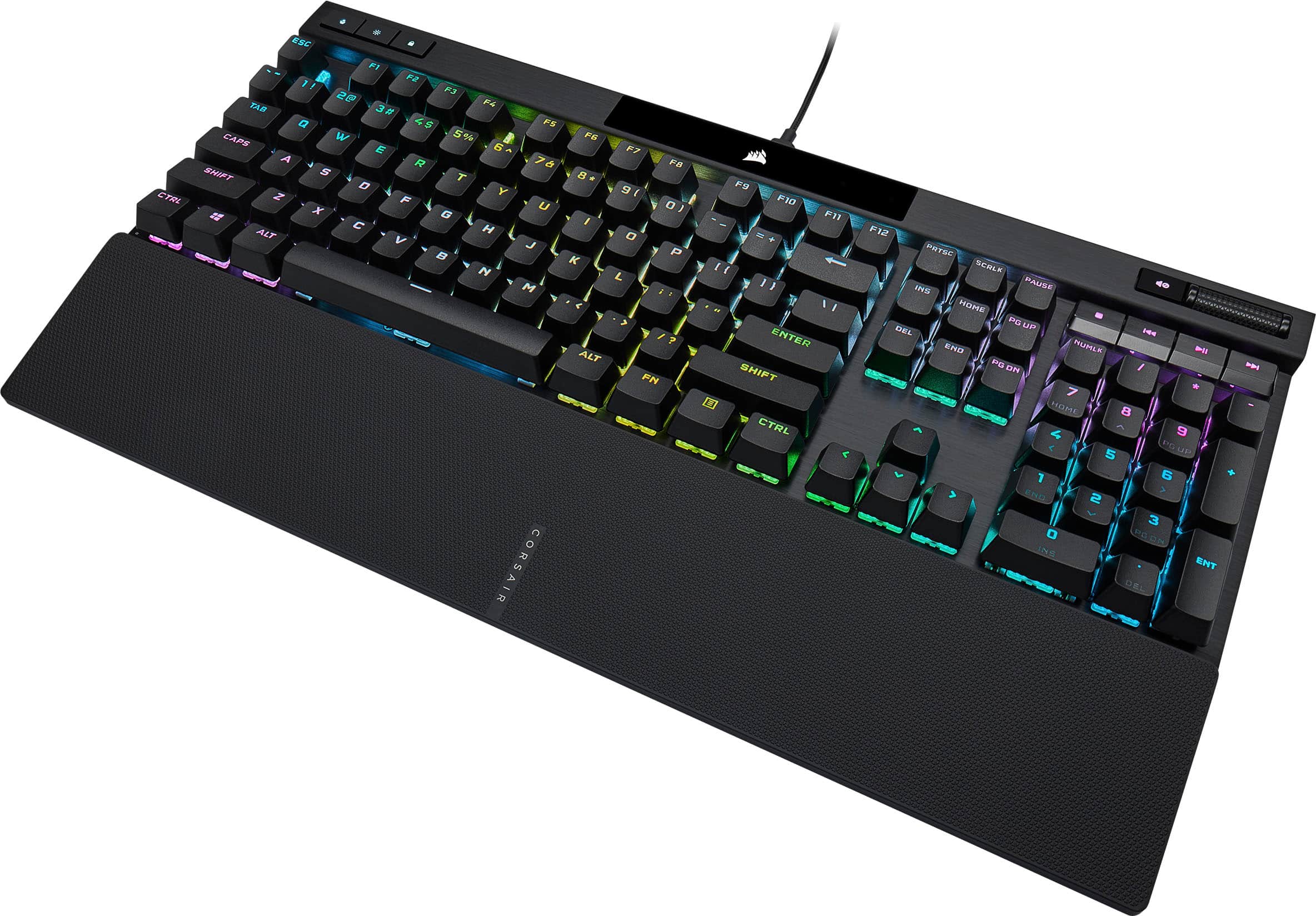
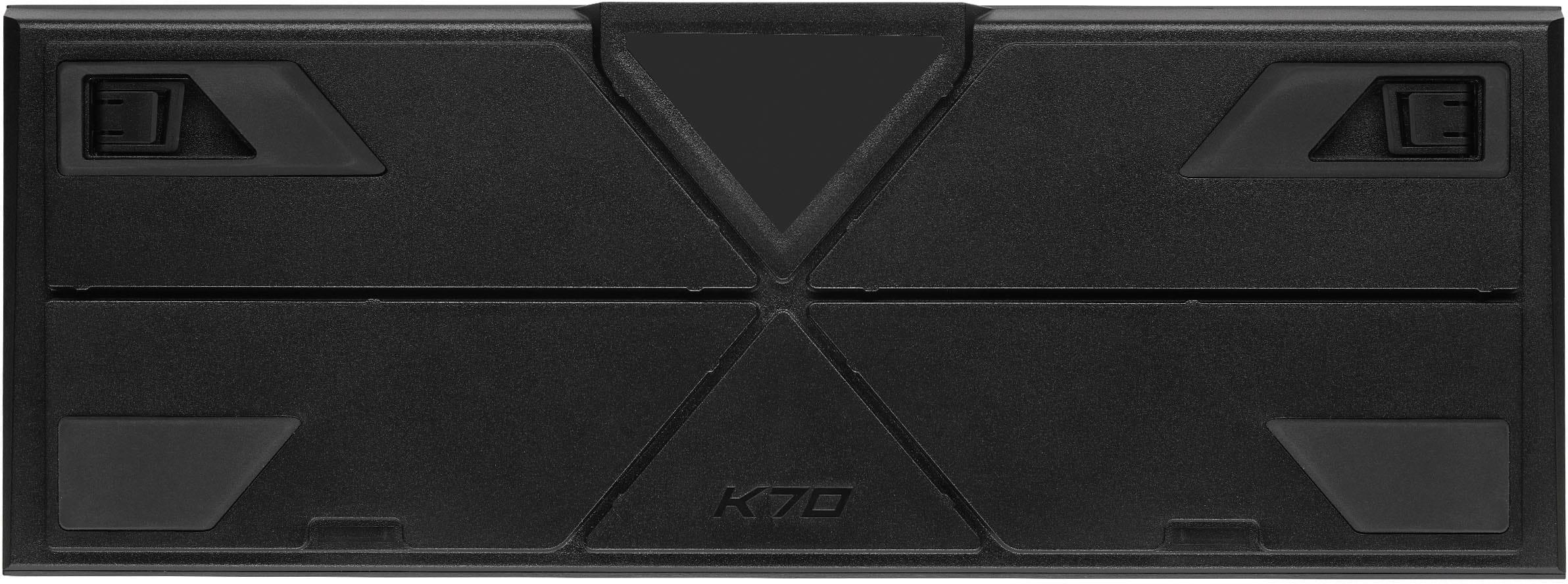
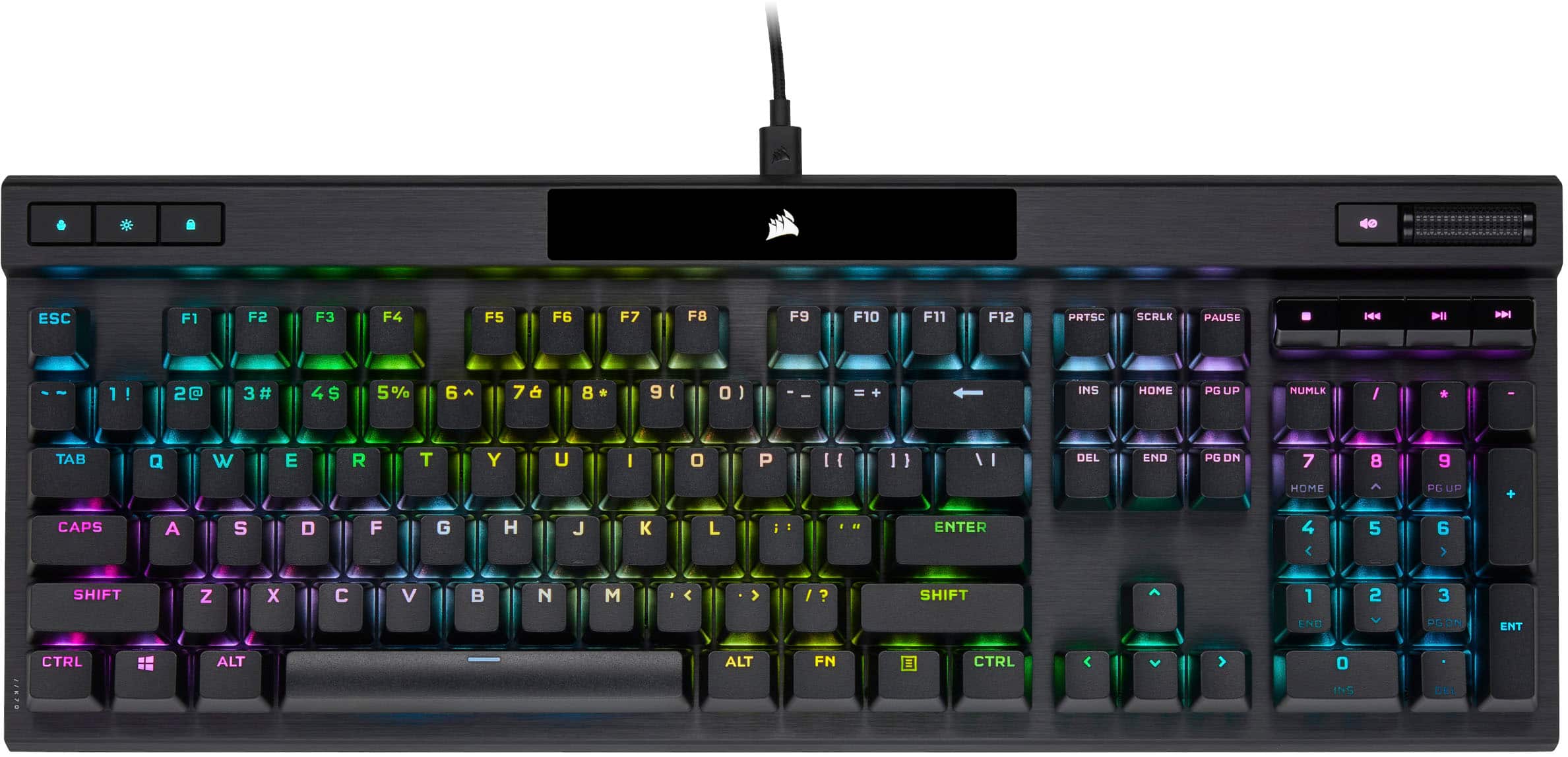
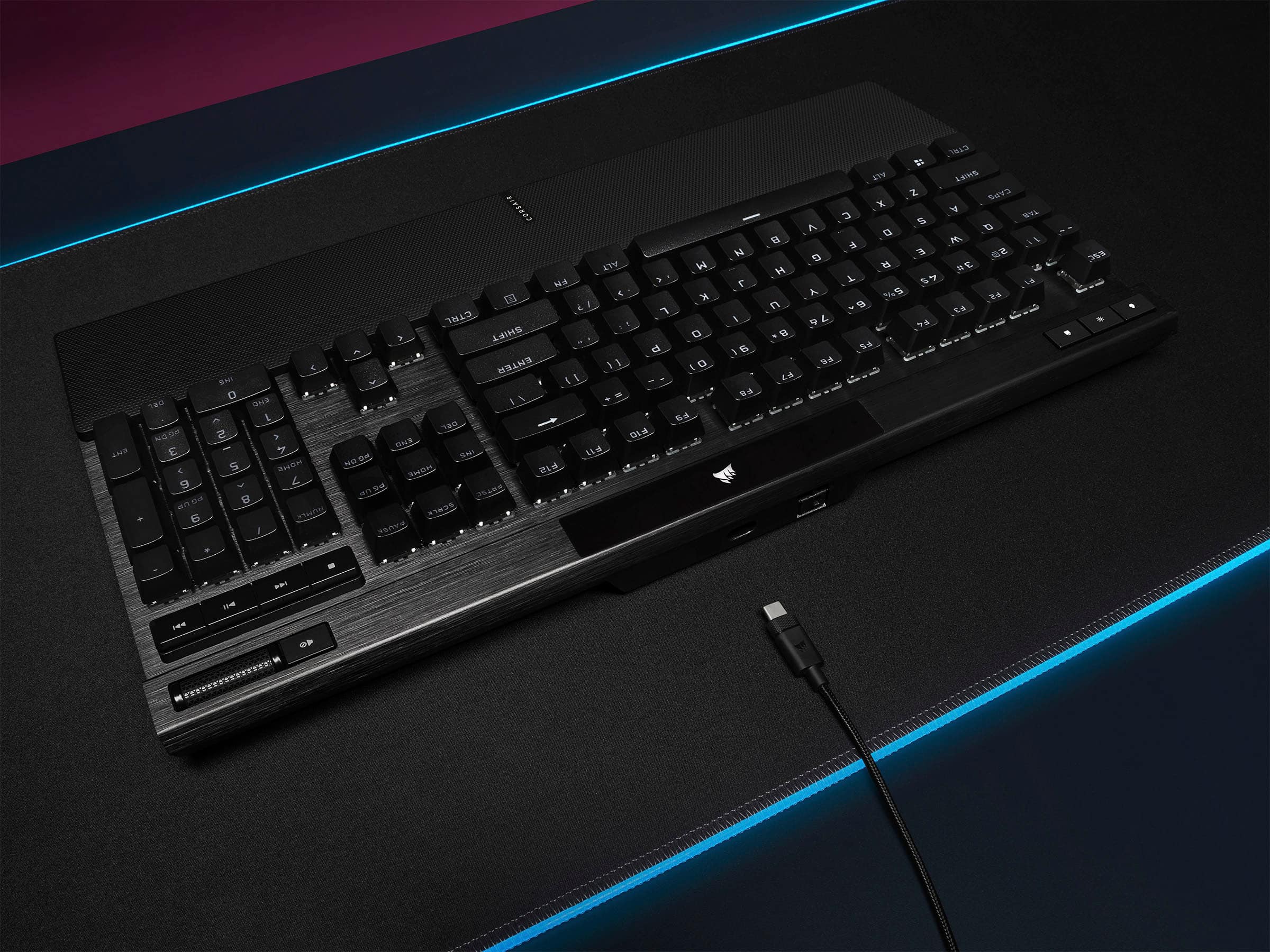
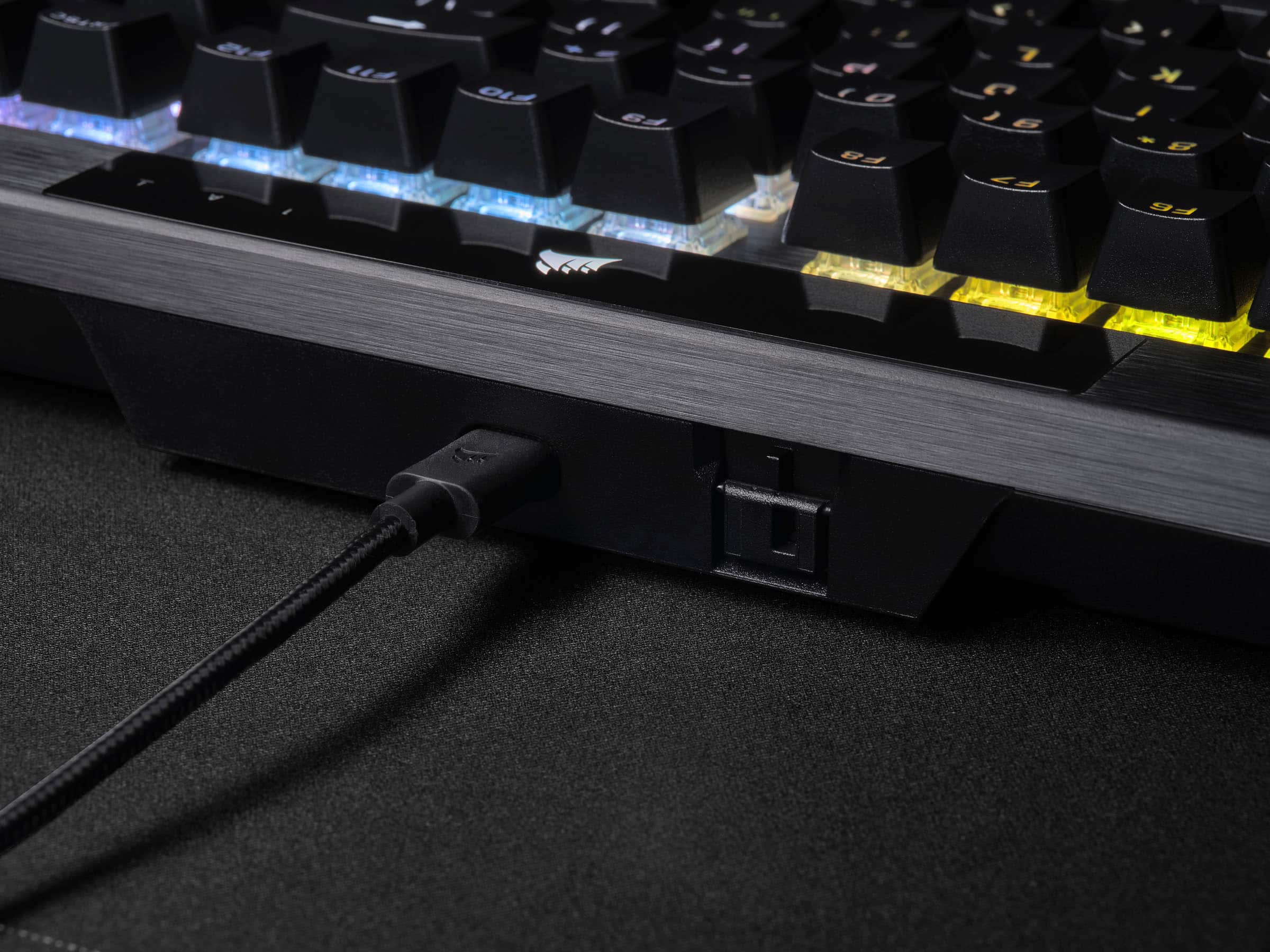
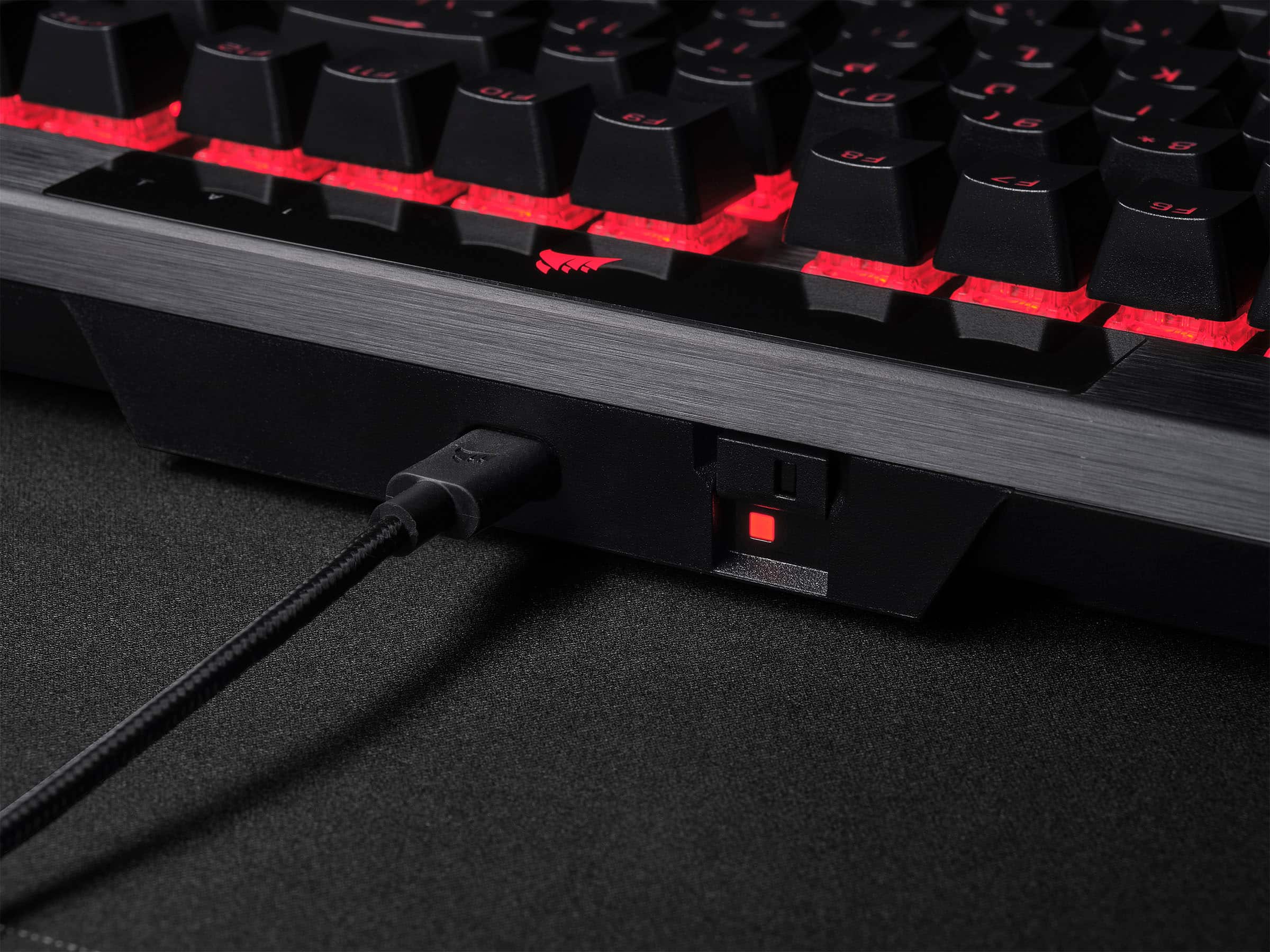
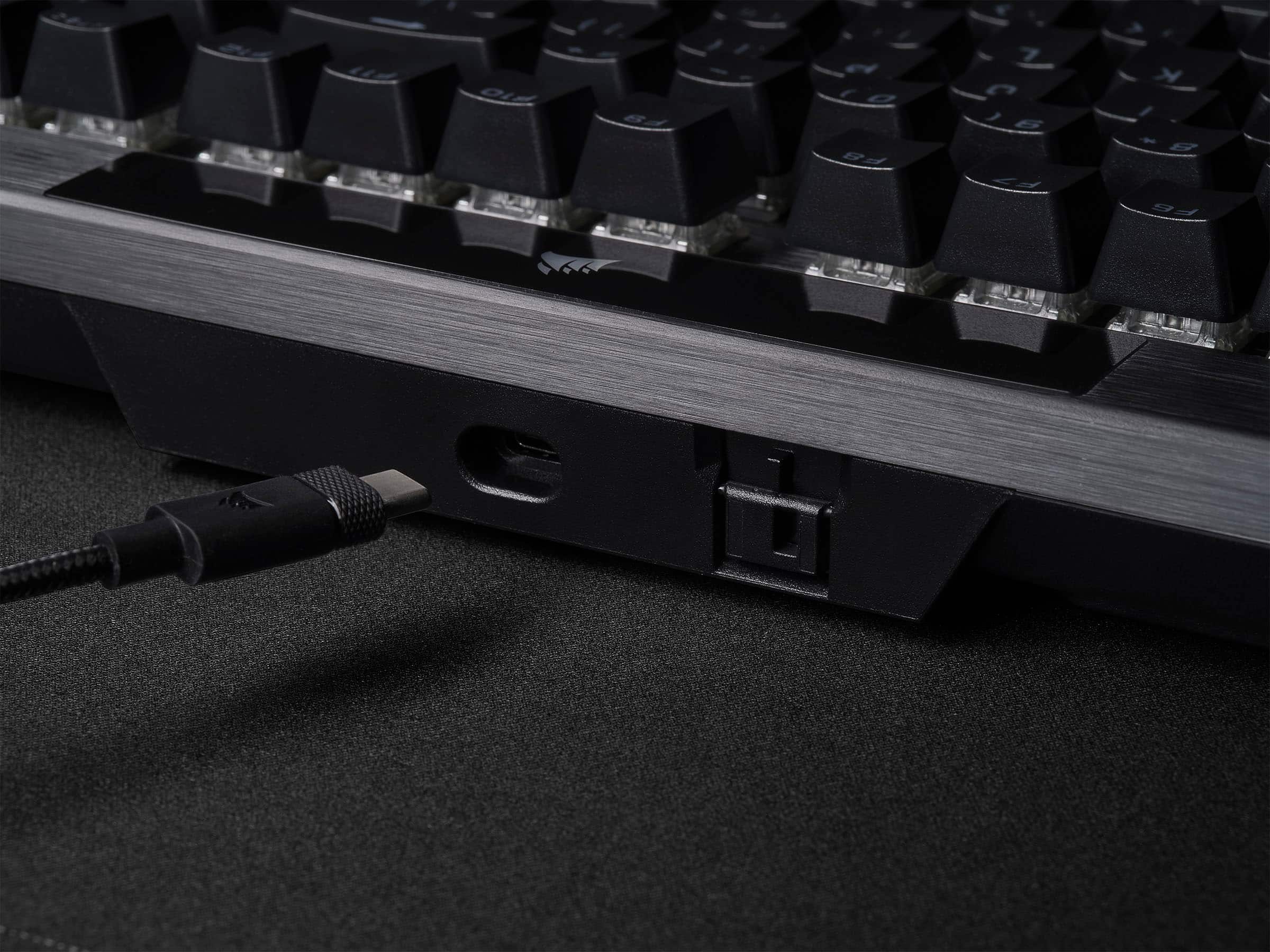
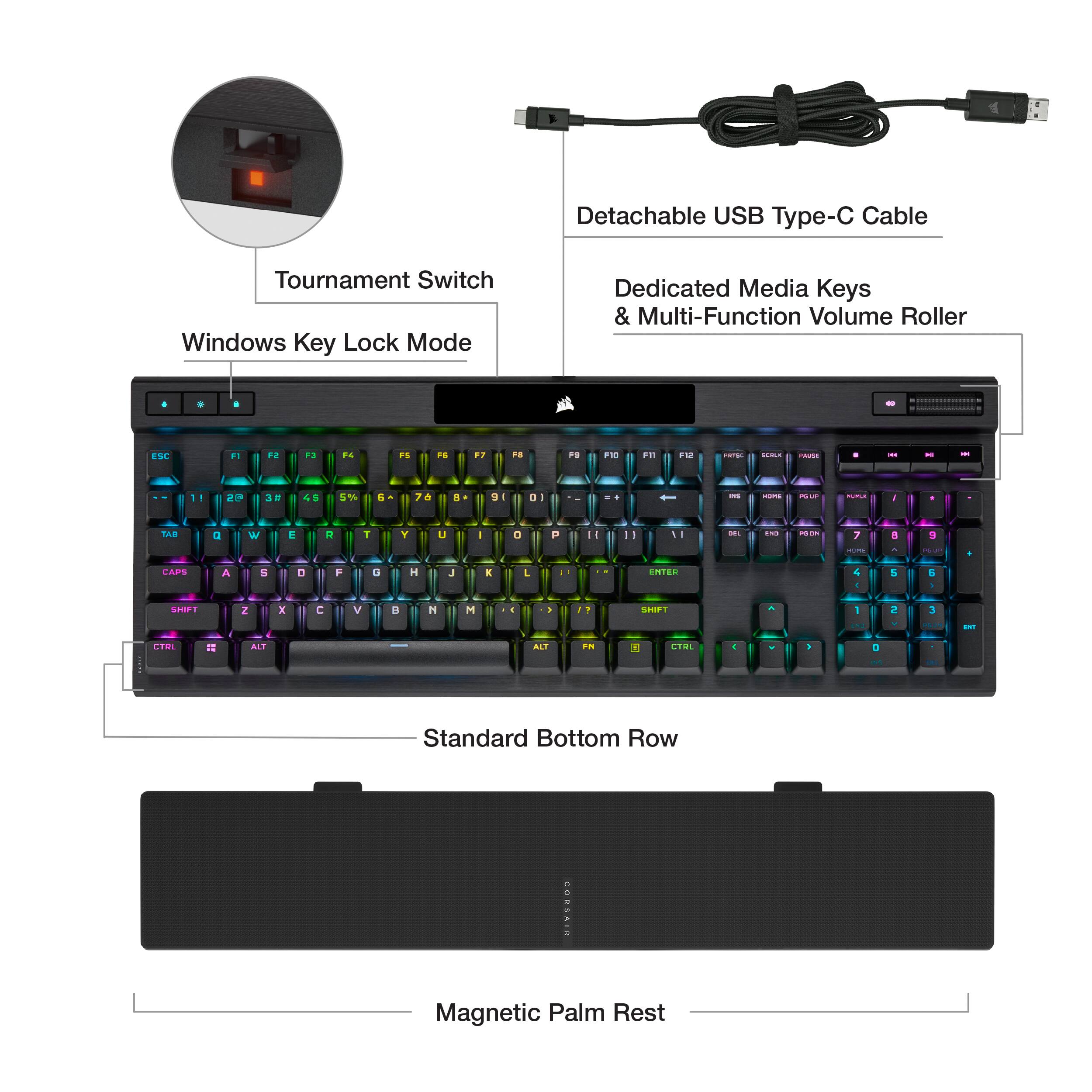
|Posted .This reviewer received promo considerations or sweepstakes entry for writing a review.Using a Corsair keyboard is like driving a well-tuned fine sports car - there's just no greater feeling! Tactile clicks, positive feedback from all the keys, and there's no questioning whether it took your keystoke. I had to download the latest/greatest iCue software since this keyboard was not supported by the version I used previously, but once I did that the system recognized it and I was up and running within seconds. Just like all previously used Corsair keyboards, the software had easy-to-use RGB definition sections, allowing you to use or alter pre-defined setups, as well as your own custom setup on a per-key level. On the rear of this keyboard there is a switch allowing you to select a tournament mode that sets it to a state which would be required for esports or competitive play use. One click and it's done, then switch it back when you're done in your competition and have it your way once again afterwards. The keyboard is made of premium materials and weighs several pounds - no mistaking it for an OEM e-waste clunker that is included with most machines. It's a fine addition to any system though, whether it's at home or in the office. FAIR WARNING - you'll want one for every machine you have once you use one!
I would recommend this to a friend Don’t bother.
||Posted . Owned for 4 months when reviewed.This reviewer received promo considerations or sweepstakes entry for writing a review.Broken after 5 months. Presses keys without touching it and buttons stopped working.
No, I would not recommend this to a friend- Pros mentioned:Keyboard quality, Rgb lighting
Impressive lighting effects and gaming features
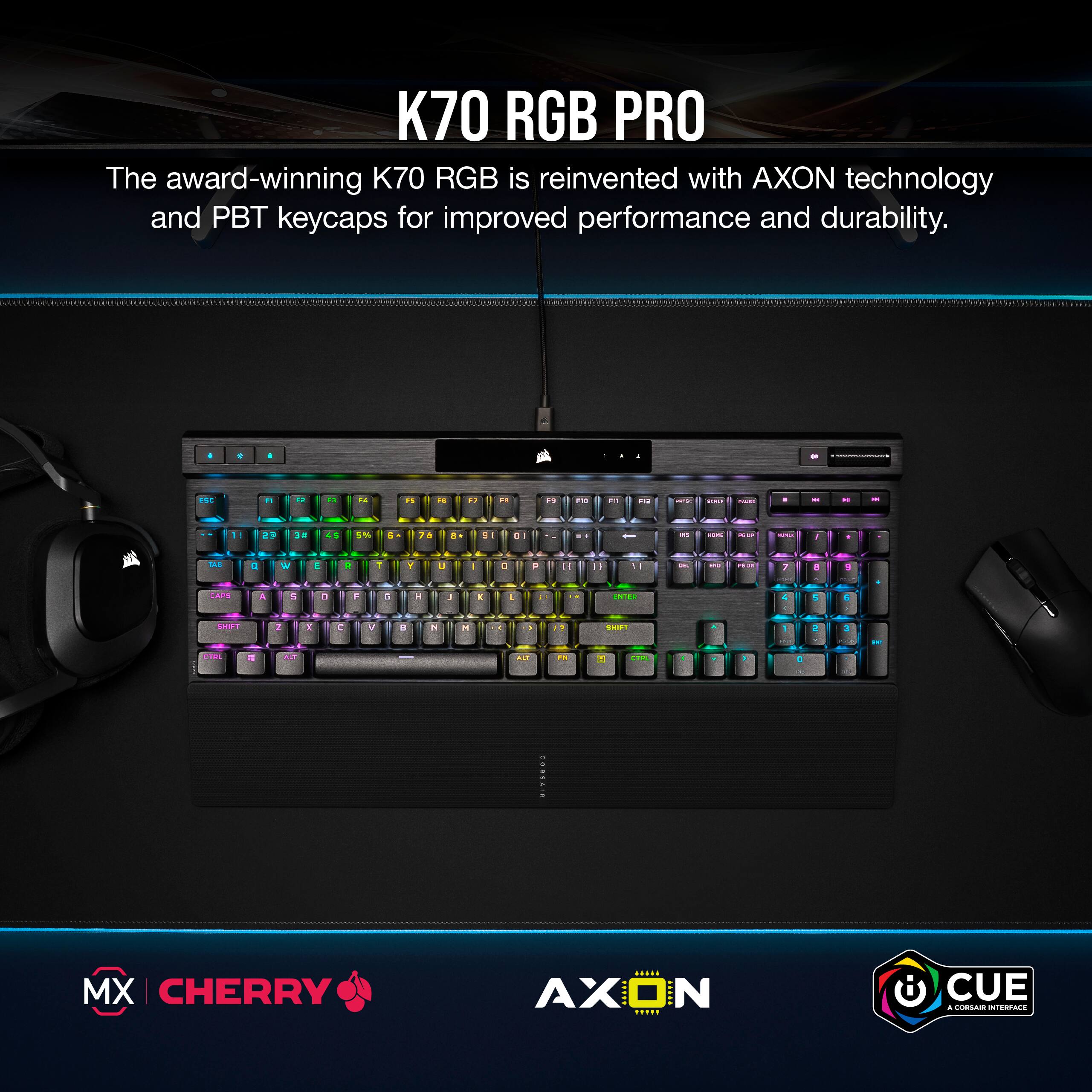
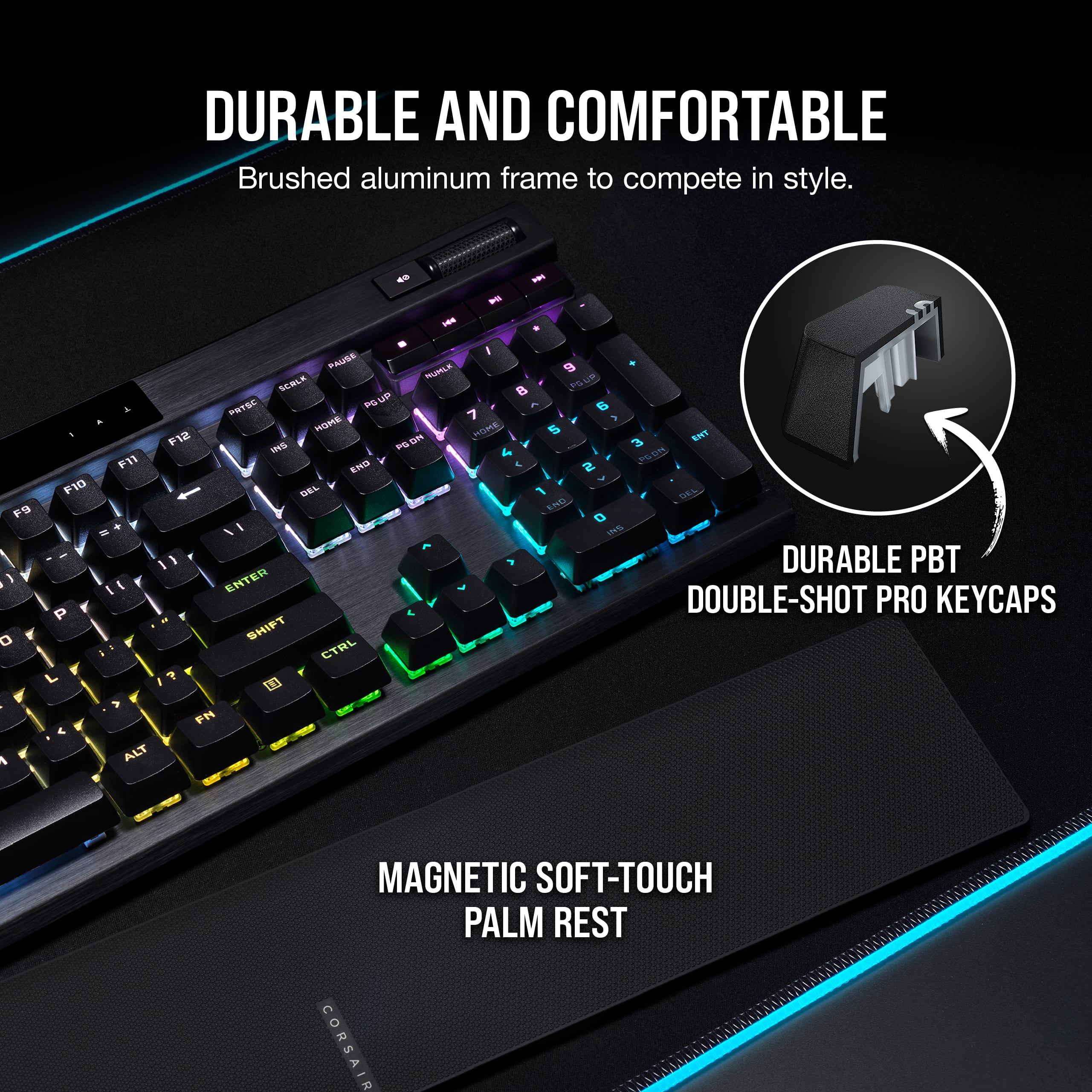
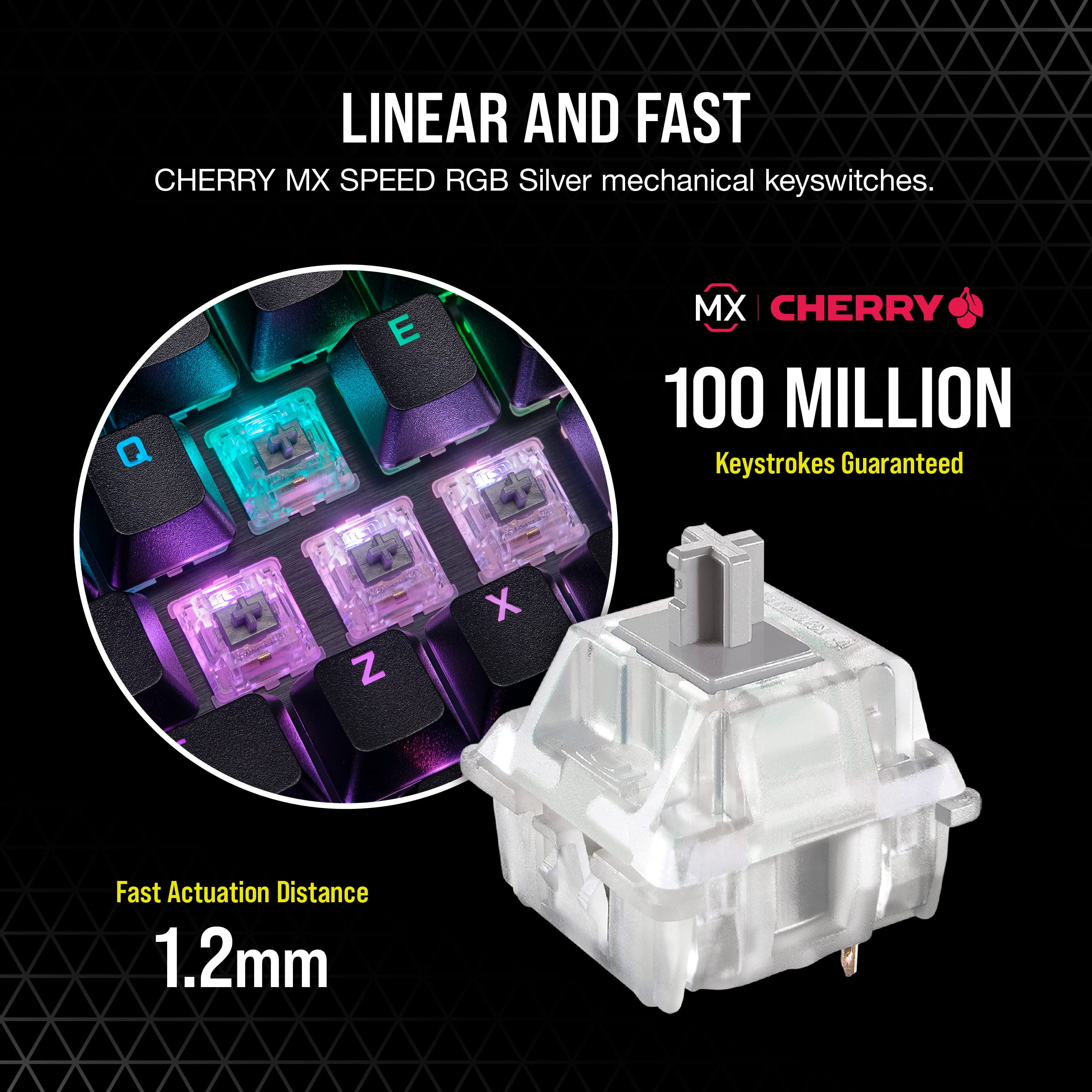
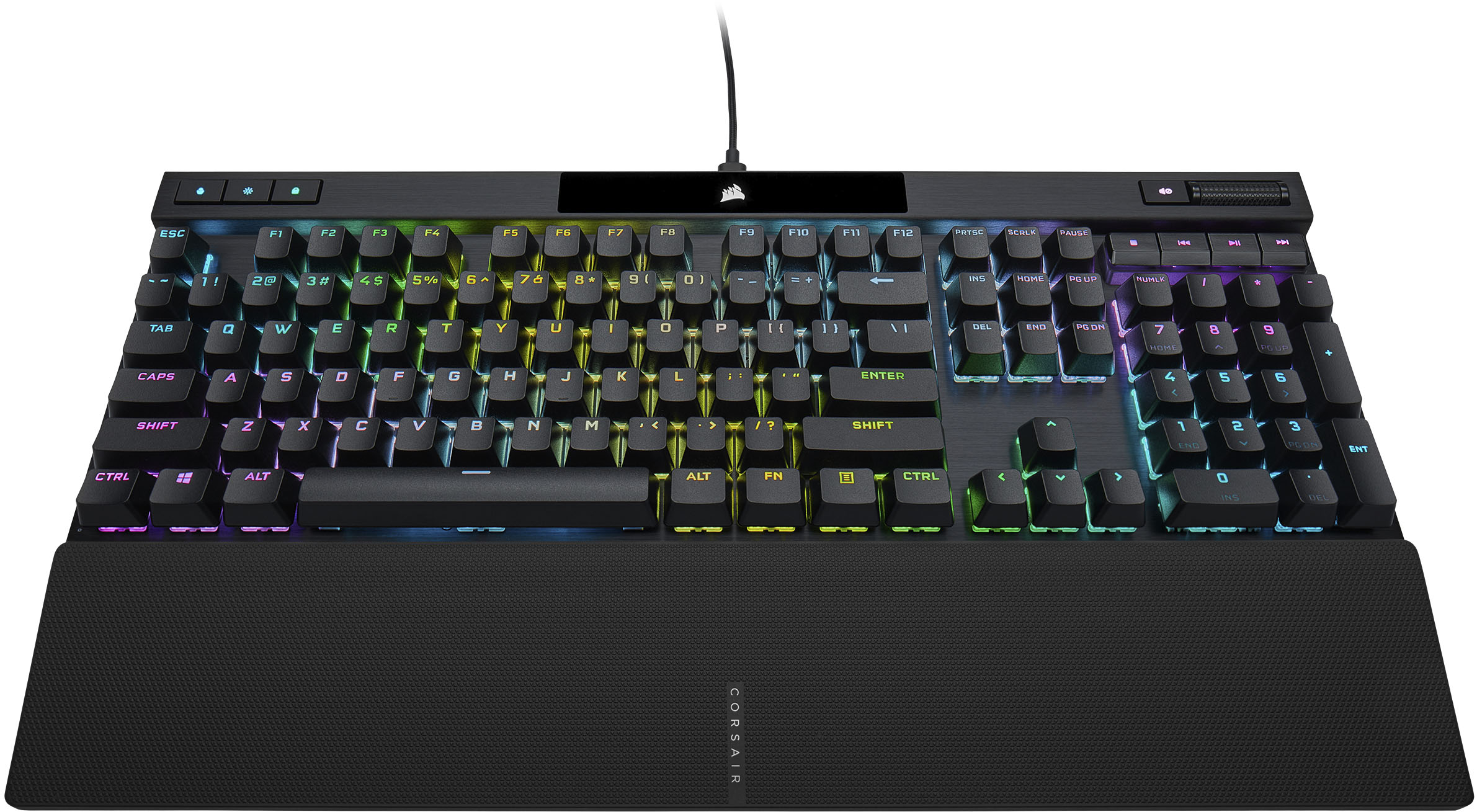
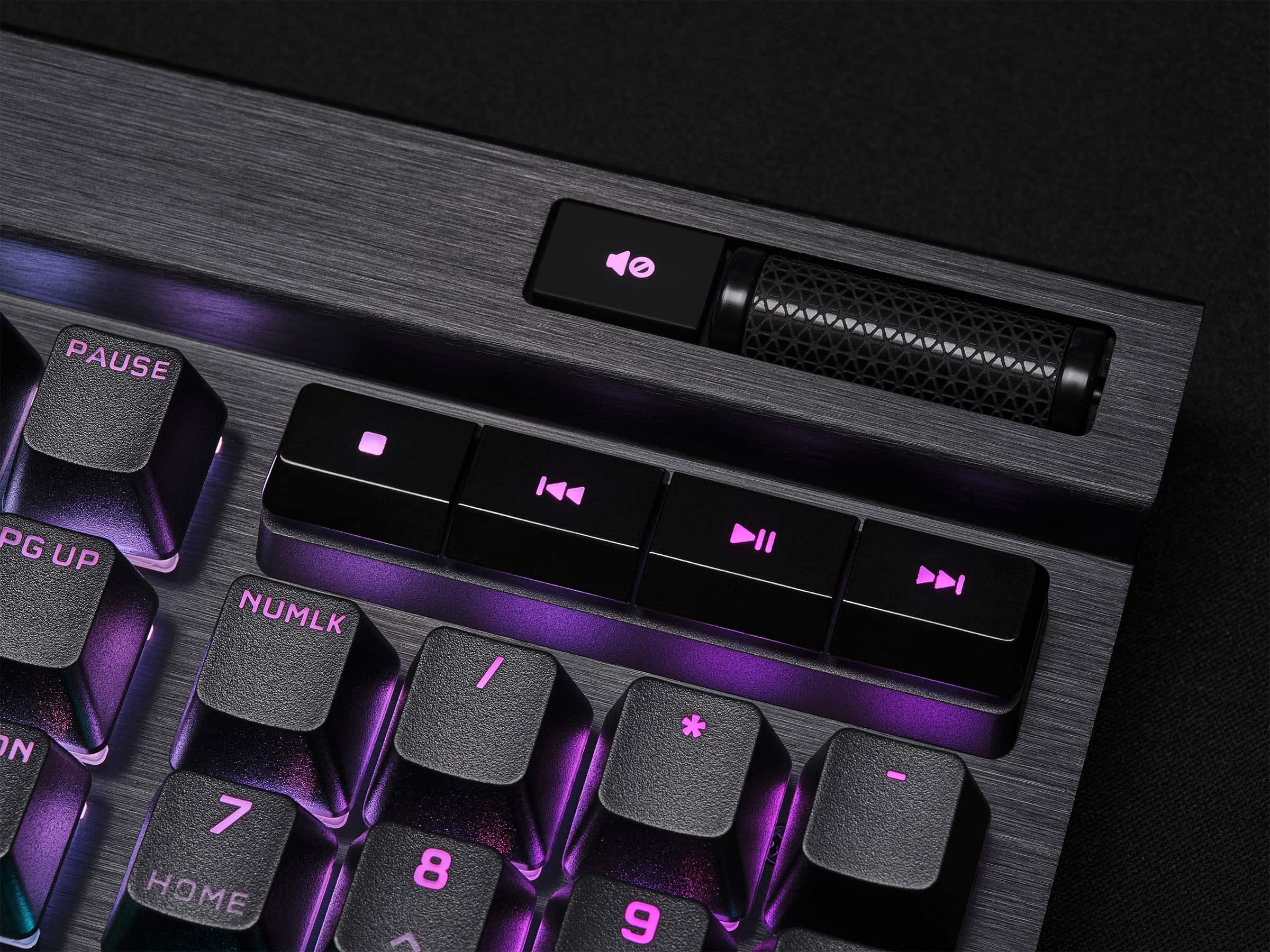
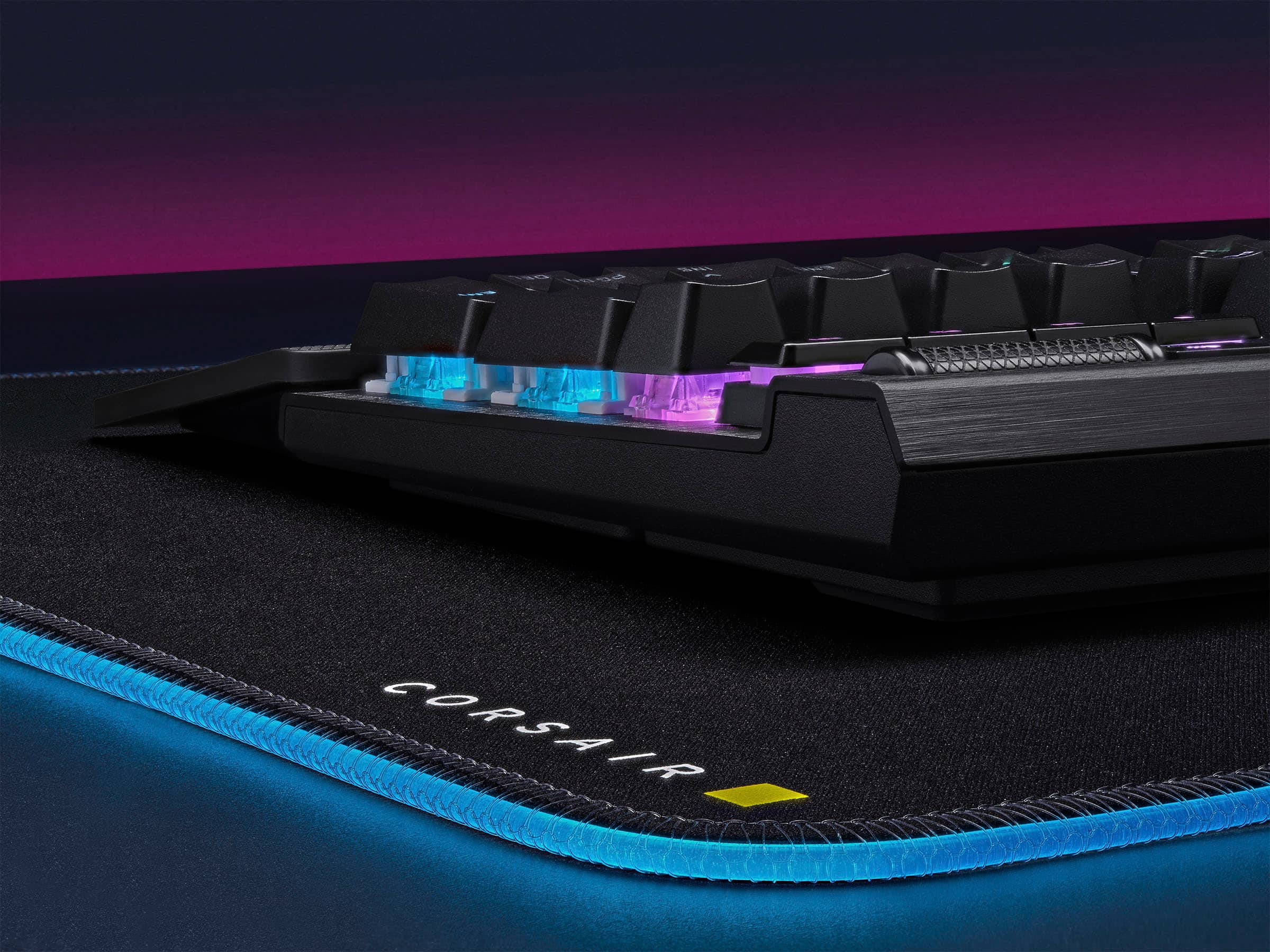
|Posted .This reviewer received promo considerations or sweepstakes entry for writing a review.The Corsair K70 RGB Pro is my first Corsair product with RGB lighting - but not my first Corsair product! In fact, Corsair can blame themselves for it taking so long for me to try out their RGB - my PSU and CPU cooler have proven to be exceptionally well made and I haven't needed to replace them! Anyway, as a result I haven't used iCue before so I have now installed RGB lighting software from seemingly every major brand on my PC at some point. Physically, the K70 RGB Pro is a solid feeling keyboard with a brushed aluminum deck, PBT double-shot keys, and a pretty neat little volume roller on the upper right side (and actual media control keys below the volume roller). Build quality is very favorable vs some other major keyboard brands I have used over the last few years - in particular the PBT keys are a big upgrade from keyboards I've used that are priced much higher than this Corsair. Maybe Corsair is taking a look at the aftermarket and hobbyist keyboards because this is something so many people do to customize keyboards which come with ABS keys. My K70 RGB Pro has the MX Speed Silvers which are very clearly a "gaming" keyswitch - a reasonable amount of activation force but very minimal activation travel. I found this to be a very good balance even for regular productivity use - while it's not as pleasant to type on as a clicky "Blue" key, the Speed Silvers in the K70 RGB Pro are better than I expected for regular typing. For gaming, they are incredible! The low travel shaves time off each keypress allowing you to react very quickly in-game. Coupled with the insane polling rate (up to 8000 hz) you are getting the fastest reaction time possible out of a keyboard. I was concerned that the 8000 hz USB polling rate would be a CPU burden, but on a gaming PC with 5800H CPU the iCue software is using less CPU than a major competitor's software is for their RGB mouse mat. The RGB lighting of the K70 RGB Pro is absolutely insane and incredibly customizable. The built in effects are super cool (I suggest turning off the initial "scenes" and taking a look at the lighting tab to see some more effects) - the effects on offer are easily the best I've seen from any of the major gaming brands. For customization, you can create layers of different keys (like WASD or the numpad) which will have different lighting effects. My initial theme is using the "water color" effect as the bottom layer and the typing effect on top - when sitting there doing nothing, the water color effect plays. I might use the numpad for my audio visualizer, but I'm not sure yet - there are so many choices! Corsair certainly isn't alone in this kind of customizability, but I found iCue to be especially easy to use, and the keyboard itself must have some reasonable processing power under the hood because the per-key lighting animations seem to have a higher framerate than other keyboards I've used. It should really say something that when trying to record a video for this review, I was genuinely concerned that I needed to use 60 FPS recording to capture the effects properly - it really is impressive! Overall, definitely incredibly happy with this keyboard.
I would recommend this to a friend - Pros mentioned:Key feel, Rgb lighting
Sturdy and functional for heavy gaming
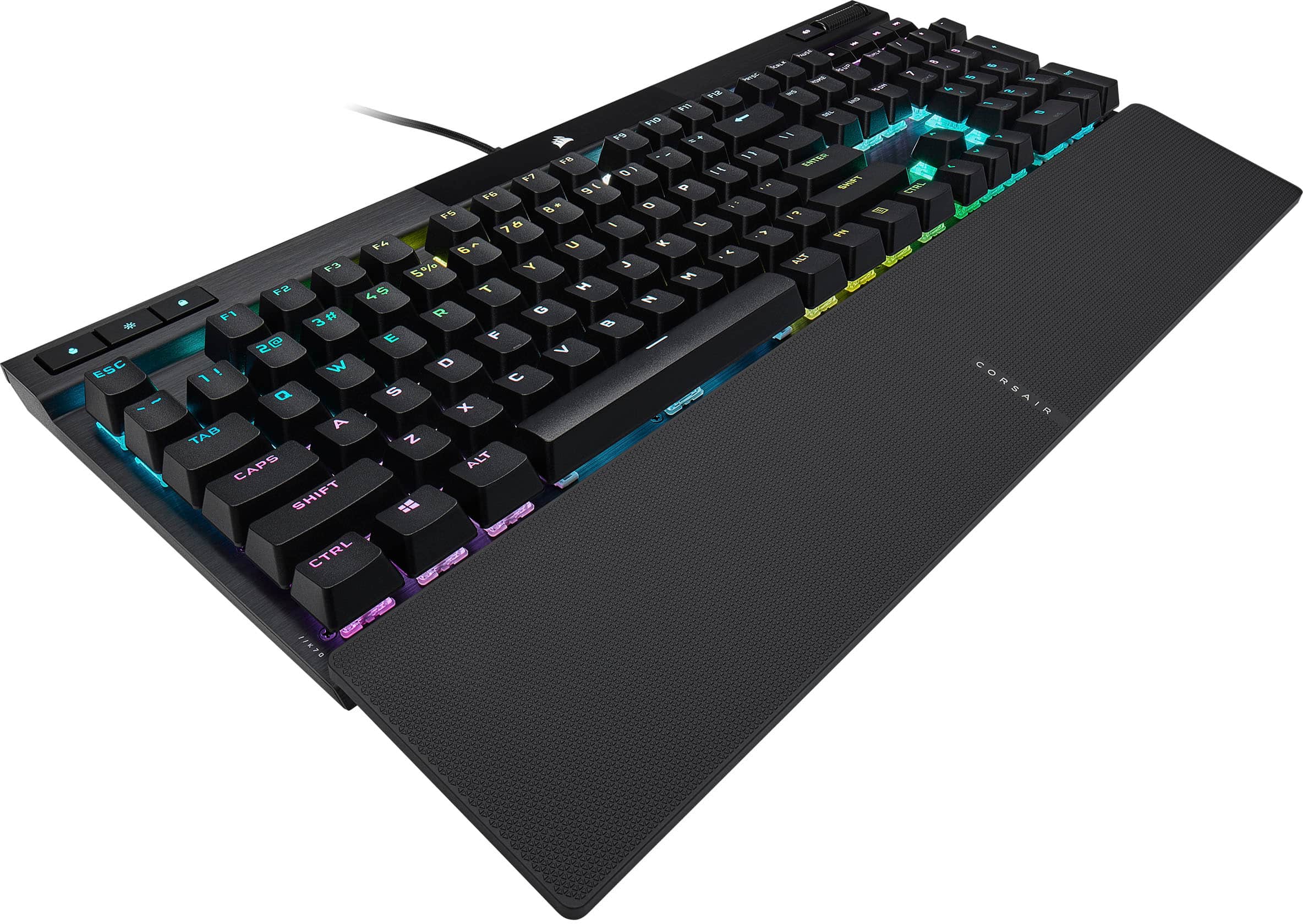
|Posted .This reviewer received promo considerations or sweepstakes entry for writing a review.This keyboard is very easy to setup. Just attach the USB-C to the keyboard and the USB plug to the computer. The software installation is fast and easy and automatically updates the firmware once installed. It comes with a comfortable wrist support that is optional and connects magnetically. The keyboard color options are diverse and even allows the colors to change based upon your computer temperature. The software allows you to monitor temperature of the CPU, motherboard and GPU. The keys are very responsive and the click is just right and not too loud. There is also a volume scroll button that is easy to use and very well made. This keyboard is easy to configure, very well made and give the competitive responsiveness that any gamer will admire. After hours of gaming this keyboard gives the comfort and confidence to keep playing at your full potential. It is great value for the quality and features at a very affordable price.
I would recommend this to a friend - Pros mentioned:Key feel, Keyboard quality
K70 Goes Pro
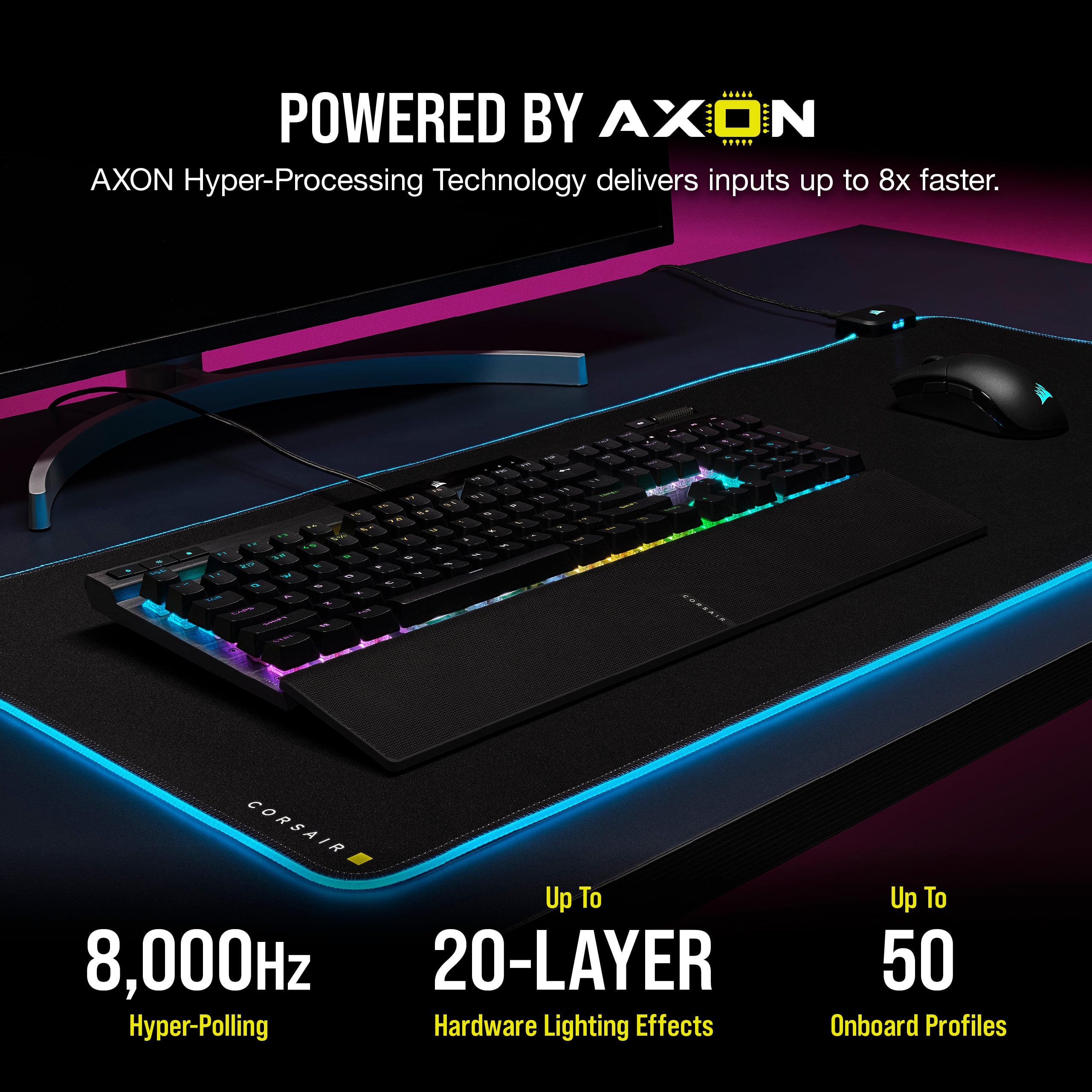
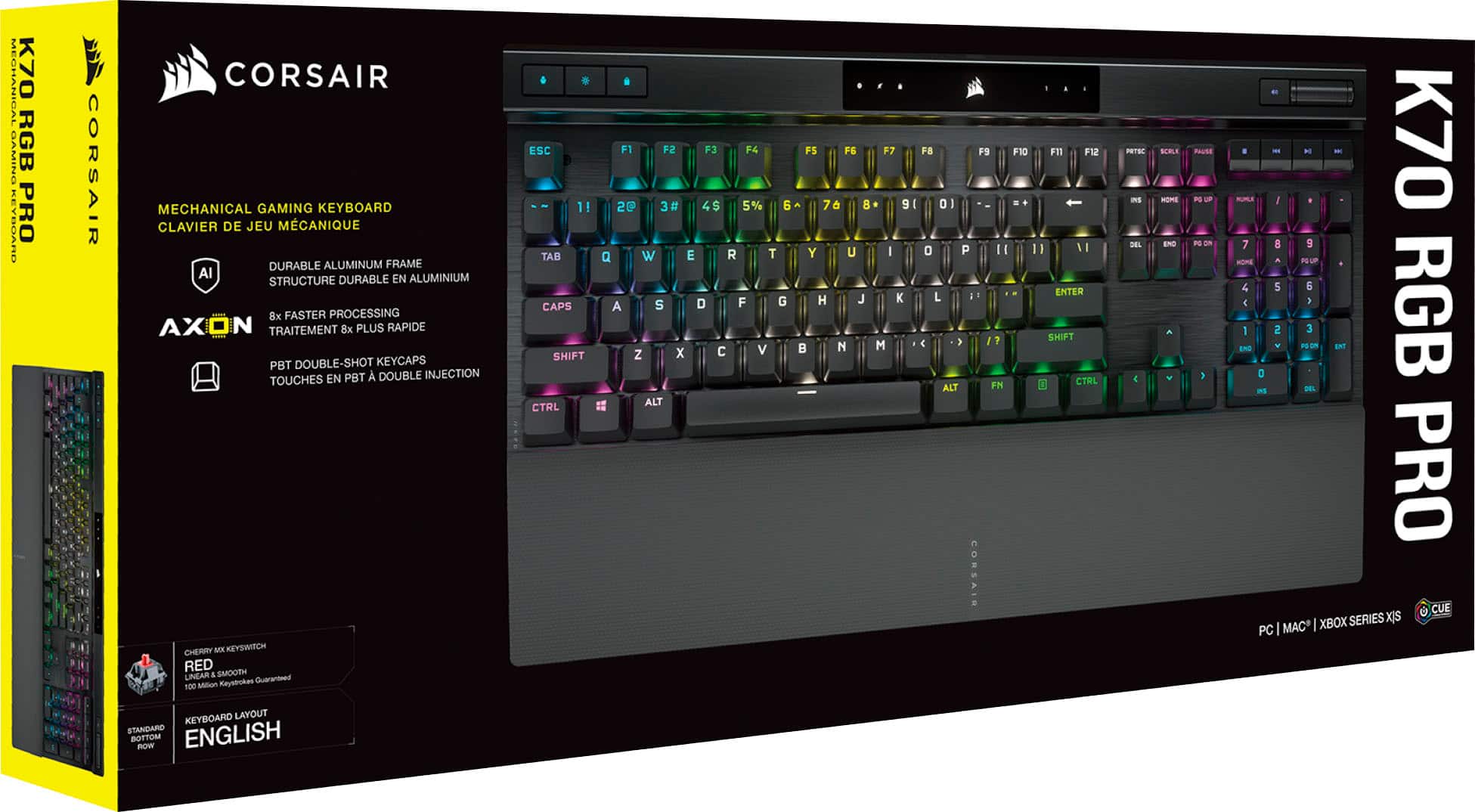
|Posted .This reviewer received promo considerations or sweepstakes entry for writing a review.Corsair, by now has a reputation of producing some of the world's top gaming peripherals. Today I'm excited and proud to review the K70 RGB Pro Gaming Keyboard. While un-boxing, you will be greeted by the keyboard, warranty/safety guide, a very nice 6ft detachable braided fiber USB-C to USB-A cable, and a magnetic detachable Palm-Rest. The first thing you may notice is the heft of the keyboard. It is not heavy, but rather solid at about 2.5lbs. However, that heft is down to the fact that the K70 PRO chassis is a beautiful black anodized brushed finish aluminum. This keyboard is built and obviously designed to "go mobile" and keep on ticking. This is a full-size beauty, and will have 104-108 keys depending on your regional layout. 100% Cherry MX mechanical switches and PBT double-shot keycaps are present, as they should be in a keyboard that excels in its class. For those that are familiar with Cherry MX switches, not much needs to be said. But for those that aren't, they are very tactile. During a gaming session, you need the layer of security this high quality build provides - when you press a key - it will respond. And quickly. Corsair boasts 100% anti-ghosting and NKRO. So you can smack those keys as fast as you want and it will register. The keycaps are about as high quality as you can get. They will resist fading, wear and shine. That 1 1/2mm thickness of "now famous" rigid tactile stability is ever present. Knowing Corsair, you know that they are pioneers in creating "firsts". The K70 Pro does not only have your standard keys, but also include dedicated media keys. And my absolute favorite hardware addition to the K70 - an aluminum volume roller. Again, for those, like myself that rely on our sense of touch - and need that "tactile feedback", the roller is simply awesome. It stands apart from the others that have dials or other "less tactile" means. Just like with the keys, the roller responds beautifully. The included palm-rest is comfortable. It is not padded like some others. Rather, it is a semi-hard ribbed "soft touch" rest. It is obviously built for "grip security". However, as I said, it is very comfortable, and I adapted rather quickly to it. I like the way it easily, and securely snaps onto the keyboard magnetically. The included 6ft (Awesome!) braided USB-C - USB-A detachable cable is extremely durable. I put both ends under a repeated bend test and noticed no appreciable tearing or separation at either side. Just like the keyboard chassis, this cord is meant to last and will happily coexist hand in hand for the lifetime of the K70 Pro. This, after-all, is a gaming keyboard. It is designed to excel in that field, and it doesn't disappoint. With that in mind, it is BUILT TO LAST. Speaking of gaming, there is a "Tournament Switch" that locks the lighting display static, and disables the accidental activation of macros. Before going any further, I would like to discuss the K70 Pro software by Corsair - "iCUE". This is the software brains and the control center for the K70 Pro. iCUE is probably the best device control center software I have had the pleasure to use. It is very intuitive. There is no guessing needed. The most impressive portion of the software is the key assignment/Re-Mapping section. You can literally assign keys to do anything your heart desires. Want to assign a key to launch an app, run a macro? The software has you covered. You can save on the software side, unlimited combinations and presets. Using the K70 Pro with multiple PC's? Even if the PC is not running iCUE, the "hardware mode" for key assignments allows you to save up to 50 profiles, or 8MB directly onto the K70 Pro! You know that hardware volume roller I was speaking about previously? You can even assign alternative functions to that as well! Think of the possibilities that opens up in your gaming session! To have a tactile roller! On-board, you can record Macros with the function layer. You can pretty much do this "on the fly" with the hotkey and then assign a FN/Function shortcut combo to them. This will let you seamlessly complete complex actions with having to worry about standard key functionality. iCUE also lets you configure every aspect of the RGB lighting. Just like with the key assignments you can save unlimited customization profiles when using iCUE, or up onto the hardware profile in case you plug-in to a machine not running it. How cool is that? Everything from color pulsing, color shifting, color wave, rain, or custom per-key RGB back lighting colors (and many more) effects are available for you to customize. Your imagination is the only limit. Again, you can save up to 50 onboard profiles, and up to 20 onboard lighting effects layers. Awesome-Sauce! In iCUE under "Performance" you can disable the WinKey. This may seem trivial, but I personally hate accidentally hitting it during a gaming session and having the windows start menu bust in on my screen like an annoying neighbor begging to use my lawnmower. With iCUE - no more! There are also other options in "performance" pertaining to WinLock key disabling. But the WinKey one, to me, is awesome. The last notable section in iCUE is the Device settings section. Within this section you can set the polling rate (Up to 8000 Hz!), fine-tune the debounce delay (in ms), show tips, change brightness, and check for firmware updates amongst others. The 8,000Hz hyper-polling/USB report rate is thanks to the K70 Pro Axon Hyper-Processing technology. This breakthrough has to be experienced first hand to believe. No words on my review, or any other will prepare you for this game-changing tech (pun intended, maybe). But what does it mean for you, and me the gamer? Up to 8 times faster input transmission than most other keyboards out there. In other words, in my experience, absolutely NO lag. In my opinion, the K70-Pro is underpriced. For a keyboard in its class, it is providing features and quality that gaming keyboards in its range don't even come close to providing. In fact, the build itself, in my opinion, is better than another brand keyboard that I spent 100-150$ MORE than the K70-Pro full retail price! If like me, you are an avid gamer, or even a professional gamer, the Corsair K70 Pro is the keyboard for you. You will not be disappointed at all. Being around technology/gaming/computing for the last 30 years, I have been disappointed in other brands using cheaper materials, or cutting corners. It is obvious that Corsair DOES NOT take that approach. GET THIS KEYBOARD NOW! I can see this keyboard completely selling out once the "secret" gets out!
I would recommend this to a friend - Pros mentioned:Keyboard quality, Wrist rest
Incredibly well built versatile gaming keyboard
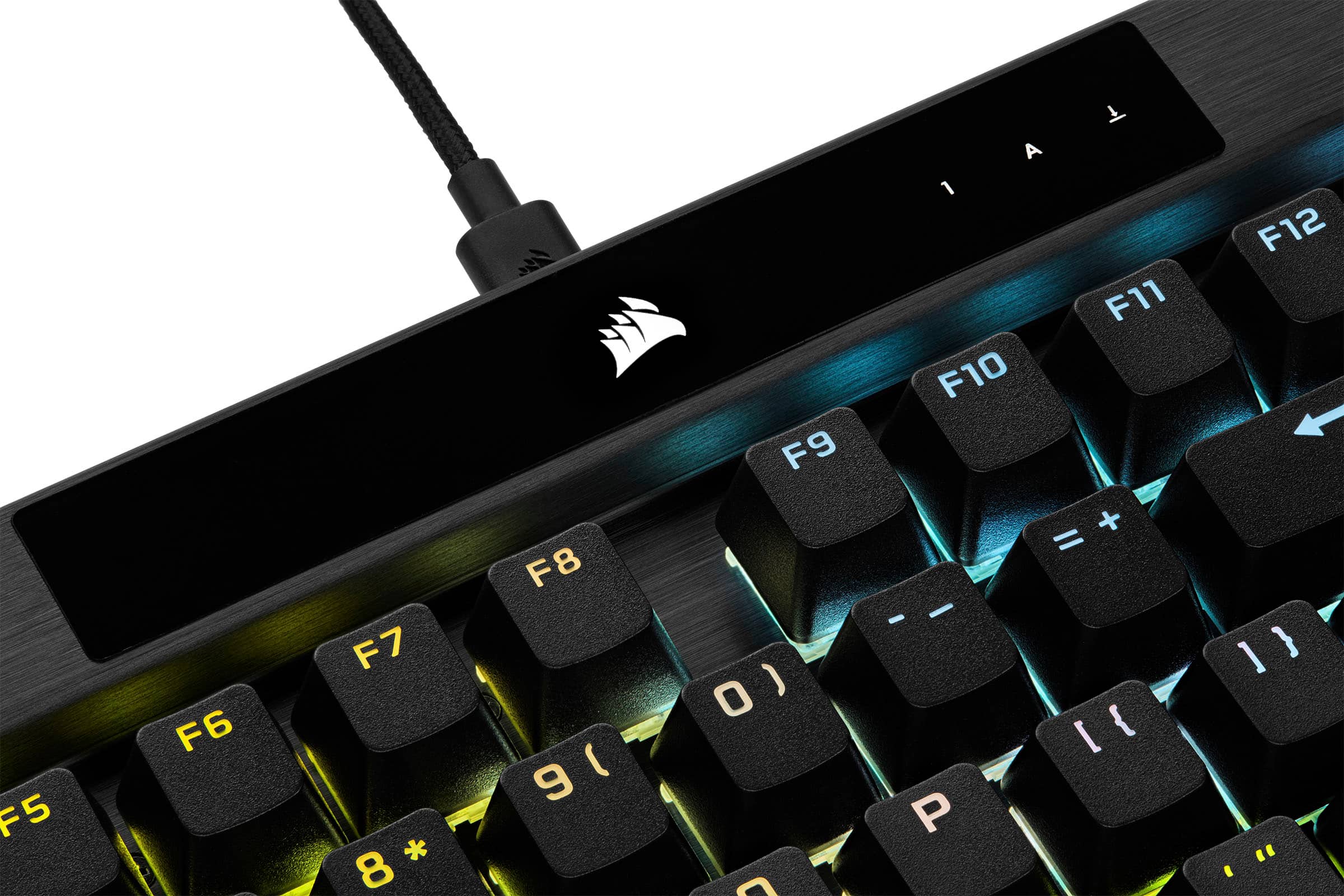
|Posted .This reviewer received promo considerations or sweepstakes entry for writing a review.I've owned a significant number of gaming keyboards from various manufacturers over the years, and gradually moved on from them whether because the keycaps wore out, newer better technology came along, or I just liked the look or feel of something different. Because of that I was eager to get my hands on the Corsair K70 RGB Pro with the MX Speed switches. To start with, the packaging is a no frills cardboard box, it's well packaged, the keyboard itself and included wrist rest is wrapped in plastic and it has the cable. The cable is interesting though, as it's the first keyboard I've owned (that isn't wireless) that has a detachable cable. More than that, it's a USB-C to A cable, with the interface on the keyboard itself being type-c. It always makes me a little bit happy to see companies switching to type-c interfaces, so while it's not terribly critical on a wired keyboard, it's good to see it implemented across Corsair's more recent gaming accessory lineup (my recent purchase of the Corsair Dark Core RGB Pro also has a type-c interface). Now for installation and usage. Plugging it in, it just 'works' as any keyboard should. It has some built in lighting that cycles until you hit a button on the keyboard or load up the iCUE software to manage it (more on that in a minute). With each keyboard I move to, there's always a bit of time that it takes to adapt to what is different about the keyboard, whether using full size or chiclet keys, membrane, mechanical switches, type of switches and even size of the keyboard. I do have to say, moving from the slim mechanical gaming keyboard I had before this, to this keyboard has not been a smooth transition. The travel distance of the keys on this keyboard is noticeably further and takes more force to actuate than my previous keyboard. In addition, since these are linear CherryMX Speed Silver, there is no tactile bump when you actuate. Now, this isn't my first or even second keyboard with Cherry MX switches, but this switch is new to me. The keyboard has a muted thudding sound with each keystrike rather than the well know click of most mechanical keyboards, almost reminiscent of the old IBM AT keyboards that many people used back in the day (even before ps/2 for those of you that remember). Those keyboards were built to take a beating and were also mechanical because that's all they used back then. This keyboard has an equally solid build and really does feel like it'll take on the most punishing gaming sessions. Any issues I have with it currently really come down to user preference and again just that adaptation phase that any new keyboard takes, especially moving between a slim keyboard to a more full-size form factor. On the note of form factor, as I mentioned, this is a standard keyboard and it comes with the previously mentioned wrist rest. Now this wrist rest is different than any I've used in the past. First, I think this keyboard may rise off my desk a bit more than any keyboard (save for that AT keyboard I talked about), the wrist rest is really quite beefy and I needed it to feel comfortable with using the keyboard. If you rest your wristed on the desk when you type, you'll need it as well. But back to the design... It attaches to the keyboard with some very strong magnets. First I've seen of this type of design. It's build is equal to that of the keyboard itself rather than an afterthought like most wrist rests are, with a soft rubberized finish and definitely enough support. I really like it. The keys themselves are heavily textured, but it gives a good amount of traction to ensure your fingers are on the keys correctly every time. In gaming, the keyboard is responsive as expected. I've raided in WoW with it, played some Apex Legends and a bit of Overwatch, and I have found it to be precise and sensitive, though again I still am becoming accustomed to the difference from my previous keyboard. It touts itself has having 1000hz polling rate out of the box, with up to 8000hz configurable in software. I've gone ahead and cranked it to that 8000hz, and while I'm not sure if I can tell the difference between the 1000 and the 8000, it's there, so why not use it? Now for the software... The iCUE software has definitely been improved over my last experience with it, which is welcome, taking it from just a lighting management software to a fully fleshed out profile, gaming and accessory configuration management tool for all Corsair lighting and gaming devices. Here is where you'll configure your polling rate, even increase the debounce interval on the keyboard, and configure the lighting to your heart's desire. So what's not to like? Honestly? If I HAD to nitpick something, my only complaint is that the LED behind the Corsair sails at the top of the keyboard has a slightly different hue than the rest of the keyboard itself, but honestly, is that something to complain about? Really? It's not often I find a device as well built, customizable and thoughtfully laid out as this keyboard, from theCherry MX Speed Silver switches, type-c removable cable and magnetically attached wrist rest, to the crazy 8000hz polling rate, there's not much to complain about here. I would easily recommend this to anyone in the market for a truly elite gaming keyboard experience.
I would recommend this to a friend - Pros mentioned:Key feel, Keyboard quality
Very Nice Gaming Keyboard
|Posted .This reviewer received promo considerations or sweepstakes entry for writing a review.The Corsair K70 RGB Pro Keyboard is a very well-made, capable gaming keyboard. When you first take this keyboard out of the box, the first thing you’ll notice is the heft. This thing is like a brick, which is always a nice first impression for gaming keyboards. That typically means it will be a nice sturdy keyboard that will stand up to some abuse and not move around much on your desk. The keyboard comes with a detachable USB-C cable, although it is not wireless, and a magnetic wrist rest. Setup is relatively simple. You just plug it in and you’re good to go. However, if you want to actually take advantage of the gaming features, you’ll need to install the Corsair iCue software. The software itself is relatively easy to use, and it even has many presets for color patterns in case you’re like me and don’t care to mess around too much with that stuff. If, however, you do like to customize your keyboard, the iCue software gives you lots of control. You can of course customize the lighting colors and patterns to your liking, but you can also create custom key assignments, custom profiles and a handful of other settings. It’s all very nice to have the option, but also you can just ignore it if you don’t care too much about all that. When it comes to performance, it is a very capable keyboard. The keys have a nice tactile press, while not being too clicky. And it is very responsive. I rarely had mis-presses or unregistered presses. One thing I will mention, especially if you plan on doing a lot of typing, is that there is a slight, but noticeable “ting” sound when typing. It’s definitely more noticeable the faster and harder you type. It reminds me of old keyboards from the 80s and 90s. I get that it’s a mechanical keyboard, and this is likely why, but I have used other mechanical keyboards that don’t have this issue. I won’t be doing a ton of typing on it, so it’s not enough to bother me, but if I were a writer or would otherwise be typing on it a lot, I think it would bother me too much and I’d eventually use a different keyboard. Other than that one little issue, it is a very nice keyboard, and one I would recommend if you are in the market for a gaming keyboard.
I would recommend this to a friend - Pros mentioned:Keyboard quality, Rgb lighting, Wrist rest
Perfectly Balanced Gaming Keyboard
|Posted .This reviewer received promo considerations or sweepstakes entry for writing a review.The K70 RGB Pro is by far my favorite keyboard! The double shot keycaps and speed silver keys are an excellent combination. The RGB settings in iCUE are endless, and the customization options are far beyond what you could imagine. I really like the wrist rest on this one, feels very nice! My favorite feature however is the balance between noise level and being a mechanical keyboard. It is not super loud like other switches! There are also tons of programmable features that work great for MMO's and other games.
I would recommend this to a friend Not for me !
||Posted . Owned for 7 months when reviewed.This reviewer received promo considerations or sweepstakes entry for writing a review.HATED this Keyboard. Returned it and bought from a Competitor.
No, I would not recommend this to a friendBrand response from Corsair
Posted .Hello,
What seems to have been the issue? If you have any feedback, please don't hesitate to reach out to our team directly on our site!
-Art