Last-Minute SavingsLimited quantities.Shop now

Skip to content
Gift Ideas
Main Content

Customer Ratings & Reviews
Last Minute Deal
Your price for this item is $89.99
The comparable value price is $159.99

Customer reviews

Rating 4.7 out of 5 stars with 717 reviews

Rating Filter

Rating by feature

  • Value

    Rating 4.6 out of 5 stars

  • Quality

    Rating 4.8 out of 5 stars

  • Ease of Use

    Rating 4.7 out of 5 stars

Pros mentioned filter

Cons mentioned filter

94%would recommend to a friend

Customers are saying

Customers are pleased with the high-quality build, responsive keys, and customizable RGB lighting of the K70 RGB PRO keyboard. Many appreciate the comfortable wrist rest and the smooth, responsive key feel, enhancing the overall typing and gaming experience. Positive feedback also highlights the improved software and the excellent performance of the mechanical switches. While some find the price a bit high, the majority of users believe the keyboard's features justify the cost.

This summary was generated by AI based on customer reviews.

The vast majority of our reviews come from verified purchases. Reviews from customers may include My Best Buy members, employees, and Tech Insider Network members (as tagged). Select reviewers may receive discounted products, promotional considerations or entries into drawings for honest, helpful reviews.
Page 35 Showing 681-700 of 717 reviews
  • Rated 1 out of 5 stars

    Sticky Key - 1.5 months after original purchase

    |
    |
    Posted . Owned for 1 month when reviewed.
    This reviewer received promo considerations or sweepstakes entry for writing a review.

    Purchased this keyboard on May 26, 2023 and 1.5 months later the keys are sticking so bad that you can't use it, nothing has been spilled on the keyboard, not to mention the lights started failing as well. I'm disappointed in the quality of this expensive product. Sadly, I've missed my window to return this keyboard.

    No, I would not recommend this to a friend
    • Brand response from Corsair
      Posted .

      Hello Jared,

      Not to worry, our team can help with this issue! Please contact them directly right on our site at any time for assistance.

      -Art CorsairGaming

  • Rated 5 out of 5 stars

    Great Keyboard

    |
    |
    Posted . Owned for 1 week when reviewed.
    This reviewer received promo considerations or sweepstakes entry for writing a review.

    Excellent gaming keyboard, my nephew loved it!!!!!

    I would recommend this to a friend
  • Rated 5 out of 5 stars

    Yum

    |
    |
    Posted .
    This reviewer received promo considerations or sweepstakes entry for writing a review.

    Yumyum is yummy Yumyum yum dude I don't know how to

    I would recommend this to a friend
  • Pros mentioned:
    Key feel, Rgb lighting
    Tech Insider Network Member

    Rated 5 out of 5 stars

    Awesome Keyboard!

    |
    Tech Insider Network Member
    Posted .
    This reviewer received promo considerations or sweepstakes entry for writing a review.

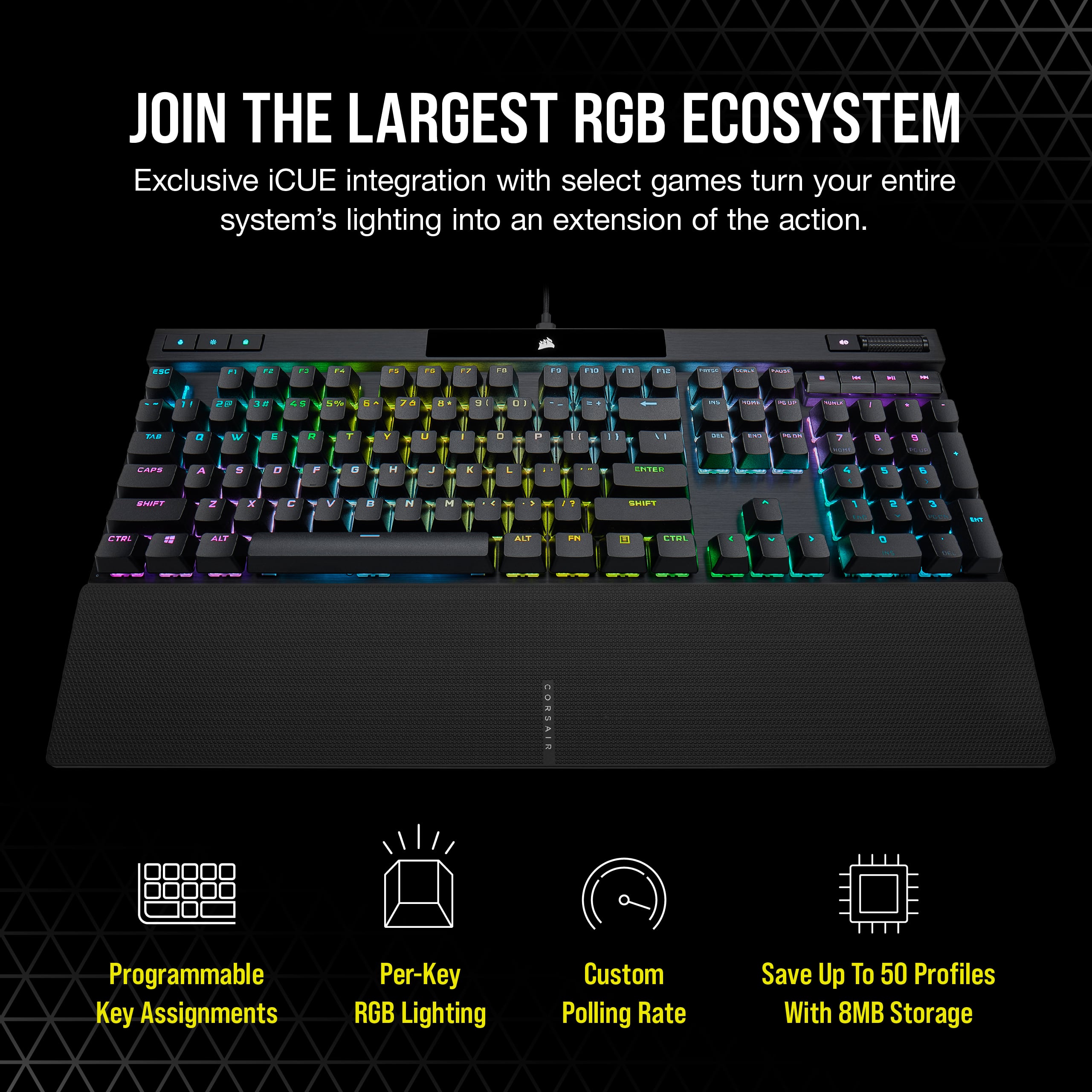
    The most exciting keyboard I have ever owned. First off, the keys feel good when pressing. They make a little bit of noise but not too loud. I would prefer a more clicky metallic feel. I got this mainly for the RGB colors. It is a great addition if you already own some of their other RGB products. I have the towers and mouse and they all sync in color together through the iCUE software. With this software you have different 13 different color scenes to choose. My favorite is the spiral rainbow. It is like a disco party in here. You can also assign many things to profiles. If you want you can reassign key values to any button. You can assign mouse functions to any key and even tilt motions with a capable mouse. You can assign media functions like play, pause and stop. Even launch apps with a single button. If you need to which could come in handy you can disable keys that get in the way when playing games. You can even record macros that includes the mouse, so if you have something you type often, you can just press a key to do it for you. The latest addition for creativity is the ability to assign keys to the Voicemod app which is very cool. This is just a great keyboard to own and play around with!

    I would recommend this to a friend
  • Pros mentioned:
    Keyboard quality, Rgb lighting
    Tech Insider Network Member

    Rated 5 out of 5 stars

    Impressive lighting effects and gaming features

    |
    Tech Insider Network Member
    Posted .
    This reviewer received promo considerations or sweepstakes entry for writing a review.

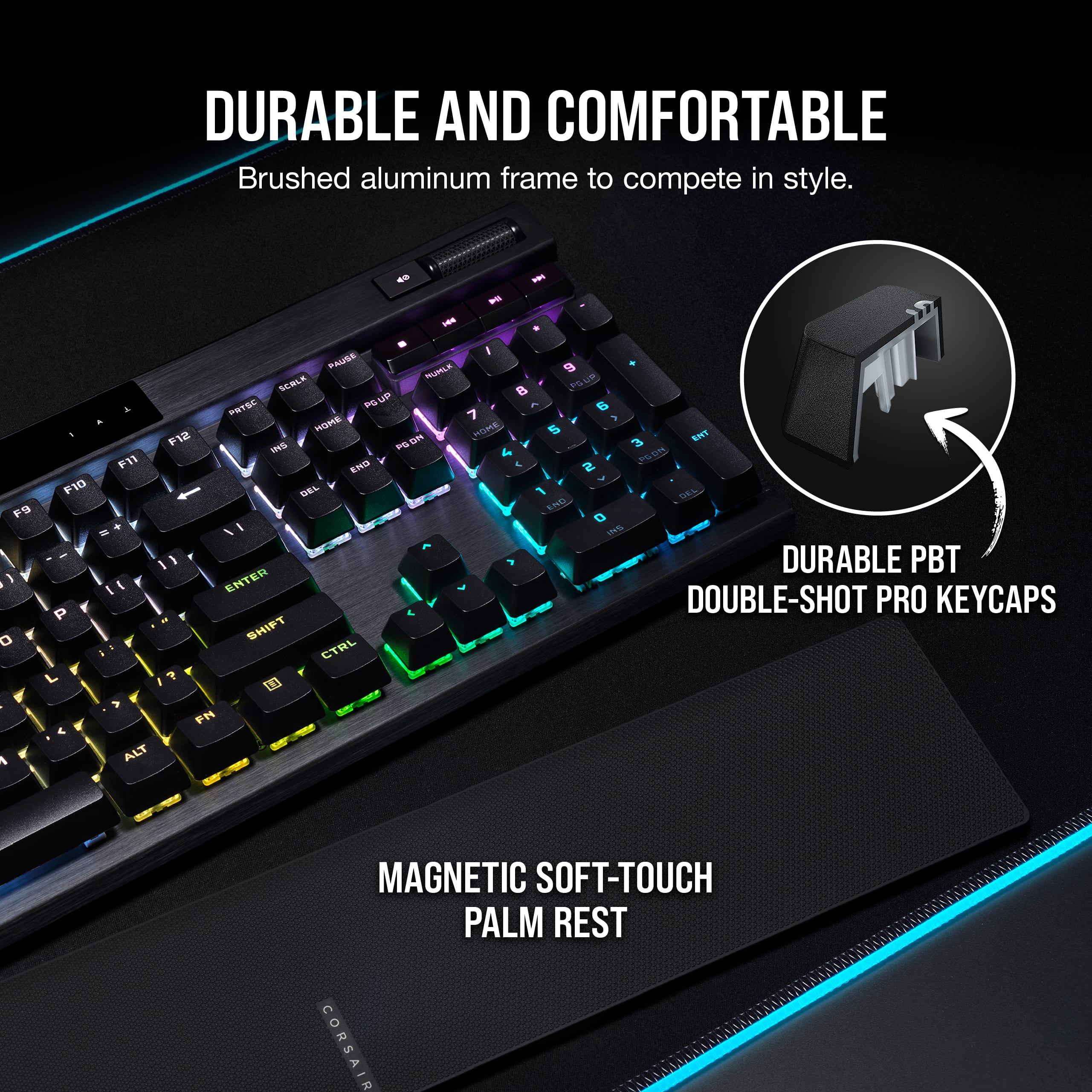
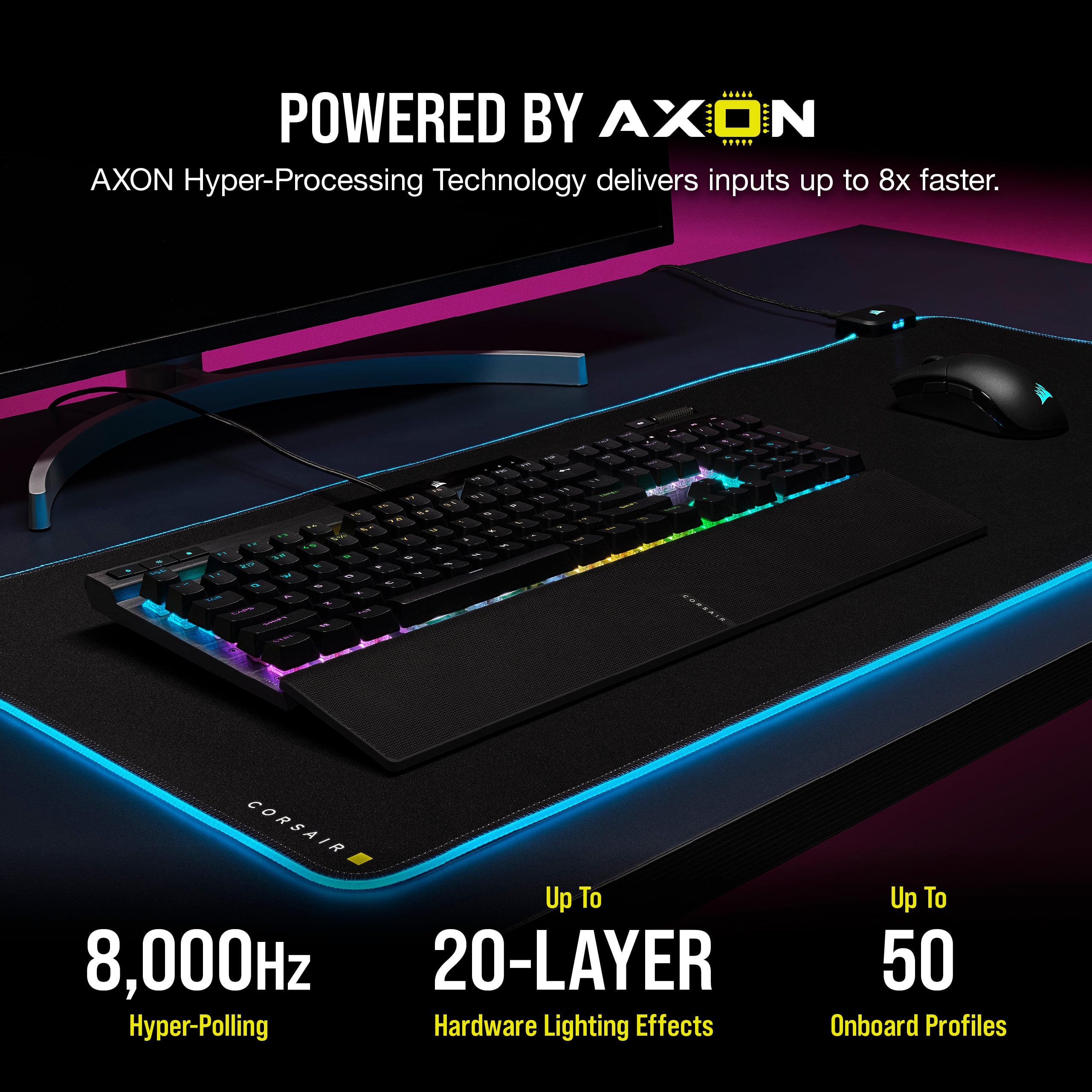
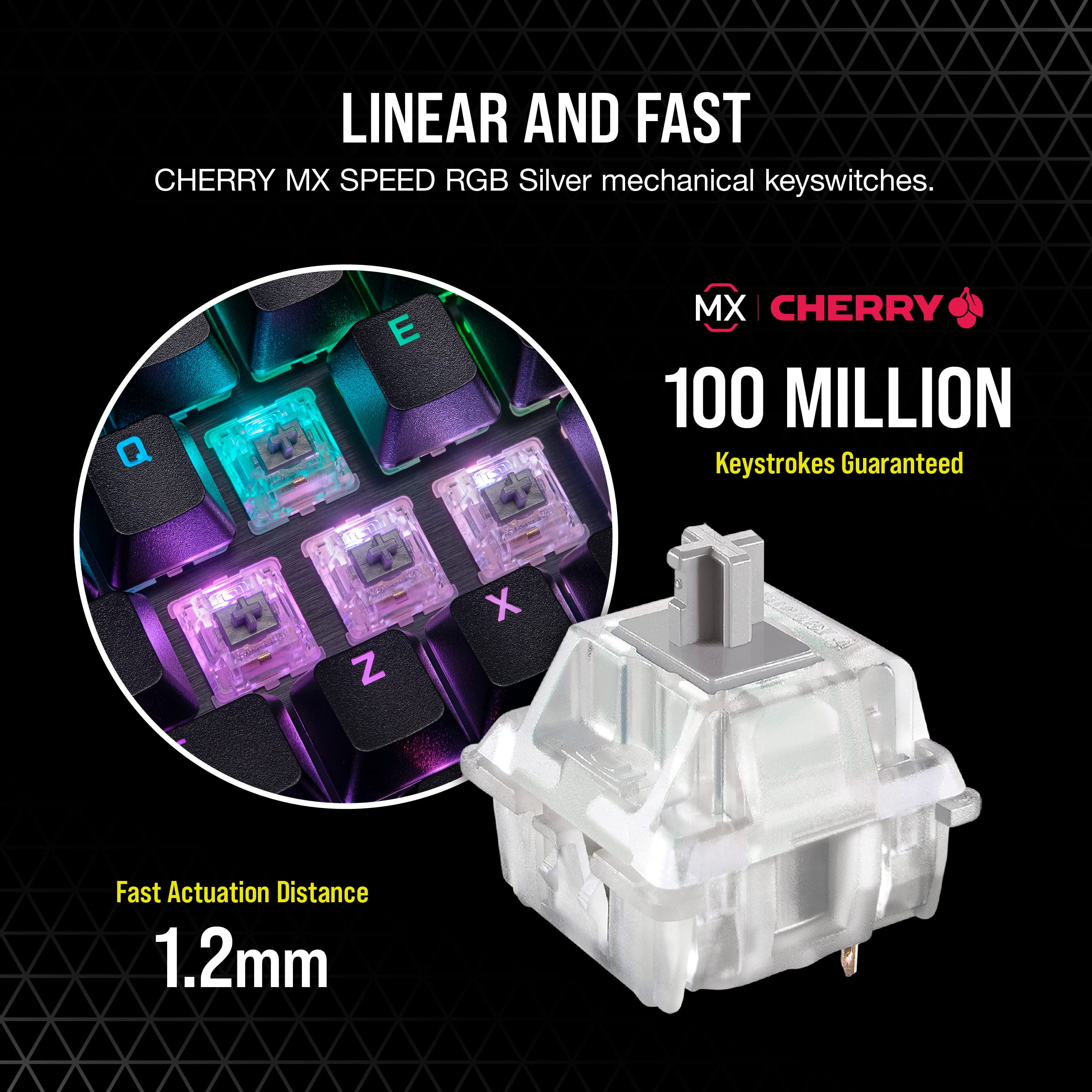
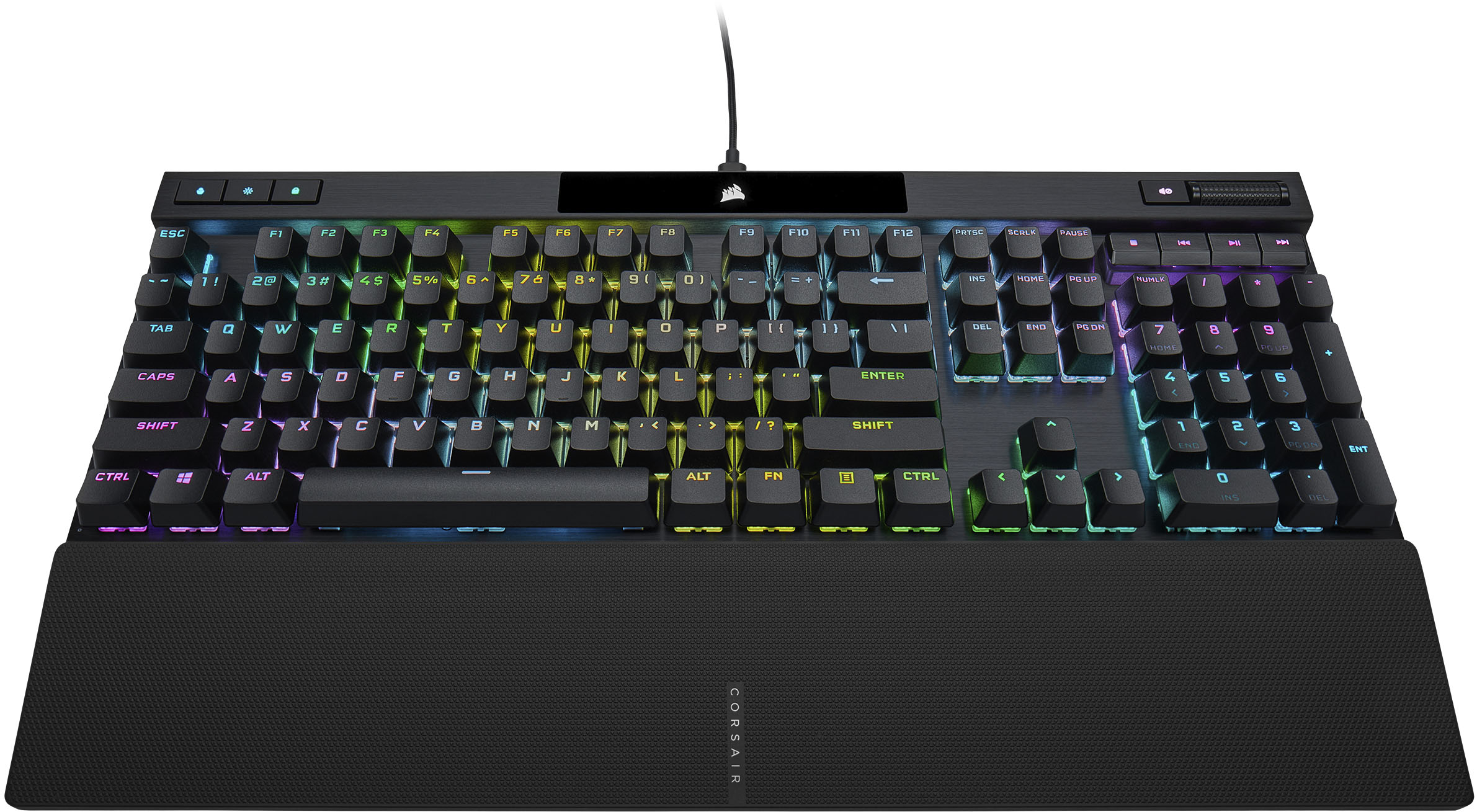
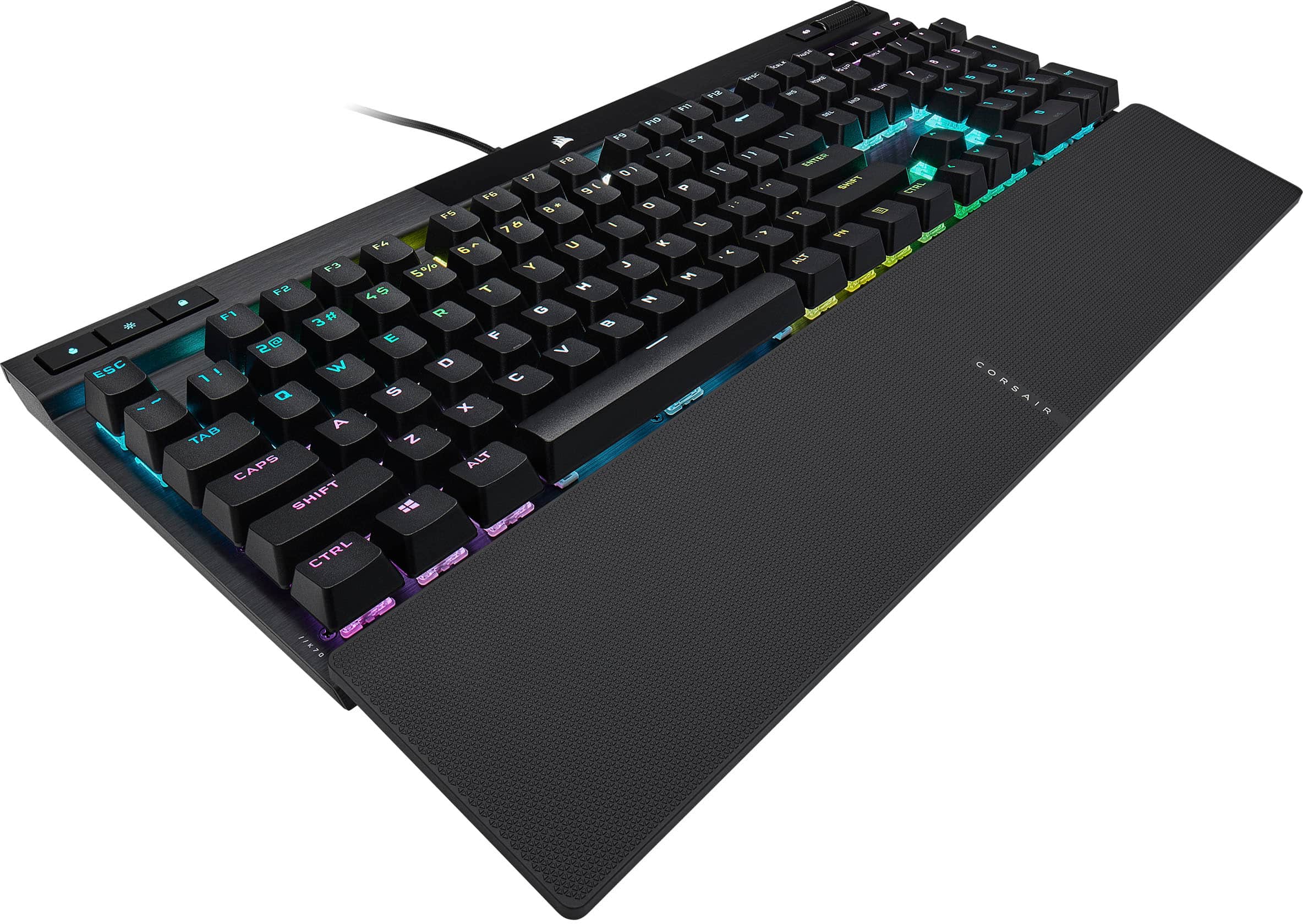
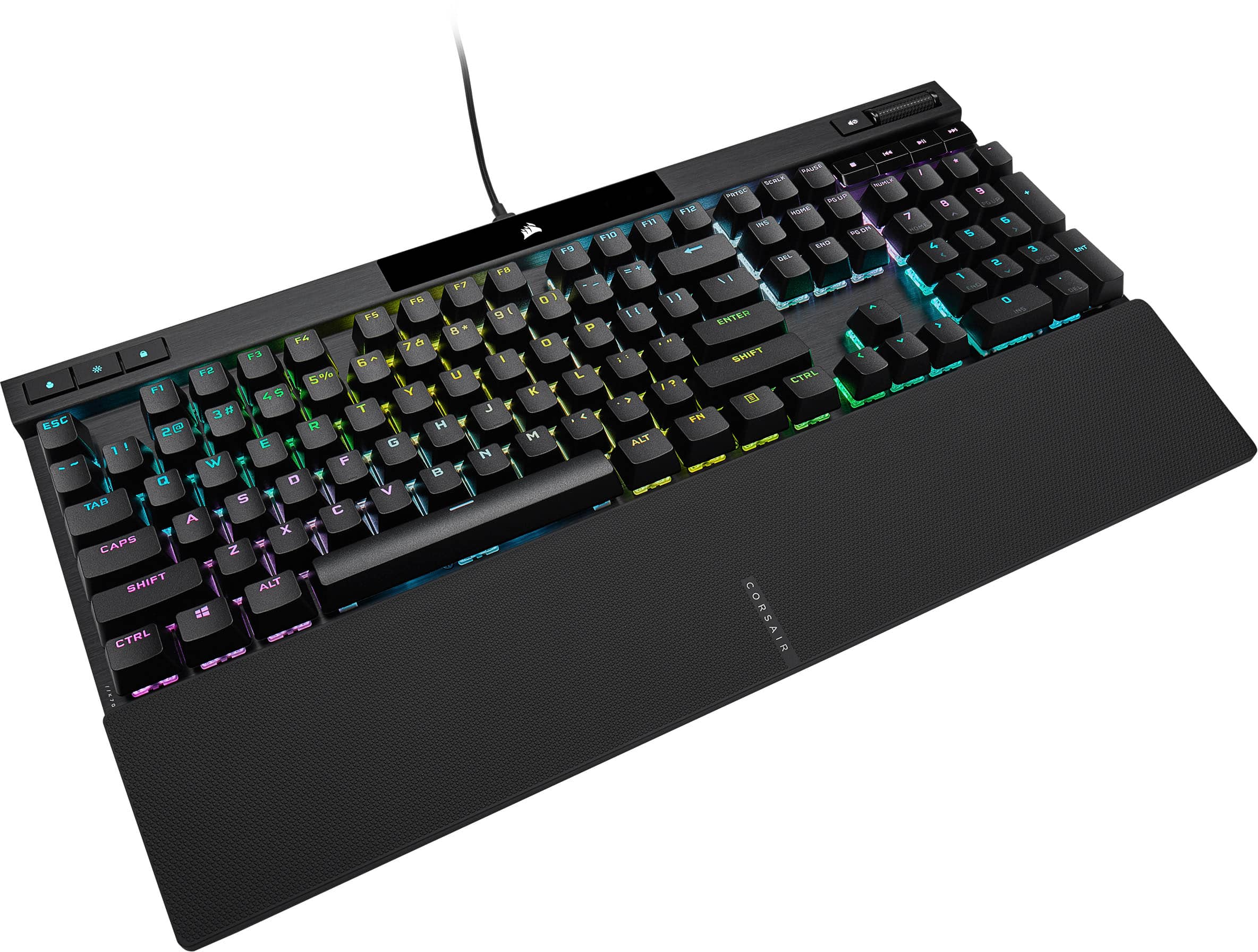
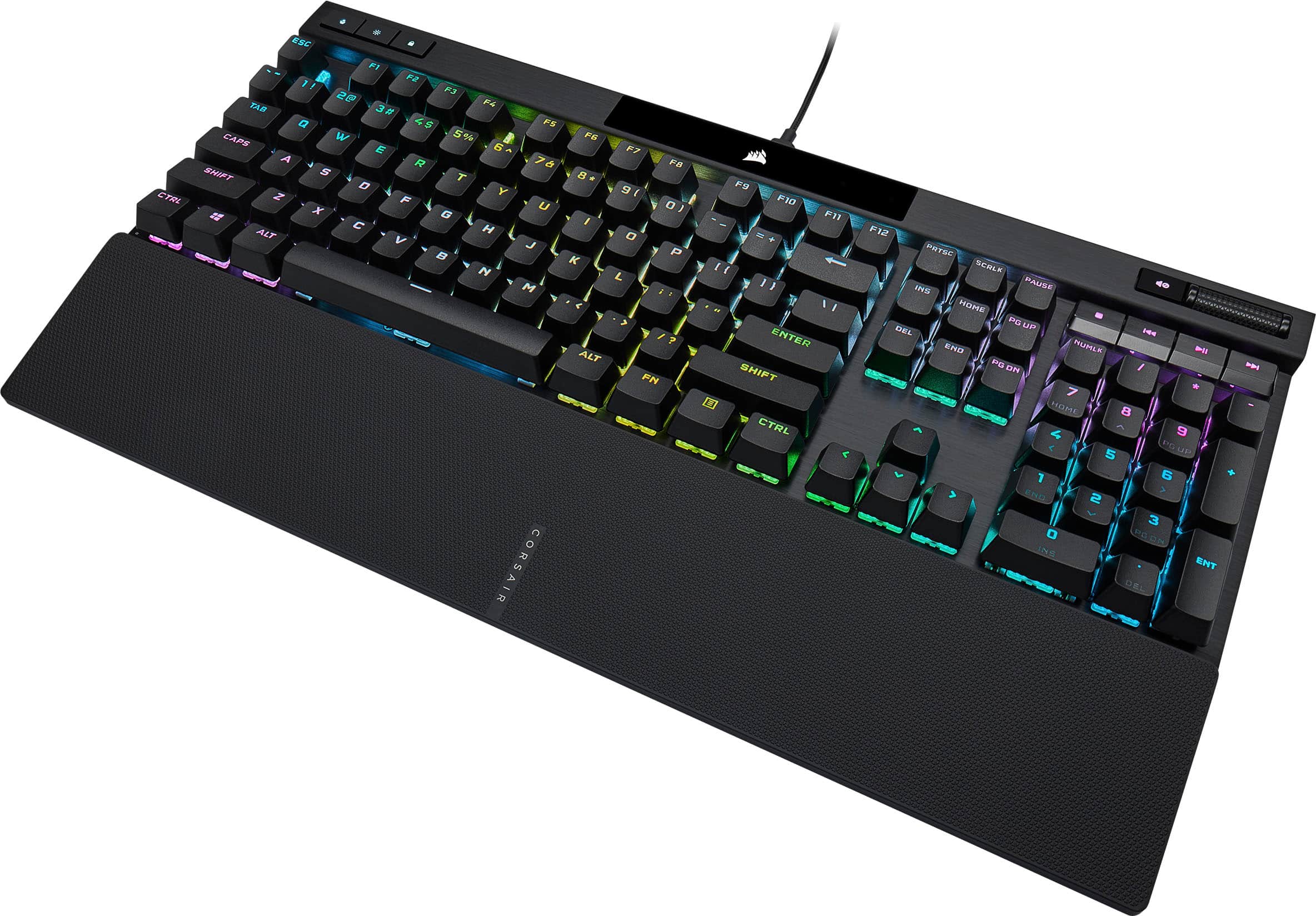
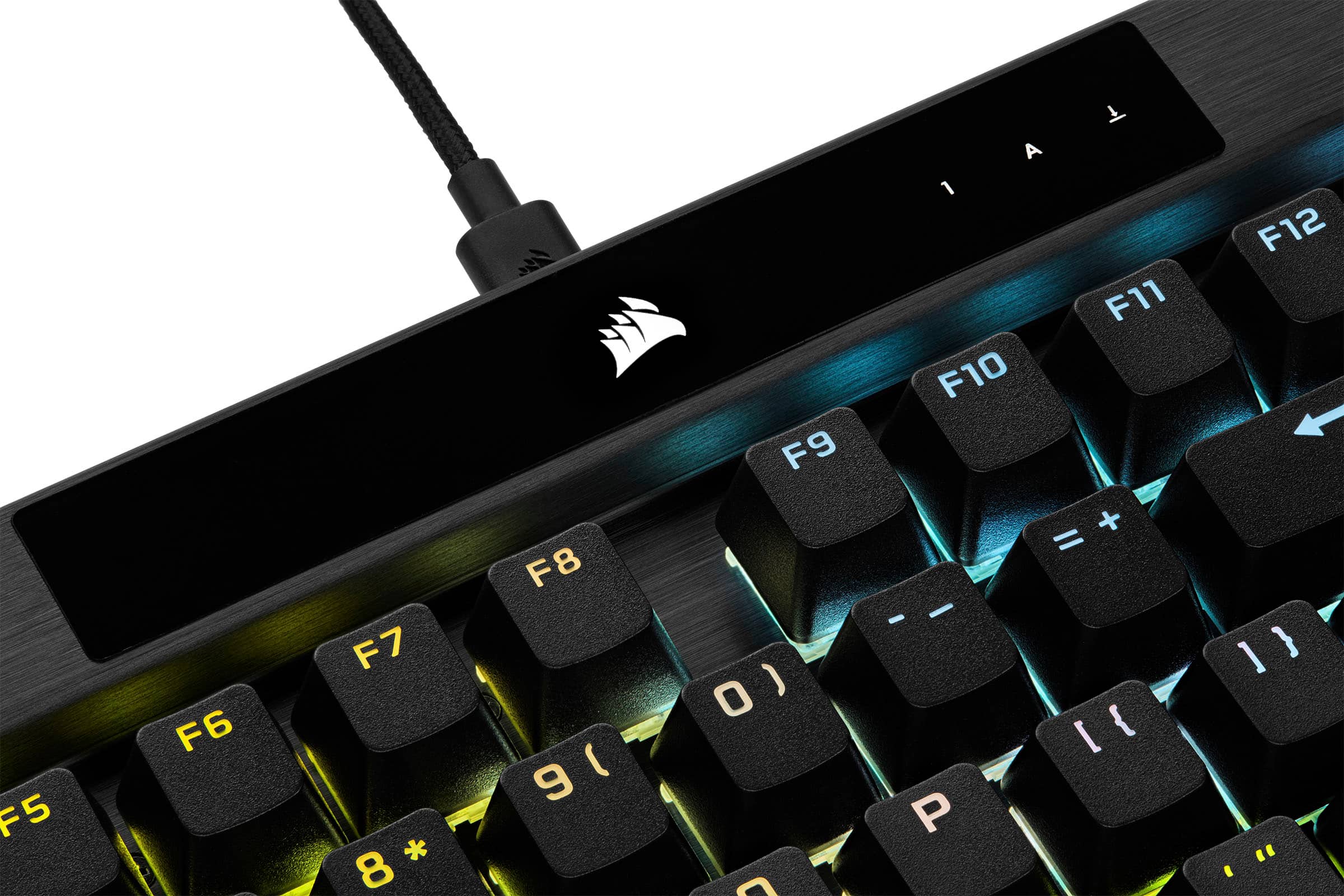
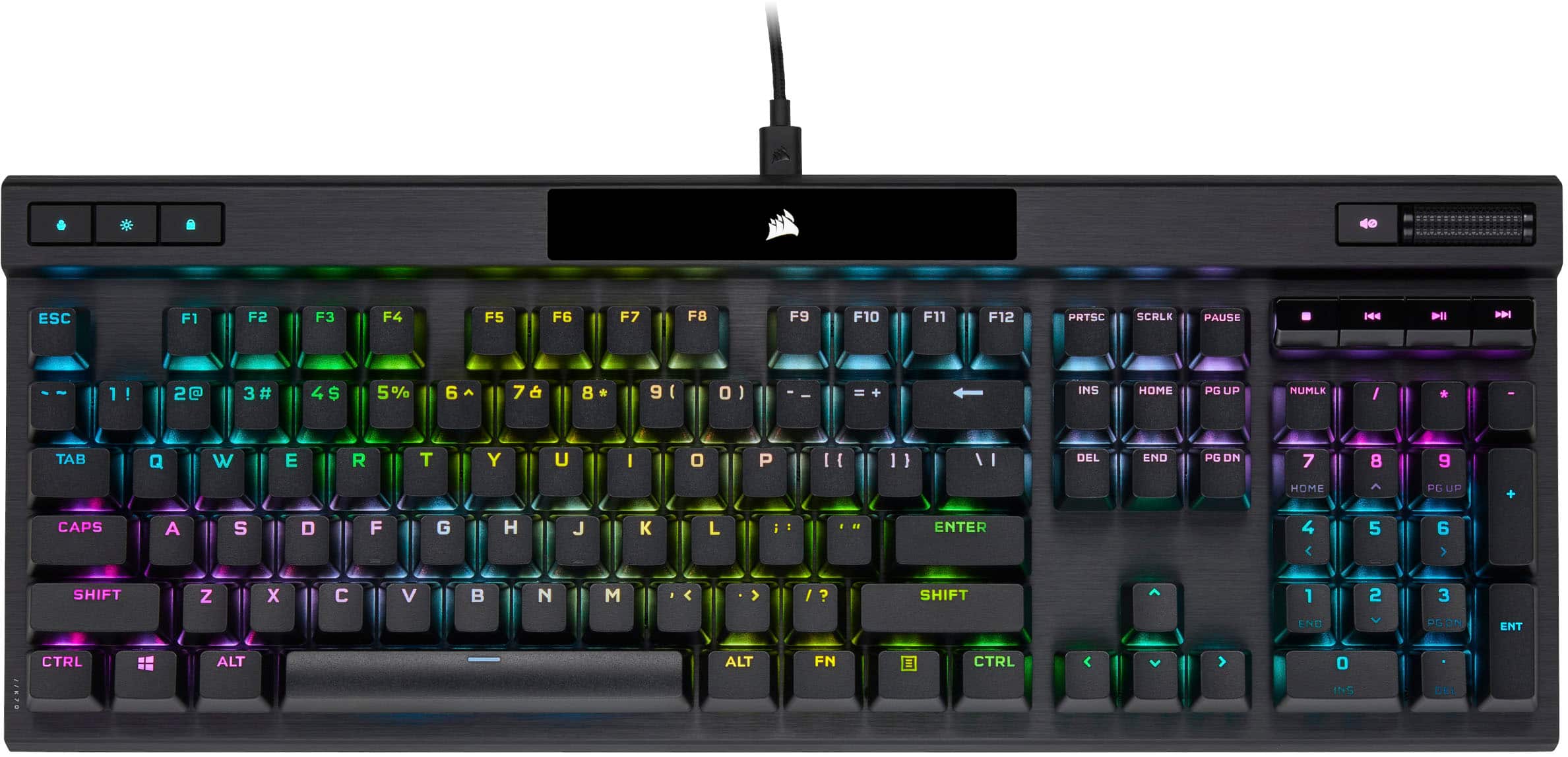
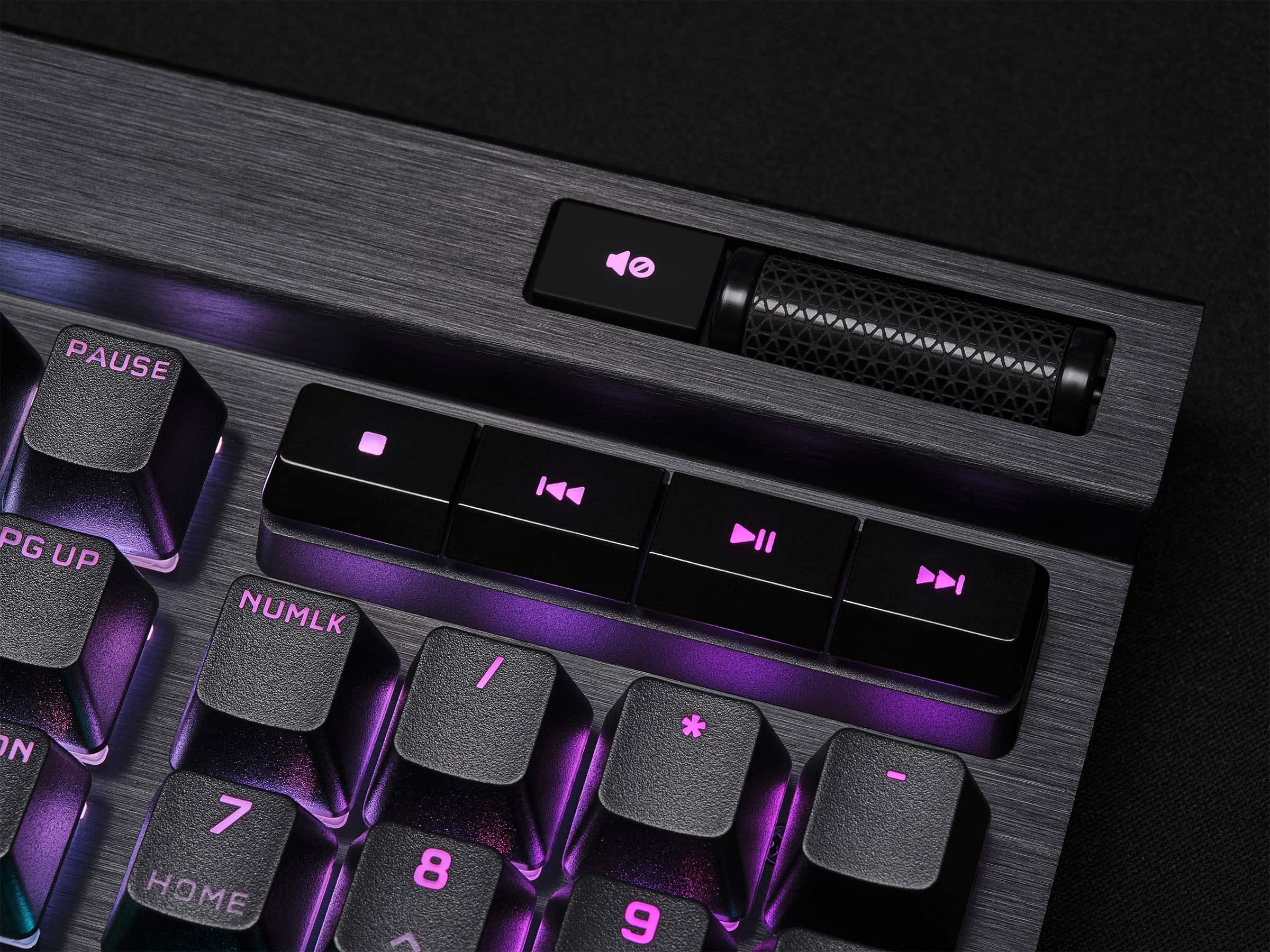
    The Corsair K70 RGB Pro is my first Corsair product with RGB lighting - but not my first Corsair product! In fact, Corsair can blame themselves for it taking so long for me to try out their RGB - my PSU and CPU cooler have proven to be exceptionally well made and I haven't needed to replace them! Anyway, as a result I haven't used iCue before so I have now installed RGB lighting software from seemingly every major brand on my PC at some point. Physically, the K70 RGB Pro is a solid feeling keyboard with a brushed aluminum deck, PBT double-shot keys, and a pretty neat little volume roller on the upper right side (and actual media control keys below the volume roller). Build quality is very favorable vs some other major keyboard brands I have used over the last few years - in particular the PBT keys are a big upgrade from keyboards I've used that are priced much higher than this Corsair. Maybe Corsair is taking a look at the aftermarket and hobbyist keyboards because this is something so many people do to customize keyboards which come with ABS keys. My K70 RGB Pro has the MX Speed Silvers which are very clearly a "gaming" keyswitch - a reasonable amount of activation force but very minimal activation travel. I found this to be a very good balance even for regular productivity use - while it's not as pleasant to type on as a clicky "Blue" key, the Speed Silvers in the K70 RGB Pro are better than I expected for regular typing. For gaming, they are incredible! The low travel shaves time off each keypress allowing you to react very quickly in-game. Coupled with the insane polling rate (up to 8000 hz) you are getting the fastest reaction time possible out of a keyboard. I was concerned that the 8000 hz USB polling rate would be a CPU burden, but on a gaming PC with 5800H CPU the iCue software is using less CPU than a major competitor's software is for their RGB mouse mat. The RGB lighting of the K70 RGB Pro is absolutely insane and incredibly customizable. The built in effects are super cool (I suggest turning off the initial "scenes" and taking a look at the lighting tab to see some more effects) - the effects on offer are easily the best I've seen from any of the major gaming brands. For customization, you can create layers of different keys (like WASD or the numpad) which will have different lighting effects. My initial theme is using the "water color" effect as the bottom layer and the typing effect on top - when sitting there doing nothing, the water color effect plays. I might use the numpad for my audio visualizer, but I'm not sure yet - there are so many choices! Corsair certainly isn't alone in this kind of customizability, but I found iCue to be especially easy to use, and the keyboard itself must have some reasonable processing power under the hood because the per-key lighting animations seem to have a higher framerate than other keyboards I've used. It should really say something that when trying to record a video for this review, I was genuinely concerned that I needed to use 60 FPS recording to capture the effects properly - it really is impressive! Overall, definitely incredibly happy with this keyboard.

    I would recommend this to a friend
  • Pros mentioned:
    Key feel, Rgb lighting
    Tech Insider Network Member

    Rated 5 out of 5 stars

    Sturdy and functional for heavy gaming

    |
    Tech Insider Network Member
    Posted .
    This reviewer received promo considerations or sweepstakes entry for writing a review.

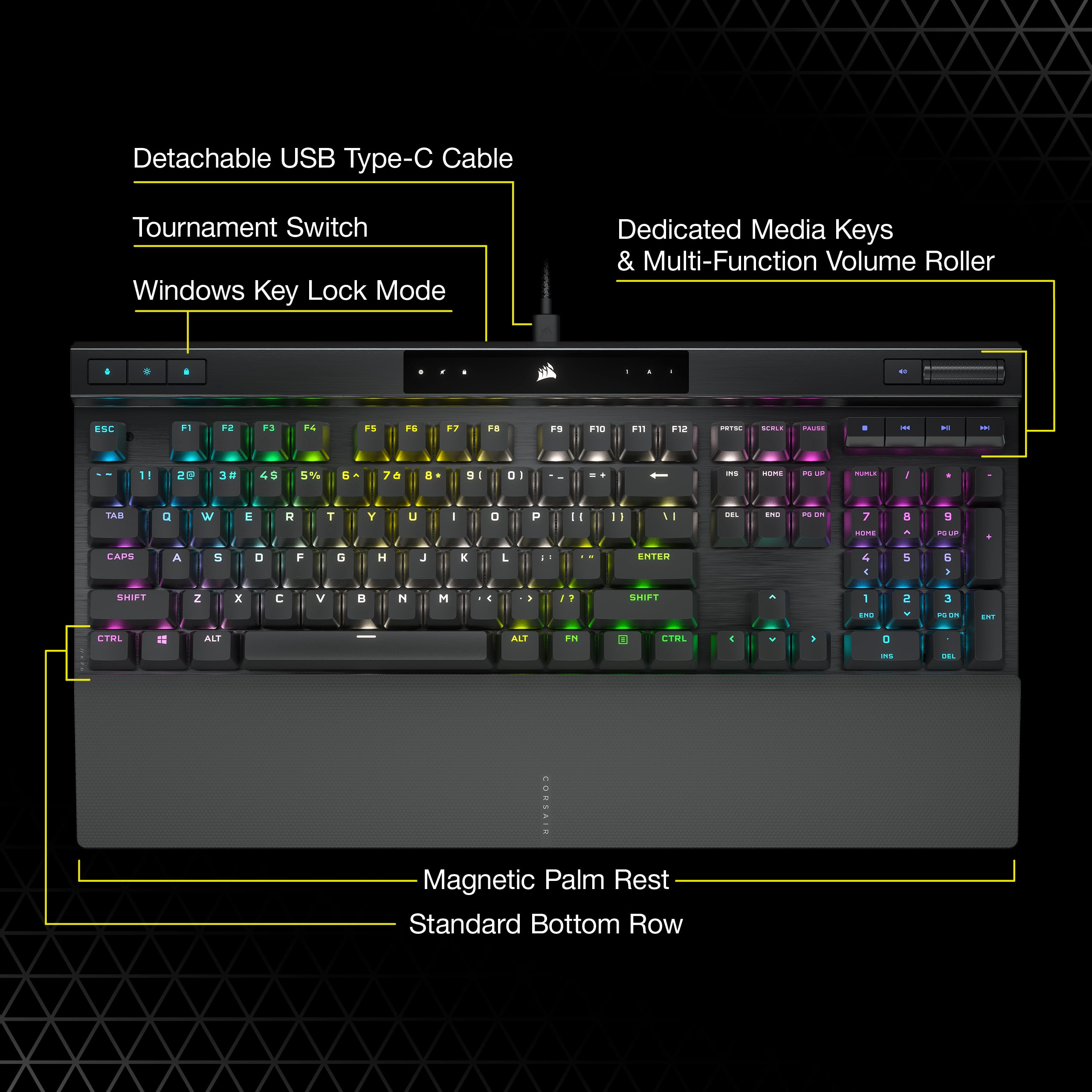
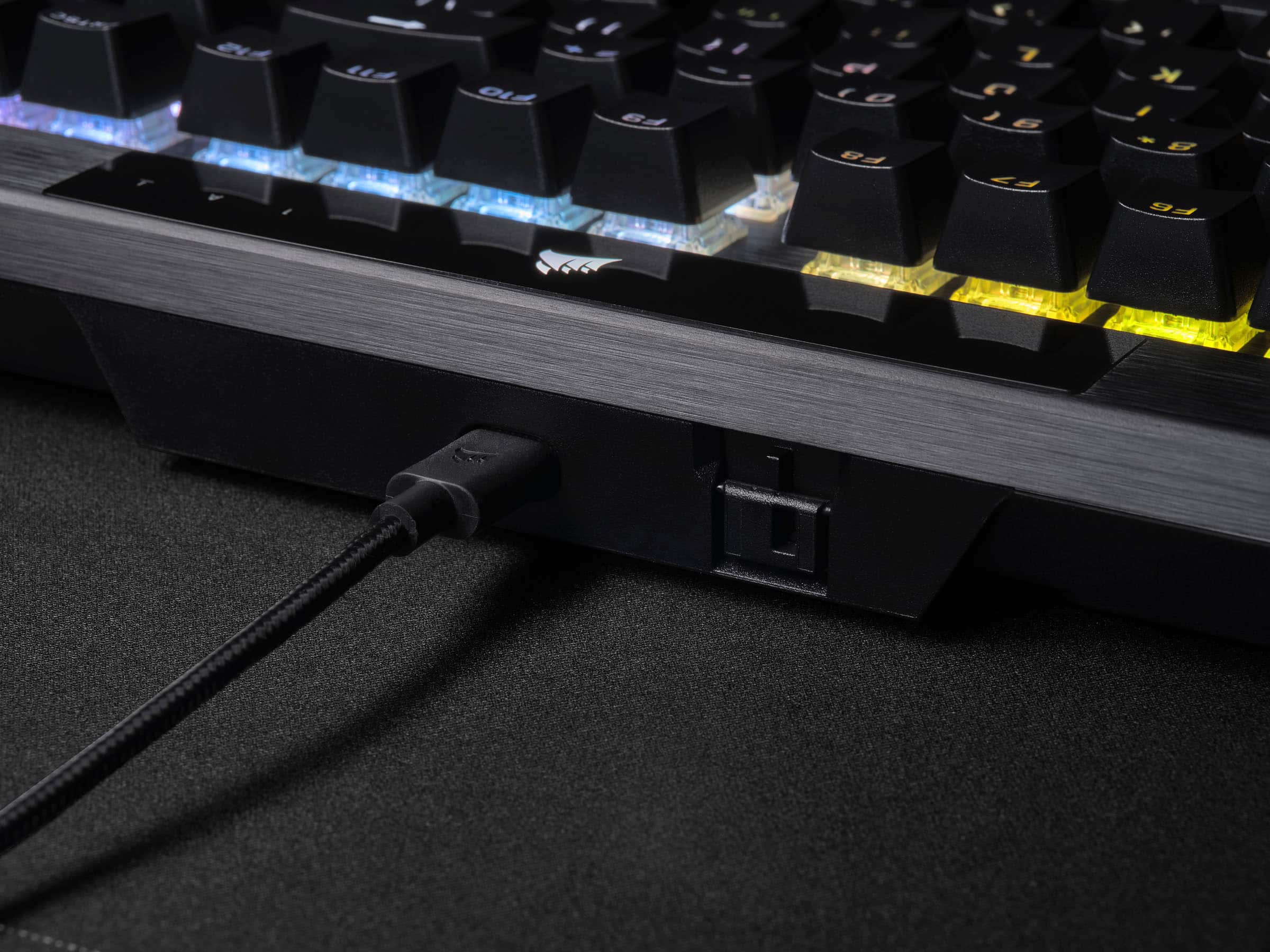
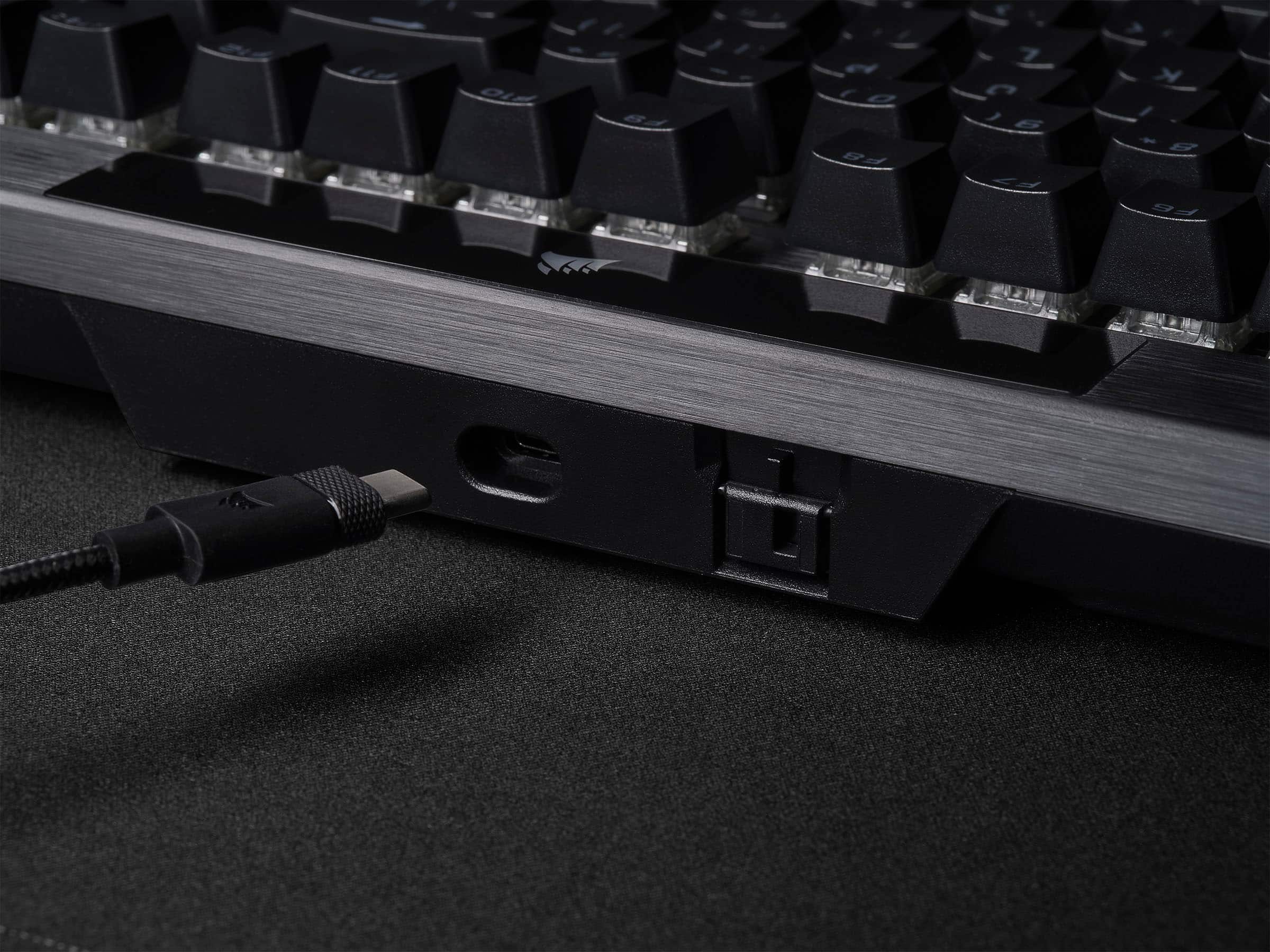
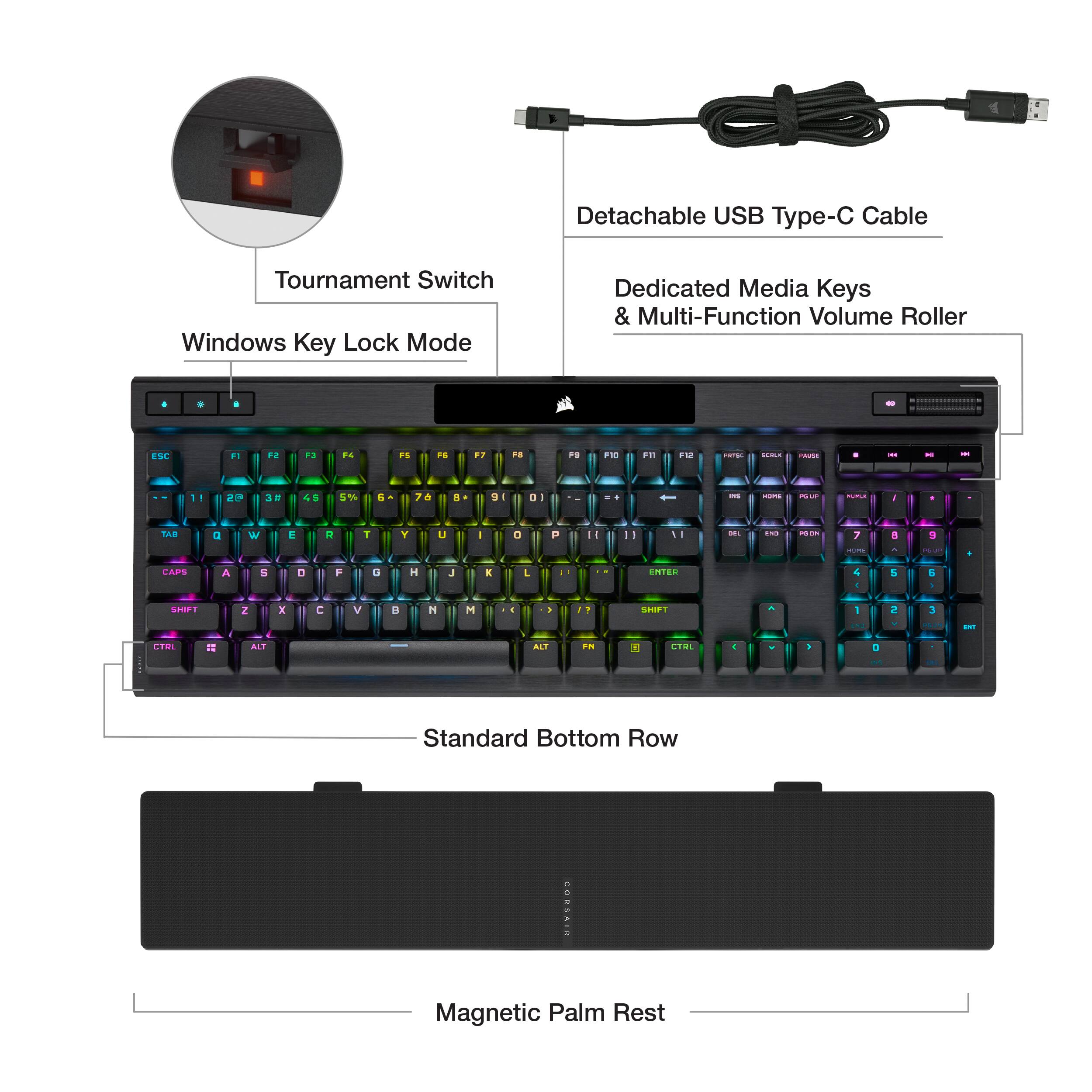
    This keyboard is very easy to setup. Just attach the USB-C to the keyboard and the USB plug to the computer. The software installation is fast and easy and automatically updates the firmware once installed. It comes with a comfortable wrist support that is optional and connects magnetically. The keyboard color options are diverse and even allows the colors to change based upon your computer temperature. The software allows you to monitor temperature of the CPU, motherboard and GPU. The keys are very responsive and the click is just right and not too loud. There is also a volume scroll button that is easy to use and very well made. This keyboard is easy to configure, very well made and give the competitive responsiveness that any gamer will admire. After hours of gaming this keyboard gives the comfort and confidence to keep playing at your full potential. It is great value for the quality and features at a very affordable price.

    I would recommend this to a friend
  • Rated 1 out of 5 stars

    Not for me !

    |
    |
    Posted . Owned for 7 months when reviewed.
    This reviewer received promo considerations or sweepstakes entry for writing a review.

    HATED this Keyboard. Returned it and bought from a Competitor.

    No, I would not recommend this to a friend
    • Brand response from Corsair
      Posted .

      Hello,

      What seems to have been the issue? If you have any feedback, please don't hesitate to reach out to our team directly on our site!

      -Art CorsairGaming

  • Rated 1 out of 5 stars

    Junk

    |
    |
    Posted . Owned for 3 weeks when reviewed.
    This reviewer received promo considerations or sweepstakes entry for writing a review.

    The rgb lights are too clunky and don’t work. Do not buy.

    No, I would not recommend this to a friend
    • Brand response from Corsair
      Posted .

      Hi MXJH,

      Sorry to hear about your experience. Have you checked your keyboard's firmware is up-to-date via our iCUE software? Please get in touch with us regarding this issue, we'd be happy to help: support.corsair.com

      -Albert CorsairGaming

  • Pros mentioned:
    Keyboard quality, Rgb lighting
    Tech Insider Network Member

    Rated 5 out of 5 stars

    All the wins and RGBs

    |
    Tech Insider Network Member
    Posted .
    This reviewer received promo considerations or sweepstakes entry for writing a review.

    My first mechanical KB was a Corsair K60 Pro, the original all red version. That's the KB that made me fall in love with mechanical switches. I've owned three more Corsair keyboards (and a few form other companies) before I arrived here at the K70 RGB Pro. Corsair has stuck with the the nearly same design since the original K60 days and I'm not going to complain because I like the look. Corsair also aways had the best looking RGB lighting on their boards. The colors are rich and bright and the iCue software gives you the opportunity to be as creative as you want with your keyboard. You can make anything from a simple solid color board to sparkly twinkles that shoot across the keyboard. I don't think I've seen any software that allows what iCue does for keyboards. Corsair is using a new switch on this model. Mine is a Speed Silver so it has no clicky noise, but you will hear the cap clack against the body on a full press. With these switches you dont have to go all the way down to activate the key. Just a little under half a press and the key is registered. I just need to use it more for the muscle memory to not waste time with a full press. iCue lets you set up macros for repetative functions and they can switch based on game or app. This is pretty much needed since there aren't dedicated macro keys, I prefer not having dedicated keys. Corsair doesn't disappoint with the newest keyboard. The only thing I miss is USB passthrough. I usually plug my mouse's receiver in the KB. The trade off is USB C to allow for the extra power for the faster repsonse rate. So since there's a function reason, I'm all for it. My final opion - this keyboard feels amazing under my fingertips and is definitely one of the top keyboards on my list.

    I would recommend this to a friend
  • Pros mentioned:
    Keyboard quality
    Tech Insider Network Member

    Rated 5 out of 5 stars

    Premium High Performance RGB Mechanical Keyboard

    |
    Tech Insider Network Member
    Posted .
    This reviewer received promo considerations or sweepstakes entry for writing a review.

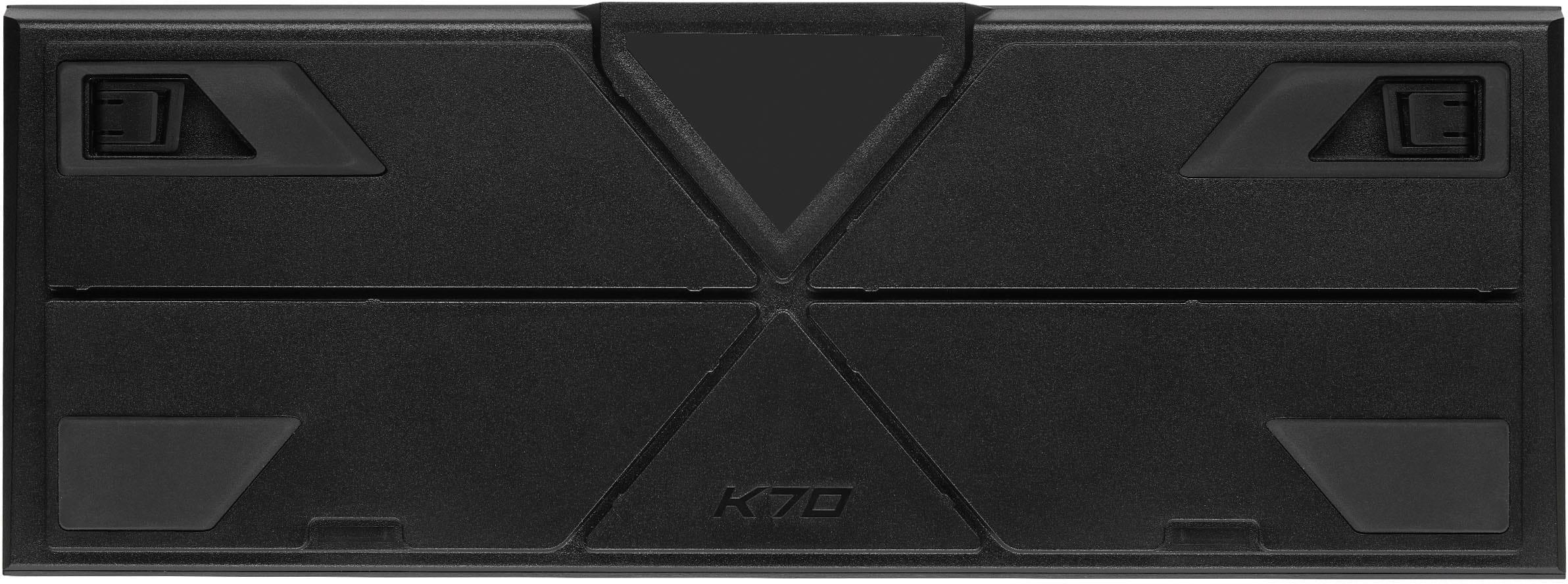
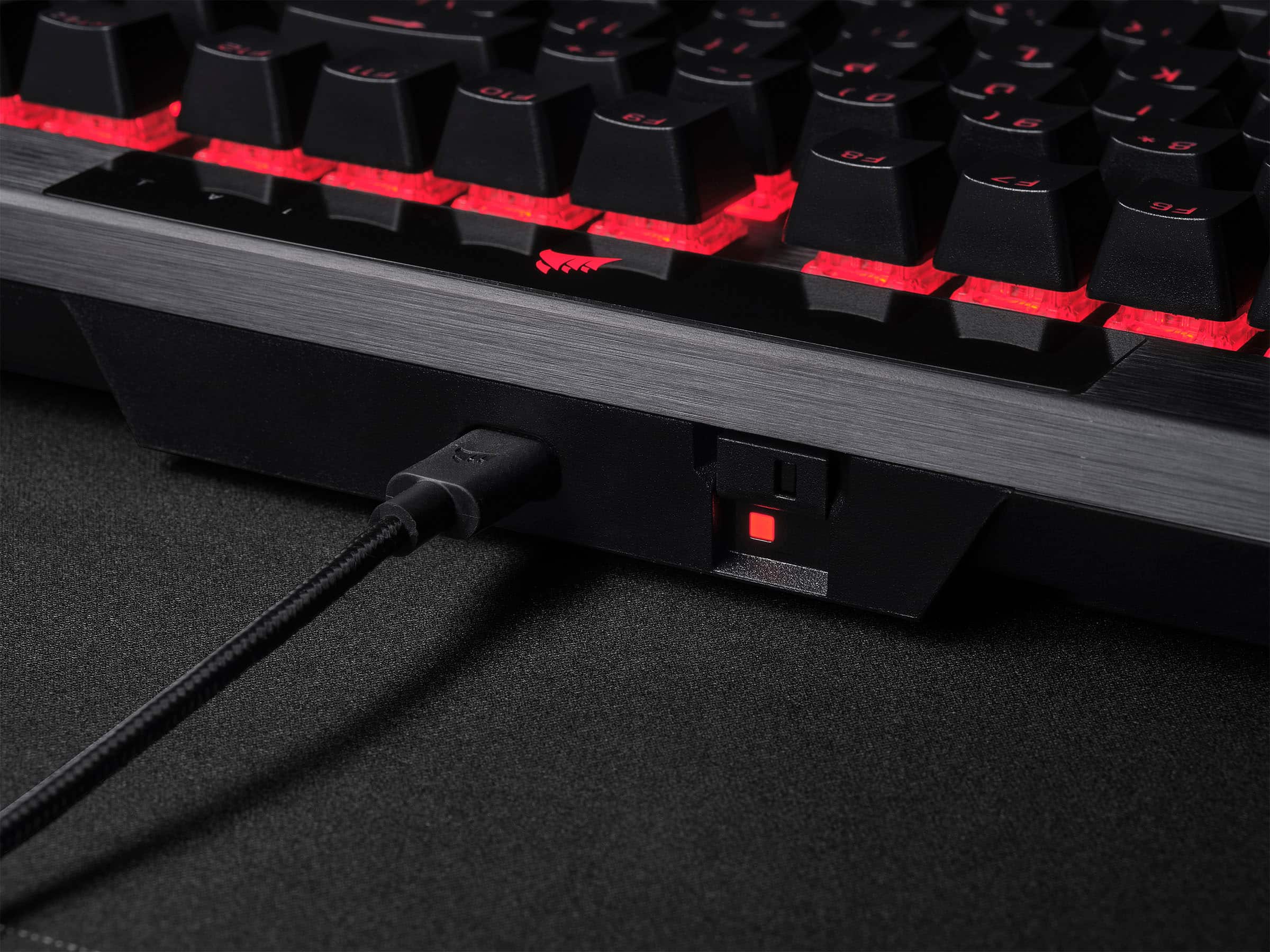
    Initial impressions were impressive. Out of the box there’s a very solid feeling keyboard. You get this comfortable palm rest that magnetically connects to the keyboard. And I love Corsair’s cables. There’s a bit of stippling on each end of the connectors that helps with grip on removal and who doesn’t love a braided cable? I really like the size and weight of this keyboard. The profile from top to bottom is thin and the left and right is just wide enough to fit a standard layout for a fullsized keyboard. There’s a bit of heft to the keyboard along with some large rubber pads on the bottom to help hold it in place. I really like this about the design because I’ll often set a laptop up in my living room on a food tray and the keyboard in my lap for gaming. It’s not ideal for typing but it’s very comfortable for gaming. The fact that it uses USB-C means I can easily use one cable for most of my devices. I now have mouse, headset, game controller and keyboard that all use USBC. This is my first experience with cherry mechanical switches. I’ve used other mechanical designs but I opted for the silver speed switches which is surprising how sensitive it is to the touch. I’m finding that it takes just a light touch to type and I tend to rest my fingers on keys hard enough sometimes to actuate the key. After a few days of typing and gaming I’ve gotten a bit better and if anything, a little faster. The keys sound nice but don’t have that “clicky” sound if that’s something your used to in mechanical keyboards. I prefer a quieter keyboard since I’m often gaming near my wife who usually watches TV next to me and it can be very distracting. I wouldn’t confuse this with them being quiet, they still have that mechanical keyboard sound, but this could likely be countered with a lighter touch, which wouldn’t be a problem at all for this keyboard since it takes so little to acuate the keys. The brightness of RGB is very satisfying. I think Corsair is one of the best in this category as their RGB seems to really glow through the key cap and the switch housings. All the hotkeys light up and are customizable. The iCue software allows for full customization of what seems like literally everything. You can control each key individually and you can set up layers and blend different colors and effects. Corsair is also featuring what they’re calling Corsair Axion hyper-processing technology. This is what helps them offer 8,000 hz hyper-polling and onboard profiles. To add to the customization, you can set hardware profiles that can be used in the event that you connect it to another computer and it does not support iCue software. I’m not sure if this difference can be measured with human senses, but I can tell you it doesn’t take much at all to press a key and have it registered on the PC. There seems to be a ton of onboard processing to help support hardware profiles, lighting layers, and hardware macros. Finally, probably my favorite feature and it seems easily overlooked, is how easy it is to assign macro’s on the keyboard. You can assign them straight from the keyboard and the function keys (F1-F12) have been left open to assign the secondary FN key for macros (FN+F3 for example). You hold the lock key for 2 seconds, type your keyboard combo or key input, then press the lock button again, then assign it to a key or FN+key, then press the lock button again to save the macro. Instead of stretching to reach for a key combo or if you use ALT+ key combos to access a menu bar feature, you can assign a macro instead and reduce the amount of key presses. For example, I constantly have to input my email to sign into programs, so I assigned a macro for that input. Some honorable mentions are the included wrist rest. The magnetic latching means it’s easy to pick up, detach, and throw in a backpack if you use a mobile setup. The magnetic bond could be a tad bit stronger because when I do lift up and move, if I’m too fast, it just falls off. The tournament switch on the back feels like a very niche feature but I’m sure those that use it will greatly appreciate it. iCUE software continues to improve with every update. What was once a very sluggish software has vastly improved, provides tons of features, integrations with other corsair products, and a dashboard for monitoring your PC. TL;DR – Tons of RGB customization, hardware profiles, superb performance, macros straight from the keyboard, premium design and feel, cherry switches feel great.

    I would recommend this to a friend
  • Pros mentioned:
    Key feel
    Tech Insider Network Member

    Rated 5 out of 5 stars

    Very Nice Gaming Keyboard

    |
    Tech Insider Network Member
    Posted .
    This reviewer received promo considerations or sweepstakes entry for writing a review.

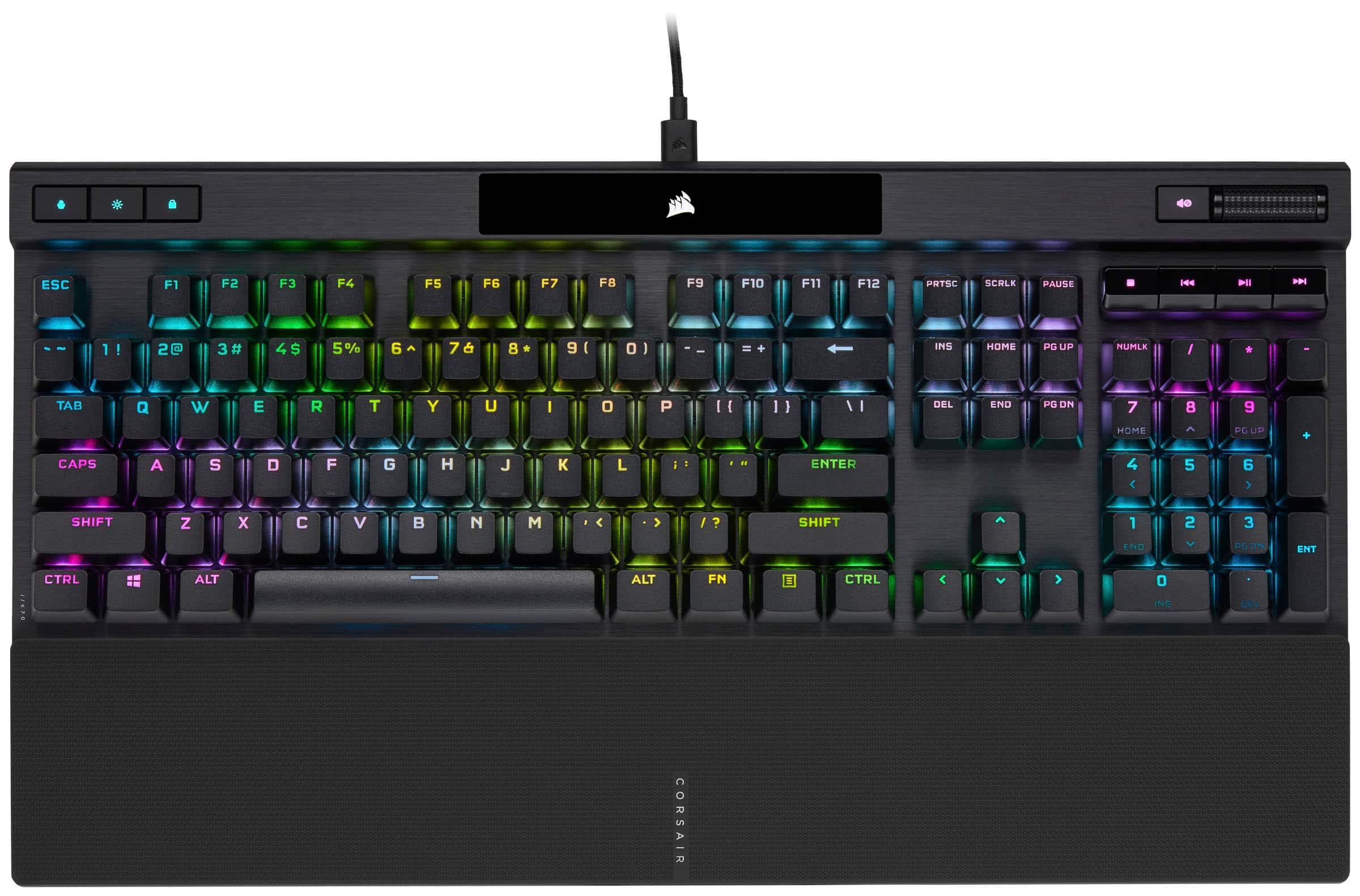
    The Corsair K70 RGB Pro Keyboard is a very well-made, capable gaming keyboard. When you first take this keyboard out of the box, the first thing you’ll notice is the heft. This thing is like a brick, which is always a nice first impression for gaming keyboards. That typically means it will be a nice sturdy keyboard that will stand up to some abuse and not move around much on your desk. The keyboard comes with a detachable USB-C cable, although it is not wireless, and a magnetic wrist rest. Setup is relatively simple. You just plug it in and you’re good to go. However, if you want to actually take advantage of the gaming features, you’ll need to install the Corsair iCue software. The software itself is relatively easy to use, and it even has many presets for color patterns in case you’re like me and don’t care to mess around too much with that stuff. If, however, you do like to customize your keyboard, the iCue software gives you lots of control. You can of course customize the lighting colors and patterns to your liking, but you can also create custom key assignments, custom profiles and a handful of other settings. It’s all very nice to have the option, but also you can just ignore it if you don’t care too much about all that. When it comes to performance, it is a very capable keyboard. The keys have a nice tactile press, while not being too clicky. And it is very responsive. I rarely had mis-presses or unregistered presses. One thing I will mention, especially if you plan on doing a lot of typing, is that there is a slight, but noticeable “ting” sound when typing. It’s definitely more noticeable the faster and harder you type. It reminds me of old keyboards from the 80s and 90s. I get that it’s a mechanical keyboard, and this is likely why, but I have used other mechanical keyboards that don’t have this issue. I won’t be doing a ton of typing on it, so it’s not enough to bother me, but if I were a writer or would otherwise be typing on it a lot, I think it would bother me too much and I’d eventually use a different keyboard. Other than that one little issue, it is a very nice keyboard, and one I would recommend if you are in the market for a gaming keyboard.

    I would recommend this to a friend
  • Pros mentioned:
    Key feel, Keyboard quality
    Tech Insider Network Member

    Rated 5 out of 5 stars

    The one and only Keyboard you need!!!

    |
    Tech Insider Network Member
    Posted .
    This reviewer received promo considerations or sweepstakes entry for writing a review.

    This Corsair keyboard is perfect, I personally love how smooth the keys are and simple to use it is, It feels that it was built with the user in mind, the volume control scroll is perfect, and also the remainder of thing can be controlled with the app. change the colors to your liking and make patterns also. The wrist set connects with magnets to it will not separate from the actual keyboard. Overall thei keyboard is perfect.

    I would recommend this to a friend
  • Pros mentioned:
    Rgb lighting
    Tech Insider Network Member

    Rated 5 out of 5 stars

    Excellent keyboard with every feature that matters

    |
    Tech Insider Network Member
    Posted .
    This reviewer received promo considerations or sweepstakes entry for writing a review.

    What's not to love about this keyboard? The MX Speed Silver switches a joy to use, and I prefer them to reds. My favorite overall switch has historically been brown switches, I like the tactile bump for touch typing. However, these Speed Silvers have changed my mind about linear switches. For some reason I can type much more accurately on these than red switches. Gaming performance is superb, and all settings are adjusted through the iCue software like most other Corsair products. I do also enjoy that Corsair is a USA based company. Their products might cost a few more dollars than some competitors, but I've never had a low quality product from Corsair. The lighting on this keyboard is excellent and customizable. The media controls ands knurled volume wheel are perfect. I have played handful of games with this board so far and it has not disappointed. FPS games are smooth and fast, adventure/single player games are a joy. The key shape and spacing works well for my preferred finger placement. Overall I highly recommend this keyboard.

    I would recommend this to a friend
  • Pros mentioned:
    Keyboard quality

    Rated 3 out of 5 stars

    Meh

    Posted .
    This reviewer received promo considerations or sweepstakes entry for writing a review.

    Very loud for a linear switch keyboard. There doesn't seem to be any sound-dampening layers. The iCUE software is a disaster. Unintuitive. I just wanted to make the backlighting a solid blue, and it took way longer than it should have. While I am on the subject, who wants a light show on their keyboard? It seems to be built fairly well. It is not better than ReDragon linear keyboards in any way, shape, or form. ReDragon isn't great either. Wish I had bought another(kid spilled a lot of liquid on it) instead of this.

    No, I would not recommend this to a friend
  • Tech Insider Network Member

    Rated 5 out of 5 stars

    Solid keyboard with solid software

    |
    Tech Insider Network Member
    Posted .
    This reviewer received promo considerations or sweepstakes entry for writing a review.

    The K70 RGB Pro is a pretty solid keyboard, as gaming keyboards go. There are a lot of features packed in, some which I don't really use but have definite use cases. For example, there's a tournament switch which changes the backlighting and stops macros - I don't really play competitively, but if I did that would be a nice thing to have. There are some other features I definitely do use, however - I highly appreciate having dedicated media keys instead of that thing where the media keys are all stacked onto the F keys and a function key is needed to use one or the other. The palmrest on the bottom is nice to have and aesthetically pleasing, as well as practical - the fact that it's magnetic means it's very easy to take off and put away if you need to. In fact, the whole keyboard is easy to disassemble for travel - the keyboard wire is actually a USB C cable that can be disconnected at both ends so you store it without breaking something. The fact that the keyboard has onboard memory seems kind of weird at first, but I do appreciate the fact that it means my lighting and macro profiles can be used without being logged into an account, *especially* when trying to play games when the internet connection is down. Hardcore gamers may like the fact that the polling rate can be adjusted, to make keypresses register as fast as possible. Again, as I don't play anything competitive, this doesn't really matter to me; however, the option is there if you need it, and is simple to access and adjust. If that's not something you're interested in, there's no need to worry about the setup process being a pain - it just kind of works out of the box. The hardest configuration I saw was actually setting up my RGB color scheme with iCUE, and that was mostly because I'm indecisive. However, it should be noted that iCUE can scale weirdly with some 4K screens. The good thing is, unlike other software that just runs off the screen, iCUE at least includes a scroll bar to be able to move through the window and see every configuration option without horrendous amounts of finagling with compatibility and DPI settings. There are some other fun little features as well. There's a Windows lock key, which while toggled disables the Windows key so accidental keypresses don't send to you to the start menu and disrupt your game. There's a profile key to cycle through your saved profiles, which is great if you connect the keyboard to a system without iCUE installed (such as a friend's computer or an Xbox). Holding the Windows lock key starts a macro recording process. The keys themselves feel very nice and seem to be high quality, and the keyboard body looks extremely good. One complaint I do have is that while the keyboard says it and iCUE are compatible with Mac, no Apple keycaps for the function keys are included and I'm not even sure if they sell them. While that may seem like a shallow complaint, I do game on a Mac from time to time and that would really be something nice to have. Additionally, considering that this is definitely a "premium" keyboard, it would be really nice if it was modular to allow the key switches to be replaced, but unless I'm missing something in the manual it doesn't appear to be. This is slightly disappointing, but not a dealbreaker. Overall, I feel like the K70 RGB Pro is definitely a solid keyboard that I would recommend, with most of the shortcomings being nitpicking.

    I would recommend this to a friend
  • Pros mentioned:
    Key feel, Lighting

    Rated 5 out of 5 stars

    Great keyboard

    Posted .
    This reviewer received promo considerations or sweepstakes entry for writing a review.

    This keyboard is great it has no problems the keys feel good and it has great lighting.

    I would recommend this to a friend
  • Pros mentioned:
    Key feel

    Rated 5 out of 5 stars

    Corsair gaming keyboard

    Posted .
    This reviewer received promo considerations or sweepstakes entry for writing a review.

    I bought it for my grandson . He is playing a lot of games and he absolutely love this keyboard. He said that the keys are very responsive, providing an amazing gaming experience. That was a great purchase :)

    I would recommend this to a friend
  • Pros mentioned:
    Keyboard quality

    Rated 4 out of 5 stars

    Review

    Posted .
    This reviewer received promo considerations or sweepstakes entry for writing a review.

    Keys feel smooth, and it does everything as advertised. If its like my last k70 it will last the next 5-10 years no problem. Only complaints i can come up with - price feels just a bit to high (gaming markup) - icue is a historically annoying & unstable software at best - pourus wrist rests that corsair always give you can and will get dirty, and its a pain to clean inside all the bumps

    I would recommend this to a friend
  • Pros mentioned:
    Rgb lighting
    Tech Insider Network Member

    Rated 5 out of 5 stars

    Great Keyboard, Software Not Too Great

    |
    Tech Insider Network Member
    Posted .
    This reviewer received promo considerations or sweepstakes entry for writing a review.

    I love the Corsair K70 Pro keyboard with RGB. I've used the older model to this one, and this is the same but better. Comfortable typing, and the RGB is very customizable. Nice volume scroll wheel too. USB C cable to USB A for connecting it to a PC. The icue software needs some help. When selecting the color schemes, it tends to forget what I've setup unless it's saved. Its a little confusing to use.

    I would recommend this to a friend
  • Pros mentioned:
    Key feel, Wrist rest
    Tech Insider Network Member

    Rated 2 out of 5 stars

    The iCUE software is garbage. Keyboard is great.

    |
    Tech Insider Network Member
    Posted .
    This reviewer received promo considerations or sweepstakes entry for writing a review.

    Physically this keyboard is great: It's full-size keys and number pad are a comfort to type on and I love the mechanical clicks that accompany each press of the keys. The palm rest is gigantic and overkill for my own preference but I like how it's attached by a magnet to the keyboard for easy connection and disconnection so I'm not forced to use it. For volume adjustment I prefer knobs compared with the flat wheel included on the Corsair K70 but the rest of the physical keyboard is solid. What is absolute garbage is the iCUE software that is required to customize this keyboard. The iCUE app needs a complete re-write. When first launched the app starts a photo based tutorial that makes it seem so easy to change keys and change illumination options then save them as a profile. I wasted half an hour tinkering with the iCUE software and I finally managed to save a new profile with the settings I wanted, but then I lost another 30 minutes trying to figure out how to apply the profile. I never could get the profile to apply. If anyone out there could record a YouTube video to show how this is supposed to work I would love to see it because I really really want the rain pattern as the default illumination.

    No, I would not recommend this to a friend
    • Brand response from Corsair
      Posted .

      Hi Bryan,

      Thank you for your feedback. Please feel free to refer to our CORSAIR LAB YouTube channel, which provides an abundance of how-to videos with product installation and setup: https://www.youtube.com/c/CORSAIRHowTo. If you require any additional assistance, we'd be happy to help: support.corsair.com

      -Albert CorsairGaming