Customer Ratings & Reviews
- Model:
- CH-91E911E-NA
- |
- SKU:
- 6637502
Customer reviews
Rating 4.7 out of 5 stars with 164 reviews
(164 customer reviews)Rating by feature
- Value4.5
Rating 4.5 out of 5 stars
- Quality4.8
Rating 4.8 out of 5 stars
- Ease of Use4.5
Rating 4.5 out of 5 stars
Customers are saying
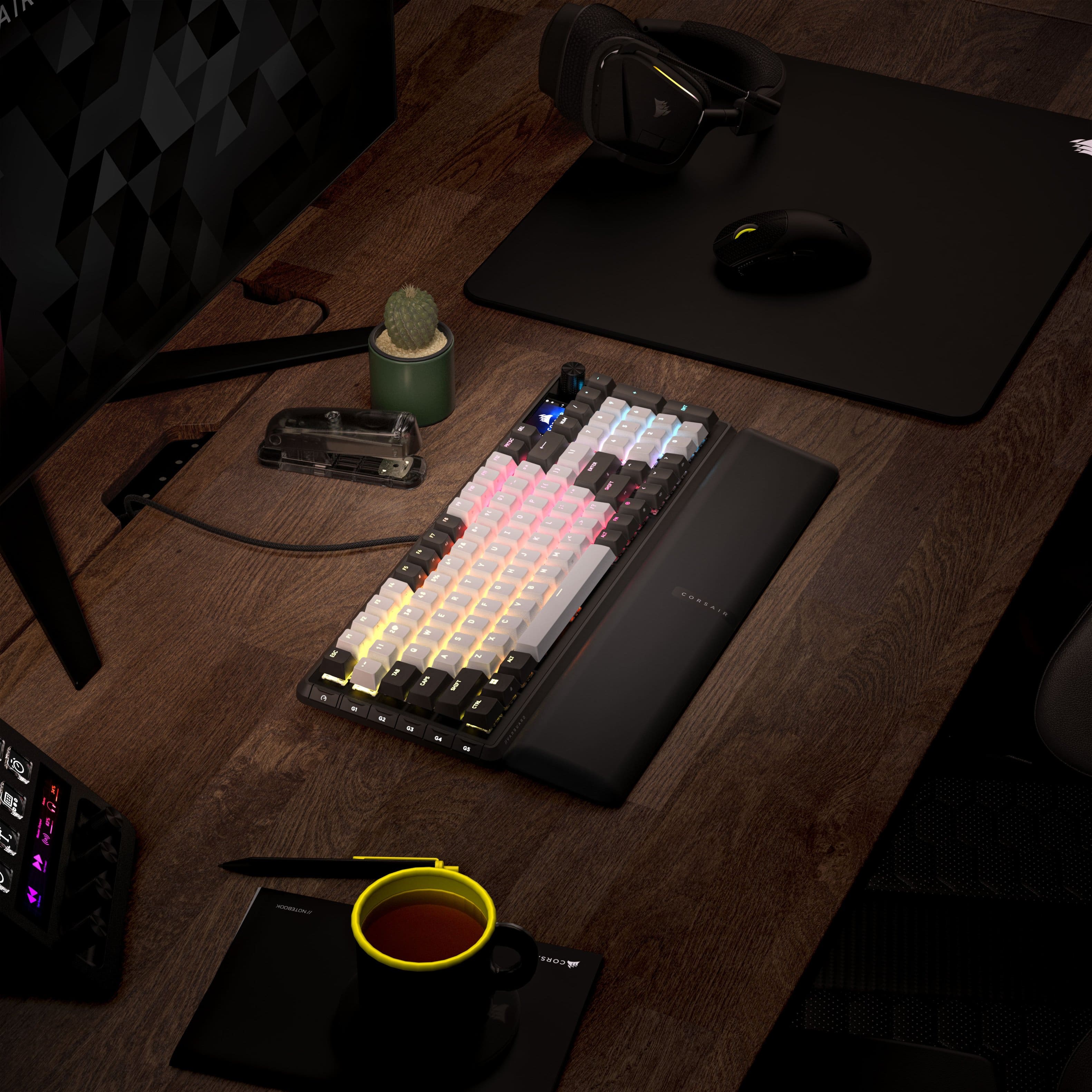
Customers are pleased with the VANGUARD 96 RGB keyboard's robust build quality, reduced noise level, and comfortable typing experience. The compact size and well-designed layout are also appreciated, along with the vibrant RGB lighting. However, some users find the wired-only connectivity and the LCD screen less useful, and have expressed concerns about the software and port placement.
This summary was generated by AI based on customer reviews.
Rated 5 out of 5 stars
Amazing buy
||Posted . Owned for 1 week when reviewed.This reviewer received promo considerations or sweepstakes entry for writing a review.This is by far the best board I’ve ever owned. Well worth the money.
I would recommend this to a friendRated 4 out of 5 stars
Great feel, doesn’t support icue
|Posted .This reviewer received promo considerations or sweepstakes entry for writing a review.Love this keyboard, the screen is really convenient for quick adjustments through keyboard menu’s but does not support icue
I would recommend this to a friendRated 3 out of 5 stars
nice keyboard but false advertising
||Posted . Owned for 2 weeks when reviewed.This reviewer received promo considerations or sweepstakes entry for writing a review.the product itself is excellent, love the build. however there is a matter of false advertising going on. the box clearly shows that icue is supported but after buying the keyboard and doing some googling, it is in development and has been for a while. to be clear icue is not supported at this time but the box says it is.
No, I would not recommend this to a friendRated 4 out of 5 stars
Nice, but no icue support
||Posted . Owned for 1 month when reviewed.This reviewer received promo considerations or sweepstakes entry for writing a review.Nice keyboard, dont like that it isnt shown in icue app though.
I would recommend this to a friendRated 5 out of 5 stars
AMAZING!
|Posted . Owned for 1 month when reviewed.This reviewer received promo considerations or sweepstakes entry for writing a review.SUCH A GOOD KEYBOARD! I would highly recommend this!
I would recommend this to a friendRated 5 out of 5 stars
Great keyboard
|Posted .This reviewer received promo considerations or sweepstakes entry for writing a review.Love this keyboard it has a great display and it’s a great price
I would recommend this to a friend- Pros mentioned:Build quality, Rgb lightingCons mentioned:Software
Rated 5 out of 5 stars
Great to use. Feature-rich. Quality build. But…
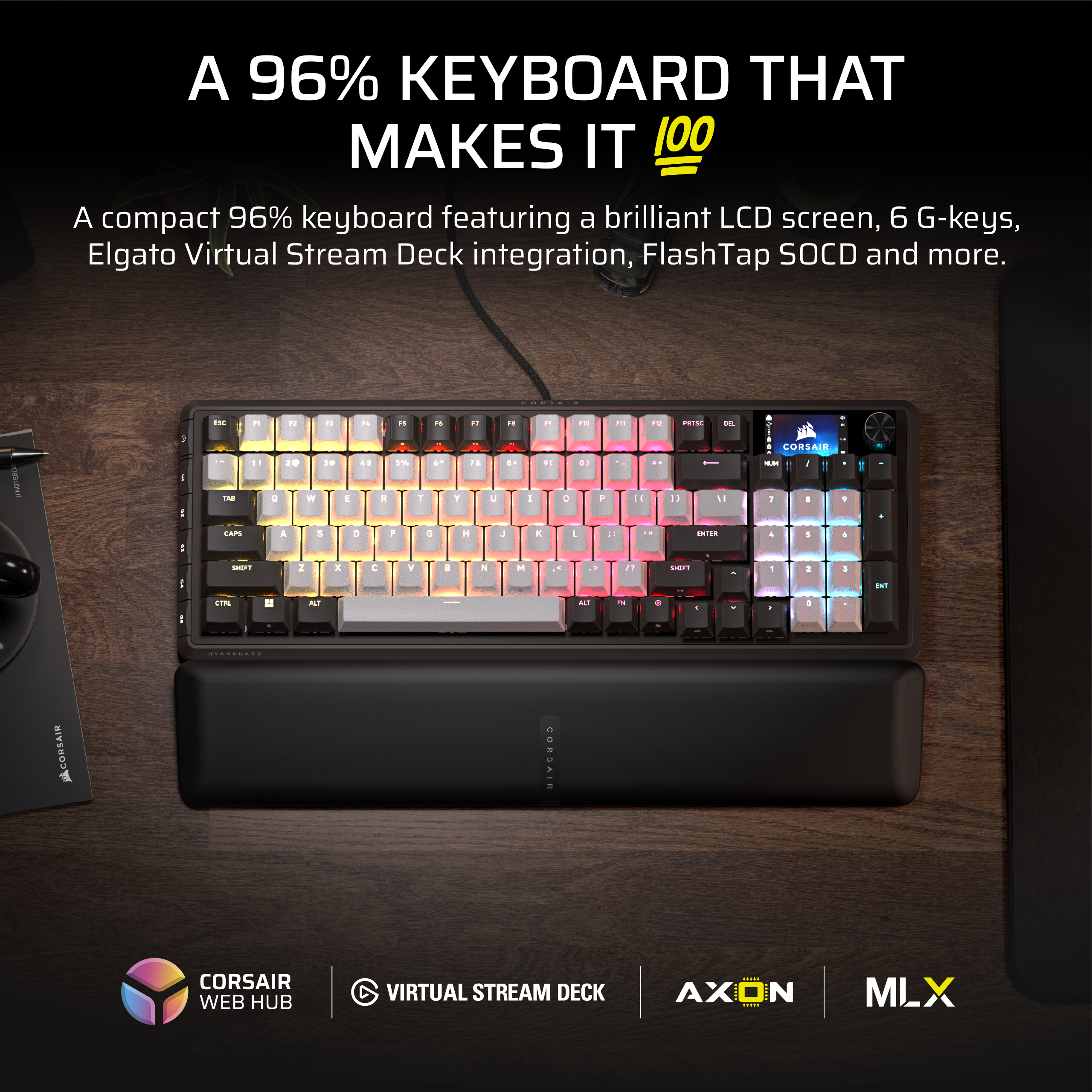
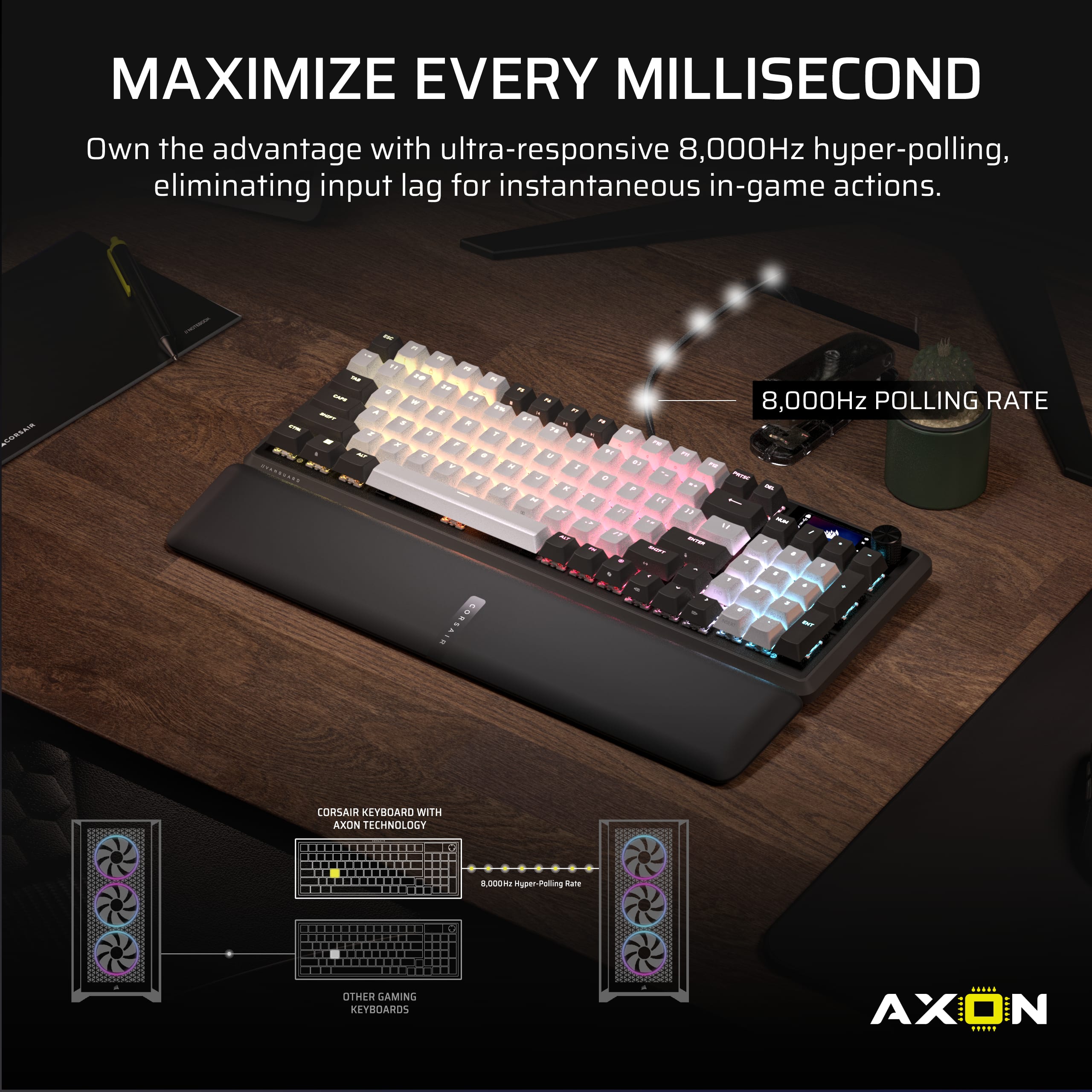
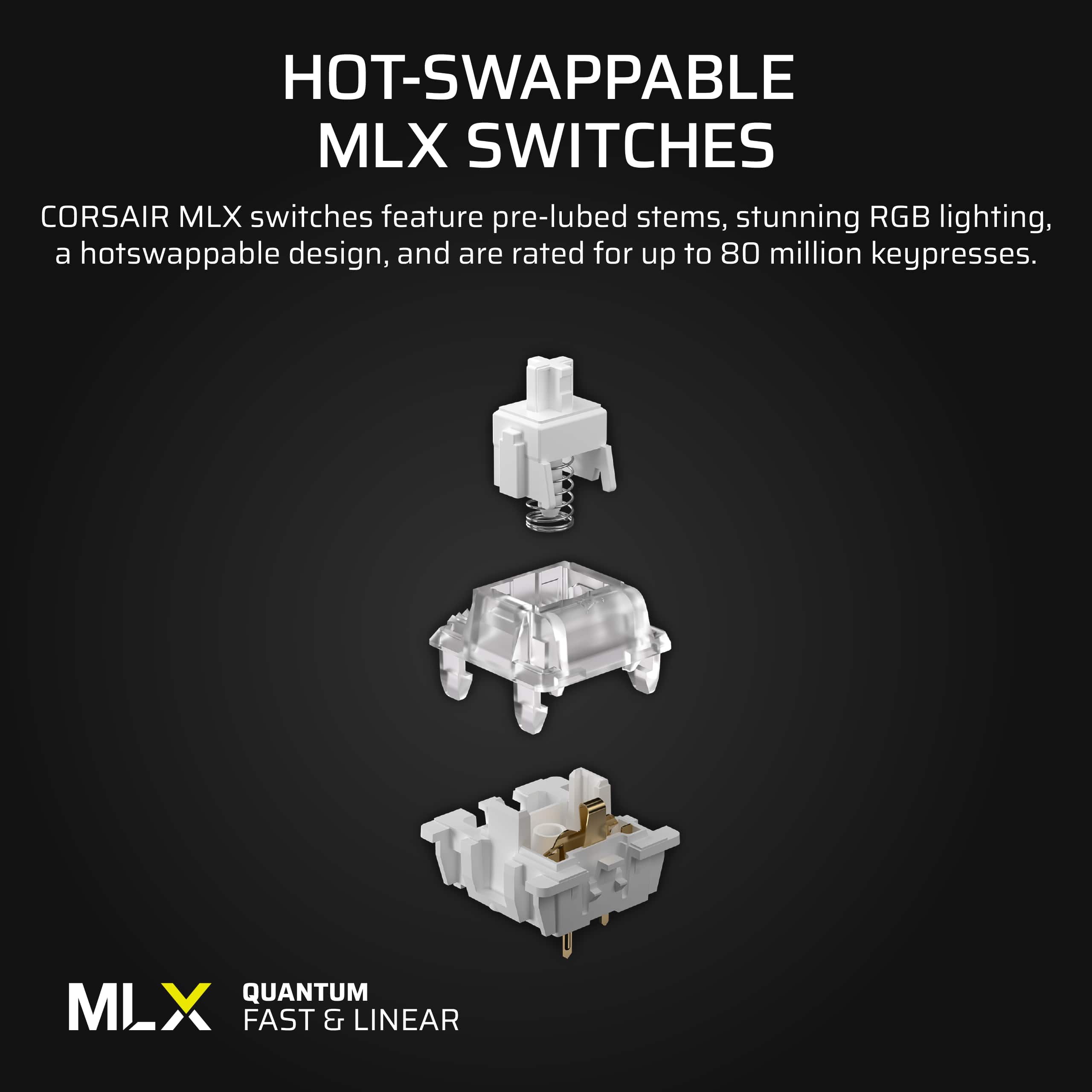
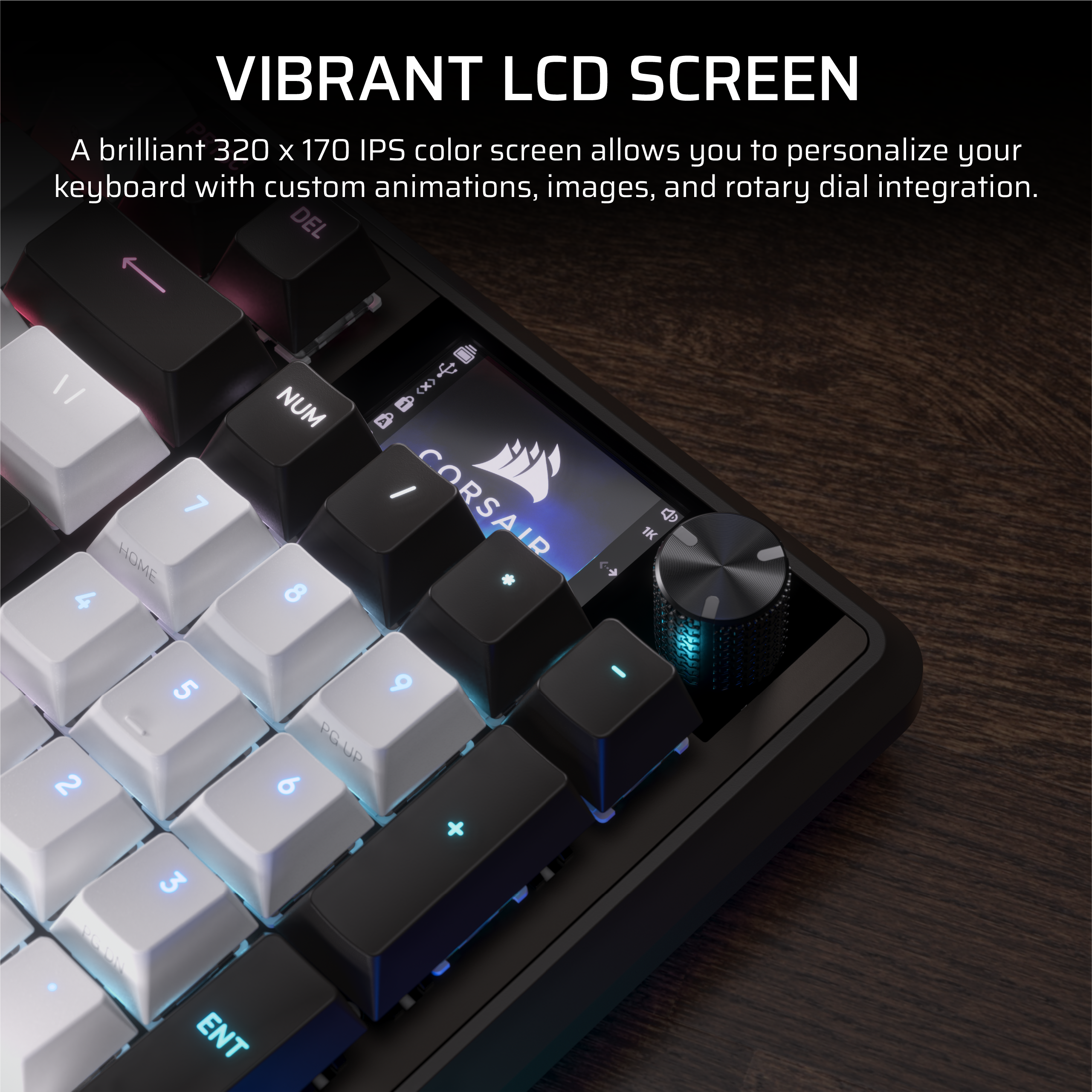
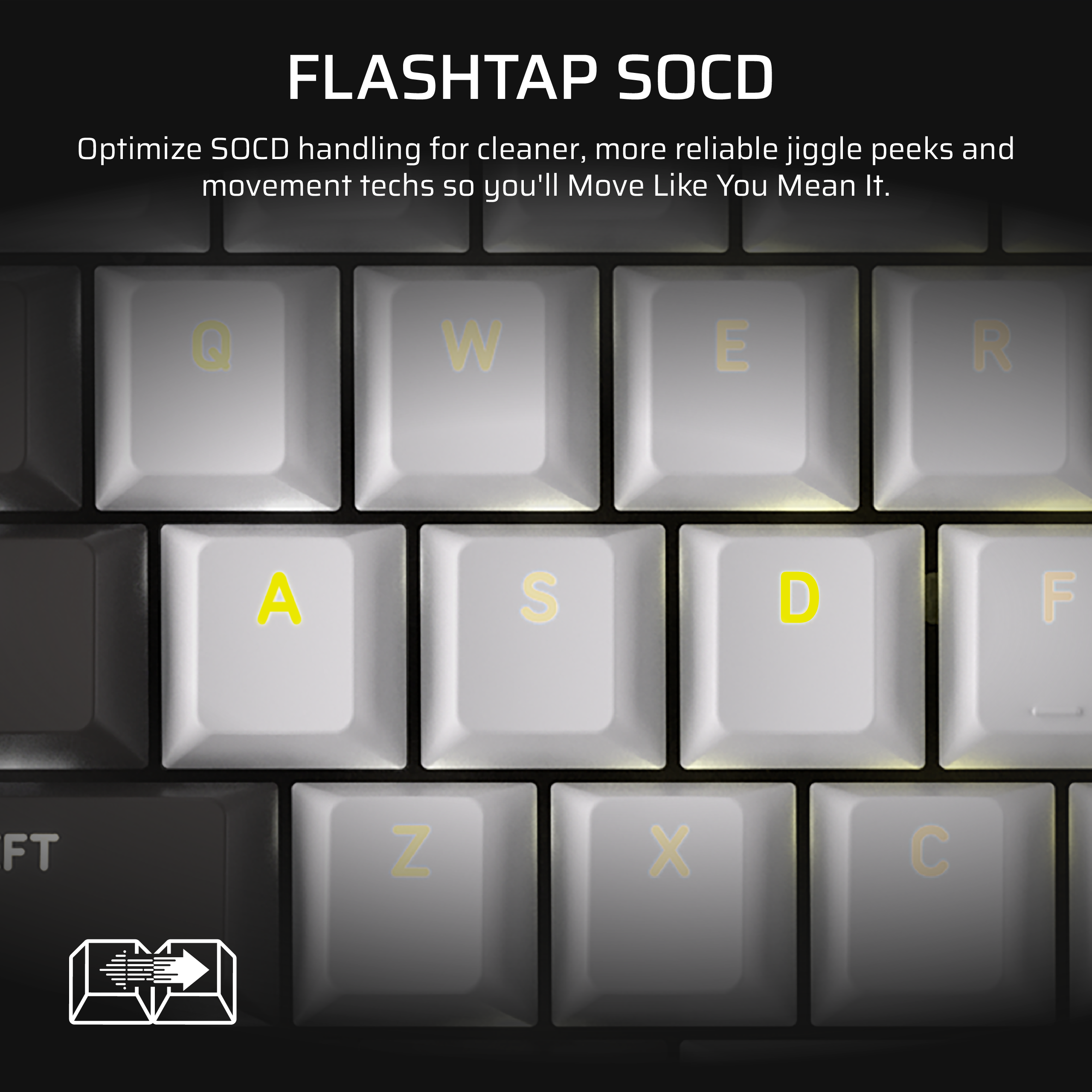
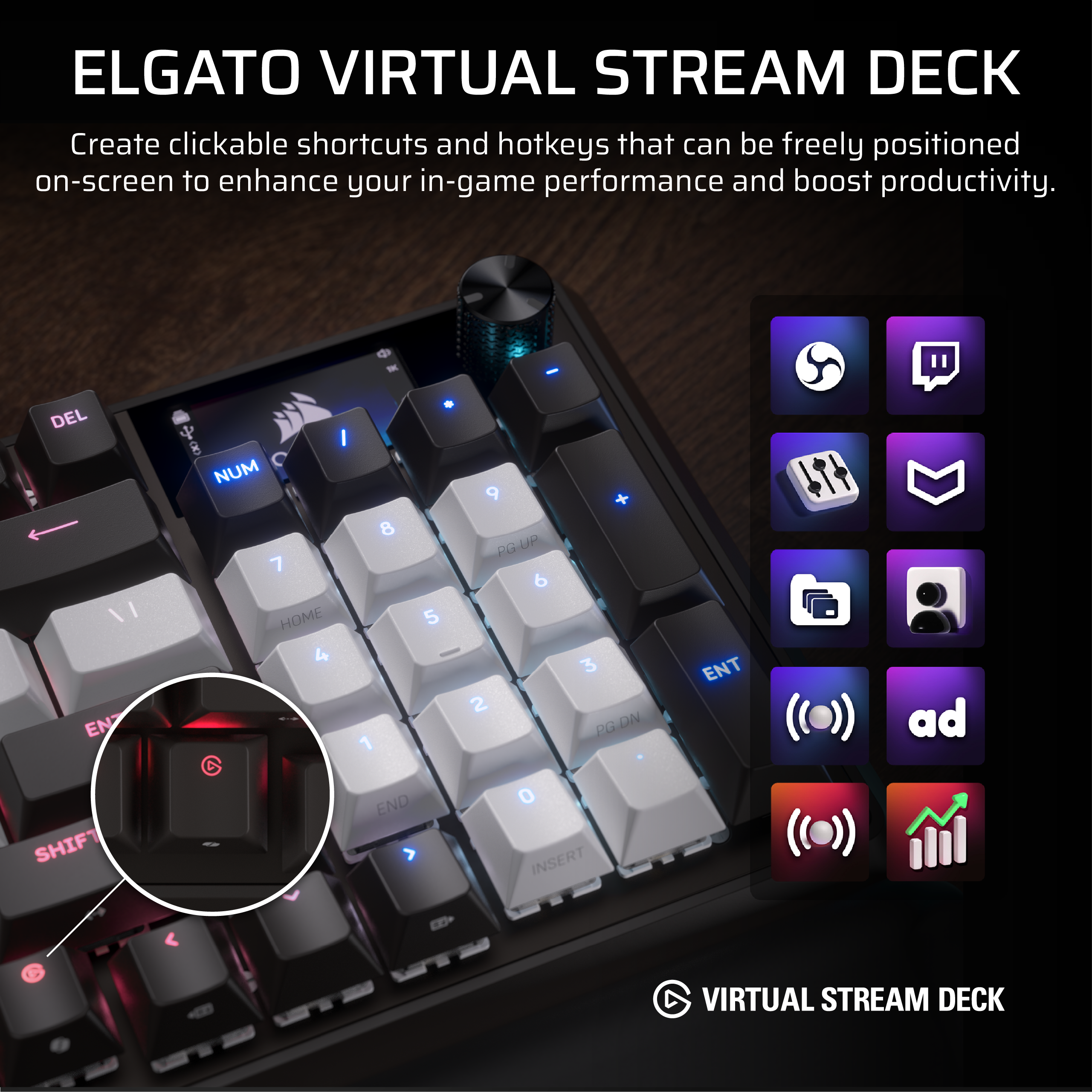
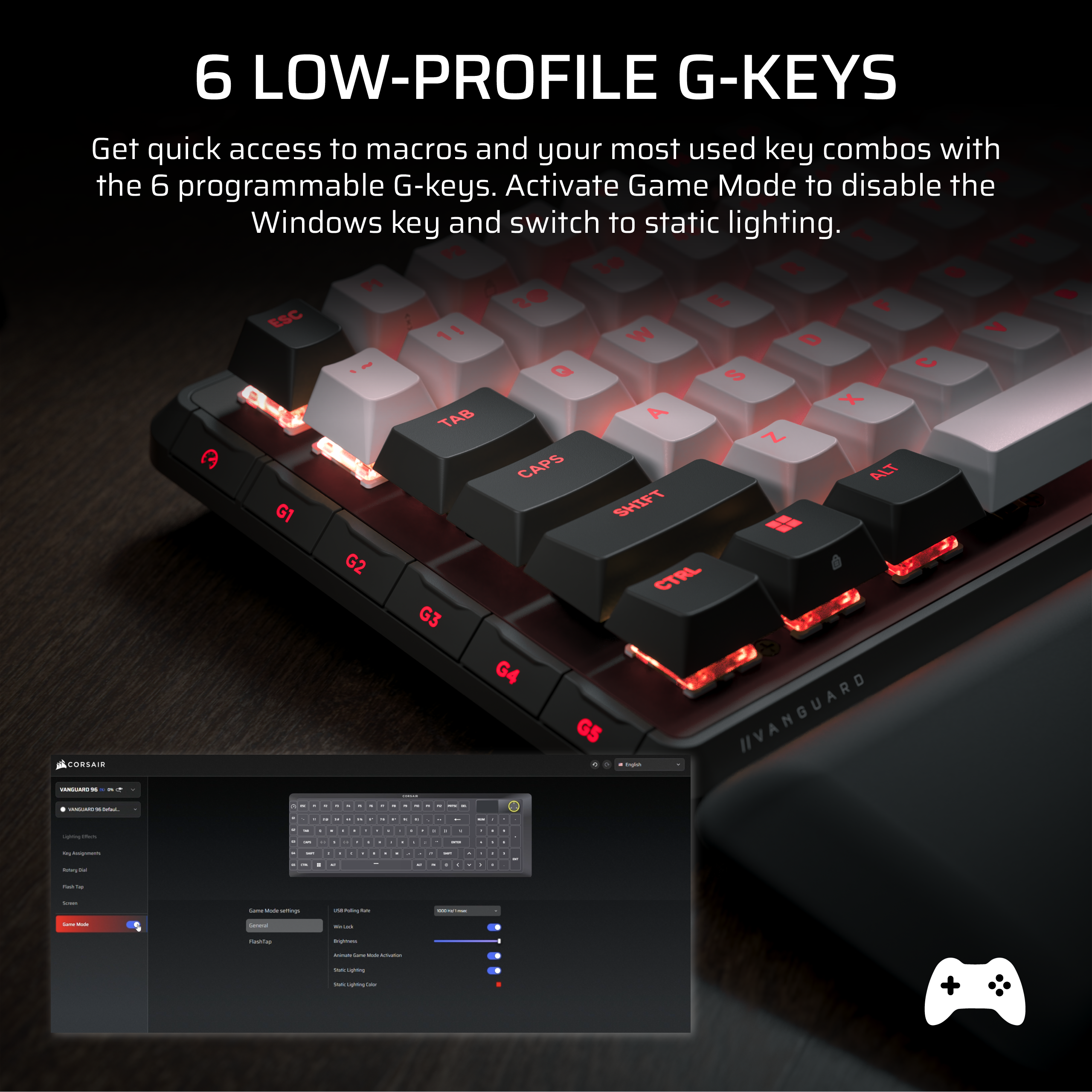
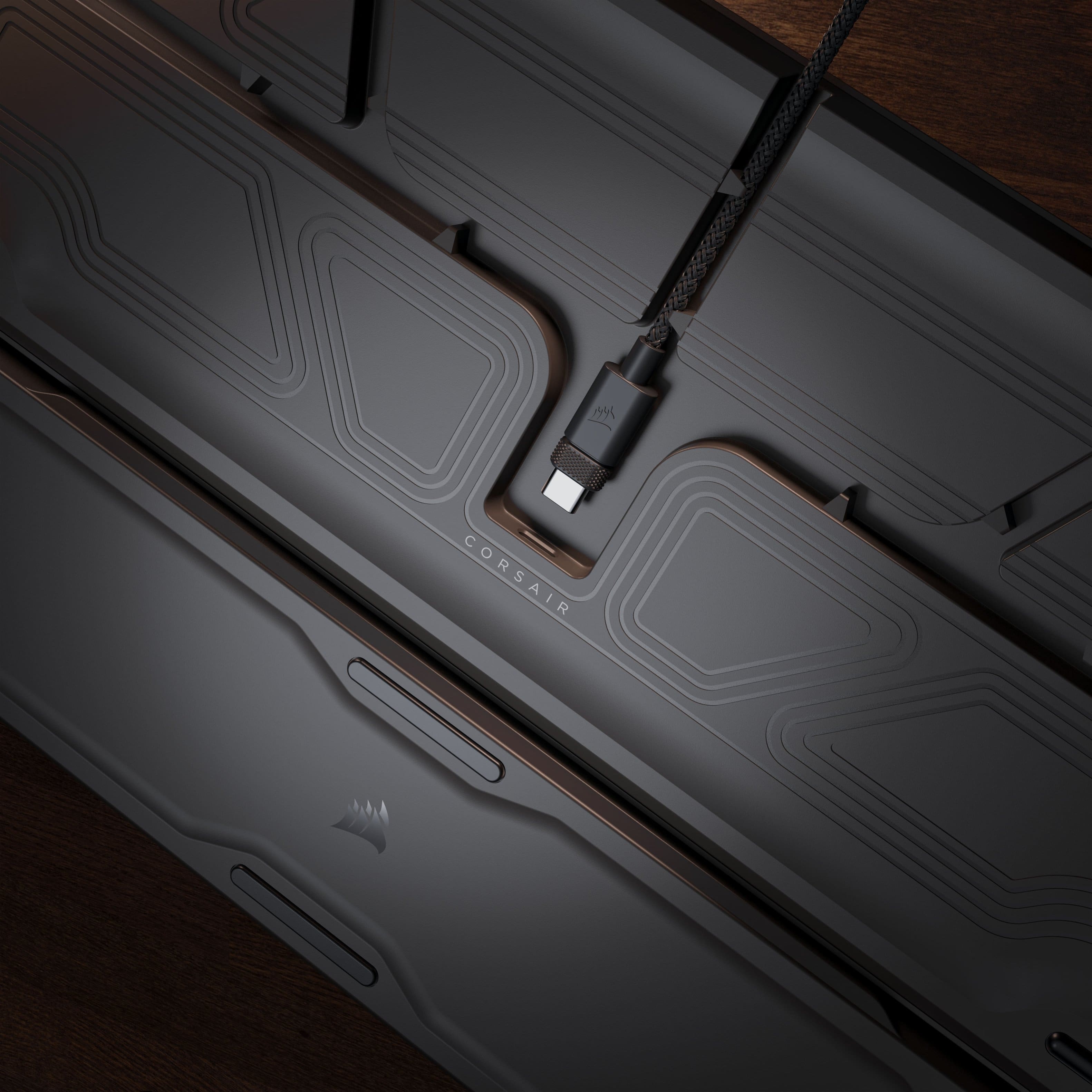
|Posted .This reviewer received promo considerations or sweepstakes entry for writing a review.TLDR, I think this is a fantastic keyboard and I really like it. Use case and needs will be an individual thing, but I think those that match up would be very happy with this deck. I personally do not have space issues, but I found I do like the full keyboard in a compact frame. It is solid and feels good in the hand. Beyond that though, it also has a really nice feature set. It allows for hotswapping of keyswitches, has 6 well-positioned and customizable “G-keys” that give you a ton of versatility, has a very high polling rate, has vibrant and well-done RGB that you have great control over (and I don’t even really like RGB), a useful programmable rotary dial and full color LCD screen (which to be honest I was skeptical about going in), Elgato Steam Deck integration, and FlashTap SOCD. All in all, there is just a lot there. On some level, for me at least, none of that really matters if the keyboard itself is not good in use. I find it great to use. It just feels good. Really good. I think the feel, resistance, and travel are all good for me. There are different switch options so keep that in mind when looking further. Perhaps this is not a big thing for many, but I also very much like how quiet everything is. The sound of the keys is there, but it is muted, and not the strong clack that some look for. Just something to note. As for look and design, I think they mostly nailed it. It looks clean and modern, and while I do like what they did with dual tone keys, man, I think I really like the all black variant more (although that requires a switch…switch). It is just more my style. That said, it really does look good and consistent. Also, as I mentioned earlier, I am not really a RGB guy, but it does look fantastic. Design-wise, no real issues and like what they have done. There is a nice channel system on the bottom for routing your wire, which I really like as you have some choice how to run it, but do note that you may have trouble running thicker cables through here. Now for all that I like, I do have one…sort of issue. The software. This (currently) does not run through Corsair’s iCUE software, but rather their Web Hub. I don’t have issue with the Web Hub, but rather that most everything else runs through iCUE. I don’t know if they plan on moving everything to WEB HUB, only new products, or giving in and offering iCUE to new products as well. The inconsistency is somewhat annoying, but perhaps this is just an in-between period, and it will all work itself out. Ultimately, though, I think this is a great keyboard. “Some” may want to look to the pro version, but I think this is what most people expect and want from a gaming keyboard, and I enjoy using it. It is enough for me, and I think for all that you get the value is there.
I would recommend this to a friend Rated 2 out of 5 stars
Great keyboard Horrible Software
||Posted . Owned for 1 month when reviewed.This reviewer received promo considerations or sweepstakes entry for writing a review.The keyboard itself is amazing, but this doesnt link with iCue. It uses an iCue web app that doesnt sync with everything else as cleanly and the screen on the keyboard SUCKS, does not look great, and is very hard to find anything thay looks remotely decent on it. For a keyboard as expensive as it is you’d expect better.
No, I would not recommend this to a friend- Pros mentioned:Build qualityCons mentioned:Connectivity, Lcd screen
Rated 5 out of 5 stars
96 By Name, 100 By Performance
|Posted .This reviewer received promo considerations or sweepstakes entry for writing a review.[PROS] Considerately Designed: I feel like proper design decisions were made when constructing the Vanguard 96. The feet are wide and sturdy. The bottom of the keyboard allows for flexible cable routing with 5 easy to reach outlets. Although switch types typically divide people, key presses very good against my fingers on the press and return to rest. Lastly, the included cushion is one of the most comfortable wrist rests that I've ever used on a gaming keyboard. Robust Functionality: The Vanguard 96 is full of competent features. Key and macro assignments offer virtually unlimited customizations. The rotary dial can be adjusted to add additional functionality. Actuations can be modified to improve responsiveness on top of the 8000hz polling. I'm not a hardcore gamer, but my mind is blown with all of the capabilities and how well they worked for me. [MIXED Bag] Corsair Web App: Currently, the keyboard is unable to be configured through the iCue software. Users will have to utilize the Corsair Web App for now. On the positive, changes are reflected immediately, and support will eventually make its way to iCue. Unfortunately, the web app is only compatible with Chrome, Edge, and Opera. You can download an offline version, but that defeats the purpose of already having the iCue app on your computer. [CONS] My complaint: I'm disappointed that this isn't wireless, but that's by design. Corsair, just like other manufacturers, offer a variety of product listings to fit everyone's preferences. Also, I did wish the LCD screen had touch functionality or the info displayed could be modified. However, I'll settle for just being able to update the background image and toggling through settings. [CONCLUSION] The Vanguard 96 is a very complete keyboard. I'm not missing any functionality that would otherwise hinder my gaming experience. Overall, it's a pleasing product and fun to use.
I would recommend this to a friend Rated 3 out of 5 stars
Neat but not great
||Posted . Owned for 1 month when reviewed.This reviewer received promo considerations or sweepstakes entry for writing a review.I had high hopes for this and was so excited but I'm definitely underwhelmed. It might be that I didn't get the upgraded one but it really isn't as impressive as I had hoped.
No, I would not recommend this to a friendRated 3 out of 5 stars
Defective key
|Posted . Owned for 2 weeks when reviewed.This reviewer received promo considerations or sweepstakes entry for writing a review.Great keyboard on paper. Mine had a defective up arrow key. The screen and gif upload was awesome though. I feel like with a couple more updates and maybe some time this will be a great board!
I would recommend this to a friendRated 2 out of 5 stars
Constantly disconnects
||Posted . Owned for 1 month when reviewed.This reviewer received promo considerations or sweepstakes entry for writing a review.Dont get me wrong its is a beautiful keyboard and the colors are nice. Being able to add your own picture is amazing when it works but the amount of times i have to unplug and replug it back in and the screen wont even load my pictures any more or save my macros is insane. 180 dollars for a keyboard that has these problems is a joke.
No, I would not recommend this to a friend- Pros mentioned:Build quality, Noise level, Rgb lighting
Rated 5 out of 5 stars
Favorite keyboard of all time!
|Posted .This reviewer received promo considerations or sweepstakes entry for writing a review.The Corsair Vanguard 96 Mechanical gaming keyboard has taken over my desk by storm, and has quickly became the absolute best keyboard I have ever used! After many hours of use I can say I have truly never experienced such an amazing and satisfying keyboard switch as the Corsair MLX switches. To say they are smooth and enjoyable to type on is an understatement, they truly are out of this world. I love that you get the full mechanical experience with some sound dampening as well, which really sets this apart even further! This is also my first ever keyboard with an LCD screen, WOW! I never though something so minor would make such a difference, but I could not imagine going back to not having one after using this. The rotary dial is also so versatile on this keyboard! I typically have only used them for volume, but on this device you can cycle through seemingly endless options! The RBG is another great feature, and is flawless on this keyboard. I love how many different programs you can set for the RGB and even setup your own customizations that are limitless. The 96% scale of this keyboard worried me at first, but after using it I can say it is the perfect size and what I will default to from now on with keyboards for sure. Overall this is the cream of the crop and I am so excited to use this keyboard for ages to come!
I would recommend this to a friend - Pros mentioned:Build quality, Noise level, SizeCons mentioned:Lcd screen
Rated 5 out of 5 stars
Absolutely Perfect
|Posted .This reviewer received promo considerations or sweepstakes entry for writing a review.I have been using the Corsair Vanguard 96 for about a week now and I am absolutely thrilled with it. As always with Corsair products, it is well made. The size is pretty much perfect. At least it is for me. The wrist pad is very comfortable and unlike others I've used it is not too big. I also appreciate that it attaches magnetically. The multi use dial works well. The small screen is nice for seeing certain functions, but overall I don't find it to be of much use. It looks cool, but I don't think it is really needed. The ability to customize the keyboard is easy to do with the online app. The placement of the buttons on the side is a great idea. Certainly helps in keeping the size down. The best thing about this keyboard for me is the keys. I've found the key strokes to be perfect for me. They are relativity quiet (as gaming keyboards go) but most importantly, the key travel is spot on. This is so incredibly important. I don't kind myself making any errors with typing or gaming. In fact, this is probably the only keyboard I've ever used that I can say that about. I can honestly say this is probably the most perfect keyboard I've ever used.
I would recommend this to a friend Rated 1 out of 5 stars
No Software
||Posted .This reviewer received promo considerations or sweepstakes entry for writing a review.Does not work with iCue and youll need to program it with Edge or Chrome and most users use firefox. I do like the MX Keys so I give one star for that. Otherwise wait for Corsair to do right what a joke
No, I would not recommend this to a friend- Pros mentioned:Build quality, Rgb lighting
Rated 5 out of 5 stars
The best
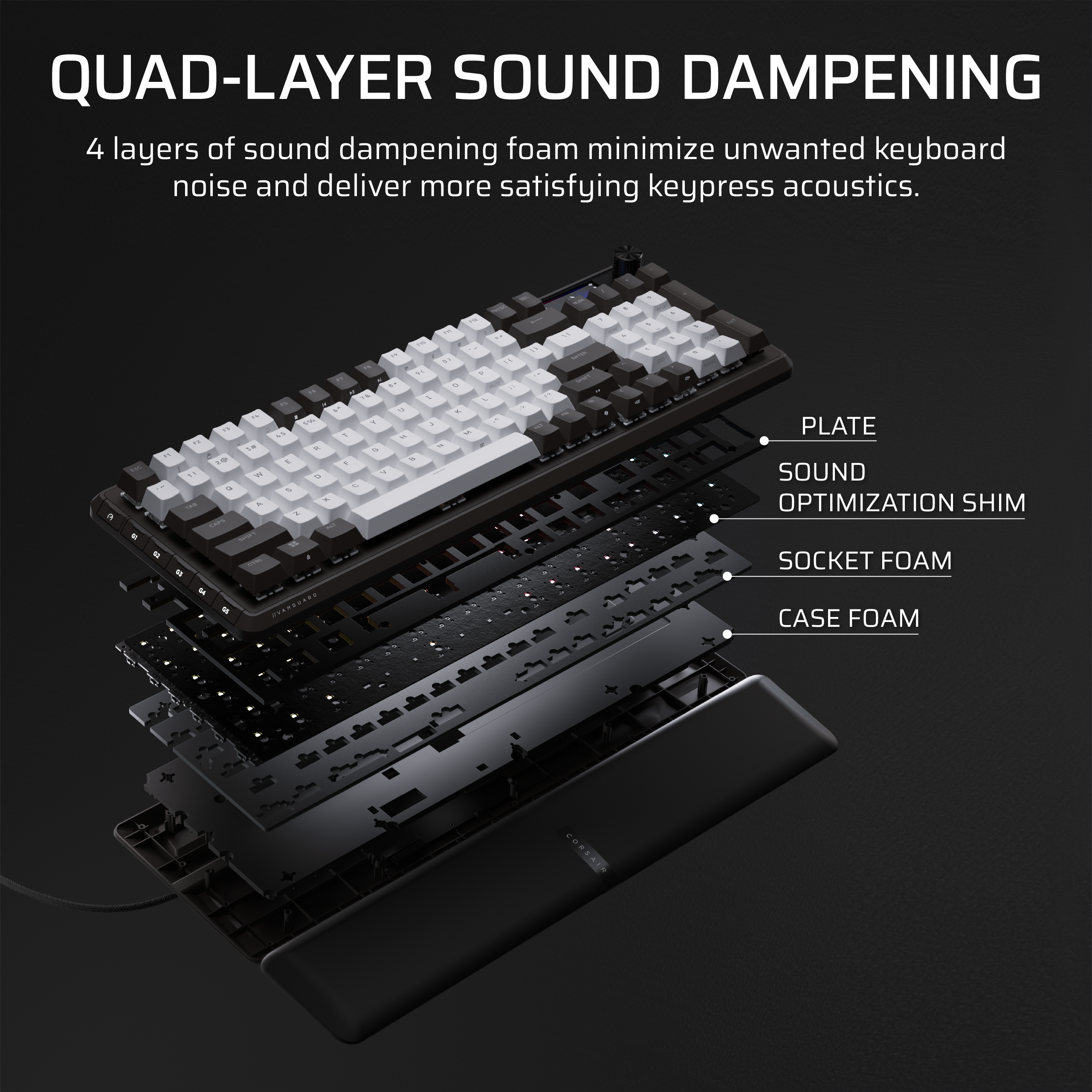
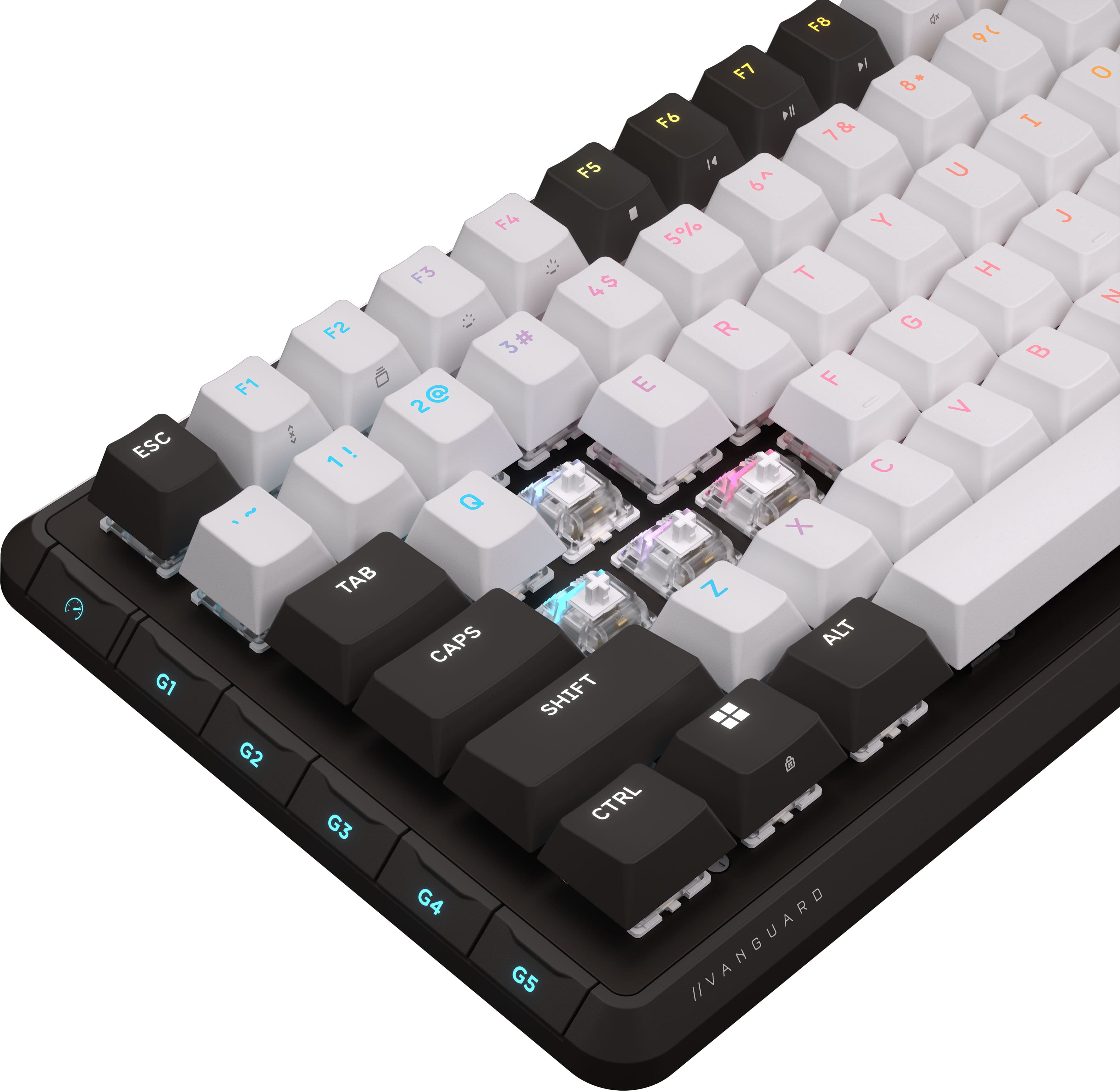
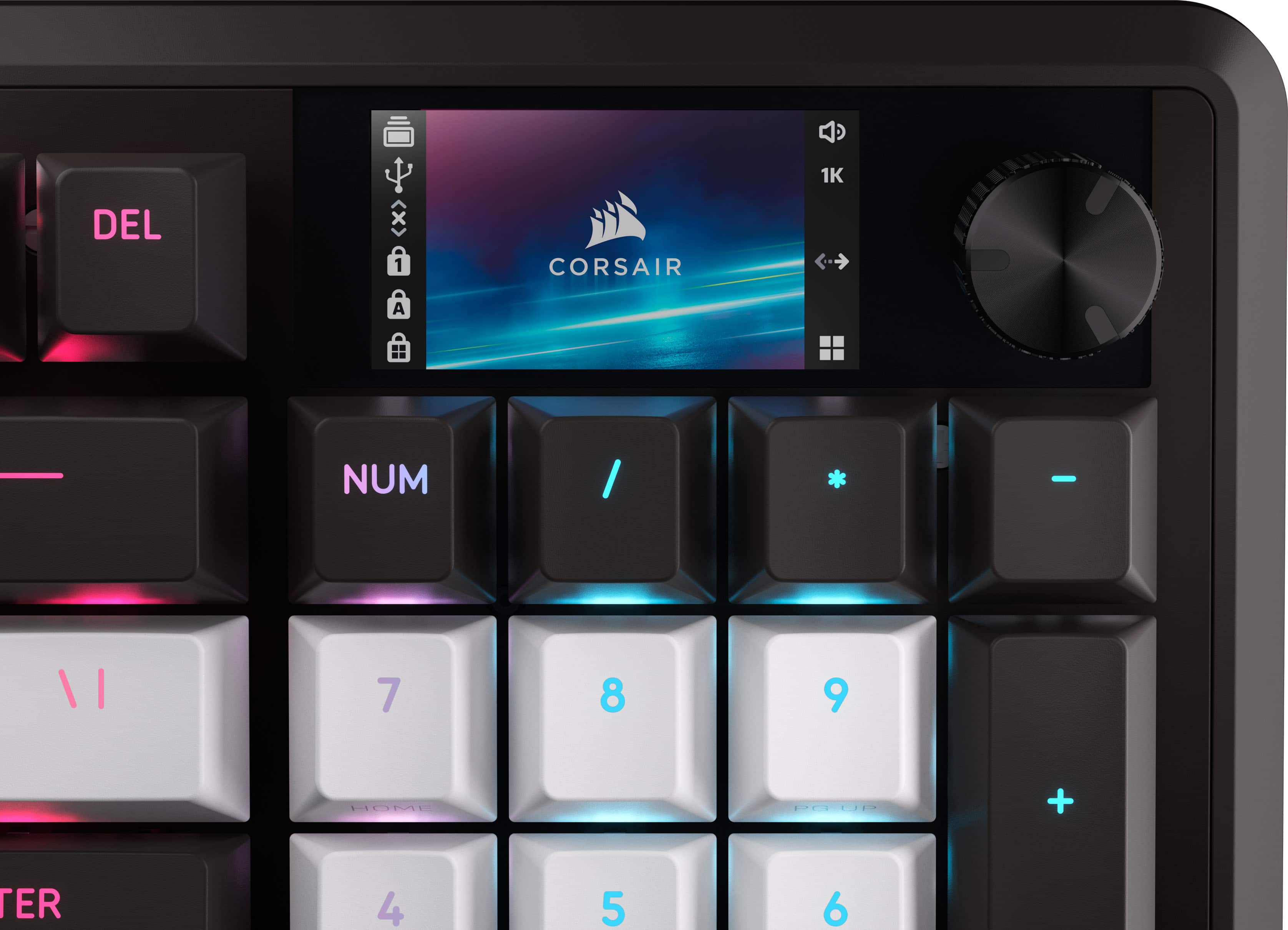
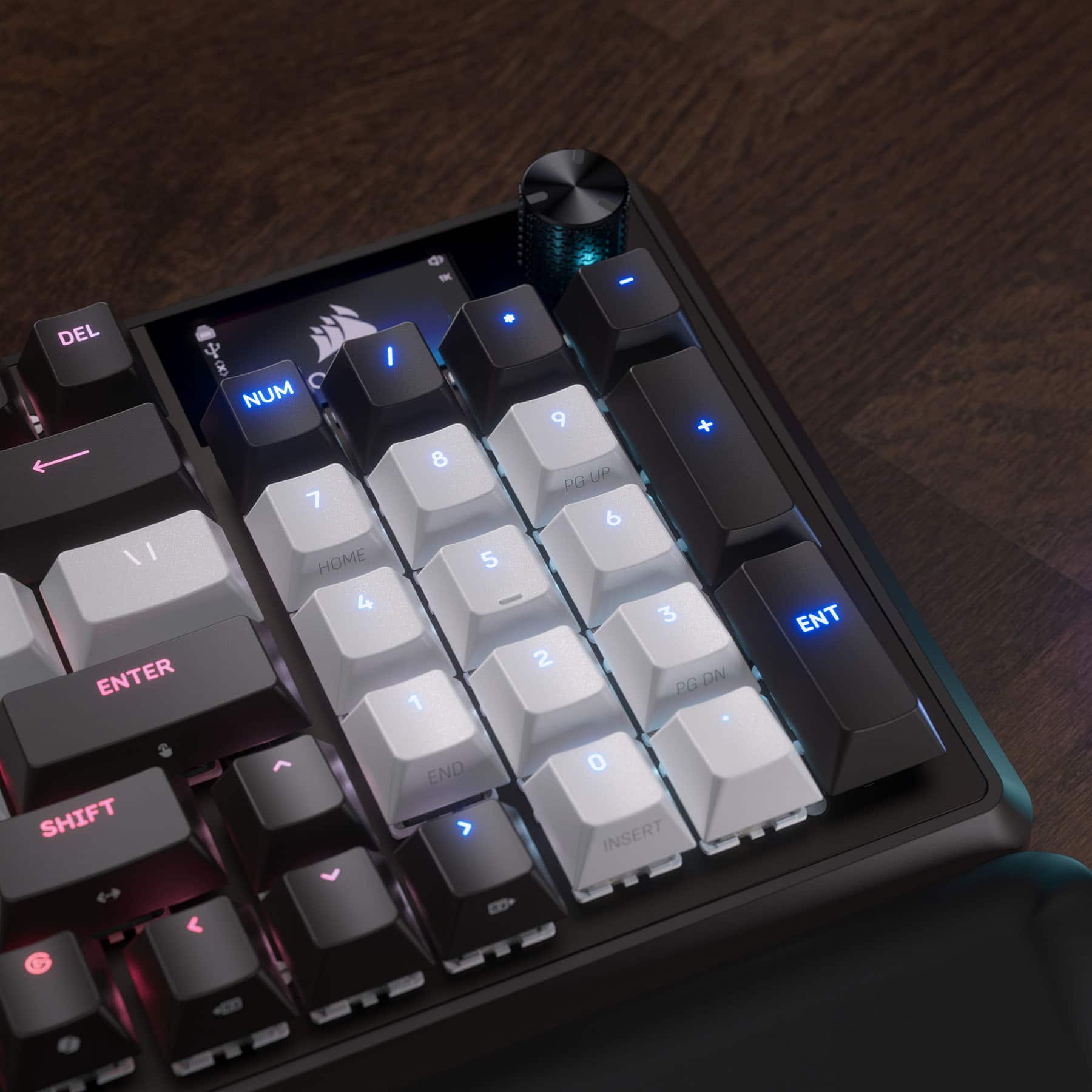
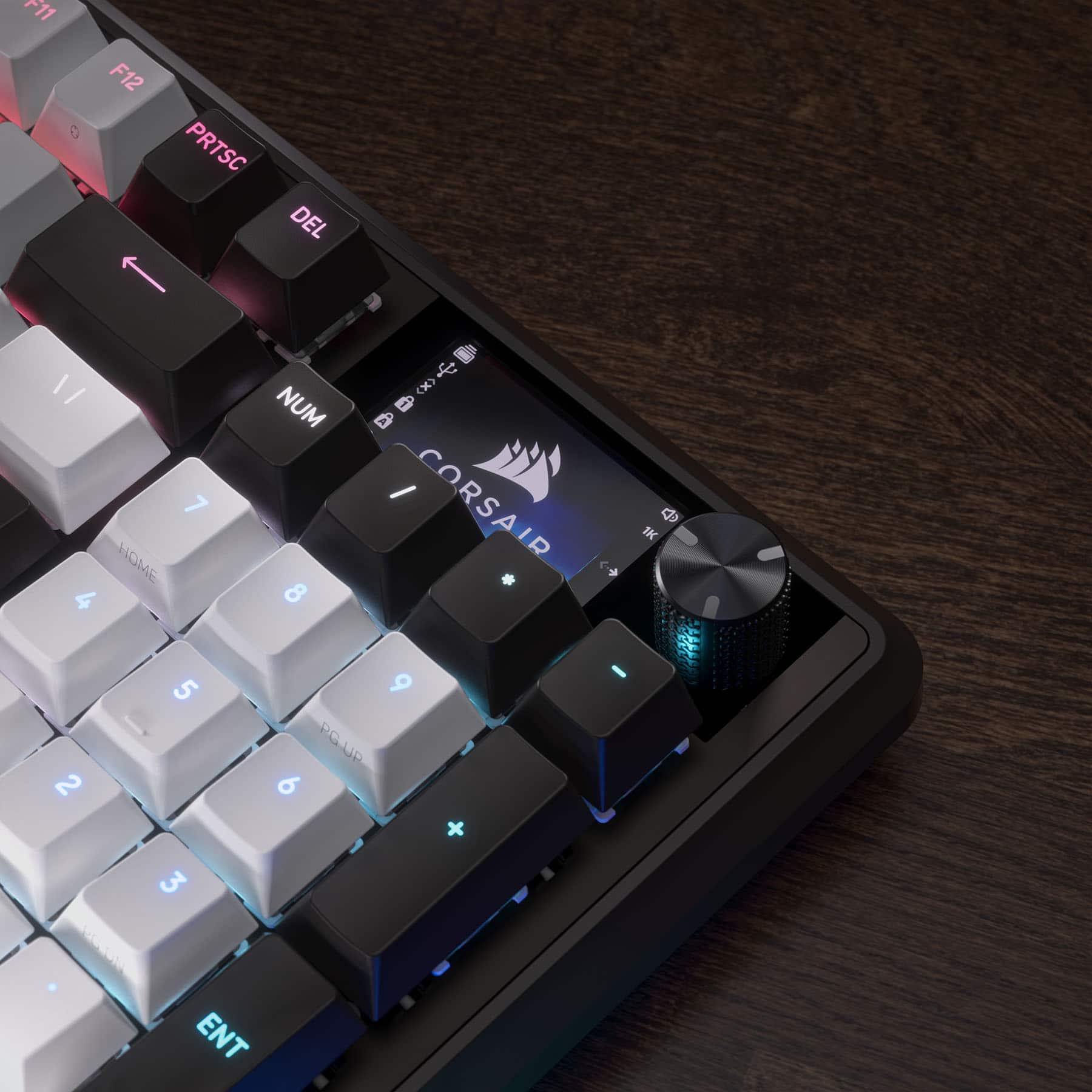
|Posted .This reviewer received promo considerations or sweepstakes entry for writing a review.This review is on a wired Corsair Vanguard 96 RGB mechanical gaming keyboard. I love the way Corsair does their packaging. It is colorful, exciting, and detailed outside while being well protected and laid out in the box. I love this keyboard. I would say it is the best on the market right now. It is only managed by a web based link. If you have iCue software, it will not show up at the time of this review. Also, you cannot have both iCue and web hub running at the same time. This keyboard doesn't make much sound due to the quad-layered padding but still enough to know you are hitting the keys. They reduced the size of the keyboard so I will have to get used to the slightly new key layout. The normal space around the arrow keys is gone and used for the space of the screen. The screen can be used to display pictures and if like me, you have a custom gamer tag picture, you can use that. If you have animated GIFs, they work. It can only use pictures that are 500kb in size though. Picture quality is great. There are other icons in the display for status notifications. Unless you are directly over the keyboard, half of the display is blocked by the keys when sitting back. The rotary dial has 10 programmed modes for use and the ability to create your own mode. The modes already included are volume control, track jogging, brightness control, media control, macro recording, switch applications, vertical scrolling, horizontal scrolling, zoom, and screen widget control. Vanguard comes in 4 different switch types: Fusion, Plasma, Pulse and Quantum. Quantum is black and white keys and I am glad I made this choice. With all black keys you don't get as much of the RGB effect as with all white. The colors pop way more with white keys. All keys light up both underneath and the letters, numbers and symbols on top. The effect you get is almost like two different colors with the way the light reflects off of the white keys. My favorite lighting effect is the type lighting ripple effect. When you press a key, the multi color lights will flow away from the key you press like a water ripple effect. Game mode can put your keyboard in the best settings for playing games. Say you don't always want to use the highest polling rate, you can set that as default and then just press the game mode key and the keyboard will switch to a static color of your choice, giving you a visual that you are in game mode with the highest polling rate and unused keys disabled. If you wanted to use other color patterns in game mode that is available. At the time of this review, the software for the virtual stream deck is unavailable, which can be accessed by pressing the launch key next to the FN key. This is supposed to bring a screen up that you can use like a stream deck.
I would recommend this to a friend - Pros mentioned:Build quality, Noise level
Rated 5 out of 5 stars
Great compact 96% Keyboard with extra features
|Posted .This reviewer received promo considerations or sweepstakes entry for writing a review.I have been really impressed with this keyboard so far. Corsair has always made solid mechanical keyboards that can be bought in retail stores. This keyboard in particular is great for anyone who wants a compact daily-use or gaming keyboard, without the hassle of building their own custom mechanical board. The build quality is solid, though it is all plastic. They claim gaskets and multiple layers of sound deadening material, and it definitely isn't creaky or cheap sounding during use. The keycaps are simple but well made. The linear mechanical switches feel smooth and are fairly quiet. These aren't the Hall Effect magnetic switches, but they do have a quality feel and sound to them. The web interface to update and customize the keyboard is easy to understand and worked well for me. The screen in the upper right is customizable and allows you to switch between knob functions on the fly. Overall, I would say this is an excellent store-bought do-everything keyboard that will keep almost anyone happy.
I would recommend this to a friend - Pros mentioned:Noise level
Rated 5 out of 5 stars
High Technology, Innovative and Super Perfomance
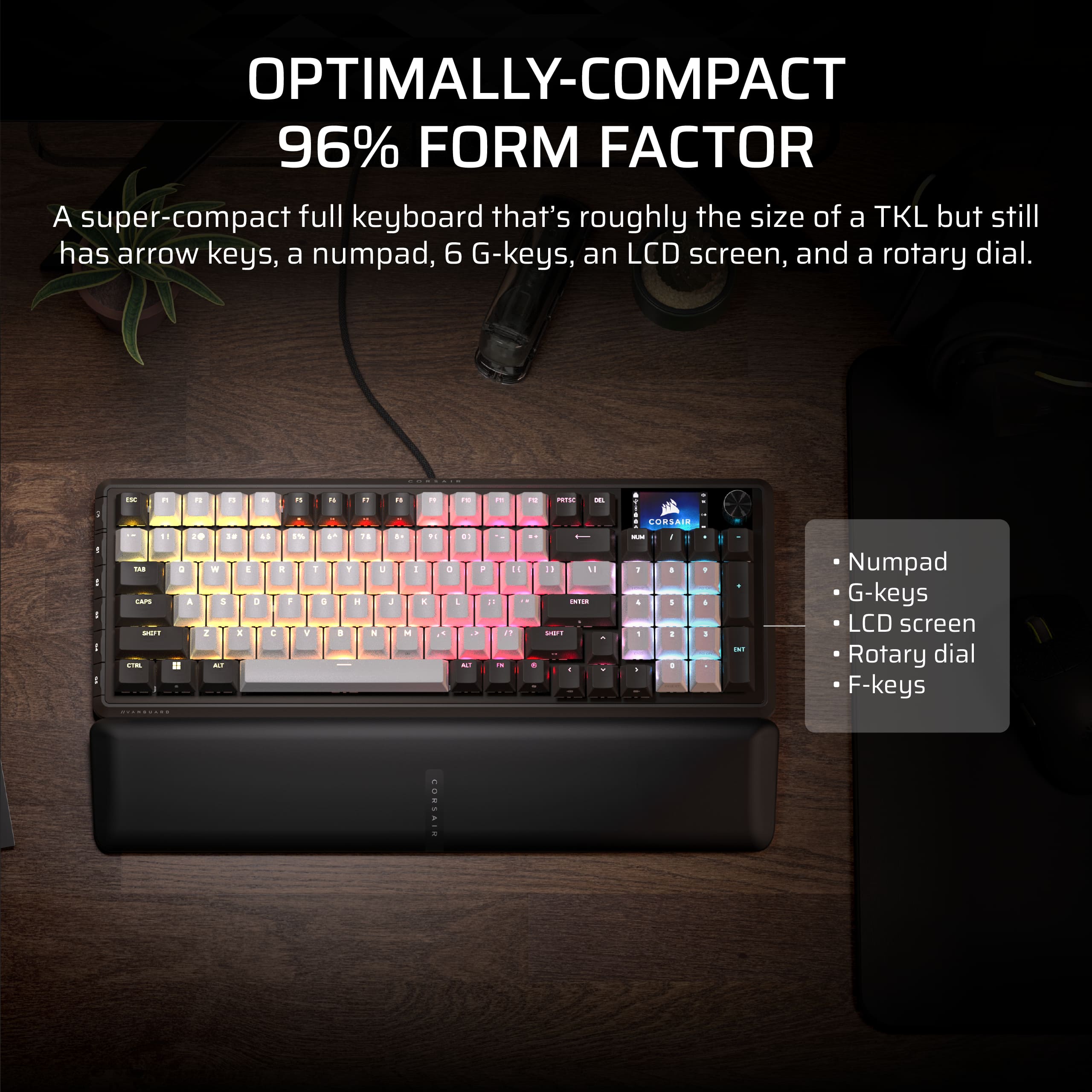
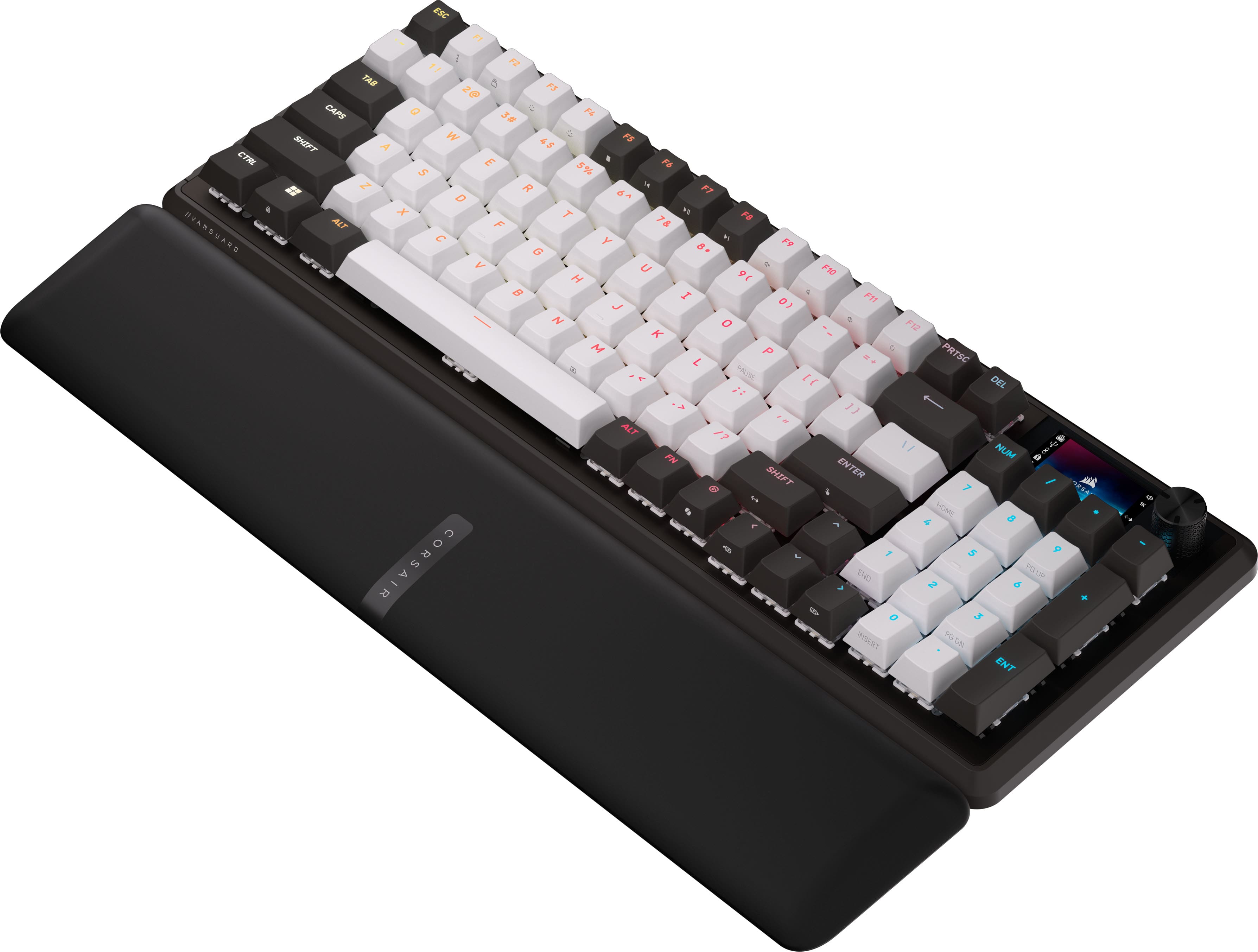
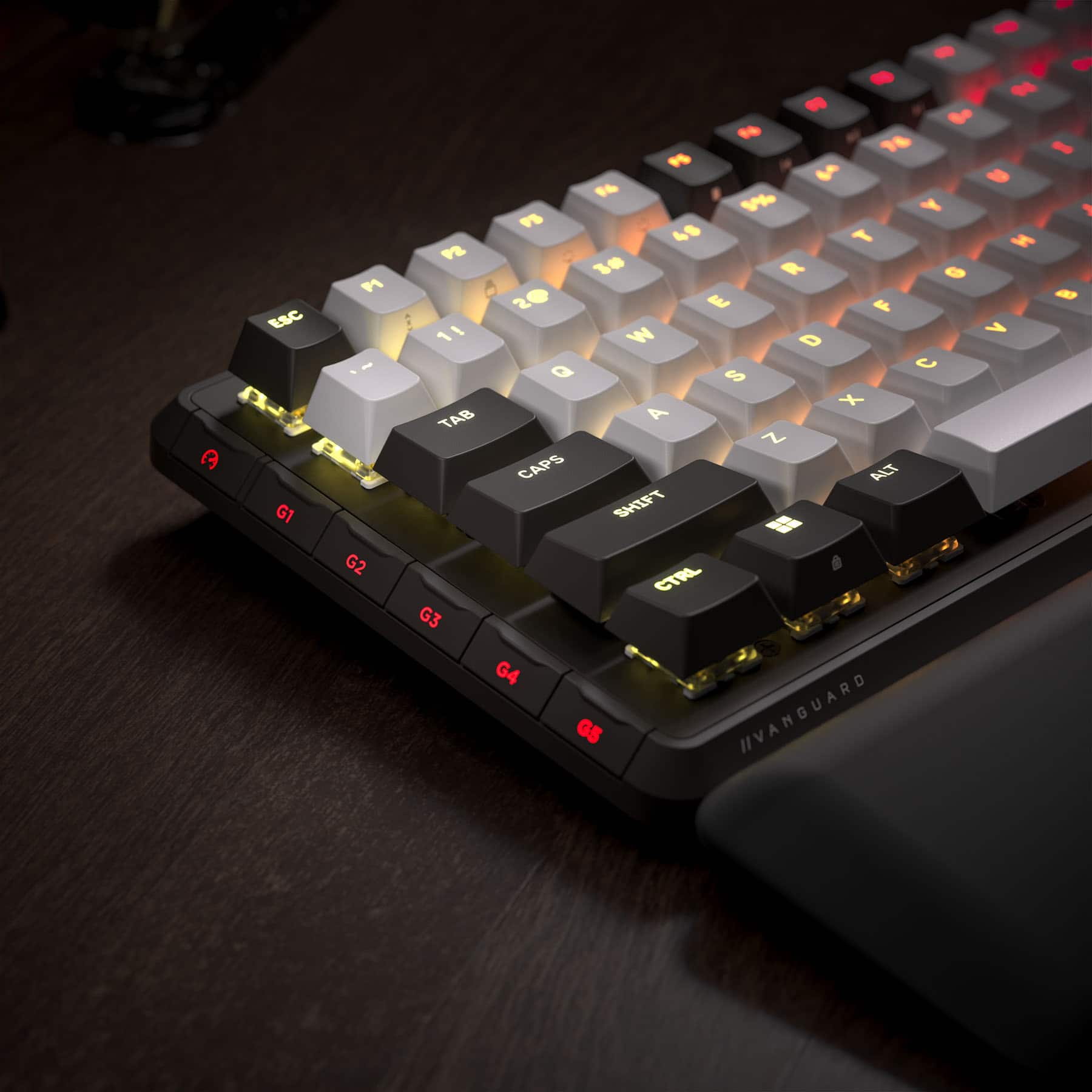
|Posted .This reviewer received promo considerations or sweepstakes entry for writing a review.The first thing you notice is that the Corsair Vanguard 96 keyboard is gorgeous. The physical design is both functional and the appearance is different than other gaming keyboards. It is about three inches shorter than any of my other gaming keyboards. Also it has the G keys on the left side (not top). This design point does two things as it saves some width and it provides landscape for these keys that does not get mixed in with your ‘normal’ keyboard top layout. This 96% keyboard size feels optimal for me, and it does still have a rotary dial, arrow keys, ten key pad, and a 1.9” color LCD screen that you can use in various ways – wow. I’ll give a tip of my cap to the design team at Corsair for innovation as well as the substance of this keyboard’s technology. This keyboard comes with a very soft wrist-rest which connects magnetically to the keyboard. This did help me to avoid some discomfort I usually get after a couple hours. This design by the Corsair folks is perfect for my wrist support needs. Next impact on me was the feel of the keys. I would say I have never felt a smoother touch than these MLX switches, and I have many gaming keyboards. The sound is also more subtle yet apparent on each keystroke. The reason for the softer sound is a 4-layer sound dampening design. The Corsair engineers incorporated a Fresnel lens for the keys that provides a lighting effect that is very appealing. Before I even knew about the Fresnel lens design, I did wonder why the lighting was so pleasant; now I know. In addition, for me because I wear glasses I noticed the lack of any glare from the lighting, even if it was brighter; I’m loving this Fresnel lens design. You do have hot-swap keys (and a tool is provided to facilitate key swapping). You have a very broad choice of different compatible keys, but I love the ones that came with it. There are six programmable G keys and superior technology everywhere you look. I noticed that one of the side keys also switches you between game and non-game mode. When you press this mode-button it also changes the lighting effect so that you know which color is game mode – very smart design point. You can change game mode ‘on’ versus ‘off’ color using the Corsair Web Hub. This keyboard played fast and true for me and fixed some of my goofs because of its ‘Flashtap’ SOCD to help me with my fat-fingered mistakes on directional buttons – amazing. This keyboard has the AXON Hyper-fast keystroke detection and processing, and I did notice no errors no matter how fast I played. I also tried some speed typing (as fast as I could) on a Word file and that also felt smooth and was accurate. I did play a few hours with motorsport’s games and everything was optimized for my playing. I played an arcade racing game series for PC, this was lots of fun without a steering wheel or floor pedals needed. This keyboard is compatible with the iCue software which I have used many times. This software is top notch for your G key macro programming, lighting and of course firmware updates. I did use the Corsair Web Hub and it recognized the Vanguard 96 keyboard. After a required firmware update I was able to customize my keyboard. Note that if you have iCue software directly installed on your PC, that software may not be ready to detect this keyboard yet. Also if the PC version is running you will have to exit it in order for the Corsair Web Hub version which does recognize this keyboard; (I had to use Task Manager to close the installed PC version). You also can install the Elgato Stream Deck software to your computer and integrate that with this keyboard. This is one beautiful, hi-tech keyboard for gaming. I highly recommend it.
I would recommend this to a friend - Pros mentioned:Build quality
Rated 5 out of 5 stars
Great feeling loaded keyboard
|Posted .This reviewer received promo considerations or sweepstakes entry for writing a review.This is definitely a fully loaded keyboard in a tiny package! Out of the box it feels like a very solid and well-built keyboard. It comes with the keyboard, a nice wrist rest as well as a USBC cable and a keycap puller tool. They keyboard is compatible with many devices and even gaming consoles. PC, Mac, Xbox one and series X as well as PS5. Getting it set up is very easy, you literally just plug it in with the supplied USB cable and you are ready to go. There is also software that you can download to really customize things, but at the time of writing this review, I did not have access to that software unfortunately. The feel of the keyboard is great. The keys are very tactile and not very noisy at all due to the sound dampening. You get a great keypress with a very quick response. To me it feels like you don’t have to press the keys down as far as you do on other keyboards which makes it all that much quicker. The keys also don’t have any wobble at all and feel very solid. The keyboard also has full color lighting that can be customized to your liking. It looks great and they have a lot of different presets that aren’t too overbearing and give the keyboard a cool vibe without being way over the top. You can also set lighting for each individual key if you want to get that detailed. You have a bunch of customization options with this keyboard. Starting with the G-keys that go along the left side of the keyboard. These can be programmed to do pretty much anything you want them to. You can program in game actions, have them be shortcuts for programs like photo or video editing for commands you use often, or a ton of different options. There is a total of 6 of those keys that can be programmed. There is a dial on the upper right hand side of the keyboard as well as a small screen that can be used for a variety of different things. It can display custom animations or pictures as well as show information about the keyboard. It’s a beautiful screen, but I found if you are sitting at the keyboard, you can only see the top 2/3 of the screen if you are sitting in a normal position because the keys right below it are so tall that they block the bottom 1/3 of the screen. Maybe on future versions that screen could be on a little riser top make it easier to see all of it. Its not a huge deal though as I didn’t really use the screen as much as I thought I would. But it’s still cool to have to add some personal customization to your keyboard. Overall, I love the feel of the keyboard, and it is a great addition to my PC. It does take a little getting used to the key layout if you are coming from a standard keyboard, but after using it for a week or so it will feel like second nature. I highly recommend it if you are looking for a compact keyboard that doesn’t skimp on the features!
I would recommend this to a friend - Pros mentioned:Noise level
Rated 5 out of 5 stars
Great Keyboard
Posted .This reviewer received promo considerations or sweepstakes entry for writing a review.Good functionality. Love the color scheme and it operates great as a mechanical keyboard. It is a bit quieter which I like. Love all of my corsair items.
I would recommend this to a friend
![Sure, here is the corrected and grouped text from the image:
**Top Row:**
- ESC
- F1
- F2
- F3
- F4
- F5
- F6
- F7
- F8
- F9
- F10
- F11
- F12
- PRTSC
- DEL
**Number Row:**
- 1
- 2
- 3
- 4
- 5
- 6
- 7
- 8
- 9
- 0
- -
- =
- \
**Letter Row:**
- TAB
- Q
- W
- E
- R
- T
- Y
- U
- I
- O
- P
- [
- ]
- \
**Letter Row:**
- CAPS
- A
- S
- D
- F
- G
- H
- J
- K
- L
- ;
- '
**Letter Row:**
- SHIFT
- Z
- X
- C
- V
- B
- N
- M
- ,
- .
- /
**Function Row:**
-](https://pisces.bbystatic.com/image2/BestBuy_US/images/products/9be10b95-8e90-4a5d-b85f-cbc6a7d8e8df.png;maxHeight=54;maxWidth=54;format=webp)


![Sure, here is the corrected and grouped text from the image:
- ESC
- F1 F2 F3 F4 F5 F6 F7 F8 F9 F10 F11 F12
- 1 2 3 4 5 6 7 8 9 0 - = DEL
- TAB Q W E R T Y U I O P [ ] \
- CAPS A S D F G H J K L ; ' ENTER
- SHIFT Z X C V B N M , . / SHIFT
- CTRL FN ALT SPACEBAR ALT CTRL
- G1 G2 G3 G4 G5
- HVARGUARD
- CORSAIR](https://pisces.bbystatic.com/image2/BestBuy_US/images/products/6418315f-4245-4c8b-8a1d-3ce215e725d9.png;maxHeight=54;maxWidth=54;format=webp)


![Sure, here is the corrected and grouped text from the image:
---
**VANGUARD 96**
**CORSAIR**
**MECHANICAL GAMING KEYBOARD**
**CLAVIER DE JEU MÉCANIQUE**
---
**Key Layout:**
- **Top Row:** ESC F1 F2 F3 F4 F5 F6 F7 F8 F9 F10 F11 F12
- **Second Row:** 1 ! 2 @ 3 # 4 $ 5 % 6 ^ 7 & 8 * 9 ( 0 ) - _ + =
- **Third Row:** TAB Q W E R T Y U I O P [ { ] } \
- **Fourth Row:** CAPS A S D F G H J K L ; : ' " ENTER
- **Fifth Row:** SHIFT Z X C V B N M , < . > ? / NUM
- **Bottom Row:** CTRL ALT FN SPACE ALT CTRL
**Additional Keys:**
- **Right Side:** PRTSC DEL
- **Right Arrow Keys:** FN SHIFT 1 2 3 4 5 6 7 8 9 0 - =
- **Right Arrow](https://pisces.bbystatic.com/image2/BestBuy_US/images/products/65f0e9cb-ea0f-4b81-a124-65234bda830e.png;maxHeight=54;maxWidth=54;format=webp)