Customer Ratings & Reviews
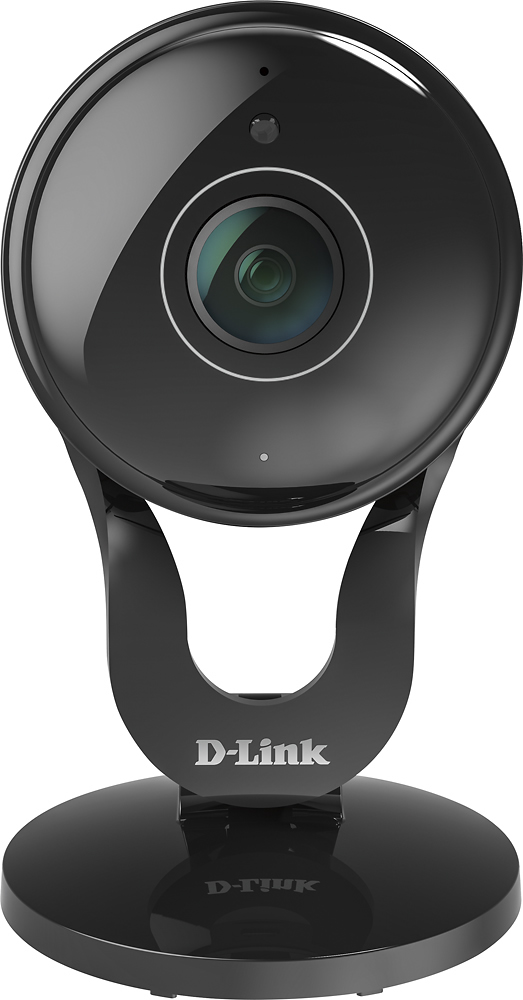

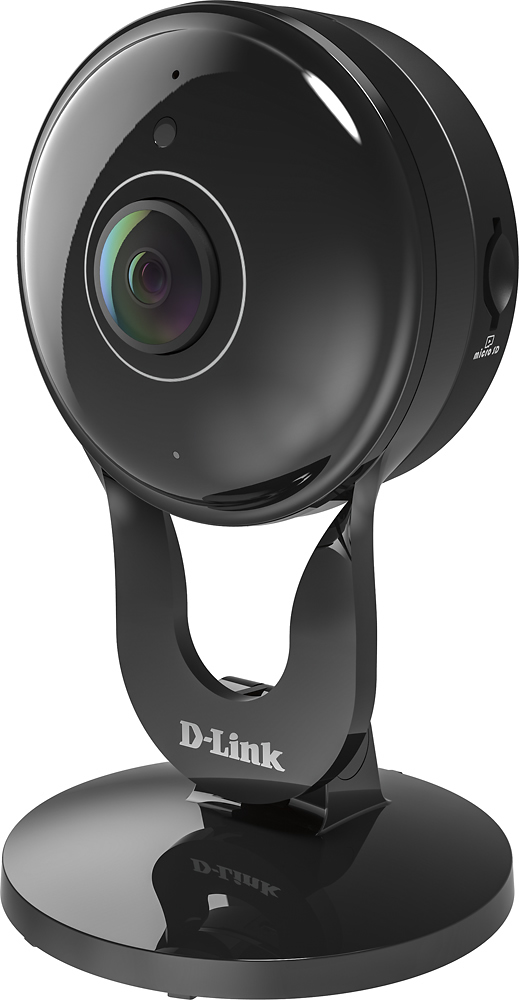
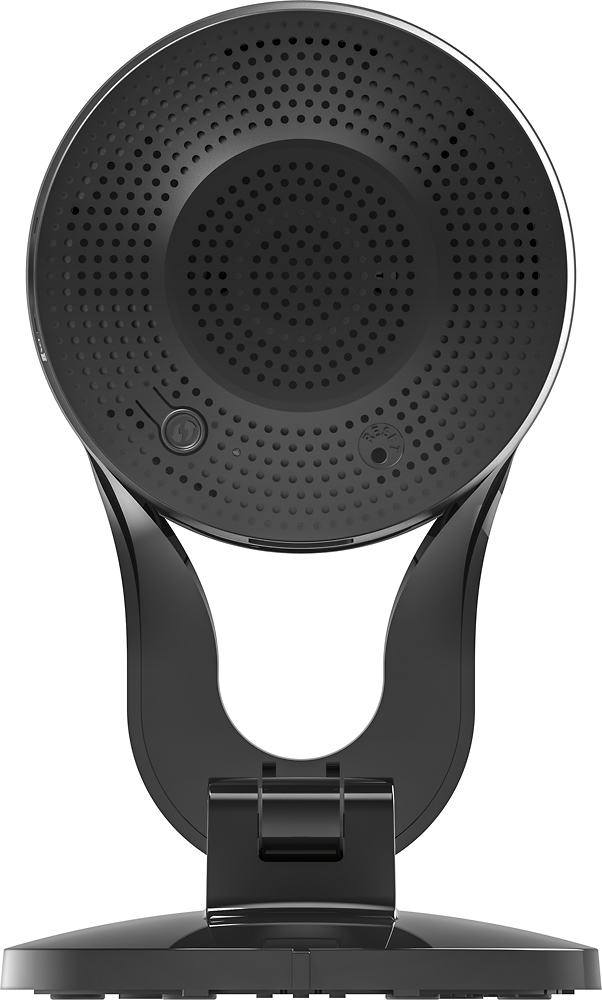
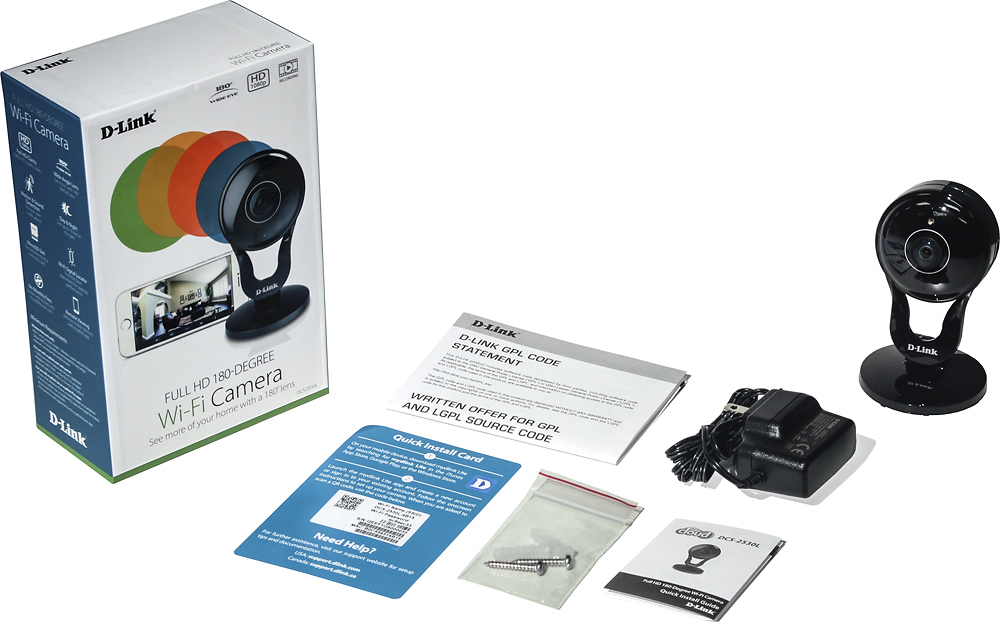
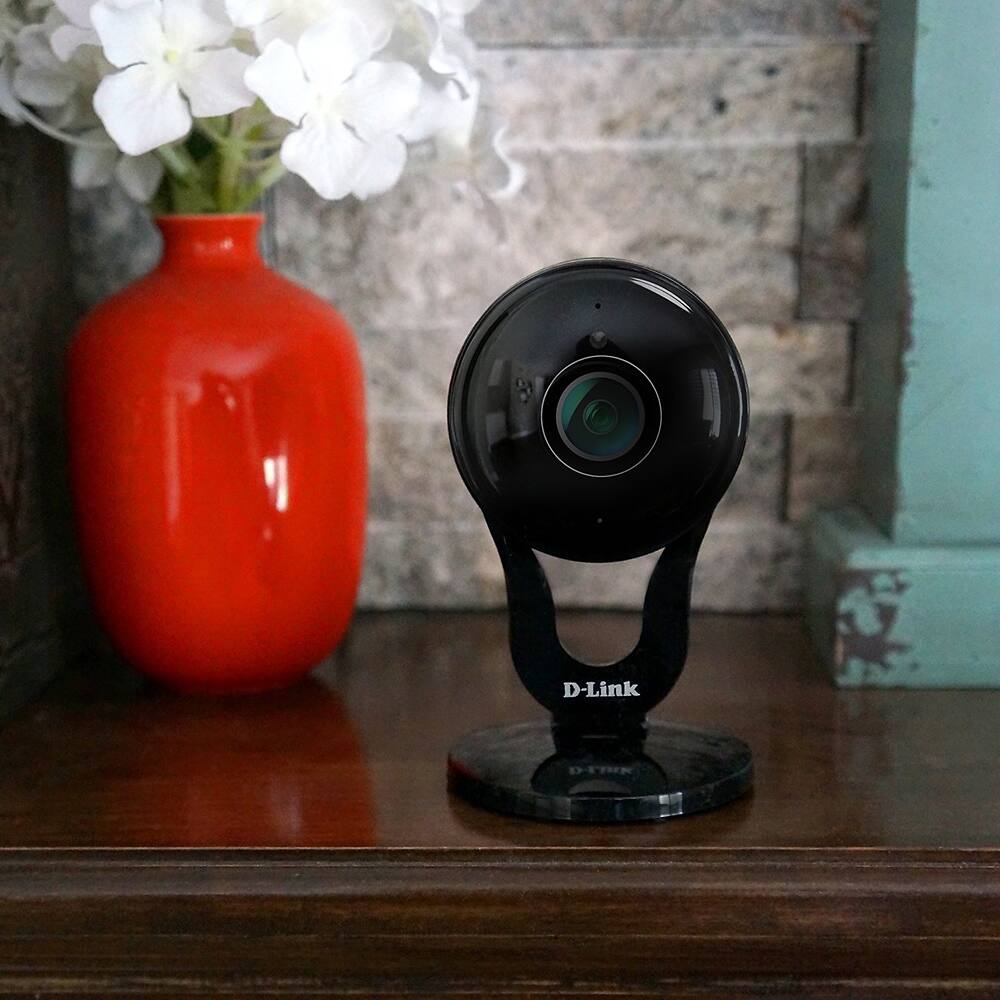

- Model:
- DCS-2530L
- |
- SKU:
- 5581508
Customer reviews
Rating 3.8 out of 5 stars with 132 reviews
(132 customer reviews)to a friend
Customers are saying
Customers frequently mention the excellent camera quality, ease of use, and wide field of view of the Indoor Full HD Wi-Fi Camera. Many appreciate the impressive night vision capabilities and wide-angle viewing. However, some users experienced challenges with the software and maintaining a consistent connection. A few also noted that the power cord could be longer.
This summary was generated by AI based on customer reviews.
Rated 2 out of 5 stars
WiFi camera
||Posted .This reviewer received promo considerations or sweepstakes entry for writing a review.Sorry to say that this product didn't satisfy me at all.
No, I would not recommend this to a friendRated 1 out of 5 stars
Does not work
||Posted .This reviewer received promo considerations or sweepstakes entry for writing a review.Would not connect to my wireless network. Every time I tried to connect to the default SSID the device would reset and my phone would lose connection. Tried this on 2 different phones.
No, I would not recommend this to a friendRated 1 out of 5 stars
Just ok
||Posted .This reviewer received promo considerations or sweepstakes entry for writing a review.Set up was very hard and frustrating, had to call the 800# , customer service was nice but hard to understand, took us a while but finally got it working, think theres alot easier and better camera out there
No, I would not recommend this to a friendRated 1 out of 5 stars
Didn't work
||Posted .This reviewer received promo considerations or sweepstakes entry for writing a review.The directions stated it could be used on a PC but no directions for downloading into Windows and their site did not list my modem for downloads either.
No, I would not recommend this to a friend- Pros mentioned:Camera quality, Night vision
Rated 4 out of 5 stars
Great indoor camera
Posted .This reviewer received promo considerations or sweepstakes entry for writing a review.Bought this camera to keep an eye on my house and pets while gone. As well as monitor my house sitters that stop by. I am actually impressed. All the other bad reviews I read before buying this are inaccurate. HD 1080 clear image (when not zoomed in). The software gave me a bit of trouble detecting camera at first. But quickly solved that issue. My selling point for this setup was the fact that all you need to remote view from any location is signal from your wireless provider. Meaning you do NOT need to be on wifi ON YOUR PHONE to view your camera(s). there is some additional setup for detailed settings within the mydlink site. But 5 mins of YouTube vidoes of others with this and it's a breeze. Night vision also works really well. Highly recommend for indoor setup.
I would recommend this to a friend - Pros mentioned:Camera qualityCons mentioned:Software
Rated 3 out of 5 stars
Camera Great, Software Buggy
Posted .This reviewer received promo considerations or sweepstakes entry for writing a review.This camera provides great quality video/pictures, however the DLink software is very cumbersome and buggy. It works one day, then doesn't the next. As of this writing, DLink says it doesn't work with the latest version of Firefox (v52.0). It constantly asks to reload the DLink plugin, then still won't work. I've had the most luck using Google Chrome to monitor the camera. Judging by the grammar errors in the GUI interface and manual, the software and support forums are done outside the U.S.
I would recommend this to a friend - Pros mentioned:Field of view, Resolution
Rated 1 out of 5 stars
Terrible...
Posted .This reviewer received promo considerations or sweepstakes entry for writing a review.I bought this camera with high hopes but it turned out to be an absolute disaster in the actual performance. The one positive thing I have to say about it is the field of view is crazy wide and the resolution looks great. That however is about it. The only feature I was able to actually setup and use was the live streaming of video from my phone app, everything else did not work. I purchased this with the promise of free cloud DVR, I couldn't even get the remote DVR app to function, must less get it setup, and come to find out it is extremely limited for the free account anyway. It limits you to only 20 events a day which isn't a lot if there is a decent bit of motion happening. The web access to live stream from an internet browser requires you to download a plug in in order for it to work, I downloaded the plug in and it wouldn't load (on a Mac), I eventually was able to get it to load using Chrome but that took some research on the web to even find that link. After that I decided at least could load a microSD card on the camera itself and it would record to that and after messing with that for about an hour it wouldn't recognize the card to record to it. So, I bought an Arlo Q and quickly realized it was well worth the extra $20. Steer clear, they have a long way to go to make this in anyway a solid and user friendly product.
No, I would not recommend this to a friend - Pros mentioned:Camera qualityCons mentioned:Connection
Rated 2 out of 5 stars
It could be great, but lacks consistency
Posted .This reviewer received promo considerations or sweepstakes entry for writing a review.Out of the box it LOOKED really nice. But immediately had trouble setting it up. App was glitchy, wouldn't accept the pass code provided to register the device. Had to reset it and try another phone to setup. After an hour, it finally connected. It only presented itself in black in white. The quality of the 1080 was nice and the 180 degree viewing angle was exceptional. Two minutes after finding placement for the item it froze and I couldn't get it to reconnect. Returning. Gonna try the Nest.
No, I would not recommend this to a friend Rated 1 out of 5 stars
Do not buy
Posted .This reviewer received promo considerations or sweepstakes entry for writing a review.DO NOT BUY THIS MISERABLE SYSTEM THAT HAS POORLY DESIGNED DOCUMENTATION OF BUGGY SOFTWARE I wish I could give a rating lower than one. I wasted approximately five hours attempting to get this lousy system to work properly. Before starting that process I had downloaded an approximately 60+ page manual from the DLink site along with the QuickStart guide. The latter guide basically told me how I could screw the camera onto a wall. I downloaded an android app on my Sampson tablet and managed to get the camera integrated with my Wi-Fi network despite the somewhat unclear documentation. I saw on the tablet what looked like a good image of what the camera was aimed at. I could not find any way in the android app for getting into the settings of the camera and telling it what I wanted to do. That apparently required creating an account with DLink and downloading an add-on for my Windows 10 Internet Explorer version 11 browser. Once that was done I managed to create an account. I then received a pop-up window telling me that the firmware of the camera needed to be updated and followed the directions in the pop-up. I downloaded the firmware and waited while it updated the camera. Once that was done, a pop-up informed me that the camera was no longer online and suggested various ways of bringing it online. I tried all of the ways except the suggestion that I totally reset my router. I did attempt several times to reset the camera by following the instructions of pressing into a hole on its back a paperclip that had been unbent. The resets did not work. I then tried deleting the camera from my account and attempted to add it again. The process of adding the camera back to the account required that I first get the camera reconnected with the network. The process of reconnection apparently can only be done with the android app or presumably with an iOS app. I tried and tried with the android app to get the camera reconnected to the network. It would not reconnect. The camera just stubbornly showed a solid red light even after being reset with a paperclip. IN OTHER WORDS, FLASHING THE CAMERA WITH THE FIRMWARE BRICKED AND I DO MEAN BRICKED THE CAMERA. At one point in working with the account through my browser and the add-on I had to download for the browser, a pop-up window suggested that I download a Windows-based setup program. I did that and ran it, but nothing seemed to happen. Throughout the entire multi-hour process I found myself confused and confounded by poor documentation of the software. The documentation did not tell me which processes needed to be done through my Windows-based browser and which needed to be done through my android app on my tablet. I never before have seen the system that required the use of several different programs for installation. I took everything back to Best Buy, and the nice people there gave me a refund. I suggested that they remove the product as a sales item and explained my frustration with it. After I returned home and sat down to write this review, I found that there were several windows open on my computer that had the heading of DLink. I was unable to access any of the windows. They could be seen if I used the alt tab function but it was impossible to go to any of them. I could alt tab to one of them and could see that there was a screen asking if I wanted to quit the application (I have no idea what particular application the screen was talking about), but I could not get to the window to click on the button that would close. I finally had to open up the task manager and killed the processes through that. I had briefly thought about exchanging the unit for another one but then realized that that might become bricked via the firmware upgrade and that given the poor documentation of the software and the poor quality of the software itself, I cannot trust that the camera would be reliable and do what I wanted. I am 75 years old and began intensively using computers in the days of CPM. I have several Windows 10-based computers and manage to operate them quite satisfactorily and run a considerable variety of different programs. Never have I seen such confusing documentation. The documentation apparently was written by a software engineer and not adequately reviewed as regards readability for the average person. For example, when I went online at DLink to read more about firmware updates (after concluding that the unit had been bricked) I found a page that referred to the “UI” I presume that that referred to User Interface but wondered which interface, the one for the android app, the one for the account, the one for a Windows-based setup program that I downloaded and ran, etc.
No, I would not recommend this to a friendRated 1 out of 5 stars
Useless for many OSes
Posted .This reviewer received promo considerations or sweepstakes entry for writing a review.Looks good in the store -- download an app to your mobile device, WPS to the WiFi, and Bob's your uncle... Except for the details. "MyDLink Lite" is not available for Android, apparently. My Samsung Galaxy Note got the message "The app will not work on your device." So I tried my Surface Pro running Win 8.1 but "This app will not work on your device." I didn't try my Win 10 laptop, because "This app will not work with Windows 10." But my older laptop running WindowsXP got the message, "This app will not work with your device." SERIOUSLY??? IF THE DEVICE IS ONLY FOR APPLE, THEN SAY SO ON THE BOX AND ONLY SELL IT IN THE APPLE STORES!!! ???? Would I recommend? Not merely no, but H3!! NO!!!
No, I would not recommend this to a friendRated 1 out of 5 stars
Works whenever it wants
Posted .This reviewer received promo considerations or sweepstakes entry for writing a review.Got this camera to replace the nest aware since with the NEST there's a monthly fee after the free trial, overall this was a terrible replacement this camera works whenever it wants and even the app for your device is terrible, instead of recording only when something is going by, it's actually recording all the time non stopping
No, I would not recommend this to a friendRated 1 out of 5 stars
Not user friendly
Posted .This reviewer received promo considerations or sweepstakes entry for writing a review.This camera was very hard to install. It is still in the box.
No, I would not recommend this to a friend