Customer Ratings & Reviews





- Model:
- C3181-C871BLK-PUS
- SKU:
- 6293618
Rating by feature
- Battery Life
Rating 4.2 out of 5 stars
- Speed
Rating 4.2 out of 5 stars
- Display
Rating 4.0 out of 5 stars
Customers are saying
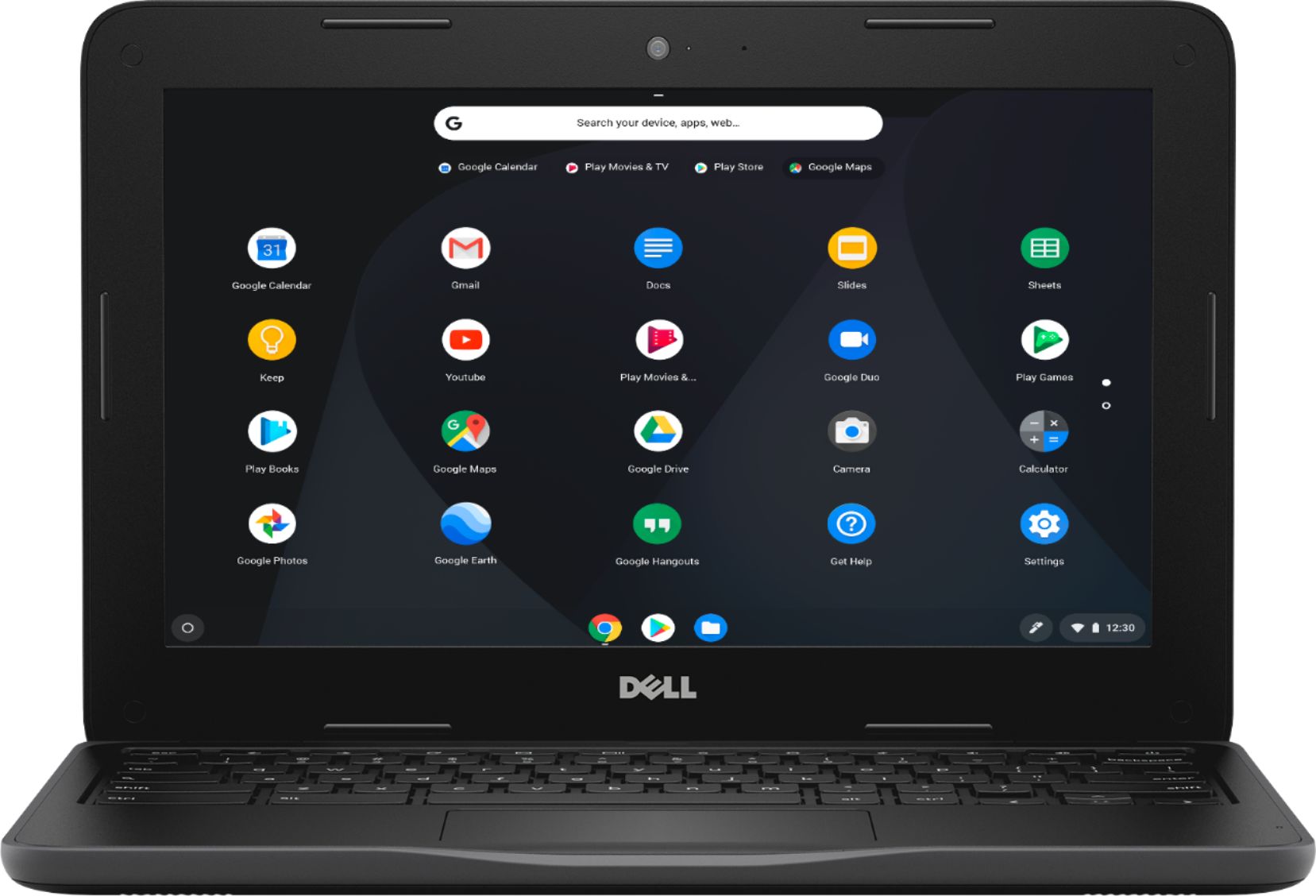
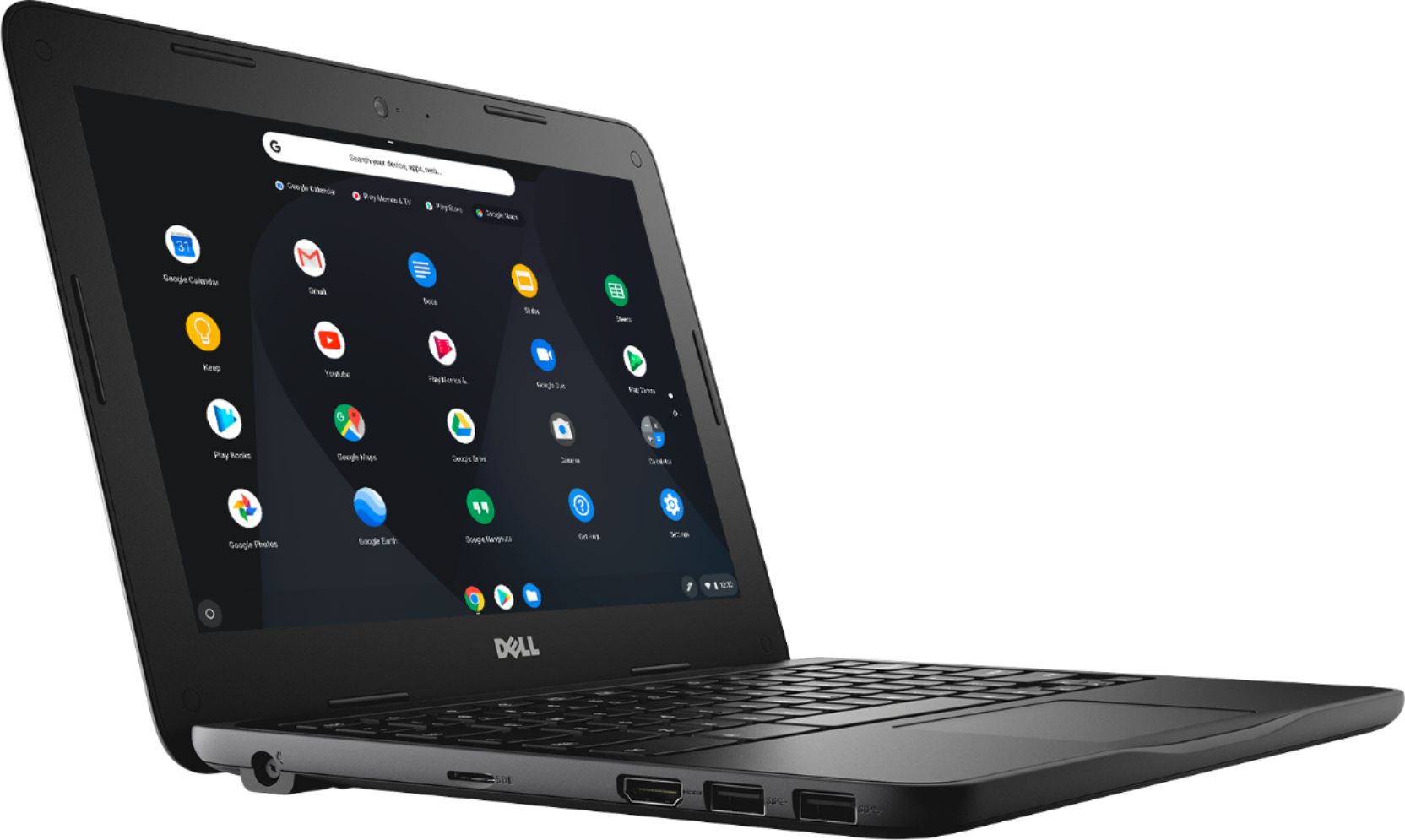
Customers consistently note the ease of use, attractive price, and compact size of the 11.6" Chromebook. Positive feedback also highlights its performance and lightweight design, along with decent battery life. Some users mentioned limitations in storage capacity and RAM, suggesting potential upgrades could enhance the user experience. However, many found the device perfectly adequate for their needs, especially web browsing and basic computing tasks.
This summary was generated by AI based on customer reviews.
Wow
||Posted .This reviewer received promo considerations or sweepstakes entry for writing a review.My daughter loves her laptop she stay on it all day
I would recommend this to a friendNice chromes
||Posted .This reviewer received promo considerations or sweepstakes entry for writing a review.Awesome deal for my girls to do their schoolwork...
I would recommend this to a friendDont know yet
||Posted .This reviewer received promo considerations or sweepstakes entry for writing a review.Gotta do a review today. But I cant till Christmas.
I would recommend this to a friendI love my new laptop
||Posted .This reviewer received promo considerations or sweepstakes entry for writing a review.I really enjoy using my new computer that I bought.
I would recommend this to a friendLove it
||Posted .This reviewer received promo considerations or sweepstakes entry for writing a review.I just bought this an it’s been working jus fine .
I would recommend this to a friendPerfect
||Posted .This reviewer received promo considerations or sweepstakes entry for writing a review.Perfect for myou 9 year old daughters school work.
I would recommend this to a friendExcellent Dell
||Posted .This reviewer received promo considerations or sweepstakes entry for writing a review.It's a very good laptop don't be scared to buy it.
I would recommend this to a friendChromb book
||Posted . Owned for 8 months when reviewed.This reviewer received promo considerations or sweepstakes entry for writing a review.After a little time the power ended up going bad. Then using the cord to keep alive, that went bad. Got tired of it. Never used geek squad. We just bought another brand.
No, I would not recommend this to a friendnew computer
||Posted . Owned for 3 weeks when reviewed.This reviewer received promo considerations or sweepstakes entry for writing a review.Be careful. My last computer was windows 10-----this computer is google chrome----a different system- Difficult to figure out as I am no computer expert. Best Buy Geek Squad is great at helping customers.
I would recommend this to a friendBrand response from YourDellTeam
Posted .dennis,
Thanks for your feedback. If you have specific questions about how to operate your Chromebook you can visit our Product Support Page here: https://dell.to/2EDR4xS
Best,
Bryan
1-800-624-9896
chrome book. nothing more
||Posted . Owned for 1.5 years when reviewed.This reviewer received promo considerations or sweepstakes entry for writing a review.I bought this for my daughter because she said she wanted one, only to find out that you cannot use it as a laptop. I returned a few days later only because of that.
No, I would not recommend this to a friendCormbook
||Posted . Owned for 1.5 years when reviewed.This reviewer received promo considerations or sweepstakes entry for writing a review.Just basic laptop good for light internet use. Its kind of slow but does get job done will not by again no backlight screen quality is just okay.
No, I would not recommend this to a friendFaulty???
||Posted .This reviewer received promo considerations or sweepstakes entry for writing a review.Not sure if I got a dud computer but I ordered this for my girls to do their school work and to be able to access online. After a few uses the screen will pixelate and completely freeze...this has happened multiple times. I actually had this packed up to return but now need a computer myself so trying to get this to work. It’s worked fine for a few days but while charging it shut off and refuses to turn back on. Pretty disappointed with this computer. Hoping that Dell is good with their warranty....
No, I would not recommend this to a friendBrand response from YourDellTeam
Posted .Hi Laurie,
We're sorry to hear that your computer is not working the way that you hoped it would. We'd recommend the following tips to get the computer started up:
1. If the computer is displaying the Dell logo and does not move past that point, it has probably failed POST.
2. If the power indicator lights up and it is amber or orange, this is usually an indicator that it has failed POST.
3. If you see text on a black screen, the computer is currently performing the POST. If the computer stays in that condition and does not move past it, it has probably failed POST.
4. If the video screen displayed anything at all during the startup process but is now black, this probably indicates that the computer failed POST.
5. If the computer is beeping or if Caps/Num/Scroll Locks are flashing, note if there is a particular pattern in which it beeps or flashes.
6. If the computer is not beeping and caps/num/scroll locks are not flashing, unplug all connections and remove all media communication devices (e.g. external monitors); reconnect one at a time and check if the computer functions.
7. For a notebook, press and hold the Fn key and then press the power button. This starts the pre-boot testing and will launch ePSA. In case you have a Desktop at the Dell logo screen tap the F12 key to enter One Time Boot Menu and use the arrow keys to highlight Diagnostics and press enter.
You can read the full article here - http://dell.to/2uj1Sby.
If you'd like to read more about Dell's One Year Limited Warranty you can find out more here: http://dell.to/2tNsVOs.
Best,
Bryan
1-800-624-9896
Good but too heavy
||Posted .This reviewer received promo considerations or sweepstakes entry for writing a review.Returned because it was too heavy. It is agood product but I did not realize it was as heavy as it was. I exchanged it for a notebook that is fine and fits my needs better.
I would recommend this to a friendgood just for searching the web
||Posted .This reviewer received promo considerations or sweepstakes entry for writing a review.Good for web search. But does not have window. So you cannot print out anything unless you buy a certain type of printer
No, I would not recommend this to a friendBrand response from YourDellTeam
Posted .Hello zoomer,
We're glad that you're learning how to use your Chromebook. If you have any questions you can check out our Product Support Page here: https://dell.to/2EDR4xS.
Best,
Bryan
1-800-624-9896
My last one was better
||Posted .This reviewer received promo considerations or sweepstakes entry for writing a review.The touch pad isn't as sensitive as I'd like it and sometimes it takes 5 seconds for it to connect to wifi once I open it. My last one was instantaneous.
No, I would not recommend this to a friendBrand response from YourDellTeam
Posted .MNShutterbug,
Thanks for your review. We're sorry to hear that your Chromebook is not performing as well as you'd like it to. We'd recommend checking for updates to your Chromebook by following these steps:
1. Turn on your Chromebook.
2. Connect your Chromebook to Wi-Fi.
3. At the bottom right, select the time.
4. Select Settings.
5. Select Menu and then About Chrome OS.
6. Under "Google Chrome OS," you'll see which version of the Chrome operating system your Chromebook is using.
7. Select Check for Updates.
8. If your Chromebook finds a software update, it will start to download automatically.
You can read the full article here: http://bit.ly/2E4lNRd.
Best,
Bryan
1-800-624-9896
- Pros mentioned:Price
Uhh
||Posted .This reviewer received promo considerations or sweepstakes entry for writing a review.It’s great for the price. I needed a laptop that carried iTunes and this is not it. But it’s still nice though.
I would recommend this to a friendBrand response from YourDellTeam
Posted .Tee7,
Thanks for your feedback on your new Chromebook. While you may not be able to download Itunes from this Chromebook we'd encourage you to look for Apple Music in the Google Play store on your Chromebook and see if this meets your needs.
Best,
Bryan
1-800-624-9896
impossible for a beginner
||Posted .This reviewer received promo considerations or sweepstakes entry for writing a review.There were no instructions for even the most basic use of the computer. I couldn't even find out how to turn it on. There should be instructions available.
No, I would not recommend this to a friendBrand response from YourDellTeam
Posted .Julie,
Thanks for your review. We're sorry that you did not find the instructions that you were looking for with your computer. We'd recommend checking out the instruction manual available on our Product Support Page: https://dell.to/2zA22P3.
Best,
Bryan
1-800-624-9896
It is ok
||Posted . Owned for 1.5 years when reviewed.This reviewer received promo considerations or sweepstakes entry for writing a review.Bought this for my son that wanted a laptop. It only works if you have an internet connection, can't do anything without one.
No, I would not recommend this to a friendBrand response from YourDellTeam
Posted .ginnab,
We're glad to hear that this Chromebook is meeting your son's needs. If you have any questions about the Chromebook you can check our Product Support Page here: https://dell.to/2EDR4xS.
Best,
Bryan
1-800-624-9896
Not Intuitive
||Posted . Owned for 1 month when reviewed.This reviewer received promo considerations or sweepstakes entry for writing a review.We found the Chromebook style to be difficult to use if you are windows oriented. I returned the computer since we found it hard to use.
No, I would not recommend this to a friendDon't buy
||Posted . Owned for 9 months when reviewed.This reviewer received promo considerations or sweepstakes entry for writing a review.This Chrome book worked fine for about 2 months and then just quit for me. I bought it open boxed and no warranty shame on me.
No, I would not recommend this to a friend