Customer Ratings & Reviews





- Model:
- C3181-C871BLK-PUS
- SKU:
- 6293618
Rating by feature
- Battery Life
Rating 4.2 out of 5 stars
- Speed
Rating 4.2 out of 5 stars
- Display
Rating 4.0 out of 5 stars
Customers are saying
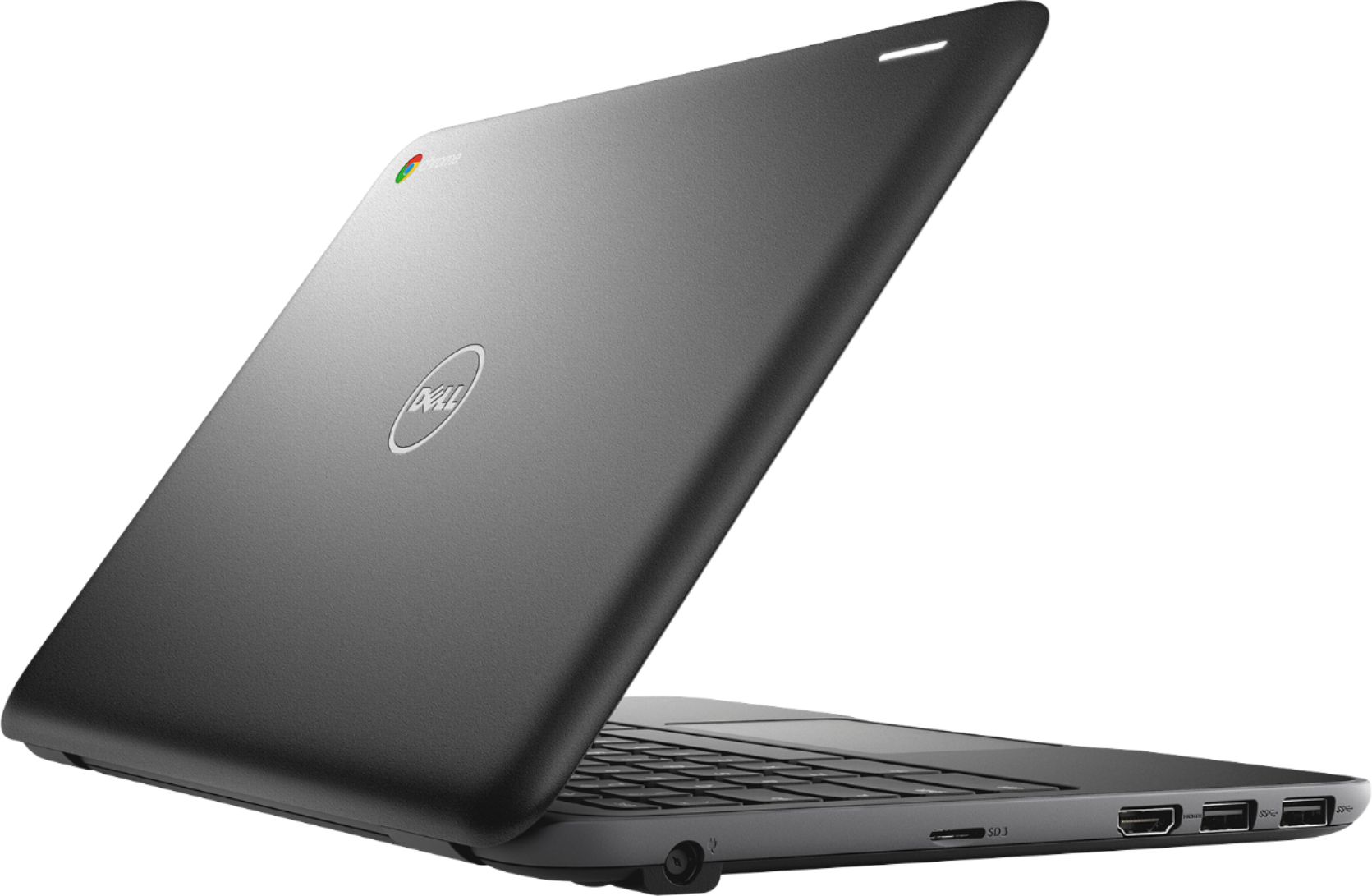
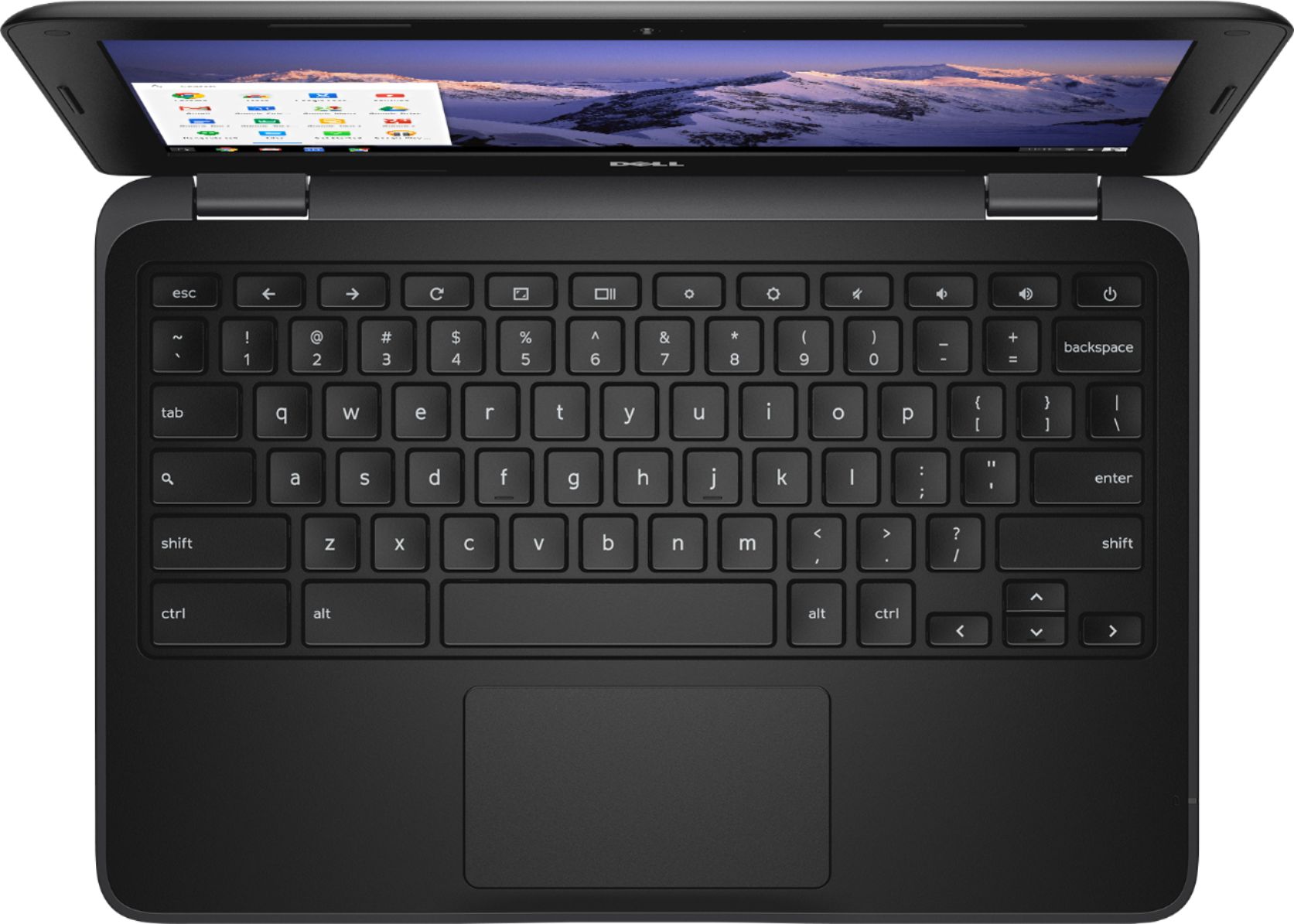
Customers consistently note the ease of use, attractive price, and compact size of the 11.6" Chromebook. Positive feedback also highlights its performance and lightweight design, along with decent battery life. Some users mentioned limitations in storage capacity and RAM, suggesting potential upgrades could enhance the user experience. However, many found the device perfectly adequate for their needs, especially web browsing and basic computing tasks.
This summary was generated by AI based on customer reviews.
Already Dead
||Posted . Owned for 8 months when reviewed.This reviewer received promo considerations or sweepstakes entry for writing a review.This computer only lasted a few weeks and it died completely. I didn't bother to get a refund because I was already past the date to be eligible.
No, I would not recommend this to a friendDisappointed
||Posted . Owned for 5 months when reviewed.This reviewer received promo considerations or sweepstakes entry for writing a review.Not sure if it was the school canvas but could not drop down items. Could not see items if it required more space than the screen.
No, I would not recommend this to a friendBrand response from YourDellTeam
Posted .Ishtayopi36,
We appreciate your feedback. We're sorry that your computer is not completely meeting your needs, If you'd like to look up some answers to questions you can check out our Product Support Page here: https://dell.to/2EDR4xS.
Best,
Bryan
1-800-624-9896
Could not keep it going
||Posted .This reviewer received promo considerations or sweepstakes entry for writing a review.This notebook would power off and would not power back up. Happened several times and I took it back to Best Buy and they Recommended a Sam song that is been running fine
No, I would not recommend this to a friendBrand response from YourDellTeam
Posted .Breenx2,
We appreciate your feedback and we're sorry to hear that your new Dell did not work out for you. In the future if you have a question about a Dell product you can always reach out to our Technical Support Team here: http://dell.to/2sH7Qlm.
Best,
Bryan
1-800-624-9896
Avoid, Avoid, Avoid.
||Posted . Owned for 1 year when reviewed.This reviewer received promo considerations or sweepstakes entry for writing a review.I wanted to like this, but it was garbage. It lasted for just under a year before it completely stopped working.
No, I would not recommend this to a friendAvoid - Super laggy and poor horsepower
||Posted . Owned for 1.5 years when reviewed.This reviewer received promo considerations or sweepstakes entry for writing a review.Very weak performance. Within a month or two it was already showing signs of fatigue compared to other Chromebooks or Windows PCs.
No, I would not recommend this to a friend- Pros mentioned:Performance, Speed
Great portable Chromebook
Posted .This reviewer received promo considerations or sweepstakes entry for writing a review.This is my first Chromebook which I bought to use as a replacement for my laptop before I buy a new one. I am loving how light and portable this Chromebook is. It feels very sturdy and durable while delivering great speed. I love using it to search the web, listen to music, and watch videos.
I would recommend this to a friend - Pros mentioned:SpeedCons mentioned:Storage
I bought this to use when travelling
Posted .This reviewer received promo considerations or sweepstakes entry for writing a review.I researched chromebooks for several weeks before making a purchase. There were good reviews and not so good reviews. Well I love this little laptop and I am not disappointed. The sales person tried to talk me out of it saying it was too slow, not enough storage etc. Well this laptop is just as fast as my other laptop, does everything I need it to do and I am very pleased with it. Good battery life, comfortable keyboard layout for me, and screens pop up the minute I hit enter. This is worth every penny I paid for it.
I would recommend this to a friend hate it
||Posted . Owned for 1 month when reviewed.This reviewer received promo considerations or sweepstakes entry for writing a review.sorry i ever bought it .. it drives me crazy should have given it back got sick so could not get over to best buy, it has a mind of its own
No, I would not recommend this to a friendBrand response from YourDellTeam
Posted .dottie,
We appreciate your feedback. We're sorry to hear that your computer is not working the way that you wanted it to. If you have questions, you can check our Product Support Page here: https://dell.to/2EDR4xS.
You can also reach out to Dell's Technical Support Team here: http://dell.to/2sH7Qlm.
Best,
Bryan
1-800-624-9896
It’s super slow and does not perform well
||Posted .This reviewer received promo considerations or sweepstakes entry for writing a review.I would not recommend this computer it is slow and does not perform well I would not buy this computer unless you want to throw your money down the drain
No, I would not recommend this to a friendBrand response from YourDellTeam
Posted .Skinner69,
We're sorry to hear that your computer is not running as fast as you'd like it to. We'd recommend the following checking for updates to see if they will help your Chromebook run faster:
1. Turn on your Chromebook.
2. Connect your Chromebook to Wi-Fi.
3. At the bottom right, select the time.
4. Select Settings.
5. Select Menu and then About Chrome OS.
6. Under "Google Chrome OS," you'll see which version of the Chrome operating system your Chromebook is using.
7. Select Check for Updates.
8. If your Chromebook finds a software update, it will start to download automatically.
You can read the full article here: http://bit.ly/2E4lNRd.
Best,
Bryan
1-800-624-9896
chromebook
||Posted . Owned for 4 months when reviewed.This reviewer received promo considerations or sweepstakes entry for writing a review.I have not been able to access on line at all with this chrome book! Super frustrating!
No, I would not recommend this to a friendBrand response from YourDellTeam
Posted .Angie,
Thanks for your review. We'd recommend checking out this Chromebook Troubleshooting Guide to see if it helps you with the connection issues that you're experiencing: https://dell.to/2viiPIs.
Best,
Bryan
1-800-624-9896
One star because I can do none
||Posted .This reviewer received promo considerations or sweepstakes entry for writing a review.This computer makes me feel old and I am 28. I will stick to other brands chrome book esp without the right mouse click is awful.
No, I would not recommend this to a friendBrand response from YourDellTeam
Posted .Hi Lacey,
Thanks for your review. We're sorry that your Chromebook is not performing the way that you hoped it would. We'd recommend that you check out our Product Support Page if there are specific technical questions that you have: https://dell.to/2EDR4xS.
Best,
Bryan
1-800-624-9896
Cannot use on United airlines app
||Posted .This reviewer received promo considerations or sweepstakes entry for writing a review.United airline app. will not let chrome users watch entertainment on flights. Computer works O.K. for entry type comuter.
No, I would not recommend this to a friendBrand response from YourDellTeam
Posted .Rjjohn,
We're sorry that you had trouble using your new Chromebook while flying recently. If you have questions about the performance of your Chromebook, we'd suggest visiting our Product Support Page here: https://dell.to/2EDR4xS.
Best,
Bryan
1-800-624-9896
I wish I could give 0 stars
||Posted .This reviewer received promo considerations or sweepstakes entry for writing a review.sold me a refurbished laptop and said “nothing’s wrong.” The screen goes black randomly and refuses to shut off.
No, I would not recommend this to a friendBrand response from YourDellTeam
Posted .Hi JustSomeone,
Thanks for your review. We're sorry to hear about the trouble that your Chromebook has been giving you. If you'd like to check if there are system updates available for your computer we'd recommend the following steps:
1. Turn on your Chromebook.
2. Connect your Chromebook to Wi-Fi.
3. At the bottom right, select the time.
4. Select Settings.
5. Select Menu and then About Chrome OS.
6. Under "Google Chrome OS," you'll see which version of the Chrome operating system your Chromebook is using.
7. Select Check for Updates.
8. If your Chromebook finds a software update, it will start to download automatically.
You can read the full article here: http://bit.ly/2E4lNRd.
Best,
Bryan
1-800-624-9896
One Chromebook did not work
||Posted .This reviewer received promo considerations or sweepstakes entry for writing a review.I bought 2 Chromebook as Christmas presents and one was defective. We had to return it after Christmas.
No, I would not recommend this to a friendBrand response from YourDellTeam
Posted .ChristmasBuyer,
We're sorry to hear that one of your Chromebooks did not work properly. If you have questions about the Chromebook that you still have you can check our Product Support Page here: https://dell.to/2EDR4xS.
Best,
Bryan
1-800-624-9896
Ruined screen
||Posted .This reviewer received promo considerations or sweepstakes entry for writing a review.After only two weeks of use, the screen is covered in black splotches and is unusable. Piece of junk.
No, I would not recommend this to a friendBrand response from YourDellTeam
Posted .Fakahela,
We're sorry to hear that your screen is not usable. Dell does offer a One Year Limited Warranty on our products: http://dell.to/2tNsVOs. Please contact our Technical Support Team if you feel like your product qualifies: http://dell.to/2sH7Qlm.
Best,
Bryan
1-800-624-9896
One computer didn’t work
||Posted .This reviewer received promo considerations or sweepstakes entry for writing a review.I bought two computers for my grandsons and one of them didn’t work. It was heart breaking for him!
No, I would not recommend this to a friendBrand response from YourDellTeam
Posted .Gunny,
Thanks for your review. We're sorry that one of the computers that you purchased did not work properly. We'd encourage you to follow up directly with Best Buy to see what your options are: http://bit.ly/2v2IVhI.
Best,
Bryan
1-800-624-9896
Disappointed
||Posted . Owned for 1 year when reviewed.This reviewer received promo considerations or sweepstakes entry for writing a review.This Chromebook didn't even last for 3 months. Soooooo disappointed
No, I would not recommend this to a friendSuch a piece
||Posted .This reviewer received promo considerations or sweepstakes entry for writing a review.Crashes all the time for no reason. It says chrome OS is missing. I'm half tempted to throw it
No, I would not recommend this to a friendBrand response from YourDellTeam
Posted .Csny,
We're sorry to hear about the trouble that you've been having with your Chromebook. Here are some steps to check for an update to the Chrome Operating System:
1. Turn on your Chromebook.
2. Connect your Chromebook to Wi-Fi.
3. At the bottom right, select the time.
4. Select Settings.
5. Select Menu and then About Chrome OS.
6. Under "Google Chrome OS," you'll see which version of the Chrome operating system your Chromebook is using.
7. Select Check for Updates.
8. If your Chromebook finds a software update, it will start to download automatically.
You can read the full article here: http://bit.ly/2E4lNRd.
We hope that by updating your Operating System that your computer will work better for you.
Best,
Bryan
1-800-624-9896
Keyboard delicate
||Posted .This reviewer received promo considerations or sweepstakes entry for writing a review.I barely had it for a month and the keyboard went crazy! I got lucky and was able to exchange.
No, I would not recommend this to a friendBrand response from YourDellTeam
Posted .Hello Chicago,
Thanks for your review. We're sorry to hear about the keyboard problems that you had with your original purchase. If you ever want to check to make sure that your software and drivers are up to date you can check our Product Support Page here: https://dell.to/2PjgHUN.
Best,
Bryan
1-800-624-9896
Just ok
||Posted . Owned for 3 months when reviewed.This reviewer received promo considerations or sweepstakes entry for writing a review.If possible get a better laptop this is just for the grands school work works sometimes
No, I would not recommend this to a friendBrand response from YourDellTeam
Posted .Sugga7,
We're sorry that your computer's performance is not meeting all of your needs. We'd recommend running the Windows Performance Troubleshooter if you'd like to see if your computer can perform faster for you:
1. Close all open windows.
2. Press the Windows logo key + X key on the keyboard.
3. Click Control Panel.
4. Click System and Security.
5. Under Security and Maintenance, select Troubleshoot common problems.
6. Under System and Security, click Run maintenance tasks.
7. Follow the on-screen instructions and prompts to complete the process.
8. Restart the PC.
You can read the full article here - http://dell.to/2tSulGV.
Best,
Bryan
1-800-624-9896