Customer Ratings & Reviews
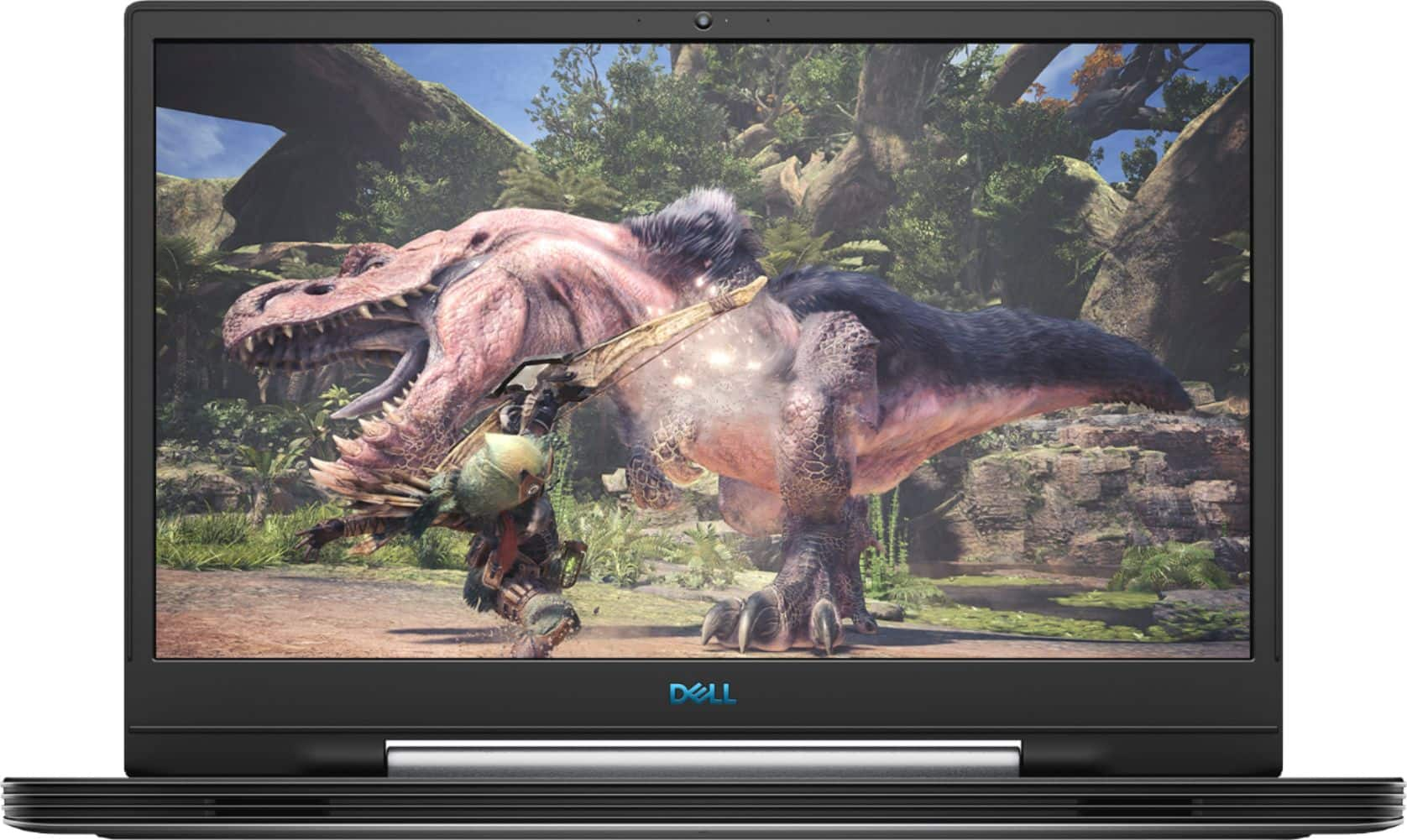
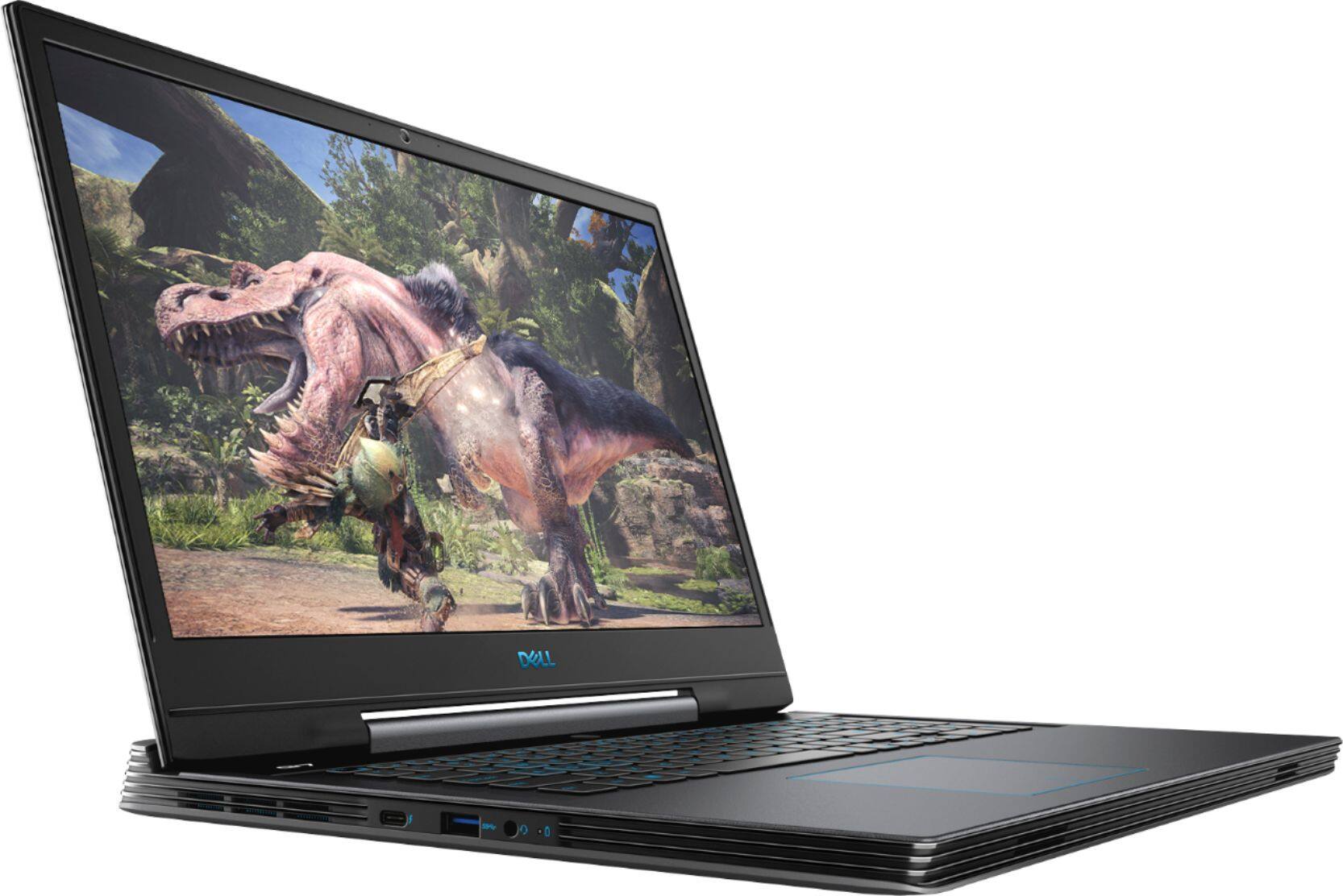
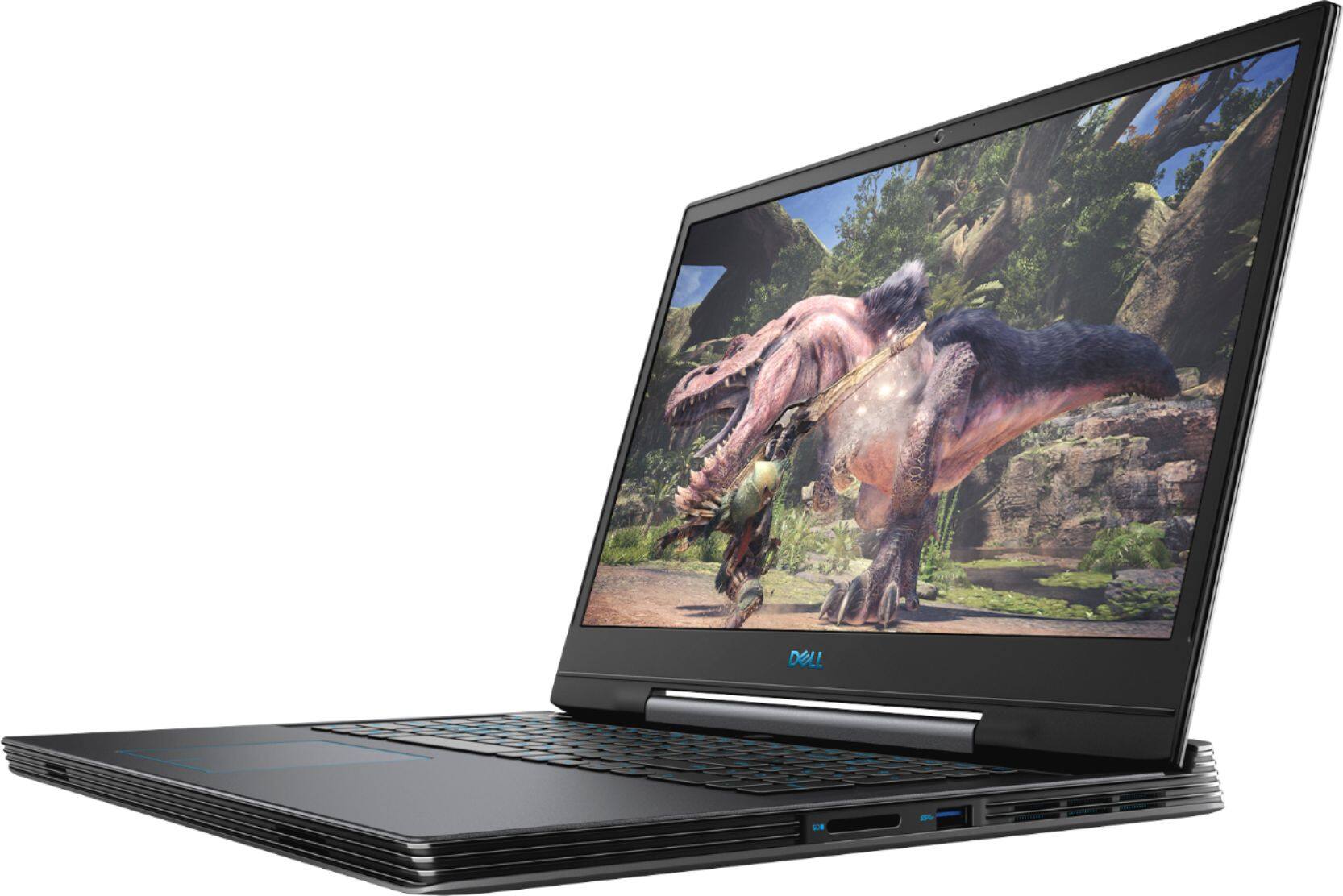
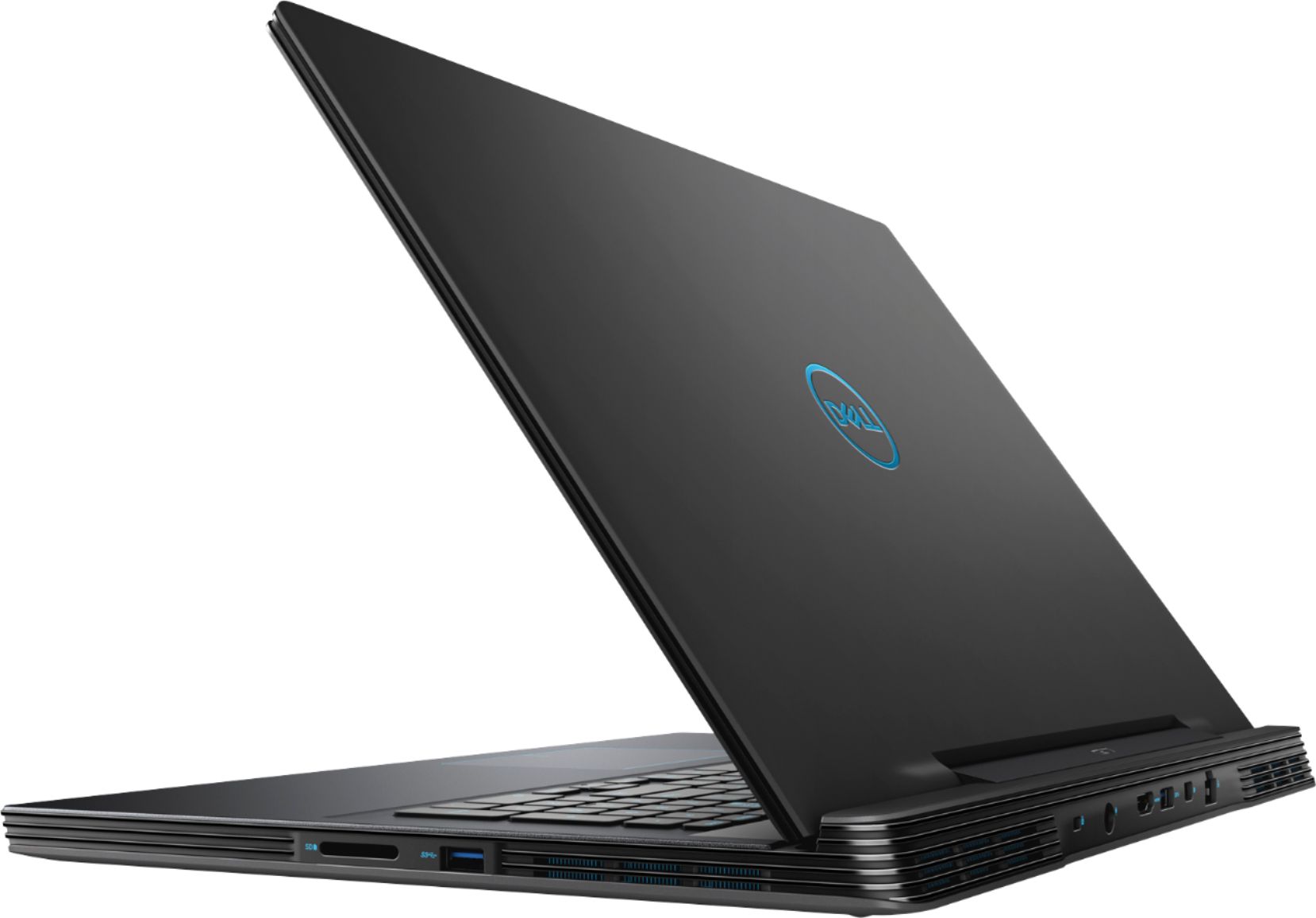
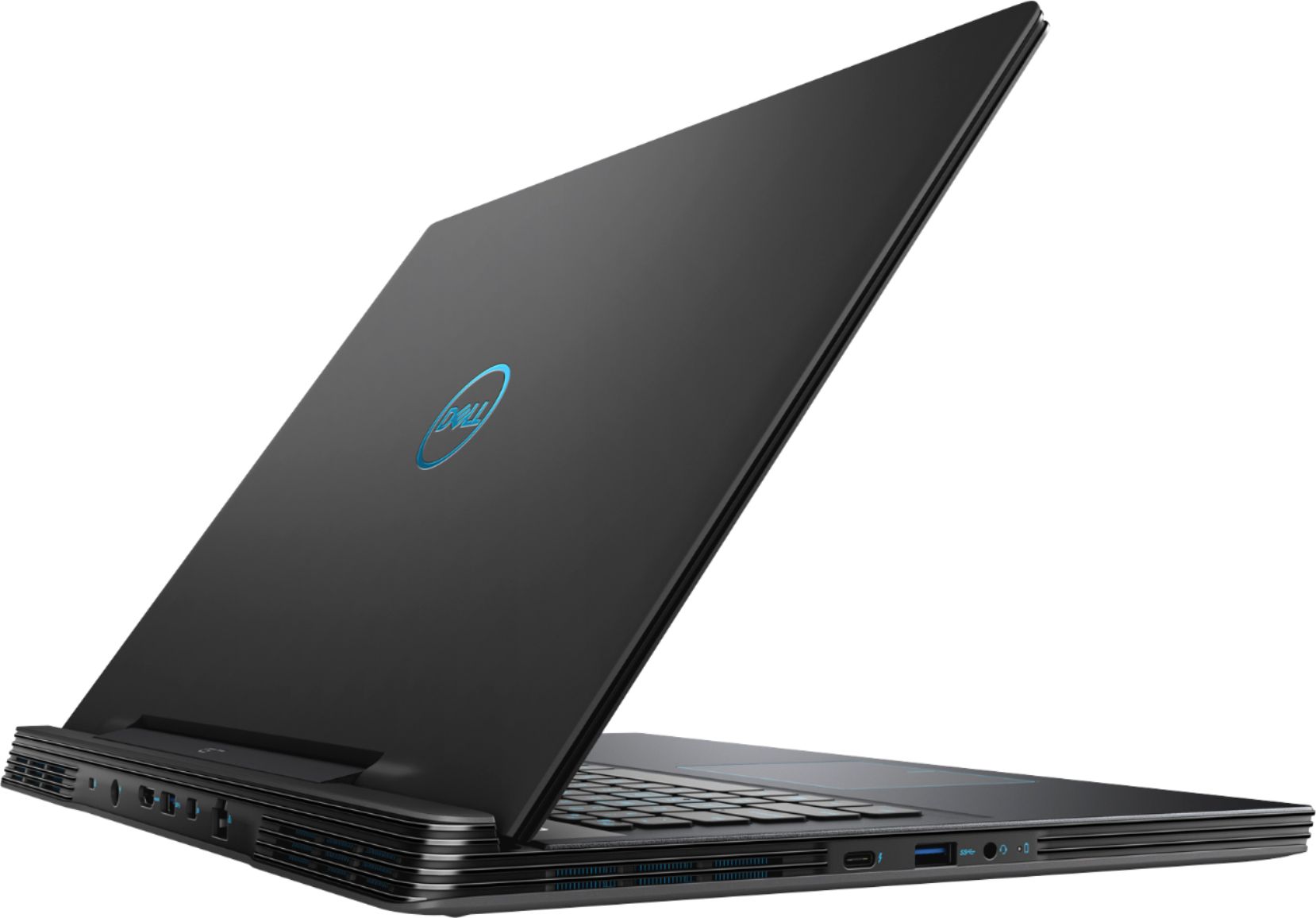
- Model:
- G7790-7152GRY-PUS
- SKU:
- 6350871
Rating by feature
- Battery Life
Rating 4.3 out of 5 stars
- Speed
Rating 4.7 out of 5 stars
- Display
Rating 4.8 out of 5 stars
Customers are saying
Customers enjoy the gaming experience, large screen, and overall performance of this laptop. They appreciate the price point and find it to be a great value. However, some customers have concerns about the loud fan noise, overheating issues, short battery life, and heavy weight of the laptop.
This summary was generated by AI based on customer reviews.
I love the speed and memory space perfect for the
||Posted . Owned for 3 weeks when reviewed.This reviewer received promo considerations or sweepstakes entry for writing a review.Love love love completely in love with this computer
I would recommend this to a friendQ
||Posted . Owned for 1 month when reviewed.This reviewer received promo considerations or sweepstakes entry for writing a review.Laptop runs great. Definitely worth it. Awesome!!!
I would recommend this to a friendDisappointing.
||Posted . Owned for 1.5 years when reviewed.This reviewer received promo considerations or sweepstakes entry for writing a review.I loved this computer but I could just never get it to be quite right. Either I got a lemon, or they're all lemons. It always told me that it had something wrong with the fan. I sent it back to Dell and they told me they fixed stuff. But it still does it. I tried to take it back to Best buy to have them work on it again but they wouldn't do it for free. I'm having to try to sell the computer now. I had to buy a new computer and it didn't come from Best Buy.
No, I would not recommend this to a friend- Cons mentioned:Overheating
Had to return, replaced with a non-gaming version
||Posted . Owned for 2 weeks when reviewed.This reviewer received promo considerations or sweepstakes entry for writing a review.The only reason the unit gets such a poor rating is that its undercarriage/fan areas got too hot to handle...136 dF! Dell Support was unable to fix the issue with a simple BIOS update and suggested I send it to them for repairs. Decided I didn't need the gaming capability, so I returned it and replaced it with a similar unit that has touch-screen capability...an Inspiron 7791 2n1. So far, so good!
No, I would not recommend this to a friendBrand response from YourDellTeam
Posted .geoman,
We're sorry to hear about the overheating issues that you had with your gaming laptop. Here are some tips to help with overheating in the future:
1. Update your computer BIOS to the latest version available
• Browse to the Dell Drivers & Downloads page:
• Ensure you have selected the correct Operating System
• Under Category, choose BIOS
• Locate the latest System BIOS
• Click Download and save the file to your PC
• Open File Explorer and browse to the location where you saved the downloaded file
• Double-click the BIOS setup file and follow the on-screen instructions to complete the installation process
2. Open Alienware Command Center
3. Click Thermal at the Active Default Theme and set it to Performance
4. Restart the computer
5. Once the computer boots into Windows open SupportAssist
6. Go to the Troubleshooting tab and click on I want to check a specific piece of hardware
7. Click CPU under CPU Devices
8. Select CPU Stress Test and click Run Test
9. Open the Alienware Command Center and go to the Fusion tab
• The CPU peak temperature should be less than or equal to (≤) 100 ℃
• When under high stress, the computer's average temperature can be expected to be less than (≤) 100 ℃.
If you have any questions about your new Inspiron 7791 you can check our Product Support Page here: https://dell.to/2DgLo9u.
Best,
Bryan
1-800-624-9896
I returned it....
||Posted . Owned for 3 weeks when reviewed.This reviewer received promo considerations or sweepstakes entry for writing a review.I bought this to play Ark Evolved. It took a full day to install and ran choppy. It felt like something was just "off" about the rig, so I returned it.
No, I would not recommend this to a friend- Cons mentioned:Overheating
Don' buy for gaming
||Posted . Owned for 4 months when reviewed.This reviewer received promo considerations or sweepstakes entry for writing a review.This laptop is basically a hotplate. Constantly hot and always throttling. Can't even run Warzone at 60fps
No, I would not recommend this to a friend - Cons mentioned:Loud fan
Is ok laptop
||Posted .This reviewer received promo considerations or sweepstakes entry for writing a review.Not worth price. Fan noise even if your not playing games. It gets hot fast. Keyboard is fine. Speakers cool.
No, I would not recommend this to a friendBrand response from YourDellTeam
Posted .Deal,
Thanks for your review. We're sorry to hear that your computer is heating up more than you'd like it to. We'd recommend the following tips to help keep your computer operating at a cooler temperature:
Tips for Proper Usage:
1. Dell does not recommend placing portable systems directly on your lap. Due to reductions in the thickness of modern portable systems, heat transfer can be an issue.
2. Using a portable system (Laptop) on a hard, flat, non-cloth surface will increase airflow and reduce heat from underneath and inside the system.
Using the portable system on a blanket, pillow, or other types of cloth will cover up the fan cause the computer to overheat and can cause permanent damage.
3. It is recommended to use the portable system in a Room temperature of 0°C to 35°C (32°F to 95°F) with a Humidity level no greater than 90%.
4. Use compressed air to clean the vents on a regular basis.
5. Using a cooling pad can decrease heat and increase performance.
6. If you want to know the temperature limitations for your system, go to the Dell Support Website, look up your system model then open the user guide under the manuals link.
You can read the full article here - http://dell.to/2uJ8AdG.
If the fan noise on your computer is still too loud it may be time to update the BIOS on your computer:
An out-of-date BIOS can cause loud fan noises by having an outdated temperature table for the system. Refer to update BIOS and follow the instructions to update the BIOS on your computer. You can also follow up with our Technical Support Team here - 1-800-624-9896.
You can read the full article here - http://dell.to/2ENlXfz.
We hope these tips help your computer work better for you.
Best,
Bryan
1-800-624-9896
First one stopped working, had to replace it
||Posted . Owned for 1 week when reviewed.This reviewer received promo considerations or sweepstakes entry for writing a review.First one stopped working, had to replace it. Not completely satisfied.
I would recommend this to a friendBrand response from YourDellTeam
Posted .Nickname,
We're sorry to hear that your computer stopped working. If you still have issues, we'd recommend checking out our Product Support Page here: https://dell.to/30Vlu57.
Best,
Bryan
1-800-624-9896
Needs frequent OS reinstall
||Posted . Owned for 11 months when reviewed.This reviewer received promo considerations or sweepstakes entry for writing a review.A great laptop, when it works. I've had to reinstall Windows twice, which means reinstalling all my software and all my browser settings. They leave your data intact but everything else is gone. The problem is the system seems to think there is less physical memory than there actually is, by about 4.8 GB. It just gets worse over time until it becomes so onerous to use that I have to reinstall Windows. I've run multiple anti-virus programs, rootkit hunters anti-malware programs, and whatever else I can find. They all turn up nothing or very small issues. I've run system hardware and memory tests that also turn up nothing. I believe there is some sort of glitch in the SSD drive where the OS sits, but I've never found a way to prove it. I'd turn it in for repair but all my data is on it and I need it almost every day. If I took it somewhere I'd have to back up everything and erase my data. Then, if and when it's fixed or returned I'll have to reinstall all my data. It's doable, I have a 2 TB USB drive but it's a pain and there's no telling how long they'd need it. Still, I may have no choice.
No, I would not recommend this to a friendDell support crippled my laptop
||Posted . Owned for 8 months when reviewed.This reviewer received promo considerations or sweepstakes entry for writing a review.I bought this October 2019, and within the first week the CPU fan died. I should have taken this as a sign, but instead of returning it I exchanged for a new one. Last week, I was having issues with the network adapter disabling itself randomly (try playing online games with that happening). When I contacted Dell support, they suggested I get the latest Dell drivers and gave me a link to their website. After installing the drivers guess what? Not only did it not fix the problem, now my system shows there is no GPU installed! Tried updating the Nvidia drivers, but the BIOS shows no GPU so the drivers won't install. I now have an expensive gaming laptop that only can use integrated graphics. Learn from my mistakes, I should have stayed with an ASUS gaming laptop.
No, I would not recommend this to a friendBrand response from YourDellTeam
Posted .Boltoff,
Thanks for your review and we're sorry to hear about the issues that you are having with your computer so far. You can try to run Dell's SupportAssist app to see if there are drivers and software on your computer that need to be updated.
You can also reach out to Dell's Support Team again to see if they can be of further assistance: http://dell.to/2sH7Qlm.
Best,
Bryan
1-800-624-9896
- Pros mentioned:PerformanceCons mentioned:Battery life, Overheating, Weight
Great Performance but it’s quite Heavy!
Posted .This reviewer received promo considerations or sweepstakes entry for writing a review.Laptop performance-wise is great. More than capable of handling most/all demanding applications and games! That said, mitigating all the heat produced is another matter. Laptop will get HOT! Re-pasting the CPU and GPU helped mine. Definitely recommend a cooling pad for it too. Laptop is pretty heavy @ 7+ pounds. It can get uncomfortable during use sitting in your lap (on a cooling pad hopefully!) Lastly and unrelated to the actual laptop, watch out for the “Open Box” deals you may find! I grabbed mine for a great price this way, but I got played by Best Buy in the process. NVMe drive was not original and had 3500+ powered on hours and 23TB or reads/writes, the 1TB HDD had over 8000 hours, and battery capacity was 93% of the original. No way to check in store as they wouldn’t let me get into the OS and it was partially paid for with a grant from CARES ACT; ie unreturnable! Best Buy claims that open box items may have cosmetic imperfections but nothing that affects performance... I disagree as both HDD’s and battery performance are impacted by the amount of use mine had.
No, I would not recommend this to a friend Not bad
||Posted . Owned for 1 month when reviewed.This reviewer received promo considerations or sweepstakes entry for writing a review.i expected more performance, maybe there is no problem at all, but i seen same laptop in more performance
I would recommend this to a friendDell 17.3 Gaming Laptop
||Posted . Owned for less than 1 week when reviewed.This reviewer received promo considerations or sweepstakes entry for writing a review.So I just received my laptop on Thursday December 5th, and it is already having problems. First off my headphone plug in decides when and when not to work on its own and it’s a brand new computer... second I tried to restart to update and it white screened on me... FOR 30 MINUTES!!! I had to look up how to turn it off, which if you don’t know is by holding power button for like 20seconds. Then when I turn it back on it won’t open ANYTHING. Not menu, not browser, not updates. Literally it is already useless completely. 4 days.... over $1000 and I’m having more than issues. You guys need to take this off the shelves because this is bizarre. I don’t even know what steps to take now because I have read other peoples reviews and see I won’t be getting the help I need. I just want my money back
No, I would not recommend this to a friendBrand response from YourDellTeam
Posted .Trevor,
We're sorry to hear about the issues that you've been having with your computer so far. If you're still having issues turning your computer on we'd recommend the following steps:
1. If the computer is displaying the Dell logo and does not move past that point, it has probably failed POST.
2. If the power indicator lights up and it is amber or orange, this is usually an indicator that it has failed POST.
3. If you see text on a black screen, the computer is currently performing the POST. If the computer stays in that condition and does not move past it, it has probably failed POST.
4. If the video screen displayed anything at all during the startup process but is now black, this probably indicates that the computer failed POST.
5. If the computer is beeping or if Caps/Num/Scroll Locks are flashing, note if there is a particular pattern in which it beeps or flashes.
6. If the computer is not beeping and caps/num/scroll locks are not flashing, unplug all connections and remove all media communication devices (e.g. external monitors); reconnect one at a time and check if the computer functions.
7. For a notebook, press and hold the Fn key and then press the power button. This starts the pre-boot testing and will launch ePSA. In case you have a Desktop at the Dell logo screen tap the F12 key to enter One Time Boot Menu and use the arrow keys to highlight Diagnostics and press enter.
You can read the full article here - http://dell.to/2uj1Sby.
We'd also recommend running Dell's SupportAssist App to make sure that all of your drivers and software are up to date.
Best,
Bryan
1-800-624-9896
Dell computer
||Posted . Owned for 1 year when reviewed.This reviewer received promo considerations or sweepstakes entry for writing a review.Had to have it serviced three times since purchase. I’m guess I got a dell lemon
No, I would not recommend this to a friend- Cons mentioned:Battery life
Terrible
||Posted . Owned for 8 months when reviewed.This reviewer received promo considerations or sweepstakes entry for writing a review.Once fully charged the battery will only last 2 hours once unplugged. The wireless constantly losses the signal and I have to disconnect and reconnect to bring it back up. Stay away from this one unless you can get it extremely cheap.
No, I would not recommend this to a friendBrand response from YourDellTeam
Posted .Paul,
We're sorry to hear about the issues that you're having with your computer so far. We'd recommend these tips to help extend the life of your computer's battery:
Change the Power Plan:
1. On the notification area of the taskbar, right-click the Battery icon.
2. On the options list, click Power Options.
3. Select a power plan on the battery meter, such as Power Saver or Balanced. Windows 10 has a built in 'Battery Saver' mode that can be activated to extend your system's battery life. The Battery Saver mode will monitor and limit background activity and other features such as push notifications. You do have the option to enable or disable this mode within settings or within advanced Battery Saver settings, you can customize the mode to best suit your needs.
a) Click on the Action Center icon in the taskbar and select the tile for Battery Saver.
b) If running Cortana then type Battery Saver into the search box and select from the results.
Within the Battery Saver settings page, you will be able to turn on and off the feature and customize the feature to best meet your needs.
c) Turn Battery Saver On or Off.
d) Additional settings available via the Battery use and Battery saver settings links.
e) Battery use shows further info on apps and their power usage.
f) Battery Saver Settings screen allows you to customize further Battery Saver feature.
You can read the full article here - http://dell.to/2vfXWf4.
If you'd like to see if you can improve your WiFi connectivity, please try these steps:
1. Download and install the latest Wireless Card driver. (https://dell.to/2th3Tpe) After updating the driver, re-establish the connection with the Wireless Access Point and check the wireless performance.
2. If the issue persists, proceed to step 3.
3. Power-cycle the local network. Shut down the Dell system, the Wireless Access Point/Router and the Modem. Wait a minimum of 60 seconds before powering up the components in the following order:
4. Power ON the Modem, and wait for it to boot fully.
5. Power ON the Wireless Access Point/Router, and wait for it to boot fully.
6. Power ON the Dell system.
7. Open Network and Sharing Center
8. In the left side navigation pane, click on Change Adapter Settings
9. Right click on the wireless connection icon and select Properties followed by the Configure button
10. Under Wireless Options, select the Wireless N mode
11. For Windows 8 or later systems click the Advanced tab and look for 802.11n Mode on the right you will be given the option to Enable or Disable. If the mode is not visible you may need to update your drivers and firmware.
12. From the drop-down menu, choose Disable followed by Ok
13. This should restore the wireless download and upload speed. Internet speed can be tested at http://speedtest.net.
Best,
Bryan
1-800-624-9896
If you're going to buy Dell, buy directly
||Posted . Owned for 4 months when reviewed.This reviewer received promo considerations or sweepstakes entry for writing a review.We purchased two of these on 12/2/2019, to give to the kids on Christmas. Registered both Christmas Eve using the included apps during setup. Now both have experienced fan issues, and one is blue-screening on playing any graphics-intensive game. Trying to get tech support, but no dice - as my warranty expired 3/23. Yes, a ~3 month warranty, because the warranty started when they were shipped to BB (or something like that) and not when you purchased them. I have called and was told to complete an "Ownership Transfer" which I have now done, twice, to no avail. And apparently I have no other options. If you are going to buy Dell, I would suggest doing so directly. if you are like me, you don't need this extra work and don't need to worry about whether or not you are really getting your one-year warranty.
No, I would not recommend this to a friendBrand response from YourDellTeam
Posted .Valued Customer,
Thanks for your review. We're sorry to hear about the troubles that you are having with your computers. If you'd like to see if updating the BIOS on your computer helps with the fan troubles, you can try these steps: Update the BIOS: An out-of-date BIOS can cause loud fan noises by having an outdated temperature table for the system. Refer to update BIOS and follow the instructions to update the BIOS on your computer. You can also follow up with our Technical Support Team here - 1-800-624-9896.
You can read the full article here - http://dell.to/2ENlXfz.
If you'd like to diagnose the Blue Screen Errors, please follow these steps:
1. At the desktop, click the Search the web and Windows box and type "problem reports".
2. Select View all problem reports to view a list of errors that have occurred on your computer and possible solutions for them, such as updating drivers, flashing your system BIOS, or checking for updates to the software.
3. Under the Source column, look for Windows and under Summary, look for Shut down unexpectedly.
4. Right-click the line item and select Check for a solution.
We'd also suggest checking to make sure that your software and drivers are up to date on Dell's Product Page - https://dell.to/2SLc49e.
You can read the full article here - http://dell.to/2u98Cct.
Best,
Bryan
1-800-624-9896
OK
||Posted . Owned for 8 months when reviewed.This reviewer received promo considerations or sweepstakes entry for writing a review.Plenty of capacity, performance is good. Will "heat" up.
I would recommend this to a friendDisappointed
||Posted . Owned for 1 year when reviewed.This reviewer received promo considerations or sweepstakes entry for writing a review.This computer didn't last a week. I bought it mainly for work (needed something that could handle multiple applications at once including Zoom). So I wasn't running anything extra ordinary. After one week of use, the screen stopped working and then after attempting to shut it down and turn it back on, it stopped working all together. When I took it to be fixed as I had the warranty. Turned out the issue was hardware related and thus could not be fixed. I had to return it and buy another laptop.
No, I would not recommend this to a friendoverpriced
||Posted . Owned for 3 months when reviewed.This reviewer received promo considerations or sweepstakes entry for writing a review.It was overpriced so I returned it. Get it only if its on sale.
No, I would not recommend this to a friend- Cons mentioned:Overheating
Big mistake! Don’t buy it
||Posted . Owned for less than 1 week when reviewed.This reviewer received promo considerations or sweepstakes entry for writing a review.I bought it 1 week ago. Now I didn’t use this laptop at least one hour. I spent all my time to fix this problems. Believe me it has enough problems. #Overheating #so much nosies, very slow, not responding tasks.
No, I would not recommend this to a friendBrand response from YourDellTeam
Posted .Jasurbear,
We are sorry to hear that your computer is having performance issues. We'd recommend running the Windows Performance Troubleshooter to see if there are ways for your computer to run faster:
1. Close all open windows.
2. Press the Windows logo key + X key on the keyboard.
3. Click Control Panel.
4. Click System and Security.
5. Under Security and Maintenance, select Troubleshoot common problems.
6. Under System and Security, click Run maintenance tasks.
7. Follow the on-screen instructions and prompts to complete the process.
8. Restart the PC.
You can read the full article here - http://dell.to/2tSulGV.
If the fan on your computer is making too much noise we'd recommend updating the BIOS on your computer:
An out-of-date BIOS can cause loud fan noises by having an outdated temperature table for the system. Refer to update BIOS and follow the instructions to update the BIOS on your computer. You can also follow up with our Technical Support Team here - 1-800-624-9896.
You can read the full article here - http://dell.to/2ENlXfz.
Best,
Bryan
1-800-624-9896