Customer Ratings & Reviews
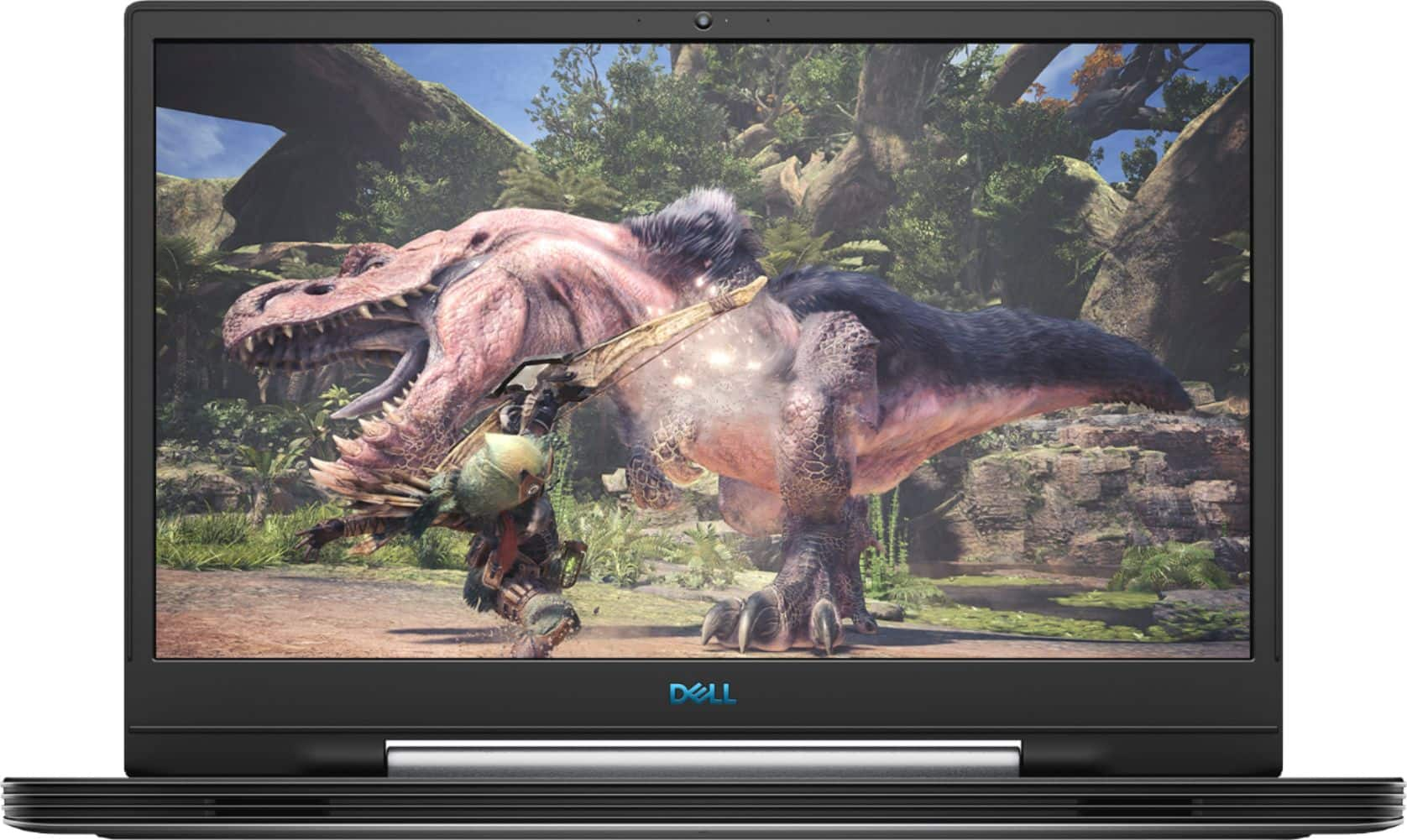
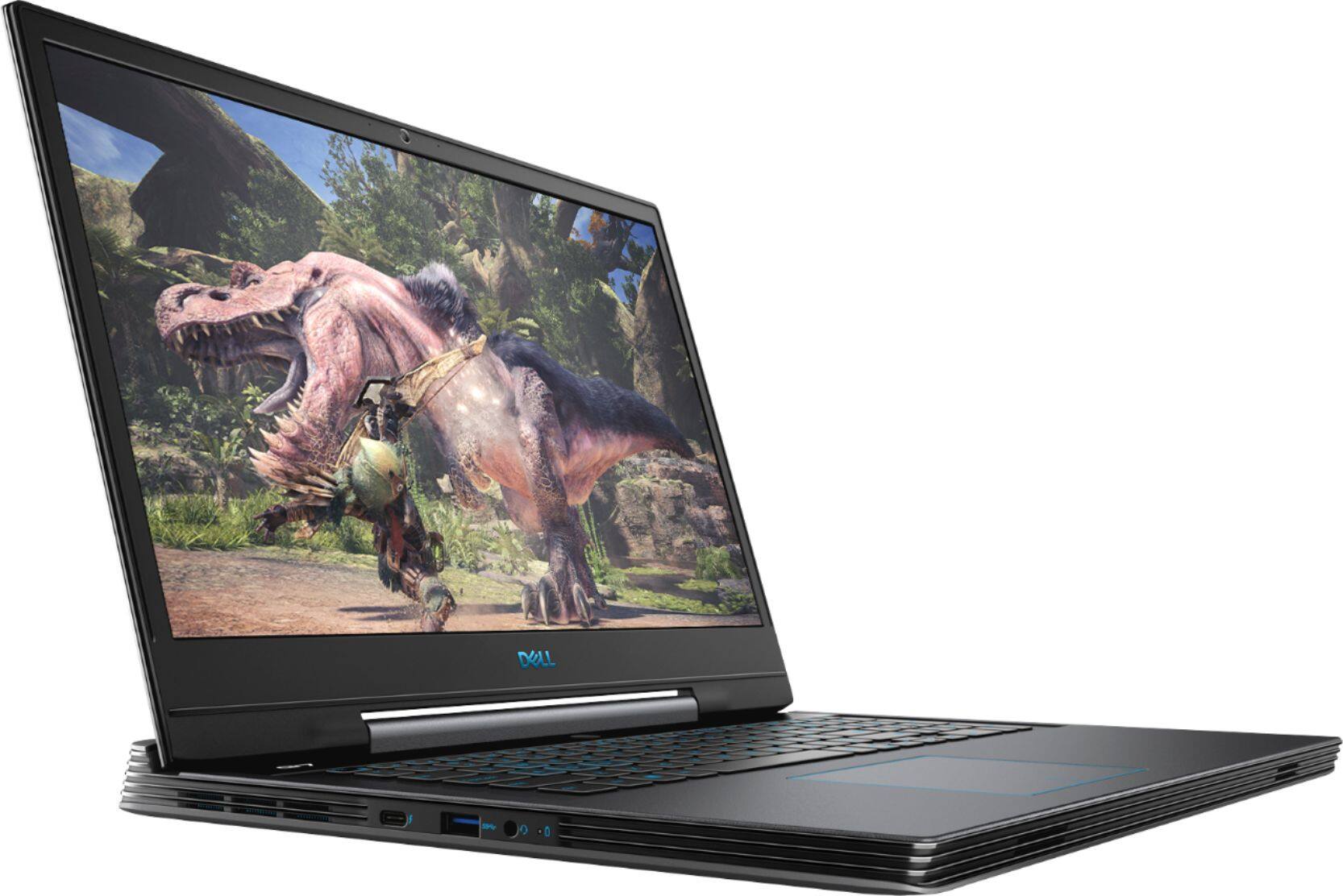
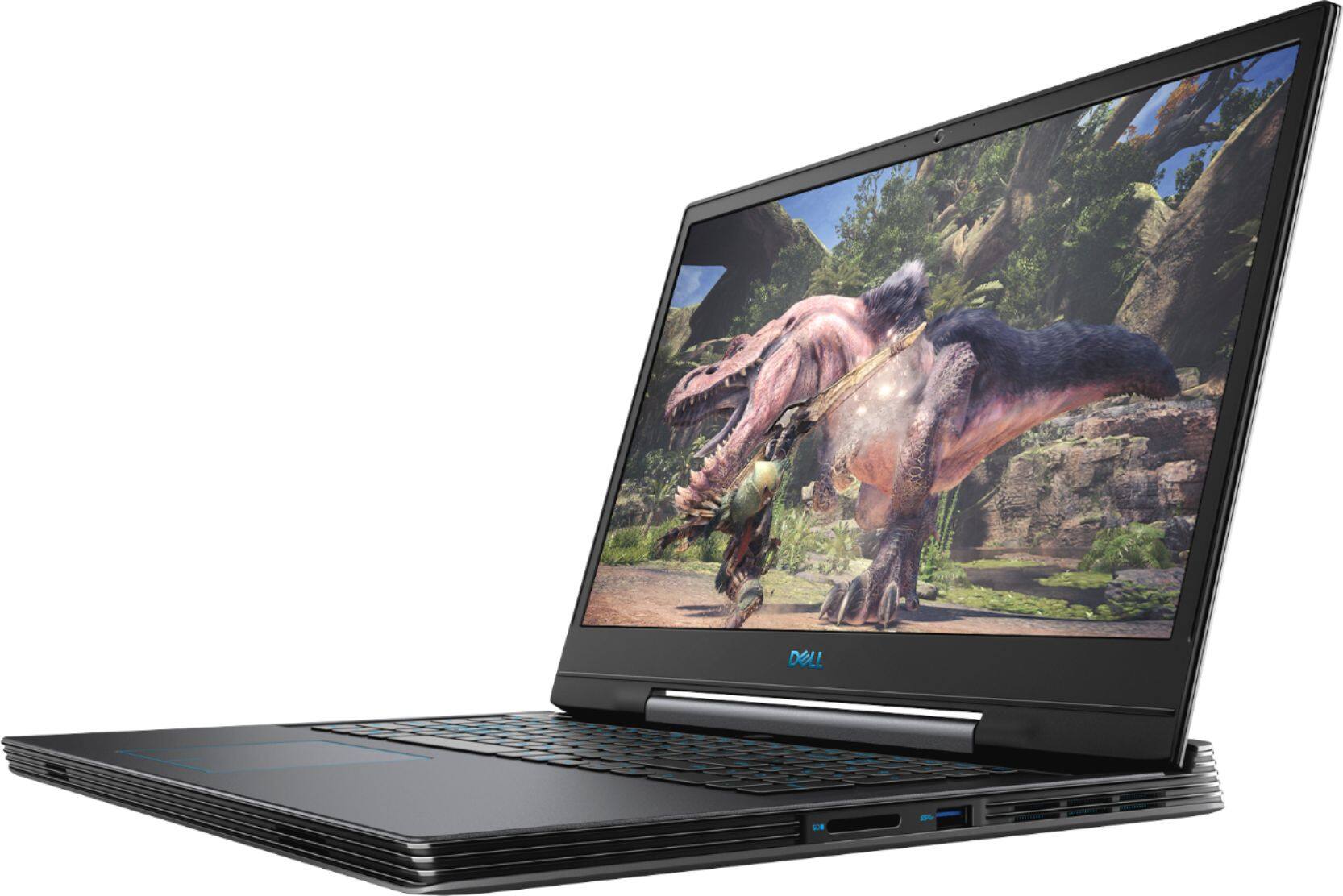
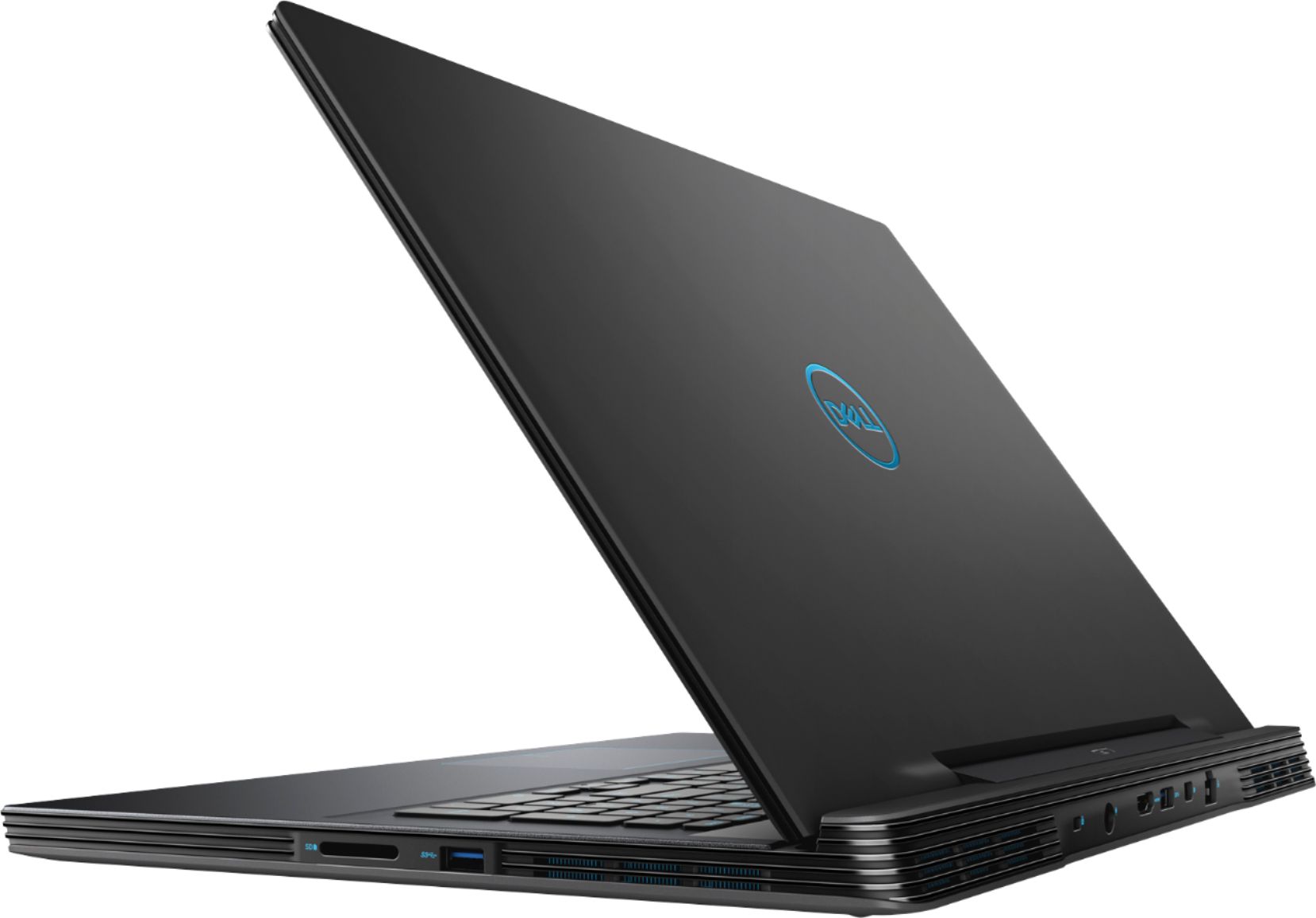
- Model:
- G7790-7152GRY-PUS
- SKU:
- 6350871
Rating by feature
- Battery Life
Rating 4.3 out of 5 stars
- Speed
Rating 4.7 out of 5 stars
- Display
Rating 4.8 out of 5 stars
Customers are saying
Customers enjoy the gaming experience, large screen, and overall performance of this laptop. They appreciate the price point and find it to be a great value. However, some customers have concerns about the loud fan noise, overheating issues, short battery life, and heavy weight of the laptop.
This summary was generated by AI based on customer reviews.
Keyboard has intermittent problems with some keys
||Posted . Owned for 1 month when reviewed.This reviewer received promo considerations or sweepstakes entry for writing a review.The keys on the left side of the keyboard will sometimes not work , and when typing fast this is very annoying. At the moment I have been dealing with it, but decided to look it up on the internet because it was starting to be bothersome. I have found it appears there could be a problem with the pin connecting to the keyboard, requiring it to be replaced. Additionally, when the video card is being used heavily the computer will occasionally freeze out of nowhere for about 15 seconds(I have not tried to troubleshoot this, but the drivers are up to date) All in all I am quite disappointed and will probably have to return it and exchange for another laptop that will hopefully work better.
No, I would not recommend this to a friendBrand response from YourDellTeam
Posted .thisIsARequiredNickname,
Thanks for your review. We're sorry that your computer has been having several issues. We're glad that you've had a chance to update all of the drivers on your computer. We'd recommend reaching out to Dell's Technical Support Team to continue to troubleshoot the keyboard issue: http://dell.to/2sH7Qlm.
If you are still having issues with your computer freezing we'd recommend the following steps:
1. Run a Computer Diagnostic. To determine if your computer is experiencing a hardware problem, run the Dell Preboot System Assessment (PSA) Diagnostics. For information on how to run Diagnostics, and to determine the issue, refer to Dell Knowledge Base Article: http://dell.to/2iaiujA.
2. Check Safe Mode for Symptoms. To boot into safe mode, please follow the instructions below:
a) Start the computer.
b) Tap 'F8' on the keyboard immediately and every one second until the Dell logo screen disappears. From there you will see the Windows Advanced Options Menu on the screen. (If the Windows Advanced Options Menu does not appear, restart the system and try again.)
c) Select Safe mode with Networking and press Enter.
d) Log on as the administrator or as a user with administrative access.
e) Open applications and test the computer in safe mode. If the symptoms exist in safe mode, please continue the troubleshooting steps in this article. If the symptoms do not exist in safe mode, the issue is likely related to a driver or software and you may wish to complete step 3 to see if you are able to resolve the lockups or freezing.
3. Check for Malware. Malware (Virus, Spyware, etc.) can definitely cause a Windows system to lock up or appear to hang. To check for malware on your system and to ensure that your computer is up to date on security software, visit Dell Knowledge Base Article: http://dell.to/2wWP1zI.
You can read the full article here - http://dell.to/2tW5m33.
Best,
Bryan
1-800-624-9896
Dead on arrival.
||Posted .This reviewer received promo considerations or sweepstakes entry for writing a review.Bought this as an entertainment/work computer now that I primarily work from home. Within 30 minutes of use, crash. I figured okay, maybe just need to update the drivers. Updated the drivers and then 45 minutes later theres another crash.I write this review a mere 6 hours after I picked up this computer. Completely defective upon arrival. Crashes at a minimum once an hour on the hour. Backlit keyboard did not have necessary software installed to work. Overall I would not recommend a dell product to anyone. How can a computer be this broken when its this new?
No, I would not recommend this to a friendBrand response from YourDellTeam
Posted .Alexander,
Thanks for your review. We're sorry that your computer is not working the way that it should. We'd recommend diagnosing the crashes with the following steps:
1. At the desktop, click the Search the web and Windows box and type "problem reports".
2. Select View all problem reports to view a list of errors that have occurred on your computer and possible solutions for them, such as updating drivers, flashing your system BIOS, or checking for updates to the software.
3. Under the Source column, look for Windows and under Summary, look for Shut down unexpectedly.
4. Right-click the line item and select Check for a solution.
We'd also suggest checking to make sure that your software and drivers are up to date on Dell's Product Page - https://dell.to/2SLc49e.
You can read the full article here - http://dell.to/2u98Cct.
Once your computer is diagnosed hopefully you can resolve the issue.
Best,
Bryan
1-800-624-9896
- Cons mentioned:Overheating
No good
||Posted . Owned for 1 year when reviewed.This reviewer received promo considerations or sweepstakes entry for writing a review.Heavy and bulky. Had overheating issues that was never resolved...geek squad junked it and I got a better product.
No, I would not recommend this to a friend Runs slow, not good for gaming. Needs more Ram
||Posted . Owned for 3 weeks when reviewed.This reviewer received promo considerations or sweepstakes entry for writing a review.With all the factory loaded junk, there is not much room left. I will use this as a second computer. Should be okay for office work. Not good for games or graphics.
No, I would not recommend this to a friendBrand response from YourDellTeam
Posted .MRG711,
Thanks for your review. Please feel free to remove any pre-loaded programs that you do not plan on using on your computer. If you'd like to try to improve the overall performance on your computer we'd recommend running the Windows Performance Troubleshooter:
1. Close all open windows.
2. Press the Windows logo key + X key on the keyboard.
3. Click Control Panel.
4. Click System and Security.
5. Under Security and Maintenance, select Troubleshoot common problems.
6. Under System and Security, click Run maintenance tasks.
7. Follow the on-screen instructions and prompts to complete the process.
8. Restart the PC.
You can read the full article here - http://dell.to/2tSulGV.
Best,
Bryan
1-800-624-9896
Never buy this
||Posted . Owned for 3 weeks when reviewed.This reviewer received promo considerations or sweepstakes entry for writing a review.As soon as I purchased this computer, it immediately started to have numerous problems such as fans making unusually load noises, storage device went missing, games crashed frequently, FPS drops, screen freezes, and audio issues. When I got to the point where I wanted it fixed, it was sent off to Dell to fix it. It took them two months until they sent it back, and when I finally got it back, it still did not work. DO NOT get this computer.
No, I would not recommend this to a friendNot worth the money unless you are a gamer
||Posted . Owned for 1 year when reviewed.This reviewer received promo considerations or sweepstakes entry for writing a review.Not worth the money. Unless you are a gamer - this laptop is not worth it, especially if you are using this work personal and/or work use.
No, I would not recommend this to a friendVerry slow
||Posted . Owned for less than 1 week when reviewed.This reviewer received promo considerations or sweepstakes entry for writing a review.This computer is verry slow and doesn't perform well to start it did some up dates then was a little better but not what you would think for a 1500 computer on sale once i got things up to date and was able to try and play game played for half hr then went to home screen and the graphics card wanted to update went to its its update and told it to go and computer blue screens will be taking back
No, I would not recommend this to a friendBrand response from YourDellTeam
Posted .Marcsem231,
We're very sorry to hear that your computer is running slower than you hoped it would. Please run Dell's SupportAssist App to make sure that all of the most recent software and drivers are installed on your computer.
If you need to update any software or drivers, you can visit our Product Support Page here: https://dell.to/2SLc49e.
Best,
Bryan
1-800-624-9896
Ehh.
||Posted . Owned for 9 months when reviewed.This reviewer received promo considerations or sweepstakes entry for writing a review.Lot of latency for habe a 20 series gpu. Returened because its not worth the price tag.
No, I would not recommend this to a friendMacBook VS Windows
||Posted . Owned for 1 year when reviewed.This reviewer received promo considerations or sweepstakes entry for writing a review.Wasn’t happy with it at all.... I returned it after 1 week and bought a MacBook Pro !!
I would recommend this to a friendFalls about in a few months.
||Posted . Owned for 8 months when reviewed.This reviewer received promo considerations or sweepstakes entry for writing a review.Bought this laptop last year, spending extra money because I needed a heavy-duty computer. It hasn't even been a full year and now the fan has a slew of issues and the battery no longer charges. I expect this kind of performance on a computer costing less than 500$, not a computer costing over a grand. Highly dissatisfying in the long run.
No, I would not recommend this to a friendBrand response from YourDellTeam
Posted .Liddy,
Thanks for your review and we're sorry to hear about the issues that you've had with your laptop lately. Here are some things to look out for with your battery charger:
1. Are you using a 3rd party or is a non-Dell branded AC adapter is connected to the PC or docking station?
2. Are you using an AC adapter with a lower wattage?
3. Is the AC adapter is not fully connected to the PC?
4. Check to see if the wall power cord is not fully connected to the AC adapter.
5. The AC adapter or PC's AC adapter port could be damaged.
6. The AC adapter is not recognized in BIOS (System Setup).
You can read the full article here: http://dell.to/2xQTan2.
If you have other performance related questions about your computer you can check our Product Support Page here: https://dell.to/30Vlu57.
Best,
Bryan
1-800-624-9896
Over hyped
||Posted . Owned for 1 month when reviewed.This reviewer received promo considerations or sweepstakes entry for writing a review.Lots of memory but doesn't interface well with current equipment
No, I would not recommend this to a friendBrand response from YourDellTeam
Posted .Mudder6666666666666,
We appreciate your feedback. We'd encourage you to visit the Prdouct Support Page if you have questions about your computer's performance: https://dell.to/30Vlu57.
Best,
Bryan
1-800-624-9896
BAD LAPTOP
||Posted . Owned for 9 months when reviewed.This reviewer received promo considerations or sweepstakes entry for writing a review.BECARFUL! IF YOU RIGHT A GOOD REVIEW AND YOUR LAPTOP GET A COOLER PROBLEM LIKE MY ONE! YOU WONT BE ABLE TO CHANGE YOUR REVIEW! I’d take the risk if I knew this before! Dear, Dell, I’m really upset with your service!
No, I would not recommend this to a friendPoorBuild
||Posted . Owned for 7 months when reviewed.This reviewer received promo considerations or sweepstakes entry for writing a review.Great laptop while it lasted, Motherboard shorted out after 13 months in use. Board cost 1050.00 to replace for a 1200.00 laptop. Had extended warranty with AMEX so was reimbursed for original cost.
No, I would not recommend this to a friendHaving a lot of problems
||Posted . Owned for 3 weeks when reviewed.This reviewer received promo considerations or sweepstakes entry for writing a review.I don't know if it is something I did but keep getting blue screen of death. I had to get rid of the antivirus that came with it because it kept deleting things I wanted. I am taking it back to get fixed tomorrow.
No, I would not recommend this to a friendBrand response from YourDellTeam
Posted .kdogtrainer,
Thanks for your review. We're sorry to hear about the Blue Screen Errors that you're experiencing. We'd recommend trying to diagnose the issue with these steps:
1. At the desktop, click the Search the web and Windows box and type "problem reports".
2. Select View all problem reports to view a list of errors that have occurred on your computer and possible solutions for them, such as updating drivers, flashing your system BIOS, or checking for updates to the software.
3. Under the Source column, look for Windows and under Summary, look for Shut down unexpectedly.
4. Right-click the line item and select Check for a solution.
We'd also suggest checking to make sure that your software and drivers are up to date on Dell's Product Page - https://dell.to/2SLc49e.
You can read the full article here - http://dell.to/2u98Cct.
Best,
Bryan
1-800-624-9896
Very disappointing
||Posted . Owned for less than 1 week when reviewed.This reviewer received promo considerations or sweepstakes entry for writing a review.Bought brand new laptop 2 days ago. Best Buy shipped me defective product. Monitor screen broken and unusable. Very disappointed.
No, I would not recommend this to a friendBrand response from YourDellTeam
Posted .Mike419,
We're sorry to hear about the condition that your computer arrived in. Please reach out directly to Best Buy in order to find out what your return and exchange options are: http://bit.ly/2v2IVhI.
Best,
Bryan
1-800-624-9896
Crashed A LOT
||Posted . Owned for 2 months when reviewed.This reviewer received promo considerations or sweepstakes entry for writing a review.Had this for a month, it was an open box but I figured it was still pretty good. It would crash a couple of times a day. Finally it crashed one day and it lost the os drive.
No, I would not recommend this to a frienddidn't work
||Posted . Owned for 1 week when reviewed.This reviewer received promo considerations or sweepstakes entry for writing a review.Booted it up out of the box. Signed in to windows and the computer DIED! TRASH i was upset but best buy hooked me up with a better pc for less money!
No, I would not recommend this to a friendFan broken after 9 months of purchase! Very BAD
||Posted . Owned for 9 months when reviewed.This reviewer received promo considerations or sweepstakes entry for writing a review.The Fan is broken after 9 month of purchase! Very bad experience! I won't buy Dell laptop anymore for sure!
No, I would not recommend this to a friendBrand response from YourDellTeam
Posted .Hi Michael,
Thank you for your feedback. I am sorry your fan has stopped functioning properly. I can understand the frustration. Please feel free to contact Dell Support directly so we are able to assist you troubleshoot this issue further,
http://dell.to/2sH7Qlm
Best,
Meridith 1-800-624-9896
Extremely slow.
||Posted . Owned for 3 weeks when reviewed.This reviewer received promo considerations or sweepstakes entry for writing a review.Took the first one back. Second one just as bad. Would not buy afain!!
No, I would not recommend this to a friendBrand response from YourDellTeam
Posted .Kisa,
We're sorry that your computer is operating slower than you hoped it would. We'd recommend running the Windows Performance Troubleshooter to see if it helps your computer run faster for you:
1. Close all open windows.
2. Press the Windows logo key + X key on the keyboard.
3. Click Control Panel.
4. Click System and Security.
5. Under Security and Maintenance, select Troubleshoot common problems.
6. Under System and Security, click Run maintenance tasks.
7. Follow the on-screen instructions and prompts to complete the process.
8. Restart the PC.
You can read the full article here - http://dell.to/2tSulGV.
Best,
Bryan
1-800-624-9896
- Pros mentioned:Performance
Performance that lasts
Posted .This reviewer received promo considerations or sweepstakes entry for writing a review.This thing has performed very well over the years. Ive used it for gaming and school and had no issues. It's a little heavy, maybe 5lbs, but it's built tough. It fits in my carry bags and backpacks with ease. Definitely would buy again!
I would recommend this to a friend