Customer Ratings & Reviews
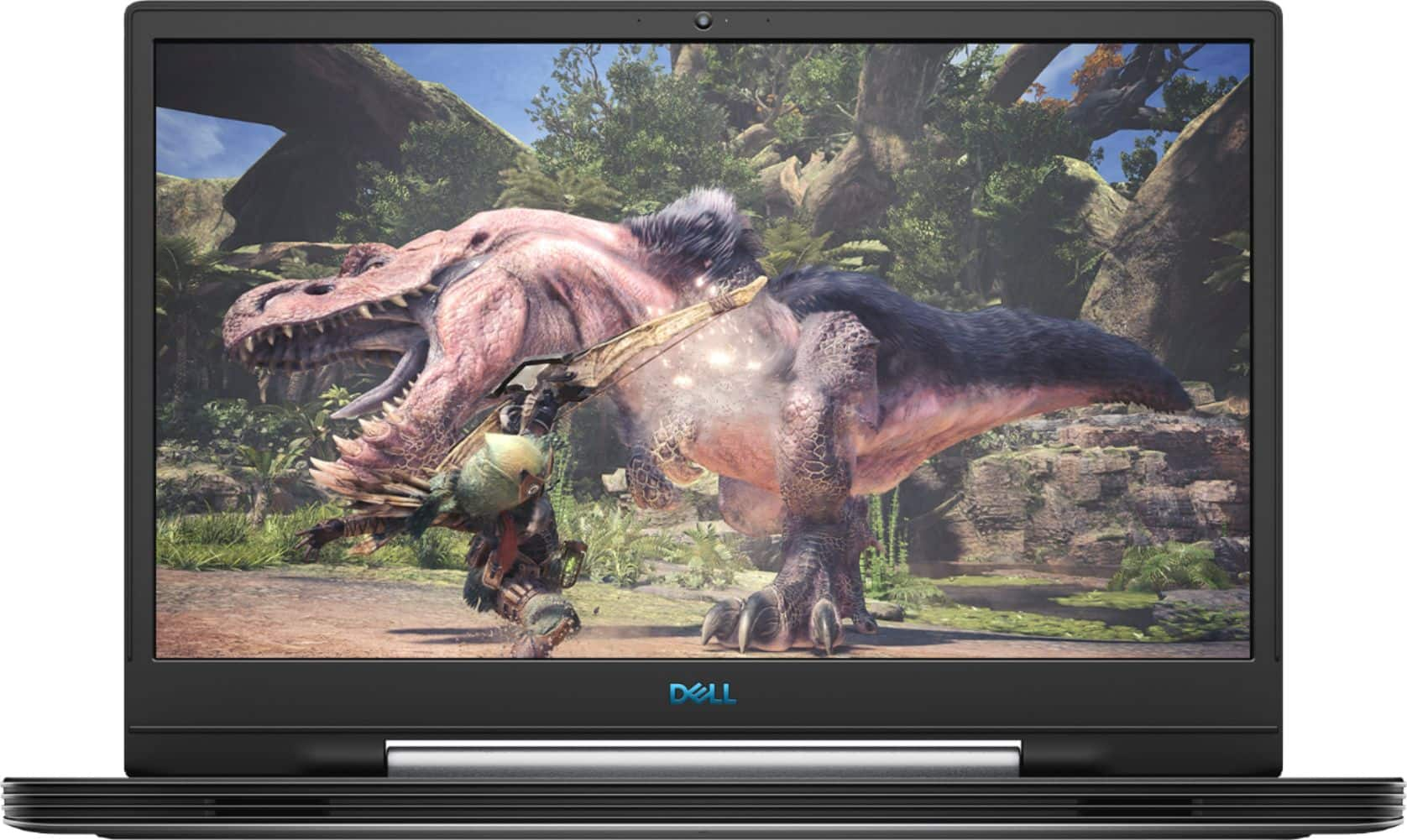
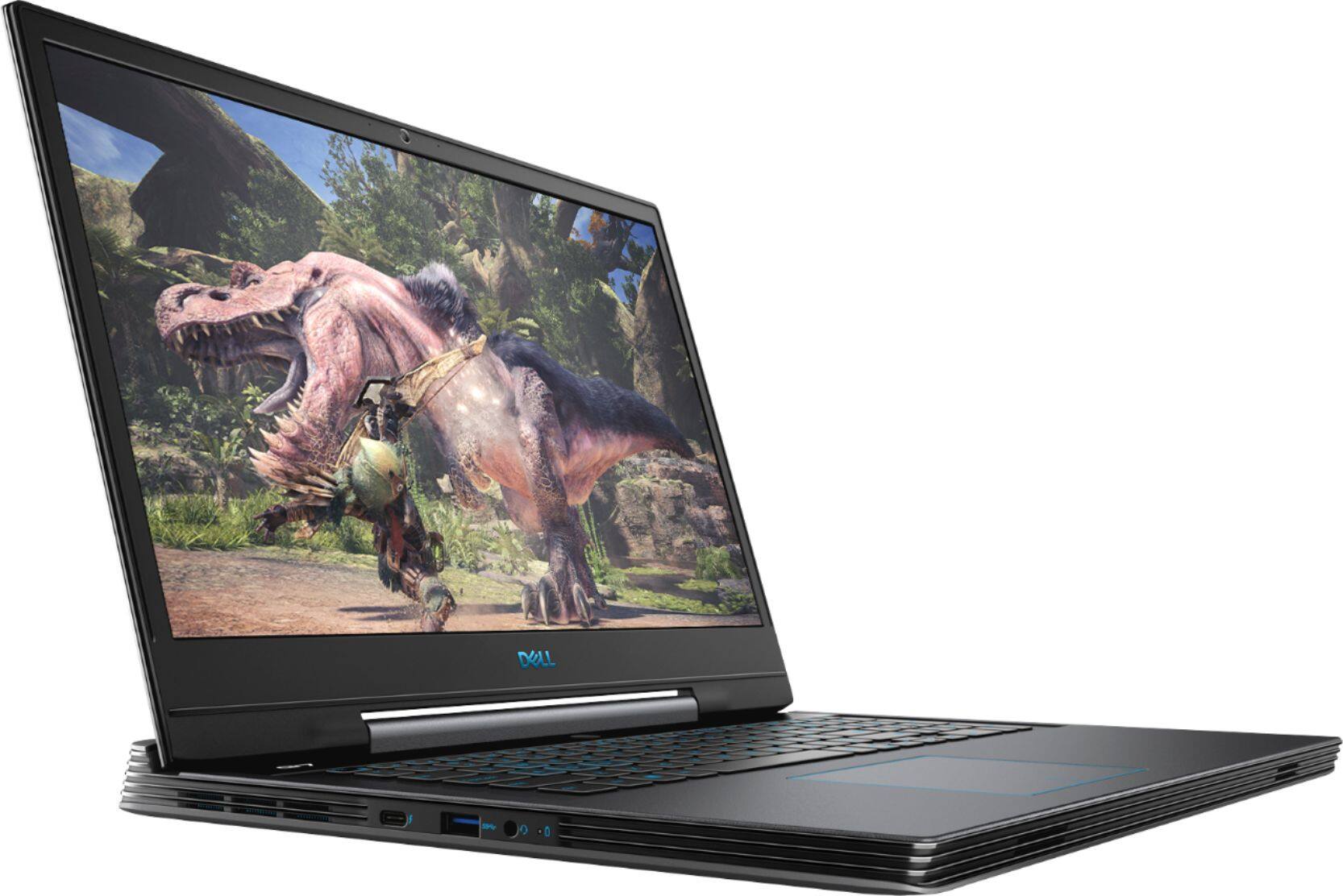
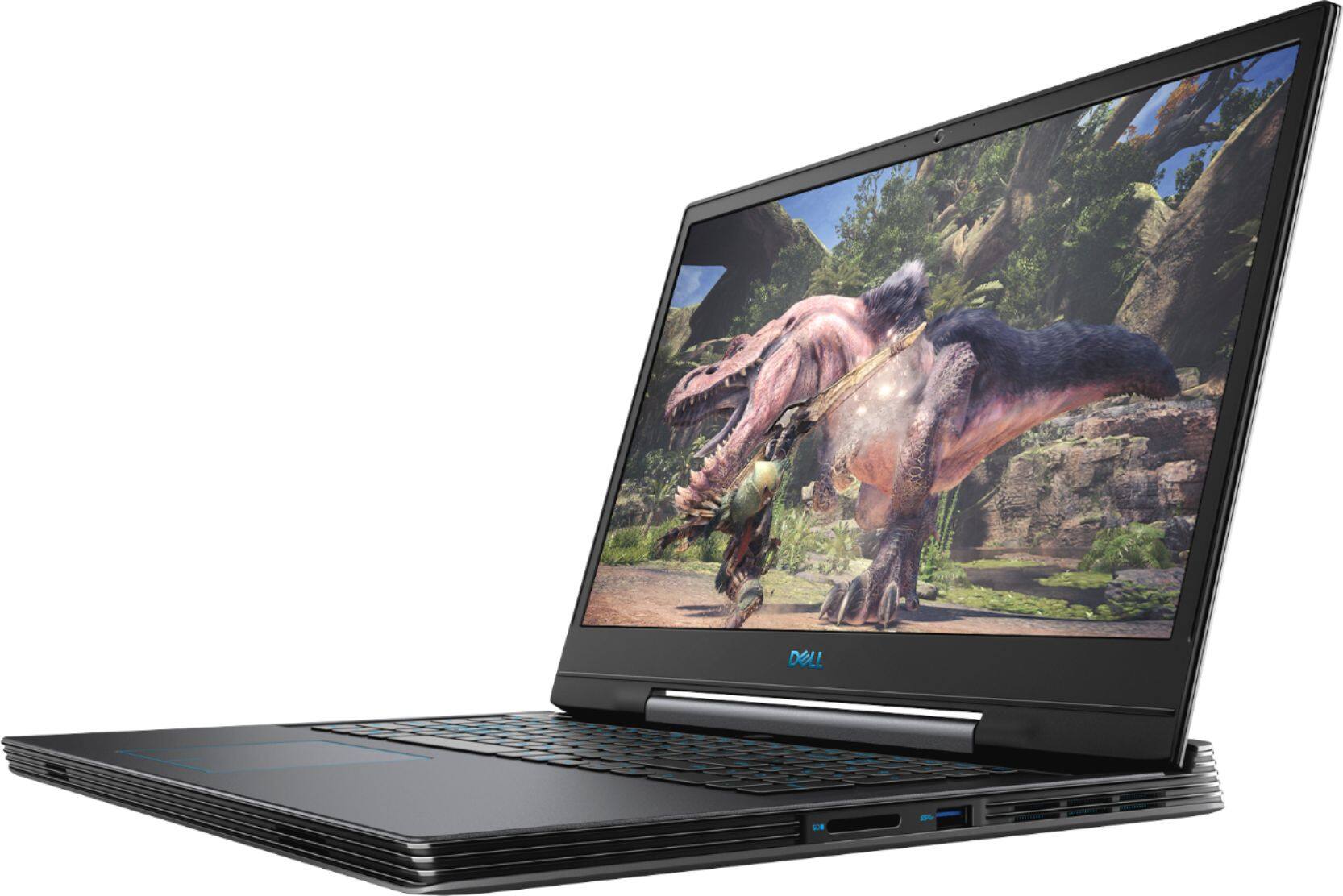
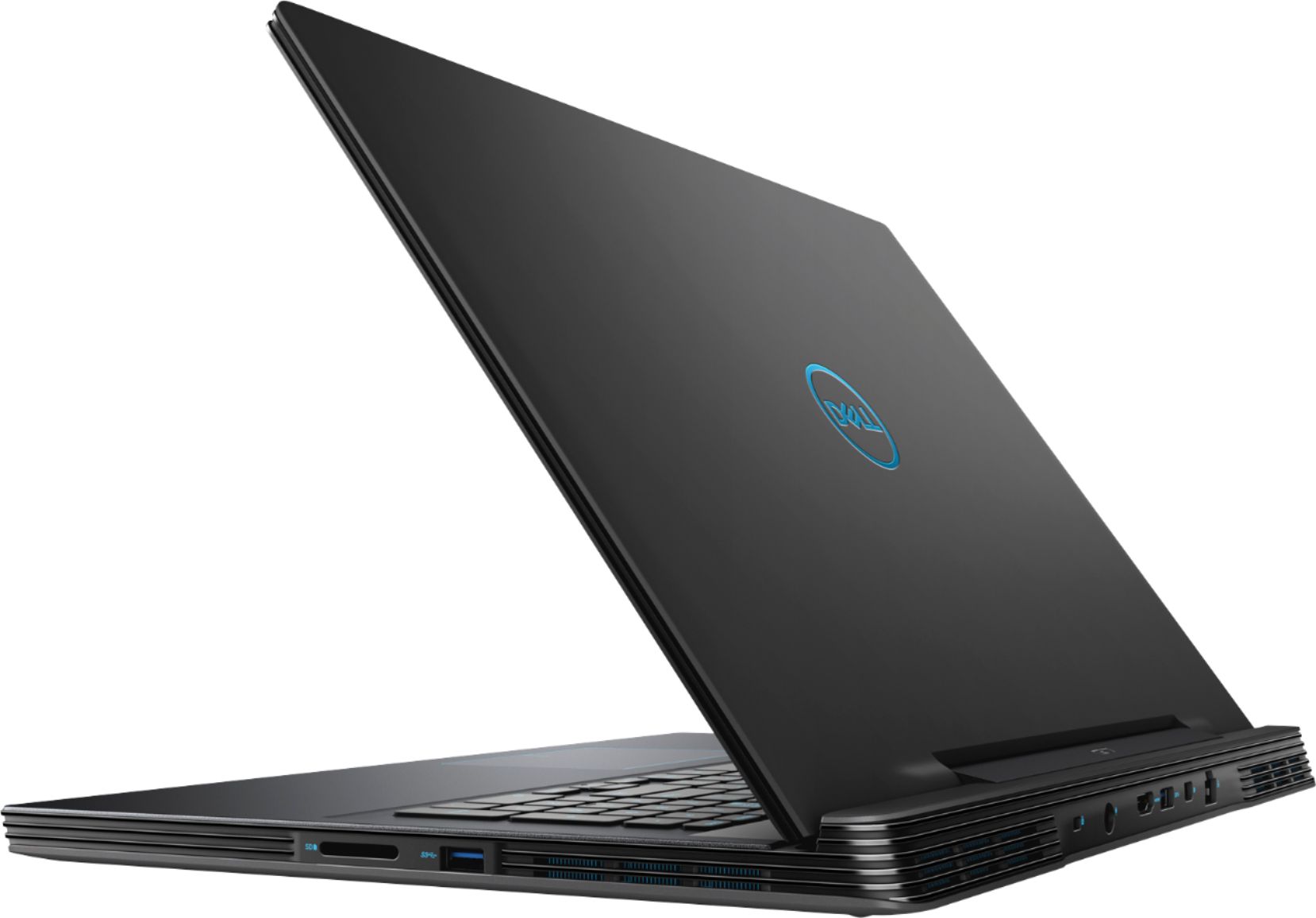
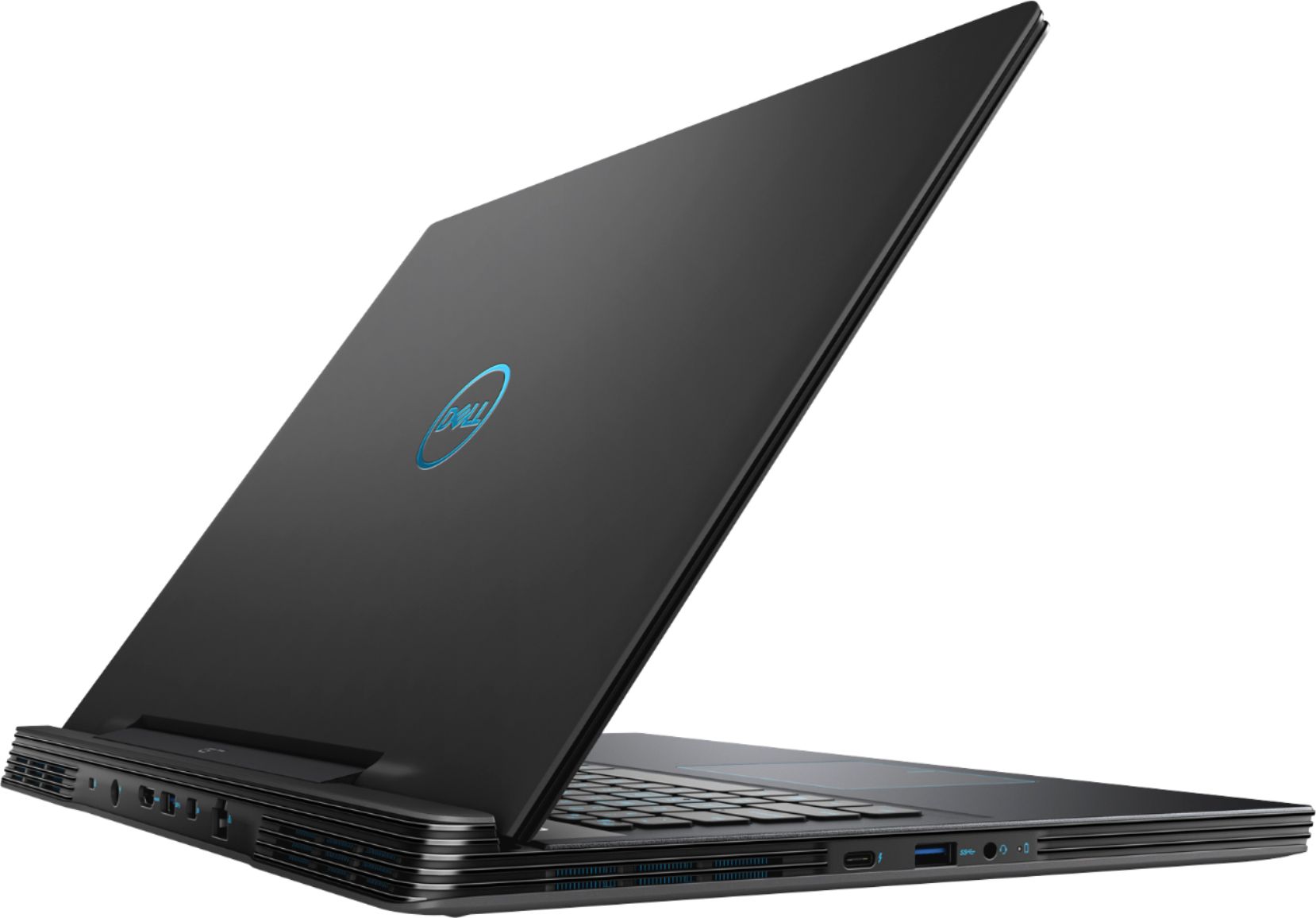
- Model:
- G7790-7152GRY-PUS
- SKU:
- 6350871
Rating by feature
- Battery Life
Rating 4.3 out of 5 stars
- Speed
Rating 4.7 out of 5 stars
- Display
Rating 4.8 out of 5 stars
Customers are saying
Customers enjoy the gaming experience, large screen, and overall performance of this laptop. They appreciate the price point and find it to be a great value. However, some customers have concerns about the loud fan noise, overheating issues, short battery life, and heavy weight of the laptop.
This summary was generated by AI based on customer reviews.
- Cons mentioned:Battery life
Clean machine but only 60hz refresh rate
Posted .This reviewer received promo considerations or sweepstakes entry for writing a review.I just bought this at Best Buy and so far it seems pretty decent. It's a nice looking laptop and the keyboard backlight is a light blue which I like. I haven't tried any games on it because it's going to be a while before Red Dead Redemption 2 finishes downloading so I'm just going to assume it will perform as expected. I haven't tested the battery life either but this laptop does use Nvidia Optimus, which switches between the RTX 2060 and the integrated intel gpu to save power, which in my experience does a good job conserving energy in power saving mode. So far I have only two complaints: The monitor refresh rate is only 60 hz. This was not explicitly stated and every review for this thing said it had a 144hz refresh rate, so I'm a little disappointed. I'm guessing this is only the case for the discounted version, which is probably why it's so inexpensive. This isn't too big a problem though, since I don't expect the 2060 to get crazy high frame rates on AAA games anyway, so 60 hz is fine for me, just not what I was expecting. My second complaint is that it gets pretty hot. Right now I'm not doing terribly much on it, just downloading Red Dead 2 and writing this review, but it's pretty warm, which makes me worried that it might overheat when doing something more demanding like gaming. Other than that I would say this laptop is definitely a good deal for the price.
I would recommend this to a friend A soild choice
Posted .This reviewer received promo considerations or sweepstakes entry for writing a review.An amazing all purpose laptop only thing is that I wish there was a better cooling system but no complaints
I would recommend this to a friend- Cons mentioned:Overheating
This laptop... is definitely not for gaming!
Posted .This reviewer received promo considerations or sweepstakes entry for writing a review.This laptop is barely good for games. It lags all the time. Once you start hearing the fans becoming louder and louder, you can kiss your game goodbye. It is as if it could barely withstand games, at all. I was playing chess... CHESS! And this computer can barely keep up with even that!?... It is definitely not worth $1,600.00. Spend a little more and build your own computer (not Dell, please!). This is my advice.
No, I would not recommend this to a friend - Cons mentioned:Overheating
Very good Laptop with a few problems
Posted .This reviewer received promo considerations or sweepstakes entry for writing a review.First of all, it is a super fast laptop that will literally run any game you want, but a few problems. Of course, it being a laptop, it is very loud and can overheat, which has happened to me, and causes me to have to turn down the specs on very demanding games. Also, I ran into a audio problem with mine, which idk if it is because it is faulty or not, but when it comes up, it can be easily fixed.
No, I would not recommend this to a friendBrand response from YourDellTeam
Posted .Jesse,
We're glad that your computer is working well for you for the most part. If your computer continues to overheat for you we'd recommend the following tips:
1. Dell does not recommend placing portable systems directly on your lap. Due to reductions in the thickness of modern portable systems, heat transfer can be an issue.
2. Using a portable system (Laptop) on a hard, flat, non-cloth surface will increase airflow and reduce heat from underneath and inside the system.
Using the portable system on a blanket, pillow, or other types of cloth will cover up the fan cause the computer to overheat and can cause permanent damage.
3. It is recommended to use the portable system in a Room temperature of 0°C to 35°C (32°F to 95°F) with a Humidity level no greater than 90%.
4. Use compressed air to clean the vents on a regular basis.
5. Using a cooling pad can decrease heat and increase performance.
6. If you want to know the temperature limitations for your system, go to the Dell Support Website, look up your system model then open the user guide under the manuals link.
You can read the full article here - http://dell.to/2uJ8AdG.
If your computer continues to have loud noises we'd recommend seeing if your BIOS needed to be updated. An out-of-date BIOS can cause loud fan noises by having an outdated temperature table for the system. Refer to update BIOS and follow the instructions to update the BIOS on your computer. You can also follow up with our Technical Support Team here - 1-800-624-9896.
You can read the full article here - http://dell.to/2ENlXfz.
Best,
Bryan
1-800-624-9896
Bad temps, good hardware
Posted .This reviewer received promo considerations or sweepstakes entry for writing a review.Had this laptop for 2 years now (2022). Good performance numbers when it comes to benchmarking and usable speed. Gaming is adequate with the most intense games like battlefield 2042 running at about 60fps on medium settings. Major issue with CPU temperatures. Apparently the core i7 9750h runs very hot regardless, but I had to I stop intel XTU and lower turbo boost voltages way down to get reasonable temperatures (mostly so I don’t thermal throttle). Way too much power for a regular desktop. Thermal issues for gaming. But, if you can find enough tweaks thermally, it’s a decent gaming experience- just don’t anticipate being able to fully utilize the 9750h unless you find a way to directly undervolt it. Not a bad product by any means, but also not the best.
No, I would not recommend this to a friendGreat Machine
Posted .This reviewer received promo considerations or sweepstakes entry for writing a review.Setup was quick and painless, had no problems using the Dell set up program. The machine is fast, fan noise is not as loud as i was expecting. My only complaint is that it was never mentioned in the specs that the screen is not a Touch screen , and primary SSD is fairly small.
I would recommend this to a friendNot 144Hz
Posted .This reviewer received promo considerations or sweepstakes entry for writing a review.Product model: G7790-7152GRY-PUS Checked on Dell's website, and it was supposed to be 144hz. Called Bestbuy (Salem, OR), and a staff member picked up. Asked her if it was 60 or 144hz, and she checked on Dell's website, saying that it is 144hz. I checked the 'answered questions' section on this bestbuy page. Two conflicting asnwers came up. One customer said that it was 60hz. Another said it was 144hz. Drove an hour to best buy to pick up the device (because i bought it). Checked using right click -> display settings -> advanced display settings -> lo and behold, 60hz was the highest it could get. Best Buy, please get tech-savvy staff. Or just list all of the product specs on the site! Thank you :)
No, I would not recommend this to a friendBrand response from YourDellTeam
Posted .Dear Valued Customer,
Thank you for your review and for bringing this to our attention. This laptop is in fact 60 hz. We have brought your review to the attention of our product team and we will be making appropriate updates to the product descriptions.
Best,
Bryan
1-800-624-9896
Laptop gets hot during running non-gaming apps.
Posted .This reviewer received promo considerations or sweepstakes entry for writing a review.This laptop runs very hot along the sides of the keyboard and along the bottom of the keyboard. If the laptop stops running after the 14 days Best Buy return period, then it has to be sent back to DELL for repairs which would mean that I would be without the laptop for 1 month. I returned the laptop the next day after I pick it up the store for that reason as I could not afford to be without the laptop for one month.
No, I would not recommend this to a friendBrand response from YourDellTeam
Posted .CAYAGUA,
We're sorry to hear about your experience with your laptop. In the future if you experience overheating on your G Series system we'd recommend the following:
1. Update your computer BIOS to the latest version available
• Browse to the Dell Drivers & Downloads page:
• Ensure you have selected the correct Operating System
• Under Category, choose BIOS
• Locate the latest System BIOS
• Click Download and save the file to your PC
• Open File Explorer and browse to the location where you saved the downloaded file
• Double-click the BIOS setup file and follow the on-screen instructions to complete the installation process
2. Open Alienware Command Center
3. Click Thermal at the Active Default Theme and set it to Performance
4. Restart the computer
5. Once the computer boots into Windows open SupportAssist
6. Go to the Troubleshooting tab and click on I want to check a specific piece of hardware
7. Click CPU under CPU Devices
8. Select CPU Stress Test and click Run Test
9. Open the Alienware Command Center and go to the Fusion tab
• The CPU peak temperature should be less than or equal to (≤) 100 ℃
• When under high stress, the computer's average temperature can be expected to be less than (≤) 100 ℃.
Best,
Bryan
1-800-624-9896