Customer Ratings & Reviews
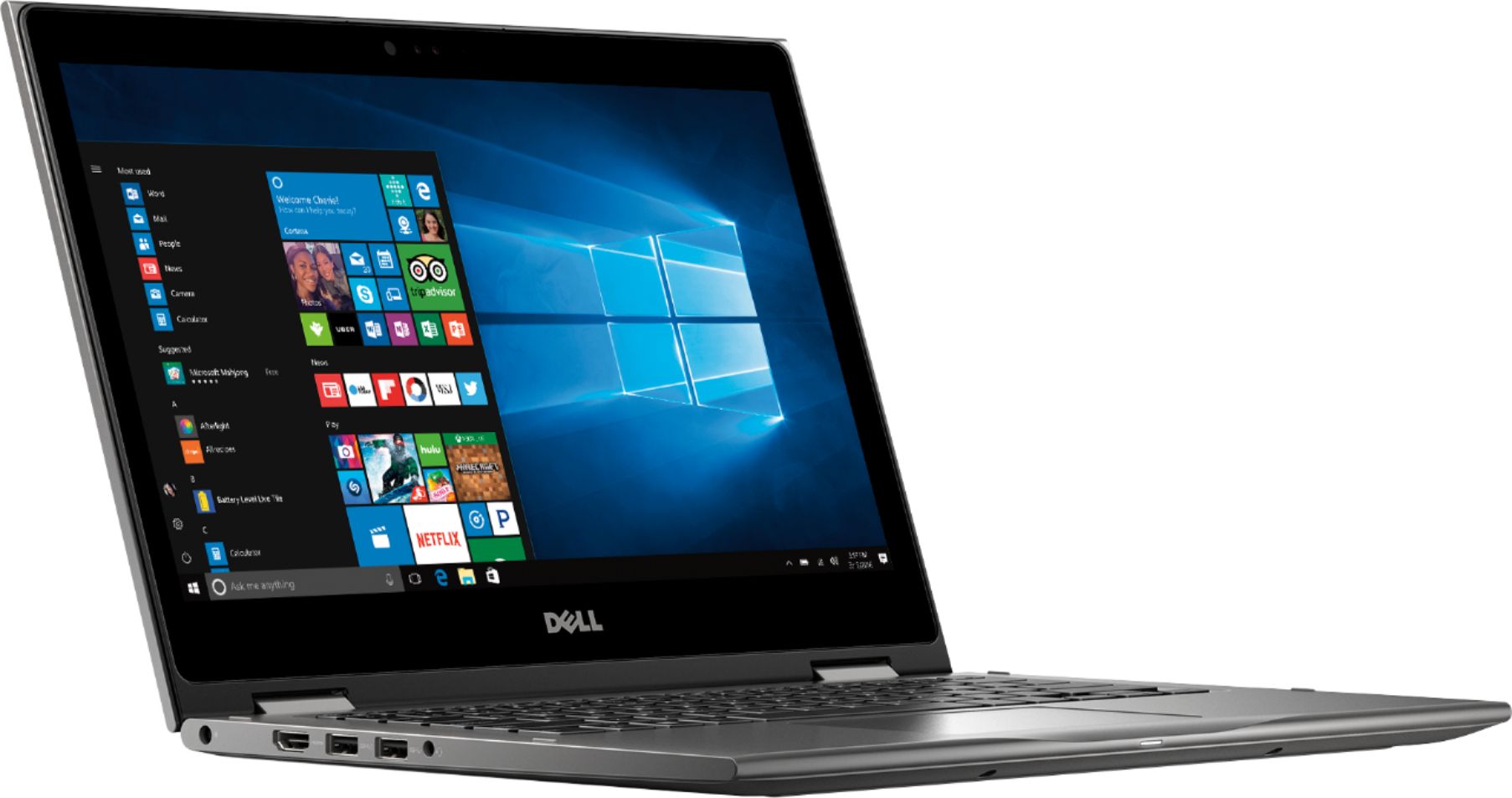
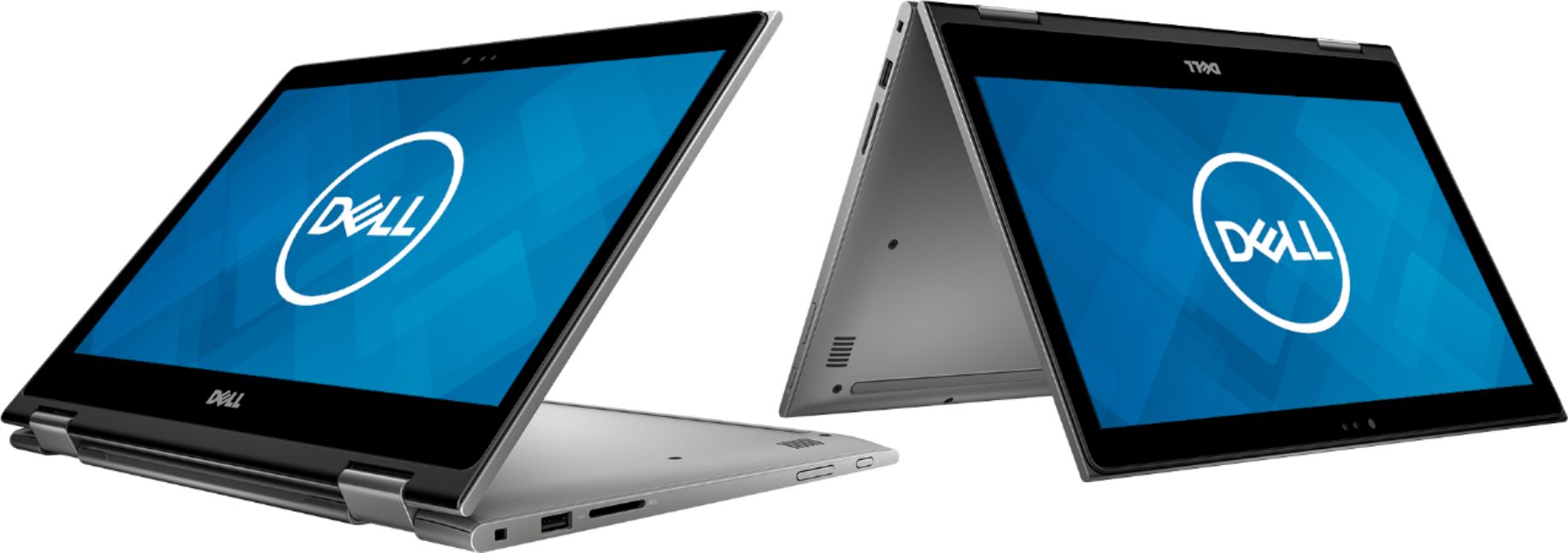
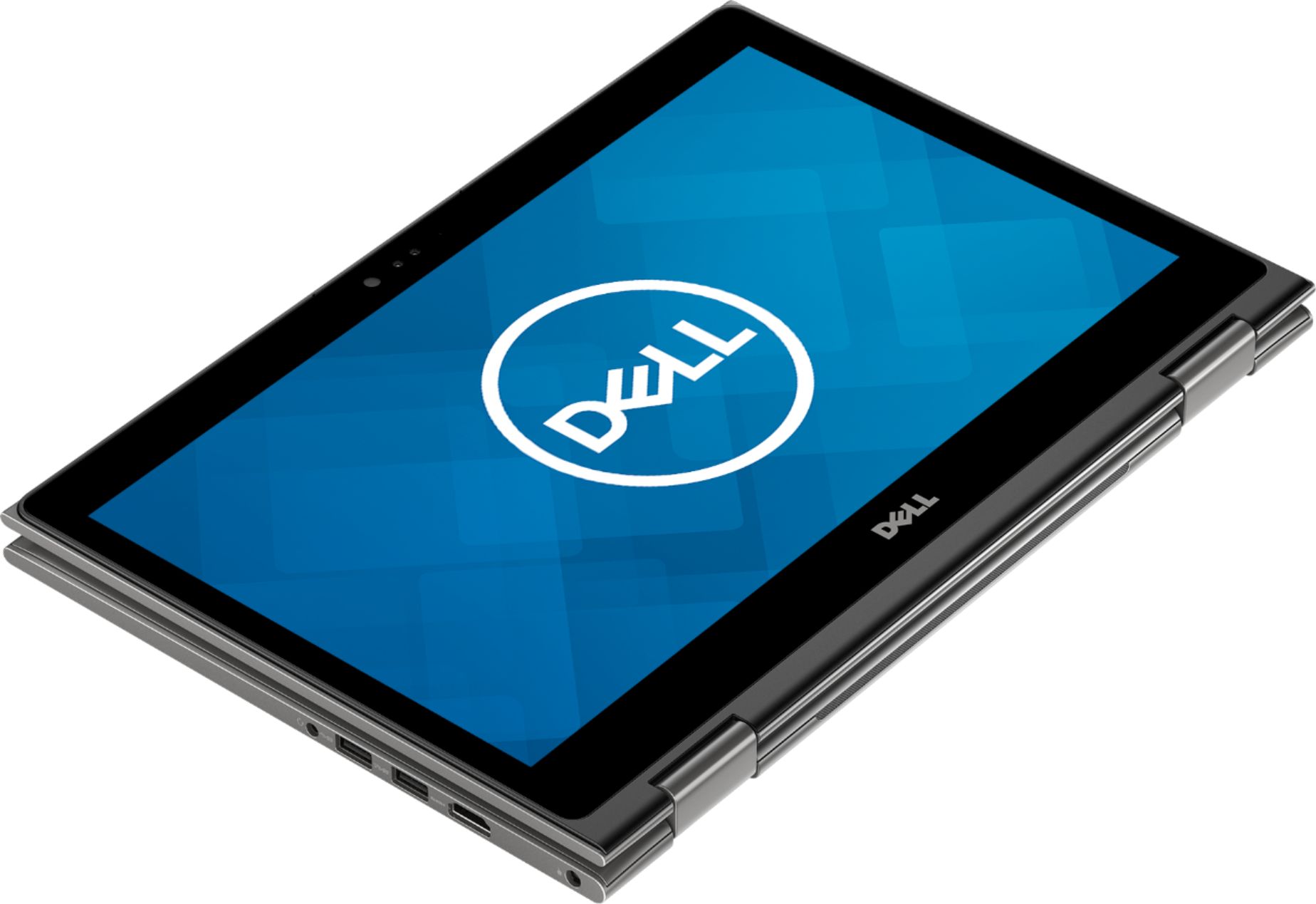
- Model:
- I7375-A446GRY-PUS
- SKU:
- 6212813
Rating by feature
- Value
Rating 4.3 out of 5 stars
- Quality
Rating 4.1 out of 5 stars
- Ease of Use
Rating 4.3 out of 5 stars
Customers are saying
Customers highly value the speed, portability, and price of the 2-in-1 13.3" Touch-Screen Laptop. They appreciate its fast performance, compact size, and reasonable cost. However, some users have concerns about its battery life, occasional freezing, and fan noise during gaming.
This summary was generated by AI based on customer reviews.
Laptop
||Posted .This reviewer received promo considerations or sweepstakes entry for writing a review.I make invitations and it is amazing for it and super easy to use
I would recommend this to a friendGreat laptop, easy to use
||Posted .This reviewer received promo considerations or sweepstakes entry for writing a review.This is the second Dell laptop I have owned. They are always good.
I would recommend this to a friendJust right for me!
||Posted .This reviewer received promo considerations or sweepstakes entry for writing a review.I love the size of this laptop -it’s super fast and works really well.
I would recommend this to a friendGreat value
||Posted .This reviewer received promo considerations or sweepstakes entry for writing a review.Bought a geek squad certified open box and it came as advertised
I would recommend this to a friend- Cons mentioned:Crashing
Decent laptop
||Posted .This reviewer received promo considerations or sweepstakes entry for writing a review.Purchase came with macafee virus protection for 1 year. After using this laptop it has multiple crashes and now will not complete a system restore. Very disappointed. Ran macafee full scan and did not have any threats.
No, I would not recommend this to a friendBrand response from YourDellTeam
Posted .moazzamb,
Thanks for your review and we're sorry to hear about the crashes that you've been experiencing. We'd recommend the following steps to diagnose future crashes on your computer:
1. At the desktop, click the Search the web and Windows box and type "problem reports".
2. Select View all problem reports to view a list of errors that have occurred on your computer and possible solutions for them, such as updating drivers, flashing your system BIOS, or checking for updates to the software.
3. Under the Source column, look for Windows and under Summary, look for Shut down unexpectedly.
4. Right-click the line item and select Check for a solution.
We'd also suggest checking to make sure that your software and drivers are up to date on Dell's Product Page - https://dell.to/2K9bcKB.
You can read the full article here - http://dell.to/2u98Cct.
Best,
Bryan
1-800-624-9896
Handy and slick
||Posted .This reviewer received promo considerations or sweepstakes entry for writing a review.Nice built and good screen. But crashed in the beginning.
I would recommend this to a friendBrand response from YourDellTeam
Posted .Hi Sagar,
Thanks for your feedback. We're sorry to hear that your computer crashed early on. We'd recommend diagnosing future crashes this way:
1. At the desktop, click the Search the web and Windows box and type "problem reports".
2. Select View all problem reports to view a list of errors that have occurred on your computer and possible solutions for them, such as updating drivers, flashing your system BIOS, or checking for updates to the software.
3. Under the Source column, look for Windows and under Summary, look for Shut down unexpectedly.
4. Right-click the line item and select Check for a solution.
We'd also suggest checking to make sure that your software and drivers are up to date on Dell's Product Page - https://dell.to/2KvXWfQ.
You can read the full article here - http://dell.to/2u98Cct.
Best,
Bryan
1-800-624-9896
Stuck with Win10
||Posted .This reviewer received promo considerations or sweepstakes entry for writing a review.Love the laptop.Light, easy use, great screen.Hate Win10
I would recommend this to a friendBrand response from YourDellTeam
Posted .Dragonfly,
We're happy to see that you're enjoying your new computer. If you have questions about using Windows 10 you can refer to Dell's Help Page here: http://dell.to/2wMZqyx.
Best,
Bryan
1-800-624-9896
Great laptop
||Posted .This reviewer received promo considerations or sweepstakes entry for writing a review.Very easy to use high tech and very clear and friendly user
I would recommend this to a friendGood
||Posted .This reviewer received promo considerations or sweepstakes entry for writing a review.Good for music and other stuff not for student for collge
I would recommend this to a friendBrand response from YourDellTeam
Posted .Hi Trucker305,
Thanks for your review. If you have additional questions about your computer you can check our Product Support Page here: https://dell.to/2K9bcKB.
Best,
Bryan
1-800-624-9896
Perfect laptop
||Posted .This reviewer received promo considerations or sweepstakes entry for writing a review.It is useful, practicable, and has a lot of functions.
I would recommend this to a friendGo with Intel core, I got AMD
||Posted .This reviewer received promo considerations or sweepstakes entry for writing a review.I thought this was a great computer, until I repeatedly recieved network connection problems. Most of the time, if I close my laptop screen and reopen it later the wifi will not connect. The laptop shows no available networks until you shut down completely and then turn it back on. This happens with my school's wireless network and mine. Over the last 3 weeks I have gotten 2 blue screens of death. Once when just logging in and another time when using LabView. I use this laptop for school and only downloaded software packages required for my classes. It is kind of a hassle. I have done all the software updates and updated some drivers so hopefully that fixes some of the problems. When it does works, it does run nicely.
No, I would not recommend this to a friendBrand response from YourDellTeam
Posted .JoyB,
We appreciate your review and we're sorry that your computer is not running the way you hoped it would. We'd recommend running the following troubleshooter to diagnose your connectivity concerns:
1. Run the Network Troubleshooter.
a) Touch and hold or right-click the network icon (Available Networks or Network Icon, located in the lower right-hand corner).
b) Touch or click Troubleshoot problems and then follow the prompts.
You can read the full article here - http://dell.to/2sLtwRh.
If you'd like to find out what may be causing your Blue Screen Errors you can run the following test:
1. At the desktop, click the Search the web and Windows box and type "problem reports".
2. Select View all problem reports to view a list of errors that have occurred on your computer and possible solutions for them, such as updating drivers, flashing your system BIOS, or checking for updates to the software.
3. Under the Source column, look for Windows and under Summary, look for Shut down unexpectedly.
4. Right-click the line item and select Check for a solution.
We'd also suggest checking to make sure that your software and drivers are up to date on Dell's Product Page - https://dell.to/2KvXWfQ.
You can read the full article here - http://dell.to/2u98Cct.
Best,
Bryan
1-800-624-9896
excellent
||Posted .This reviewer received promo considerations or sweepstakes entry for writing a review.very useful laptop the tablet mode works to perfection
I would recommend this to a friendGreat Until Errors Occur
||Posted .This reviewer received promo considerations or sweepstakes entry for writing a review.This computer is AMAZING... until within a week it gains a "Video Scheduling Internal Error" and other similar ones on a random basis and forces your computer to restart... this is especially annoying when you are working on an essay or project and it just randomly decides to ruin your work by restarting! And you think Best Buy will help since its new and less than a month old right? WRONG. They won't do anything unless you buy their $200 total coverage plan. So all they do is listen to what's wrong and tell you to buy coverage or contact manufacturer.
No, I would not recommend this to a friendBrand response from YourDellTeam
Posted .Anthony,
We'd recommend checking to make sure that all of your software and drivers are up to date: https://dell.to/2KvXWfQ.
If you'd like to reach out to Dell's Technical Support Team you can reach them here: http://dell.to/2sH7Qlm.
We hope that your computer works better for you soon.
Best, Bryan 1-800-624-9896
Great computer
||Posted .This reviewer received promo considerations or sweepstakes entry for writing a review.My son is very happy with his new computer for college
I would recommend this to a friendFunctional laptop, very hot/loud.
||Posted . Owned for 1.5 years when reviewed.This reviewer received promo considerations or sweepstakes entry for writing a review.The laptop performance is fine, however it runs extremely hot and the fans are very, very loud. Graphical performance is very good for an integrated GPU.
No, I would not recommend this to a friendThis laptop sucked
||Posted . Owned for 1 year when reviewed.This reviewer received promo considerations or sweepstakes entry for writing a review.For some reason this is the second and last time I will ever buy a Dell product again. This laptop had software issues with the stylus pen and even the store clerk could not figure it out, so it was returned for a Lenovo brand laptop which has been fine since.
No, I would not recommend this to a friendWe bought three for the family.
||Posted .This reviewer received promo considerations or sweepstakes entry for writing a review.Network settings are faulty, can’t connect to internet on one out of three lap tops we bought.
No, I would not recommend this to a friendBrand response from YourDellTeam
Posted .Samsung11,
We're sorry to hear about the connectivity issues that you're having. We'd recommend the following way to diagnose this issue:
1. Run the Network Troubleshooter.
a) Touch and hold or right-click the network icon (Available Networks or Network Icon, located in the lower right-hand corner).
b) Touch or click Troubleshoot problems and then follow the prompts.
You can read the full article here - http://dell.to/2sLtwRh.
Best,
Bryan
1-800-624-9896
Keeps Crashing!
||Posted .This reviewer received promo considerations or sweepstakes entry for writing a review.Always getting Blue Screen of Death window and have to restart the computer. Seems to happen more often when I'm watching a YouTube video or news video from one of the news websites. The volume on it is terrible too. I have to turn it all the way up, just to hear anything. This wasn't so on my previous lap top from a competitor.
No, I would not recommend this to a friendBrand response from YourDellTeam
Posted .Edge,
We're sorry that your laptop's performance is not what you had hoped it would be. We'd recommend diagnosing the Blue Screen Errors that you are receiving by following these steps:
1. At the desktop, click the Search the web and Windows box and type "problem reports".
2. Select View all problem reports to view a list of errors that have occurred on your computer and possible solutions for them, such as updating drivers, flashing your system BIOS, or checking for updates to the software.
3. Under the Source column, look for Windows and under Summary, look for Shut down unexpectedly.
4. Right-click the line item and select Check for a solution.
We'd also suggest checking to make sure that your software and drivers are up to date on Dell's Product Page - https://dell.to/2K9bcKB.
You can read the full article here - http://dell.to/2u98Cct.
If you'd like to see if there are updated Audio Drivers for your computer you can visit our Product Support Page here: https://dell.to/2KvXWfQ.
Best,
Bryan
1-800-624-9896
Bad overall
||Posted .This reviewer received promo considerations or sweepstakes entry for writing a review.Bad visuals Slow RAM Screen too small (my fault) I returned it
No, I would not recommend this to a friendKeyboard continually locks up.
||Posted . Owned for 2 months when reviewed.This reviewer received promo considerations or sweepstakes entry for writing a review.Hard to use. No Manuel. Keyboard locks up with ever use.
No, I would not recommend this to a friendBrand response from YourDellTeam
Posted .Unhappy,
Thanks for your review. We're sorry to hear about the issues that you've had with your computer so far. Here's a link to where you can find the manual for your computer: https://dell.to/2K9bcKB.
Best,
Bryan
1-800-624-9896