Customer Ratings & Reviews
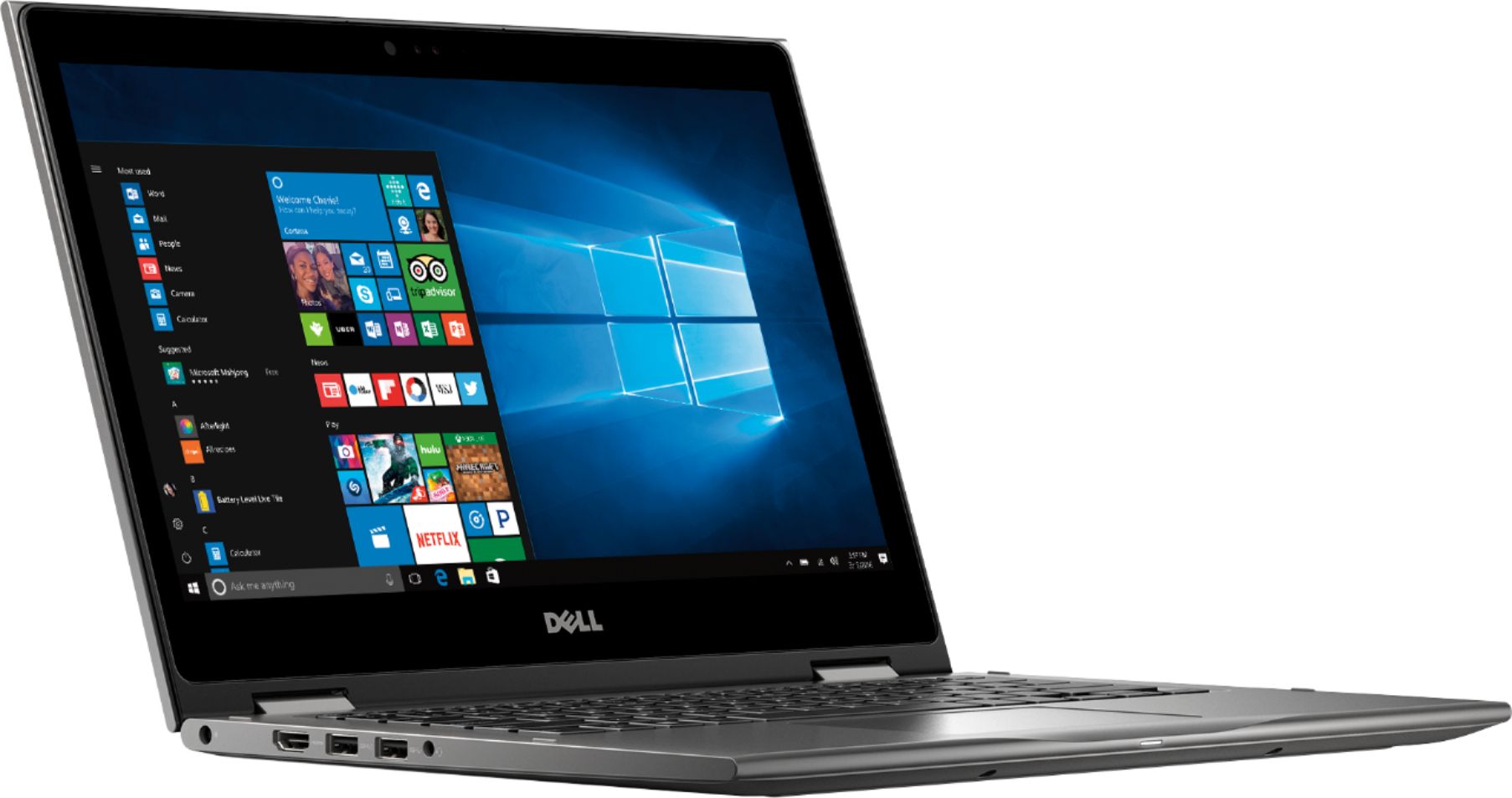
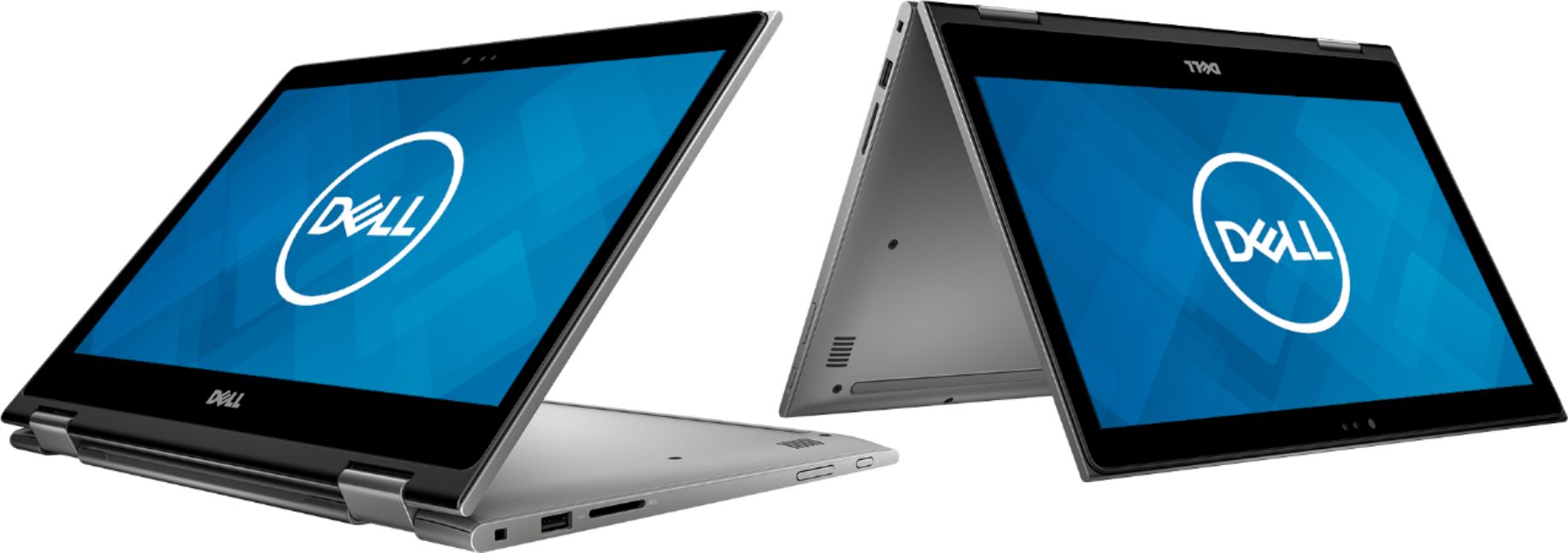
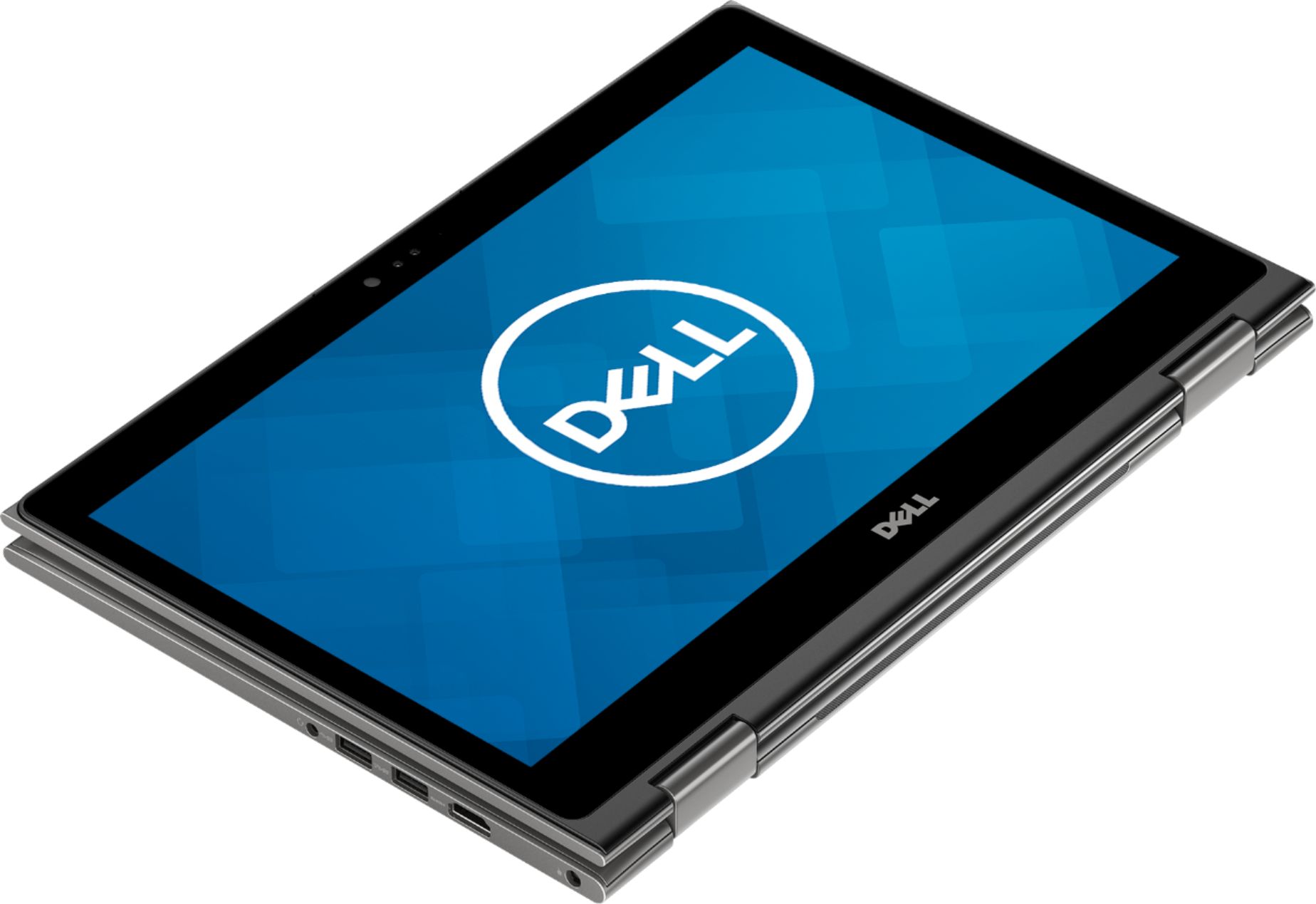
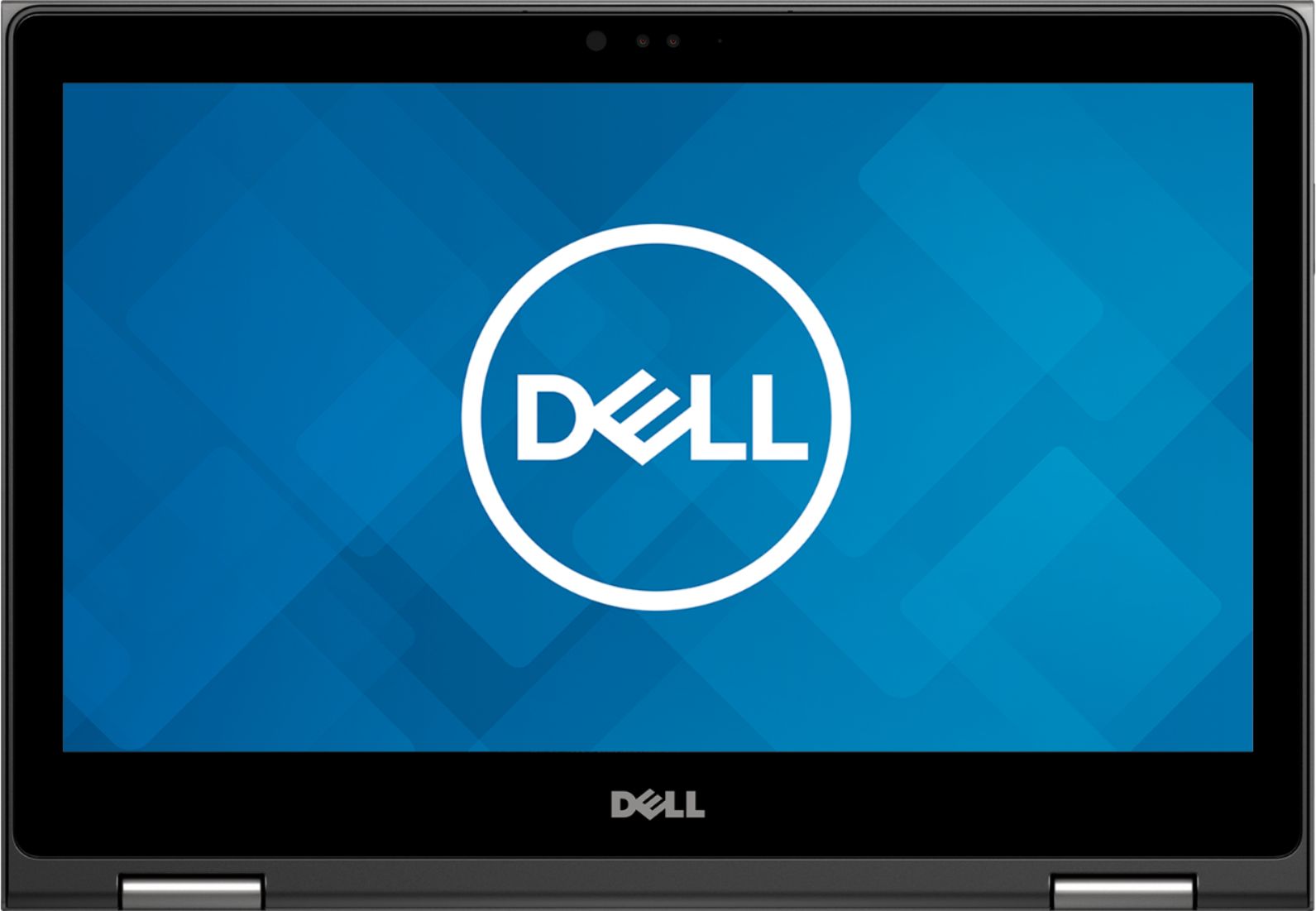
- Model:
- I7375-A446GRY-PUS
- SKU:
- 6212813
Rating by feature
- Value
Rating 4.3 out of 5 stars
- Quality
Rating 4.1 out of 5 stars
- Ease of Use
Rating 4.3 out of 5 stars
Customers are saying
Customers highly value the speed, portability, and price of the 2-in-1 13.3" Touch-Screen Laptop. They appreciate its fast performance, compact size, and reasonable cost. However, some users have concerns about its battery life, occasional freezing, and fan noise during gaming.
This summary was generated by AI based on customer reviews.
Open boxes are a great deal!!
||Posted .This reviewer received promo considerations or sweepstakes entry for writing a review.We bought our daughter an opened-box Dell; because of the discount, we were able to purchase a much nicer computer. Thanks, Best Buy!!
I would recommend this to a friendGreat tablet so far.
||Posted .This reviewer received promo considerations or sweepstakes entry for writing a review.We had a problem with our first one and Best Buy took care of it, no questions asked. We have had nothing wrong with the second one.
I would recommend this to a friendPerfect for our needs.
||Posted . Owned for 1 month when reviewed.This reviewer received promo considerations or sweepstakes entry for writing a review.Laptop works seamlessly with all our equipment. Easy to operate and print remotely. Nice fit and finish. Good workmanship.
I would recommend this to a friendGreat computer for the money.
||Posted . Owned for 3 weeks when reviewed.This reviewer received promo considerations or sweepstakes entry for writing a review.Purchased on sale. I don’t think there was anything else that was even close in performance considering the on sale price.
I would recommend this to a friendExcellent machine, fast, easy to use.
||Posted .This reviewer received promo considerations or sweepstakes entry for writing a review.Computer is exactly as advertised. Processor is fast, keyboard has good touch, lighting good, and handles games with no issues.
I would recommend this to a friendAMD is back
||Posted .This reviewer received promo considerations or sweepstakes entry for writing a review.I wanted to try this out because it had a highly rated AMD processor. Very nice
I would recommend this to a friendGreat laptop for surfing the web
||Posted . Owned for 3 weeks when reviewed.This reviewer received promo considerations or sweepstakes entry for writing a review.This is an asy to use, Lightweight laptop that has exceeded my expectations.
I would recommend this to a friendGreat computer
||Posted .This reviewer received promo considerations or sweepstakes entry for writing a review.Great computer for word processing, spreadsheets, light gaming, and web browsing
I would recommend this to a friendLittle laptop..
||Posted .This reviewer received promo considerations or sweepstakes entry for writing a review.It's been a week I got this. good so far. Haven't run heavy applications yet. Quick. Has a face recognition feature.
I would recommend this to a friendAll good but a little bit too hot
||Posted . Owned for 1 month when reviewed.This reviewer received promo considerations or sweepstakes entry for writing a review.Decent laptop, can carry heavy duty task, The only unhappy thing is that the AMD CPU generate too much heat
No, I would not recommend this to a friendBrand response from YourDellTeam
Posted .HeavyUser,
We're sorry to hear that your computer is giving off too much heat while you're using it. Here are some tips to keep your computer running at a cooler temperature:
Tips for Proper Usage:
1. Dell does not recommend placing portable systems directly on your lap. Due to reductions in the thickness of modern portable systems, heat transfer can be an issue.
2. Using a portable system (Laptop) on a hard, flat, non-cloth surface will increase airflow and reduce heat from underneath and inside the system.
Using the portable system on a blanket, pillow, or other types of cloth will cover up the fan cause the computer to overheat and can cause permanent damage.
3. It is recommended to use the portable system in a Room temperature of 0°C to 35°C (32°F to 95°F) with a Humidity level no greater than 90%.
4. Use compressed air to clean the vents on a regular basis.
5. Using a cooling pad can decrease heat and increase performance.
6. If you want to know the temperature limitations for your system, go to the Dell Support Website, look up your system model then open the user guide under the manuals link.
You can read the full article here - http://dell.to/2uJ8AdG.
Best,
Bryan
1-800-624-9896
Not good
Posted .This reviewer received promo considerations or sweepstakes entry for writing a review.Ordered brand new laptop from USA but after 1 hour of usage the screen turned blurred applied for return.
No, I would not recommend this to a friendBrand response from YourDellTeam
Posted .Atif,
Thank you for your feedback, this is not the quality that we want our customers to be receiving. If you'd like to reach out to Dell's Technical Support Team you can contact them here: http://dell.to/2sH7Qlm.
If you have questions about your new laptop you can check out our Product Support Page here: https://dell.to/2K9bcKB.
Best,
Bryan
1-800-624-9896
Kind of slow.
||Posted .This reviewer received promo considerations or sweepstakes entry for writing a review.I thought this would be faster than it was. Kind of sluggish in performance. The audio wasn’t great either.
No, I would not recommend this to a friendBrand response from YourDellTeam
Posted .Bryan,
We're sorry that your computer is not performing better for you. If you'd like to see if your computer can perform faster you can run the Windows Performance Troubleshooter:
1. Close all open windows.
2. Press the Windows logo key + X key on the keyboard.
3. Click Control Panel.
4. Click System and Security.
5. Under Security and Maintenance, select Troubleshoot common problems.
6. Under System and Security, click Run maintenance tasks.
7. Follow the on-screen instructions and prompts to complete the process.
8. Restart the PC.
You can read the full article here - http://dell.to/2tSulGV.
If you'd like to see if your audio quality can be improved you can check for updates to drivers for your computer: https://dell.to/2KvXWfQ.
Best,
Bryan
1-800-624-9896
- Cons mentioned:Freezing
Open Box Computer Malfunctioned
||Posted .This reviewer received promo considerations or sweepstakes entry for writing a review.But a Dell laptop on a whim because I was given misinformation about my own laptop (that has been repaired) and it malfunctioned with freezing issues from day 1. I waited to return it because I had a big school project due, then I was told I missed the return deadline by a week and was not allowed a refund!
No, I would not recommend this to a friendBrand response from YourDellTeam
Posted .Hello Patty,
Thanks for your review. We're sorry to hear about the freezing issues that you've been experiencing. Here are some tips to help diagnose the product freezes:
1. Run a Computer Diagnostic. To determine if your computer is experiencing a hardware problem, run the Dell Preboot System Assessment (PSA) Diagnostics. For information on how to run Diagnostics, and to determine the issue, refer to Dell Knowledge Base Article: http://dell.to/2iaiujA.
2. Check Safe Mode for Symptoms. To boot into safe mode, please follow the instructions below:
a) Start the computer.
b) Tap 'F8' on the keyboard immediately and every one second until the Dell logo screen disappears. From there you will see the Windows Advanced Options Menu on the screen. (If the Windows Advanced Options Menu does not appear, restart the system and try again.)
c) Select Safe mode with Networking and press Enter.
d) Log on as the administrator or as a user with administrative access.
e) Open applications and test the computer in safe mode. If the symptoms exist in safe mode, please continue the troubleshooting steps in this article. If the symptoms do not exist in safe mode, the issue is likely related to a driver or software and you may wish to complete step 3 to see if you are able to resolve the lockups or freezing.
3. Check for Malware. Malware (Virus, Spyware, etc.) can definitely cause a Windows system to lock up or appear to hang. To check for malware on your system and to ensure that your computer is up to date on security software, visit Dell Knowledge Base Article: http://dell.to/2wWP1zI.
You can read the full article here - http://dell.to/2tW5m33.
Best,
Bryan
1-800-624-9896
Great for College work
||Posted .This reviewer received promo considerations or sweepstakes entry for writing a review.Fast and clear screen, would recommend this for someone who is a person or student who needs to do multiple tasks
I would recommend this to a friendGreat for Internet
||Posted .This reviewer received promo considerations or sweepstakes entry for writing a review.A little old-school in processor and HDD, but works great for a internet cruiser and an email machine.
I would recommend this to a friendGreat laptop
||Posted .This reviewer received promo considerations or sweepstakes entry for writing a review.I love it. It’s compact a fast. I haven’t had any issues at all with it. I would definitely recommend
I would recommend this to a friendWIFI never turns on
||Posted .This reviewer received promo considerations or sweepstakes entry for writing a review.I have to shutdown and restart laptop for wifi to turn on.
No, I would not recommend this to a friendBrand response from YourDellTeam
Posted .Hello Scotter,
We appreciate your feedback. We're sorry to hear that your computer's WIFI isn't working correctly. We'd suggest trying these steps:
1. Download and install the latest Wireless Card driver. (https://dell.to/2th3Tpe) After updating the driver, re-establish the connection with the Wireless Access Point and check the wireless performance.
2. If the issue persists, proceed to step 3.
3. Power-cycle the local network. Shut down the Dell system, the Wireless Access Point/Router and the Modem. Wait a minimum of 60 seconds before powering up the components in the following order:
4. Power ON the Modem, and wait for it to boot fully.
5. Power ON the Wireless Access Point/Router, and wait for it to boot fully.
6. Power ON the Dell system.
7. Open Network and Sharing Center
8. In the left side navigation pane, click on Change Adapter Settings
9. Right click on the wireless connection icon and select Properties followed by the Configure button
10. Under Wireless Options, select the Wireless N mode
11. For Windows 8 or later systems click the Advanced tab and look for 802.11n Mode on the right you will be given the option to Enable or Disable. If the mode is not visible you may need to update your drivers and firmware.
12. From the drop-down menu, choose Disable followed by Ok
13. This should restore the wireless download and upload speed. Internet speed can be tested at http://speedtest.net.
Best, Bryan
1-800-624-9896
Overall good quality. Open box quality not good ho
||Posted .This reviewer received promo considerations or sweepstakes entry for writing a review.Overall good quality. Open box quality not good however
No, I would not recommend this to a friendDell
||Posted .This reviewer received promo considerations or sweepstakes entry for writing a review.The item i got had heat issue and and blue screen problem i wanted. This is second time i have blue dell screen problem. Speedwise the laptop is fine you can play couple games on it as it has amd ryzen 7 with vega 10 card. But it does not matter as the laptop gets way too hot to use it.
No, I would not recommend this to a friendBrand response from YourDellTeam
Posted .Hello Osamakhan,
We're sorry that your computer has a Blue Screen Error and that it gets too hot for you. We'd recommend running a diagnosis on your Blue Screen Error by following these steps:
1. At the desktop, click the Search the web and Windows box and type "problem reports".
2. Select View all problem reports to view a list of errors that have occurred on your computer and possible solutions for them, such as updating drivers, flashing your system BIOS, or checking for updates to the software.
3. Under the Source column, look for Windows and under Summary, look for Shut down unexpectedly.
4. Right-click the line item and select Check for a solution.
We'd also suggest checking to make sure that your software and drivers are up to date on Dell's Product Page - https://dell.to/2KvXWfQ.
You can read the full article here - http://dell.to/2u98Cct.
If your computer continues to get too hot for you, please follow these steps:
Tips for Proper Usage:
1. Dell does not recommend placing portable systems directly on your lap. Due to reductions in the thickness of modern portable systems, heat transfer can be an issue.
2. Using a portable system (Laptop) on a hard, flat, non-cloth surface will increase airflow and reduce heat from underneath and inside the system.
Using the portable system on a blanket, pillow, or other types of cloth will cover up the fan cause the computer to overheat and can cause permanent damage.
3. It is recommended to use the portable system in a Room temperature of 0°C to 35°C (32°F to 95°F) with a Humidity level no greater than 90%.
4. Use compressed air to clean the vents on a regular basis.
5. Using a cooling pad can decrease heat and increase performance.
6. If you want to know the temperature limitations for your system, go to the Dell Support Website, look up your system model then open the user guide under the manuals link.
You can read the full article here - http://dell.to/2uJ8AdG.
We hope these tips help your computer perform better for you.
Best,
Bryan
1-800-624-9896
Best decision I made was to get this laptop!
||Posted . Owned for 4 months when reviewed.This reviewer received promo considerations or sweepstakes entry for writing a review.Great computer with all the right features. Has everything I needed for personal and work use!
I would recommend this to a friend